



 Mexico

 MSFS Scenery
Grand Canyon National Park Airport (KGCN)
This mod developed by JustOkayPilot brings Grand Canyon National Park Airport…
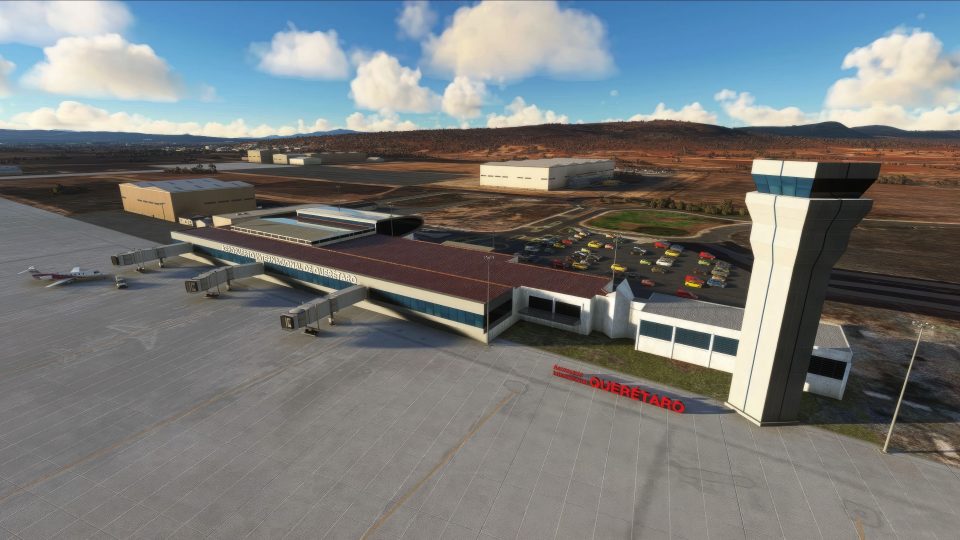
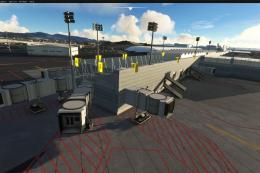
Querétaro Intercontinental Airport (MMQT) comes to life with a custom-built terminal, an accurately modeled control tower, and high-fidelity airport detailing that matches the real layout and atmosphere. Built for Microsoft Flight Simulator, the scenery balances visual richness with careful optimization, while cosmetic jetways enhance ramp realism.
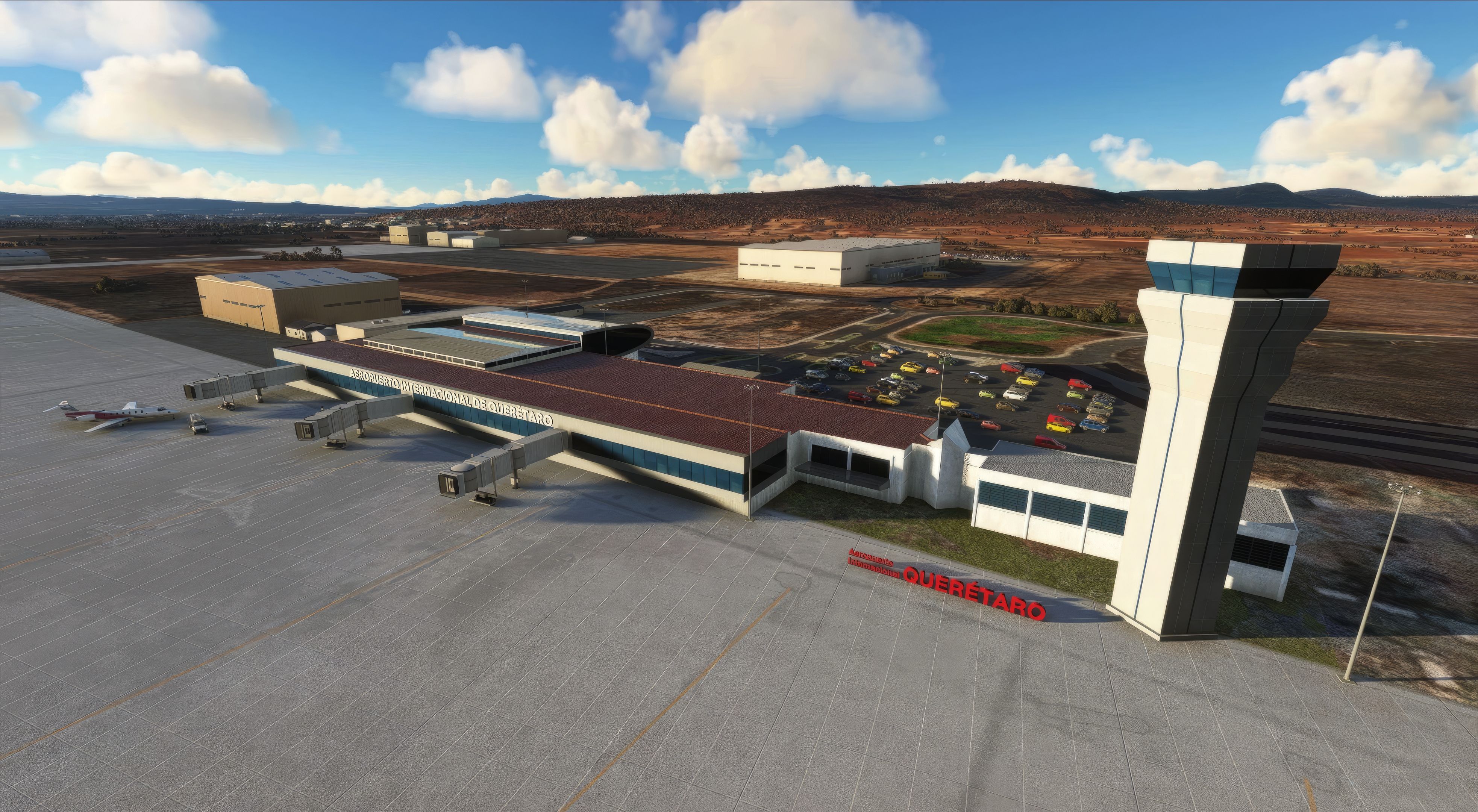
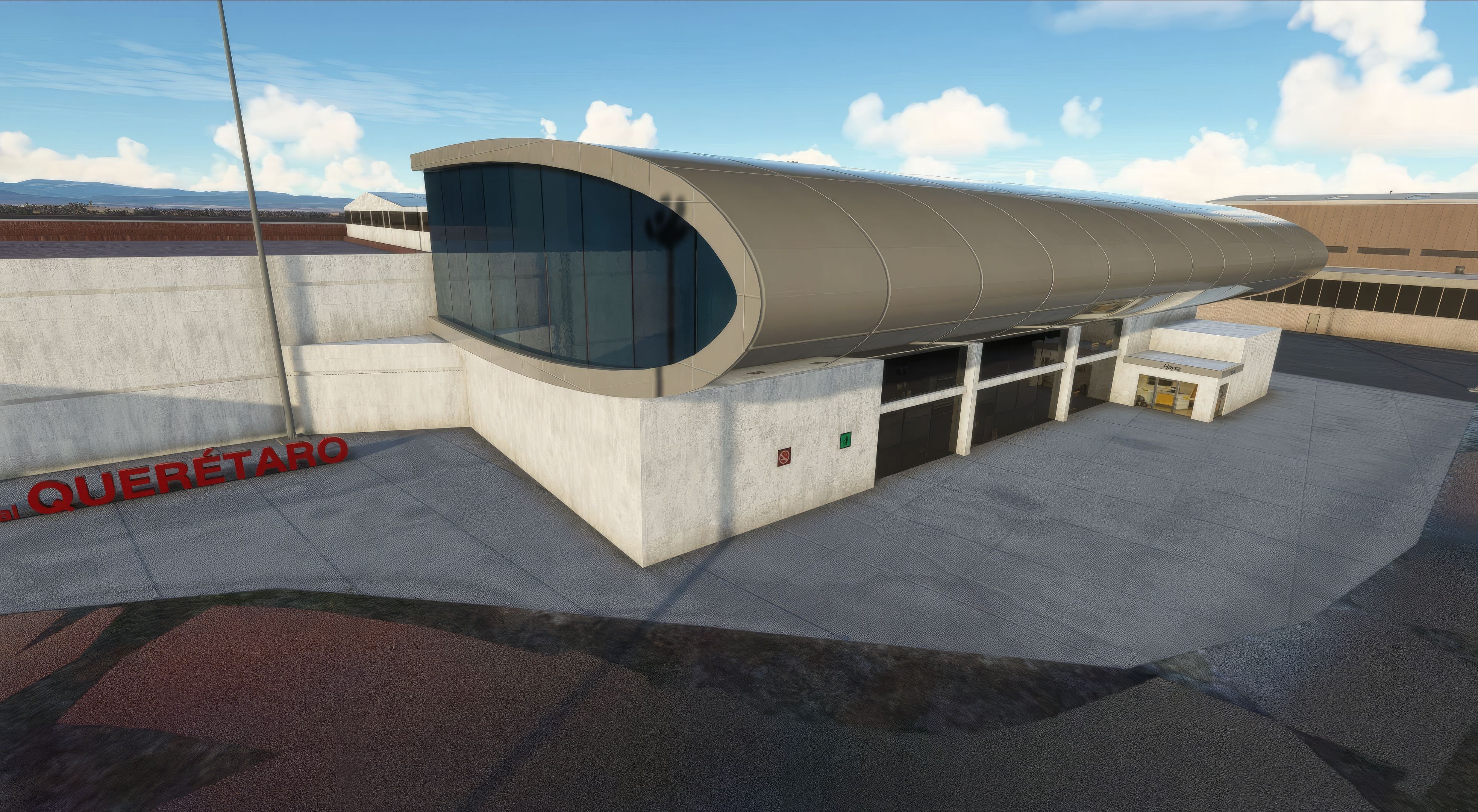
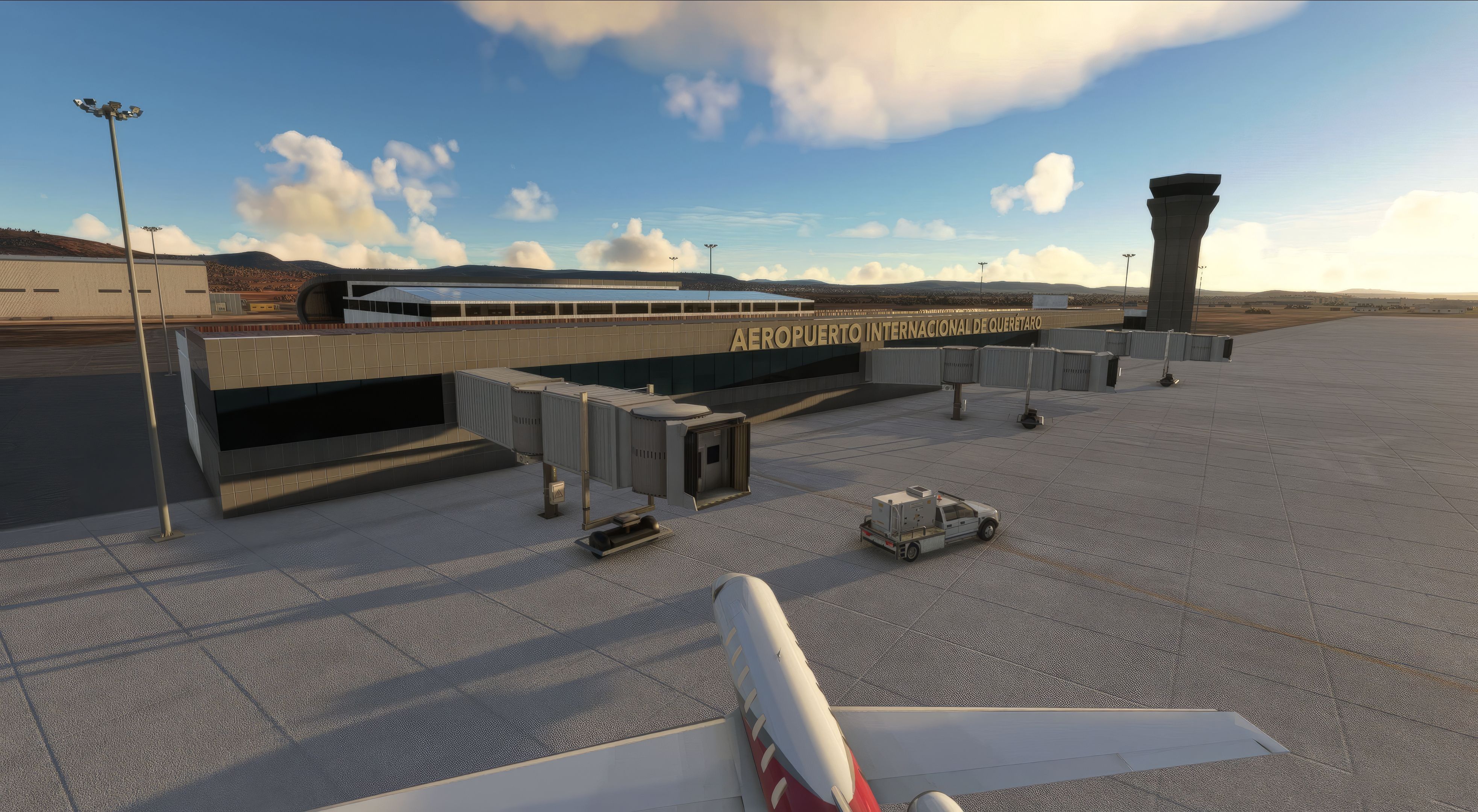
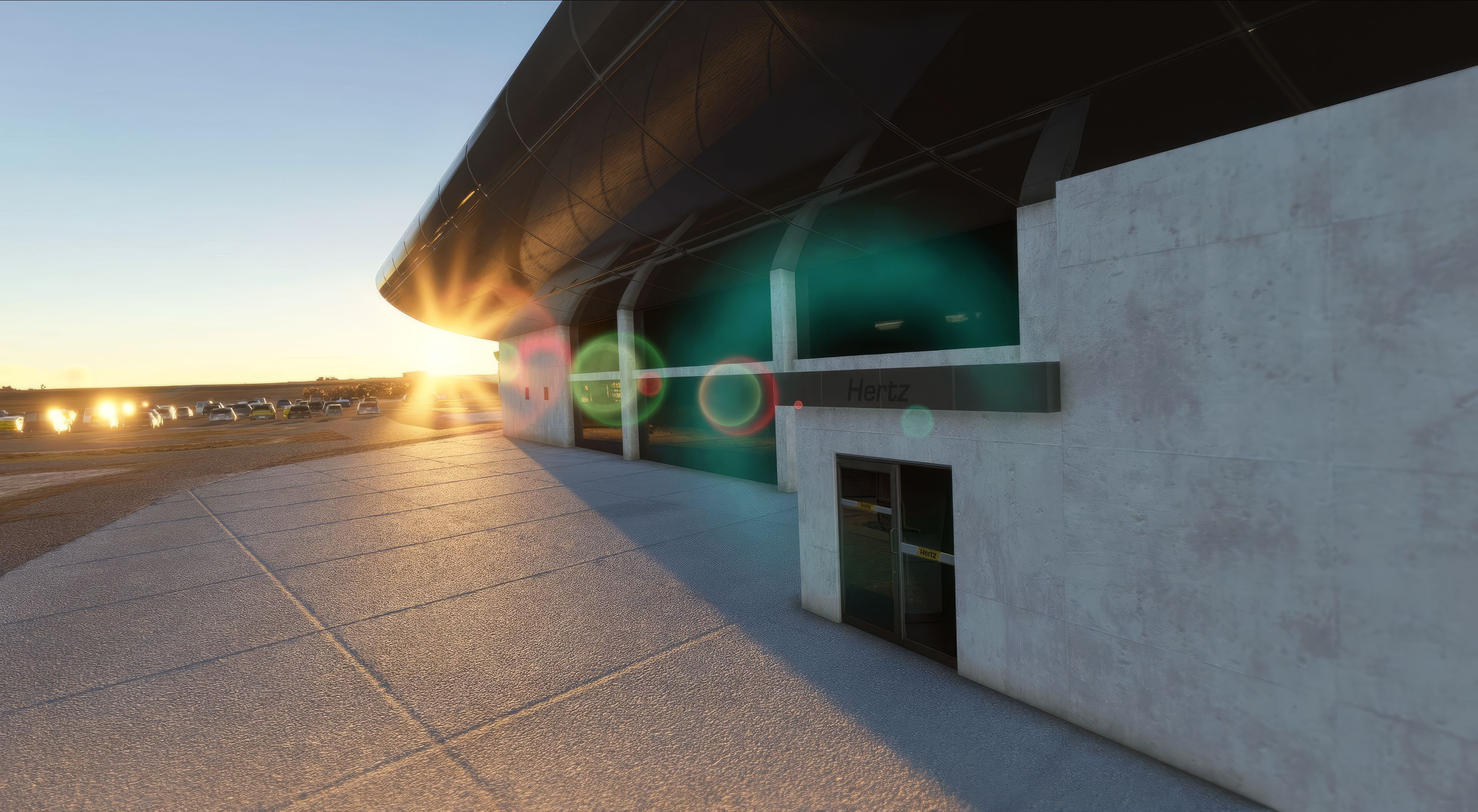
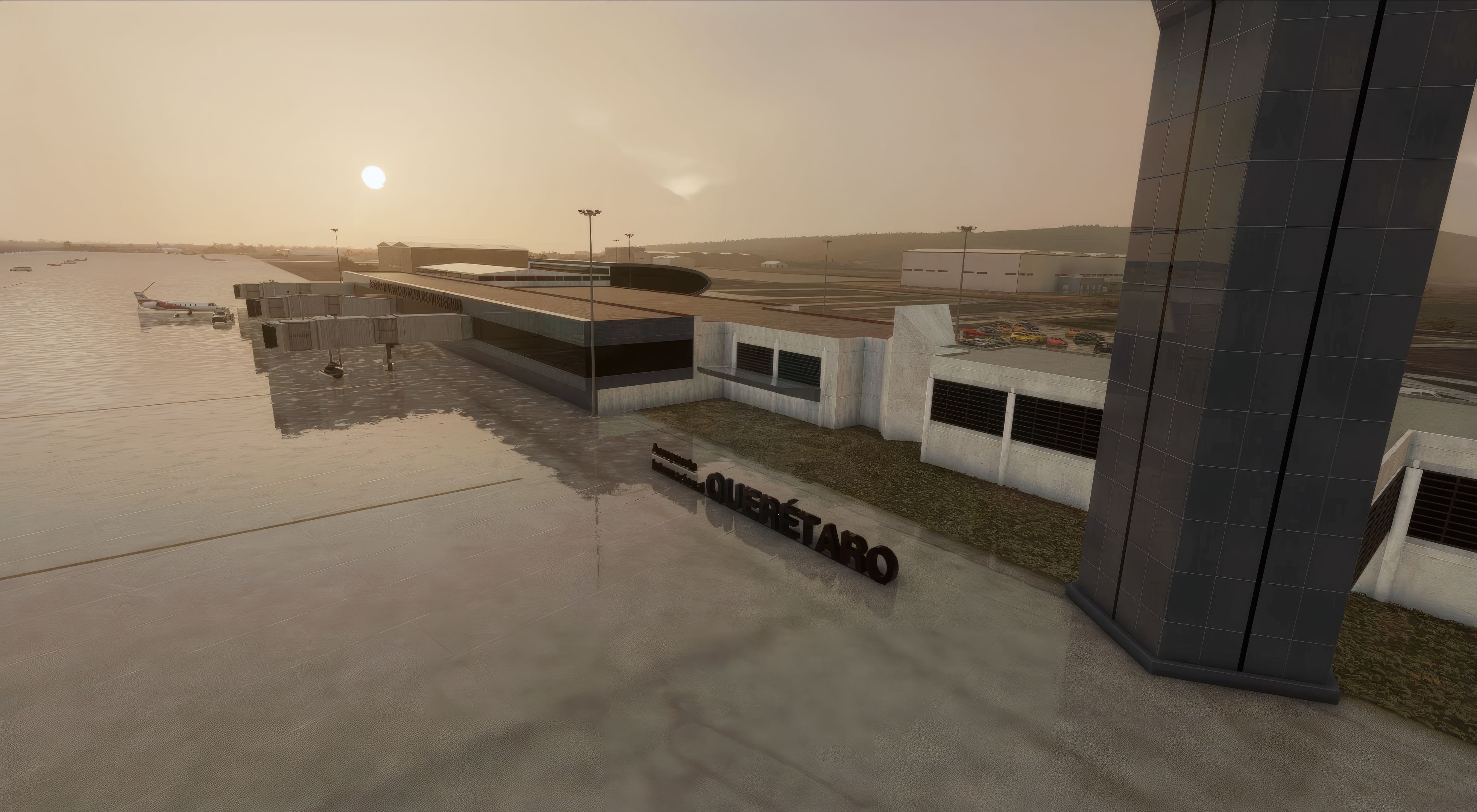
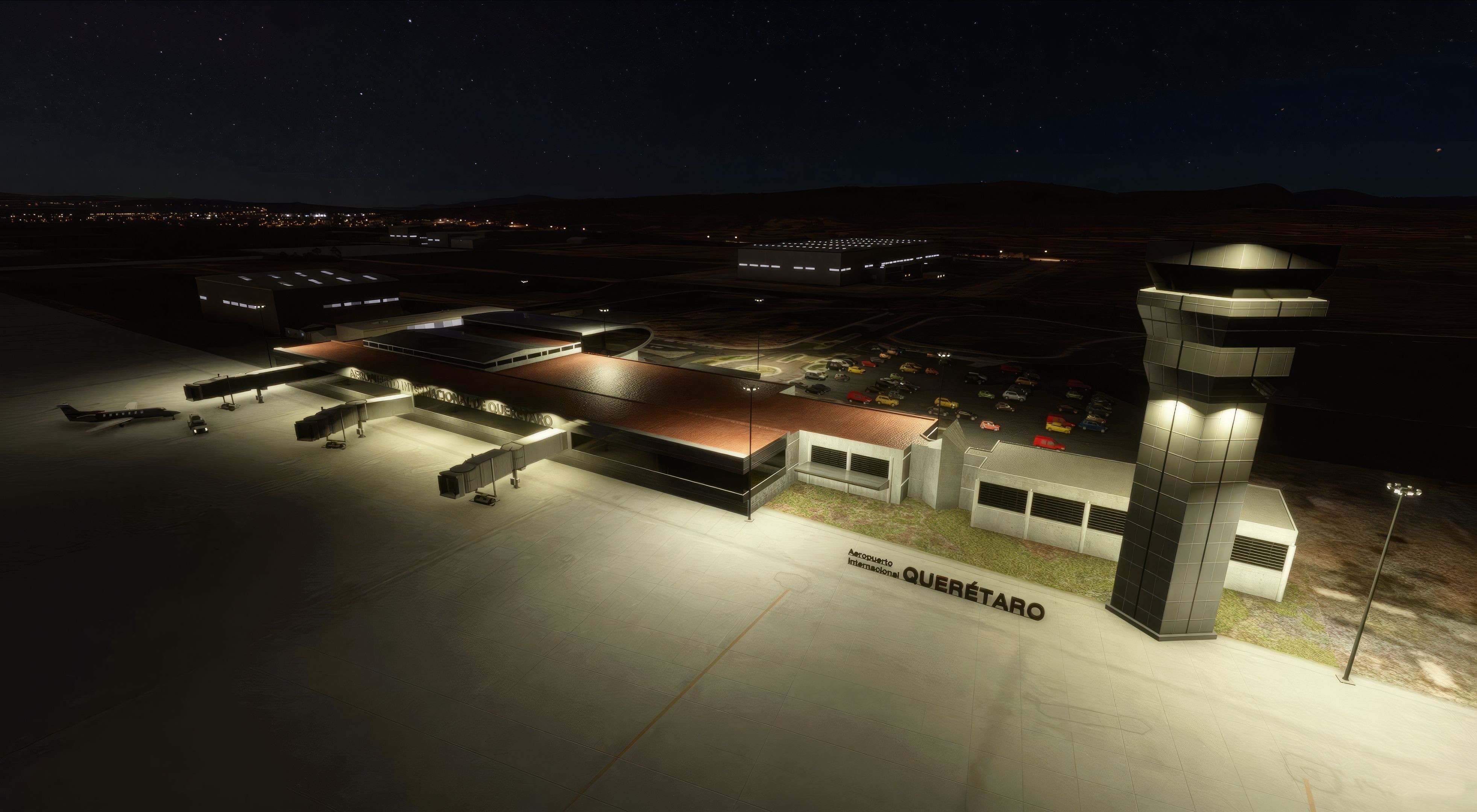
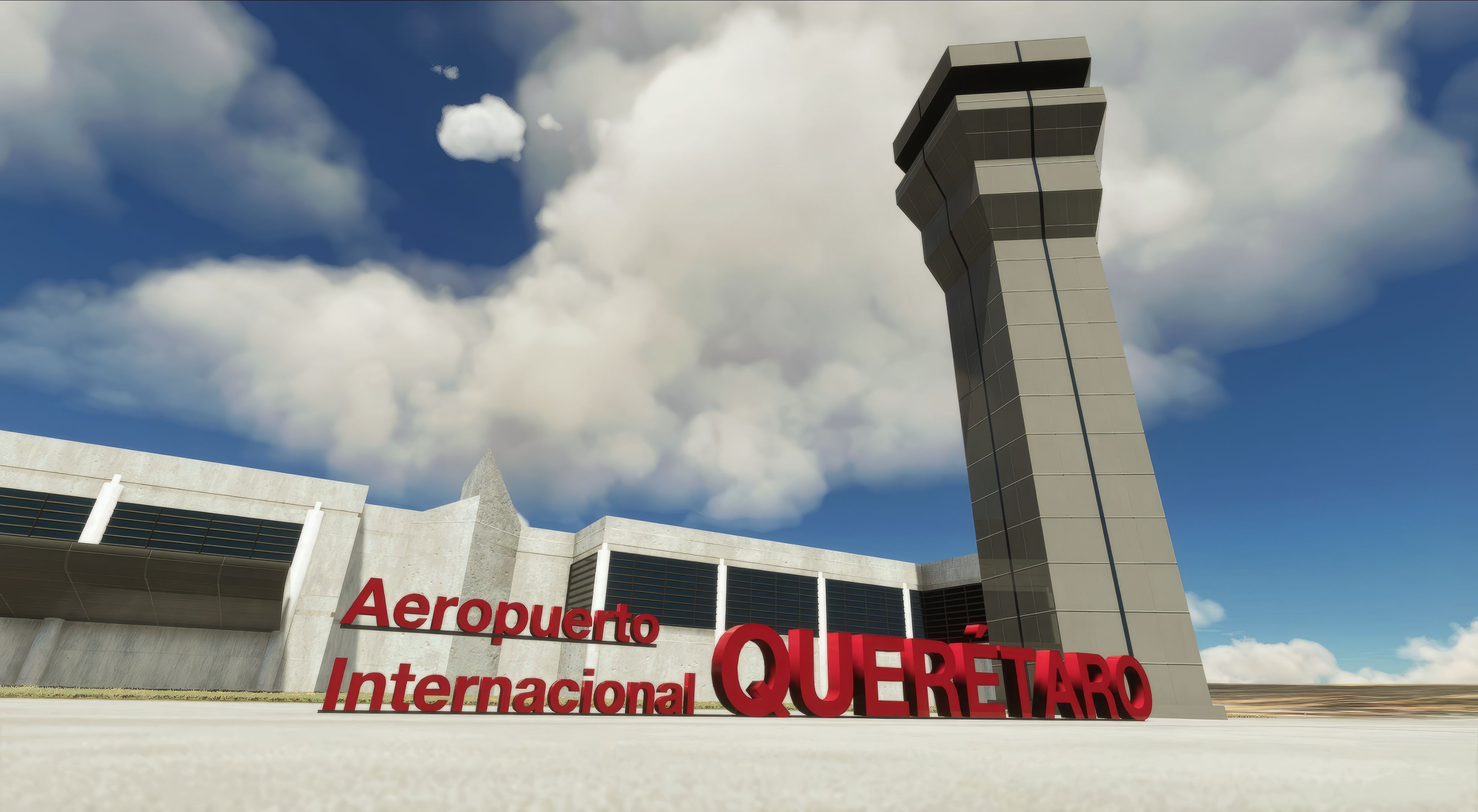

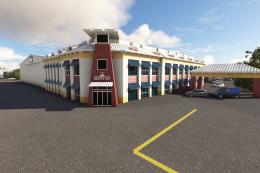
The MSFS Querétaro Intercontinental Airport (MMQT) Scenery is a highly detailed, performance-focused representation of one of Mexico’s key aviation hubs. As a longtime flight simulation professional, I’ve found its custom terminal model, authentic control tower, and accurately laid-out structures deliver an immersive atmosphere that truly captures the airport’s modern flair.
Drawing on precise architectural details and offering cosmetic jetways for added realism, this mod seamlessly blends visual fidelity with smooth performance across varying hardware. Its depiction of the region’s bustling aviation culture, combined with careful optimization, makes it a standout choice for virtual pilots seeking a faithful and enjoyable flying experience in Microsoft Flight Simulator 2020.
Delve into the heart of Mexico with the MSFS Querétaro Intercontinental Airport (MMQT) add-on, a detailed and immersive scenery pack for the acclaimed Microsoft Flight Simulator 2020. This freeware mod captures the essence of MMQT with precision and technical expertise, offering sim enthusiasts a realistic flying experience.
 Key Features
The MMQT scenery mod is not just a visual enhancement. It's a comprehensive upgrade, designed with attention to detail:
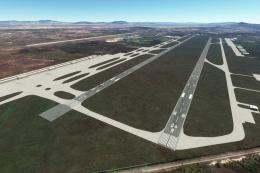
Querétaro Intercontinental Airport, situated in the heart of Mexico, is a bustling hub known for its contemporary architecture and strategic importance. This add-on brings this vibrant airport to life, capturing its unique environment and operational characteristics.
For virtual pilots seeking a realistic, detailed, and immersive experience at one of Mexico's key airports, the MSFS Querétaro Intercontinental Airport (MMQT) scenery mod is an indispensable addition to Microsoft Flight Simulator 2020. Its blend of accuracy, aesthetic appeal, and technical prowess make it a standout choice in the world of flight simulation.
Free for all simmers · 52.36 MB · Scanned clean Oct 2026
Download speed: Free tier is capped at 2 Mbps (this file takes approximately 4 mins at the cap). PRO members download at full line speed.
%LOCALAPPDATA%\Packages\Microsoft.FlightSimulator_8wekyb3d8bbwe\LocalCache\Packages\Community\. Steam version: %APPDATA%\Microsoft Flight Simulator\Packages\Community\. Tip: enable Developer Mode in MSFS to see your exact Community folder path.readme.txt or README file. It tells you exactly where files go, what dependencies are needed, and any quirks specific to this add-on.With a keen eye for detail, edu0811's work brings airports to life, ensuring each terminal, runway, and taxiway is meticulously crafted. With a focus on Mexico and Latin America. Moreover, their repaint and livery creations add a layer of authenticity and variety, enriching the simulation experience. We're thrilled to announce that edu0811 has granted Fly Away Simulation permission to list their mods, making these enhancements readily available to our community.
Whether you're flying a casual route or embarking on a comprehensive simulation journey, edu0811's mods provide an immersive experience. By accurately replicating real-world locations and aircraft aesthetics, they offer pilots a true-to-life virtual flight experience.
Are you edu0811? Sign in to Fly Away Creators for download stats, comment replies and updates. Make add-ons? Publish them here.
Only PRO members can place votes.
More MSFS add-ons hand-picked based on this download.
MSFS Scenery
This mod developed by JustOkayPilot brings Grand Canyon National Park Airport…
 MSFS Scenery
Sandane Airport (ENSD) is located on the beautiful west coast of Norway and i…
 MSFS Scenery
Enhance your flight simulation experience with this mod for Microsoft Flight …
 MSFS Scenery
The Disney World airport/STOLport (also known as the Lake Buena Vista airport…
 MSFS Scenery
Enhance your flight simulation experience with a detailed rendition of Madrid…
 MSFS Scenery
A complete and extensive replacement freeware scenery package for Paris–Le Bo…
 MSFS Scenery
A highly detailed rendition of Gainesville Regional Airport (KGNV), Florida (…
 MSFS Scenery
A rendition of George T. Lewis Airport for Microsoft Flight Simulator (MSFS) …
Be the first to leave a comment on this download.
Be the first to share your thoughts on this download.