

 FS2004 Civil Jet Aircraft
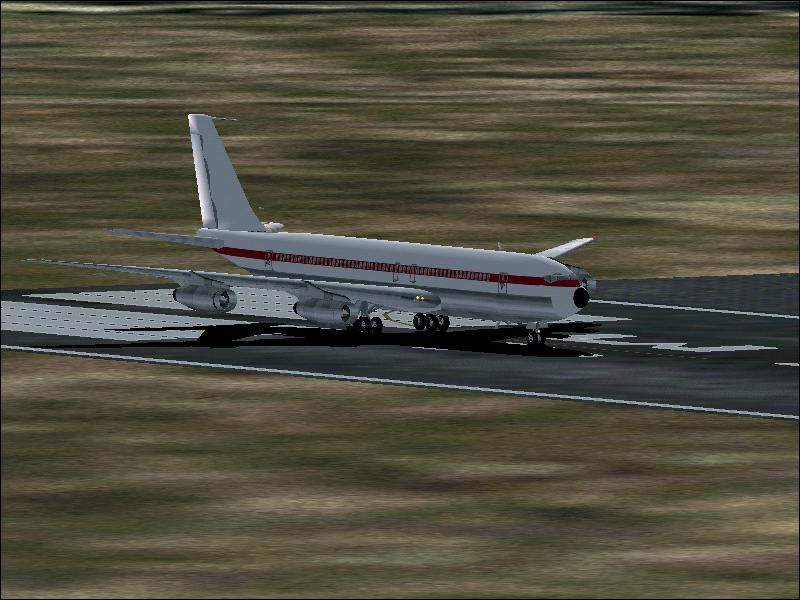
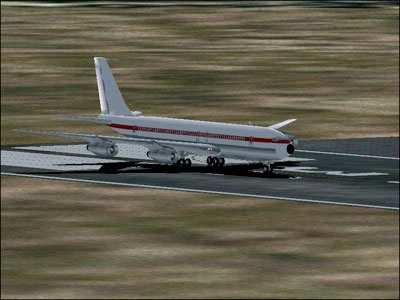
Avianca Colombia Boeing 707-320
Old livery model. AI friendly Gmax model with panel and sounds included. Fuel…
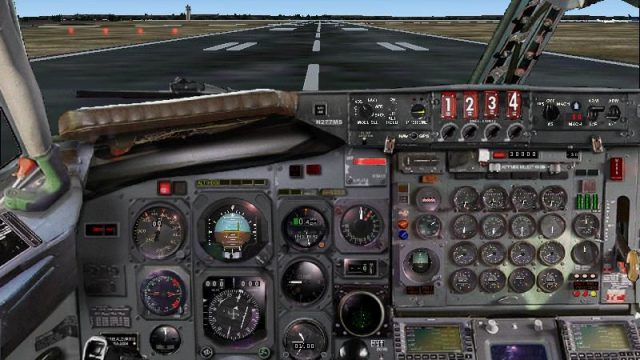
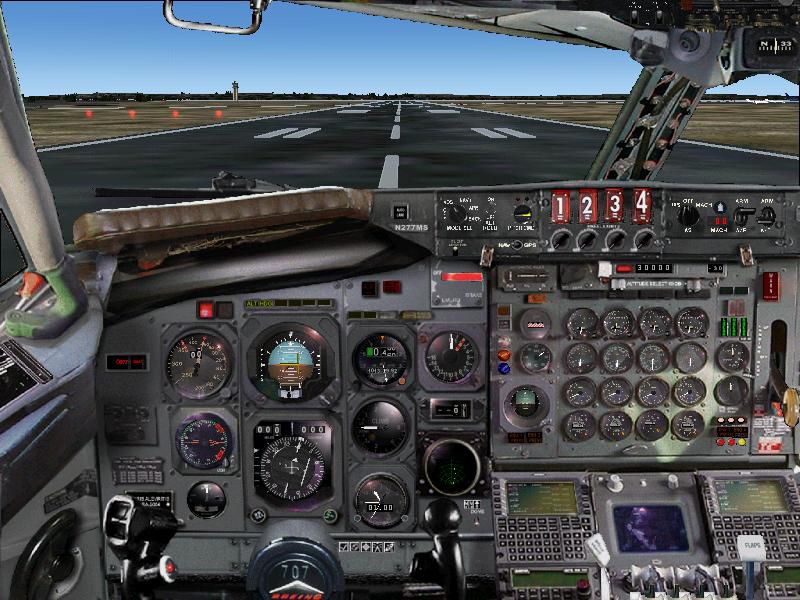
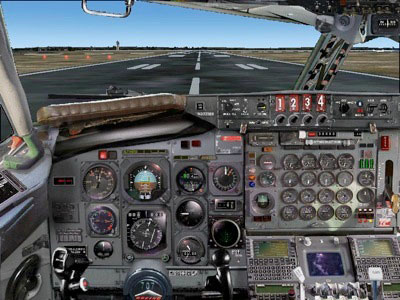
Boeing 707-320 brings classic jetliner flying to FS2004 with detailed exterior animation, rolling tires, and two authentic B707 sound sets. A Chris Avantis panel adds internal views, realistic gauges, and matching audio, while two model variants, varied vintage liveries, paint kits, and a flight manual round out the package.
 Rate
Rate
Free for all simmers · 72.99 MB · Scanned clean Oct 2026
Download speed: Free tier is capped at 0.5 Mbps (this file takes approximately 20 mins at the cap). PRO members download at full line speed.
FS9\Aircraft\, FS9\Addon Scenery\, FS9\Gauges\, or FS9\Effects\.readme.txt or README file. It tells you exactly where files go, what dependencies are needed, and any quirks specific to this add-on.The archive skyh7073.zip has 10 files and directories contained within it.
This list displays the first 500 files in the package. If the package has more, you will need to download it to view them.
| Filename/Directory | File Date | File Size |
|---|---|---|
| SFS Classics 707-320.exe | 11.14.06 | 72.92 MB |
| Boeing 707 - 1.GIF | 11.14.06 | 14.96 kB |
| Boeing 707 - Panel.GIF | 11.14.06 | 22.00 kB |
| Credits.txt | 11.13.06 | 229 B |
| File_id.txt | 11.13.06 | 756 B |
| readme.txt | 11.14.06 | 1.26 kB |
| Boeing 707 - 1.JPG | 11.13.06 | 73.16 kB |
| Boeing 707 - Panel.JPG | 11.13.06 | 102.25 kB |
| flyawaysimulation.txt | 10.29.13 | 959 B |
| Go to Fly Away Simulation.url | 01.22.16 | 52 B |
Only PRO members can place votes.
More FS2004 add-ons hand-picked based on this download.
FS2004 Civil Jet Aircraft
Old livery model. AI friendly Gmax model with panel and sounds included. Fuel…
 FS2004 Civil Jet Aircraft
ADV Update, for use with AM7073AD.ZIP. Fixes the Maltese cross on the tail. B…
 FS2004 Civil Jet Aircraft
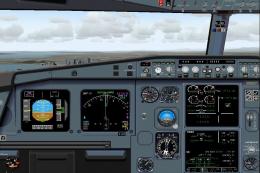
Airbus A320-200 in Air Arabia livery, including all three of Air Arabia's fle…
 FS2004 Civil Jet Aircraft
Celebrating the start of operations on 30 October 2005, for "Jazeera Airways"…
 FS2004 Civil Jet Aircraft
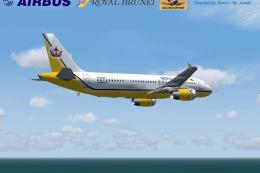
This package offers a detailed livery that portrays Royal Brunei Airlines’ st…
 FS2004 Civil Jet Aircraft
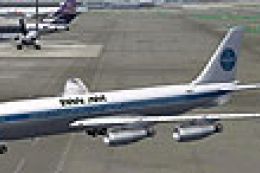
For AI traffic. The 707-420 was a version of the Boeing 707 powered by Rolls …
 FS2004 Civil Jet Aircraft
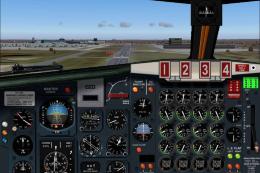
Modified Boeing 707-436 BOAC Pack. By William Mac Kalon Junior Jeffries. Scre…
 FS2004 Civil Jet Aircraft
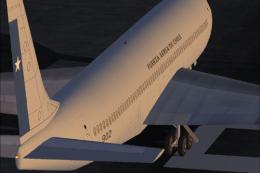
Original by Lou Voulland. Repaint by Hugo & Antonia Espinosa.
Read what other simmers think, or add your own.

There is good news and there is bad news: The bad news being that when I took this aircraft on a test flight using FS2004 I had seen what I wanted to see and heard what I wanted to hear after only five minutes. The livery textures are very crude and in places don't even line up with one another added to which the aircraft model does not display properly. When viewing the aircraft externally there appeared to be no interior but instead a good view straight through the fuselage appeared instead! This Boeing 707 is also fitted with Rolls Royce Conway engines instead of JT3D / TF-33 turbofans despite the inclusion of a JT3D based sound file in this package. This is one of the only positive points which I have to offer as the sound file is actually quite good along with the panel which comes with this aircraft. But as for the rest of it ... Uninstalled. Overall Verdict 2/5: Total stinker.

It look ilke a good plane but when i download it, it will not work can you make a tutorial on how to download it.

Very challaging just like it was. For shorter runways You'll need to take away fuel. At 2000 feet You're suppose to level out for about 30-60 seconds (with gear and flaps up) - now it begins to accelerate (and accelerate... even more) The throttles are very hard to operate. Landing in fog is even more challaging - and only for instument-reading understanding. It is a little petty that the original AP isn't included (this could only hold course/heading and maintain present flightleven, no autothrottle). The instrument can be read in two modes. One of the best homemade simulators. But are You really up to the task ? It is NOT easy !

Tough plane to fly-- you need alot of runway+++ to take off. Maybe practice for awhile will improve the plane. Very realistic