


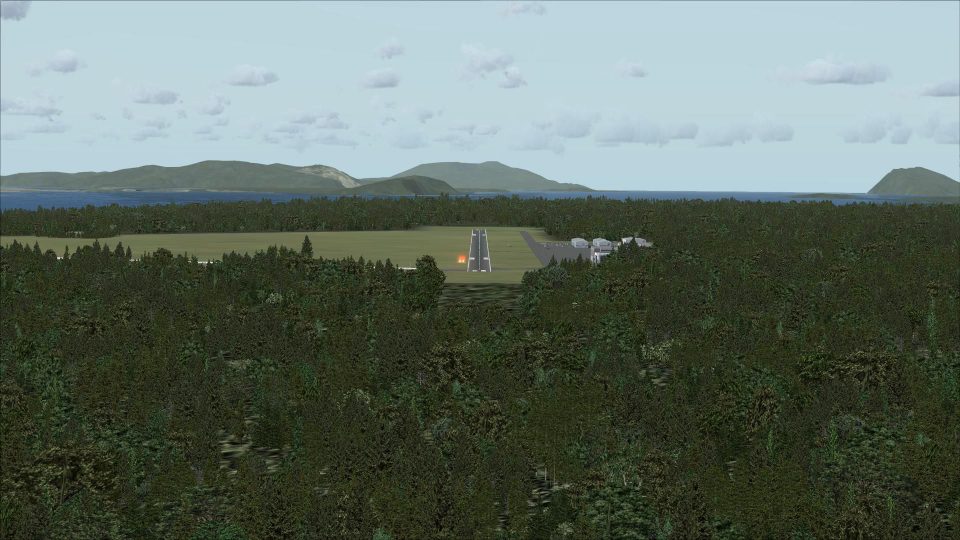
 United States of America
  FSX Scenery
Telluride Regional Airport
Colorado (CO), USA. Telluride Regional is the highest commercial airport in A…
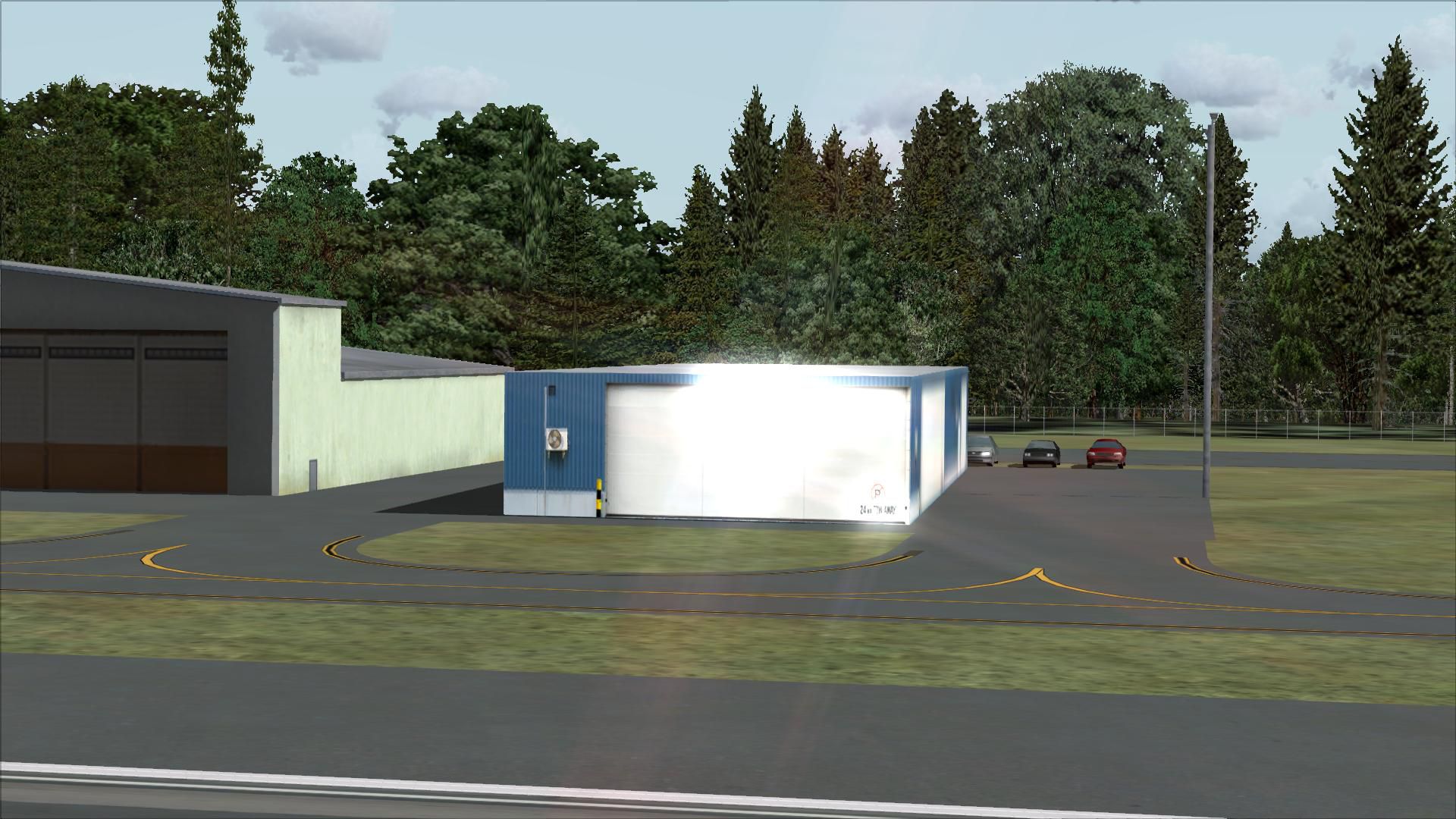
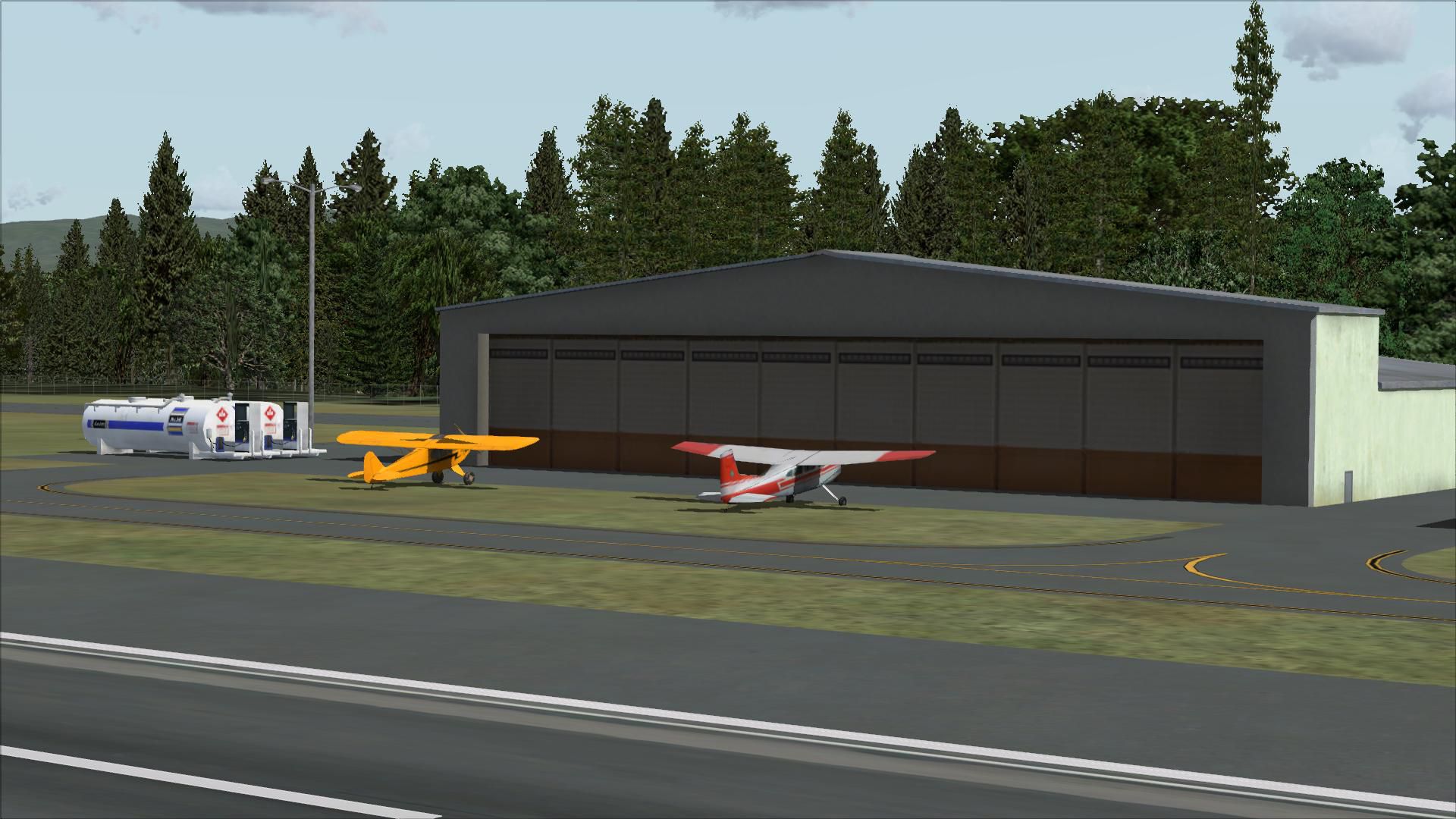
Skagit Regional Airport (KBVS) scenery sharpens Burlington–Mount Vernon operations with corrected apron and taxiway paving, chart-aligned routing, and added hangars for a more faithful ramp layout in Microsoft Flight Simulator X. Static vehicles, parked aircraft, lightpoles, a flag, and tuned Pacific Northwest tree placement bring the field to life using native objects.
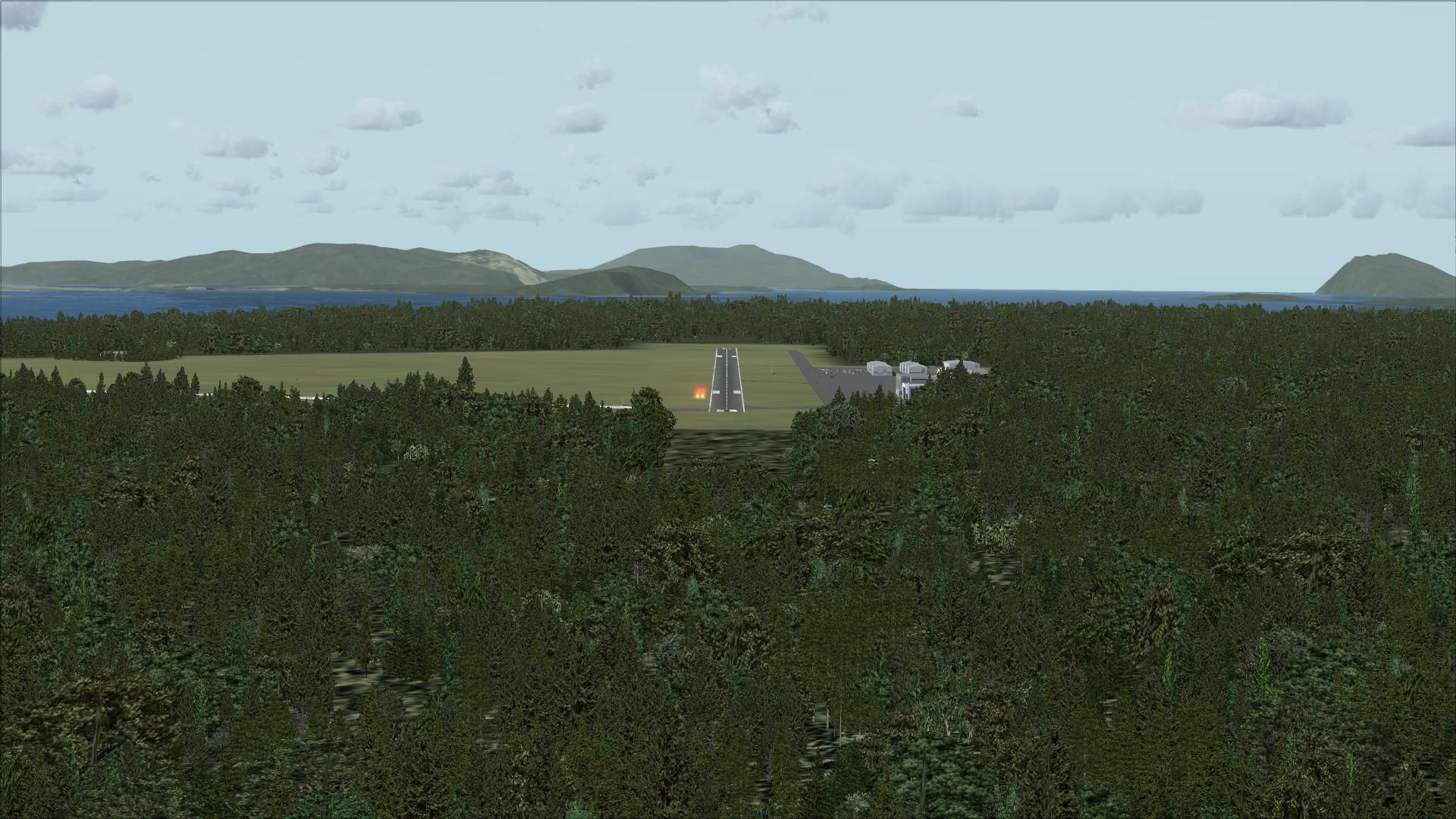
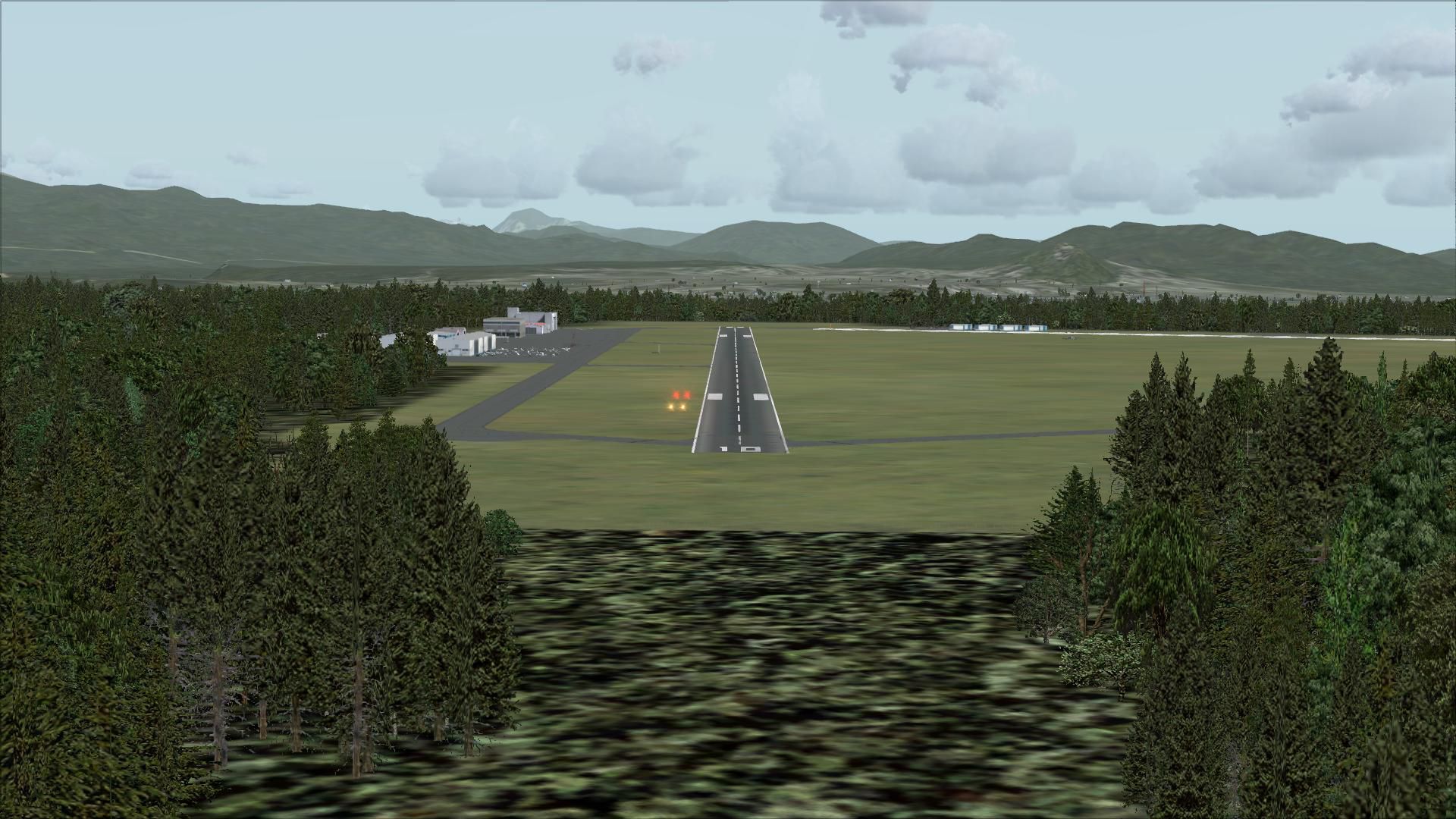
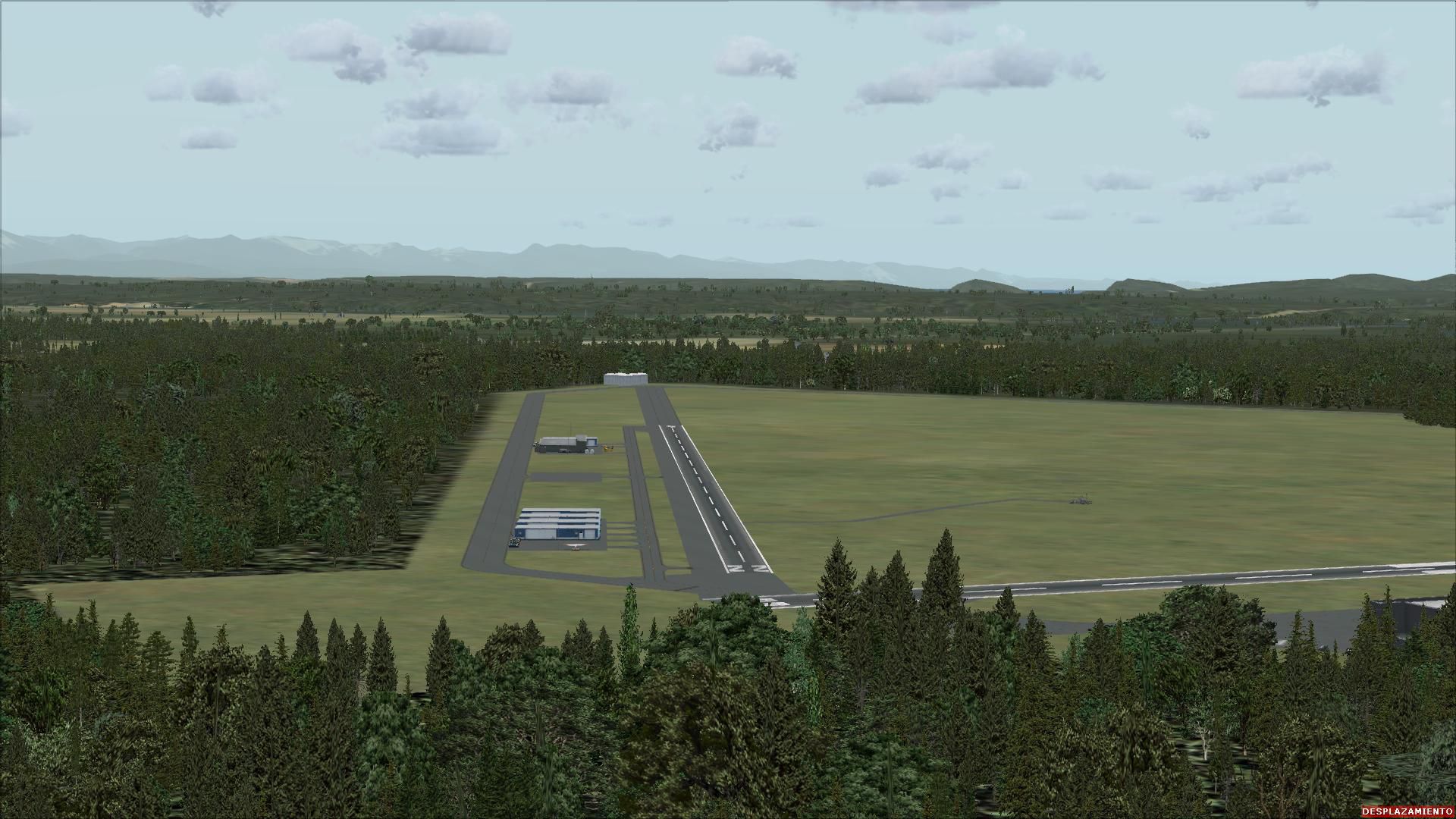


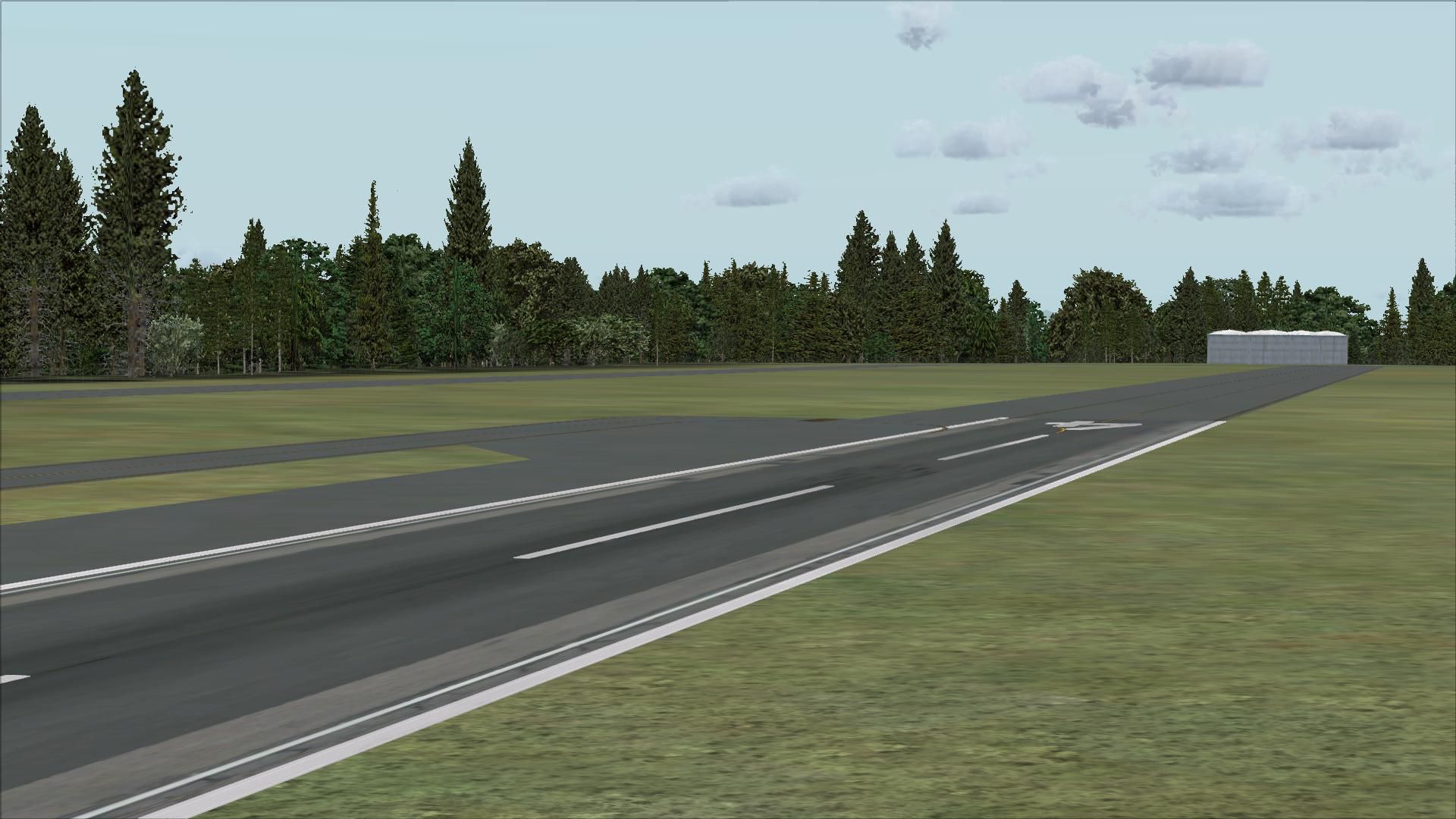
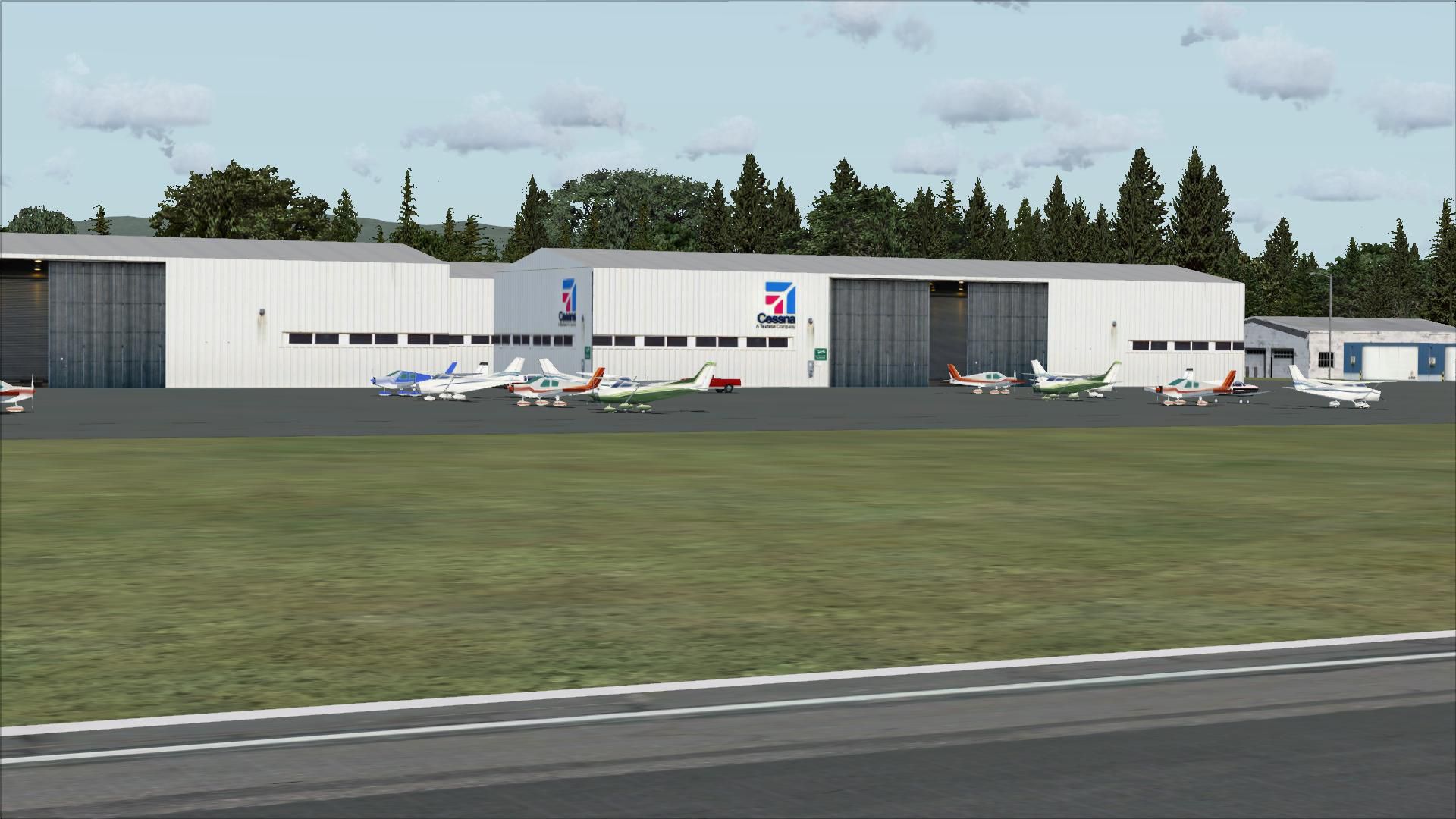
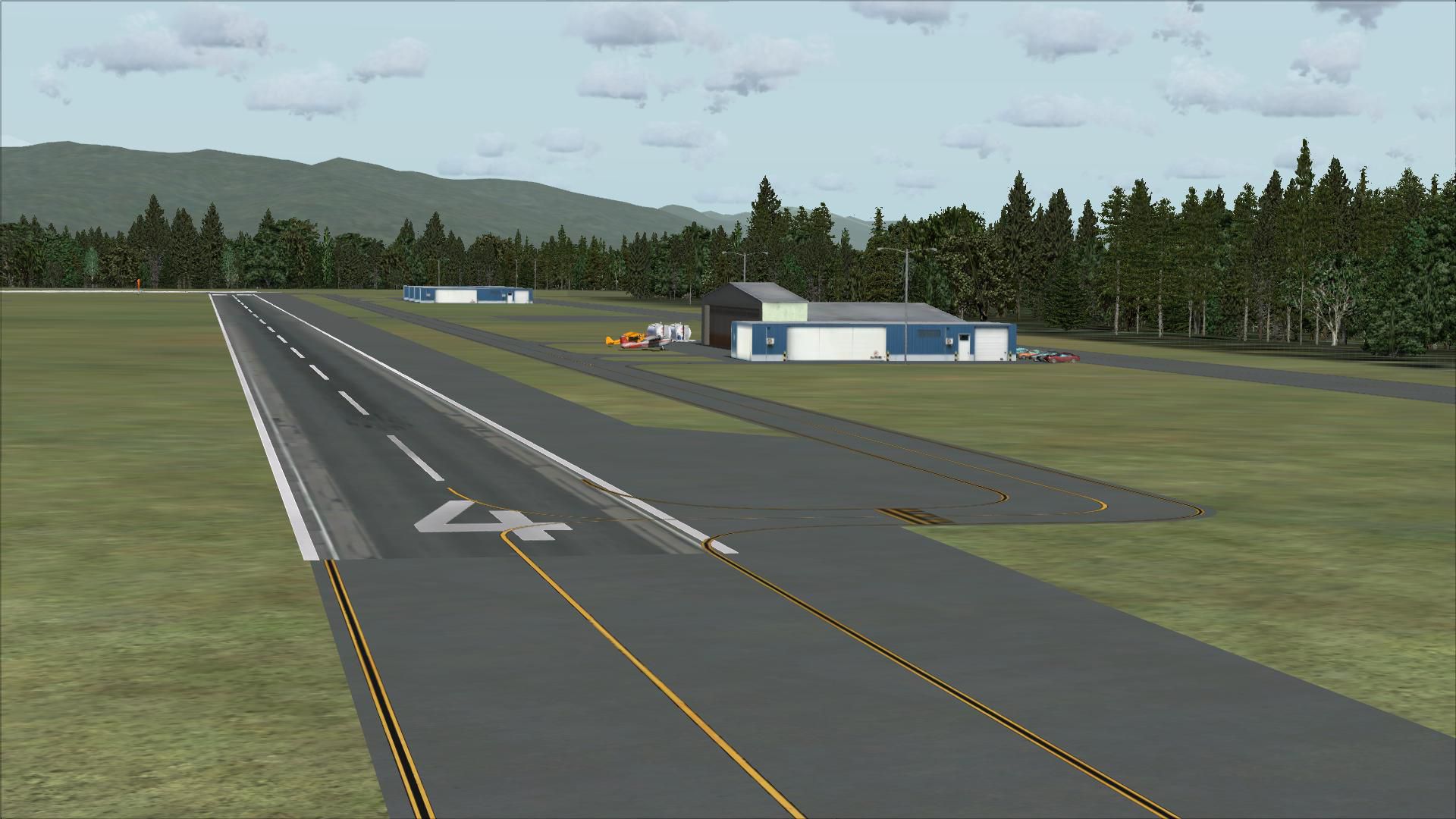
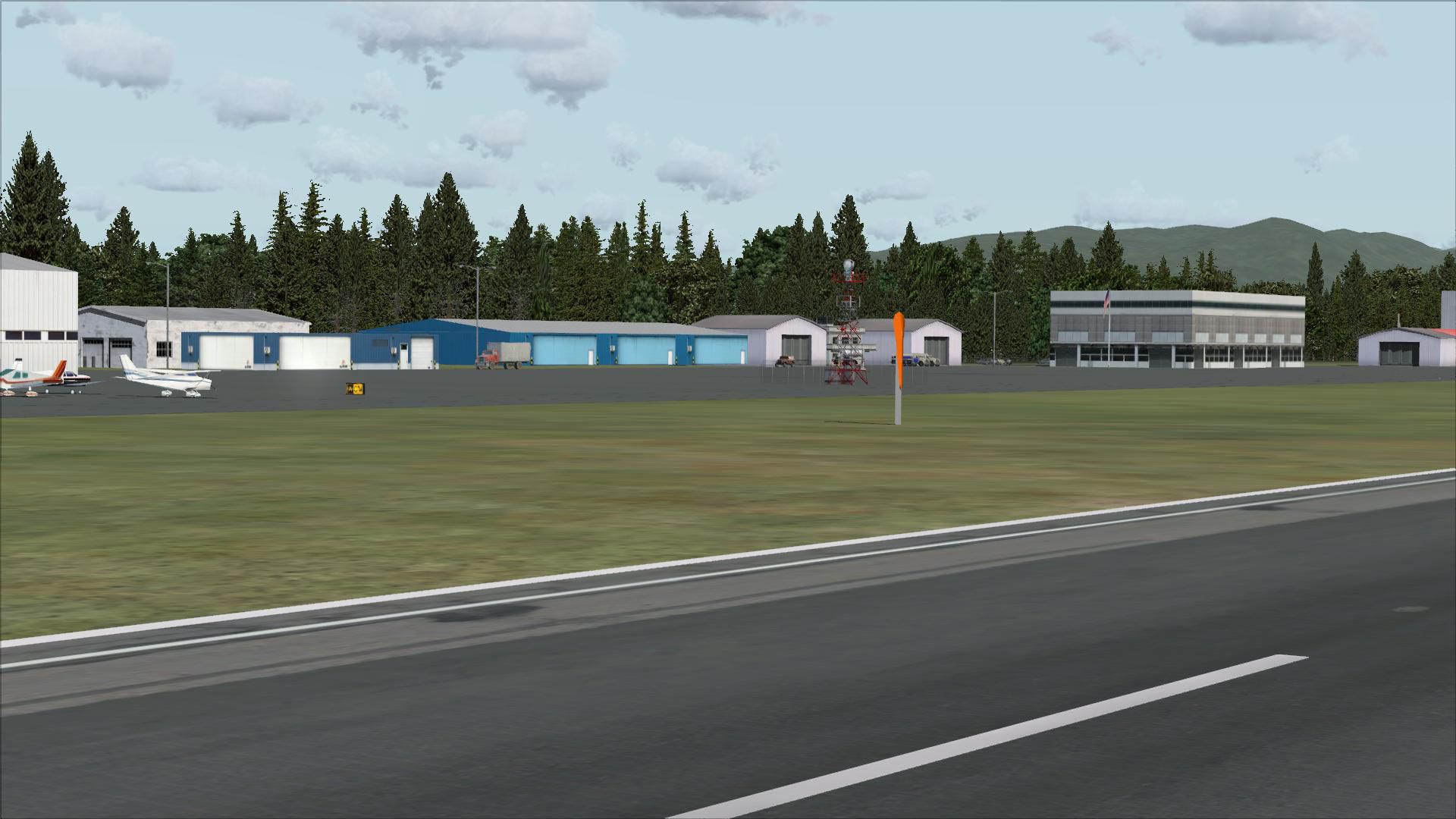
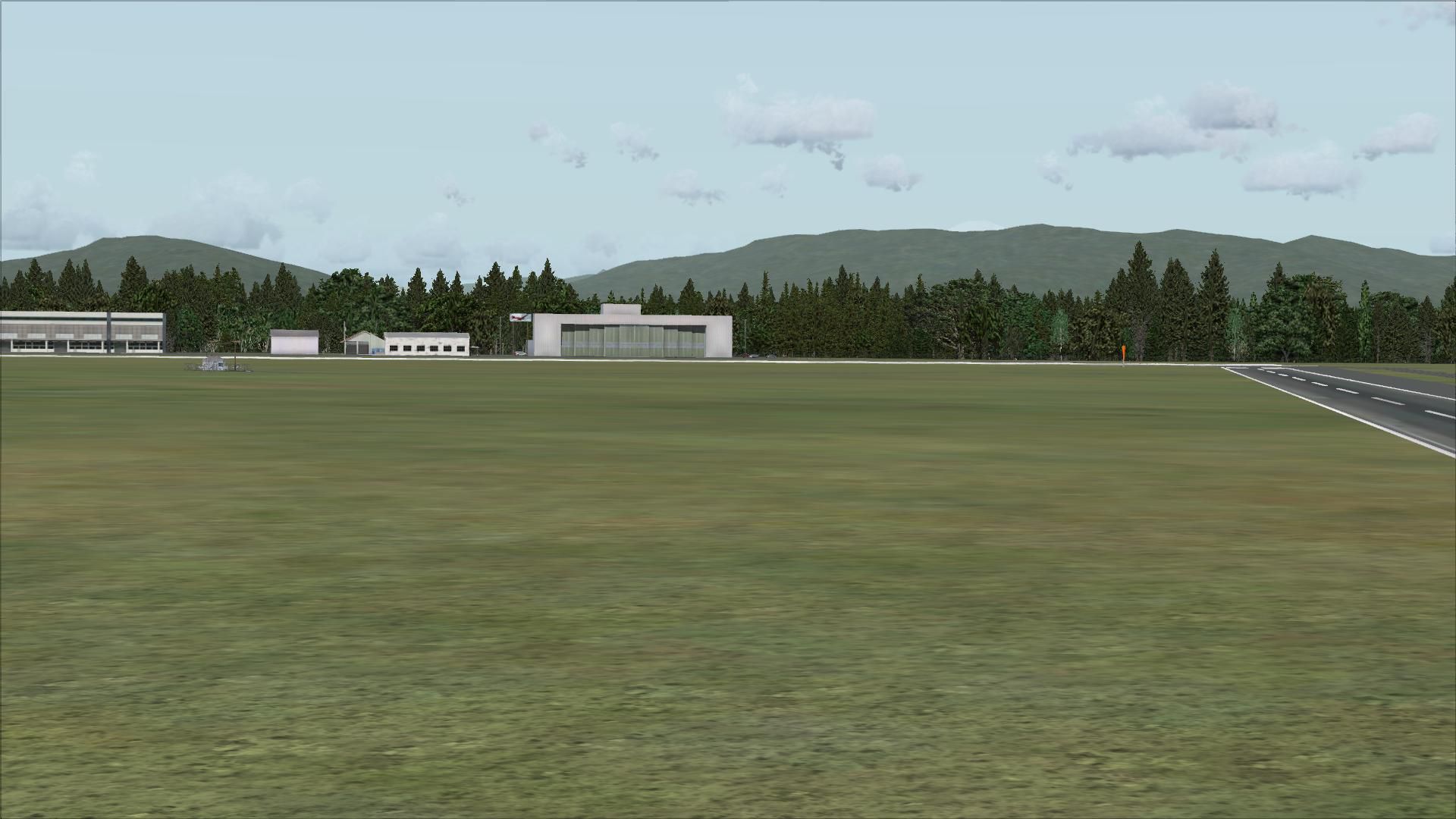
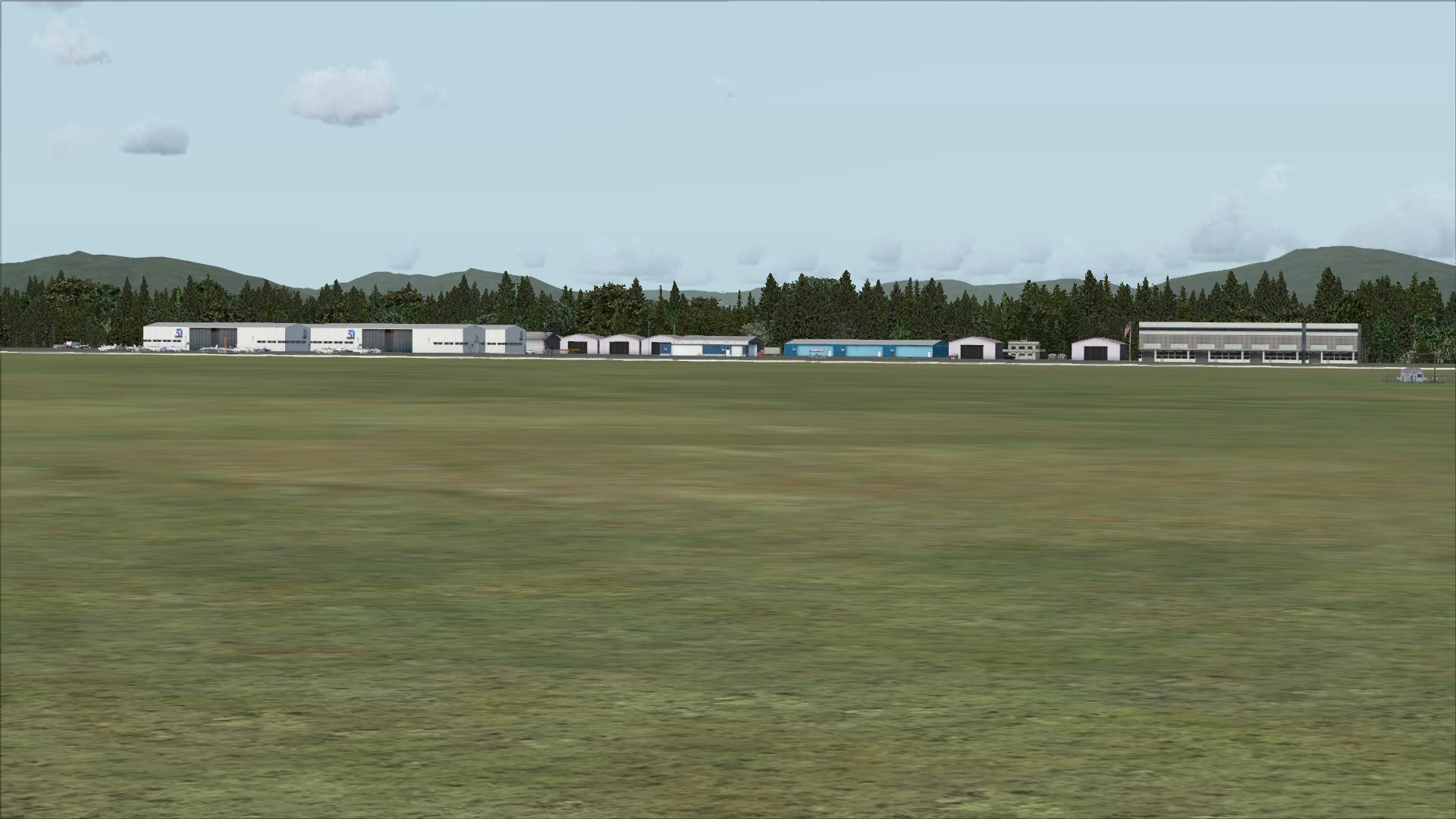
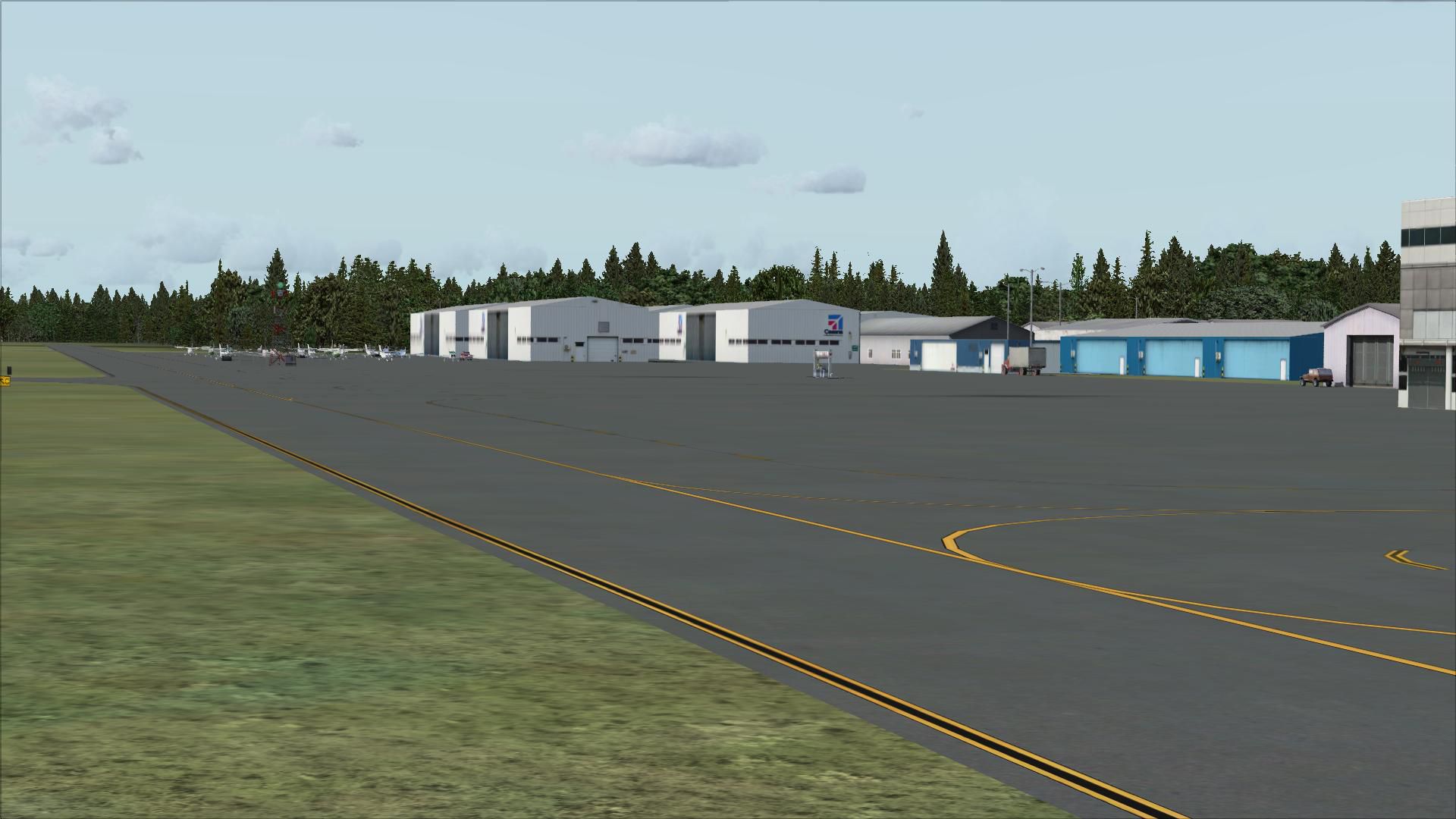
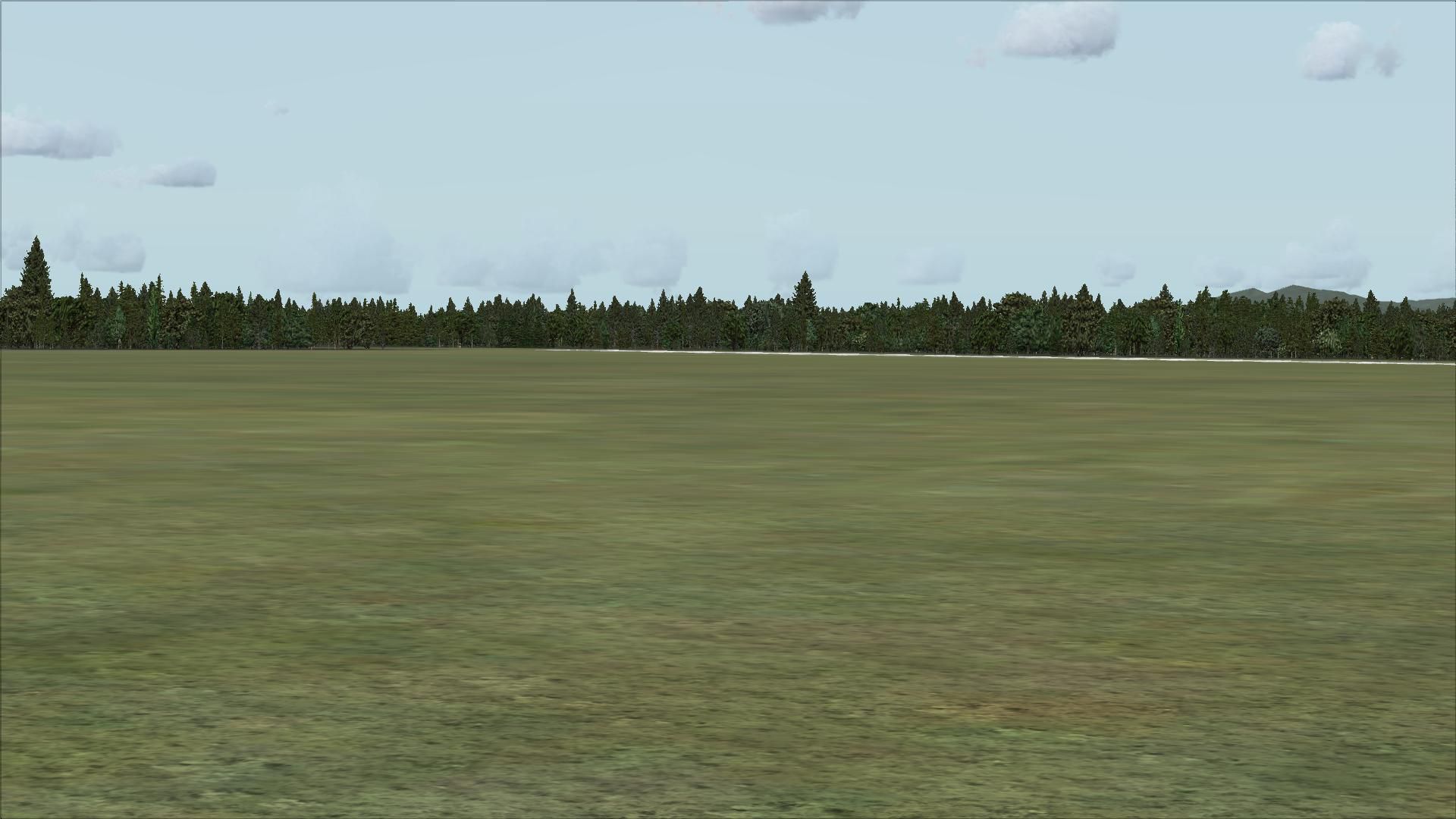
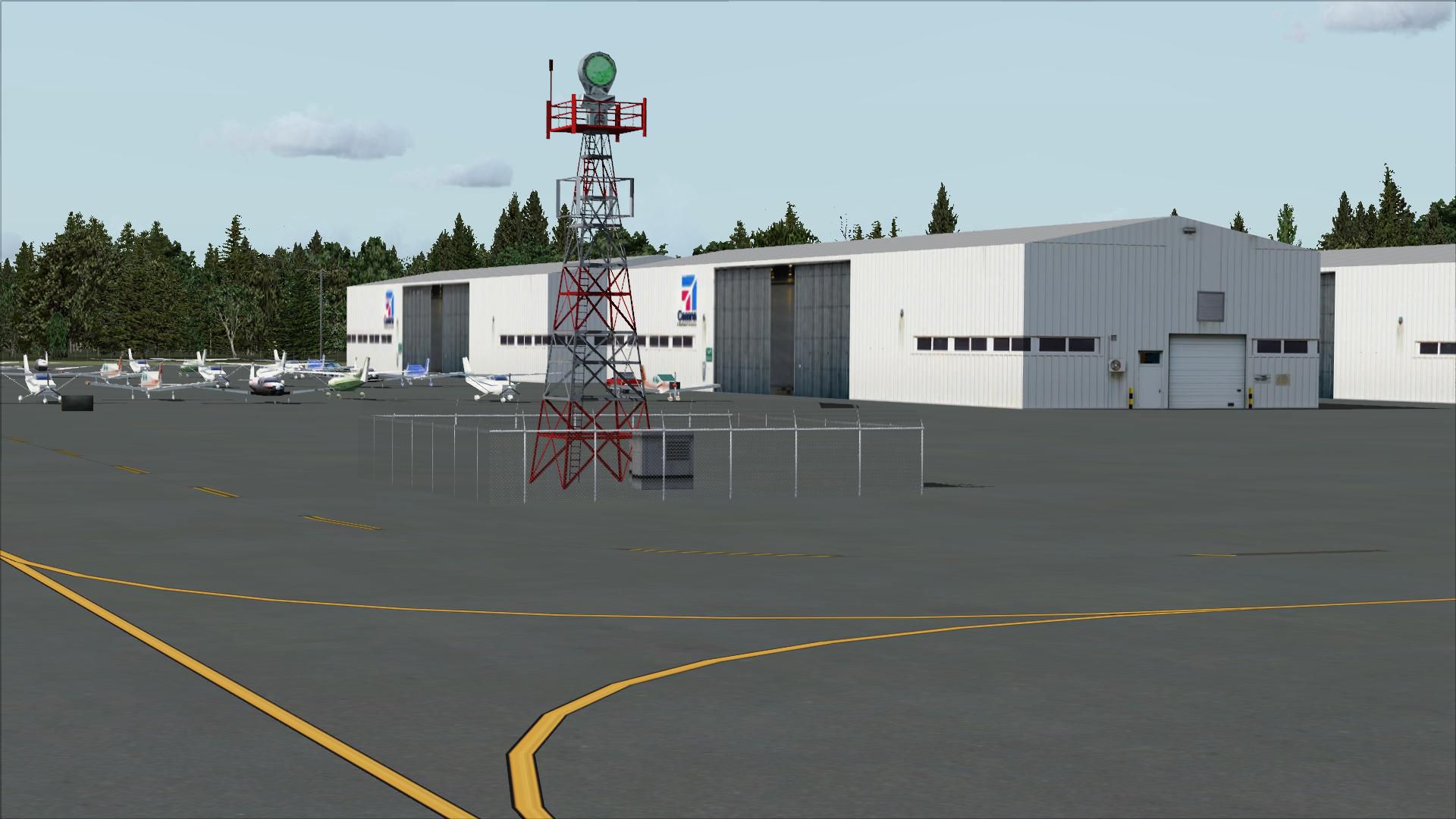
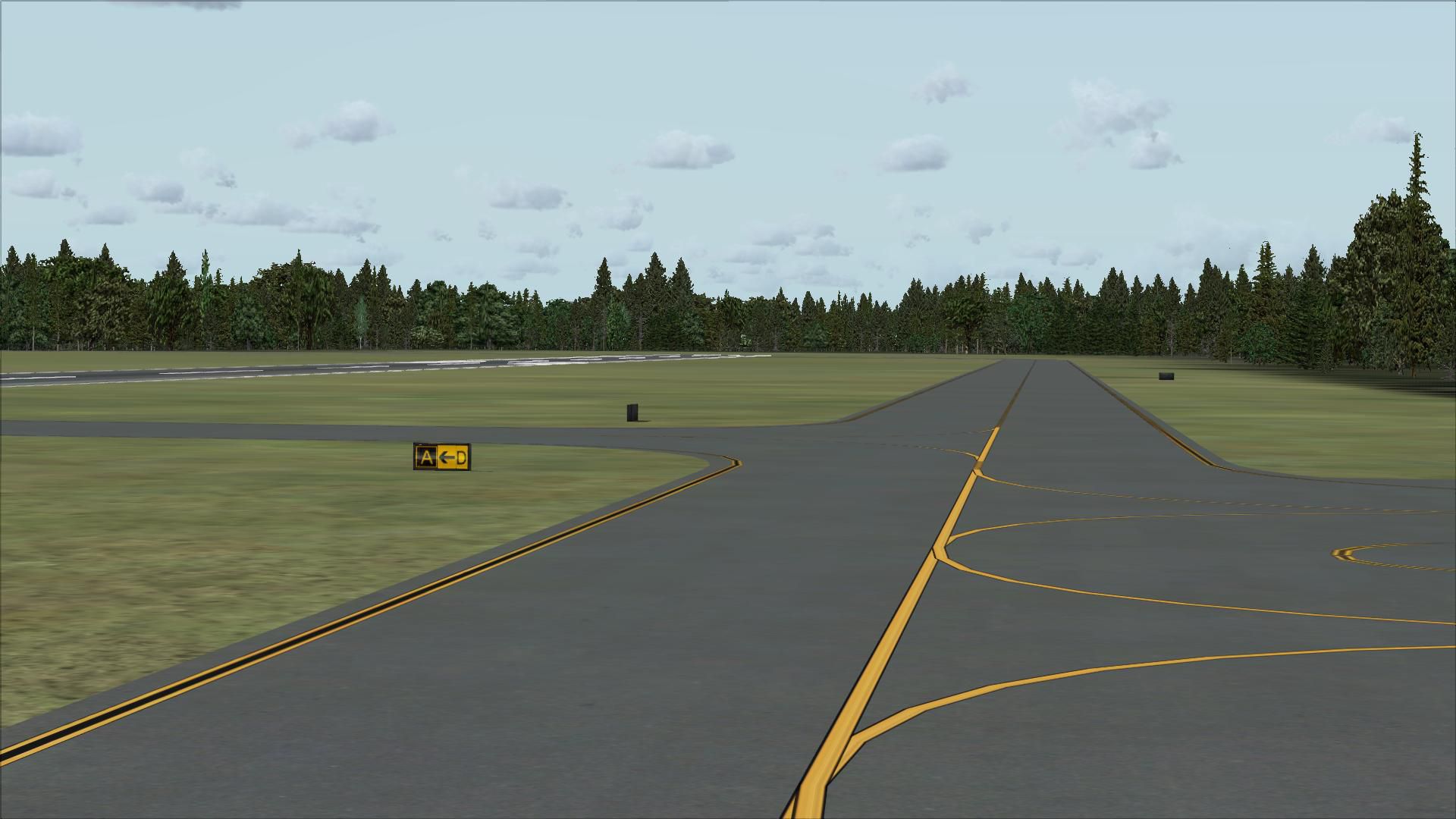
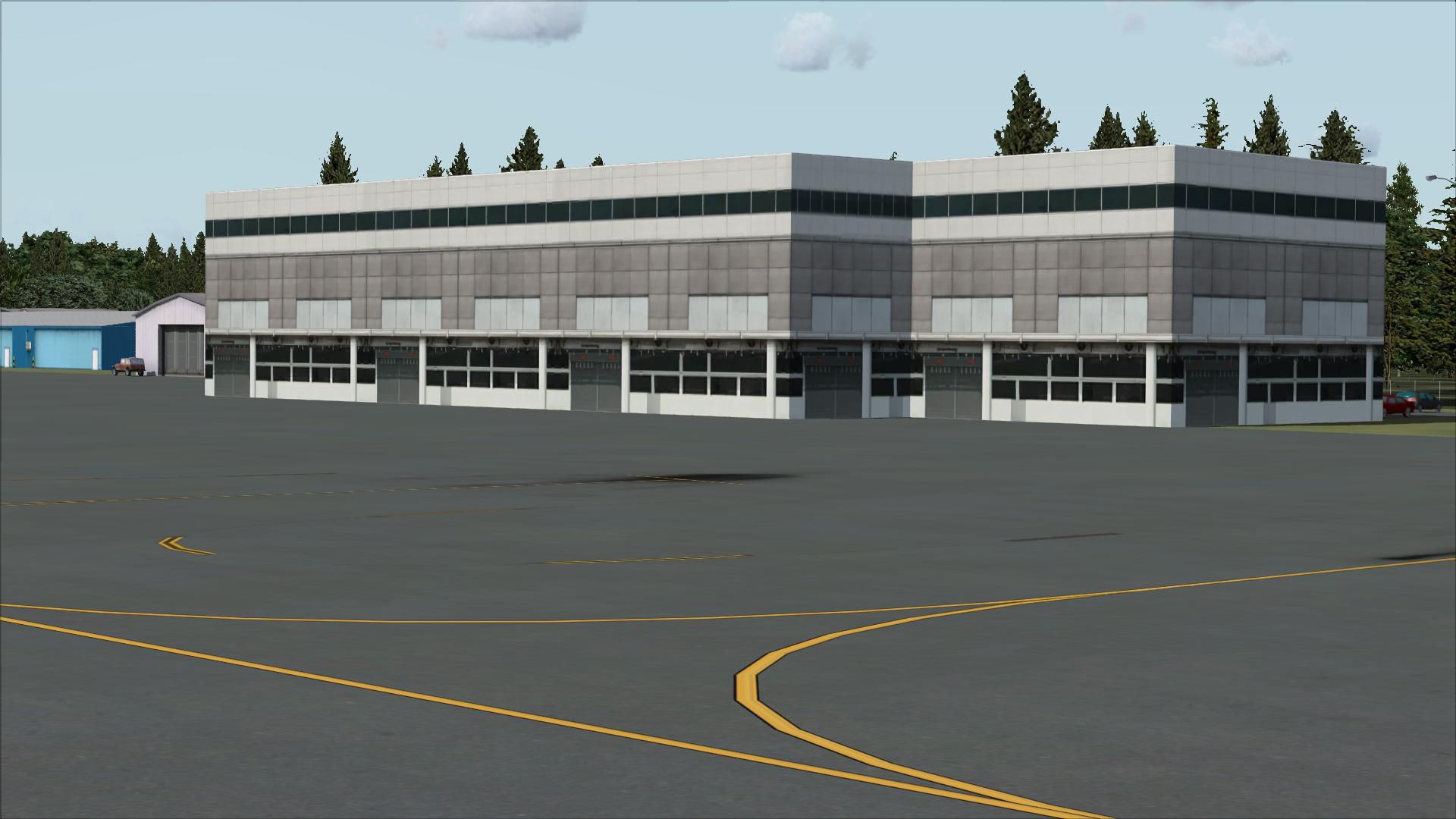
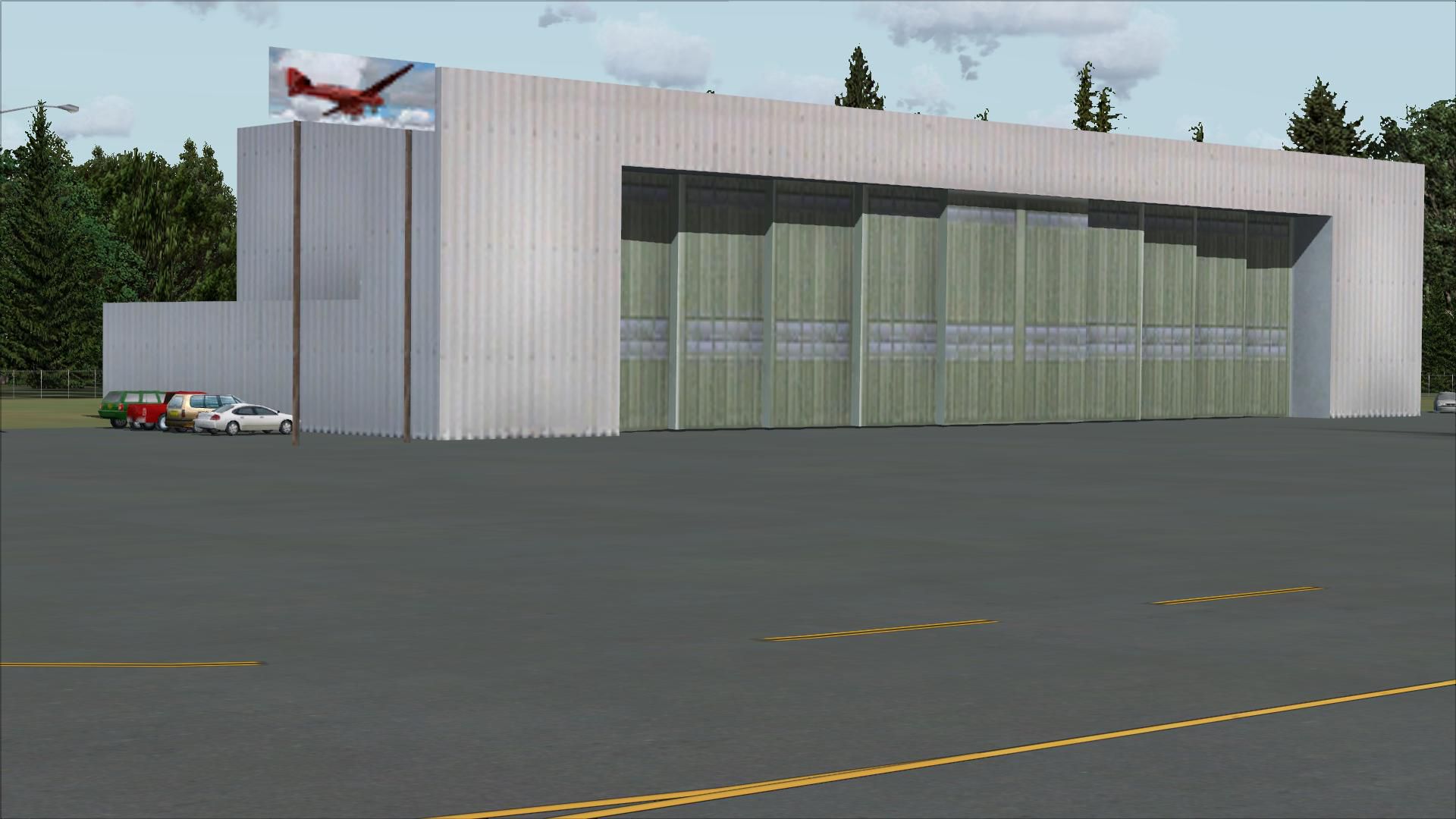
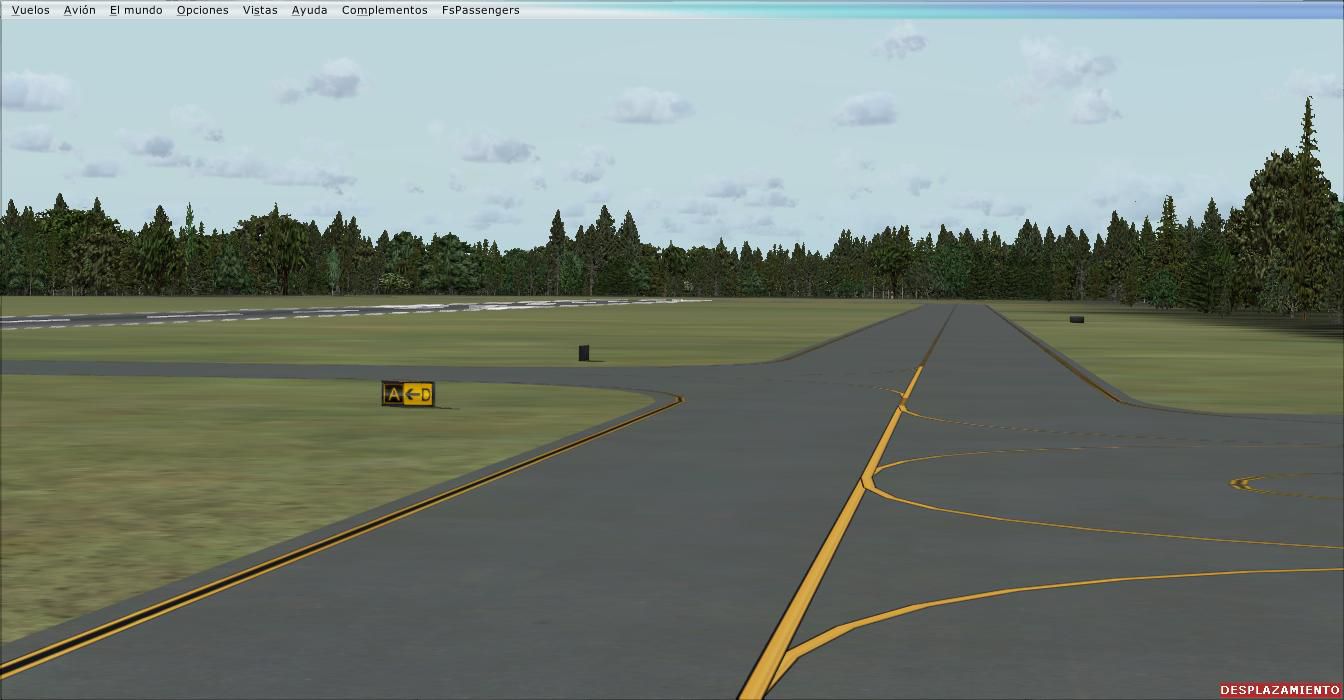
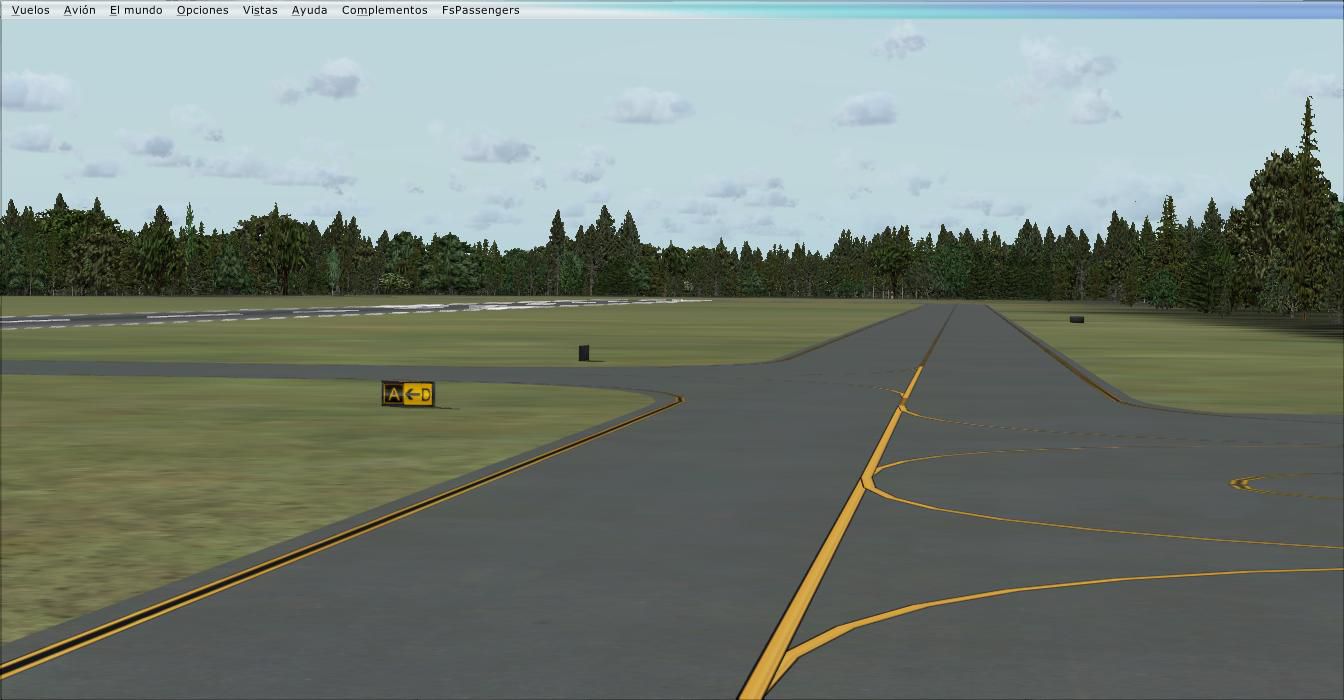
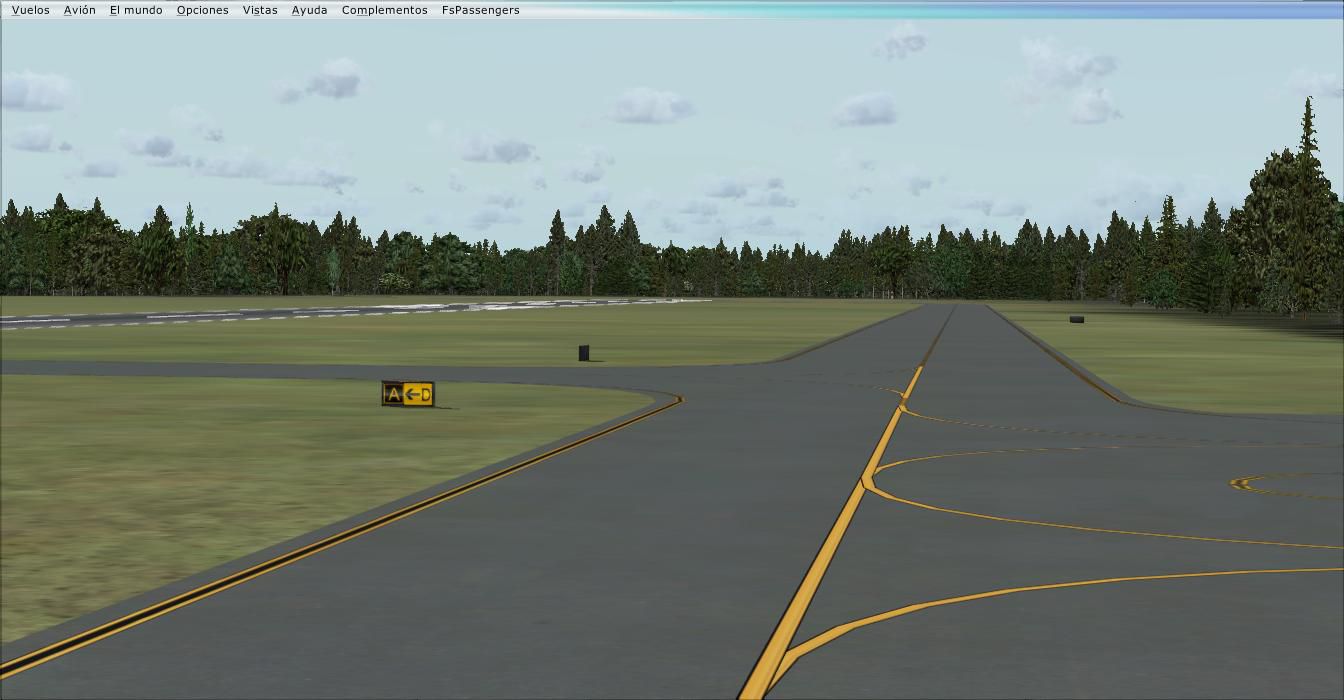

Experience a meticulously refined rendition of Skagit Regional Airport (KBVS) in Burlington and Mount Vernon, Washington State, specifically created for Microsoft Flight Simulator X by Jim Cook. This freeware release incorporates key regional features and technical details, ensuring a faithful environment that blends seamlessly with standard simulator assets.
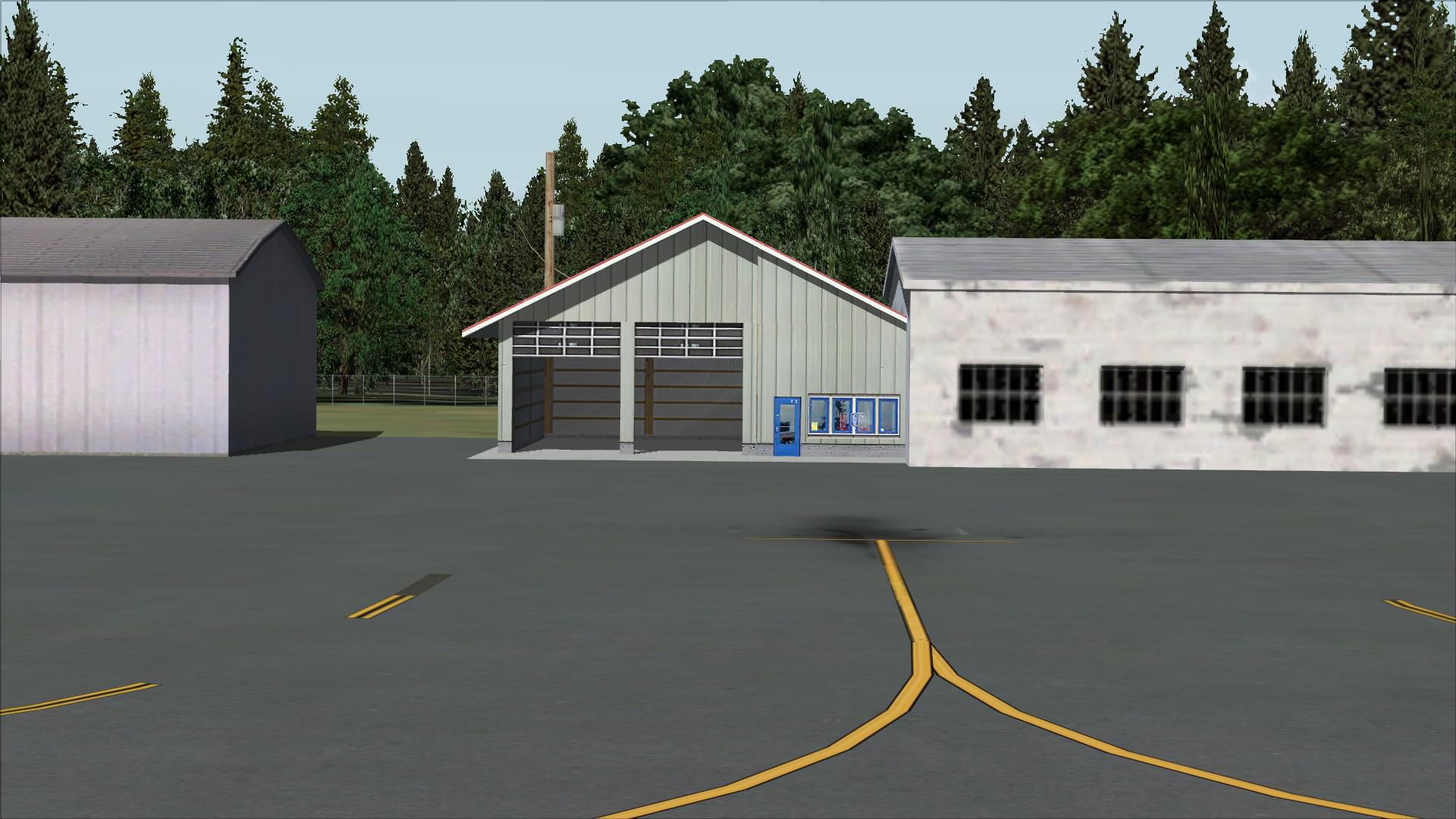
The core design includes precise modifications to aprons and taxiways. Where default data omitted certain surfaces, this update restores them accurately using up-to-date references. Additional hangars and appropriate structures reflect actual airport configurations, bringing more realism to every taxi and parking maneuver.
Several missing paving areas have been introduced, and existing taxi routes are refined to align with published charts. The enhanced ground network aims to guide virtual pilots smoothly, minimizing confusion during ground movements. Each walkway and service ramp is carefully placed, matching real-world positions.
To highlight the charming nature of the area, static vehicles and parked aircraft populate the tarmac, depicting a lively setting. A custom-placed flag and strategically positioned lightpoles further enrich the airport atmosphere. Surrounding greenery has also been adjusted with additional trees to convey a more accurate Pacific Northwest environment.
Its setting in scenic Skagit County situates this airport only a short flight away from places like Friday Harbor. Pilots frequently use KBVS as a gateway to the San Juan Islands, so these visual improvements are valuable for navigating popular regional routes and short-hop journeys.
Though developed using advanced tools such as Flight 1’s AFX and Instant Scenery, all included objects remain native to FSX, so no external libraries are needed. The updates have been tested with Ultimate Terrain and FSGenesis land class enhancements, but these packages are optional extras that simply enhance surrounding topography.
Reliable references, including AirNav diagrams and satellite imagery from Google Earth, were consulted to ensure the most accurate spacing and alignment. These cross-checked resources helped guide the placement of each building and surface, improving overall authenticity.
This freeware scenery package originates from the work of Jim Cook and reflects his commitment to replicating real-world airport operations in vivid detail. Each element—ranging from runway geometry to static placements—aims to enrich the KBVS flying experience for the entire simulator community.
Free for all simmers · 4.4 MB · Scanned clean Oct 2026
Download speed: Free tier is capped at 0.5 Mbps (this file takes approximately 1 min at the cap). PRO members download at full line speed.
FSX\Addon Scenery\ containing scenery and texture sub-folders.readme.txt or README file. It tells you exactly where files go, what dependencies are needed, and any quirks specific to this add-on.Use these coordinates to fly directly to this location once the mod is installed.
48.47080000,-122.42010000
Launch FSX or Prepar3D and use Flights → Load to open the downloaded .pln file. Your aircraft will be positioned at this location.
The archive skagit.zip has 31 files and directories contained within it.
This list displays the first 500 files in the package. If the package has more, you will need to download it to view them.
| Filename/Directory | File Date | File Size |
|---|---|---|
| KBVS_AFX_JC.bgl | 12.20.08 | 16.36 kB |
| KBVS_JC.bgl | 12.20.08 | 5.57 kB |
| skagit_read_me.txt | 12.20.08 | 910 B |
| FILE_ID.DIZ | 12.23.08 | 230 B |
| flyawaysimulation.txt | 10.29.13 | 959 B |
| Go to Fly Away Simulation.url | 01.22.16 | 52 B |
| Screenshots | 08.12.19 | 0 B |
| screen-1.jpg | 08.10.19 | 295.23 kB |
| screen-10.jpg | 08.10.19 | 188.64 kB |
| screen-11.jpg | 08.10.19 | 227.55 kB |
| screen-12.jpg | 08.10.19 | 155.63 kB |
| screen-13.jpg | 08.10.19 | 157.30 kB |
| screen-14.jpg | 08.10.19 | 176.53 kB |
| screen-15.jpg | 08.10.19 | 173.31 kB |
| screen-16.jpg | 08.10.19 | 193.83 kB |
| screen-17.jpg | 08.10.19 | 215.15 kB |
| screen-18.jpg | 08.10.19 | 229.17 kB |
| screen-19.jpg | 08.10.19 | 170.37 kB |
| screen-2.jpg | 08.10.19 | 336.25 kB |
| screen-20.jpg | 08.10.19 | 86.38 kB |
| screen-21.jpg | 08.10.19 | 87.46 kB |
| screen-22.jpg | 08.10.19 | 86.35 kB |
| screen-23.jpg | 08.10.19 | 86.34 kB |
| screen-24.jpg | 08.10.19 | 246.64 kB |
| screen-3.jpg | 08.10.19 | 283.81 kB |
| screen-4.jpg | 08.10.19 | 201.40 kB |
| screen-5.jpg | 08.10.19 | 233.30 kB |
| screen-6.jpg | 08.10.19 | 273.30 kB |
| screen-7.jpg | 08.10.19 | 219.17 kB |
| screen-8.jpg | 08.10.19 | 174.14 kB |
| screen-9.jpg | 08.10.19 | 185.23 kB |
Only PRO members can place votes.
More FSX & P3D add-ons hand-picked based on this download.
FSX Scenery
Colorado (CO), USA. Telluride Regional is the highest commercial airport in A…
 FSX Scenery
Manchester-Boston Regional Airport. This airport was made using Airport Desig…
 FSX Scenery
Pensacola Regional Airport (KPNS), Florida (FL). Based on currently available…
 FSX Scenery
This freeware scenery package transforms Tallahassee Regional Airport (KTLH) …
 FSX Scenery
New Zealand (NZNS). Welcome to Nelson Regional Airport, located in the north-…
 FSX Scenery
Scenery Lleida-Alguaire Regional Airport, Catalonia, Spain (LEDA). Version 1.…
 FSX Scenery
KEKO Elko Regional Airport NV by Eric Cagan. This is my rendition of Elko NV …
 FSX Scenery
Worcester Regional Airport (KORH), Worcester, Massachusetts (MA). An improved…
Be the first to leave a comment on this download.
Be the first to share your thoughts on this download.