


 United States of America
  FSX Scenery
Manchester Airport
Scenery Manchester Airport (KMHT), New Hampshire (NH). This airport was desig…
Manchester-Boston Regional Airport scenery refreshes KMHT with accurate replacement buildings, expanded Terminal A and cargo gate layouts, working jetways, and richer ramp life including cargo facilities, vehicles, static aircraft, and additional parking. Built from Google Earth and Bing map references, it enhances the stock field in Microsoft Flight Simulator X.
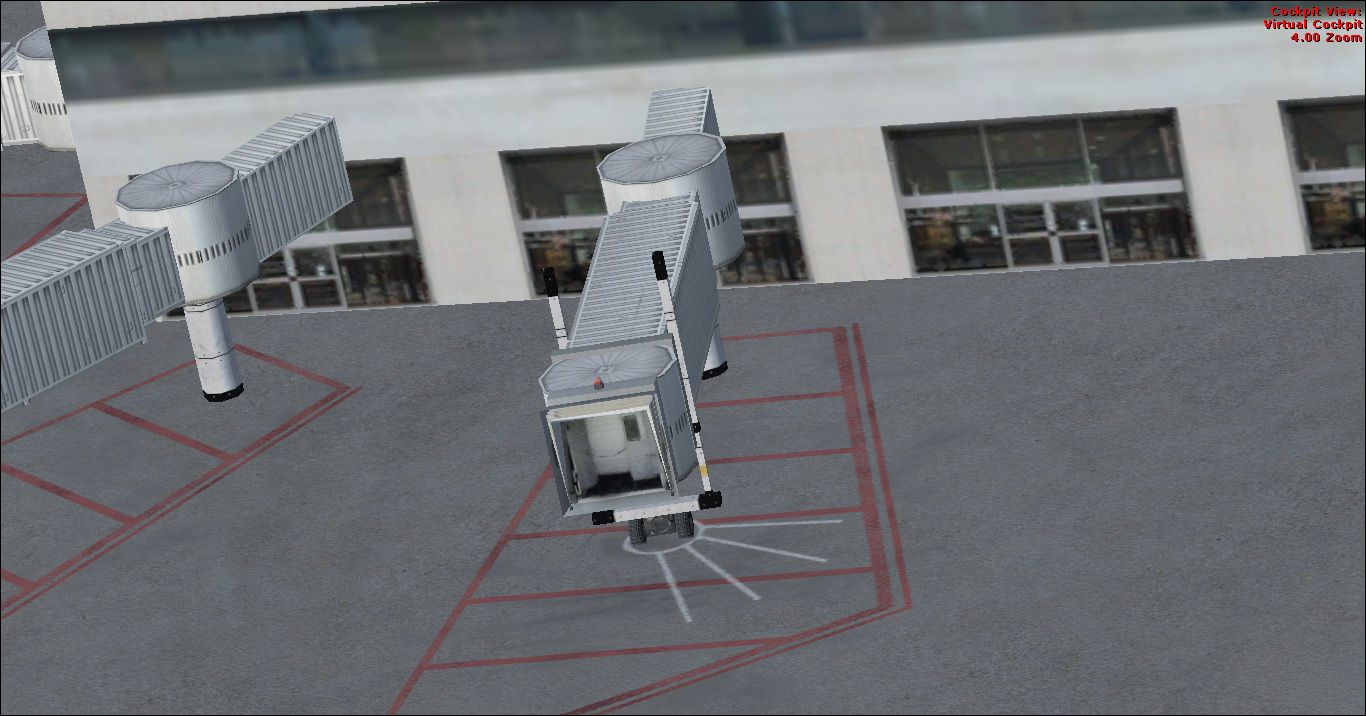
Manchester-Boston Regional Airport. This airport was made using Airport Design Editor 9x (ADE9x). Manchester Boston Regional Airport is an airport located in Manchester, New Hamshire (NH). This replaces all the stock building with more accurate ones. It also adds more gates at the terminal A cargo gates to the southwest. At the cargo area are added cargo buildings and cargo trucks. At the main terminal are jetways and more gates. At the general aviation area are static aircraft and more parking. This is based on Google earth and Bing maps. By Tyler Lawrence.

Screenshot of Manchester-Boston Regional Airport Scenery.
This is for Flight Simulator X only. To have more static aircraft, put the scenery complexity to normal.
Installation:
1) cut and paste(or Drag and drop) the two .bgl files to your desktop.
2) Paste (or Drag and drop)them into the Addon Scenery/Scenery folder.
3) That is it. Enjoy.
If you do not want this anymore, just delete the three .bgl files folder and the default one will be active.
Tyler Lawrence (age 12)
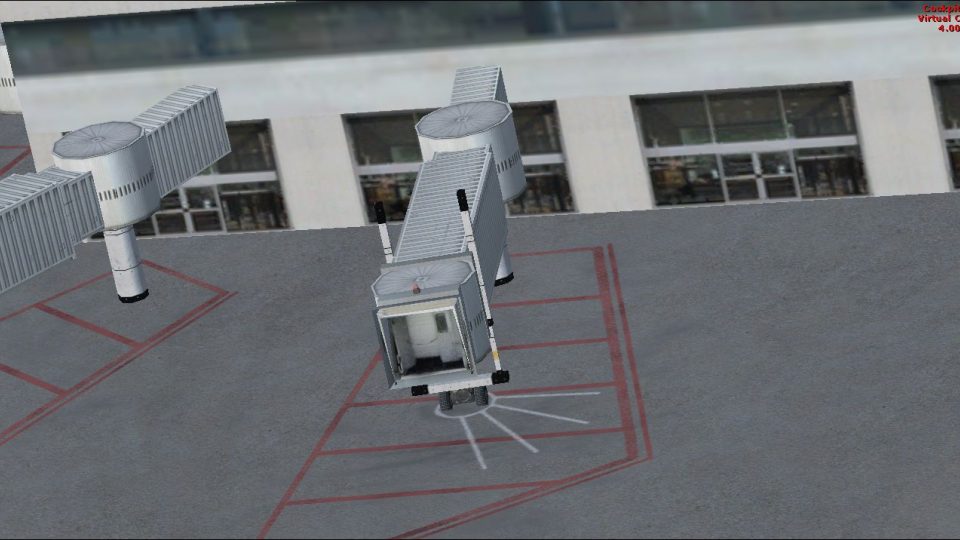
Screenshot of airport jetway.
Free for all simmers · 11.75 MB · Scanned clean Oct 2026
Download speed: Free tier is capped at 0.5 Mbps (this file takes approximately 3 mins at the cap). PRO members download at full line speed.
FSX\Addon Scenery\ containing scenery and texture sub-folders.readme.txt or README file. It tells you exactly where files go, what dependencies are needed, and any quirks specific to this add-on.Use these coordinates to fly directly to this location once the mod is installed.
42.93260000,-71.43570000
Launch FSX or Prepar3D and use Flights → Load to open the downloaded .pln file. Your aircraft will be positioned at this location.
The archive kmhttl.zip has 17 files and directories contained within it.
This list displays the first 500 files in the package. If the package has more, you will need to download it to view them.
| Filename/Directory | File Date | File Size |
|---|---|---|
| KMHT_ADEX_TL | 12.24.11 | 0 B |
| KMHT_ADEX_TL.BGL | 12.24.11 | 46.21 kB |
| KMHT_ADEX_TL_CVX.bgl | 12.24.11 | 445 B |
| KMHT_pictures | 12.24.11 | 0 B |
| KMHT_cargo.BMP | 12.24.11 | 3.73 MB |
| KMHT_GA.BMP | 12.24.11 | 3.73 MB |
| KMHT_Main.BMP | 12.24.11 | 287.98 kB |
| KMHT_Main.png | 12.24.11 | 26.61 kB |
| KMHT_over.BMP | 12.24.11 | 3.73 MB |
| KMHT_runway.BMP | 12.24.11 | 3.73 MB |
| KMHT_static.BMP | 12.24.11 | 3.73 MB |
| KMHT_Tower - Copy.BMP | 12.24.11 | 3.73 MB |
| KMHT_Tower.BMP | 12.24.11 | 3.73 MB |
| KMHT_readme.txt | 02.05.12 | 1.25 kB |
| KMHT_Jetway.jpg | 02.05.12 | 266.81 kB |
| flyawaysimulation.txt | 10.29.13 | 959 B |
| Go to Fly Away Simulation.url | 01.22.16 | 52 B |
Only PRO members can place votes.
More FSX & P3D add-ons hand-picked based on this download.
FSX Scenery
Scenery Manchester Airport (KMHT), New Hampshire (NH). This airport was desig…
 FSX Scenery
Colorado (CO), USA. Telluride Regional is the highest commercial airport in A…
 FSX Scenery
Pensacola Regional Airport (KPNS), Florida (FL). Based on currently available…
 FSX Scenery
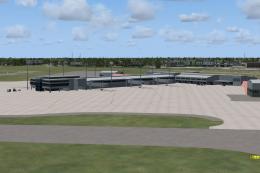
This freeware scenery package transforms Tallahassee Regional Airport (KTLH) …
 FSX Scenery
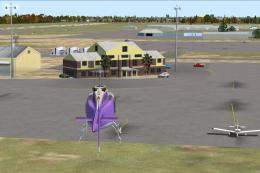
New Zealand (NZNS). Welcome to Nelson Regional Airport, located in the north-…
 FSX Scenery
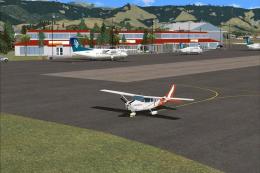
Scenery Lleida-Alguaire Regional Airport, Catalonia, Spain (LEDA). Version 1.…
 FSX Scenery
KEKO Elko Regional Airport NV by Eric Cagan. This is my rendition of Elko NV …
 FSX Scenery
Worcester Regional Airport (KORH), Worcester, Massachusetts (MA). An improved…
Be the first to leave a comment on this download.
Be the first to share your thoughts on this download.