

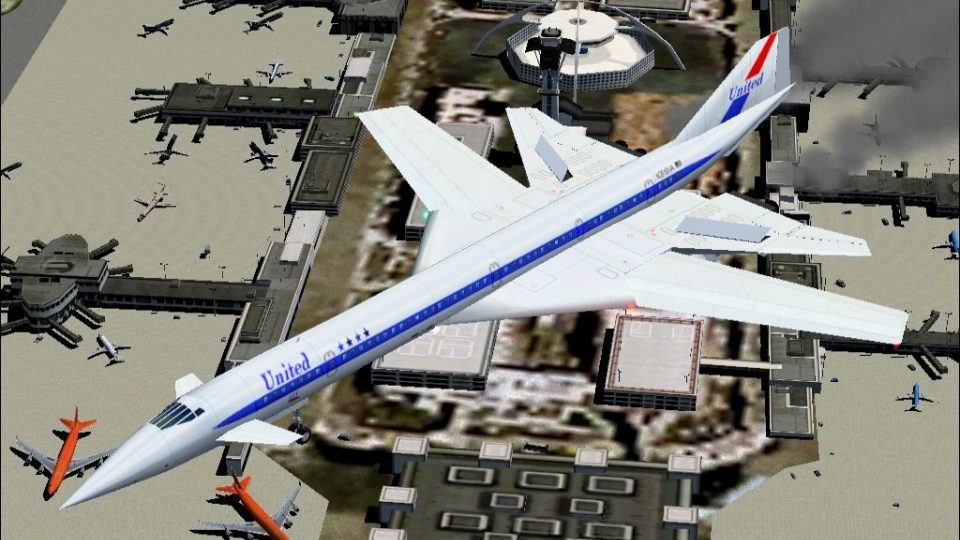
 FS2004 Civil Jet Aircraft
SST2010 Europe II
Brand new SST Europe series upgraded specifically for FS2004. Innovative conc…
SST2010 North America brings a futuristic Mach 2.3 supersonic transport concept to FS2004, inspired by NASA and Boeing studies and the Concorde legacy. Four airline liveries span Air Canada, American, Pan Am, and United, with swing-wings, animated control surfaces, dynamic shine, night lighting, custom afterburner and smoke effects, and a feature-rich panel suite.
 Rate
Rate
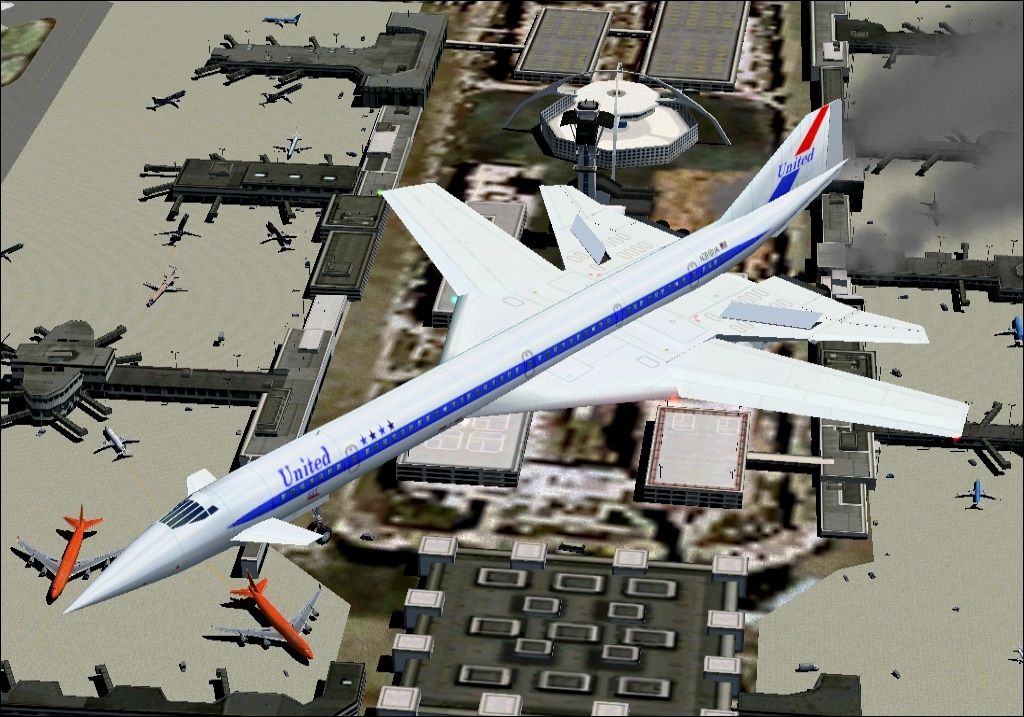
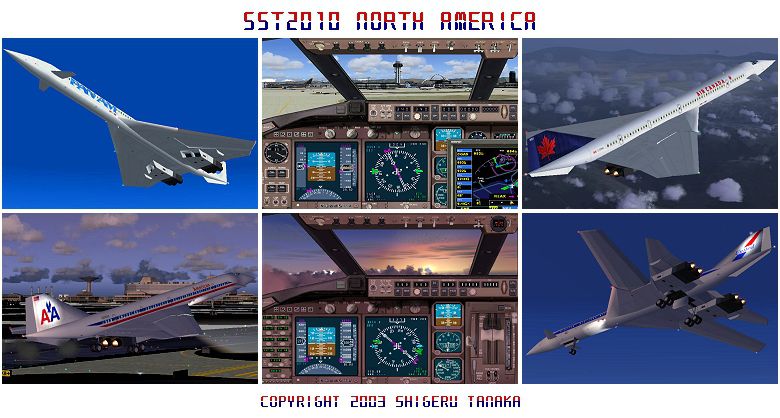
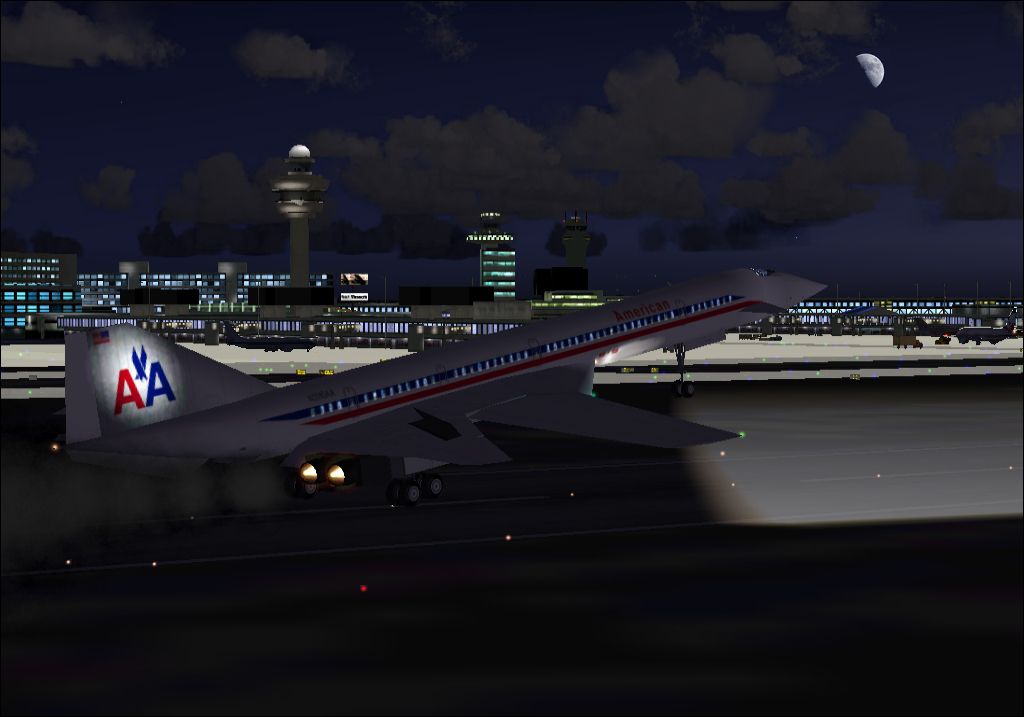
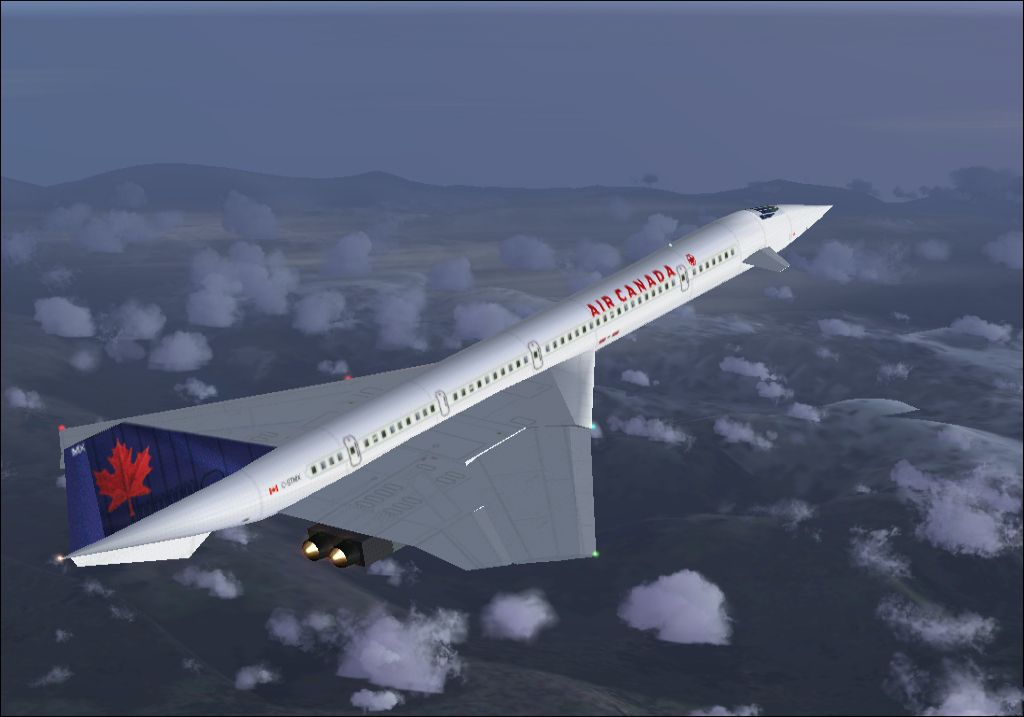
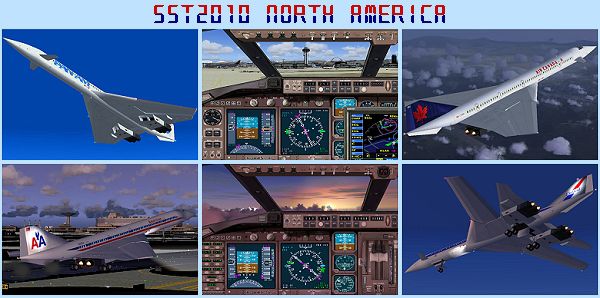
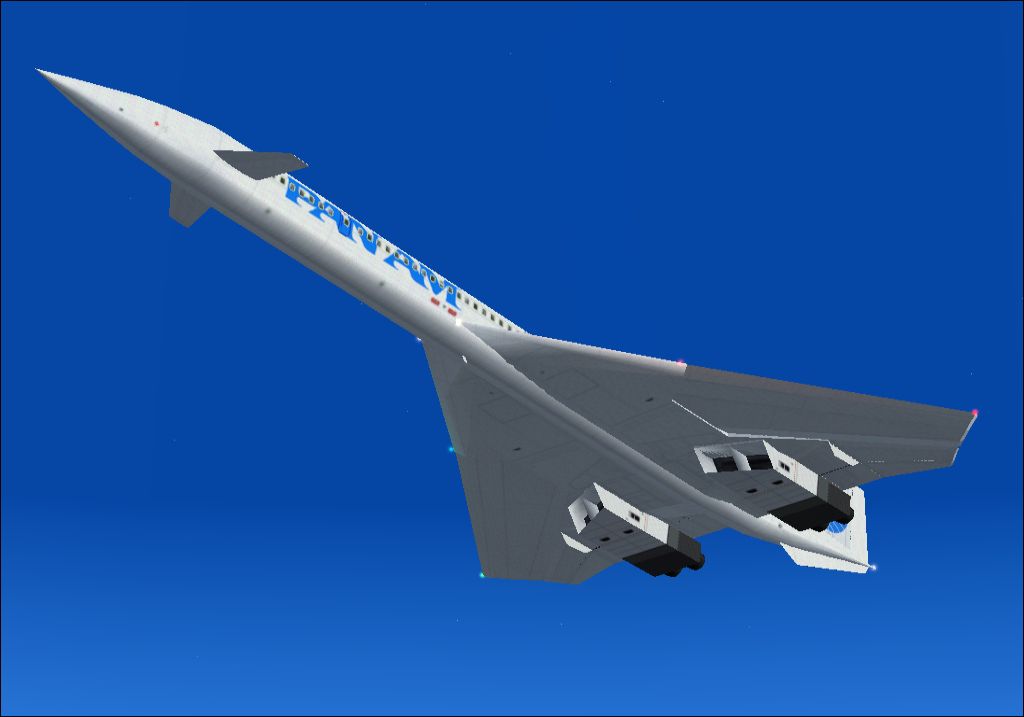

SST2010 series upgraded for FS2004 flights. Innovative concept models of next-generation SST to show up in 2010. Original futuristic design with canard and swing-wing configuration achieving luxurious and stable Mach 2.3 cruising speed, after study on SST concept designs by NASA, Boeing, and other aerospace manufacturers, also the time-honored Concorde. This package offers four models for famous North American airlines, Air Canada, American Airlines, Pan American, and United Airlines. Making the most of all the latest flightsim features, full animations of multifunctional control surfaces, swing-wings, rolling wheels, steerable front gear with landing lights and main gear all with dignified suspension motions. Elegant dynamic shine with realistic service stains for even better realism, and night lights mapping for cool nocturnal flights. Effective brakes, spoilers and thrust reversers for adequate slowdown after touchdown. Special panel with flight map, radio stack, throttle quadrant, Garmin GPS 500, autopilot and ATC available. Custom afterburner and smoke effect fx files for both clean non-smoke environment-friendly flights and Concorde-like heavy-smoke yet dynamic-looking flights. Enjoy first-class exquisite SST flights just ahead of the time, into the next century of flight. By Shigeru Tanaka.
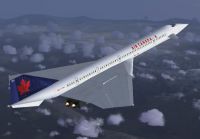
Screenshot of Air Canada SST2010 in flight.
Installation:
Simply unzip all the files right into FS2004 Aircraft folder. Then copy paste fx_sst2010afterburner.fx and fx_sst2010smoke.fx into FS2004\effects folder. From select aircraft menu, these 4 models show up under "A-ST SST2010 North America" at the top column of the menu. A-ST for A Shigeru Tanaka production.
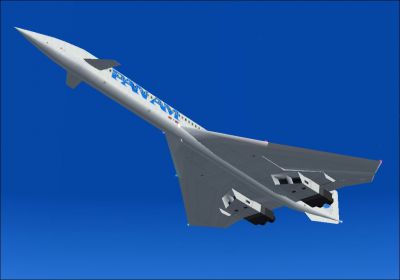
Screenshot of Air Canada SST2010 in flight.
Free for all simmers · 3.57 MB · Scanned clean Sep 2026
Download speed: Free tier is capped at 0.5 Mbps. PRO members download at full line speed.
FS9\Aircraft\, FS9\Addon Scenery\, FS9\Gauges\, or FS9\Effects\.readme.txt or README file. It tells you exactly where files go, what dependencies are needed, and any quirks specific to this add-on.The archive sstnoam.zip has 73 files and directories contained within it.
This list displays the first 500 files in the package. If the package has more, you will need to download it to view them.
| Filename/Directory | File Date | File Size |
|---|---|---|
| A-ST SST2010.air | 08.31.03 | 12.45 kB |
| Aircraft.cfg | 09.13.03 | 11.32 kB |
| documents | 09.08.03 | 0 B |
| sstnoam.gif | 09.08.03 | 7.76 kB |
| sst2010 United Airlines.jpg | 09.12.03 | 546.70 kB |
| sst2010 Pan American.jpg | 09.08.03 | 141.94 kB |
| sst2010 Air Canada.jpg | 09.08.03 | 237.42 kB |
| sst2010 American Airlines.jpg | 09.13.03 | 236.73 kB |
| previewshots.jpg | 09.09.03 | 237.88 kB |
| sstnoamp.gif | 09.08.03 | 14.24 kB |
| sstnoam.txt | 09.19.03 | 21.31 kB |
| File_id.diz | 09.19.03 | 1.46 kB |
| Visit our Web - sstnoam.htm | 09.17.03 | 15.20 kB |
| Visit our Web - sstnoam.files | 09.17.03 | 0 B |
| image001.jpg | 09.17.03 | 87.44 kB |
| image002.jpg | 09.17.03 | 152.56 kB |
| image003.jpg | 09.17.03 | 107.71 kB |
| image004.jpg | 09.17.03 | 94.05 kB |
| header.htm | 09.17.03 | 2.49 kB |
| filelist.xml | 09.17.03 | 315 B |
| fx_sst2010smoke.fx | 01.30.03 | 2.39 kB |
| model | 09.08.03 | 0 B |
| Model.cfg | 03.24.03 | 33 B |
| A-ST SST2010.mdl | 09.07.03 | 425.22 kB |
| sound | 09.08.03 | 0 B |
| Sound.cfg | 10.13.02 | 32 B |
| panel | 09.08.03 | 0 B |
| main.bmp | 08.30.03 | 769.05 kB |
| panel.cfg | 08.28.03 | 3.25 kB |
| texture | 09.08.03 | 0 B |
| 2048bit.bmp | 07.17.03 | 257.05 kB |
| 4096bit.bmp | 09.07.03 | 1.00 MB |
| 1024bit.bmp | 09.07.03 | 1.00 MB |
| 0008bit.bmp | 07.15.03 | 65.05 kB |
| 3072bit.bmp | 07.13.03 | 257.05 kB |
| support-enthusiasm.bmp | 08.19.03 | 65.05 kB |
| 0016bit.bmp | 08.19.03 | 65.05 kB |
| 4096bit_L.bmp | 09.07.03 | 1.00 MB |
| 1024bit_L.bmp | 09.07.03 | 1.00 MB |
| texture.1 | 09.08.03 | 0 B |
| 2048bit.bmp | 07.17.03 | 257.05 kB |
| 4096bit.bmp | 09.07.03 | 1.00 MB |
| 1024bit.bmp | 09.07.03 | 1.00 MB |
| 0008bit.bmp | 07.15.03 | 65.05 kB |
| 3072bit.bmp | 07.13.03 | 257.05 kB |
| support-enthusiasm.bmp | 08.19.03 | 65.05 kB |
| 0016bit.bmp | 08.19.03 | 65.05 kB |
| 1024bit_L.bmp | 09.07.03 | 1.00 MB |
| 4096bit_L.bmp | 09.07.03 | 1.00 MB |
| texture.2 | 09.08.03 | 0 B |
| 2048bit.bmp | 07.17.03 | 257.05 kB |
| 4096bit.bmp | 09.14.03 | 1.00 MB |
| 1024bit.bmp | 09.07.03 | 1.00 MB |
| 0008bit.bmp | 07.15.03 | 65.05 kB |
| 3072bit.bmp | 07.13.03 | 257.05 kB |
| support-enthusiasm.bmp | 08.19.03 | 65.05 kB |
| 0016bit.bmp | 08.19.03 | 65.05 kB |
| 1024bit_L.bmp | 09.07.03 | 1.00 MB |
| 4096bit_L.bmp | 09.07.03 | 1.00 MB |
| texture.3 | 09.08.03 | 0 B |
| 2048bit.bmp | 07.17.03 | 257.05 kB |
| 4096bit.bmp | 09.07.03 | 1.00 MB |
| 1024bit.bmp | 09.07.03 | 1.00 MB |
| 0008bit.bmp | 07.15.03 | 65.05 kB |
| 3072bit.bmp | 07.13.03 | 257.05 kB |
| support-enthusiasm.bmp | 08.19.03 | 65.05 kB |
| 0016bit.bmp | 08.19.03 | 65.05 kB |
| 1024bit_L.bmp | 09.07.03 | 1.00 MB |
| 4096bit_L.bmp | 09.07.03 | 1.00 MB |
| fx_sst2010afterburner.fx | 02.01.03 | 8.20 kB |
| sst2010northamerica | 09.08.03 | 0 B |
| flyawaysimulation.txt | 10.29.13 | 959 B |
| Go to Fly Away Simulation.url | 01.22.16 | 52 B |
Only PRO members can place votes.
More FS2004 add-ons hand-picked based on this download.
FS2004 Civil Jet Aircraft
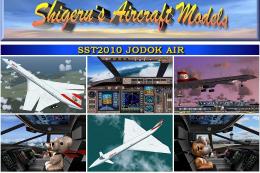
Brand new SST Europe series upgraded specifically for FS2004. Innovative conc…
 FS2004 Civil Jet Aircraft
Brand-new special SST2010 for Jodok Air of Austria, probably the world's only…
 FS2004 Civil Jet Aircraft
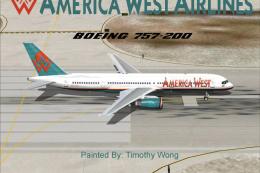
This complete freeware package for Microsoft Flight Simulator 2004 offers a d…
 FS2004 Civil Jet Aircraft
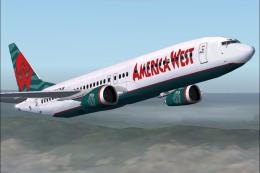
Textures only for the default B737. Repaint By Robert Hawk. Screenshot of Ame…
 FS2004 Civil Jet Aircraft
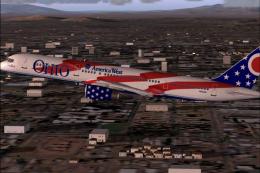
America West Boeing 757-200 "City of Columbus", registration N905AW. Textures…
 FS2004 Civil Jet Aircraft
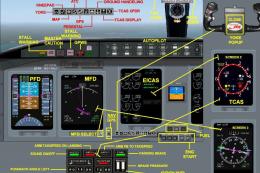
Immerse yourself in a refined rendition of the America West Express CRJ700-ER…
 FS2004 Civil Jet Aircraft
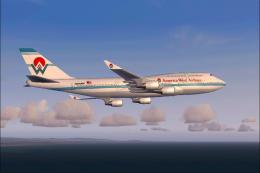
(Old livery). Model by Mitsushi Yutaka (FSPainter). Repainted by Pantee Farha…
 FS2004 Civil Jet Aircraft
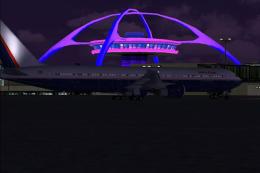
This aircraft was developed for use by America Airways pilots. Screenshot of …
Be the first to leave a comment on this download.
Be the first to share your thoughts on this download.