

 FS2004 Civil Jet Aircraft
America West Boeing 757-200RR
This complete freeware package for Microsoft Flight Simulator 2004 offers a d…
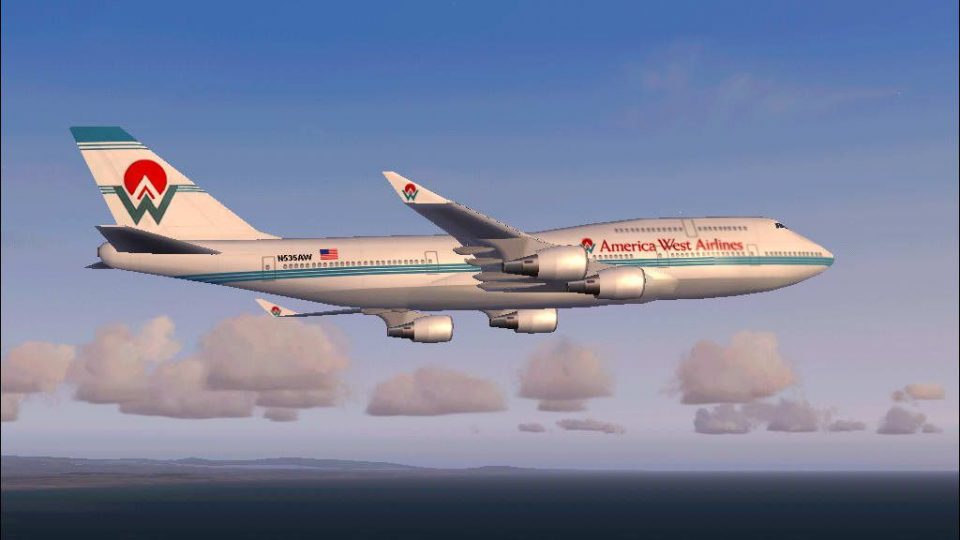
America West’s classic “old livery” comes to life on the Boeing 747-400 with an FSPainter model, included air files, and crisp exterior textures that suit high-altitude routes and ramp screenshots alike. Built for FS2004, it delivers a complete aircraft package with matching base textures and a detailed virtual cockpit-ready setup for immersive long-haul flying.
 Rate
Rate
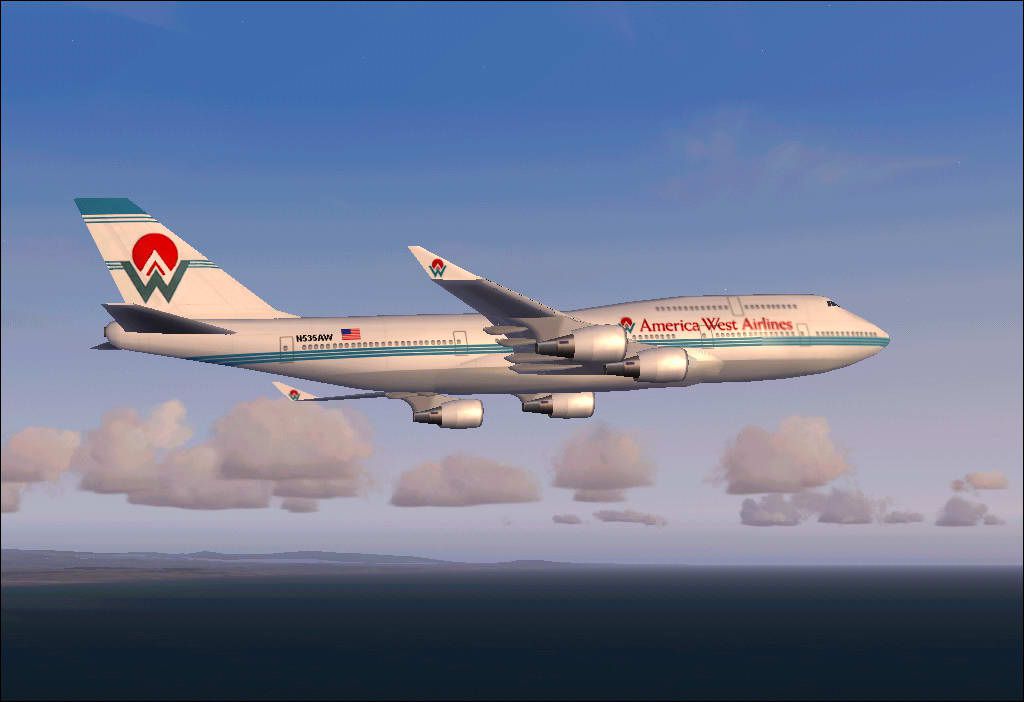

(Old livery). Model by Mitsushi Yutaka (FSPainter). Repainted by Pantee Farhangi.
Screenshot of America West Boeing 747-400 in flight.
This is a repaint of the FSPainter fabulous Boeing 747-400(model and air files ARE included)in the America West old livery which I wish to dedicate to my relatives and friends in Arizona. America West was operating some 742's(I think 2) but I guess they weren't very economical so AW stopped using them. 747 Model and base textures by FSPainter.
HOW TO INSTALL:
Since the Model and .air files are included you just need to unzip the folder to your aircraft folder and run your FS and look for FS Painter. your AW aircraft is located under that manufacture or if you wish you can change it to whatever manufacturer you want (e.g Boeing) by changing the line "ui_manufacturer=FS Painter" to "ui_manufacturer=whatever you like" in the aircraft.cfg file which you can find in your unzipped folder.
That's it, go and enjoy flying in your brand new plane!
Good Luck!
Free for all simmers · 499.01 KB · Scanned clean Oct 2026
Download speed: Free tier is capped at 0.5 Mbps. PRO members download at full line speed.
FS9\Aircraft\, FS9\Addon Scenery\, FS9\Gauges\, or FS9\Effects\.readme.txt or README file. It tells you exactly where files go, what dependencies are needed, and any quirks specific to this add-on.The archive amwsfs74.zip has 21 files and directories contained within it.
This list displays the first 500 files in the package. If the package has more, you will need to download it to view them.
| Filename/Directory | File Date | File Size |
|---|---|---|
| America_West_FSP744 | 12.30.03 | 0 B |
| TEXTURE.AW | 12.30.03 | 0 B |
| fsp_7474_l.bmp | 09.15.02 | 1.00 MB |
| fsp_7474_t.bmp | 11.14.03 | 1.00 MB |
| MODEL.V2 | 12.30.03 | 0 B |
| fsp_744v2.mdl | 04.18.03 | 545.56 kB |
| Model.cfg | 04.18.03 | 28 B |
| Sound | 12.30.03 | 0 B |
| Sound.cfg | 09.01.02 | 32 B |
| awa3.JPG | 12.31.03 | 44.84 kB |
| bf67.JPG | 12.31.03 | 40.52 kB |
| Panel | 12.30.03 | 0 B |
| panel.CFG | 11.05.01 | 32 B |
| Thumbs.db | 11.23.03 | 23.50 kB |
| AIRCRAFT.CFG | 12.30.03 | 13.57 kB |
| boeing747-400.air | 11.03.02 | 8.23 kB |
| fspainter readme.txt | 01.07.04 | 709 B |
| America West FSP744 Readme.txt | 01.07.04 | 1.23 kB |
| Pantee Farhangi!.txt | 01.07.04 | 987 B |
| flyawaysimulation.txt | 10.29.13 | 959 B |
| Go to Fly Away Simulation.url | 01.22.16 | 52 B |
Only PRO members can place votes.
More FS2004 add-ons hand-picked based on this download.
FS2004 Civil Jet Aircraft
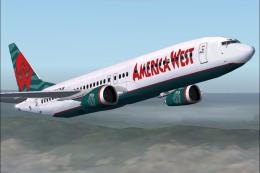
This complete freeware package for Microsoft Flight Simulator 2004 offers a d…
 FS2004 Civil Jet Aircraft
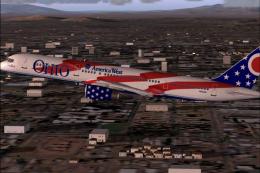
Textures only for the default B737. Repaint By Robert Hawk. Screenshot of Ame…
 FS2004 Civil Jet Aircraft
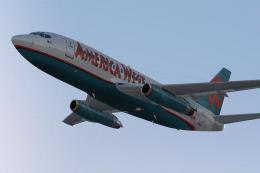
America West Boeing 757-200 "City of Columbus", registration N905AW. Textures…
 FS2004 Civil Jet Aircraft
Textures only, by Mike Mahat. Original textures by Henry William. Model by Er…
 FS2004 Civil Jet Aircraft
This carefully recreated Boeing 757-200, marked with registration N908AW and …
 FS2004 Civil Jet Aircraft
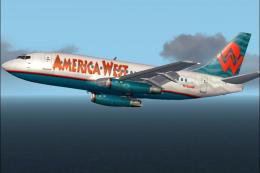
Experience a detailed representation of the America West Boeing 737-200 in Mi…
 FS2004 Civil Jet Aircraft
This package offers a meticulous rendition of the Boeing 737-200 in America W…
 FS2004 Civil Jet Aircraft
Immerse yourself in a refined rendition of the America West Express CRJ700-ER…
Be the first to leave a comment on this download.
Be the first to share your thoughts on this download.