

 FS2004 Civil Jet Aircraft
AirCal Boeing 737-200
This freeware release brings a retro AirCal Boeing 737-200 into Microsoft Fli…
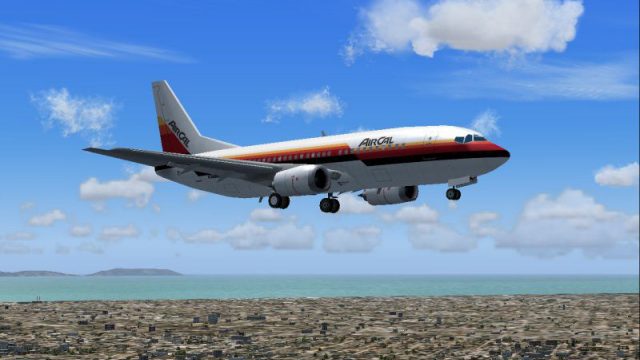
AirCal’s mid-1980s Boeing 737-300 arrives with a crisp 32-bit retro livery, pairing accurate stripes and logos with a smooth, frame-friendly AI Aardvark model featuring animated gear, flaps, and spoilers. Built as a complete aircraft package for Microsoft Flight Simulator 2004, it suits classic West Coast schedules and busy AI traffic scenes.
 Rate
Rate
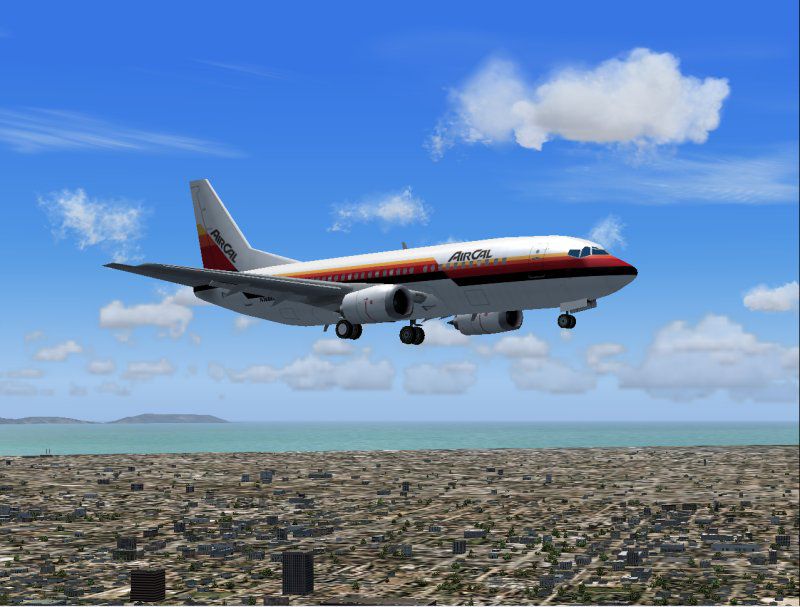
This freeware package showcases a classic Californian regional operator from the mid-1980s, later absorbed into a larger national airline. It offers a detailed Boeing 737-300 variant that seamlessly fits Microsoft Flight Simulator 2004 environments. Created by AI Aardvark and repainted by Michael Pearson, this add-on delivers a distinctive retro livery rendered in crisp 32-bit form, along with the necessary base model.
During its active years, AirCal frequently connected various cities along the West Coast, and the Boeing 737-300 was well-suited to these short and medium routes. This specific aircraft type, introduced in the mid-1980s, features CFM56 engines and improved aerodynamics when compared to earlier 737 variants. The AirCal markings depicted here reflect the era’s characteristic stripes and logos, which are accurately reproduced in vivid detail.
AI Aardvark’s model and base textures form the core of this release. Recognized for producing frame-rate-friendly assets for traffic simulations, AI Aardvark has integrated multiple animations that highlight moving parts such as flaps, spoilers, and landing gear. This add-on’s structure ensures minimal performance impact, so both cockpit flying and AI operations remain smooth.
Many flight simulation enthusiasts implement AI traffic to enhance realism at busy airports, and large numbers of aircraft can affect performance. Thanks to careful optimization, the polygon count and texture load are kept manageable, maintaining high frames per second. As a result, traffic scenes remain lively without sacrificing fluid gameplay.
Michael Pearson’s repaint brings the AirCal identity to life, meticulously capturing logos and fuselage striping. Each color tone has been refined to ensure accurate reproduction from every camera angle. The use of 32-bit textures presents nuanced shading and highlights, making close-up observation of the tail design and aircraft markings particularly engaging.
Screenshot of AirCal Boeing 737-300 in flight.
This freeware Boeing 737-300 add-on is ideal for retro-themed traffic or any user aiming to recreate classic operations in Microsoft Flight Simulator 2004. Courtesy of AI Aardvark and Michael Pearson, this package merges historical authenticity with technical proficiency for a smooth and engaging retro-jet experience.
Free for all simmers · 777.95 KB · Scanned clean Oct 2026
Download speed: Free tier is capped at 0.5 Mbps. PRO members download at full line speed.
FS9\Aircraft\, FS9\Addon Scenery\, FS9\Gauges\, or FS9\Effects\.readme.txt or README file. It tells you exactly where files go, what dependencies are needed, and any quirks specific to this add-on.The archive av733cal.zip has 19 files and directories contained within it.
This list displays the first 500 files in the package. If the package has more, you will need to download it to view them.
| Filename/Directory | File Date | File Size |
|---|---|---|
| aav b733 aircal readme.txt | 07.20.04 | 428 B |
| aav b733 aircal small.gif | 07.20.04 | 11.58 kB |
| aav b733 aircal.jpg | 07.20.04 | 84.22 kB |
| aia_737_300.air | 06.12.03 | 8.69 kB |
| Aircraft.cfg | 07.20.04 | 13.55 kB |
| model | 07.20.04 | 0 B |
| aia_737_300.mdl | 11.24.03 | 158.48 kB |
| model.cfg | 11.19.02 | 28 B |
| panel | 07.20.04 | 0 B |
| panel.cfg | 05.17.04 | 47 B |
| sound | 07.20.04 | 0 B |
| sound.cfg | 05.17.04 | 40 B |
| texture.aircal | 07.20.04 | 0 B |
| aia_737_300_l.bmp | 01.22.03 | 256.07 kB |
| aia_737_300_t.bmp | 07.20.04 | 4.00 MB |
| Thumbs.db | 07.20.04 | 11.50 kB |
| Thumbs.db | 07.20.04 | 8.00 kB |
| flyawaysimulation.txt | 10.29.13 | 959 B |
| Go to Fly Away Simulation.url | 01.22.16 | 52 B |
Only PRO members can place votes.
More FS2004 add-ons hand-picked based on this download.
FS2004 Civil Jet Aircraft
This freeware release brings a retro AirCal Boeing 737-200 into Microsoft Fli…
 FS2004 Civil Jet Aircraft
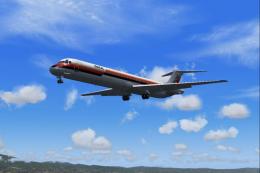
California-based regional carrier of the 1980's, later absorbed by American A…
 FS2004 Civil Jet Aircraft
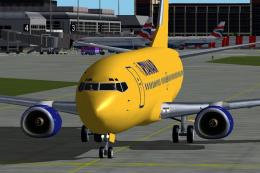
FFX Designed -Boeing 737-3Q8 Ryanair livery. Painted by Hugo & Antonia Espinosa.
 FS2004 Civil Jet Aircraft
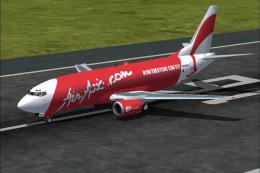
This freeware package showcases a Boeing 737-300 livery representing ASIA Air…
 FS2004 Civil Jet Aircraft
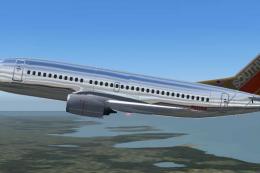
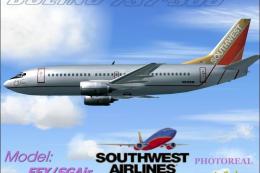
Repaint of the FFX Boeing 737-300 in the colors of Southwest Airlines "Silver…
 FS2004 Civil Jet Aircraft
Created by SGA/FFX. Textures by A J Nikoley.
 FS2004 Civil Jet Aircraft
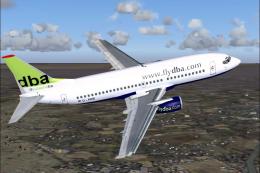
This freeware package offers a Deutsche BA Boeing 737-300 (registration D-ADI…
 FS2004 Civil Jet Aircraft
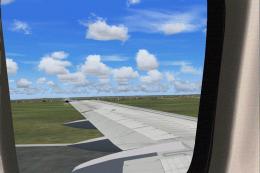
Here are a set of wing views for two of the worlds true workhorses of our air…
Be the first to leave a comment on this download.
Be the first to share your thoughts on this download.