

 FS2004 Civil Jet Aircraft
AirCal Boeing 737-300
This freeware package showcases a classic Californian regional operator from …
AirCal’s classic Boeing 737-200 arrives in Microsoft Flight Simulator 2004 with authentic 1980s-era livery, smooth flight dynamics, and an AI Aardvark model shaped for accurate proportions, full animations, and strong frame rates. The package includes 32-bit textures and complete configuration files, making it equally suited to user flights or AI traffic.
 Rate
Rate
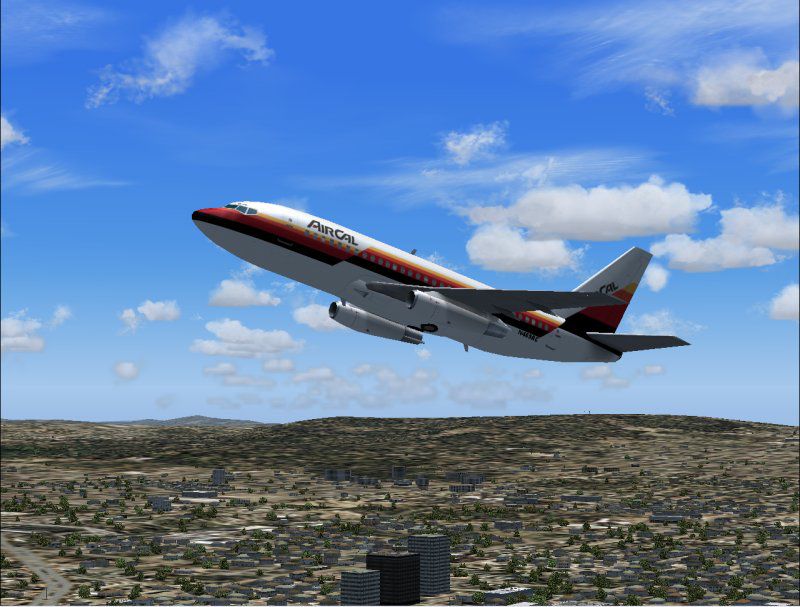
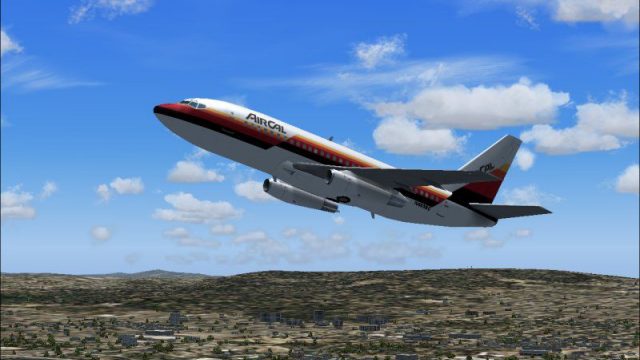
This freeware release brings a retro AirCal Boeing 737-200 into Microsoft Flight Simulator 2004, paying homage to a vibrant regional carrier well known in California during the 1980s. It includes authentic textures and fine-tuned features that simulate the original aircraft’s spirit and performance, all carefully crafted by AI Aardvark and repainted by Michael Pearson.
AirCal was a prominent regional operator that primarily served Western routes before later becoming part of American Airlines. Its distinctive livery added a bold splash of color to the skies, especially on short- to medium-haul services. This particular livery aims to replicate the airline’s characteristic palette from the era when the Boeing 737-200 reigned as a robust workhorse for domestic flights. The result is an immersive representation of AirCal’s legacy that resonates with classic aviation aficionados.
The Boeing 737-200 emerged as the second iteration of Boeing’s acclaimed 737 family, widely appreciated for its reliable performance and versatile range. Pilots often praised the -200 for its agility in short-field operations and its capacity to handle dense passenger loads efficiently. In this recreation, the flight dynamics capture the essence of the real-world aircraft’s operational profile, ensuring that sim pilots can replicate takeoffs, approaches, and landings with the type of handling expected from a classic twinjet.
The base model originates from AI Aardvark, recognized for delivering accurate exterior shapes that are exceptionally easy on system resources. High-detail animations, including numerous moving components, are balanced with frame-rate-friendly optimization. This makes the aircraft ideal not only for user-controlled flights but also for AI traffic scenarios, as it smartly handles resource usage even in busy virtual hubs.
Michael Pearson’s repaint incorporates 32-bit textures for a striking finish that aligns with the airline’s real-world branding. Subtle shading elements and precisely placed details reflect the hallmark color scheme AirCal proudly displayed in its heyday. The paint job emphasizes cabin exits, windows, wing surfaces, and tail markings, bringing the entire exterior to life without compromising performance.
Screenshot showcasing the AirCal Boeing 737-200 cruising above scenic terrain.
This download delivers the Boeing 737-200 model, textures, and necessary configuration files as a complete package. The AI Aardvark foundation removes the need for additional prerequisites, enabling a straightforward installation process that places a fully operational 737-200 into your virtual hangar. The developers have designed everything with simplicity in mind, maintaining core realism while keeping setup steps streamlined.
Whether you intend to incorporate this aircraft into AI traffic patterns or simulate cockpit procedures personally, this edition captures the essence of classic American regional travel, reflecting the 1980s aviation scene. It seamlessly merges aesthetic fidelity and functional detail, ensuring an authentic and enjoyable simulation experience for those exploring vintage airline operations.
Free for all simmers · 892.49 KB · Scanned clean Oct 2026
Download speed: Free tier is capped at 0.5 Mbps. PRO members download at full line speed.
FS9\Aircraft\, FS9\Addon Scenery\, FS9\Gauges\, or FS9\Effects\.readme.txt or README file. It tells you exactly where files go, what dependencies are needed, and any quirks specific to this add-on.The archive av732cal.zip has 19 files and directories contained within it.
This list displays the first 500 files in the package. If the package has more, you will need to download it to view them.
| Filename/Directory | File Date | File Size |
|---|---|---|
| aav b732 aircal readme.txt | 07.20.04 | 428 B |
| aav b732 aircal small.gif | 07.20.04 | 12.11 kB |
| aav b732 aircal.jpg | 07.20.04 | 90.09 kB |
| aia_737_200.air | 06.12.03 | 8.69 kB |
| Aircraft.cfg | 07.20.04 | 13.10 kB |
| model | 07.20.04 | 0 B |
| aia_737_200.mdl | 12.12.03 | 336.86 kB |
| model.cfg | 04.08.03 | 28 B |
| panel | 07.20.04 | 0 B |
| panel.cfg | 06.06.04 | 34 B |
| sound | 07.20.04 | 0 B |
| sound.cfg | 05.17.04 | 40 B |
| texture.aircal | 07.20.04 | 0 B |
| AIA_737_200_l.bmp | 06.26.03 | 1.33 MB |
| AIA_737_200_t.bmp | 07.20.04 | 4.00 MB |
| Thumbs.db | 07.20.04 | 12.00 kB |
| Thumbs.db | 07.20.04 | 8.00 kB |
| flyawaysimulation.txt | 10.29.13 | 959 B |
| Go to Fly Away Simulation.url | 01.22.16 | 52 B |
Only PRO members can place votes.
More FS2004 add-ons hand-picked based on this download.
FS2004 Civil Jet Aircraft
This freeware package showcases a classic Californian regional operator from …
 FS2004 Civil Jet Aircraft
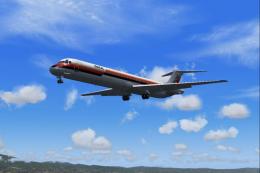
California-based regional carrier of the 1980's, later absorbed by American A…
 FS2004 Civil Jet Aircraft
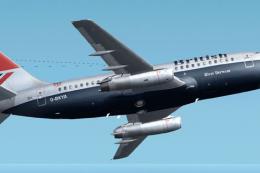
This is a repaint of Erick Cantu's new Boeing 737-200 in the colors British A…
 FS2004 Civil Jet Aircraft
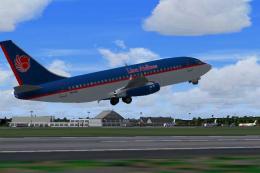
Lion Airlines Boeing 737-200, for AI traffic. Repaint by Aswandana. Model by …
 FS2004 Civil Jet Aircraft
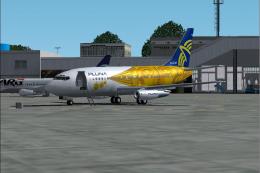
This freeware Boeing 737-200 package brings the PLUNA (Primeras Líneas Urugua…
 FS2004 Civil Jet Aircraft
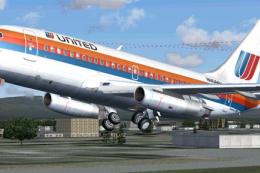
This is a repaint of Erick Cantu's new Boeing 737-200 in the colors of United…
 FS2004 Civil Jet Aircraft
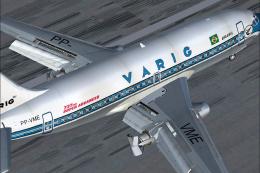
This freeware package for Microsoft Flight Simulator 2004 showcases a classic…
 FS2004 Civil Jet Aircraft
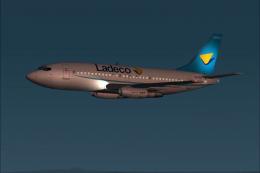
updated. This is the Boeing 737-200 project for Flight Sim 2002. The B737-200…
Be the first to leave a comment on this download.
Be the first to share your thoughts on this download.