

 FS2004 Civil Jet Aircraft
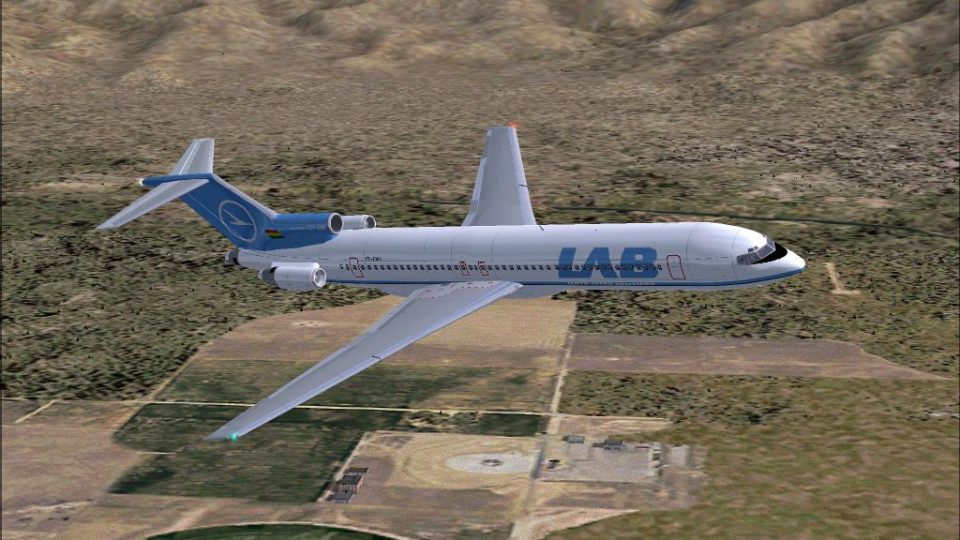
LAB Airlines Boeing 727-200
This freeware repaint offers a classic LAB Airlines livery specifically for t…
LAB Boeing 727-200 repaint delivers a classic Northwest Airlines-style scheme with authentic CP1366 registration and matching LAB callsign details for a period-correct ramp presence in FS2004. Textures only, it requires SB7222.ZIP and complements Mike Stone’s GMAX 727-200 with crisp exterior markings designed for reliable AI and user flights.
 Rate
Rate
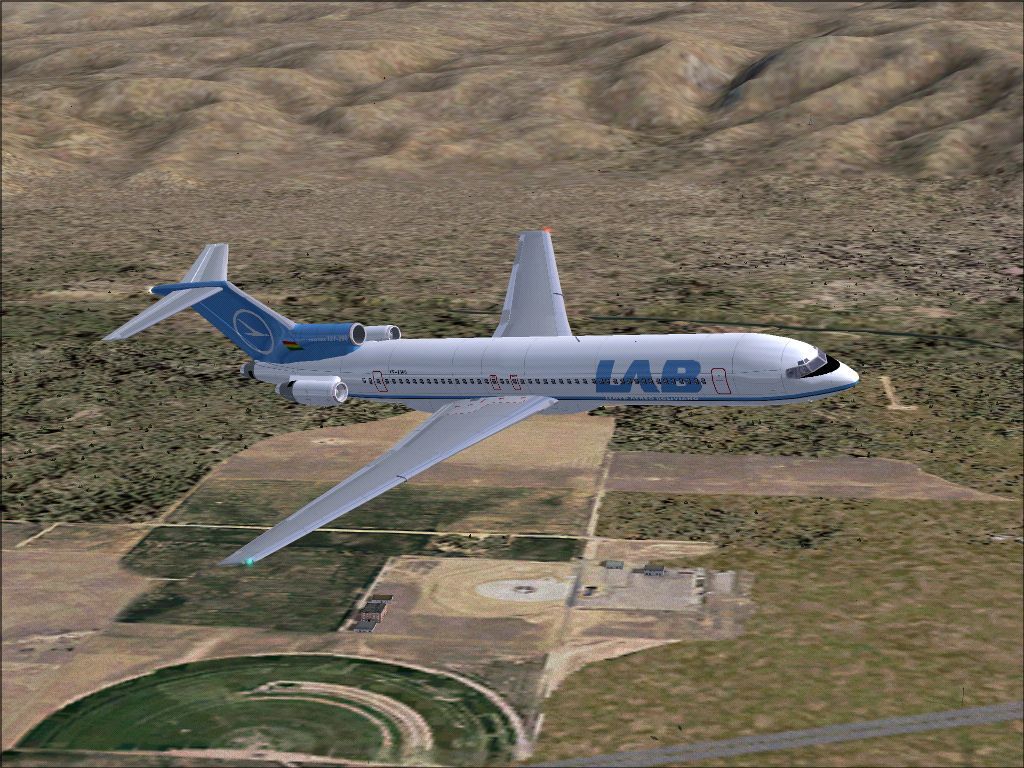
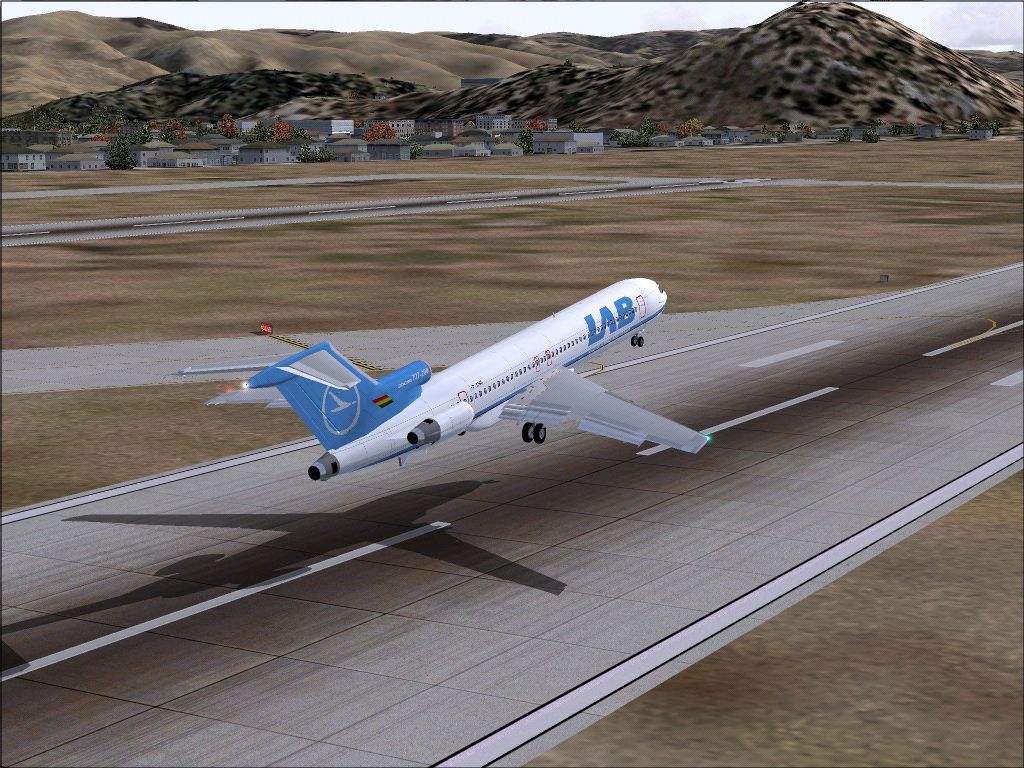

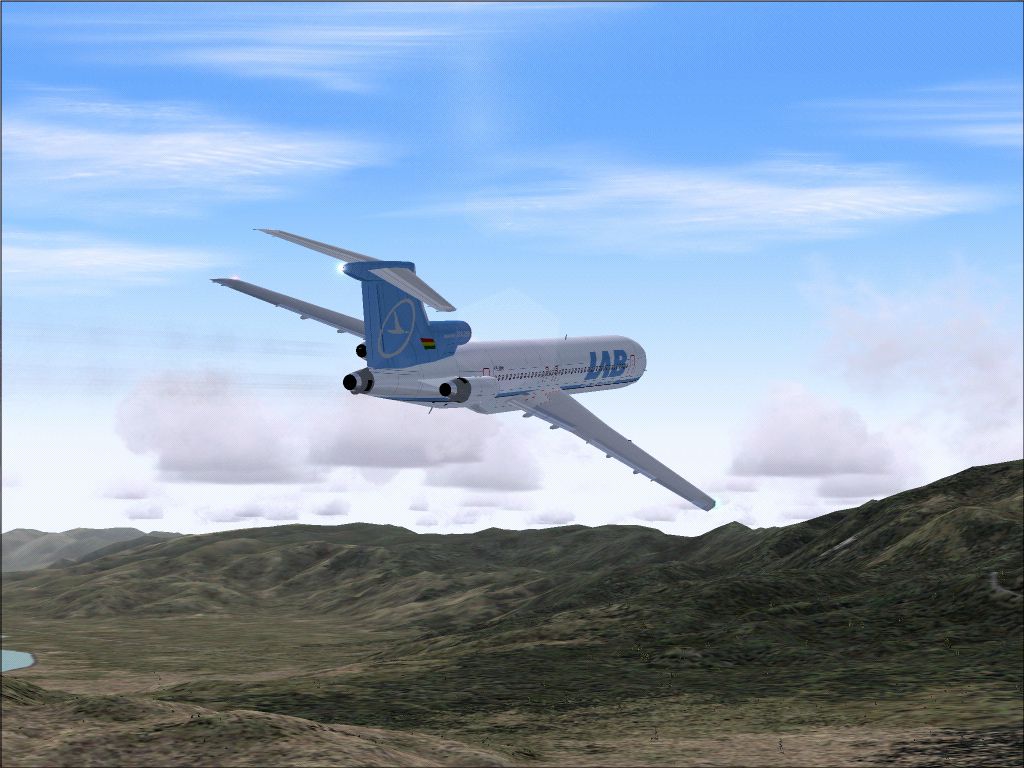
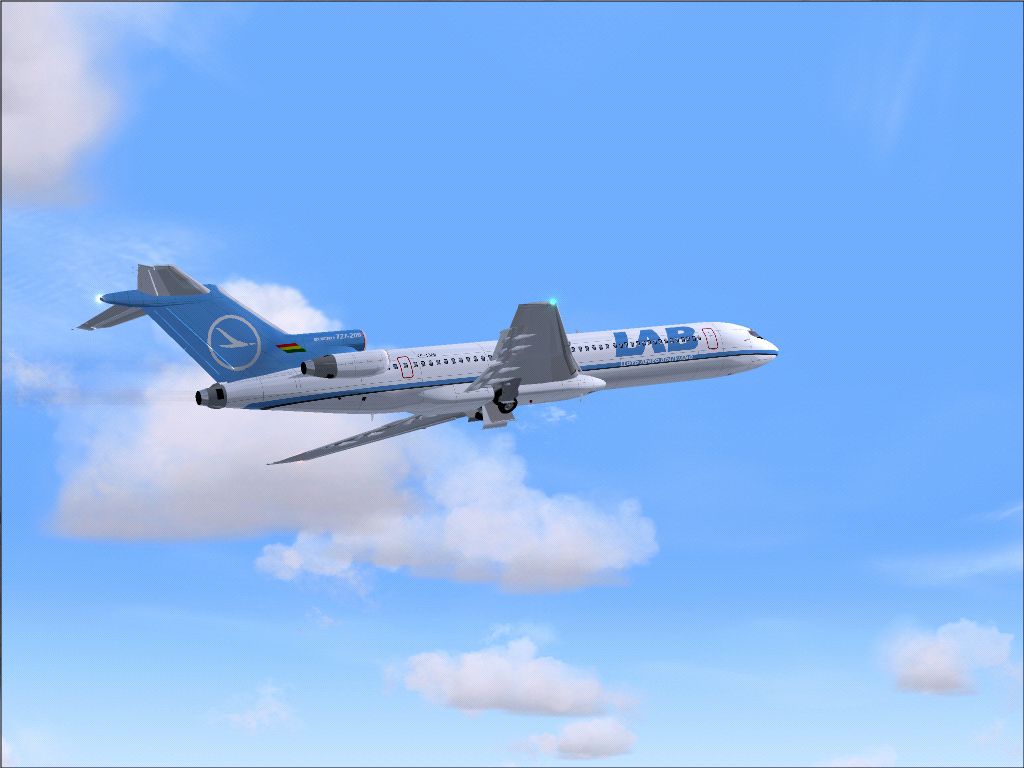
Textures only; requires SB7222.ZIP. Original model by Mike Stone. Livery by Garry Kentzell.
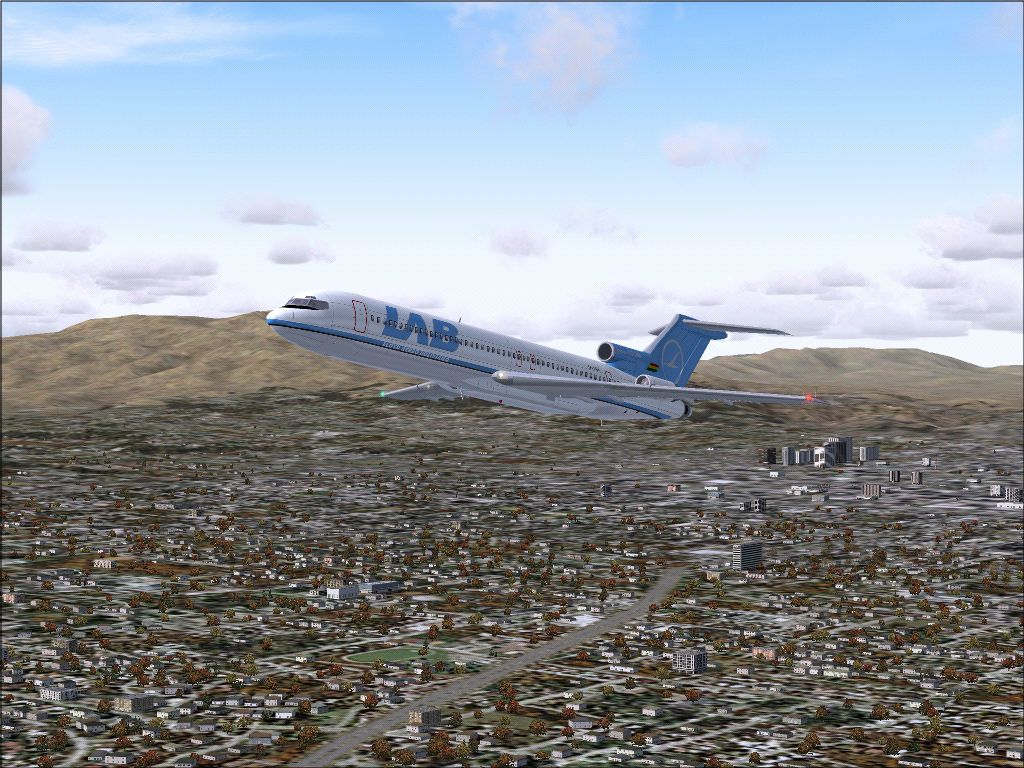
Screenshot of LAB Boeing 727-200 taking off.
You will need Mike Stone's Boeing 727. This is a repaint only! Just copy and paste in to your aircraft config file, replace .x with the next number in your config file.
[fltsim.X]

	title=Boeing 727-200 LAB

	sim=b727

	model=

	panel=

	sound=

	texture=lab

	kb_checklists=

	kb_reference=

	atc_id=CP1366

	atc_airline=LAB

	atc_flight_number=231

	ui_manufacturer=Boeing

	ui_type=727-200

	ui_variation=LAB

	description=Northwest Airlines livery of the Boeing 727-200, GMAX model by Mike Stone, Repaint By Garry Kentzell

	atc_heavy=0
Free for all simmers · 3.9 MB · Scanned clean Sep 2026
Download speed: Free tier is capped at 0.5 Mbps (this file takes approximately 1 min at the cap). PRO members download at full line speed.
FS9\Aircraft\, FS9\Addon Scenery\, FS9\Gauges\, or FS9\Effects\.readme.txt or README file. It tells you exactly where files go, what dependencies are needed, and any quirks specific to this add-on.The archive lab-727.zip has 29 files and directories contained within it.
This list displays the first 500 files in the package. If the package has more, you will need to download it to view them.
| Filename/Directory | File Date | File Size |
|---|---|---|
| readme lab.txt | 11.14.04 | 651 B |
| ScreenShot02.jpg | 11.14.04 | 720.99 kB |
| ScreenShot03.jpg | 11.14.04 | 512.74 kB |
| ScreenShot04.jpg | 11.14.04 | 751.99 kB |
| ScreenShot05.jpg | 11.14.04 | 639.22 kB |
| ScreenShot06.jpg | 11.14.04 | 754.93 kB |
| ScreenShot07.jpg | 11.14.04 | 595.41 kB |
| cowl_l.bmp | 11.13.04 | 65.05 kB |
| cowl_t.bmp | 11.14.04 | 64.07 kB |
| eng_l.bmp | 11.13.04 | 17.05 kB |
| eng_t.bmp | 11.14.04 | 16.07 kB |
| fdoor_l.bmp | 11.13.04 | 17.05 kB |
| fdoor_t.bmp | 11.14.04 | 16.07 kB |
| fuslg_l.bmp | 11.13.04 | 1.00 MB |
| fuslg_t.bmp | 11.14.04 | 1.00 MB |
| lwing_l.bmp | 11.13.04 | 1.00 MB |
| lwing_t.bmp | 11.14.04 | 1.00 MB |
| pods_l.bmp | 11.13.04 | 65.05 kB |
| pods_t.bmp | 11.13.04 | 64.07 kB |
| pylons_l.bmp | 11.13.04 | 17.05 kB |
| pylons_t.bmp | 11.14.04 | 16.07 kB |
| rwing_l.bmp | 11.13.04 | 1.00 MB |
| rwing_t.bmp | 11.14.04 | 1.00 MB |
| stab_l.bmp | 11.13.04 | 257.05 kB |
| stab_t.bmp | 11.13.04 | 256.07 kB |
| tail_l.bmp | 11.13.04 | 256.07 kB |
| tail_t.bmp | 11.14.04 | 256.07 kB |
| flyawaysimulation.txt | 10.29.13 | 959 B |
| Go to Fly Away Simulation.url | 01.22.16 | 52 B |
Only PRO members can place votes.
More FS2004 add-ons hand-picked based on this download.
FS2004 Civil Jet Aircraft
This freeware repaint offers a classic LAB Airlines livery specifically for t…
 FS2004 Civil Jet Aircraft
This freeware repaint showcases the unique Ekeko-themed livery of LAB Airline…
 FS2004 Civil Jet Aircraft
This remarkable Air Florida Boeing 727-200 rendition brings the classic tri-j…
 FS2004 Civil Jet Aircraft
The Vistaliners B727 includes all the latest features from wingflex to ground…
 FS2004 Civil Jet Aircraft
This freeware package features a distinctive UPS Boeing 727-200 created for M…
 FS2004 Civil Jet Aircraft
Includes Air Gemini and Angola Airlines Based on real aircraft, with reflecti…
 FS2004 Civil Jet Aircraft
AI-AARDVARK 727-200 Avianca livery. Model/Base Paint/FDE by: David Rawlins Pa…
 FS2004 Civil Jet Aircraft
A repaint of Erick Cantu's Vistaliners B727-200. Repaint by Vincent v/d Hof. …
Be the first to leave a comment on this download.
Be the first to share your thoughts on this download.