

 FS2004 Propeller Aircraft
Bluestream Airlines VA Beech G-18
Bluestream Airlines VA Beech Super G-18, registration N951BS and N952BS. Base…
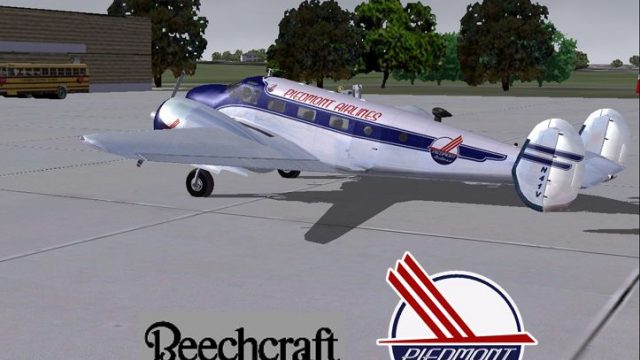
Piedmont Airlines colors bring classic regional airline character to the Beechcraft D18, enhancing period-correct flying with authentic exterior markings and a polished finish for FS2004. Designed for Milton Shupe, Scott Thomas and Andre Folkers’ Beech 18 package, it requires D18SVC4.ZIP and suits vintage routes with a cohesive, airline-ready look.
 Rate
Rate
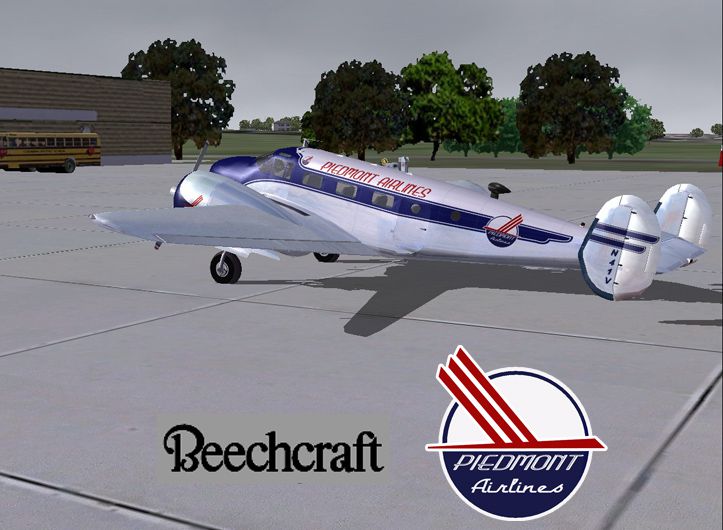
A repaint for the Beechcraft D18 by Milton Shupe, Scott Thomas and Andre Folkers, D18SVC4.ZIP is required. By Glenn Baker.
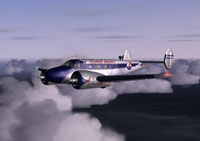
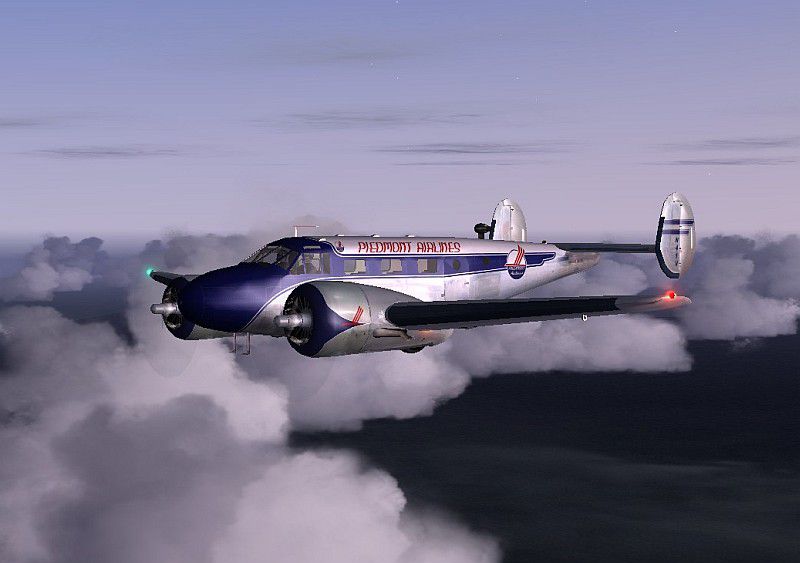
Screenshot of Piedmont Airlines Beech 18 flying above the clouds.
Free for all simmers · 2.27 MB · Scanned clean Sep 2026
Download speed: Free tier is capped at 0.5 Mbps. PRO members download at full line speed.
FS9\Aircraft\, FS9\Addon Scenery\, FS9\Gauges\, or FS9\Effects\.readme.txt or README file. It tells you exactly where files go, what dependencies are needed, and any quirks specific to this add-on.The archive pdmtaln.zip has 16 files and directories contained within it.
This list displays the first 500 files in the package. If the package has more, you will need to download it to view them.
| Filename/Directory | File Date | File Size |
|---|---|---|
| Beech 18 READ_ME.rtf | 07.30.05 | 2.34 kB |
| Scrshot475pp.jpg | 07.29.05 | 58.50 kB |
| Scrshot480hh.gif | 07.30.05 | 10.62 kB |
| Scrshot480hh.jpg | 07.30.05 | 205.77 kB |
| texture.pa | 07.30.05 | 0 B |
| eng0_t.bmp | 07.29.05 | 1.00 MB |
| eng1_t.bmp | 07.29.05 | 1.00 MB |
| fuse_t.bmp | 07.29.05 | 1.00 MB |
| tail_t.bmp | 07.29.05 | 1.00 MB |
| Thumbs.db | 07.29.05 | 29.00 kB |
| wings_t.bmp | 07.29.05 | 1.00 MB |
| Thumbs.db | 07.30.05 | 26.00 kB |
| Piedmont Airlines | 07.30.05 | 0 B |
| Beech 18 READ_ME.rtf | 07.30.05 | 2.34 kB |
| flyawaysimulation.txt | 10.29.13 | 959 B |
| Go to Fly Away Simulation.url | 01.22.16 | 52 B |
Only PRO members can place votes.
More FS2004 add-ons hand-picked based on this download.
FS2004 Propeller Aircraft
Bluestream Airlines VA Beech Super G-18, registration N951BS and N952BS. Base…
 FS2004 Propeller Aircraft
This paint is for the Beechcraft D18 by Milton Shupe, Scott Thomas and Andre …
 FS2004 Propeller Aircraft
Modeled after the DC3 owned by the Carolinas Aviation Museum. Textures only f…
 FS2004 Propeller Aircraft
This release features a carefully crafted repaint representing Piedmont Airli…
 FS2004 Propeller Aircraft
"Potomac Pacemaker", registration N56V. Textures only for the MAAM-Sim DC3 mo…
 FS2004 Propeller Aircraft
Fictitious Buffalo Airways livery for the Beechcraft D18S by Milton Shupe, Sc…
 FS2004 Propeller Aircraft
Repaint of 67296 based at Quonset Point. This aircraft found its last resting…
 FS2004 Propeller Aircraft
Textures only of a Beechcraft D18 in the old colors of Circo Aereo (Air Circu…
Be the first to leave a comment on this download.
Be the first to share your thoughts on this download.