

 FSX Propliners
TAME Ecuador Douglas C-47 HC-AUV
Textures only, you will need the payware DC-3 Legends Of Flight base model by…
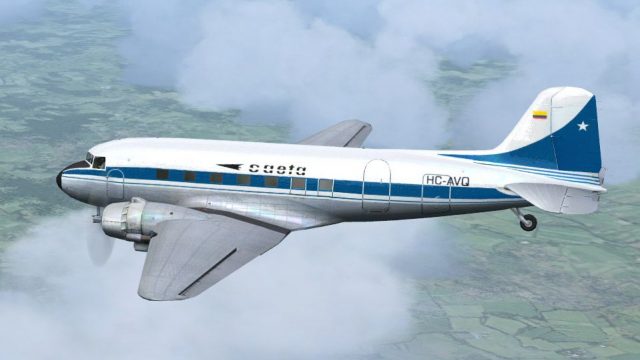
Saeta Ecuador’s Douglas DC-3 HC-AVQ repaint captures the airline’s 1972-era look with crisp, high-resolution markings, accurate registration placement, and a period-correct color palette that suits classic piston flying. Built for the default DC-3 in Microsoft Flight Simulator X, it requires the original aircraft model for proper use.
 Rate
Rate
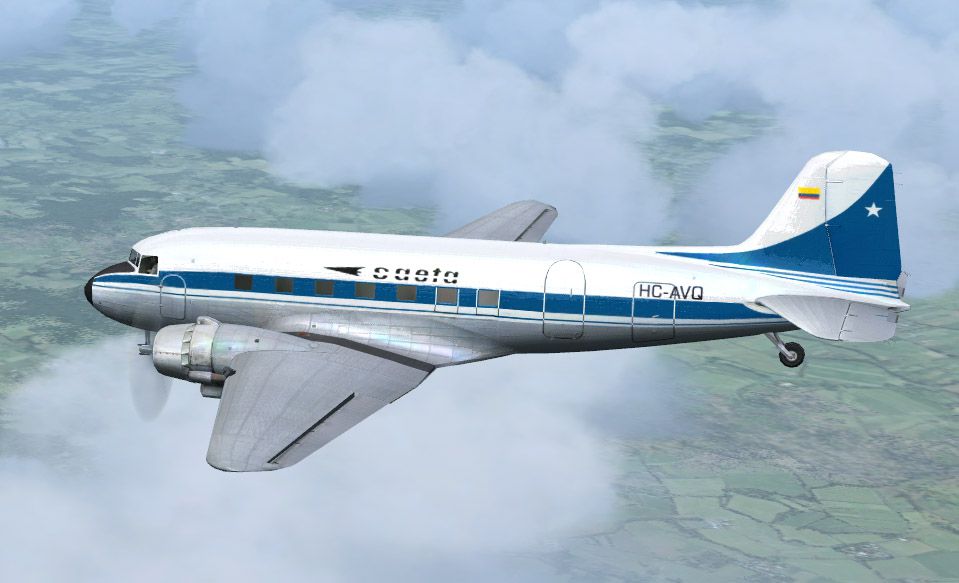
This freeware repaint represents the historic Douglas DC-3 wearing Saeta Ecuador’s HC-AVQ livery from around 1972. Saeta—short for Sociedad Anonima Ecuatoriana de Transportes Aereos—operated out of Ecuador and served both domestic and regional routes, providing vital links across the country’s diverse terrain. Created by Alex Colka, these textures are intended for the default DC-3 included with Microsoft Flight Simulator X (FSX). No base model is included, so the original default aircraft is required for proper installation. The freeware model needed is available in the Fly Away Simulation library.
The Douglas DC-3 revolutionized commercial aviation by offering reliability, cost-effectiveness, and comfortable passenger accommodations. Fitted with two robust piston engines, it famously contributed to airline profitability during the late 1930s and 1940s. In Ecuador, the DC-3’s capability to handle challenging short-field operations suited the country’s mountainous airports, furthering Saeta’s reach. Although technology advanced over time, this aircraft still garners admiration for its enduring airworthiness and distinct radial-engine sound.
Screenshot depicting the DC-3 HC-AVQ in action.
Once the default DC-3 is confirmed installed in FSX, incorporate these textures by adding the following section to the aircraft.cfg file within the DC-3 folder. Ensure that [fltsim.x] is sequentially updated to reflect the next available entry.
[fltsim.x]

title=Douglas DC-3 Saeta

sim=Douglas_DC3

model=

panel=

sound=

texture=Saeta

kb_checklists=Douglas_DC3_check

kb_reference=Douglas_DC3_ref

atc_id="HC-AVQ"

atc_airline="Saeta"

atc_flight_number="300"

atc_id_color=0xffffffff

ui_manufacturer="Douglas"

ui_type="DC-3"

ui_variation="Saeta"

ui_typerole="Twin Engine Prop"

ui_createdby="Microsoft Corporation"

description="The Douglas DC-3 revolutionized air transportation and airline service during the 1930s and 1940s. It was a luxury airliner that boasted cabin heat and running water in its on-board lavatory. With the right balance of efficiency, range, speed, and payload, the DC-3 was the first aircraft to earn a profit for its owners just by carrying passengers. The hero of early airlines, a handful of DC-3s are still at work today."
After saving these changes, load Microsoft Flight Simulator X, locate the new Saeta DC-3 entry, and enjoy a truly classic aircraft experience. Credits go to Alex Colka for dedicating time to replicate this Ecuadorian livery as part of this freeware release. No other files are included, so the default aircraft model is essential.
Free for all simmers · 2.08 MB · Scanned clean Oct 2026
Download speed: Free tier is capped at 0.5 Mbps. PRO members download at full line speed.
texture.{airline}) inside FSX\SimObjects\Airplanes\{base-aircraft}\.aircraft.cfg in Notepad. Add a new [fltsim.X] section per the readme.readme.txt or README file. It tells you exactly where files go, what dependencies are needed, and any quirks specific to this add-on.The archive dc3_saex.zip has 6 files and directories contained within it.
This list displays the first 500 files in the package. If the package has more, you will need to download it to view them.
| Filename/Directory | File Date | File Size |
|---|---|---|
| texture.Saeta.zip | 06.06.08 | 1.98 MB |
| Image.jpg | 06.06.08 | 114.93 kB |
| aircraft.cfg | 06.06.08 | 815 B |
| File_Id.diz | 06.06.08 | 168 B |
| flyawaysimulation.txt | 10.29.13 | 959 B |
| Go to Fly Away Simulation.url | 01.22.16 | 52 B |
Only PRO members can place votes.
More FSX & P3D add-ons hand-picked based on this download.
FSX Propliners
Textures only, you will need the payware DC-3 Legends Of Flight base model by…
 FSX Propliners
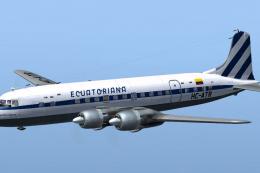
You will need the payware DC-6B base model by Just Flight. Textures repaint b…
 FSX Propliners
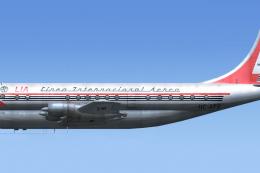
Linea Internacional Aerea de Ecuador operated one Boeing Model 377-10 Stratoc…
 FSX Propliners
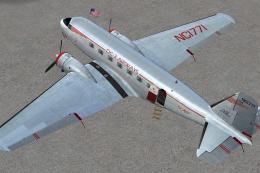
This carefully crafted repaint showcases a gleaming bare metal finish on a Do…
 FSX Propliners
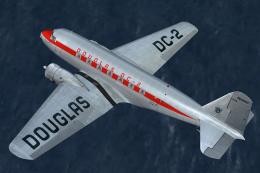
This freeware package offers a custom livery repaint for the payware Douglas …
 FSX Propliners
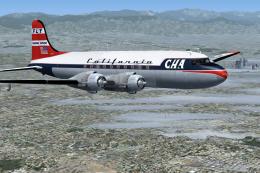
This is a mega pack containing a highly detailed Douglas DC-4 & C-54 model fo…
 FSX Propliners
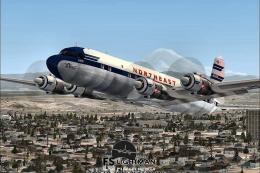
The flight model was created by Classic Airliners. All other updates were add…
 FSX Propliners
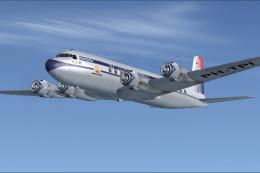
This package includes the DC6 in its earliest form with short nose (no weathe…
Read what other simmers think, or add your own.

I have prepar3D v4 so how can I download or install.. is virtual cockpit include is it original fsx virtual cockpit regards