

 FSX Propliners
DC-3 Airways Douglas DC-2 Bare Metal Livery
This carefully crafted repaint showcases a gleaming bare metal finish on a Do…
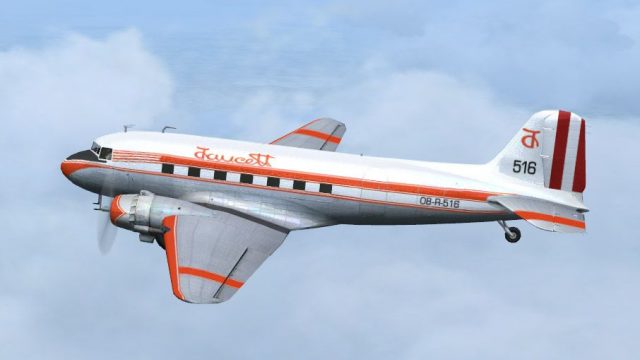
Faucett Peru’s Douglas DC-3 OB-R-516 comes to life in a 1967-era repaint with authentic Peruvian airline markings and crisp fuselage and tail detailing, ideal for vintage piston operations with a matching virtual cockpit feel. Built for the default DC-3 in Microsoft Flight Simulator X, it requires the original base pack.
 Rate
Rate
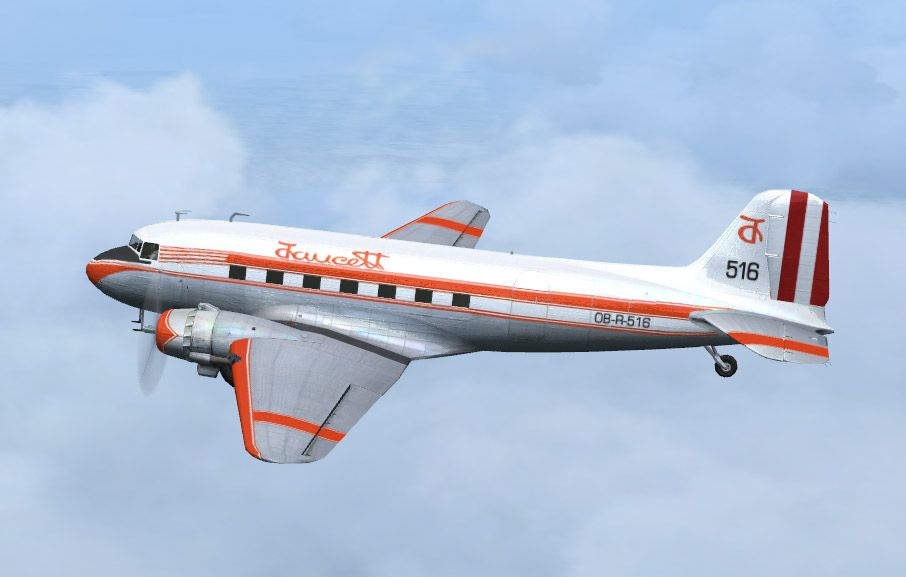
This freeware repaint faithfully represents the DC-3 registration OB-R-516 operated by Faucett Peru around 1967, specifically adapted for the default Douglas DC-3 in Microsoft Flight Simulator X. Users looking to immerse themselves in a classic Peruvian airline atmosphere will appreciate the authentic livery set, though they must obtain the original base pack from the Fly Away Simulation library to complete this installation. Repaint by Alex Colka.
Faucett Peru, recognized for its early commercial aviation services, utilized various piston-driven transports across South American routes. This particular registration, OB-R-516, embodies the carrier’s unique visual scheme from an era when Douglas DC-3 aircraft were central to many fleets worldwide. The DC-3 itself, featuring twin radial engines and a robust airframe, revolutionized civil aviation by combining reliable performance with improved passenger comfort for its time.
In-flight view showcasing the distinct Faucett Peru livery, with crisp detailing on the fuselage and tail surfaces.
These textures are supplied exclusively as a repaint for the default DC-3. Aerodynamic refinements remain untouched, ensuring flight characteristics will match the core Microsoft Flight Simulator X model. To activate the repaint, update your aircraft configuration file with the lines shown below. Replace the “[x]” in the bracket with the next available entry number:
[fltsim.x]

title=Douglas DC-3 Faucett

sim=Douglas_DC3

model=

panel=

sound=

texture=Faucett

kb_checklists=Douglas_DC3_check

kb_reference=Douglas_DC3_ref

atc_id="OB-R-516"

atc_airline="Faucett"

atc_flight_number="300"

atc_id_color=0xffffffff

ui_manufacturer="Douglas"

ui_type="DC-3"

ui_variation="Faucett"

ui_typerole="Twin Engine Prop"

ui_createdby="Microsoft Corporation"

description="This repaint depicts Douglas DC-3 OB-R-516 flown by Faucett Peru in the late 1960s. The legendary DC-3 offered a balance of range, speed, and passenger comfort that changed air travel. Textures only by Alex Colka."
This repaint owes its creation to the efforts of developer and artist Alex Colka. Additional thanks go to the broader simulation community for supporting both the DC-3 and the legacy of classic operators like Faucett Peru. Downloaders will need to secure the freeware base model from Fly Away Simulation to enjoy these historic textures in full.
Free for all simmers · 2.03 MB · Scanned clean Oct 2026
Download speed: Free tier is capped at 0.5 Mbps. PRO members download at full line speed.
texture.{airline}) inside FSX\SimObjects\Airplanes\{base-aircraft}\.aircraft.cfg in Notepad. Add a new [fltsim.X] section per the readme.readme.txt or README file. It tells you exactly where files go, what dependencies are needed, and any quirks specific to this add-on.The archive dc3_faux.zip has 6 files and directories contained within it.
This list displays the first 500 files in the package. If the package has more, you will need to download it to view them.
| Filename/Directory | File Date | File Size |
|---|---|---|
| texture.Faucett.zip | 06.06.08 | 1.95 MB |
| aircraft.cfg | 06.06.08 | 825 B |
| Image.jpg | 06.03.08 | 87.59 kB |
| File_Id.diz | 06.06.08 | 168 B |
| flyawaysimulation.txt | 10.29.13 | 959 B |
| Go to Fly Away Simulation.url | 01.22.16 | 52 B |
Only PRO members can place votes.
More FSX & P3D add-ons hand-picked based on this download.
FSX Propliners
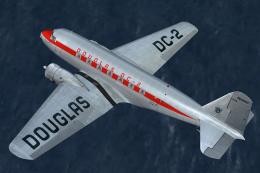
This carefully crafted repaint showcases a gleaming bare metal finish on a Do…
 FSX Propliners
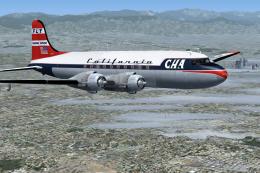
This freeware package offers a custom livery repaint for the payware Douglas …
 FSX Propliners
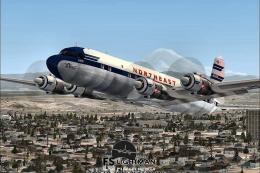
This is a mega pack containing a highly detailed Douglas DC-4 & C-54 model fo…
 FSX Propliners
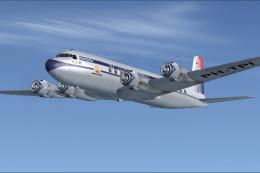
The flight model was created by Classic Airliners. All other updates were add…
 FSX Propliners
This package includes the DC6 in its earliest form with short nose (no weathe…
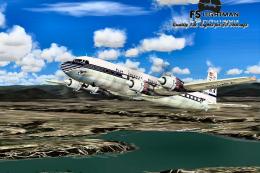 FSX Propliners
Pan Am Douglas DC-7 in Pan American 1990's livery. DC7 model by Classic Airli…
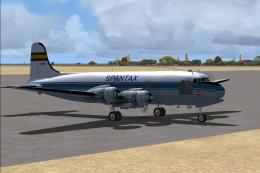 FSX Propliners
Complete aircraft of classic DC4 54 from Spantax Airline with virtual cockpit…
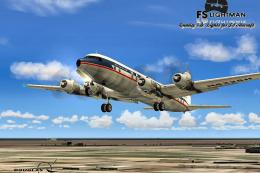 FSX Propliners
National Douglas DC-6B. Model by Tom Gibson. Repaint by David Grindele. Scree…
Be the first to leave a comment on this download.
Be the first to share your thoughts on this download.