

 FSX Military Aircraft
USAF MATS Boeing C97G Stratofreighter
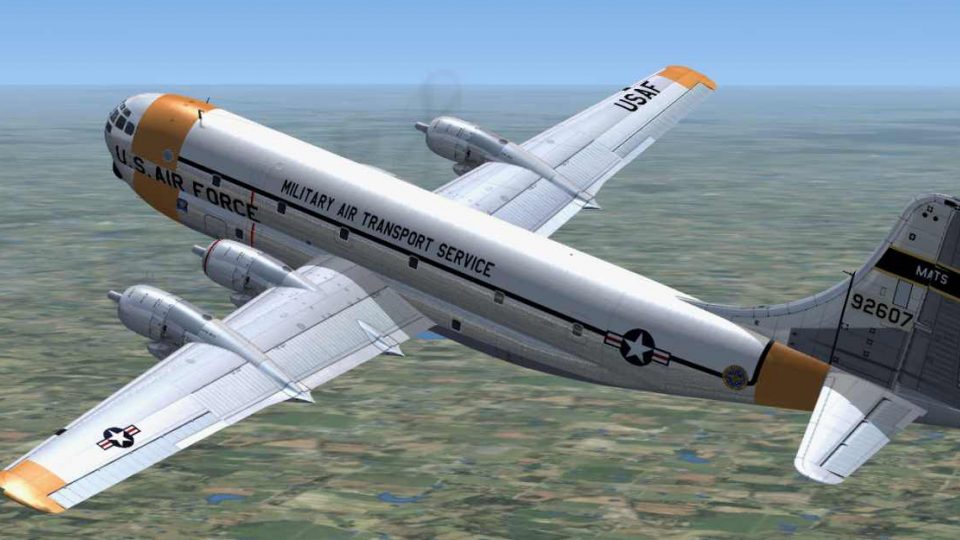
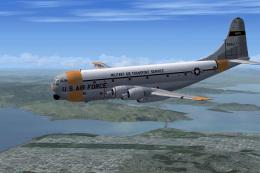
This is a repaint of a C97 in early US Air Force Military Air Transport color…
USAF Boeing C-97G MATS textures bring a convincing polished aluminum sheen to the Stratofreighter in FSX, capturing a historic airframe associated with a WWII fighter pilot who later flew for NASA. Requires Manfred Jahn and Team Strat’s C-97G base pack update, with optional GLOENVTS files for enhanced reflectivity.
 Rate
Rate
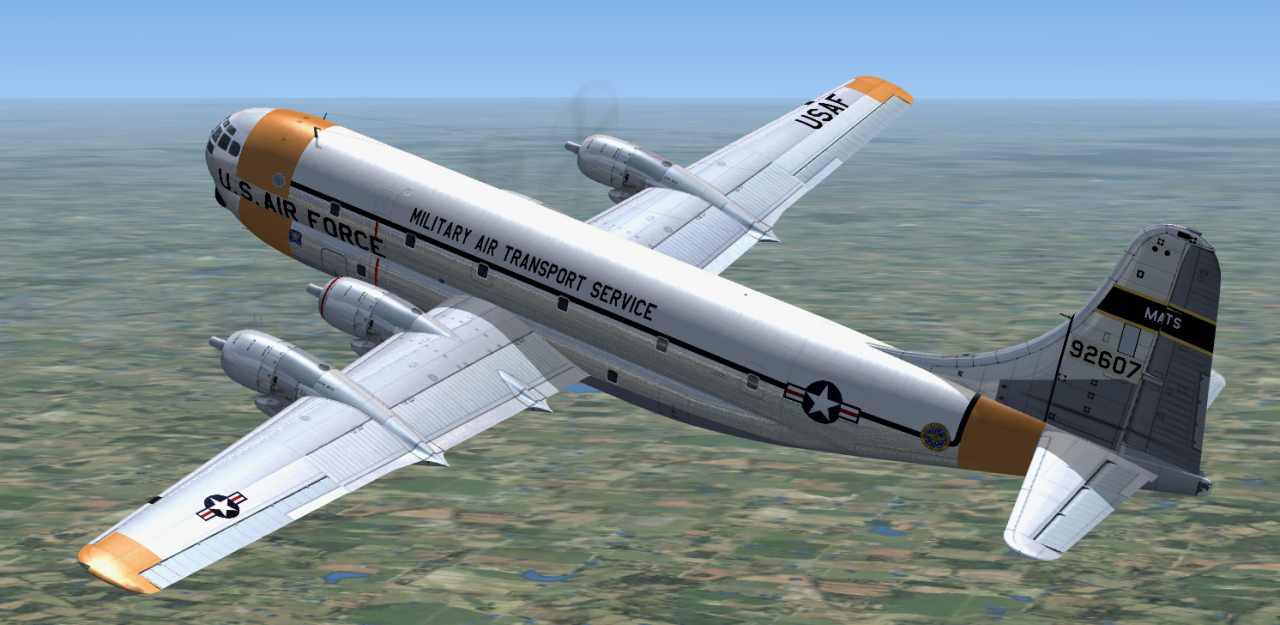

This update allows for a shiny aluminum effect not present in earlier versions. It is suggested that GLOENVTS.ZIP be downloaded. Copy the two files in it to the main FSX texture folder and overwrite those present. Original files are contained in the download that you can copy back into the texture folder if the new ones prove unsatisfactory. This US Air Force aircraft was piloted by a World War 2 fighter pilot who postwar flew the C97 and later flew for NASA. These textures are for use with the C-97G Stratofreighter sim (requires C-97BP_UPDATE.ZIP) by Manfred Jahn and Team Strat, a work in progress. By Dave McQueen.
Screenshot of USAF Boeing C97G MATS in flight.
Installation:
[fltsim.XX]

title=Boeing C-97G USAF 92607

sim=C97_gen

model=C97G

panel=

sound=C97G

texture=Jesse

kb_checklists=C97_check

kb_reference=C97_ref

atc_airline=AIR FORCE

atc_flight_number=92607// max 5 digits, use same as for atc_id below

ui_manufacturer=Boeing

ui_type=Stratofreighter

ui_variation=C-97G 92607

atc_heavy=0

atc_id=92607

description=

ui_createdby="Team Strat."
Free for all simmers · 3.95 MB · Scanned clean Oct 2026
Download speed: Free tier is capped at 0.5 Mbps (this file takes approximately 1 min at the cap). PRO members download at full line speed.
This file is a repaint — the packages below are the base model it paints onto. Install them first, or the textures will have nothing to load onto.
texture.{airline}) inside FSX\SimObjects\Airplanes\{base-aircraft}\.aircraft.cfg in Notepad. Add a new [fltsim.X] section per the readme.readme.txt or README file. It tells you exactly where files go, what dependencies are needed, and any quirks specific to this add-on.The archive c97g92607.zip has 21 files and directories contained within it.
This list displays the first 500 files in the package. If the package has more, you will need to download it to view them.
| Filename/Directory | File Date | File Size |
|---|---|---|
| C97_01.dds | 07.12.15 | 4.00 MB |
| C97_01_BUMP.dds | 06.06.15 | 1.00 MB |
| C97_01_spec.dds | 07.12.15 | 4.00 MB |
| C97_02.dds | 07.13.15 | 4.00 MB |
| C97_02_BUMP.dds | 06.06.15 | 1.00 MB |
| C97_02_spec.dds | 07.13.15 | 4.00 MB |
| C97_03.dds | 07.13.15 | 4.00 MB |
| C97_03_BUMP.dds | 05.08.15 | 1.00 MB |
| C97_03_spec.dds | 07.13.15 | 2.00 MB |
| C97_04.dds | 06.08.15 | 1.00 MB |
| C97_04_spec.dds | 06.06.15 | 1.00 MB |
| C97_05.dds | 07.04.15 | 512.12 kB |
| C97_pilot.dds | 06.10.15 | 128.12 kB |
| propdisk.dds | 07.05.15 | 256.12 kB |
| texture.cfg | 04.23.15 | 110 B |
| VC_panelP.dds | 05.08.15 | 2.00 MB |
| Read me.txt | 07.14.15 | 3.09 kB |
| JNGZ.jpg | 07.14.15 | 64.67 kB |
| Shine.jpg | 07.13.15 | 63.84 kB |
| flyawaysimulation.txt | 10.29.13 | 959 B |
| Go to Fly Away Simulation.url | 01.22.16 | 52 B |
Only PRO members can place votes.
More FSX & P3D add-ons hand-picked based on this download.
FSX Military Aircraft
This is a repaint of a C97 in early US Air Force Military Air Transport color…
 FSX Military Aircraft
A US Air Force Boeing C97G repaint. This aircraft was piloted by a World War …
 FSX Military Aircraft
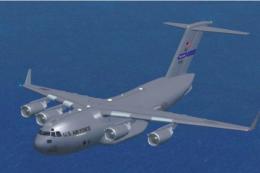
Boeing C-17 Globemaster III. This is an update for FSX of the C17 by Mike Sto…
 FSX Military Aircraft
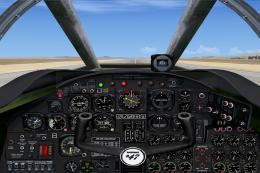
This is an FSX panel update of Rey Lopez's 2002 version of the B47 Stratojet.…
 FSX Military Aircraft
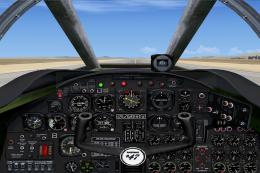
This is a must-have panel update of Michael Pook's earlier FSX update of the …
 FSX Military Aircraft
This is an FSX update for the Boeing KC-97L Stratotanker and includes three A…
 FSX Military Aircraft
FSX USAF Boeing B-52. US Air Force B-52H models 60-042 and 60-047 (two aircra…
 FSX Military Aircraft
FSX USAF Boeing C-17 Globemaster III, 88-0266 Charleston. A complete overhaul…
Read what other simmers think, or add your own.

I was one of the pilots of 92607 before I retired from USAF in 1963. I am a friend of Dave McQueen who did the flight sim paint job for me. Dave was still an ATC Controller out of Oakland Center and I was with NASA. Dave said if I would send him a good color photo of my bird he would paint it up for FS9. He did a fantastic job on it. I was also with Tom Gibson and his California Classics.