

 FSX Scenery
Table Mountain
This freeware upgrade refines the iconic shape of Table Mountain in Cape Town…
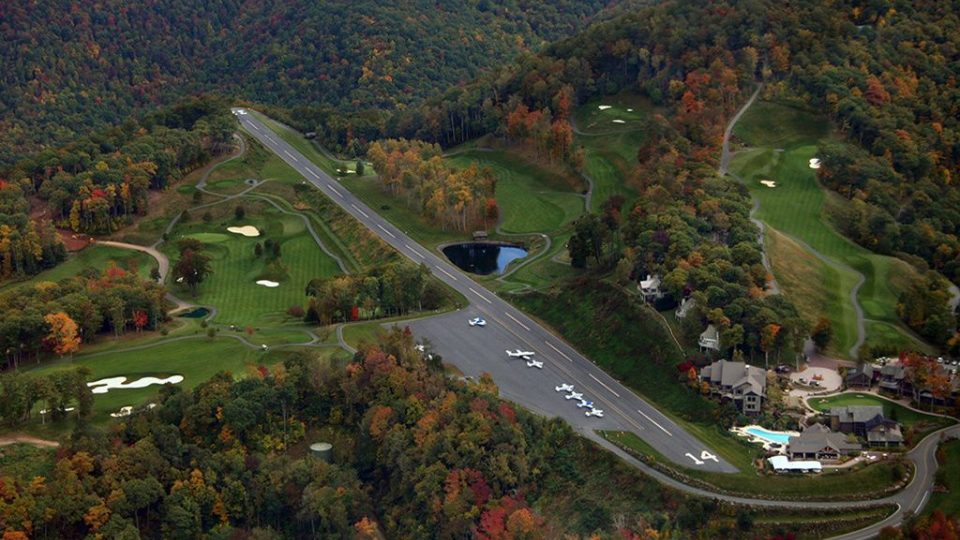
Mountain Air (2NC0) brings North Carolina’s high-elevation private strip to life with a country-club setting tucked into the Appalachian Mountains, delivering a convincing 4,400-foot launching point for scenic departures in FSX. The scenery fits cleanly into the surrounding terrain and requires AB_Buildings for a few optional structures.
 Rate
Rate
 United States of America
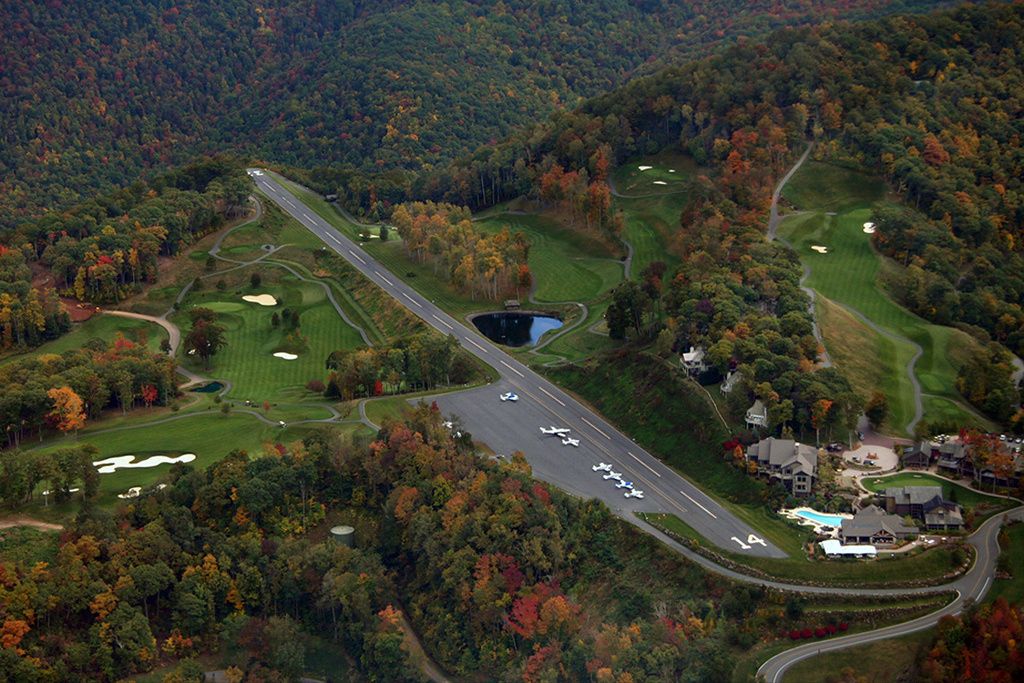
Scenery Mountain Air (2NC0), NC. Nestled away in the Appalachian Mountains of North Carolina, this private airstrip is part of a rather prestigious country club. With an elevation of 4400 feet, it is possible to take off and fly all the way to the Rockies without having to climb. By John "Sharkey" Hawranick, Jr.
INSTALLATION:
All files should go into the Addon Scenery/Scenery subdirectory. There are no flatten files to worry about.
NEEDED FILES:
AB_Bulidings, which you may already have, if you have EZ-Scenery libraries installed. If you can't get these files, relax, they only add a couple houses.
KNOWN ISSUES:
None I'm aware of. Let me know if you find any.
AS ALWAYS:
I hope you enjoy this as much as I. I welcome CONSTRUCTIVE criticism and help. I do this as a hobby and, as such, charge nothing. If satisfied, drop me a line. If dissatisfied, let me know and feel free to delete it or dive-bomb on it.
Acknowledgements:
Paul Freeman - for his extraordinary opus.
The creators and publishers of Instant Scenery and AFX.
The many who have created libraries for scenery programs.
Google earth and Terraserver-USA.
Yours in simming,
John "Sharkey" Hawranick, Jr.
Free for all simmers · 556.65 KB · Scanned clean Oct 2026
Download speed: Free tier is capped at 0.5 Mbps. PRO members download at full line speed.
FSX\Addon Scenery\ containing scenery and texture sub-folders.readme.txt or README file. It tells you exactly where files go, what dependencies are needed, and any quirks specific to this add-on.Use these coordinates to fly directly to this location once the mod is installed.
35.88000000,-82.29000000
Launch FSX or Prepar3D and use Flights → Load to open the downloaded .pln file. Your aircraft will be positioned at this location.
The archive 2nc0_x.zip has 6 files and directories contained within it.
This list displays the first 500 files in the package. If the package has more, you will need to download it to view them.
| Filename/Directory | File Date | File Size |
|---|---|---|
| 2NC0.BGL | 10.12.10 | 238 B |
| 2NC0_EZ.bgl | 10.12.10 | 908 B |
| Mountain Air.txt | 10.13.10 | 1.56 kB |
| MountainAir (2).jpg | 10.11.10 | 553.84 kB |
| flyawaysimulation.txt | 10.29.13 | 959 B |
| Go to Fly Away Simulation.url | 01.22.16 | 52 B |
Only PRO members can place votes.
More FSX & P3D add-ons hand-picked based on this download.
FSX Scenery
This freeware upgrade refines the iconic shape of Table Mountain in Cape Town…
 FSX Scenery
Mountain Home AFB (KMUO), Idaho (ID). The Air Force has been consolidating ai…
 FSX Scenery
Alaska Mountain Scenery. Alaska scenery (AK) for your hops through the great …
 FSX Scenery
Dangerous Airfields Of The Andes Mountain. An FSX FSadventureSky Flight. Avia…
 FSX Scenery
Vignettes And Trient Mountain Hut. Two mountain huts of the Swiss Alps with p…
 FSX Scenery
Mountain Top (CYMN) is a fictional, high-altitude airport located on the bord…
 FSX Scenery
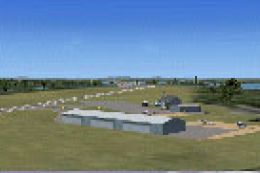
W91 And Smith Mountain Lake, Virginia. This is a wishful interpretation of th…
 FSX Scenery
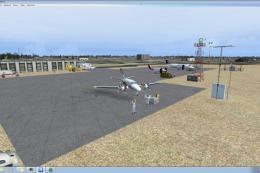
Mountain View Airport (KMNF), Missouri (MO). Lots of memories with this airpo…
Read what other simmers think, or add your own.

Just downloaded the Mountain Air scenery. Should I see any of the golf course with this scenery?