

 MSFS Scenery
Grand Canyon National Park Airport (KGCN)
This mod developed by JustOkayPilot brings Grand Canyon National Park Airport…
London Gatwick Airport EGKK gets a full scenery rebuild for Microsoft Flight Simulator with remodeled North and South Terminals, refined Pier 1, enhanced ATC tower, dynamic night lighting, and chart-accurate taxiways, markings, stands, and AI ground flows. Extra ramp clutter, vegetation, and precise docking guidance systems complete a busy single-runway hub.
 Rate
Rate
 United Kingdom
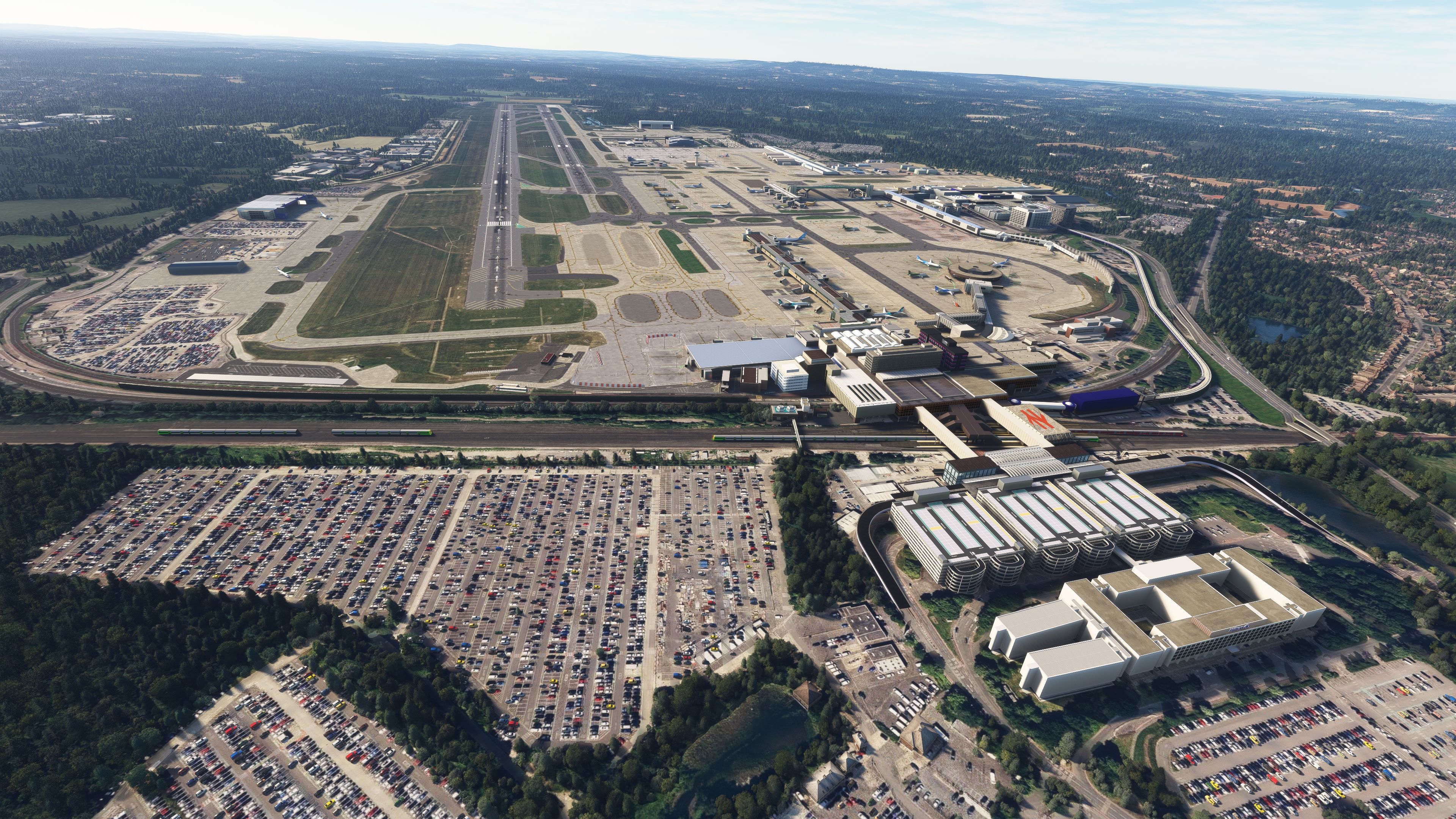
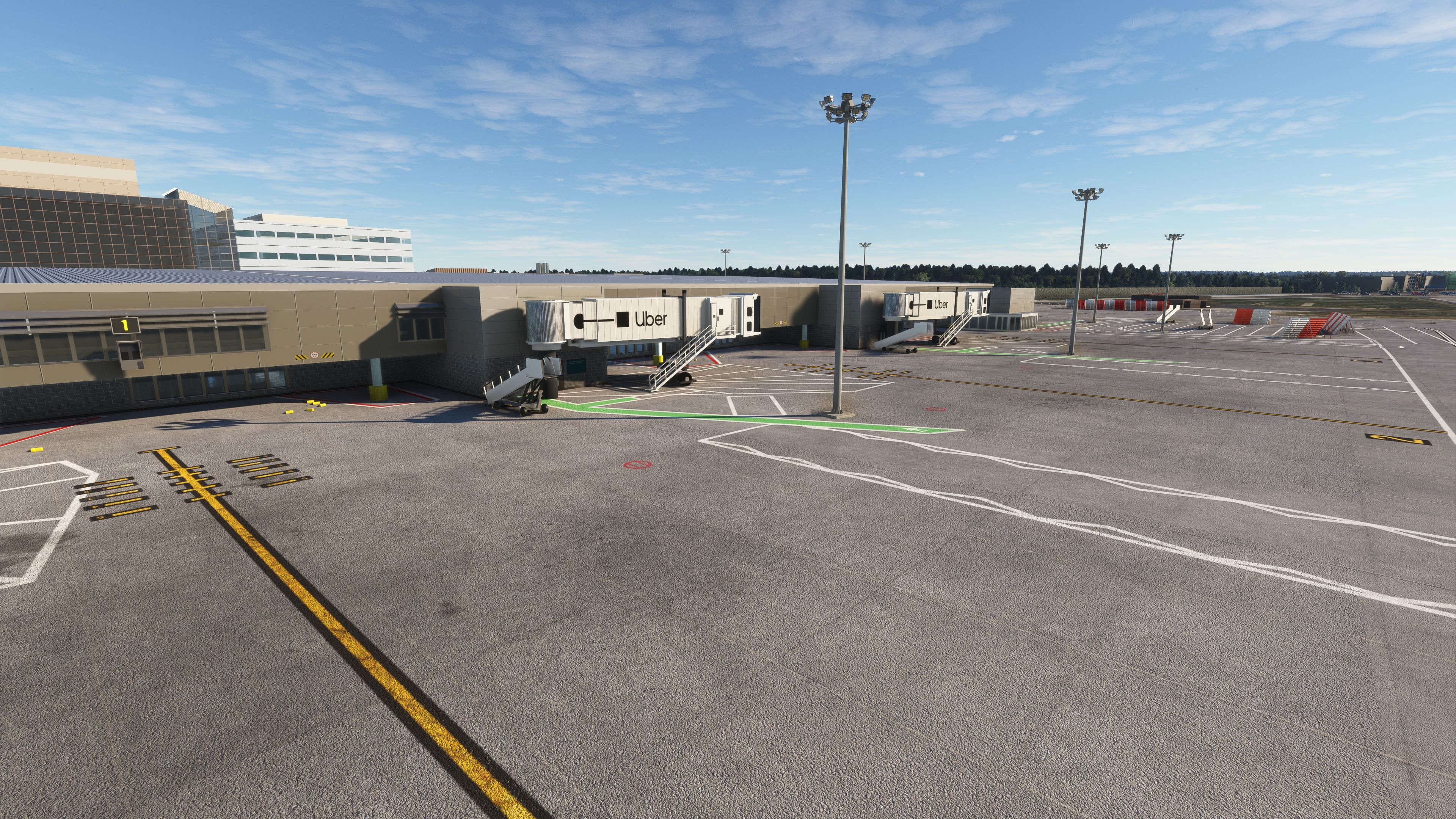
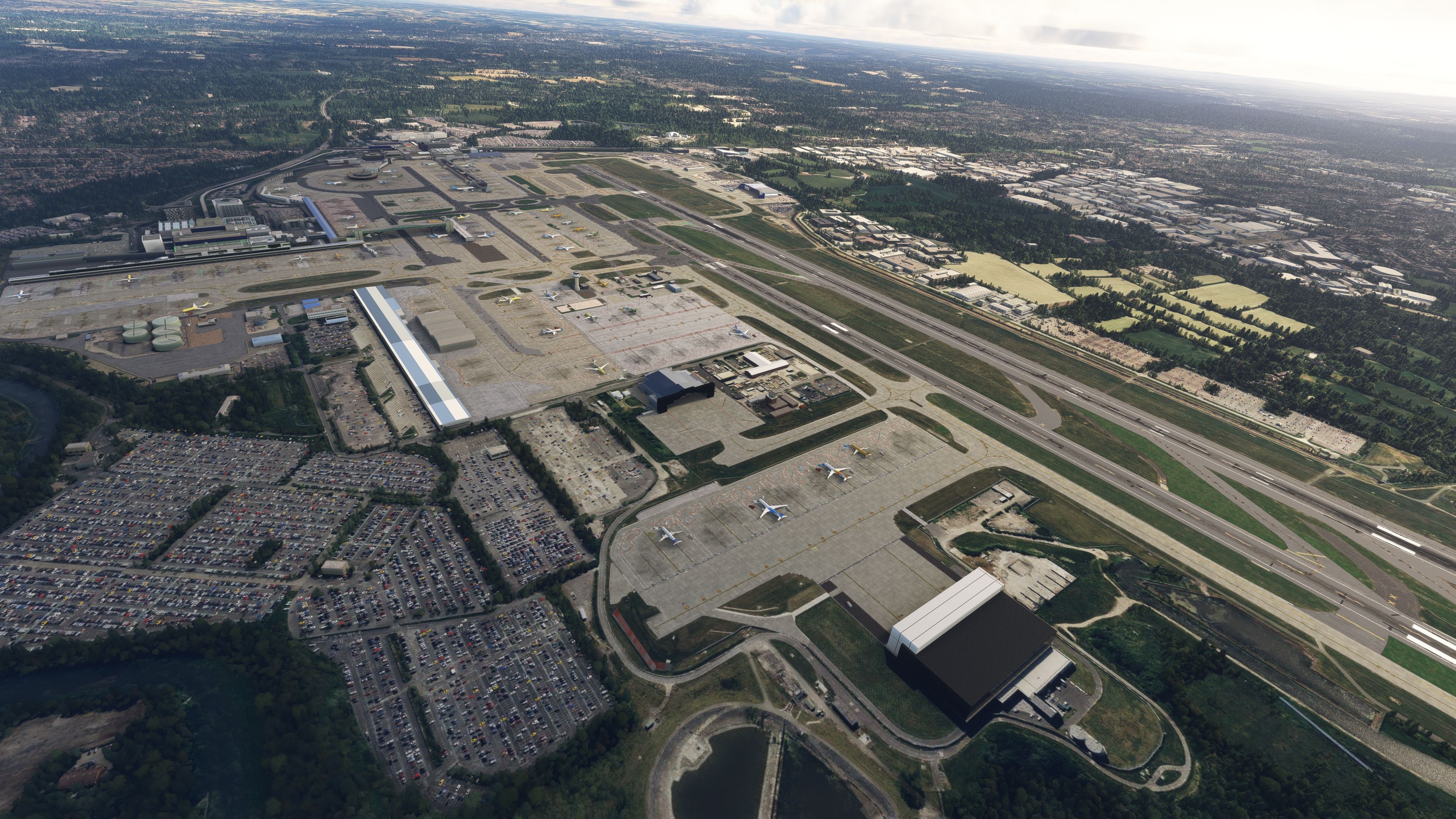
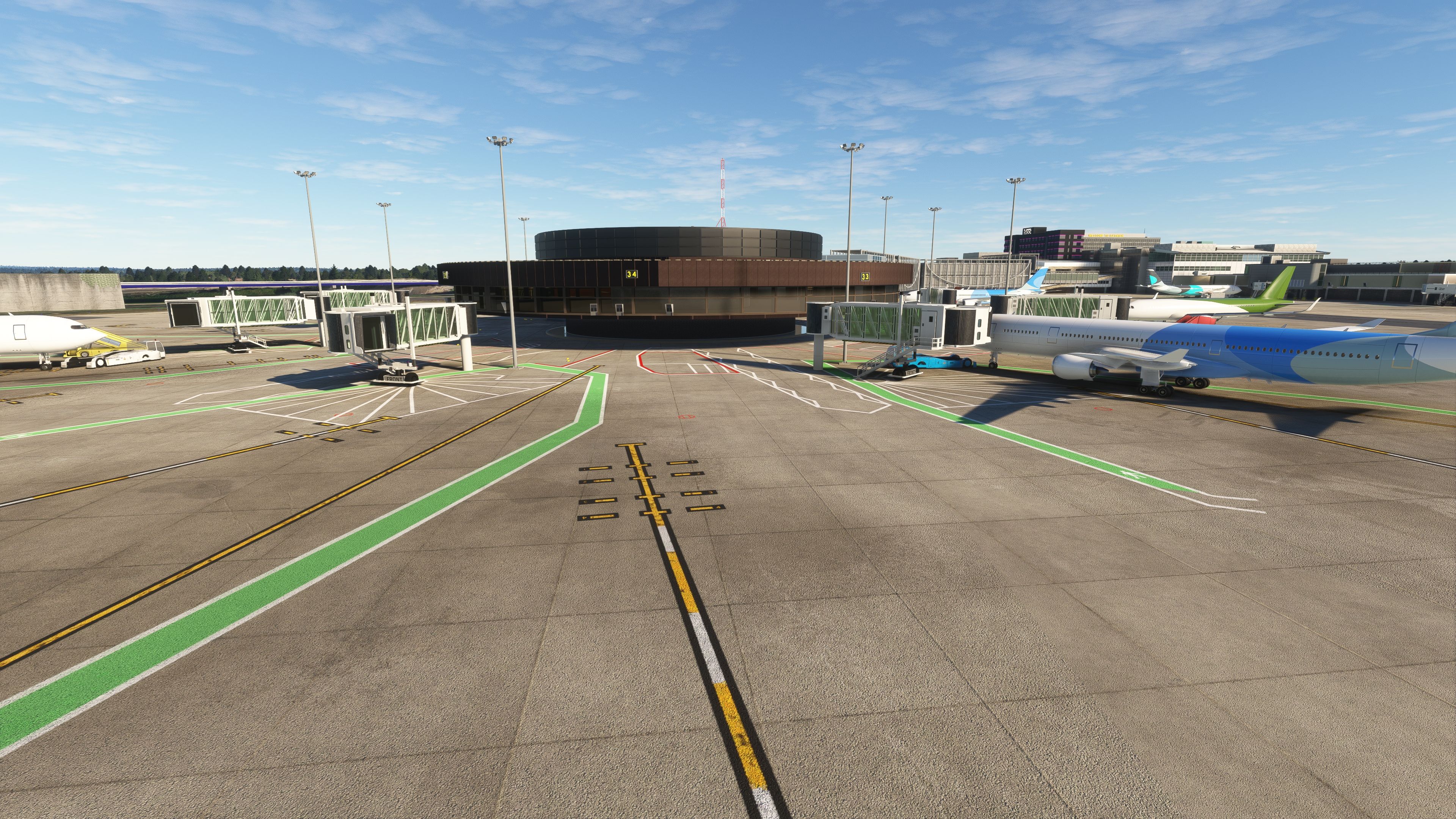
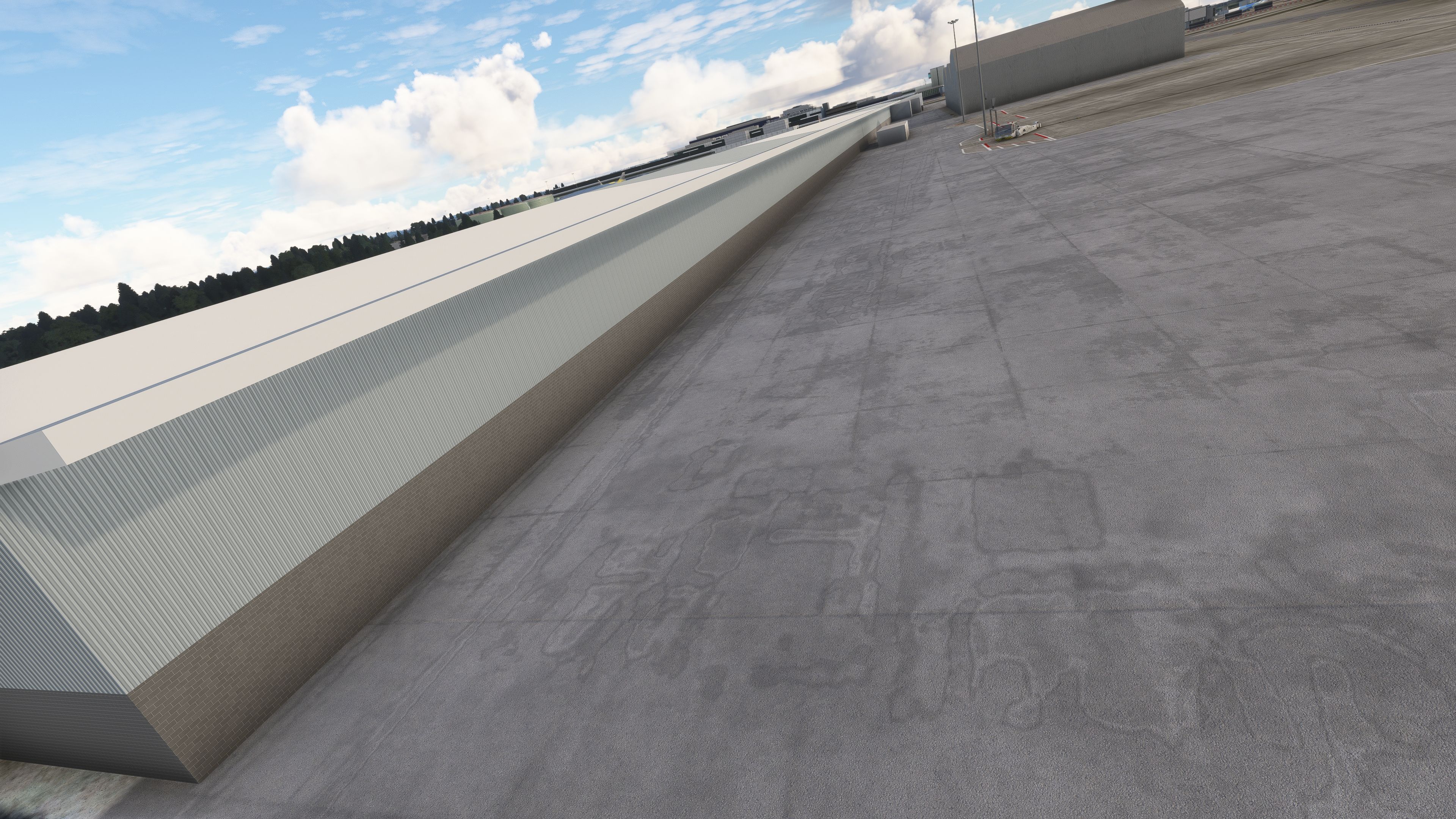

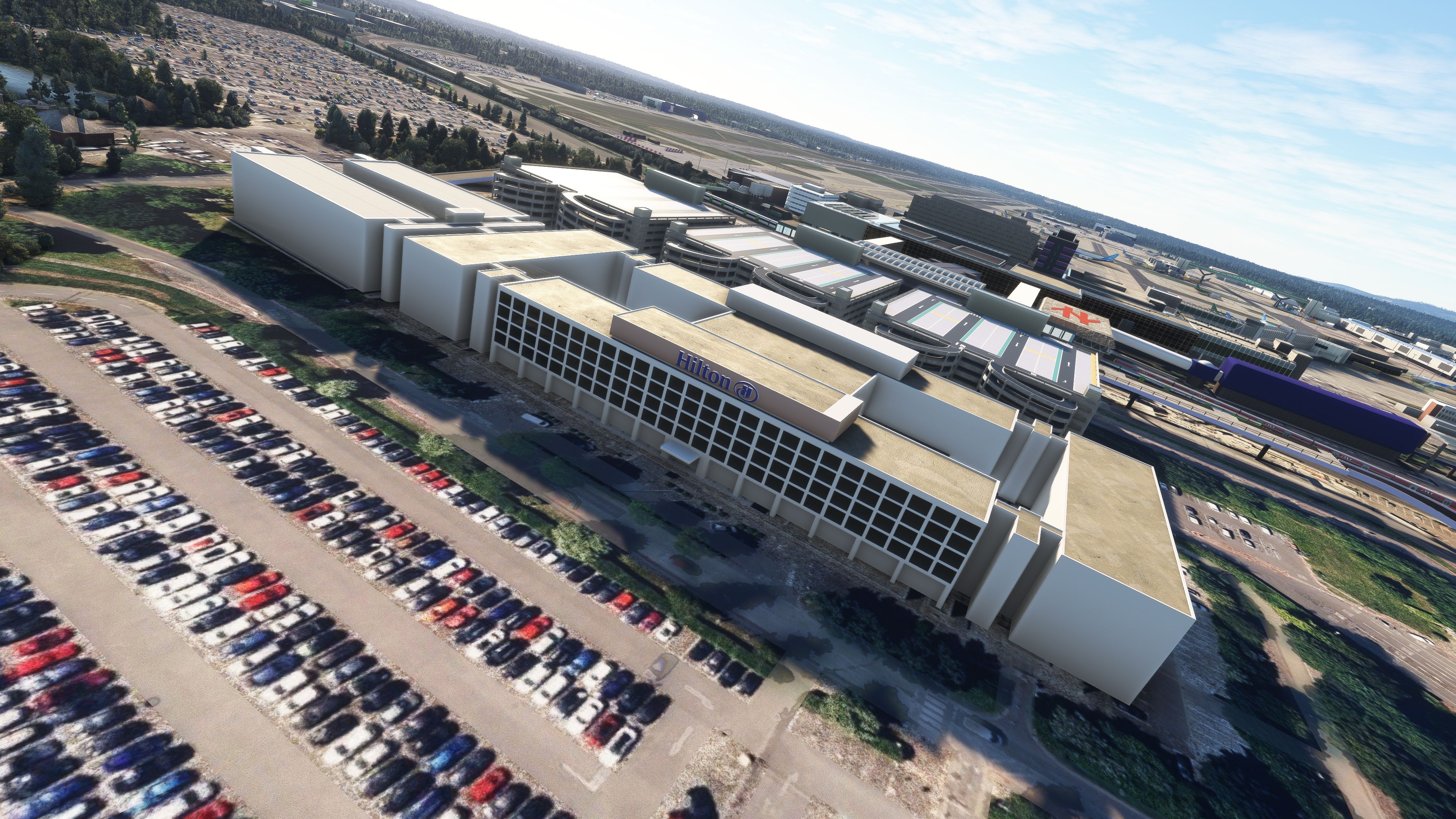
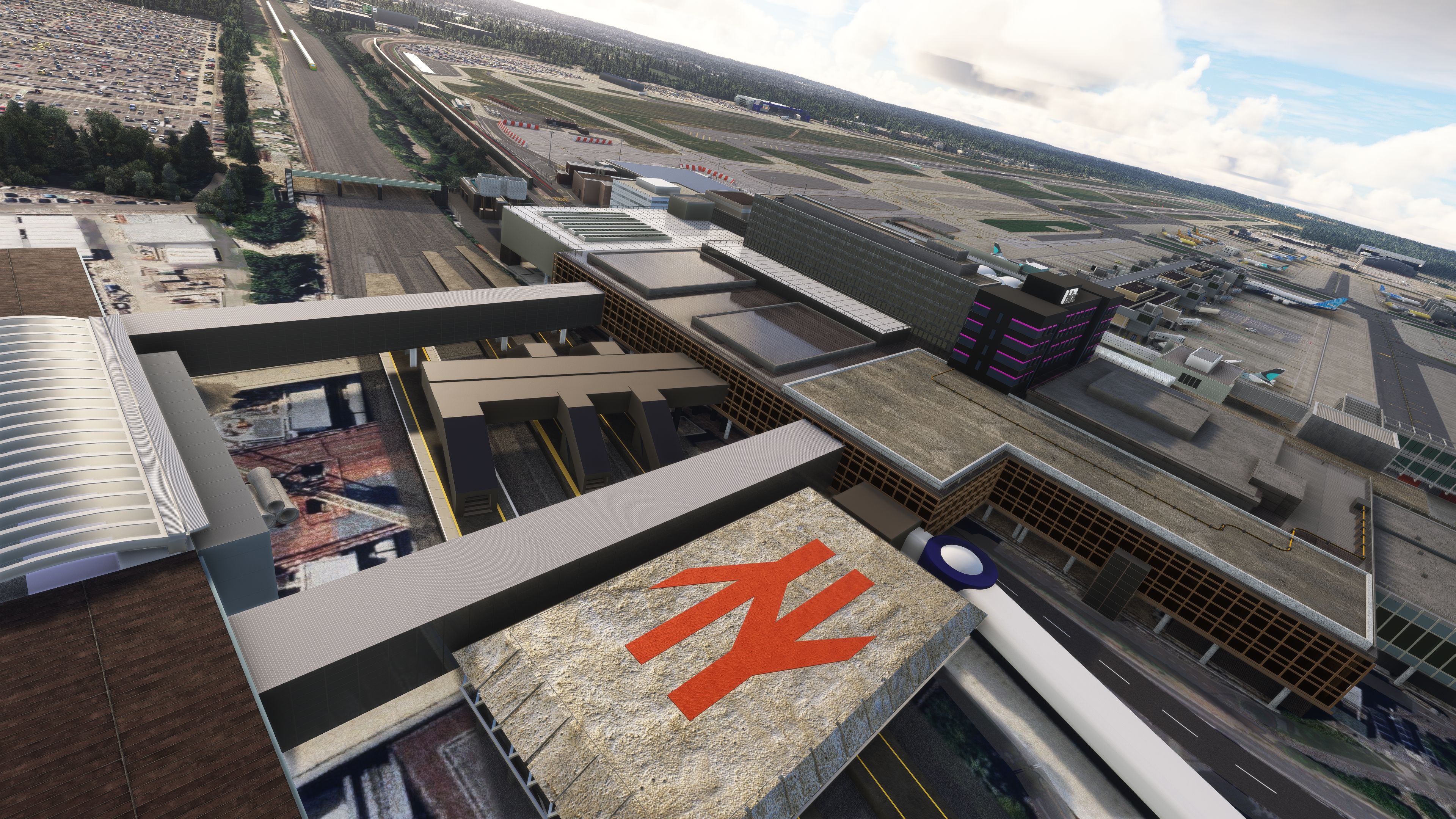
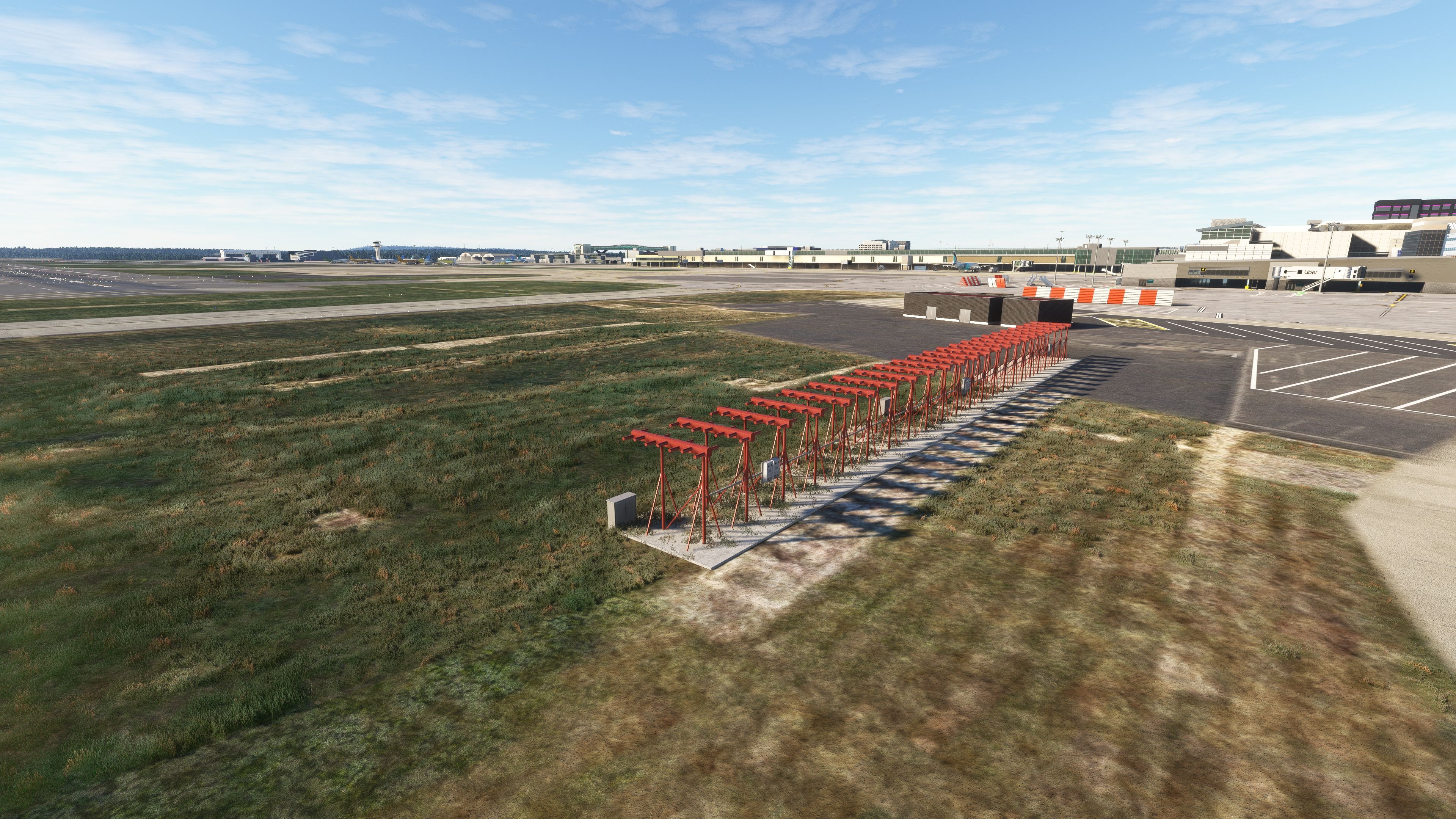
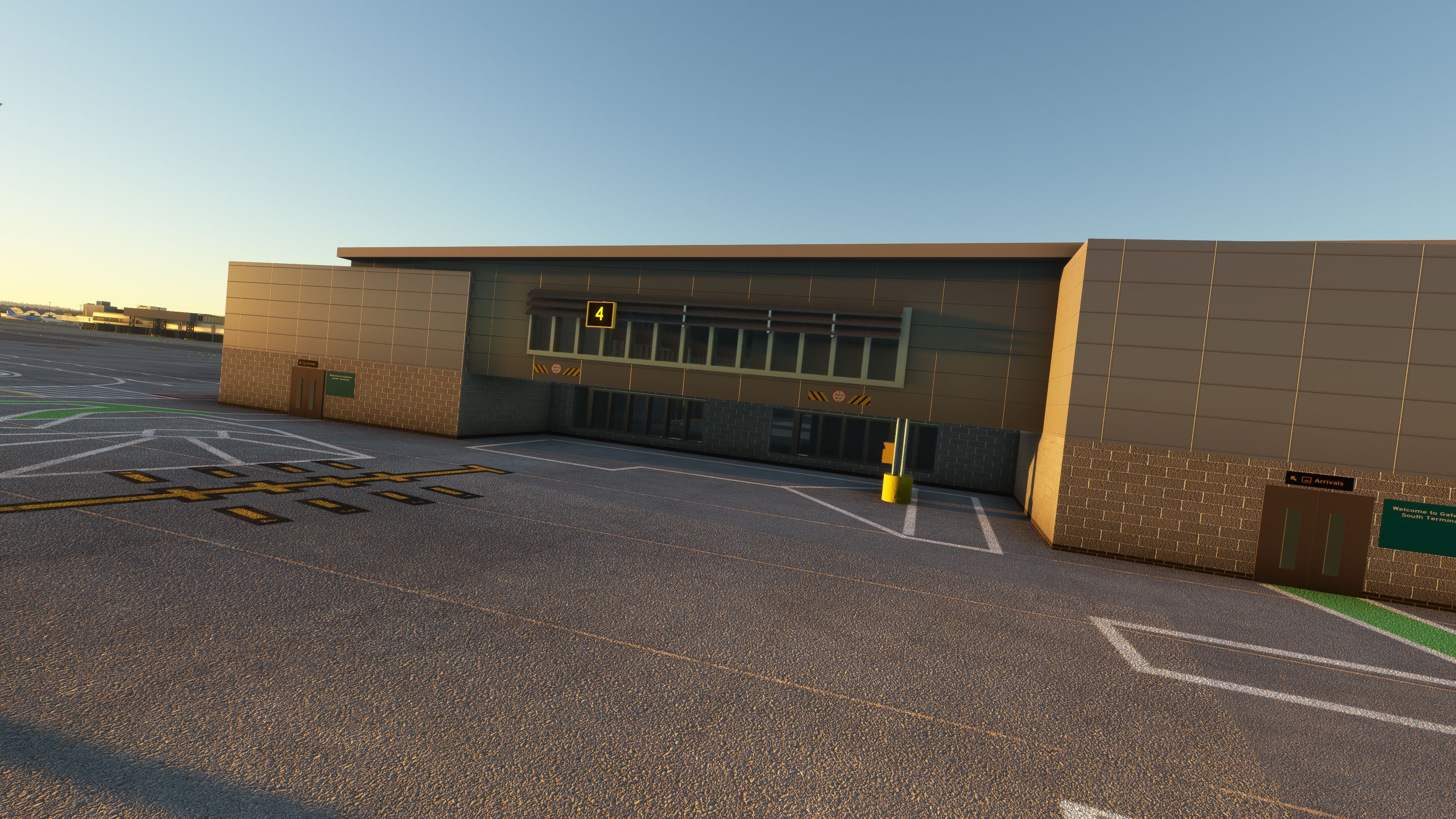
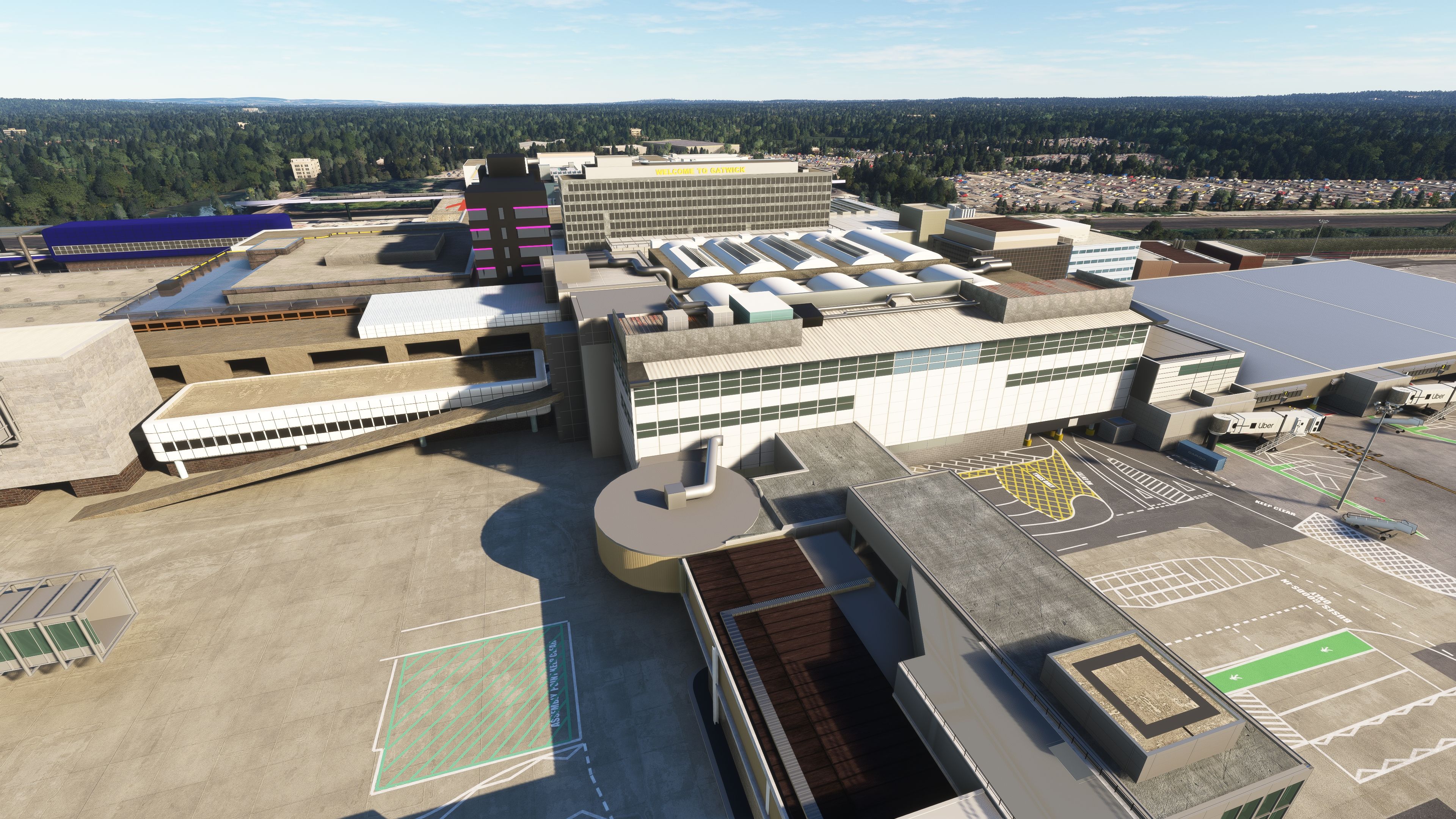
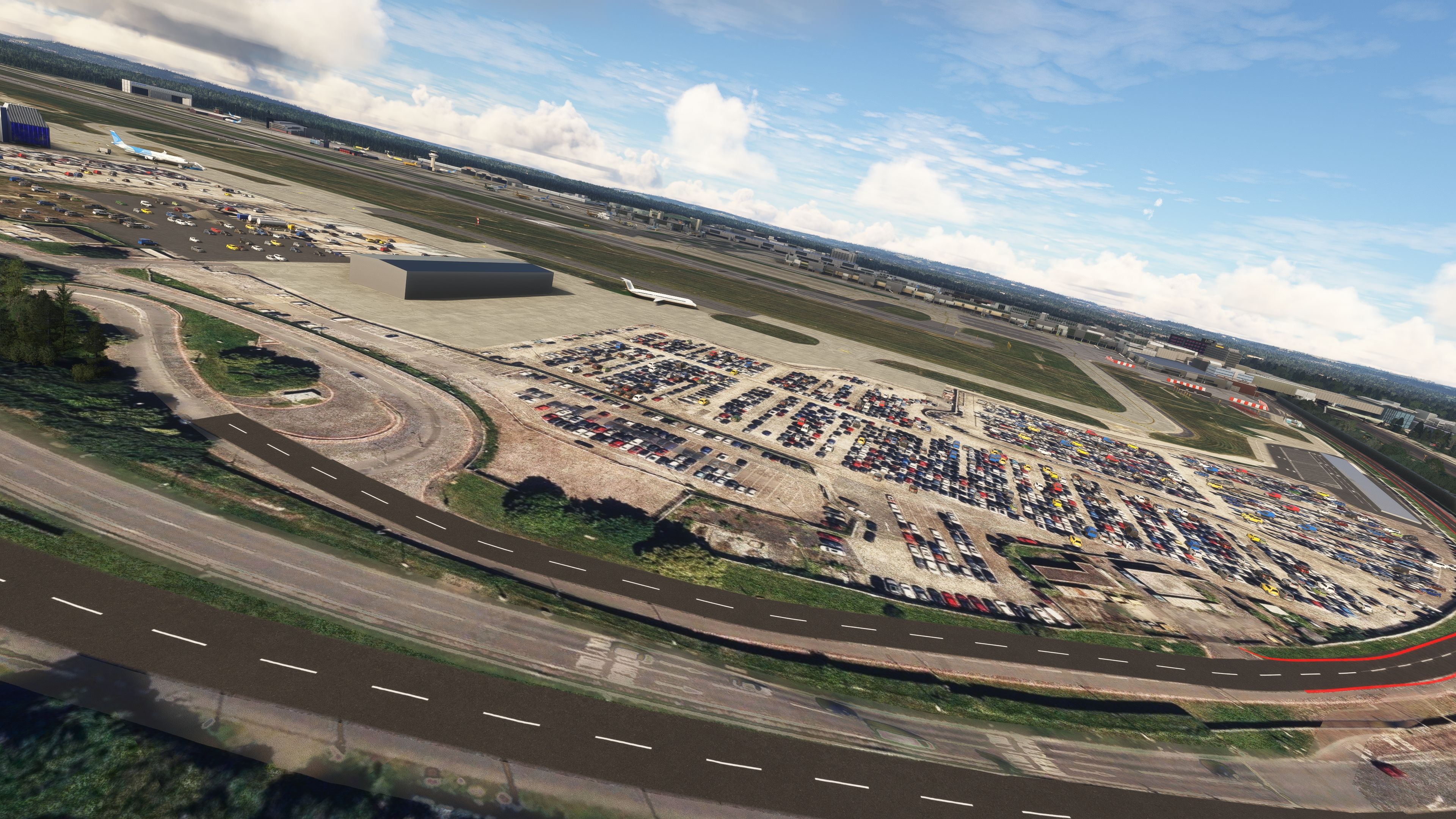
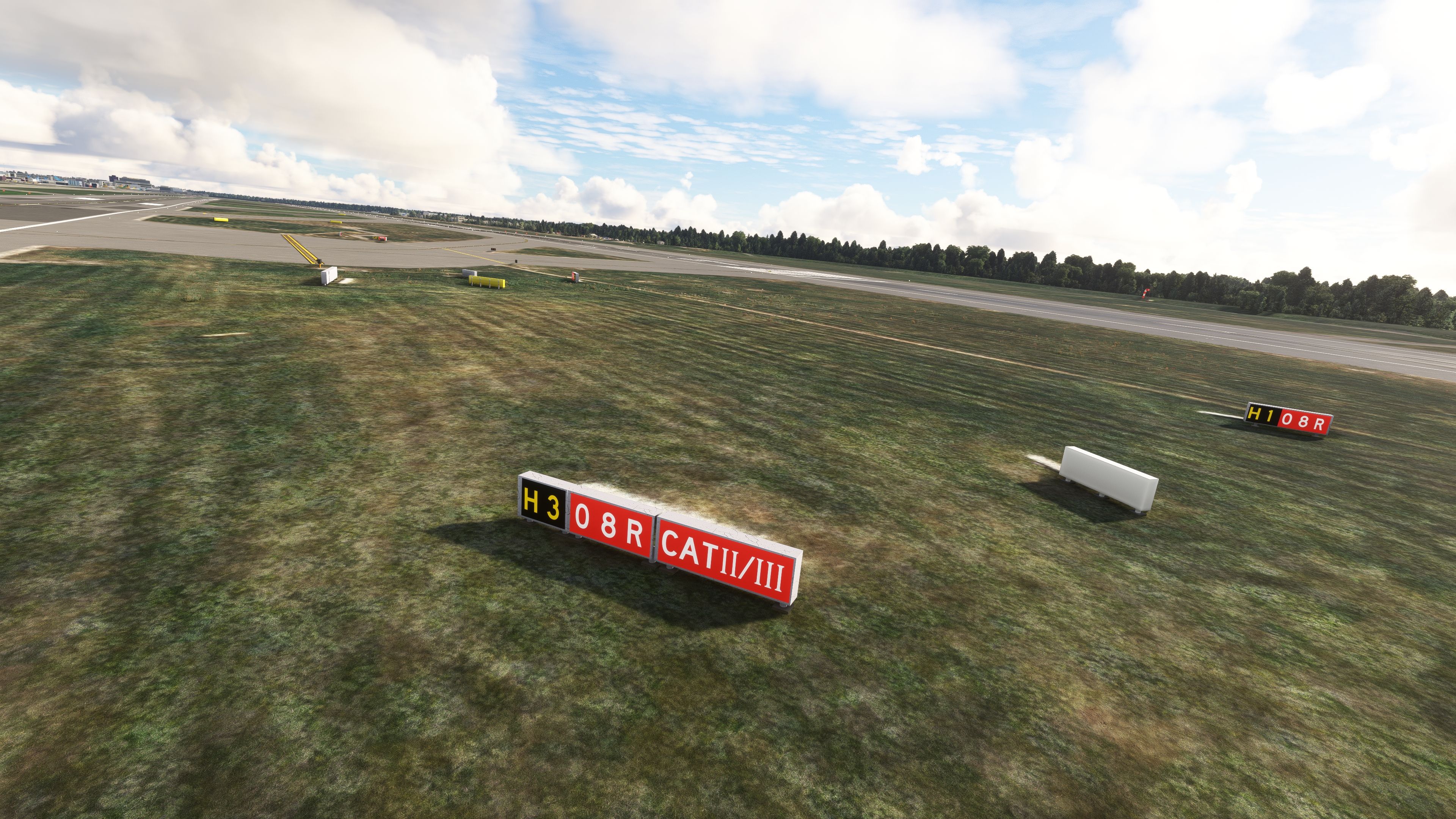
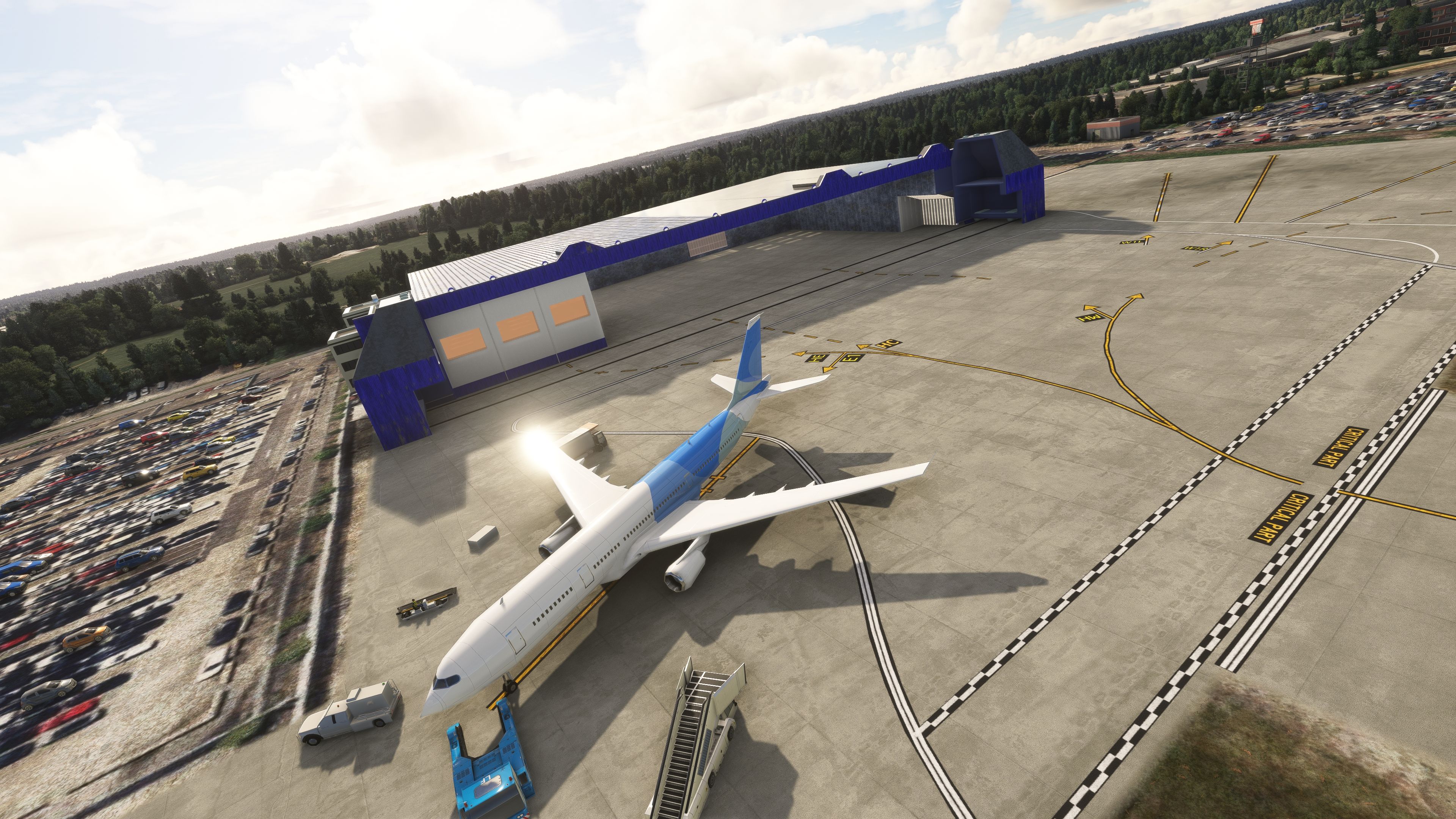
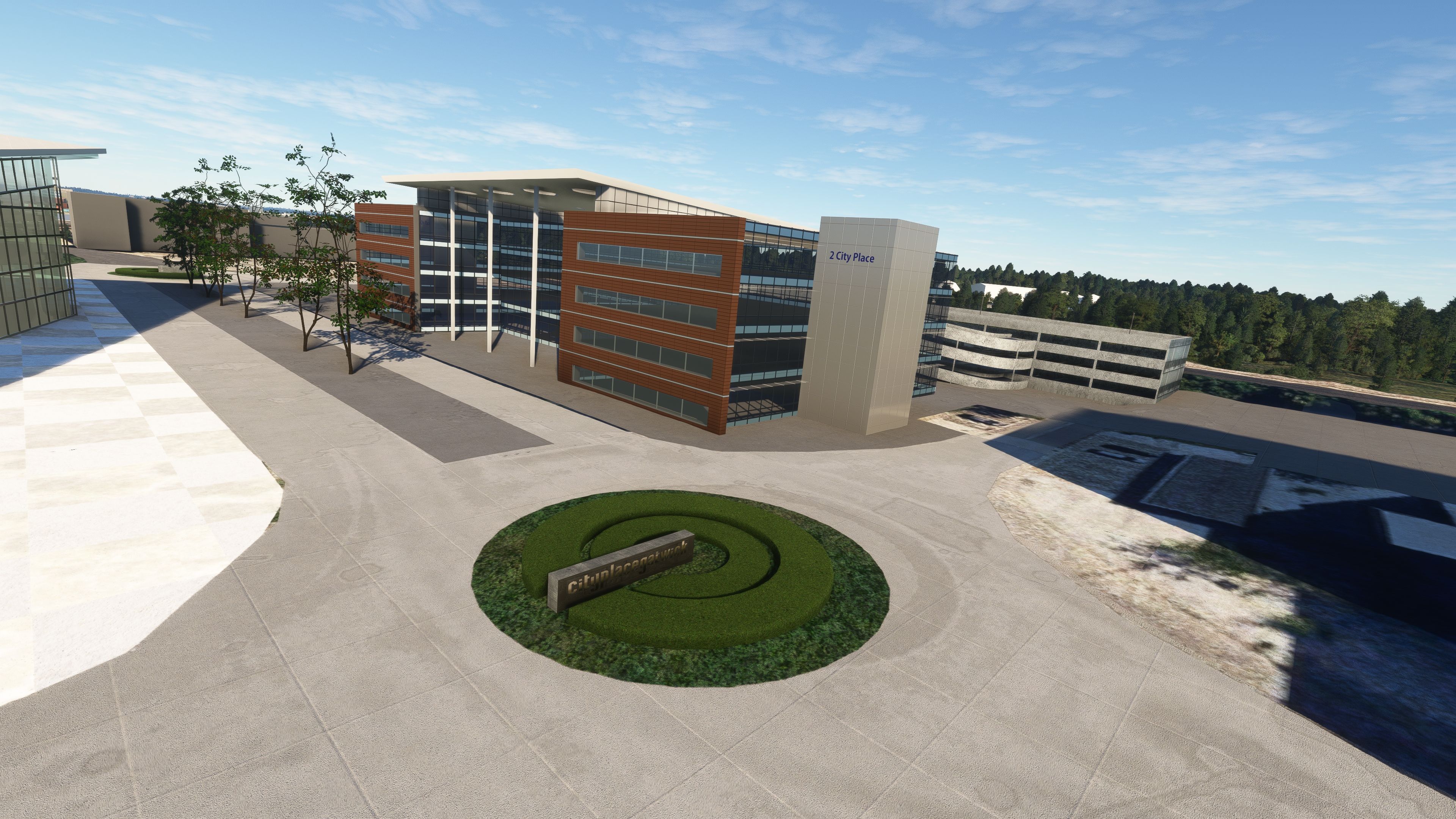
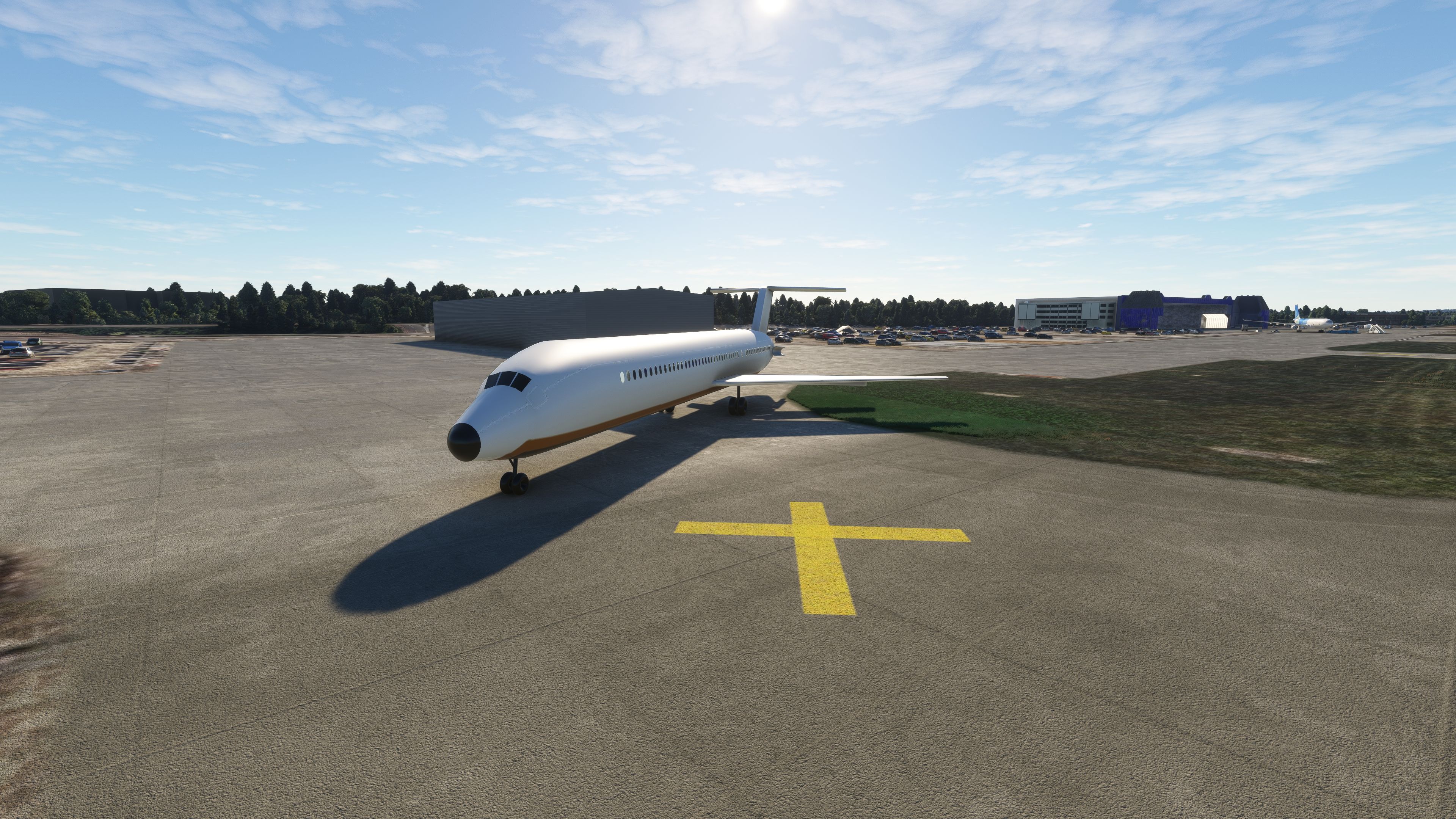
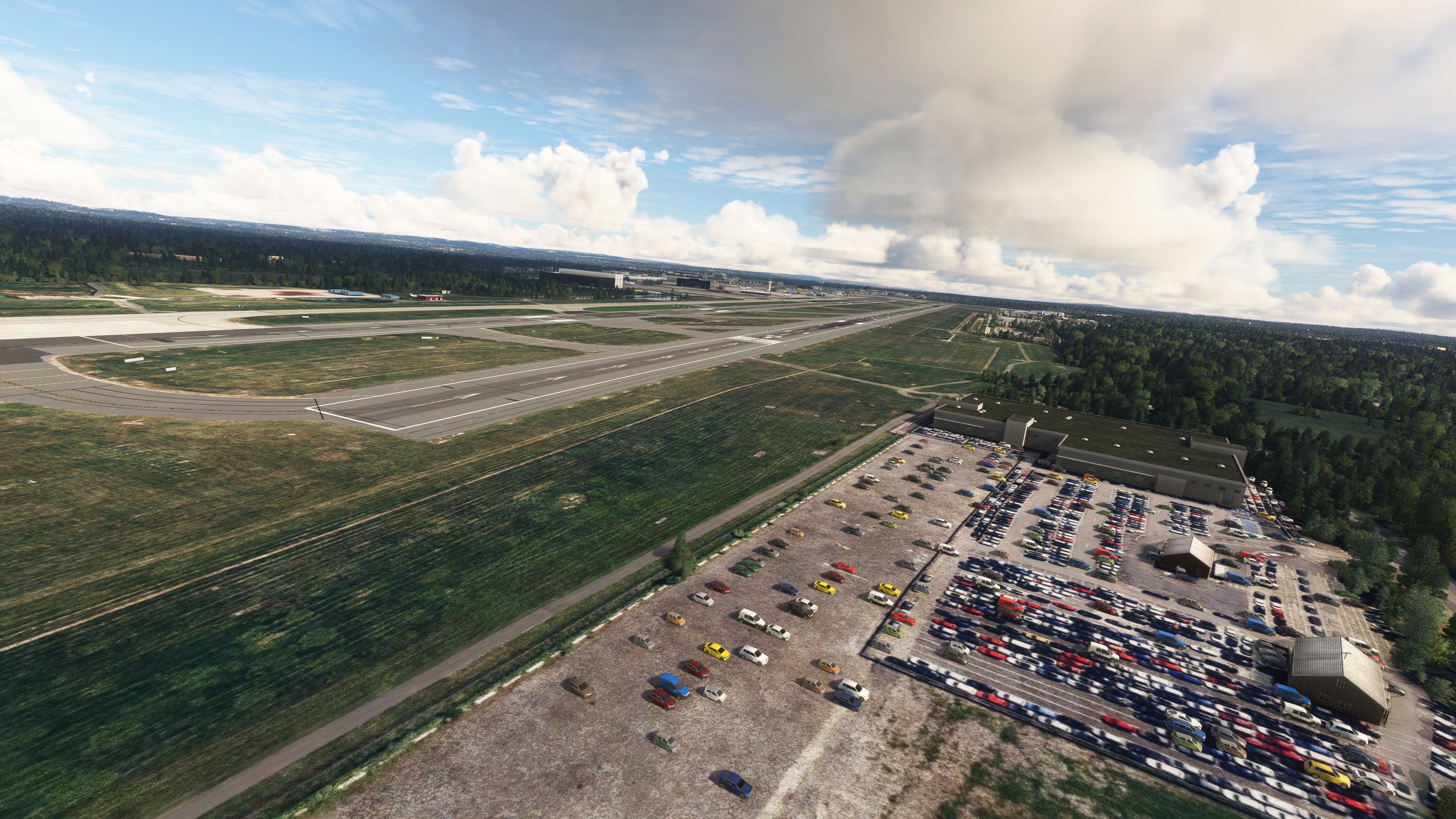
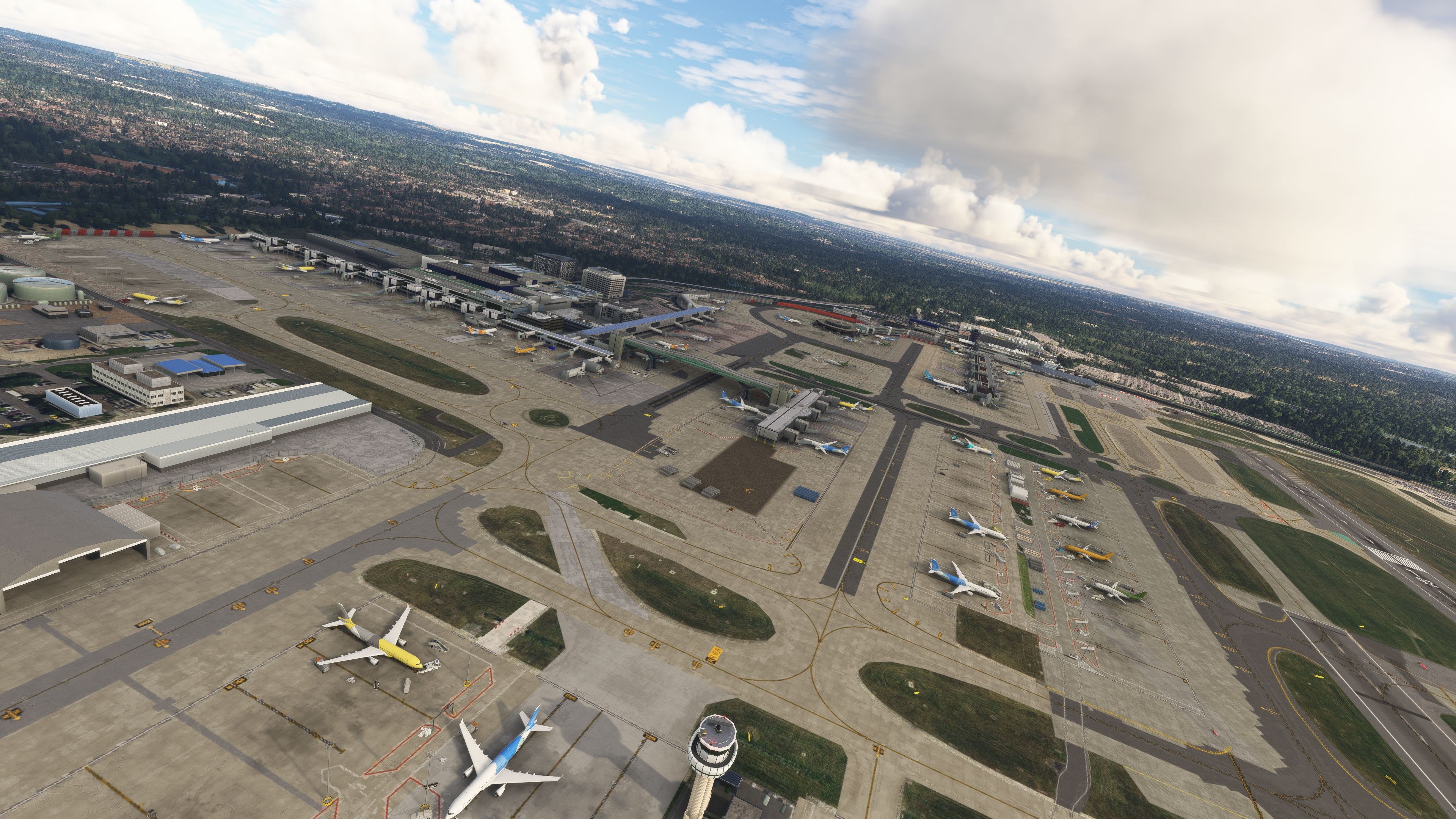
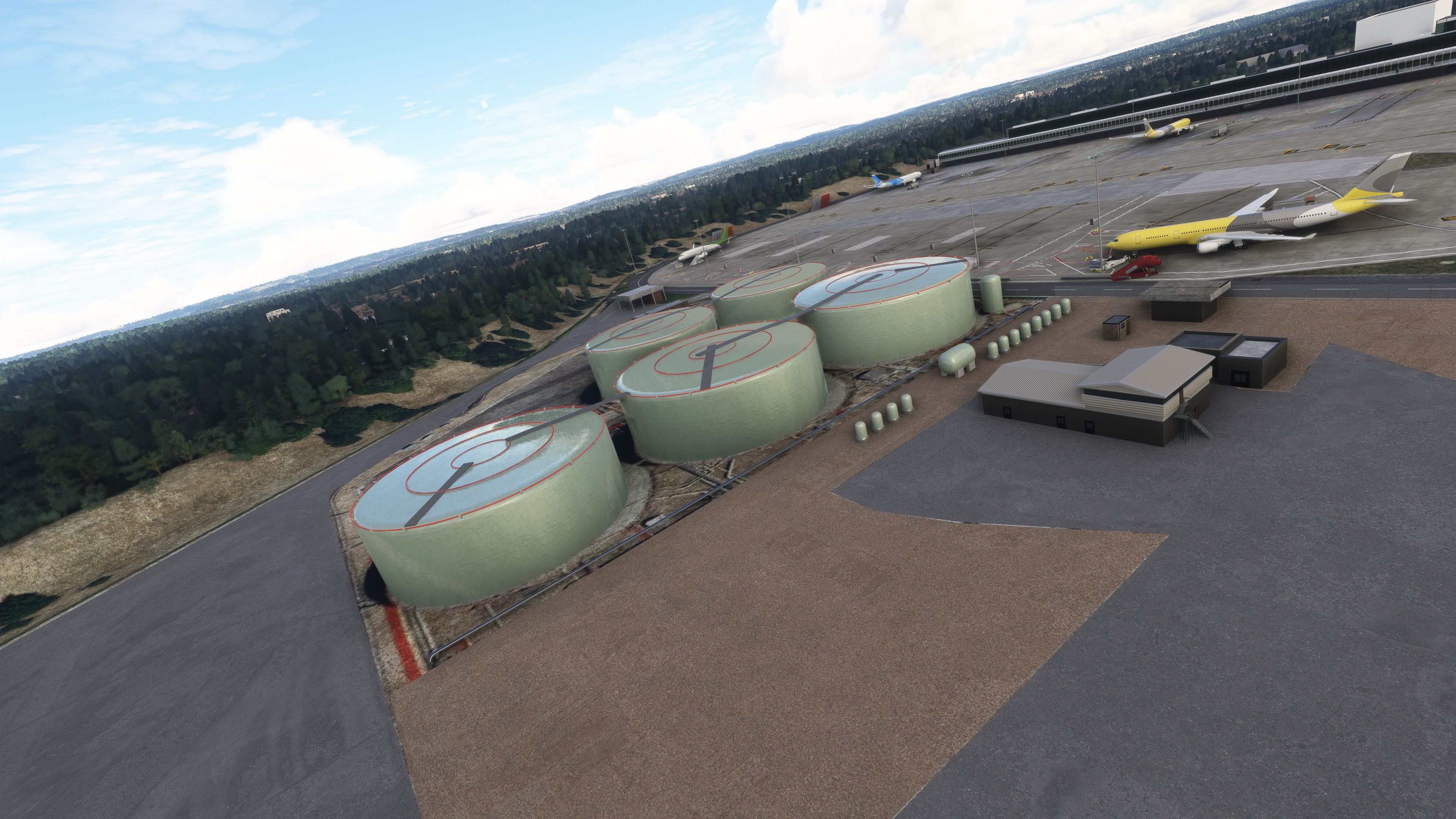
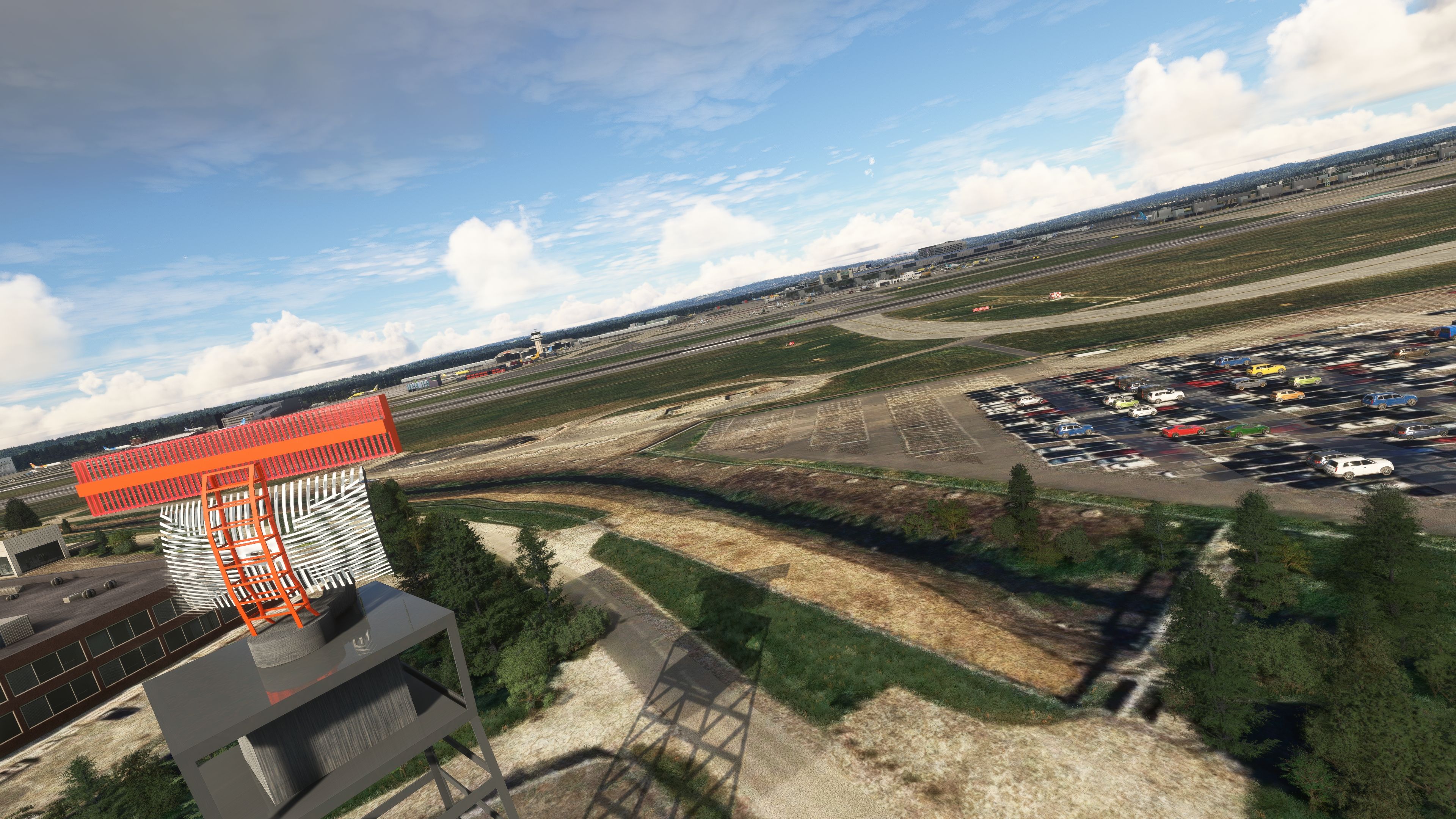
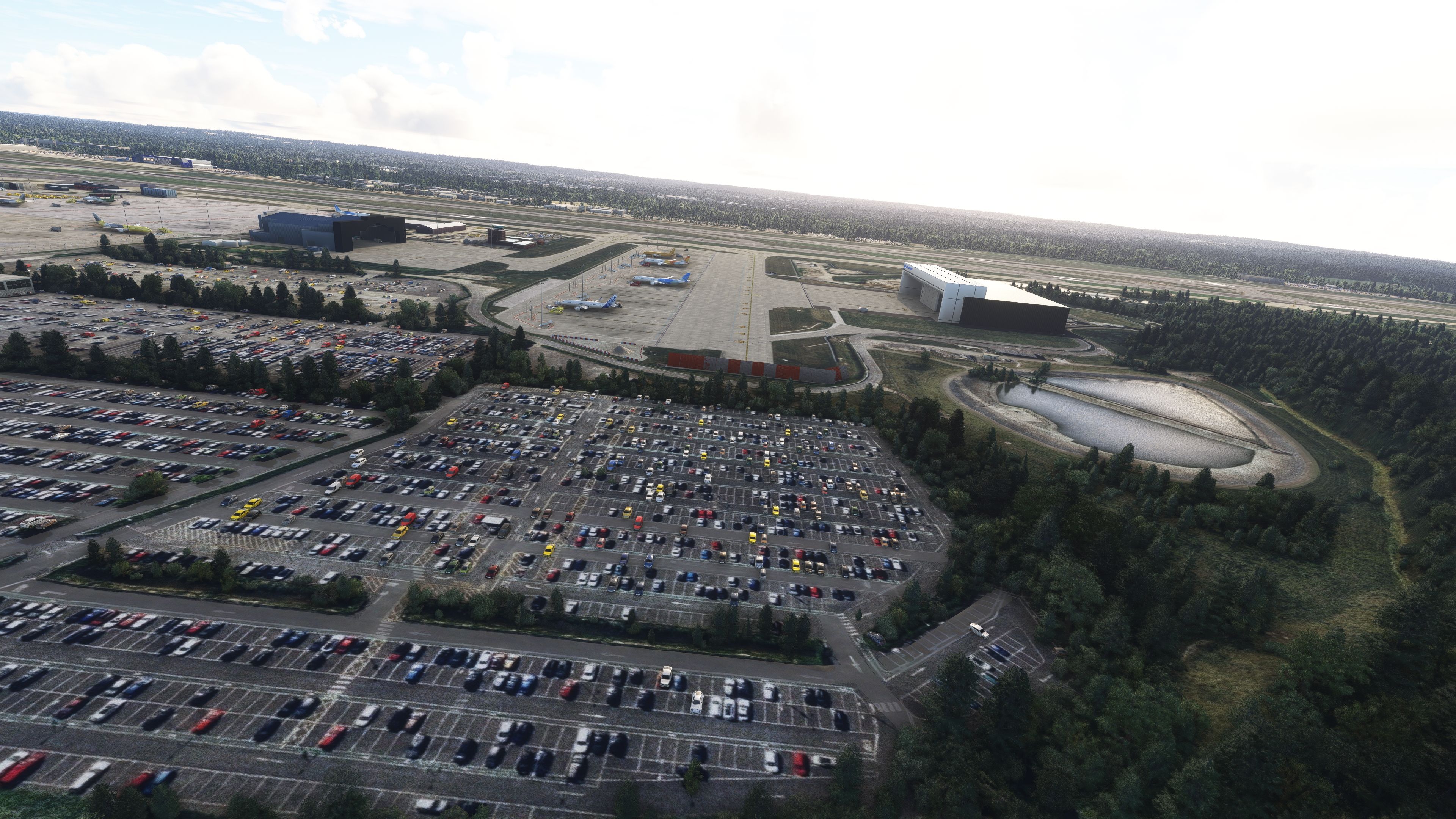

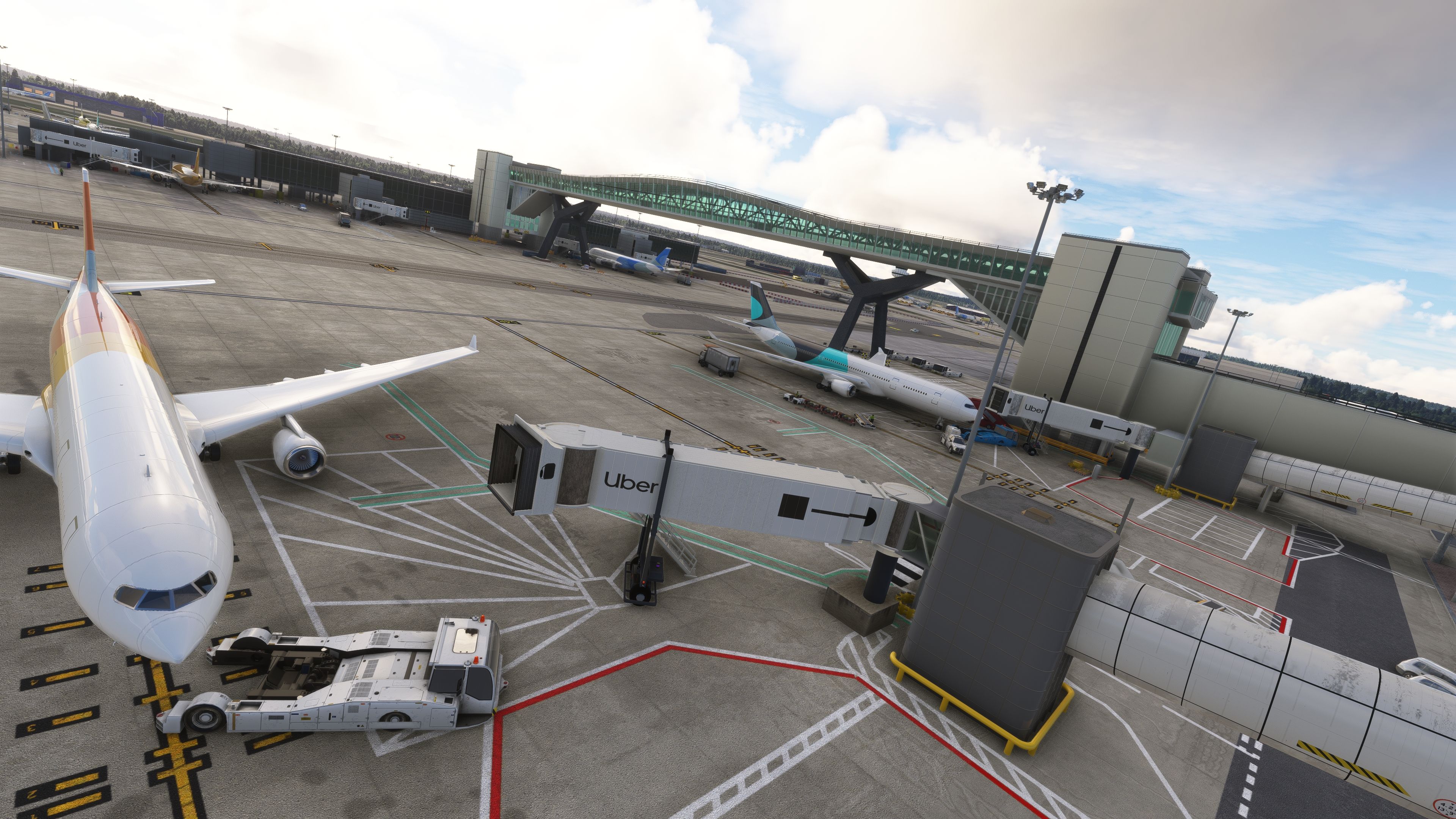
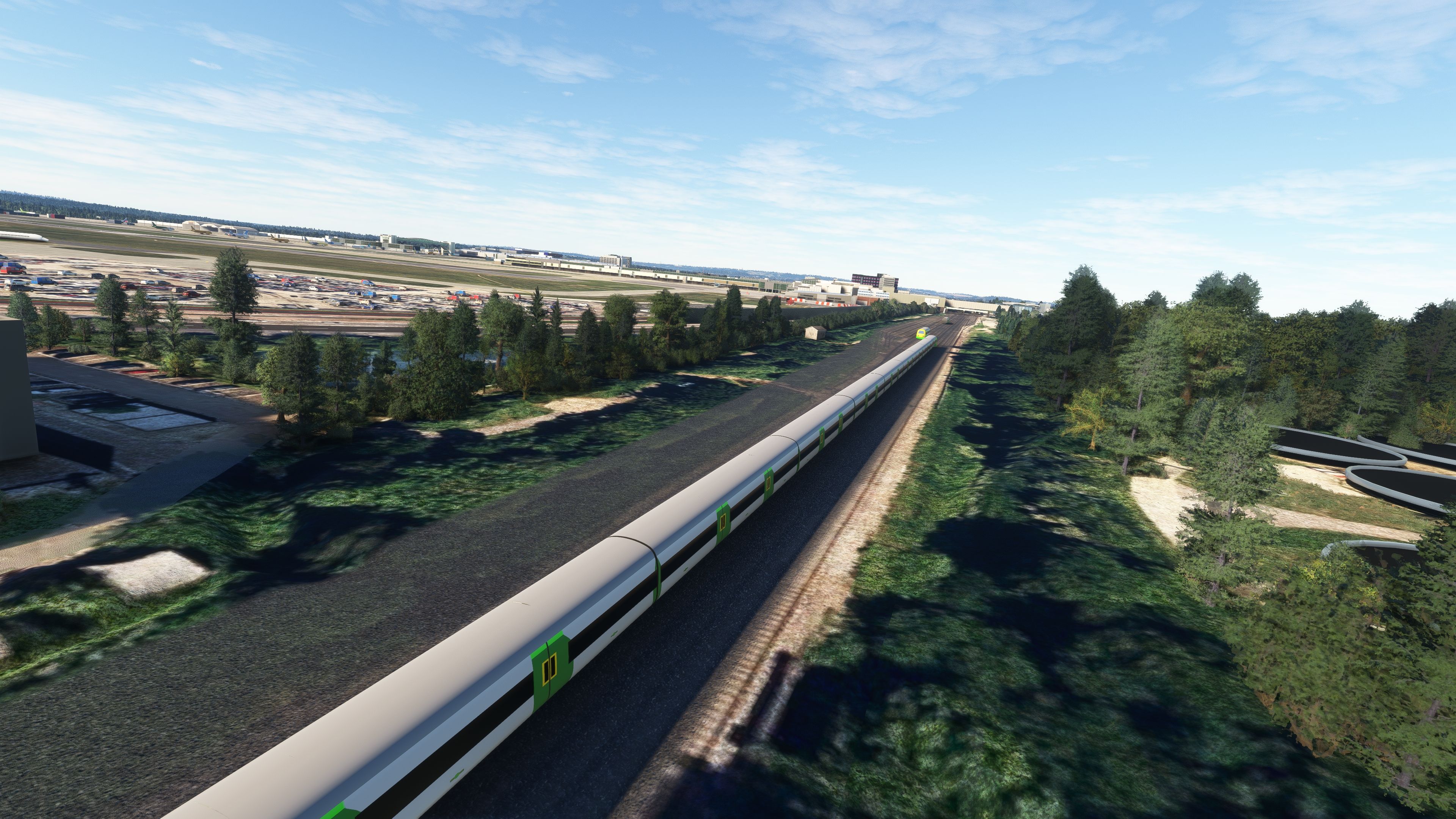
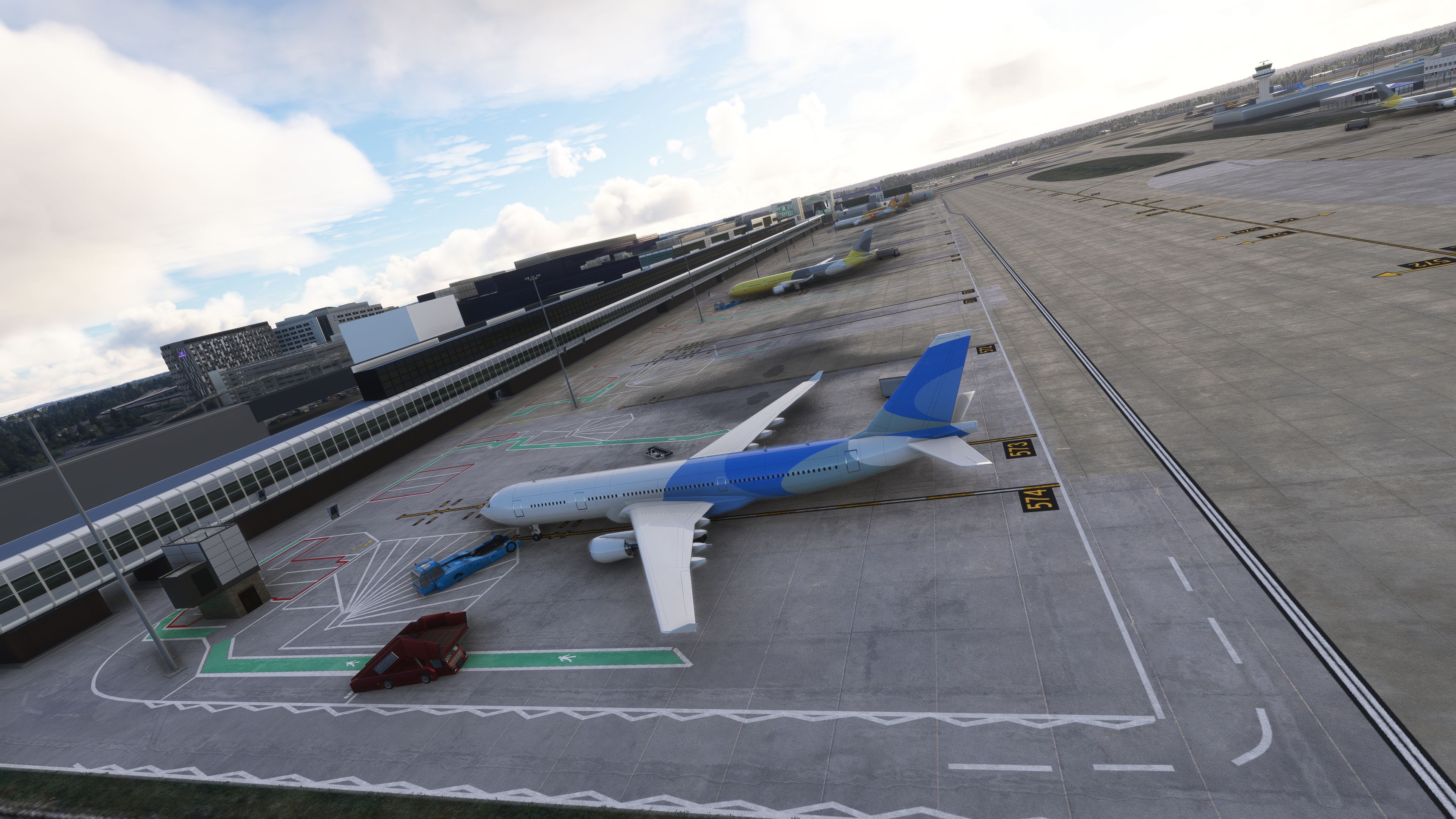
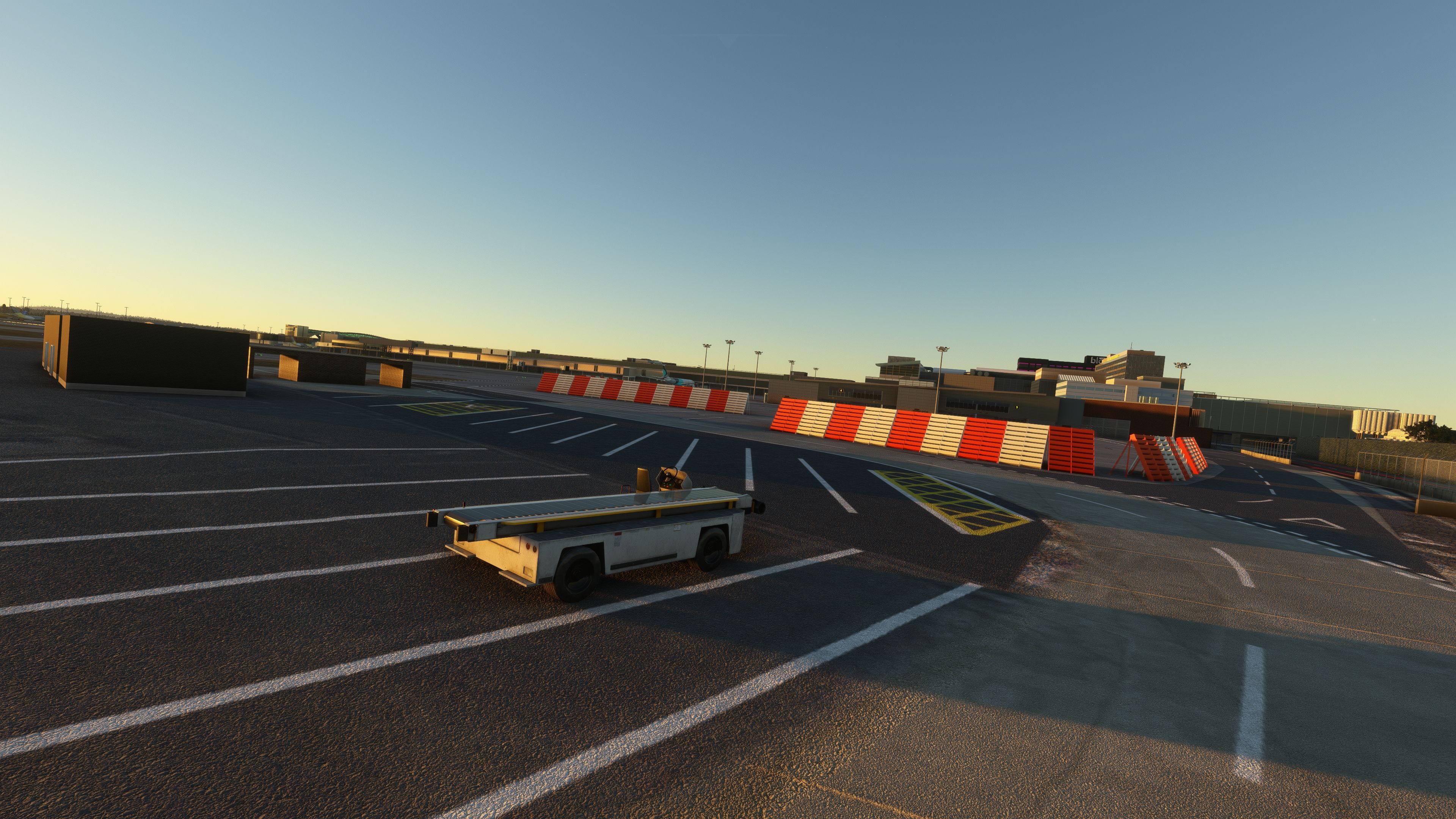
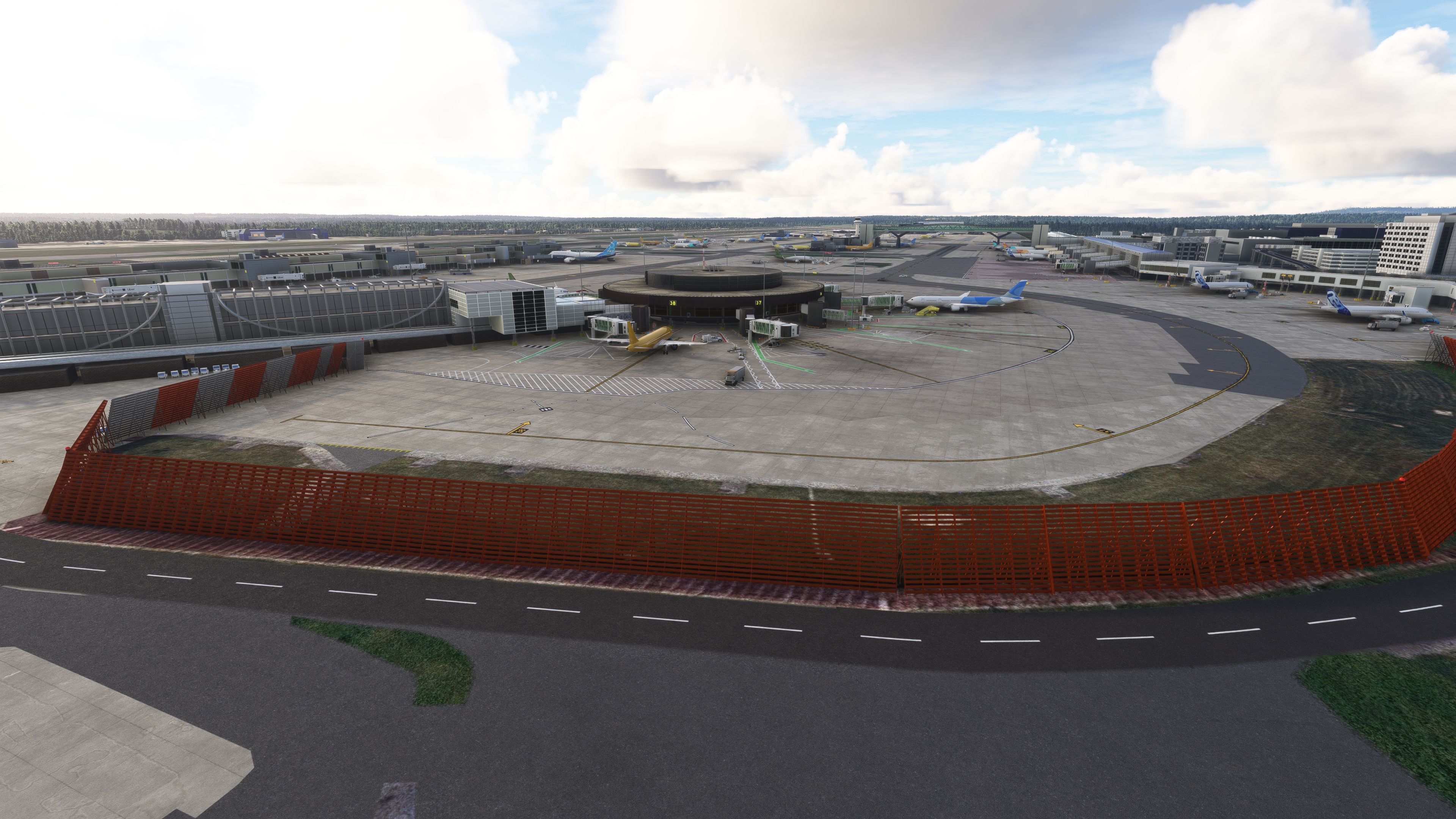
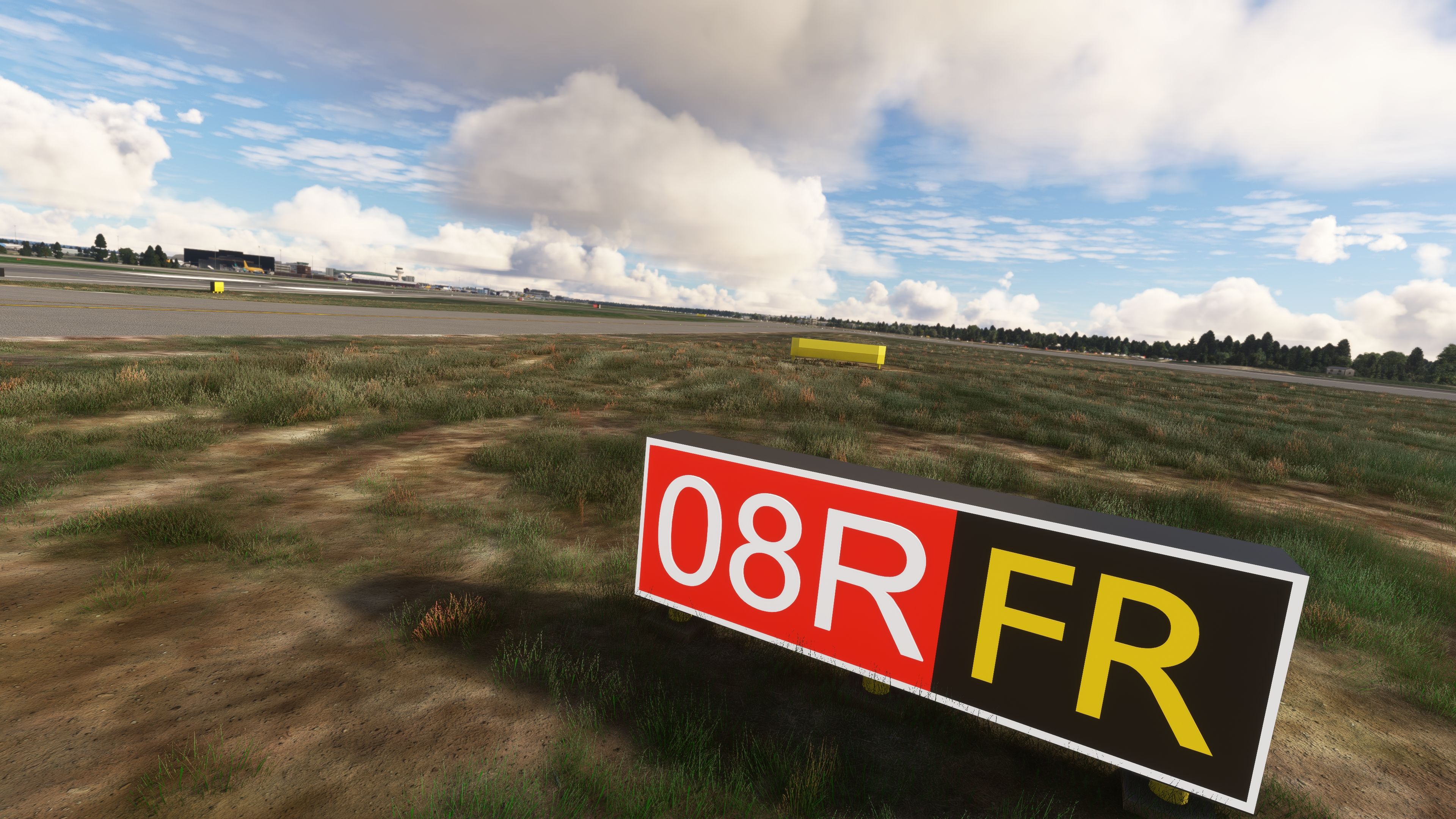
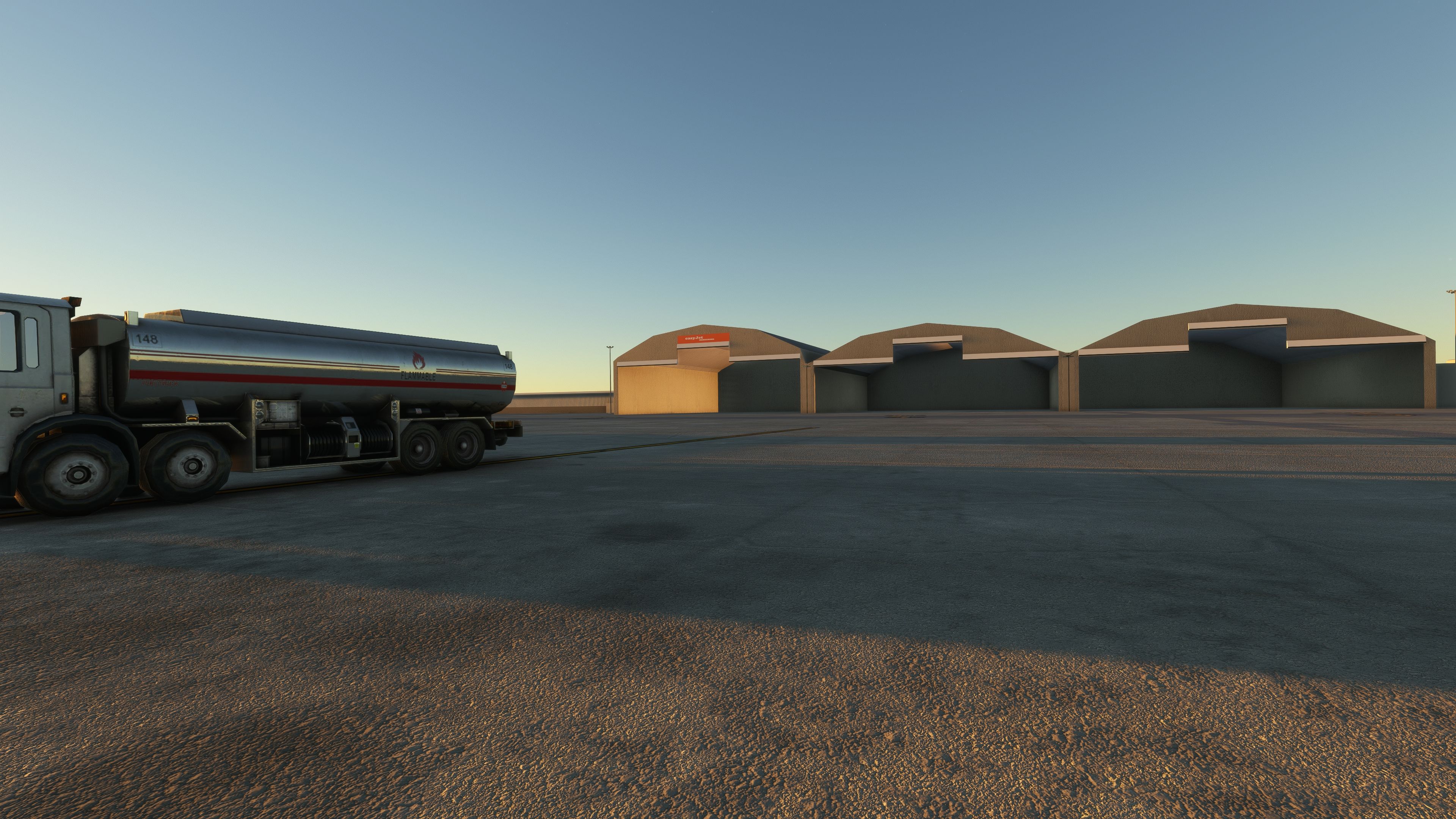
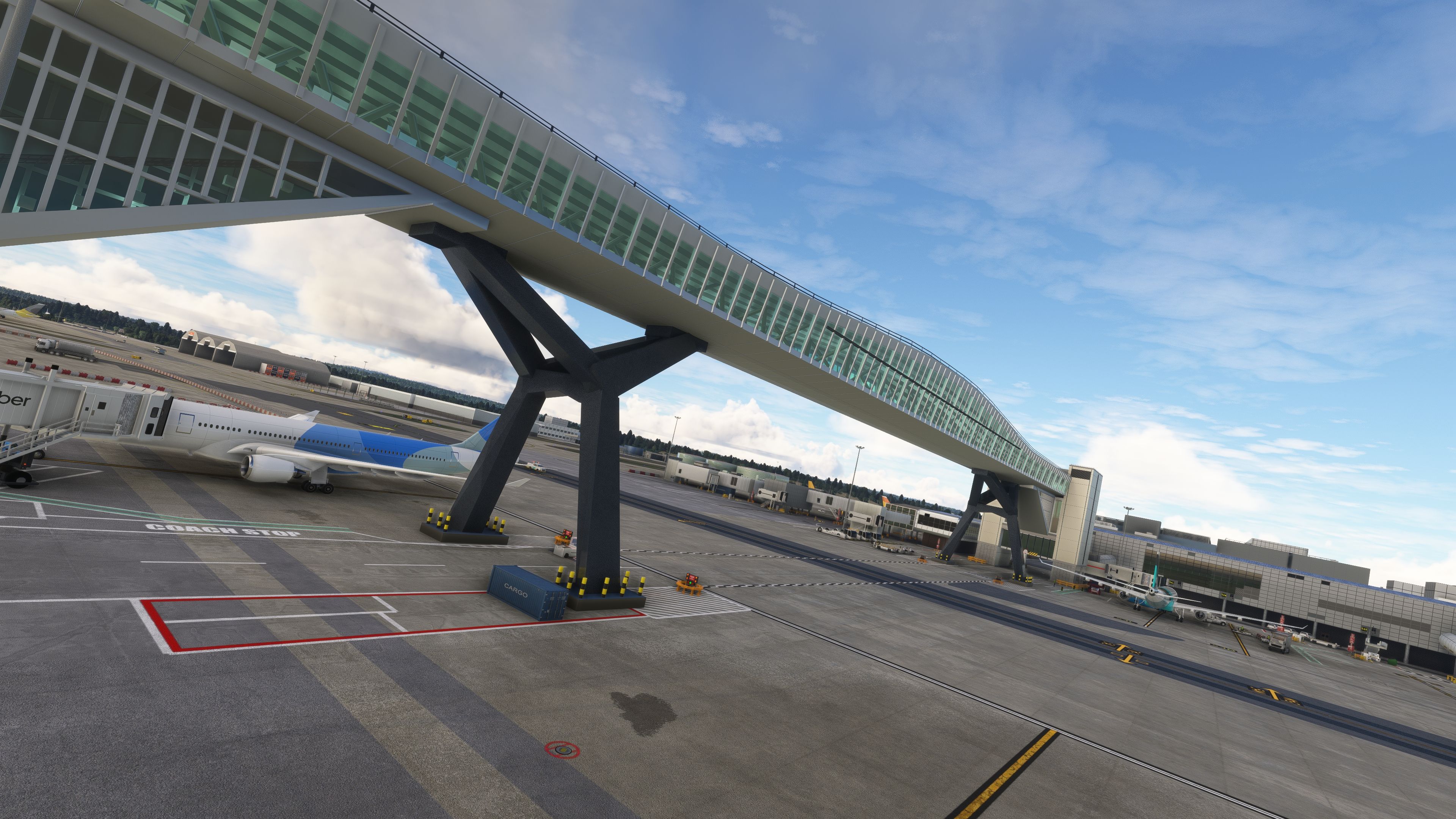
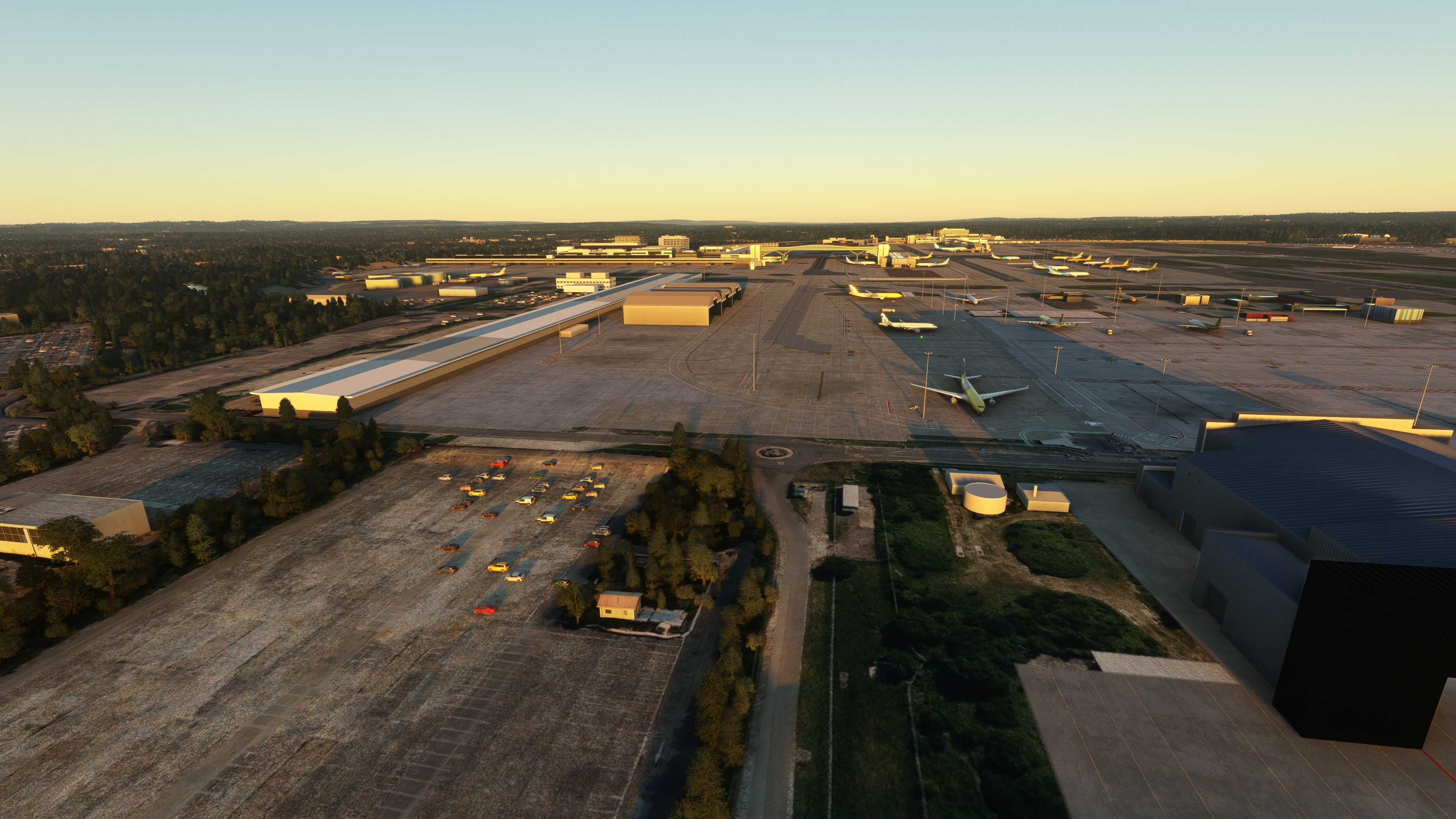
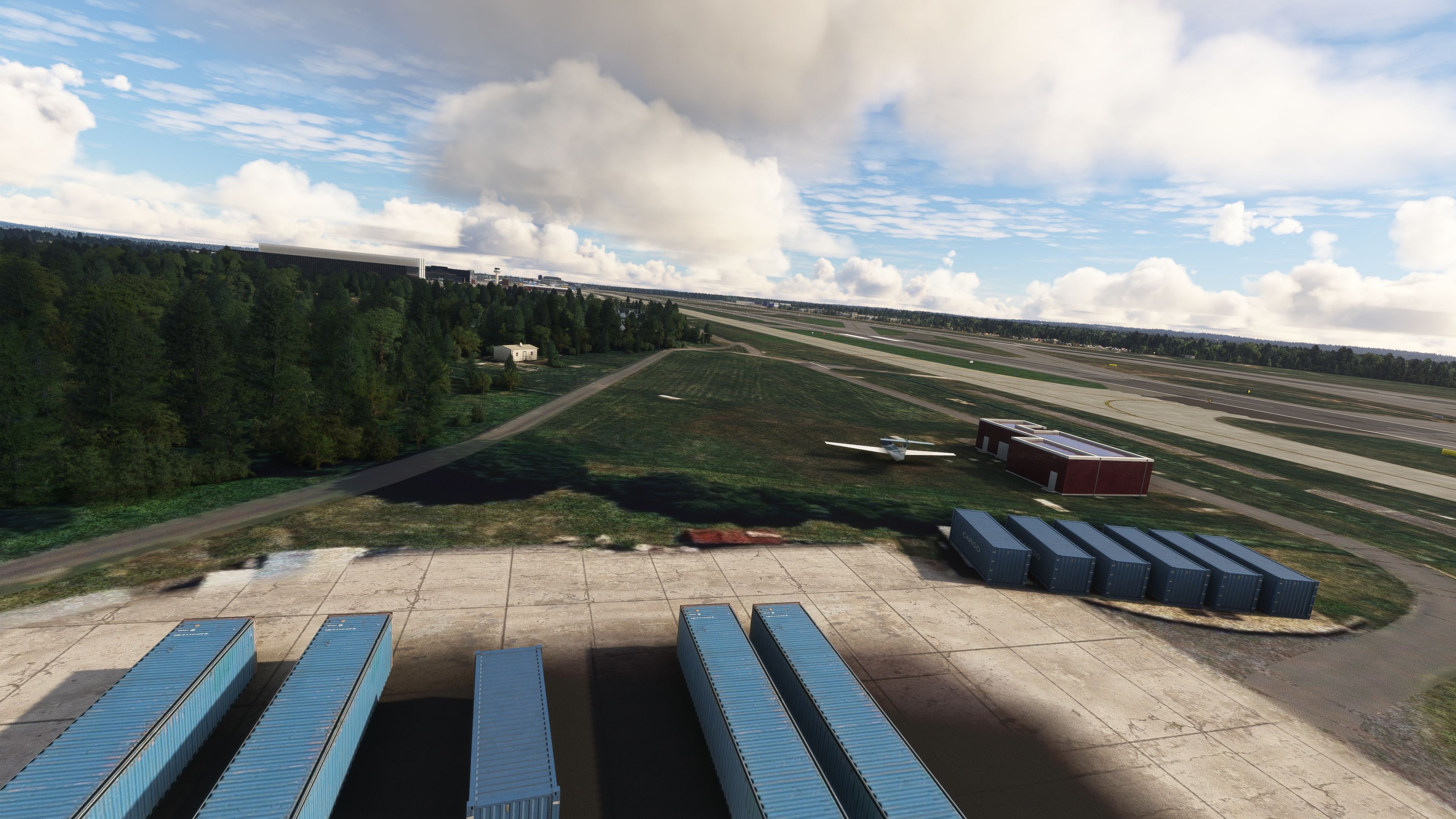
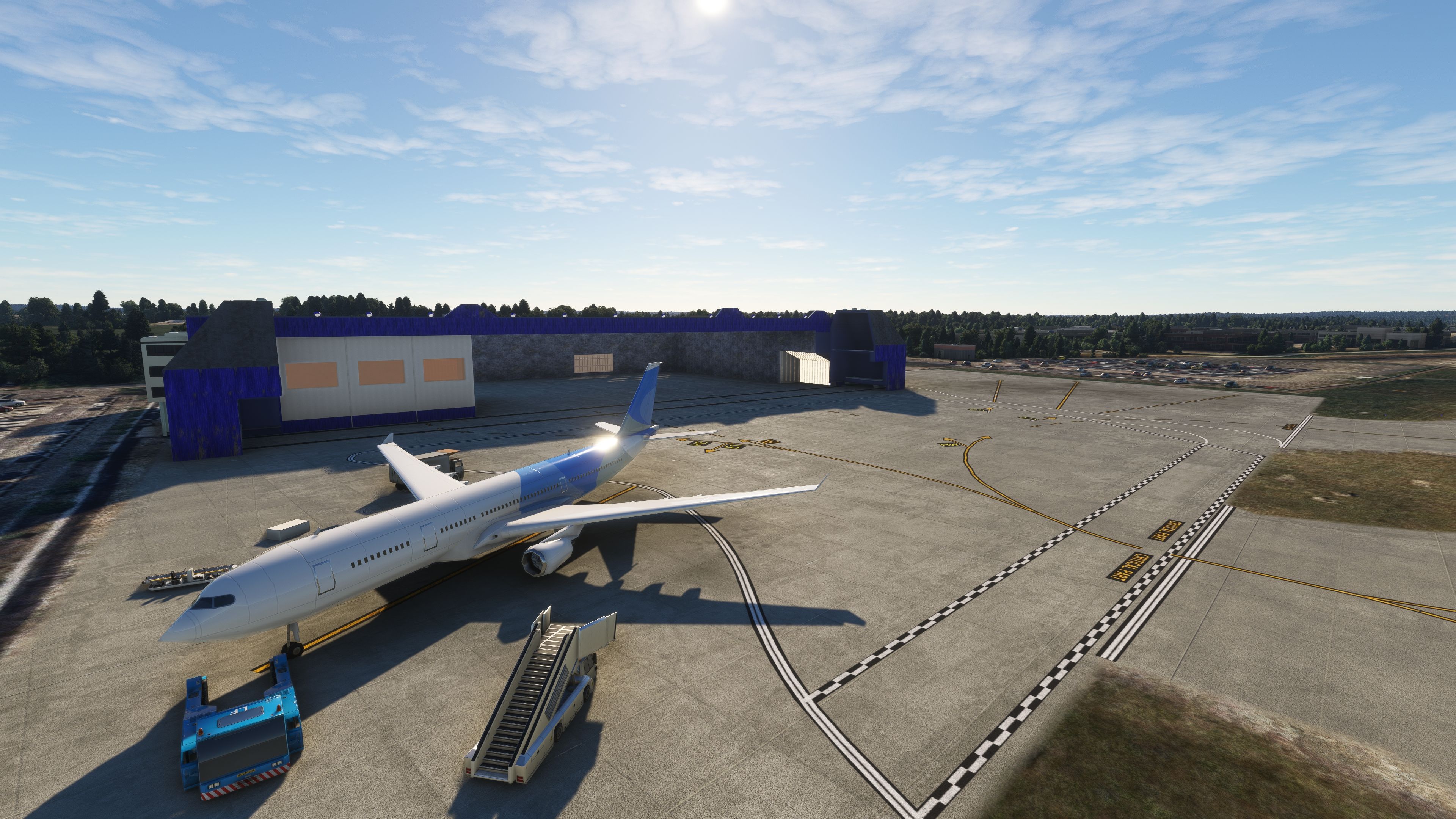
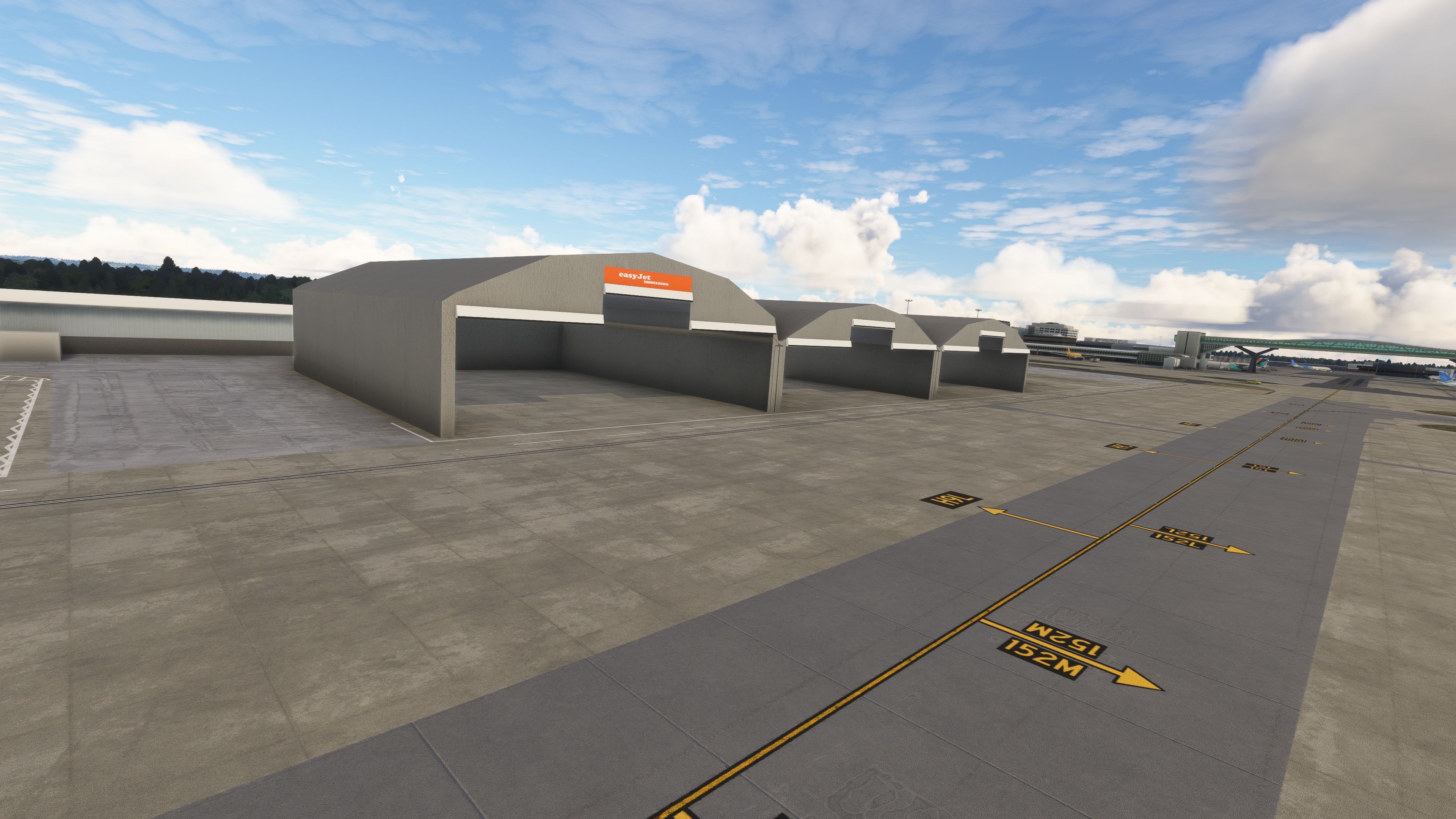
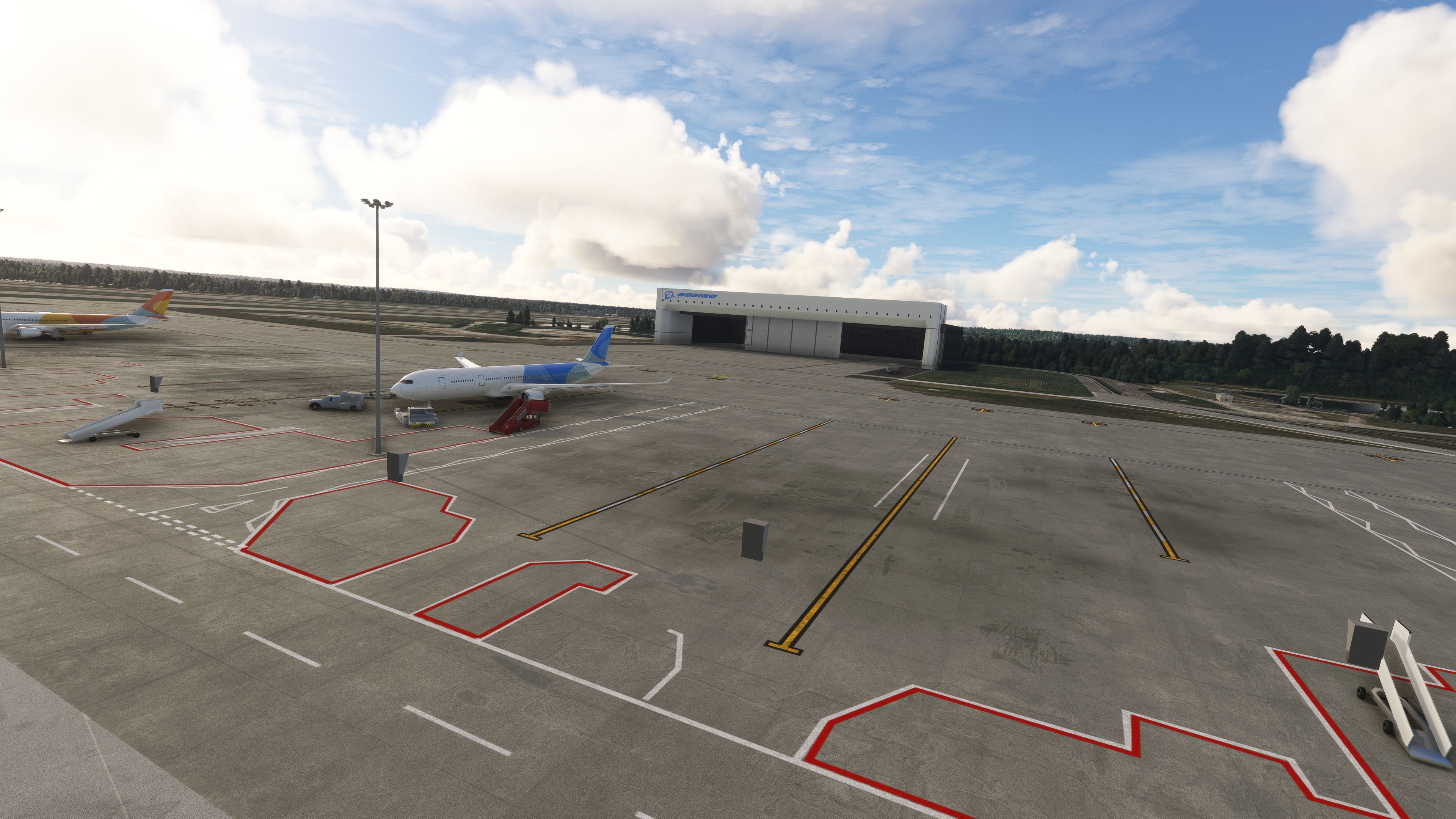
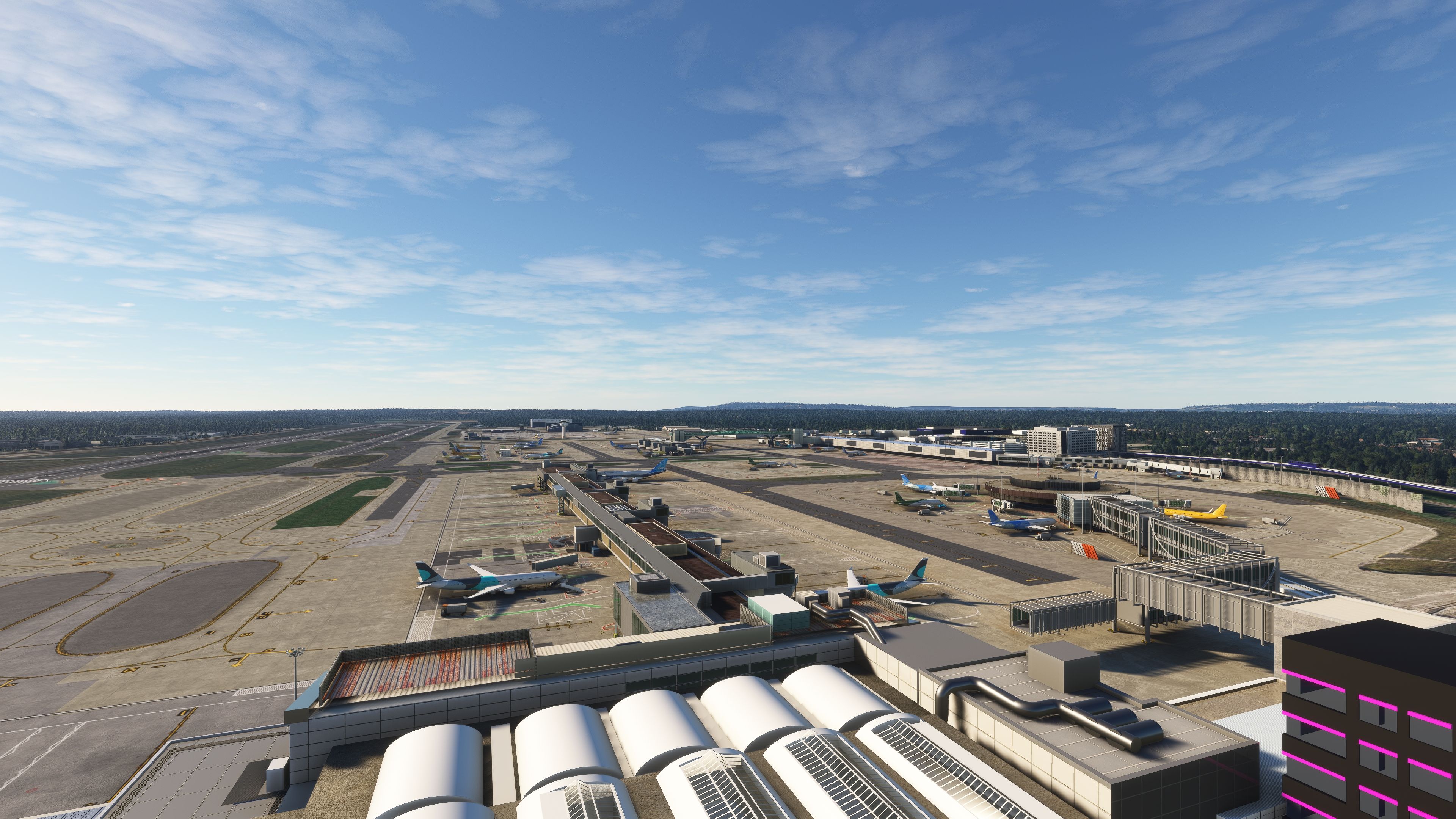
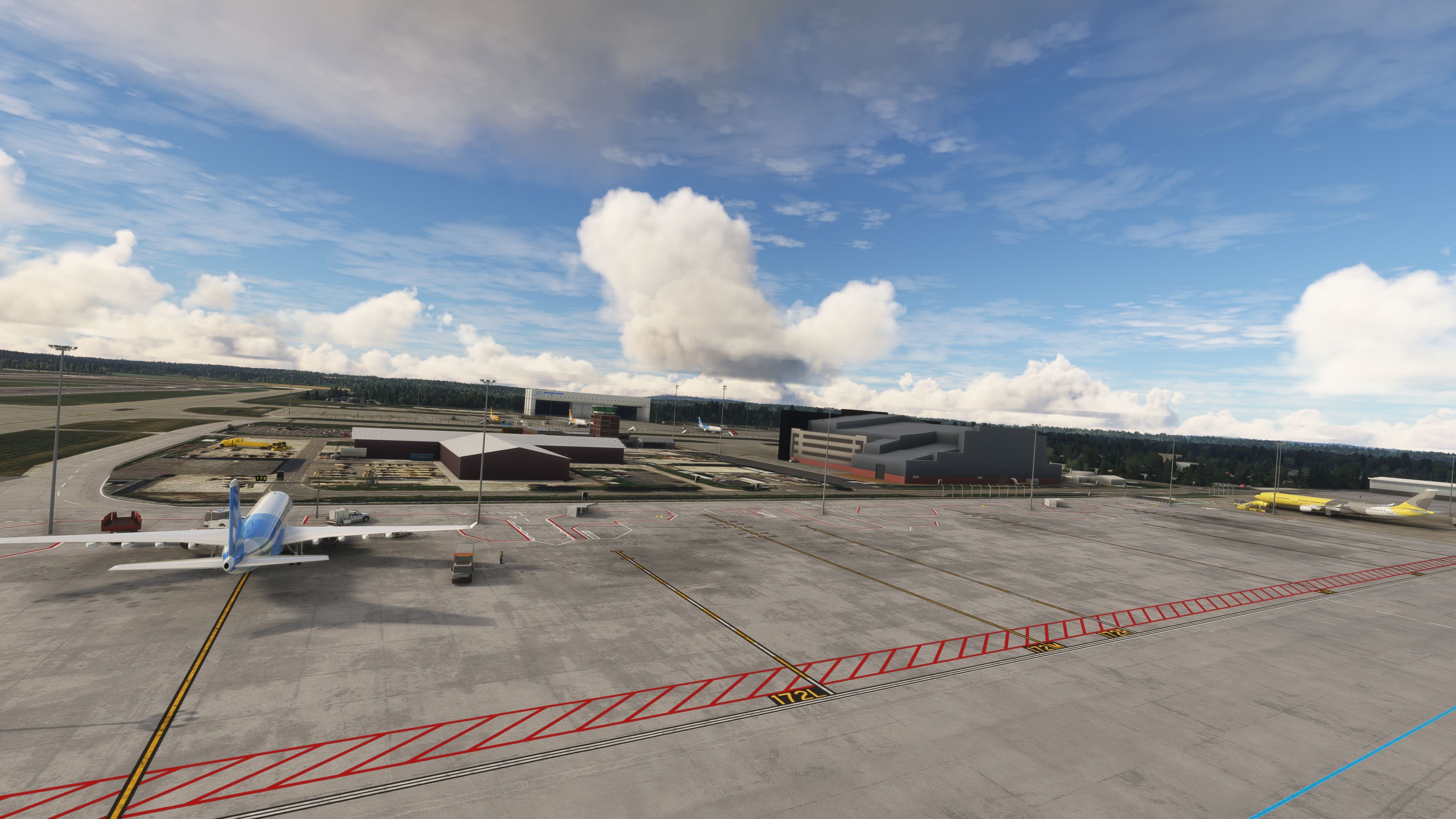
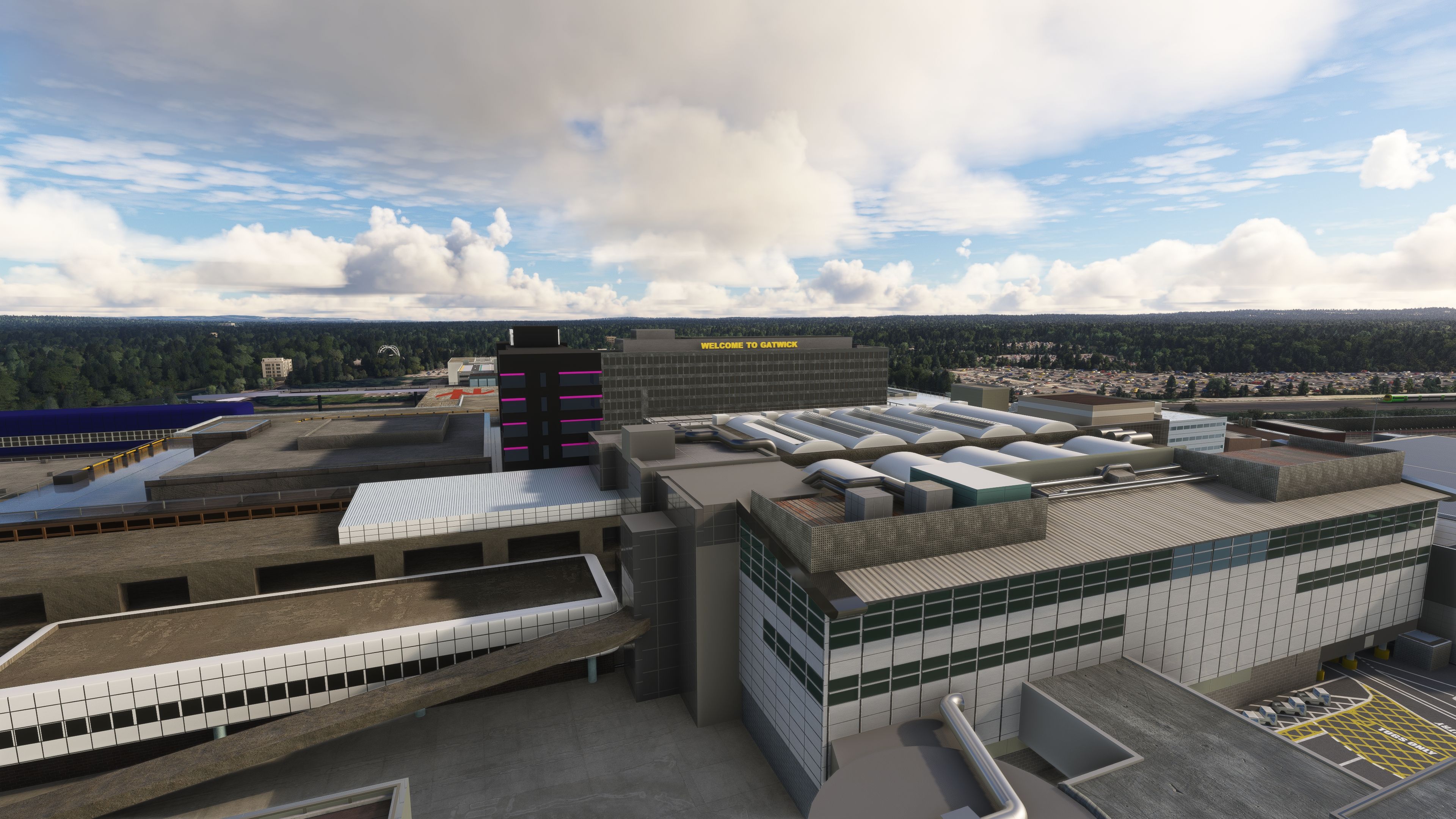
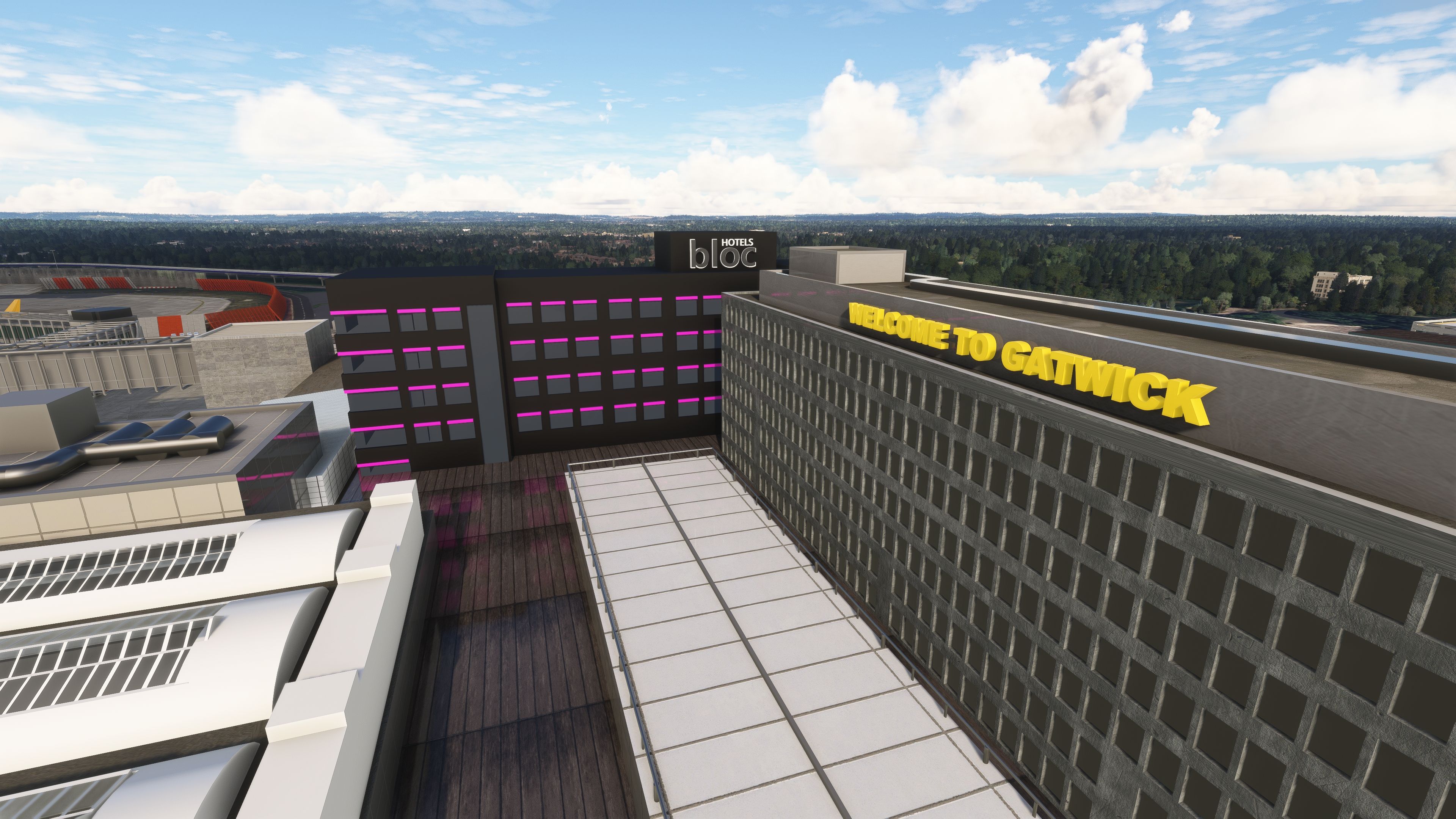
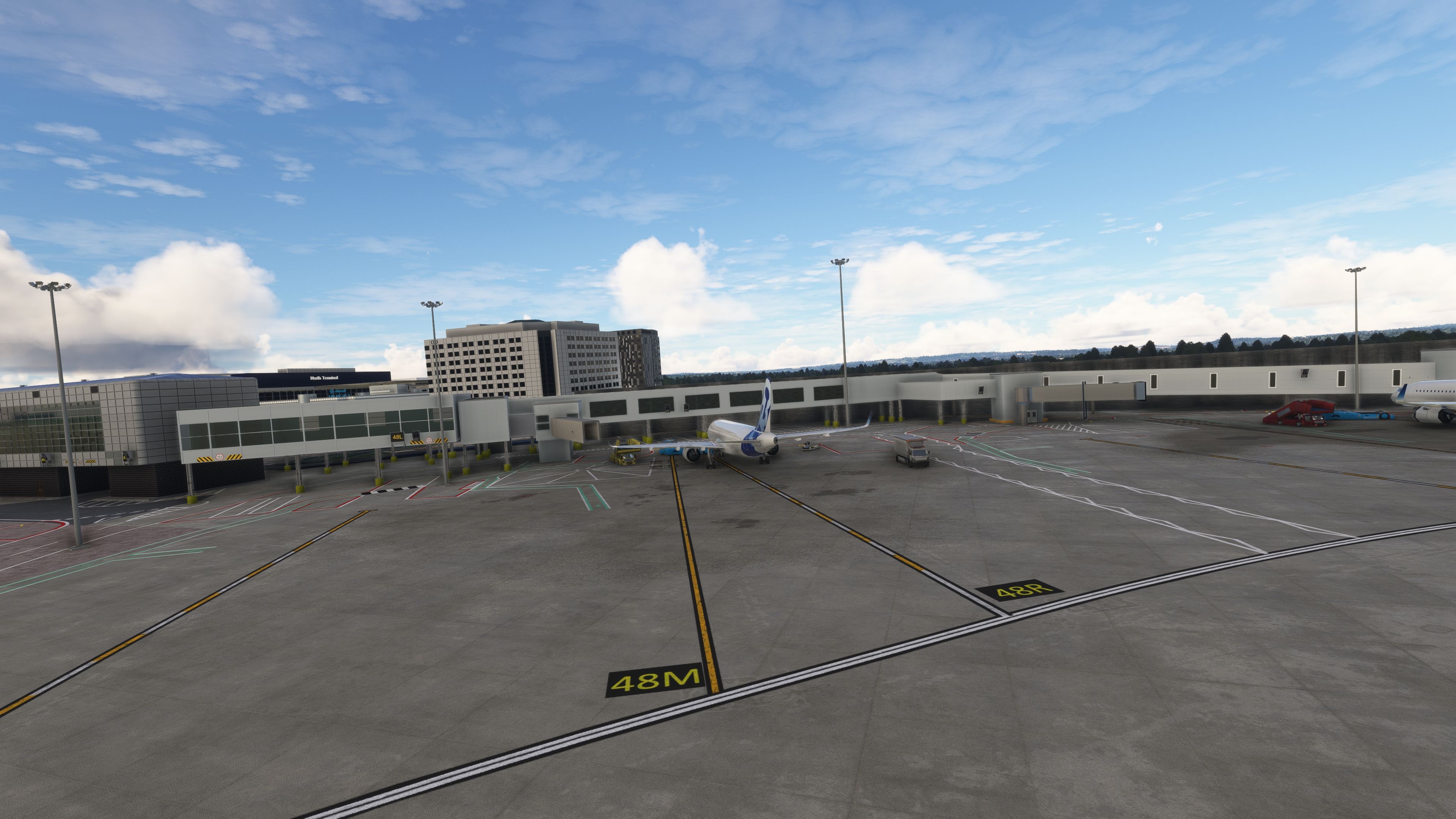
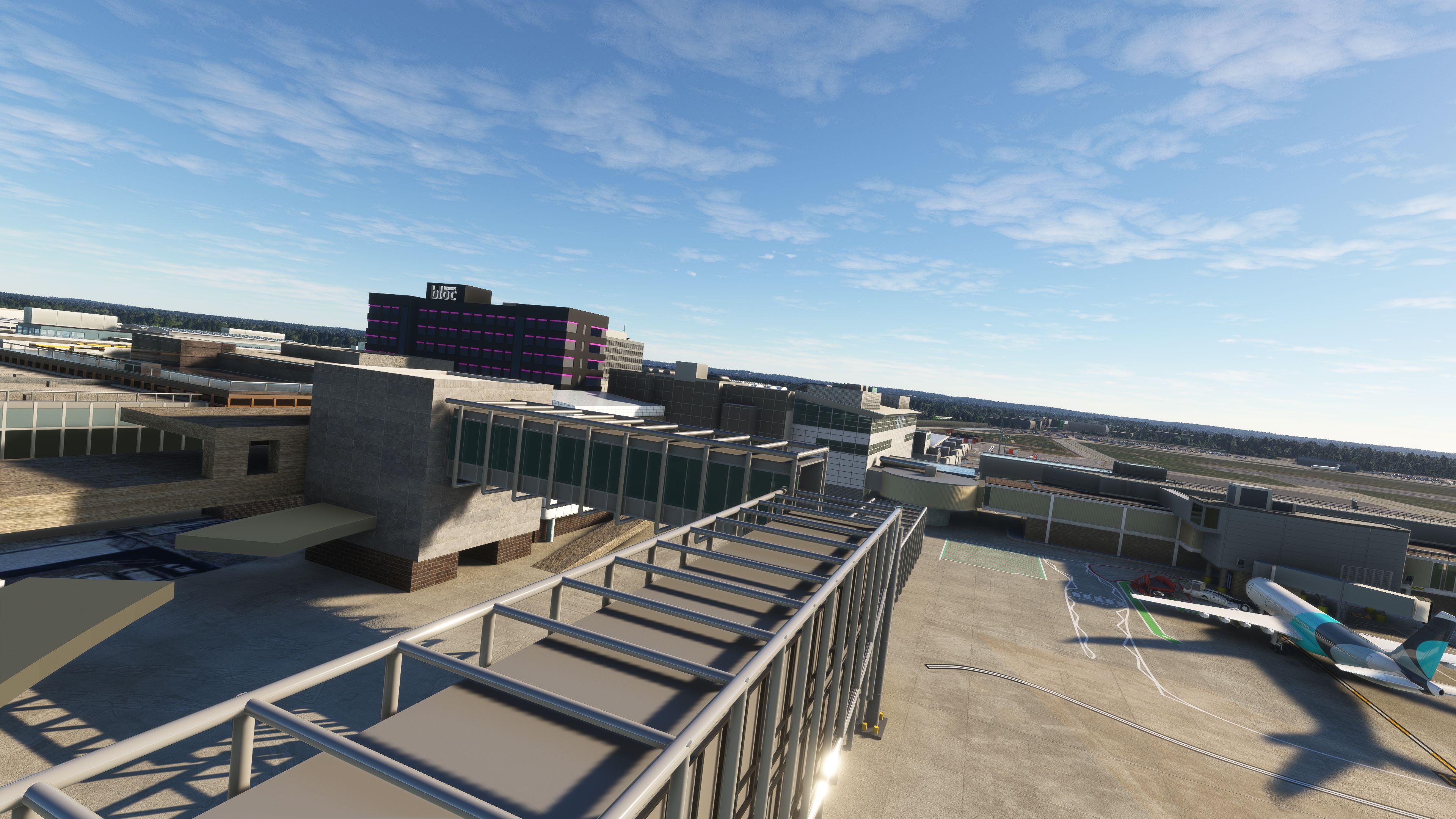
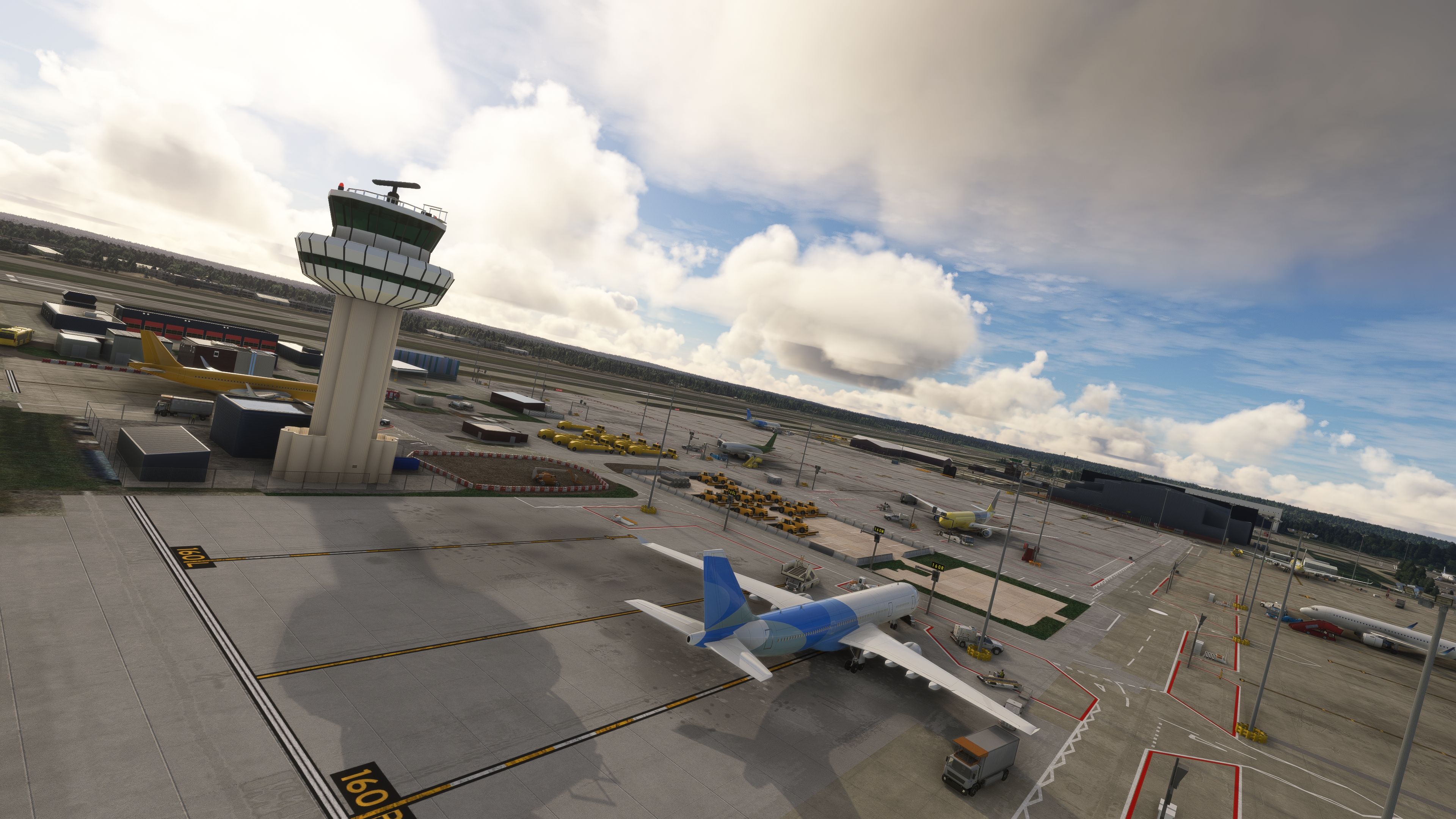
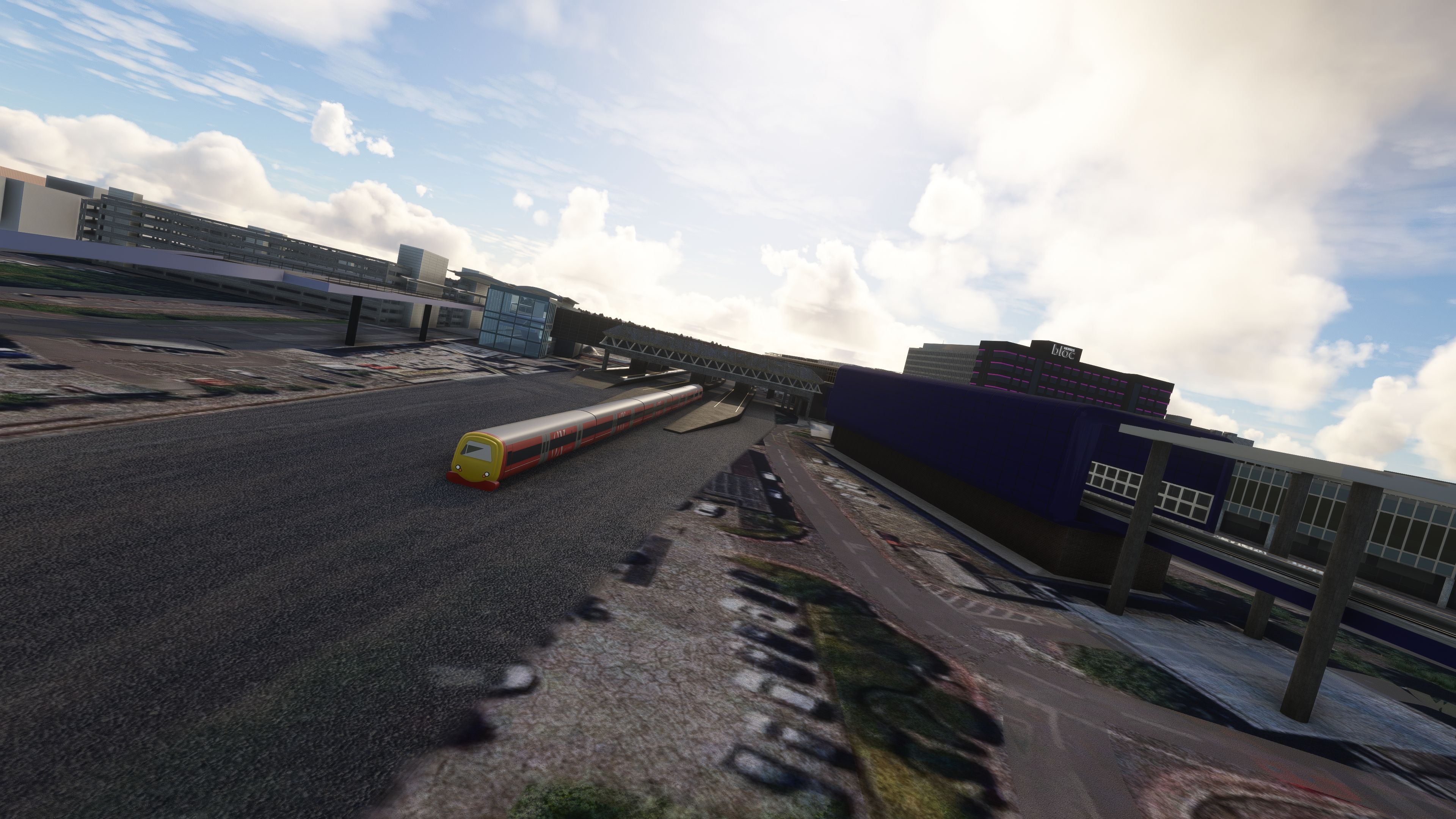
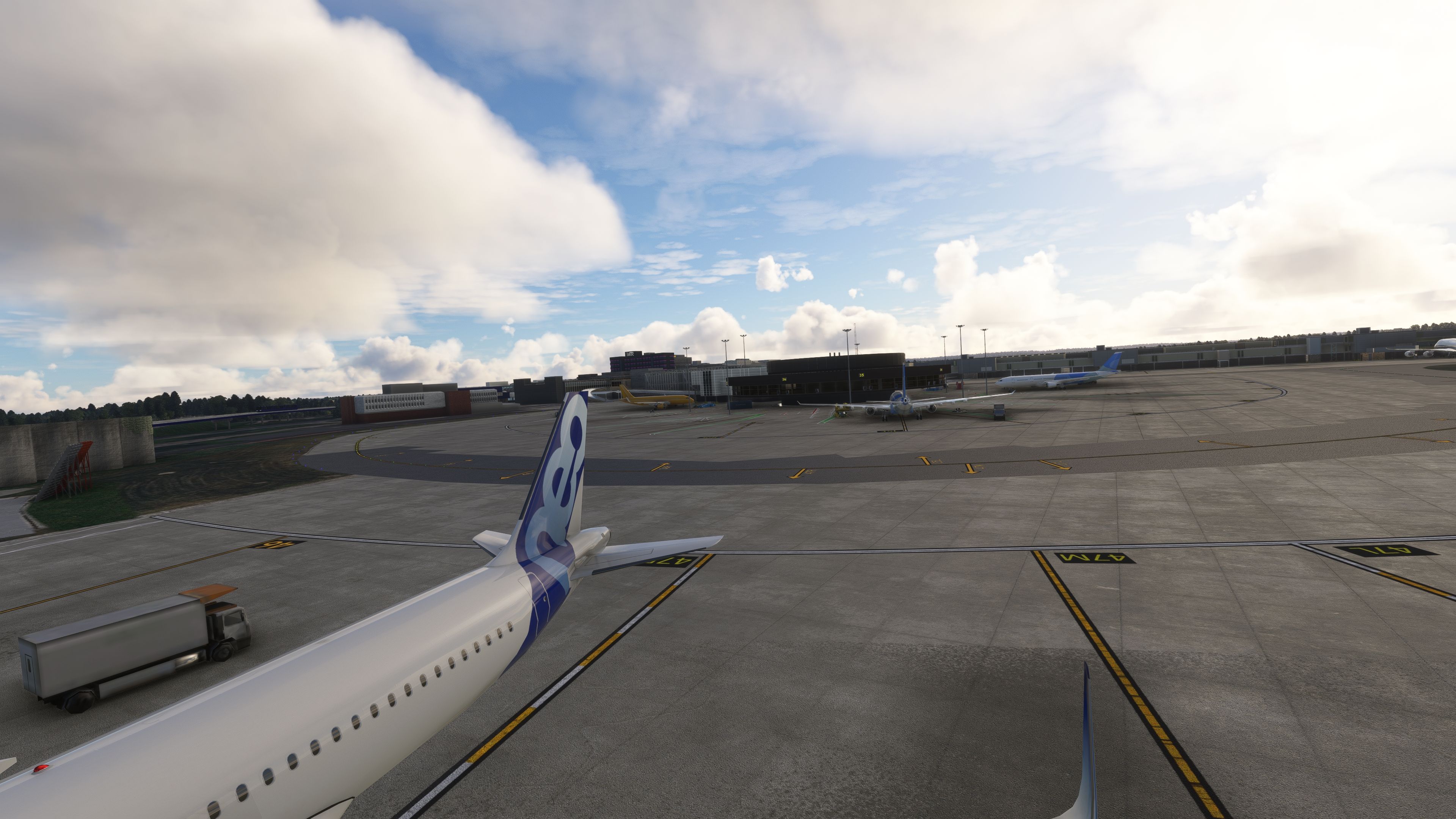
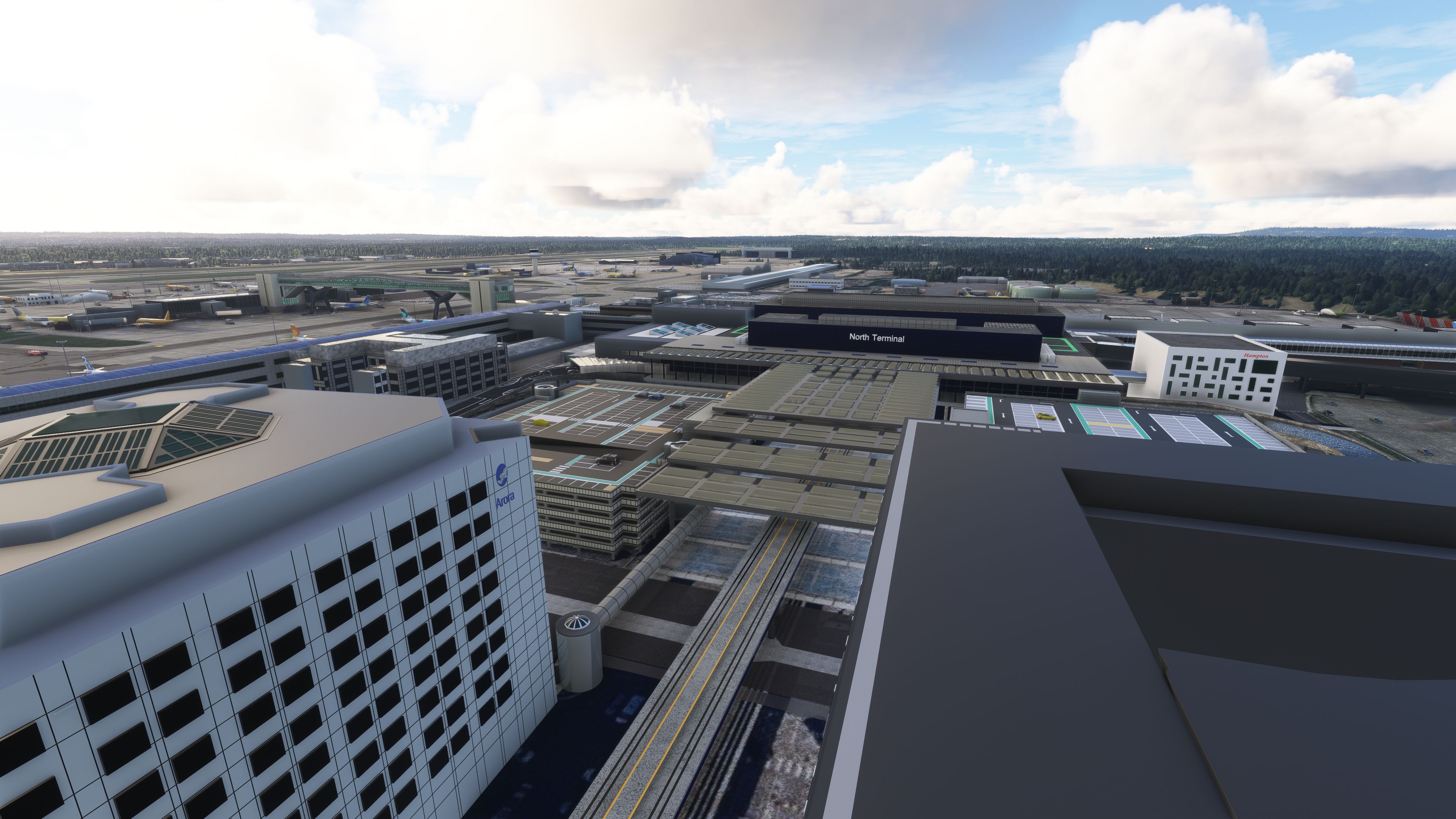
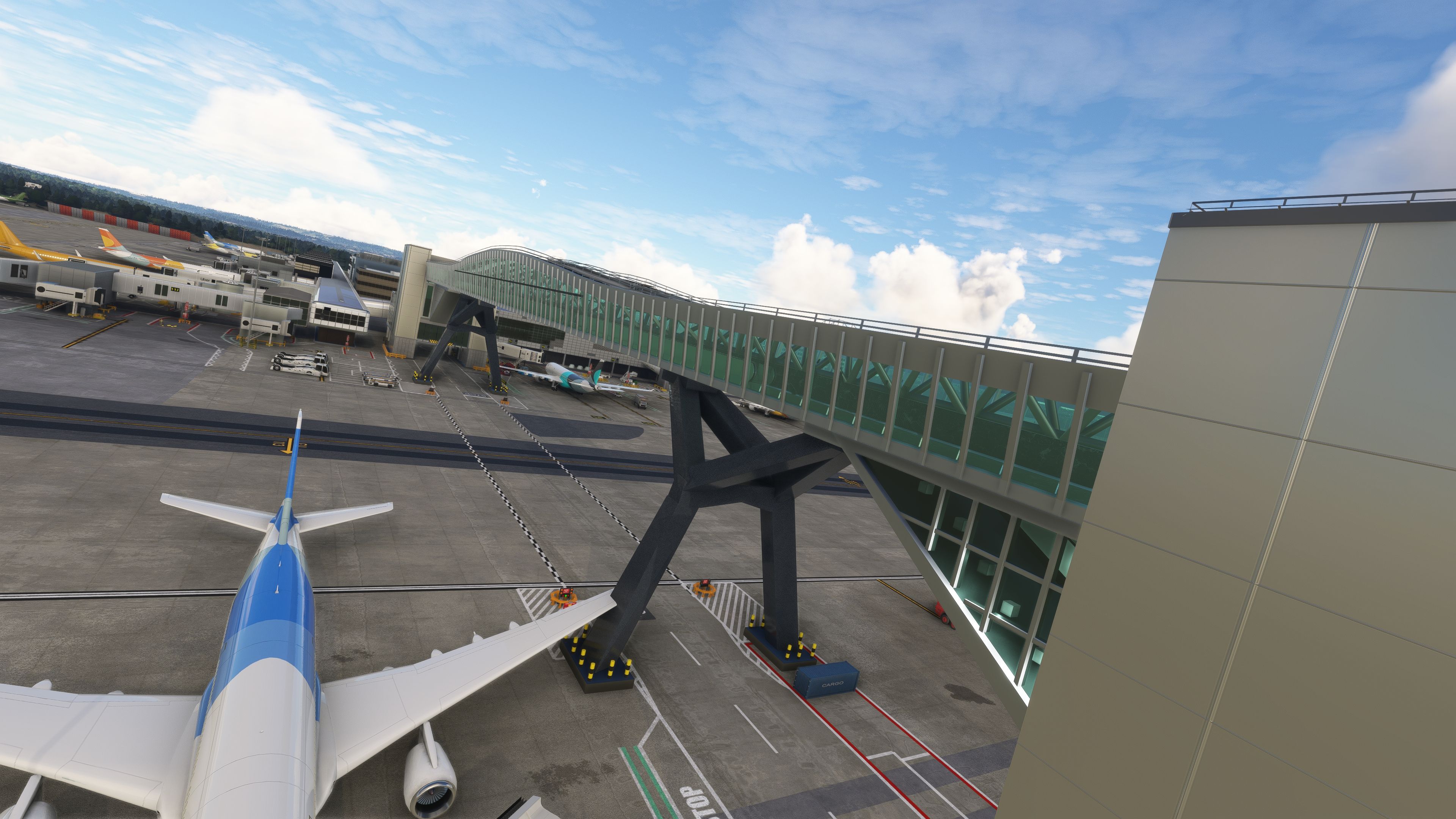
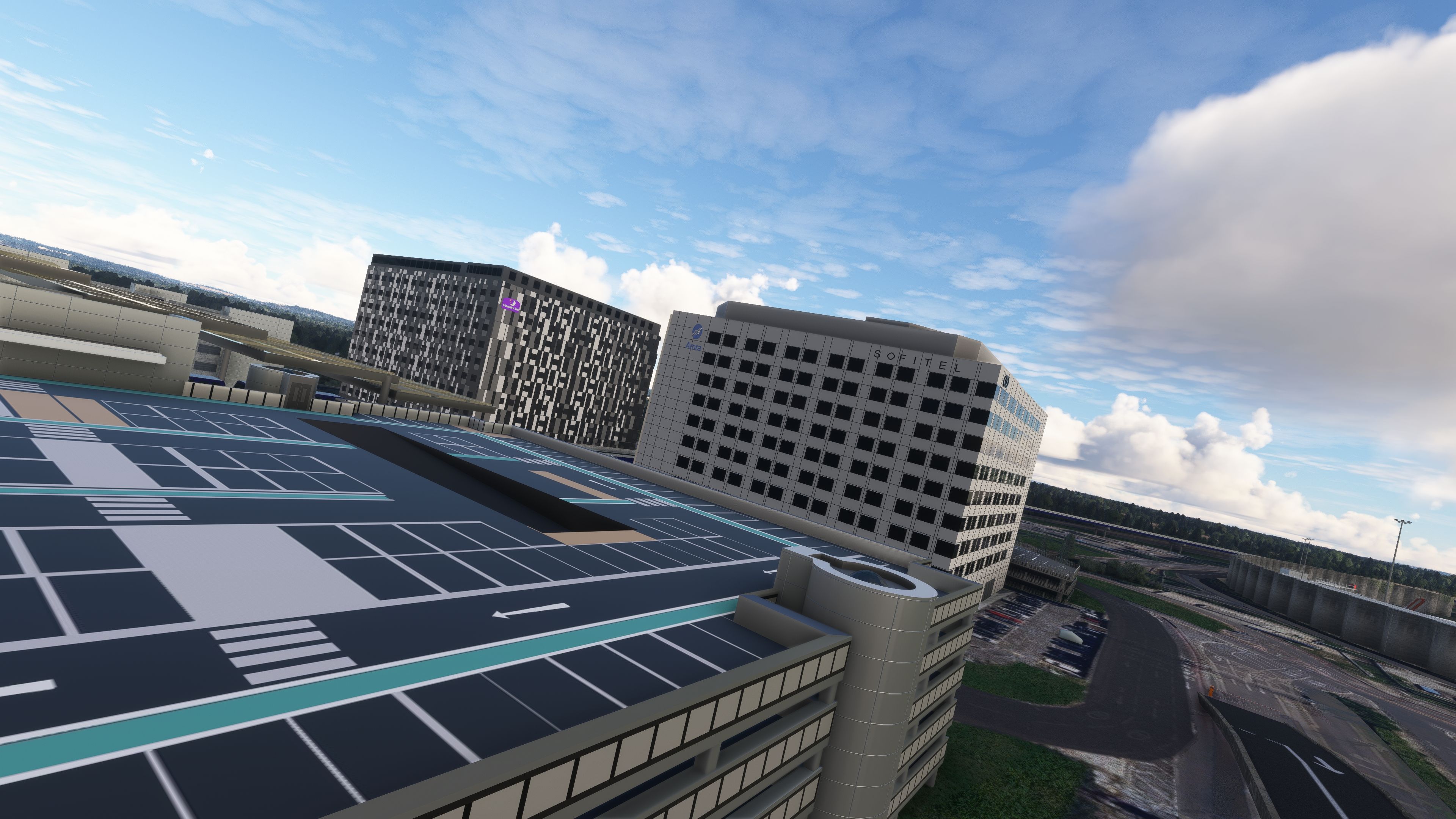
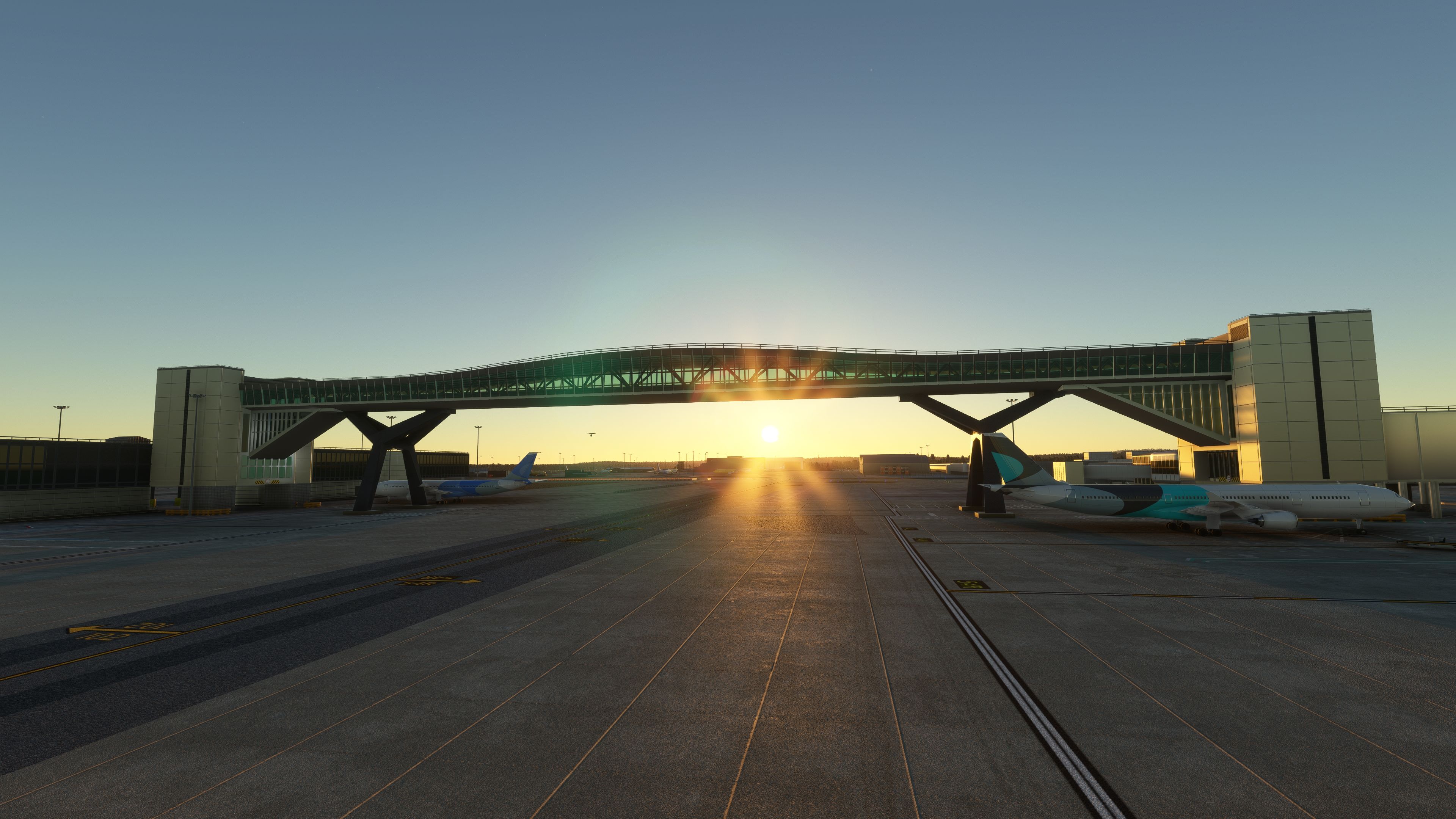
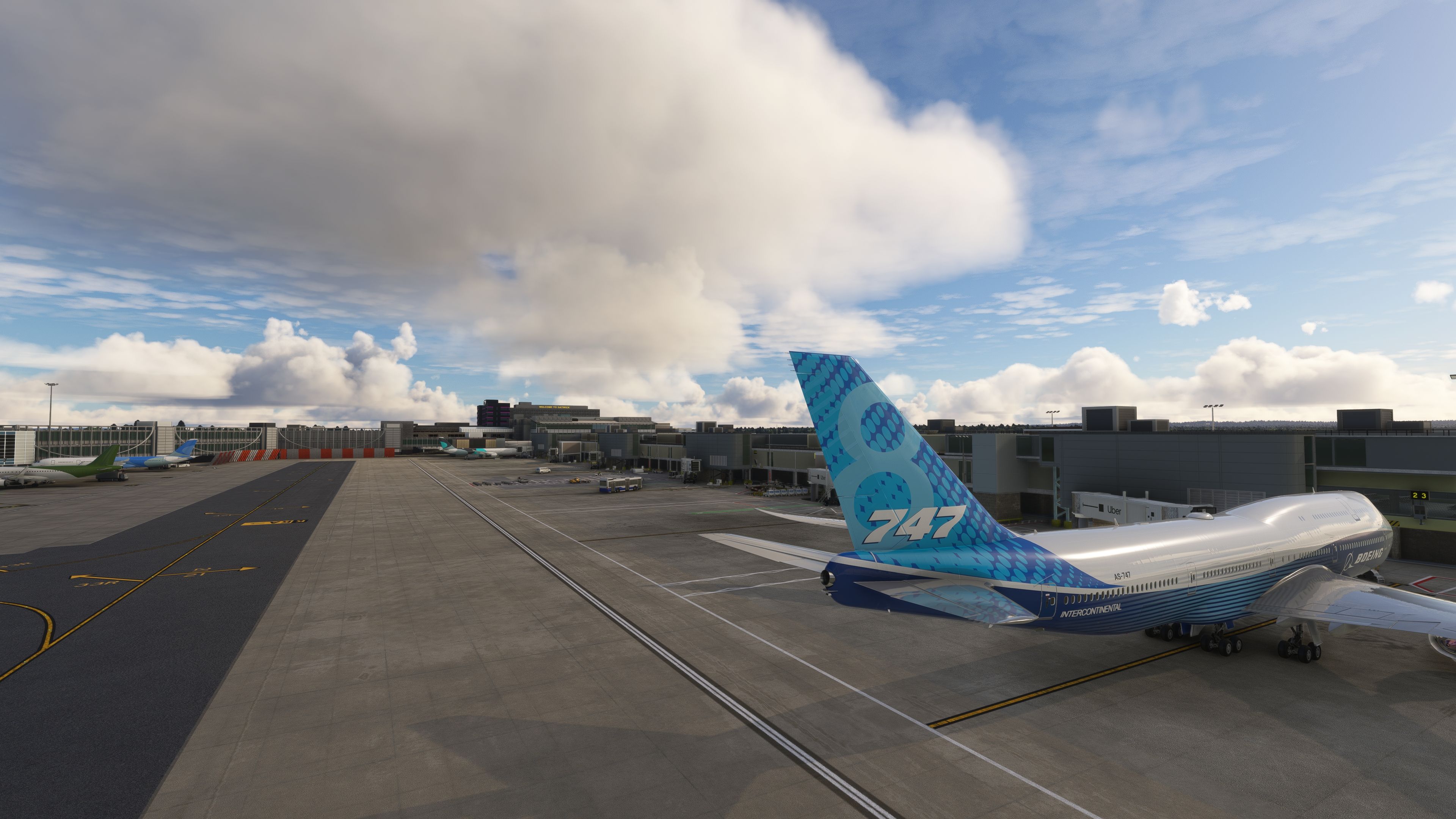
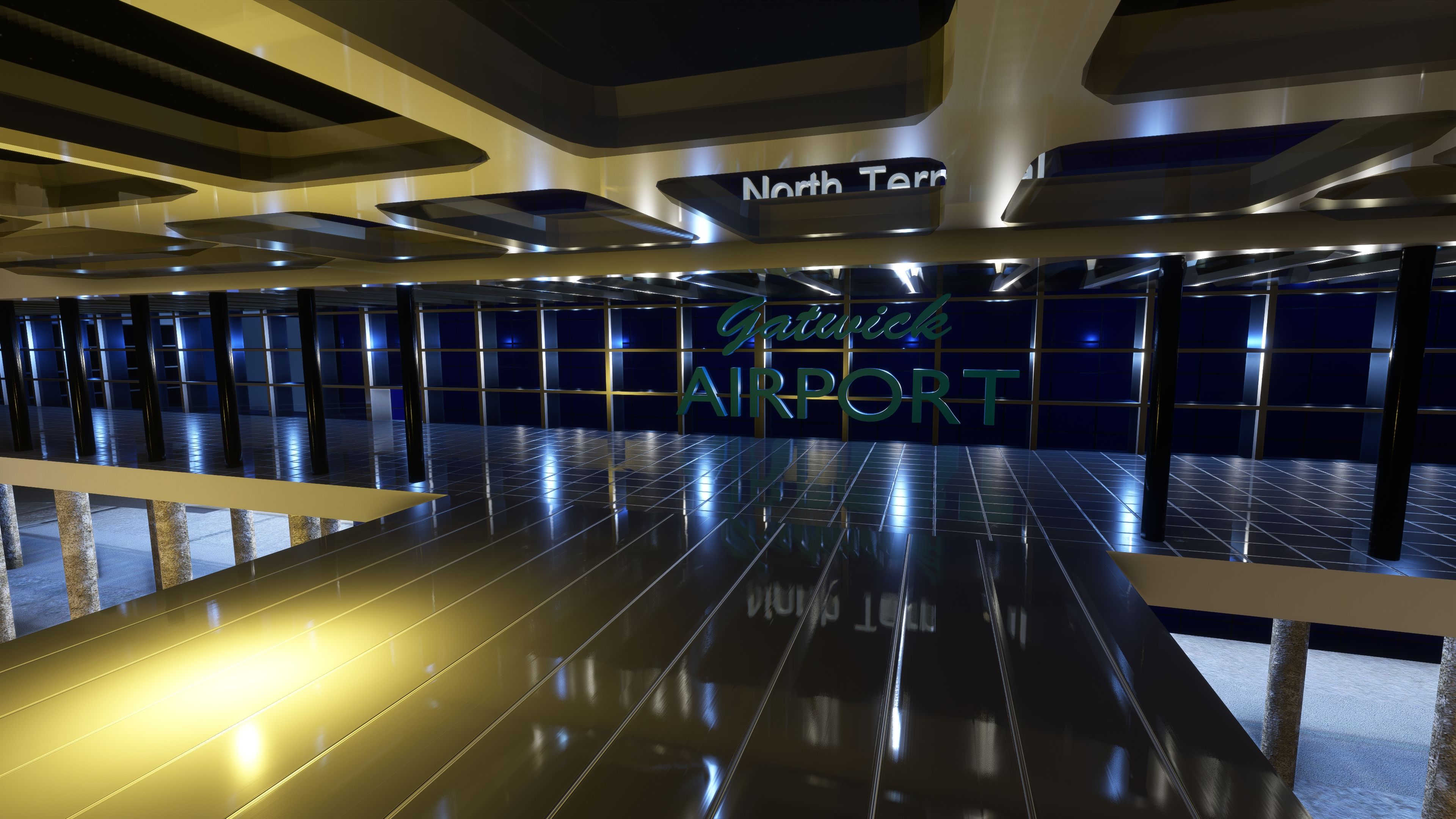
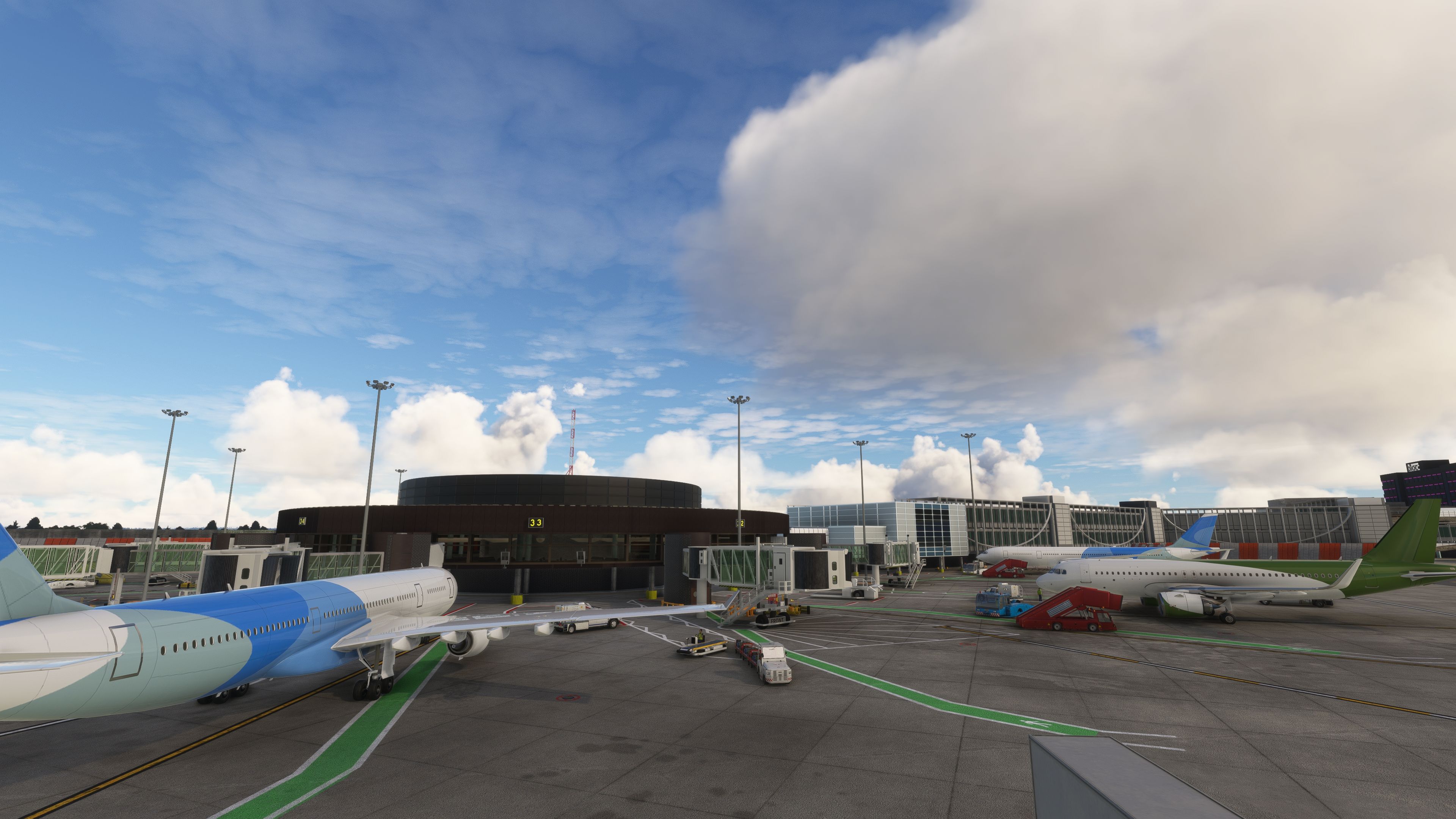
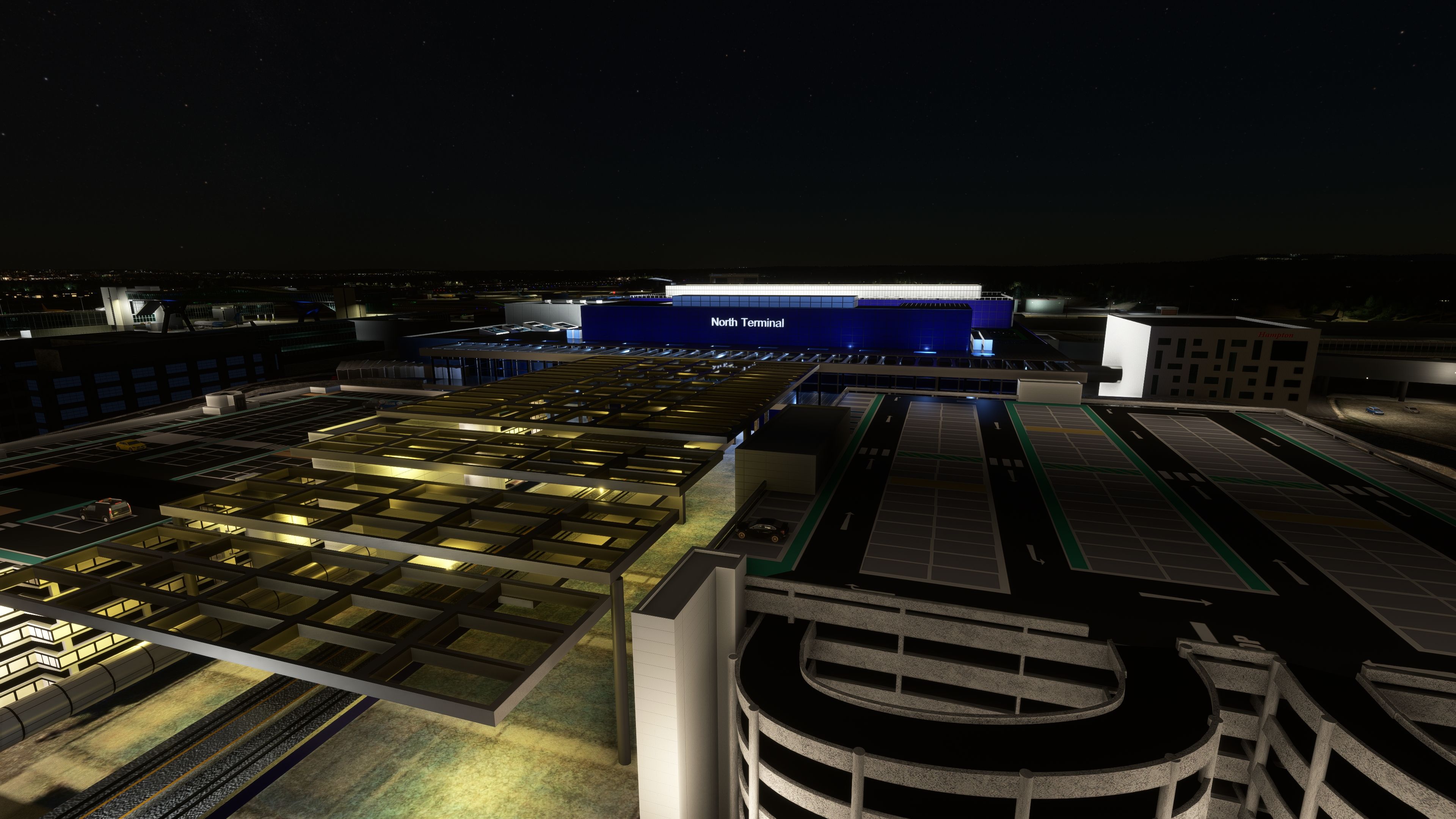
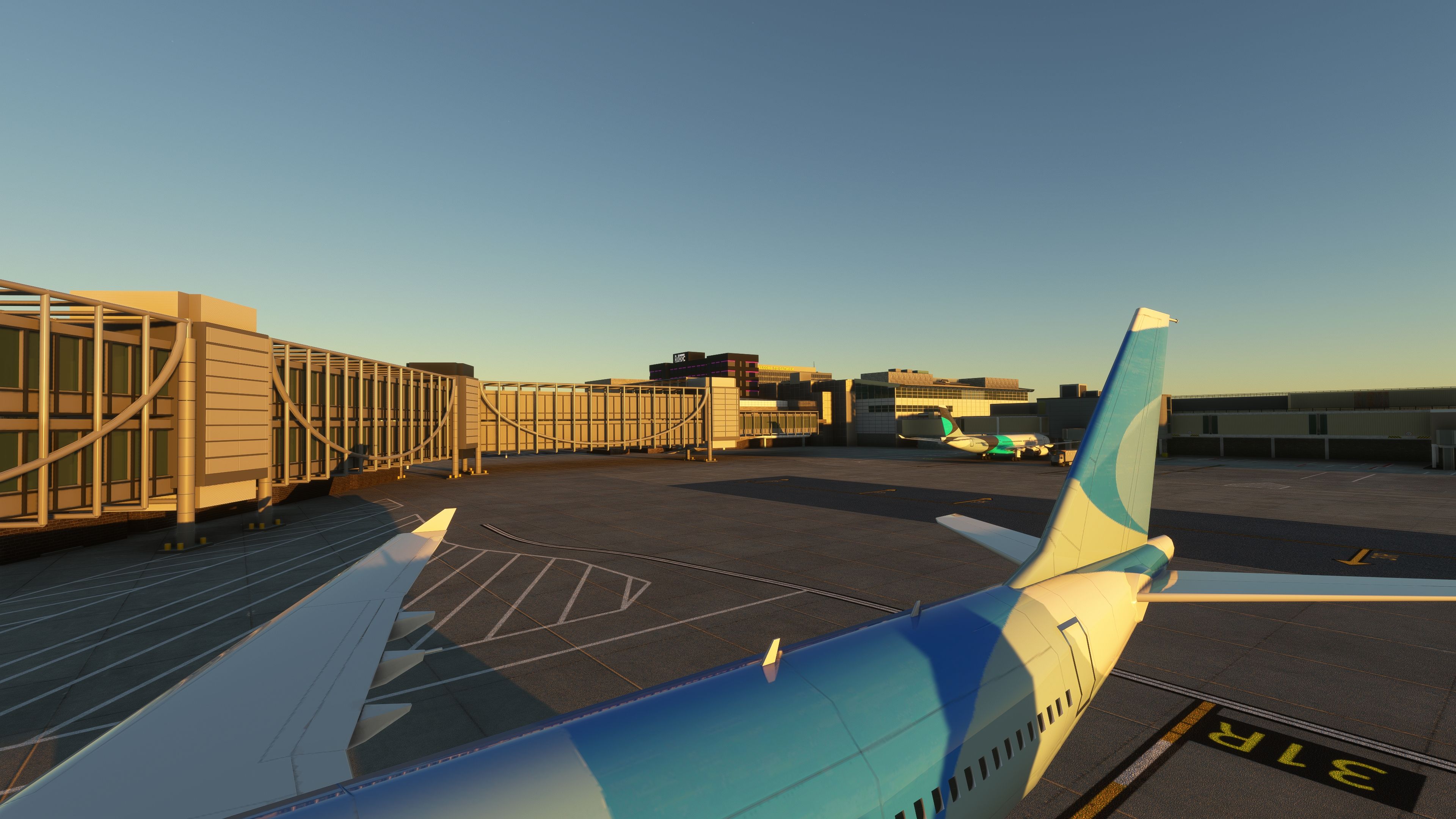
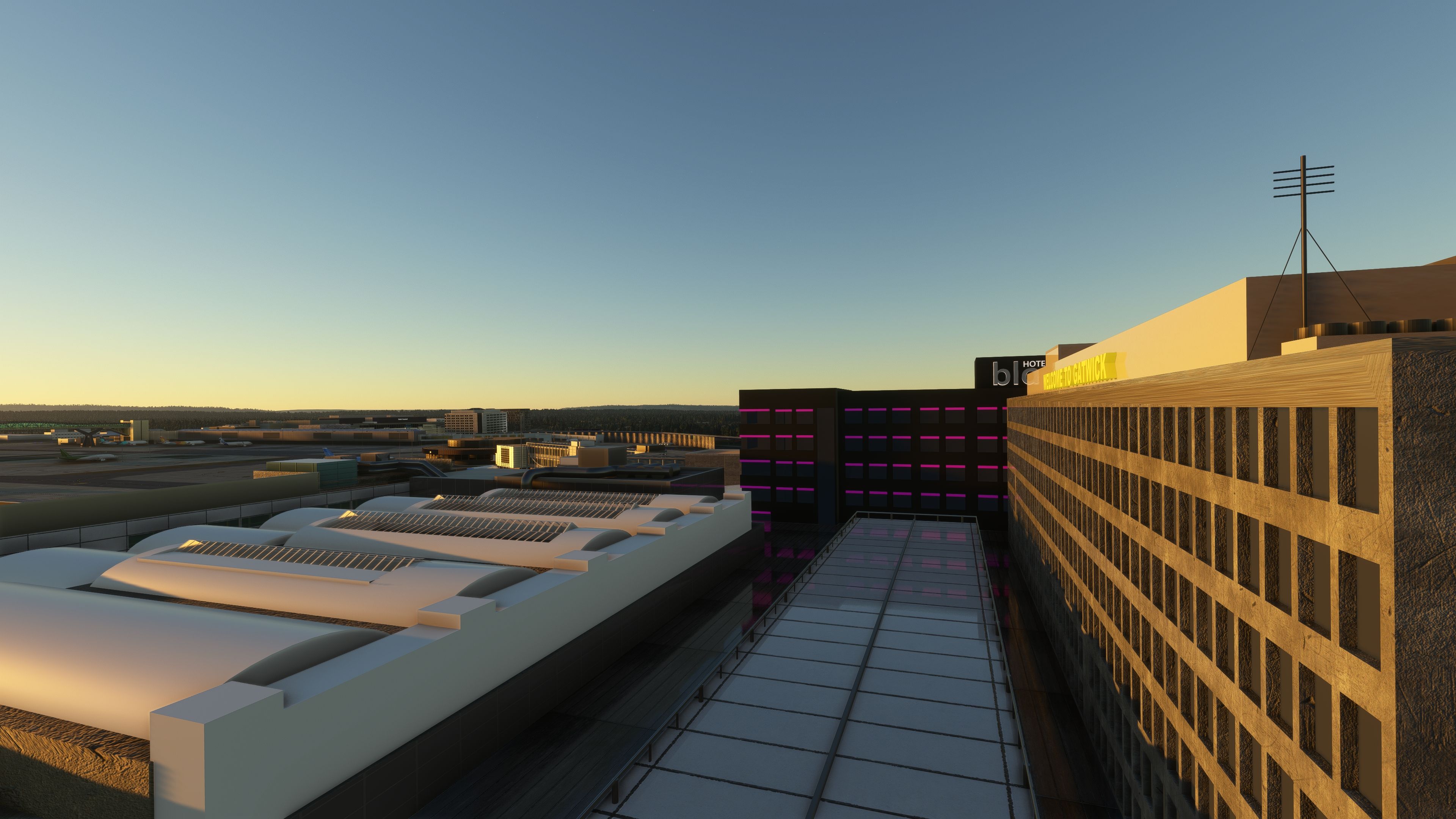
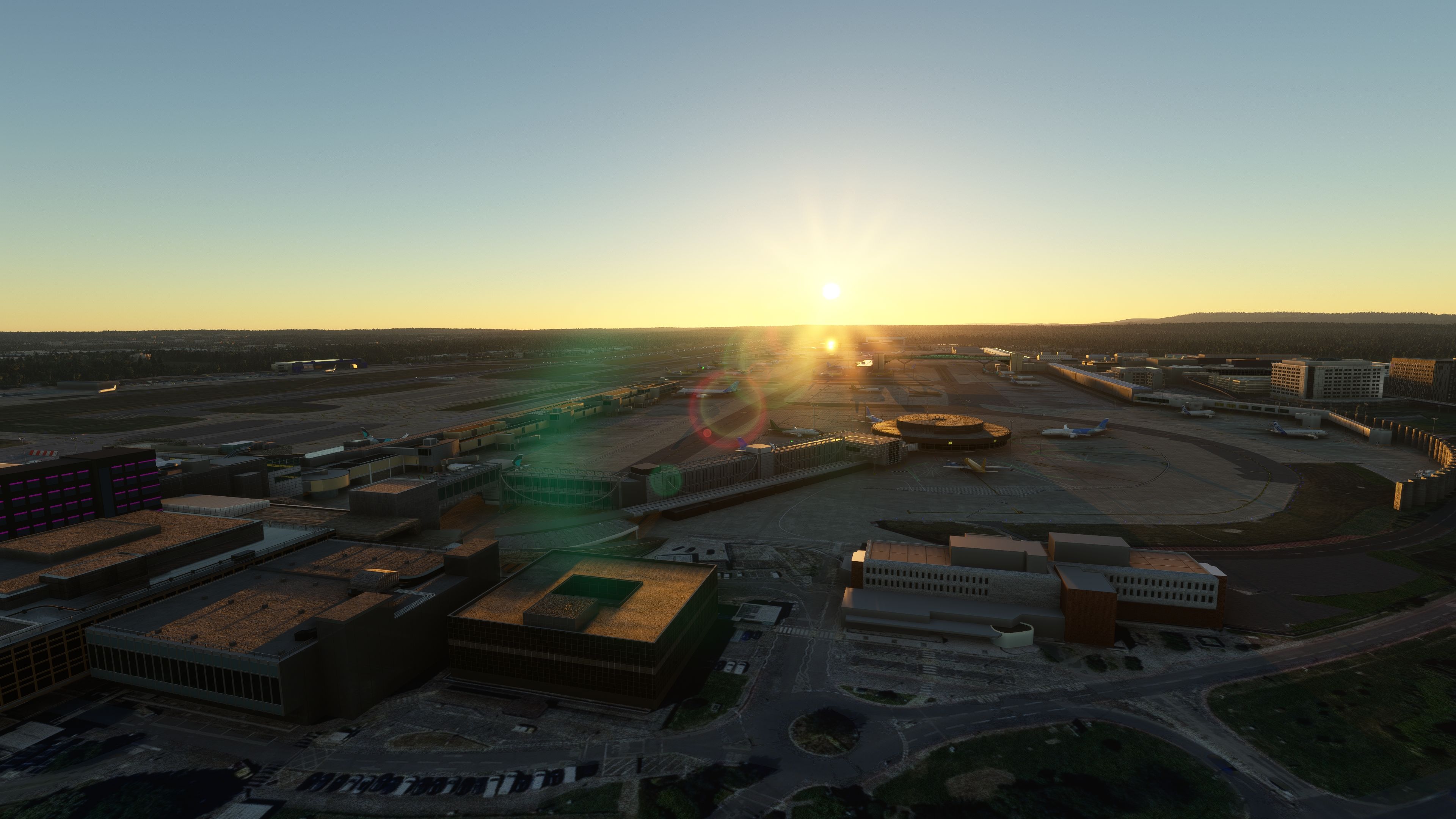
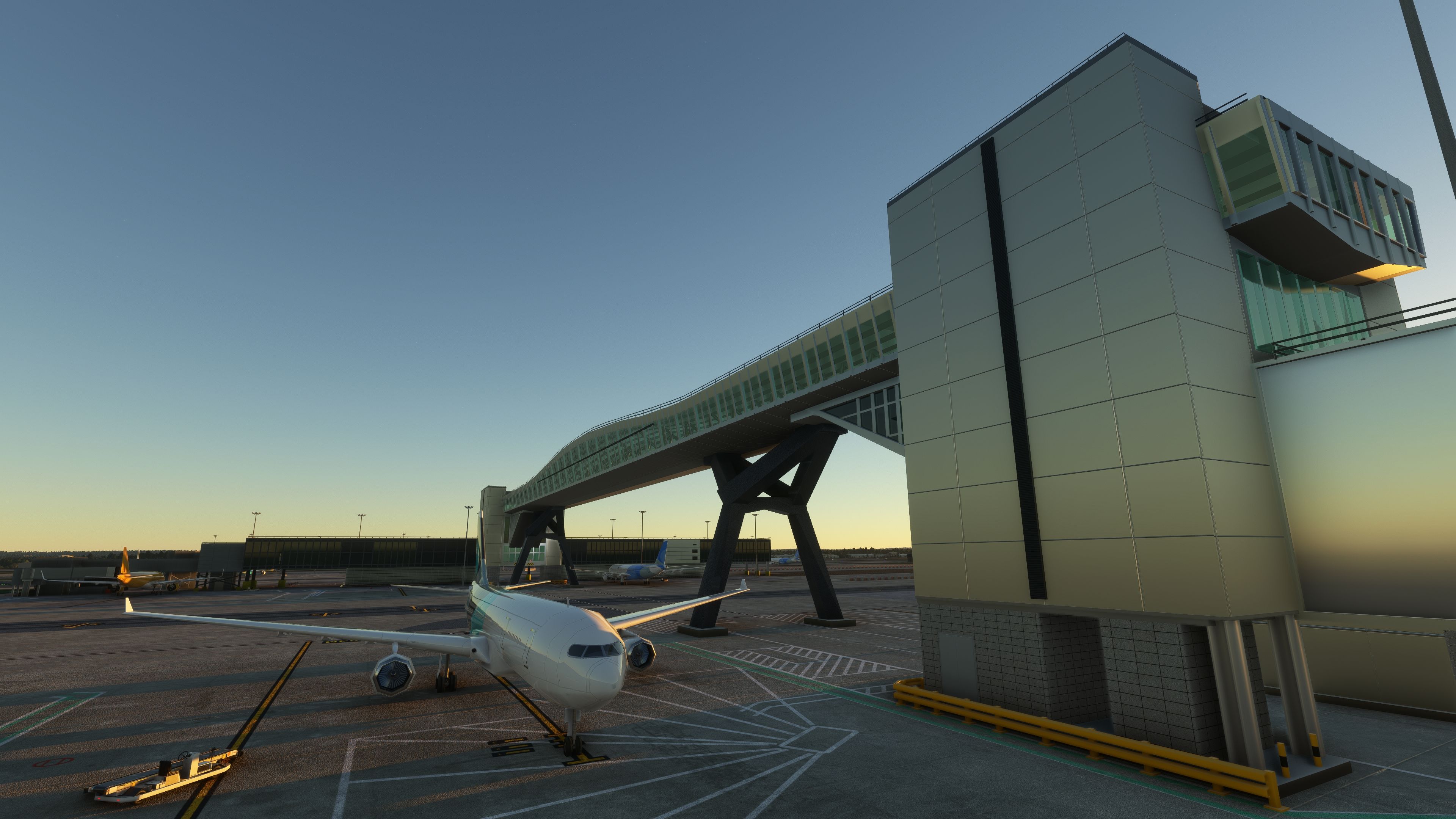
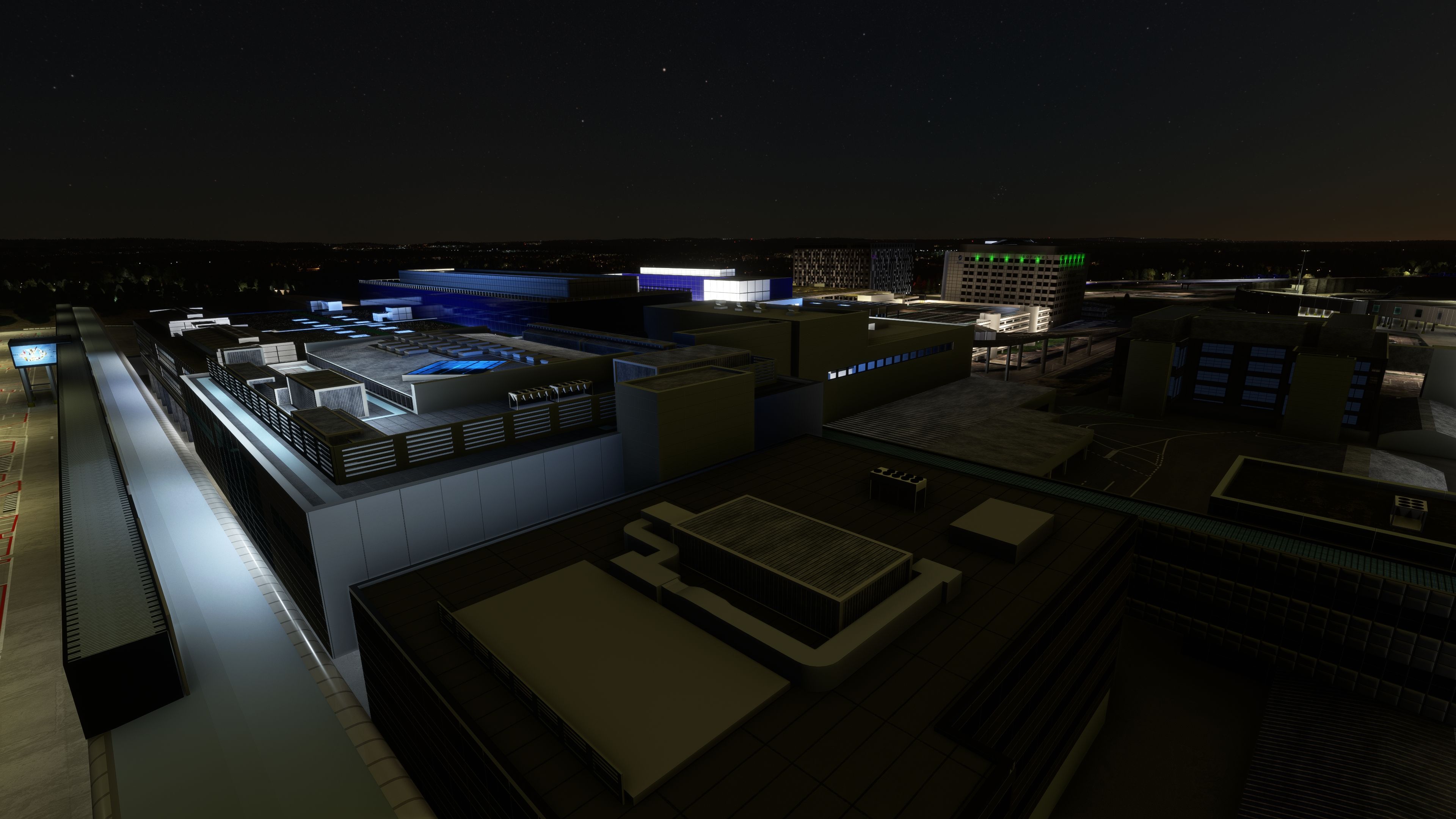
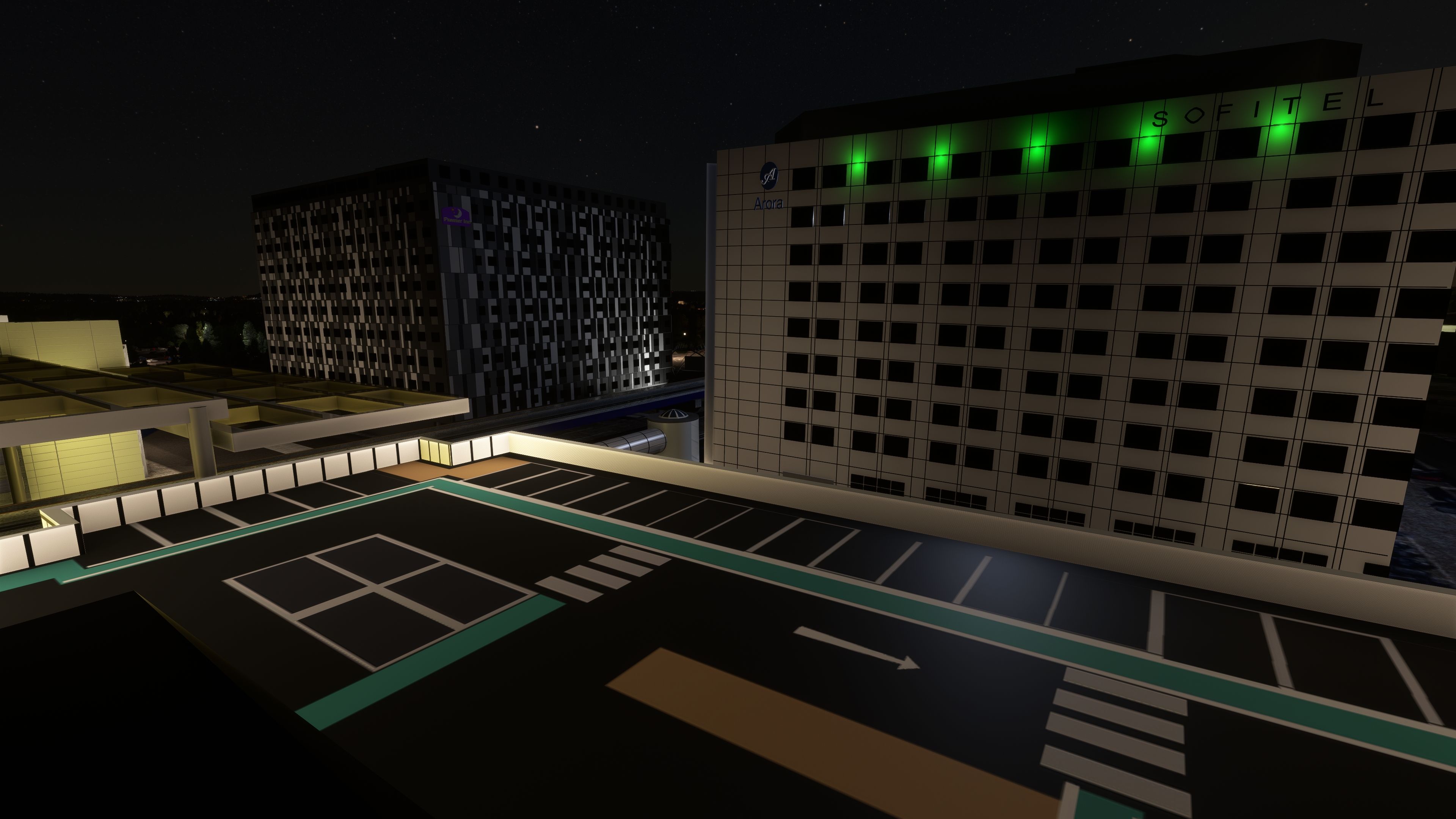
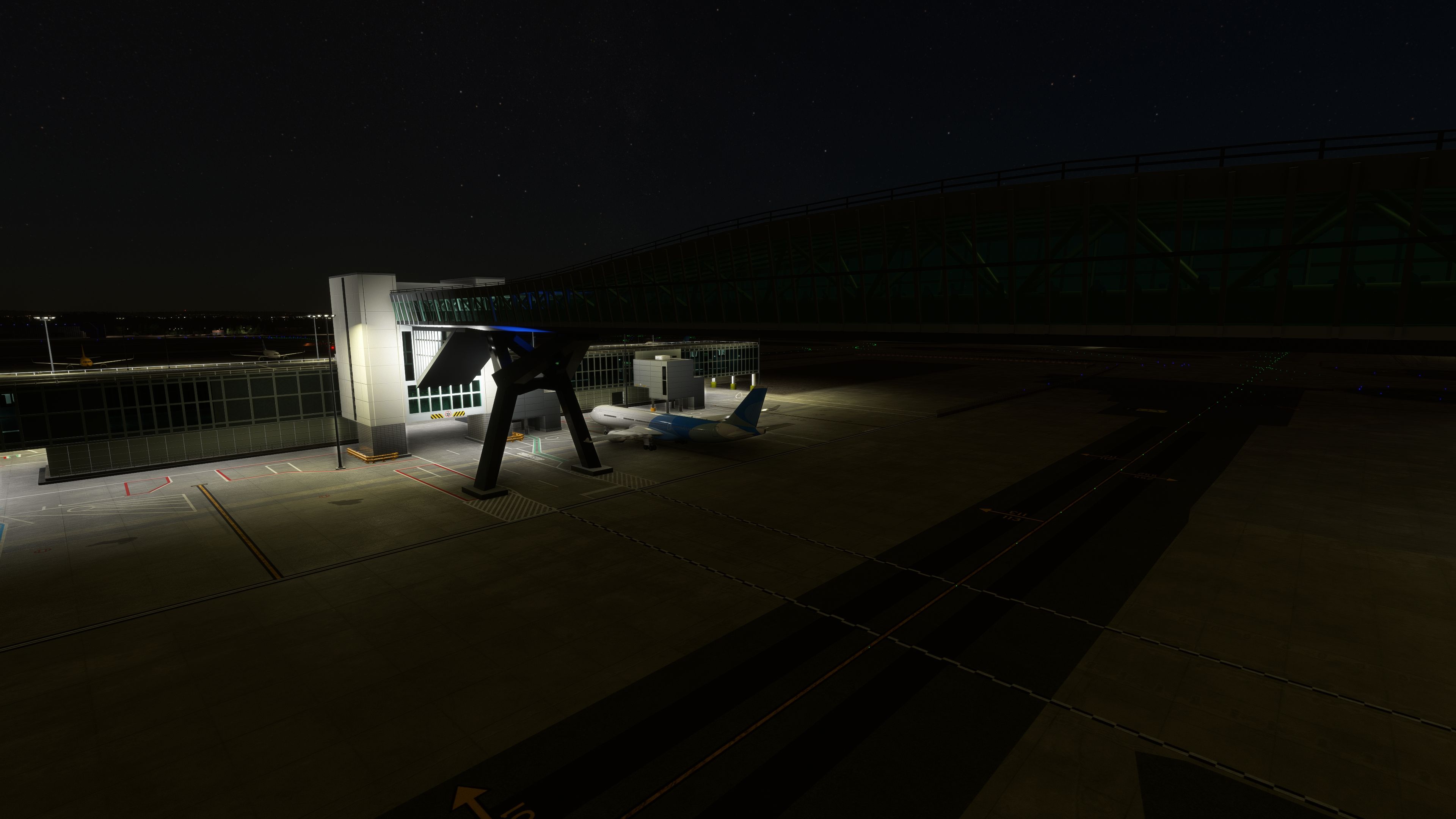

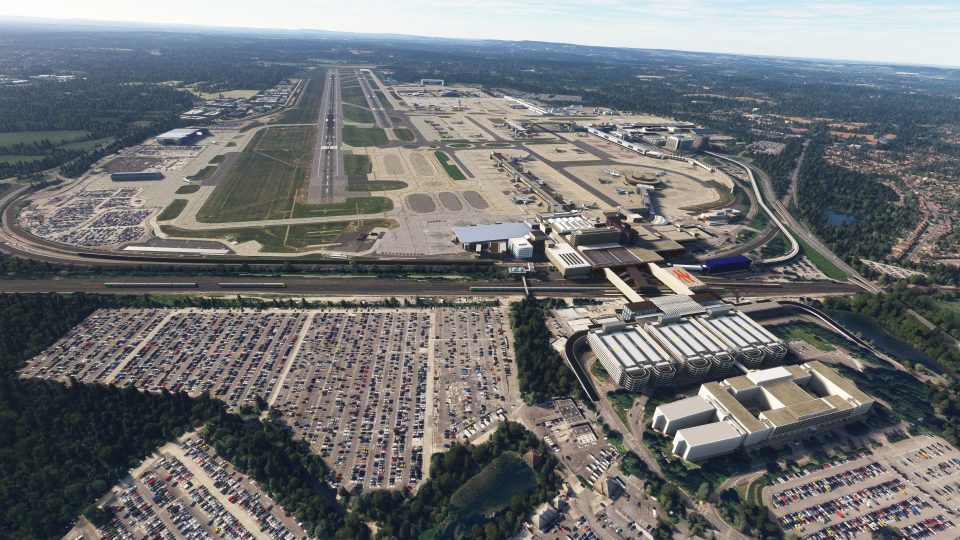
MSFS Gatwick Airport (EGKK) Scenery offers a faithful and detailed representation of London Gatwick, transforming the stock airport into a vibrant hub with dynamic lighting, precise taxiway layouts, and finely modeled terminals. Developed by a real Gatwick groundworker named mkvy, the mod’s attention to detail shines through its authentic traffic flows, meticulous 3D objects, and performance-optimized textures, giving you an immersive environment on par with high-end payware.
Having tested this enhancement extensively, I’ve found it not only captures the airport’s architectural nuance but also adds life to the ramp operations with custom animations and parked vehicles. This freeware continues to evolve with regular refinements, and although it can be demanding on lower-spec systems, its remarkable realism and ongoing support make it a standout addition to any MSFS collection.
Enhance your flight simulation experience with this mod for Microsoft Flight Simulator, offering a comprehensive overhaul of Gatwick Airport (EGKK). This mod delivers detailed and authentic recreations of terminals, dynamic lighting effects, updated ground details including taxiway layouts and markings, new visual docking guidance systems, and improved local traffic movement. Experience the UK's second-busiest airport in immersive detail and dynamic realism like never before!
 For the MSFS enthusiasts who have been yearning for an accurate and detailed rendition of Gatwick Airport, the wait is over. Mkvy, a groundworker and resident expert at Gatwick, brings us a meticulously crafted scenery mod, which stands tall even when compared to the best payware offerings.
MSFS Gatwick Airport (EGKK) Scenery mod focuses on transforming the stock representation of Gatwick into an immersive and lifelike environment. The mod renders the bustling Gatwick airport with attention to detail in every nook and corner. This dedication reflects in the unique, full-service, low-cost, and charter traffic system, perfectly mirroring the real-world airport.
Mkvy, the mod developer, leverages his hands-on experience at Gatwick to breathe life into this digital incarnation. His intimate knowledge of the "ramp", or the area where aircraft are parked, loaded, or unloaded, fuels the authenticity and precision of this mod.
This comprehensive overhaul of Gatwick Airport delivers an unparalleled level of realism and detail in the Microsoft Flight Simulator environment. Here are the key features that have been implemented throughout our various updates:
These major features, coupled with countless small tweaks and corrections, make Gatwick Airport a joy to experience in Microsoft Flight Simulator. Experience the upgraded Gatwick Airport like never before!
Embracing mkvy's masterpiece, one user exclaims, "One of the best freeware airports available in my opinion." Others echo this sentiment, astonished by the quality of the freeware, often comparing it to pricy payware counterparts.
Quoting another user, "One of my favorites in MSFS. Can't believe it's free, it's definitely of a quality you would pay quite a lot for." While the mod earns universal acclaim, users also warn of its hefty performance demand, which might challenge users running it alongside other complex add-ons.
According to one user, "The MKVY Gatwick Airport for MSFS is the single greatest piece of airport-related freeware ever created for any flight sim." Similarly, another website praises, "This free Gatwick Airport for MSFS is better than many payware ones."
Mkvy's Gatwick Airport mod isn't just a simple revamp. It's a comprehensive overhaul of the airport, replete with custom runways, taxiways, aprons, and parking spots. Even animations, such as the trains and radar, are incorporated to accentuate the realism.
Mkvy doesn't stop at the scenery. He goes the extra mile by providing his own GSX profiles tailored for specific aircraft, offering an extra layer of immersion for your Gatwick experience. These include profiles for A320, B737-600, B747-800, B787-10, and more in the pipeline.
Users need to be cautious, however, as only one GSX profile can be activated at any given time. Furthermore, for GSX to work properly, the .ini file needs to be correctly placed in the specified path on your PC.
The brilliance of mkvy's Gatwick mod is not a static entity. It's an ever-evolving masterpiece that continues to receive regular updates and refinements. It stands as a testament to the dedication of an independent developer who is not asking for a dime but delivering a top-tier mod that significantly enhances your MSFS experience.
With this mod, you can dive into the dynamic environment of one of the busiest airports in the UK, right from the comfort of your simulator. The sheer dedication and attention to detail offered by mkvy's Gatwick Airport mod make it a must-have addition to your MSFS collection.
With an overwhelming level of detail and authenticity, MSFS Gatwick Airport (EGKK) Scenery mod redefines the standards of freeware add-ons. From the precision of the infrastructure to the continuous updates and improvements, the dedication of mkvy resonates in every aspect of the mod. It's not just a simple facelift of the airport; it's an immersive experience that transports you right into the heart of Gatwick, without leaving your seat.
So, whether you're an ardent MSFS fan or a casual user seeking to explore the world of flight simulators, this mod is a valuable addition to your MSFS experience. Buckle up, and get ready to be amazed by the intricate architecture and the bustling environment of Gatwick, right from the runway.
Please note that due to the high level of detail and complexity, ensure your system is capable of running this mod alongside other add-ons to enjoy a smooth and immersive flight experience.
Gatwick Airport, also known as London Gatwick (EGKK), is a major international airport near Crawley, West Sussex, southeast England, 29.5 miles south of Central London. Opened in 1930, it rapidly grew from a modest, aerodrome to an impressive hub of international aviation, becoming the UK's second busiest airport by total passenger traffic.
From its early days of flying club activities and charter services to the launch of regular scheduled flights, Gatwick's rich aviation history is a testament to its role in advancing global aviation. The airport played a significant role during World War II, serving as a base for the Royal Air Force. Post-war, it underwent several expansions and upgrades, eventually growing into the bustling aviation hub it is today.
In the world of flight simulation, Gatwick provides an intriguing challenge for enthusiasts. It's a single-runway airport (despite technically having two runways), handling more passenger flights than any other single-runway airport globally. This high volume of traffic, combined with its diverse range of short and long haul destinations, makes it a fascinating and challenging environment for flight simulation.
This mod for Microsoft Flight Simulator brings Gatwick's rich aviation history to life. From detailed terminals that echo the architecture of the real world counterpart, to precise taxiway layouts and accurate local traffic simulation, pilots can immerse themselves in an authentic and dynamic Gatwick experience. Whether you're taxiing to the runway, taking off, or coming in for a landing, our mod will provide you with a highly realistic simulation of this historic airport.
Firstly, if the simulator is running, close it down.
Then, simply extract the downloaded archive and copy the folder named gatwick inside the Scenery Files folder into your MSFS community folder.
Once copied in, load the simulator - the scenery will be present.
Free for all simmers · 900.96 MB · Scanned clean Aug 2026
Download speed: Free tier is capped at 2 Mbps (this file takes approximately 1h 3m at the cap). PRO members download at full line speed.
%LOCALAPPDATA%\Packages\Microsoft.FlightSimulator_8wekyb3d8bbwe\LocalCache\Packages\Community\. Steam version: %APPDATA%\Microsoft Flight Simulator\Packages\Community\. Tip: enable Developer Mode in MSFS to see your exact Community folder path.readme.txt or README file. It tells you exactly where files go, what dependencies are needed, and any quirks specific to this add-on.
MKVY: An aficionado in enhancing Microsoft Flight Simulator (MSFS) 2020 landscapes, particularly UK scenery. Based in the heart of British aviation, MKVY's modding expertise is grounded in real-world experience gained on the tarmac of a prominent UK airport. His adage, "the aviation industry is throwing money at me as I work on the ramp", mirrors his passion for aviation and simulation precision. MKVY emphasizes the importance of meticulous backup practices in mod development, advocating for regular SDK (Software Development Kit) saves to safeguard progress. His work reflects an intricate understanding of aviation nuances, appealing to both novices and veterans in flight simulation.
Only PRO members can place votes.
More MSFS add-ons hand-picked based on this download.
MSFS Scenery
This mod developed by JustOkayPilot brings Grand Canyon National Park Airport…
 MSFS Scenery
Sandane Airport (ENSD) is located on the beautiful west coast of Norway and i…
 MSFS Scenery
The Disney World airport/STOLport (also known as the Lake Buena Vista airport…
 MSFS Scenery
Enhance your flight simulation experience with a detailed rendition of Madrid…
 MSFS Scenery
A complete and extensive replacement freeware scenery package for Paris–Le Bo…
 MSFS Scenery
A highly detailed rendition of Gainesville Regional Airport (KGNV), Florida (…
 MSFS Scenery
A rendition of George T. Lewis Airport for Microsoft Flight Simulator (MSFS) …
 MSFS Scenery
A rendition of Banff Airport (CYBA) Alberta, Canada bringing the airport to a…
Read what other simmers think, or add your own.
