



 France
 MSFS Scenery
Paris Pack
A new, easy-to-install, and accurate replacement of the default Paris photore…
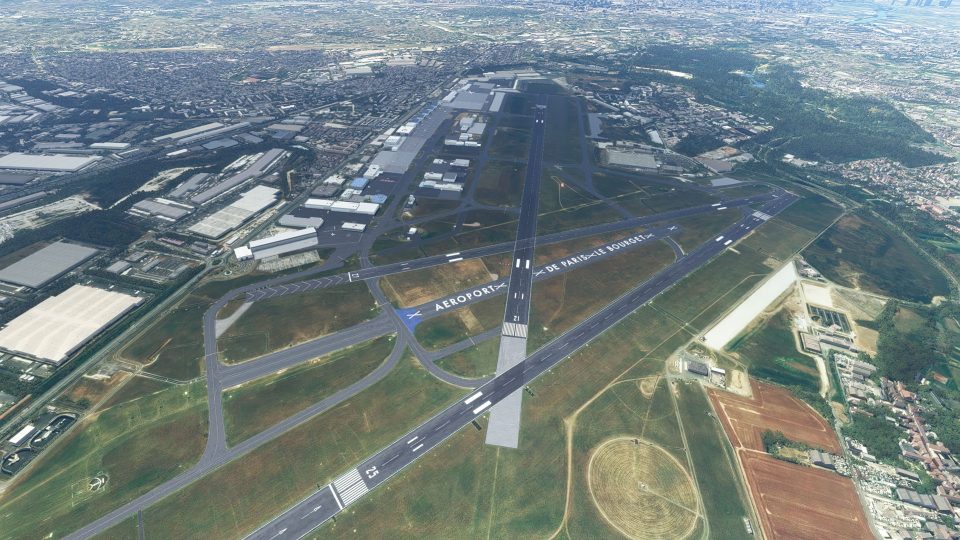
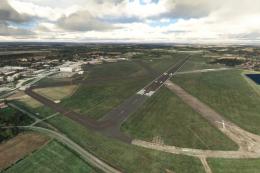
Paris–Le Bourget Airport (LFPB) gets a detailed freeware rebuild for Microsoft Flight Simulator, refreshing runway markings, taxiways, signage, PAPI, and night lighting using current real-world charts. Custom hangars, expanded ground textures, and carefully placed clutter plus realistic static aircraft bring the business-aviation hub to life for VFR or IFR hops around Paris.
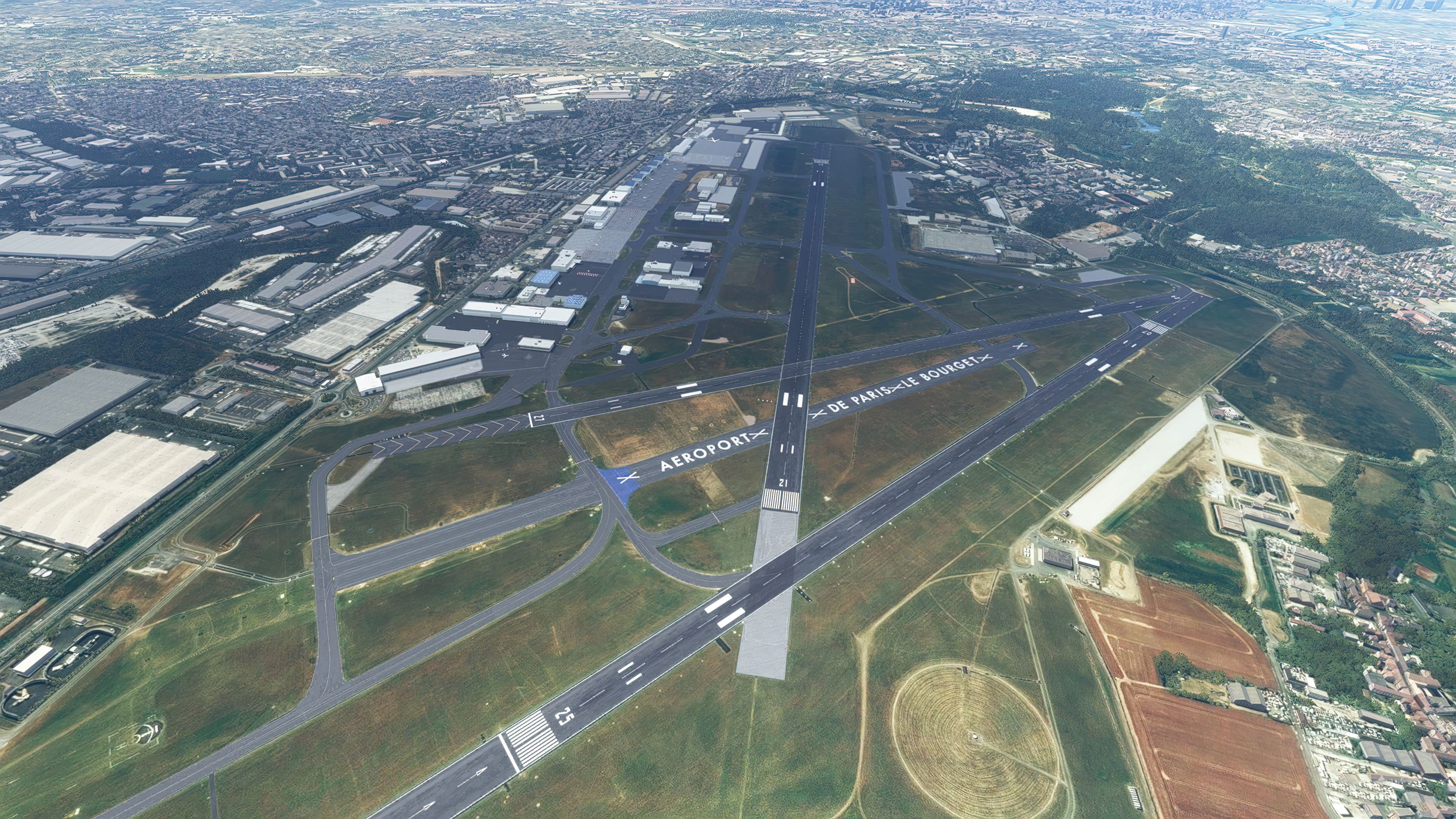


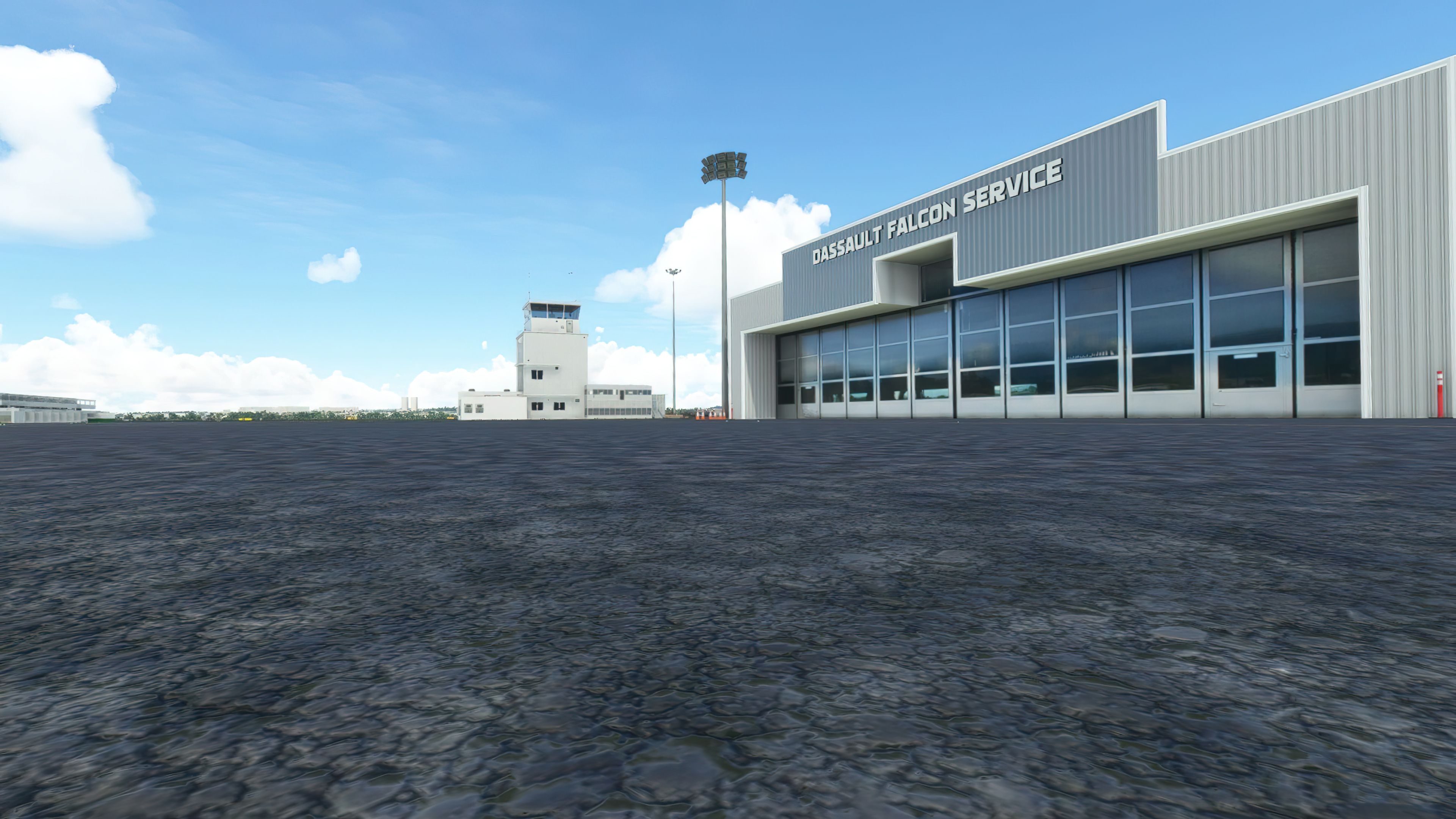
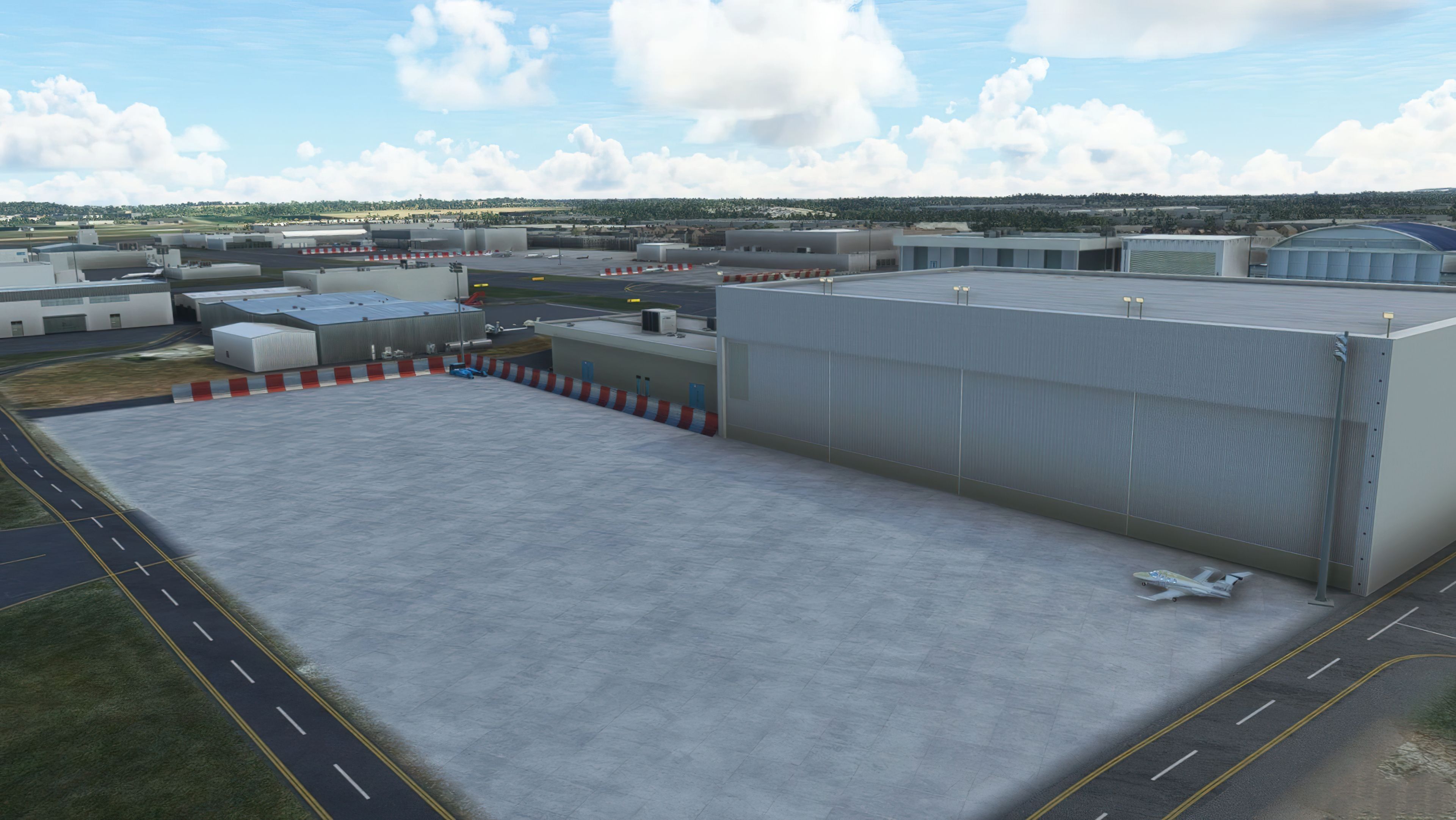
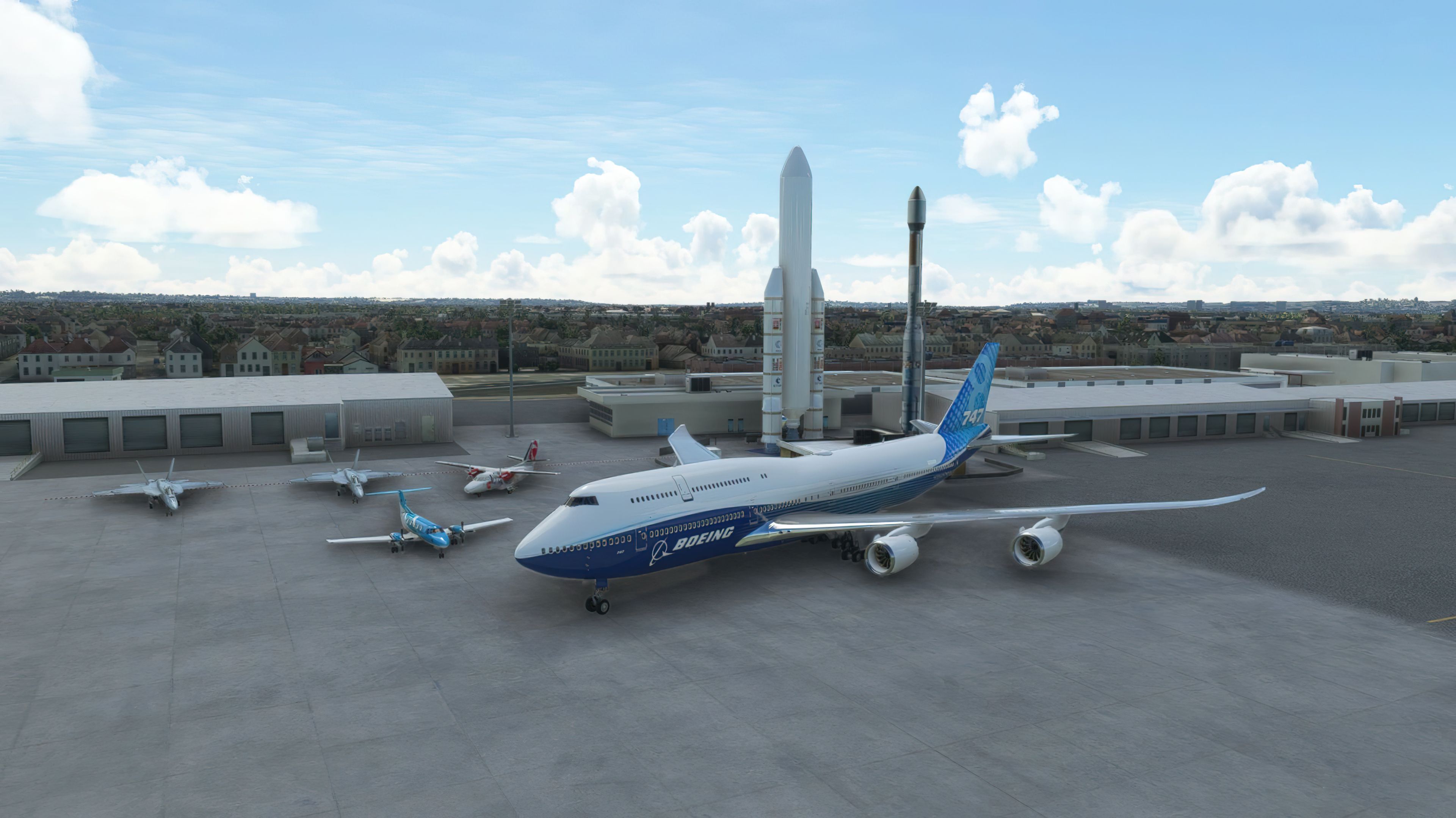

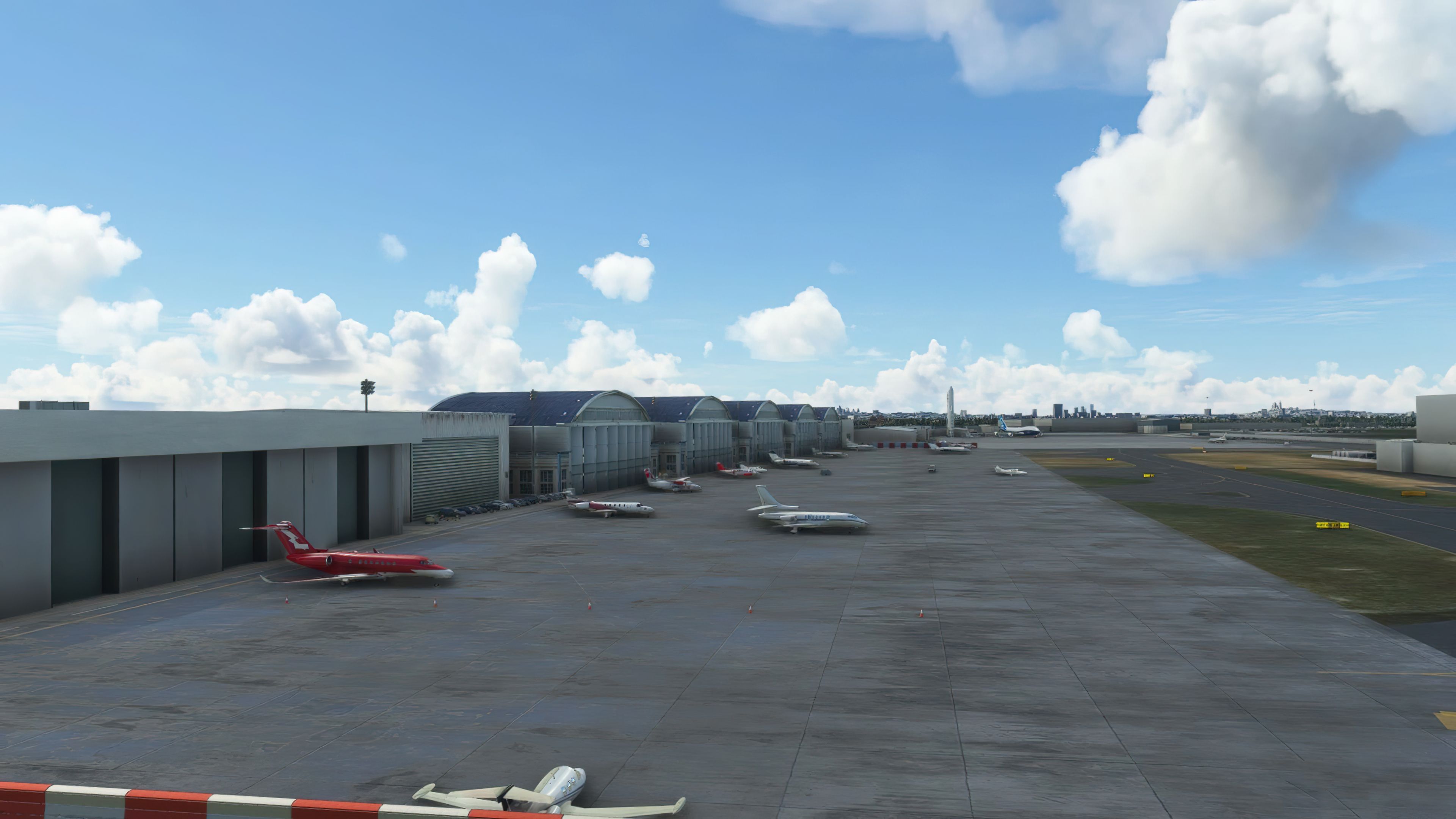

This free airport mod completely transforms Paris–Le Bourget (LFPB) in Microsoft Flight Simulator into an authentically detailed environment, enhanced by the latest real-world charts and data. From meticulously updated runway markings and PAPI lights to lifelike static aircraft and accurate night lighting, the overall immersion and realism are noticeably improved for both business jet and general aviation flights.
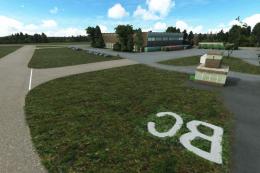
During my tests, I found the custom hangars, high-resolution ground textures, and carefully placed clutter objects notably elevate the airport’s look and feel. Released as a work in progress by JayFlySim, the scenery already showcases impressive attention to detail, offering a refreshed experience for those looking to explore France’s premier business aviation hub without the busy traffic of larger airports.
A complete and extensive replacement freeware scenery package for Paris–Le Bourget Airport (LFPB) in France for Microsoft Flight Simulator (MSFS) 2020 release by developer JayFlySim.
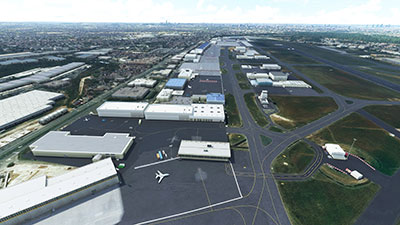 This scenery pack by freeware developer JayFlySim updates the default Paris–Le Bourget Airport (LFPB) with better detailing including terminals, taxiways, signage, and the general look and feel of the airport. The developer wasn't happy with the default Microsoft offering so created this mod.
The developer states it's the biggest scenery project they have undertaken since their previously released Cranfield mod with the hope to make this particular package as "realistic as possible".
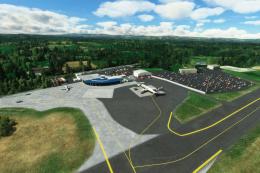
The entire scenery mod has been crafted with the latest airport charts and data available online which is true-to-life and accurate and based on real-world data. The pack includes hundreds of additional clutter objects in and around the airport to make it appear as realistic as possible along with static aircraft based on real-world data.
The developer has also asked;
If anyone has experience working at LFPB or sound knowledge of the airport then please let me know what I can do to improve this scenery.
The developer has released this scenery as a WIP (work in progress) and will update it accordingly as feedback comes in from users in MSFS. We will of course feature these updates on this page so be sure to bookmark it.
The specific changes to the default scenery and additional from using this pack are;
The developer has also announced new features coming soon within the next updates/releases;
To be added/changed:
- Paris Airshow objects/people + FSX style mission to be released soon.
- Offset strobes RWY25
- Entire perimeter of airport fenced off
- A bigger variety of static private jet models, hopefully some Gulfstreams!
Paris-Le Bourget - LFPB is a major airport serving Paris, France. However, it mainly consists of business commuter flights for the city of Paris and mainly caters to private jets and general aviation aircraft. I suppose comparing it to London, this would be the London City Airport (EGLC) of Paris - the faster airport that gets you into the city quicker. As opposed to Charles de Gaulle Airport & Heathrow Airport alike.
It's perfect for quick flights around the Northern France region and perfect for virtual flights in MSFS if you don't want too many complications with ATC and waiting for a take-off/landing slot (if using AI traffic, for example).
Some nearby airport (which you can make quick VFR flights) are;
Why not fly out of Paris–Le Bourget in a Citation and head to the South of France with a landing in Nice?
This scenery pack is completely free to download and use in Microsoft Flight Simulator (MSFS) 2020 release.
Simply extract the downloaded archive and browse into the MSFS Scenery Files folder. Then copy the lfpb-lebourget-msfs-scenery folder into your Microsoft Flight Simulator "community" folder.
Free for all simmers · 86.37 MB · Scanned clean Oct 2026
Download speed: Free tier is capped at 2 Mbps (this file takes approximately 6 mins at the cap). PRO members download at full line speed.
%LOCALAPPDATA%\Packages\Microsoft.FlightSimulator_8wekyb3d8bbwe\LocalCache\Packages\Community\. Steam version: %APPDATA%\Microsoft Flight Simulator\Packages\Community\. Tip: enable Developer Mode in MSFS to see your exact Community folder path.readme.txt or README file. It tells you exactly where files go, what dependencies are needed, and any quirks specific to this add-on.Are you JayFlySim? Sign in to Fly Away Creators for download stats, comment replies and updates. Make add-ons? Publish them here.
Only PRO members can place votes.
More MSFS add-ons hand-picked based on this download.
MSFS Scenery
A new, easy-to-install, and accurate replacement of the default Paris photore…
 MSFS Scenery
Enhance your Microsoft Flight Simulator experience with the Paris La Défense,…
 MSFS Scenery
A fun and reasonably well-detailed rendition of Nice, France developed by Tha…
 MSFS Scenery
A fully complete and extensive freeware scenery mod featuring photogrammetric…
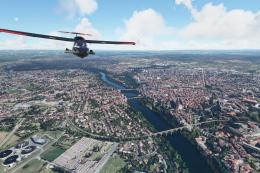 MSFS Scenery
A complete pack for Microsoft Flight Simulator (MSFS) 2020 release bringing A…
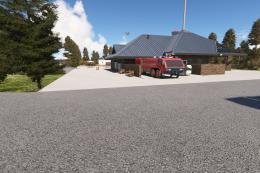 MSFS Scenery
This mod developed by JustOkayPilot brings Grand Canyon National Park Airport…
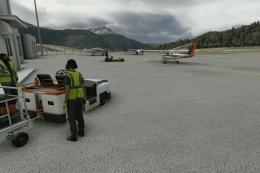 MSFS Scenery
Sandane Airport (ENSD) is located on the beautiful west coast of Norway and i…
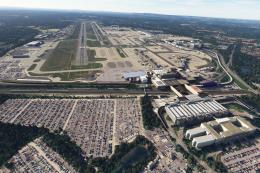 MSFS Scenery
Enhance your flight simulation experience with this mod for Microsoft Flight …
Read what other simmers think, or add your own.

I like this scenery very much but I have texture issues, big areas are fully colored in magenta as if texture files were missing. Am I the only one to see this problem?
Thanks for your feedback, Eric.