


MSFS Chattanooga Metropolitan Airport / Lovell Field (KCHA) Scenery
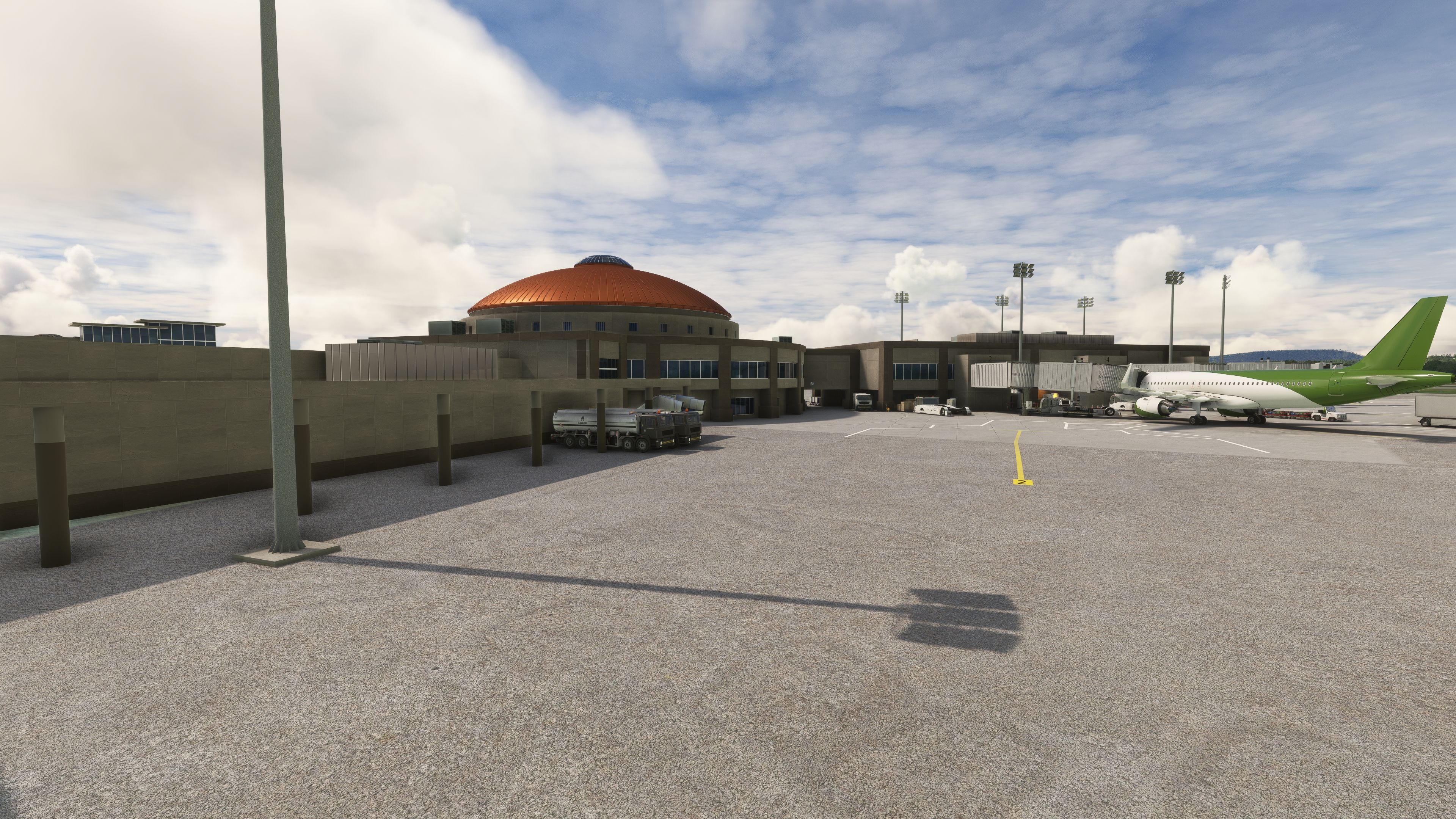
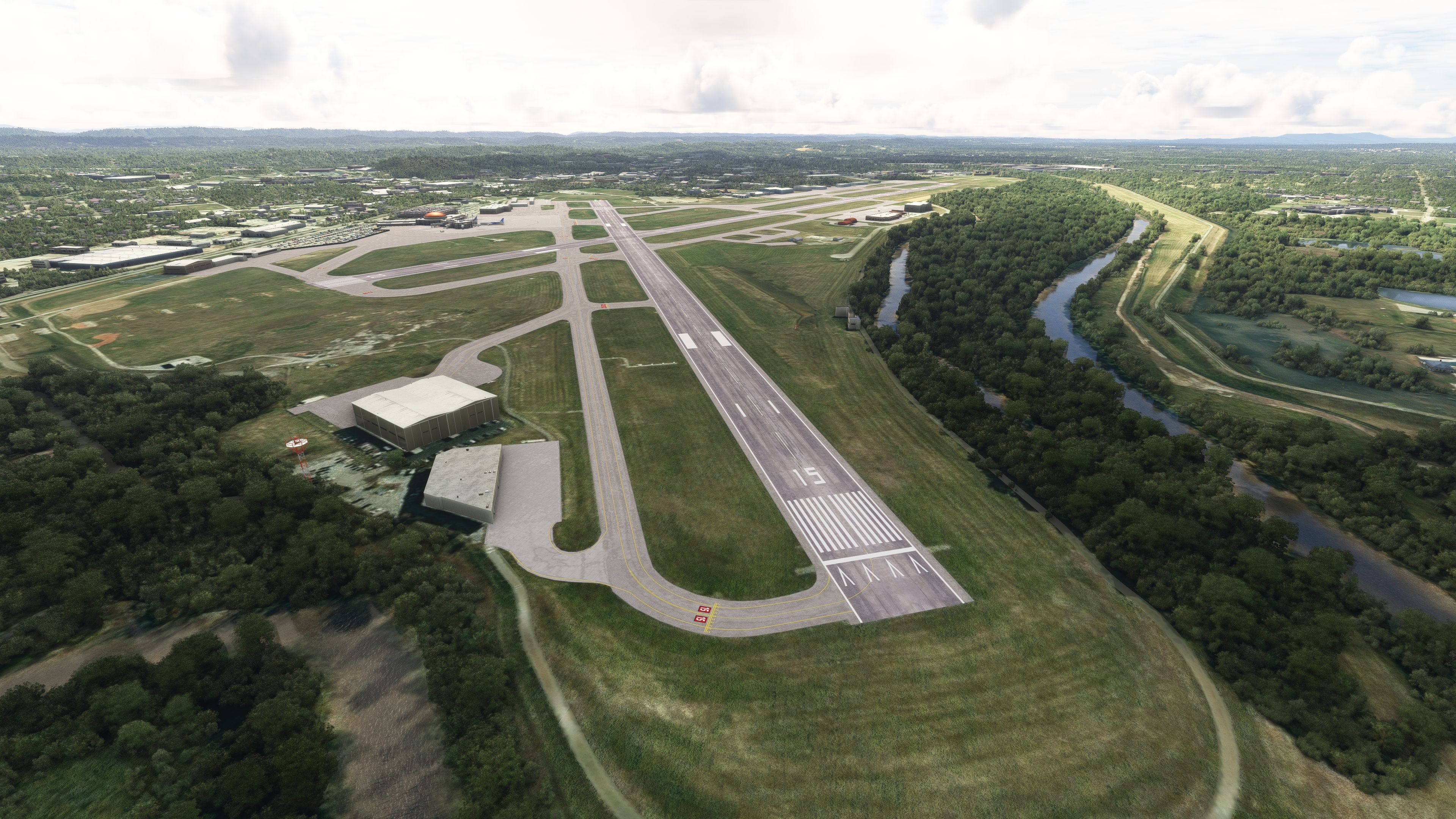
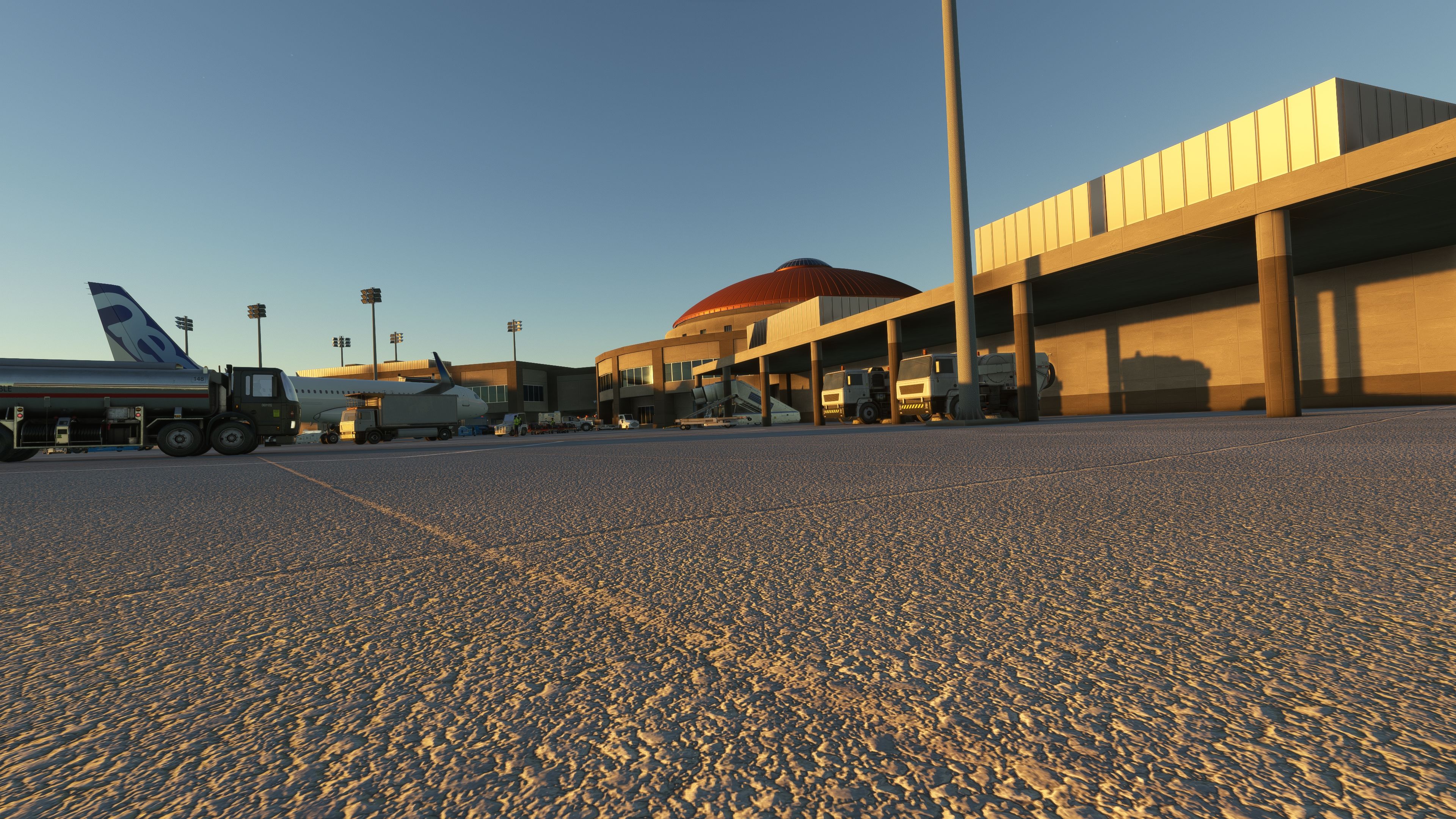
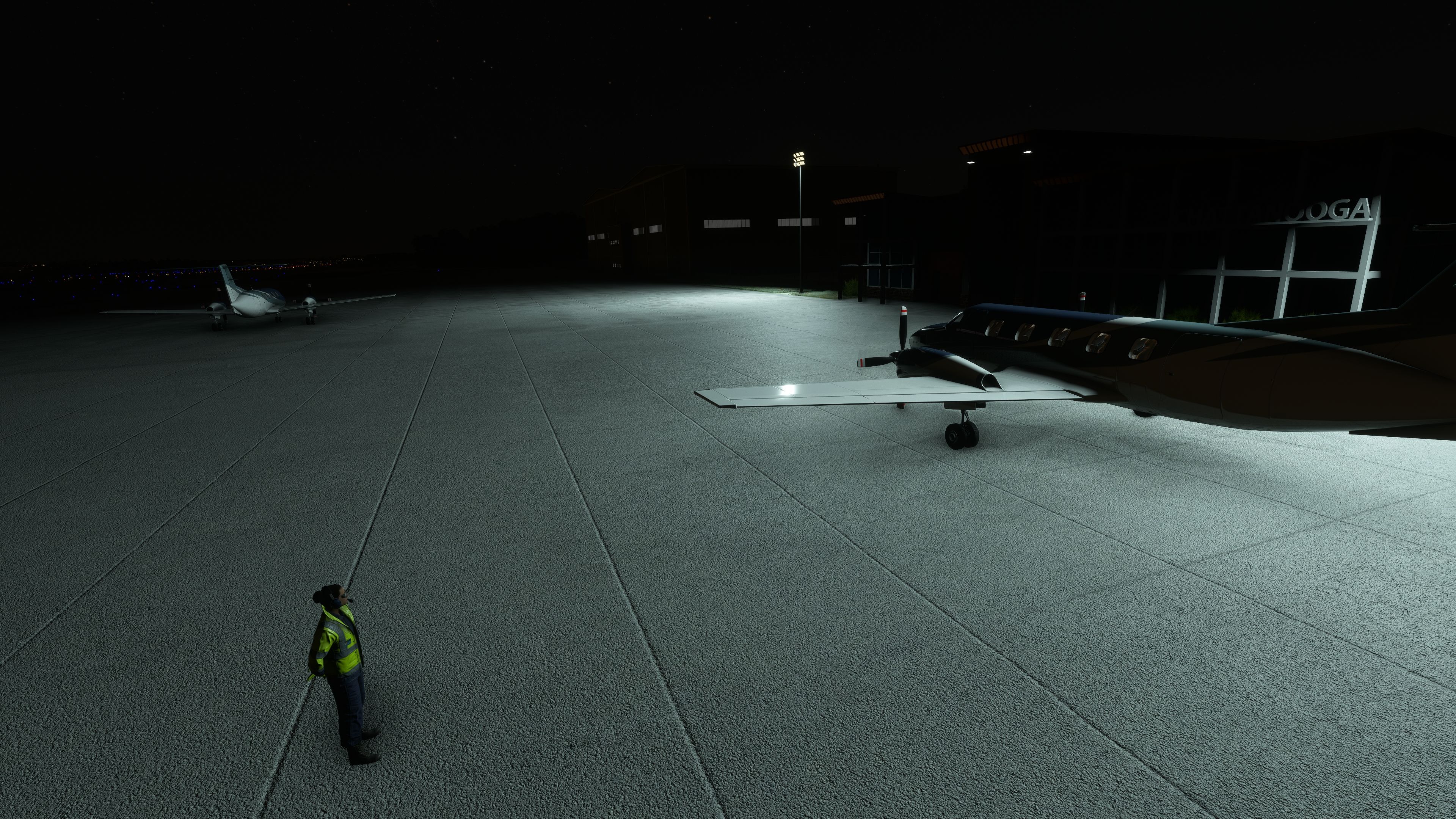
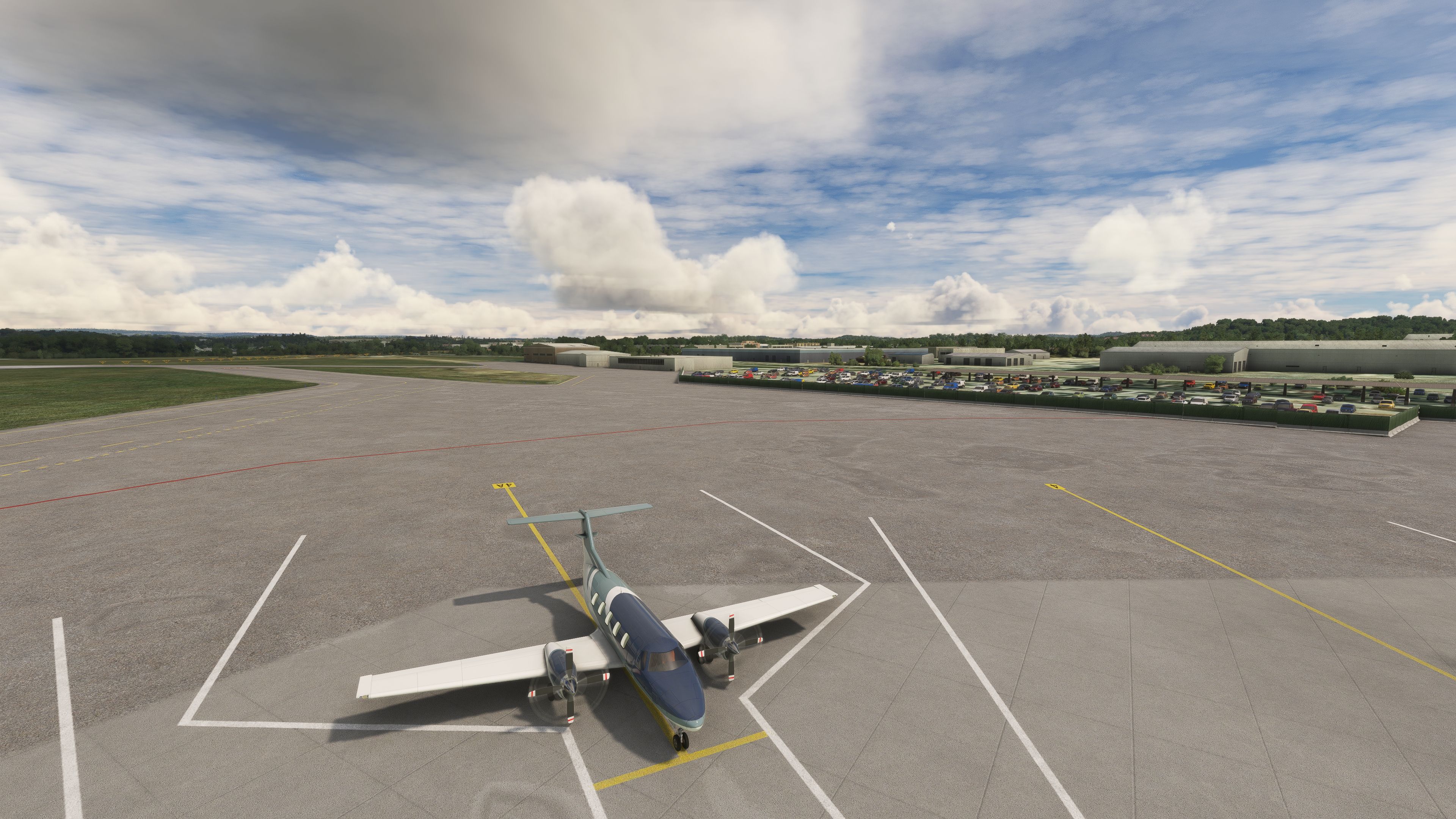
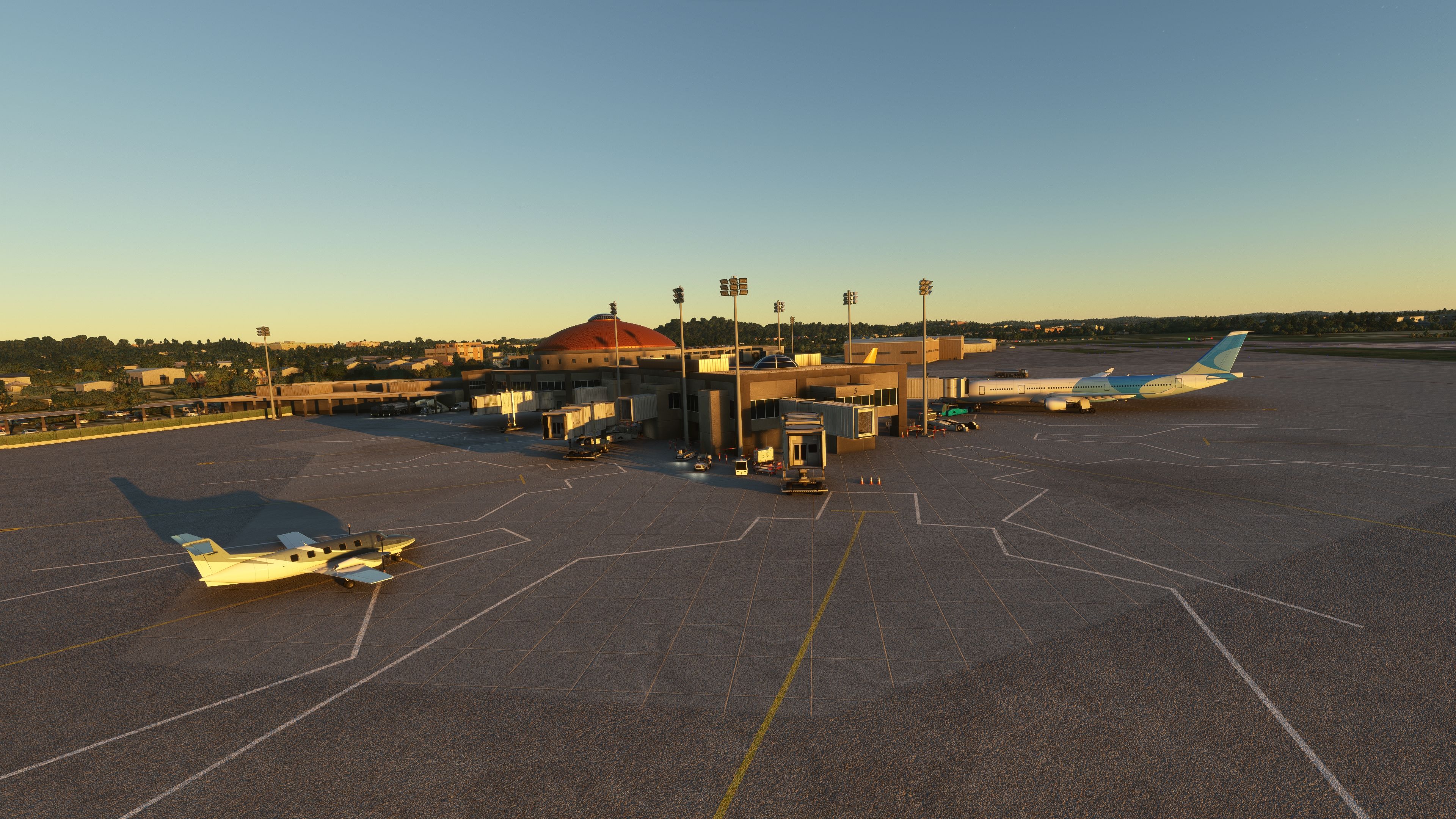
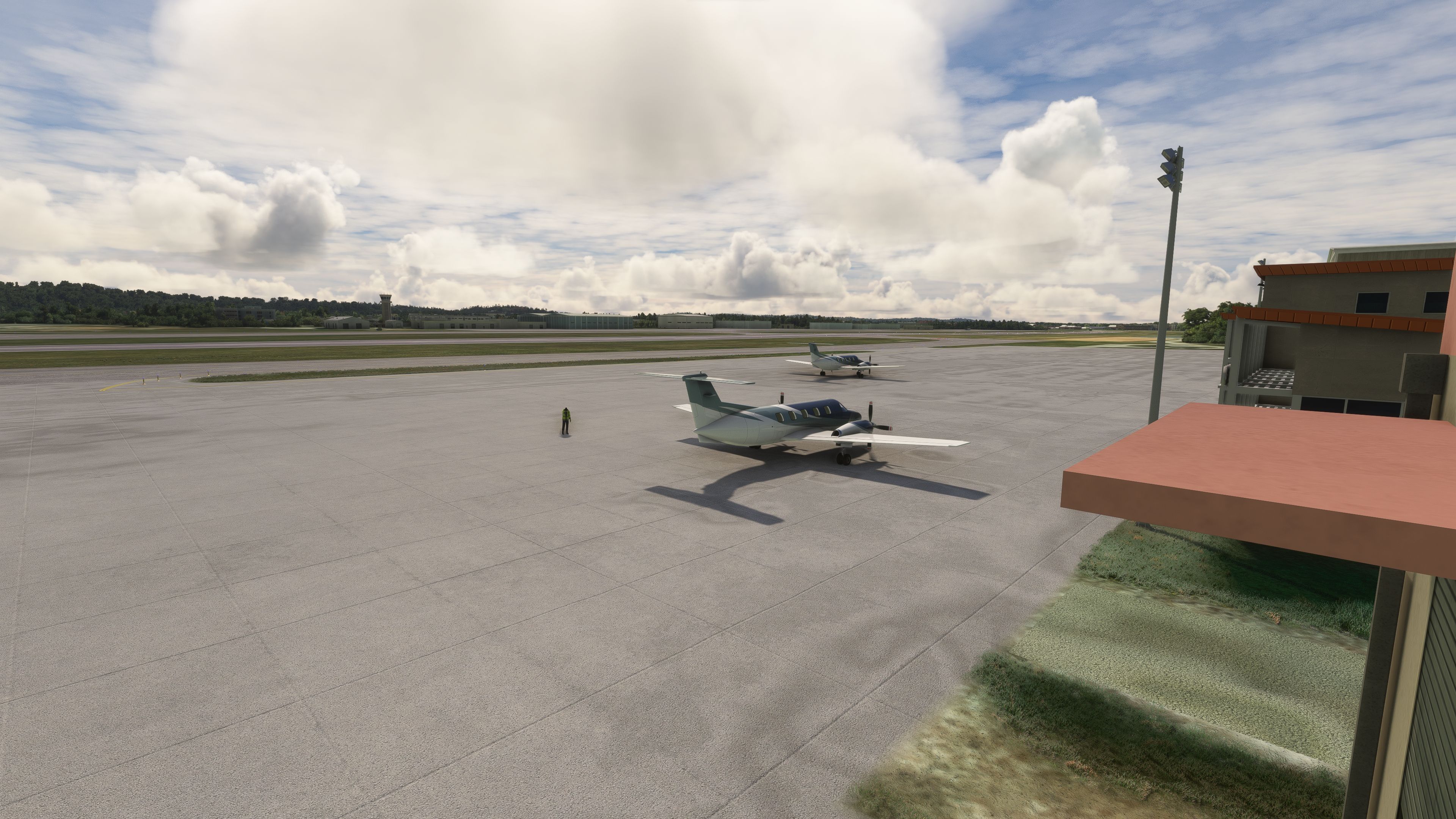
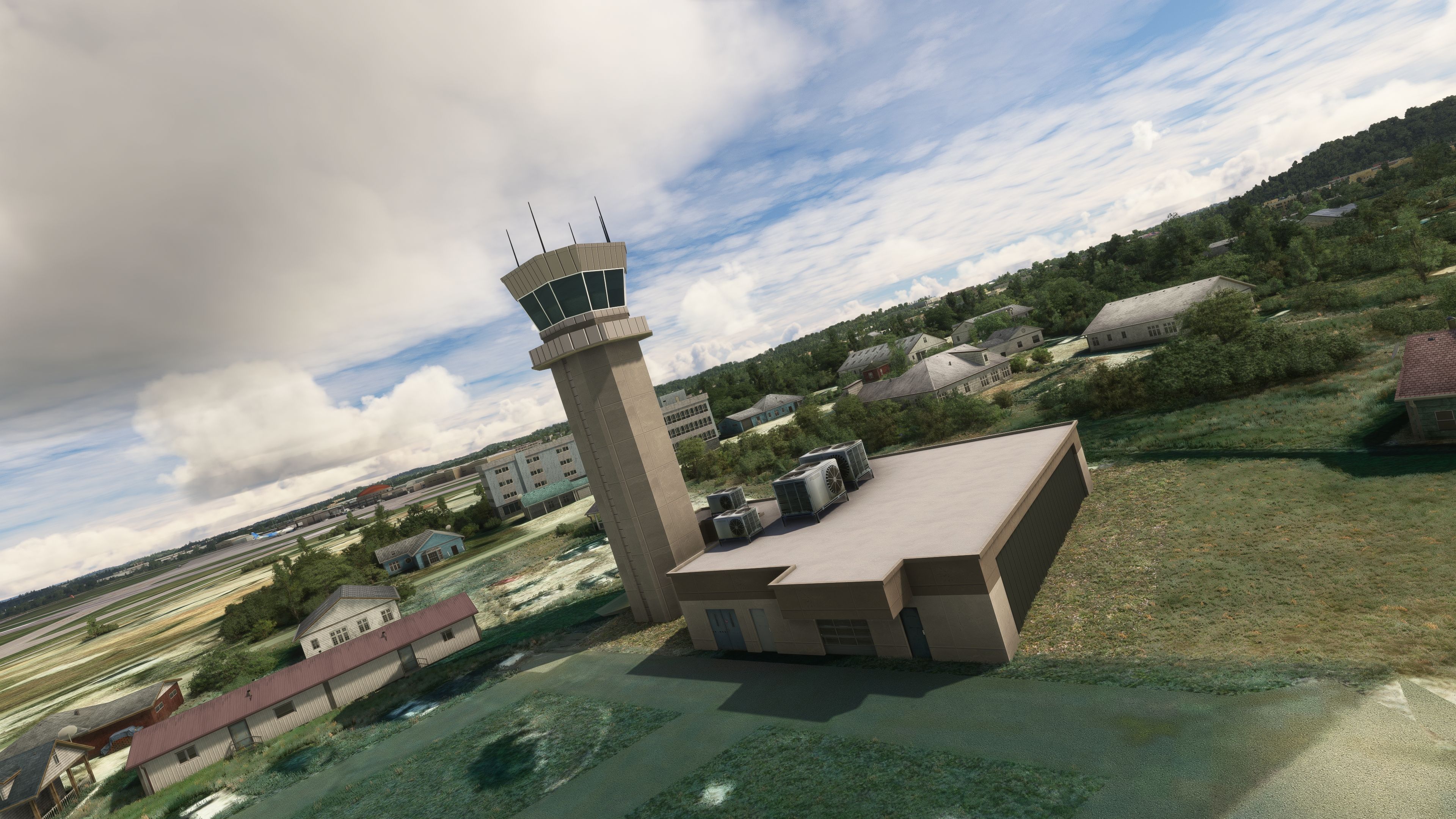
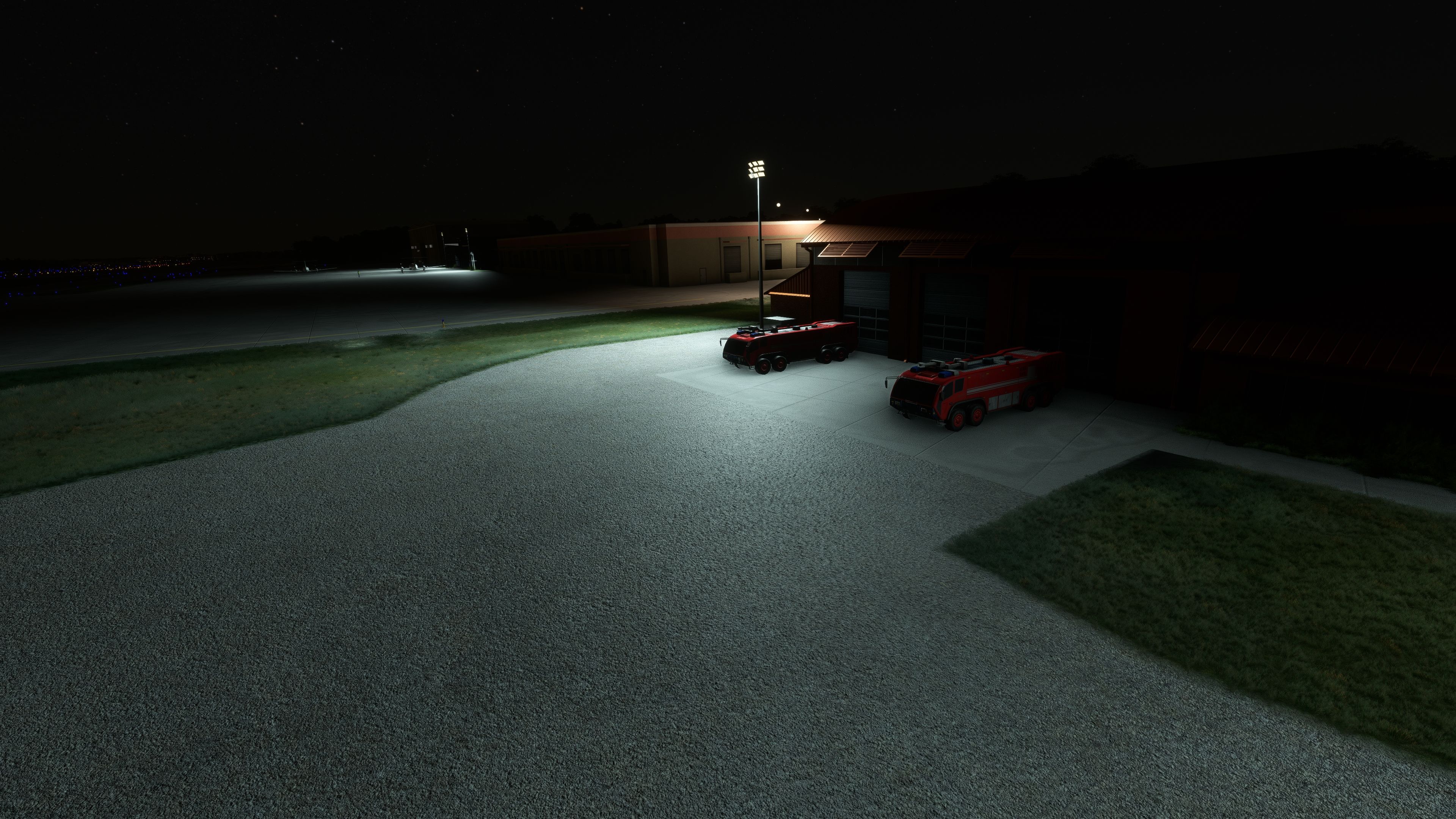
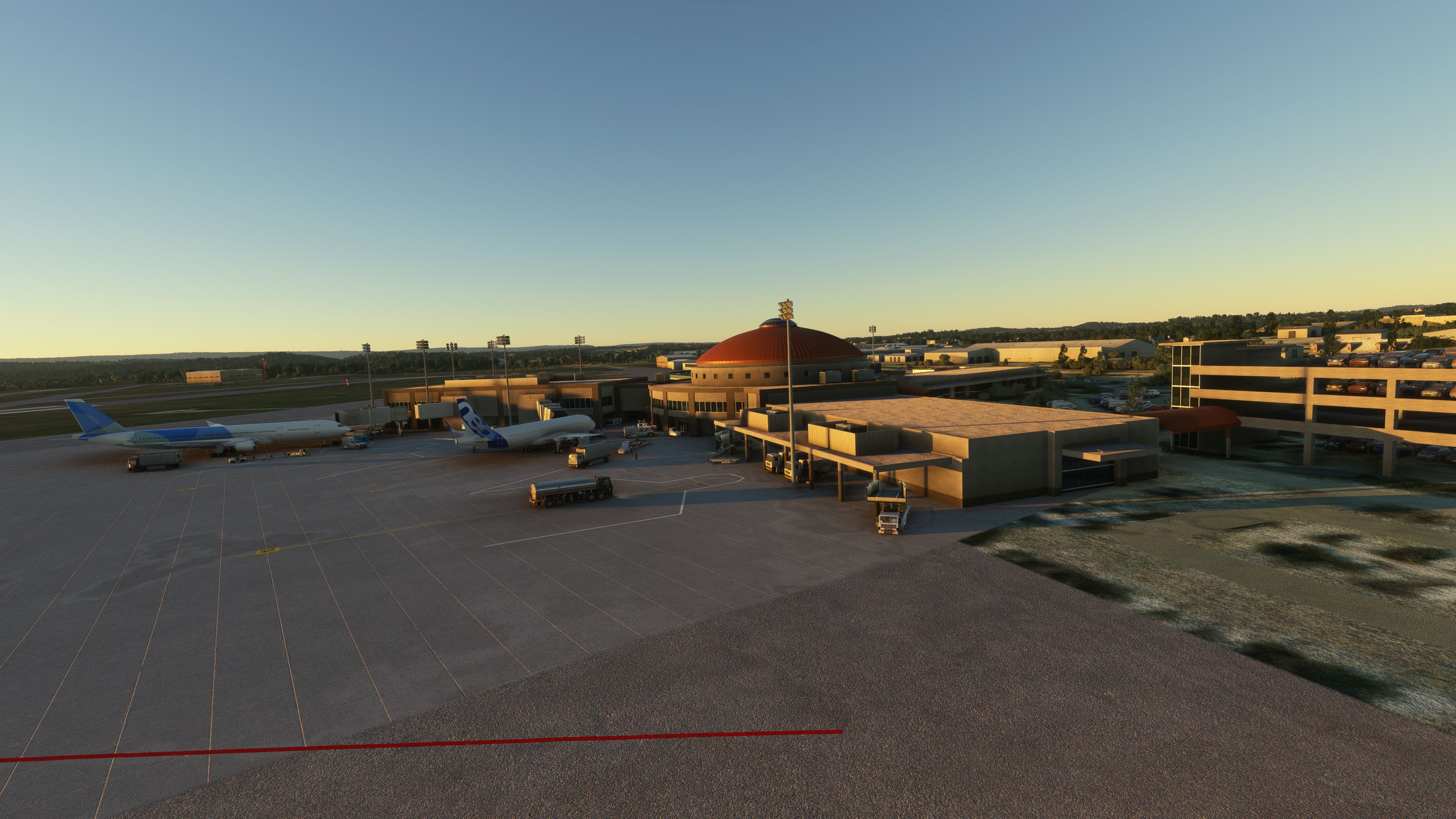
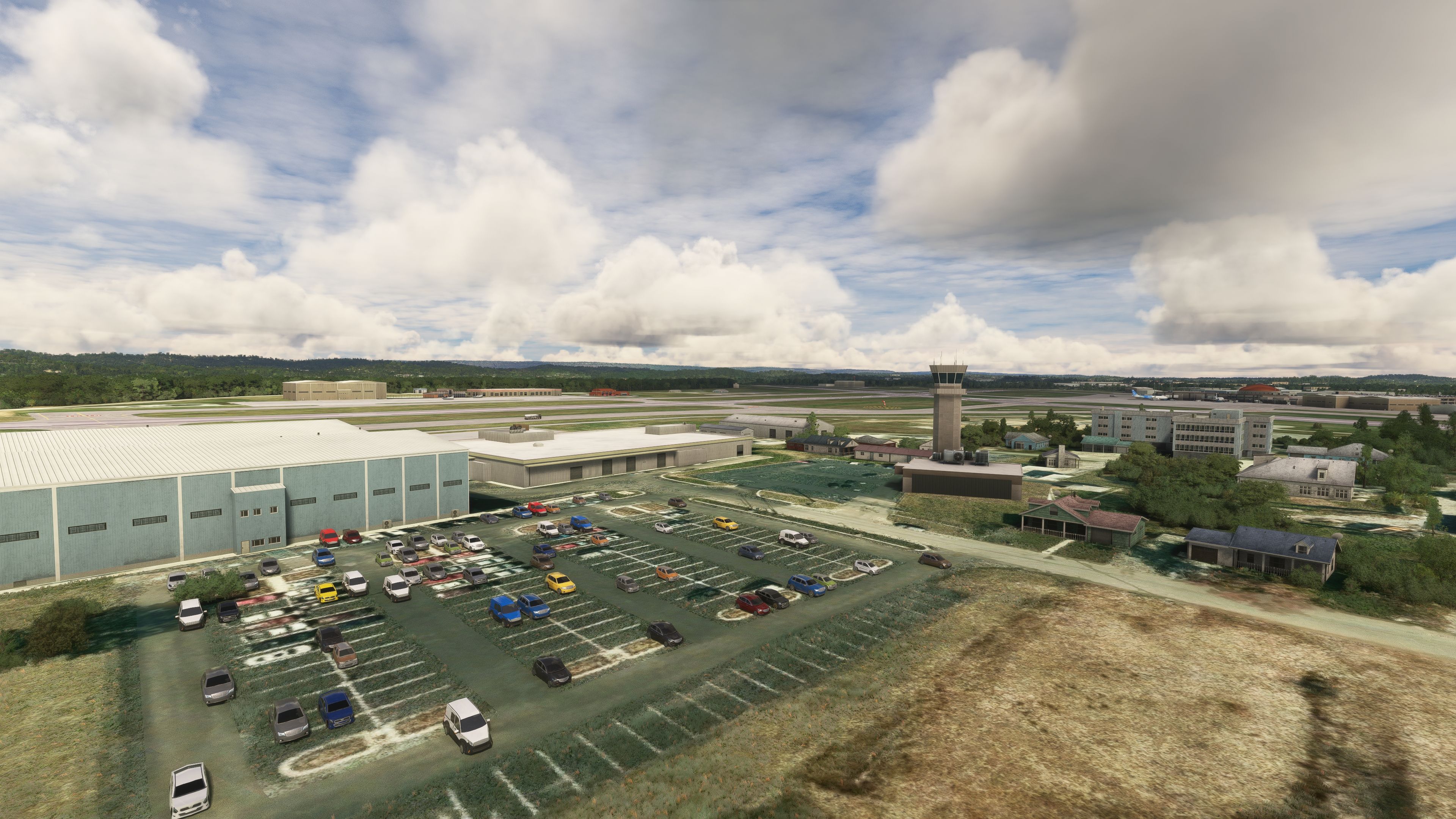
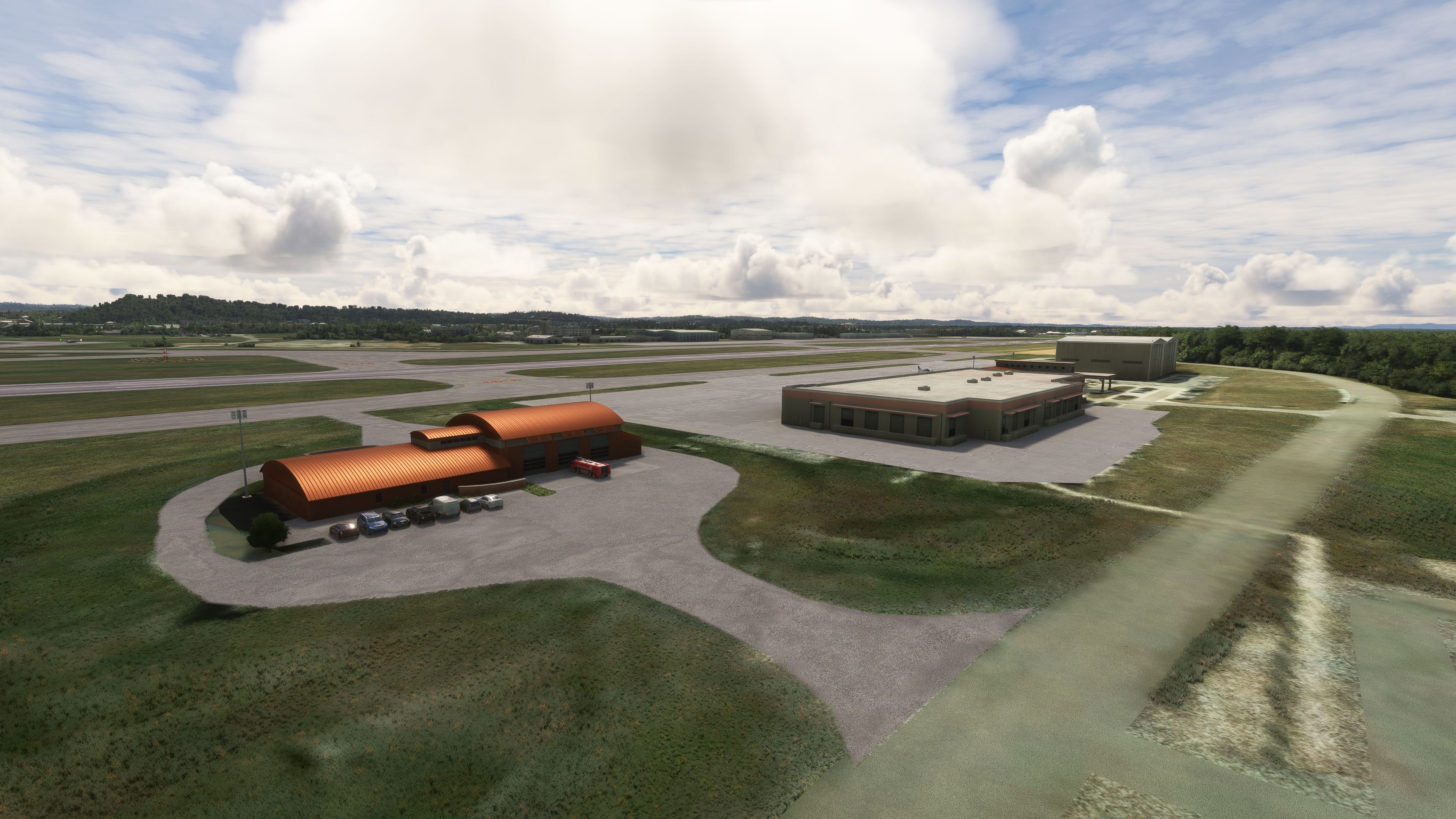
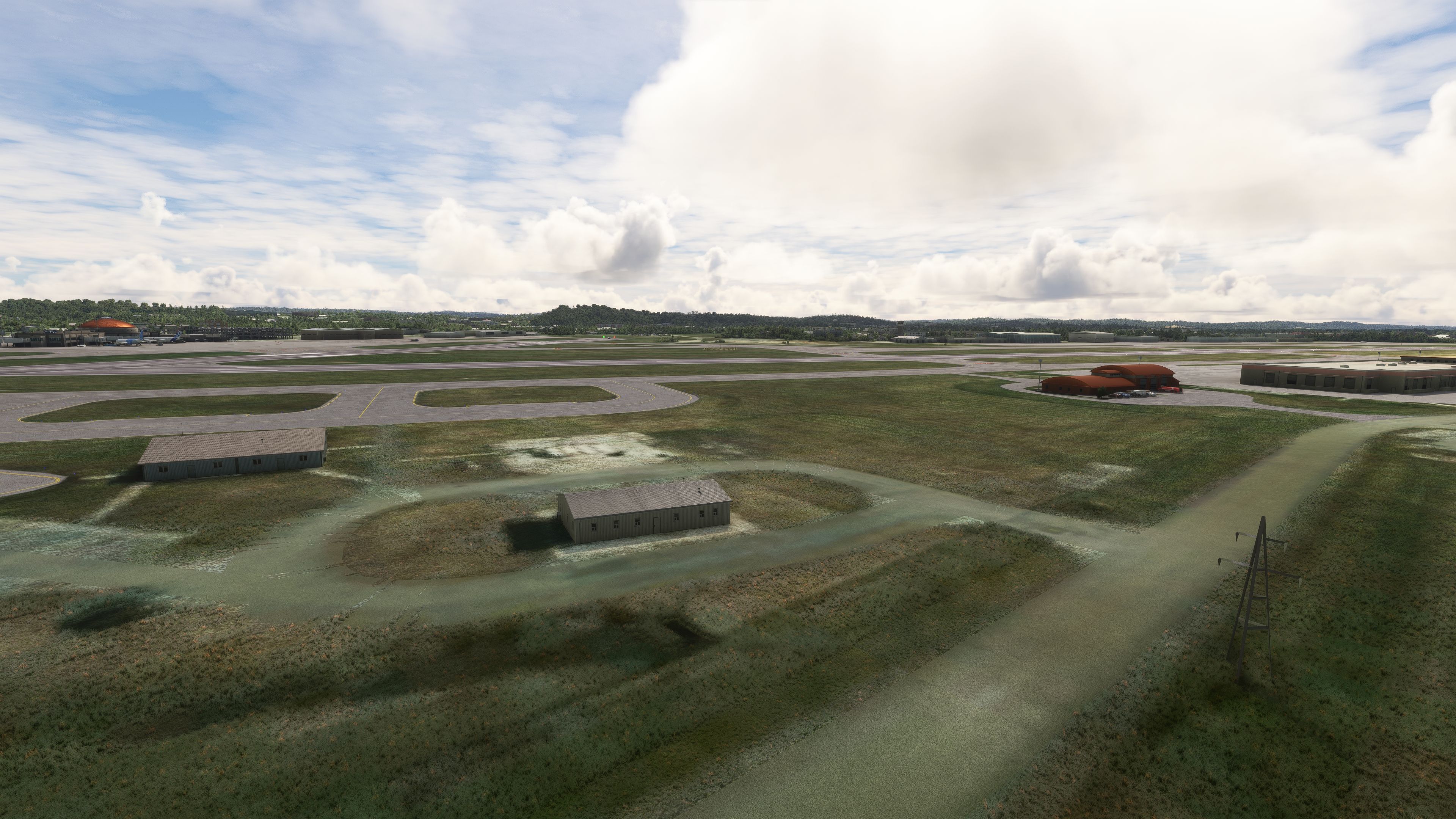
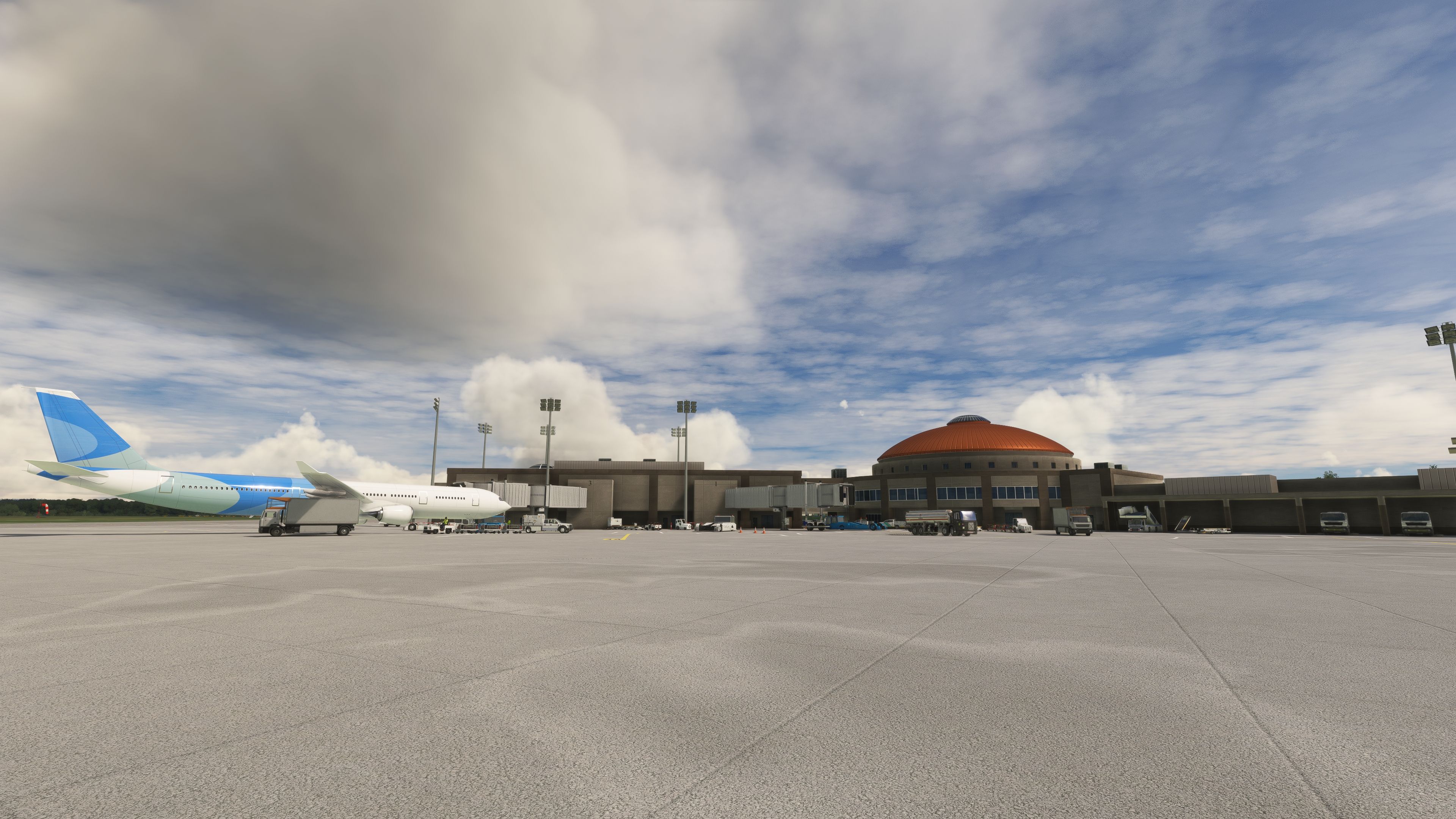
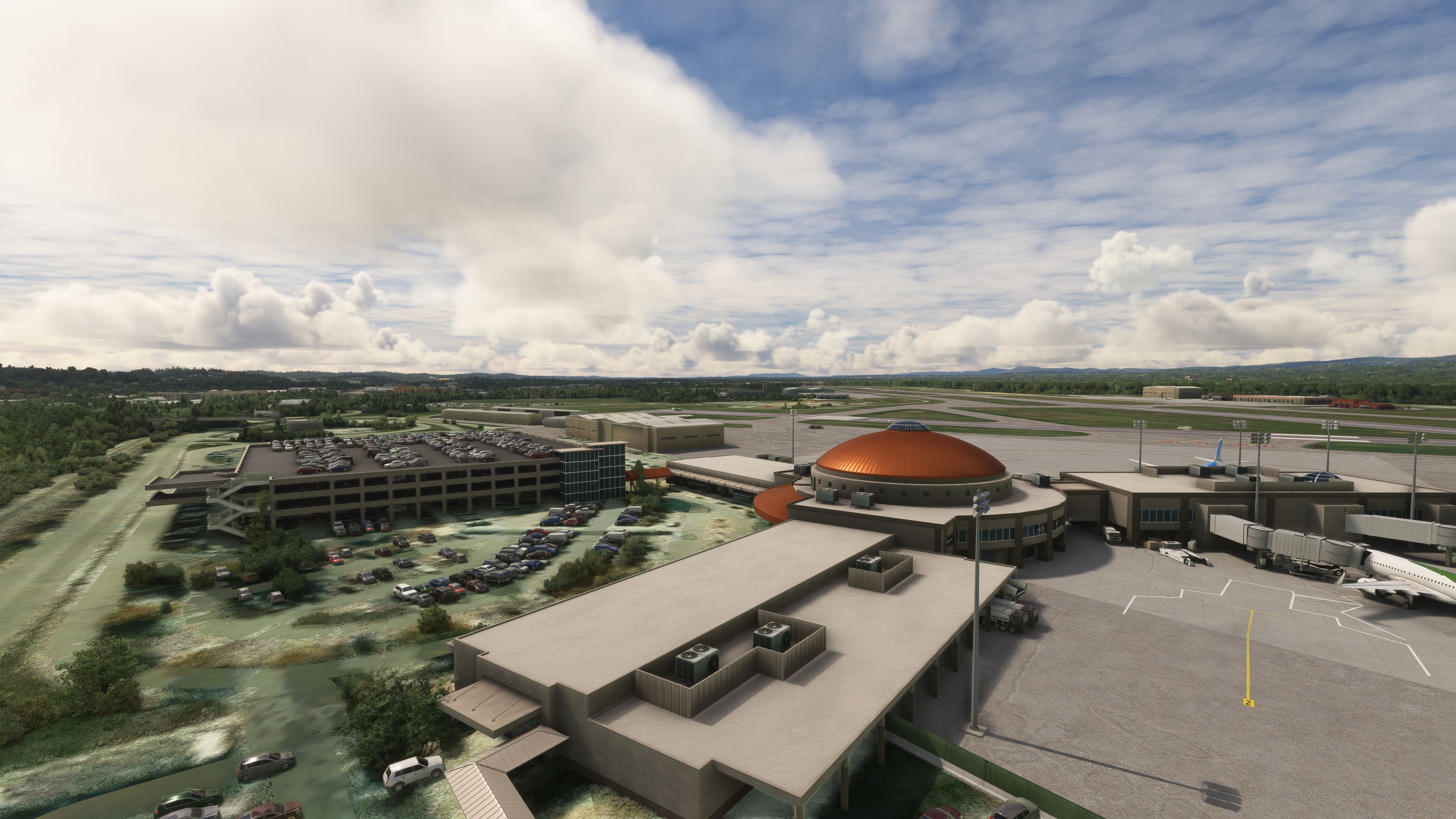
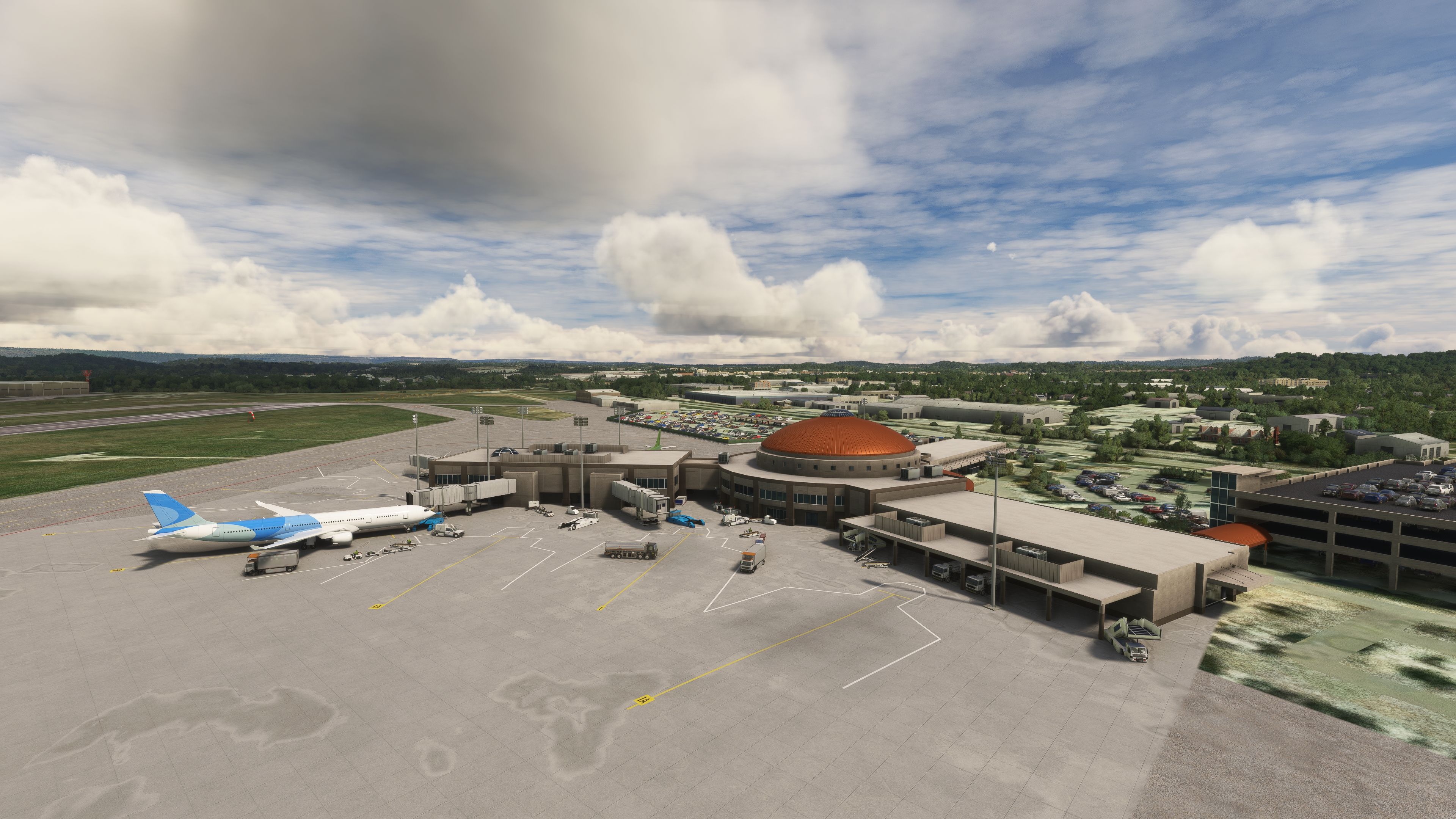
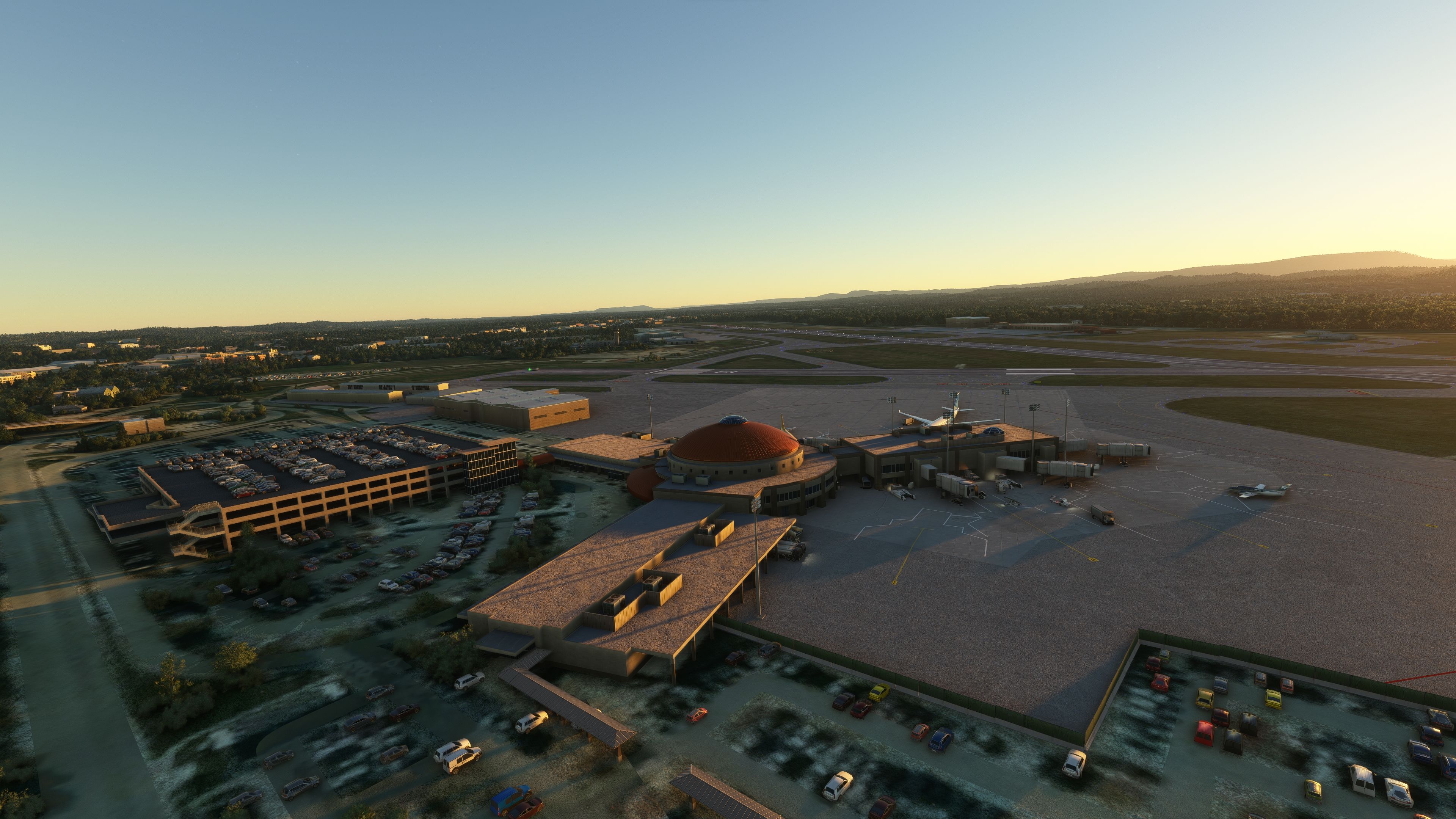
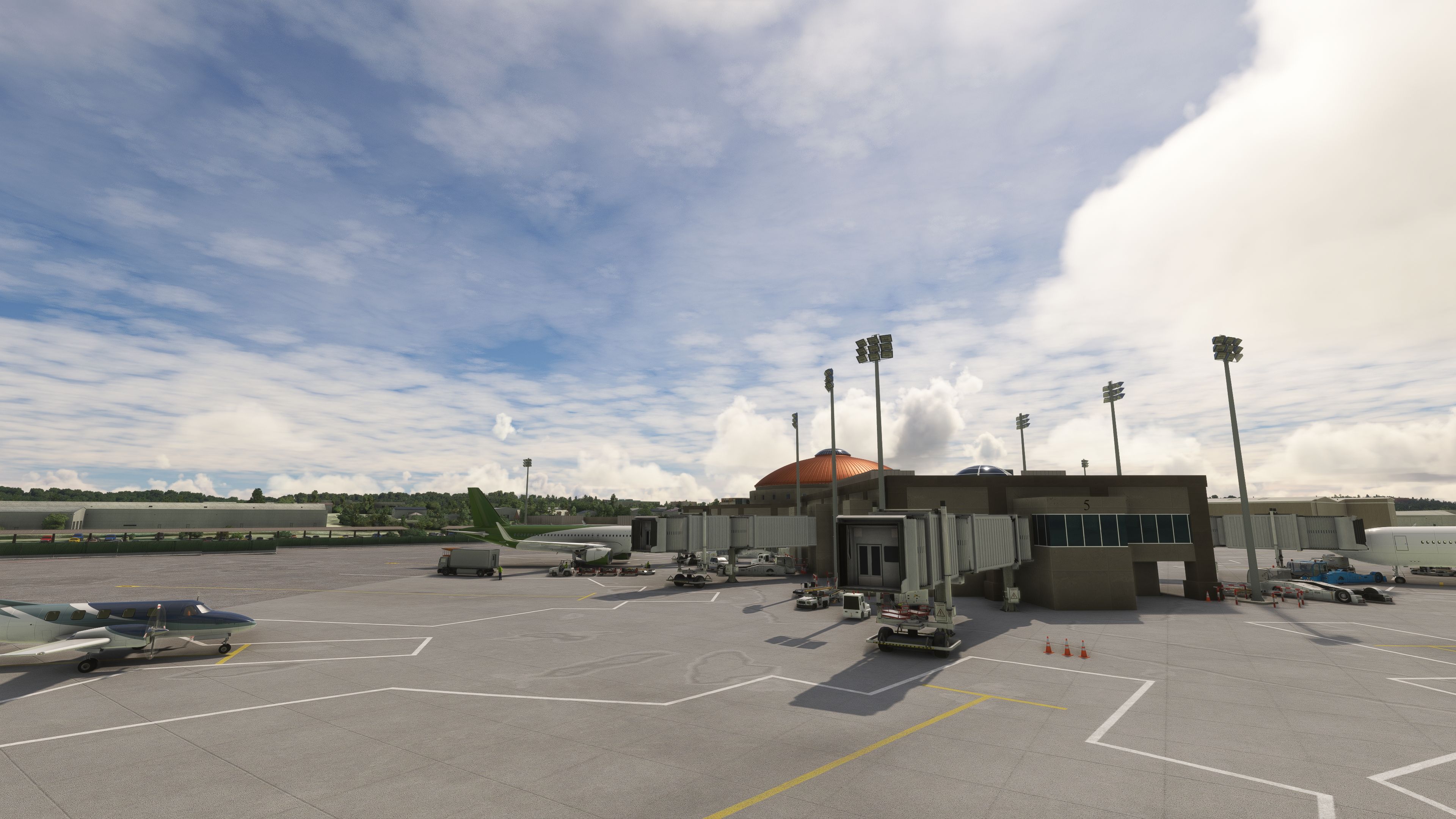
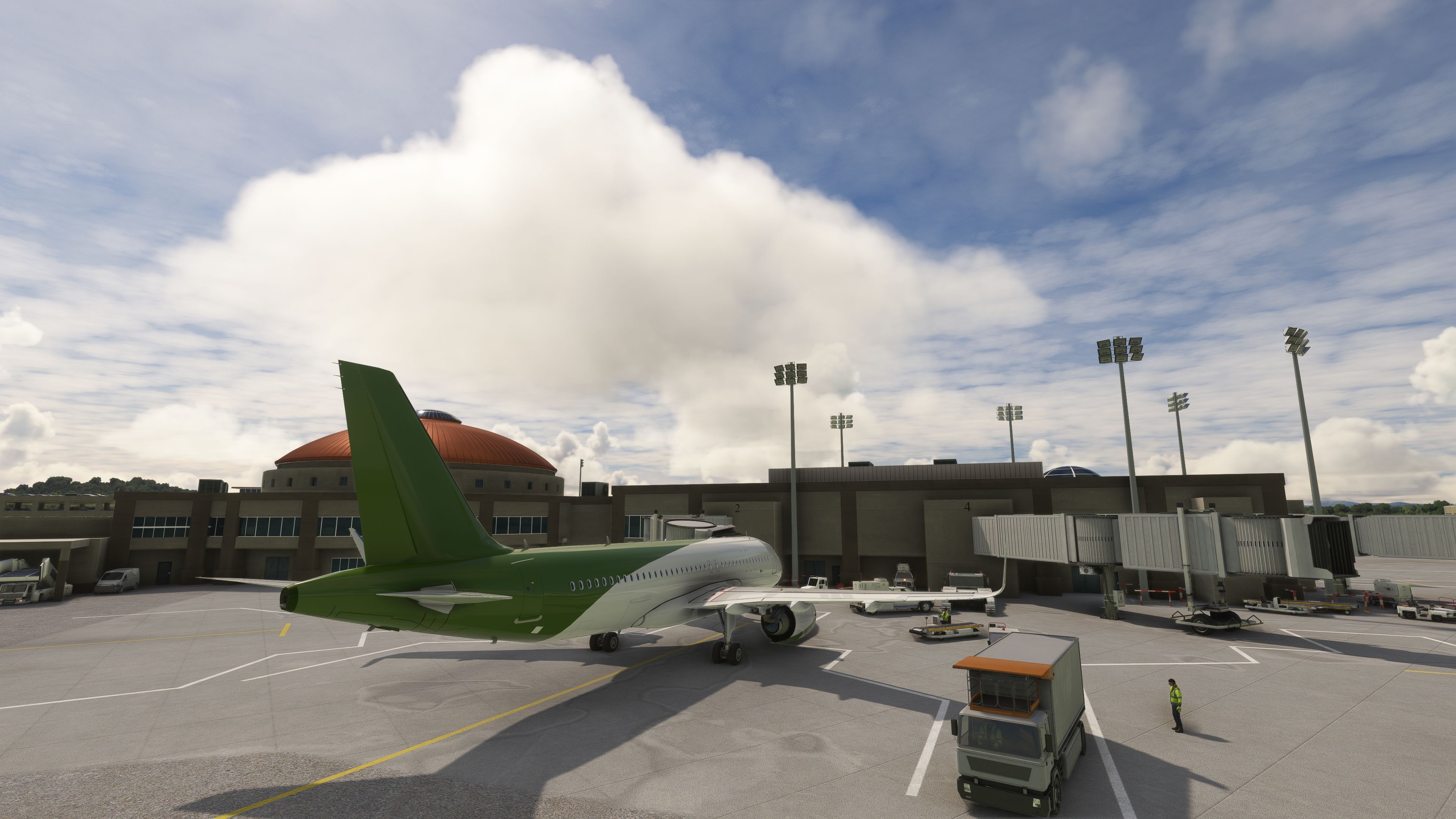
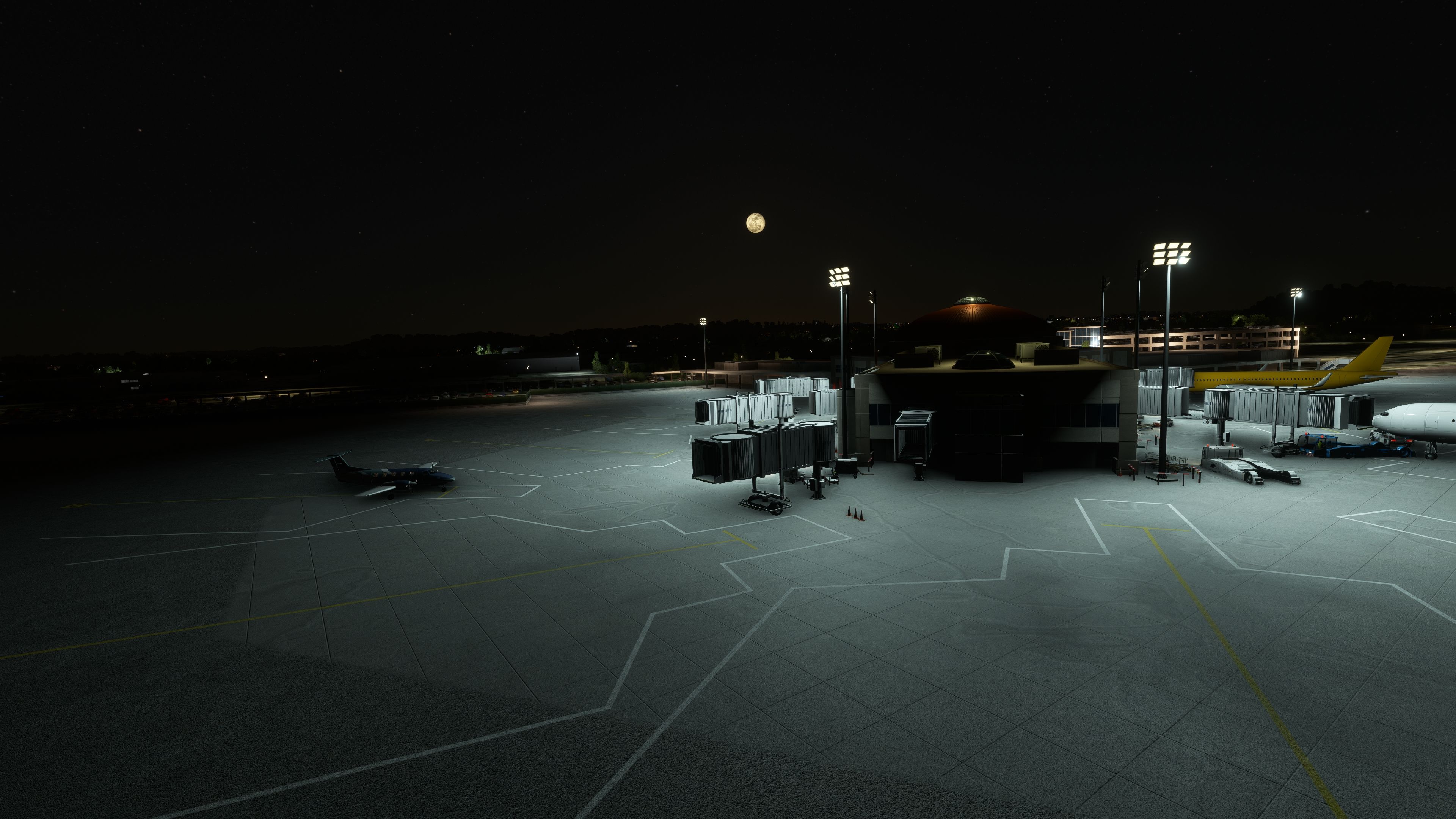
Chattanooga Metropolitan Airport, Lovell Field (KCHA) comes to life with bespoke terminal and tower models, refined short-term parking, and accurately redrawn runways and taxiways reflecting current real-world changes. Realistic night flood lighting, an added firehouse, and a detailed Wilson Air Center boost immersion for Microsoft Flight Simulator.

 United States of America
 - File: msfs-KCHA.zip
- Size:234.57 MB
- Scan:
Clean (24d)

- Access:Freeware
- Content:Everyone

 Description
 Developer
 Comments
Expert Overview
As a long-time flight simulation expert, I can attest that this freeware mod for Microsoft Flight Simulator 2020 brings Chattanooga Metropolitan Airport (Lovell Field KCHA) to life with high-fidelity custom buildings, accurately redrawn taxiways and runways, and convincing night flood lighting. It showcases refined architectural details, realistic ramp layouts, and an authentic representation of the airport’s evolving infrastructure, providing a deeply immersive experience for both commercial and general aviation flights.
Recent updates add dynamic elements like the on-site firehouse and a detailed Wilson Air Center FBO, reflecting ongoing improvements to performance, textures, and ground handling features. There’s also an exciting plan to introduce the FedEx hangar to further expand the cargo operations area, underscoring the developer’s commitment to delivering a comprehensive and ever-evolving virtual airport environment for serious sim pilots.
This mod was installed, tested and reviewed by Adam McEnroe for Fly Away Simulation. Adam is an FS mod expert. Read his bio here.
Flight simulation enthusiasts seeking an authentic and detailed experience at Chattanooga Metropolitan Airport, also known as Lovell Field (KCHA), will find this freeware add-on for Microsoft Flight Simulator 2020 to be a significant enhancement. This detailed scenery modification brings a level of realism and immersion that aligns with the expectations of seasoned sim pilots.
 Key Features
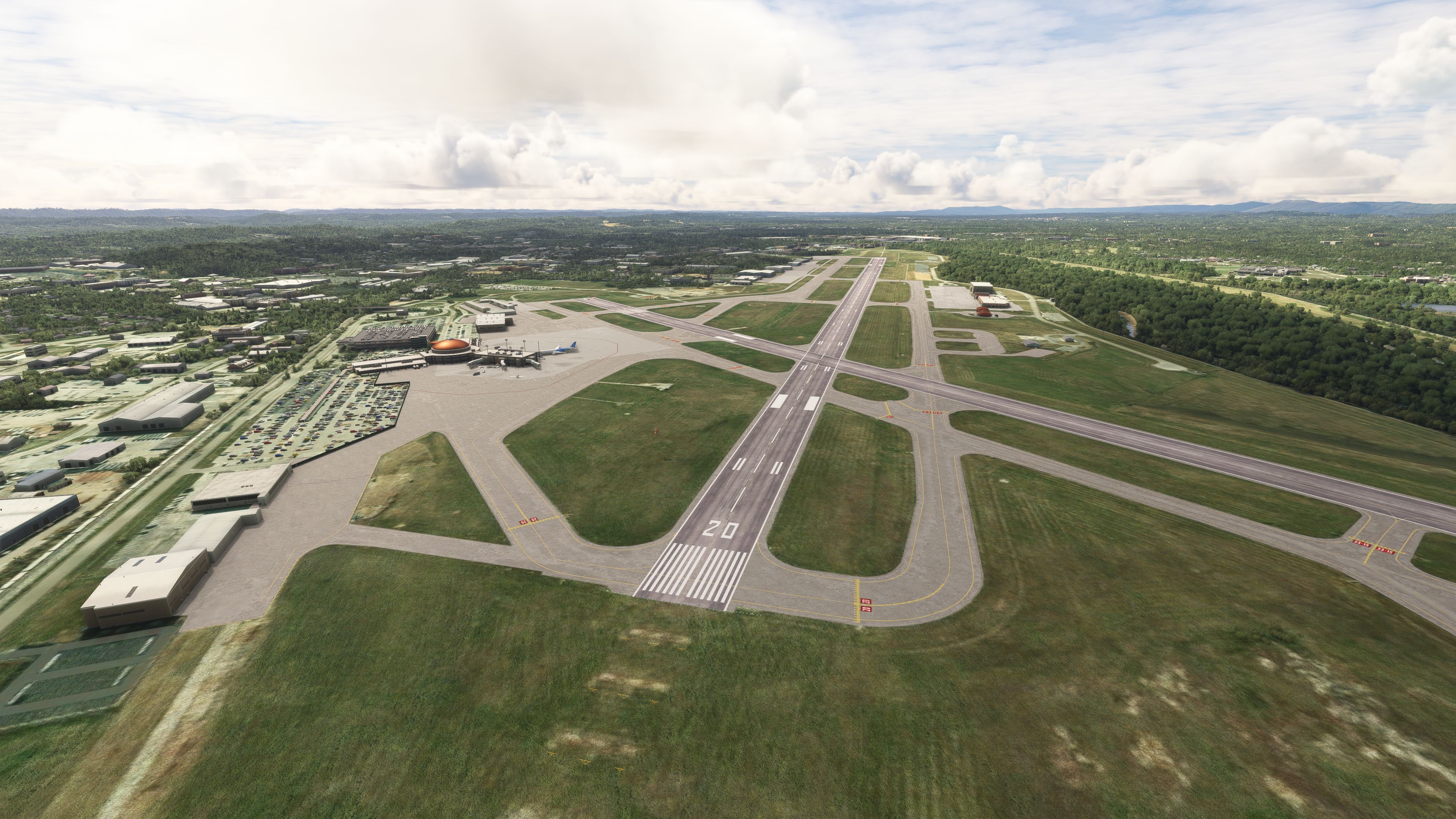
- Custom Models: High-fidelity, bespoke 3D models of the terminal and tower that echo the airport's unique architectural characteristics.
- Enhanced Parking: A detailed representation of the short-term parking area, offering a more realistic ramp experience.
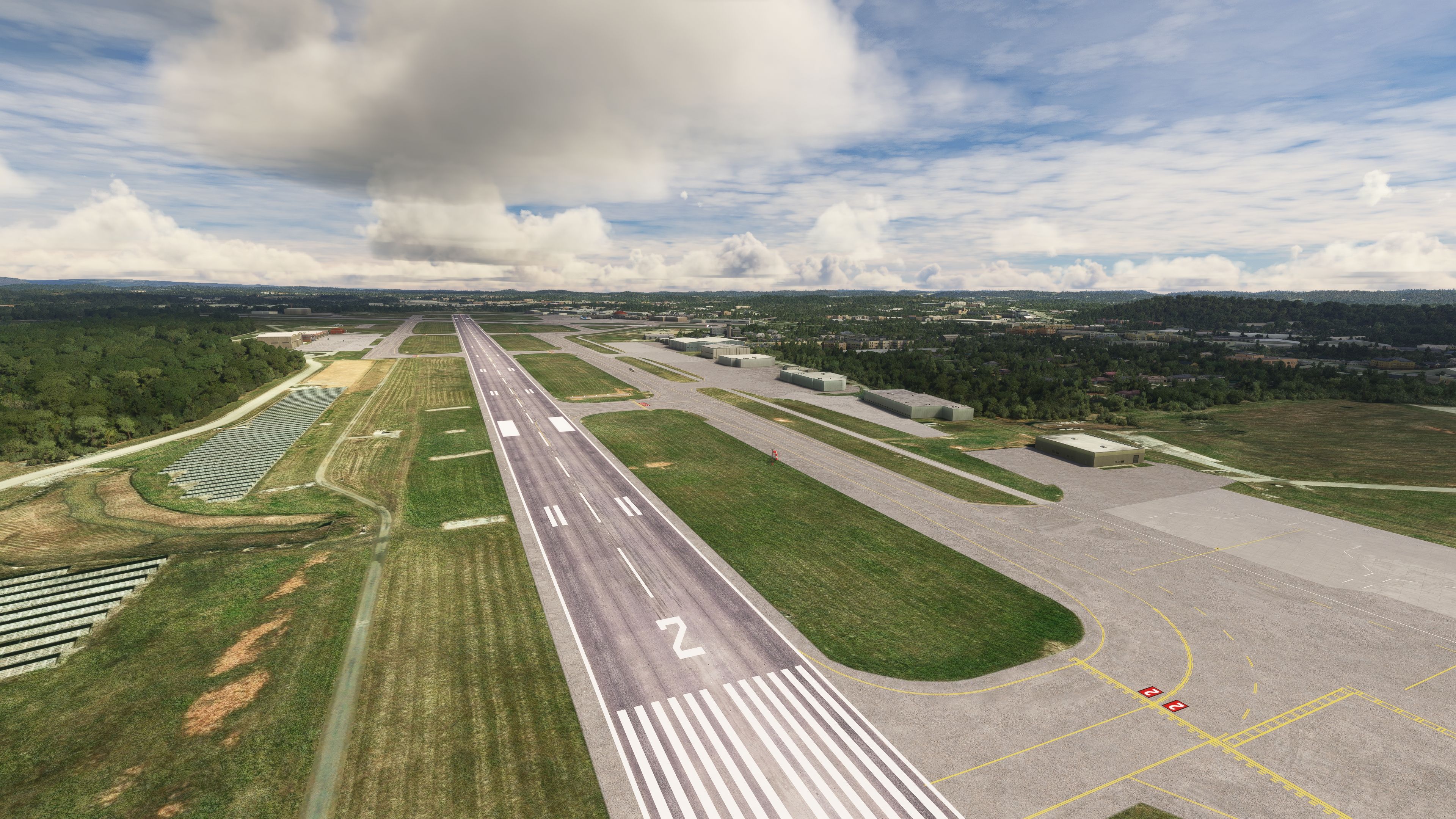
- Redrawn Taxiways and Runways: Faithfully recreated taxiways and runways, ensuring accurate and up-to-date ground navigation.
- Night Flood Lighting: Realistically simulated flood lighting that enhances night operations and atmospheric visuals.
- E Taxiway Modification: Alignment with real-world changes, including the removal of part of E taxiway.
Recent Updates
- Firehouse Addition: A detailed model of the on-site firehouse, adding to the airport's operational realism.
- Wilson Air Center: The main Fixed-Base Operator (FBO) is now intricately modeled, catering to general aviation needs.
- General Improvements: Continuous enhancements that refine textures, performance, and overall airport aesthetics.
Upcoming Additions
The next update is set to introduce the Fedex hangar in the cargo area, expanding the airport's cargo operations facet. The developer is also open to community suggestions for specific buildings or features to be added, encouraging user engagement and tailored improvements.
Real-World Context
Chattanooga Metropolitan Airport (KCHA), situated in Tennessee, USA, serves as a pivotal hub for both commercial and general aviation. The airport's unique location and layout present interesting challenges and opportunities for pilots. This add-on captures the essence of KCHA, from the distinct topography to the bustling airport operations, offering sim pilots a slice of the Southern United States' aviation environment.
Images & Screenshots
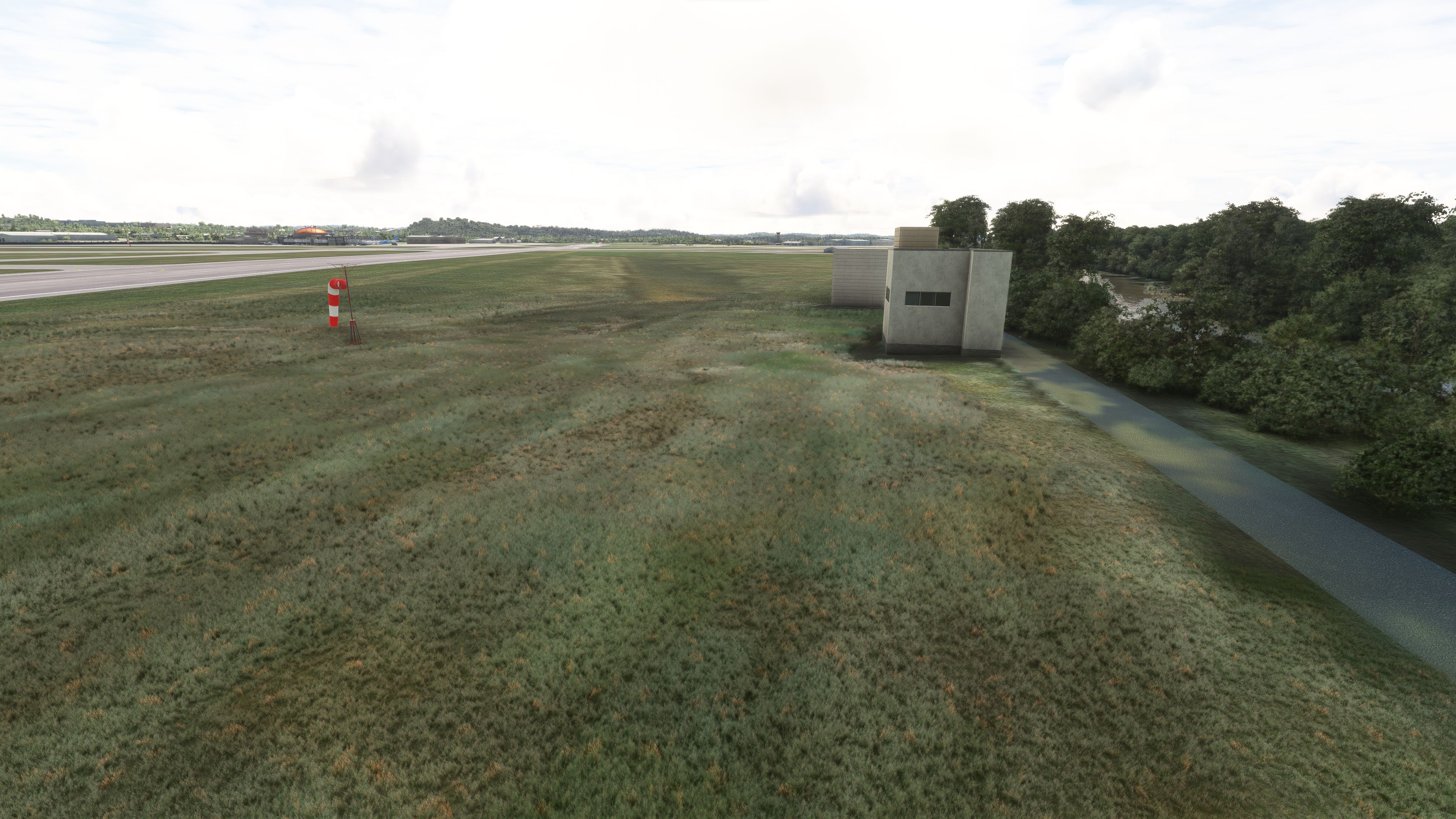
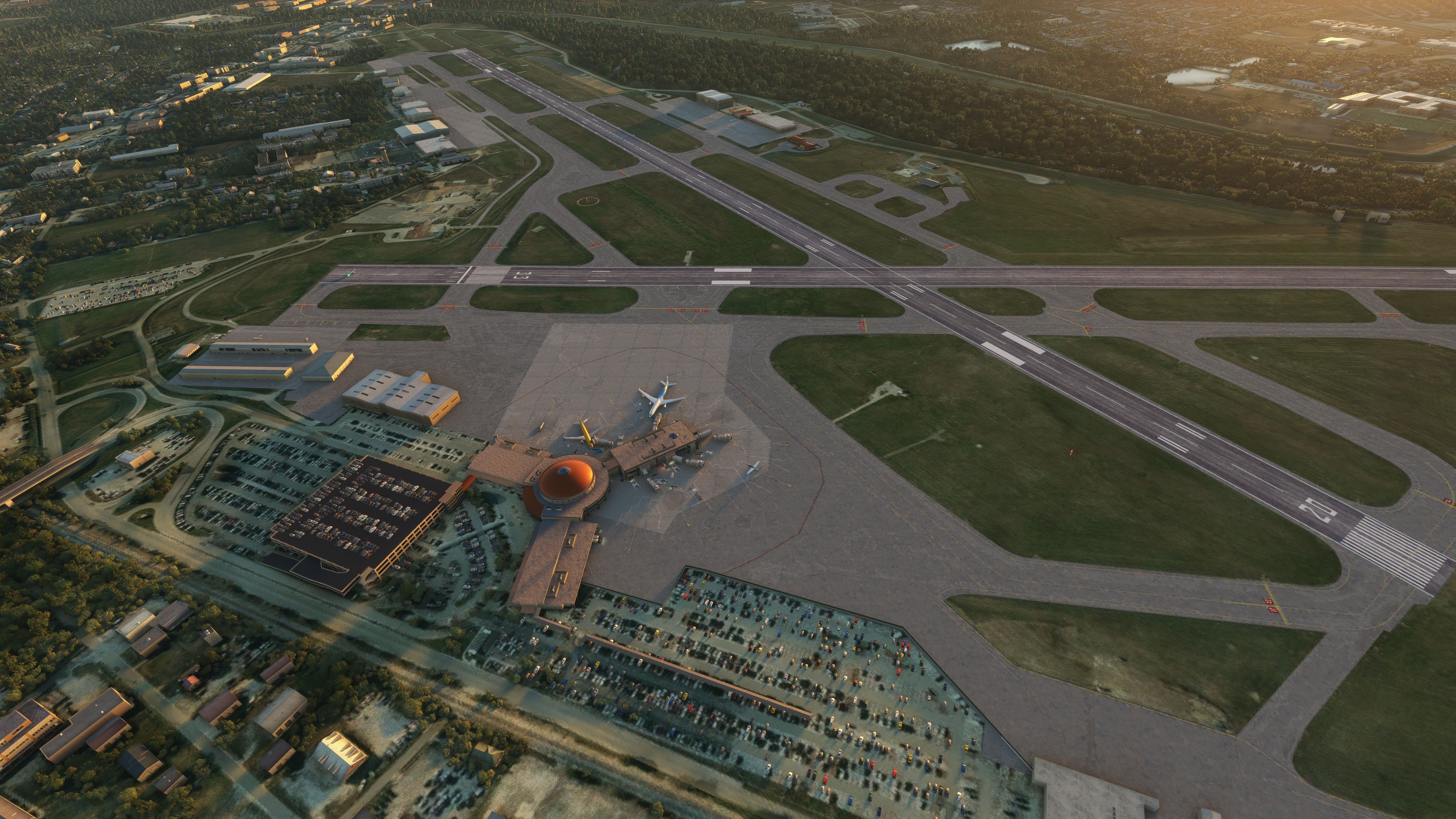
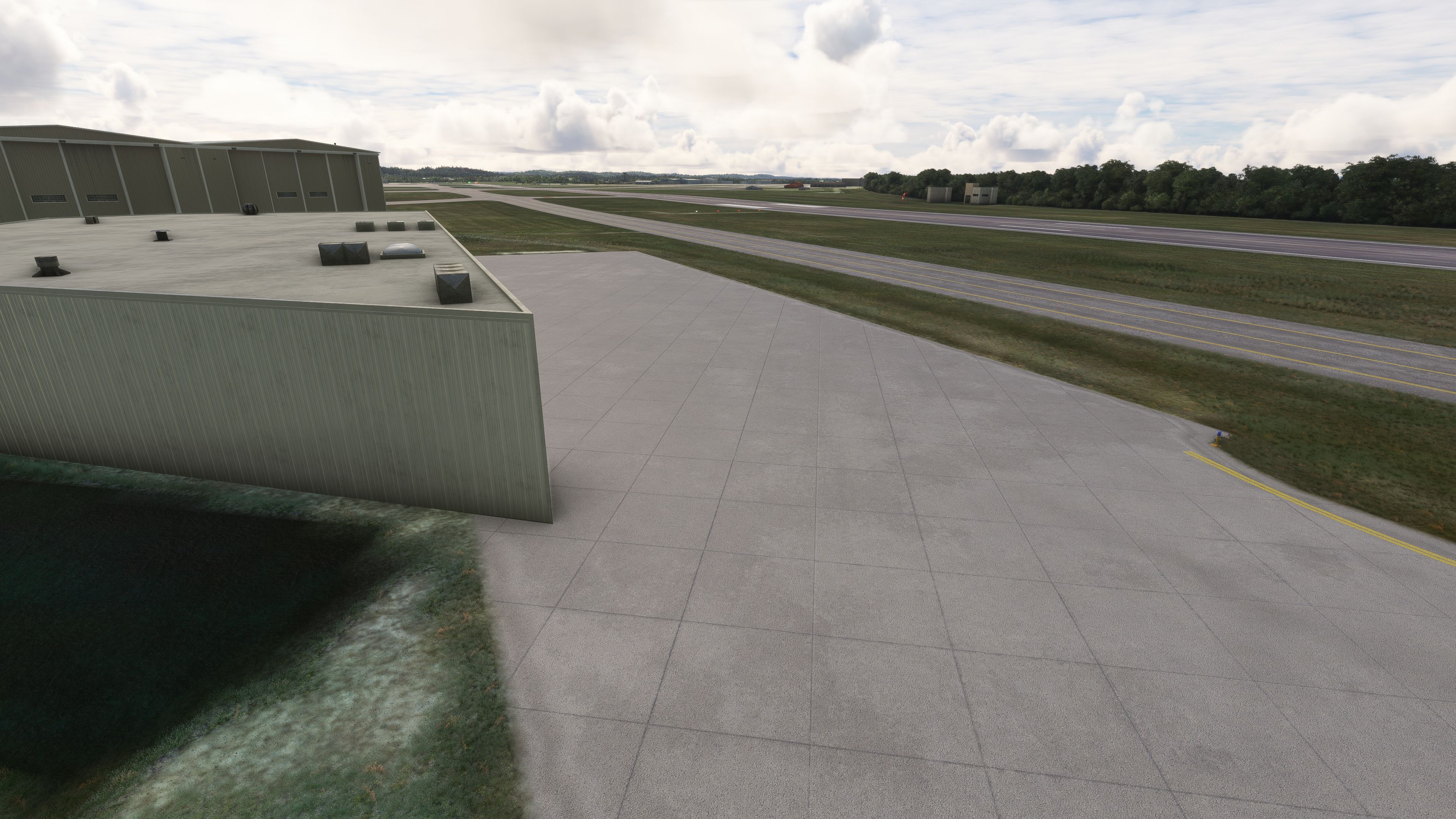
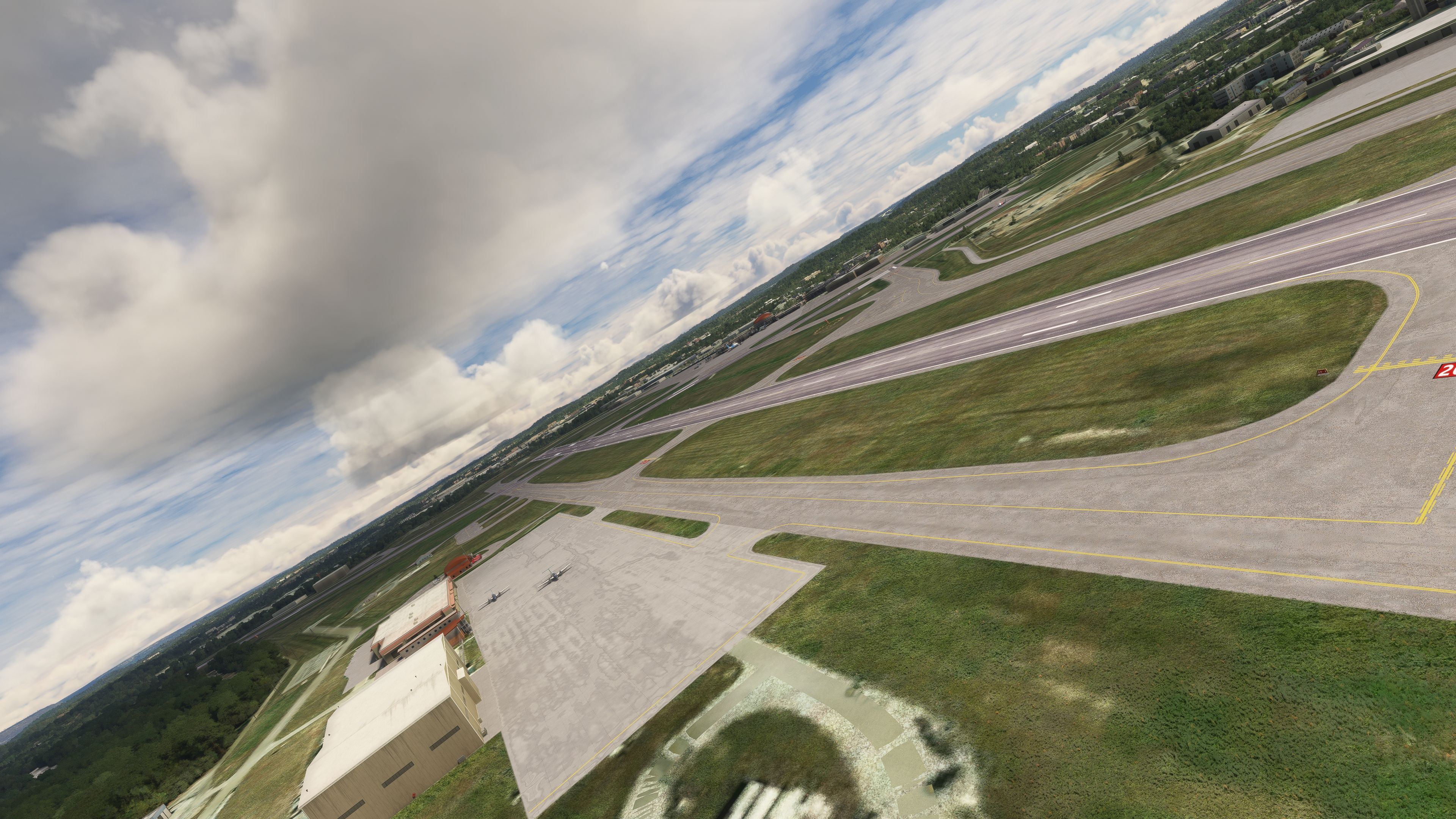
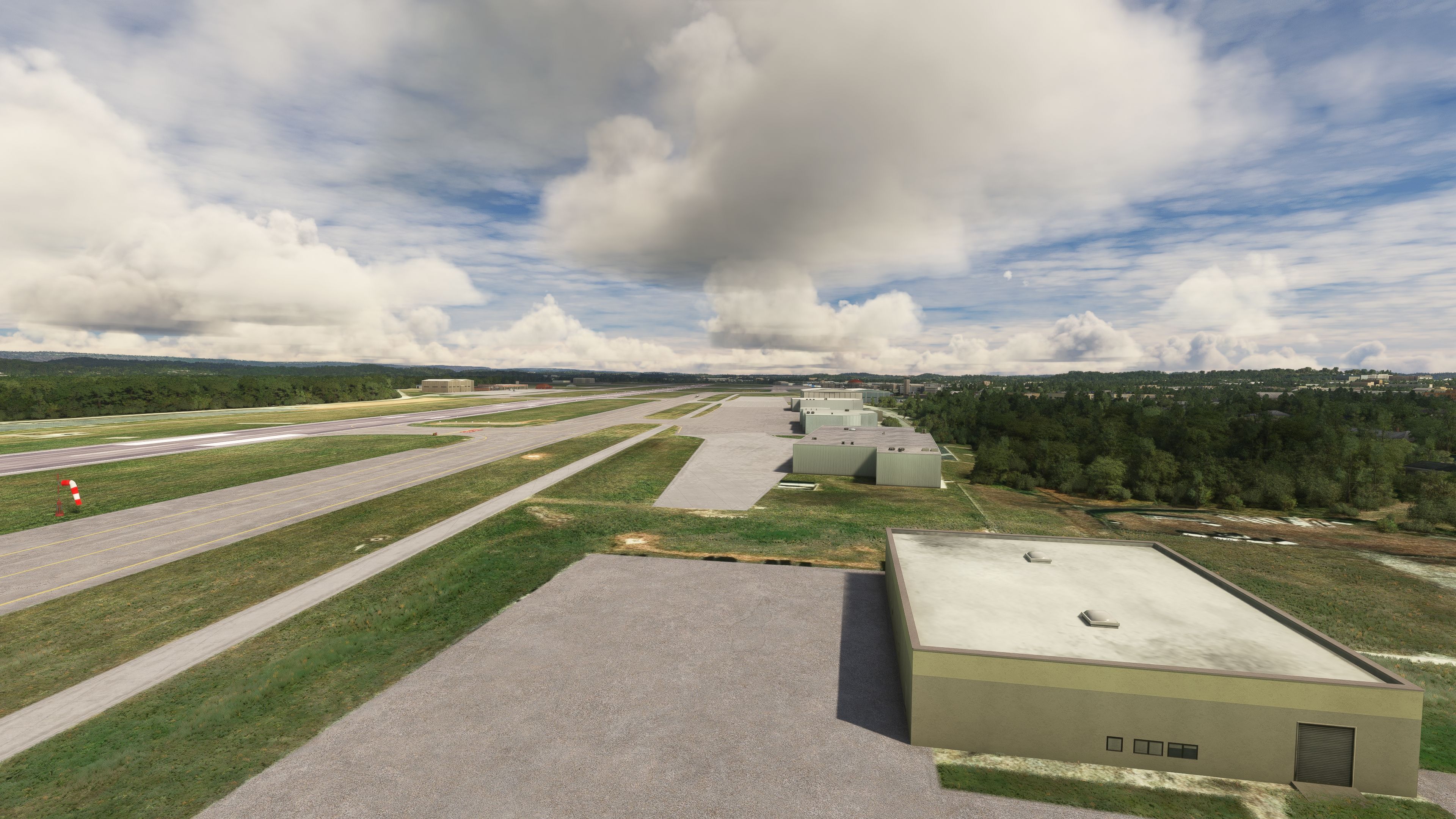
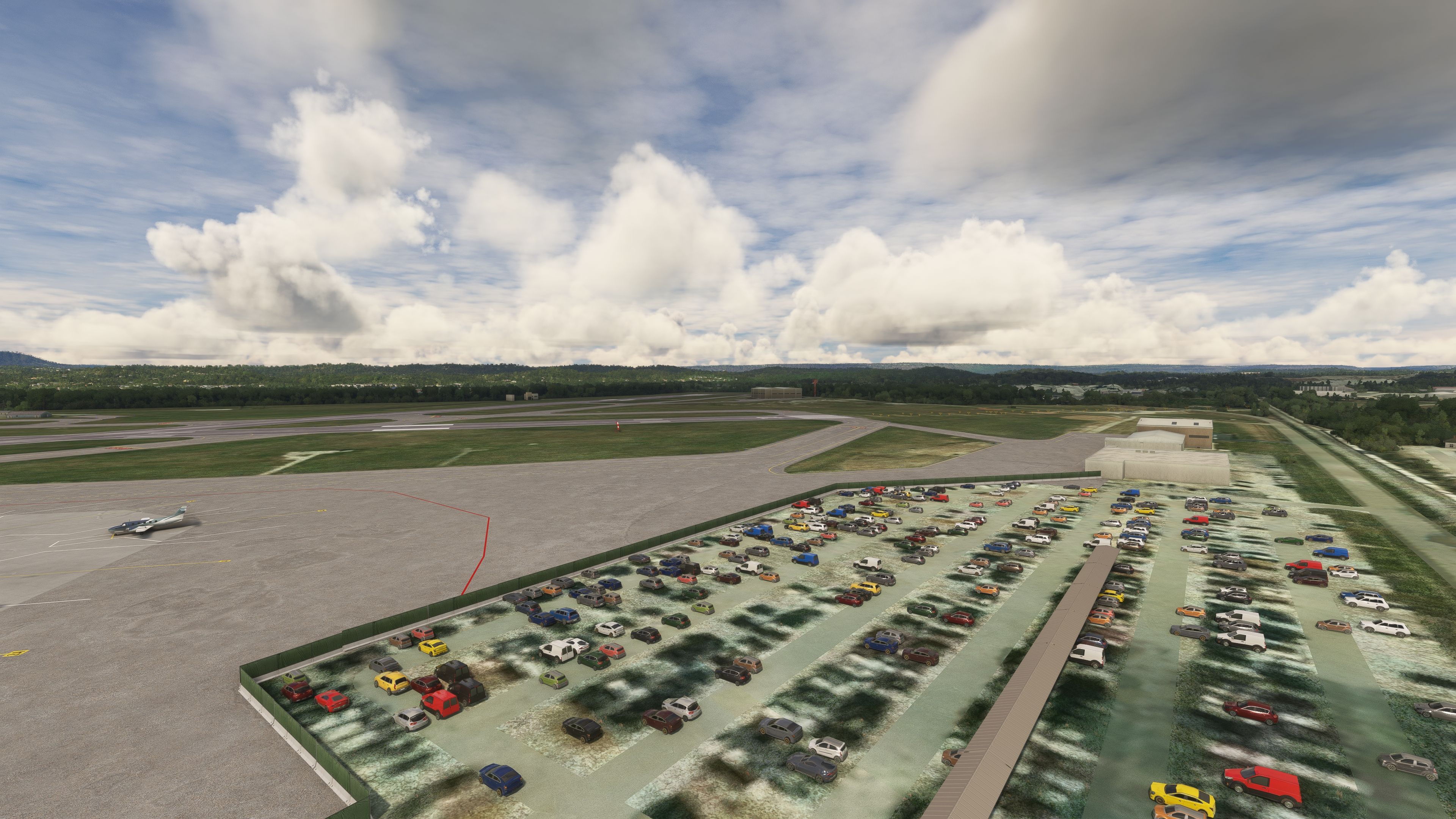
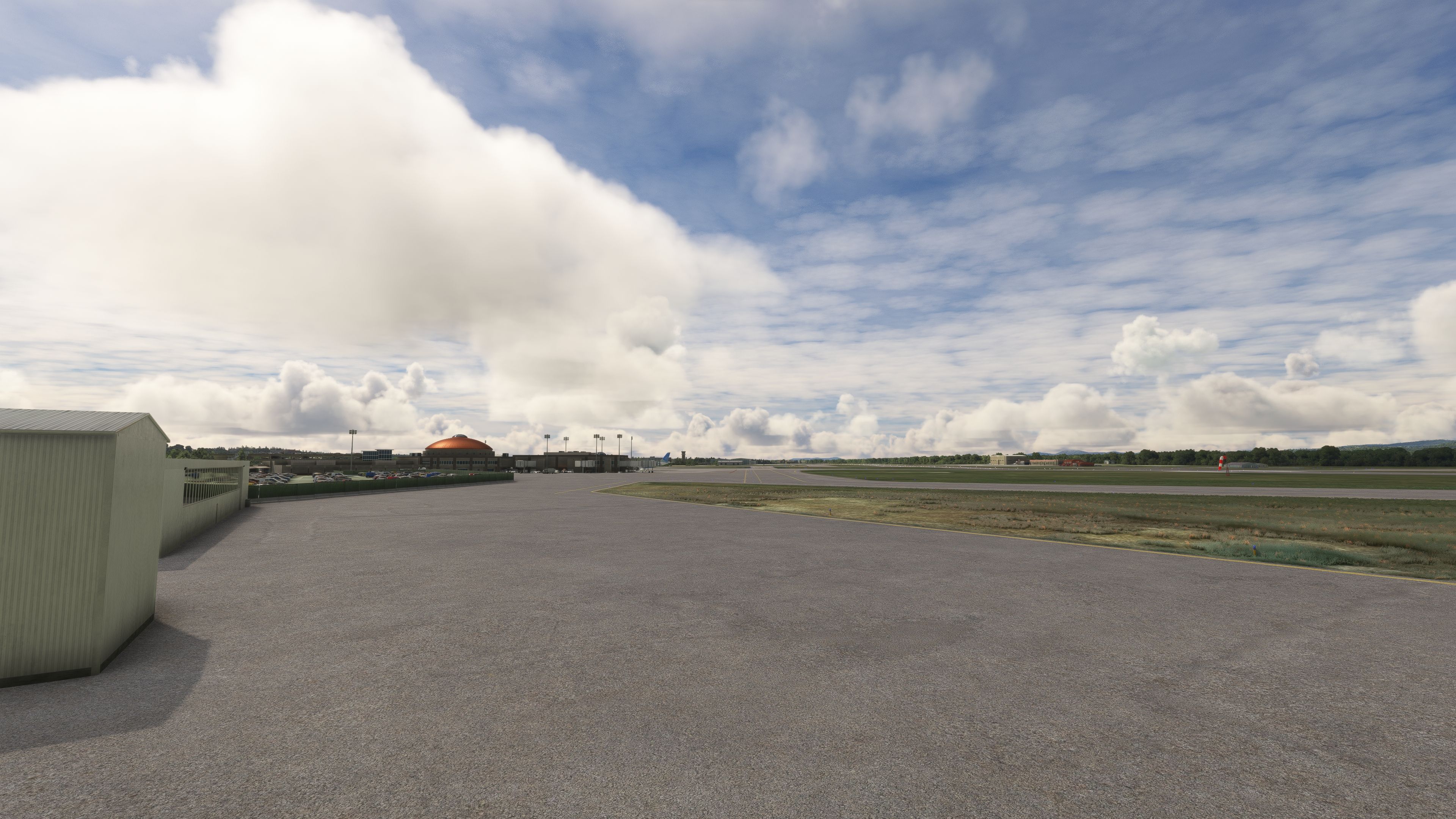
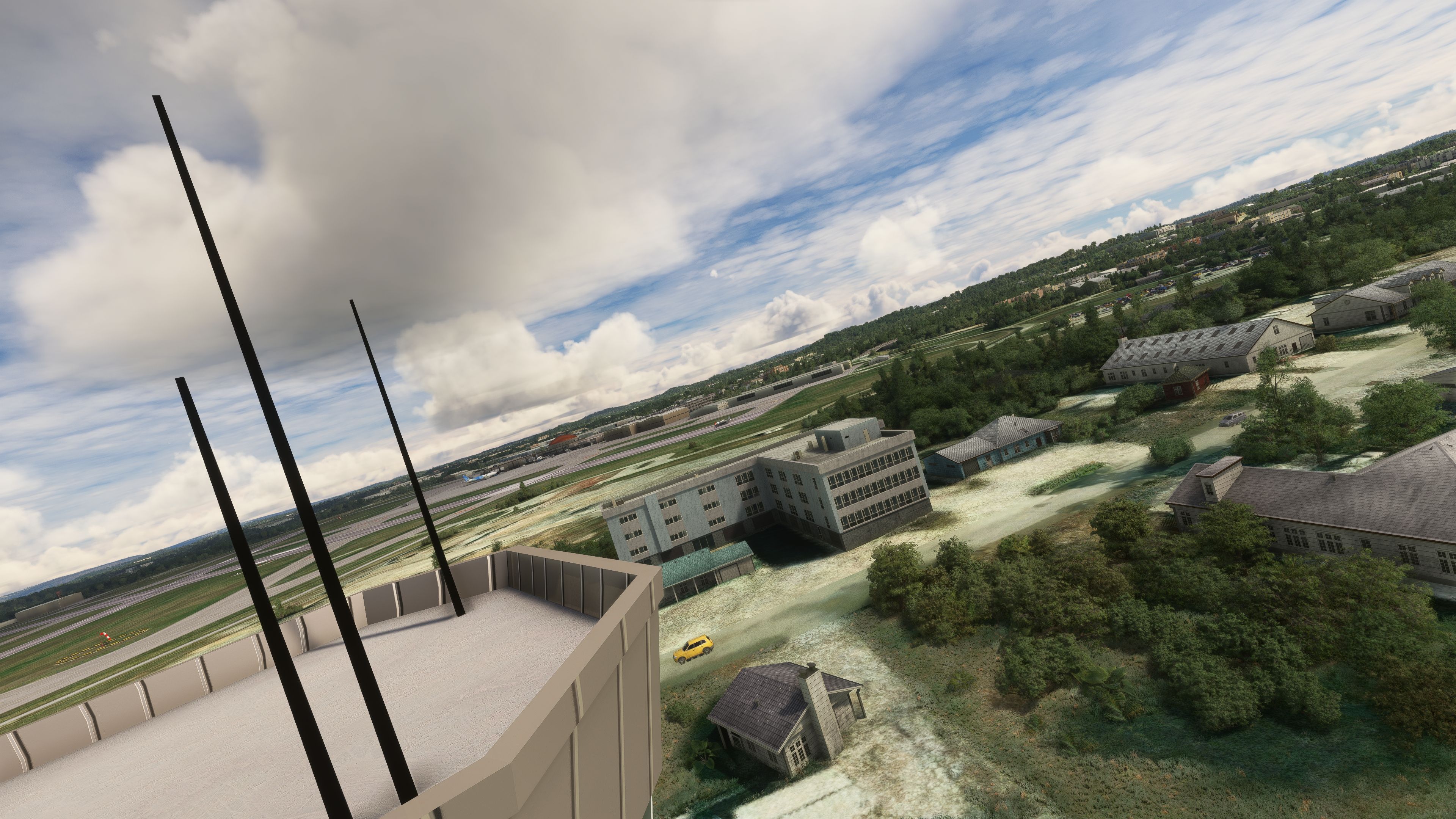
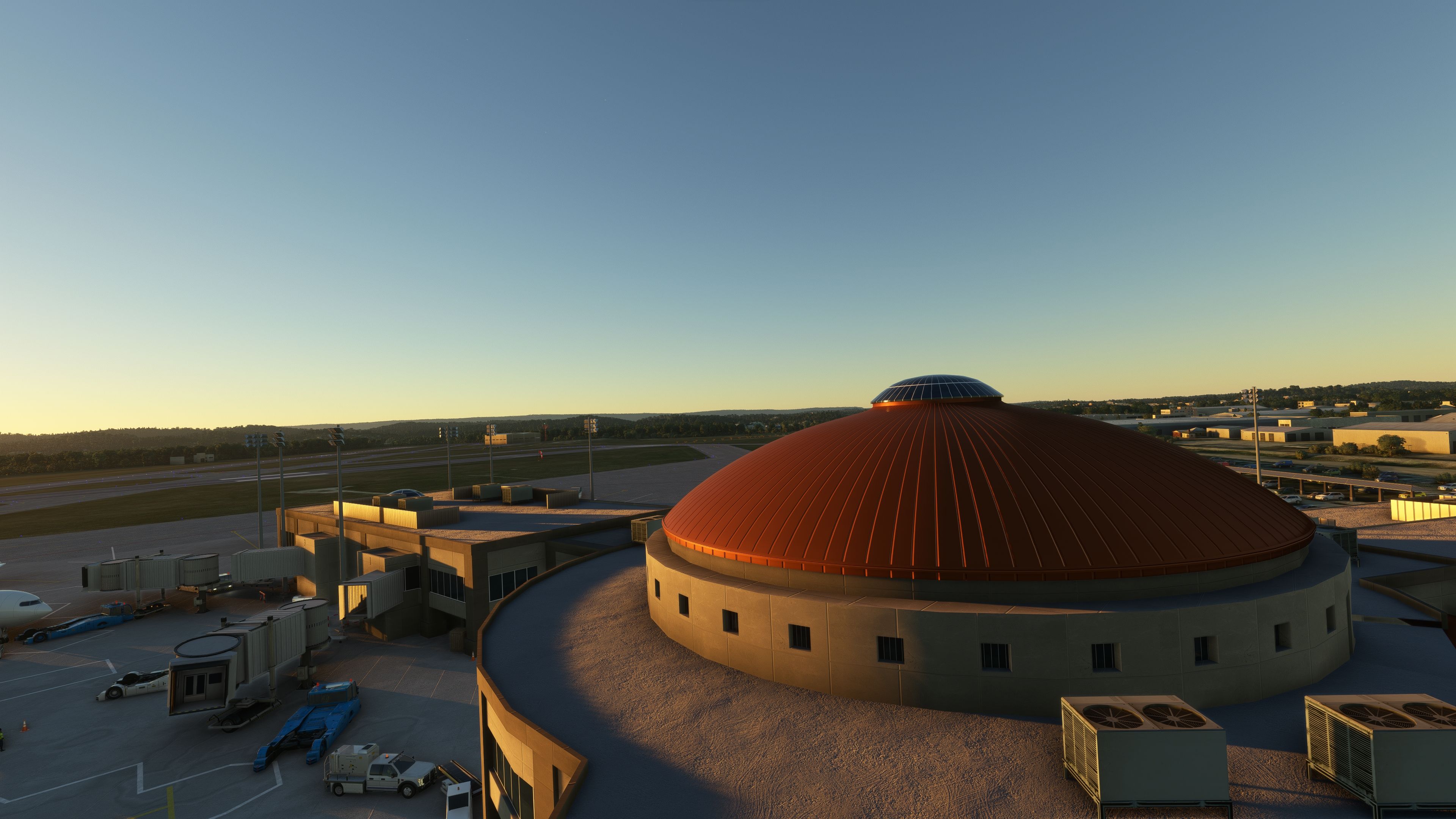
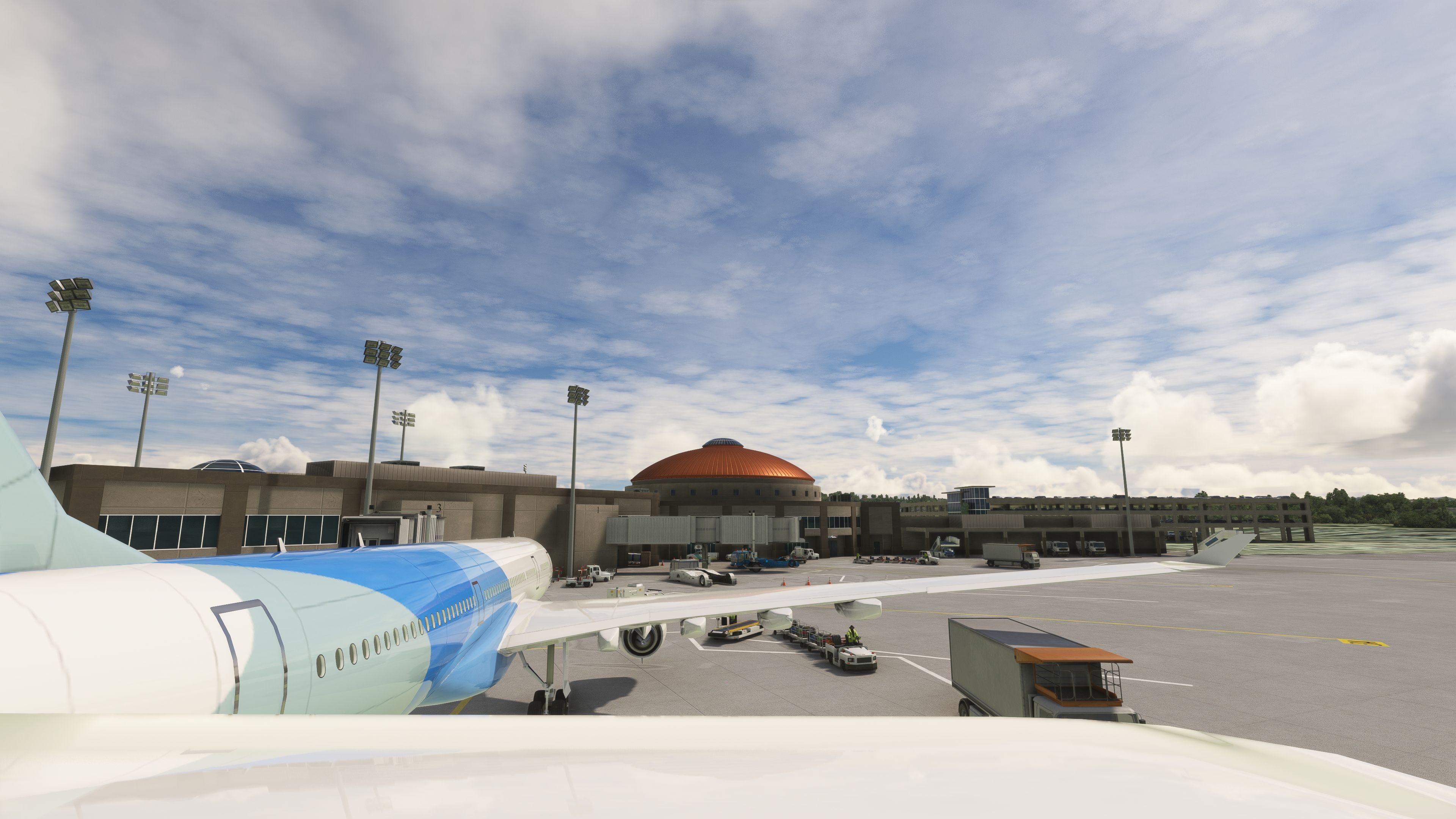
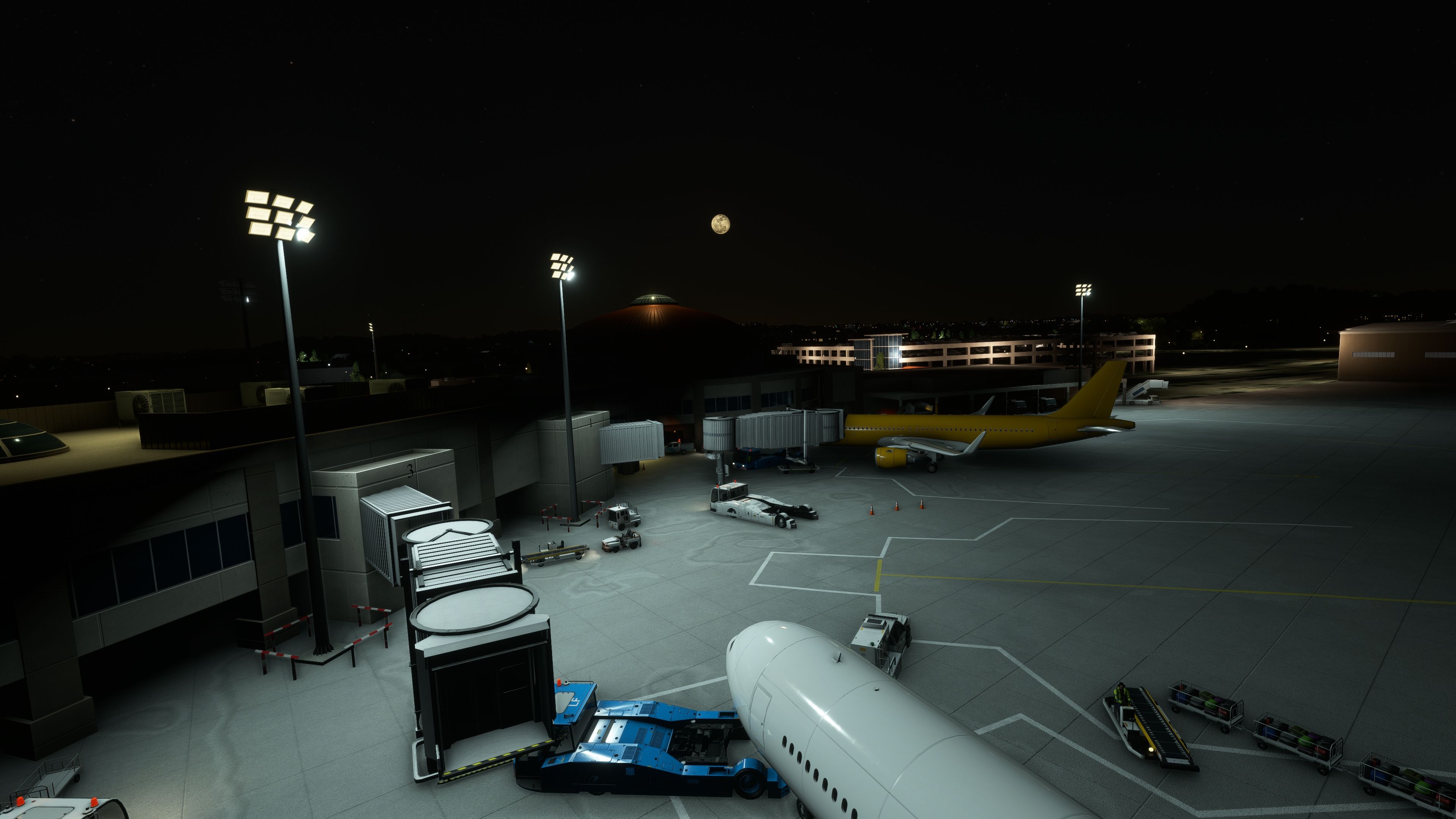
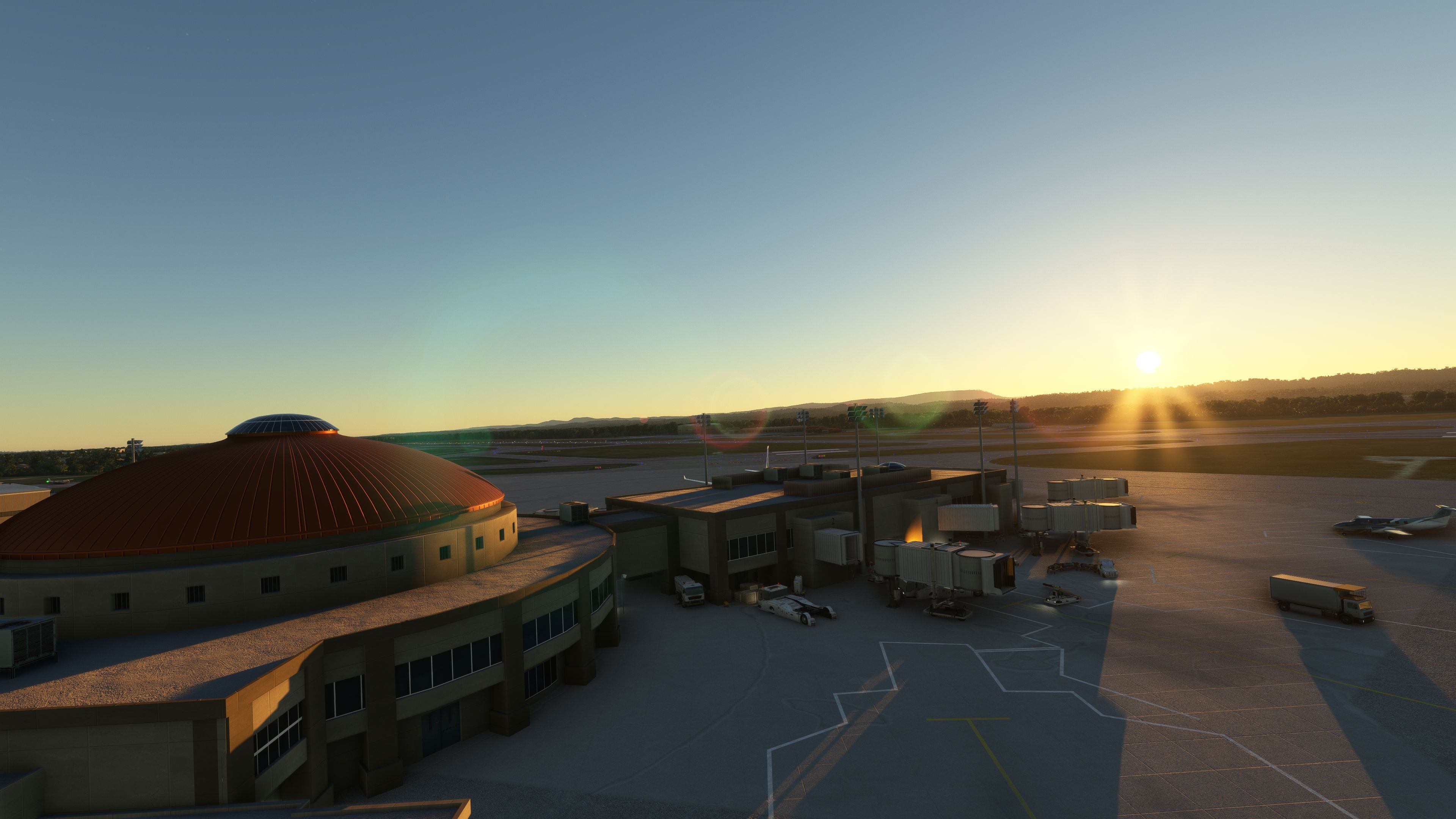
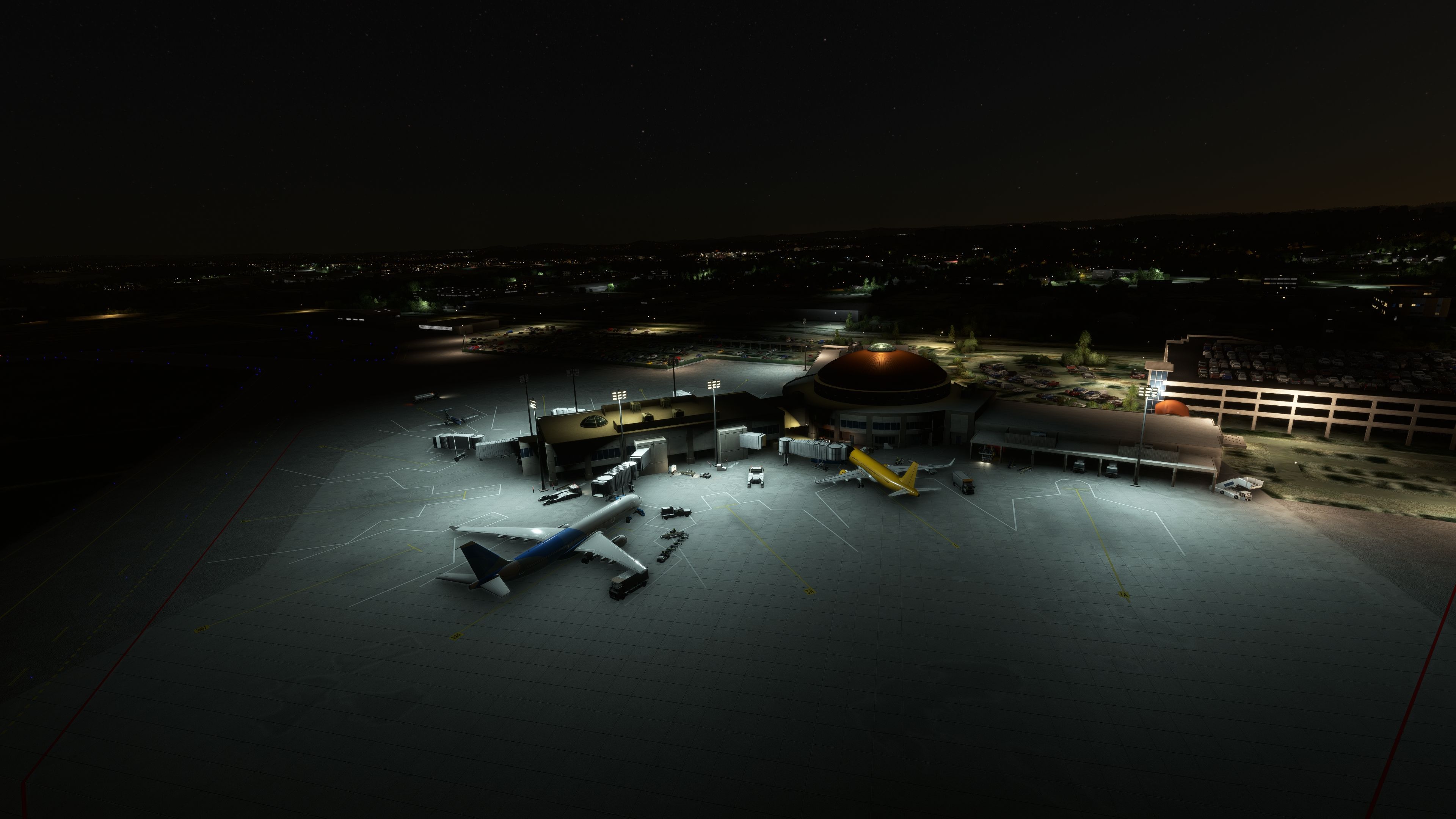

Finding the Scenery
- MSFS Format:
-
35.03743200,-85.19753100
You can copy and paste these coordinates into Microsoft Flight Simulator's search bar when starting a flight or the Developer Mode "Teleport" window to navigate directly to the center of this scenery area, airport, or landmark after you have installed this addon. - Decimal Degrees (DD):
-
Latitude: 35.037432°
Longitude: -85.197531° - Degrees, Minutes, Seconds (DMS):
-
Latitude: 35° 02' 14.755" N
Longitude: 85° 11' 51.112" W
Map Location

About the Developer: edu0811
This mod was developed by edu0811.
With a keen eye for detail, edu0811's work brings airports to life, ensuring each terminal, runway, and taxiway is meticulously crafted. With a focus on Mexico and Latin America. Moreover, their repaint and livery creations add a layer of authenticity and variety, enriching the simulation experience. We're thrilled to announce that edu0811 has granted Fly Away Simulation permission to list their mods, making these enhancements readily available to our community.
Whether you're flying a casual route or embarking on a comprehensive simulation journey, edu0811's mods provide an immersive experience. By accurately replicating real-world locations and aircraft aesthetics, they offer pilots a true-to-life virtual flight experience.
Donate

The developer of this mod/add-on (edu0811) has worked hard in order to produce this freeware creation. If you enjoy and make use of this release, why not donate to the developer to help support their projects?

Installation Instructions
Most of the freeware add-on aircraft and scenery packages in our file library come with easy installation instructions which you can read above in the file description. For further installation help, please see our Flight School for our full range of tutorials or view the README file contained within the download. If in doubt, you may also ask a question or view existing answers in our dedicated Q&A forum.
Related Add-ons
Some mods you may like

0 comments
Leave a Response