

 FS2004 Military Aircraft
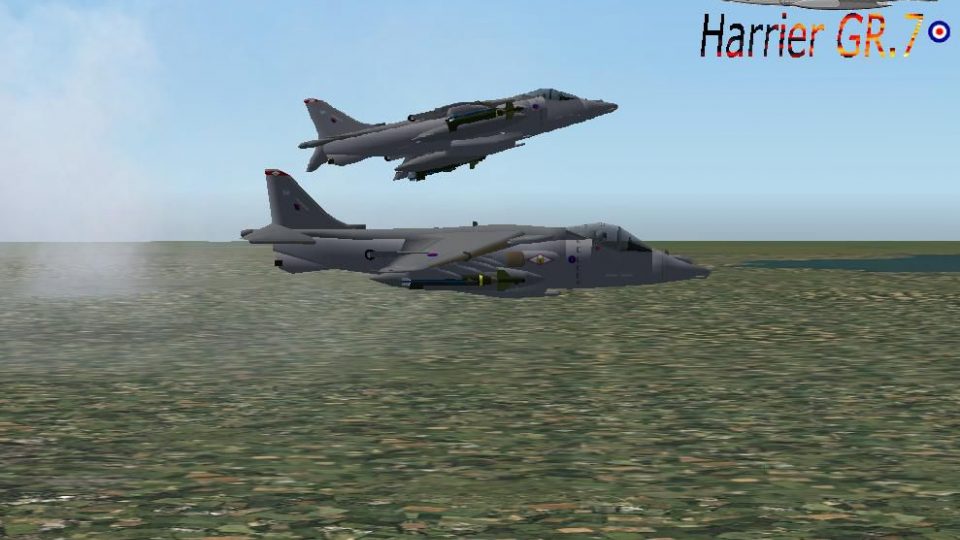
FS2004/FS2002 BAe. Harrier GR.7. Marine Night Fighter Squadron
VMF (N) 542 Textures. Marine Attack Squadron 542, Air Station (MCAS) Cherry P…
Harrier GR.7 in a fictional Royal Air Force-inspired livery brings STOVL operations to life with thrust-vectoring transitions from conventional flight to stable hover, plus refined dynamics for short runways and deck-style approaches in FS2004. Jim Atkins’ model and air file pair with Thomas Moger’s custom repaint for a cohesive, self-contained package.
 Rate
Rate
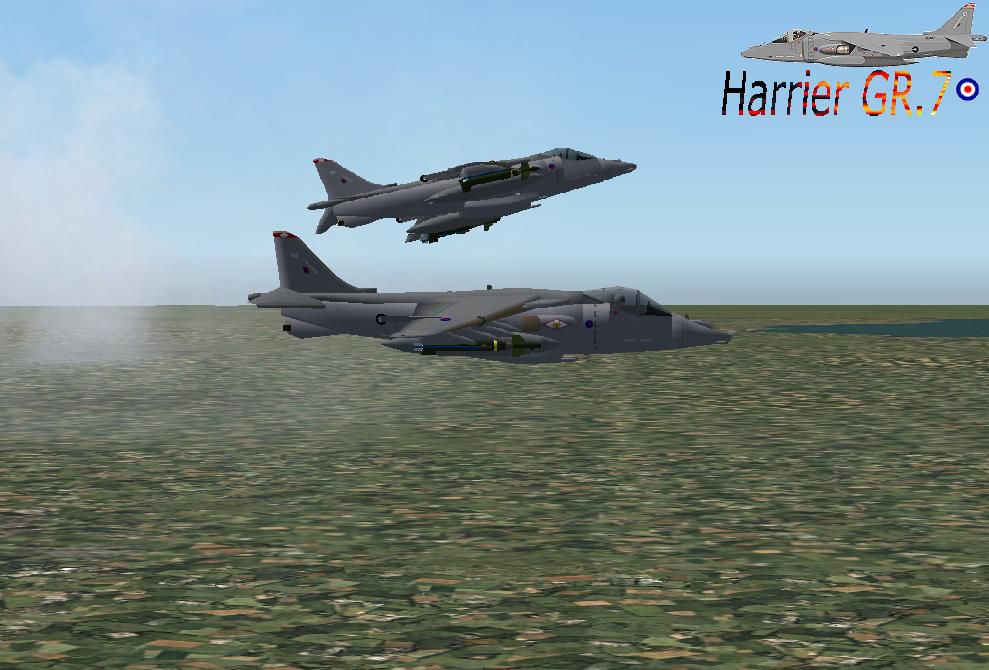
This add-on package offers a specialized edition of the iconic Harrier GR.7 for FS2004, presented in a Royal Air Force-inspired fictional finish. It brings together the talents of several experts, combining engineering work by Jim Atkins with a custom repaint by Thomas Moger to deliver a distinctive experience that simmers can explore in their virtual hangar.
The Harrier GR.7, commonly identified by its STOVL (Short Take-Off and Vertical Landing) capabilities, is reproduced here with stand-out features. Although this rendition highlights a hypothetical Royal Air Force paint scheme, the underlying flight model still preserves the defining thrust-vectoring and hovering traits. In this version, flight enthusiasts will appreciate the imaginative aesthetic that both deviates from and pays homage to real-world tactical jets.
Under the surface, the add-on’s air file has been shaped to reflect the characteristic response of a real Harrier. You can test precise vector thrust management and experience transitions from conventional forward flight to near-hover states. This provides a glimpse into the aircraft’s impressive performance envelope, essential for sim captains aiming to refine landing techniques on short runway environments or raised decks.
Although the Harrier GR.7 usually appears in authentic squadron markings, this fictional take on a Royal Air Force theme expands creative possibilities. Hobbyists can explore a bespoke color scheme that showcases what might have been if alternate unit liveries existed in real life. It captures the rugged, operational nature of the Harrier family while letting sim users experience a unique scenario, especially when departing or arriving into challenging airfields within FS2004.
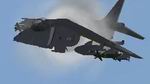
As a freeware release, this Harrier package is fully self-contained. Enthusiasts can integrate it into FS2004’s aircraft directory following the conventional add-on process—simply extract, place, and load. Even with the specialized hovering features, the flight simulator’s interface remains quick to grasp for most pilots aiming for advanced operational control.
This package will especially appeal to sim pilots seeking a technically faithful Harrier experience with a fictional spin on Royal Air Force markings, all while retaining the hallmark vertical flight performance that the Harrier series is renowned for.
Free for all simmers · 991.05 KB · Scanned clean Oct 2026
Download speed: Free tier is capped at 0.5 Mbps. PRO members download at full line speed.
FS9\Aircraft\, FS9\Addon Scenery\, FS9\Gauges\, or FS9\Effects\.readme.txt or README file. It tells you exactly where files go, what dependencies are needed, and any quirks specific to this add-on.The archive GR7_2004.zip has 59 files and directories contained within it.
This list displays the first 500 files in the package. If the package has more, you will need to download it to view them.
| Filename/Directory | File Date | File Size |
|---|---|---|
| FILE_ID.DIZ | 11.01.03 | 111 B |
| Harrier GR.7 | 11.01.03 | 0 B |
| Aircraft.cfg | 11.01.03 | 5.78 kB |
| Harrier GR.72.JPG | 11.01.03 | 88.38 kB |
| Harrier GR7.air | 02.27.02 | 12.97 kB |
| model | 11.01.03 | 0 B |
| Harrier GR7.mdl | 10.31.03 | 1.00 MB |
| Model.cfg | 02.26.02 | 30 B |
| panel | 11.01.03 | 0 B |
| Autopilot.bmp | 10.01.98 | 7.74 kB |
| AV8Bpnl.BMP | 02.14.99 | 769.05 kB |
| gauges | 11.01.03 | 0 B |
| AV8B.adi.GAU | 03.24.98 | 288.50 kB |
| AV8B.airbrk.gau | 09.01.98 | 104.50 kB |
| AV8B.altim.gau | 05.11.98 | 30.50 kB |
| AV8B.attit.gau | 02.12.99 | 370.50 kB |
| AV8B.Autopilot.GAU | 10.01.98 | 100.50 kB |
| AV8B.Gear.gau | 09.01.98 | 45.00 kB |
| AV8B.HSI.GAU | 02.12.98 | 261.50 kB |
| AV8B.lowfuel.gau | 02.12.99 | 10.50 kB |
| AV8B.nav1.GAU | 10.16.98 | 51.50 kB |
| AV8B.nozpos.gau | 01.29.99 | 118.50 kB |
| AV8B.park.gau | 02.12.99 | 68.00 kB |
| AV8B.Radios.gau | 12.08.98 | 50.00 kB |
| AV8B.rmi.GAU | 12.10.97 | 172.50 kB |
| AV8B.rpm.GAU | 12.16.98 | 128.00 kB |
| AV8B.stall.gau | 09.01.98 | 25.50 kB |
| AV8B.trim.gau | 12.11.97 | 38.00 kB |
| AV8B.vsi.GAU | 09.02.98 | 98.50 kB |
| FireT_handles | 11.01.03 | 0 B |
| C-141pg.fpda.flsw.1.gau | 01.21.99 | 29.50 kB |
| C-141pg.fpda.flsw.2.gau | 01.21.99 | 29.50 kB |
| C-141pg.fpda.flsw.3.gau | 01.21.99 | 29.50 kB |
| C-141pg.fpda.flsw.4.gau | 02.23.99 | 29.50 kB |
| Navpanel.bmp | 10.01.98 | 7.75 kB |
| panel.cfg | 11.01.03 | 1.74 kB |
| Radios.BMP | 05.11.98 | 5.45 kB |
| Thumbs.db | 11.01.03 | 17.00 kB |
| sound | 11.01.03 | 0 B |
| Sound.cfg | 04.30.01 | 30 B |
| texture | 11.01.03 | 0 B |
| bottom.bmp | 02.27.02 | 65.05 kB |
| cowl.bmp | 02.27.02 | 65.05 kB |
| ds_tire.bmp | 02.27.02 | 65.05 kB |
| face2.bmp | 11.01.03 | 5.05 kB |
| fan.bmp | 11.01.03 | 65.05 kB |
| fan_spin.bmp | 11.01.03 | 65.05 kB |
| flesh.bmp | 01.23.02 | 5.05 kB |
| fus.bmp | 10.31.03 | 1.00 MB |
| glass.bmp | 10.31.03 | 257.05 kB |
| parts.bmp | 11.01.03 | 257.05 kB |
| pilot.bmp | 11.01.03 | 257.05 kB |
| Thumbs.db | 11.01.03 | 56.00 kB |
| top.bmp | 02.27.02 | 65.05 kB |
| top_form.bmp | 02.28.02 | 65.05 kB |
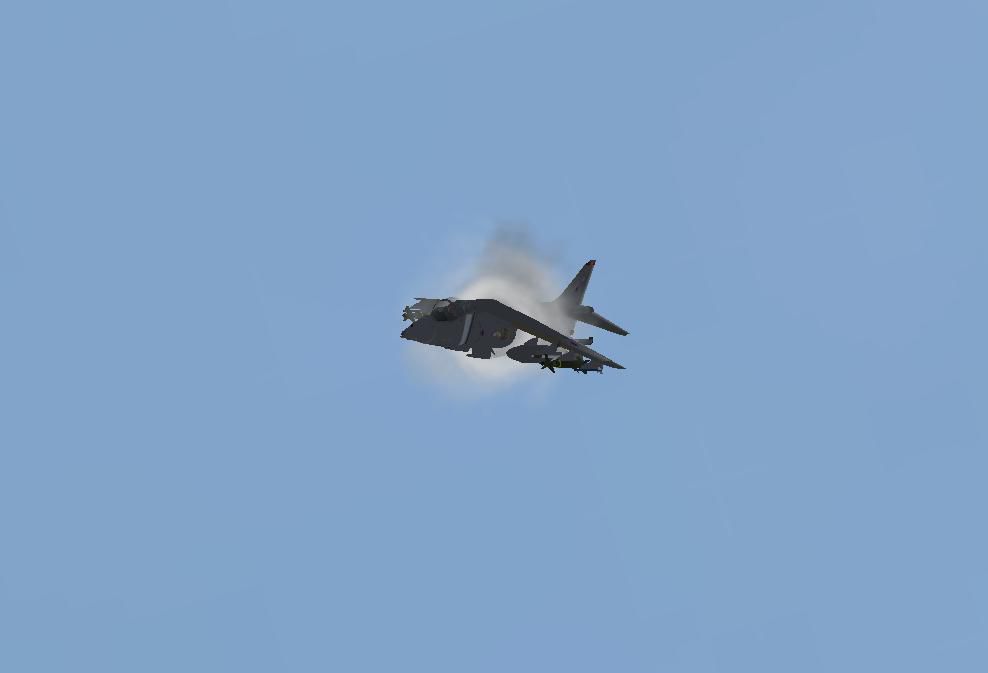
| Harrier Sonic Boom.JPG | 10.31.03 | 15.34 kB |
| Read me!.txt | 11.01.03 | 261 B |
| flyawaysimulation.txt | 10.29.13 | 959 B |
| Go to Fly Away Simulation.url | 01.22.16 | 52 B |
Only PRO members can place votes.
More FS2004 add-ons hand-picked based on this download.
FS2004 Military Aircraft
VMF (N) 542 Textures. Marine Attack Squadron 542, Air Station (MCAS) Cherry P…
 FS2004 Military Aircraft
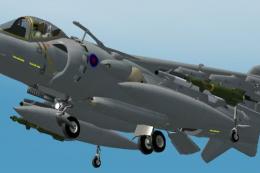
The Harrier GR7 is a single seat, multi-role combat aircraft that is capable …
 FS2004 Military Aircraft
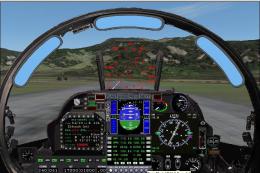
Beautifull harrier, the total work of Jim Atkins. Designed originally for fs2…
 FS2004 Military Aircraft
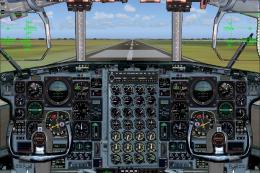
Thank you for downloading the SIMSHED C-130 Royal Danish Air force! This pack…
 FS2004 Military Aircraft
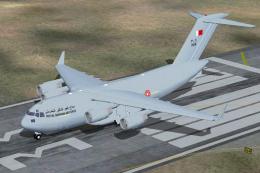
A ficional repaint of Mike Stone's Boeing C-17 Cargomaster III, in Royal Bahr…
 FS2004 Military Aircraft
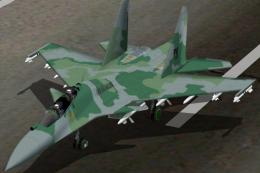
a real model that is participating in the bidding for the FX Fighters for the…
 FS2004 Military Aircraft
FS2004 Hawker Sea Hawk Royal Navy Package (Updated to include missing Gauges)…
 FS2004 Military Aircraft
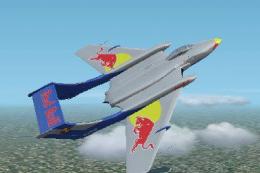
Classic Royal Navy carrier-borne military jet from the 1950/70's. Two separat…
Read what other simmers think, or add your own.

This is my favorite aircraft, I saw the first demonstration to the 'top brass' at the queens flight operations airport never saw so many 'brass hats' duck for cover, it stopped just a few meters from them, dipped its nose, did a 360 on the spot and departed in a hurry, then came back to do the rest of the demonstration.