

 FSX Civil Aircraft
China Southern Airways Boeing 787-8 V2
China Southern Airways Boeing 787-8 v2, registration B-2727. This CamSim vers…
China Southern’s Boeing 787-8 Dreamliner arrives as a complete freeware aircraft for FSX, pairing a refined exterior model and crisp airline textures with convincing night lighting. Animated Ground Servicing adds ramp vehicles and door-driven ground operations for extra immersion, and the package includes the base model tuned by Camil Valiquette.
 Rate
Rate
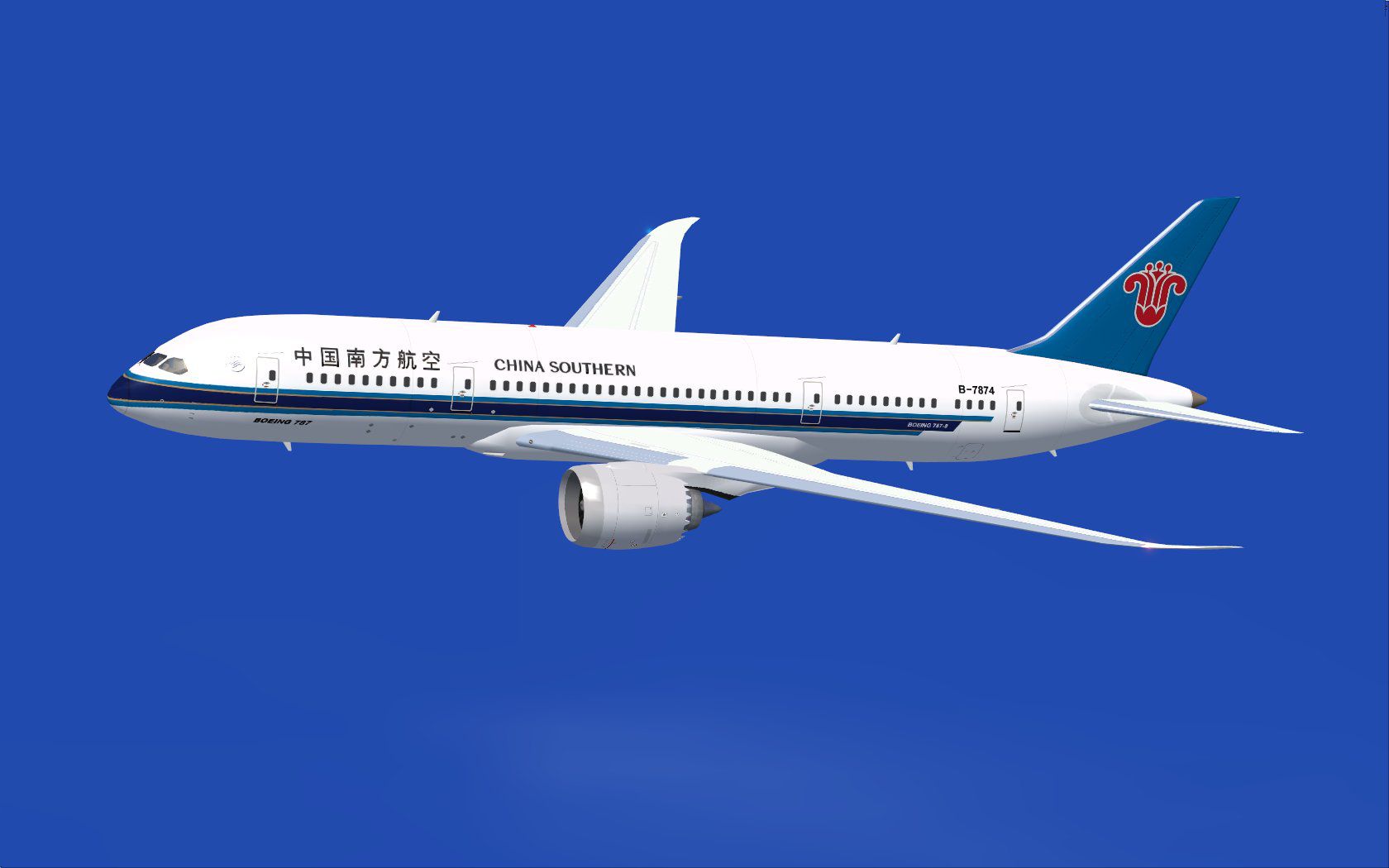
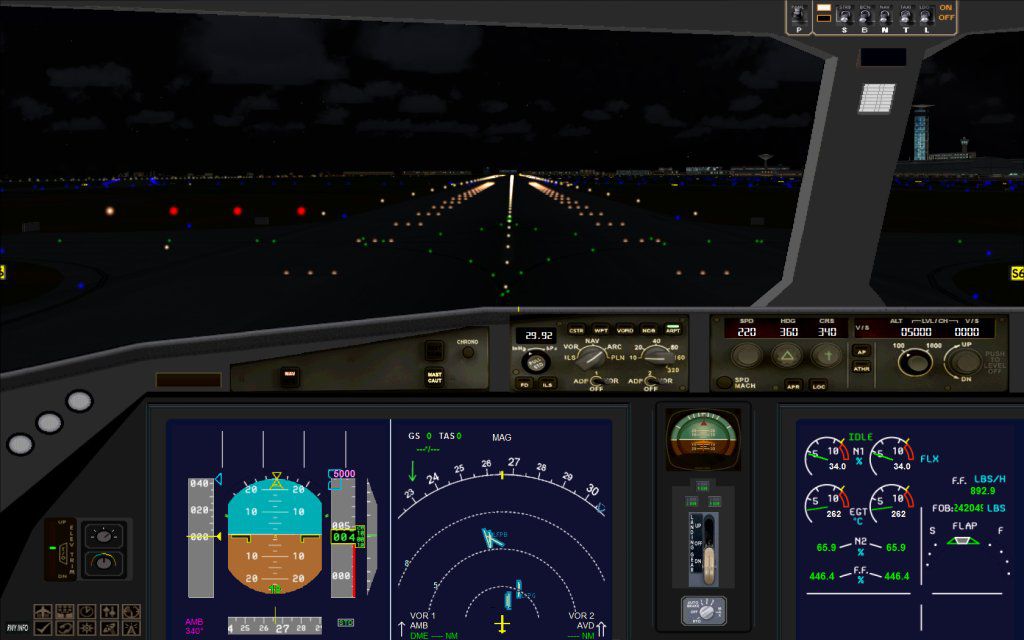
Experience a fresh take on the Boeing 787 Dreamliner with this freeware release designed for FSX. This complete package showcases China Southern’s livery on the 787-8 and includes a model refined by developer Camil Valiquette. The animation system incorporates new ground operations to provide greater immersion, and the installation has been optimized for straightforward setup.
This rendition represents the Boeing 787-8, a twin-engine wide-body design that offers improved fuel efficiency and modern flight deck architecture. The livery features the distinctive China Southern paint scheme, reflecting the airline’s commitment to innovative long-haul services. The developer, Camil Valiquette, has introduced updates to the external geometry and the animations to deliver a realistic experience within FSX.
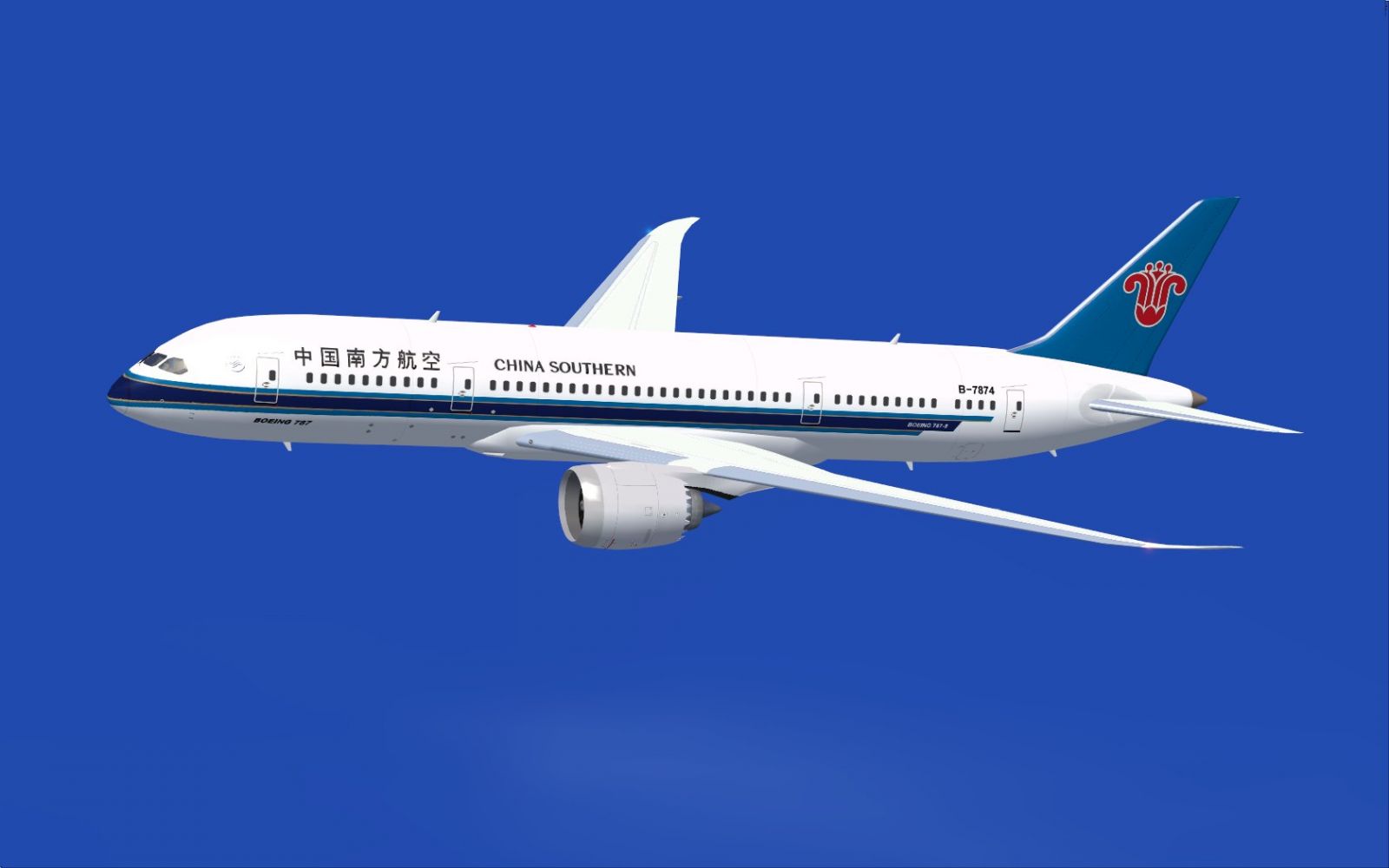
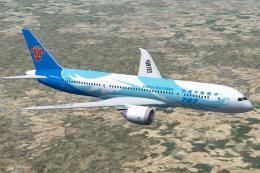
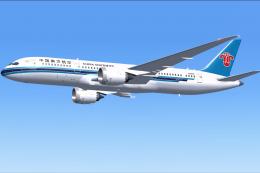
China Southern Boeing 787-8 in flight.
These refinements elevate the overall visual fidelity and operational realism of the 787 while focusing on an accessible framework for hobbyists. The developer, Camil Valiquette, has tweaked various parameters so that even seasoned virtual pilots can appreciate the subtle changes.
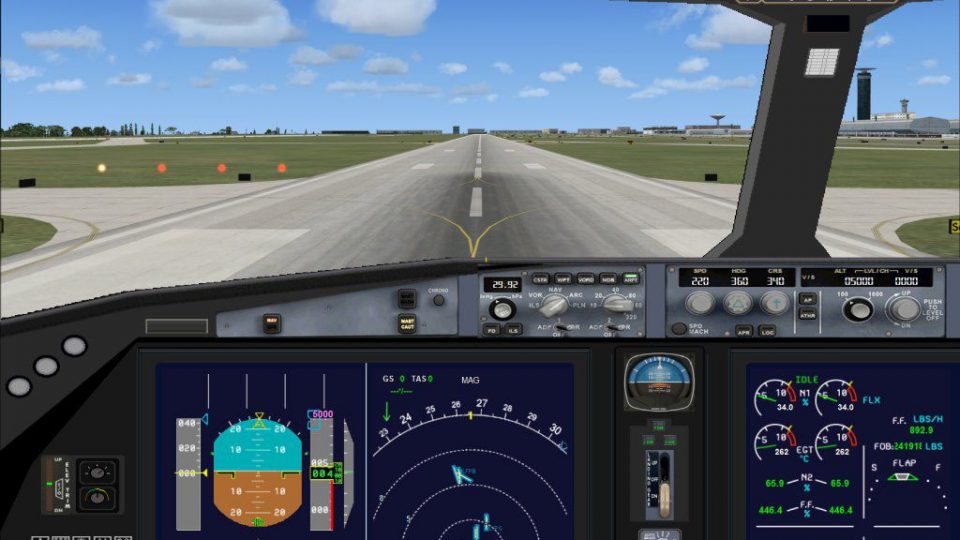
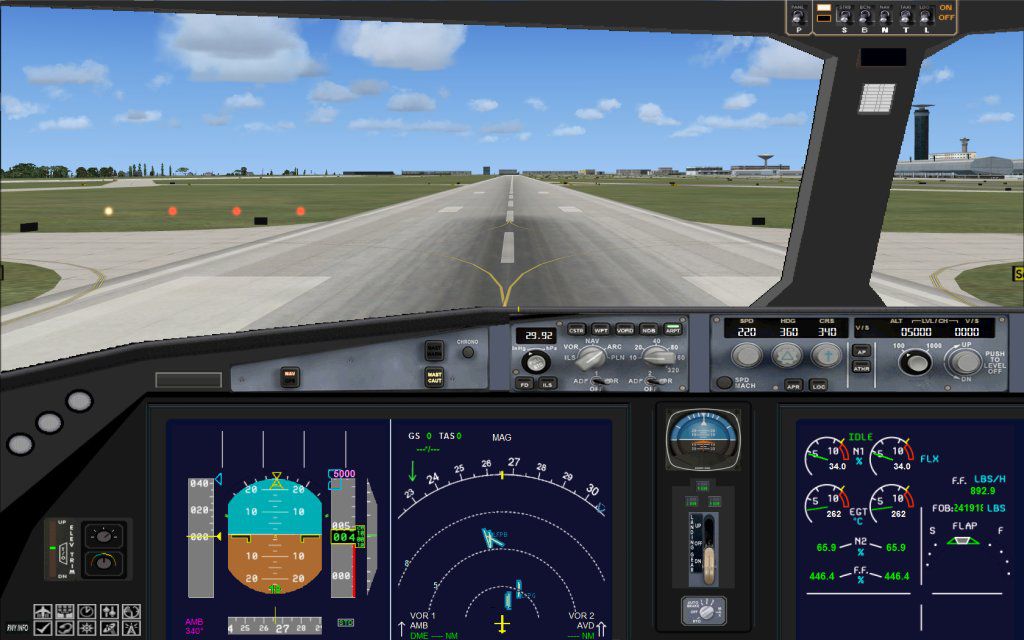
It is recommended to check your control assignments under FSX “Options” and ensure that both “Wing fold/unfold” and “Tail hook up/down” are correctly assigned to the above keys.
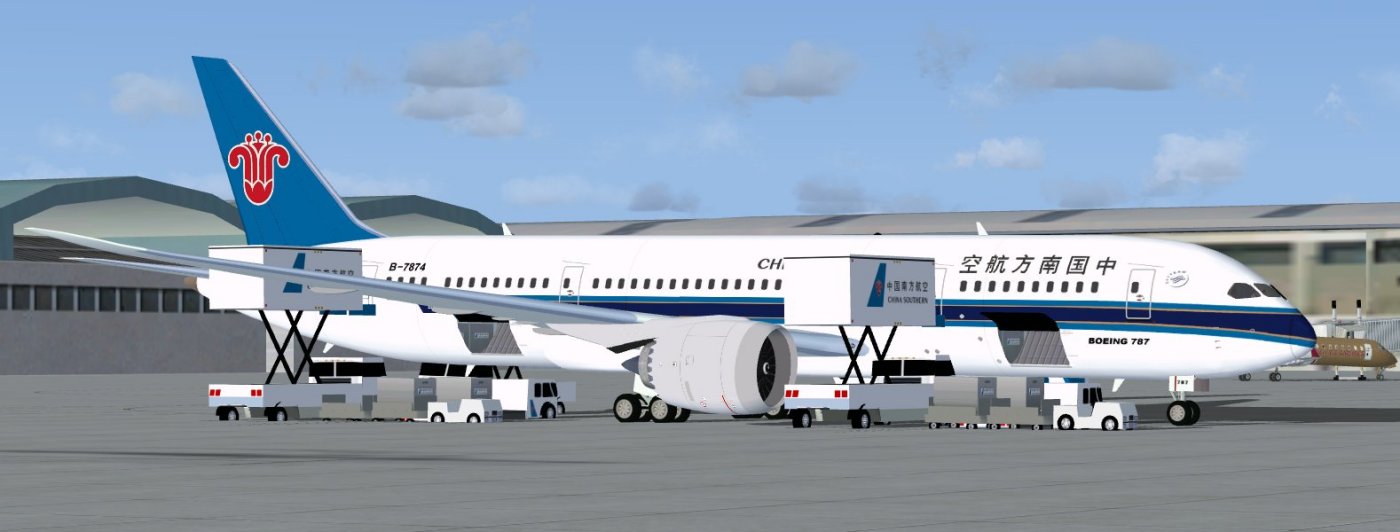
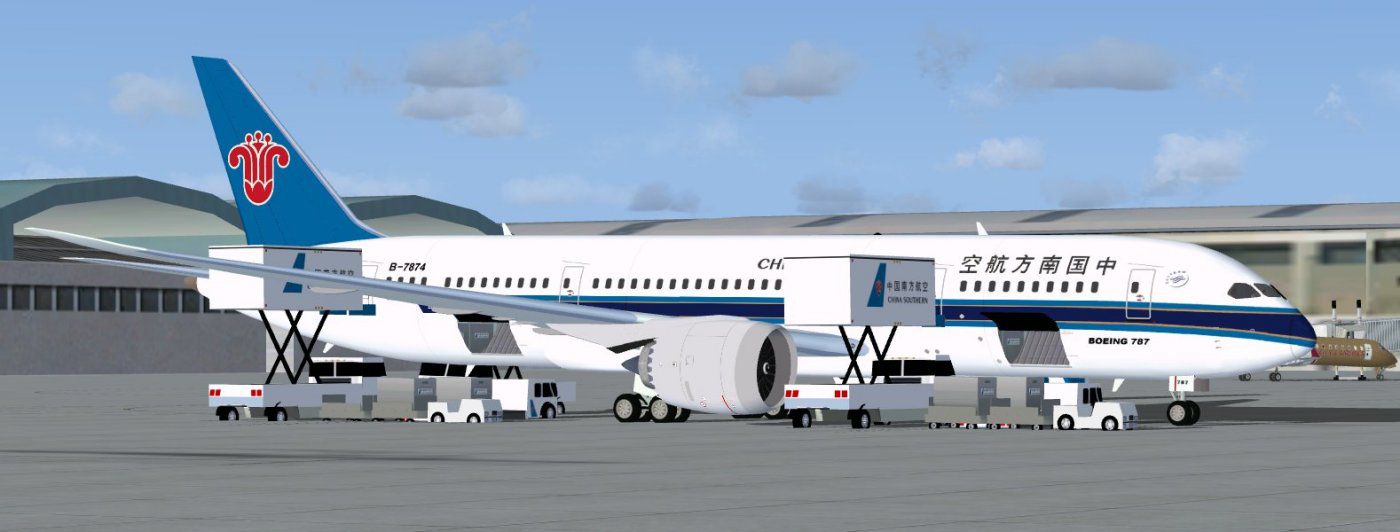
China Southern Boeing 787-8.
This freeware add-on provides a complete package that includes the entire base model and a detailed livery depicting one of the major Chinese carriers. The updates in version 2 deliver more precise modeling and newly integrated ground operations, all engineered by Camil Valiquette. Whether you are exploring urban hubs or performing transcontinental routes, this 787-8 offers an immersive way to simulate China Southern’s long-range services within FSX.
Free for all simmers · 5.07 MB · Scanned clean Oct 2026
Download speed: Free tier is capped at 0.5 Mbps (this file takes approximately 1 min at the cap). PRO members download at full line speed.
This add-on may require the following files to function properly. If this is a repaint, the dependency below is likely the base aircraft package.
FSX\SimObjects\Airplanes\. The folder must contain an aircraft.cfg file. Effects go into FSX\Effects\; gauges go into FSX\Gauges\.readme.txt or README file. It tells you exactly where files go, what dependencies are needed, and any quirks specific to this add-on.The archive 787v2cs0.zip has 36 files and directories contained within it.
This list displays the first 500 files in the package. If the package has more, you will need to download it to view them.
| Filename/Directory | File Date | File Size |
|---|---|---|
| CamSim Boeing 787-8 V2 China Southern | 04.06.10 | 0 B |
| 787-8.air | 02.25.10 | 12.76 kB |
| 787v2cs fsx ags.jpg | 04.06.10 | 88.10 kB |
| 787v2cs_.jpg | 04.01.10 | 76.11 kB |
| aircraft.cfg | 04.06.10 | 15.44 kB |
| Effects.zip | 03.25.06 | 1.80 kB |
| file_id.diz | 04.06.10 | 194 B |
| fsx cpit_d.jpg | 03.04.10 | 107.14 kB |
| fsx cpit_n.jpg | 03.04.10 | 85.82 kB |
| model.787-8 ags | 04.06.10 | 0 B |
| 787-8 ags.mdl | 12.21.09 | 2.67 MB |
| Model.cfg | 03.16.06 | 28 B |
| Panel | 04.06.10 | 0 B |
| 787_350_panel_background.bmp | 02.25.10 | 2.25 MB |
| 787_350_panel_background_night.bmp | 02.25.10 | 2.25 MB |
| Airbus_A321.cab | 09.04.06 | 2.72 MB |
| panel.cfg | 02.25.10 | 5.48 kB |
| Read Me_FSX.txt | 04.06.10 | 2.46 kB |
| sound | 04.06.10 | 0 B |
| Sound.cfg | 05.27.09 | 30 B |
| texture.cs | 04.06.10 | 0 B |
| 787eng_t.bmp | 03.30.10 | 1.00 MB |
| 787ext_L.bmp | 04.06.10 | 4.00 MB |
| 787ext_t.bmp | 04.06.10 | 1.00 MB |
| 787int_L.bmp | 04.06.10 | 4.00 MB |
| 787int_t.bmp | 04.06.10 | 1.00 MB |
| 787tail_t.bmp | 04.06.10 | 1.00 MB |
| 788fuse_t.bmp | 04.01.10 | 1.00 MB |
| 789wings_t.bmp | 11.24.09 | 1.00 MB |
| gris_t.bmp | 12.09.09 | 16.07 kB |
| pilot1.bmp | 03.04.10 | 257.05 kB |
| pilot1_l.bmp | 12.06.06 | 1.00 MB |
| thumbnail.jpg | 04.06.10 | 4.35 kB |
| w_t.bmp | 12.06.08 | 16.07 kB |
| flyawaysimulation.txt | 10.29.13 | 959 B |
| Go to Fly Away Simulation.url | 01.22.16 | 52 B |
Only PRO members can place votes.
More FSX & P3D add-ons hand-picked based on this download.
FSX Civil Aircraft
China Southern Airways Boeing 787-8 v2, registration B-2727. This CamSim vers…
 FSX Civil Aircraft
This addition offers a specialized AI repaint for China Southern Airlines on …
 FSX Civil Aircraft
China Southern Boeing 737-800. Project Open Sky B737-800 Series China Souther…
 FSX Civil Aircraft
Skyteam/China Southern Boeing 777-200 textures only for the Project Open Sky …
 FSX Civil Aircraft
This comprehensive freeware package brings the Project Open Sky Boeing 777-20…
 FSX Civil Aircraft
This freeware repaint provides a faithful depiction of the China Southern Boe…
 FSX Civil Aircraft
China Southern Airbus A330 Series. Tom Airbus Series China Southern repaints …
 FSX Civil Aircraft
This repaint for the famous Airbus A320 equipped with CFM powerplants feature…
Be the first to leave a comment on this download.
Be the first to share your thoughts on this download.