

 FSX Civil Aircraft
Shanghai Airlines Boeing 737-800
Shanghai Airlines Boeing 737-800, registration B-5330. Model by Project Open …
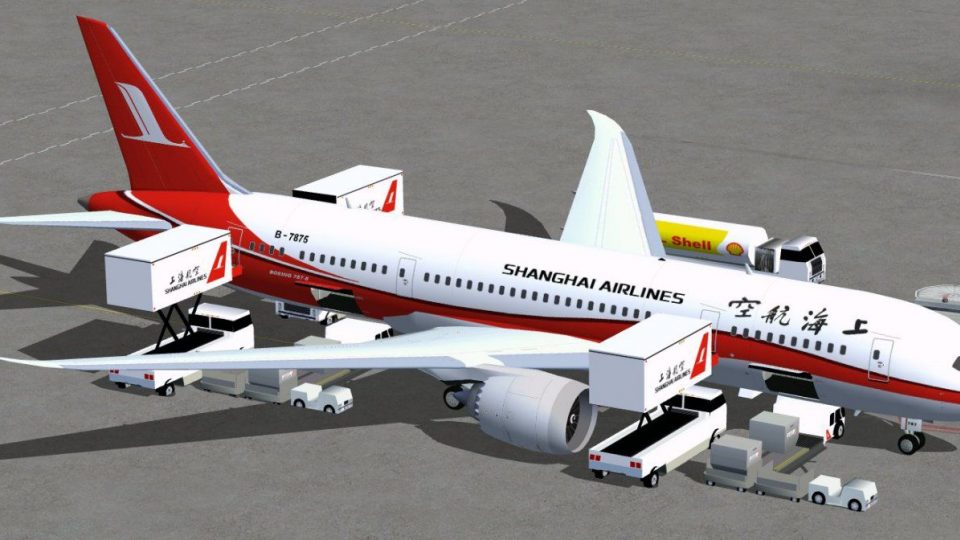
Shanghai Airlines’ Boeing 787-8 brings a modern wide-body to FSX with an updated exterior model, optimized textures, and an accurate airline paint scheme. Animated Ground Servicing support deploys vehicles and drives door operations via key commands, adding convincing ramp activity and night lighting effects for immersive long-haul operations.
 Rate
Rate
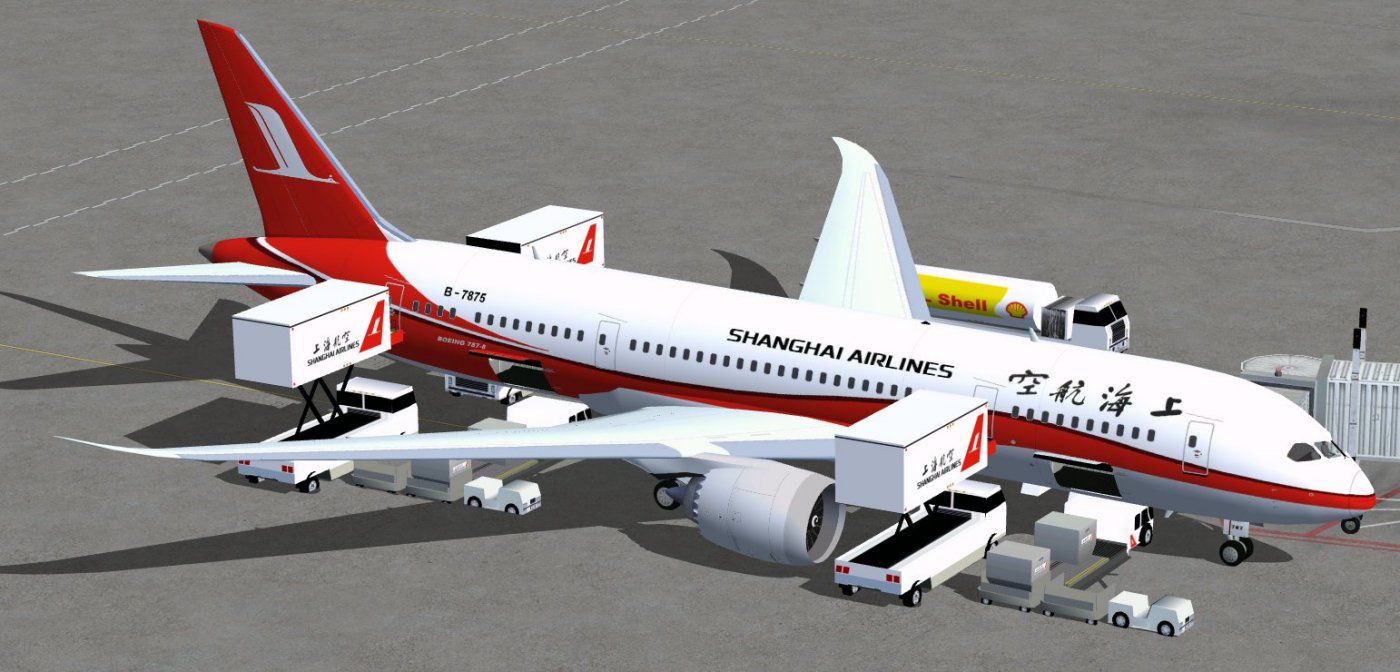
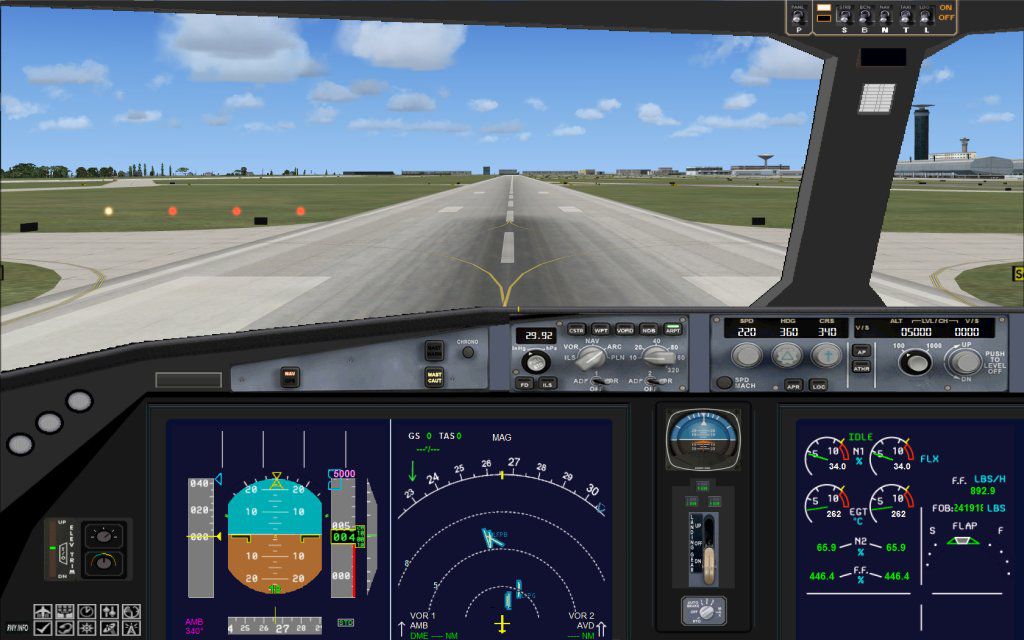
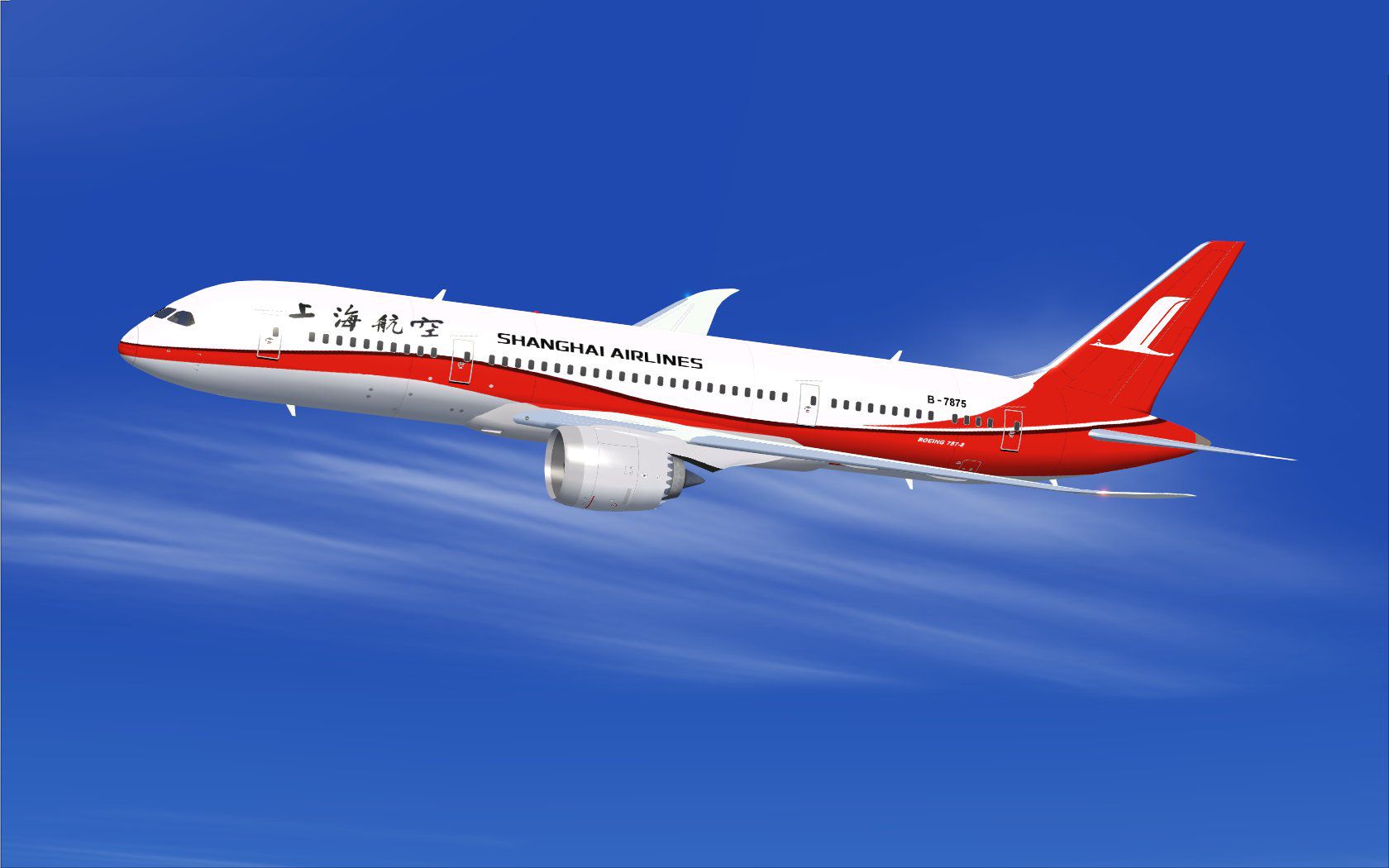
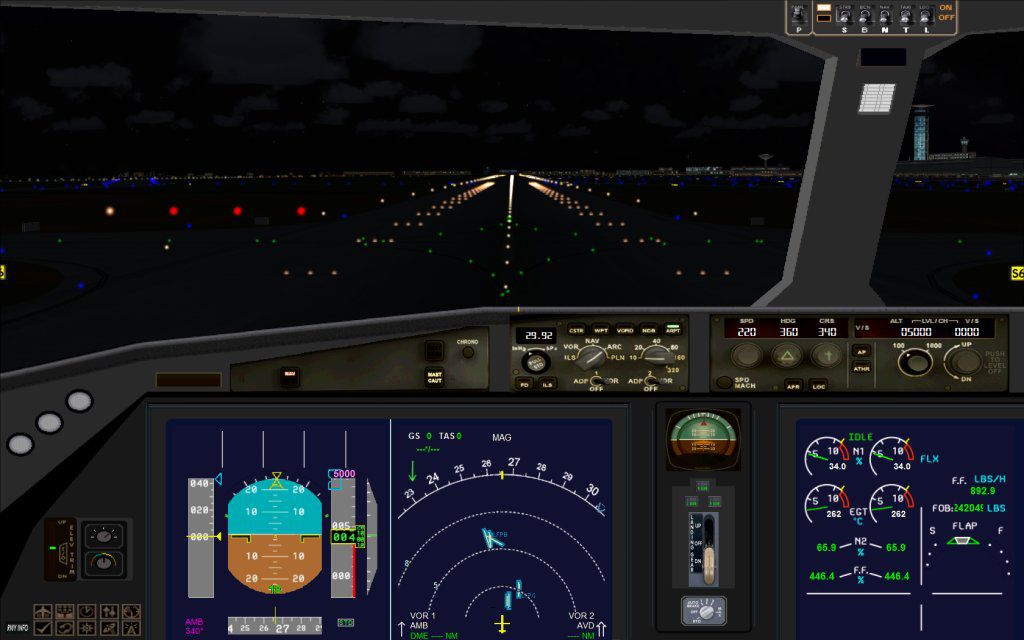
This freeware release offers a refined Boeing 787-8 rendition in Shanghai Airlines livery, featuring functional ground service animations and multiple enhancements tailored for FSX enthusiasts. Created and painted by Camil Valiquette, this version incorporates updated modeling, an improved exterior layout, and animated ground support elements.
The detailed Boeing 787-8 model by Camil Valiquette captures key attributes of one of Boeing’s advanced twin-aisle aircraft. Shanghai Airlines, headquartered in Shanghai, operates within a busy route network, and this depiction reflects its modern fleet expansion. This update incorporates the latest Animated Ground Servicing (AGS) interface, which allows users to deploy ground vehicles and open various doors through dedicated key commands. The included visual refinements also elevate the aircraft’s external presentation.

Shanghai Airlines Boeing 787-8 in flight.
Developed with realistic dimensions, this model aligns closely with the Boeing 787’s known specifications. Shanghai Airlines’ signature paint scheme has been accurately reproduced to reflect the airline’s branding on this wide-body airliner, showcasing a detailed fuselage and tail design.
When using the animations, make sure to assign the correct commands in your FSX settings:
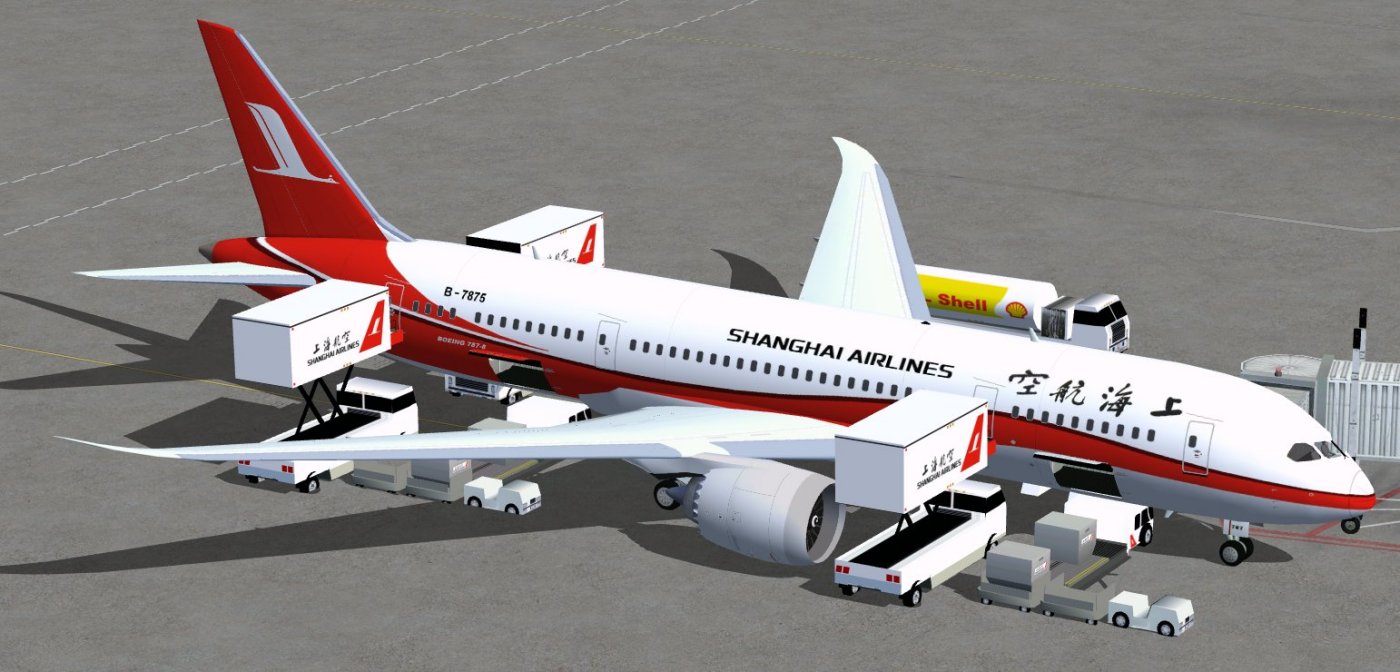
Shanghai Airlines Boeing 787-8.
Ground operations bring this aircraft to life with commanding fidelity. The deployment of service vehicles and opening of the cargo hold enhance realism, and the integrated night lighting creates a more immersive environment when operating during low-visibility hours. Ensure proper key assignments are active in your simulator so all animations function correctly.
Developed and painted by Camil Valiquette, this freeware aircraft enriches the flight simulator experience by blending detailed textures with operational ground servicing. The focus on Shanghai Airlines’ branding provides an authentic look at one of China’s prominent operators, while the Boeing 787-8 framework supplies a modern platform for long-haul simulation flights.
Free for all simmers · 5.15 MB · Scanned clean Oct 2026
Download speed: Free tier is capped at 0.5 Mbps (this file takes approximately 1 min at the cap). PRO members download at full line speed.
This add-on may require the following files to function properly. If this is a repaint, the dependency below is likely the base aircraft package.
FSX\SimObjects\Airplanes\. The folder must contain an aircraft.cfg file. Effects go into FSX\Effects\; gauges go into FSX\Gauges\.readme.txt or README file. It tells you exactly where files go, what dependencies are needed, and any quirks specific to this add-on.The archive 787v2sh0.zip has 36 files and directories contained within it.
This list displays the first 500 files in the package. If the package has more, you will need to download it to view them.
| Filename/Directory | File Date | File Size |
|---|---|---|
| CamSim Boeing 787-8 V2 Shanghai Airlines | 04.06.10 | 0 B |
| 787-8.air | 02.25.10 | 12.76 kB |
| 787v2sh fsx ags.jpg | 04.06.10 | 146.70 kB |
| 787v2sh_fs9.jpg | 04.05.10 | 94.48 kB |
| aircraft.cfg | 04.06.10 | 15.45 kB |
| Effects.zip | 03.25.06 | 1.80 kB |
| file_id.diz | 04.06.10 | 197 B |
| fsx cpit_d.jpg | 03.04.10 | 107.14 kB |
| fsx cpit_n.jpg | 03.04.10 | 85.82 kB |
| model.787-8 ags | 04.06.10 | 0 B |
| 787-8 ags.mdl | 12.21.09 | 2.67 MB |
| Model.cfg | 03.16.06 | 28 B |
| Panel | 04.06.10 | 0 B |
| 787_350_panel_background.bmp | 02.25.10 | 2.25 MB |
| 787_350_panel_background_night.bmp | 02.25.10 | 2.25 MB |
| Airbus_A321.cab | 09.04.06 | 2.72 MB |
| panel.cfg | 02.25.10 | 5.48 kB |
| Read Me_FSX.txt | 04.06.10 | 2.46 kB |
| sound | 04.06.10 | 0 B |
| Sound.cfg | 05.27.09 | 30 B |
| texture.sh | 04.06.10 | 0 B |
| 787eng_t.bmp | 03.30.10 | 1.00 MB |
| 787ext_L.bmp | 04.06.10 | 4.00 MB |
| 787ext_t.bmp | 04.06.10 | 1.00 MB |
| 787int_L.bmp | 04.06.10 | 4.00 MB |
| 787int_t.bmp | 04.06.10 | 1.00 MB |
| 787tail_t.bmp | 04.05.10 | 1.00 MB |
| 788fuse_t.bmp | 04.06.10 | 1.00 MB |
| 789wings_t.bmp | 11.24.09 | 1.00 MB |
| gris_t.bmp | 12.09.09 | 16.07 kB |
| pilot1.bmp | 03.04.10 | 257.05 kB |
| pilot1_l.bmp | 12.06.06 | 1.00 MB |
| thumbnail.jpg | 04.06.10 | 5.16 kB |
| w_t.bmp | 12.06.08 | 16.07 kB |
| flyawaysimulation.txt | 10.29.13 | 959 B |
| Go to Fly Away Simulation.url | 01.22.16 | 52 B |
Only PRO members can place votes.
More FSX & P3D add-ons hand-picked based on this download.
FSX Civil Aircraft
Shanghai Airlines Boeing 737-800, registration B-5330. Model by Project Open …
 FSX Civil Aircraft
Shanghai Airlines Airbus A321-231. The Project Airbus Airbus A321-231 as Shan…
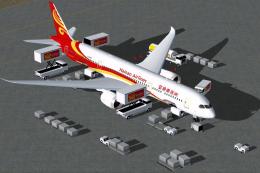 FSX Civil Aircraft
The latest release of this freeware Boeing 787-9 package features a more refi…
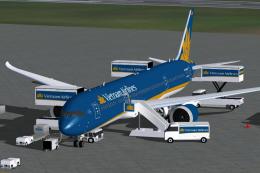 FSX Civil Aircraft
The latest Vietnam Airlines Boeing 787-9 update offers a refined wide-body Dr…
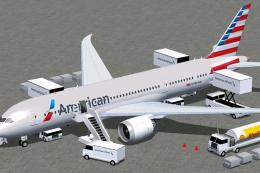 FSX Civil Aircraft
The American Airlines Boeing 787-8 aircraft presented here delivers a refined…
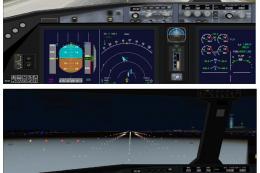 FSX Civil Aircraft
This comprehensive freeware package offers a faithful representation of the L…
 FSX Civil Aircraft
This package offers a fully configured Boeing 787-8 V4 adapted for FSX, paint…
 FSX Civil Aircraft
This complete freeware package features a high-fidelity Boeing 787-8 renditio…
Be the first to leave a comment on this download.
Be the first to share your thoughts on this download.