

 FSX Missions
Kirongo Oil Ltd FSadventureSky Flight
FSadventureSky Flight--Kirongo Oil Ltd. The Kirongo Oil company has been havi…
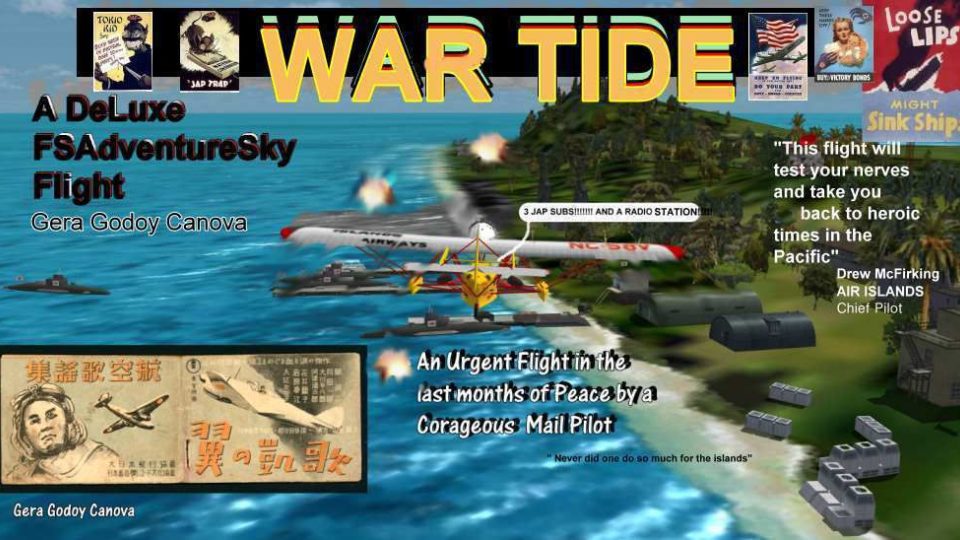
War Tide delivers a story-driven wartime bush-and-island mission set in September 1941, sending Islands Airways pilot Joseph Cappirotti on covert reconnaissance over Indonesia-Malaya to locate Japanese radar stations and a submarine base. Built for FSX, it adds route-map navigation support plus scenery and texture files to bring the theater to life.
 Rate
Rate
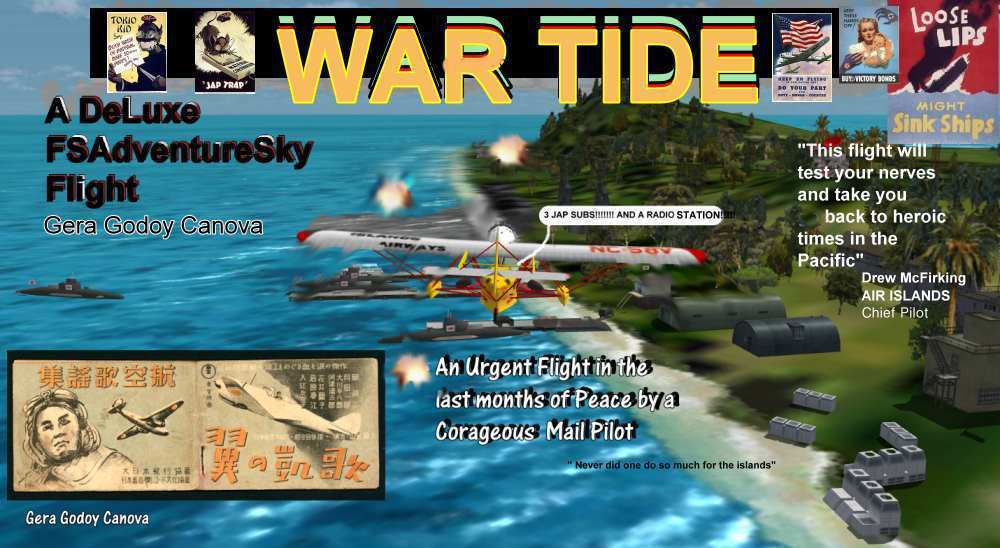
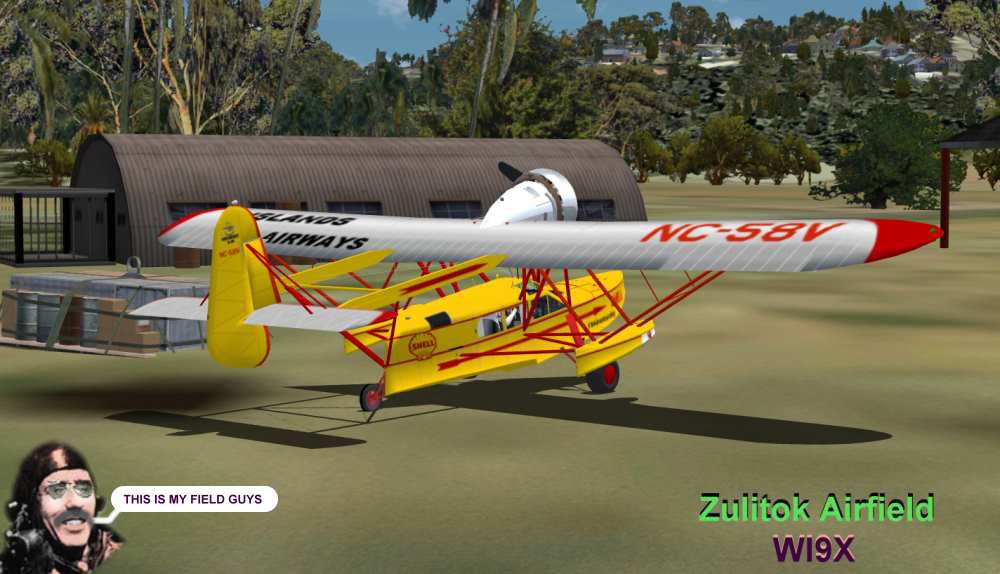
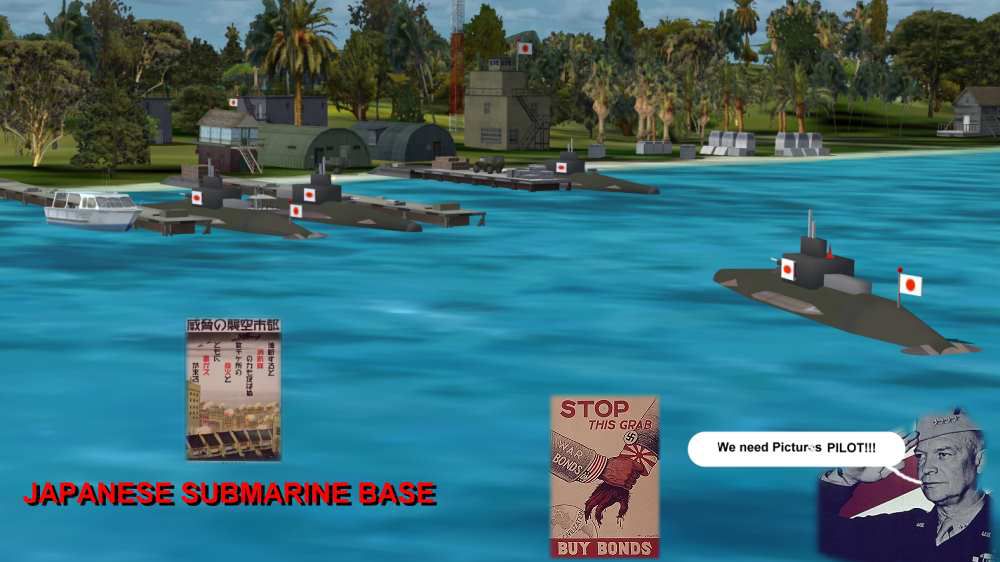
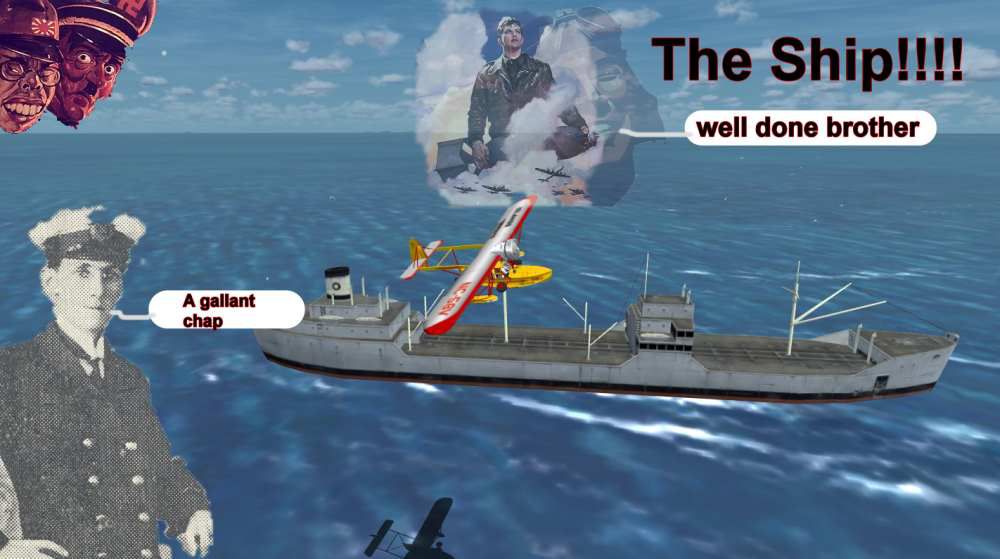
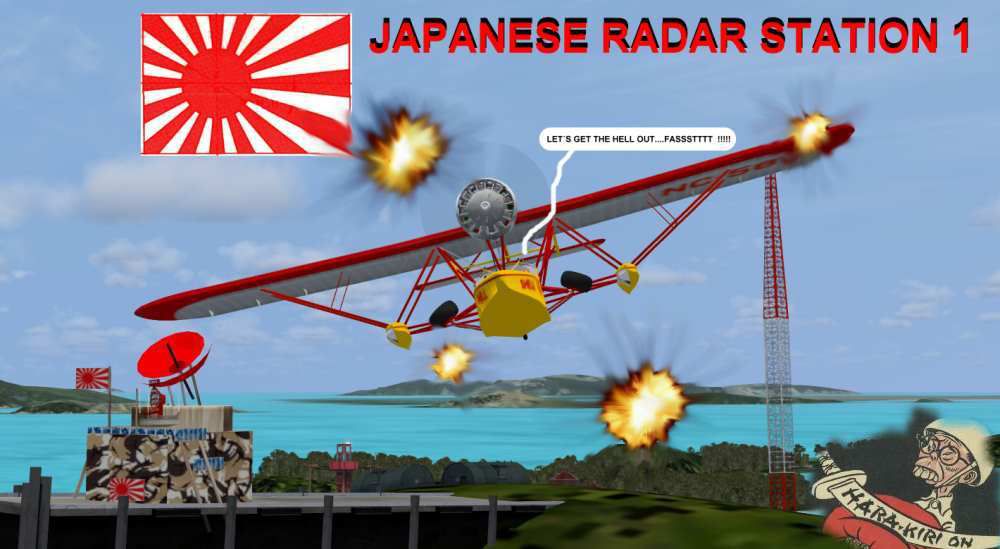
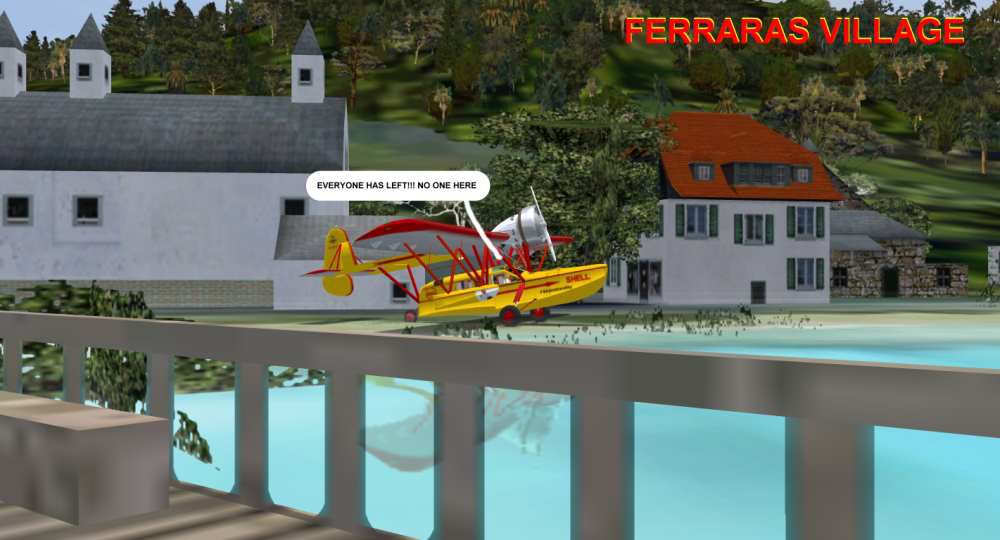

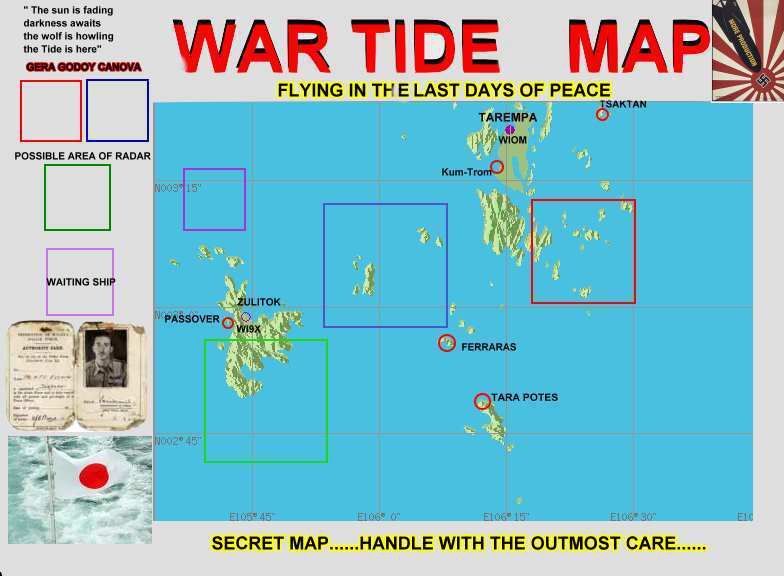


FSAdventureSky Flight: War Tide. It's September 1941 and Joseph Cappirotti of Islands Airways receives a strange package from the USN. He is asked to make some "spy" flights over the many islands of Indonesia-Malaya looking for two Japanese radar stations and a submarine base. Danger looms in the horizon, the War Tide has arrived. By Gera Godoy C.
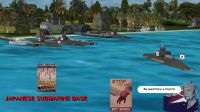
War Tide FSAdventureSky Flight.
1) Place all .bgl files in your FSX/Addon Scenery/scenery Directory.
2) ACTIVATE the .bgl files
2.1) If you have not started the sim, they will activate automatically when you start it.
2.2) If sim is open, GO to the Settings menu, then to Scenery Library and hit OK.....
you will see the activation screen updating the database.
3) Place .BMP files in FSX/Textures directory and also in FSX/Addon Scenery/textures Directory
READ INSTRUCTIONS FOR FLIGHT CAREFULLY...., PRINT the enclosed pilotage Route Map "AVENTURE MAP.jpg" AND USE FOR NAVIGATION.......
Gera Godoy C.
War Tide FSAdventureSky Flight.
Free for all simmers · 1.11 MB · Scanned clean Sep 2026
Download speed: Free tier is capped at 0.5 Mbps. PRO members download at full line speed.
SimObjects\Airplanes\, Addon Scenery\, Effects\, or Gauges\.readme.txt or README file. It tells you exactly where files go, what dependencies are needed, and any quirks specific to this add-on.The archive nipon.zip has 26 files and directories contained within it.
This list displays the first 500 files in the package. If the package has more, you will need to download it to view them.
| Filename/Directory | File Date | File Size |
|---|---|---|
| AVENTURE-MAP.jpg | 03.27.08 | 51.73 kB |
| BASE JAPONESA-2.jpg | 03.22.08 | 61.94 kB |
| EVENING OFF.jpg | 03.23.08 | 28.28 kB |
| FERRARAS VILLAGE.jpg | 03.20.08 | 58.58 kB |
| NIPON.bgl | 03.27.08 | 13.73 kB |
| PASSOVER STATION.jpg | 03.21.08 | 49.51 kB |
| PORTADITA.gif | 03.26.08 | 10.18 kB |
| RADAR-STATION 1.jpg | 03.21.08 | 59.91 kB |
| SHIP.jpg | 03.27.08 | 58.86 kB |
| TARA POTES.jpg | 03.26.08 | 55.35 kB |
| ZULITOK-WI9X.jpg | 03.23.08 | 69.57 kB |
| AFX_WI9X.bgl | 03.23.08 | 1.38 kB |
| CVX_ZULI-TREE.BGL | 03.23.08 | 419 B |
| ISLAND AIRWAYS Ltd.pdf | 03.29.08 | 78.48 kB |
| JAP-FLAGPOLE.bgl | 03.21.08 | 18.06 kB |
| JAP-SUBMARINE.bgl | 03.21.08 | 73.70 kB |
| RADAR1.bgl | 02.27.08 | 107.59 kB |
| radar-nipo.bgl | 03.20.08 | 117.91 kB |
| jap-flag.bmp | 03.21.08 | 33.05 kB |
| nipon.bmp | 03.20.08 | 33.05 kB |
| READ ME FIRTS.txt | 03.29.08 | 774 B |
| FileID.diz | 03.29.08 | 339 B |
| INSTRUCTIONS FOR FLIGHT.pdf | 03.29.08 | 350.41 kB |
| PORTADA.jpg | 03.29.08 | 89.02 kB |
| flyawaysimulation.txt | 10.29.13 | 959 B |
| Go to Fly Away Simulation.url | 01.22.16 | 52 B |
Only PRO members can place votes.
More FSX & P3D add-ons hand-picked based on this download.
FSX Missions
FSadventureSky Flight--Kirongo Oil Ltd. The Kirongo Oil company has been havi…
 FSX Missions
FSAdventureSky Flight: Get The Girl! A desperate French painter orders from t…
 FSX Missions
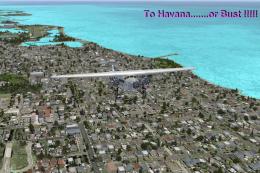
FSAdventureSky Flight--Pan American flight to Havana via the Florida Keys in …
 FSX Missions
Welcome back to Your Personal VA. You are probably here since you have flown …
 FSX Missions
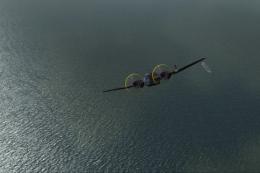
FSadventureSky WW2 Series--Nazi Sub Search. FSX Adventure Flight//Secret Flig…
 FSX Missions
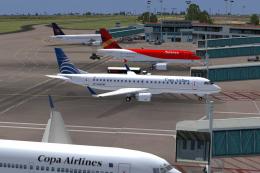
All passengers on Copa Flight 559 to San Jose, Costa Rica, Tegucigalpa, Hondu…
 FSX Missions
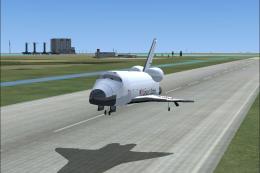
Land The Space Shuttle at NASA's Shuttle Landing Facility in Titusville. Flig…
 FSX Missions
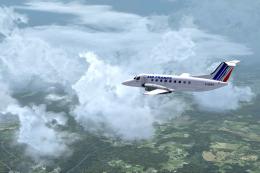
Air France Regional Shuttle Flight. FSadventureSky Mission for FSX: shuttle f…
Be the first to leave a comment on this download.
Be the first to share your thoughts on this download.