

 FSX Scenery
Red Bull Air Race Course
Red Bull Air Race Course, Monument Valley, Utah (UT), v0.5. Includes the pylo…
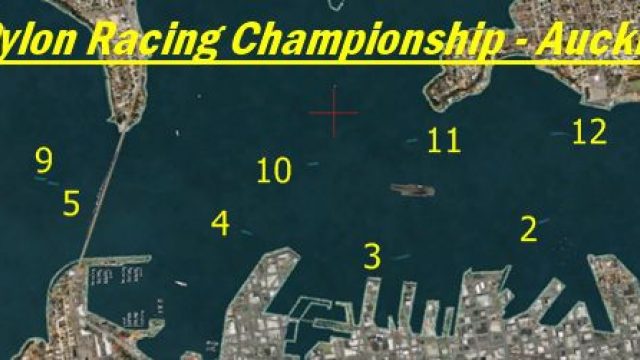
Auckland National Pylon Race Course scenery brings low-level racing to Auckland Harbour, New Zealand, with accurately placed pylons, clear directional arrows, and an updated Auckland Bridge that aligns over the default span. Designed for FSX, it includes a handy course map to help plan tight, fast laps through the harbor.
 Rate
Rate
 New Zealand
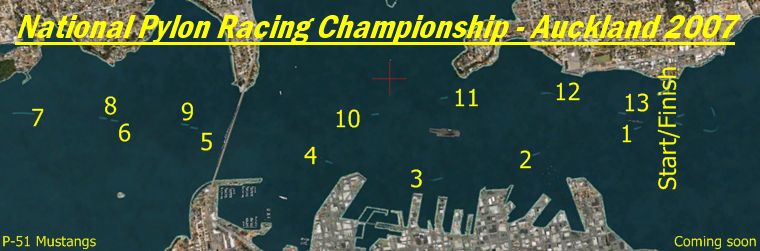
Pylon Race Course. Pylon race course in Auckland Harbour, New Zealand. By Rob Sitter.
Pylon Race Course Scenery.
Auckland National Pylon Race Course.
Auckland Harbour.
Auckland.
New Zealand.
Scenery Files:
PylonAA.bgl - Race course.
PylonArrows.bgl - directional arrows.
Auckland Bridge.bgl - Auckland bridge that will sit onto off the default one.
Pylon Course.jpg - Course map.
The textures contained in this file are FREEWARE. Under no circumstances shall they be sold or uploaded to any site that charges for downloads.
Installation Instructions:
Unzip to My Doc's.
Transfer all .bgl files to FSX\Addon Scenery\Scenery.
Author: Rob Sitter
Free for all simmers · 170.21 KB · Scanned clean Oct 2026
Download speed: Free tier is capped at 0.5 Mbps. PRO members download at full line speed.
FSX\Addon Scenery\ containing scenery and texture sub-folders.readme.txt or README file. It tells you exactly where files go, what dependencies are needed, and any quirks specific to this add-on.Use these coordinates to fly directly to this location once the mod is installed.
-36.85000000,174.76000000
Launch FSX or Prepar3D and use Flights → Load to open the downloaded .pln file. Your aircraft will be positioned at this location.
The archive aapylon.zip has 7 files and directories contained within it.
This list displays the first 500 files in the package. If the package has more, you will need to download it to view them.
| Filename/Directory | File Date | File Size |
|---|---|---|
| PylonAA.BGL | 11.30.07 | 3.84 kB |
| pylonarrows.BGL | 11.30.07 | 1.34 kB |
| Readme_Install_PylonAA.txt | 11.30.07 | 1.49 kB |
| Pylon Course.jpg | 11.25.07 | 167.58 kB |
| Aucland Bridge.BGL | 11.25.07 | 156 B |
| flyawaysimulation.txt | 10.29.13 | 959 B |
| Go to Fly Away Simulation.url | 01.22.16 | 52 B |
Only PRO members can place votes.
More FSX & P3D add-ons hand-picked based on this download.
FSX Scenery
Red Bull Air Race Course, Monument Valley, Utah (UT), v0.5. Includes the pylo…
 FSX Scenery
This add-on showcases the 2010 Red Bull Air Race course set against the iconi…
 FSX Scenery
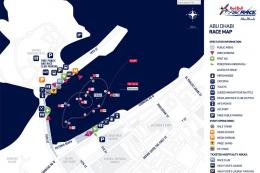
This freeware enhancement recreates the Red Bull Air Race environment held in…
 FSX Scenery
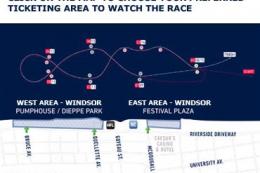
Experience the vibrant atmosphere of an authentic Red Bull Air Race setup in …
 FSX Scenery
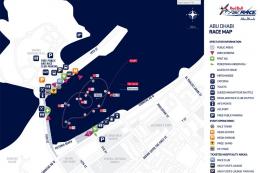
Experience the thrill of a fully realized Red Bull Air Race setup along Abu D…
 FSX Scenery
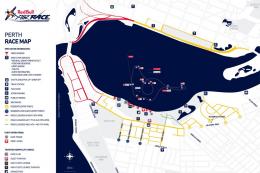
Immerse yourself in a custom-built Red Bull Air Race environment set along th…
 FSX Scenery
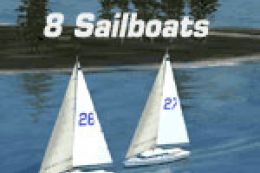
Sailboat Race. Race with eight sailboats located at Chester, Nova Scotia, Can…
FSX Scenery
Red Bull Air Race Circuits. Includes Rio de Janeiro, Monument Valley, Istanbu…
Be the first to leave a comment on this download.
Be the first to share your thoughts on this download.