


 Australia
  FSX Scenery
Red Bull Air Race Rio De Janeiro
This add-on showcases the 2010 Red Bull Air Race course set against the iconi…
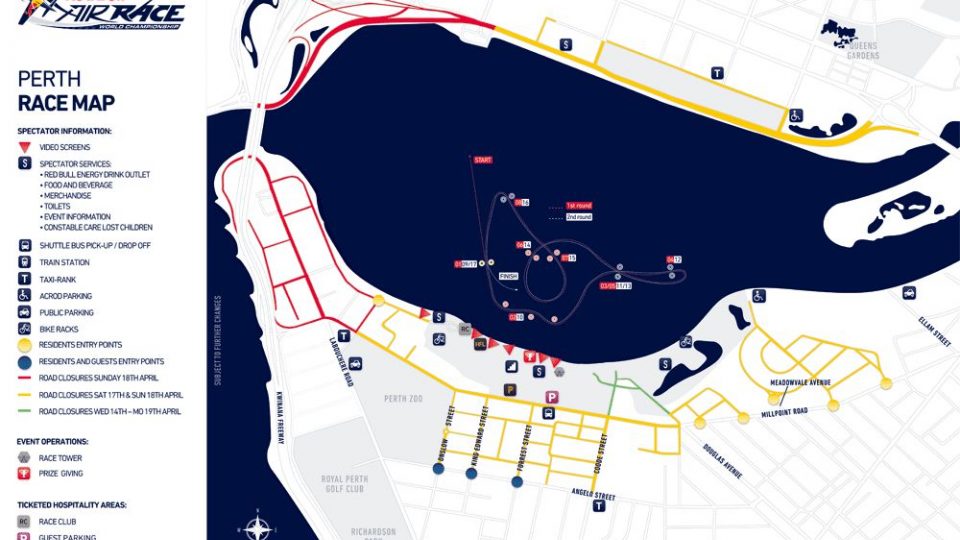
Red Bull Air Race Perth 2010 scenery recreates the Swan River waterfront course with correctly positioned pylons, gates, and event markers for fast, low-level precision flying against Perth’s skyline and shoreline landmarks. Built for Microsoft Flight Simulator X, it blends cleanly with default terrain and uses lightweight objects to keep approaches smooth and readable.

Immerse yourself in a custom-built Red Bull Air Race environment set along the picturesque Swan River shoreline in Perth, Australia, designed exclusively for Microsoft Flight Simulator X. This detailed package, created by Siscot Yves, features the 2010 racing track with carefully placed gates, unique markers, and authentic visual references crafted to refine low-level flying techniques in a highly immersive environment.
Located in Western Australia’s capital city, this scenery modification places you right by the Swan River, offering dynamic backdrops of the surrounding skyscrapers and natural landscape. The add-on incorporates numerous event-specific elements from the actual Red Bull Air Race, including pylons and raceway structures that align with the official 2010 layout. Virtual pilots can enjoy sharp turns, precision controls, and a variety of altitude demands that mimic competitive flight conditions.
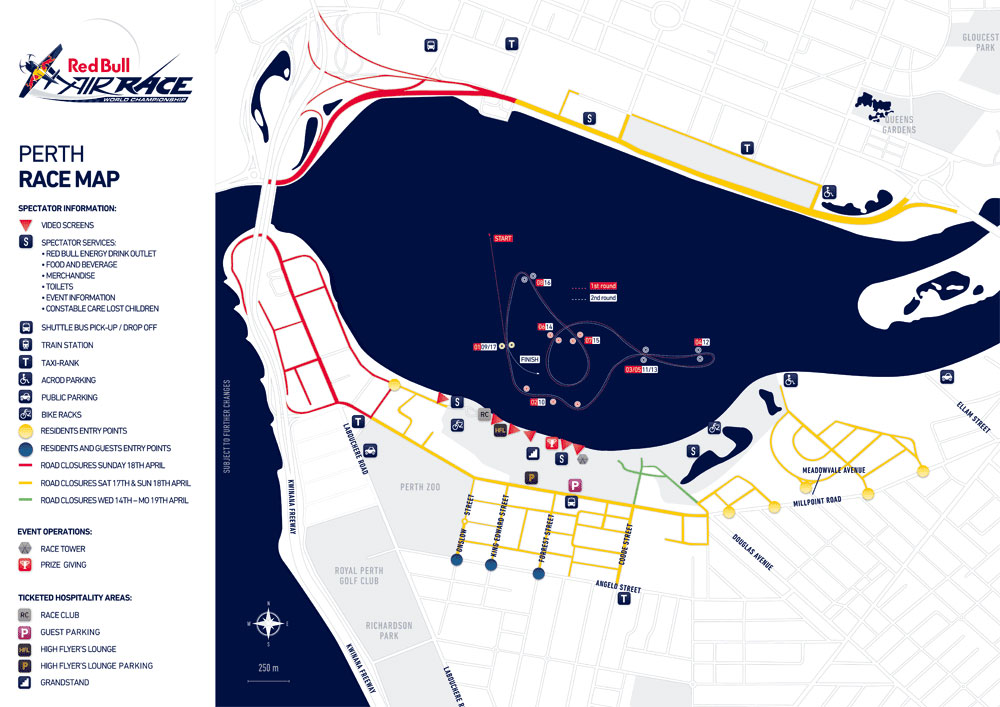
Red Bull Air Race Perth Scenery.
This free modification has been tailored for Microsoft Flight Simulator X. It incorporates racetrack objects optimized for performance, ensuring minimal impact on framerates. Scenery textures have been refined to integrate seamlessly with existing terrain, allowing smooth transitions and clear visual cues during head-on approach to each pylon.
C:\Program Files (x86)\Microsoft Games\Microsoft Flight Simulator X\Addon Scenery.C:\Program Files\Microsoft Games\Microsoft Flight Simulator X\Addon Scenery.The recommended approach is to depart from YPPH, then proceed directly to Swan Bay. There, pilots can experience the narrow flight lanes, challenging pylons, and sweeping curves that define the Red Bull Air Race course. The shoreline landmarks provide an ideal orientation point, ensuring smooth navigation.
This scenery is freeware, and the accompanying text file must remain with the package if redistributed. Siscot Yves, the original author, bears no responsibility for any issues that may arise from its use, and individuals install it at their own risk.
Enjoy the thrill of air racing in Perth, and may each pilot achieve a safe and precise run through the course!
Free for all simmers · 568.89 KB · Scanned clean Oct 2026
Download speed: Free tier is capped at 0.5 Mbps. PRO members download at full line speed.
FSX\Addon Scenery\ containing scenery and texture sub-folders.readme.txt or README file. It tells you exactly where files go, what dependencies are needed, and any quirks specific to this add-on.Use these coordinates to fly directly to this location once the mod is installed.
-31.95230000,115.86130000
Launch FSX or Prepar3D and use Flights → Load to open the downloaded .pln file. Your aircraft will be positioned at this location.
The archive sy-red_bull_air_race_perth_2010_fsx.zip has 5 files and directories contained within it.
This list displays the first 500 files in the package. If the package has more, you will need to download it to view them.
| Filename/Directory | File Date | File Size |
|---|---|---|
| PER_10_AREAMAP.GIF | 05.08.10 | 117.29 kB |
| Readme sy.Red Bull Air Race Perth 2010 FSX.txt | 03.27.10 | 2.89 kB |
| Sy-Red Bull Air Race Perth 2010 FSX.exe | 05.14.10 | 457.32 kB |
| flyawaysimulation.txt | 10.29.13 | 959 B |
| Go to Fly Away Simulation.url | 01.22.16 | 52 B |
Only PRO members can place votes.
More FSX & P3D add-ons hand-picked based on this download.
FSX Scenery
This add-on showcases the 2010 Red Bull Air Race course set against the iconi…
 FSX Scenery
Red Bull Air Race Course, Monument Valley, Utah (UT), v0.5. Includes the pylo…
 FSX Scenery
This freeware enhancement recreates the Red Bull Air Race environment held in…
 FSX Scenery
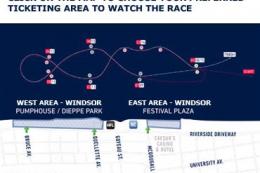
Experience the vibrant atmosphere of an authentic Red Bull Air Race setup in …
 FSX Scenery
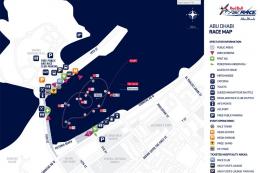
Experience the thrill of a fully realized Red Bull Air Race setup along Abu D…
FSX Scenery
Red Bull Air Race Circuits. Includes Rio de Janeiro, Monument Valley, Istanbu…
 FSX Scenery
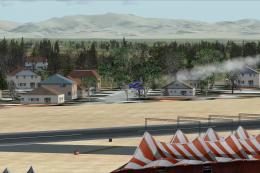
Red Bull Scenery For Christchurch Airport, New Zealand. Red Bull pylons and o…
 FSX Scenery
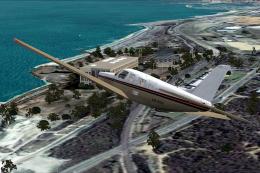
Perth Photoreal Scenery, Australia. High to medium photoreal scenery covering…
Be the first to leave a comment on this download.
Be the first to share your thoughts on this download.