


 Brazil
  FSX Scenery
Carrier In Rio De Janeiro
Carrier In Rio De Janeiro, Brazil. This is fictional scenery for the USS Nimi…
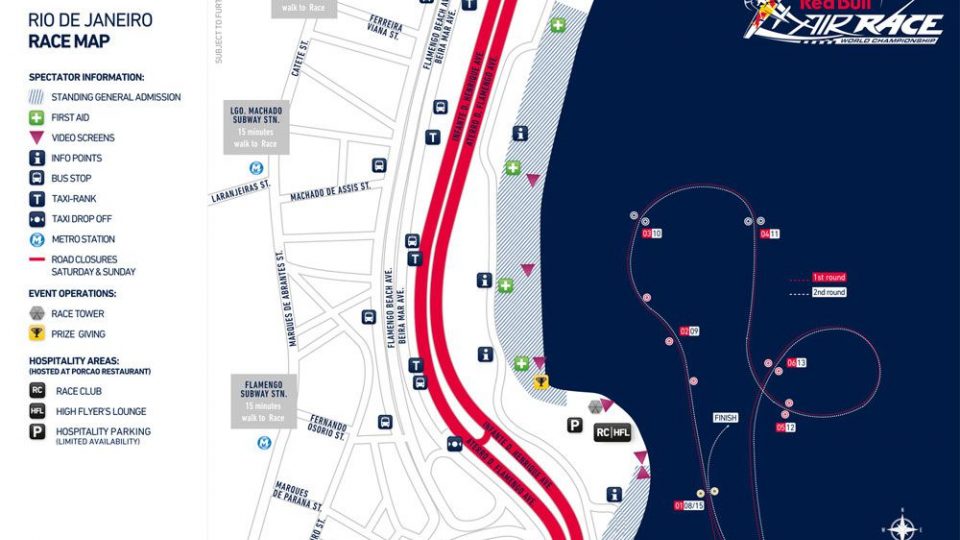
Red Bull Air Race Rio de Janeiro scenery recreates the 2010 course with accurately placed pylons near SBRJ Santos Dumont, letting pilots fly tight gates against Rio’s beaches and mountains. Built for Microsoft Flight Simulator X, it delivers a focused, high-speed circuit with clear visual cues for realistic practice and replayable laps.
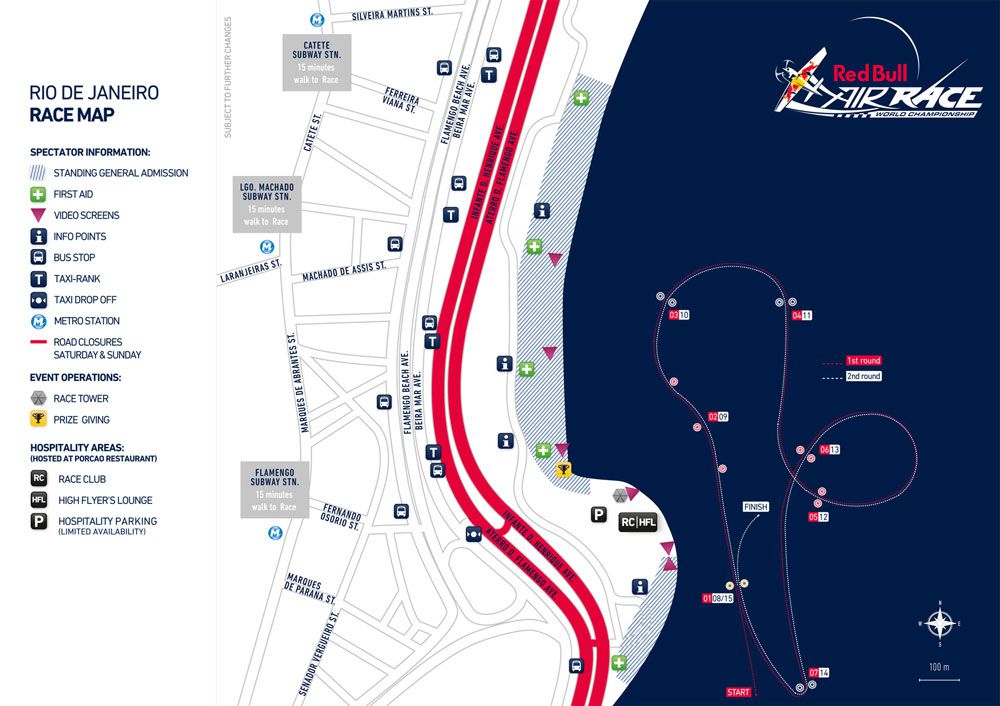
This add-on showcases the 2010 Red Bull Air Race course set against the iconic surroundings of Rio De Janeiro. It accurately recreates the exhilarating pylon layout near Santos Dumont Airport to give enthusiasts a realistic race experience in Microsoft Flight Simulator X. The pack is entirely freeware, providing an accessible way to explore this famous aerial motorsport event. Developed by Siscot Yves, it brings the excitement of high-speed maneuvers right into your simulator.
Engineered to capture the feel of the actual Red Bull Air Race, this scenery displays the distinctive pylons and structures in the correct alignment. The heart of this setup lies close to the waters of Rio De Janeiro, renowned for its stunning beaches and mountains. During the race, you will weave through a precise pattern of air gates designed to push the boundaries of piloting skills.
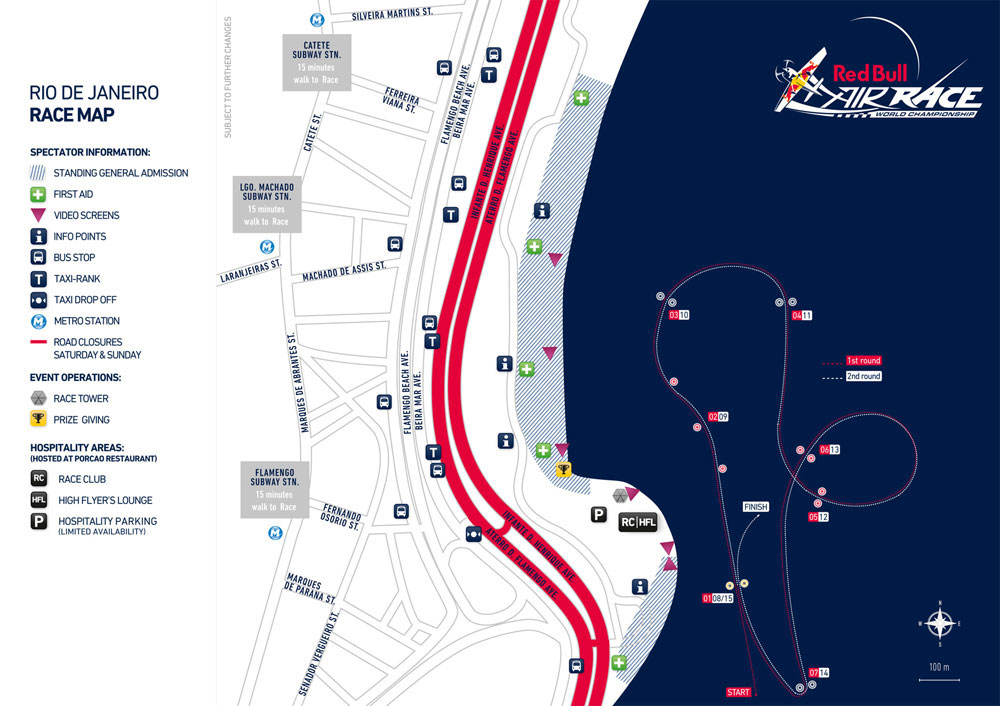
Red Bull Air Race Rio De Janeiro Scenery.
When using Windows Vista, install the provided .exe package directly into:
C:\Program Files (x86)\Microsoft Games\Microsoft Flight Simulator X\Addon SceneryAfter installing, restart Microsoft Flight Simulator X to recognize the newly added scenery.
Windows XP users should place the contents in:
C:\Program Files\Microsoft Games\Microsoft Flight Simulator X\Addon SceneryFollowing installation, run Microsoft Flight Simulator X, access the “Settings” menu, and open your scenery configuration. Include the scenery by selecting the folder named Red Bull Air Race Perth 2010, then activate it within the library. Once added, restart the simulator and confirm the terrain updates.
For those aiming to jump straight into the track, take off from SBRJ Santos Dumont Airport. From this runway, you only have a short distance to reach the race pylons. Rio’s coastal topography provides a mesmerizing background, making the entire flight both challenging and scenic.
This release is freeware. Always keep its original text file alongside the scenery if you plan to share or repack it for other forums and platforms. Please note that the creator, Siscot Yves, is not responsible for any damages that may arise from installing or using this content. By proceeding, you acknowledge full responsibility and assume all associated risks.
Have a pleasant flight and enjoy navigating the demanding course!
Free for all simmers · 547.77 KB · Scanned clean Oct 2026
Download speed: Free tier is capped at 0.5 Mbps. PRO members download at full line speed.
FSX\Addon Scenery\ containing scenery and texture sub-folders.readme.txt or README file. It tells you exactly where files go, what dependencies are needed, and any quirks specific to this add-on.Use these coordinates to fly directly to this location once the mod is installed.
-22.91050000,-43.16310000
Launch FSX or Prepar3D and use Flights → Load to open the downloaded .pln file. Your aircraft will be positioned at this location.
The archive sy-red_bull_air_race_rio_de_janeiro__2010_fsx.zip has 5 files and directories contained within it.
This list displays the first 500 files in the package. If the package has more, you will need to download it to view them.
| Filename/Directory | File Date | File Size |
|---|---|---|
| RJ_10_AREAMAp.JPG | 05.08.10 | 132.89 kB |
| Readme sy.Red Bull Air Race Rio De Janeiro 2010 FSX.txt | 05.09.10 | 2.90 kB |
| Sy-Red Bull Air Race Rio De Janeiro 2010 FSX.exe | 05.14.10 | 426.51 kB |
| flyawaysimulation.txt | 10.29.13 | 959 B |
| Go to Fly Away Simulation.url | 01.22.16 | 52 B |
Only PRO members can place votes.
More FSX & P3D add-ons hand-picked based on this download.
FSX Scenery
Carrier In Rio De Janeiro, Brazil. This is fictional scenery for the USS Nimi…
 FSX Scenery
Red Bull Air Race Course, Monument Valley, Utah (UT), v0.5. Includes the pylo…
 FSX Scenery
This freeware enhancement recreates the Red Bull Air Race environment held in…
 FSX Scenery
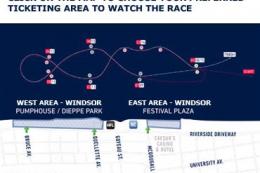
Experience the vibrant atmosphere of an authentic Red Bull Air Race setup in …
 FSX Scenery
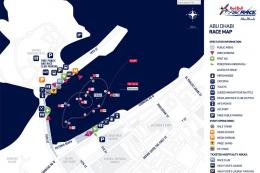
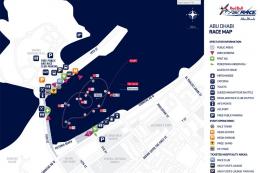
Experience the thrill of a fully realized Red Bull Air Race setup along Abu D…
 FSX Scenery
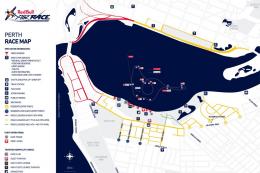
Immerse yourself in a custom-built Red Bull Air Race environment set along th…
FSX Scenery
Red Bull Air Race Circuits. Includes Rio de Janeiro, Monument Valley, Istanbu…
 FSX Scenery
Red Bull Scenery For Christchurch Airport, New Zealand. Red Bull pylons and o…
Be the first to leave a comment on this download.
Be the first to share your thoughts on this download.