


 FSX Civil Aircraft
Delta Airlines Lockheed L1011 Tristar
Upgrade your FSX environment with this detailed Delta Airlines repaint of the…
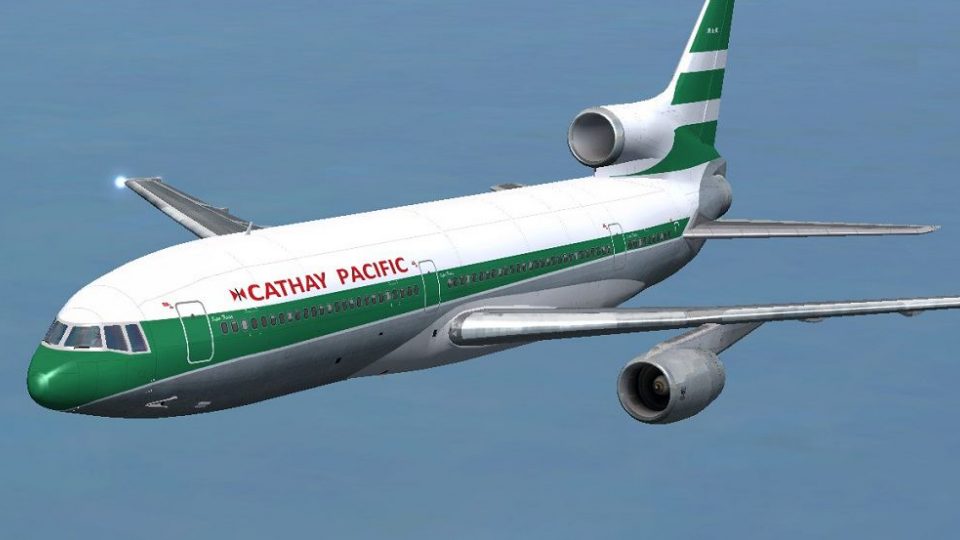
Cathay Pacific’s Lockheed L-1011 TriStar VR-HHK comes alive with a period-correct repaint that captures the airline’s classic markings and distinctive 1970s style for FSX. Textures are tailored for the Tom_L1011-100 freeware model and require Tom_L1011-100, adding a convincing retro look from ramp to virtual cockpit.
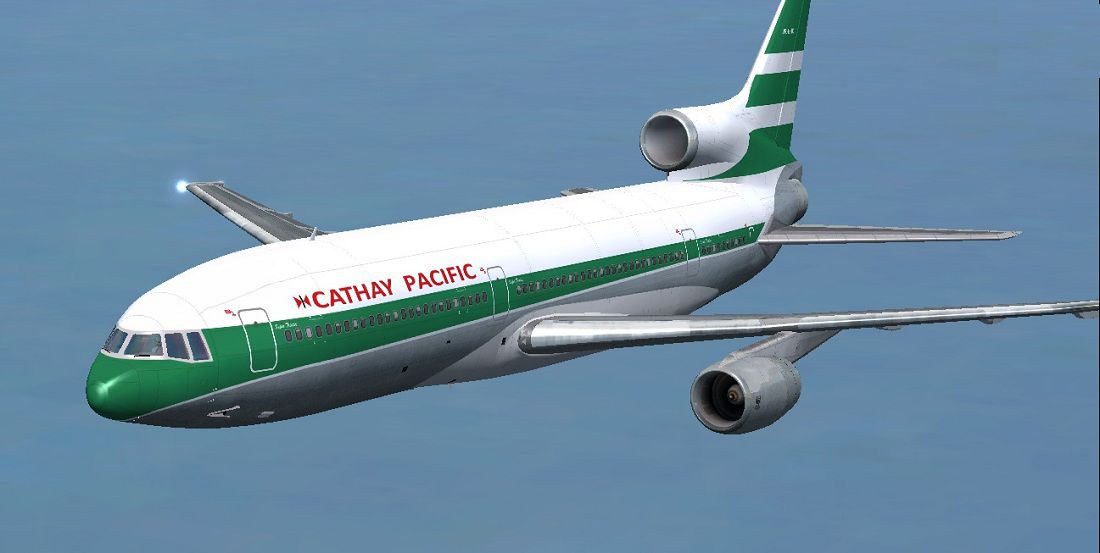

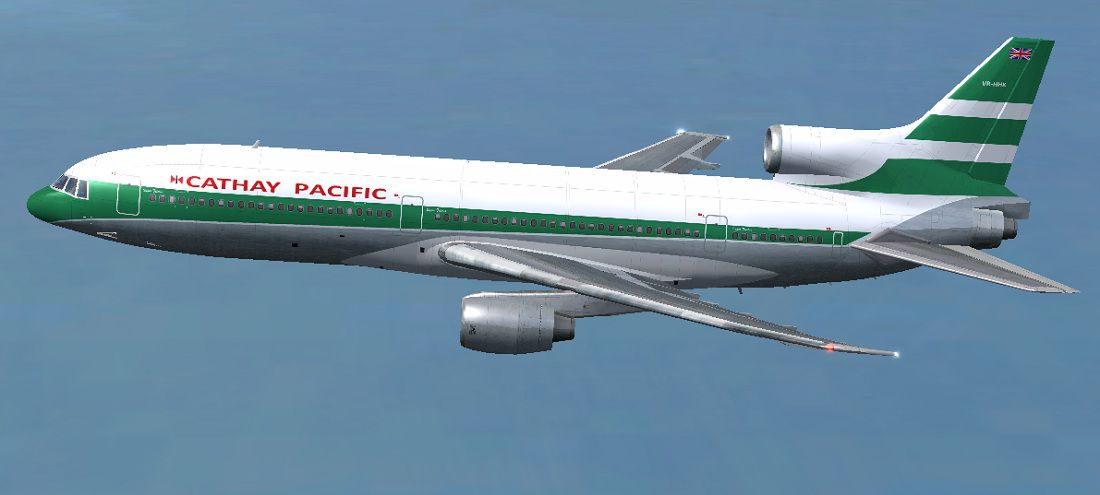

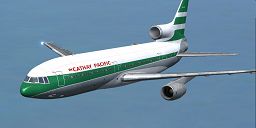
Designed to enrich your simulation hangar, this high-fidelity repaint package focuses on Cathay Pacific’s Lockheed L1011 TriStar, registration VR-HHK, carefully put together by Paul Craig in collaboration with Thomas Ruth and Erick Cantu. It includes authentic exterior markings that capture Cathay Pacific’s classic era, reflecting the airline’s distinctive look of the time. These texture files integrate seamlessly with the freeware Tom_L1011-100 base model (available in Fly Away Simulation's library) and offer a refined retro experience for enthusiasts seeking historically accurate liveries.
The Lockheed L1011 is a widebody trijet that was originally introduced to major commercial routes in the early 1970s. Recognized for its advanced onboard systems, this aircraft served numerous carriers around the globe, including Cathay Pacific. As part of Cathay's fleet, the L1011 offered long-range capabilities, significant payload capacity, and dependable service on regional and intercontinental routes. This repaint highlights registration VR-HHK (construction number 1118) to mirror the real-world counterpart from that era.

Cathay Pacific Lockheed L1011 TriStar traversing the skies.
OS (C)/Program Files(x86)/Microsoft Games/Microsoft Flight Simulator X/SimObjects/Airplanes/Tom_L1011-100).To make this livery visible, the aircraft.cfg file needs a new entry. Follow these precise steps:
aircraft.cfg to avoid losing critical data.aircraft.cfg and navigate to the last [fltsim.x] entry.
[fltsim.X]
title=L1011-100 Cathay Pacific
sim=tom1011
model=
panel=
sound=
texture=Cathay Pacific
kb_checklists=Boeing747-400_check
kb_reference=Boeing747-400_ref
atc_id=VR-HHK
atc_airline=CATHAY
atc_flight_number=1123
atc_heavy=1
ui_manufacturer=Lockheed
ui_type=L1011-100
ui_variation=Cathay Pacific
ui_typerole=Commercial Airliner
ui_createdby=Thomas Ruth + Eric Cantu
description= First Flight on November 16, 1969 at Palmdale, California\ s entry into service with Eastern on April 26, 1972. Total Production: 250 units. Production end: 1982.
If you find merging this data directly to be troublesome, edit the file in an external location and then move it back into your FSX folder once you have finished.
Use all attached material entirely at your own discretion. The author, Paul Craig, assumes no liability for any potential errors, data corruption, or other issues that might result from installing these liveries.
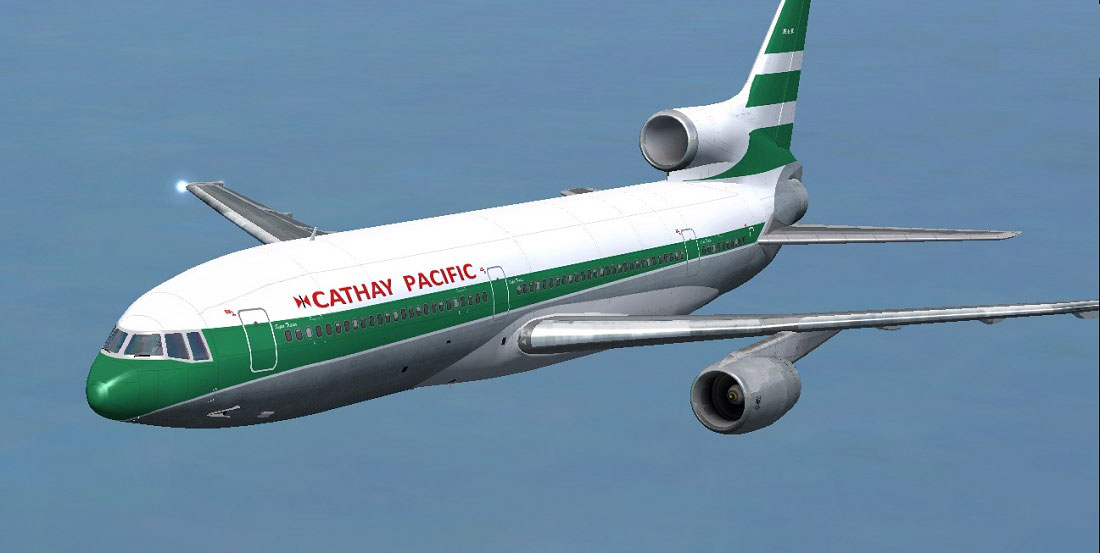
Showcasing the classic Cathay Pacific TriStar in flight.
Free for all simmers · 2.67 MB · Scanned clean
Download speed: Free tier is capped at 0.5 Mbps. PRO members download at full line speed.
This add-on may require the following files to function properly. If this is a repaint, the dependency below is likely the base aircraft package.
SimObjects\Airplanes\, Addon Scenery\, Effects\, or Gauges\.readme.txt or README file. It tells you exactly where files go, what dependencies are needed, and any quirks specific to this add-on.The archive cathaypacifictoml1011.zip has 18 files and directories contained within it.
This list displays the first 500 files in the package. If the package has more, you will need to download it to view them.
| Filename/Directory | File Date | File Size |
|---|---|---|
| Cathay Pacific Lockheed L1011 Tristar Screenshot (1).jpg | 07.21.11 | 104.80 kB |
| Cathay Pacific Lockheed L1011 Tristar Screenshot (2).jpg | 07.21.11 | 92.78 kB |
| Cathay Pacific Lockheed L1011 Tristar Screenshot (3).jpg | 07.21.11 | 94.81 kB |
| FILE_ID.DIZ | 07.21.11 | 210 B |
| Readme.txt | 07.21.11 | 1.76 kB |
| texture.Cathay Pacific | 07.21.11 | 0 B |
| glass.dds | 11.18.10 | 64.12 kB |
| main.dds | 07.21.11 | 4.00 MB |
| main_bump.dds | 05.20.11 | 4.00 MB |
| main_light.dds | 12.23.10 | 4.00 MB |
| main_spec.dds | 07.21.11 | 1.00 MB |
| sec.dds | 05.17.11 | 4.00 MB |
| sec_bump.dds | 05.20.11 | 4.00 MB |
| sec_spec.dds | 12.23.10 | 1.00 MB |
| thumbnail.jpg | 07.21.11 | 10.30 kB |
| thumbnail.png | 07.21.11 | 58.44 kB |
| flyawaysimulation.txt | 10.29.13 | 959 B |
| Go to Fly Away Simulation.url | 01.22.16 | 52 B |
More FSX & P3D add-ons hand-picked based on this download.
FSX Civil Aircraft
Upgrade your FSX environment with this detailed Delta Airlines repaint of the…
 FSX Civil Aircraft
This freeware package brings a faithful Lockheed L-1011 rendition tailored fo…
 FSX Civil Aircraft
An update for FSX of the Lockheed L-1011-500 by Mike Stone (SL10115.ZIP). Inc…
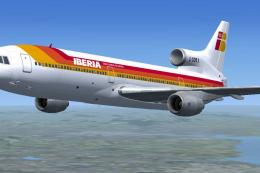 FSX Civil Aircraft
This repaint delivers a vivid depiction of Iberia’s Lockheed L1011 TriStar, o…
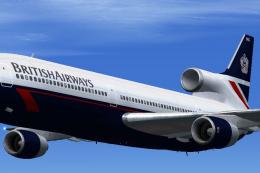 FSX Civil Aircraft
This freeware add-on introduces a meticulously rendered British Airways (Land…
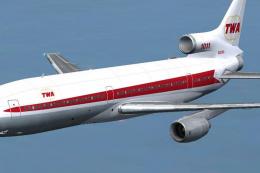 FSX Civil Aircraft
This freeware repaint showcases the iconic Lockheed L-1011 TriStar sporting T…
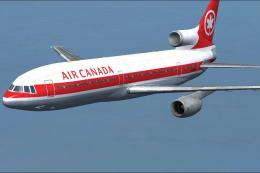 FSX Civil Aircraft
Experience a distinctive rendition of the classic Lockheed L1011 TriStar, fea…
 FSX Civil Aircraft
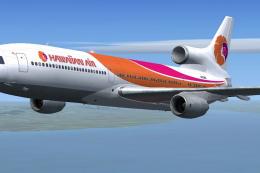
This repaint set showcases the iconic Lockheed L1011 TriStar in a Hawaiian Ai…
Be the first to leave a comment on this download.
Be the first to share your thoughts on this download.