

 FSX Civil Aircraft
Delta Airlines Lockheed L1011 Tristar
Upgrade your FSX environment with this detailed Delta Airlines repaint of the…
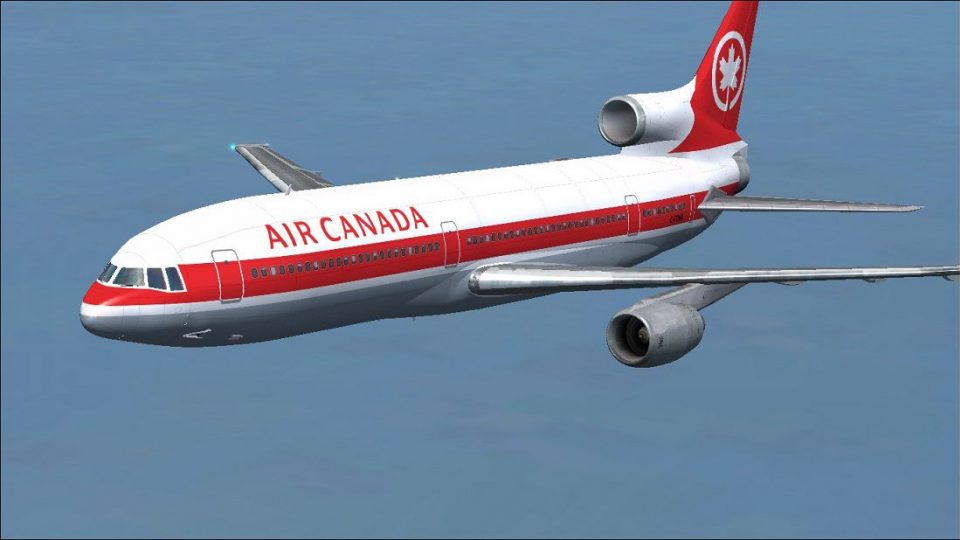
Air Canada Lockheed L-1011-100 TriStar repaint brings classic tri-jet long-haul style to FSX with crisp, era-authentic exterior textures and registration C-FTNG/507. Built for the Thomas Ruth and Eric Cantu freeware model, it requires the base aircraft and complements the wide-body’s distinctive lines and airline heritage.
 Rate
Rate
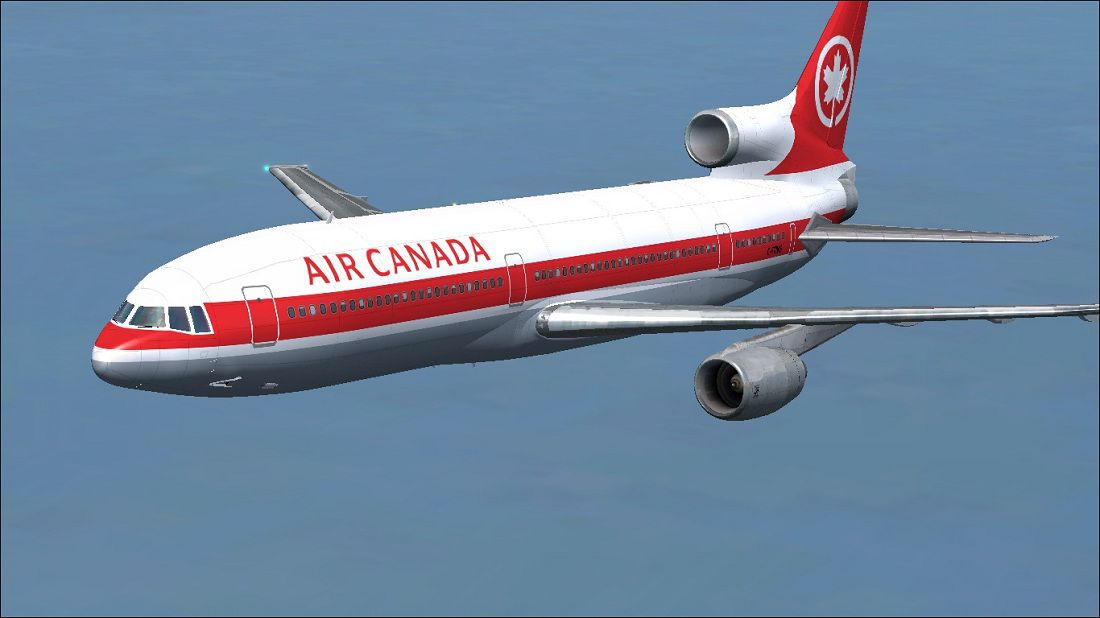


Experience a distinctive rendition of the classic Lockheed L1011 TriStar, featuring an Air Canada repaint applied to the freeware base model developed by Thomas Ruth and Eric Cantu. This repaint, created by Paul Craig, revitalizes the tri-jet’s appearance with an authentic Air Canada finish, registration C-FTNG/507 (construction number 1048). The enhanced exterior textures capture an era when the L1011-100 was an essential part of Air Canada’s long-haul fleet.
The Lockheed L1011 TriStar, often recognized as a wide-body commercial airliner, made its debut flight in the late 1960s. It features three powerful turbofan engines and was praised for advanced autoland capabilities and refined passenger comfort. Air Canada adopted this model to serve intercontinental routes, taking advantage of the TriStar’s balanced performance. Now, thanks to the combined efforts of Thomas Ruth and Eric Cantu, simulator enthusiasts can enjoy a freeware model of the L1011-100 within FSX.
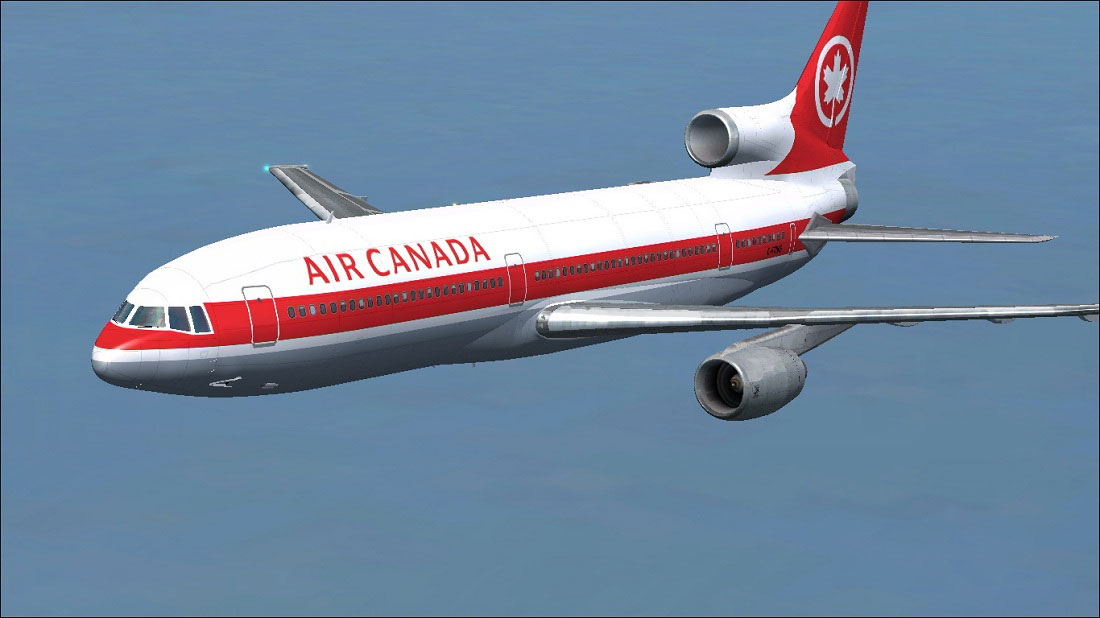
Visual representation of the Air Canada Lockheed L1011 TriStar.
Below is a concise set of instructions to integrate the Air Canada repaint into your Lockheed L1011 TriStar folder:
OS (C)/Program Files(x86)/Microsoft Games/Microsoft Flight Simulator X/SimObjects/Airplanes/Tom_L1011-100
Next, update your aircraft.cfg file by following these guidelines:
aircraft.cfg file to guard against any accidental edits.aircraft.cfg file with a text editor.[fltsim.x] section, insert the text snippet below (substitute X with the appropriate sequence number).[fltsim.X]
title=L1011-100 Air Canada
sim=tom1011
model=
panel=
sound=
texture=Air Canada
kb_checklists=Boeing747-400_check
kb_reference=Boeing747-400_ref
atc_id=C-FTNG
atc_airline=AIR CANADA
atc_flight_number=1123
atc_heavy=1
ui_manufacturer=Lockheed
ui_type=L1011-100
ui_variation=Air Canada
ui_typerole=Commercial Airliner
ui_createdby=Thomas Ruth + Eric Cantu
description= First Flight on November 16, 1969 at Palmdale, California\s entry into service with Eastern on April 26, 1972. Total Production: 250 units. Production end: 1982.
If any difficulties arise while editing, try making changes to the file in a different directory. Then, copy it back into the FSX aircraft folder once you confirm that the format is correct.

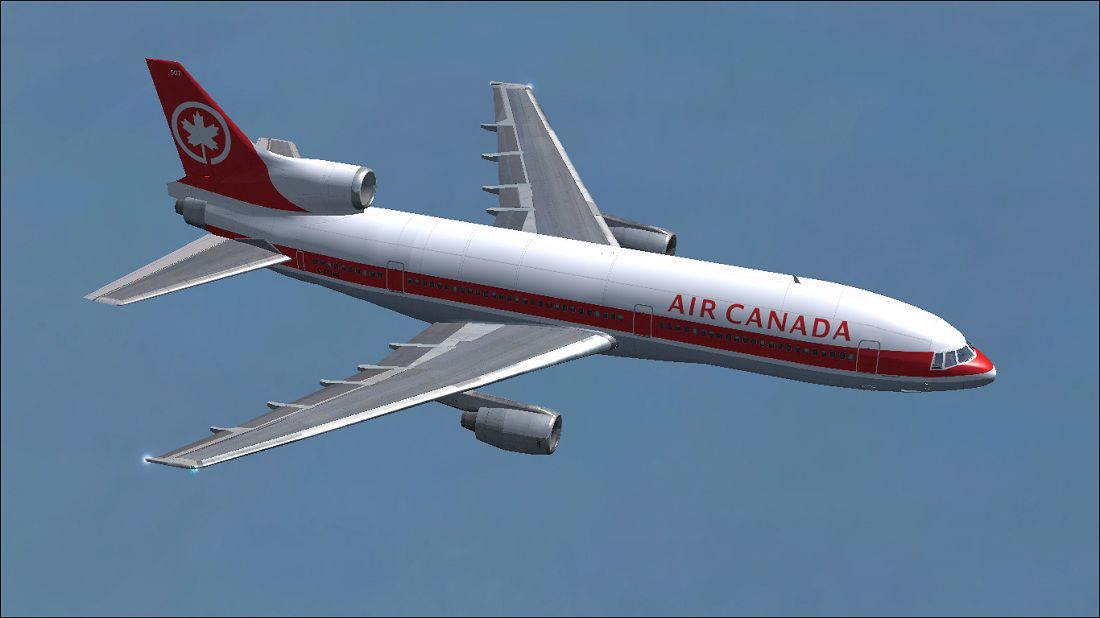
Another view of the Lockheed L1011 TriStar in Air Canada colors.
Repaint Author: Paul Craig
Free for all simmers · 2.44 MB · Scanned clean Oct 2026
Download speed: Free tier is capped at 0.5 Mbps. PRO members download at full line speed.
This file is a repaint — the package below is the base model it paints onto. Install it first, or the textures will have nothing to load onto.
texture.{airline}) inside FSX\SimObjects\Airplanes\{base-aircraft}\.aircraft.cfg in Notepad. Add a new [fltsim.X] section per the readme.readme.txt or README file. It tells you exactly where files go, what dependencies are needed, and any quirks specific to this add-on.The archive aircanadatoml1011.zip has 17 files and directories contained within it.
This list displays the first 500 files in the package. If the package has more, you will need to download it to view them.
| Filename/Directory | File Date | File Size |
|---|---|---|
| Air Canada Lockheed L1011 Tristar Screenshot (1).jpg | 07.12.11 | 117.25 kB |
| Air Canada Lockheed L1011 Tristar Screenshot (2).jpg | 07.12.11 | 100.80 kB |
| FILE_ID.DIZ | 07.12.11 | 208 B |
| Readme.txt | 07.12.11 | 1.75 kB |
| texture.Air Canada | 07.12.11 | 0 B |
| glass.dds | 11.18.10 | 64.12 kB |
| main.dds | 07.12.11 | 4.00 MB |
| main_bump.dds | 05.20.11 | 4.00 MB |
| main_light.dds | 12.23.10 | 4.00 MB |
| main_spec.dds | 12.23.10 | 1.00 MB |
| sec.dds | 05.17.11 | 4.00 MB |
| sec_bump.dds | 05.20.11 | 4.00 MB |
| sec_spec.dds | 12.23.10 | 1.00 MB |
| thumbnail.jpg | 07.12.11 | 28.74 kB |
| thumbnail.png | 07.12.11 | 51.04 kB |
| flyawaysimulation.txt | 10.29.13 | 959 B |
| Go to Fly Away Simulation.url | 01.22.16 | 52 B |
Only PRO members can place votes.
More FSX & P3D add-ons hand-picked based on this download.
FSX Civil Aircraft
Upgrade your FSX environment with this detailed Delta Airlines repaint of the…
 FSX Civil Aircraft
This freeware package brings a faithful Lockheed L-1011 rendition tailored fo…
 FSX Civil Aircraft
An update for FSX of the Lockheed L-1011-500 by Mike Stone (SL10115.ZIP). Inc…
 FSX Civil Aircraft
This repaint delivers a vivid depiction of Iberia’s Lockheed L1011 TriStar, o…
 FSX Civil Aircraft
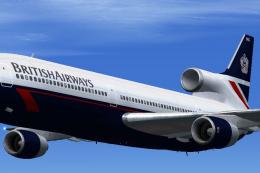
This freeware add-on introduces a meticulously rendered British Airways (Land…
 FSX Civil Aircraft
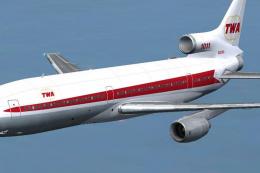
This freeware repaint showcases the iconic Lockheed L-1011 TriStar sporting T…
 FSX Civil Aircraft
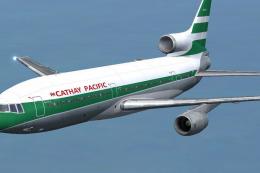
Designed to enrich your simulation hangar, this high-fidelity repaint package…
 FSX Civil Aircraft
This repaint set showcases the iconic Lockheed L1011 TriStar in a Hawaiian Ai…
Be the first to leave a comment on this download.
Be the first to share your thoughts on this download.