

 FS2004 Civil Jet Aircraft
Air Pacific Boeing 737-700
Air Pacific Boeing 737-700 and -800 (next generation). Includes two complete …
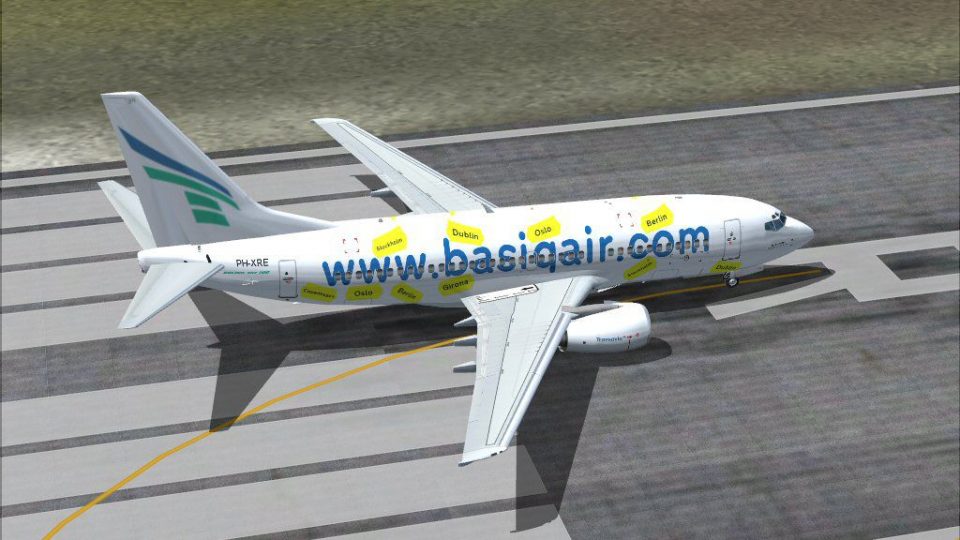
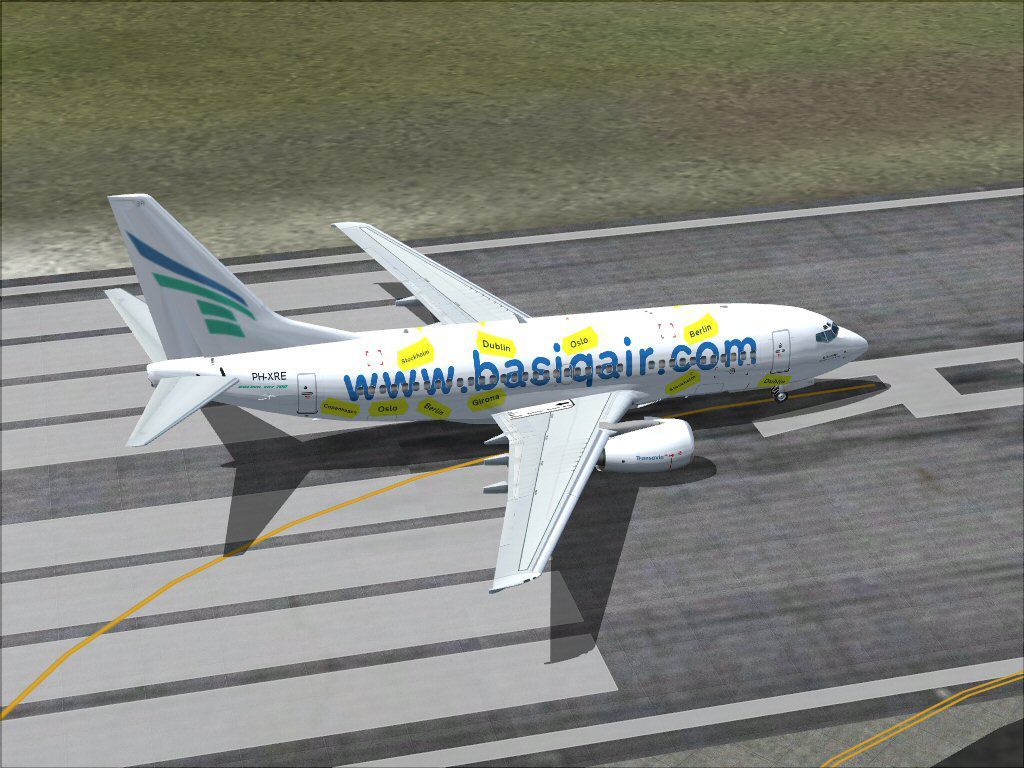
Basiq Air Boeing 737-700 PH-XRE brings Transavia’s low-cost look to the Kittyhawk 737-700 with crisp, hand-drawn textures and authentic Dutch registration details for FS2004. Includes the standard scheme plus a special “Basic Air Sticker” destination-promoting livery; textures only and requires KH738LAW.ZIP.
 Rate
Rate
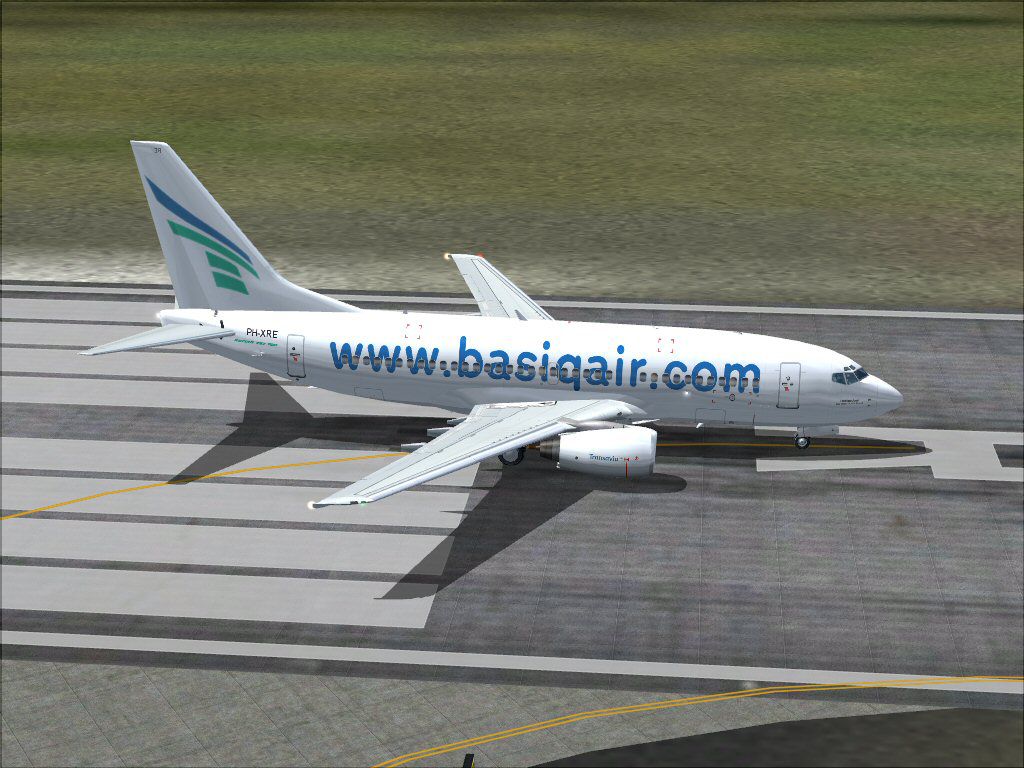
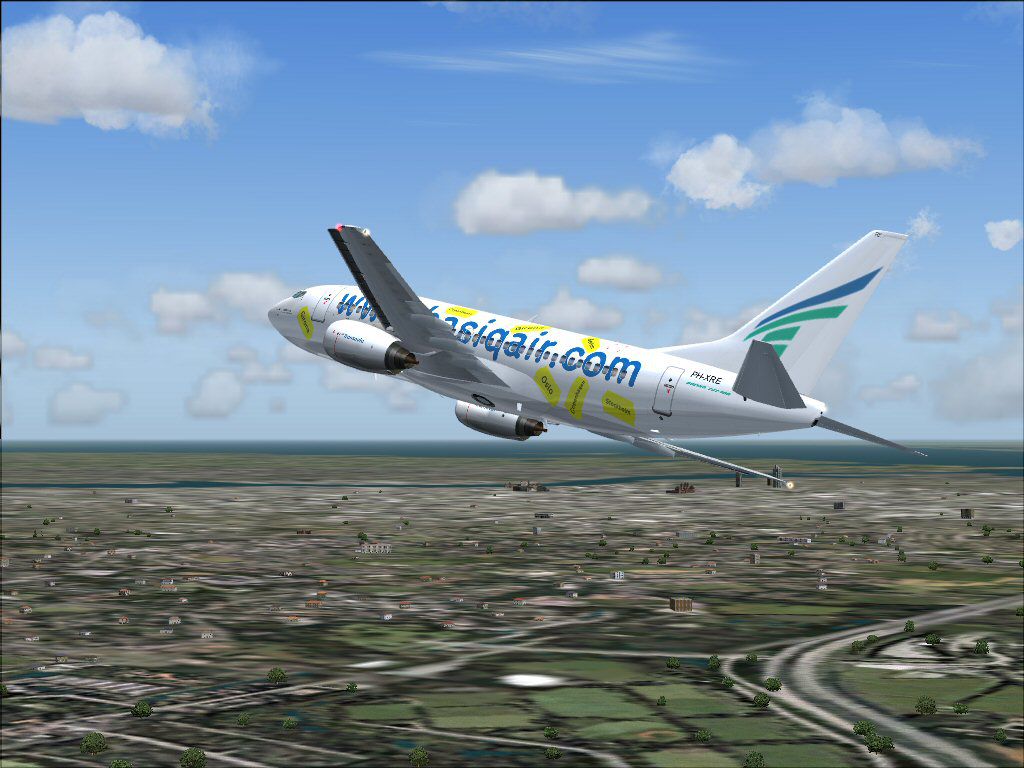
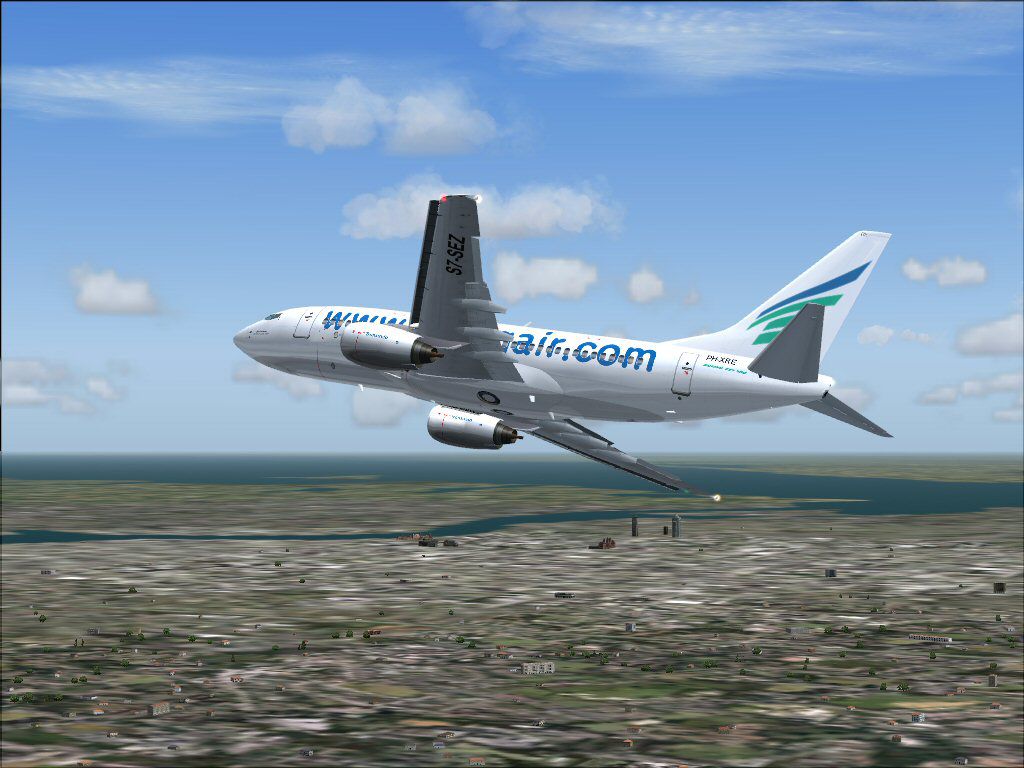
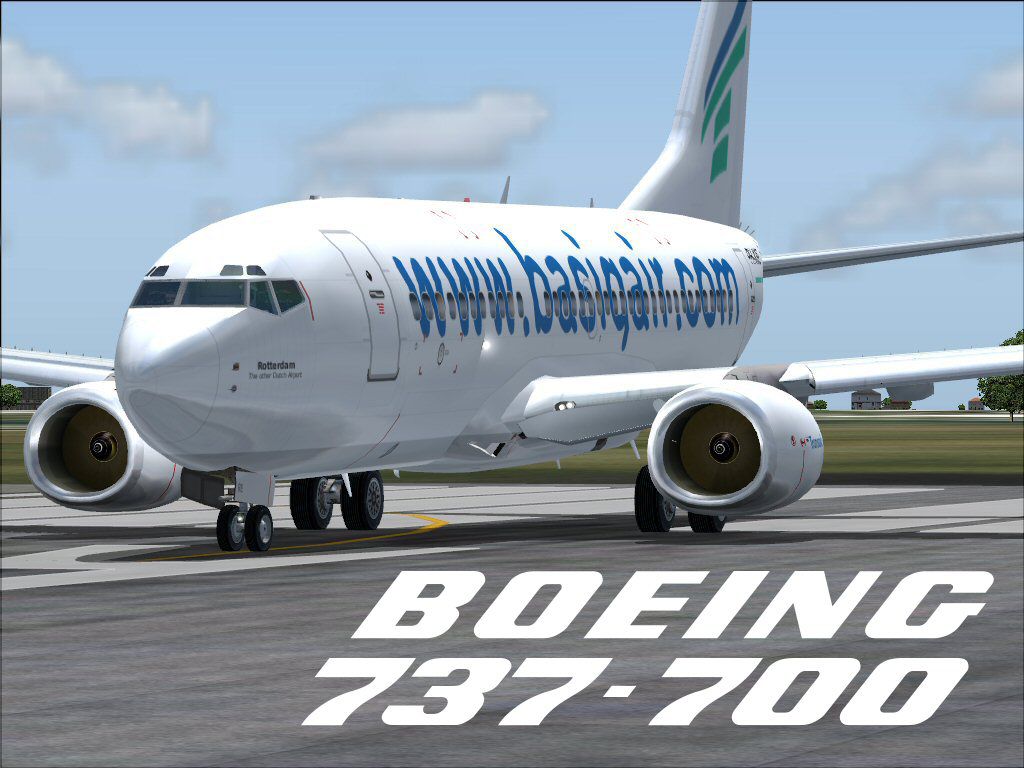
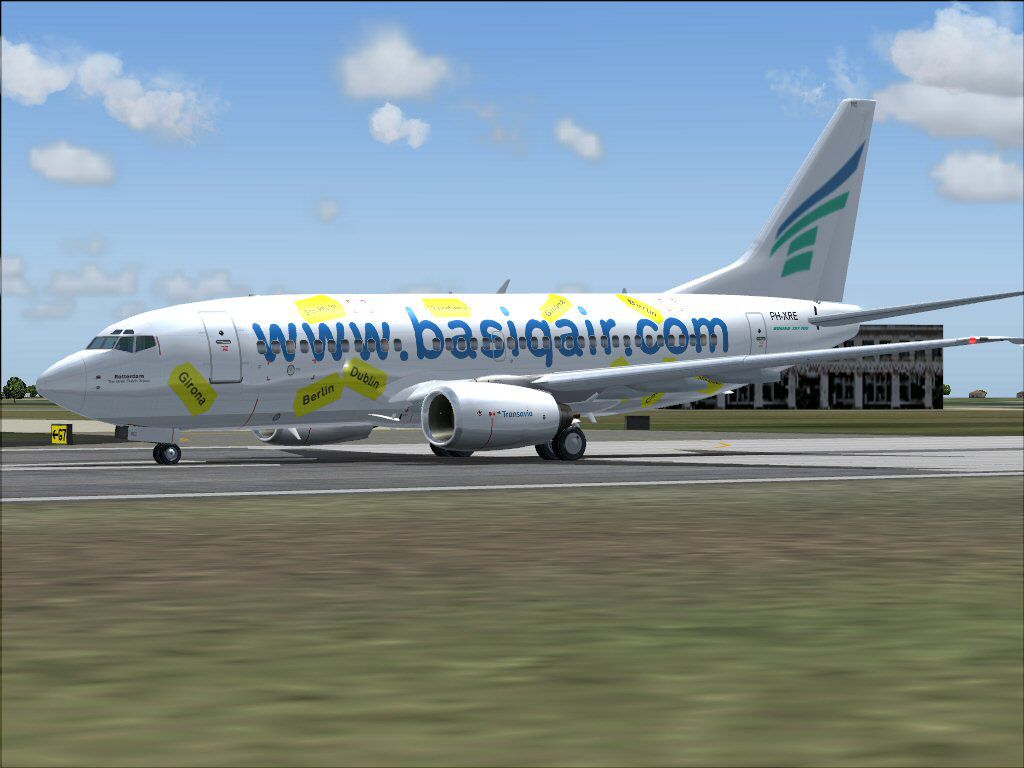
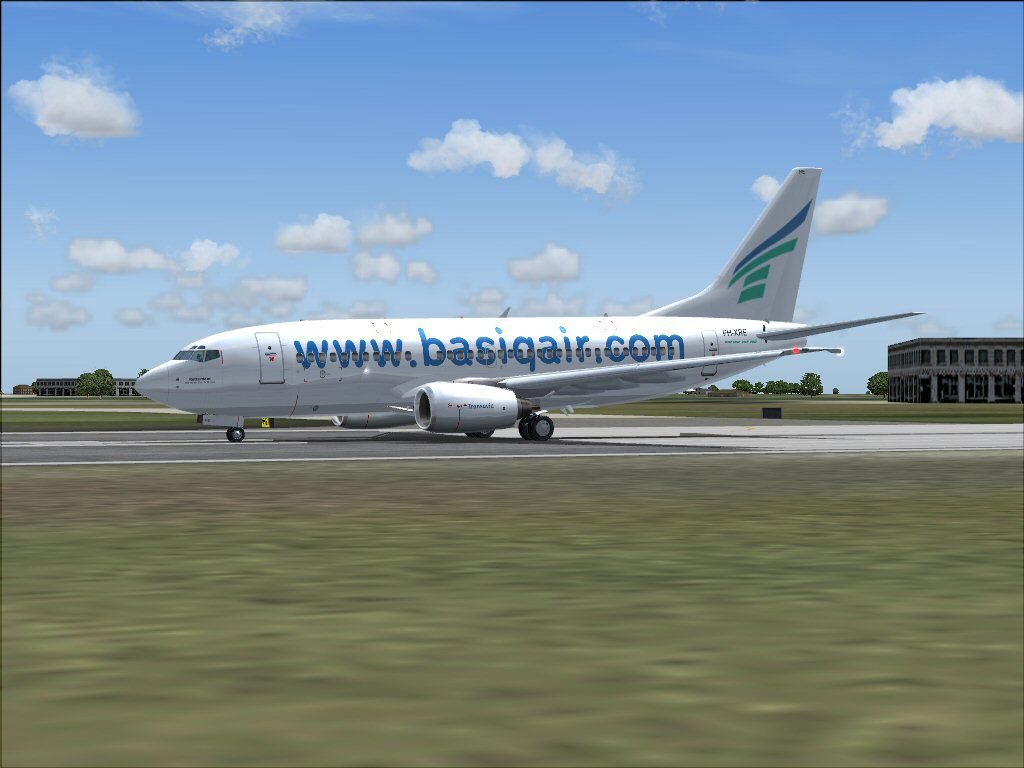
Textures only; requires KH738LAW.ZIP. Basiq Air is the low cost division of Holland's third largest airline, Transavia. Repaint is hand drawn from scratch. Model by Kittyhawk. Livery by Guillermo de Miranda.
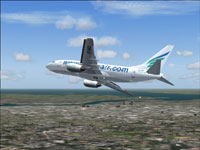
Screenshot of Basiq Air Boeing 737-700 in flight.
The KittyHawk 737-700 in Basiq Air colors. Basiq Air is the low cost division of Holland's third largest airline Transavia. Basiq Air does not only offer low prices but also other destinations where Transavia's normal division normally wouldn't go. While Transavia operates flight so southern Europe, Basiq Air operates flights to western, eastern and northern parts of Europe.
This package contains both the normal Basiq Air livery and the special Basic Air Sticker livery, on which Basiq Air's destinations are promoted.
Installation:
Just run the basic_73G.exe file and follow the instructions. This is meant to be installed in FS2004. This aircraft cannot be used in FS2002.
Bugs:
So far I haven't encountered any bugs. If you find any glitches or bugs in the paint, feel free to contact me.
Free for all simmers · 3.23 MB · Scanned clean Sep 2026
Download speed: Free tier is capped at 0.5 Mbps. PRO members download at full line speed.
This add-on may require the following files to function properly. If this is a repaint, the dependency below is likely the base aircraft package.
FS9\Aircraft\, FS9\Addon Scenery\, FS9\Gauges\, or FS9\Effects\.readme.txt or README file. It tells you exactly where files go, what dependencies are needed, and any quirks specific to this add-on.The archive basiq73g.zip has 11 files and directories contained within it.
This list displays the first 500 files in the package. If the package has more, you will need to download it to view them.
| Filename/Directory | File Date | File Size |
|---|---|---|
| readme.txt | 07.13.04 | 1.35 kB |
| basiq1.jpg | 07.13.04 | 122.95 kB |
| basiq2.jpg | 07.13.04 | 119.90 kB |
| basiq3.jpg | 07.13.04 | 91.72 kB |
| basiq4.jpg | 07.13.04 | 145.54 kB |
| basiq5.jpg | 07.13.04 | 148.05 kB |
| basiq6.jpg | 07.13.04 | 98.19 kB |
| basiq7.jpg | 07.13.04 | 130.62 kB |
| basic_73G.exe | 07.13.04 | 2.49 MB |
| flyawaysimulation.txt | 10.29.13 | 959 B |
| Go to Fly Away Simulation.url | 01.22.16 | 52 B |
Only PRO members can place votes.
More FS2004 add-ons hand-picked based on this download.
FS2004 Civil Jet Aircraft
Air Pacific Boeing 737-700 and -800 (next generation). Includes two complete …
 FS2004 Civil Jet Aircraft
Aloha Airlines repaint of the B737-700 with photoreal winglets. Features incl…
 FS2004 Civil Jet Aircraft
This freeware repaint delivers a detailed Tunis Air Boeing 737-700 for Micros…
 FS2004 Civil Jet Aircraft
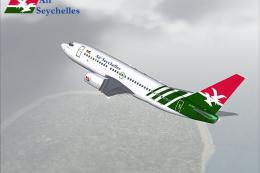
A repaint of PMDG's B737-700 model in the Air Seychelles livery. The aircraft…
 FS2004 Civil Jet Aircraft
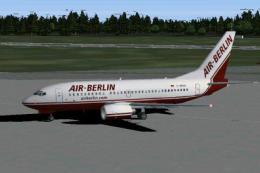
This package provides a meticulously crafted Boeing 737-700 in Air Berlin’s d…
 FS2004 Civil Jet Aircraft
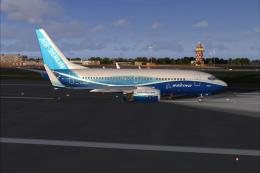
"Dreamliner" Boeing 737-700 with CMF56-7B24 engines. Textures only. Model by …
 FS2004 Civil Jet Aircraft
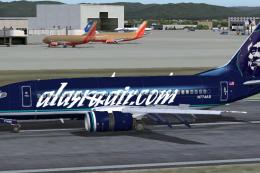
Boeing 737-700, registration N774AS, in Alaska Air dot Com blue color scheme.…
 FS2004 Civil Jet Aircraft
A highly detailed paint of Air Berlin's 7E7 scheme on the Kittyhawk B737-700.…
Be the first to leave a comment on this download.
Be the first to share your thoughts on this download.