


 United Kingdom
 MSFS Scenery
RAF Lossiemouth (EGQS)
This freeware rebuild of RAF Lossiemouth (EGQS) for Microsoft Flight Simulato…
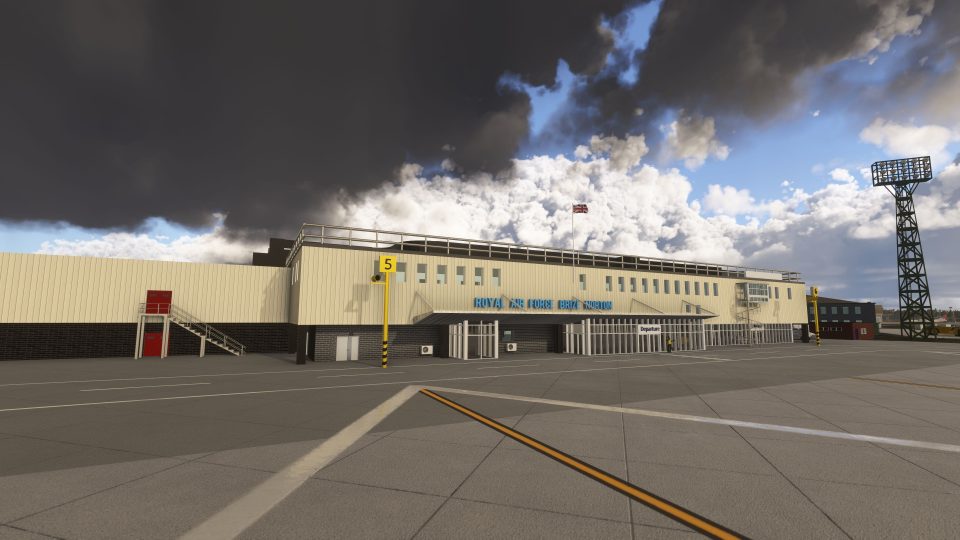
RAF Brize Norton (EGVN) scenery recreates Oxfordshire’s military transport hub in Microsoft Flight Simulator 2020 and 2024 with custom hangars, a passenger terminal, station buildings, detailed aprons and flying club scenery. Real-world stand numbering, military cargo parking, connected ground-service routes, refined runway markings and custom lighting complement included GSX profiles for the airfield and A330 Voyager.
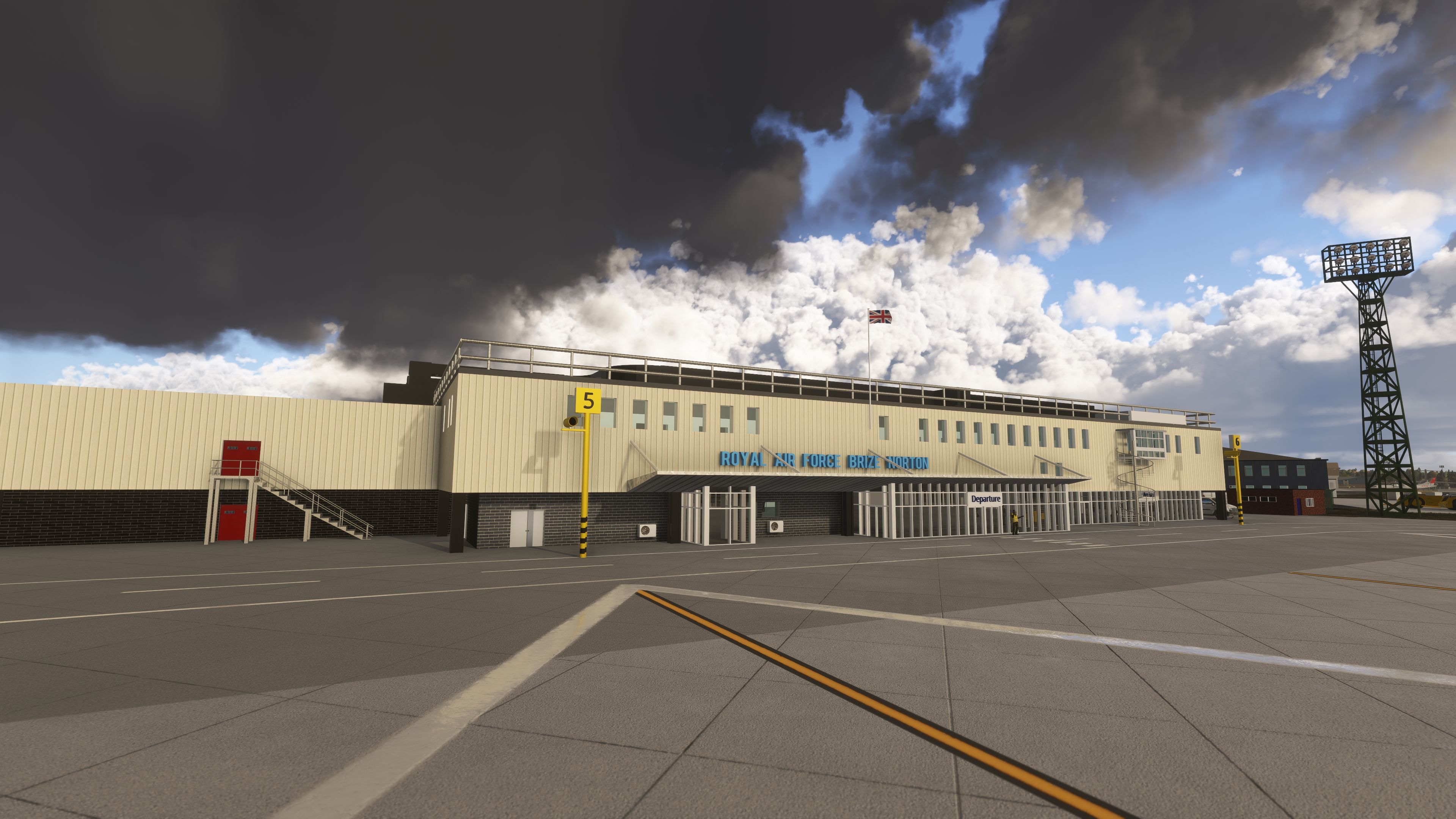
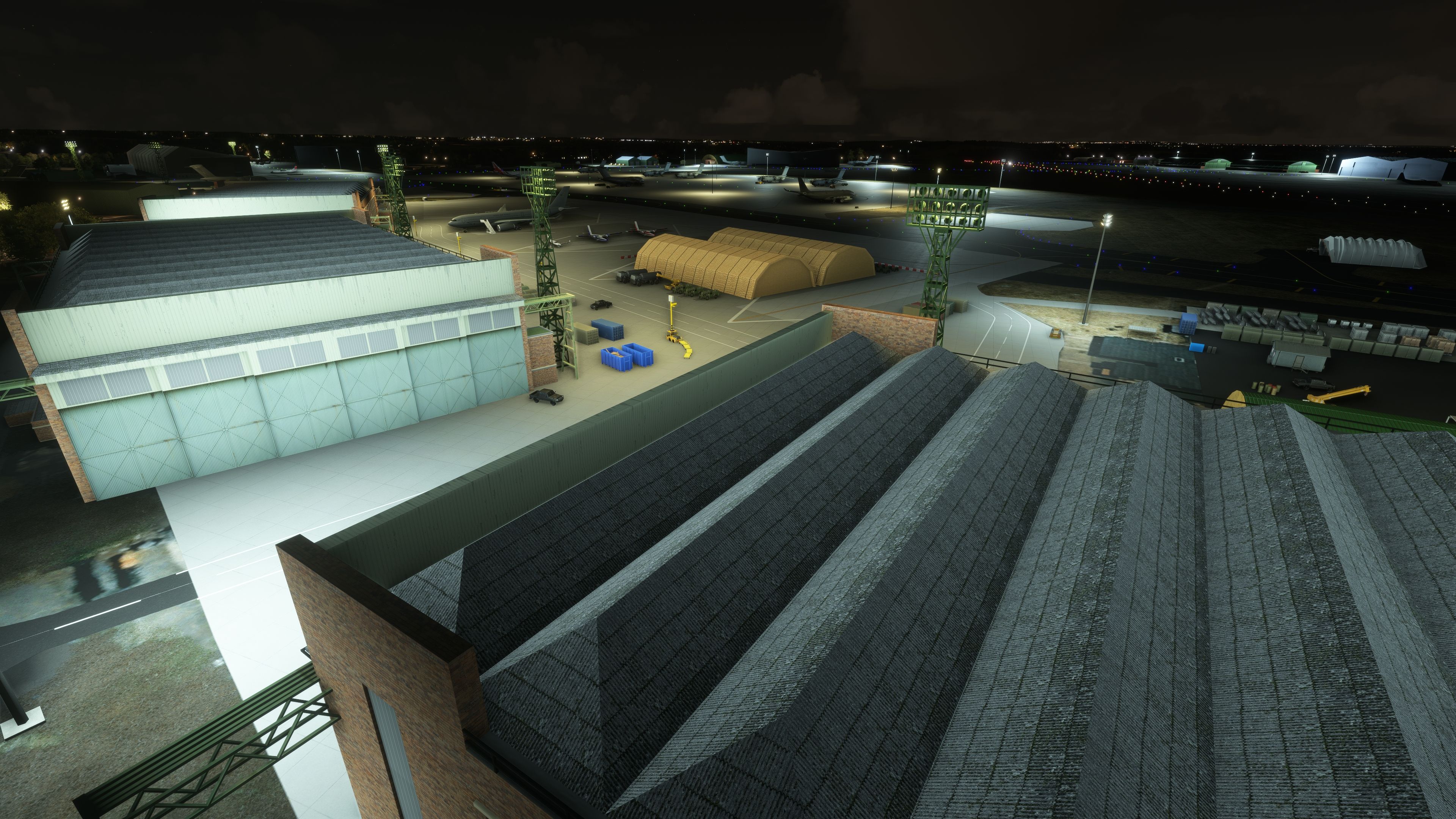
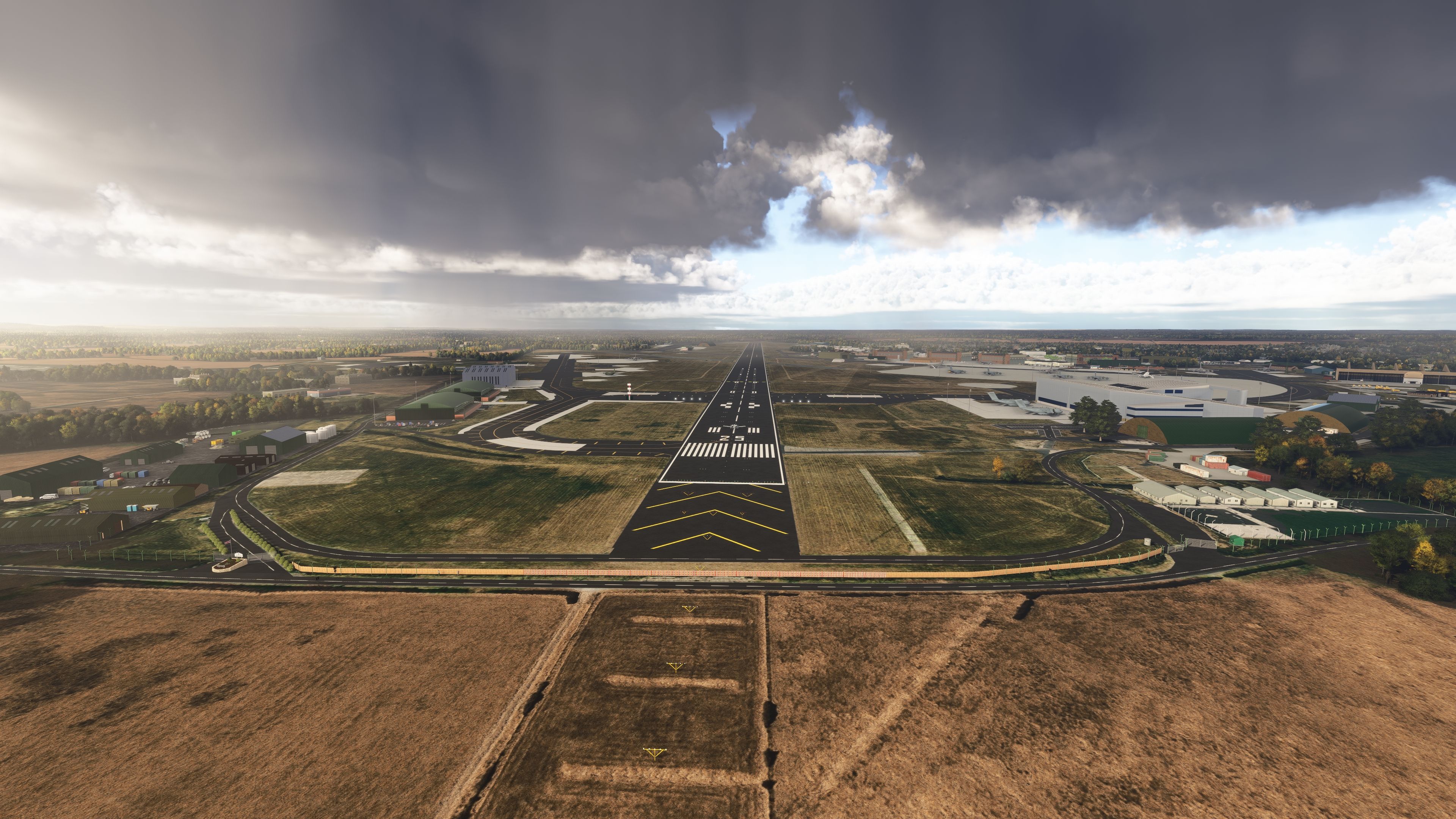
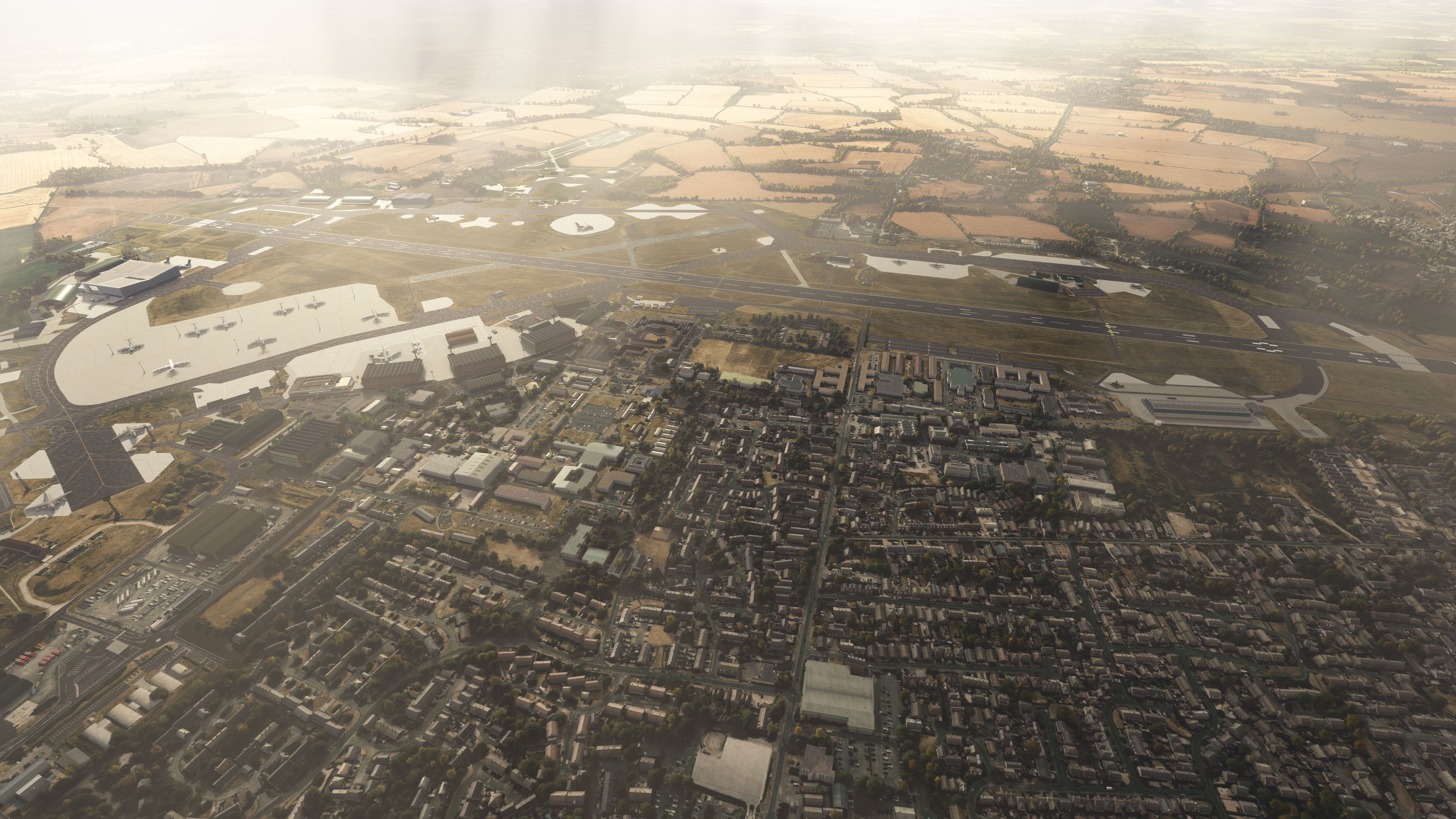
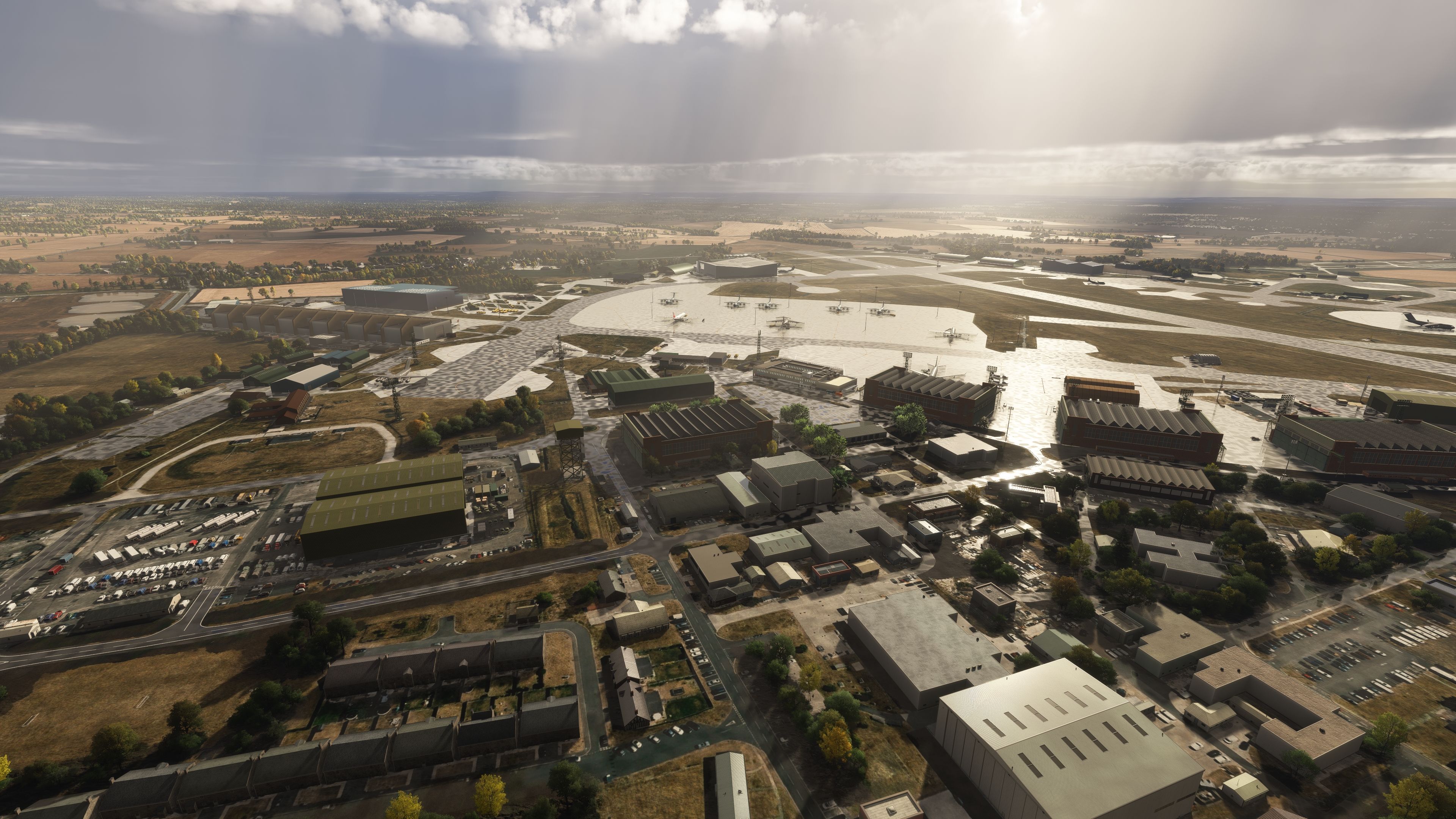
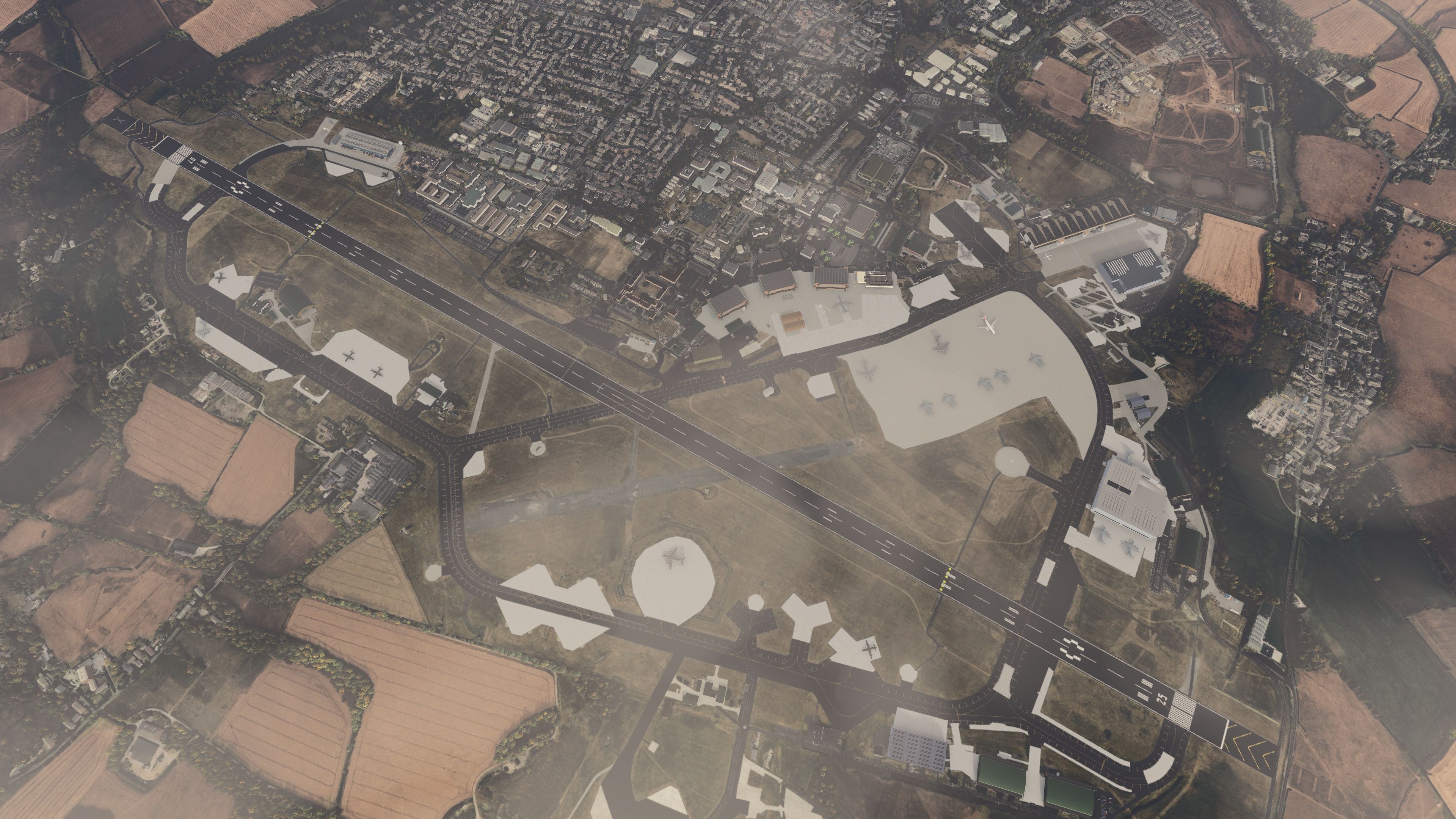
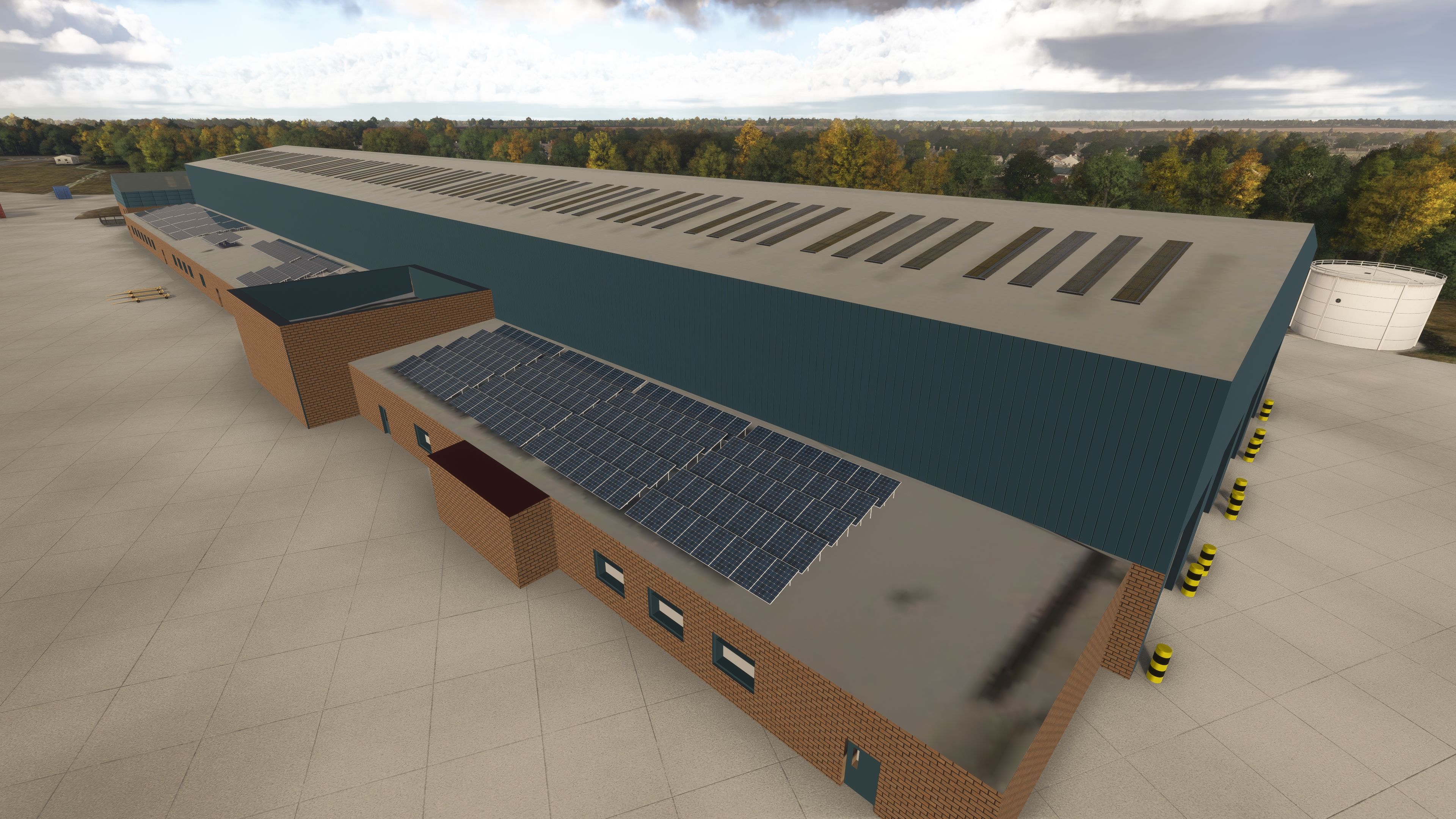
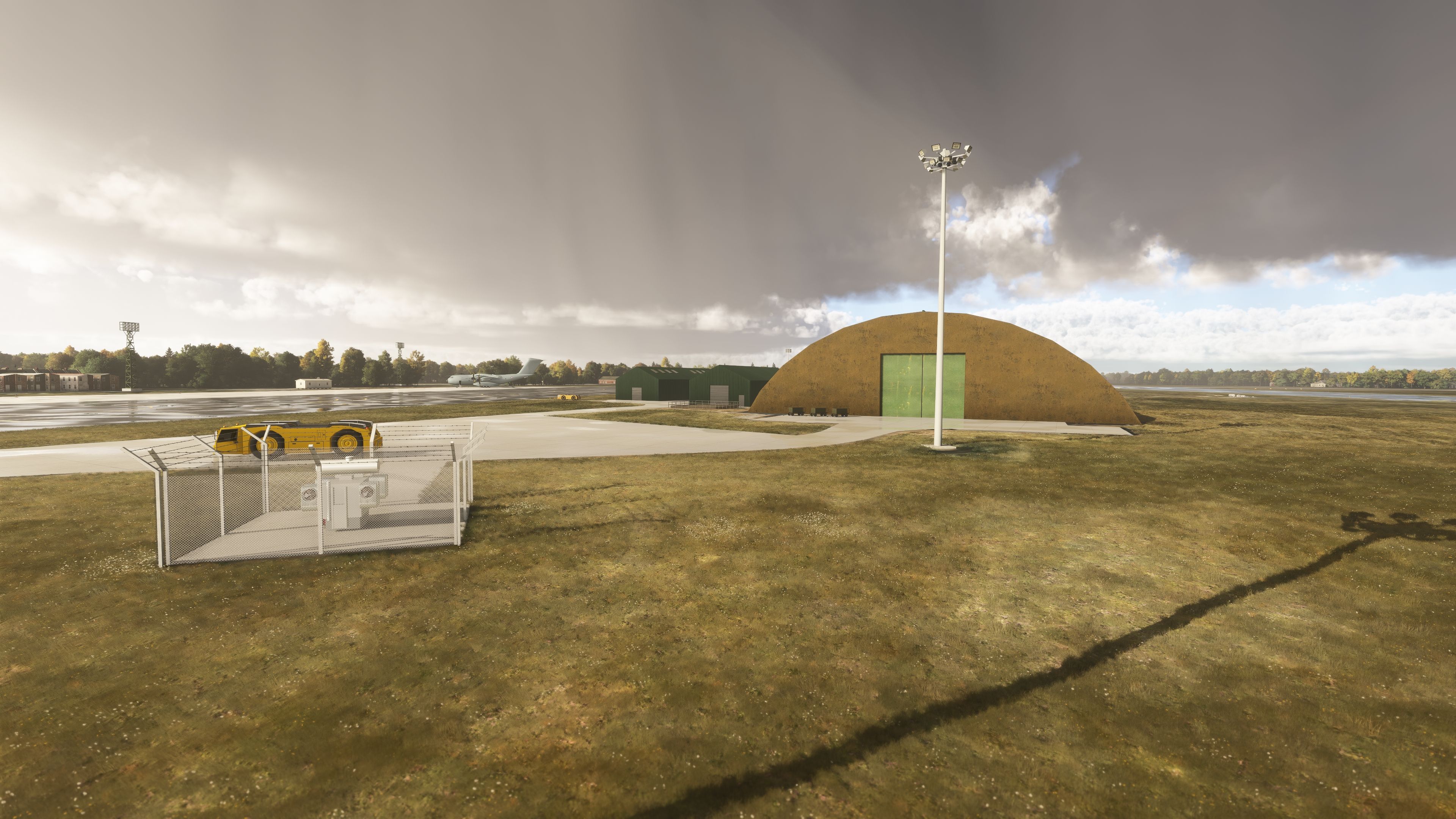
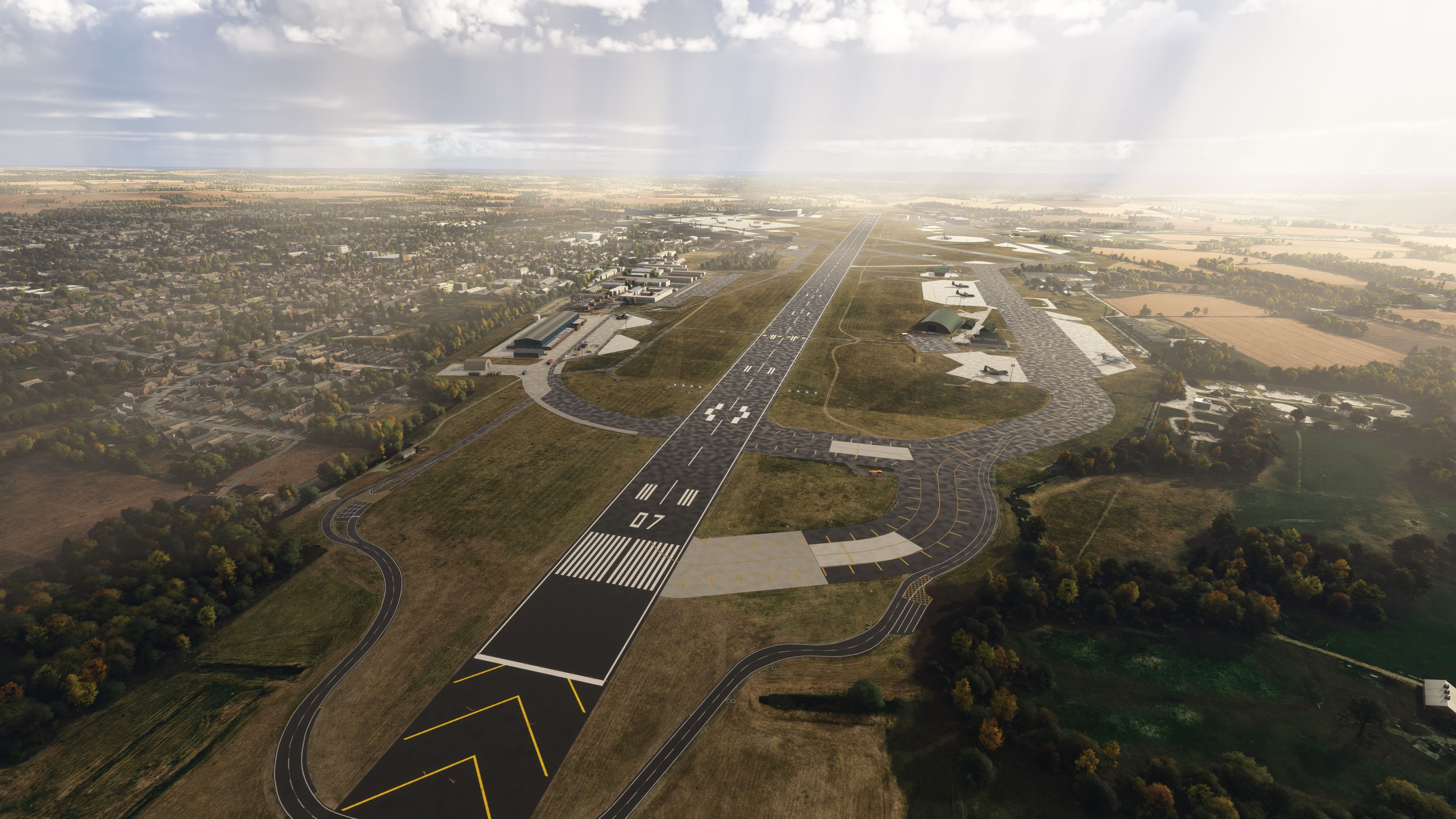
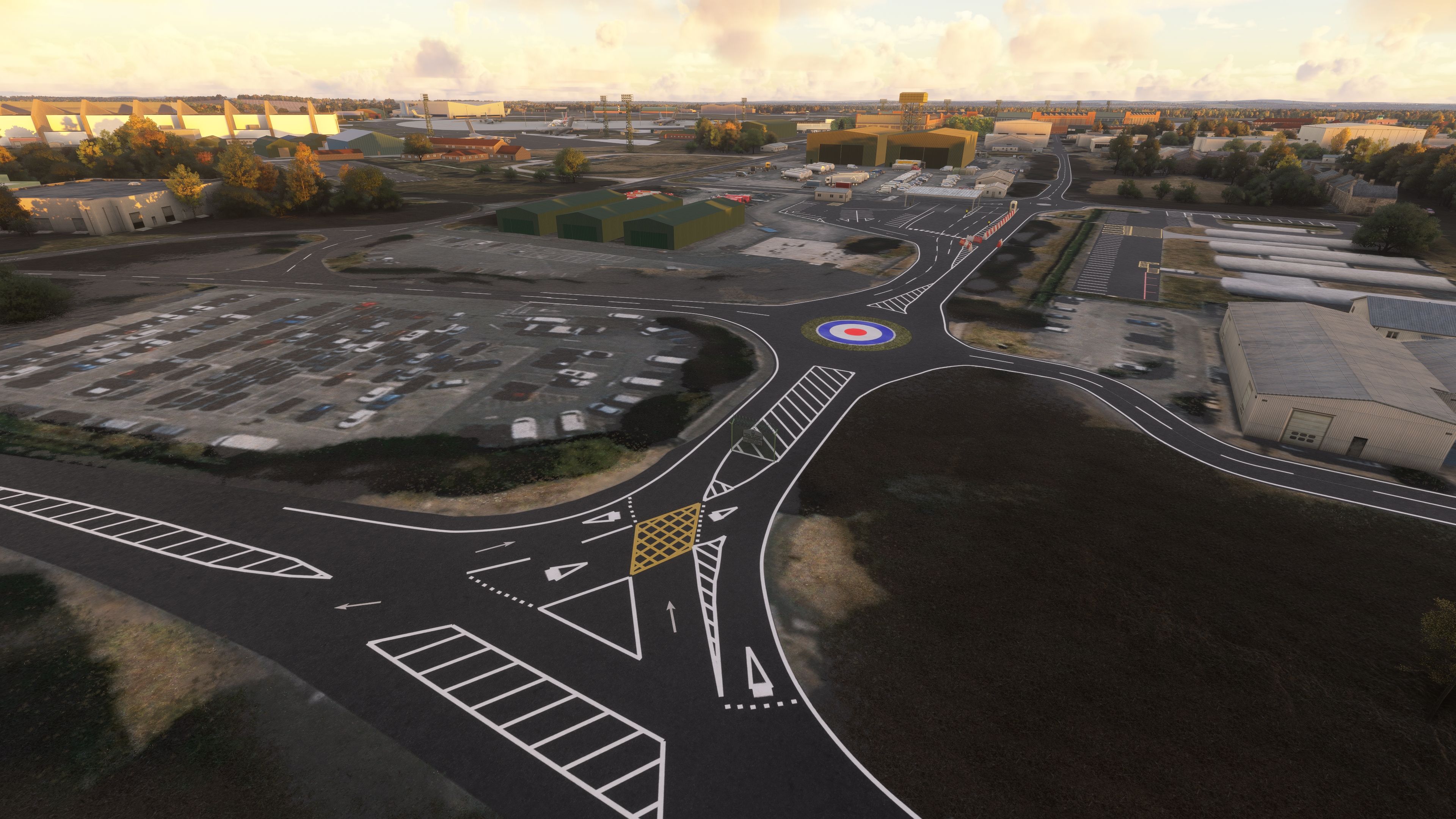
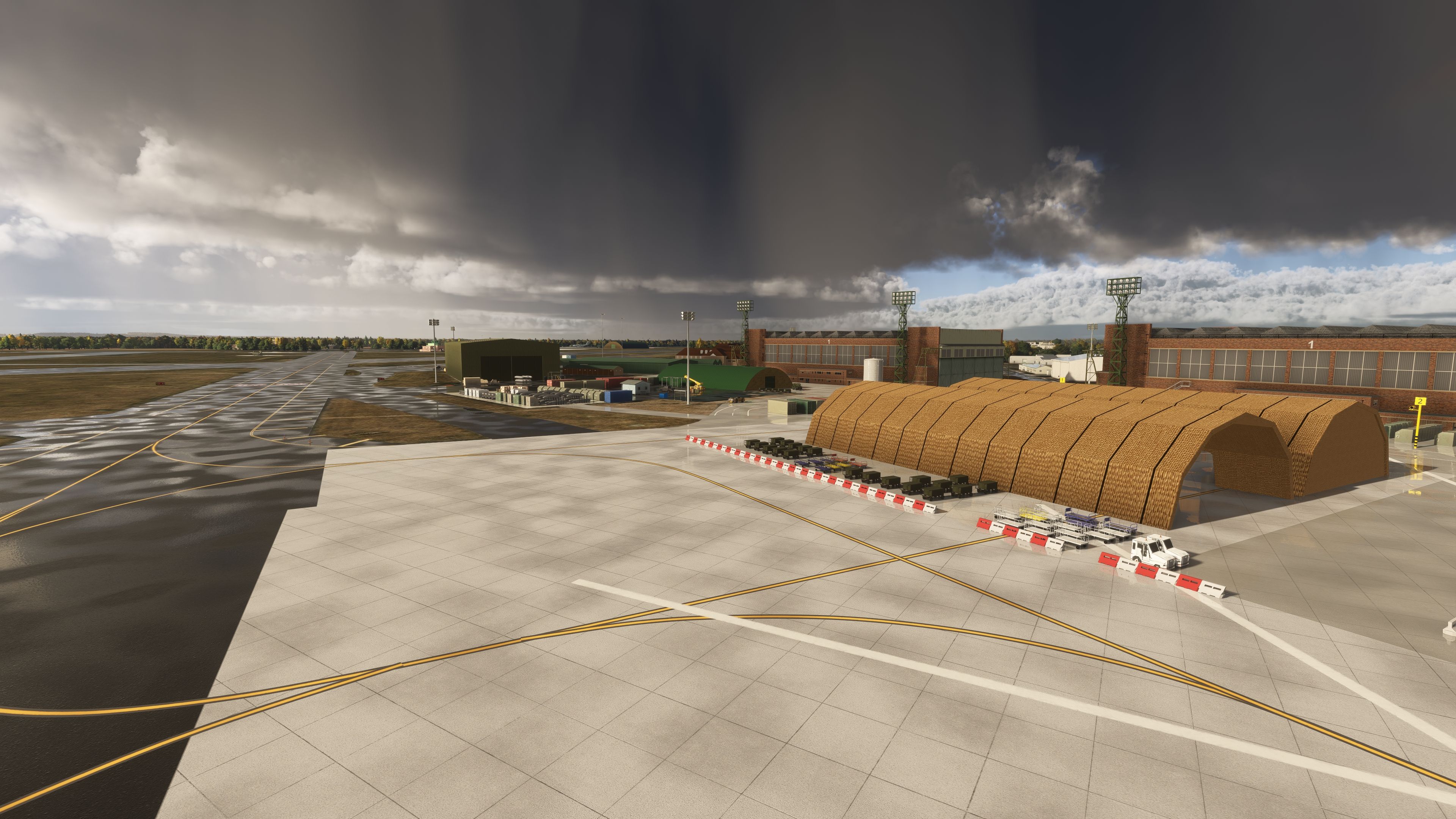
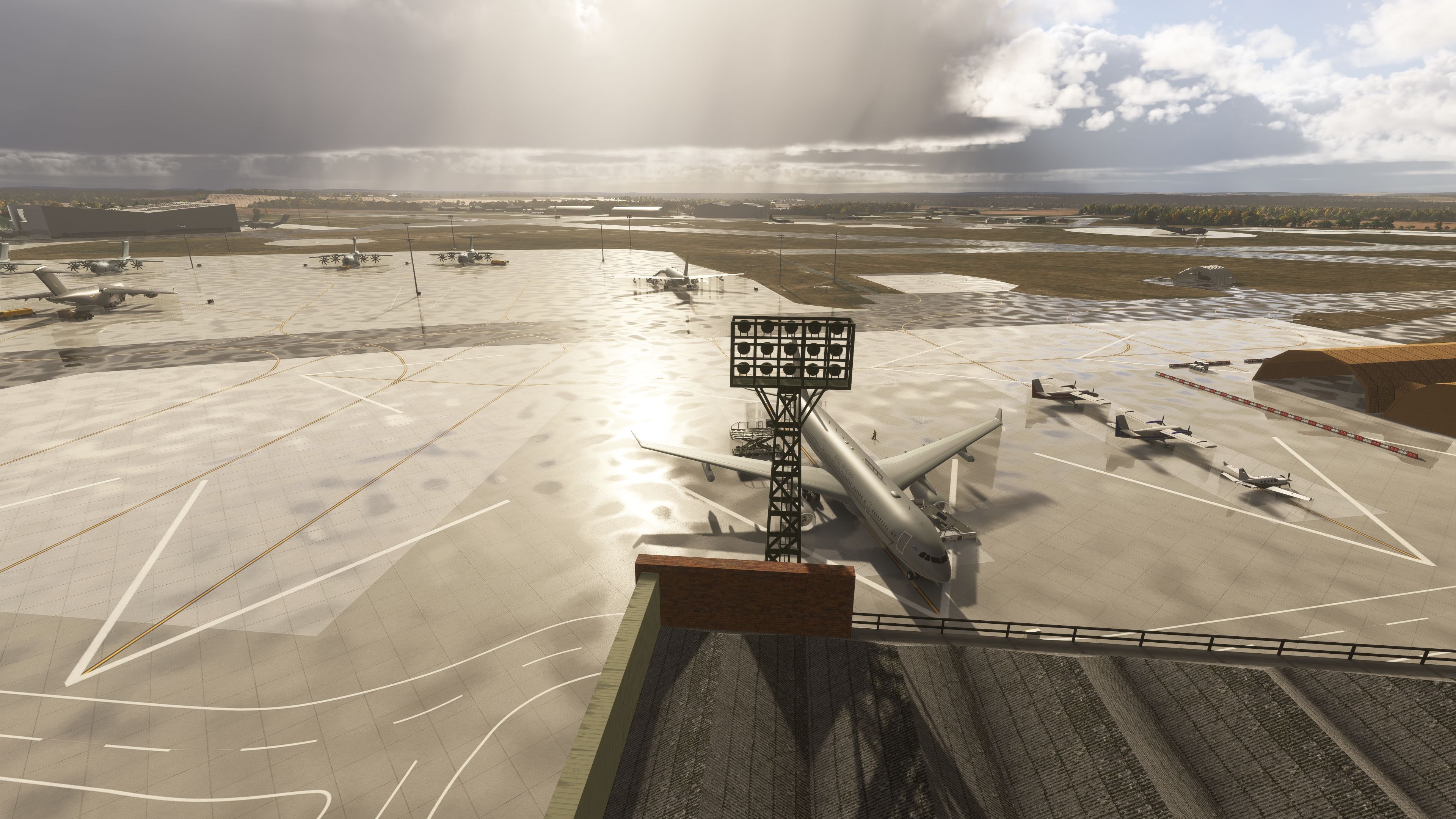
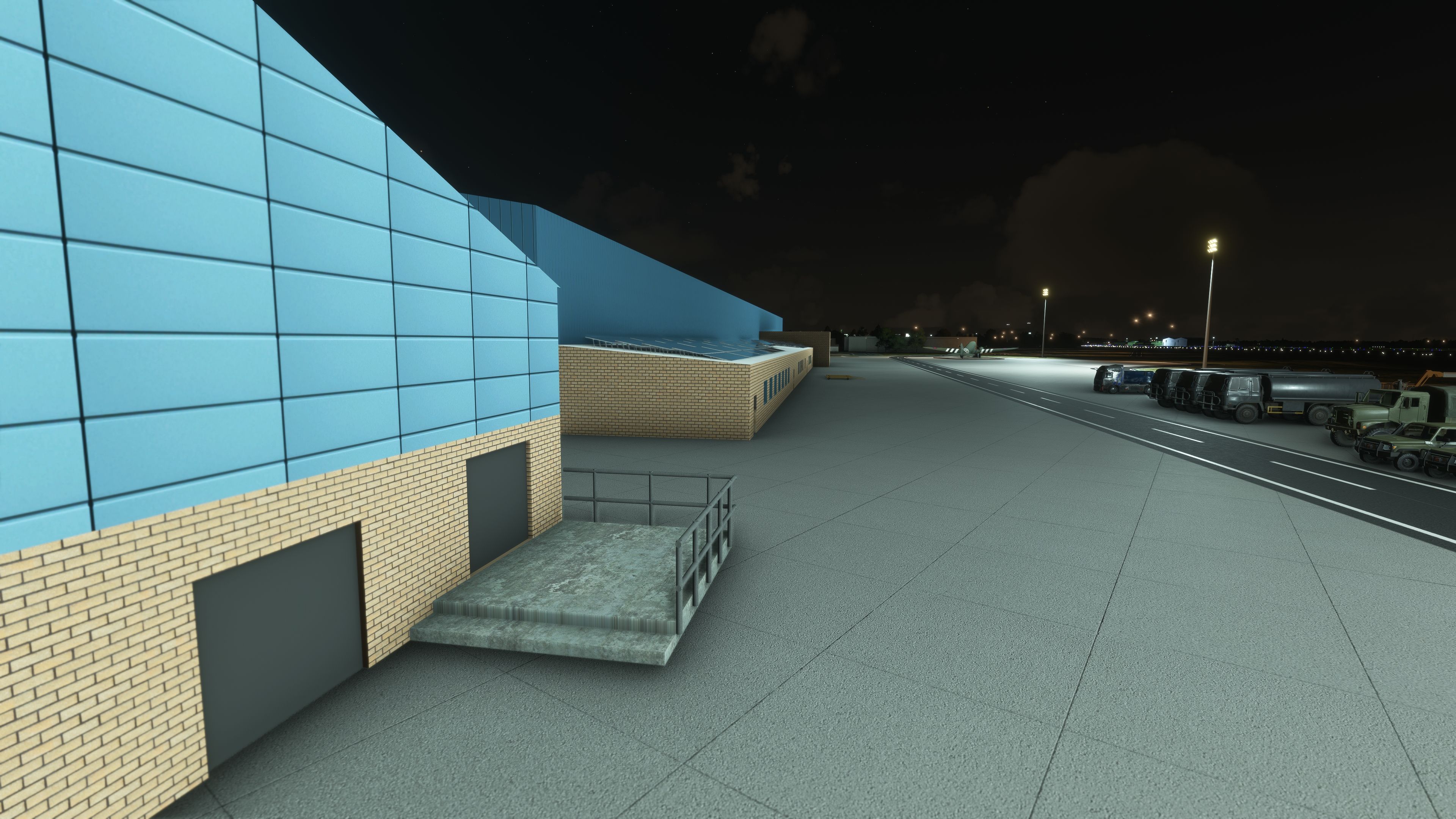
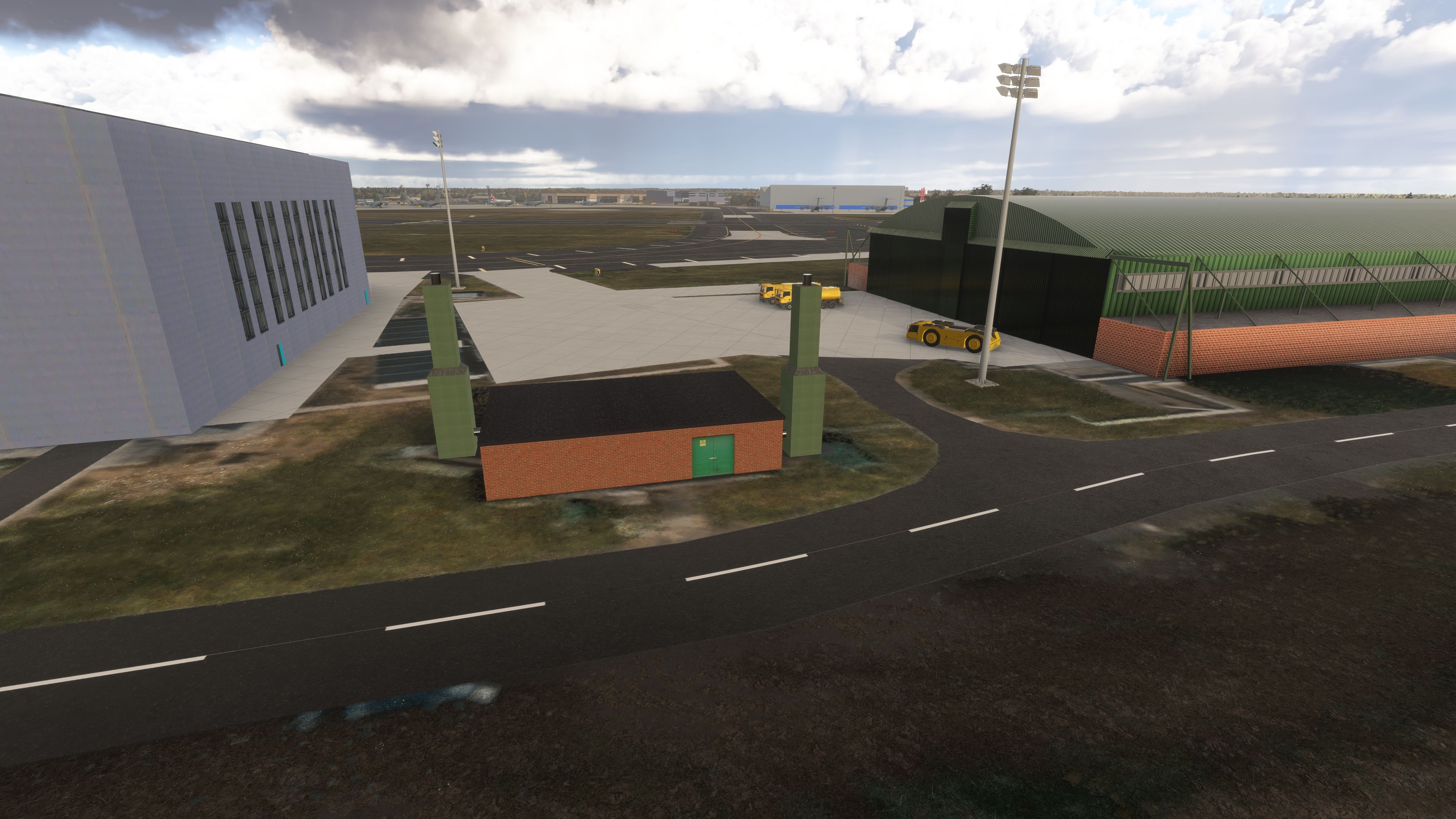
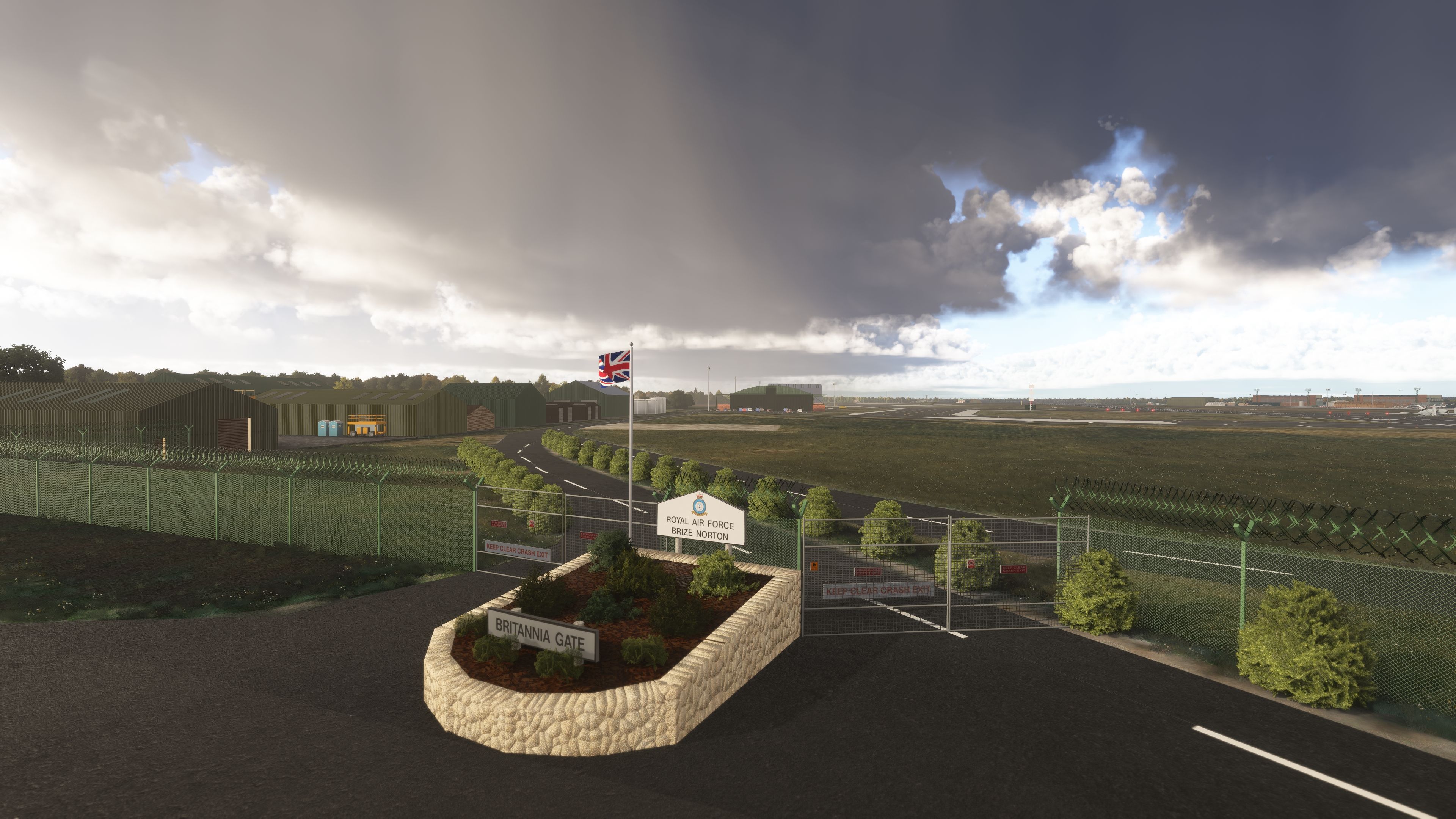
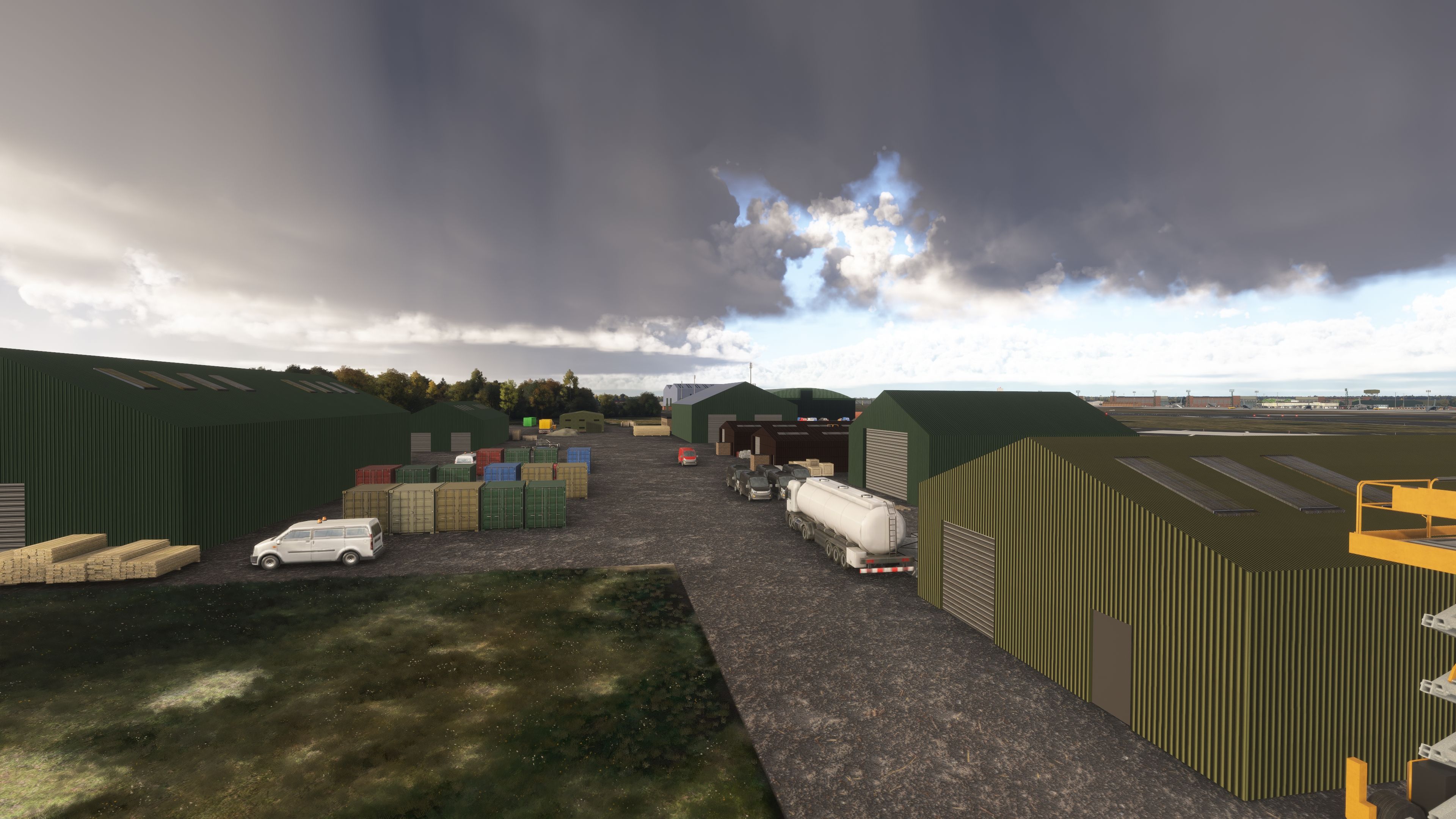
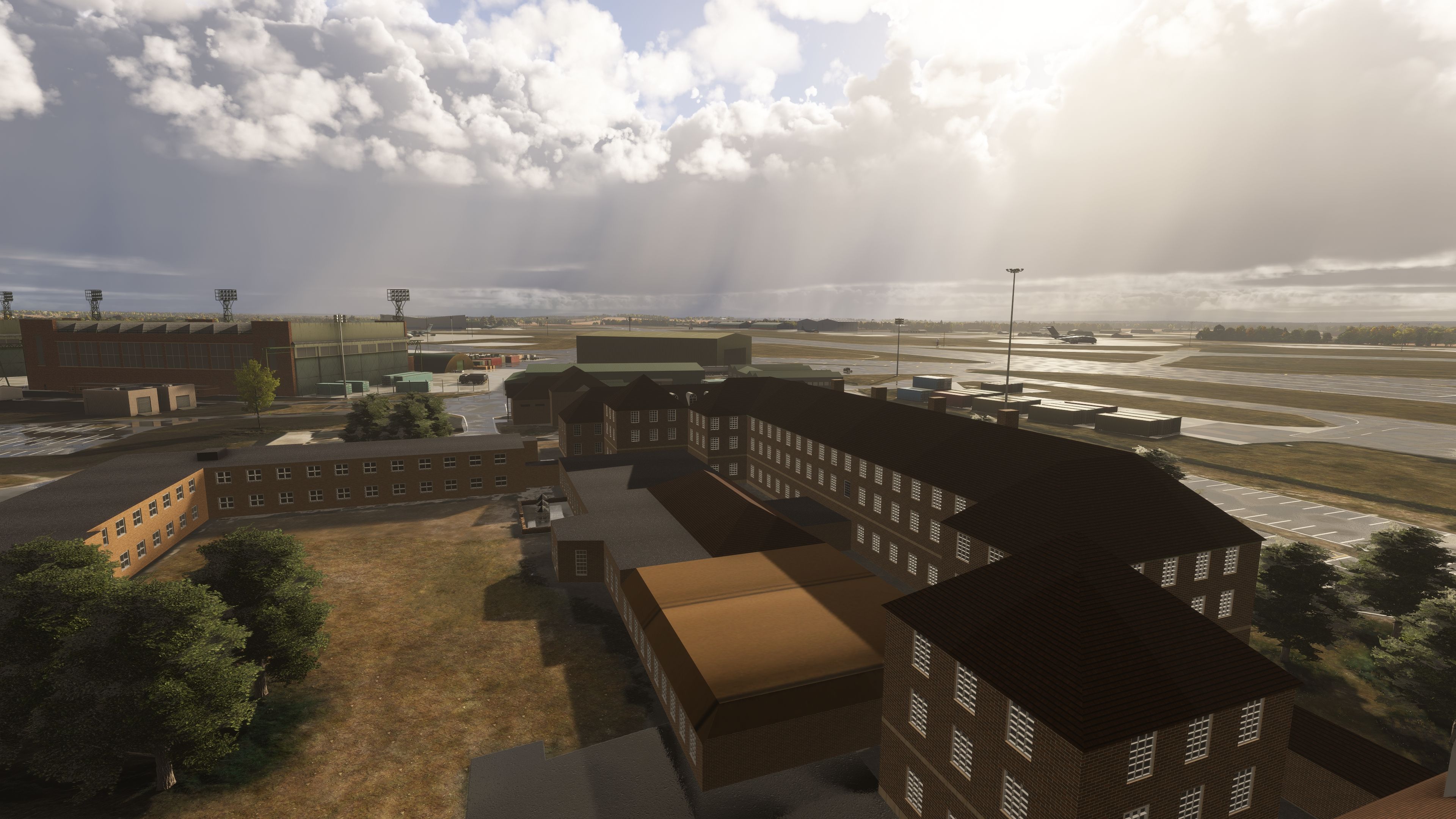
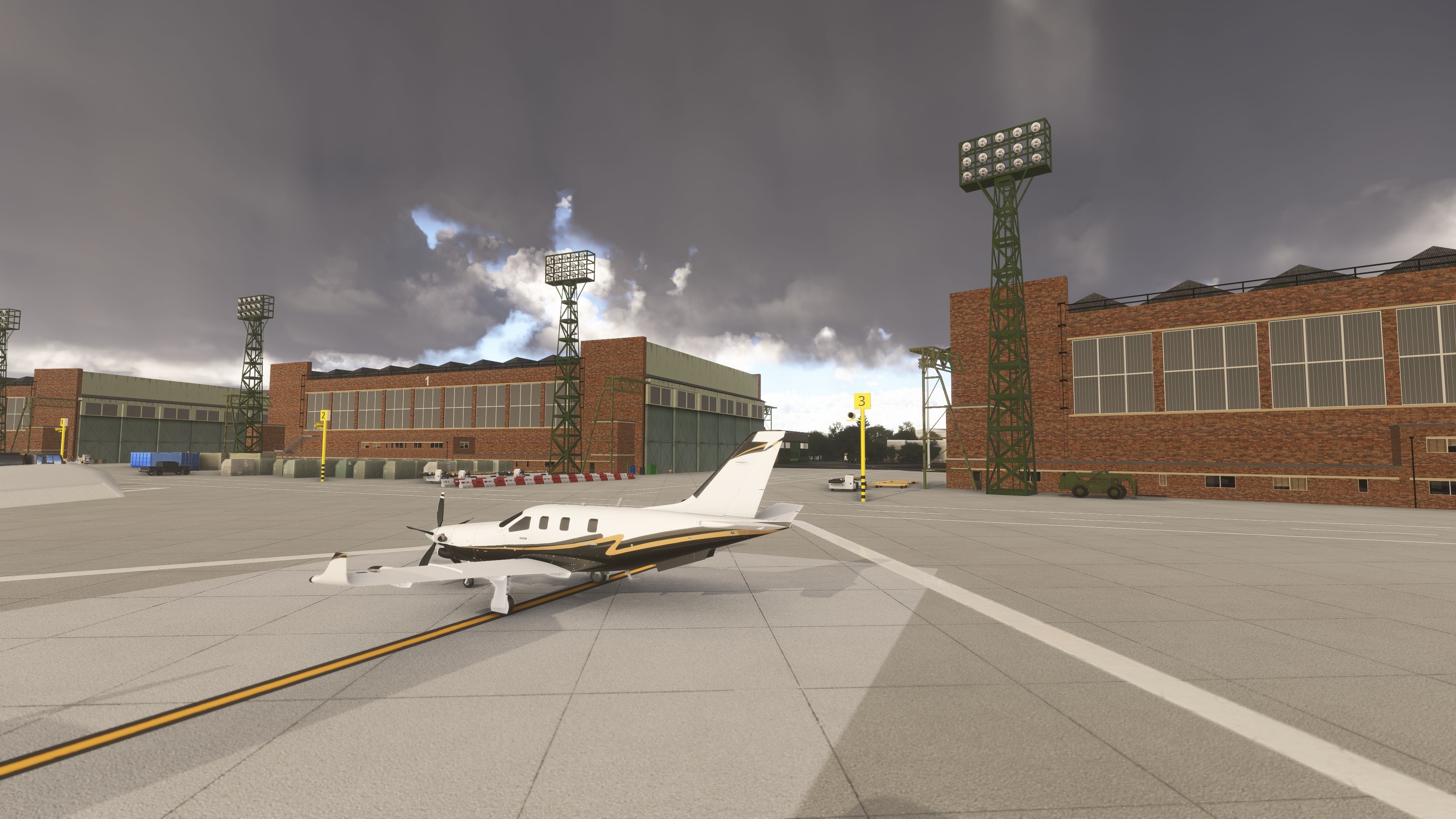
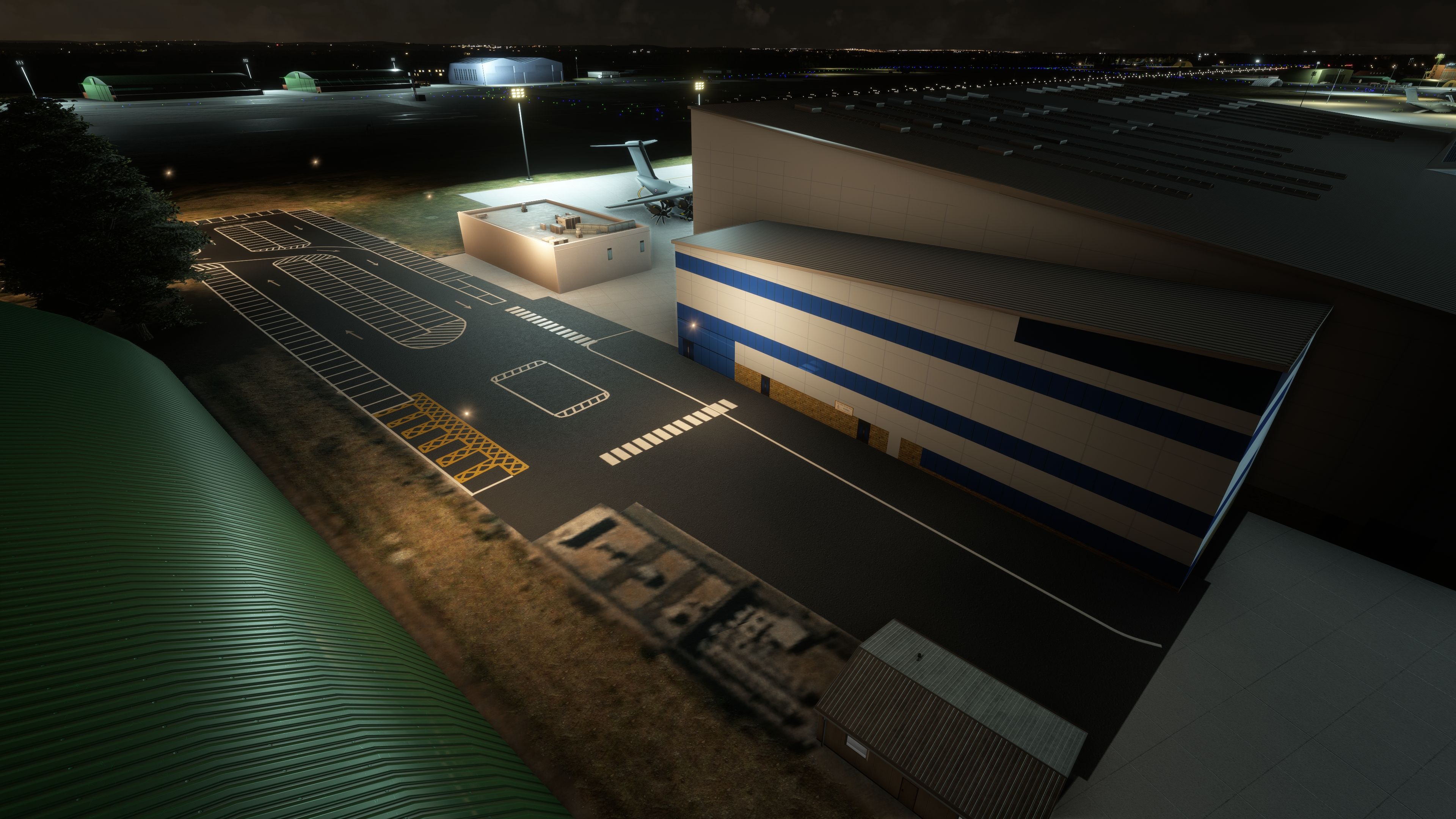
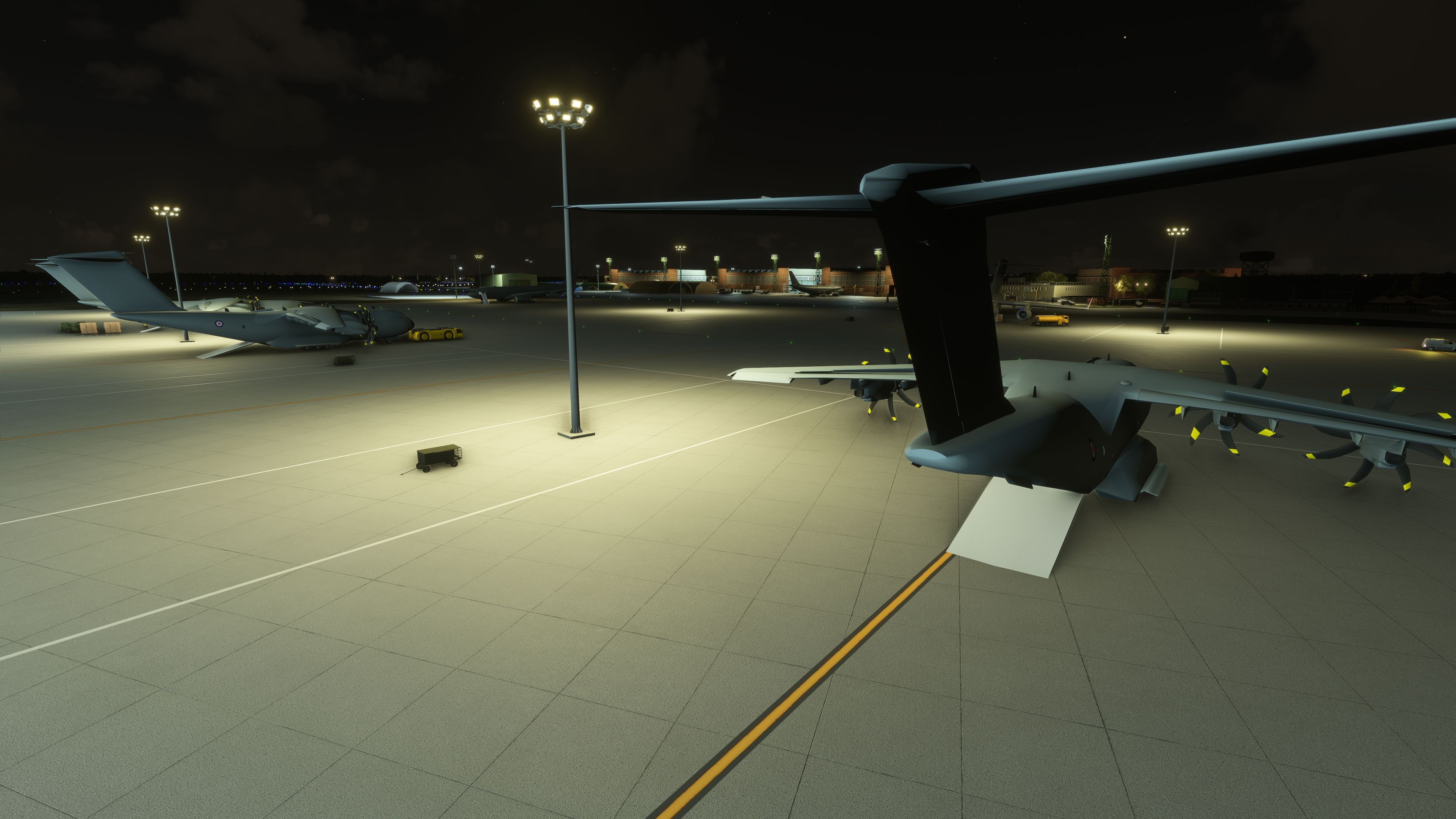
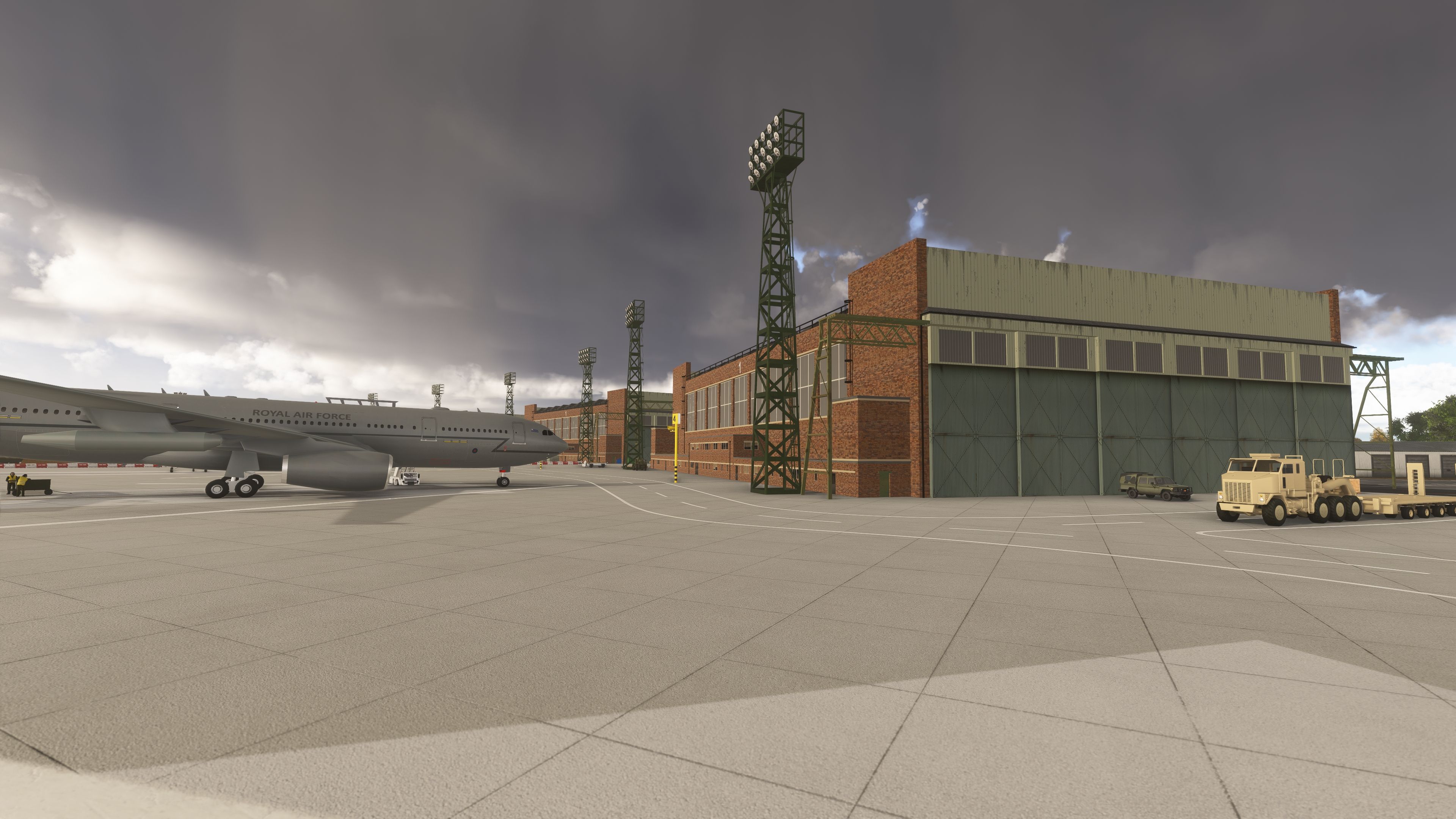
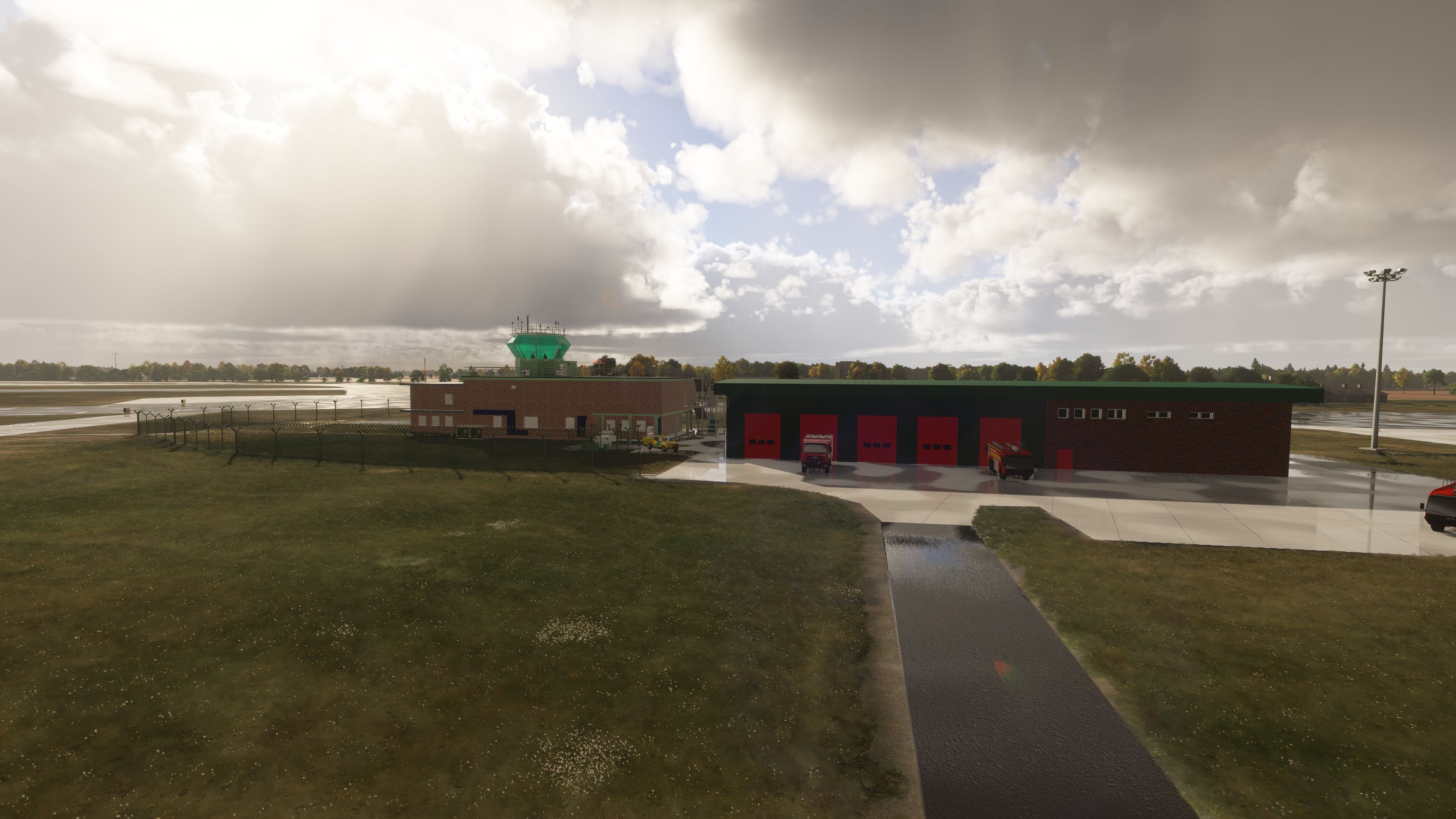
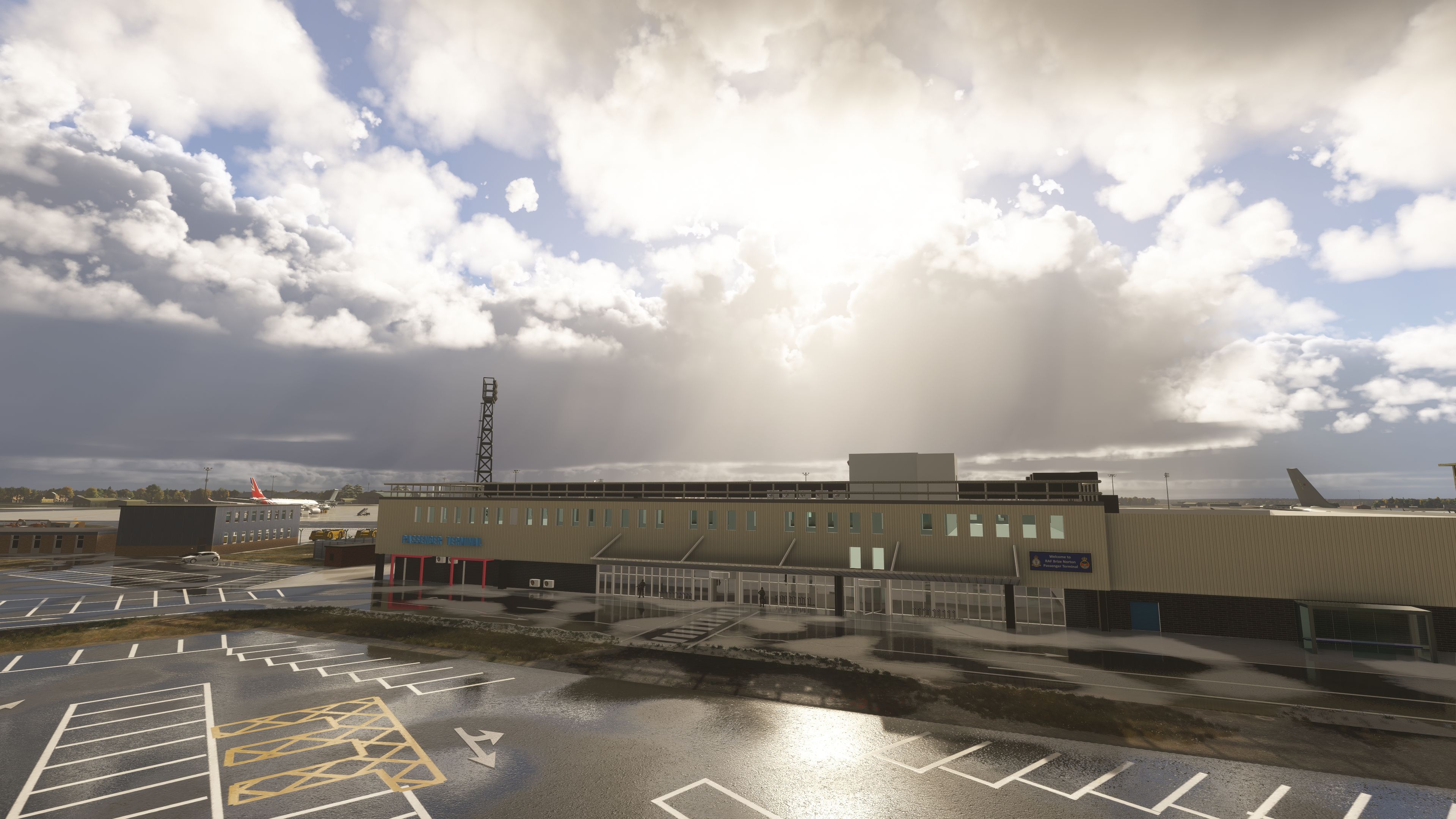
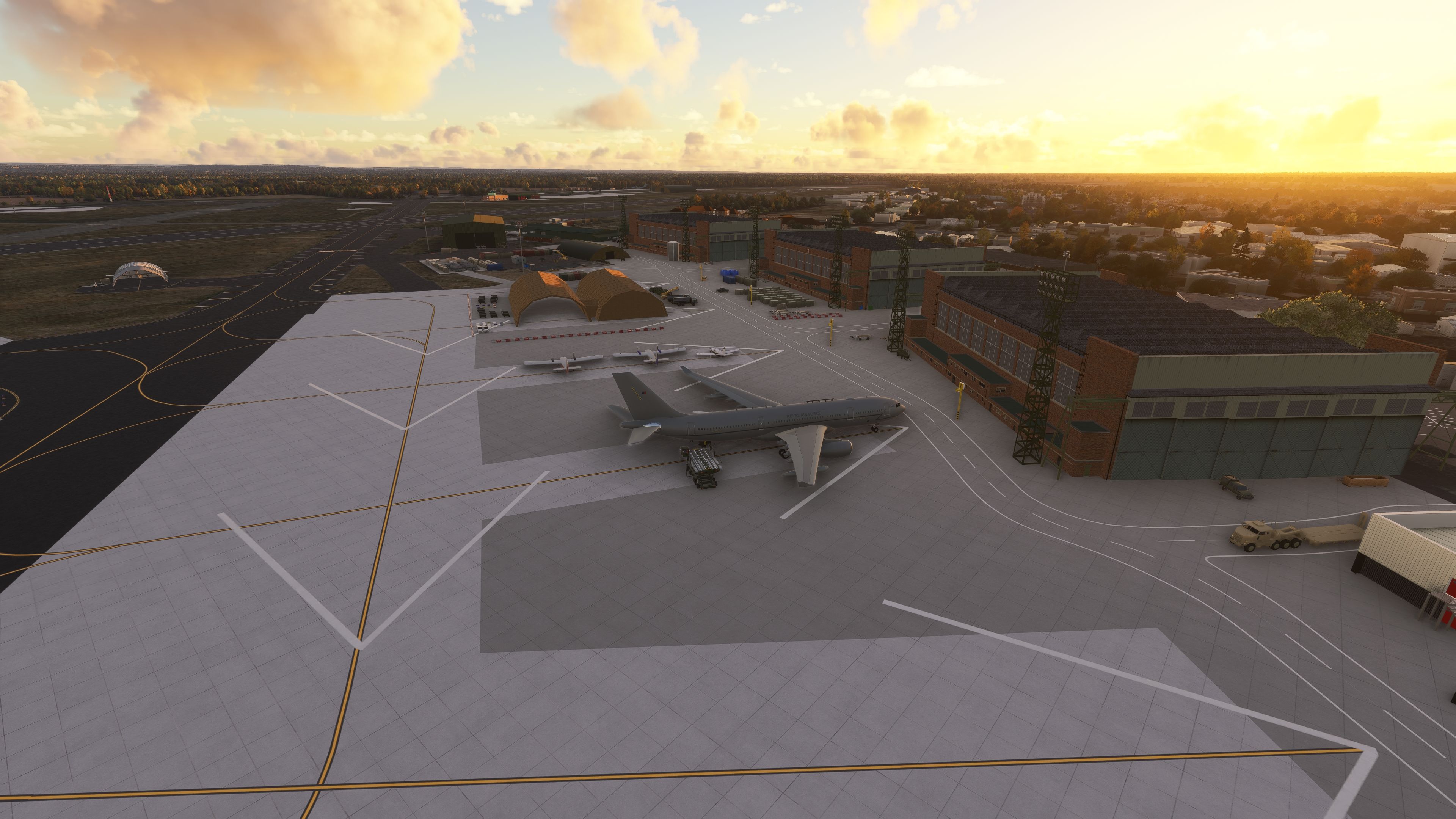
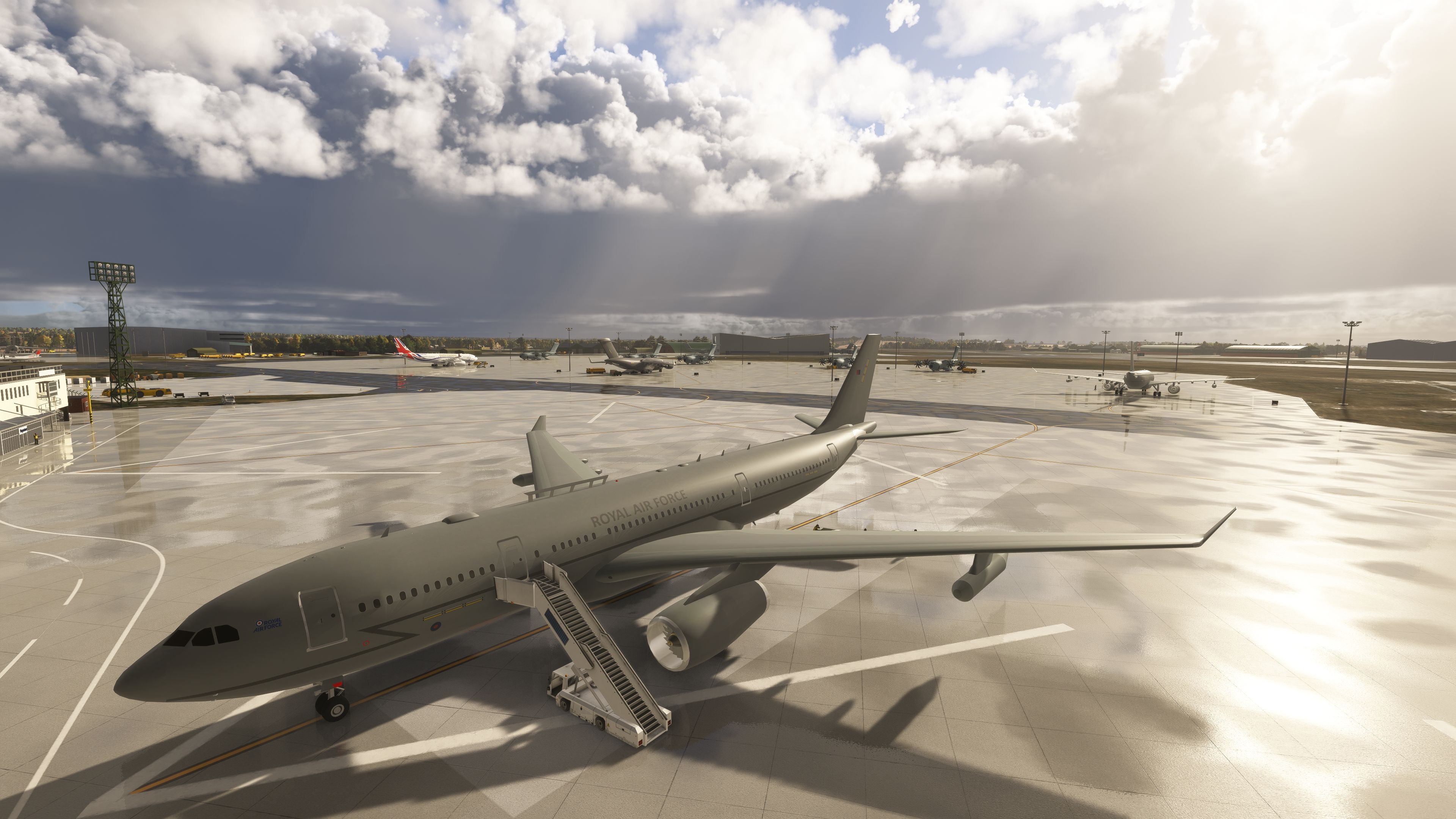
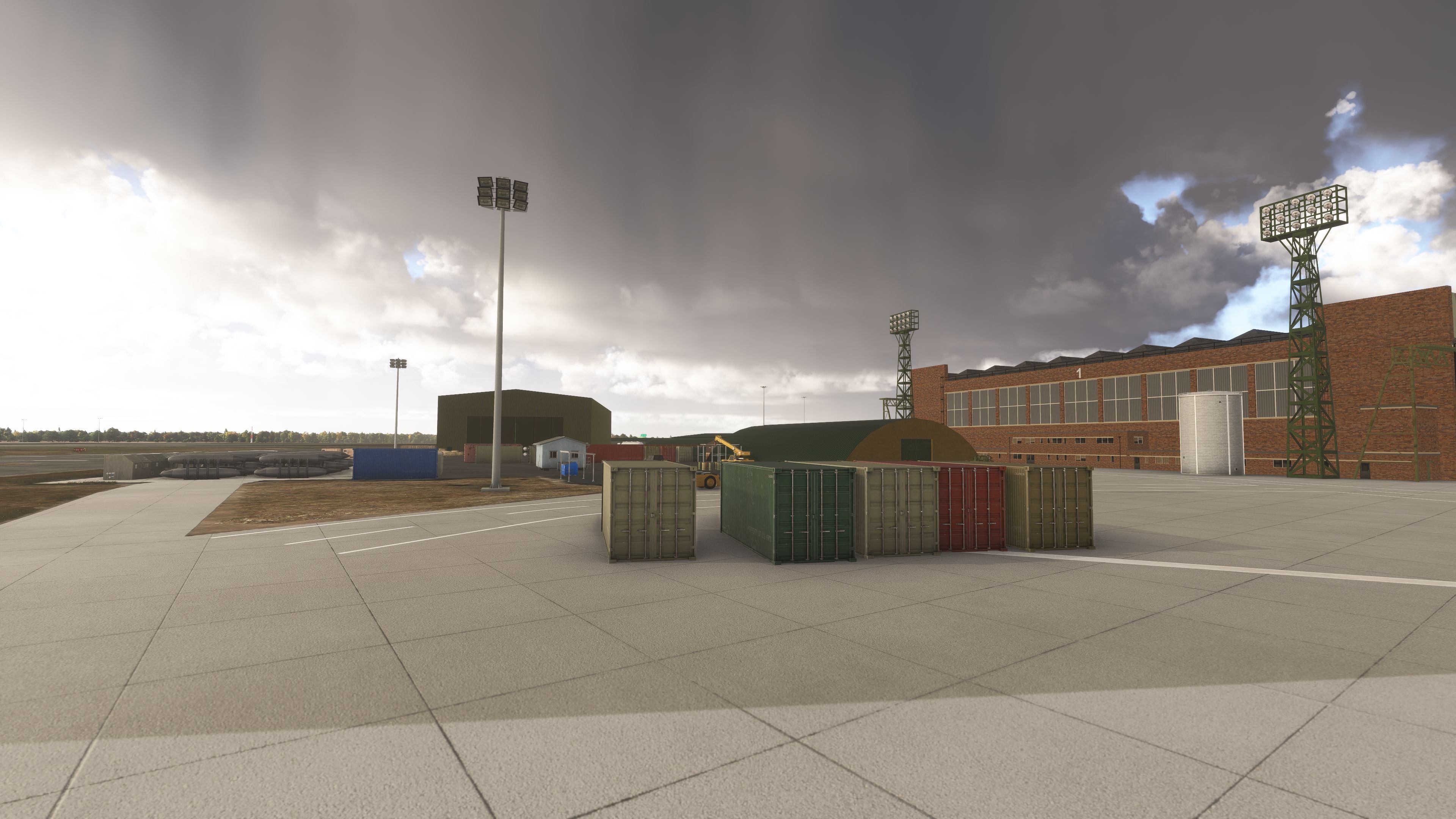
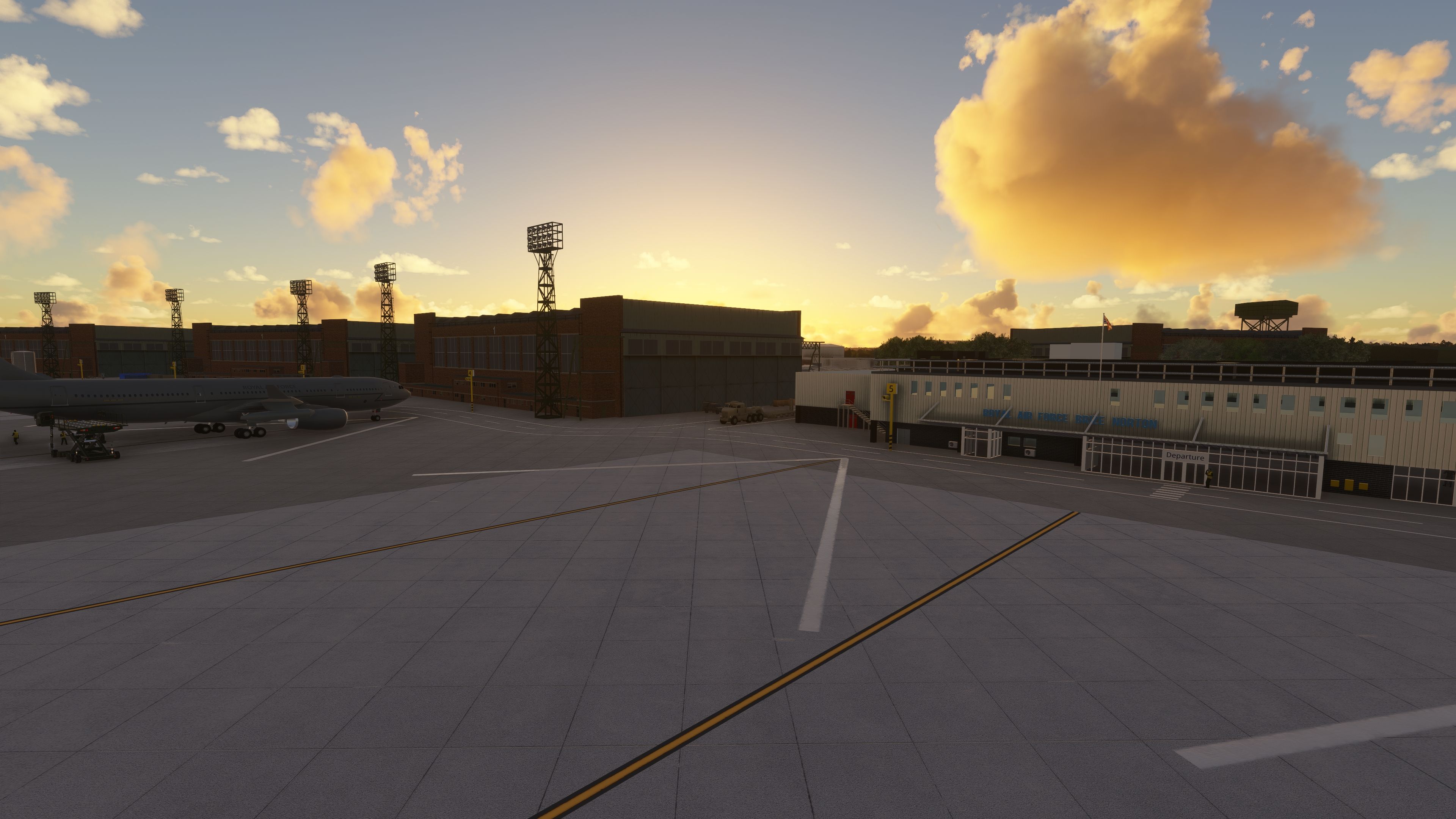
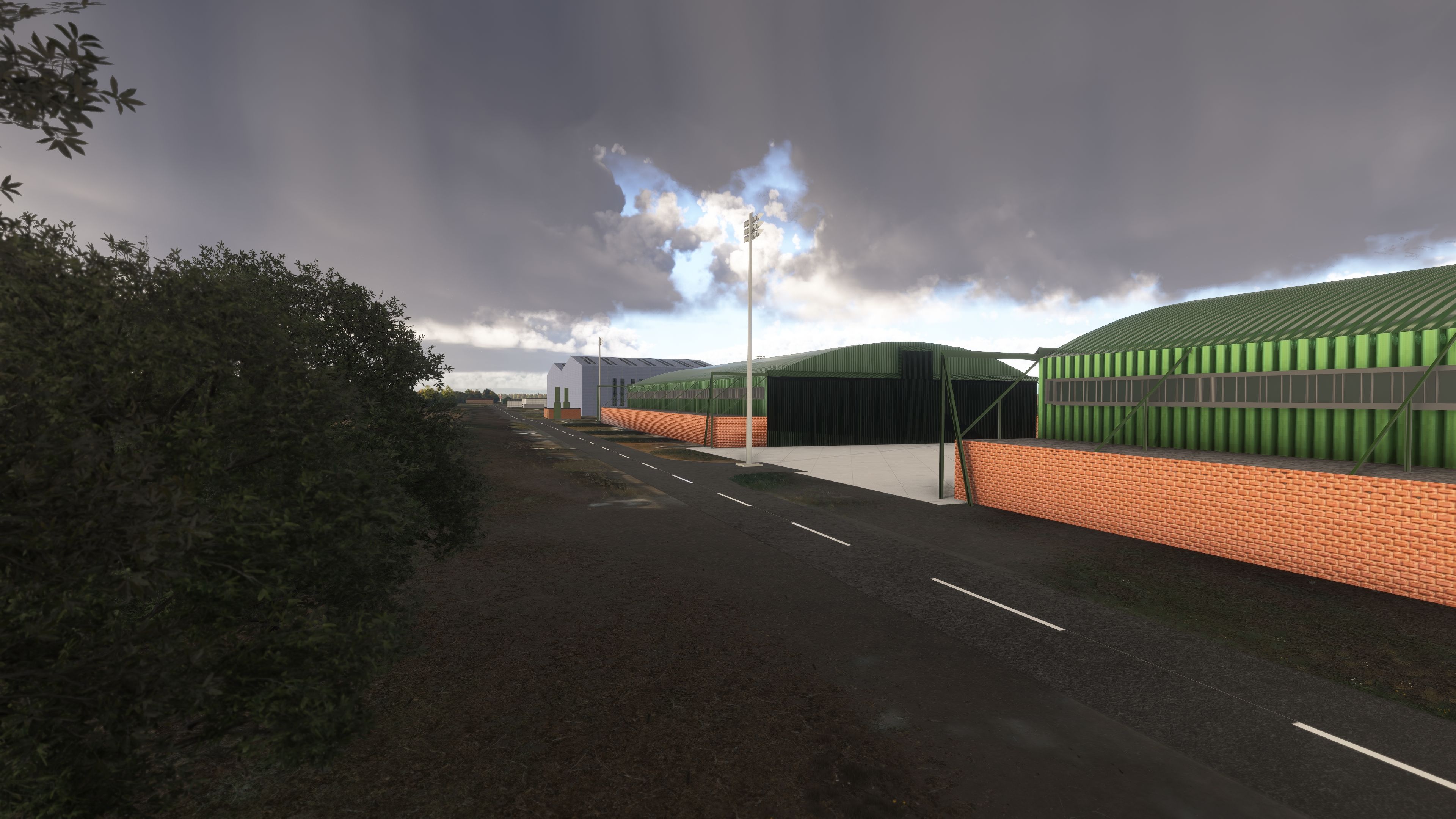
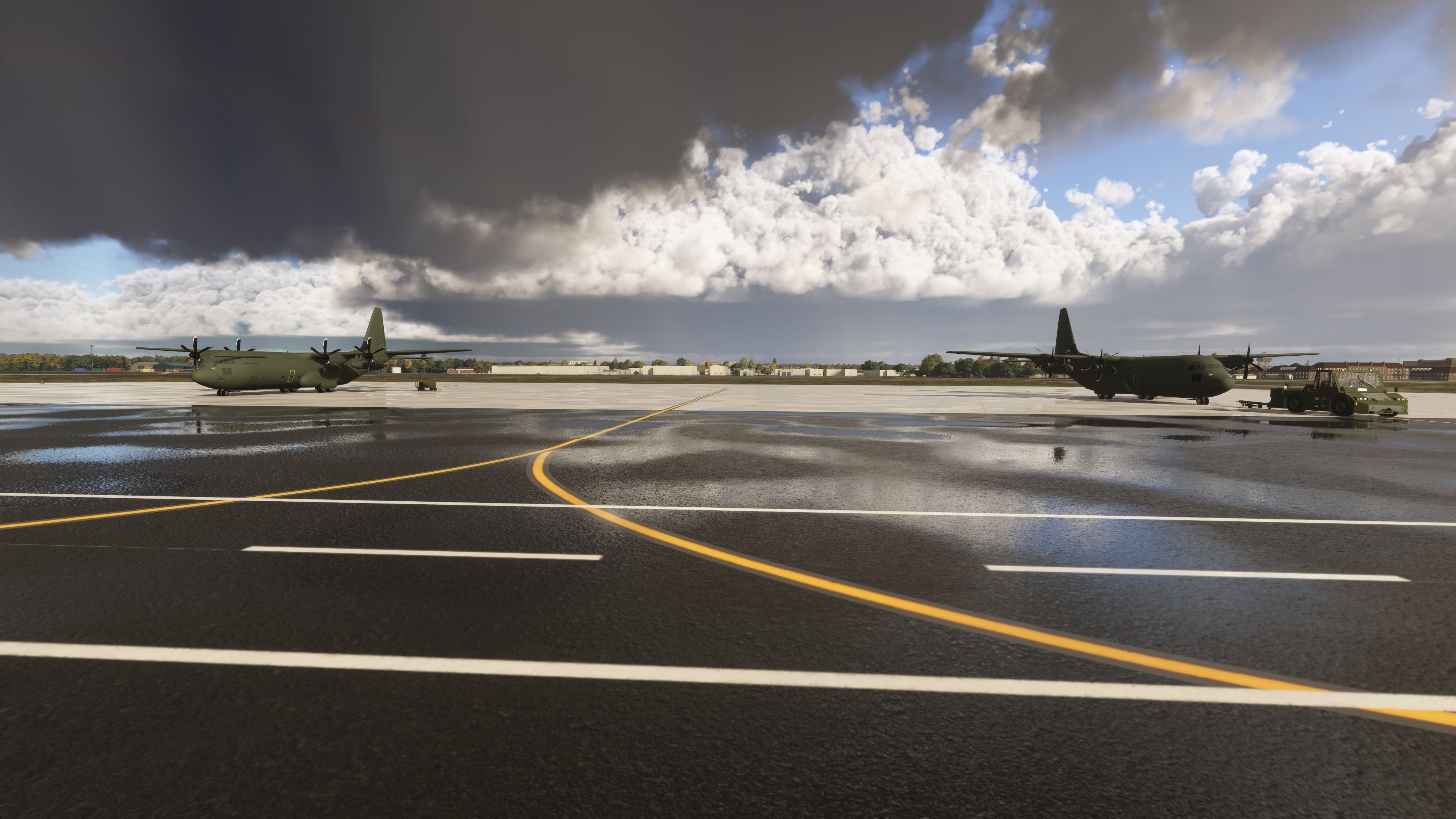
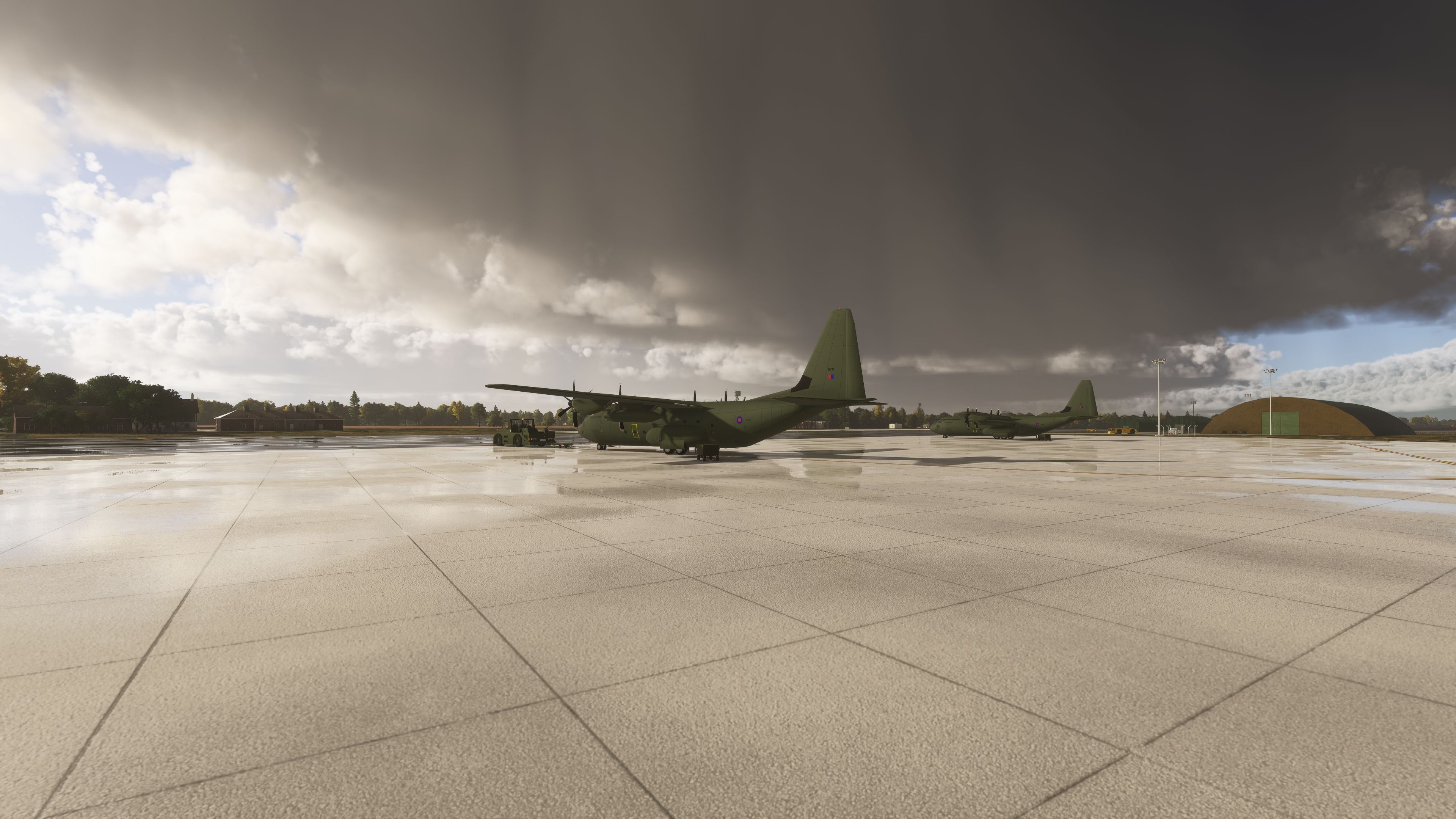
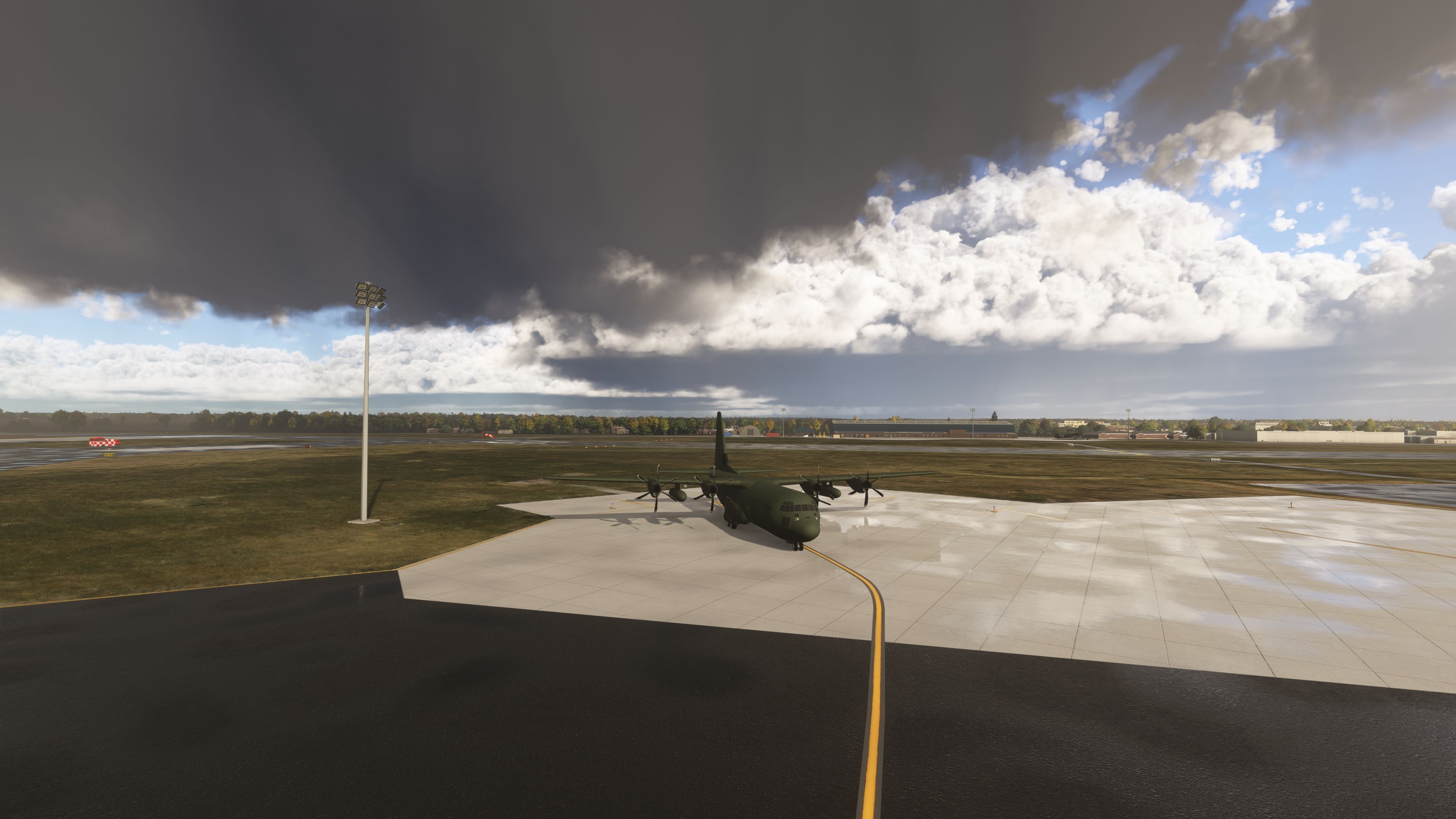
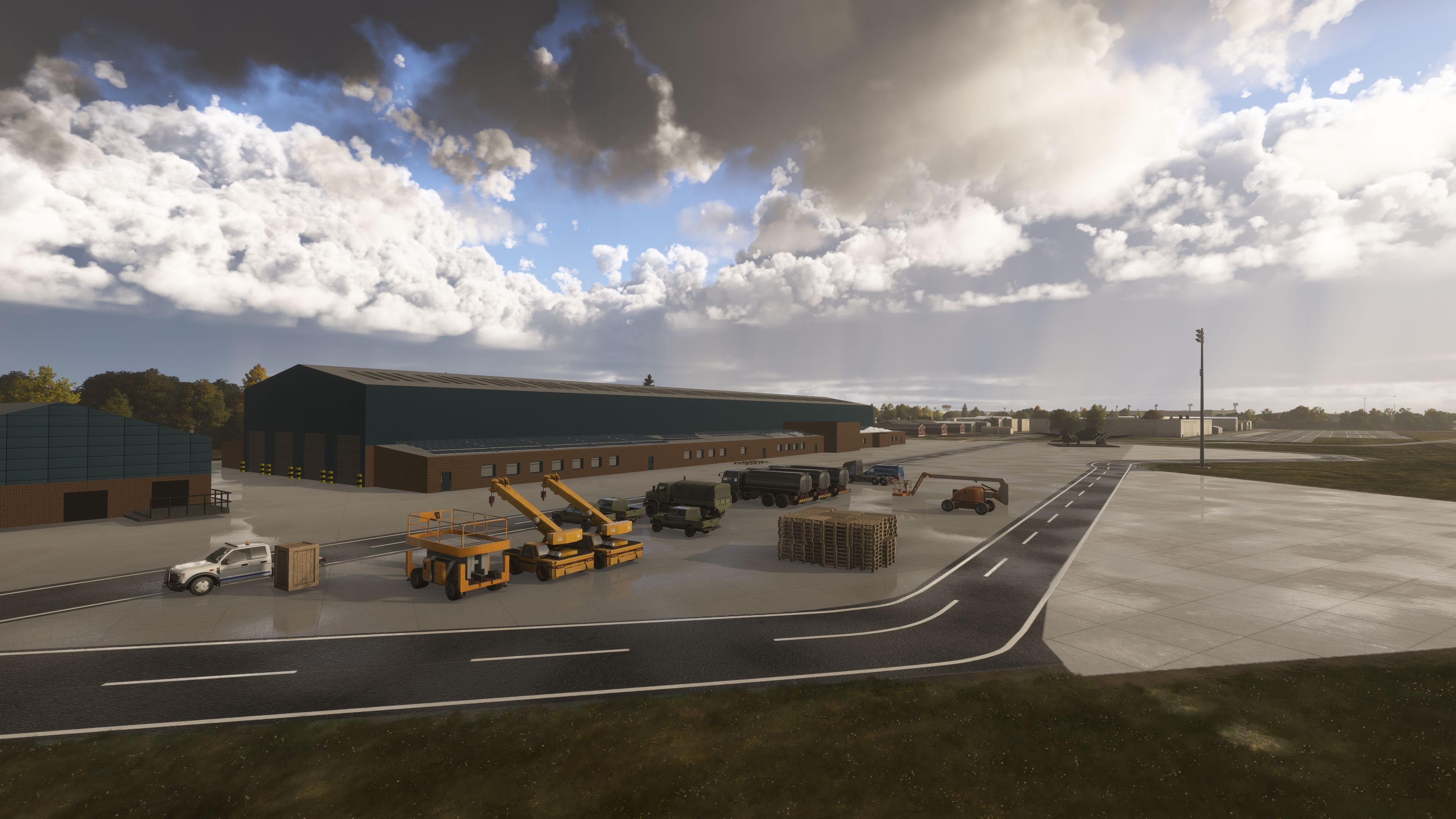
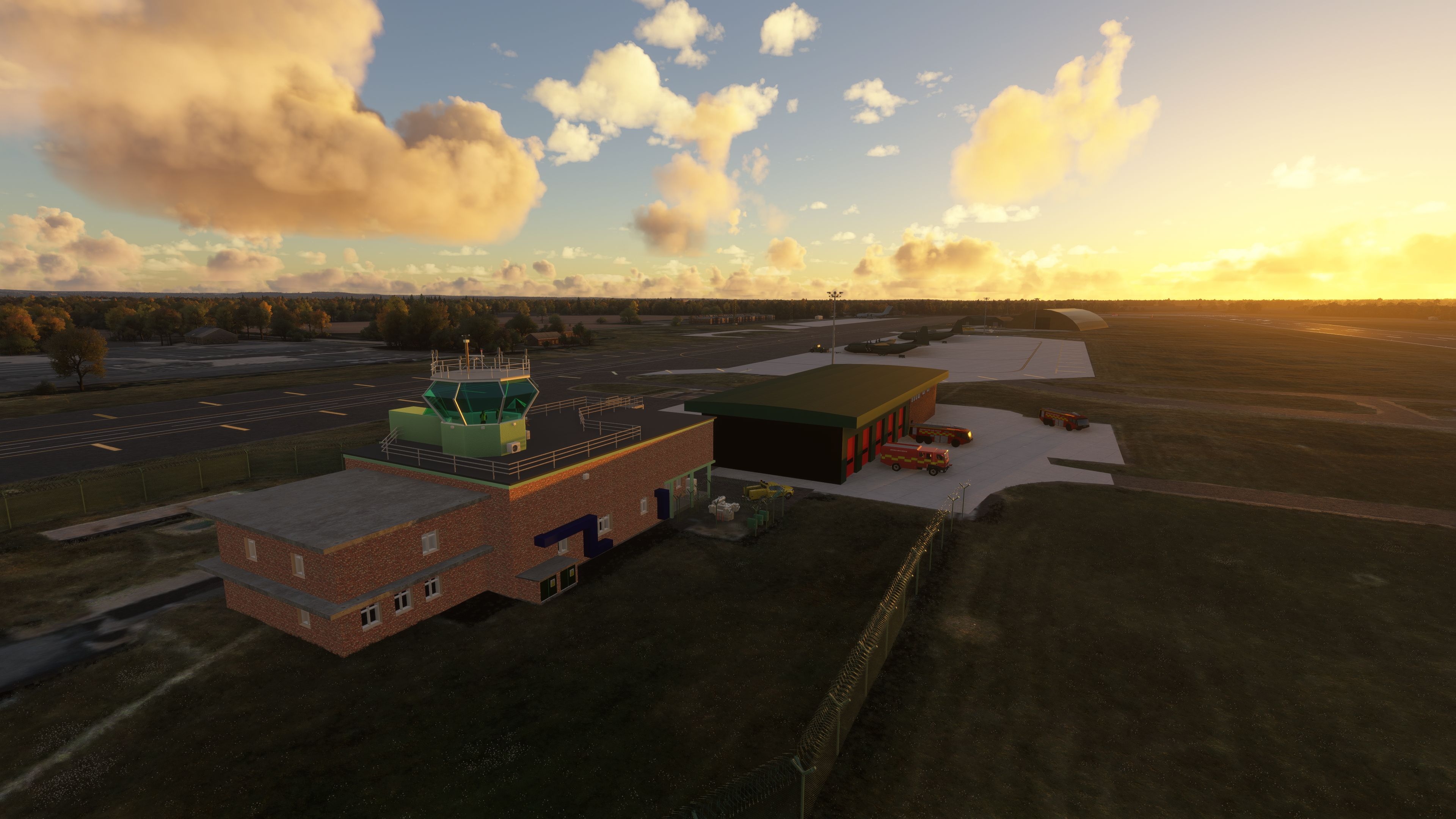
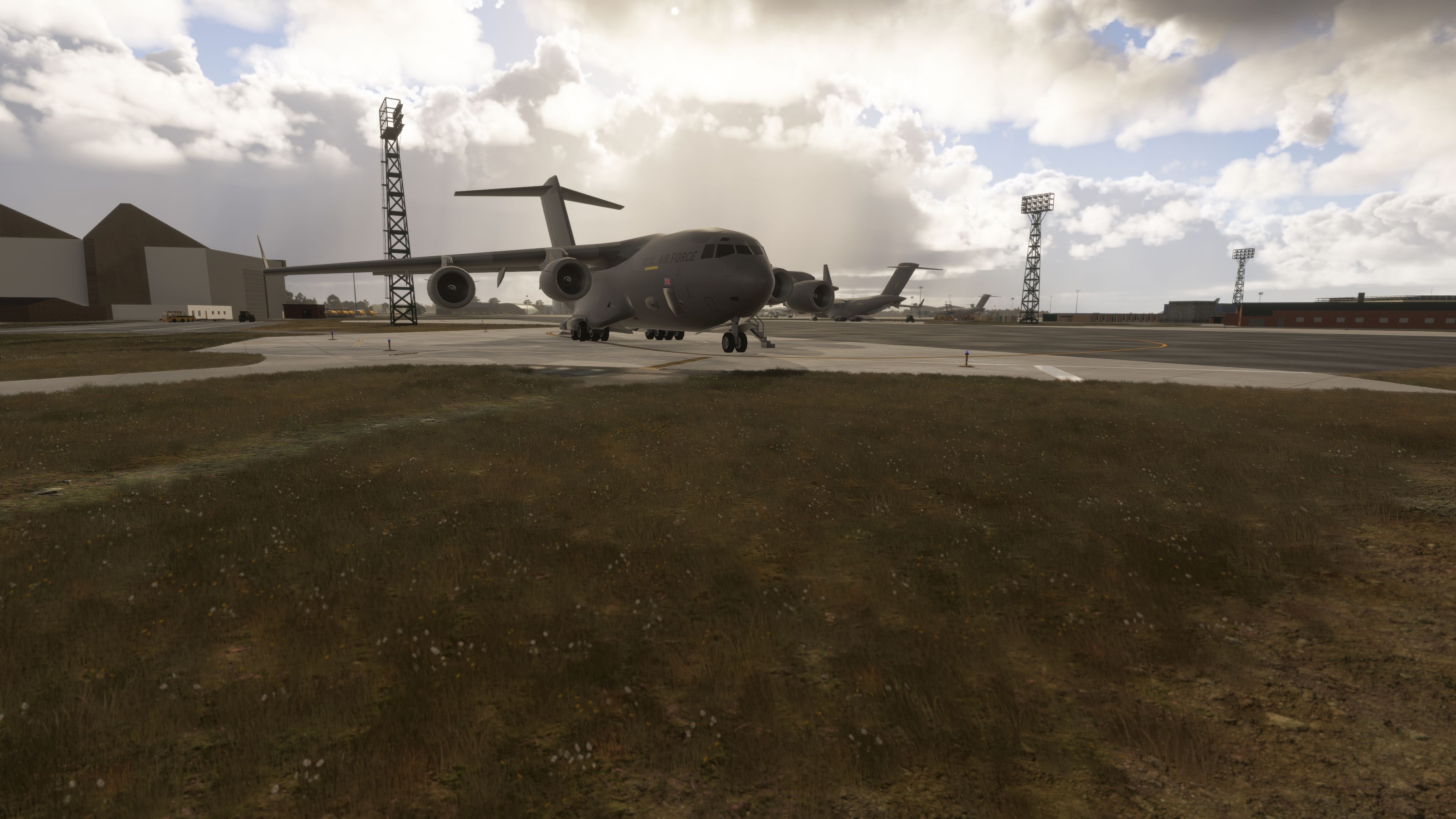
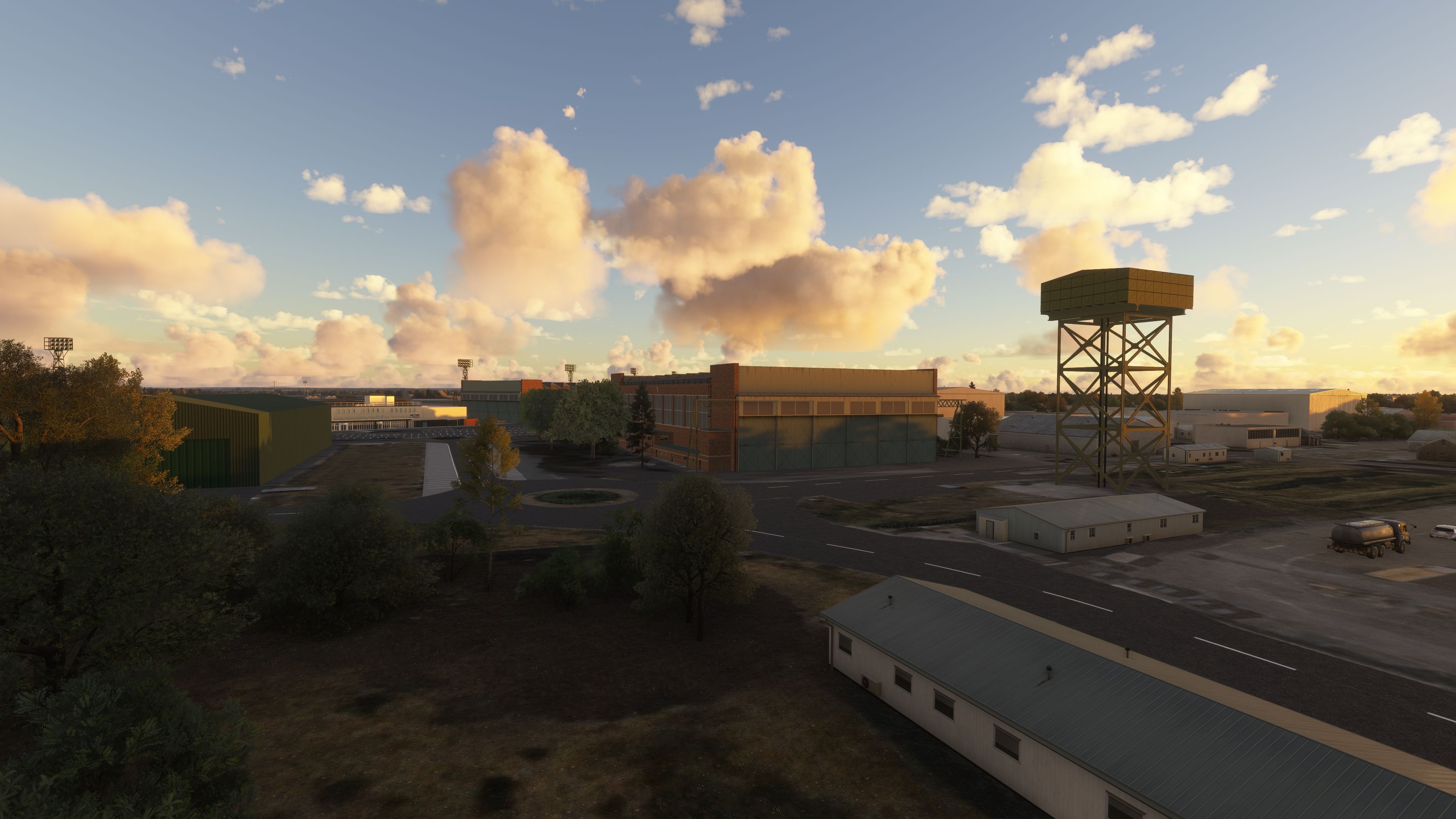
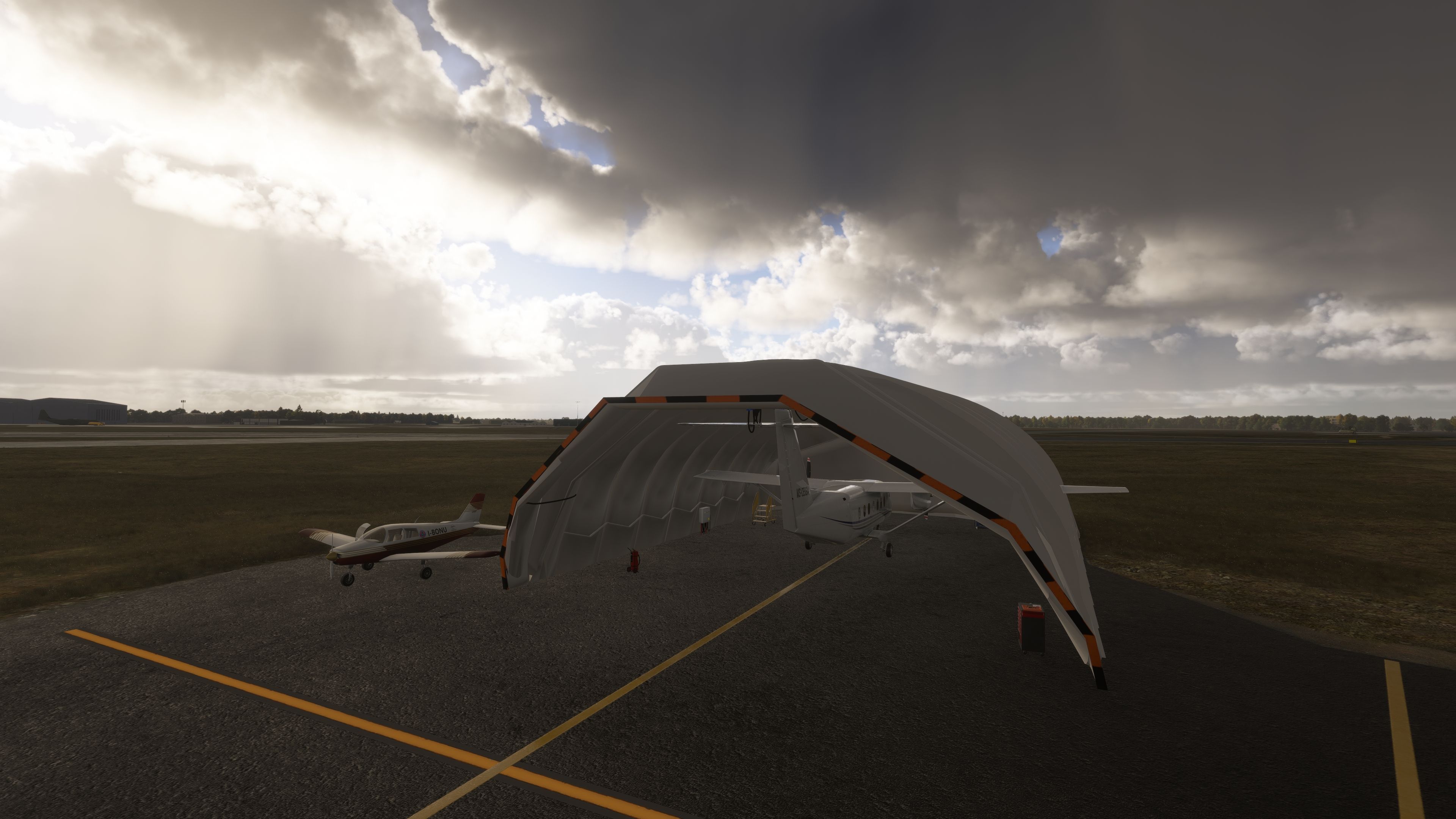
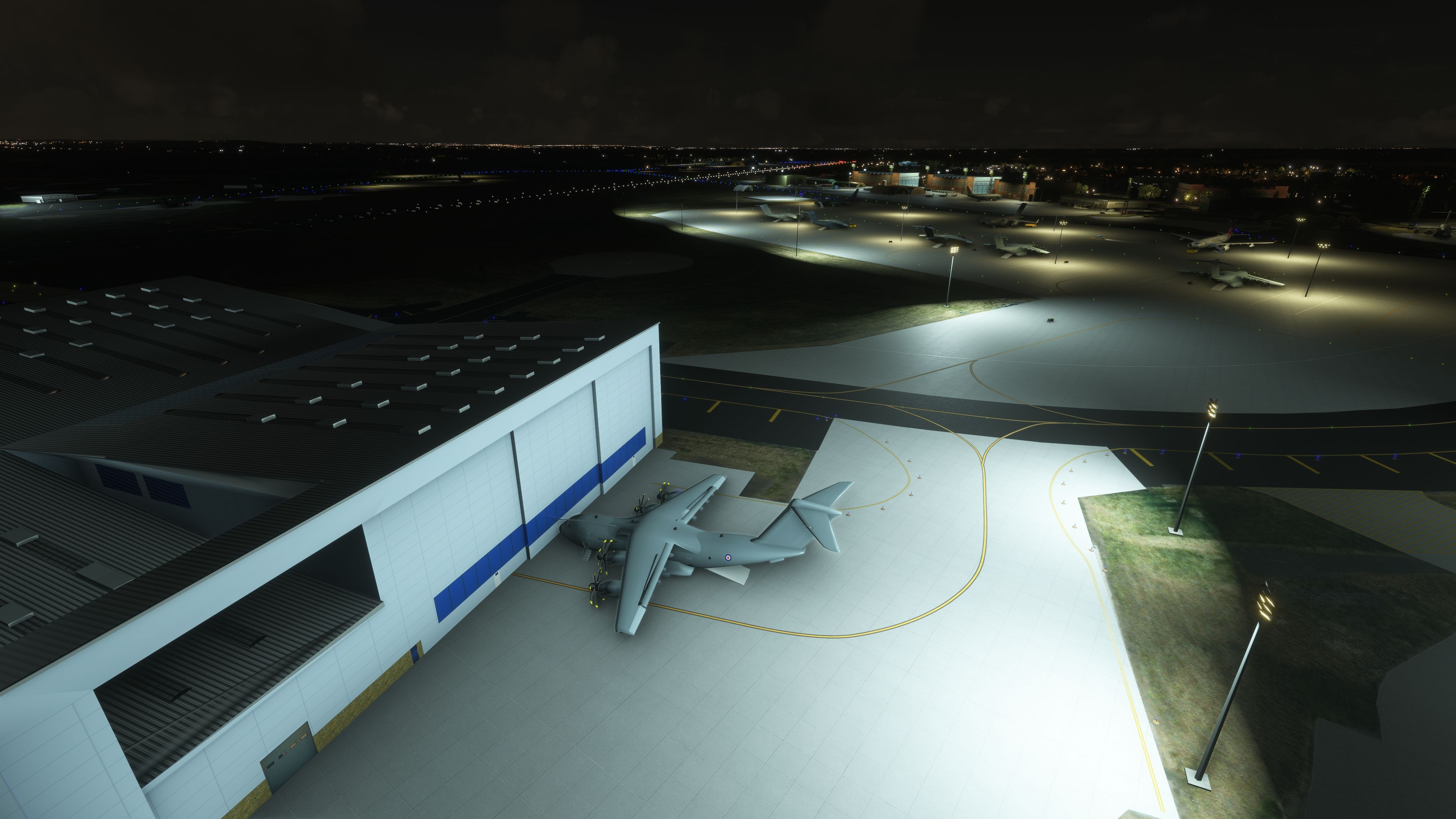
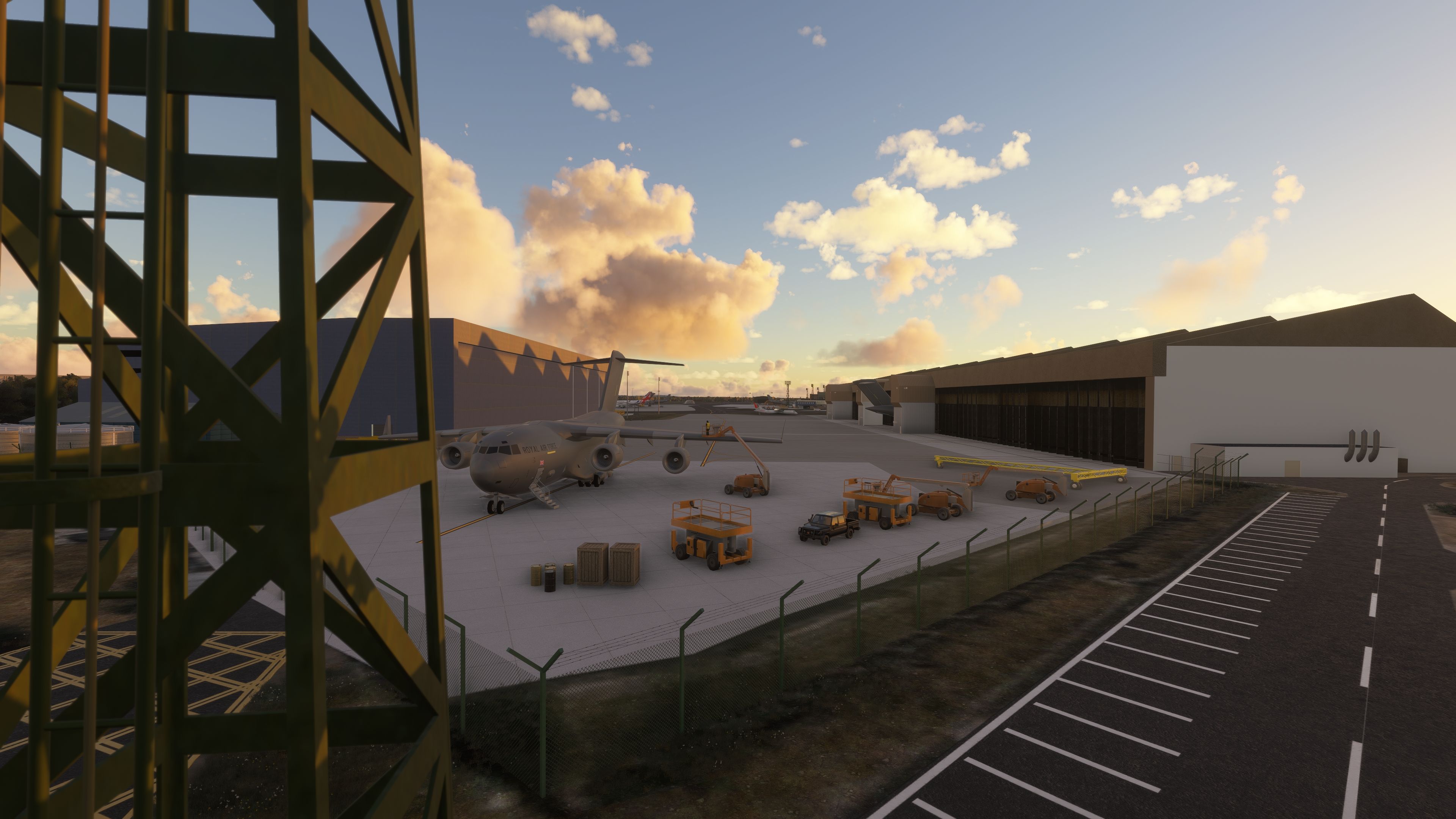
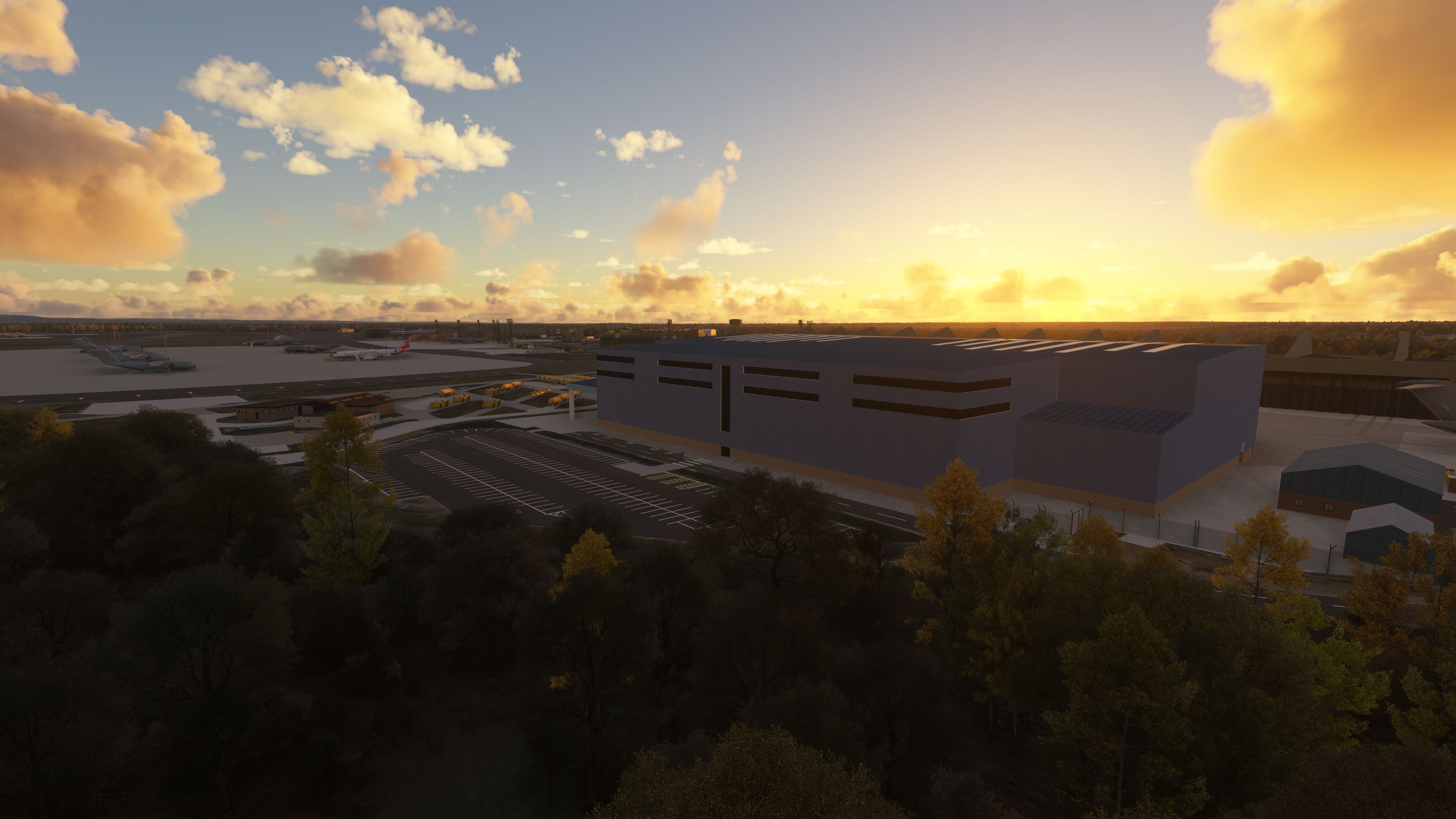
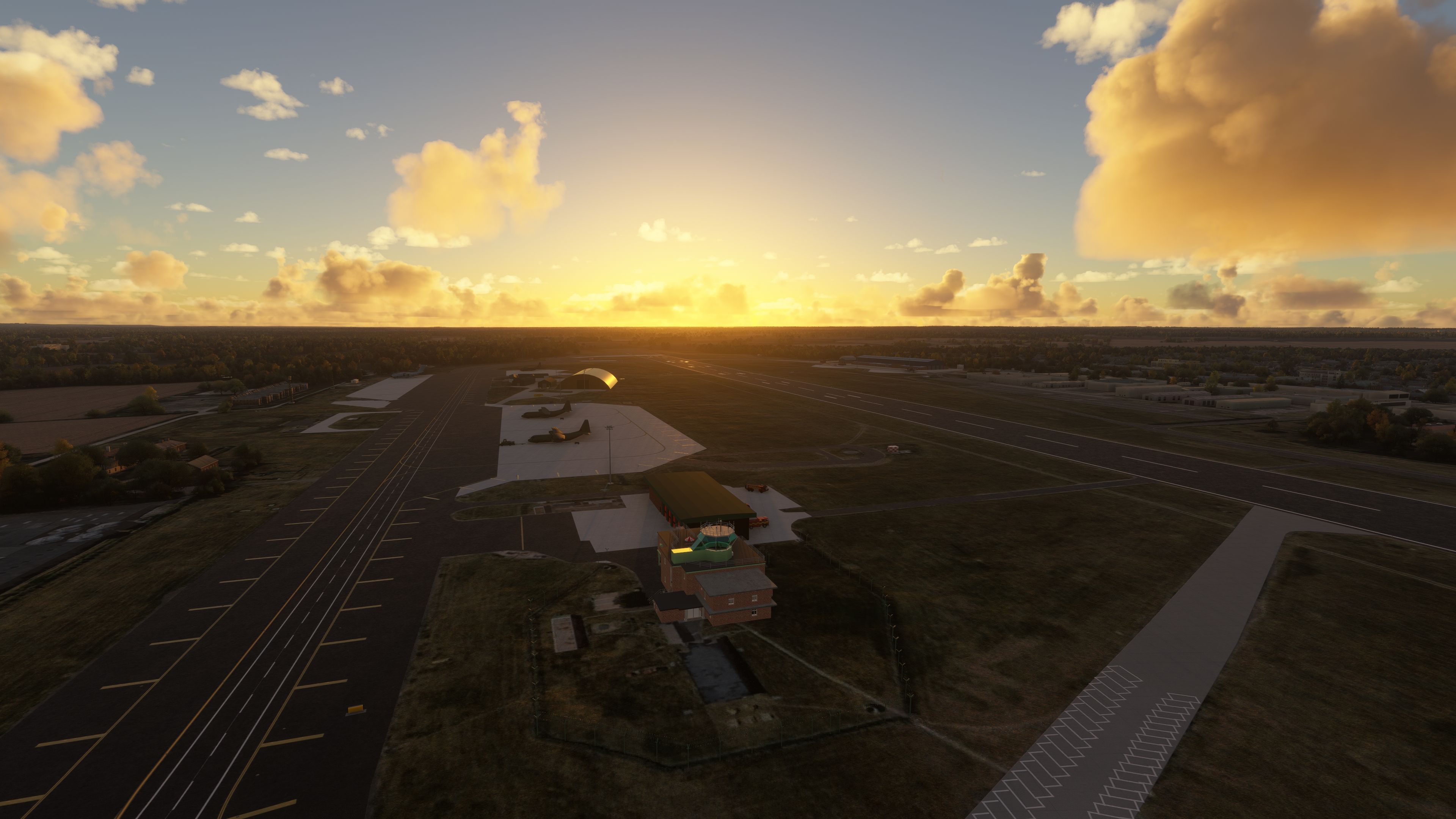
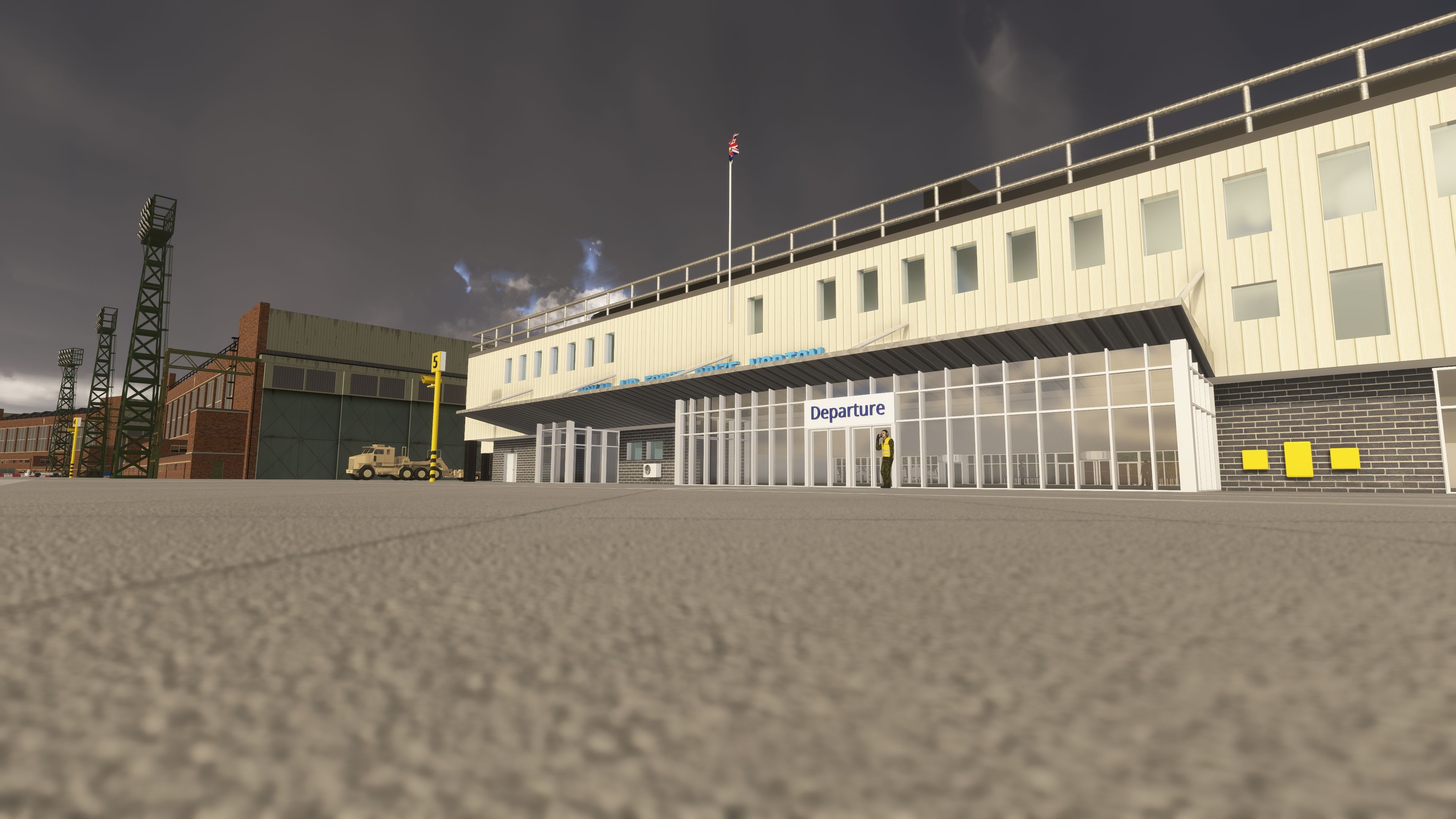
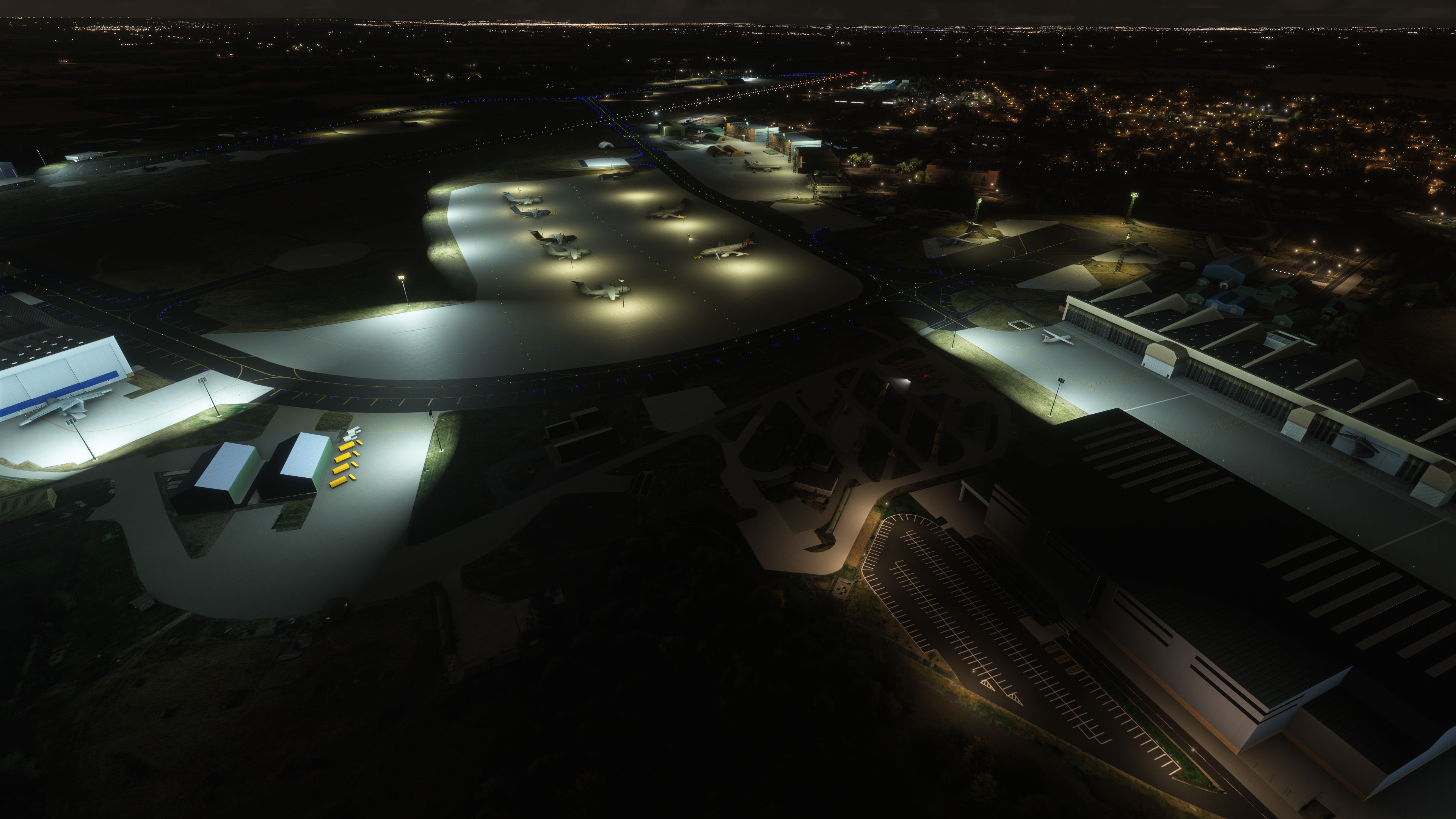
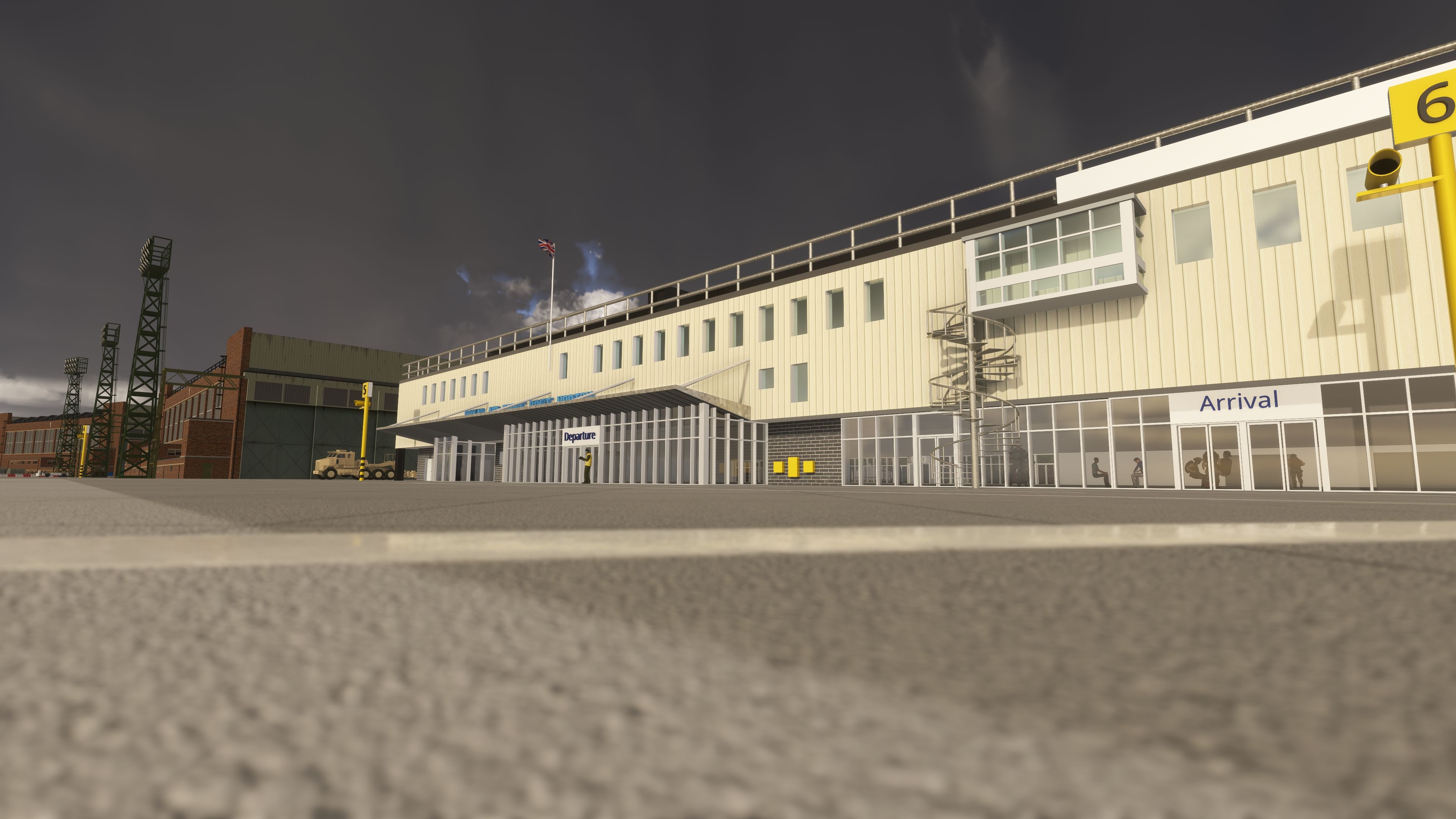
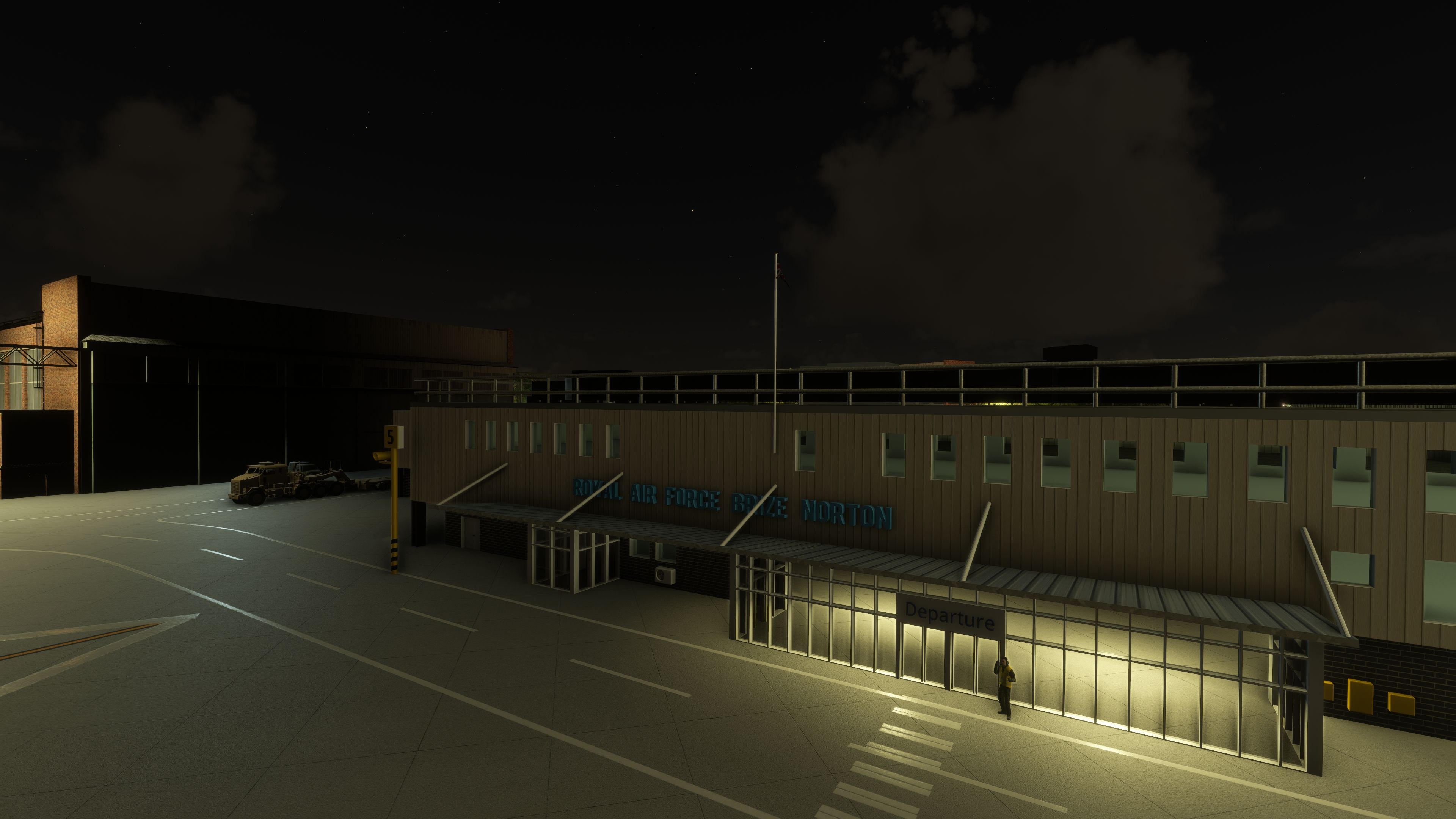
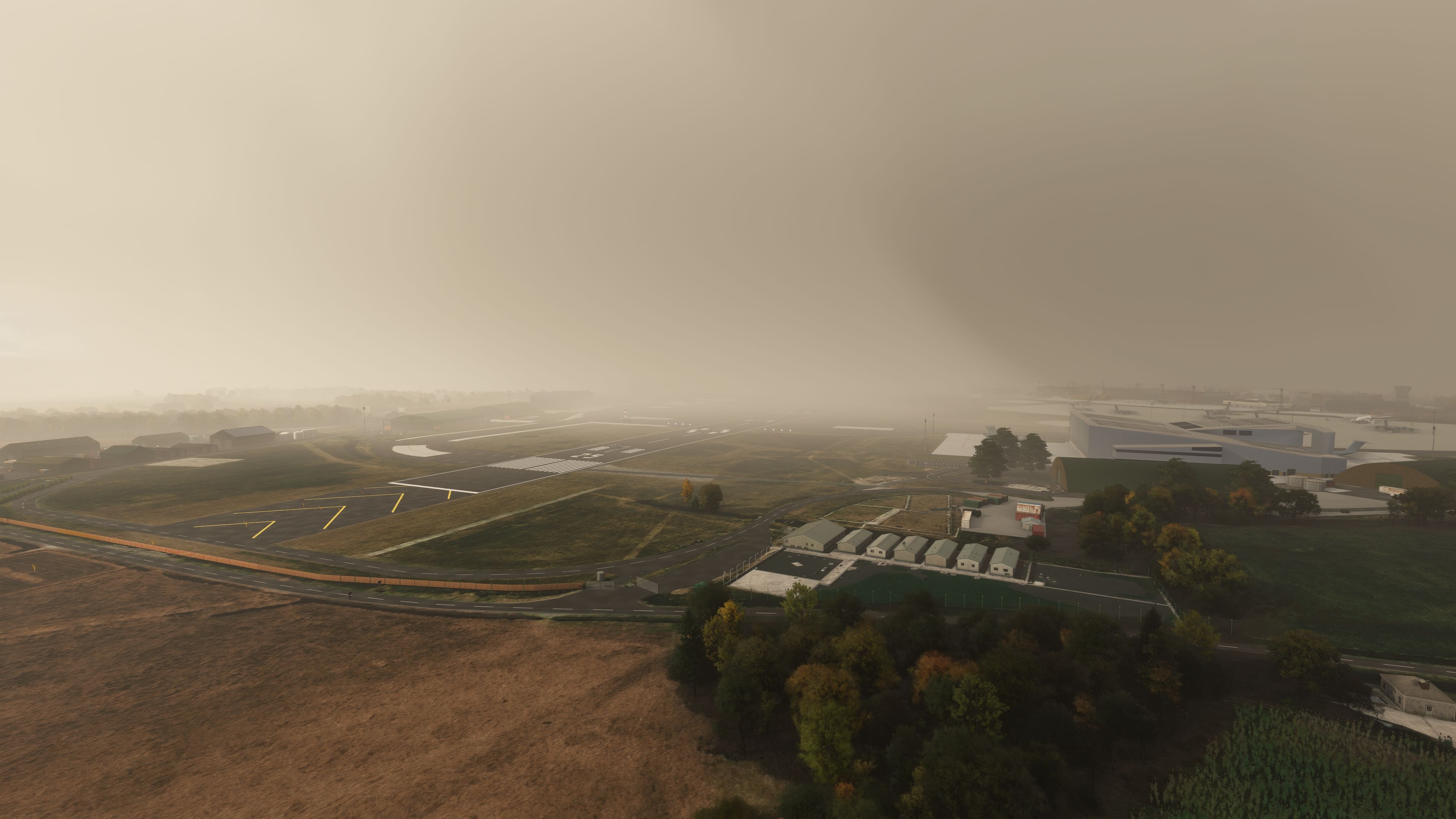
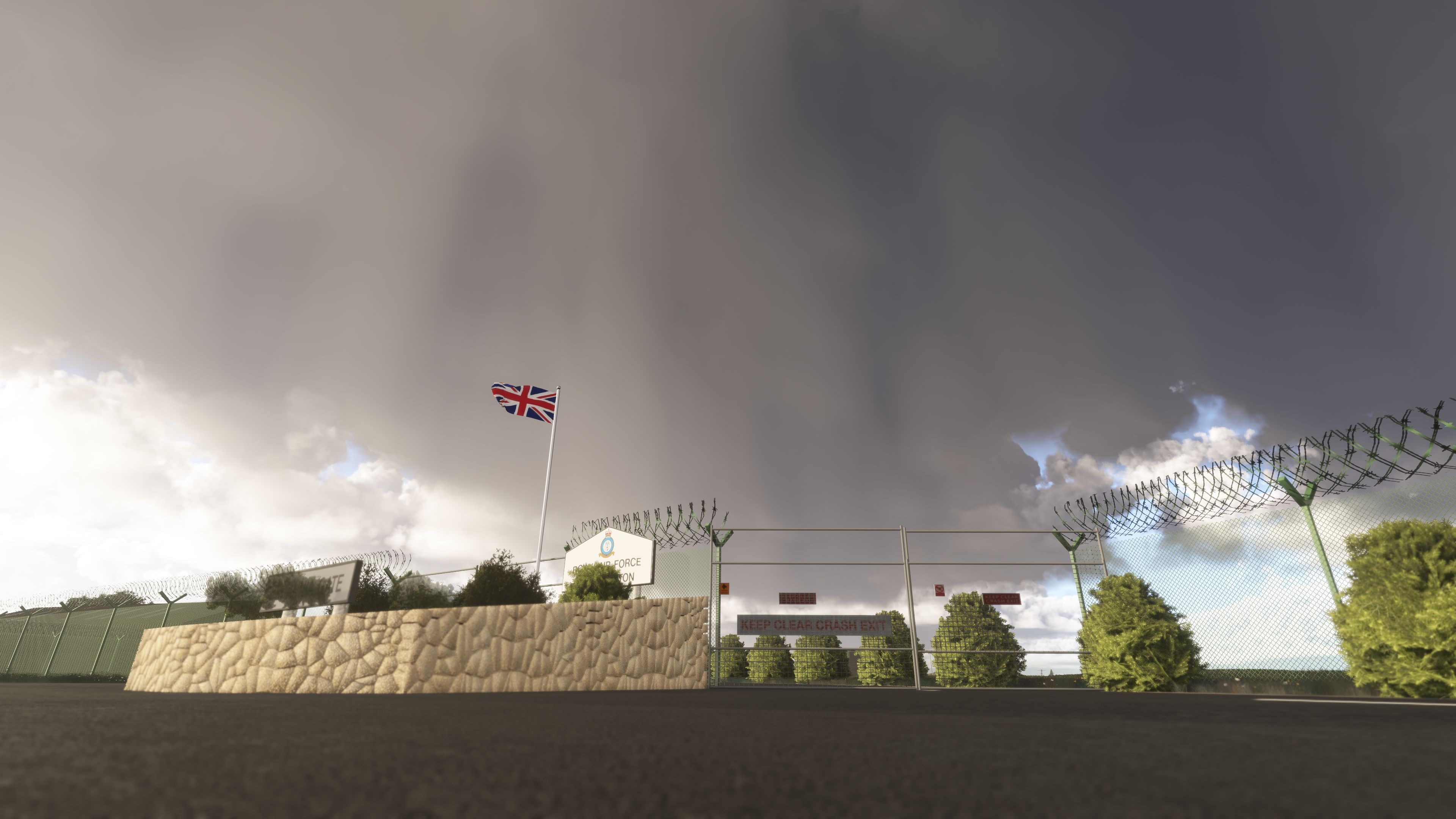
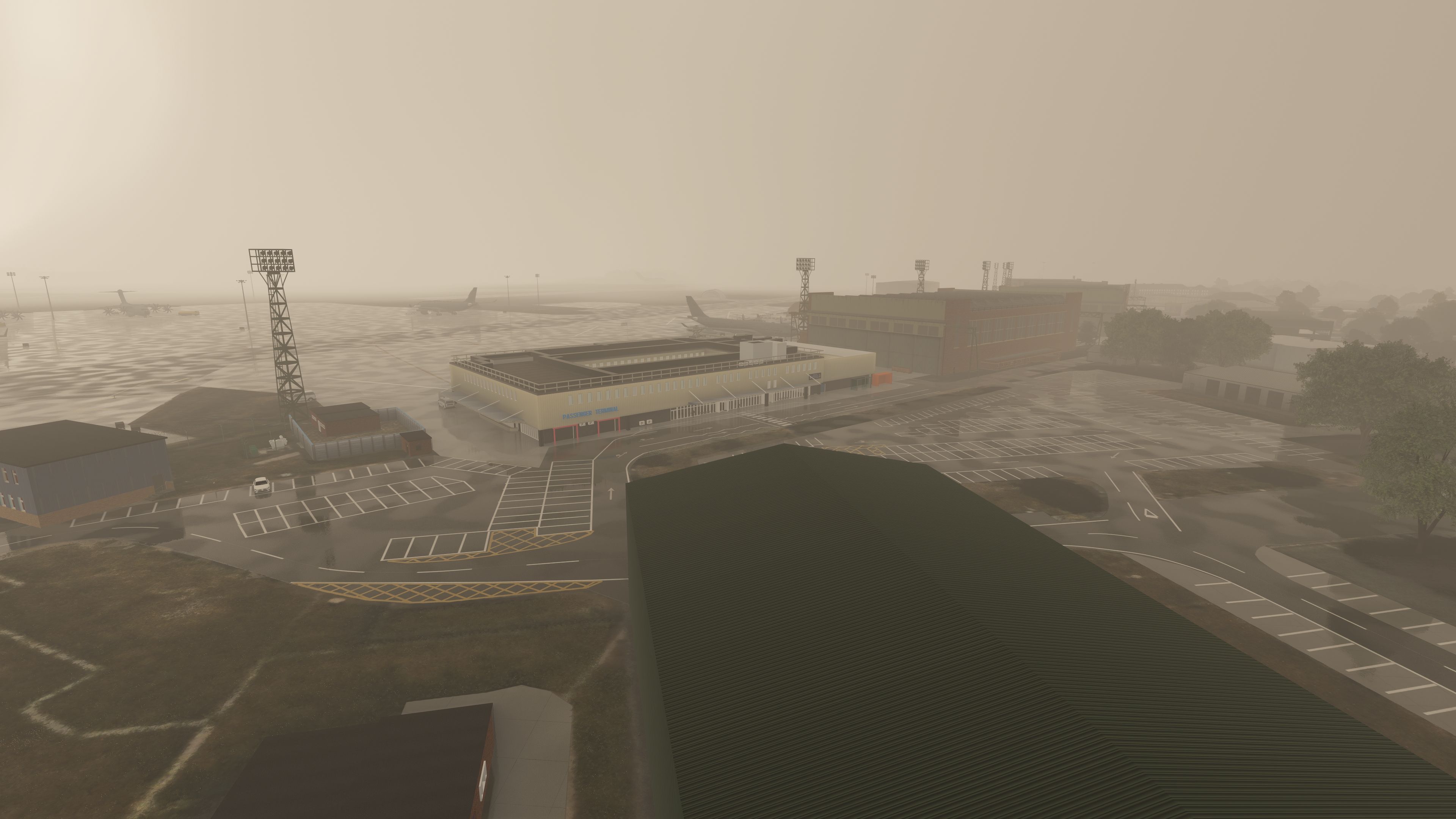
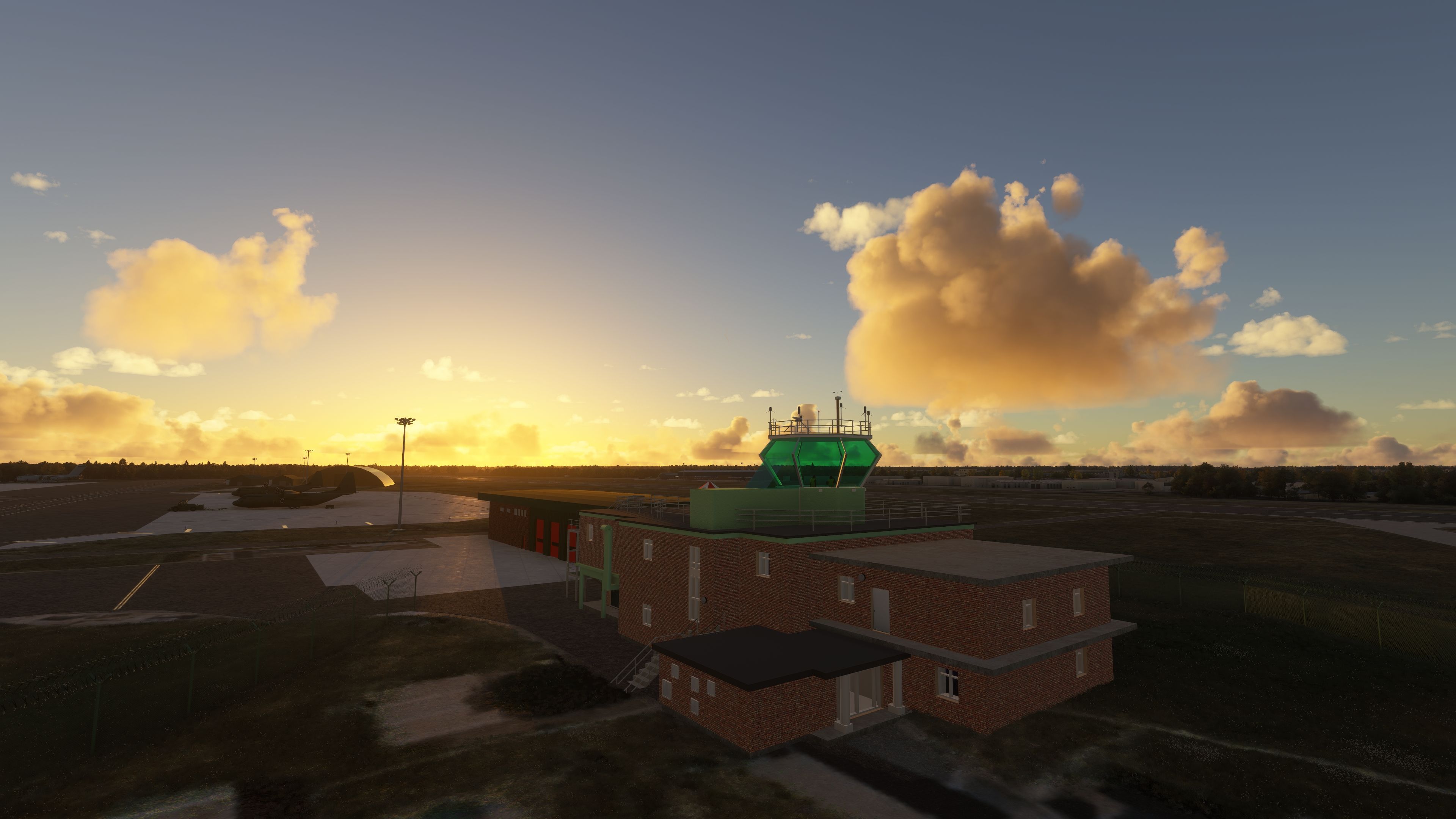
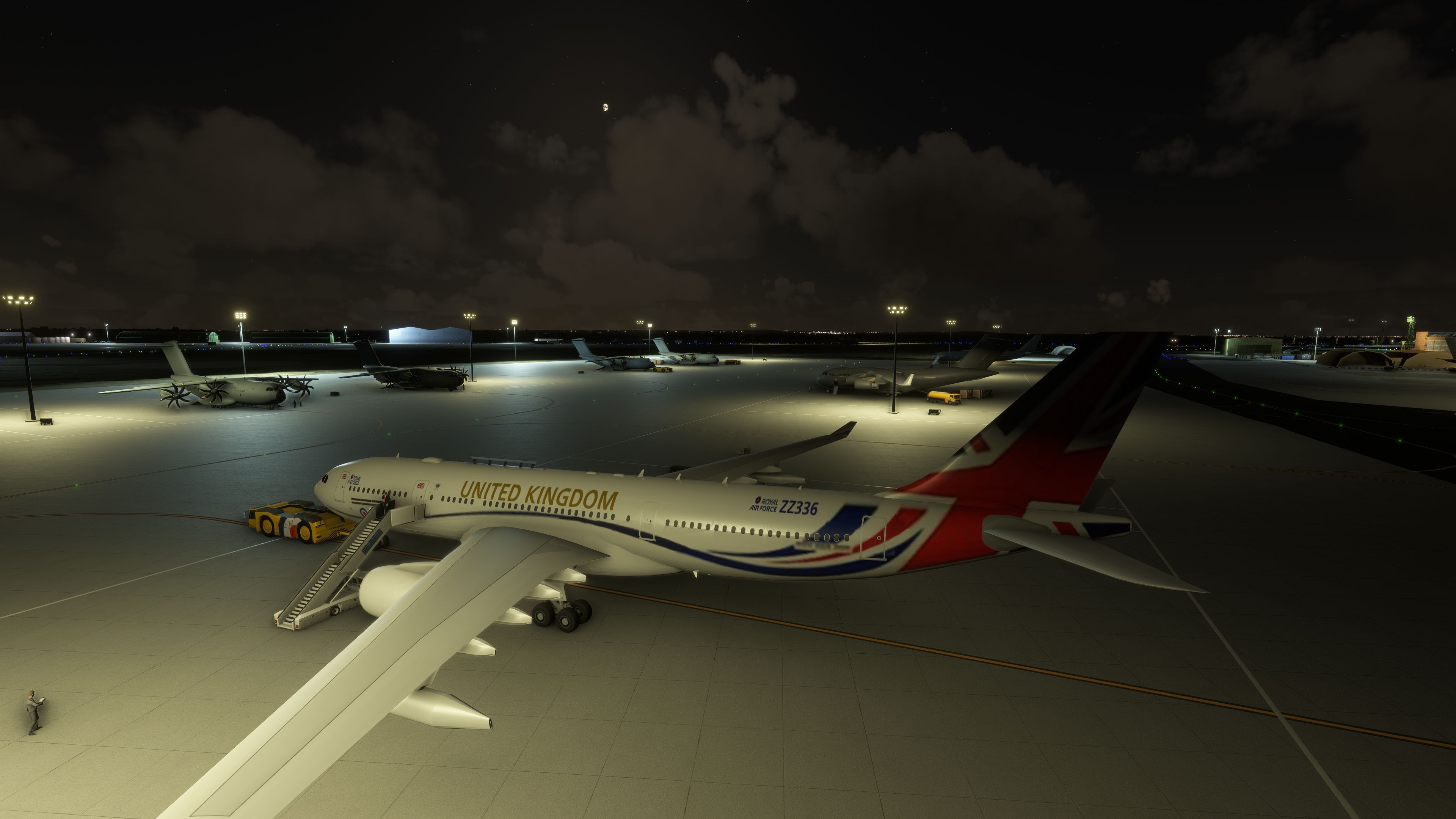
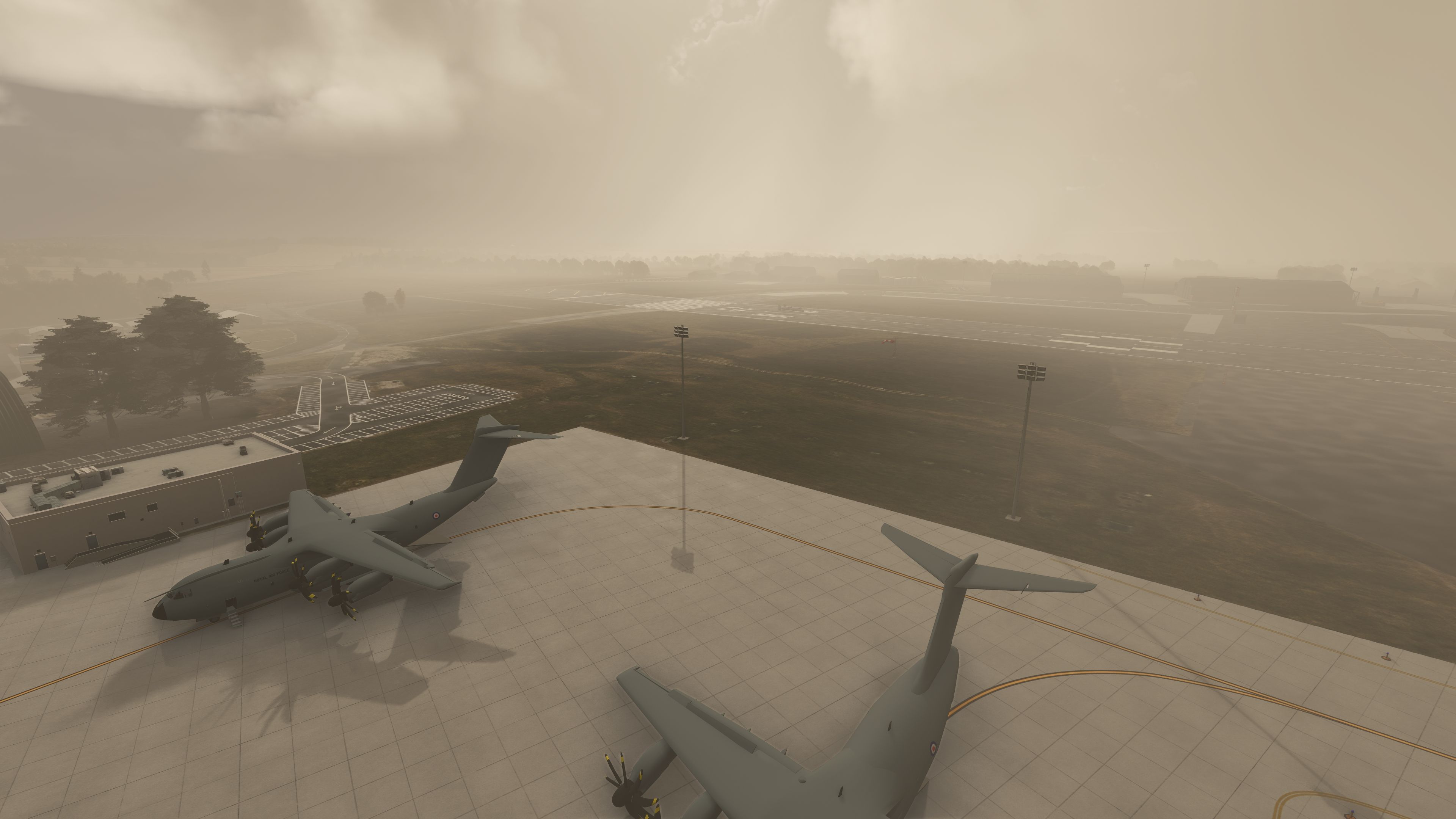
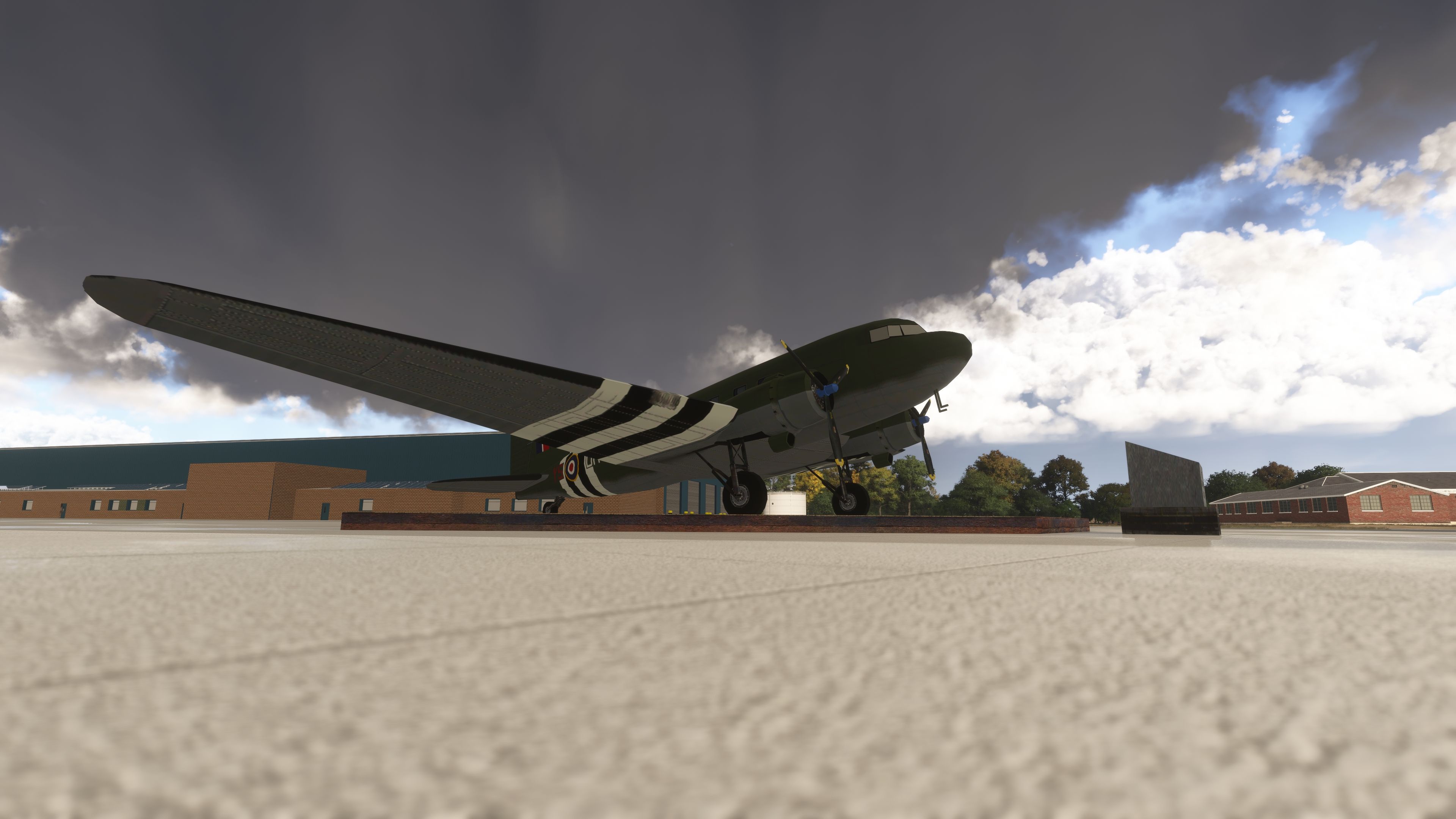
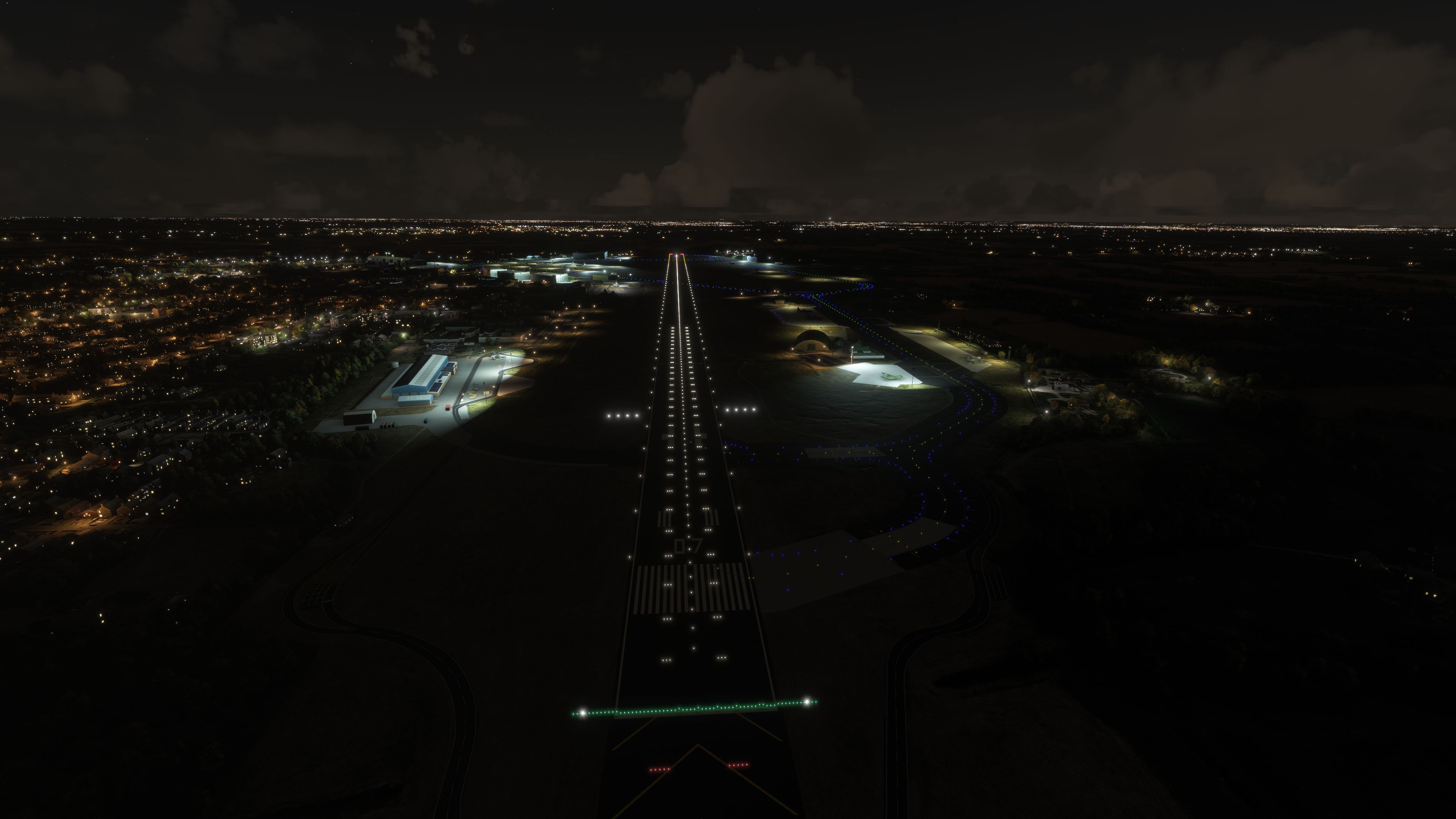
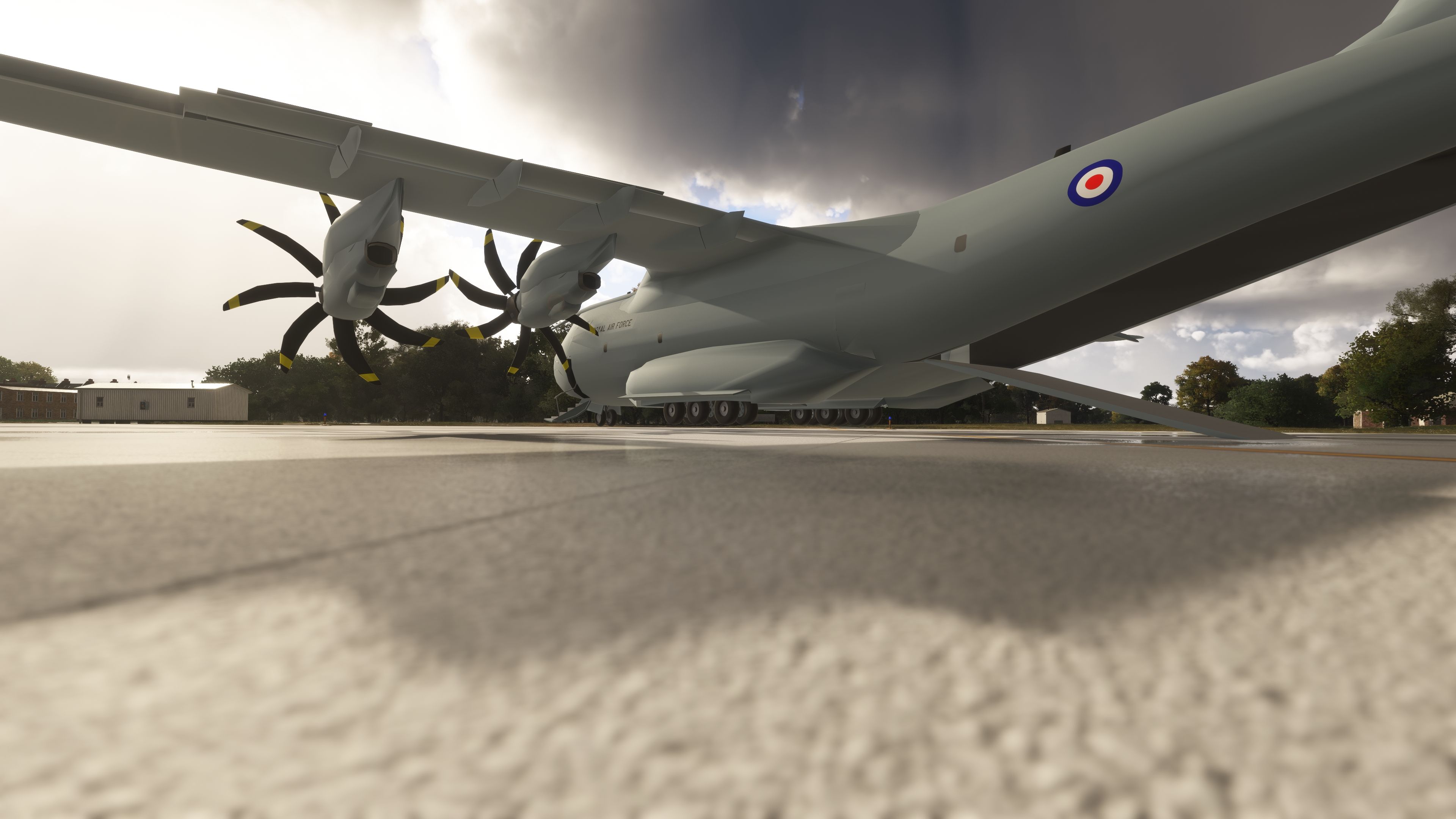
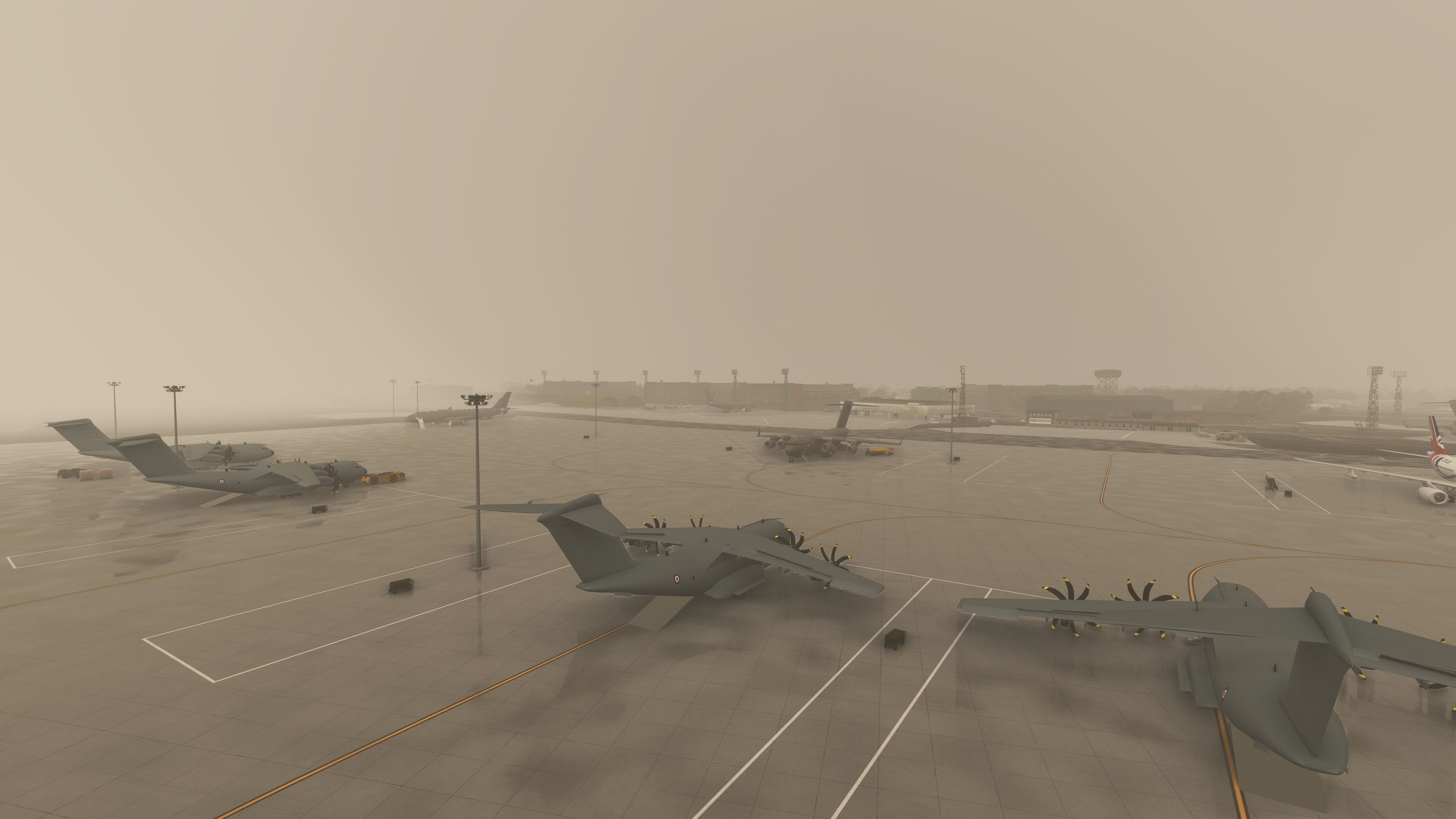
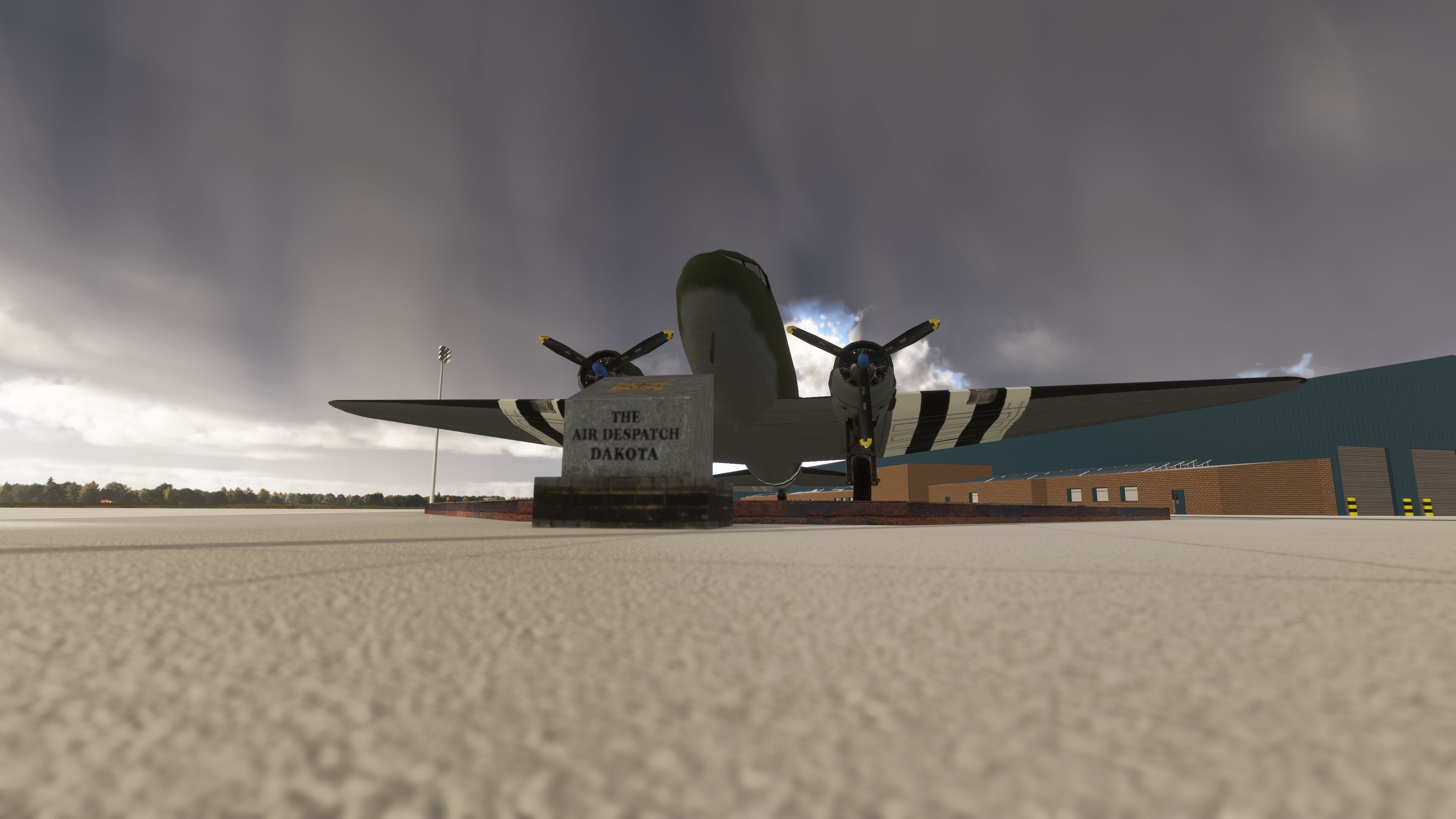
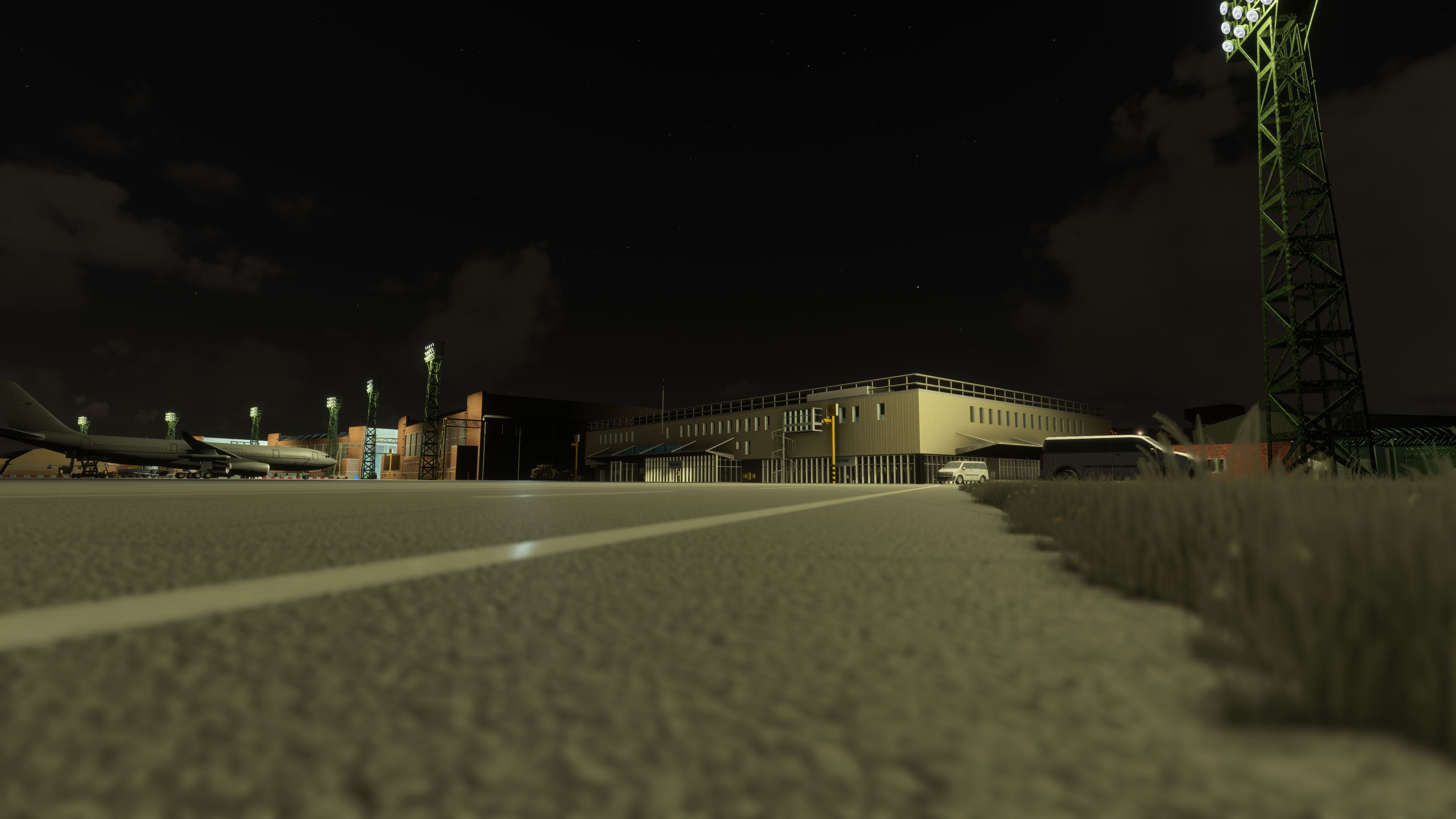
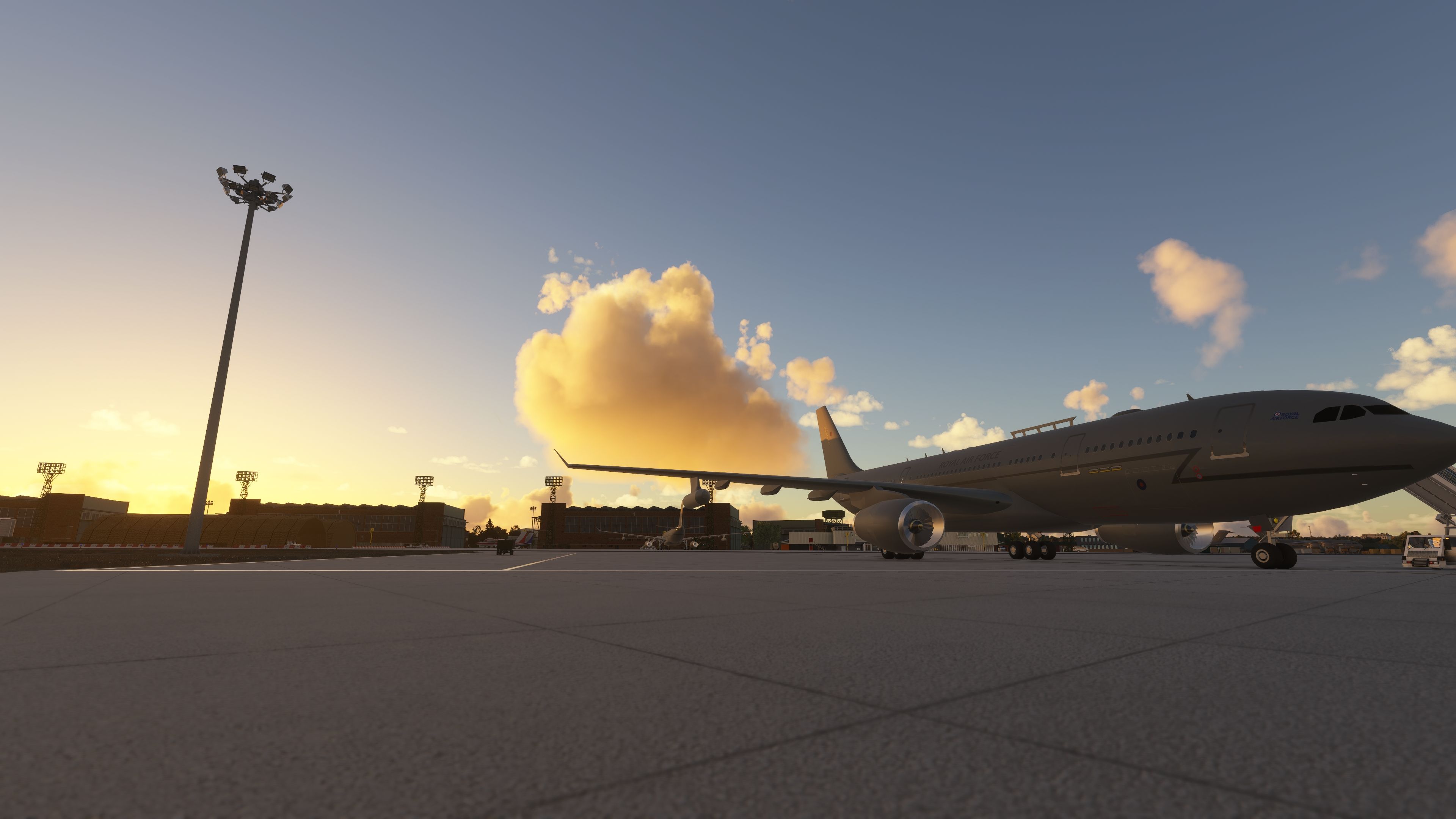
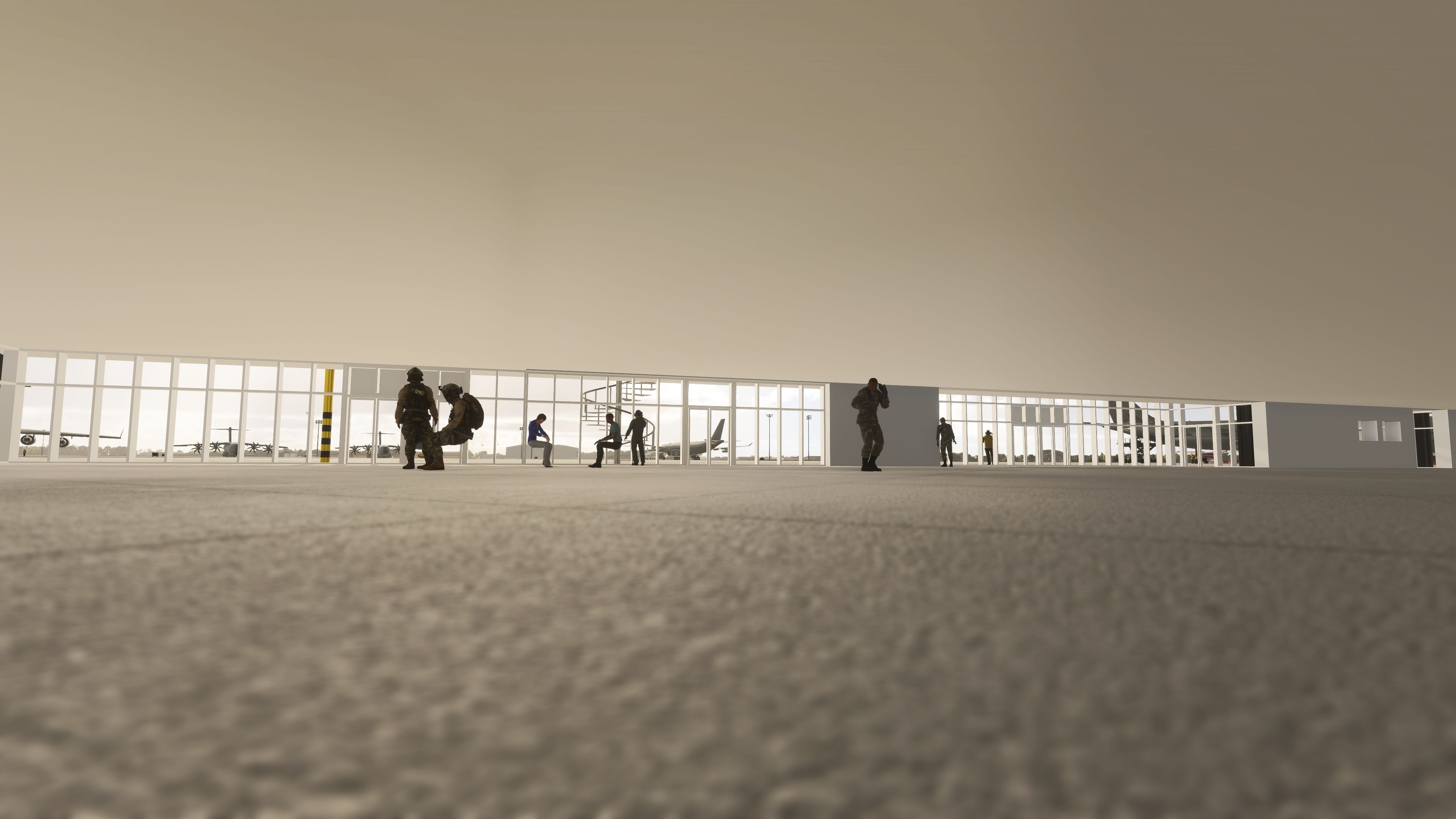
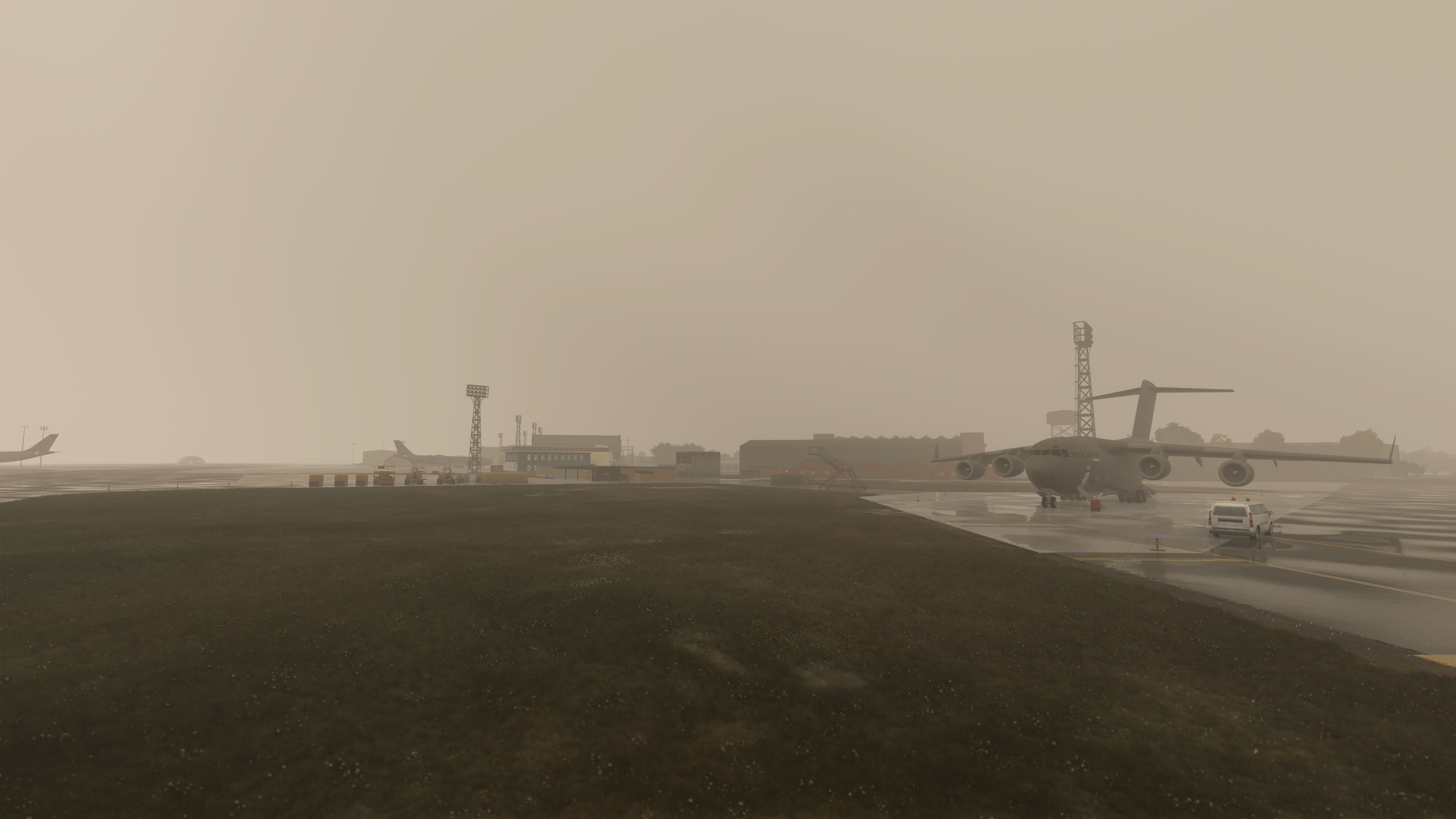
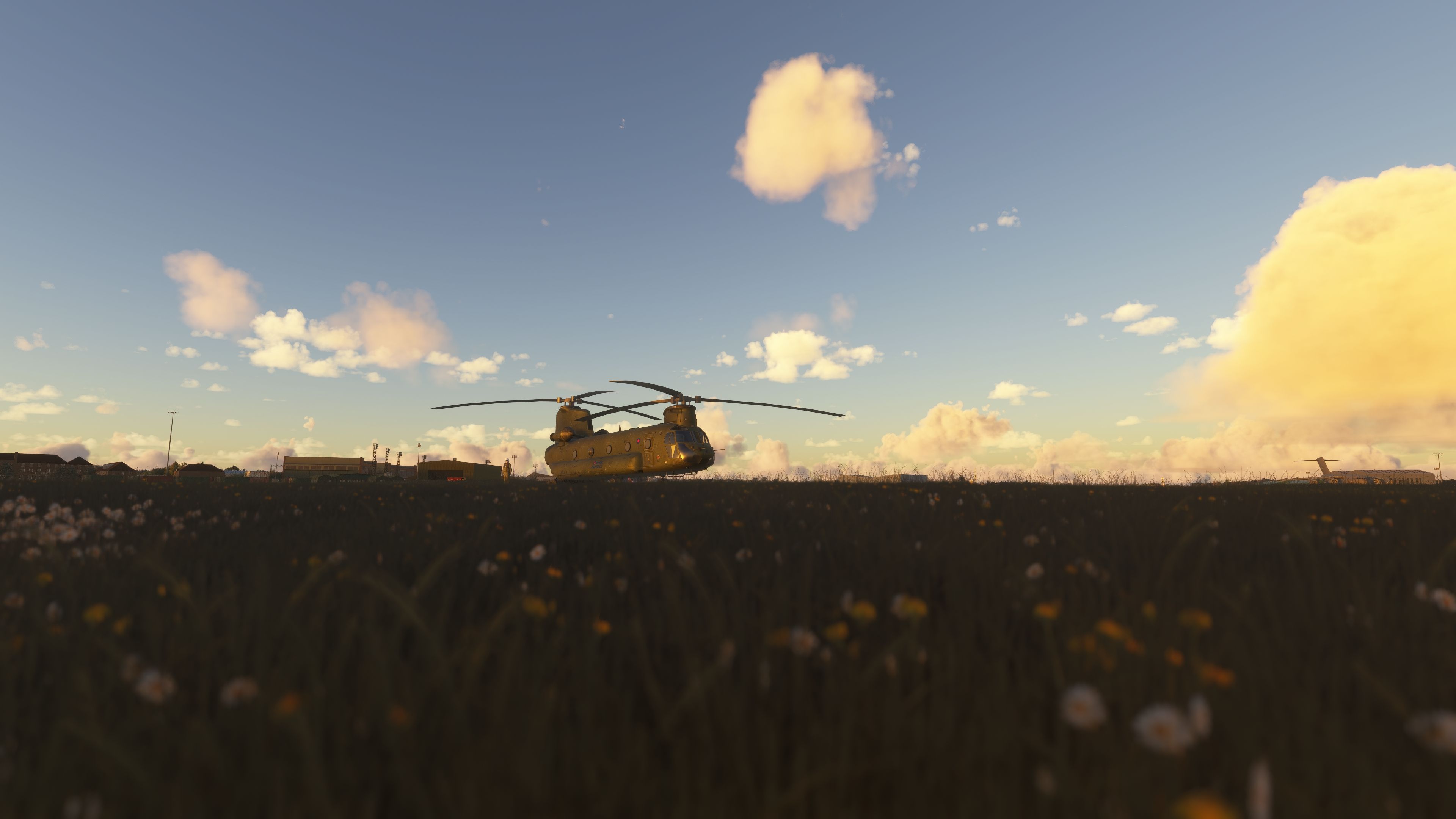

I installed nickb’s RAF Brize Norton and flew into EGVN in Microsoft Flight Simulator 2024. On arrival, the A400M and C Type hangars gave the station a recognisably military character, rather than the feel of a generic airport. I also appreciated the smaller Brize Flying Club area, where its hangar and static aircraft offer a useful contrast to the transport facilities.
During taxi, I found the additional signs helpful for navigating the apron layout. Named taxiways and stands numbered to match the real airfield support that practical approach, while military cargo parking keeps general-aviation traffic out of those spaces. The supplied GSX profiles cover both the airfield and Nattani’s A330 Voyager; fuel-truck access also benefits from the scenery’s connected service routes.
RAF Brize Norton (EGVN) by nickb brings custom military airfield scenery to Microsoft Flight Simulator 2020 and Microsoft Flight Simulator 2024. This freeware package recreates the Oxfordshire station with purpose-built hangars, detailed aprons, working airport-service connections and included GSX configurations.
Brize Norton serves as a major hub for the RAF’s air transport and air-to-air refuelling operations, so its large hangars and transport-aircraft infrastructure form an important part of this scenery. Alongside nickb’s custom buildings, the package includes Gripen’s A400M hangar, Vortex_SD’s C Type hangar, and the ATC tower and passenger terminal by DeadJen. Nattani also contributed a C130J model.
The airfield includes base, A330 and maintenance hangars, a fire station, the officers’ mess and Britannia Gate. Meanwhile, the Brize Flying Club area adds its own hangar and static aircraft; the developer originally introduced an in-hangar start position as parking 50, although the latest release revises stand numbers to match their real-world counterparts.
Linked parking positions, taxiways and runways allow the simulator’s airport services to operate, including fuel-truck requests. Earlier development established those connections at large GA positions; subsequent changes classify parking as Mil Cargo [military cargo] to prevent general-aviation aircraft from spawning in those spaces.
Taxiway names now appear on maps, and additional taxiway signs support ground navigation. The current release, v3.2, dated 19 September 2025, updates parking-position numbers to match the real-world stands.
Successive revisions also remove conflicting default scenery: Asobo parking spots, the underlying default runway and a misplaced windsock no longer interfere with the replacement layout. Further cleanup removes stray taxiway trees, misplaced air stairs and automatically generated buildings introduced by a simulator update. The developer also removed parked P-8 and A330 aircraft to free those positions.
The archive includes a Brize Norton GSX profile and a gsx.cfg configuration for the Nattani A330 Voyager. The developer credits Si for the airfield profile and SimonJ110 for the Voyager configuration. These provide GSX [Ground Services X] setup files alongside the scenery’s own airport-service connections.
nickb-airport-egvn-brize-norton and brize-norton-2024fix into your simulator’s Community folder.gsx.cfg inside \nattani-a330-voyager\SimObjects\Airplanes\A330_VOYAGER.Developer nickb has granted express permission for Fly Away Simulation to host this freeware scenery and has indicated plans for further updates.
Free for all simmers · 799.37 MB · Scanned clean Nov 2026
Download speed: Free tier is capped at 2 Mbps (this file takes approximately 56 mins at the cap). PRO members download at full line speed.
%LOCALAPPDATA%\Packages\Microsoft.FlightSimulator_8wekyb3d8bbwe\LocalCache\Packages\Community\. Steam version: %APPDATA%\Microsoft Flight Simulator\Packages\Community\. Tip: enable Developer Mode in MSFS to see your exact Community folder path.readme.txt or README file. It tells you exactly where files go, what dependencies are needed, and any quirks specific to this add-on.Use these coordinates to fly directly to this location once the mod is installed.
51.75000000,-1.58360000
Paste these coordinates into the Microsoft Flight Simulator search bar when planning a flight, or into the Developer Mode Teleport window, to fly directly to this location.
nickb007 is a freeware scenery developer for Microsoft Flight Simulator 2020 and 2024 specialising in Royal Air Force stations and UK military aviation.
Are you nickb? Sign in to Fly Away Creators for download stats, comment replies and updates. Make add-ons? Publish them here.
Only PRO members can place votes.
More MSFS add-ons hand-picked based on this download.
MSFS Scenery
This freeware rebuild of RAF Lossiemouth (EGQS) for Microsoft Flight Simulato…
 MSFS Scenery
Created as a freeware, in-progress scenery refresh for Microsoft Flight Simul…
 MSFS Scenery
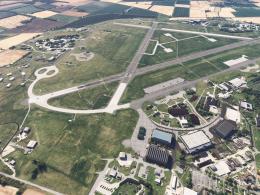
RAF Marham (EGYM) by nickb007 brings custom airfield buildings, animated shel…
 MSFS Scenery
The latest version 6 of the GAIST global ship, boat, and maritime traffic add…
 MSFS Scenery
A large freeware scenery add-on pack put together by the developer who goes b…
 MSFS Scenery
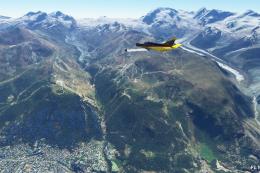
A quick rework of several Swiss cities and landmarks such as the Matterhorn u…
 MSFS Scenery
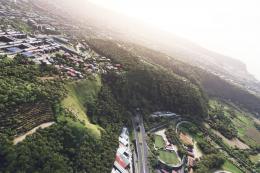
This pack by the developer who simply goes by the name of Chris brings the me…
 MSFS Scenery
Enhance your Microsoft Flight Simulator experience with the Downtown Los Ange…
Be the first to leave a comment on this download.
Be the first to share your thoughts on this download.