

 FS2004 Propeller Aircraft
Transair Douglas DC-6B
Textures only. Visual model by Greg Pepper and Tom Gibson. Repaint by Ronny O…
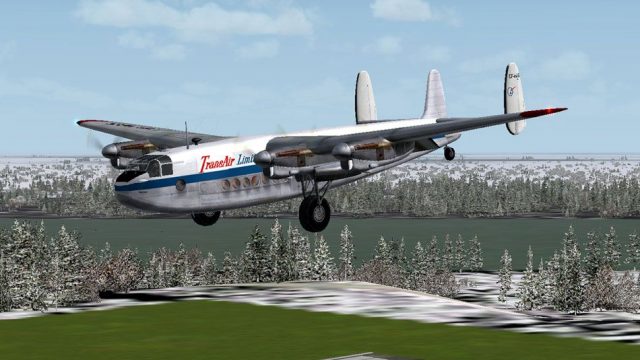
Transair Canada’s Avro York CF-HAS (MW290) brings a classic Northern supply hauler to life with an authentic 1956-era repaint for Manfred Jahn’s model in FS2004, evoking Dewline support flights across the Northwest Territories. Crisp exterior markings and period-correct airline identity complete the package; requires AVROYORK.ZIP basepack.
 Rate
Rate
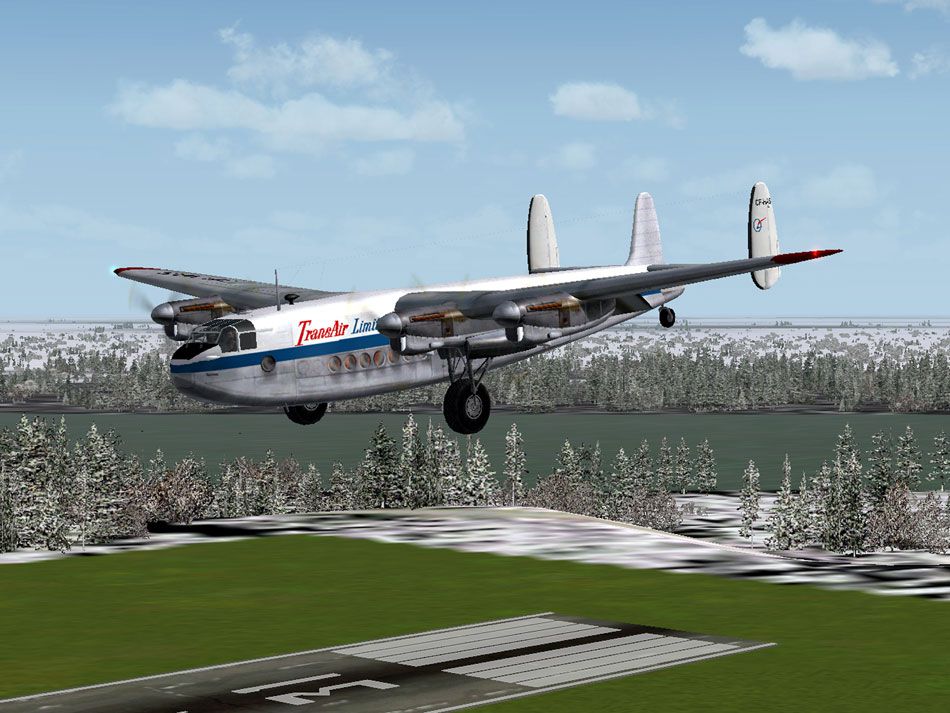
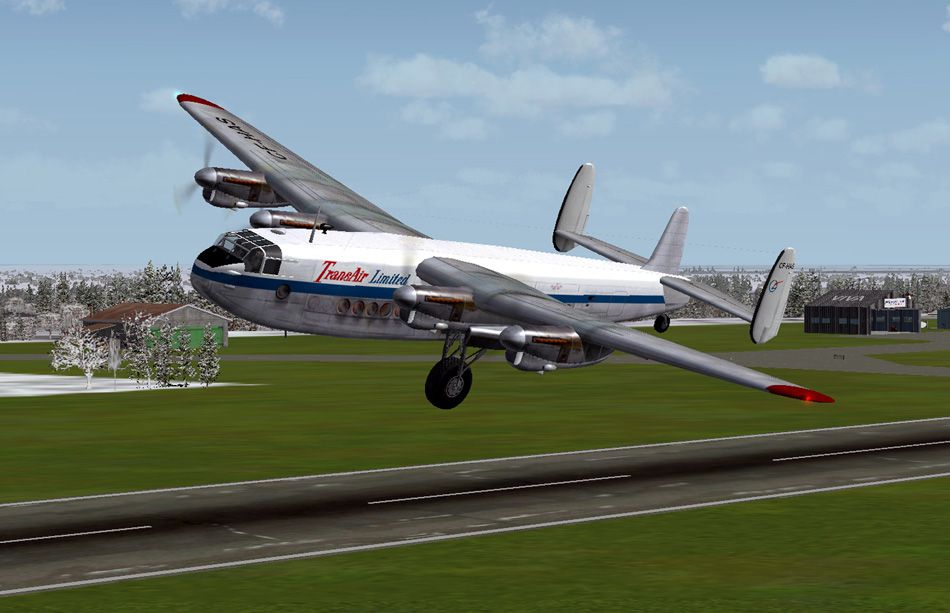
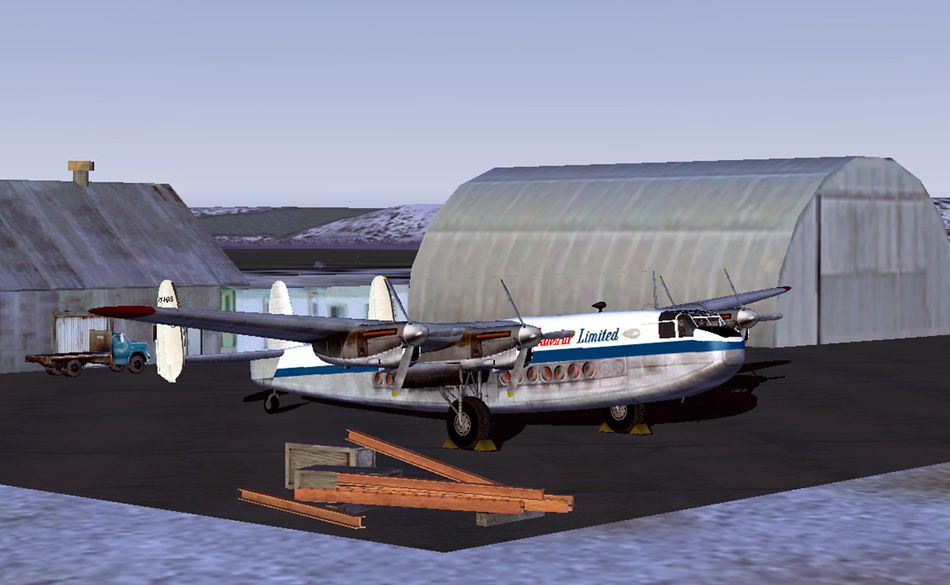
Many Yorks were used in Northern Canada to support building the Dewline radar stations and other supply operations. These textures depict CF-HAS (c/n MW290) used by Transair Ltd. Canada from 1956 until it damaged beyond repair at Fox NWT 13.9.1956. Requires AVROYORK.ZIP basepack; Avro York Merlin 500 FDE and panel update recommended also. Textures for Manfred Jahn's Avro York. Repainted by Manfred Meyer.
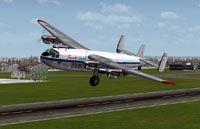
Screenshot of Transair Canada Avro York in flight.
Copy the text below and paste in your aircraft config. file substituting your next consecutive [flightsim._] number for "x".
[fltsim.x]

title =Avro York M500-2 CF-HAS

sim = Avro York Merlin 500-2

model = moyd

panel =

sound =

texture = transair

panel_alias =

sound_alias =

kb_checklists =Avro York_check

kb_reference =York Handling Notes_reference

atc_id = CF-HAS

atc_id_color =

atc_parking_types =

atc_parking_code =

atc_airline = Transair Canada

atc_flight_number=

ui_manufacturer = Avro

ui_type = Avro York M500-2

ui_variation = Transair Canada Ltd. CF-HAS 1956

description = Avro 685 York C1

visual_damage = 0

prop_anim_ratio = 0.99
Free for all simmers · 1.14 MB · Scanned clean Sep 2026
Download speed: Free tier is capped at 0.5 Mbps. PRO members download at full line speed.
This file is a repaint — the package below is the base model it paints onto. Install it first, or the textures will have nothing to load onto.
FS9\Aircraft\, FS9\Addon Scenery\, FS9\Gauges\, or FS9\Effects\.readme.txt or README file. It tells you exactly where files go, what dependencies are needed, and any quirks specific to this add-on.The archive york_transair.zip has 13 files and directories contained within it.
This list displays the first 500 files in the package. If the package has more, you will need to download it to view them.
| Filename/Directory | File Date | File Size |
|---|---|---|
| texture.transair | 07.25.10 | 0 B |
| fuse_l.bmp | 01.15.10 | 1.00 MB |
| fuse_t.bmp | 01.17.10 | 4.00 MB |
| propdisk.bmp | 03.07.07 | 256.07 kB |
| wings_l.bmp | 03.07.07 | 1.07 kB |
| wings_t.bmp | 01.17.10 | 4.00 MB |
| README.TXT | 08.08.10 | 1.13 kB |
| York_Transair.gif | 07.25.10 | 11.07 kB |
| York_Transair.jpg | 08.09.10 | 131.62 kB |
| York_Transair_1.jpg | 08.09.10 | 148.78 kB |
| York_Transair_2.jpg | 08.09.10 | 137.82 kB |
| flyawaysimulation.txt | 10.29.13 | 959 B |
| Go to Fly Away Simulation.url | 01.22.16 | 52 B |
Only PRO members can place votes.
More FS2004 add-ons hand-picked based on this download.
FS2004 Propeller Aircraft
Textures only. Visual model by Greg Pepper and Tom Gibson. Repaint by Ronny O…
 FS2004 Propeller Aircraft
Used variously as a long-range freighter and/or passenger airliner, the York …
 FS2004 Propeller Aircraft
Directly delivered to British South American Airways Corporation (BSAA) on Se…
 FS2004 Propeller Aircraft
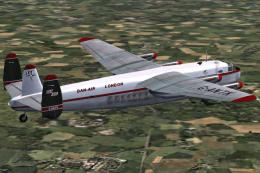
Experience the fascination of the authentic 1960s Dan-Air Avro 685 York C1, m…
 FS2004 Propeller Aircraft
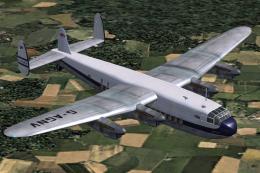
Avro York c/n 1223 G-AGNV, military serial TS798, was never taken up by the R…
 FS2004 Propeller Aircraft
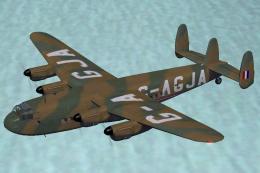
BOAC Avro 685 York C1, c/n 1207, military serial MW103, was never taken up by…
 FS2004 Propeller Aircraft
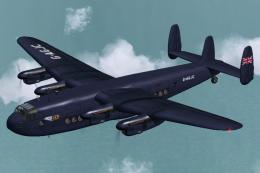
Registration G-AGJC, c/n 1209, entered service with the RAF as MW113. It was …
 FS2004 Propeller Aircraft
This complete freeware package brings the Dan-Air Avro 685 York C1 (registrat…
Be the first to leave a comment on this download.
Be the first to share your thoughts on this download.