

 FSX Historic & Vintage Aircraft
German Air Force Heinkel He 51 50+E23
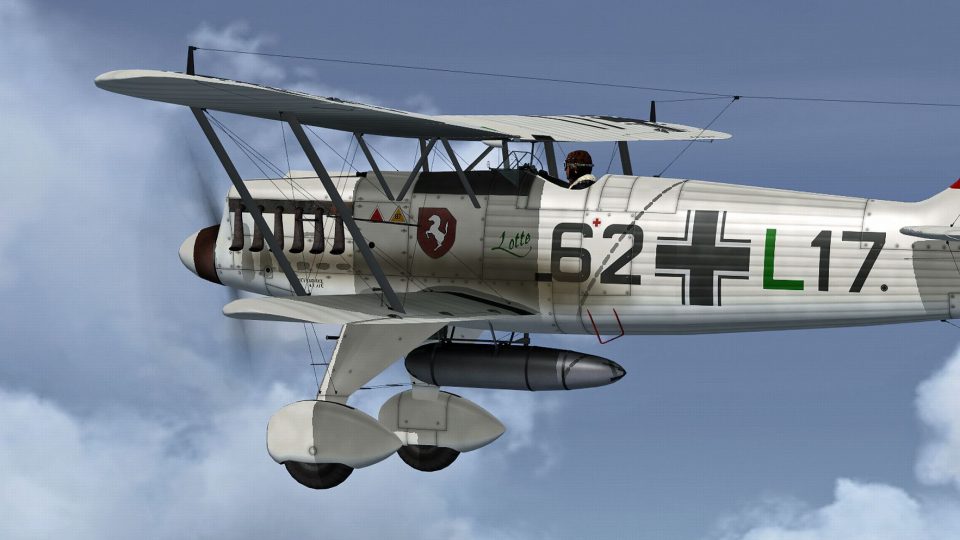
This repaint package adds a speculative German Air Force livery to the classi…
German Air Force-inspired textures give the Heinkel He 51 a credible mid-1930s look, with crisp era-style insignia, squadron codes, and shading that highlights the biplane’s fabric and metal lines. Built for Microsoft Flight Simulator X, it requires the separate freeware Heinkel He 51 base model and stays light on performance.
 Rate
Rate
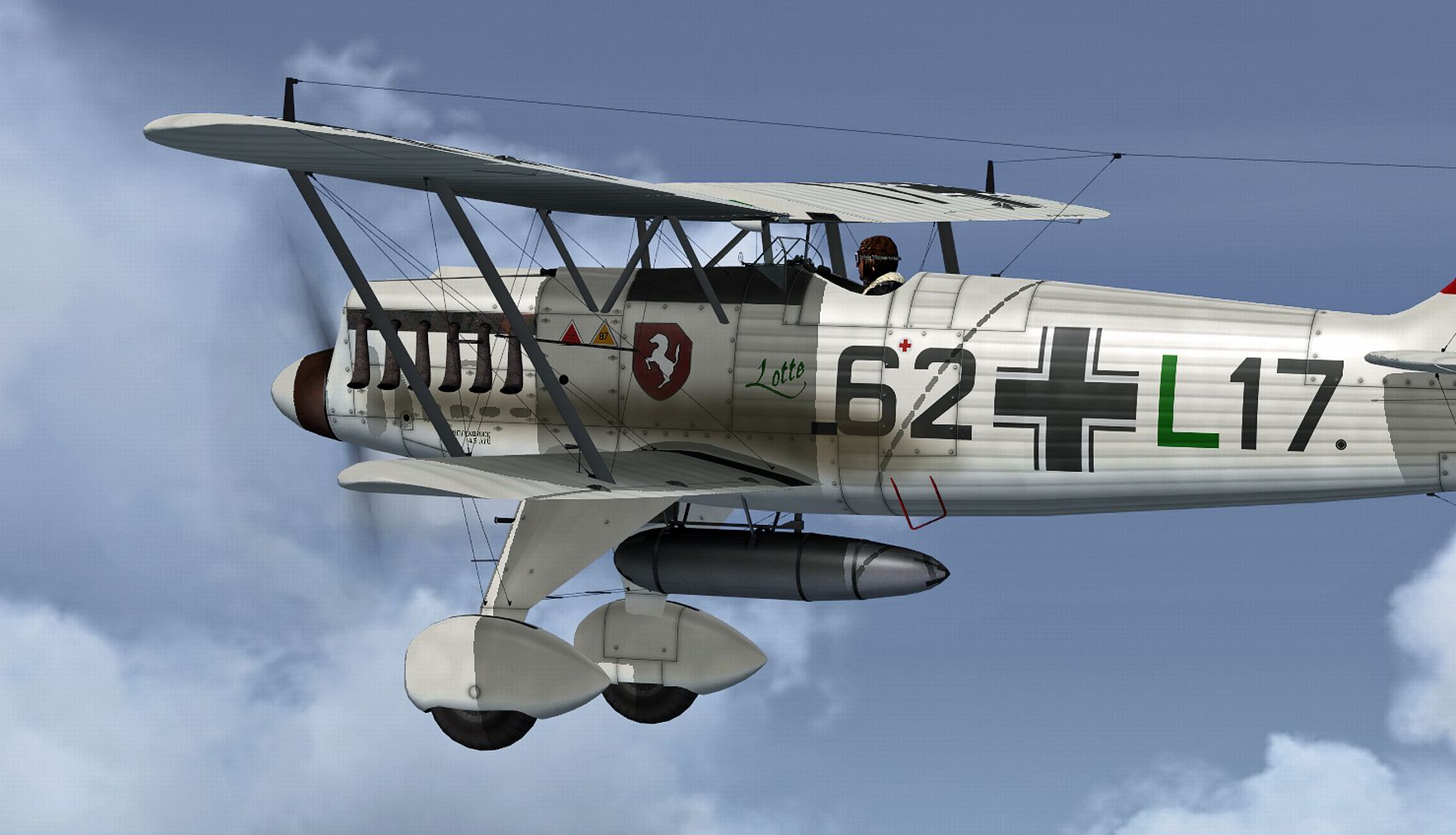
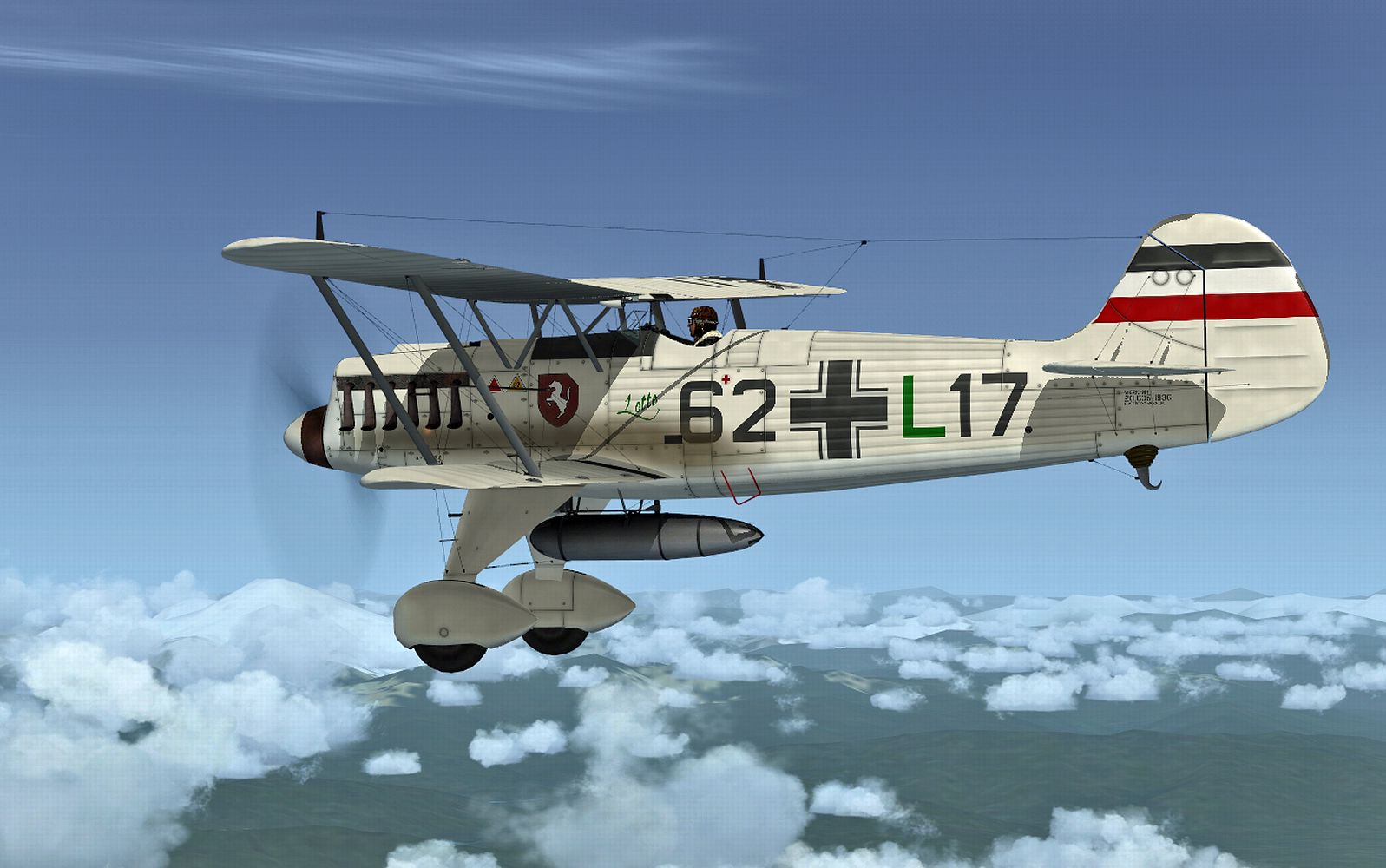
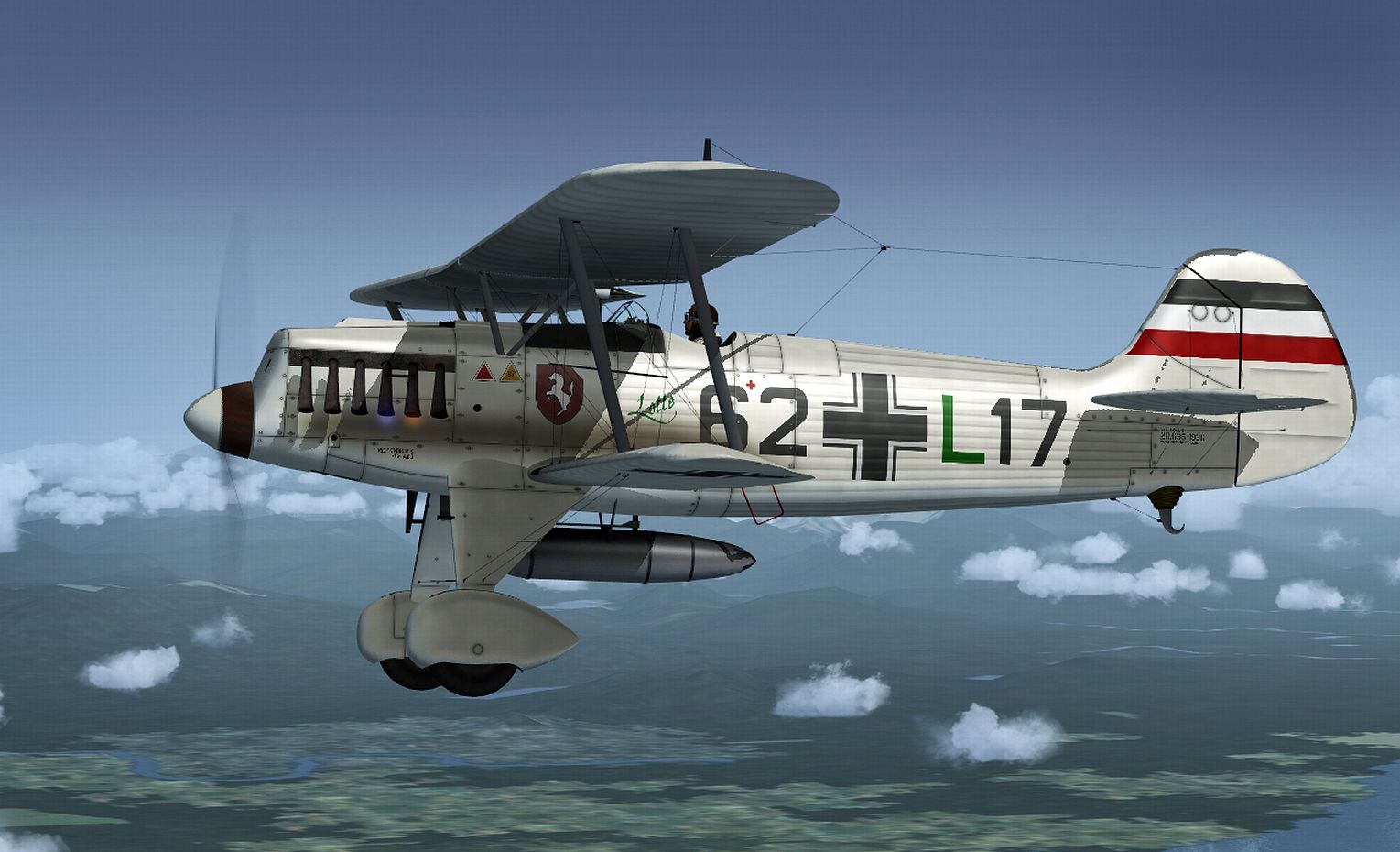
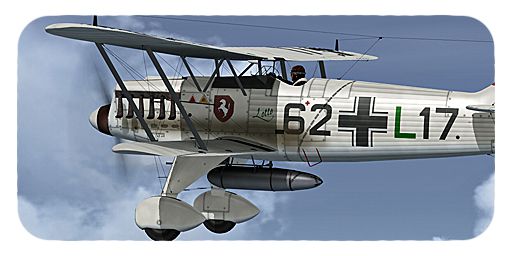
This freeware add-on delivers a distinctive repaint crafted to represent a German Air Force Heinkel He 51 in Microsoft Flight Simulator X. Although the markings are fictitious, they follow a plausible design approach that respects the historical context of this iconic biplane fighter. Livery art is provided by B. Lechner, while the original aircraft model was developed by Craig Richardson, Huub Vink, Tom Falley, and Mathias Pommerien. This package requires the separate freeware base model, which can be found in the Fly Away Simulation library.
The Heinkel He 51 emerged in the mid-1930s and served as one of the early single-engine fighters for the German Air Force. Known for its biplane construction, it offered moderate maneuverability and was commonly deployed in various training and local defense operations before being eclipsed by more advanced aircraft. While its operational history was relatively short-lived, many enthusiasts admire this aircraft for its classic design and balanced handling qualities in the simulated world.
Illustration showing the German Air Force Heinkel He 51 repaint in flight.
Before installing, ensure you have the original Heinkel He 51 base package by Craig Richardson, Huub Vink, Tom Falley, and Mathias Pommerien. Then follow these steps:
[fltsim.XX] with the next available number in your sequence.[fltsim.XX]
title = Heinkel He-51 -- 6 2 + L 1 7 --
sim = He51
panel =
model =
sound =
texture = _62+L17
checklists =
ui_manufacturer = Heinkel
ui_type = He 51
ui_variation = 62+L17
ui_typerole = Single Engine Prop
ui_createdby = Craig Richardson
description = .
atc_id_color = 0x00000000
visual_damage = 0
atc_heavy = 0
atc_id_font = Verdana,0,1,0,0
After saving the configuration, launch Microsoft Flight Simulator X and locate the newly added variation under your Heinkel He 51 aircraft selection. If the texture displays correctly, you are ready to take off and explore the skies with this unique German Air Force-inspired scheme.
Free for all simmers · 5.13 MB · Scanned clean Oct 2026
Download speed: Free tier is capped at 0.5 Mbps (this file takes approximately 1 min at the cap). PRO members download at full line speed.
This file is a repaint — the package below is the base model it paints onto. Install it first, or the textures will have nothing to load onto.
texture.{airline}) inside FSX\SimObjects\Airplanes\{base-aircraft}\.aircraft.cfg in Notepad. Add a new [fltsim.X] section per the readme.readme.txt or README file. It tells you exactly where files go, what dependencies are needed, and any quirks specific to this add-on.The archive heinkel_he51_62+l17.zip has 17 files and directories contained within it.
This list displays the first 500 files in the package. If the package has more, you will need to download it to view them.
| Filename/Directory | File Date | File Size |
|---|---|---|
| Bilders | 01.24.13 | 0 B |
| 62+L17 - 002.jpg | 01.01.13 | 951.44 kB |
| 62+L17 - 003.jpg | 01.24.13 | 918.04 kB |
| 62+L17 - 004.jpg | 01.24.13 | 837.58 kB |
| FLTSIM_62+L17.txt | 01.24.13 | 1.60 kB |
| texture._62+L17 | 01.24.13 | 0 B |
| HE51_10.DDS | 12.31.12 | 1.00 MB |
| He51_2.dds | 11.03.12 | 1.33 MB |
| HE51_6.DDS | 12.31.12 | 1.00 MB |
| HE51_7.DDS | 12.31.12 | 1.00 MB |
| HE51_8.DDS | 01.24.13 | 4.00 MB |
| HE51_9.DDS | 01.01.13 | 4.00 MB |
| PROP.dds | 12.28.12 | 85.46 kB |
| texture.cfg | 05.06.08 | 39 B |
| THUMBNAIL.JPG | 01.01.13 | 130.68 kB |
| flyawaysimulation.txt | 10.29.13 | 959 B |
| Go to Fly Away Simulation.url | 01.22.16 | 52 B |
Only PRO members can place votes.
More FSX & P3D add-ons hand-picked based on this download.
FSX Historic & Vintage Aircraft
This repaint package adds a speculative German Air Force livery to the classi…
 FSX Historic & Vintage Aircraft
Bring a fresh touch of Swiss aviation history into Microsoft Flight Simulator…
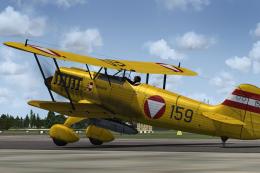 FSX Historic & Vintage Aircraft
This texture package offers an imagined Austrian Air Force finish for the cla…
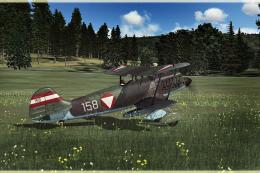 FSX Historic & Vintage Aircraft
This repaint pack introduces a unique Austrian Air Force-inspired livery for …
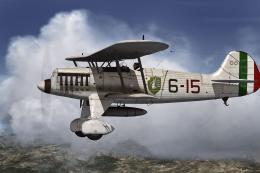 FSX Historic & Vintage Aircraft
This repaint offers an imaginary Italian Air Force rendition of the Heinkel H…
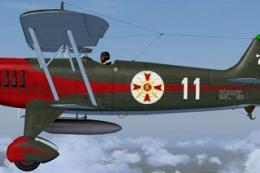 FSX Historic & Vintage Aircraft
The Heinkel He51 was a German single-seat biplane which was produced in a num…
 FSX Historic & Vintage Aircraft
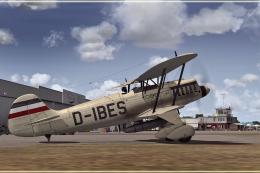
This repaint package presents a fictional livery labeled “D-IBES” for the Hei…
 FSX Historic & Vintage Aircraft
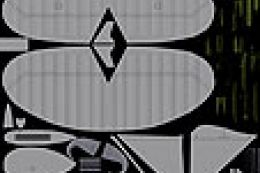
Paint Kit for use with the Heinkel He51 (HEINKEL_HE51.ZIP) aircraft by Craig …
Be the first to leave a comment on this download.
Be the first to share your thoughts on this download.