

 FSX Historic & Vintage Aircraft
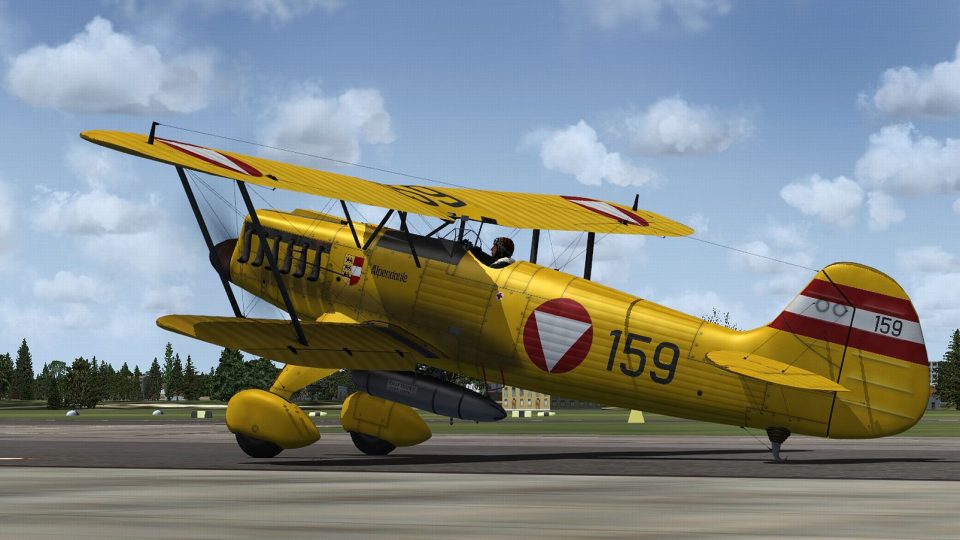
Austrian Air Force Heinkel He 51 158
This repaint pack introduces a unique Austrian Air Force-inspired livery for …
An imagined Austrian Air Force livery gives the Heinkel He 51 biplane a vivid 1930s look with period-style markings, yellow accents, and subtle operational weathering in Microsoft Flight Simulator X. The repaint adds a plausible alternate-history finish for vintage scenarios and requires the freeware Heinkel He 51 base model.
 Rate
Rate
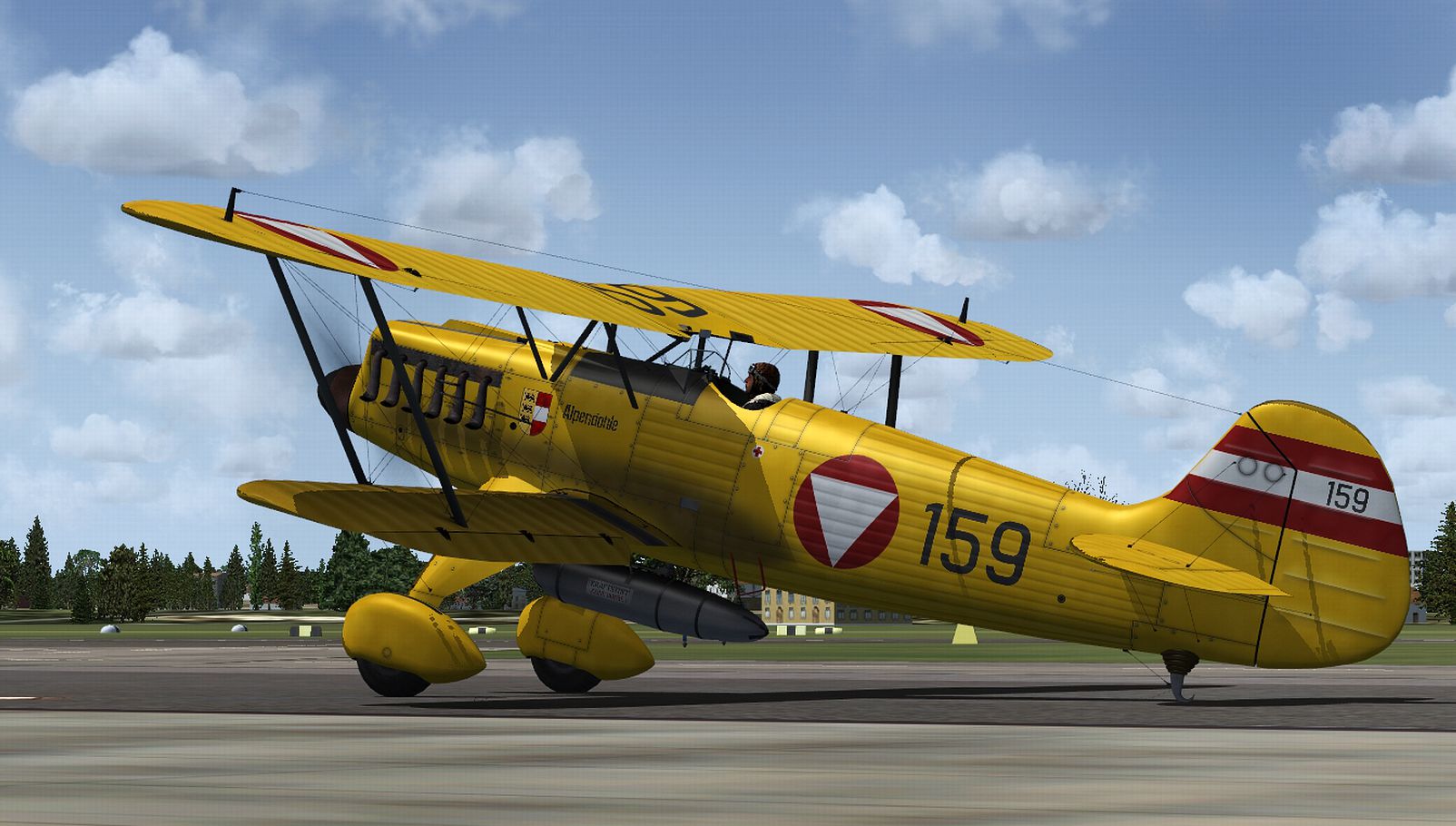
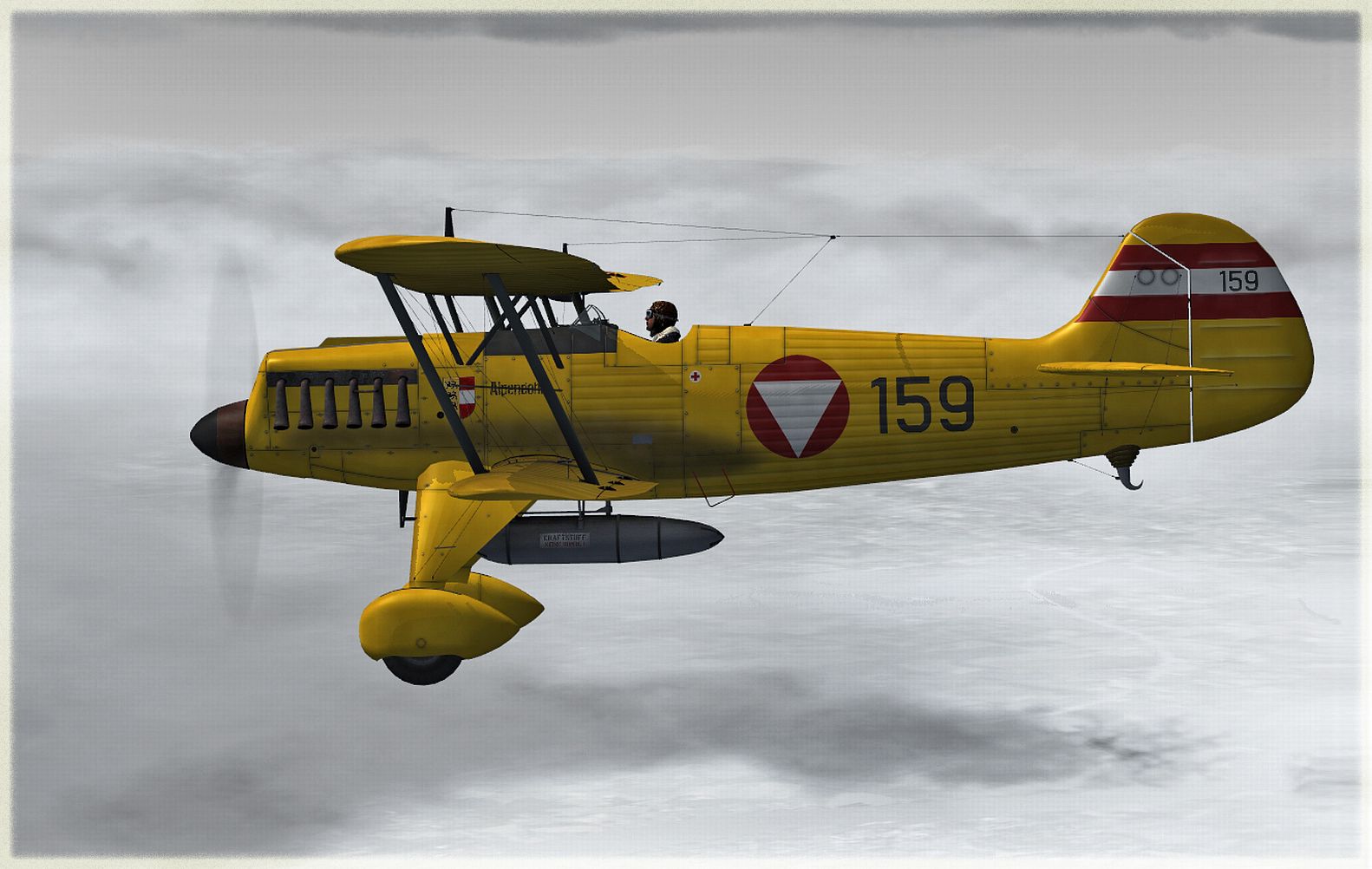
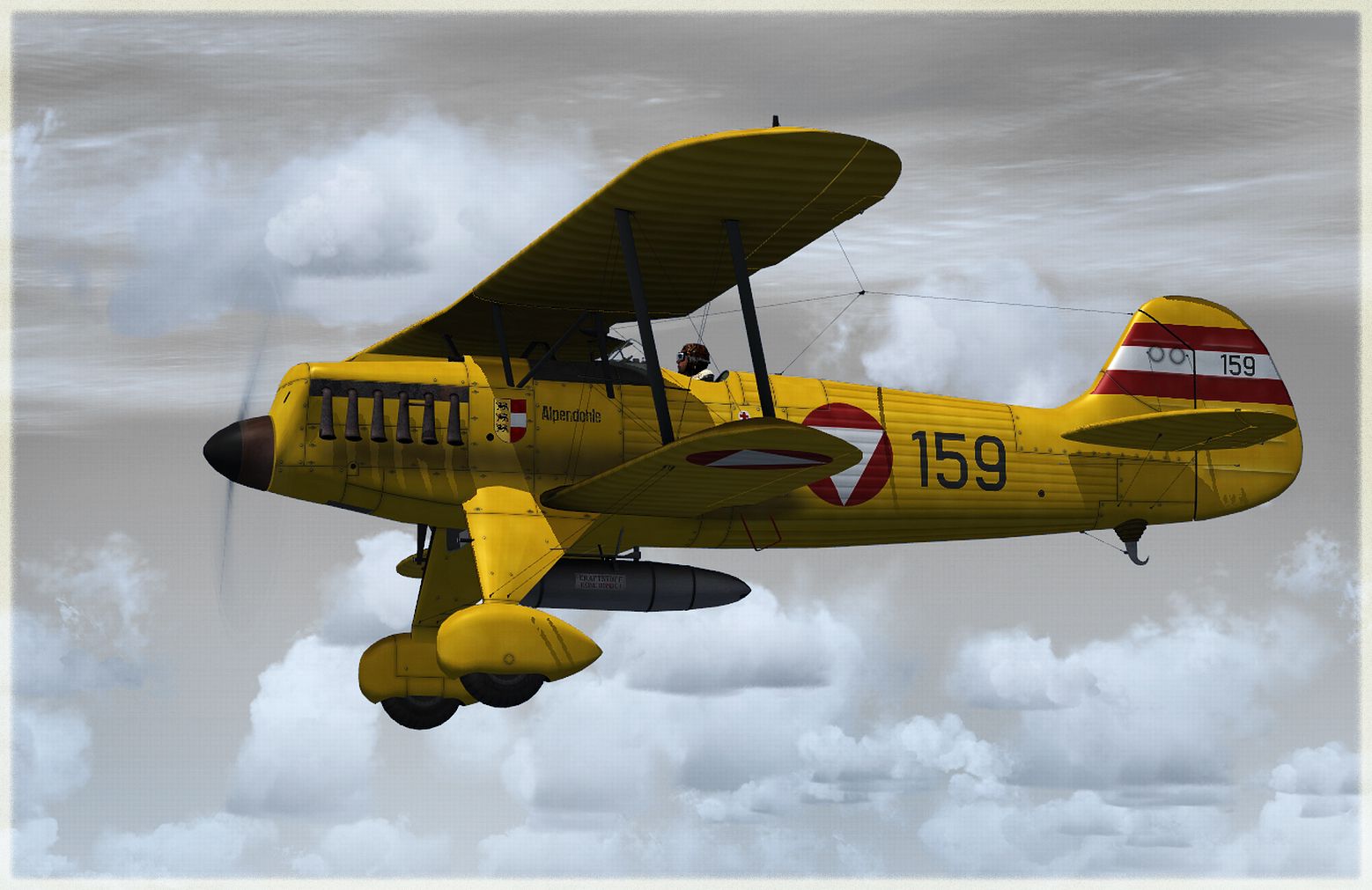
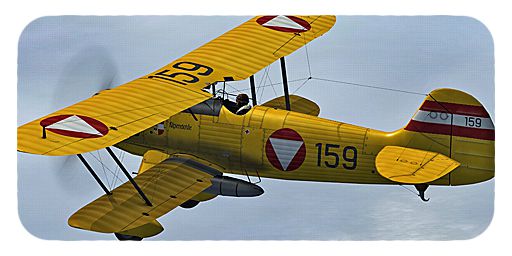
This texture package offers an imagined Austrian Air Force finish for the classic Heinkel He 51 biplane in Microsoft Flight Simulator X. It features a hypothetical design that could plausibly have existed under certain historical circumstances, yet it remains an inventive repaint rather than an official or documented scheme. Created by B. Lechner, this livery requires the freeware Heinkel He 51 base model developed by Craig Richardson, Huub Vink, Tom Falley, and Mathias Pommerien. You will find the necessary core files in the Fly Away Simulation library. These updated textures enable a striking representation of 1930s aviation within your virtual hangar, complete with vivid color schemes and appropriate markings.
The Heinkel He 51 emerged as a single-engine biplane design, serving in multiple capacities during the interwar period. Its lightweight airframe and open cockpit were signature elements of early fighter geometry. In this repaint, the Austrian insignia and color palette add a distinctive flair, reflecting an era when European air forces experimented with varying designs. While historically deployed by Germany, this alternate camouflage suggests how the model might have looked had it served in Austrian aviation circles.
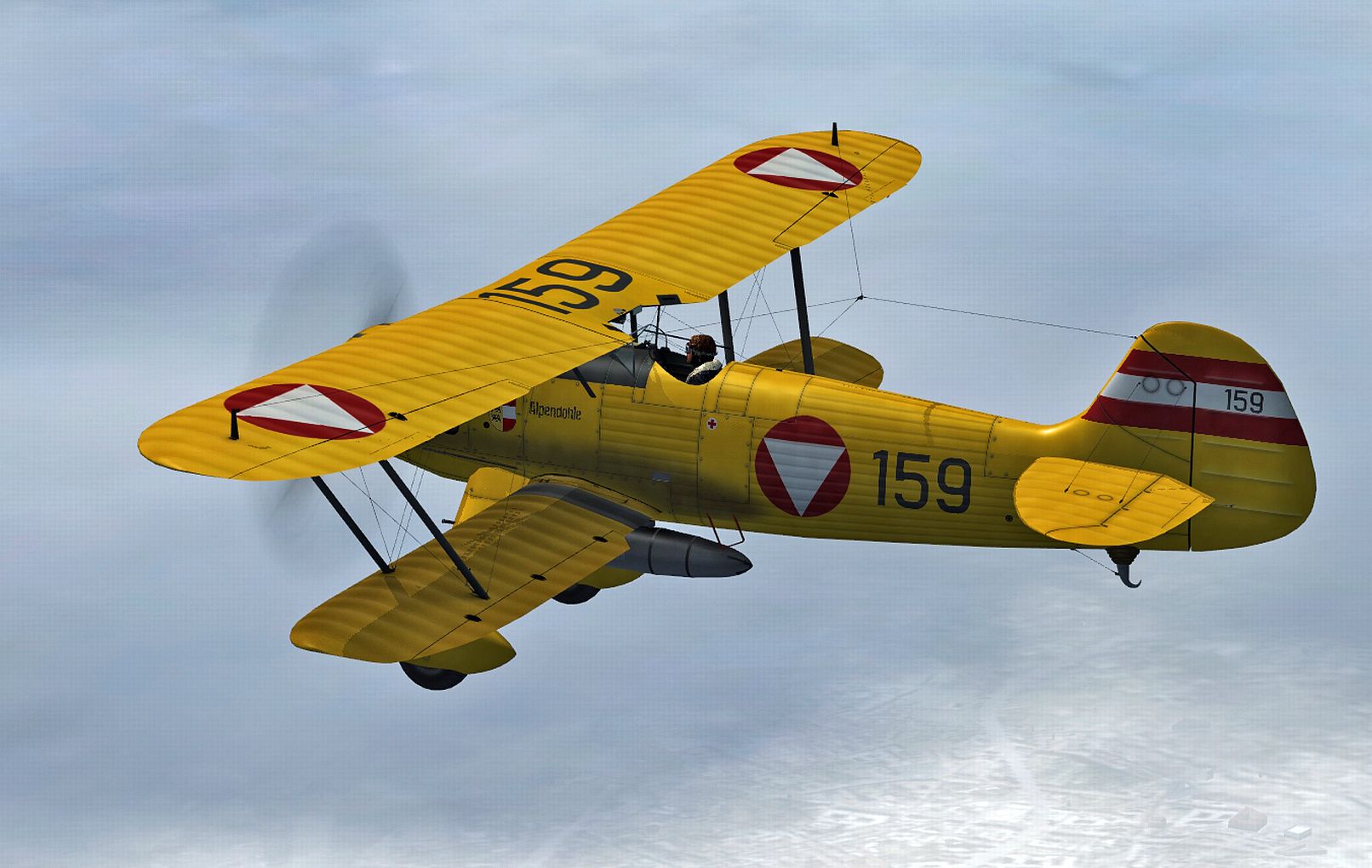
This modification showcases specific insignia, fuselage color tones, and numeric identifiers that pay homage to the potential styling of Austrian aircraft from around 1937. The bold yellow elements in the texture._AUSTRIA_GELB folder highlight the fuselage contours and wings, enhancing the unique biplane silhouette. Pilots who appreciate classic-era scenarios will find this addition especially compelling, as it blends meticulously applied exterior paintwork with subtle weathering to reflect operational use.
Screenshot of Austrian Air Force Heinkel He 51 in flight.
[fltsim.XX] with the subsequent numeric entry in your sequence.
[fltsim.XX]
title = Heinkel He-51 -- A U S T R I A G E L B --
sim = He51
panel =
model =
sound =
texture = _AUSTRIA_GELB
checklists =
ui_manufacturer = Heinkel
ui_type = He 51
ui_variation = Austria 159
ui_typerole = Single Engine Prop
ui_createdby = Craig Richardson
description = AUSTRIA 1937.
atc_id_color = 0x00000000
visual_damage = 0
atc_heavy = 0
atc_id_font = Verdana,0,1,0,0
Once complete, you will see the new Austrian repaint available in your aircraft selection menu. This update owes its authenticity to the diligent work of B. Lechner on the paint scheme, building upon the superb freeware foundation crafted by Craig Richardson, Huub Vink, Tom Falley, and Mathias Pommerien. With these textures installed, you can explore a vibrant hypothetical chapter of vintage aviation while piloting a uniquely liveried Heinkel He 51 in your simulator skies. Enjoy the experience of flying an earlier generation warbird adapted for Austrian markings, and immerse yourself in the detailed environment of classic biplane operations.
Free for all simmers · 6.73 MB · Scanned clean Oct 2026
Download speed: Free tier is capped at 0.5 Mbps (this file takes approximately 2 mins at the cap). PRO members download at full line speed.
This file is a repaint — the package below is the base model it paints onto. Install it first, or the textures will have nothing to load onto.
texture.{airline}) inside FSX\SimObjects\Airplanes\{base-aircraft}\.aircraft.cfg in Notepad. Add a new [fltsim.X] section per the readme.readme.txt or README file. It tells you exactly where files go, what dependencies are needed, and any quirks specific to this add-on.The archive heinkel_he51_austria_159.zip has 18 files and directories contained within it.
This list displays the first 500 files in the package. If the package has more, you will need to download it to view them.
| Filename/Directory | File Date | File Size |
|---|---|---|
| Bilders - 159 | 12.25.12 | 0 B |
| OE159 - 001.jpg | 12.25.12 | 1.21 MB |
| OE159 - 002.jpg | 12.25.12 | 1004.06 kB |
| OE159 - 004.jpg | 12.25.12 | 908.54 kB |
| OE159 - 005.jpg | 12.25.12 | 907.21 kB |
| FLTSIM_AUSTRIA_GELB.txt | 12.28.12 | 1.66 kB |
| texture._AUSTRIA_GELB | 12.26.12 | 0 B |
| HE51_10.DDS | 12.25.12 | 1.00 MB |
| He51_2.dds | 11.03.12 | 1.33 MB |
| HE51_6.DDS | 12.25.12 | 1.00 MB |
| HE51_7.DDS | 12.26.12 | 1.00 MB |
| HE51_8.DDS | 12.25.12 | 4.00 MB |
| HE51_9.DDS | 12.25.12 | 4.00 MB |
| PROP.dds | 12.28.12 | 85.46 kB |
| texture.cfg | 05.06.08 | 39 B |
| THUMBNAIL.JPG | 12.25.12 | 160.37 kB |
| flyawaysimulation.txt | 10.29.13 | 959 B |
| Go to Fly Away Simulation.url | 01.22.16 | 52 B |
Only PRO members can place votes.
More FSX & P3D add-ons hand-picked based on this download.
FSX Historic & Vintage Aircraft
This repaint pack introduces a unique Austrian Air Force-inspired livery for …
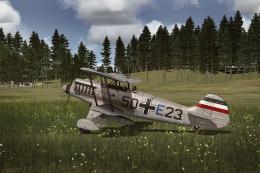 FSX Historic & Vintage Aircraft
This repaint package adds a speculative German Air Force livery to the classi…
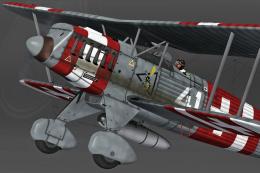 FSX Historic & Vintage Aircraft
Bring a fresh touch of Swiss aviation history into Microsoft Flight Simulator…
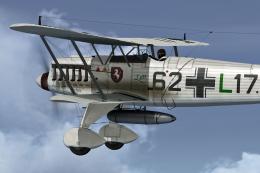 FSX Historic & Vintage Aircraft
This freeware add-on delivers a distinctive repaint crafted to represent a Ge…
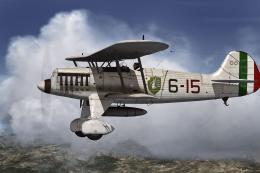 FSX Historic & Vintage Aircraft
This repaint offers an imaginary Italian Air Force rendition of the Heinkel H…
 FSX Historic & Vintage Aircraft
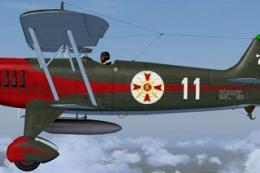
The Heinkel He51 was a German single-seat biplane which was produced in a num…
 FSX Historic & Vintage Aircraft
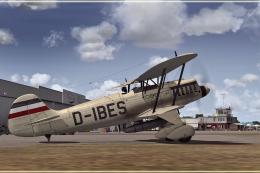
This repaint package presents a fictional livery labeled “D-IBES” for the Hei…
 FSX Historic & Vintage Aircraft
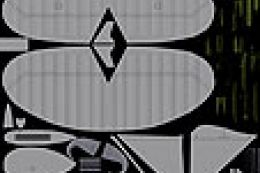
Paint Kit for use with the Heinkel He51 (HEINKEL_HE51.ZIP) aircraft by Craig …
Be the first to leave a comment on this download.
Be the first to share your thoughts on this download.