

 FSX Historic & Vintage Aircraft
Heinkel He-51
The Heinkel He51 was a German single-seat biplane which was produced in a num…
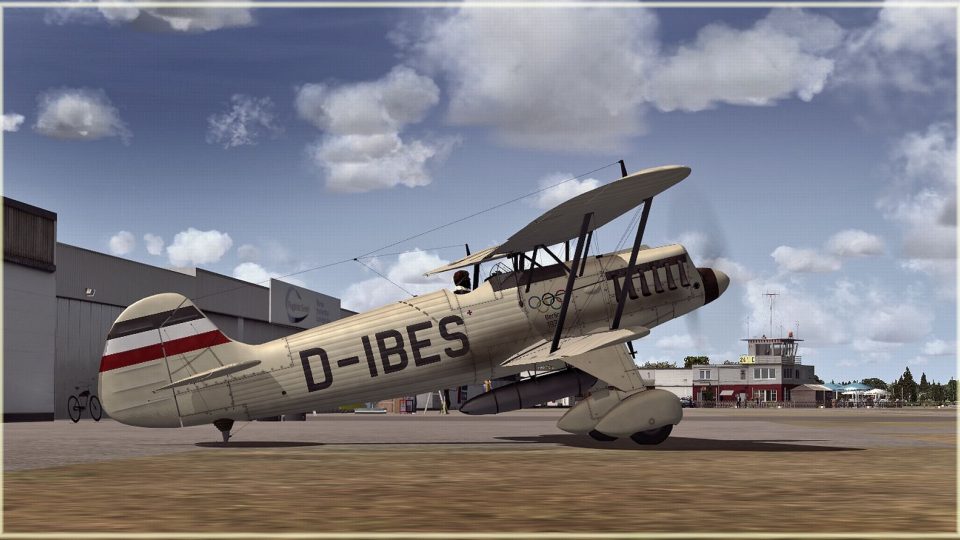
Heinkel He 51 “D-IBES” brings a fictional civilian registration and eye-catching paintwork to the classic German biplane in Microsoft Flight Simulator X, with crisp markings, subtle weathering, and period-appropriate styling that suits close-up exterior views and the virtual cockpit. Requires the freeware Heinkel He 51 base model; textures only.
 Rate
Rate
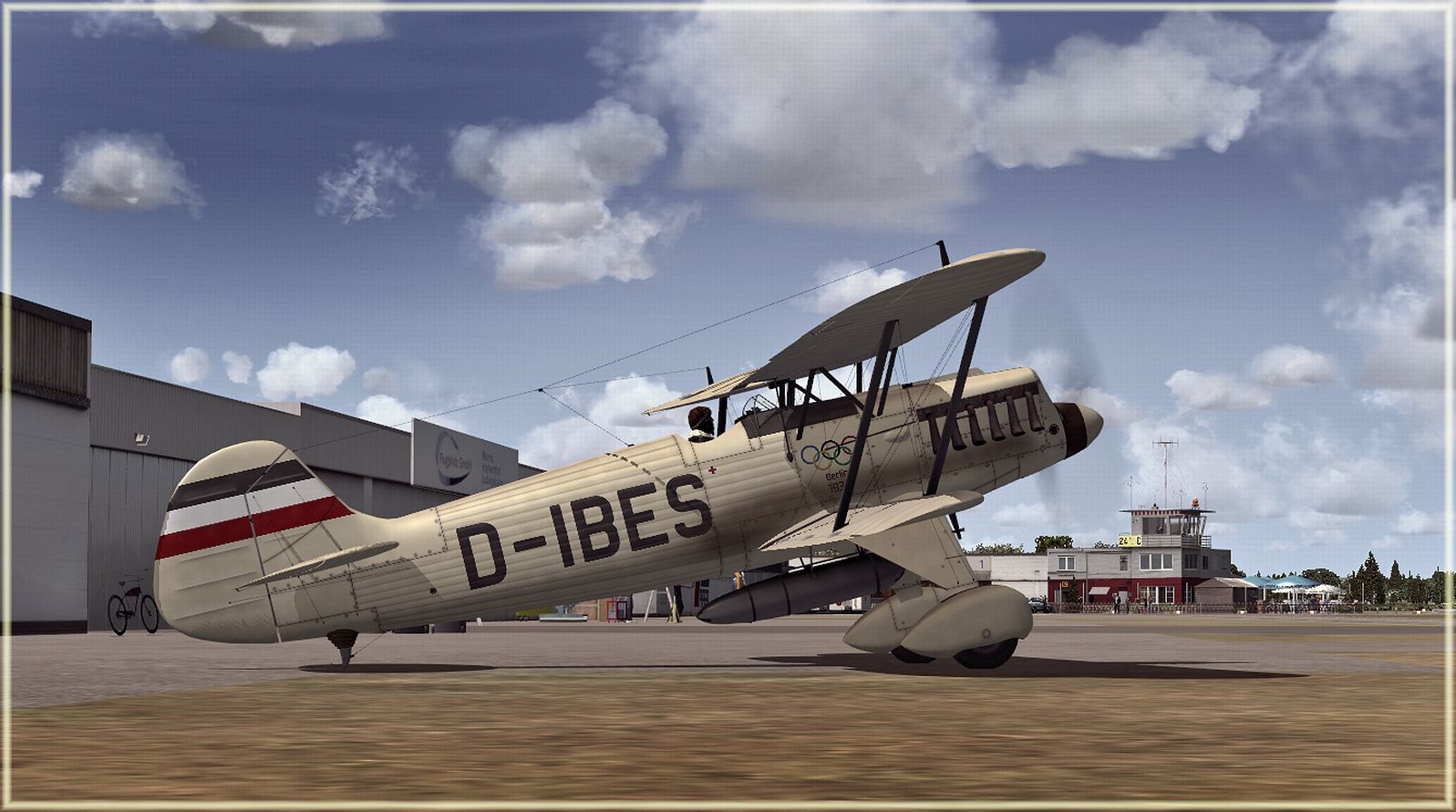
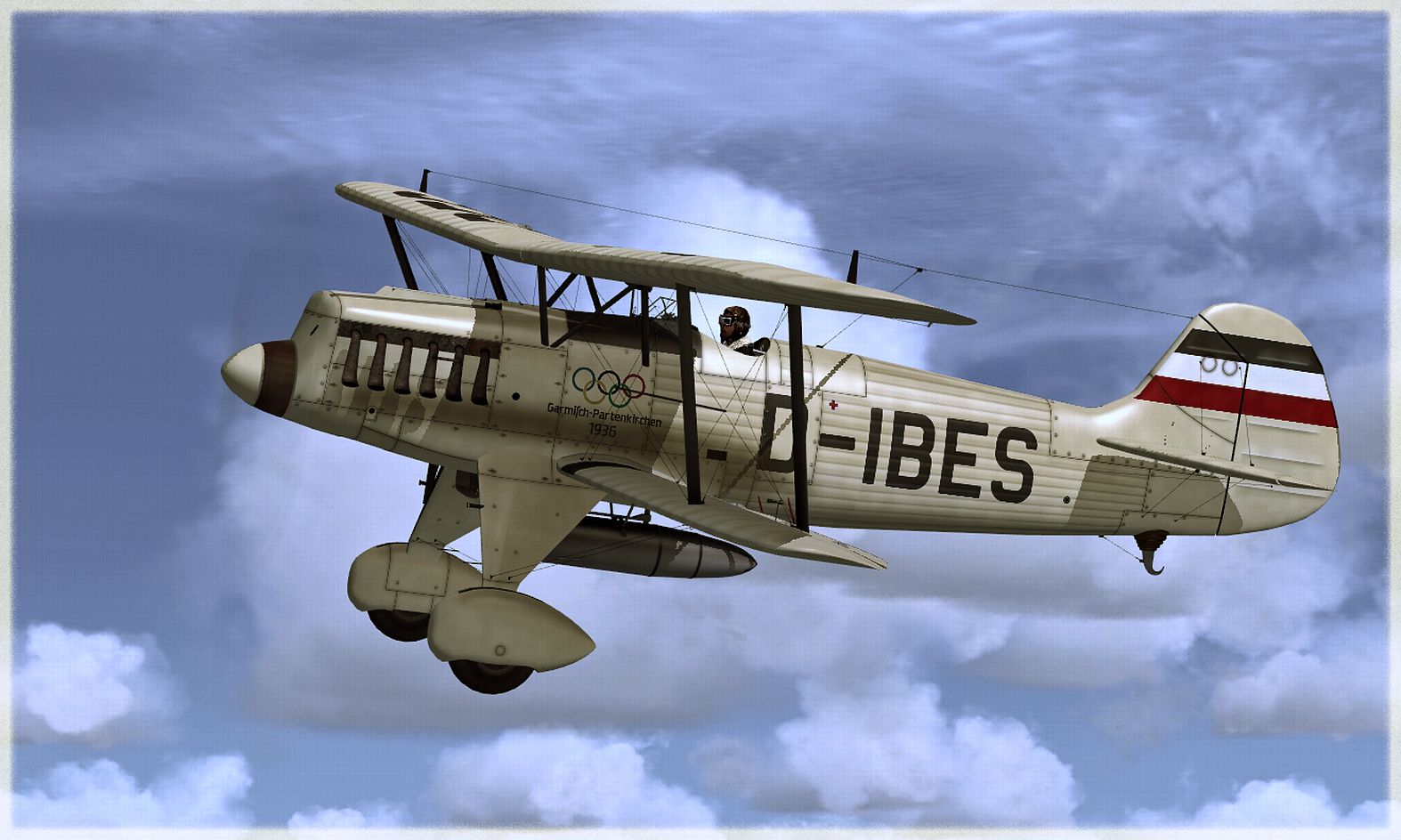
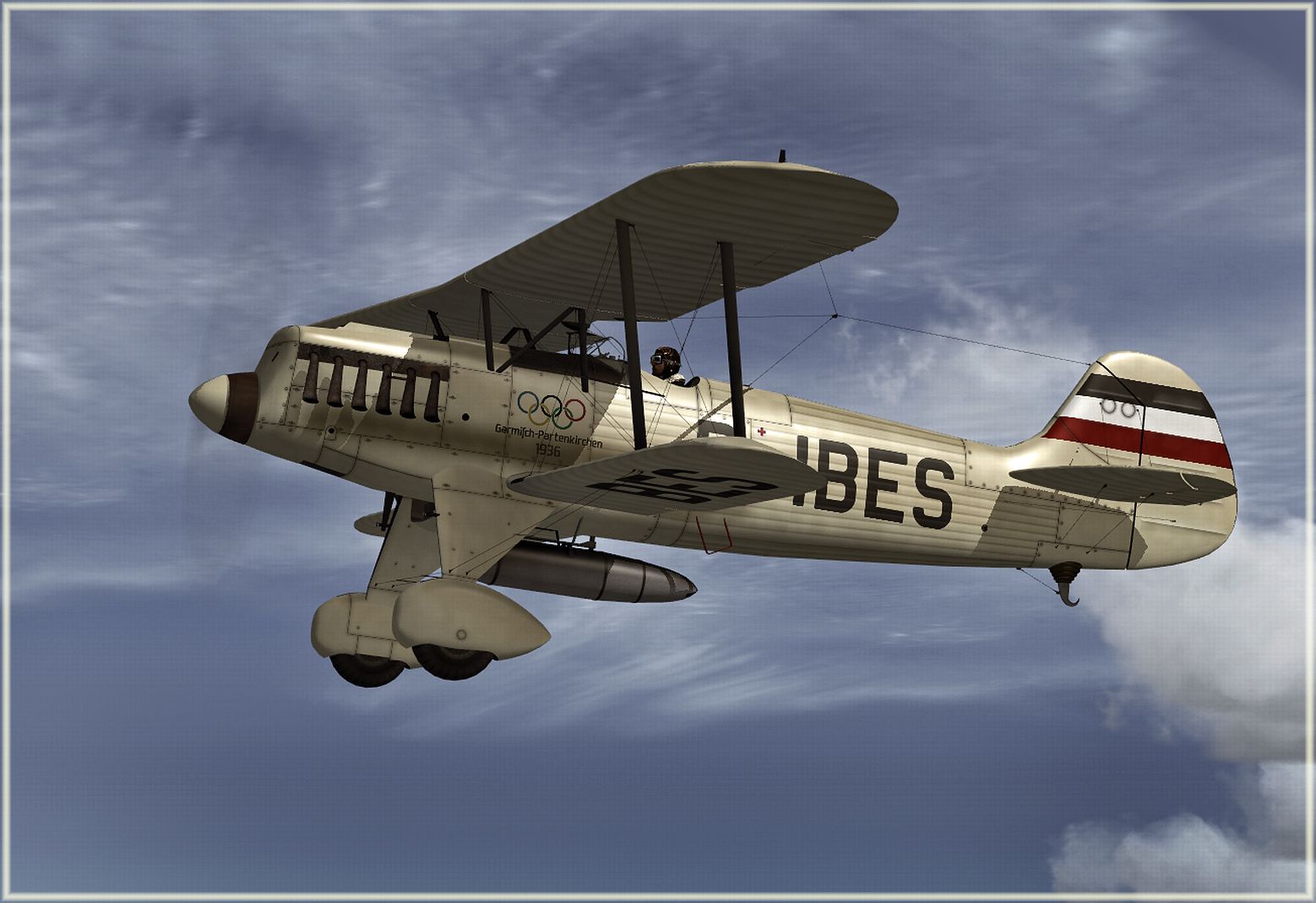
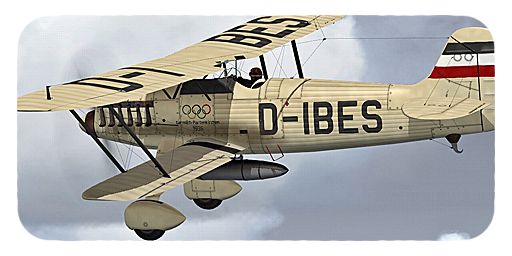
This repaint package presents a fictional livery labeled “D-IBES” for the Heinkel He 51 and is fully compatible with Microsoft Flight Simulator X. It applies a distinctive color scheme on top of the freeware base model developed by Craig Richardson, Huub Vink, Tom Falley, and Mathias Pommerien. Anyone seeking a creative finish for this early German biplane will appreciate the fine details and subtle variations found here. Please note that this repaint solely includes the texture files; the underlying aircraft model must be obtained separately from the Fly Away Simulation mod library.
The original Heinkel He 51 served as a single-engine fighter introduced in the early 1930s and employed biplane architecture. It stood out for its tight maneuvering capabilities and was frequently utilized for advanced pilot training. Though replaced in frontline service by more modern monoplanes, the He 51 still captures the interest of virtual pilots who crave authenticity combined with the appeal of classic German engineering.
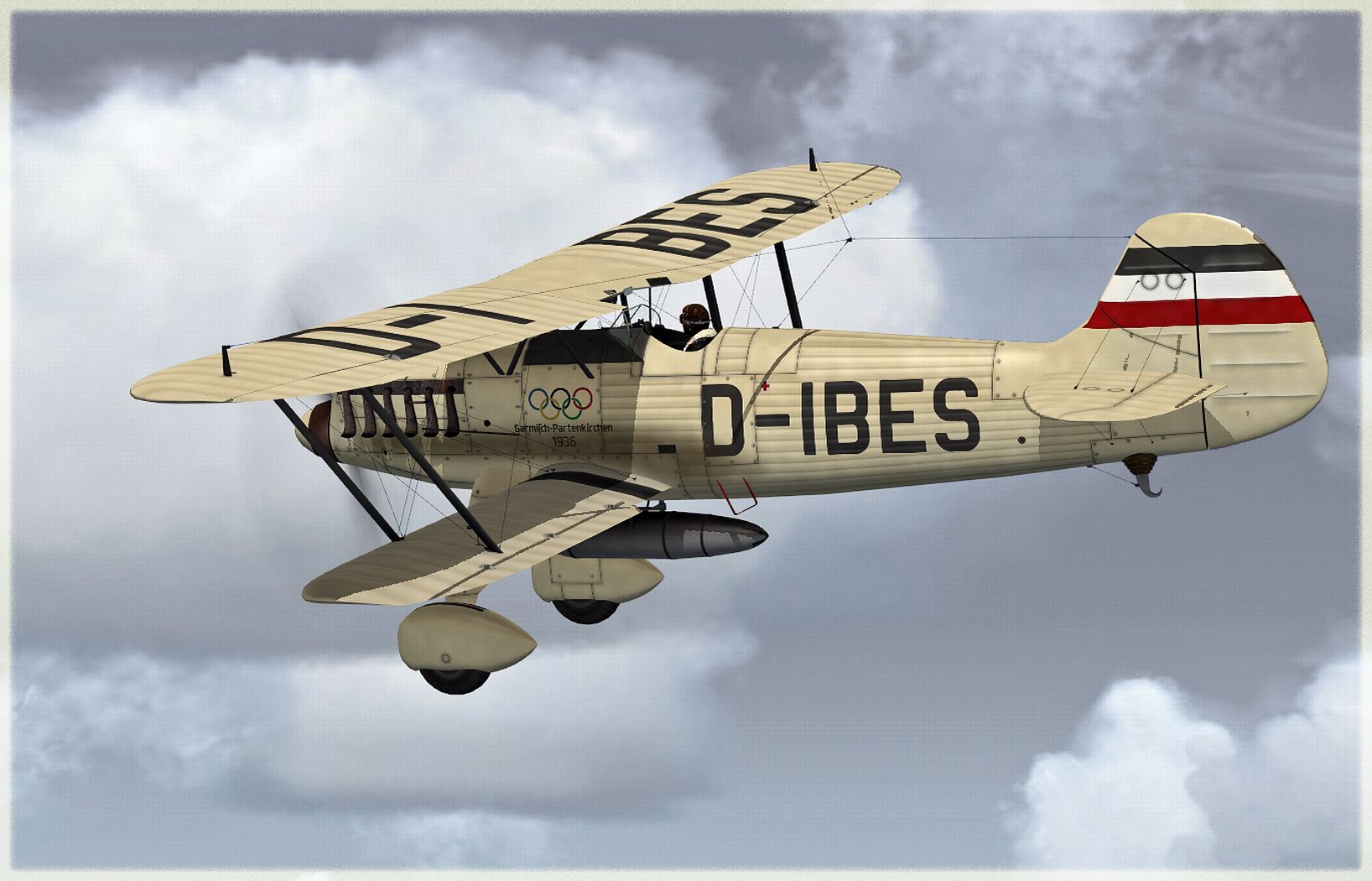
D-IBES offers a hypothetical civilian-style registration that draws attention to the aircraft’s iconic biplane silhouette. Even though this registration is not historically documented, it aligns with era-specific design elements and encourages creative exploration in the simulator. Developer B. Lechner meticulously crafted this scheme to integrate crisp surface details and convincing weathering—providing both new and experienced simmers with an immersive flight deck experience.
Screenshot showcasing the repaint flying in clear conditions.
texture._D-IBES folder and move it into the SimObjects\Airplanes\Heinkel He51 directory found in your simulator folder.Heinkel He51 folder) and insert the block of code below after the last registered variant. Ensure you replace [fltsim.XX] with the subsequent numerical value in your lineup.[fltsim.XX]
title = Heinkel He-51 -- D - I B E S --
sim = He51
panel =
model =
sound =
texture = _D-IBES
checklists =
ui_manufacturer = Heinkel
ui_type = He 51
ui_variation = D-IBES
ui_typerole = Single Engine Prop
ui_createdby = Craig Richardson
description = .
atc_id_color = 0x00000000
visual_damage = 0
atc_heavy = 0
atc_id_font = Verdana,0,1,0,0
Free for all simmers · 6.3 MB · Scanned clean Oct 2026
Download speed: Free tier is capped at 0.5 Mbps (this file takes approximately 2 mins at the cap). PRO members download at full line speed.
This file is a repaint — the package below is the base model it paints onto. Install it first, or the textures will have nothing to load onto.
texture.{airline}) inside FSX\SimObjects\Airplanes\{base-aircraft}\.aircraft.cfg in Notepad. Add a new [fltsim.X] section per the readme.readme.txt or README file. It tells you exactly where files go, what dependencies are needed, and any quirks specific to this add-on.The archive heinkel_he51_d-ibes.zip has 18 files and directories contained within it.
This list displays the first 500 files in the package. If the package has more, you will need to download it to view them.
| Filename/Directory | File Date | File Size |
|---|---|---|
| Bilders - D-IBES | 12.26.12 | 0 B |
| D-IBES - 004.jpg | 12.26.12 | 919.20 kB |
| D-IBES - 005.jpg | 12.26.12 | 906.35 kB |
| D-IBES - 006.jpg | 12.26.12 | 996.95 kB |
| D-IBES - 007.jpg | 12.26.12 | 980.78 kB |
| FLTSIM_D-IBES.txt | 12.28.12 | 1.60 kB |
| texture._D-IBES | 12.26.12 | 0 B |
| HE51_10.DDS | 12.26.12 | 1.00 MB |
| He51_2.dds | 11.03.12 | 1.33 MB |
| HE51_6.DDS | 12.26.12 | 1.00 MB |
| HE51_7.DDS | 12.26.12 | 1.00 MB |
| HE51_8.DDS | 12.26.12 | 4.00 MB |
| HE51_9.DDS | 12.26.12 | 4.00 MB |
| PROP.dds | 12.25.12 | 85.46 kB |
| texture.cfg | 05.06.08 | 39 B |
| THUMBNAIL.JPG | 12.26.12 | 141.68 kB |
| flyawaysimulation.txt | 10.29.13 | 959 B |
| Go to Fly Away Simulation.url | 01.22.16 | 52 B |
Only PRO members can place votes.
More FSX & P3D add-ons hand-picked based on this download.
FSX Historic & Vintage Aircraft
The Heinkel He51 was a German single-seat biplane which was produced in a num…
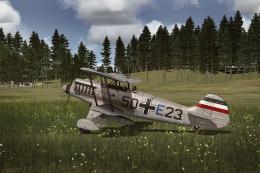 FSX Historic & Vintage Aircraft
This repaint package adds a speculative German Air Force livery to the classi…
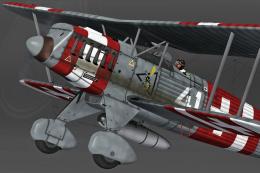 FSX Historic & Vintage Aircraft
Bring a fresh touch of Swiss aviation history into Microsoft Flight Simulator…
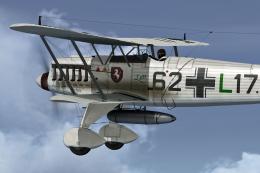 FSX Historic & Vintage Aircraft
This freeware add-on delivers a distinctive repaint crafted to represent a Ge…
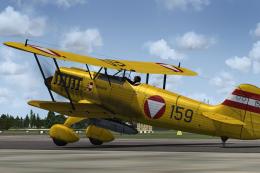 FSX Historic & Vintage Aircraft
This texture package offers an imagined Austrian Air Force finish for the cla…
 FSX Historic & Vintage Aircraft
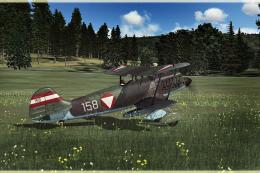
This repaint pack introduces a unique Austrian Air Force-inspired livery for …
 FSX Historic & Vintage Aircraft
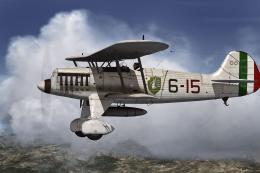
This repaint offers an imaginary Italian Air Force rendition of the Heinkel H…
 FSX Historic & Vintage Aircraft
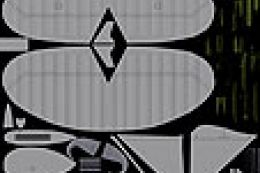
Paint Kit for use with the Heinkel He51 (HEINKEL_HE51.ZIP) aircraft by Craig …
Read what other simmers think, or add your own.

Can you tell me where I can find actual photos of D-IBES? The only thing I can find using Google is your (very nice) FlightSim renderings.
Tks!