

 FSX Historic & Vintage Aircraft
Austrian Air Force Heinkel He 51
This texture package offers an imagined Austrian Air Force finish for the cla…
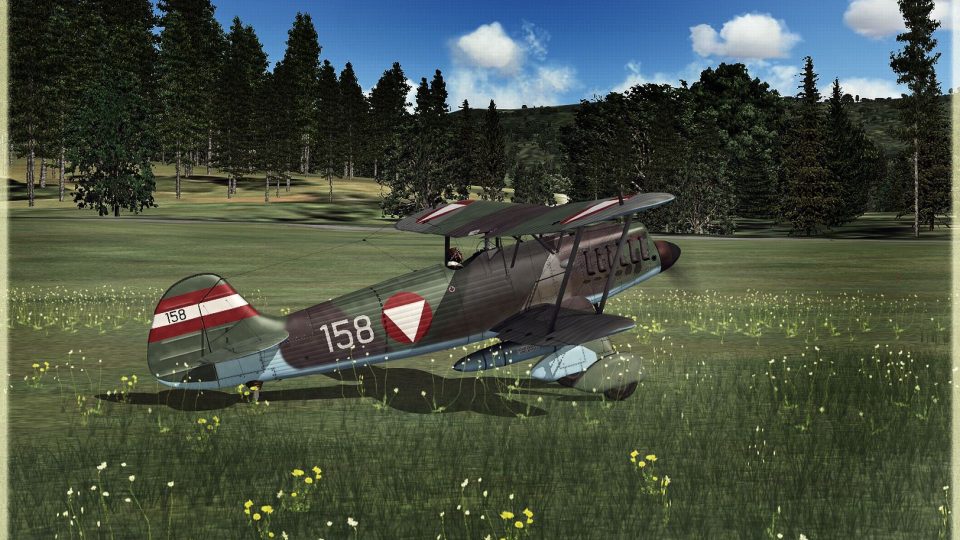
Austrian Air Force-style livery textures transform the Heinkel He 51 into a 1937 what-if biplane fighter with plausible national markings and a subdued camouflage that suits its classic lines. Designed for Microsoft Flight Simulator X, it requires the freeware Heinkel He 51 base model and adds a fresh, period-flavored look.
 Rate
Rate
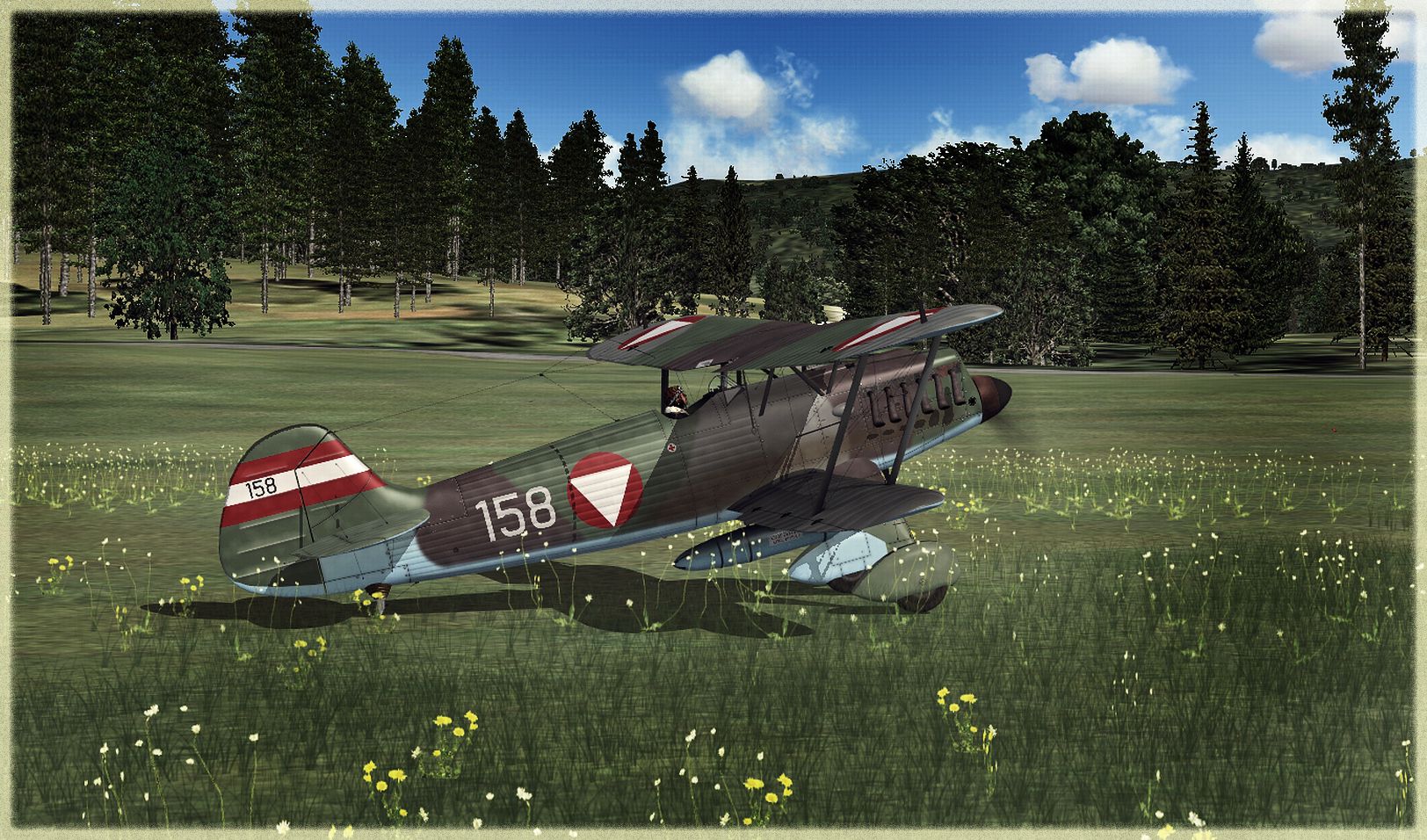
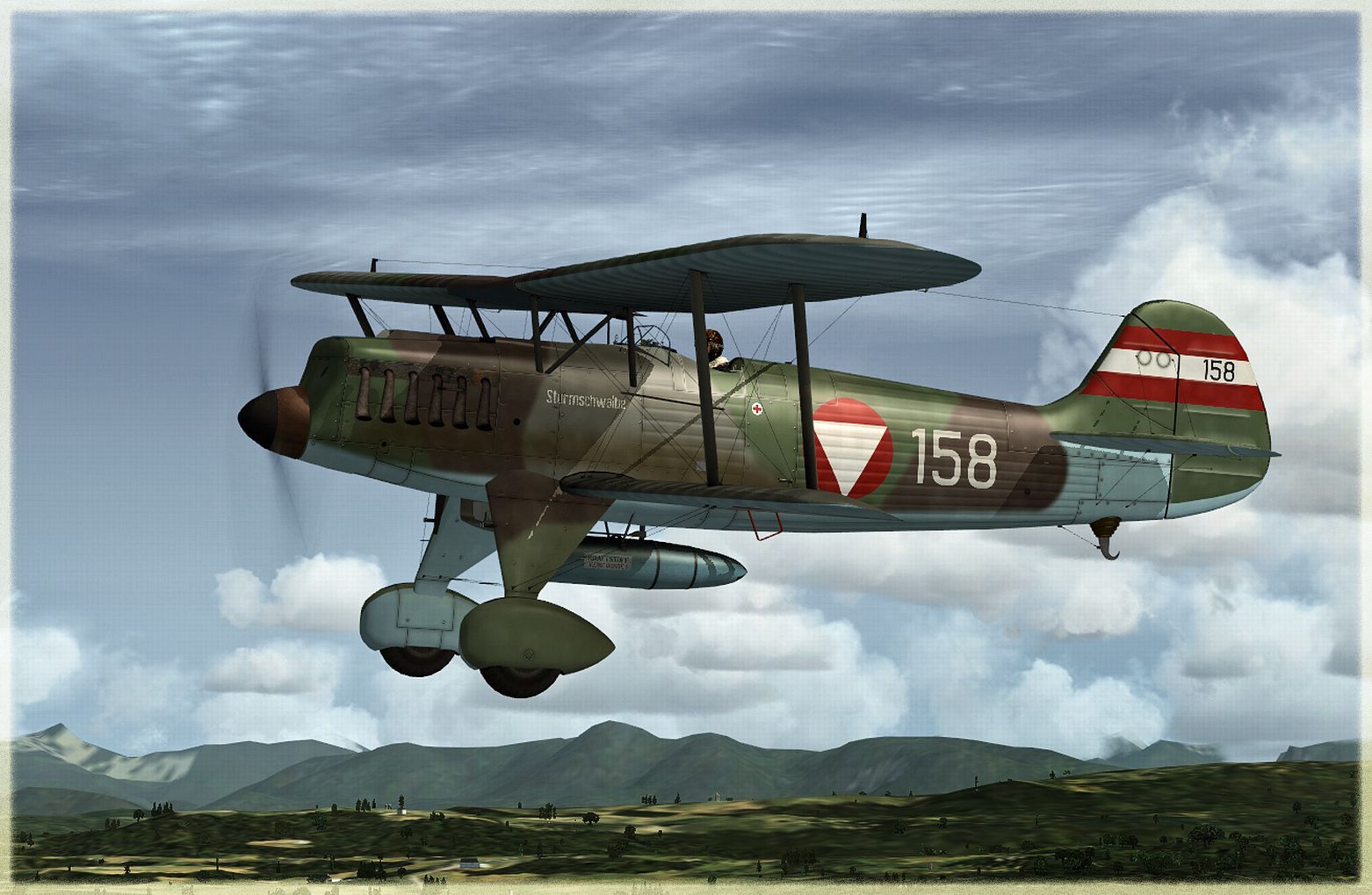
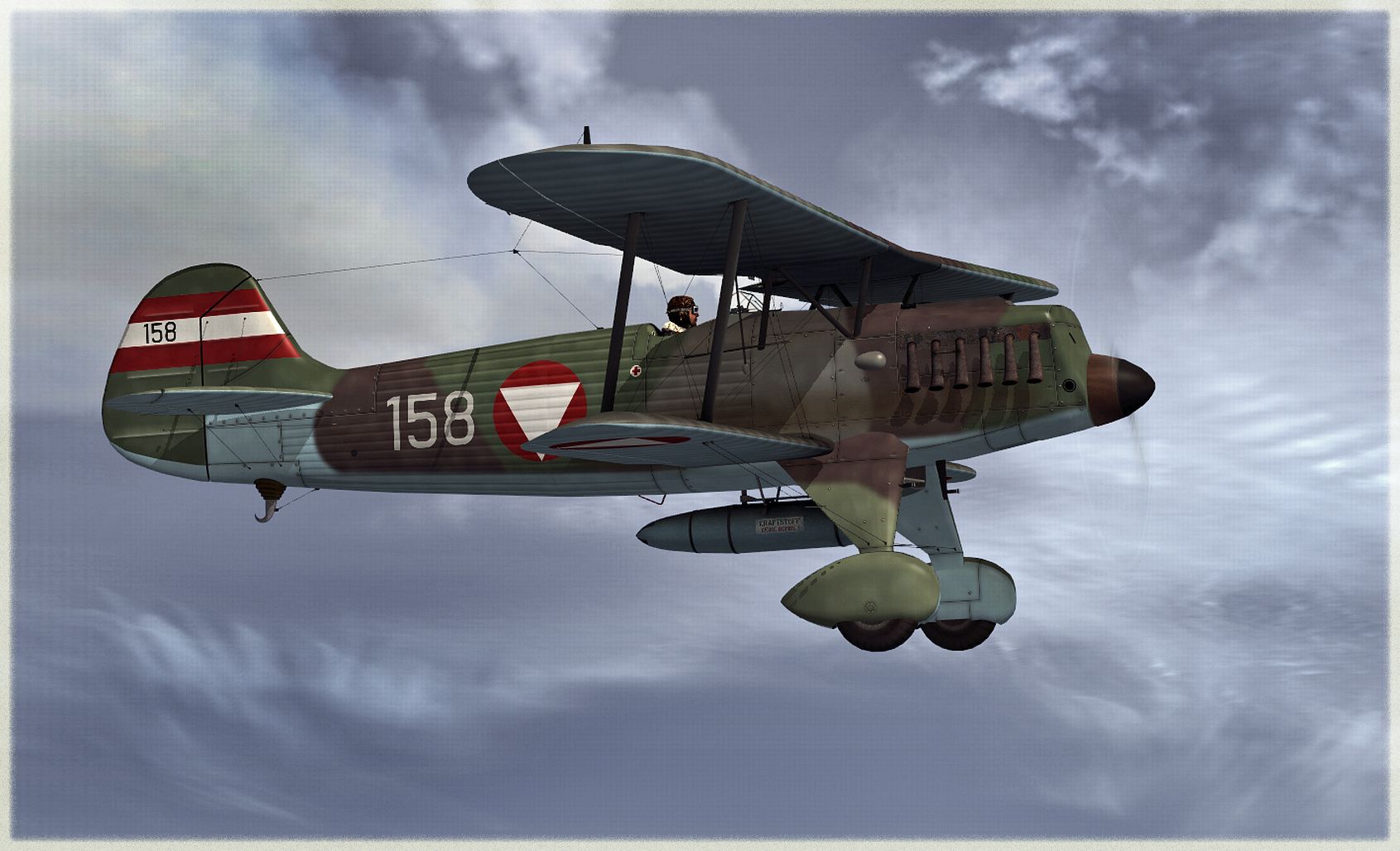

This repaint pack introduces a unique Austrian Air Force-inspired livery for the Heinkel He 51, carefully crafted for Microsoft Flight Simulator X. The base model by Craig Richardson, Huub Vink, Tom Falley, and Mathias Pommerien is required and is available as freeware. Developed by B. Lechner, this fictitious design provides an authentic color scheme that depicts how the Heinkel He 51 could have appeared under Austrian service in 1937.
Although primarily associated with its early German origins, the Heinkel He 51 was a single-engine biplane fighter recognized for its maneuverability and straightforward construction. This new texture set envisions what it may have looked like if Austria had commissioned its own distinct variant. It merges historically plausible elements of national markings with a stylish camouflage that complements the aircraft's robust lines.
The real He 51 made its debut in the early 1930s as a light fighter and reconnaissance platform. It featured a braced biplane layout, an inline engine, and a relatively nimble frame that appealed to several early operators. While Austria never officially employed this model, this repaint creatively adapts the aircraft to an Austrian aesthetic, complete with discrete markings and an understated color palette.
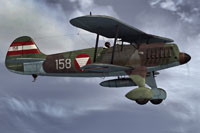
Screenshot showcasing the Heinkel He 51 in Austrian-style markings.
Before adding these textures, ensure you have downloaded and installed the freeware Heinkel He 51 base model from the Fly Away Simulation library. Once this prerequisite is met, follow these instructions:
[fltsim.XX] with the next numerical entry:[fltsim.XX]
title = Heinkel He-51 -- A U S T R I A T A R N --
sim = He51
panel =
model =
sound =
texture = _AUSTRIA_TARN
checklists =
ui_manufacturer = Heinkel
ui_type = He 51
ui_variation = Austria 158
ui_typerole = Single Engine Prop
ui_createdby = Craig Richardson
description = AUSTRIA 1937.
atc_id_color = 0x00000000
visual_damage = 0
atc_heavy = 0
atc_id_font = Verdana,0,1,0,0
This repaint remains free of charge, reflecting the collaborative efforts of the original creators—Craig Richardson, Huub Vink, Tom Falley, and Mathias Pommerien—along with the skillful texture work by B. Lechner. Kindly note that the base aircraft package is not included and must be acquired beforehand. Once installed, flight sim enthusiasts can appreciate an alternate camouflage scheme that breathes new life into this classic biplane.
Free for all simmers · 6.38 MB · Scanned clean Oct 2026
Download speed: Free tier is capped at 0.5 Mbps (this file takes approximately 2 mins at the cap). PRO members download at full line speed.
This file is a repaint — the package below is the base model it paints onto. Install it first, or the textures will have nothing to load onto.
texture.{airline}) inside FSX\SimObjects\Airplanes\{base-aircraft}\.aircraft.cfg in Notepad. Add a new [fltsim.X] section per the readme.readme.txt or README file. It tells you exactly where files go, what dependencies are needed, and any quirks specific to this add-on.The archive heinkel_he51_austria_158.zip has 17 files and directories contained within it.
This list displays the first 500 files in the package. If the package has more, you will need to download it to view them.
| Filename/Directory | File Date | File Size |
|---|---|---|
| Bilders - 158 | 12.25.12 | 0 B |
| OE158 - 001.jpg | 12.25.12 | 1.02 MB |
| OE158 - 002.jpg | 12.25.12 | 1.58 MB |
| OE158 - 003.jpg | 12.25.12 | 1.05 MB |
| FLTSIM_AUSTRIA_TARN.txt | 12.28.12 | 1.67 kB |
| texture._AUSTRIA_TARN | 12.25.12 | 0 B |
| HE51_10.DDS | 12.24.12 | 1.00 MB |
| He51_2.dds | 11.03.12 | 1.33 MB |
| HE51_6.DDS | 12.24.12 | 1.00 MB |
| HE51_7.DDS | 12.24.12 | 1.00 MB |
| HE51_8.DDS | 12.25.12 | 4.00 MB |
| HE51_9.DDS | 12.25.12 | 4.00 MB |
| PROP.dds | 12.25.12 | 85.46 kB |
| texture.cfg | 05.06.08 | 39 B |
| THUMBNAIL.JPG | 12.25.12 | 122.30 kB |
| flyawaysimulation.txt | 10.29.13 | 959 B |
| Go to Fly Away Simulation.url | 01.22.16 | 52 B |
Only PRO members can place votes.
More FSX & P3D add-ons hand-picked based on this download.
FSX Historic & Vintage Aircraft
This texture package offers an imagined Austrian Air Force finish for the cla…
 FSX Historic & Vintage Aircraft
This repaint package adds a speculative German Air Force livery to the classi…
 FSX Historic & Vintage Aircraft
Bring a fresh touch of Swiss aviation history into Microsoft Flight Simulator…
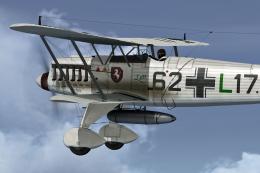 FSX Historic & Vintage Aircraft
This freeware add-on delivers a distinctive repaint crafted to represent a Ge…
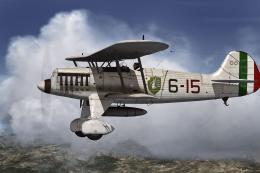 FSX Historic & Vintage Aircraft
This repaint offers an imaginary Italian Air Force rendition of the Heinkel H…
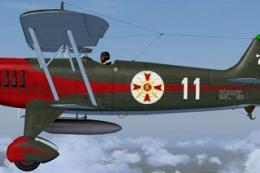 FSX Historic & Vintage Aircraft
The Heinkel He51 was a German single-seat biplane which was produced in a num…
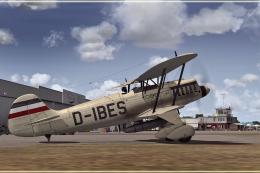 FSX Historic & Vintage Aircraft
This repaint package presents a fictional livery labeled “D-IBES” for the Hei…
 FSX Historic & Vintage Aircraft
Paint Kit for use with the Heinkel He51 (HEINKEL_HE51.ZIP) aircraft by Craig …
Be the first to leave a comment on this download.
Be the first to share your thoughts on this download.