

 FSX Civil Aircraft
Viasa Douglas DC-9-30 YV-C-AVD
Venezolana Internacional de Aviacion, S. A. "VIASA" Douglas DC9-30, Flight 74…
Viasa Douglas DC-8-32 repaint brings classic YV-C-VIF markings to long-haul era flying in FSX, with crisp period-correct livery work and tailored texture updates for the Just Flight DC-8 series. It requires the payware Just Flight DC-8 model and adds authentic airline identity for historic route and fleet setups.
 Rate
Rate
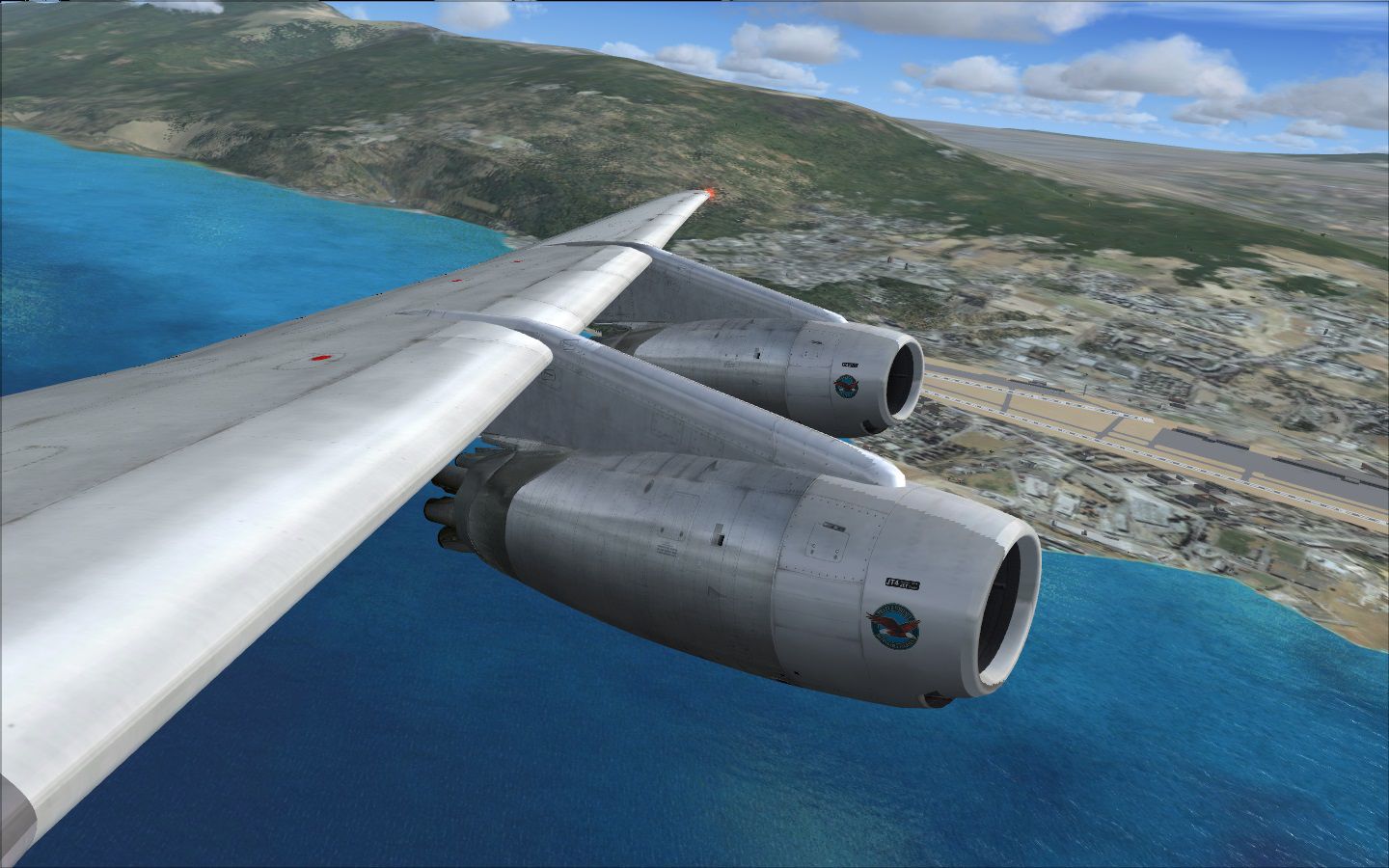
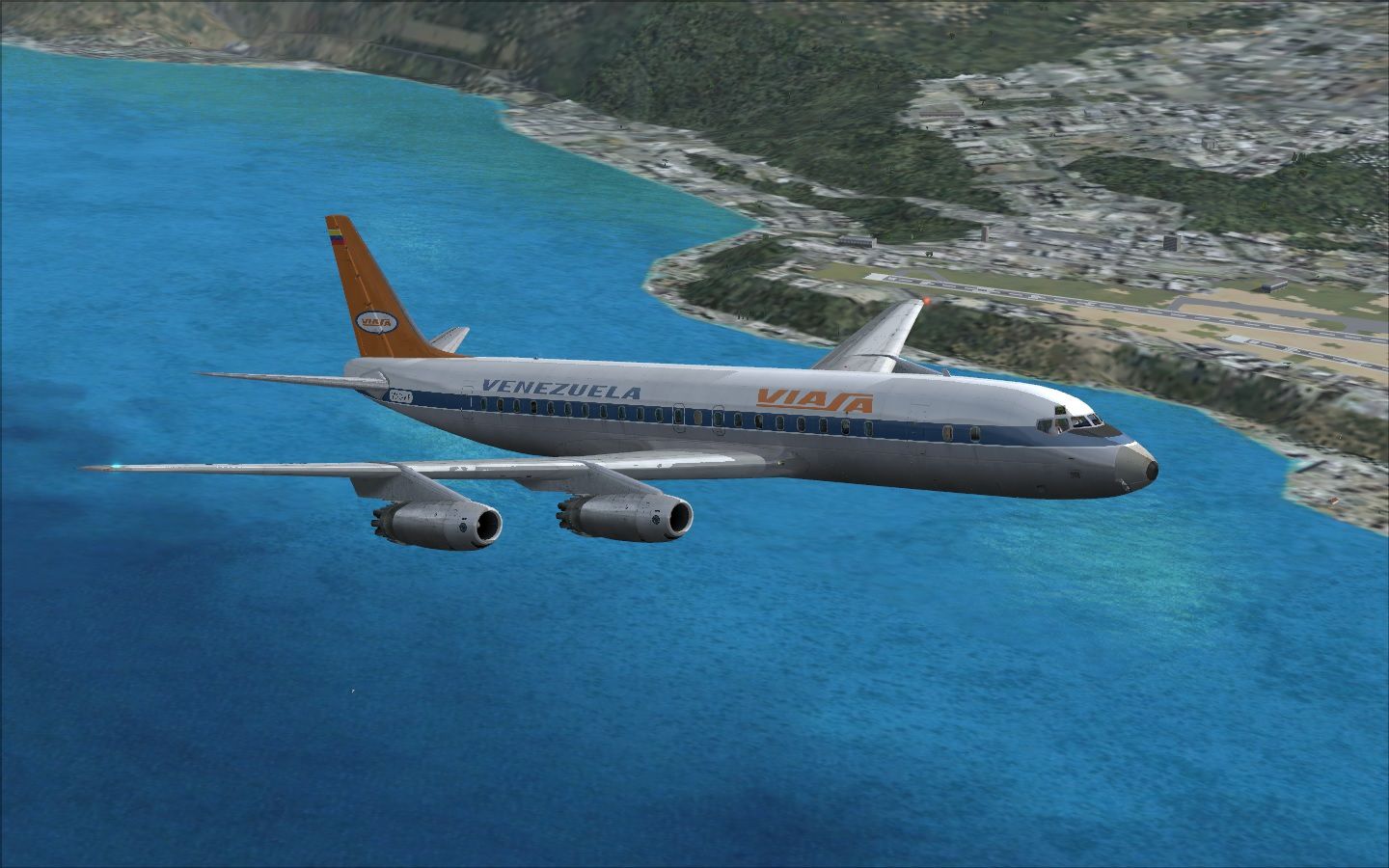
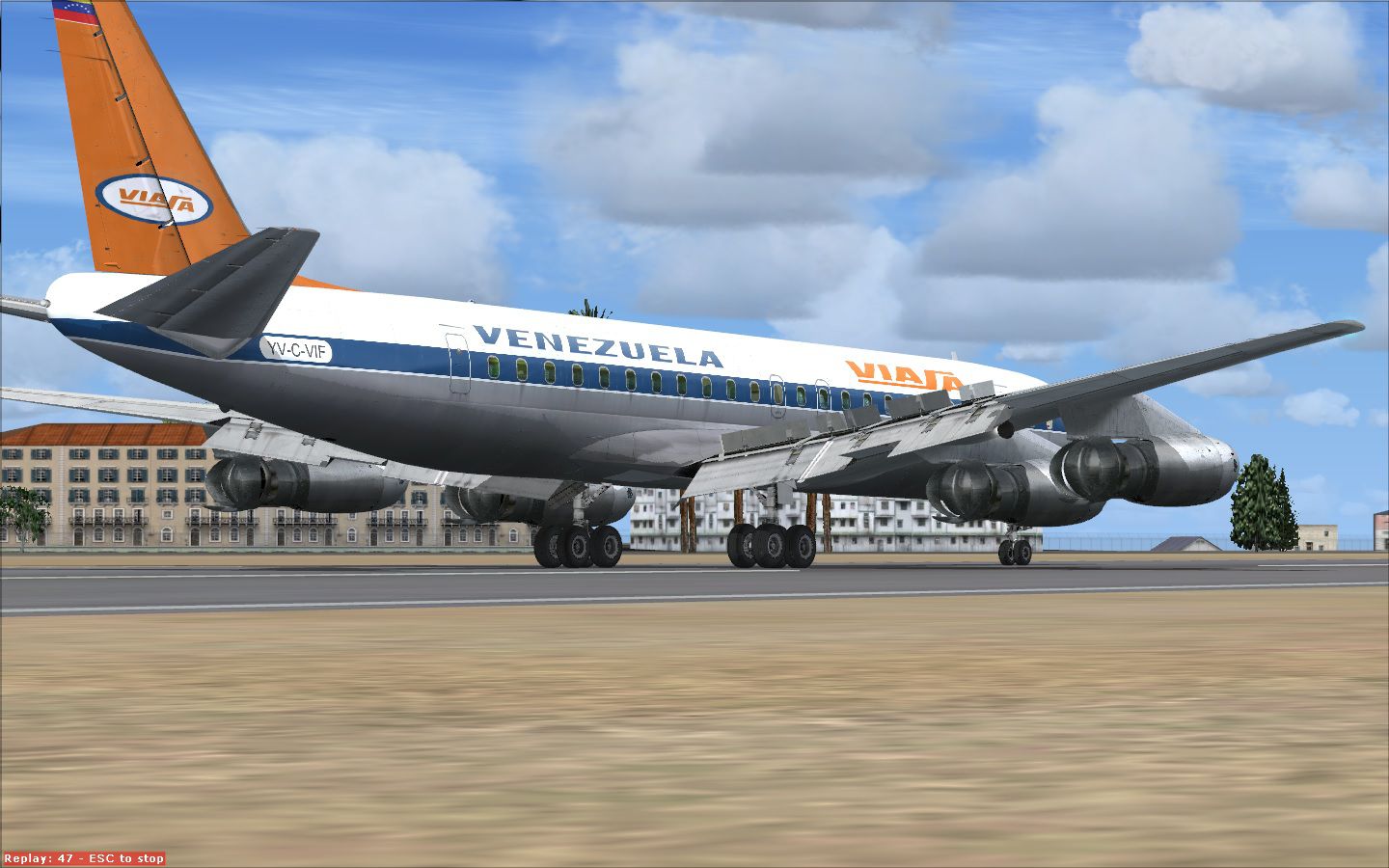
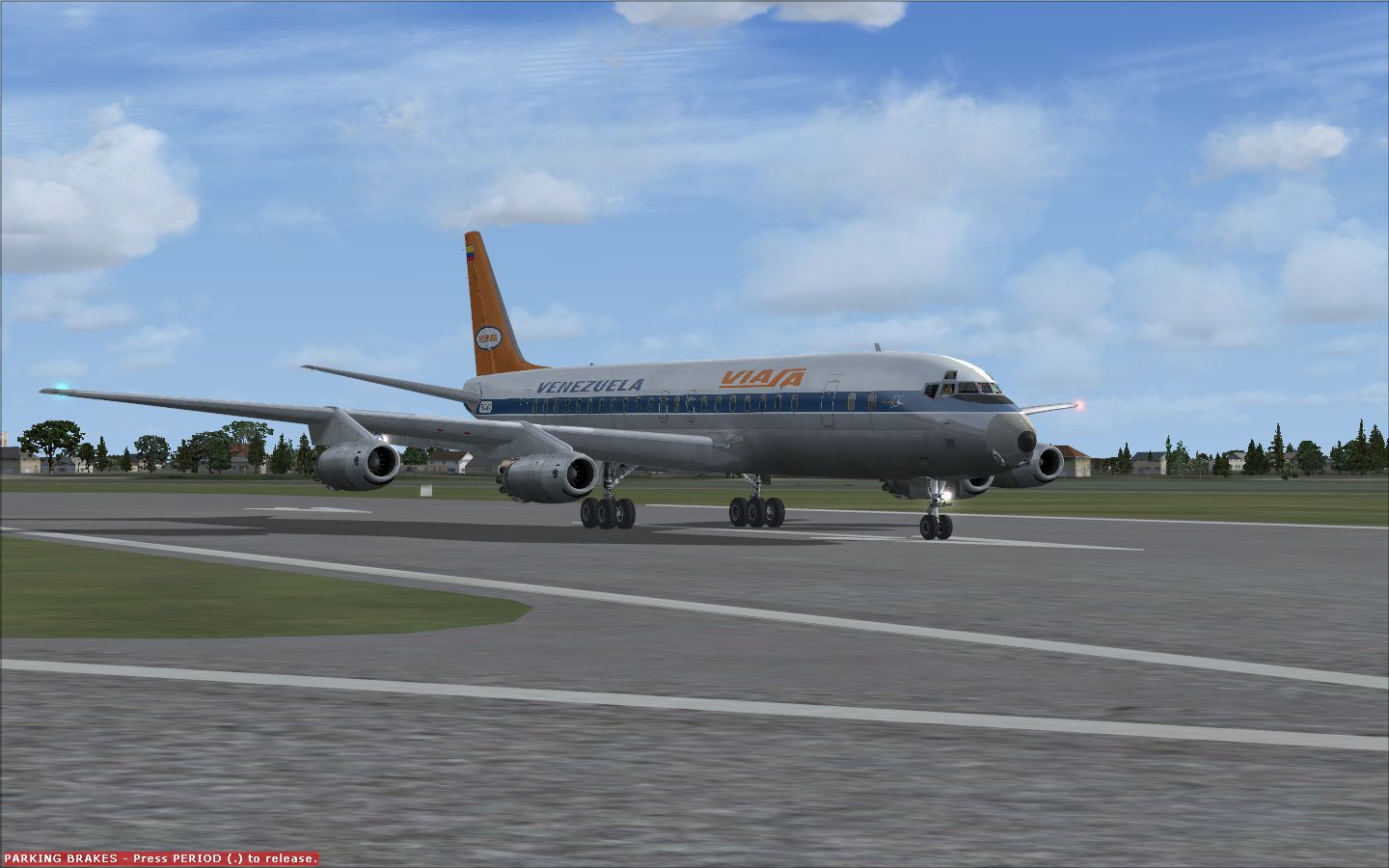
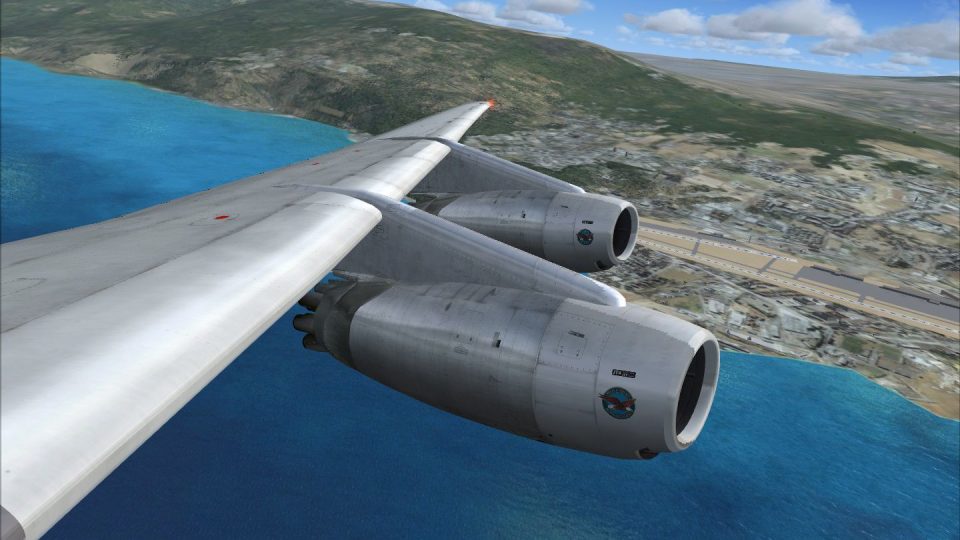
A repaint of Viasa DC8-32 YV-C-VIF for the payware Just Flight model DC-8 aircraft. By Ramon Ortiz.
Screenshot of Viasa Douglas DC-8-32 in flight.
Installation:
[fltsim.xx]

title=DC-8-32 Viasa

sim=DC-8-32

model=32

panel=

sound=JT

texture=Viasa

kb_checklists=DC-8 CHECKLISTS

kb_reference=jf_DC-8-32_ref

atc_id=YV-C-VIF

atc_airline= Viasa

atc_flight_number= 921

ui_manufacturer="Douglas"

ui_type="DC-8-33"

ui_variation="Viasa"

ui_typerole="Commercial Airliner"

ui_createdby="Just Flight"

atc_parking_codes=

atc_parking_types=GATE,RAMP

description=Viasa YV-CVIF DC-8-33. Built - 25-1-1960. Status - Scrapped.
Free for all simmers · 38.33 MB · Scanned clean Sep 2026
Download speed: Free tier is capped at 0.5 Mbps (this file takes approximately 11 mins at the cap). PRO members download at full line speed.
texture.{airline}) inside FSX\SimObjects\Airplanes\{base-aircraft}\.aircraft.cfg in Notepad. Add a new [fltsim.X] section per the readme.readme.txt or README file. It tells you exactly where files go, what dependencies are needed, and any quirks specific to this add-on.The archive jfviasa_dc8_32.zip has 26 files and directories contained within it.
This list displays the first 500 files in the package. If the package has more, you will need to download it to view them.
| Filename/Directory | File Date | File Size |
|---|---|---|
| Viasa_DC-8-32_YV-C-VIF | 12.09.13 | 0 B |
| texture | 12.09.13 | 0 B |
| JF_DC8_Motorparts_t.tga | 11.07.13 | 256.04 kB |
| JF_DC8_Maingear_t.tga | 11.01.13 | 16.00 MB |
| JF_DC8_Frontgear_t.tga | 11.24.13 | 16.00 MB |
| JF_DC8_lines_t.tga | 11.03.13 | 4.00 MB |
| YV-C-VIF 03.jpg | 11.19.13 | 326.08 kB |
| texture.Viasa | 12.09.13 | 0 B |
| thumbnail.jpg | 11.19.13 | 33.70 kB |
| JF_DC8_RightWing_t.dds | 11.24.13 | 4.00 MB |
| JF_DC8_FuseBaseARM_t.dds | 11.21.13 | 16.00 MB |
| JF_DC8_FuseBaseE_t.dds | 10.27.13 | 4.00 MB |
| JF_DC8_Doors_t.dds | 11.16.13 | 4.00 MB |
| JF_DC8_engineLeft_t.dds | 11.19.13 | 4.00 MB |
| texture.cfg | 10.22.13 | 310 B |
| JF_DC8_FuseBaseBRM_t.dds | 11.19.13 | 16.00 MB |
| JF_DC8_FuseBaseCRM_t.dds | 11.19.13 | 16.00 MB |
| JF_DC8_LeftWing_t.dds | 11.24.13 | 4.00 MB |
| JF_DC8_engineRight_t.dds | 11.19.13 | 4.00 MB |
| JF_DC8_Fintail_t.dds | 11.09.13 | 4.00 MB |
| Readme.txt | 12.09.13 | 1.06 kB |
| YV-C-VIF 01.jpg | 11.19.13 | 344.40 kB |
| YV-C-VIF 06.jpg | 11.24.13 | 238.78 kB |
| YV-C-VIF 04.jpg | 11.19.13 | 287.75 kB |
| flyawaysimulation.txt | 10.29.13 | 959 B |
| Go to Fly Away Simulation.url | 01.22.16 | 52 B |
Only PRO members can place votes.
More FSX & P3D add-ons hand-picked based on this download.
FSX Civil Aircraft
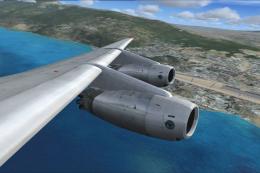
Venezolana Internacional de Aviacion, S. A. "VIASA" Douglas DC9-30, Flight 74…
 FSX Civil Aircraft
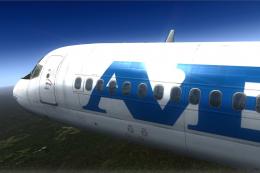
Viasa Douglas DC-8-32 updated for SP1 Just Flight. Updated repaint of Viasa D…
 FSX Civil Aircraft
Aerovias Venezolanas, S. A. "Avensa" Douglas DC9-30 textures only for the pay…
 FSX Civil Aircraft
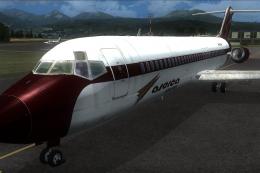
Aserca Airlines Douglas DC 9-30, old livery, registration YV-709-C. Textures …
 FSX Civil Aircraft
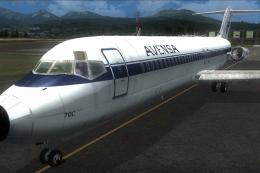
Aerovias Venezolanas, S. A. "Avensa" Douglas DC9-30 textures only for the pay…
 FSX Civil Aircraft
Viasa Airbus A380-800 (fictional). Model by Robert Versluys. Panel by Hector …
 FSX Civil Aircraft
Aerostar is a funjet vacation carrier VA. This is an original FS2004 SGA DC-9…
 FSX Civil Aircraft
Braniff Douglas DC-8-32 Jellybean Blue, circa 1970. Updated textures only for…
Be the first to leave a comment on this download.
Be the first to share your thoughts on this download.


