

 FSX Civil Aircraft
South Pacific Airways Avro RJ70 E5-BAE
Repaint of QualityWings Avro RJ70 in the colors of South Pacific Airways, an …
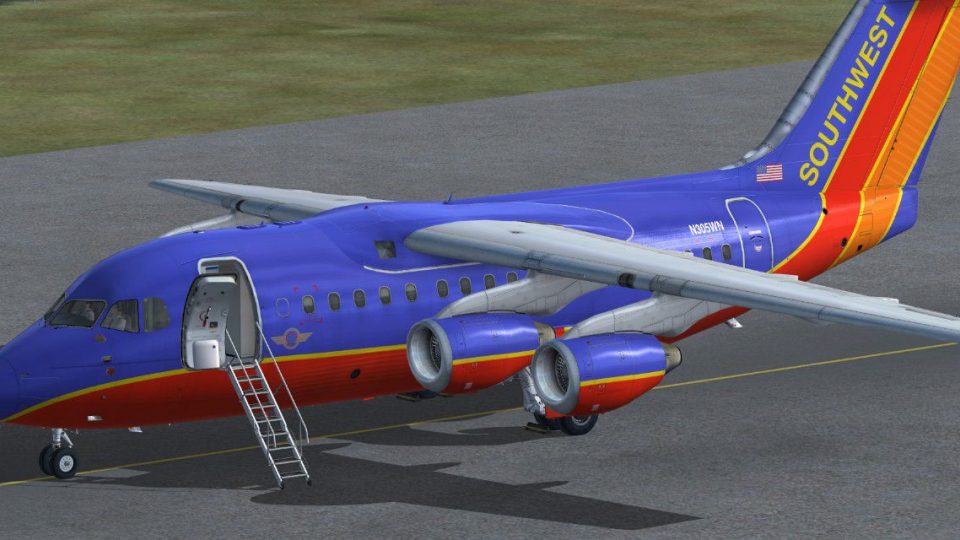
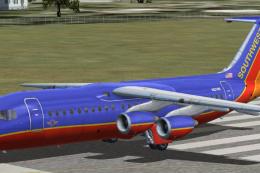
Southwest Airlines-themed repaints for the BAe 146-100 and Avro RJ70 bring a fictional Canyon Blue look, crisp 4096 textures, and working airstairs to Microsoft Flight Simulator X for convincing short-haul ops. Requires the payware QualityWings Ultimate 146 Collection, with DXT5 DDS formatting designed for clean visuals and smooth performance.
 Rate
Rate

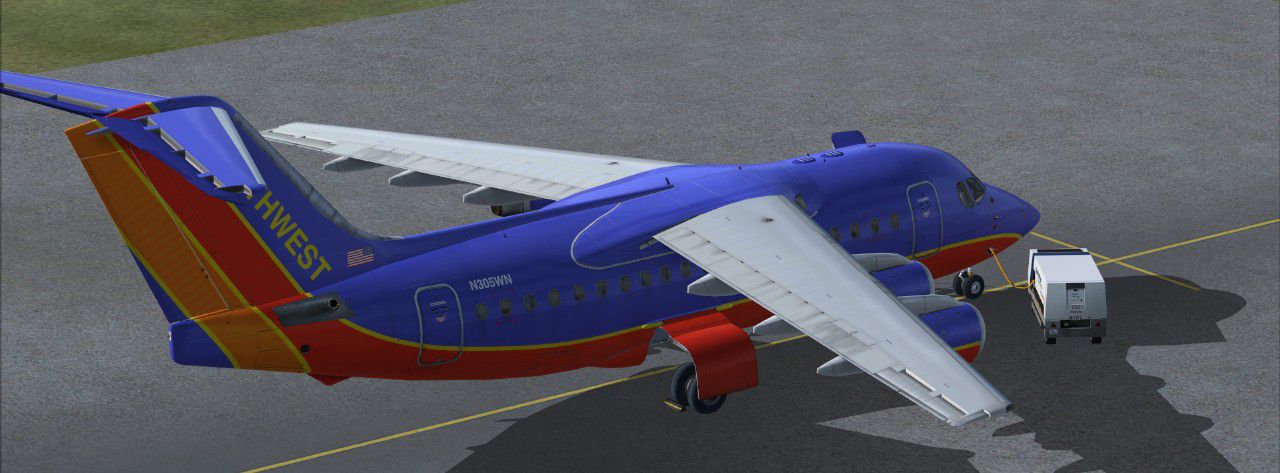
Take command of this freeware repaint set, meticulously crafted by Matt Smith, that places the storied BAe 146 and Avro RJ series into a completely fictional Southwest Airlines setting. These textures bring the iconic Canyon Blue theme into Microsoft Flight Simulator X while incorporating functional airstairs for an immersive short-haul experience. Although Southwest Airlines has never actually added these four-engine regional jets to its real-world fleet, this imaginative project ensures you can explore their unique handling characteristics dressed in a livery that is instantly recognizable.
This high-definition repaint bundle is built around the payware QualityWings Ultimate 146 Collection, which must be acquired separately (it is not included with these textures). Each texture is processed using QWHDT (4096-pixel) resolution in DXT5 DDS format, ensuring crisp visuals and optimized performance within FSX. Installation is streamlined thanks to the QW146 Dispatcher utility, allowing users to integrate these files seamlessly into their simulation environment.
The BAe 146 family, sometimes referred to as the Jumbolino, is renowned for its four-engine layout specifically engineered for quieter operations and effective use of shorter runways. Its successor, the Avro RJ70, refines these capabilities with updated systems and a slightly revised fuselage length. Both variants maintain robust climbing performance ideal for busy commuter operations and can handle steeper descents, making them a favorite among regional airlines around the globe.
The fictional Southwest Airlines motif seen here mirrors the airline’s well-known Canyon Blue color scheme, complete with vivid accents that catch the eye from every angle. Airstairs further highlight the BAe 146’s and RJ70’s versatility, offering an all-in-one solution for passenger boarding and disembarking without extensive ground support. While Southwest typically favors Boeing models, this alternate take creates a fresh perspective on how these compact jets might fit into the carrier’s regional network.
Screenshot of Southwest Airlines BAe 146-100 on the ground.
After obtaining the payware aircraft, use the QW146 Dispatcher to install these new liveries carefully. Matching the correct format is essential, so confirm you have selected the FSX-specific textures. Brush up on the BAe 146 flight characteristics if you are new to this series, as its short runway performance and four-engine design offer a distinctly different control feel compared to twinjets.
All texturing and repainting for this fiction-based project are by Matt Smith. This package is freely available to enhance your simulator, but it is solely intended for use with the QualityWings Ultimate 146 Collection payware aircraft which can be found at stores like SimShack.
Enjoy taking the helm of these short-haul specialists adorned in a color scheme that pays homage to one of America’s most recognized carriers, and experience a creative twist on Southwest Airlines flying.
Free for all simmers · 57.58 MB · Scanned clean Oct 2026
Download speed: Free tier is capped at 0.5 Mbps (this file takes approximately 16 mins at the cap). PRO members download at full line speed.
texture.{airline}) inside FSX\SimObjects\Airplanes\{base-aircraft}\.aircraft.cfg in Notepad. Add a new [fltsim.X] section per the readme.readme.txt or README file. It tells you exactly where files go, what dependencies are needed, and any quirks specific to this add-on.The archive qw146-100_avrorj70_wn_fsx.zip has 7 files and directories contained within it.
This list displays the first 500 files in the package. If the package has more, you will need to download it to view them.
| Filename/Directory | File Date | File Size |
|---|---|---|
| QW_RJ70_N305WN_FSX.qwl | 03.22.14 | 29.08 MB |
| QW_146-100_N305WN_FSX.qwl | 03.22.14 | 29.11 MB |
| 146-100_1.jpg | 03.22.14 | 185.53 kB |
| 146-100_2.jpg | 03.22.14 | 138.51 kB |
| Readme.txt | 03.22.14 | 383 B |
| flyawaysimulation.txt | 10.29.13 | 959 B |
| Go to Fly Away Simulation.url | 01.22.16 | 52 B |
Only PRO members can place votes.
More FSX & P3D add-ons hand-picked based on this download.
FSX Civil Aircraft
Repaint of QualityWings Avro RJ70 in the colors of South Pacific Airways, an …
 FSX Civil Aircraft
These textures are for the payware QualityWings Ultimate 146 Collection. They…
 FSX Civil Aircraft
This freeware repaint package introduces a custom Hawaiian Airlines scheme fo…
 FSX Civil Aircraft
BAe 146-100. The BAe 146 is a medium sized commercial aircraft, powered by fo…
 FSX Civil Aircraft
Star Airways BAe 146-100 in express livery. This aircraft is a regional airli…
 FSX Civil Aircraft
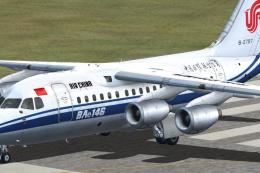
These textures are for the payware QualityWings Ultimate 146 Collection. They…
 FSX Civil Aircraft
Enhance your virtual flight lineup with this custom-painted BAe 146-100, show…
 FSX Civil Aircraft
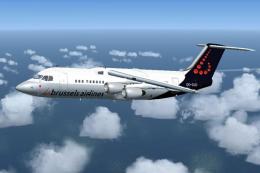
Brussels Airlines BAe Avro RJ100, registration OO-DJQ. Original model by Jon …
Be the first to leave a comment on this download.
Be the first to share your thoughts on this download.