

 FSX Civil Aircraft
WestJet Boeing 757-200 POSKY
This freeware release brings together the renowned Project Open Sky flight mo…
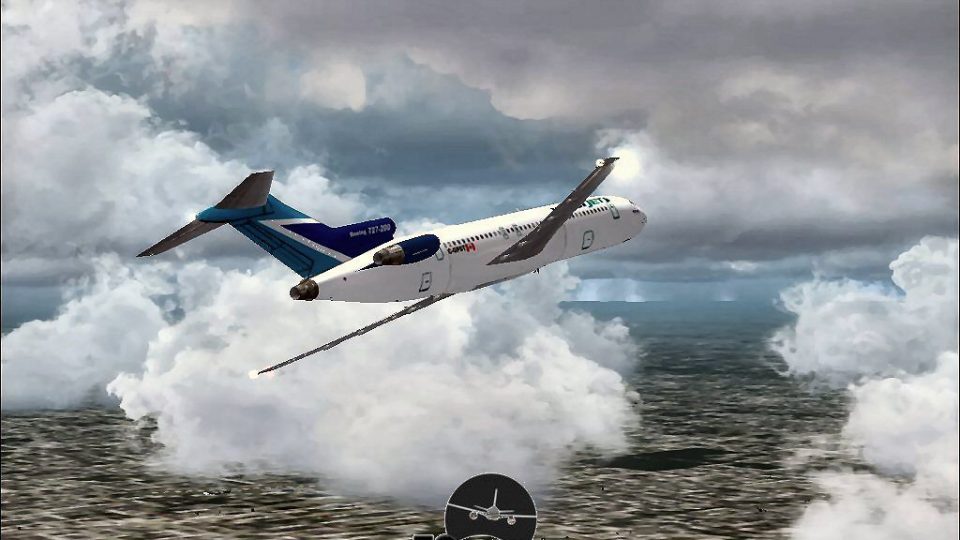
WestJet Boeing 727-200 brings Boeing’s classic rear-mounted tri-jet to life with a refined Vistaliners-based flight model, crisp WestJet textures, and a stable feel in the virtual cockpit. Built for smooth operation in Microsoft Flight Simulator X, it delivers believable handling and reliable performance across a wide range of systems.
 Rate
Rate
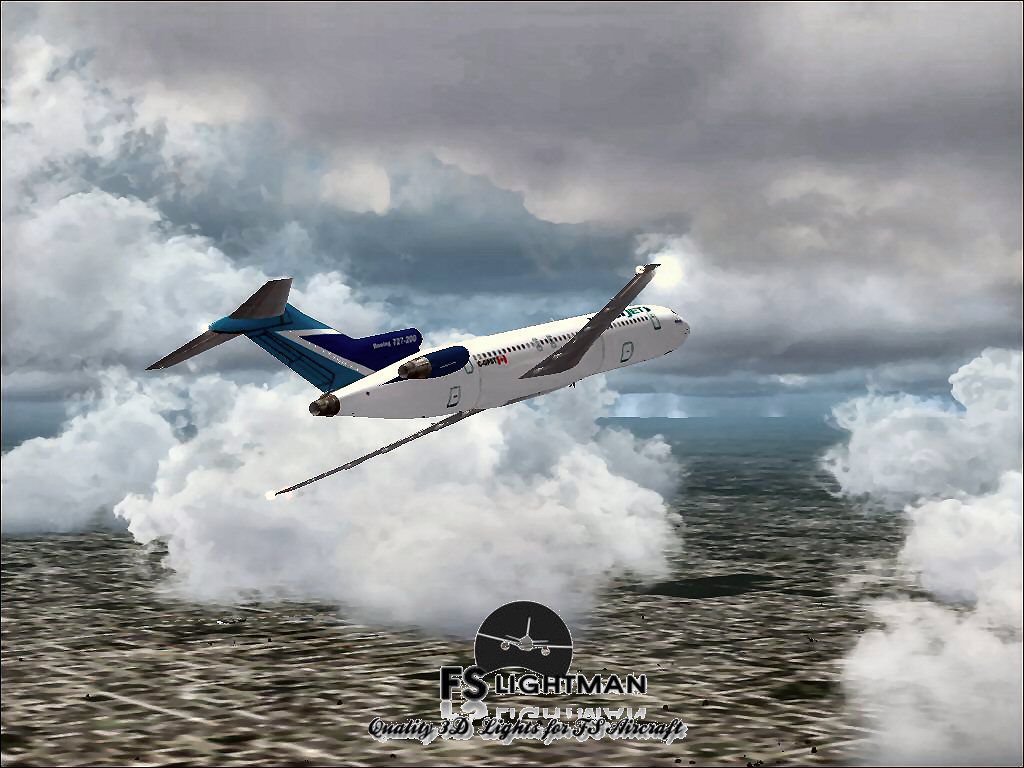
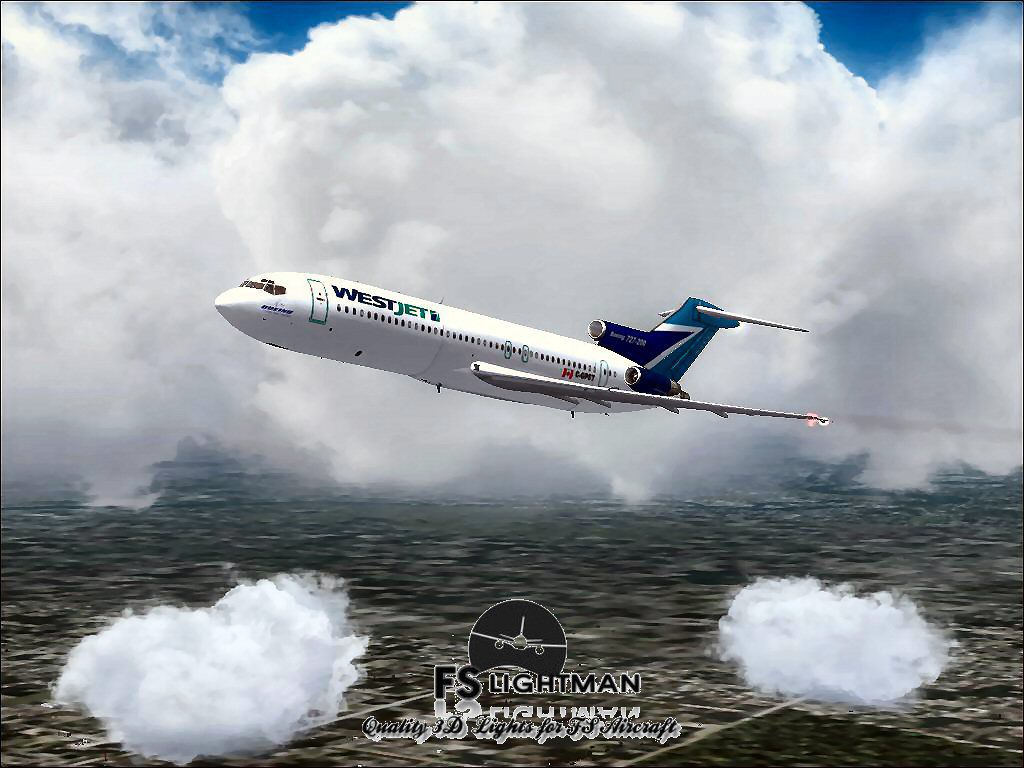
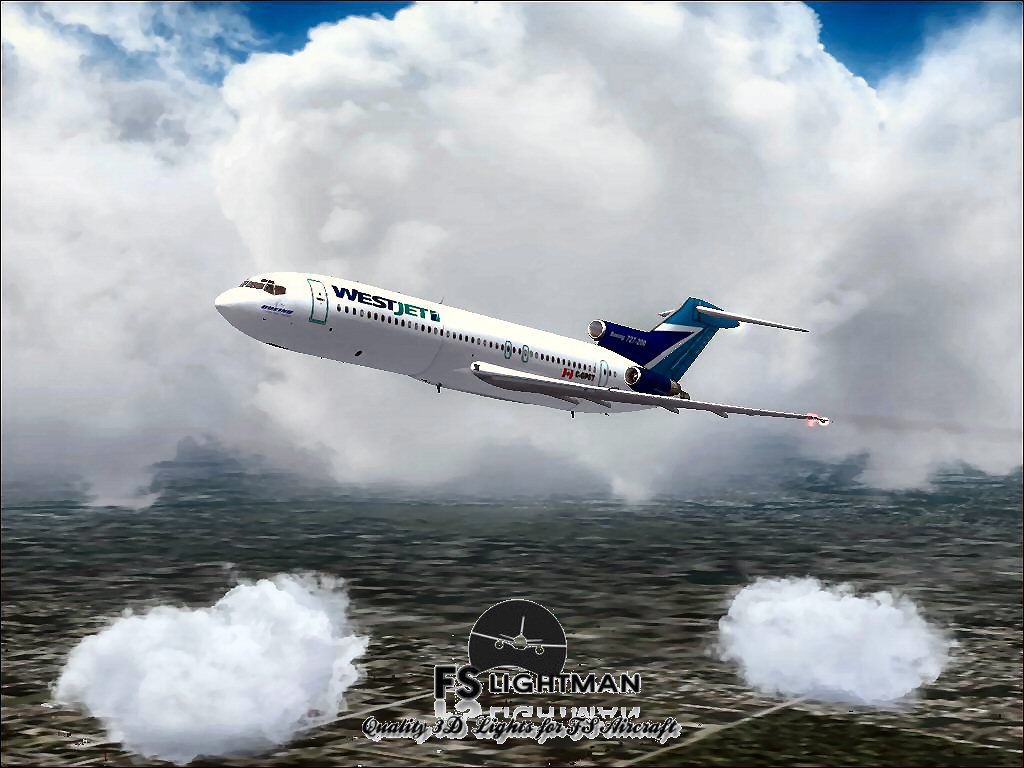
This comprehensive freeware package offers a complete Boeing 727-200 in WestJet livery, with the flight model originally developed by Vistaliners. All subsequent additions and refinements have been provided by David Grindele, ensuring a stable and detailed experience in FSX. This add-on has been verified on multiple Windows platforms, so it offers widespread compatibility for virtual pilots seeking a tri-jet airliner in their hangar.
The Boeing 727-200 represents an extended-fuselage variant of the 727 family, which is known for its three-engine configuration mounted at the rear of the fuselage. This tri-engine layout (one engine in the tail cone and two on either side of the tail) delivers distinctive sound and performance characteristics. In this WestJet repaint, flight simulator users can explore a fictional take on a Canadian airline’s branding while enjoying the classic design of one of Boeing’s most iconic narrow-body jets.

Screenshot of WestJet Boeing 727-200 in flight.
This freeware add-on is packaged with all necessary files for immediate use. Simply place the aircraft folder into your simulator’s “Aircraft” or “SimObjects” directory as appropriate. Then launch FSX, and you will find the WestJet 727-200 in your aircraft selection menu. In case you wish to revert to previous configurations, backing up your existing files in advance is always advisable.
All improvements have been tested thoroughly, yet all modifications are used at your own risk. FSLightman and any associated parties assume no responsibility for system errors, crashes, or data loss. Moreover, it is recommended to maintain regular backups of your flight simulator files to guard against potential issues, including unforeseen software conflicts or the rare blue screen errors.
The core flight model is credited to Vistaliners, while the additional enhancements and updates have been contributed by David Grindele. These individuals have put in substantial effort to deliver a truly enjoyable freeware rendition of the Boeing 727-200 under WestJet’s livery.
Free for all simmers · 27.12 MB · Scanned clean Oct 2026
Download speed: Free tier is capped at 0.5 Mbps (this file takes approximately 8 mins at the cap). PRO members download at full line speed.
FSX\SimObjects\Airplanes\. The folder must contain an aircraft.cfg file. Effects go into FSX\Effects\; gauges go into FSX\Gauges\.readme.txt or README file. It tells you exactly where files go, what dependencies are needed, and any quirks specific to this add-on.The archive wj722vlfsx.zip has 15 files and directories contained within it.
This list displays the first 500 files in the package. If the package has more, you will need to download it to view them.
| Filename/Directory | File Date | File Size |
|---|---|---|
| 727 readme.pdf | 11.17.04 | 223.69 kB |
| A2A 3D Lights & Redux Installation.txt | 10.10.10 | 728 B |
| file_id.diz | 08.27.14 | 344 B |
| Legal Notice.doc | 08.31.11 | 30.50 kB |
| Read Very Important.txt | 02.26.12 | 1008 B |
| Readme.txt | 08.27.14 | 722 B |
| Thumbnail.jpg | 08.07.14 | 115.64 kB |
| Video Card & Monitor.txt | 02.26.12 | 284 B |
| WestJet B727-200 1.jpg | 08.07.14 | 125.76 kB |
| WestJet B727-200 2.bmp | 08.07.14 | 2.25 MB |
| WestJet B727-200 2.jpg | 08.07.14 | 115.58 kB |
| WestJet B727-200 Vistaliners.exe | 08.27.14 | 25.77 MB |
| WestJet B727-200 Vistaliners_FSX | 08.27.14 | 0 B |
| flyawaysimulation.txt | 10.29.13 | 959 B |
| Go to Fly Away Simulation.url | 01.22.16 | 52 B |
Only PRO members can place votes.
More FSX & P3D add-ons hand-picked based on this download.
FSX Civil Aircraft
This freeware release brings together the renowned Project Open Sky flight mo…
 FSX Civil Aircraft
The WestJet Boeing 767-200 is a freeware package designed for those seeking a…
 FSX Civil Aircraft
Experience a practical and detailed simulation of the Boeing 737-200 in WestJ…
 FSX Civil Aircraft
WestJet Boeing 757-200 RR, registration N750NA. Textures only for the Quality…
 FSX Civil Aircraft
This freeware release provides a detailed Boeing 737-900 in WestJet livery, f…
 FSX Civil Aircraft
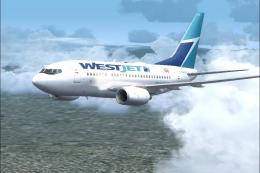
This comprehensive freeware package showcases a highly detailed Boeing 737-60…
 FSX Civil Aircraft
FSX WestJet Boeing 737-800. A repaint for the default B737. The first 737-800…
 FSX Civil Aircraft
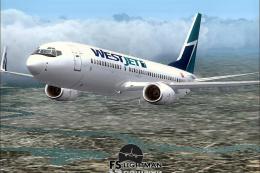
This freeware package offers an accurately modeled Canadian narrow-body aircr…
Read what other simmers think, or add your own.

Why put an MSFS 10 plane mixed in with Xplane material? Somebody needs to wake up and smell the roses.