

 FSX Civil Aircraft
WestJet Boeing 737-600
This comprehensive freeware package showcases a highly detailed Boeing 737-60…
WestJet’s Boeing 737-900 arrives as a polished freeware package built on the Project Open Sky model, with David Grindele refinements that enhance autopilot behavior, engine thrust curves, and overall handling for short- to medium-haul flying. Designed for FSX, it pairs an authentic stretched narrow-body profile with a modernized virtual cockpit and dependable performance.
 Rate
Rate
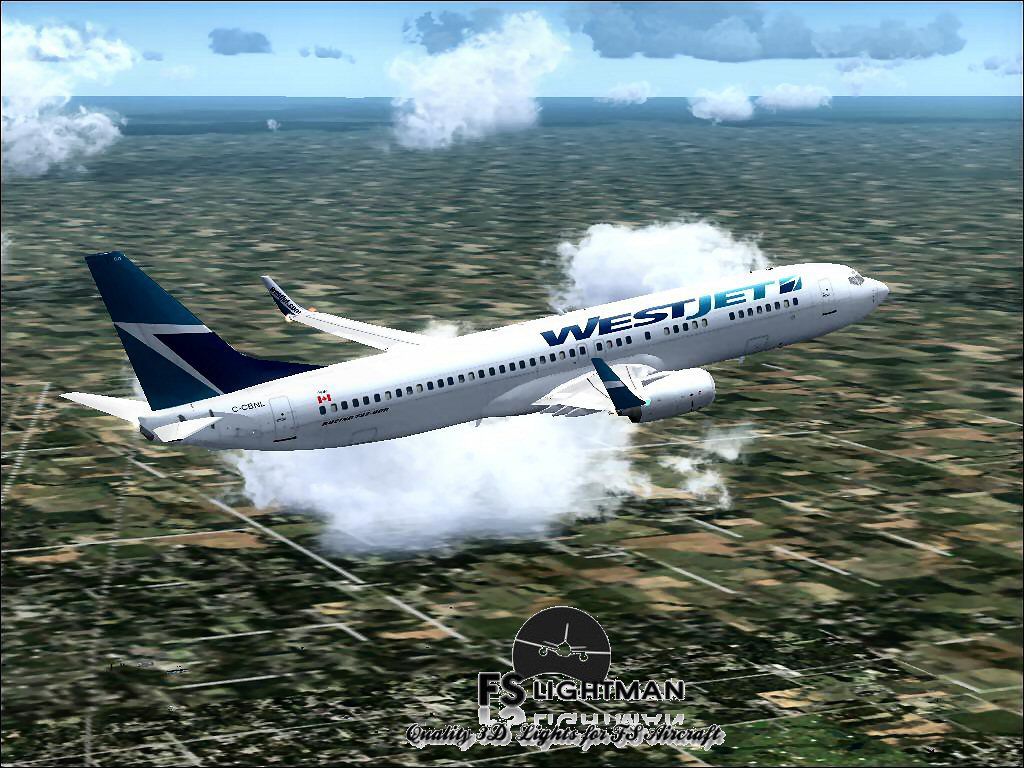
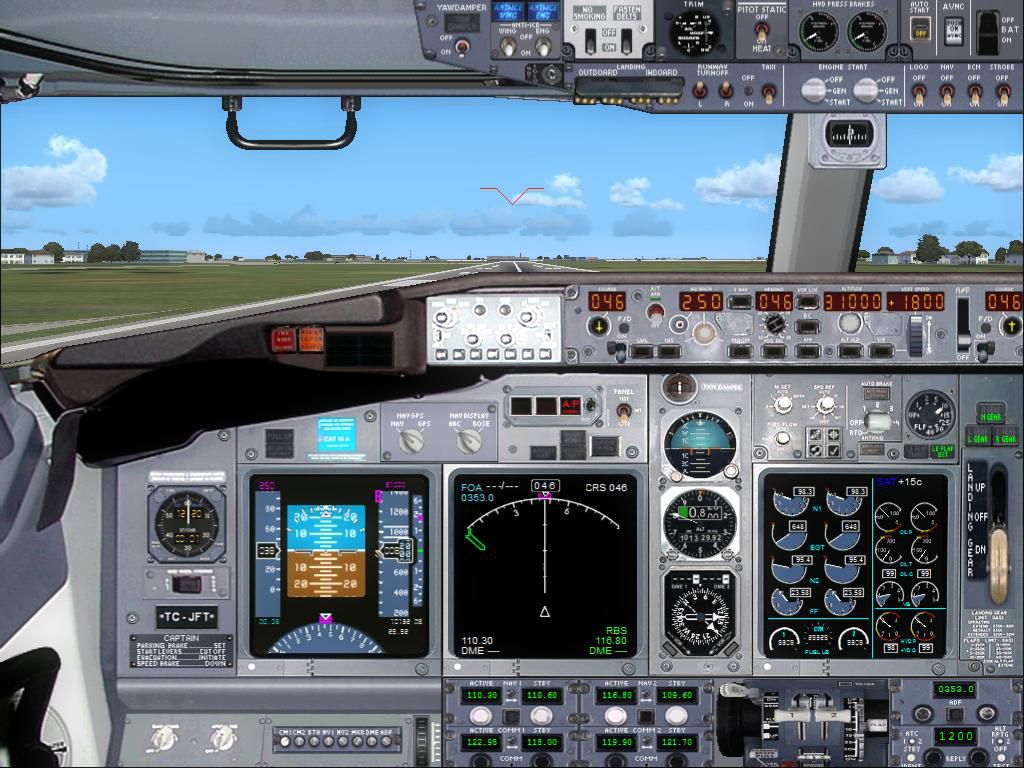
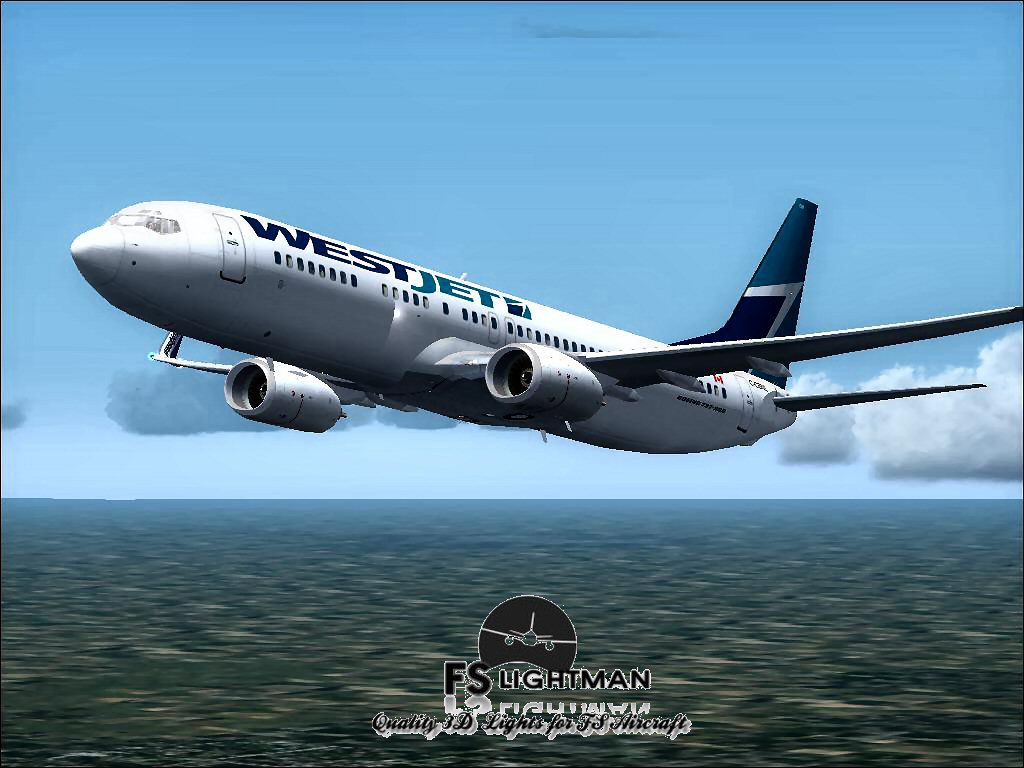
This freeware release provides a detailed Boeing 737-900 in WestJet livery, featuring a complete implementation of the Project Open Sky aircraft model and additional modifications by developer David Grindele. It has been tested across several operating systems with no reported compatibility problems. The package includes all files needed for immediate installation, and it has been fully checked for potential security concerns.
The WestJet Boeing 737-900 showcases a twin-engine narrow-body configuration designed for efficient short- and medium-range operations. WestJet, as a Canadian carrier, utilizes the 737 family extensively for domestic and transborder flights. This adaptation retains the core geometry of the 737-900, offering a visually recognizable fuselage stretch along with modernized cockpit instrumentation.
Project Open Sky created the underlying flight model to ensure streamlined handling and accurate aerodynamic performance. These parameters replicate the actual operating profile of the 737-900, including climb capability, control surface responsiveness, and fuel management behavior. The modifications by David Grindele provide further refinements, such as optimized autopilot settings and fine-tuned engine thrust curves.

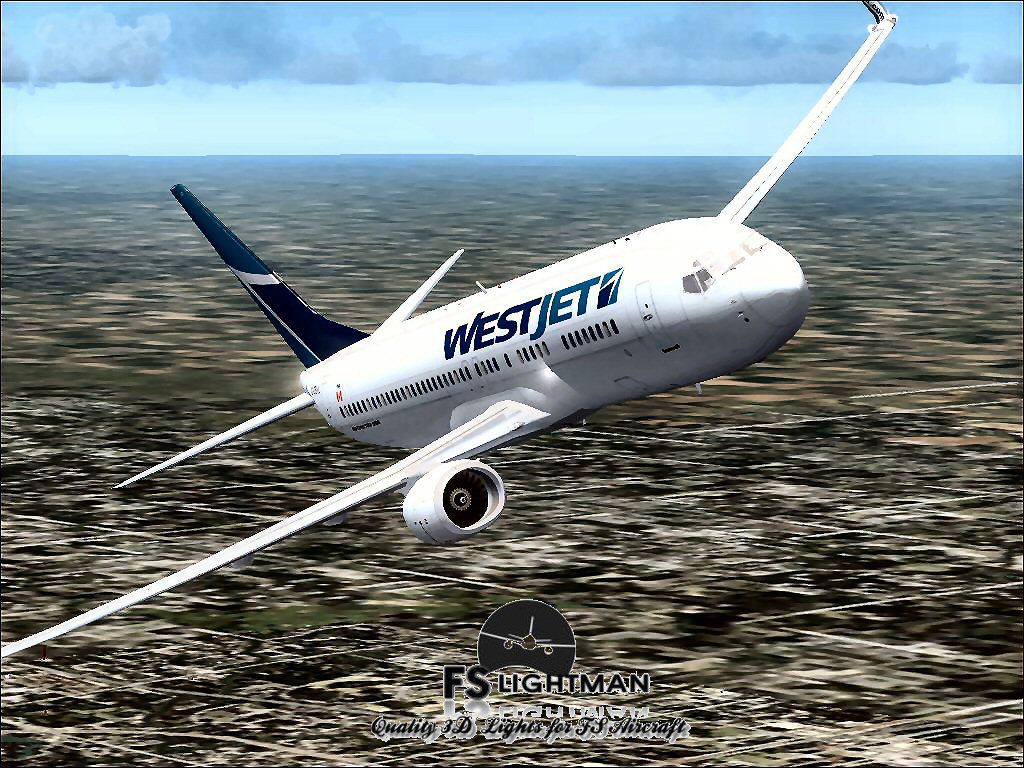
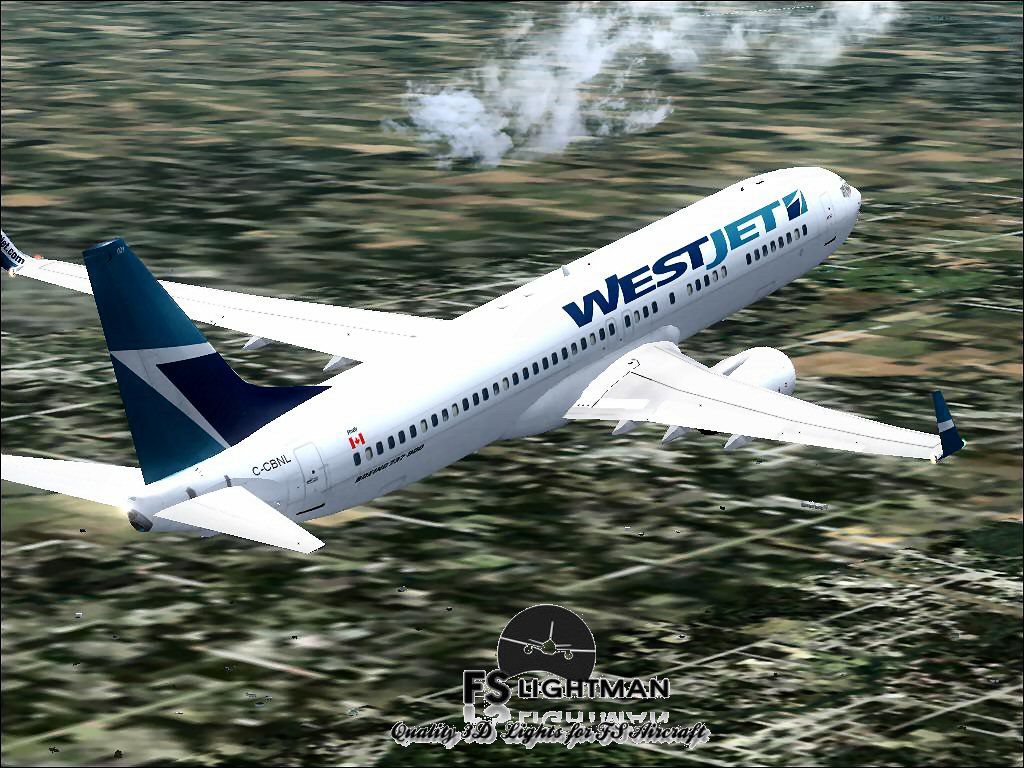
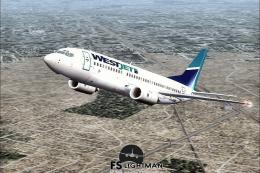
Screenshot of WestJet Boeing 737-900 in flight.
This complete package is designed to function reliably in FSX. Tests were conducted on Windows XP, Windows Vista, and Windows 7 (32-bit), without exhibiting installation issues, stability concerns, or performance drops. Virus and malware scans confirmed the files are safe.
The original aircraft model and flight dynamics are courtesy of Project Open Sky. Developer David Grindele contributed all supplementary enhancements, ensuring up-to-date visual and operational elements. Together, they provide a comprehensive freeware rendition of the WestJet Boeing 737-900 that integrates seamlessly into FSX.
Free for all simmers · 661.6 MB · Scanned clean Oct 2026
Download speed: Free tier is capped at 0.5 Mbps (this file takes approximately 3h 5m at the cap). PRO members download at full line speed.
FSX\SimObjects\Airplanes\. The folder must contain an aircraft.cfg file. Effects go into FSX\Effects\; gauges go into FSX\Gauges\.readme.txt or README file. It tells you exactly where files go, what dependencies are needed, and any quirks specific to this add-on.The archive wj739osfx.zip has 18 files and directories contained within it.
This list displays the first 500 files in the package. If the package has more, you will need to download it to view them.
| Filename/Directory | File Date | File Size |
|---|---|---|
| A2A 3D Lights & Redux Installation.txt | 10.10.10 | 728 B |
| file_id.diz | 08.25.14 | 337 B |
| Legal Notice.doc | 08.31.11 | 30.50 kB |
| Read Very Important.txt | 02.26.12 | 1008 B |
| Readme.txt | 08.25.14 | 722 B |
| Readme.Winglets.txt | 12.13.09 | 2.80 kB |
| Thumbnail.jpg | 08.18.14 | 178.34 kB |
| Video Card & Monitor.txt | 02.26.12 | 284 B |
| WestJet B737-900 Panel.jpg | 08.18.14 | 152.26 kB |
| WestJet B737-900 POSKY 4.jpg | 08.18.14 | 212.40 kB |
| WestJet B737-900 POSKY 6.jpg | 08.18.14 | 182.75 kB |
| WestJet B737-900 POSKY 7.jpg | 08.18.14 | 114.55 kB |
| WestJet B737-900 POSKY 8.bmp | 08.18.14 | 2.25 MB |
| WestJet B737-900 POSKY 8.jpg | 08.18.14 | 178.34 kB |
| WestJet B737-900 POSKY.exe | 08.25.14 | 659.06 MB |
| WestJet B737-900 POSKY FSX | 08.25.14 | 0 B |
| flyawaysimulation.txt | 10.29.13 | 959 B |
| Go to Fly Away Simulation.url | 01.22.16 | 52 B |
Only PRO members can place votes.
More FSX & P3D add-ons hand-picked based on this download.
FSX Civil Aircraft
This comprehensive freeware package showcases a highly detailed Boeing 737-60…
 FSX Civil Aircraft
FSX WestJet Boeing 737-800. A repaint for the default B737. The first 737-800…
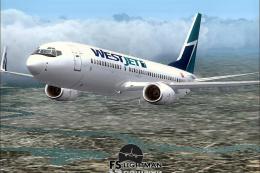 FSX Civil Aircraft
This freeware package offers an accurately modeled Canadian narrow-body aircr…
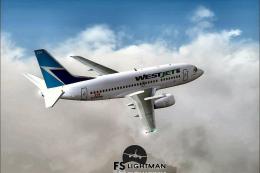 FSX Civil Aircraft
This complete freeware package offers a thoroughly detailed Boeing 737-500 re…
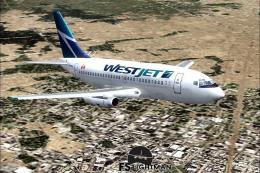 FSX Civil Aircraft
Experience a practical and detailed simulation of the Boeing 737-200 in WestJ…
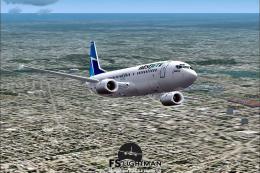 FSX Civil Aircraft
This package delivers a stable rendition of a mid-range twinjet variant paint…
 FSX Civil Aircraft
This complete freeware release offers a faithful simulation of the WestJet Bo…
 FSX Civil Aircraft
An update to the Westjet Magic livery to fix alpha channels and lights. Requi…
Read what other simmers think, or add your own.

Installed into FSX Deluxe Edition, can't make 3D work which I don't use anyway. In 2D there is no VOR LOC Nav hold switch, so I can't get the aircraft to follow the flight plan. (Maybe there is another way to do it, but I can't figure it out.) Overall, this is an improved aircraft from the FSX base model.

wheres the 3d cockpit, 6 hours to download this just to find out its unusable F YOU. just add the stock 737 cockpit or make a new one


No gauges for the WestJet 737-900 . . please help.
I installed it in FSX Steam edition. Everything else works but there,s no gauges.