

 FSX Civil Aircraft
Westjet Boeing 767-76N
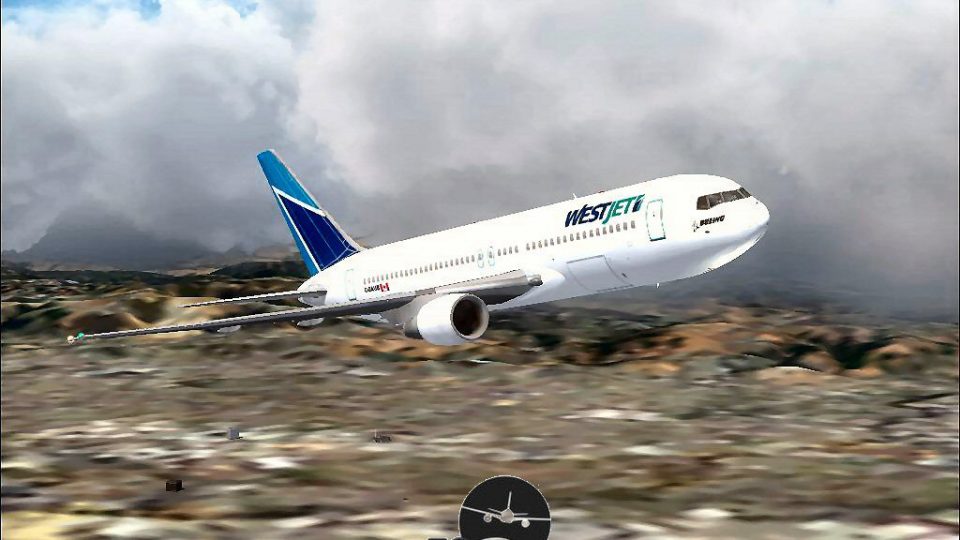
FSX Westjet Boeing 767-76N (James Bond 007 livery), registration C-GRWS. Mode…
WestJet’s Boeing 767-200 delivers a convincing mid-range wide-body experience with Project Open Sky flight dynamics refined by David Grindele, detailed exterior modeling, and smooth animations that bring the virtual cockpit and cabin to life. Crisp, authentic WestJet textures complete the package, built for stable operation in Microsoft Flight Simulator X.
 Rate
Rate
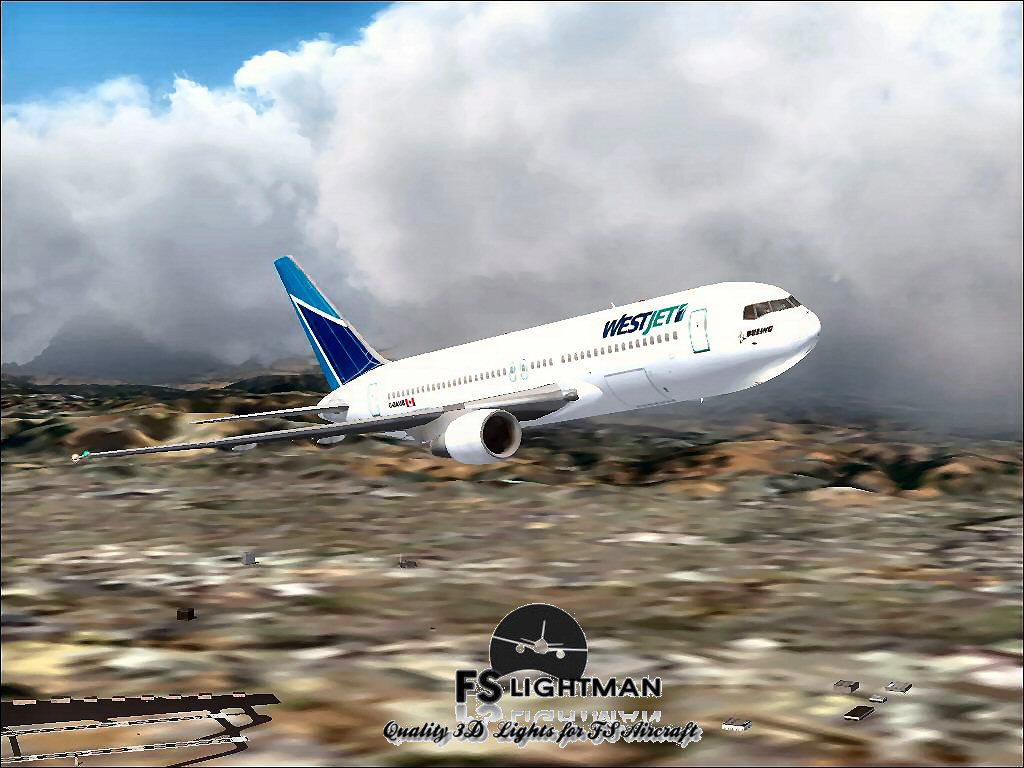
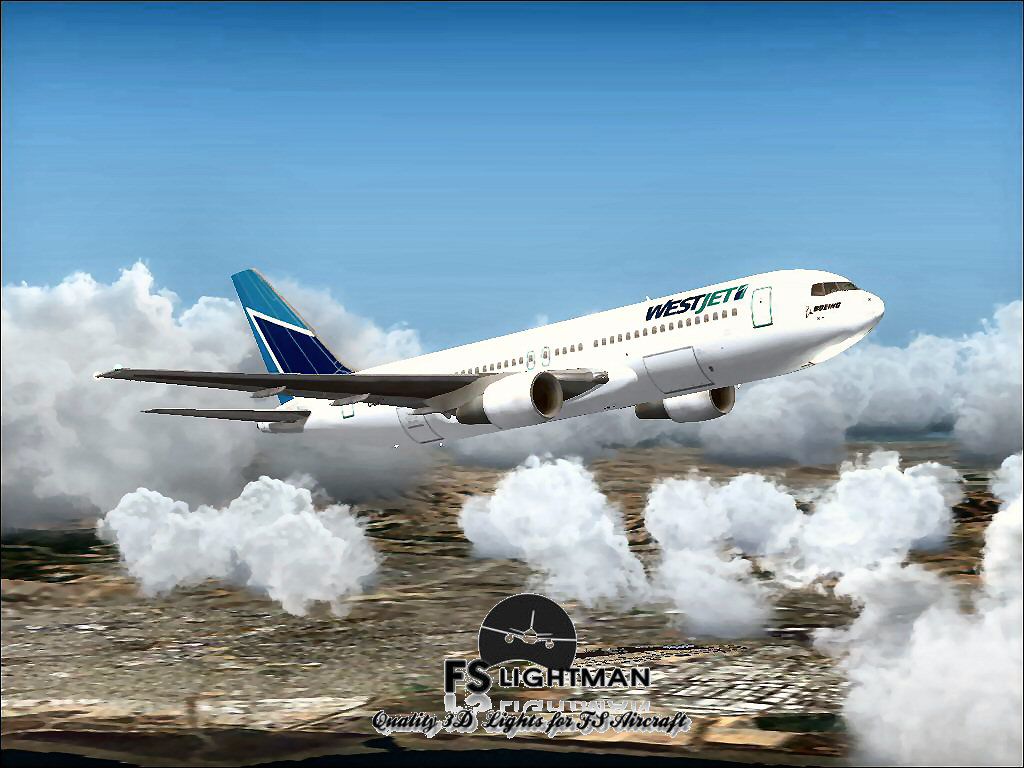
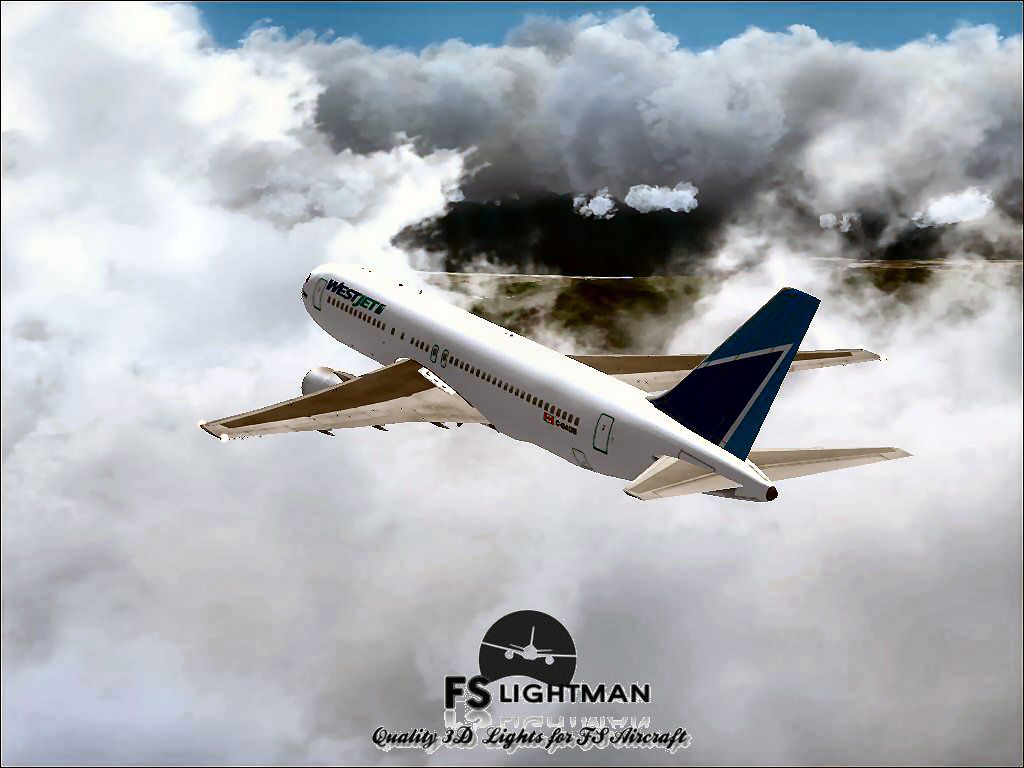
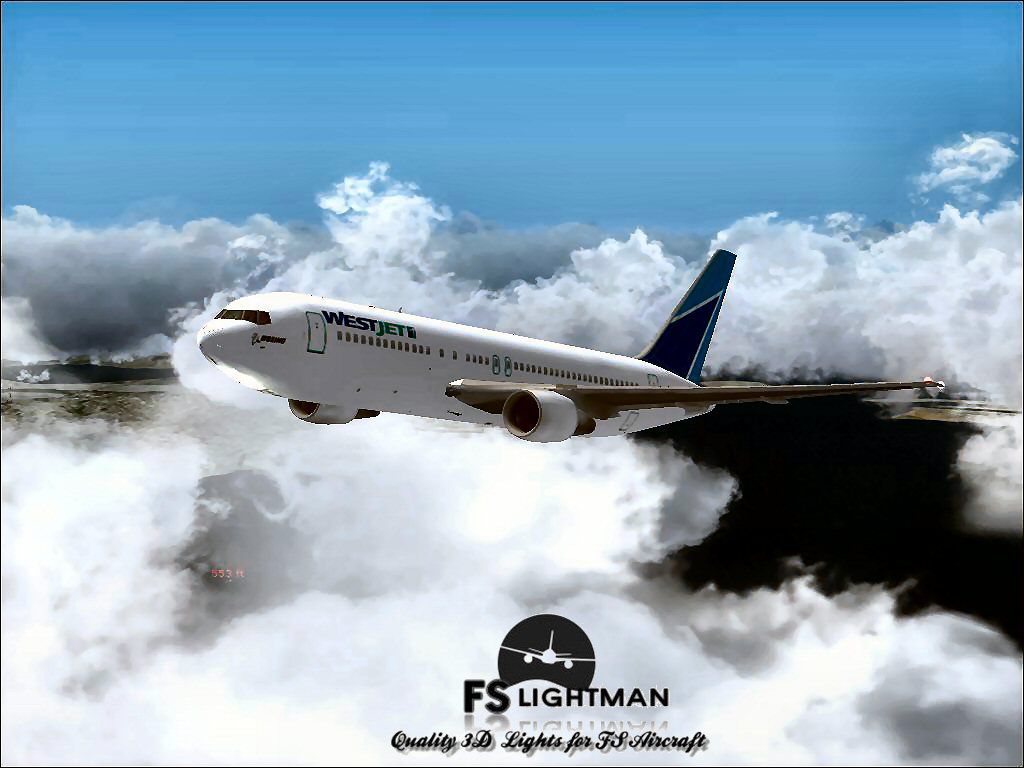
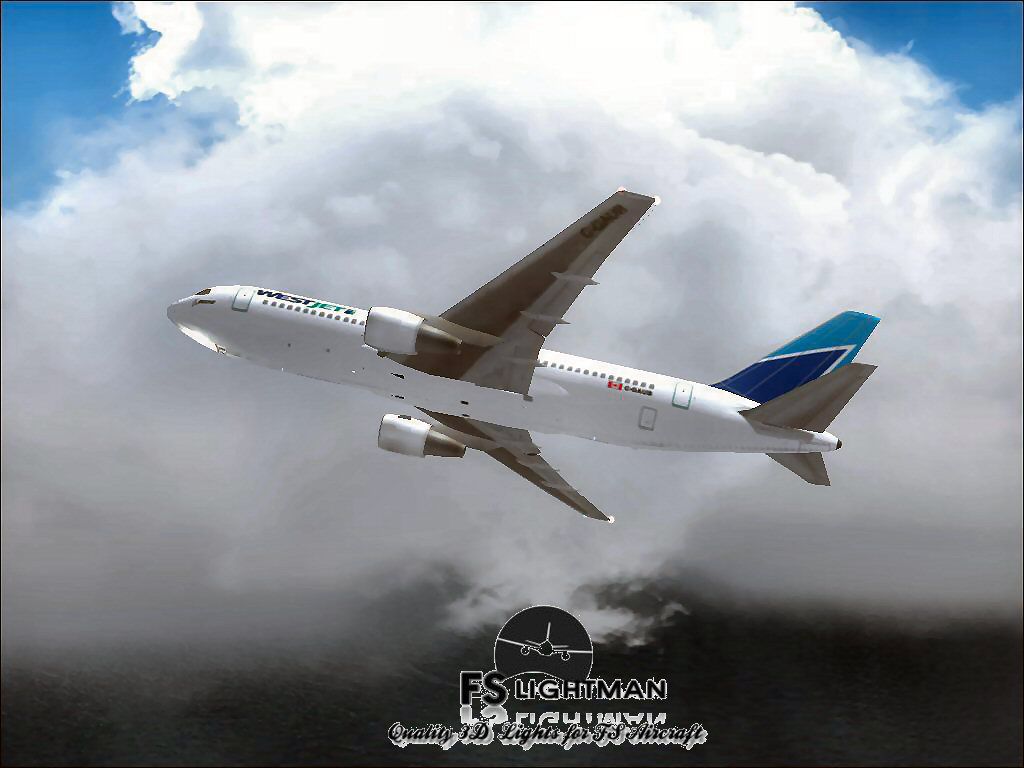
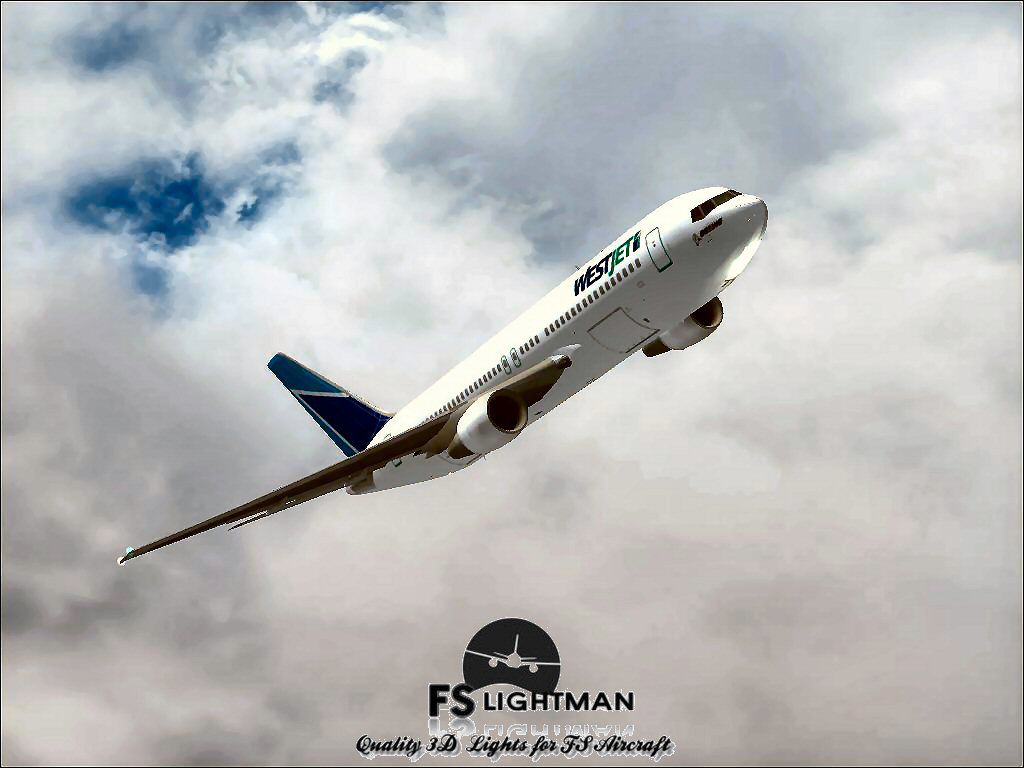
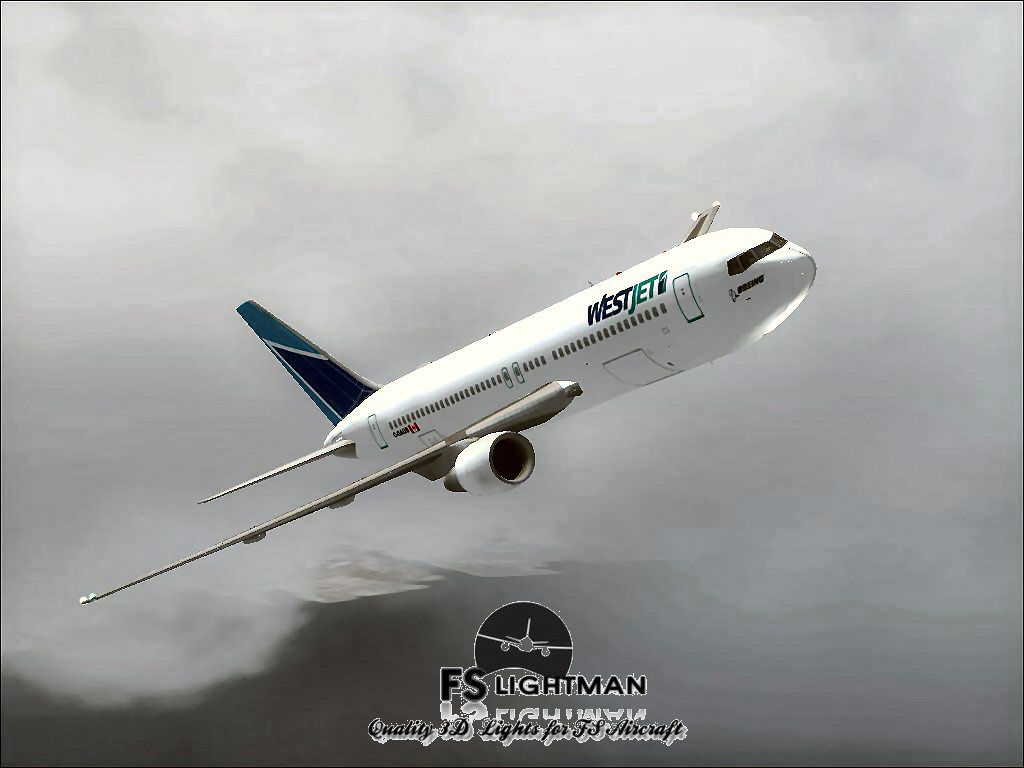
The WestJet Boeing 767-200 is a freeware package designed for those seeking a reliable mid-range wide-body experience. Created by Project Open Sky with subsequent updates by David Grindele, this add-on brings together authentic flight dynamics, hallmark 767 features, and a custom WestJet livery. The files have undergone thorough checks and are free from any known malware or issues. It has been successfully tested on FSX running under Windows XP, Vista, and Windows 7 (32-bit).
The Boeing 767-200 is recognized as a twin-engine jetliner developed for medium- to long-haul routes. Renowned for its efficient wing design and spacious cabin, this variant includes accurate flight characteristics and advanced animations. WestJet, a Canadian airline, continues to expand its fleet with modern aircraft, and this repaint captures that spirit of progress and reliability.

Screenshot showcasing the WestJet Boeing 767-200 in flight.
This add-on has undergone testing in FSX environments running on Windows XP, Vista, and Windows 7 (32-bit) configurations. No conflicts or errors were noted at the time of release. Although it has been confirmed virus-free, it is always recommended to maintain updated antivirus software and perform regular backups. In case of system instability, reverting to saved data safeguards your simulator setup.
All third-party modifications, including this adaptation, are used at your discretion. The FSLightman will not be held liable for any technical complications or system crashes related to this add-on. We recommend that you back up all vital simulator files before making changes. This practice ensures minimal disruption should any unforeseen issues arise.
The flight model originates from Project Open Sky, widely respected for their excellent aircraft designs. Development refinements and additional elements, including design enhancements, were implemented by David Grindele. Their collaborative work provides an in-depth simulation that brings the Boeing 767-200’s flight envelope and performance to life.
Free for all simmers · 35.72 MB · Scanned clean Oct 2026
Download speed: Free tier is capped at 0.5 Mbps (this file takes approximately 10 mins at the cap). PRO members download at full line speed.
FSX\SimObjects\Airplanes\. The folder must contain an aircraft.cfg file. Effects go into FSX\Effects\; gauges go into FSX\Gauges\.readme.txt or README file. It tells you exactly where files go, what dependencies are needed, and any quirks specific to this add-on.The archive wj762osfsx.zip has 18 files and directories contained within it.
This list displays the first 500 files in the package. If the package has more, you will need to download it to view them.
| Filename/Directory | File Date | File Size |
|---|---|---|
| A2A 3D Lights & Redux Installation.txt | 10.10.10 | 728 B |
| file_id.diz | 08.28.14 | 338 B |
| Legal Notice.doc | 08.31.11 | 30.50 kB |
| Read Very Important.txt | 02.26.12 | 1008 B |
| Readme.txt | 08.28.14 | 722 B |
| Video Card & Monitor.txt | 02.26.12 | 284 B |
| WestJet B767-200 POSKY 1.jpg | 08.10.14 | 74.63 kB |
| WestJet B767-200 POSKY 10.jpg | 08.10.14 | 93.34 kB |
| WestJet B767-200 POSKY 3.jpg | 08.10.14 | 82.46 kB |
| WestJet B767-200 POSKY 4.bmp | 08.10.14 | 2.25 MB |
| WestJet B767-200 POSKY 4.jpg | 08.10.14 | 81.82 kB |
| WestJet B767-200 POSKY 6.jpg | 08.10.14 | 124.67 kB |
| WestJet B767-200 POSKY 8.jpg | 08.10.14 | 124.24 kB |
| WestJet B767-200 POSKY 9.jpg | 08.10.14 | 95.38 kB |
| WestJet B767-200 POSKY.exe | 08.28.14 | 34.49 MB |
| WestJet B767-200 POSKY_FSX | 08.28.14 | 0 B |
| flyawaysimulation.txt | 10.29.13 | 959 B |
| Go to Fly Away Simulation.url | 01.22.16 | 52 B |
Only PRO members can place votes.
More FSX & P3D add-ons hand-picked based on this download.
FSX Civil Aircraft
FSX Westjet Boeing 767-76N (James Bond 007 livery), registration C-GRWS. Mode…
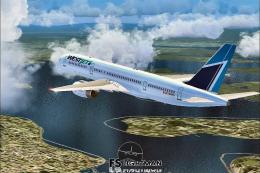 FSX Civil Aircraft
This freeware release brings together the renowned Project Open Sky flight mo…
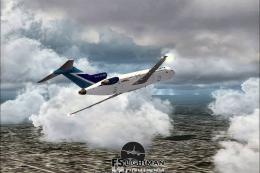 FSX Civil Aircraft
This comprehensive freeware package offers a complete Boeing 727-200 in WestJ…
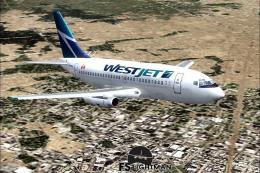 FSX Civil Aircraft
Experience a practical and detailed simulation of the Boeing 737-200 in WestJ…
 FSX Civil Aircraft
WestJet Boeing 757-200 RR, registration N750NA. Textures only for the Quality…
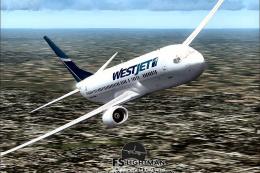 FSX Civil Aircraft
This freeware release provides a detailed Boeing 737-900 in WestJet livery, f…
 FSX Civil Aircraft
This comprehensive freeware package showcases a highly detailed Boeing 737-60…
 FSX Civil Aircraft
FSX WestJet Boeing 737-800. A repaint for the default B737. The first 737-800…
Be the first to leave a comment on this download.
Be the first to share your thoughts on this download.