

 FSX Military Aircraft
North Dakota ANG Convair F-102A
This unique repaint introduces the North Dakota Air National Guard’s Convair …
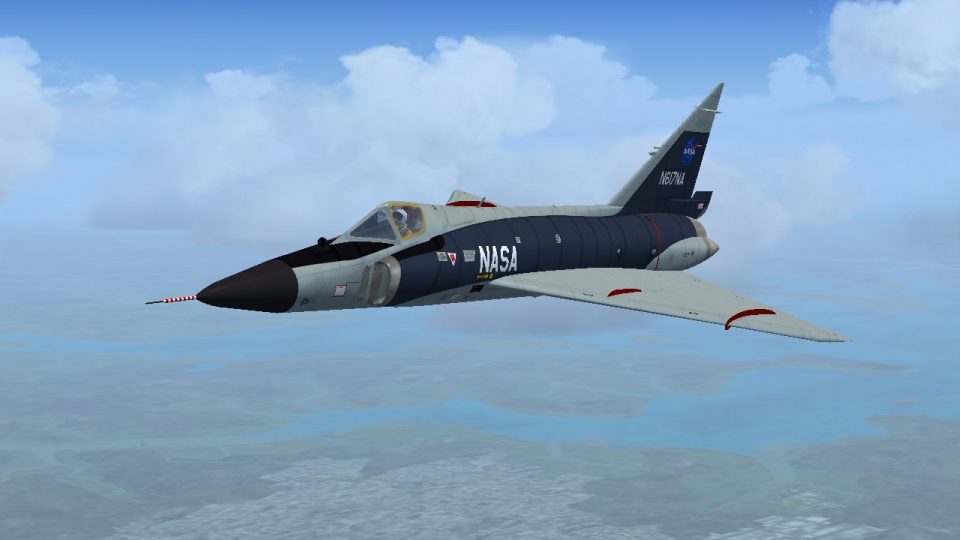
NASA’s Convair F-102A Delta Dagger livery recreates aircraft 56-0998 as flown from the Lewis Test Center between 1970 and 1974, with authentic markings and an optional pilot in an orange flight suit for extra period atmosphere. Designed for FSX, it requires the RAZBAM F-102 model.
 Rate
Rate
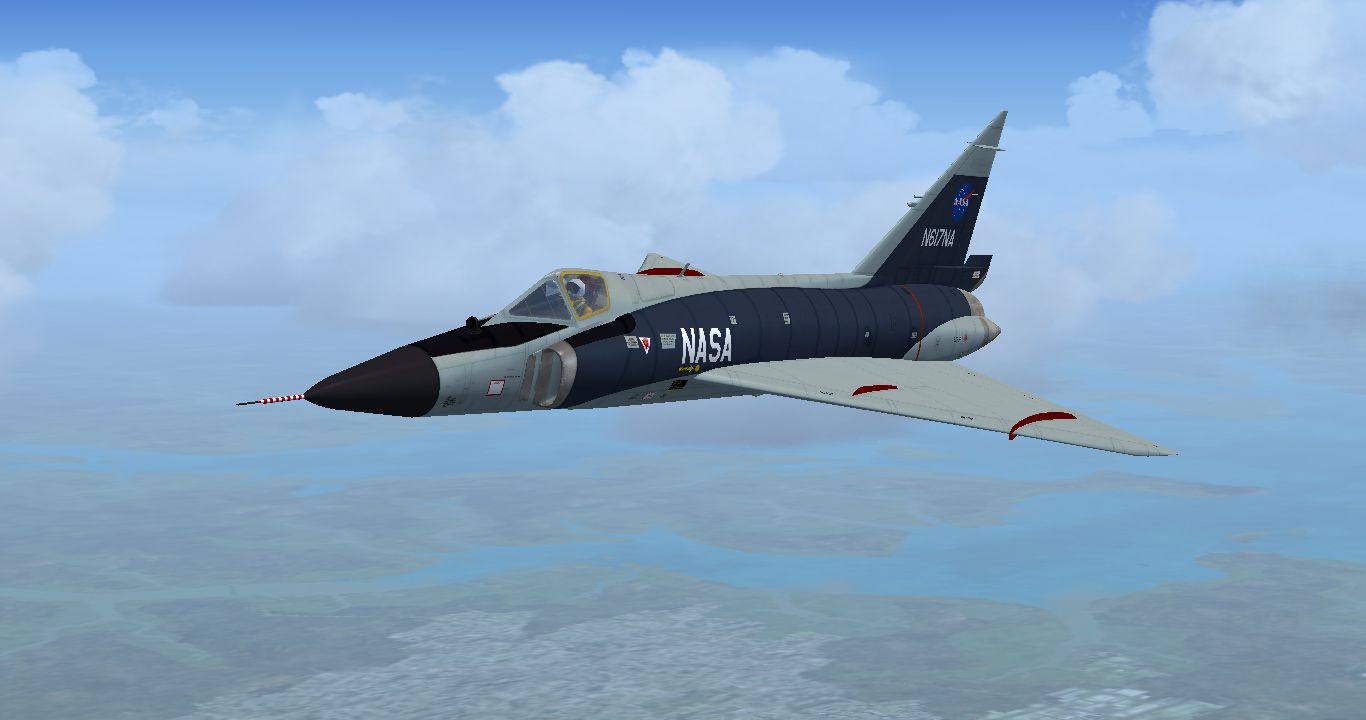
This is a repaint of the Razbam Convair F-102 Delta Dagger, representing 56-0998 as it was when flown from NASA's Lewis Test Center, from 1970-74. For those who want to use it, a pilot with an orange flight suit is included. By Dave Quincey.
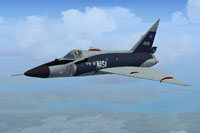
Screenshot of NASA Convair F-102A in flight.
Unzip the NASA F-1202 folder to a destination of your choice. Rename the texture.NASACL folder texture.NASA and move to your Simobjects/Airplanes/RAZBAM F-102 Delta Dagger CL folder. Copy and paste the following into the aircraft.cfg file after the last [fltsim.xx] entry:
[fltsim.xx]

title=F-102 NASA NT

sim=F-102v2//If you don't have Henk Schuitemaker's latest FDE upgrade, change this to F-102

model=1

panel=

sound=

texture=NASA

kb_checklists=

kb_reference=

visual_damage=1

ui_manufacturer="Convair"

ui_type="F-102"

ui_variation="56-0998 flown by NASA out of the Lewis Test Center"

ui_typerole="Single Engine Fighter Jet"

ui_createdby="RAZBAM"

description=

atc_heavy=0

atc_id=617

atc_airline=NASA

atc_flight_number=4

atc_parking_types=MIL_COMBAT
Free for all simmers · 6.48 MB · Scanned clean Oct 2026
Download speed: Free tier is capped at 0.5 Mbps (this file takes approximately 2 mins at the cap). PRO members download at full line speed.
texture.{airline}) inside FSX\SimObjects\Airplanes\{base-aircraft}\.aircraft.cfg in Notepad. Add a new [fltsim.X] section per the readme.readme.txt or README file. It tells you exactly where files go, what dependencies are needed, and any quirks specific to this add-on.The archive nasaf102.zip has 22 files and directories contained within it.
This list displays the first 500 files in the package. If the package has more, you will need to download it to view them.
| Filename/Directory | File Date | File Size |
|---|---|---|
| F-102 NASA 3.jpg | 04.11.13 | 358.74 kB |
| Read Me.txt | 04.11.13 | 2.49 kB |
| texture.NASACL | 04.11.13 | 0 B |
| body01.dds | 04.10.13 | 4.00 MB |
| body01_spec.dds | 04.10.13 | 4.00 MB |
| body02.dds | 04.10.13 | 4.00 MB |
| body02_spec.dds | 04.10.13 | 4.00 MB |
| parts01_t.dds | 07.13.09 | 4.00 MB |
| parts01_t_spec.dds | 04.10.13 | 1.00 MB |
| pilot.dds | 04.11.13 | 1.00 MB |
| tail.dds | 04.10.13 | 4.00 MB |
| tail_spec.dds | 04.10.13 | 4.00 MB |
| texture.cfg | 07.06.09 | 93 B |
| wingL.dds | 04.08.13 | 4.00 MB |
| wingL_spec.dds | 04.10.13 | 4.00 MB |
| wingR.dds | 04.08.13 | 4.00 MB |
| wingR_spec.dds | 04.10.13 | 4.00 MB |
| texture.NASADT | 04.11.13 | 0 B |
| texture.cfg | 04.09.13 | 249 B |
| thumbnail.jpg | 04.10.13 | 40.88 kB |
| flyawaysimulation.txt | 10.29.13 | 959 B |
| Go to Fly Away Simulation.url | 01.22.16 | 52 B |
Only PRO members can place votes.
More FSX & P3D add-ons hand-picked based on this download.
FSX Military Aircraft
This unique repaint introduces the North Dakota Air National Guard’s Convair …
 FSX Military Aircraft
This add-on provides an exciting high-fidelity repaint representing a Minneso…
 FSX Military Aircraft
Upgraded for FSX. Go to the Space ! This aircraft was shaped to fly at MACH 3…
 FSX Military Aircraft
Four repaints of the default FSX Gold Acceleration F-18 Hornet in NASA liveri…
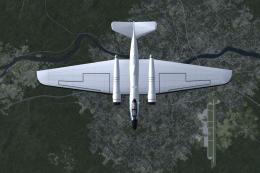 FSX Military Aircraft
NASA Martin WB-57F Canberra for AI. Features the two aircraft operating from …
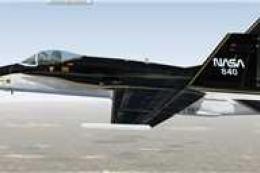 FSX Military Aircraft
NASA F/A-18C High Alpha Research Vehicle. Repaint of NASA HARV F/A-18C Hornet…
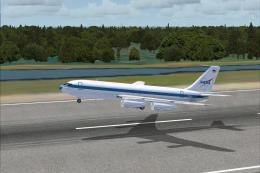 FSX Military Aircraft
The Weightless Wonder or more commonly known as the Vomit Comet. This is a re…
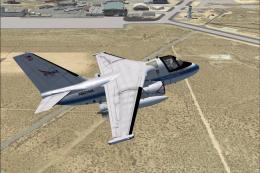 FSX Military Aircraft
This NASA S-3B Viking repaint for Microsoft Flight Simulator X features an au…
Be the first to leave a comment on this download.
Be the first to share your thoughts on this download.