

 FSX Military Aircraft
North Dakota ANG Convair F-102A
This unique repaint introduces the North Dakota Air National Guard’s Convair …
Minnesota Air National Guard 1968 livery for the Razbam Convair F-102A brings the 179th FIS, 148th FIG markings from Duluth International Airport to life with crisp squadron insignia, period-correct tail codes, and authentic aircraft ID O-61323 in Microsoft Flight Simulator X. Requires the payware Razbam F-102A model.
 Rate
Rate
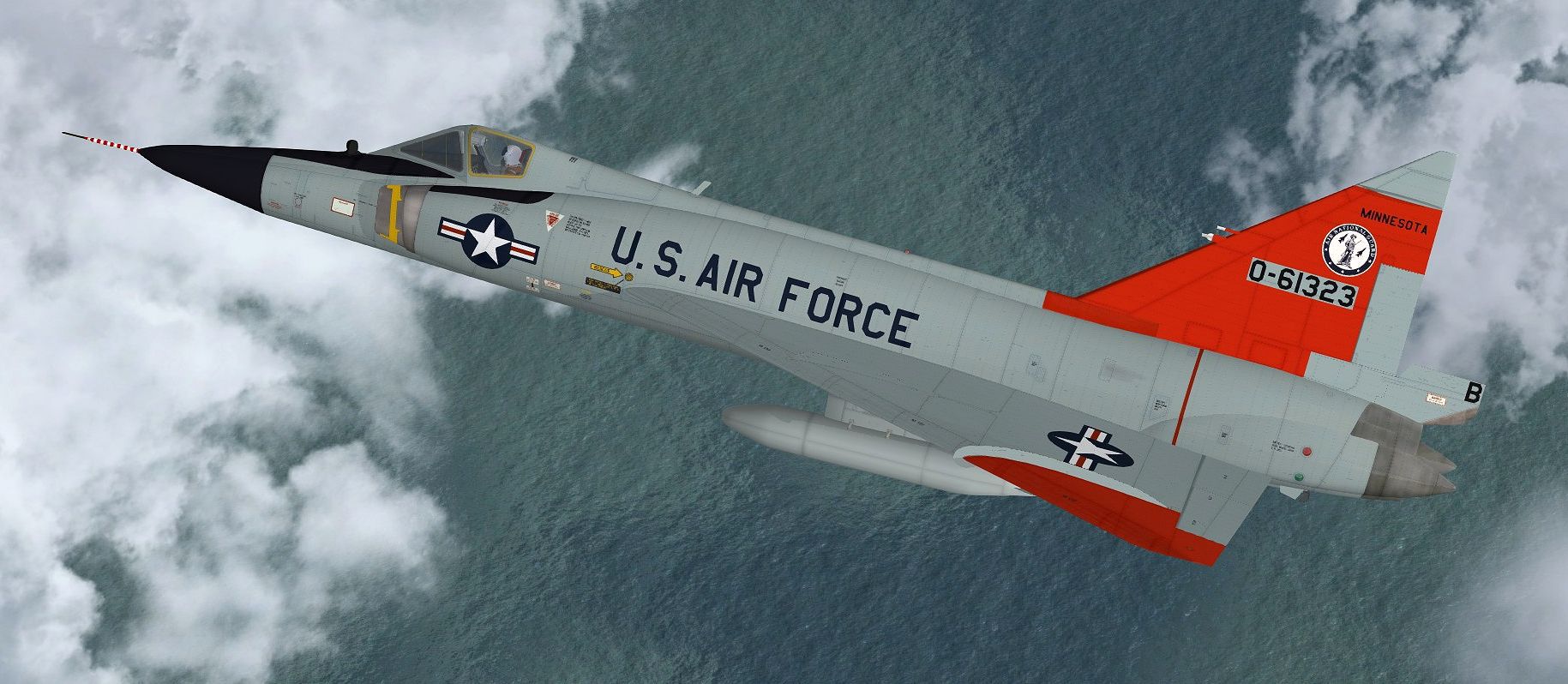
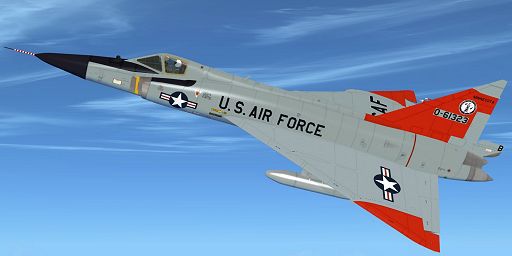
This add-on provides an exciting high-fidelity repaint representing a Minnesota Air National Guard aircraft from 1968. Its textures are designed for use with the payware Razbam Convair F-102A in Microsoft Flight Simulator X and accurately depict the markings of the 179th FIS, 148th FIG, based at Duluth International Airport. Repaint by Jens-Ole Kjolberg.
The Convair F-102A, known as the “Delta Dagger,” was part of the United States Air Force’s historic Century Series of supersonic interceptors. It featured a sleek delta wing designed for high-altitude performance. In 1968, the 179th Fighter Interceptor Squadron—part of the 148th Fighter Interceptor Group—operated these airframes under the Minnesota Air National Guard at Duluth IAP, where they maintained alert status to protect U.S. airspace. These distinctive markings reflect the unit’s commitment and heritage during that era.
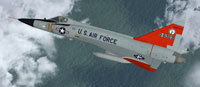
Authentic representation of the Minnesota ANG fighter over the skies of Duluth.
In this repaint, the aircraft sports the hallmark color patterns and squadron insignia used by the 179th FIS. Specific tail markings, identification numbers, and insignia detailing reflect the unique registration "O-61323" from that period. These details allow flight simulation enthusiasts to immerse themselves in the historical operations of the Minnesota-based interceptor unit.
This modification does not include the core payware Razbam Convair F-102A package. Owners must have the original Razbam model installed in their simulator folder to utilize these textures effectively.
[fltsim.xx]

title=F-102 148 FIG

sim=F-102v2

model=

panel=

sound=

texture=179FIS

kb_checklists=

kb_reference=

visual_damage=1

ui_manufacturer="Convair"

ui_type="F-102"

ui_variation="179th FIS 148th FIG Minnesota ANG, Duluth IAP 1968"

ui_typerole="Single Engine Fighter Jet"

ui_createdby="Repaint by Jens-Ole Kjolberg"

description=

atc_heavy=0

atc_id=61323

atc_airline=USAF

atc_flight_number=23

atc_parking_types=MIL_COMBAT
Free for all simmers · 4.3 MB · Scanned clean Oct 2026
Download speed: Free tier is capped at 0.5 Mbps (this file takes approximately 1 min at the cap). PRO members download at full line speed.
texture.{airline}) inside FSX\SimObjects\Airplanes\{base-aircraft}\.aircraft.cfg in Notepad. Add a new [fltsim.X] section per the readme.readme.txt or README file. It tells you exactly where files go, what dependencies are needed, and any quirks specific to this add-on.The archive f102_minn.zip has 28 files and directories contained within it.
This list displays the first 500 files in the package. If the package has more, you will need to download it to view them.
| Filename/Directory | File Date | File Size |
|---|---|---|
| f102_minn | 06.02.13 | 0 B |
| f102_minn.jpg | 04.14.13 | 215.32 kB |
| file_id.diz | 04.13.13 | 237 B |
| readme.txt | 04.13.13 | 1.75 kB |
| texture.179FIS | 06.02.13 | 0 B |
| body01.dds | 04.14.13 | 4.00 MB |
| body01_bump.dds | 04.12.13 | 4.00 MB |
| body01_spec.dds | 06.19.09 | 1.00 MB |
| body02.dds | 04.14.13 | 4.00 MB |
| body02_bump.dds | 04.14.13 | 4.00 MB |
| body02_spec.dds | 06.20.09 | 1.00 MB |
| parts01_t.dds | 04.14.13 | 1.00 MB |
| parts01_t_spec.dds | 07.12.09 | 1.00 MB |
| pilot.dds | 04.13.13 | 1.00 MB |
| tail.dds | 04.13.13 | 4.00 MB |
| tail_bump.dds | 04.13.13 | 4.00 MB |
| tarnsparencies_t.dds | 06.19.09 | 1.00 MB |
| texture.cfg | 07.06.09 | 93 B |
| thumbnail.jpg | 04.07.13 | 24.28 kB |
| Thumbs.db | 06.02.13 | 39.50 kB |
| wingL.dds | 04.13.13 | 4.00 MB |
| wingL_bump.dds | 04.13.13 | 4.00 MB |
| wingL_spec.dds | 06.25.09 | 1.00 MB |
| wingR.dds | 04.13.13 | 4.00 MB |
| wingR_bump.dds | 04.13.13 | 4.00 MB |
| Thumbs.db | 06.02.13 | 17.50 kB |
| flyawaysimulation.txt | 10.29.13 | 959 B |
| Go to Fly Away Simulation.url | 01.22.16 | 52 B |
Only PRO members can place votes.
More FSX & P3D add-ons hand-picked based on this download.
FSX Military Aircraft
This unique repaint introduces the North Dakota Air National Guard’s Convair …
 FSX Military Aircraft
This is a repaint of the Razbam Convair F-102 Delta Dagger, representing 56-0…
 FSX Military Aircraft
Here are three repaints for the Razbam Convair F-102A Delta Dagger, depicting…
 FSX Military Aircraft
This is a repaint of the Rob Richardson Convair F-106 A Delta Dart to represe…
 FSX Military Aircraft
Battle Creek Michigan ANG A-10. This is Kazunori Ito's Fairchild Republic A10…
 FSX Military Aircraft
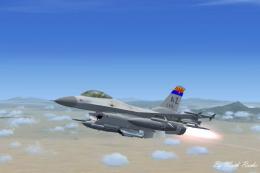
Arizona Virtual Airline ANG F-16. This is Kirk Olsson's F-16 Viper updated fo…
 FSX Military Aircraft
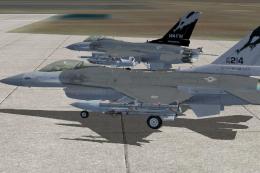
This is a repaint pack for the Aerosoft Lockheed Martin F-16 Falcon. This rep…
 FSX Military Aircraft
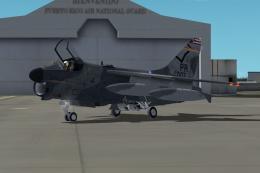
Textures for Razbam Vought A-7 Corsair SN 73-007 as flown by Col Guzman of th…
Be the first to leave a comment on this download.
Be the first to share your thoughts on this download.