



 Papua New Guinea

 MSFS Scenery
Simogu Airstrip (AYQM) Papua New Guinea
A complete scenery mod featuring Simogu Airstrip (AYQM) in Papua New Guinea b…
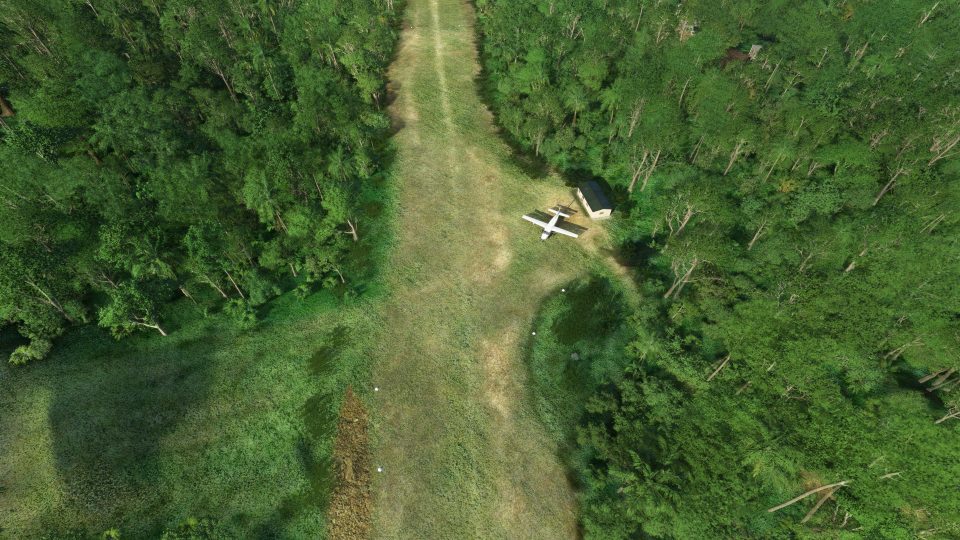
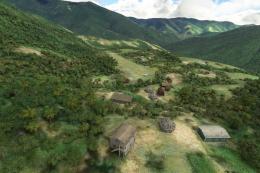
Lele Airstrip (AYLE) brings Papua New Guinea’s steep, 600 m dirt runway to life with a faithful 10% upslope profile, accurate terrain shaping, and hand-placed local buildings and objects for authentic bush operations. Built for Microsoft Flight Simulator, it adds custom 3D models and smoke effects for wind cues and atmosphere.

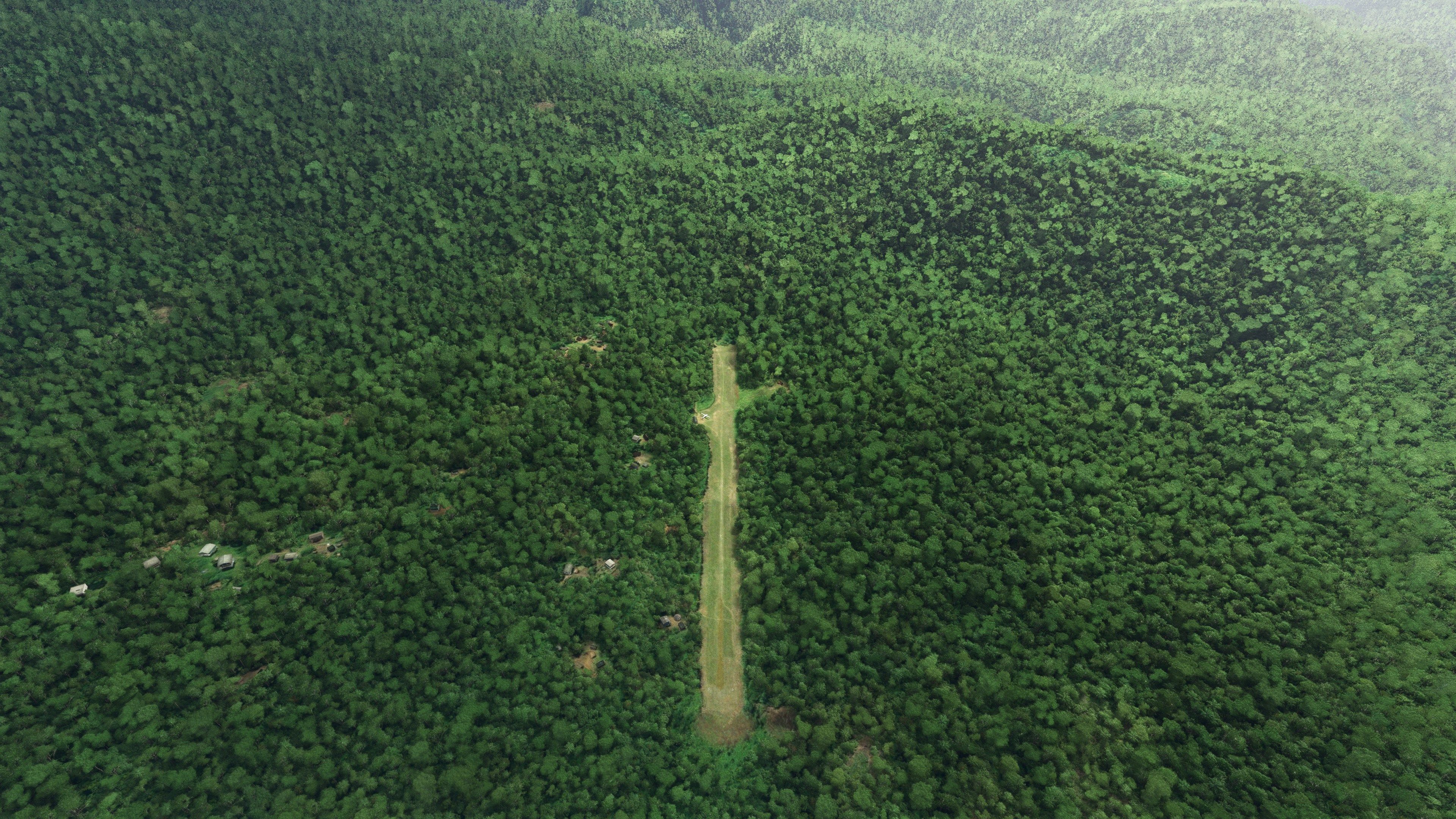
Lele Airstrip (AYLE) in Papua New Guinea is a meticulously crafted bush flying experience for Microsoft Flight Simulator 2020. The roughly 600-meter dirt runway features a notable 10% gradient that challenges even experienced pilots, with varying upslope profiles creating a truly authentic approach. The developer sourced real-world pilot feedback, drone footage, and topographical data to capture every detail of the terrain and layout, ensuring a fascinating blend of accuracy and excitement.
Additionally, the scenery pack includes custom 3D objects, buildings, and smoke effects not found in the default libraries, adding rich local character to this remote airstrip. From parking bays to the final climb at the runway’s end, each element showcases the dedication behind this project. For virtual aviators seeking a unique destination or a challenging bush-flying circuit in PNG’s rugged mountains, this mod offers a brilliant, immersive upgrade to their flight sim world.
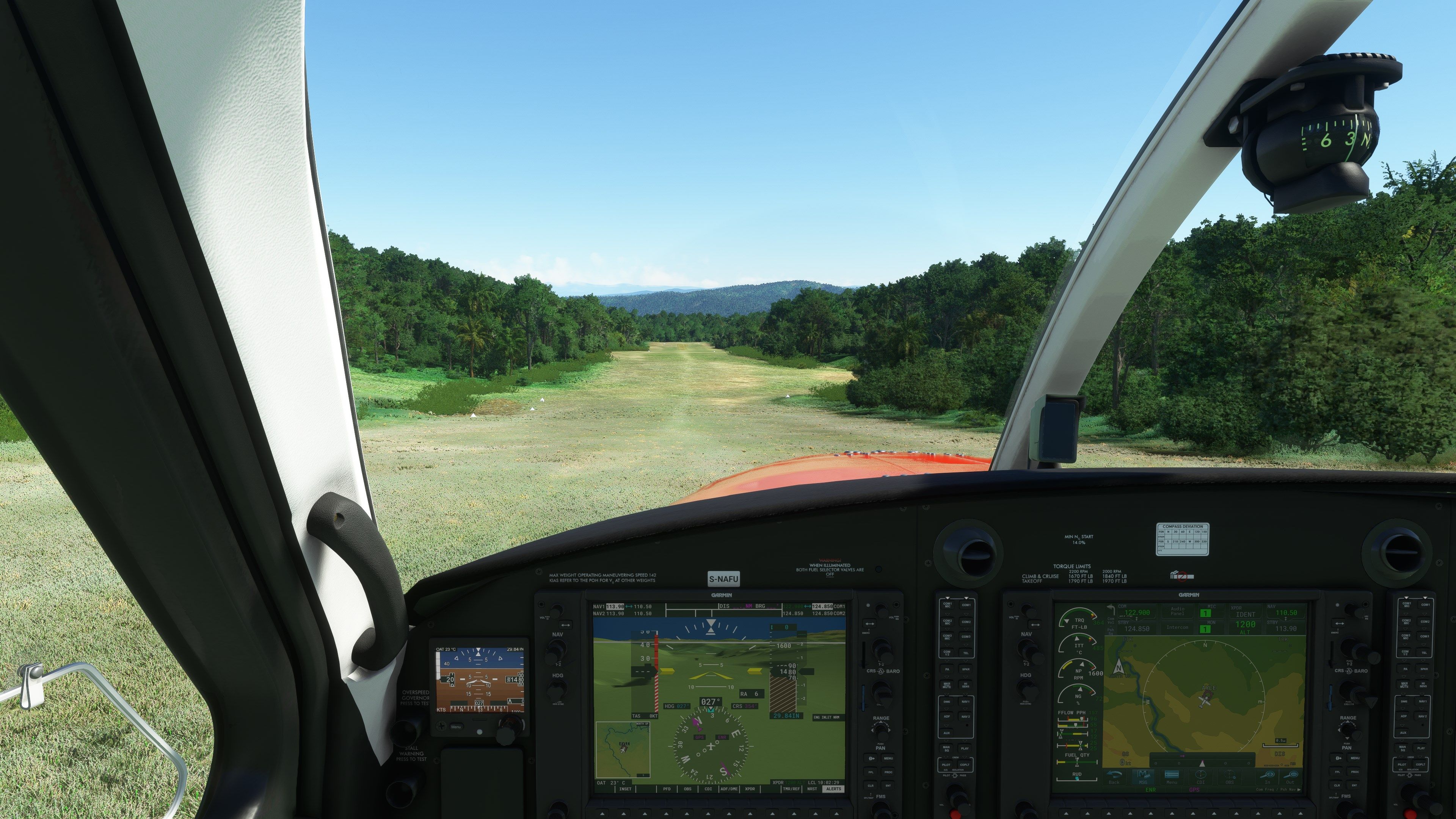
A stunning little scenery mod featuring the dirt strip Lele Airstrip (AYLE) in Papua New Guinea. This one in the series also has an ICAO code (AYLE) so is larger than some. The strip itself has a long dirt runway with a reasonably steep upslope to it. Compatible with the latest MSFS (2020) release.
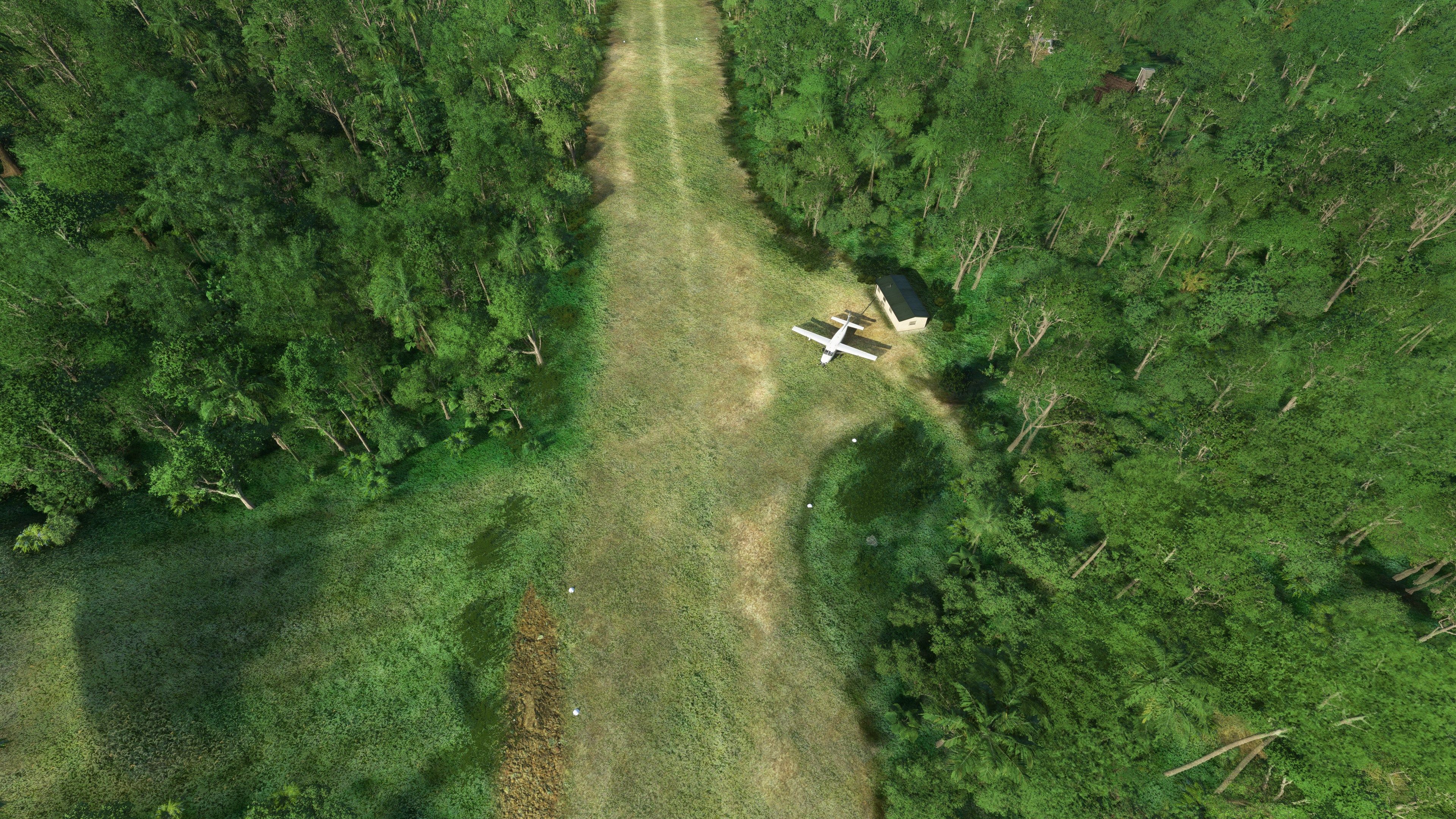
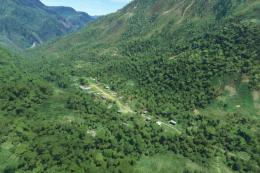
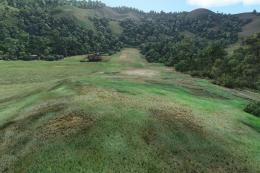
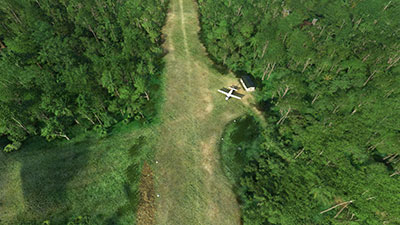 The runway at the airport itself is ~600m and is leveled with compacted "dirt". There is an upslope to the runway of a 10% gradient which levels off part-way up and provides parking on the left of the runway and then moves further uphill past the parking at a more extreme gradient.
The developer has gone to great lengths to get this field right and as accurate as possible and uses data from real-world pilots, drone footage, and other external sources such as Google Maps and elevation data.
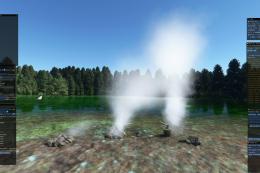
The developer has also included custom scenery libraries with this mod - not just what's included with the default MSFS SDK. They have crafted their own 3D models and scenery using additional software. In particular, smoke effects have been added which are developed externally from what's available in the default MSFS scenery libraries.
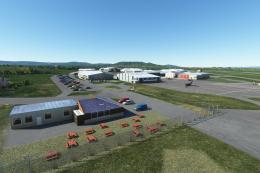
They have also placed buildings, objects, and more around the airfield in order to, "bring some local character to the strip".
This is such a fun strip to fly into and out of and will serve as a great base for some beautiful VFR flights - along with some challenging and intense landings.
Lele airstrip (AYLE) in Papua New Guinea is a 600m long dirt strip with a 10% upslope leveling off near the parking bay on the left and then continuing past the parking at a more severe upslope.
The TDZ is at 1320' and landing short is not recommended.
The runway profile and area are based on information taken from Ryan, the Missionary bush pilot on his flight into the strip, and additional drone footage I've seen.
I used my own custom models to bring some local character to the strip and I've also used my own pbk-effects library to provide window direction with the smoke.
Once you've extracted the downloaded archive, simply copy the pbk-lele-ayle folder into your MSFS community folder.
Free for all simmers · 217.39 MB · Scanned clean Oct 2026
Download speed: Free tier is capped at 2 Mbps (this file takes approximately 15 mins at the cap). PRO members download at full line speed.
%LOCALAPPDATA%\Packages\Microsoft.FlightSimulator_8wekyb3d8bbwe\LocalCache\Packages\Community\. Steam version: %APPDATA%\Microsoft Flight Simulator\Packages\Community\. Tip: enable Developer Mode in MSFS to see your exact Community folder path.readme.txt or README file. It tells you exactly where files go, what dependencies are needed, and any quirks specific to this add-on.Use these coordinates to fly directly to this location once the mod is installed.
-5.21928000,151.39369000
Paste these coordinates into the Microsoft Flight Simulator search bar when planning a flight, or into the Developer Mode Teleport window, to fly directly to this location.
I'm retired and now spend my time digging holes and burying bodies in MSFS scenery mods.
Are you Photosbykev? Sign in to Fly Away Creators for download stats, comment replies and updates. Make add-ons? Publish them here.
Only PRO members can place votes.
More MSFS add-ons hand-picked based on this download.
MSFS Scenery
A complete scenery mod featuring Simogu Airstrip (AYQM) in Papua New Guinea b…
 MSFS Scenery
A fun and exciting scenery mod bringing Owena Airstrip (AYWW) in Papua New Gu…
 MSFS Scenery
Bambui (BCP) is an exciting dirt strip in Papua New Guinea that is perched ri…
 MSFS Scenery
Another obscure airstrip in Papua New Guinea, Gema Airstrip (AYGM) by develop…
 MSFS Scenery
A fun and exciting scenery pack for MSFS featuring Aziana Airstrip (AYLA) in …
 MSFS Scenery
Another fun and challenging strip in Papua New Guinea from Photosbykev - this…
 MSFS Scenery
This scenery pack covers Bawan Airstrip (BWJ) in Papua New Guinea. It's a su…
 MSFS Scenery
This airstrip, Dinangat Airstrip (AYDN) Papua New Guinea was sorely lacking i…
Be the first to leave a comment on this download.
Be the first to share your thoughts on this download.