



 Papua New Guinea

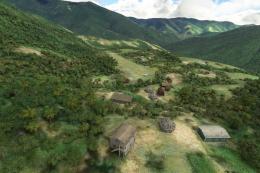 MSFS Scenery
Simogu Airstrip (AYQM) Papua New Guinea
A complete scenery mod featuring Simogu Airstrip (AYQM) in Papua New Guinea b…
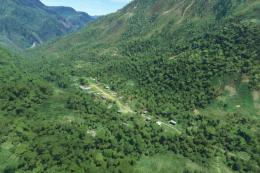
Dinangat Airstrip (AYDN) in Papua New Guinea brings a demanding bush runway to Microsoft Flight Simulator with corrected placement, a distinctive steep upslope profile, and hand terraforming that cleans up the surrounding terrain. Custom houses, fencing, and well-chosen static objects add local character, plus parking at the top for cold-and-dark starts.

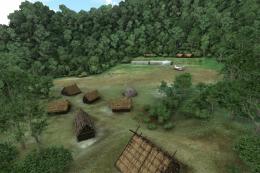
Dinangat Airstrip (AYDN) brings a new level of authenticity to Papua New Guinea bush flying in MSFS, featuring carefully set slopes, terraformed terrain, and a faithfully placed runway that demands a perfect mix of thrust and momentum. The scenery captures unique elements such as custom 3D buildings, local coffee plantations, and hand-modified surroundings, making every approach feel like a genuine adventure in this remote region serviced by bush pilot operators.
By integrating precise topographical details, including its trademark steep upslope that challenges even seasoned virtual aviators, the mod delivers an immersive and visually captivating environment. Testing this scenery reveals a refreshingly unique experience, offering photorealistic terrain and realistic take-off and landing thrills for anyone looking to master the iconic short-field skills required in Papua New Guinea’s rugged airstrips.
This airstrip, Dinangat Airstrip (AYDN) Papua New Guinea was sorely lacking in MSFS and the developer has gone to great lengths to make it as accurate as possible within the sim. Adjustments to the runway, buildings in and around the airfield, parking, and even the area surrounding the airfield have been terraformed for accuracy.
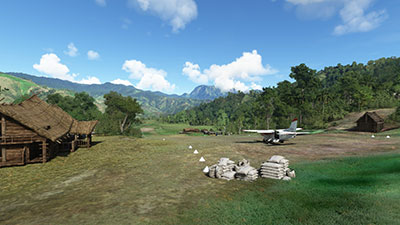 The strip itself (Dinangat - AYDN) is serviced by the Missionary Bush Pilot Company due to its use as a support base for the local population so it has higher traffic than some of the airstrips/airfields in this developer's Papua New Guinea series. It even has an official ICAO designator - AYDN.
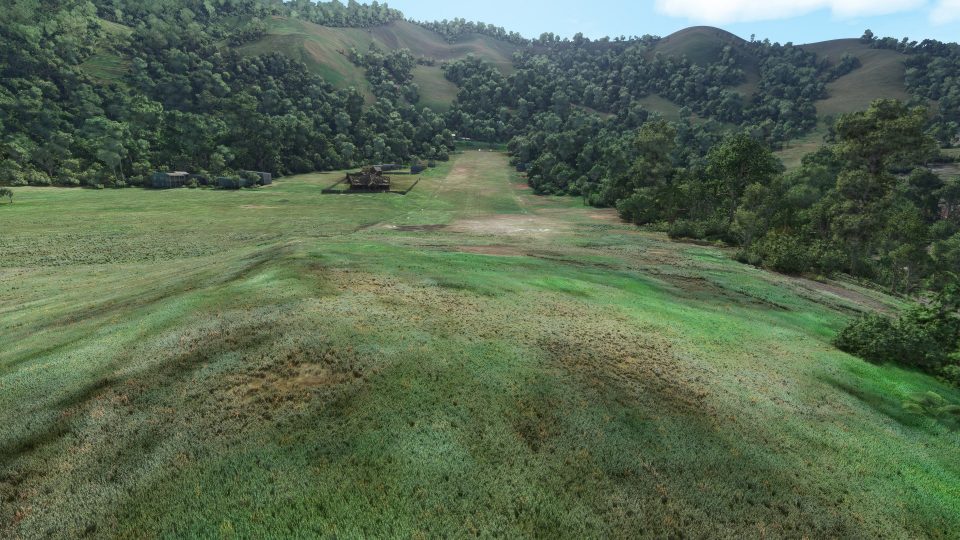
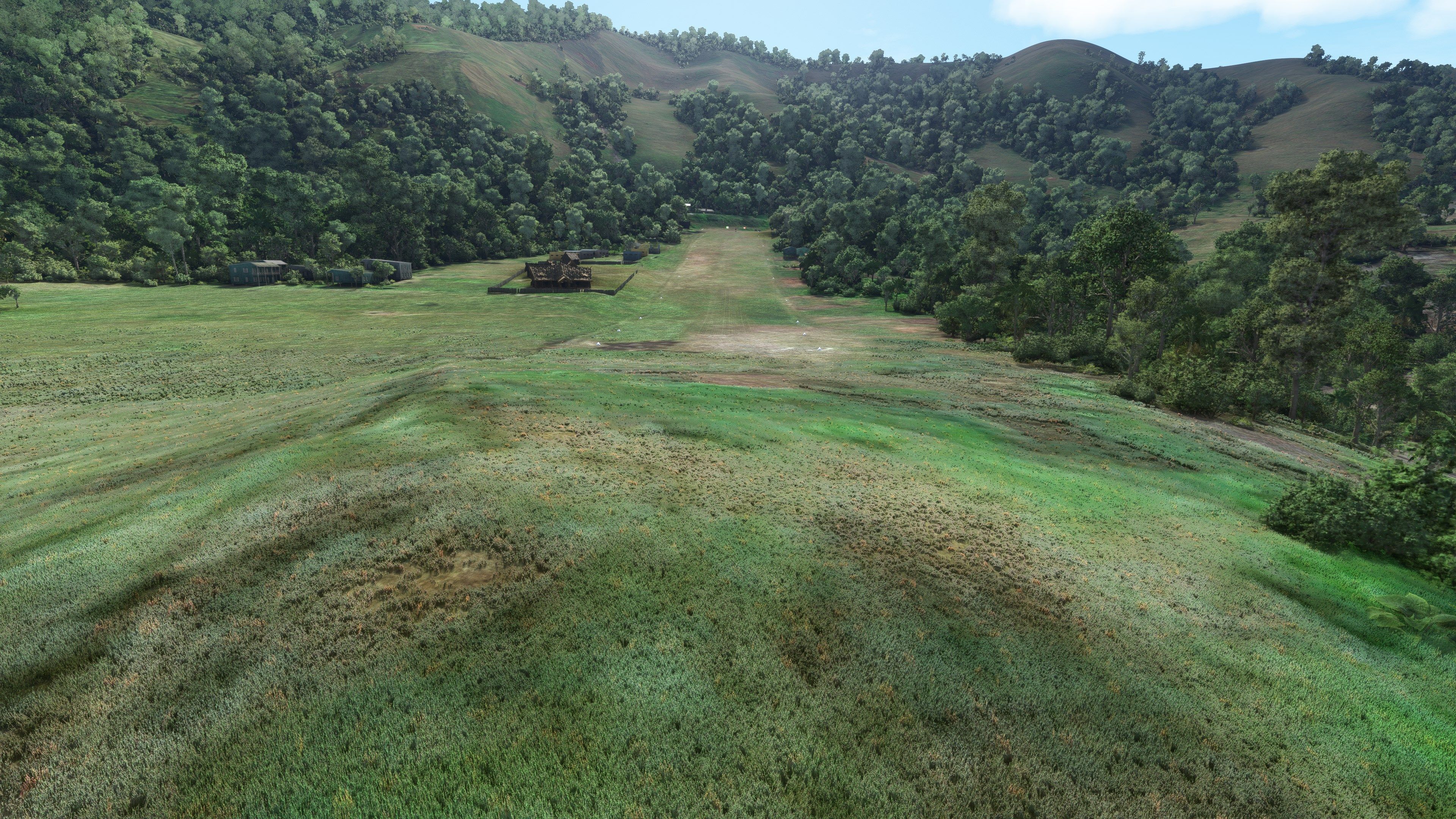
The runway at the airport has been accurately placed with the steel upslope which is present in the real world. This requires virtual aviators to keep up their speed in order to reach the top of the strip - something that takes some getting used to.
The developer has included many custom buildings in this scenery pack for MSFS along with the placement of other static objects from the default MSFS scenery library.
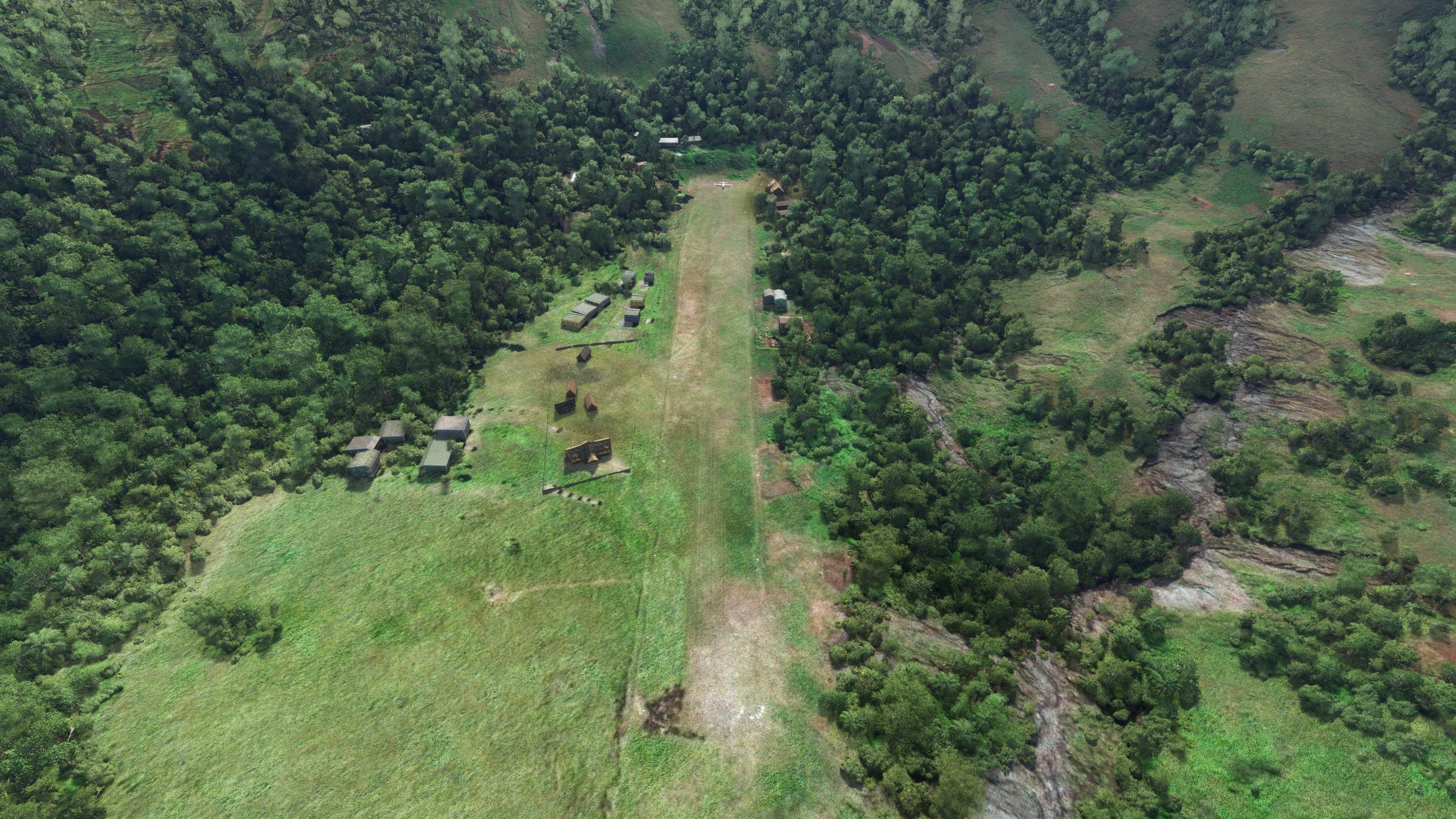
Buildings, houses, fences, and "coffee" have been included to make this accurate and true-to-life. The scenery surrounding the airport has also been hand modified and terraformed based on data made available to the developer - and essentially removing any glitches or scenery bugs present in the default Microsoft scenery install.
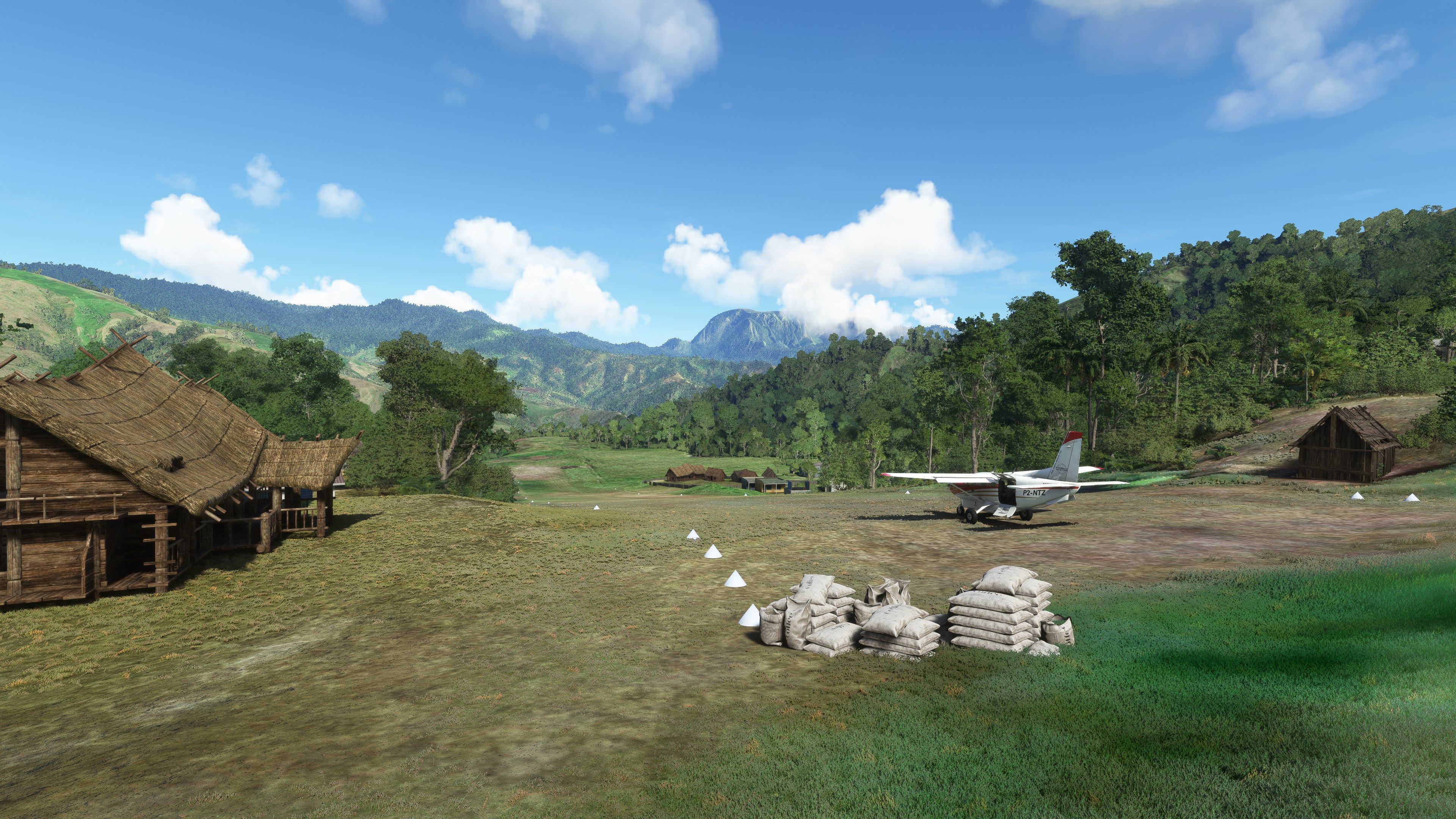
There are parking ramps at the top of the slope should you wish to spend some time there and even start from cold/dark procedures within the sim.
Aside, this is a super fun strip to use within the simulator and will make for some fun and challenging landings and take-offs!
Dinangat airstrip is a challenging bush strip in Papua New Guinea serviced by the Missionary Bush Pilot company to support the local population and is located about 15Nm SE of Nankina.
The runway has a downslope over the threshold followed by a steep upslope, this has been modeled for MSFS based on a recent video by Ryan. Keep your speed up to reach the top of the strip
Custom models including houses, fencing, and coffee, lots of coffee have been added to improve the general feel of the scenery and the general area has been terraformed.
Parking is available at the top of the slope for cold and dark starts
Once the archive has been extracted, simply copy the pbk-dinangat-aydn folder into your MSFS community folder.
Free for all simmers · 134.41 MB · Scanned clean Oct 2026
Download speed: Free tier is capped at 2 Mbps (this file takes approximately 9 mins at the cap). PRO members download at full line speed.
%LOCALAPPDATA%\Packages\Microsoft.FlightSimulator_8wekyb3d8bbwe\LocalCache\Packages\Community\. Steam version: %APPDATA%\Microsoft Flight Simulator\Packages\Community\. Tip: enable Developer Mode in MSFS to see your exact Community folder path.readme.txt or README file. It tells you exactly where files go, what dependencies are needed, and any quirks specific to this add-on.I'm retired and now spend my time digging holes and burying bodies in MSFS scenery mods.
Are you Photosbykev? Sign in to Fly Away Creators for download stats, comment replies and updates. Make add-ons? Publish them here.
Only PRO members can place votes.
More MSFS add-ons hand-picked based on this download.
MSFS Scenery
A complete scenery mod featuring Simogu Airstrip (AYQM) in Papua New Guinea b…
 MSFS Scenery
A fun and exciting scenery mod bringing Owena Airstrip (AYWW) in Papua New Gu…
 MSFS Scenery
Bambui (BCP) is an exciting dirt strip in Papua New Guinea that is perched ri…
 MSFS Scenery
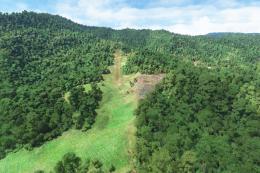
Another obscure airstrip in Papua New Guinea, Gema Airstrip (AYGM) by develop…
 MSFS Scenery
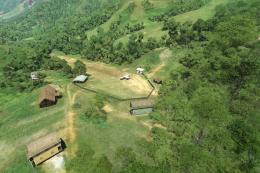
A fun and exciting scenery pack for MSFS featuring Aziana Airstrip (AYLA) in …
 MSFS Scenery
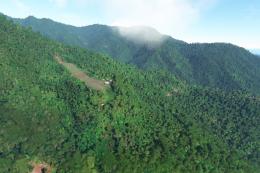
Another fun and challenging strip in Papua New Guinea from Photosbykev - this…
 MSFS Scenery
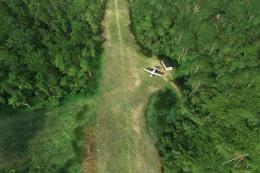
A stunning little scenery mod featuring the dirt strip Lele Airstrip (AYLE) i…
 MSFS Scenery
This scenery pack covers Bawan Airstrip (BWJ) in Papua New Guinea. It's a su…
Be the first to leave a comment on this download.
Be the first to share your thoughts on this download.