



 Papua New Guinea

 MSFS Scenery
Simogu Airstrip (AYQM) Papua New Guinea
A complete scenery mod featuring Simogu Airstrip (AYQM) in Papua New Guinea b…
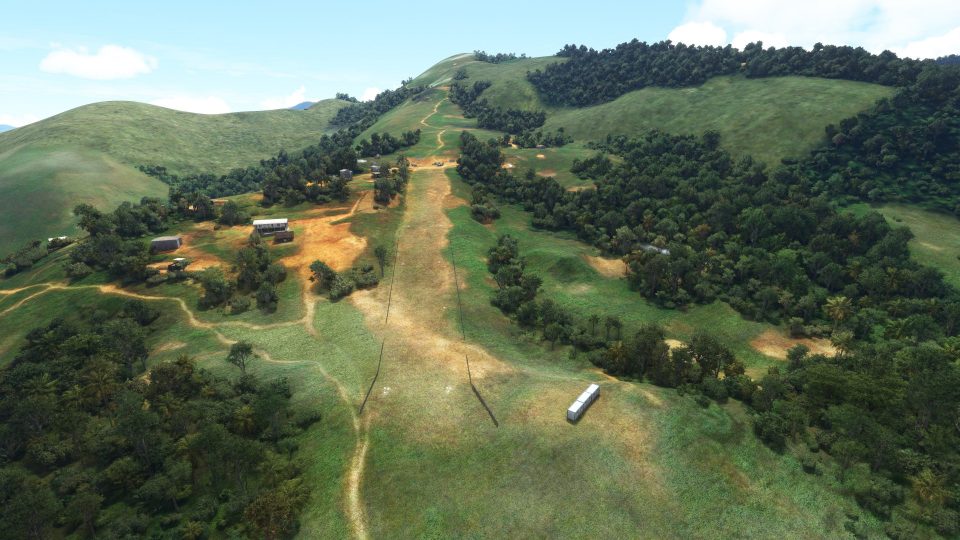
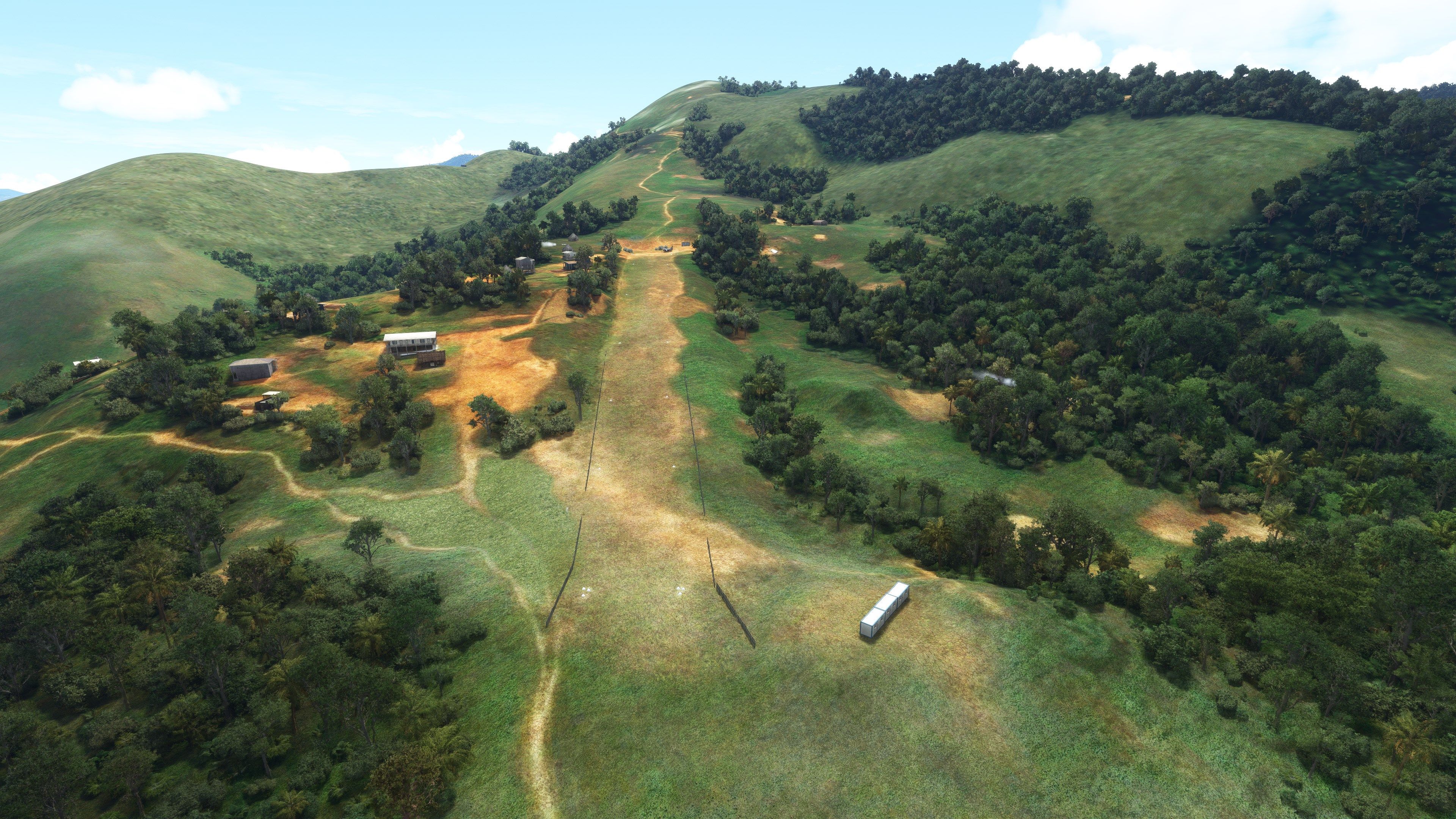
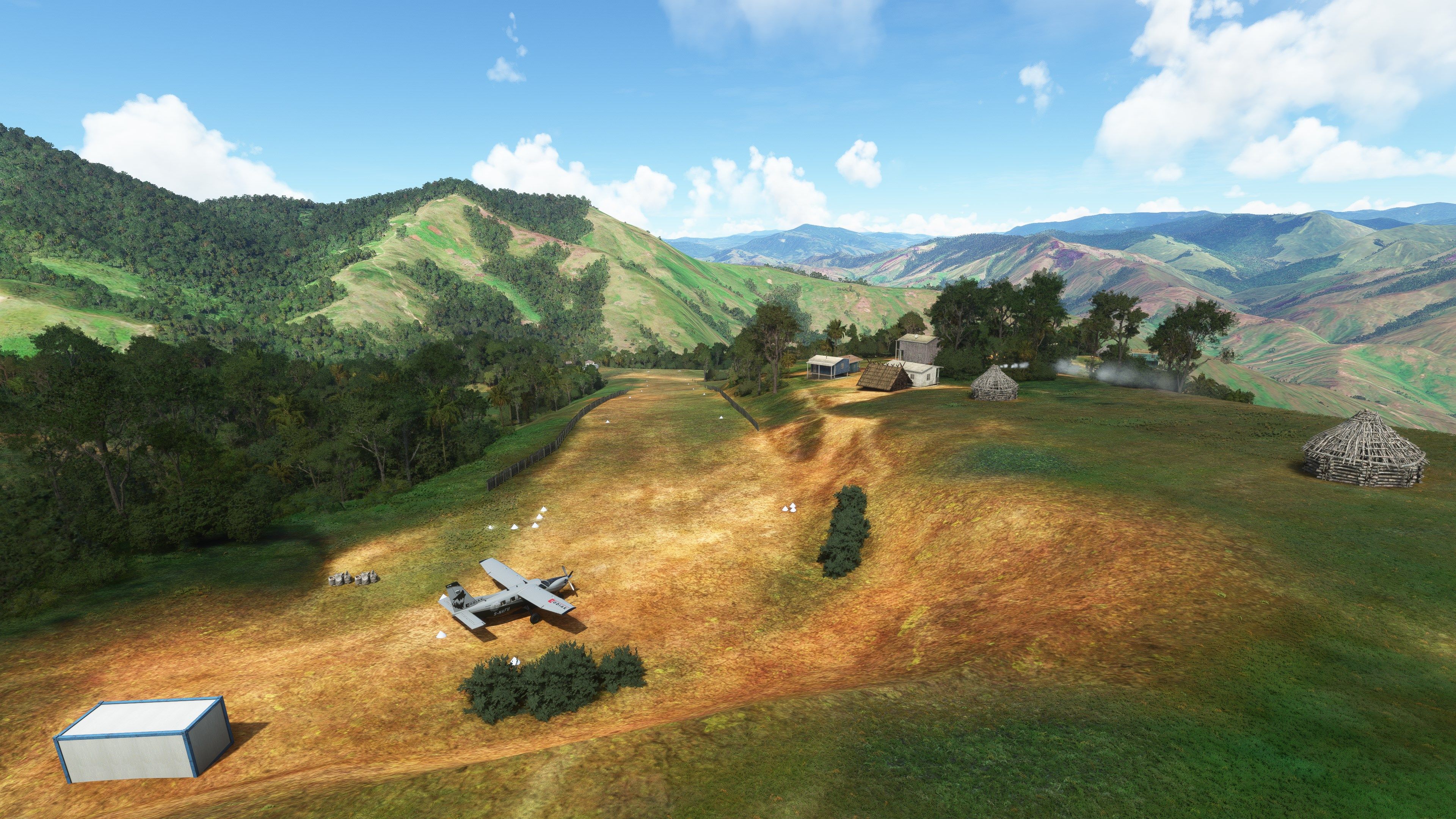
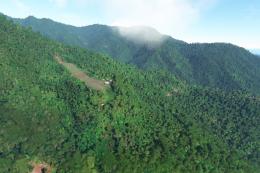
Owena Airstrip (AYWW) in Papua New Guinea comes to life with detailed terrain shaping and runway profiling, recreating the 1,000-foot dirt strip’s steep 13–17% gradient for demanding bush operations in Microsoft Flight Simulator. Custom and default objects add local atmosphere, informed by pilot reports, maps, and video references for true-to-life placement.

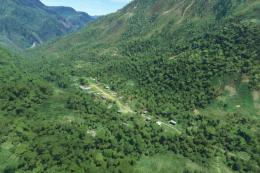
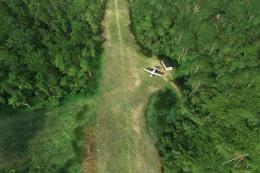
Owena Airstrip (AYWW) in Papua New Guinea is a thrilling new location for Microsoft Flight Simulator, featuring a 1000-foot dirt runway with a steep 13% average slope that increases to 17% at the top. The developer based this design on real-world pilot data, Google imagery, and on-site references, ensuring a highly accurate and challenging bush flying experience.
With a carefully sculpted runway gradient and custom scenic objects, this mod offers an authentic take on rugged terrain landings. Having installed and tested it myself, I can confirm that its demanding approach and scenic surroundings deliver an immersive slice of Papua New Guinea’s unique aviation landscape while keeping performance stable and visuals compelling.
A fun and exciting scenery mod bringing Owena Airstrip (AYWW) in Papua New Guinea up to glorious details in Microsoft Flight Simulator. The default Microsoft scenery offerings are incomplete or sorely missing detail and this pack aims to rectify that.
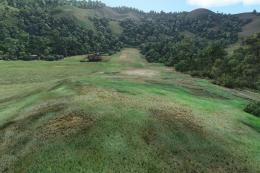
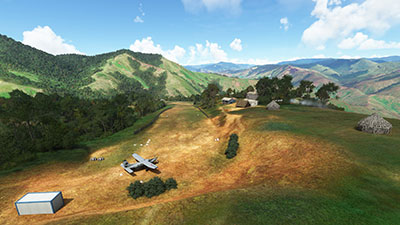 The strip itself has a 1000' long runway of flattened dirt with an upslope gradient of 13% and then increases again to 17% at the top. So the runway is very dynamic and makes landings and take-offs both fun and challenging. It's recommended to start in something very light and get a feel for it first before you move over to the double engines.
Due to the surrounding terrain and the nature of the gradient of the runway, the approach to the airstrip should only be made from the West. While you could approach from the East, you better know what you're doing and hit hard on those brakes!
The scenery pack (as mentioned by the developer) aims to bring AYWW up to as accurate and true-to-life detail as possible. Sources from real-world pilots, Google Maps, and other data providers have been used to make this strip as accurate as possible.
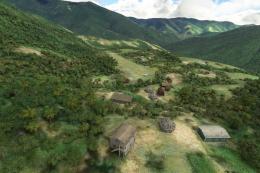
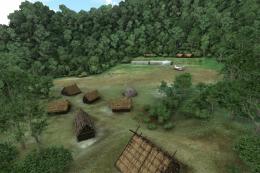
The developer has also used custom models and other scenery objects (some included in the default MSFS scenery library) to add some more atmosphere and life to the strip.
For sure, it's a fun place to visit in the simulator!
Owena airstrip (AYWW) in Papua New Guinea is a 1000' dirt strip with an average slope of 13% and increasing to 17% The strip should only be approached from the West.
The scenery tries to duplicate the real-world airstrip according to information from Ryan, the Missionary Bush Pilot, and youtube videos.
A mixture of default and custom models have been used and the scenery works with the default Asobo trees but it's better with a 'tree height' fix mod
Simply copy the pbk-owena-ayww into your MSFS community folder once you have extracted the archive.
Free for all simmers · 214 MB · Scanned clean Oct 2026
Download speed: Free tier is capped at 2 Mbps (this file takes approximately 15 mins at the cap). PRO members download at full line speed.
%LOCALAPPDATA%\Packages\Microsoft.FlightSimulator_8wekyb3d8bbwe\LocalCache\Packages\Community\. Steam version: %APPDATA%\Microsoft Flight Simulator\Packages\Community\. Tip: enable Developer Mode in MSFS to see your exact Community folder path.readme.txt or README file. It tells you exactly where files go, what dependencies are needed, and any quirks specific to this add-on.I'm retired and now spend my time digging holes and burying bodies in MSFS scenery mods.
Are you Photosbykev? Sign in to Fly Away Creators for download stats, comment replies and updates. Make add-ons? Publish them here.
Only PRO members can place votes.
More MSFS add-ons hand-picked based on this download.
MSFS Scenery
A complete scenery mod featuring Simogu Airstrip (AYQM) in Papua New Guinea b…
 MSFS Scenery
Bambui (BCP) is an exciting dirt strip in Papua New Guinea that is perched ri…
 MSFS Scenery
Another obscure airstrip in Papua New Guinea, Gema Airstrip (AYGM) by develop…
 MSFS Scenery
A fun and exciting scenery pack for MSFS featuring Aziana Airstrip (AYLA) in …
 MSFS Scenery
Another fun and challenging strip in Papua New Guinea from Photosbykev - this…
 MSFS Scenery
A stunning little scenery mod featuring the dirt strip Lele Airstrip (AYLE) i…
 MSFS Scenery
This scenery pack covers Bawan Airstrip (BWJ) in Papua New Guinea. It's a su…
 MSFS Scenery
This airstrip, Dinangat Airstrip (AYDN) Papua New Guinea was sorely lacking i…
Be the first to leave a comment on this download.
Be the first to share your thoughts on this download.