

 MSFS Vintage & Historic
Fokker Dr.I Triplane
A complete rendition of the iconic German WW1 fighter aircraft - the Fokker D…
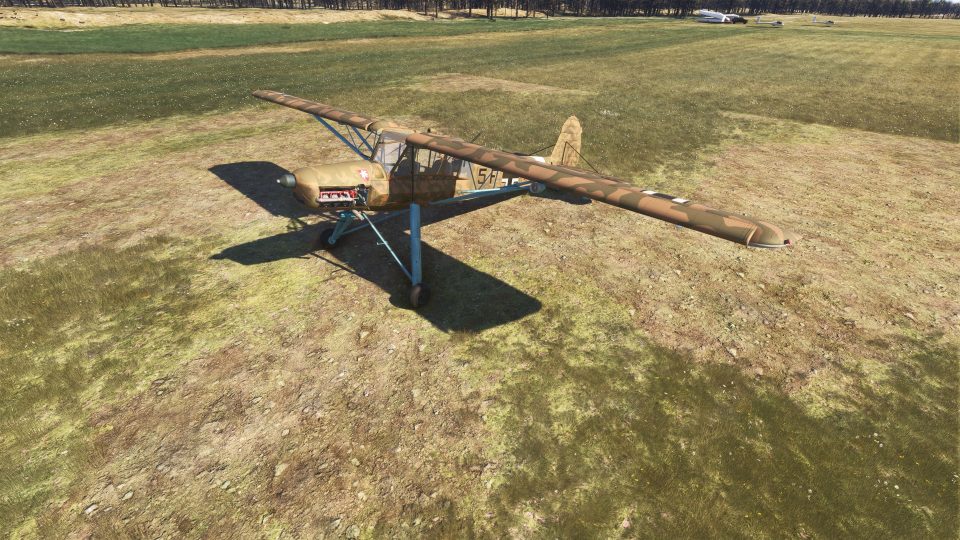
The Fieseler Fi 156 Storch recreates a legendary WWII STOL liaison aircraft with careful geometry, slow-speed handling, and rugged gear for tiny fields and rough strips in Microsoft Flight Simulator. Expect a detailed virtual cockpit with interactive lighting, foldable wings, animated doors and panels, improved audio and effects, plus tundra and standard gear variants.
 Rate
Rate
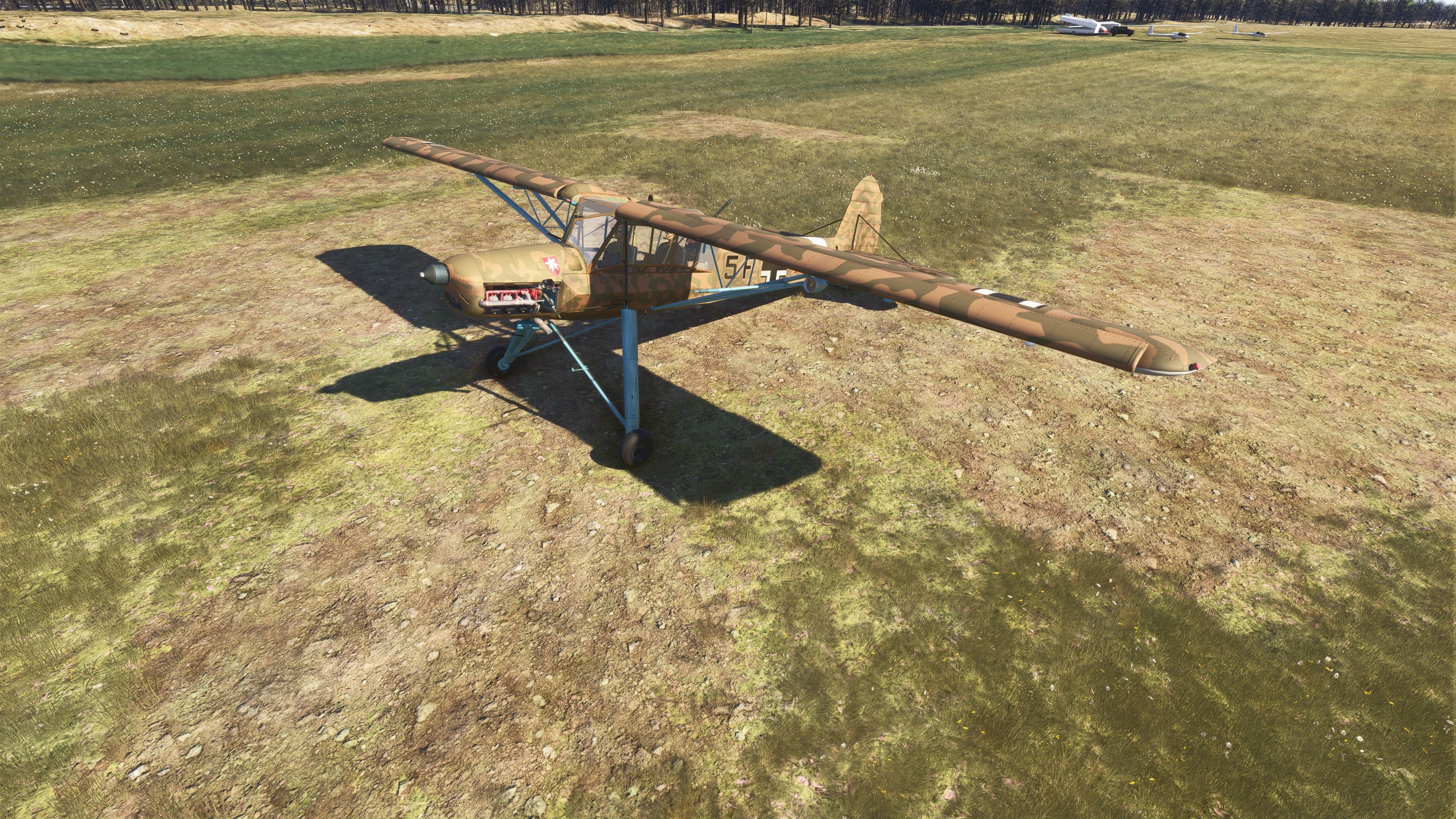
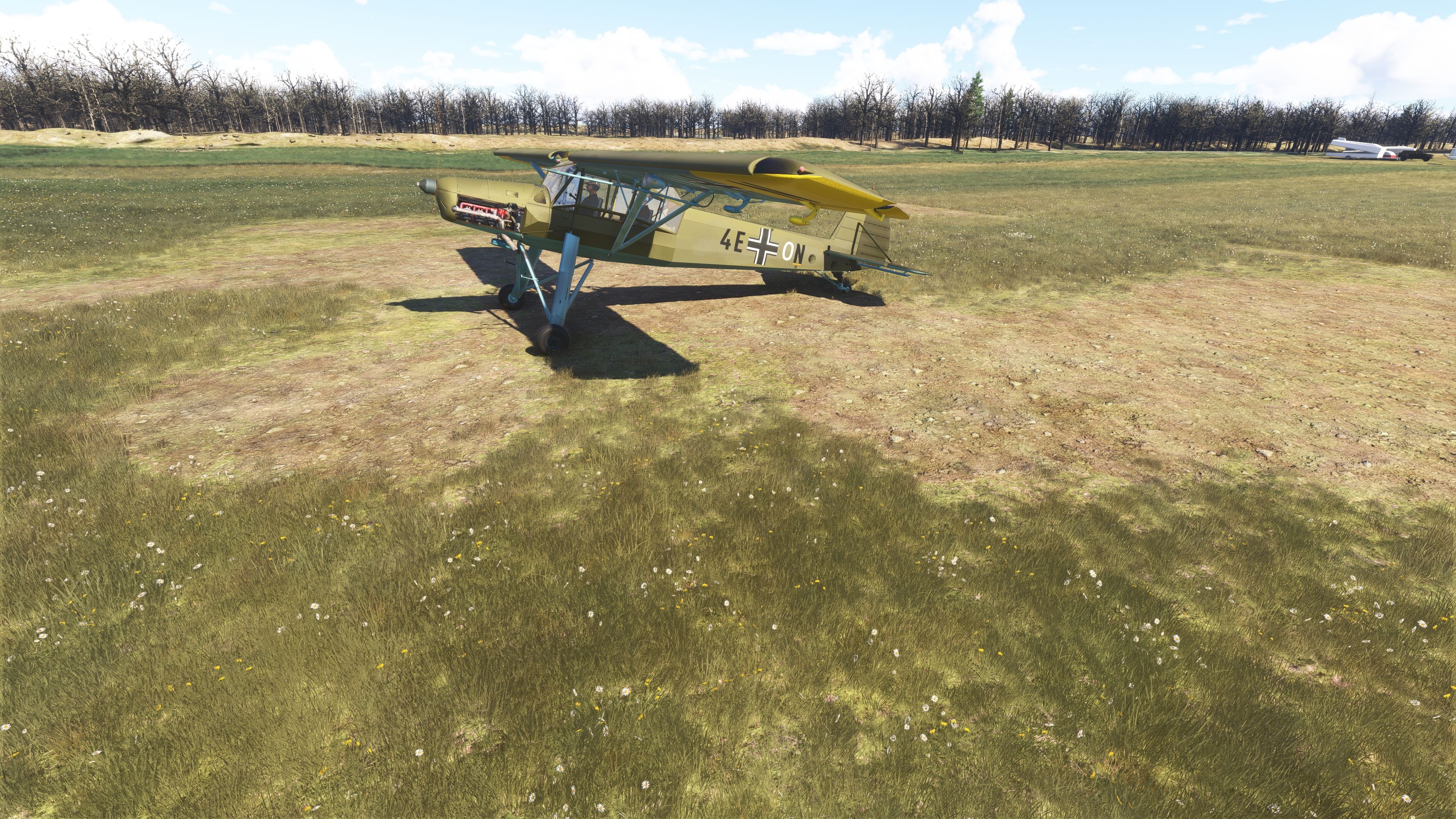
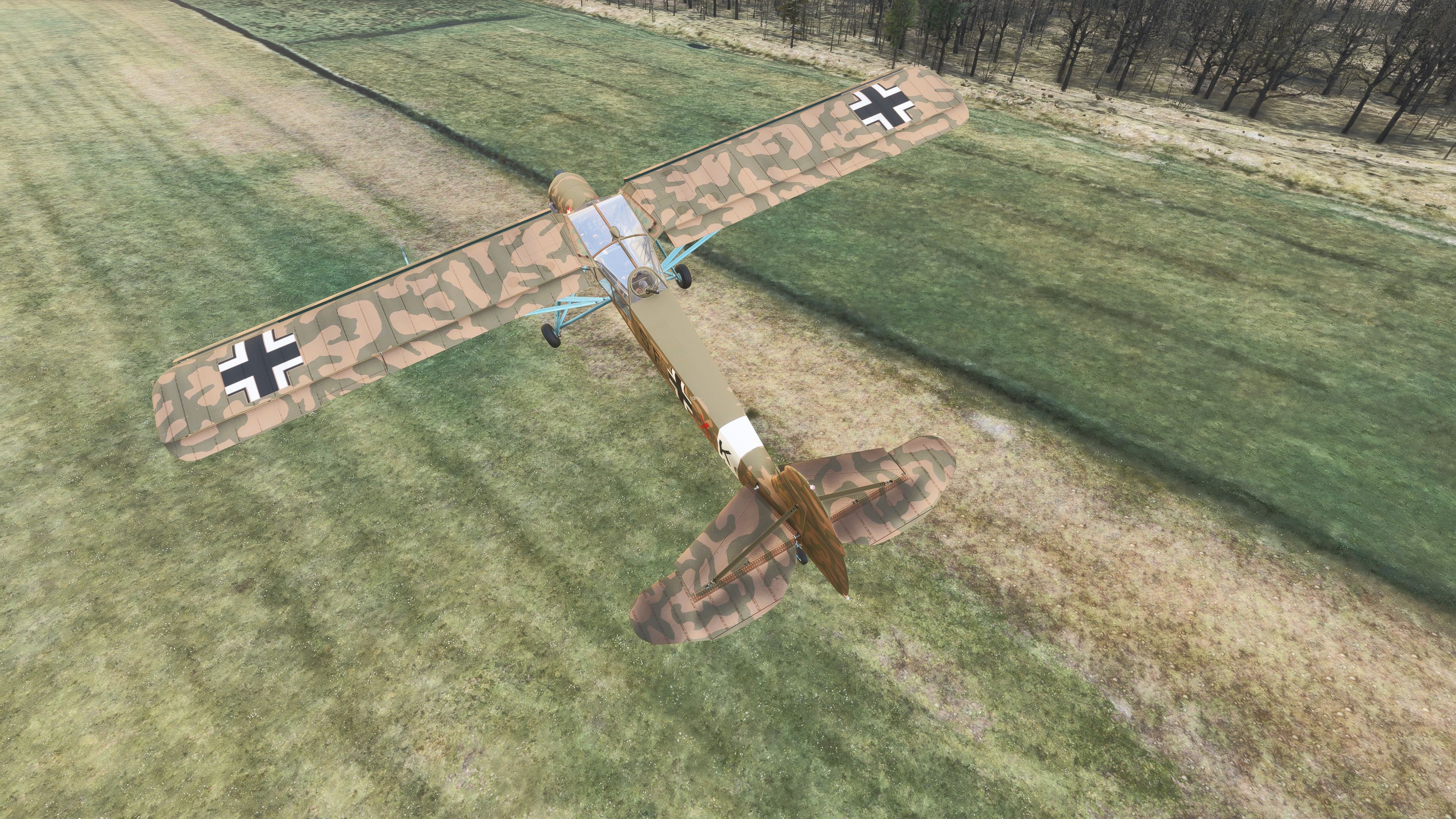
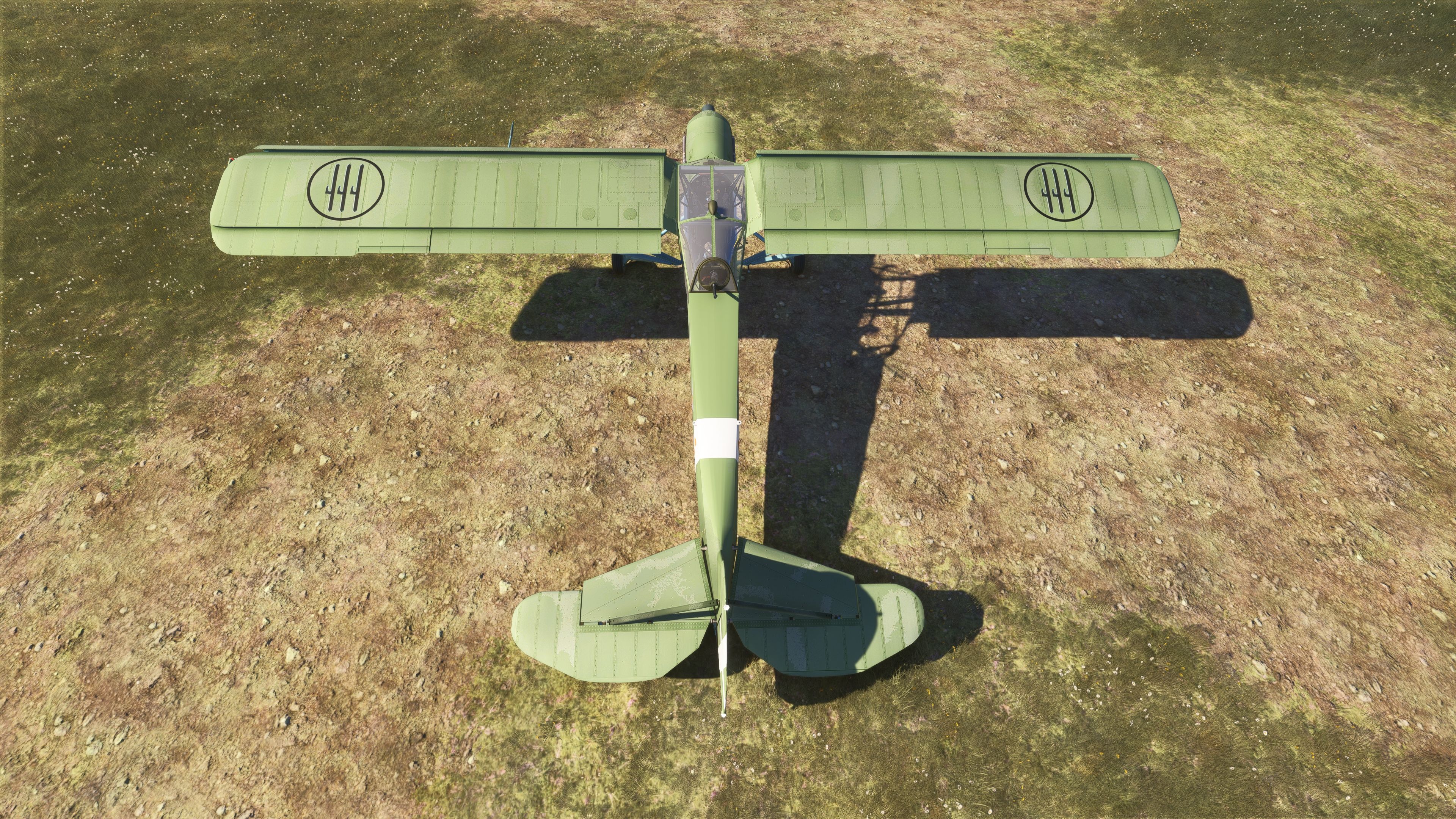
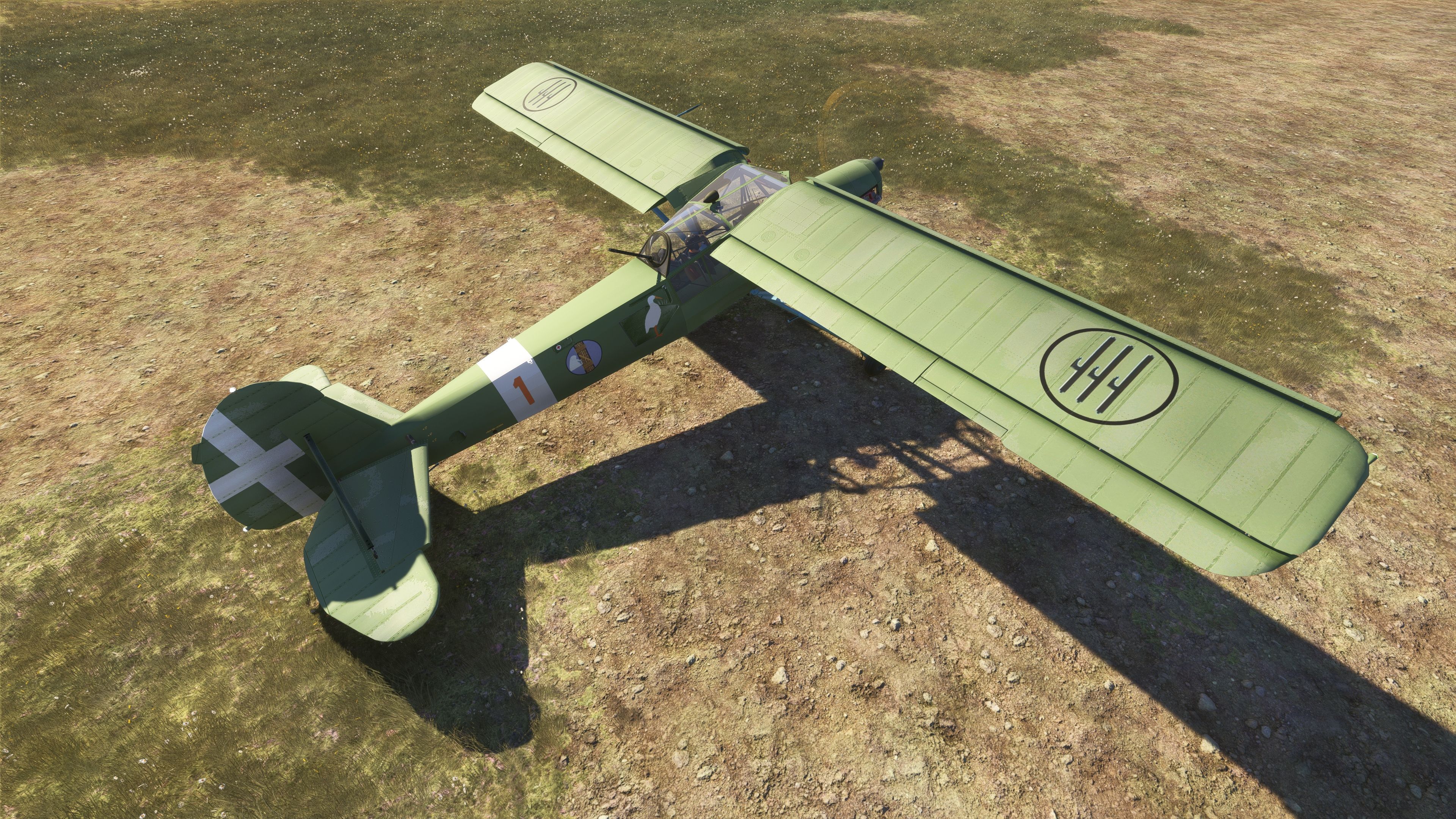
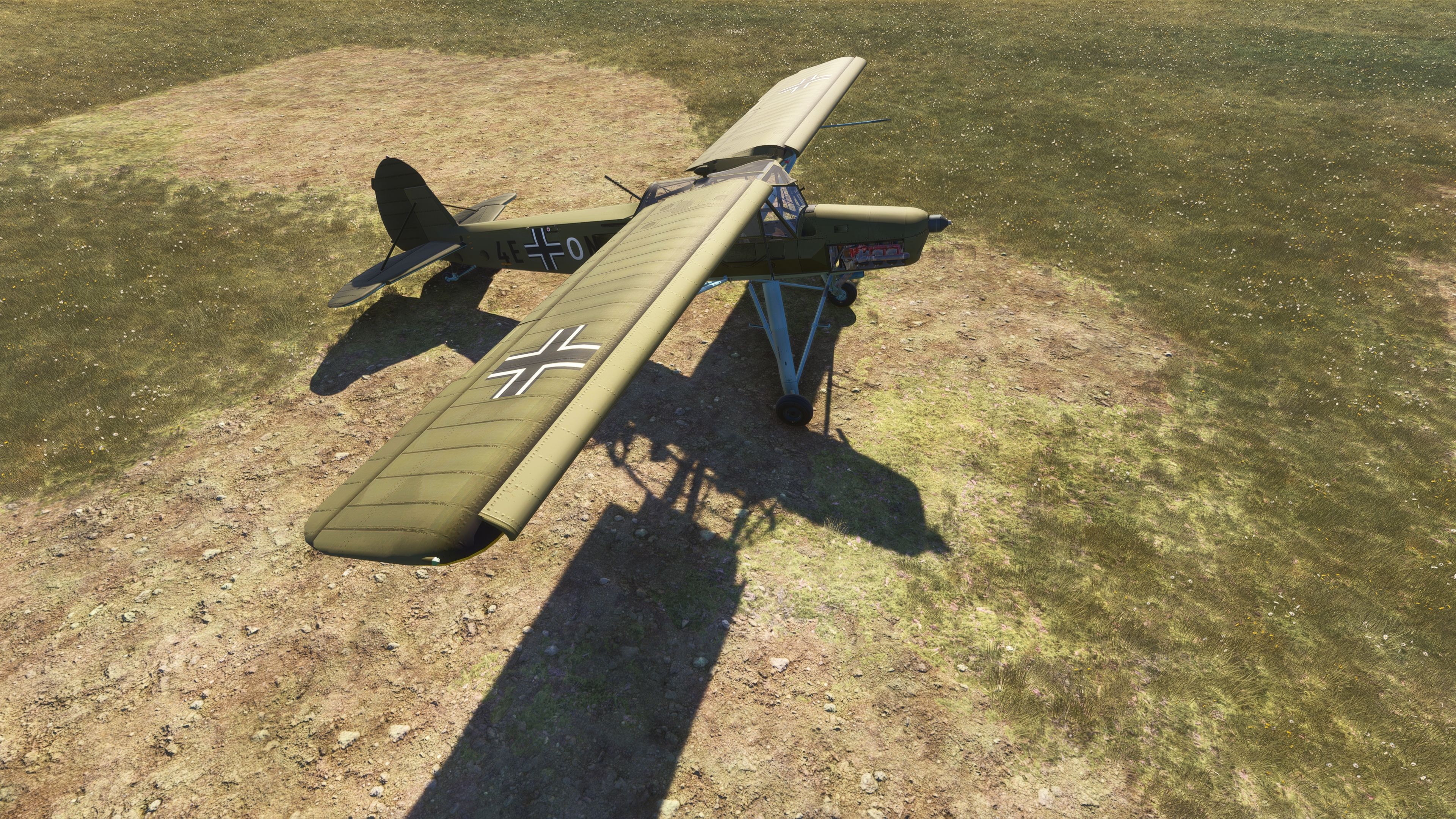
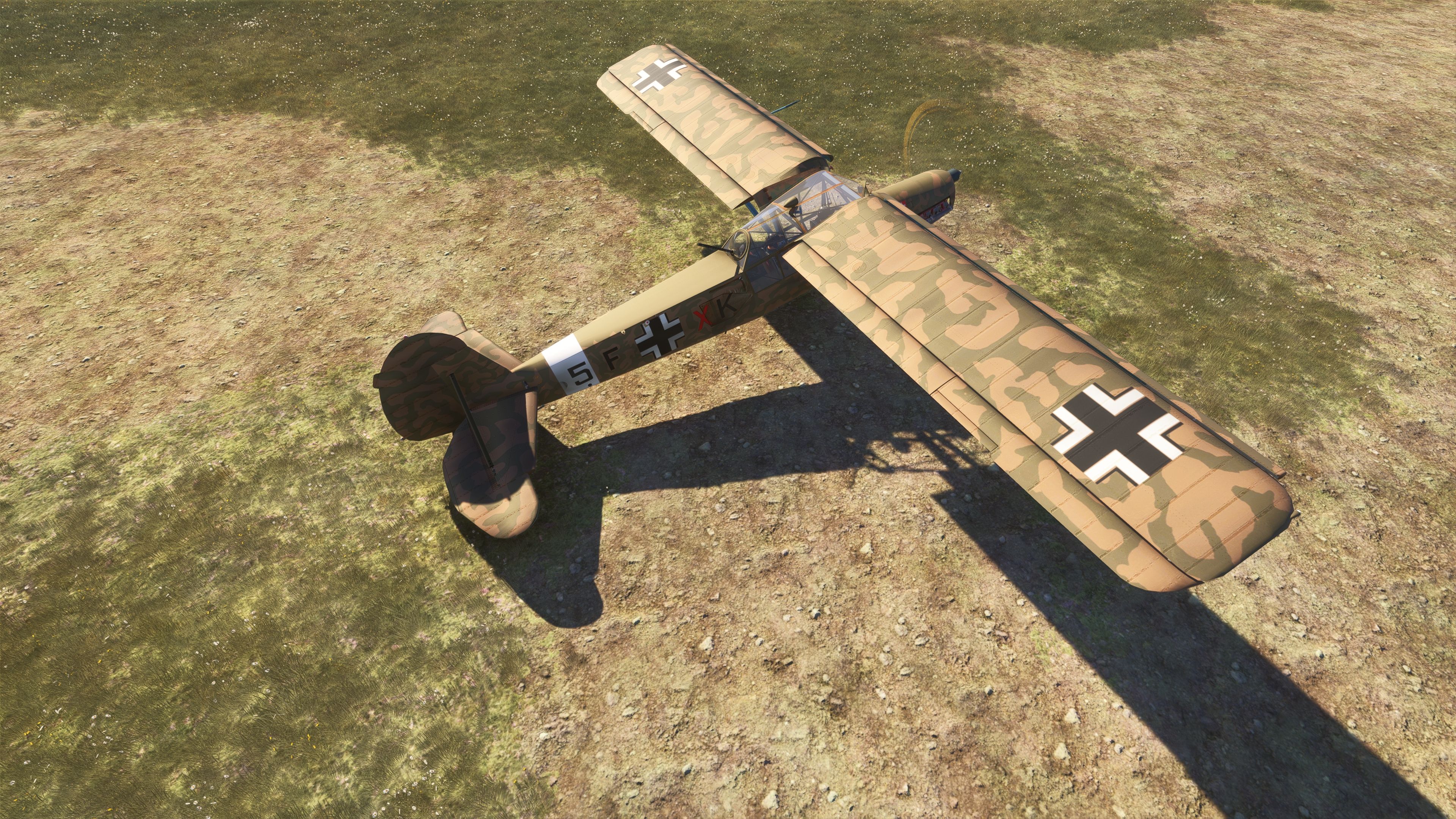
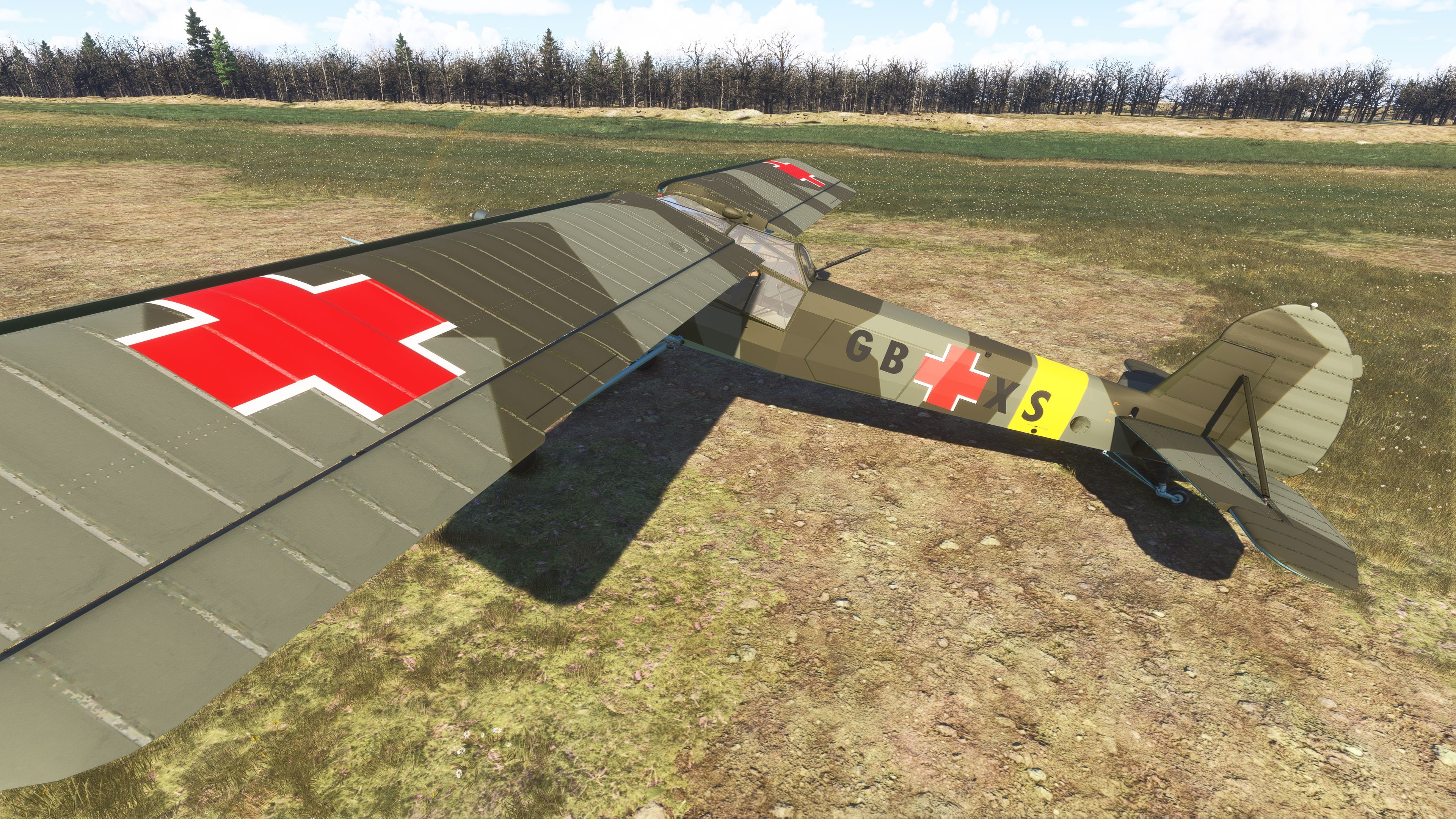
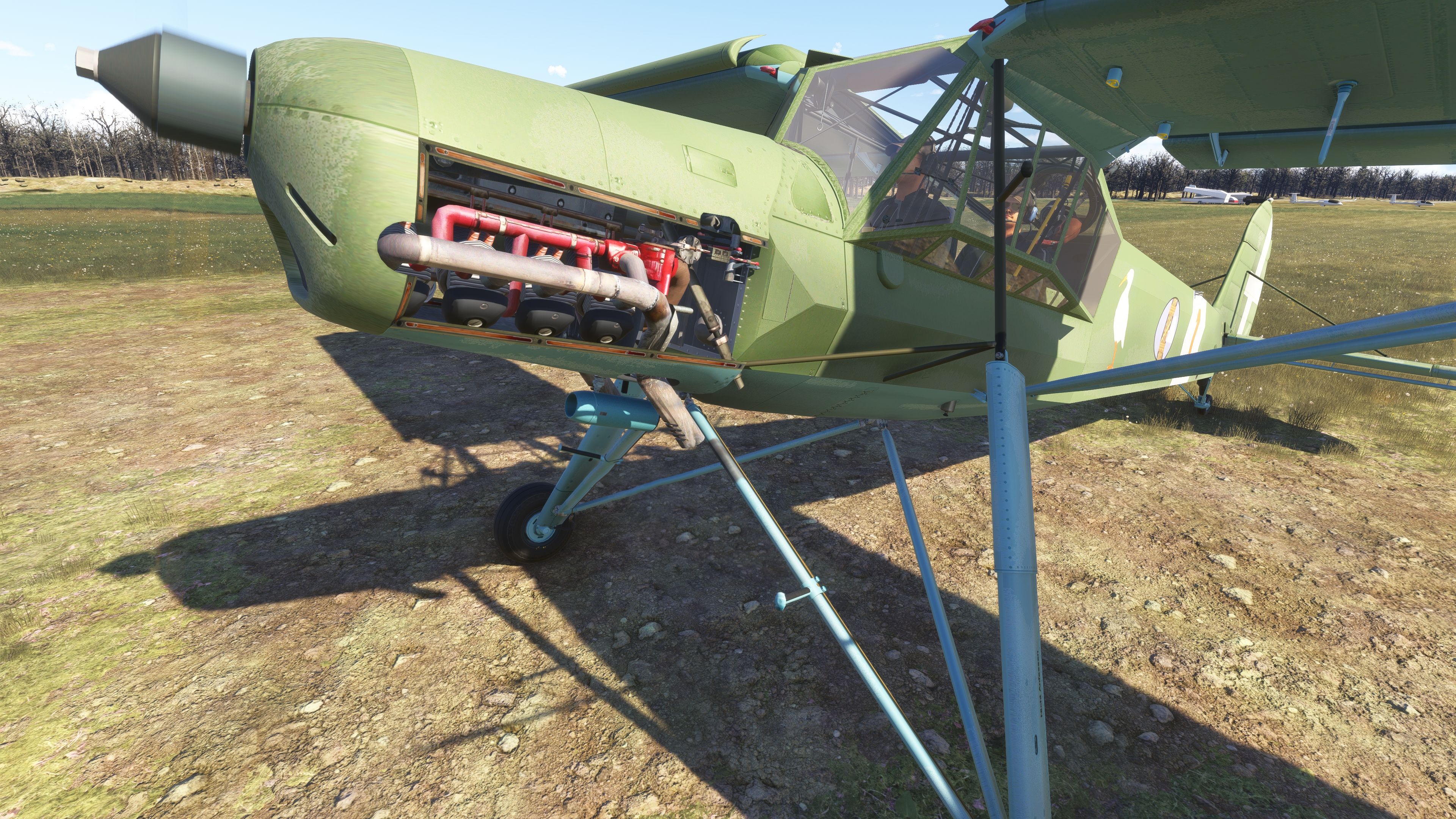
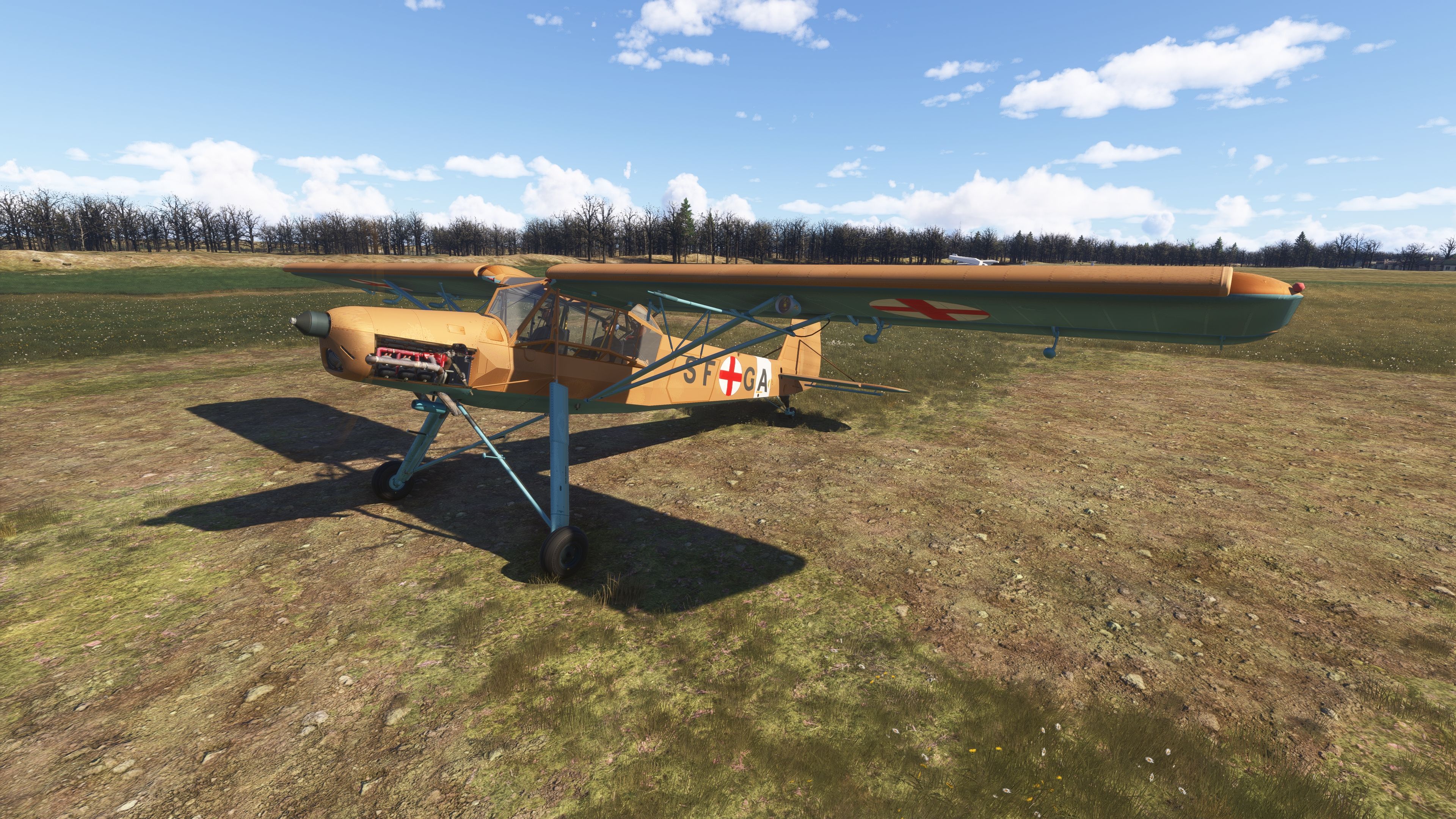
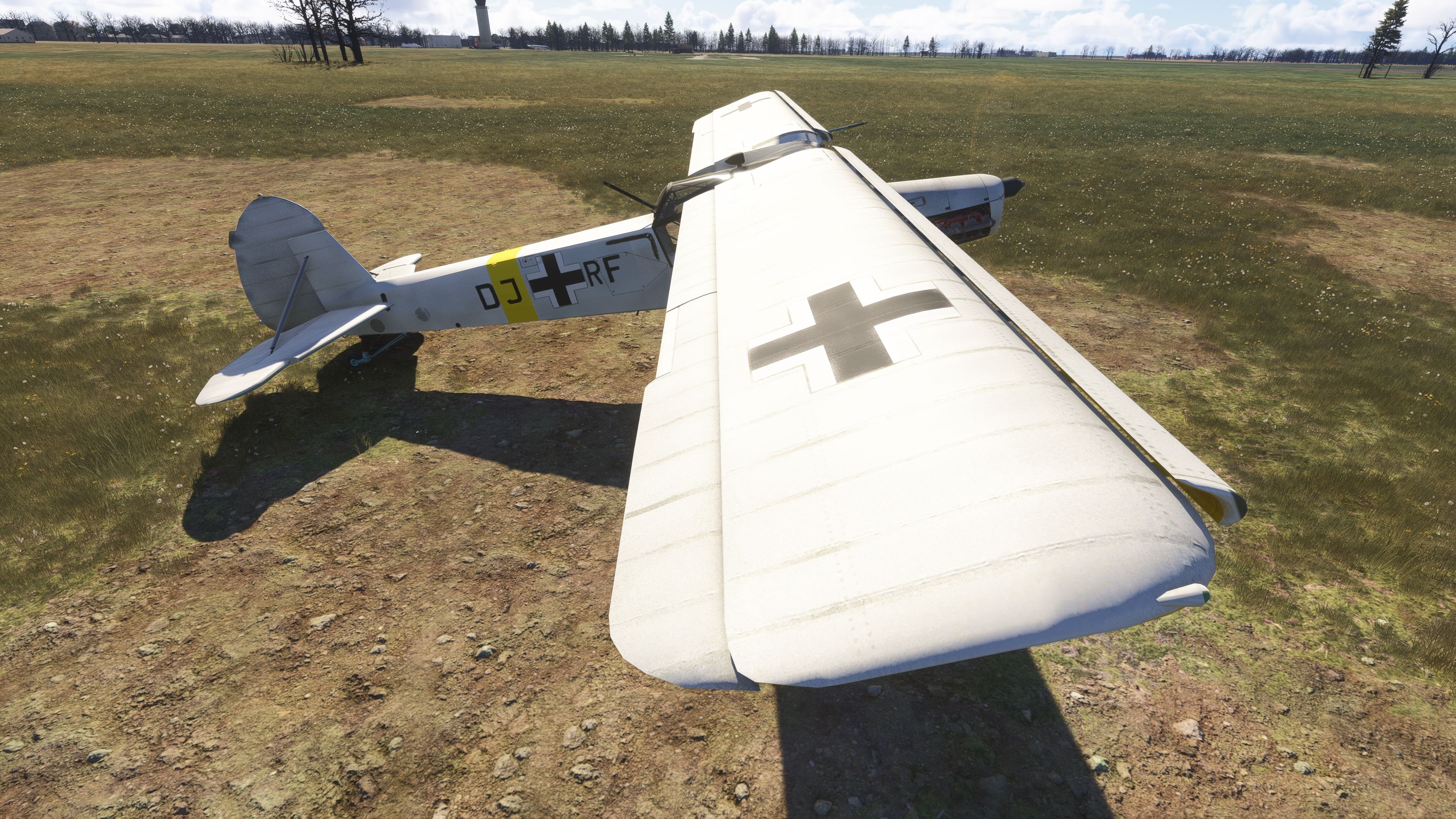
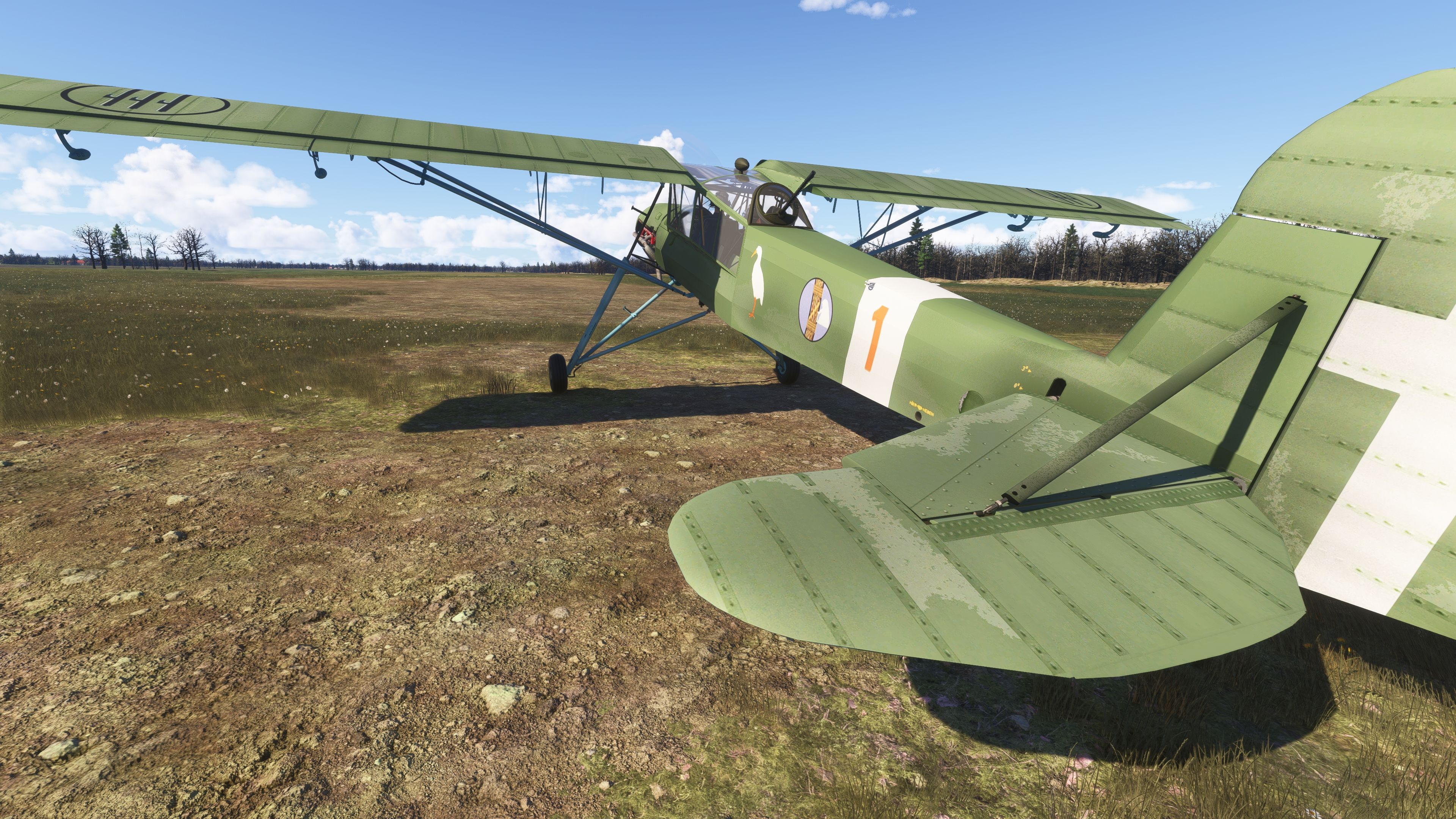
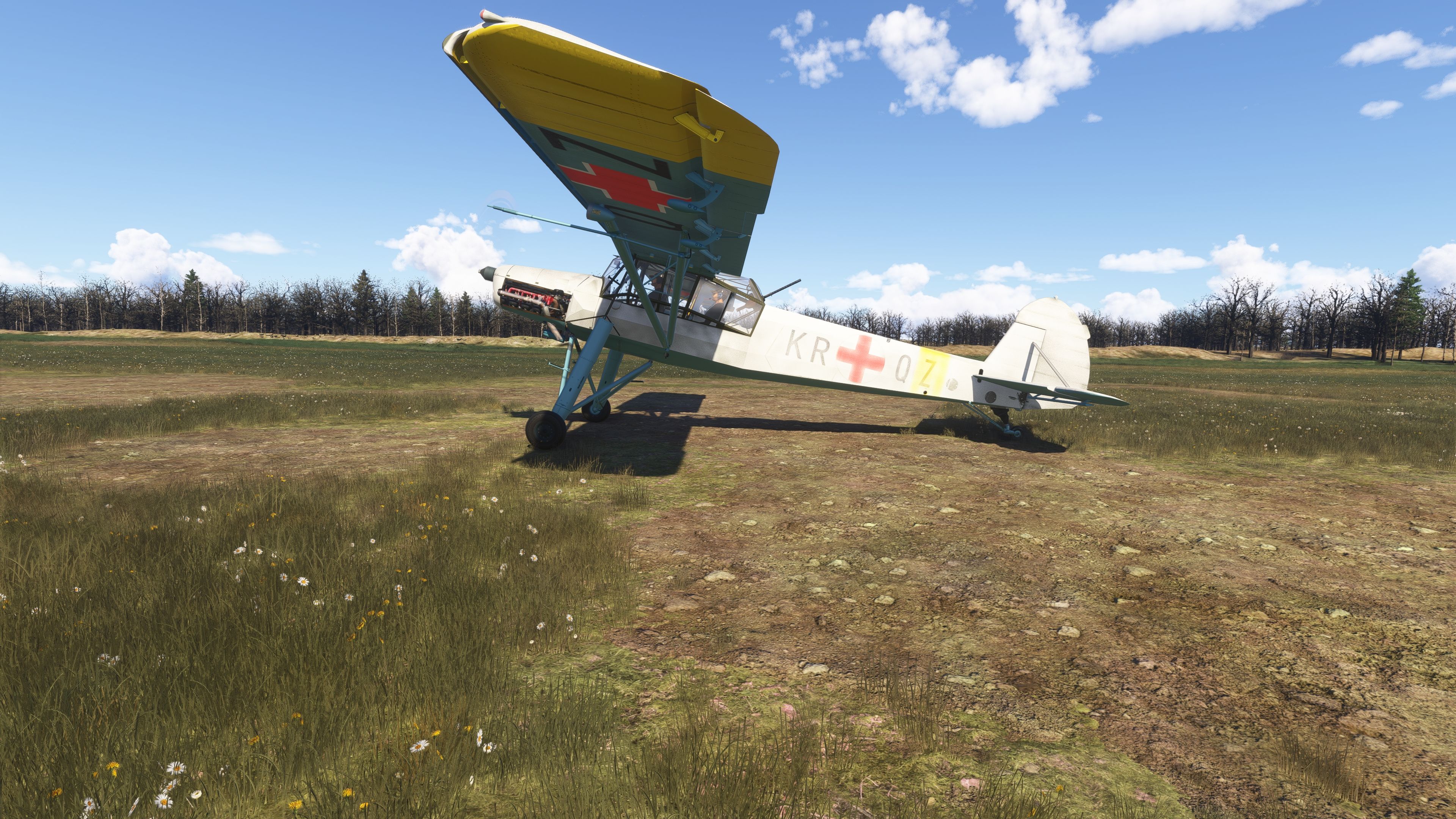
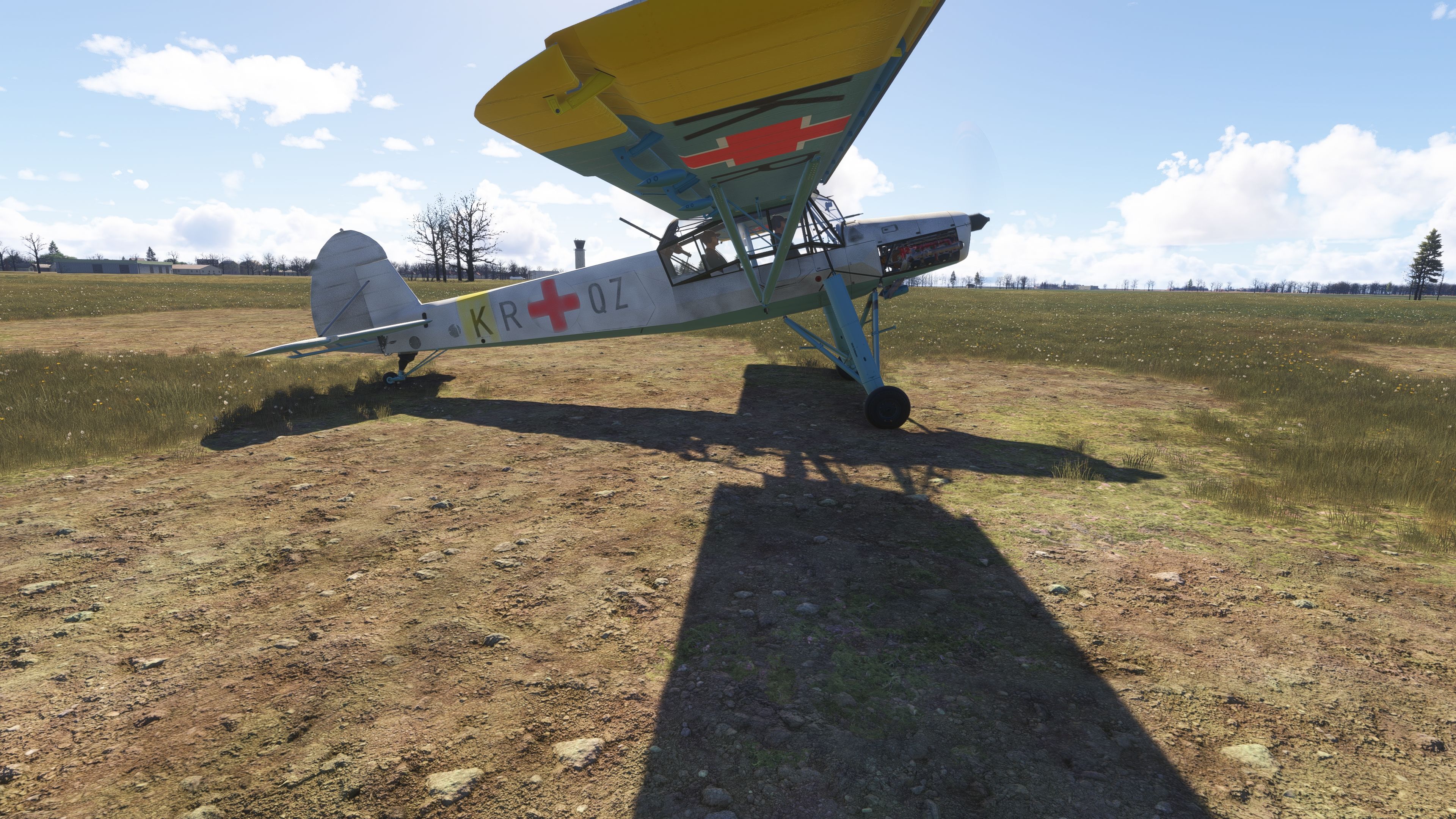
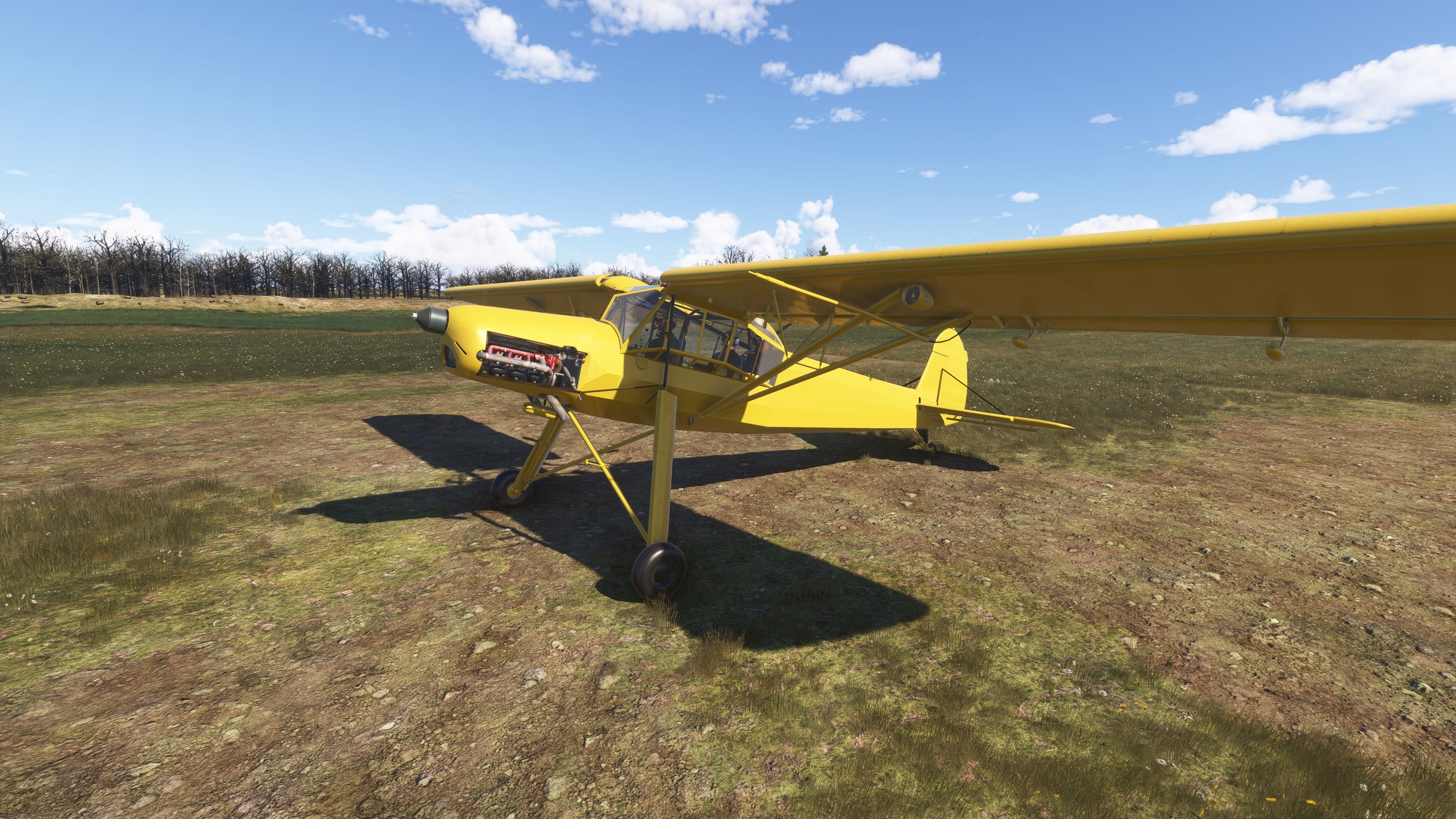
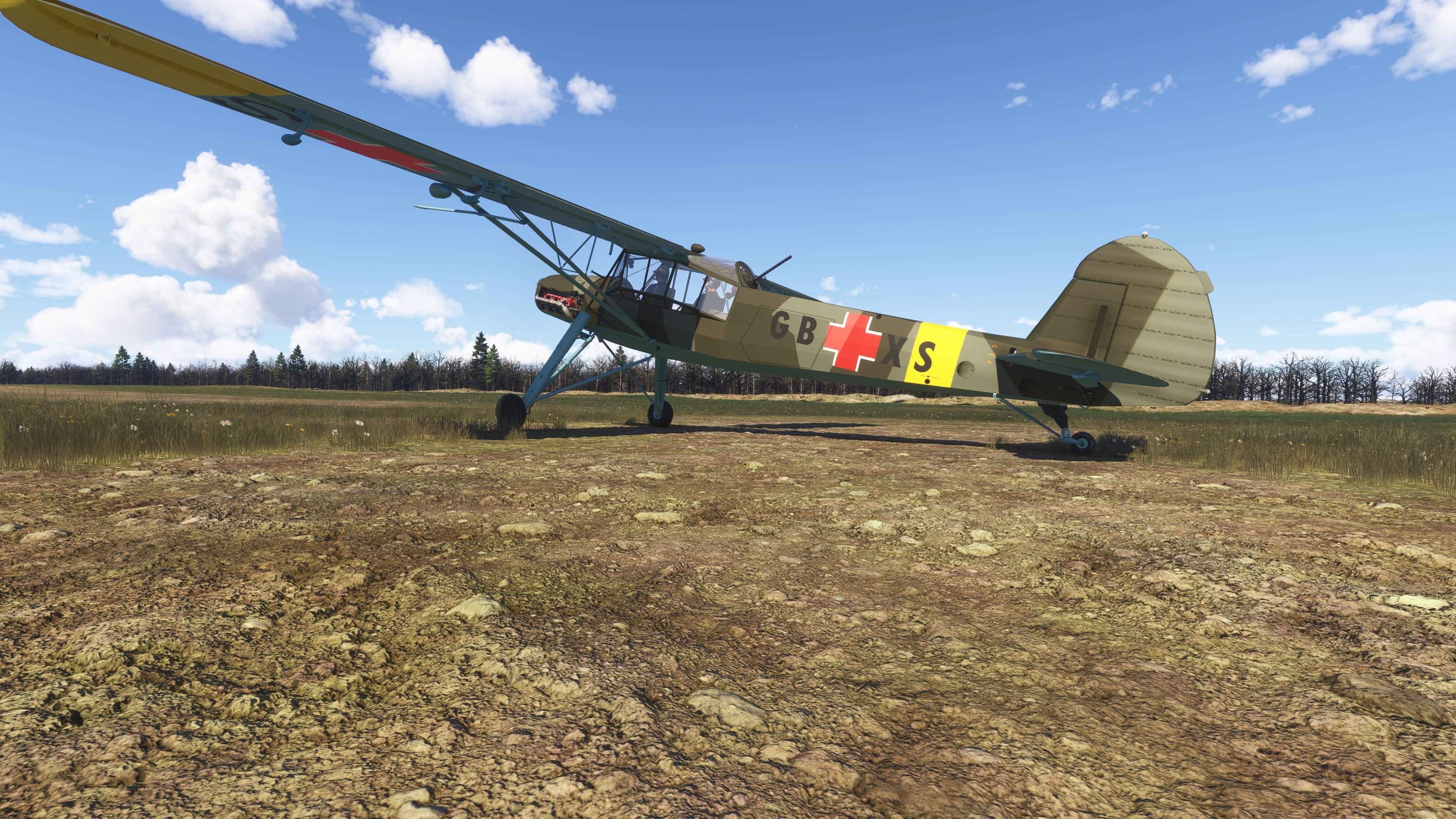
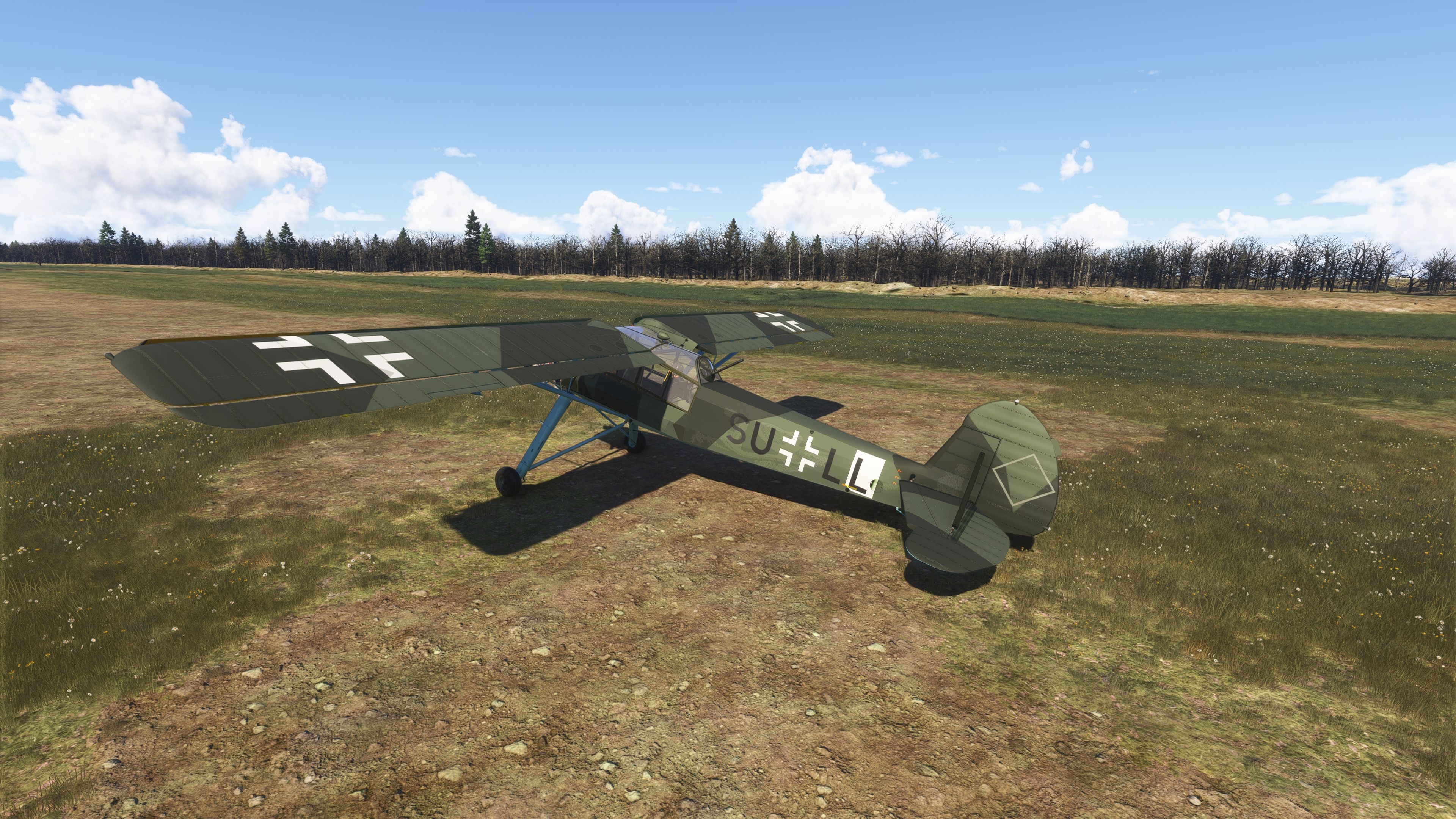
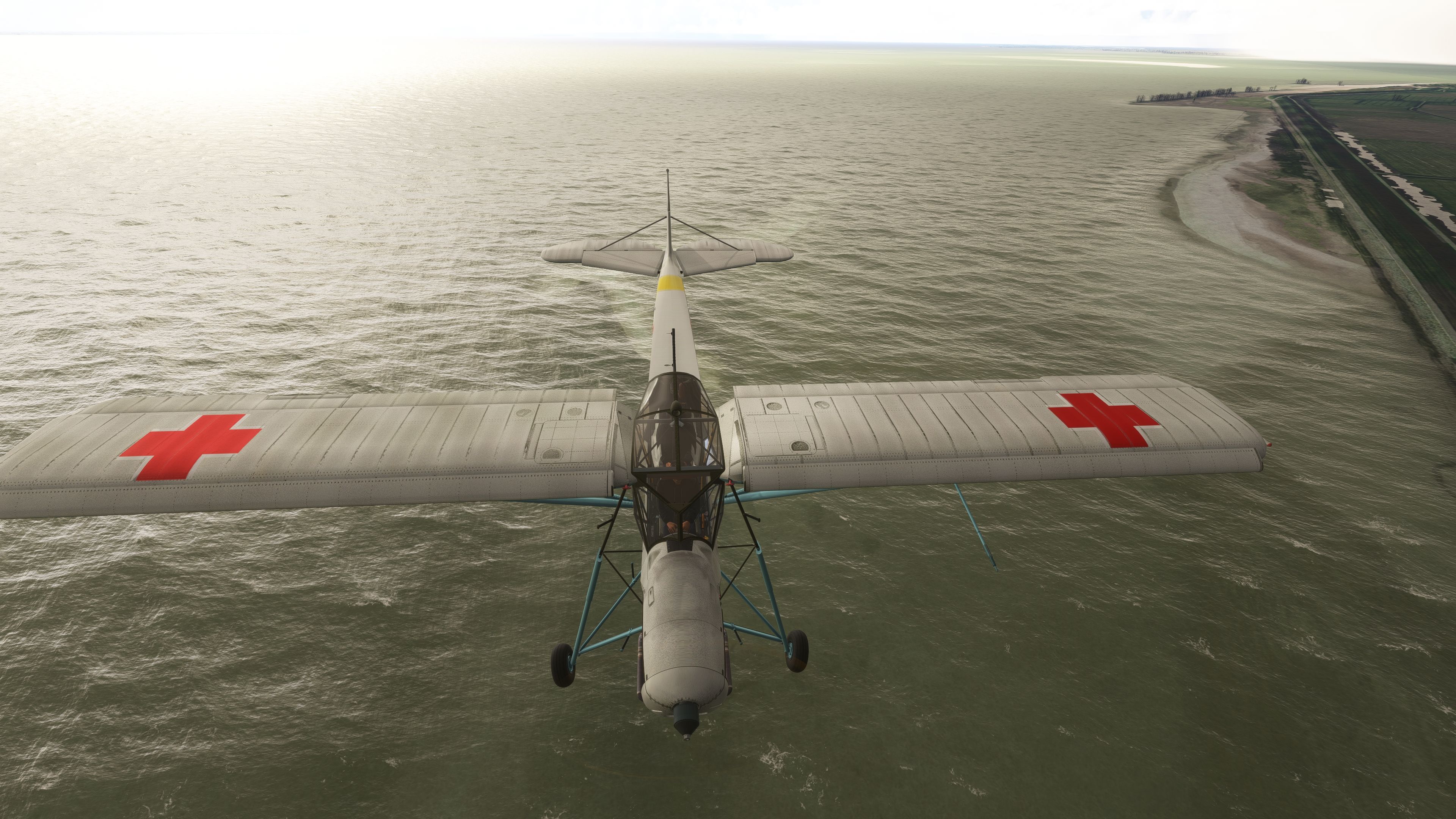
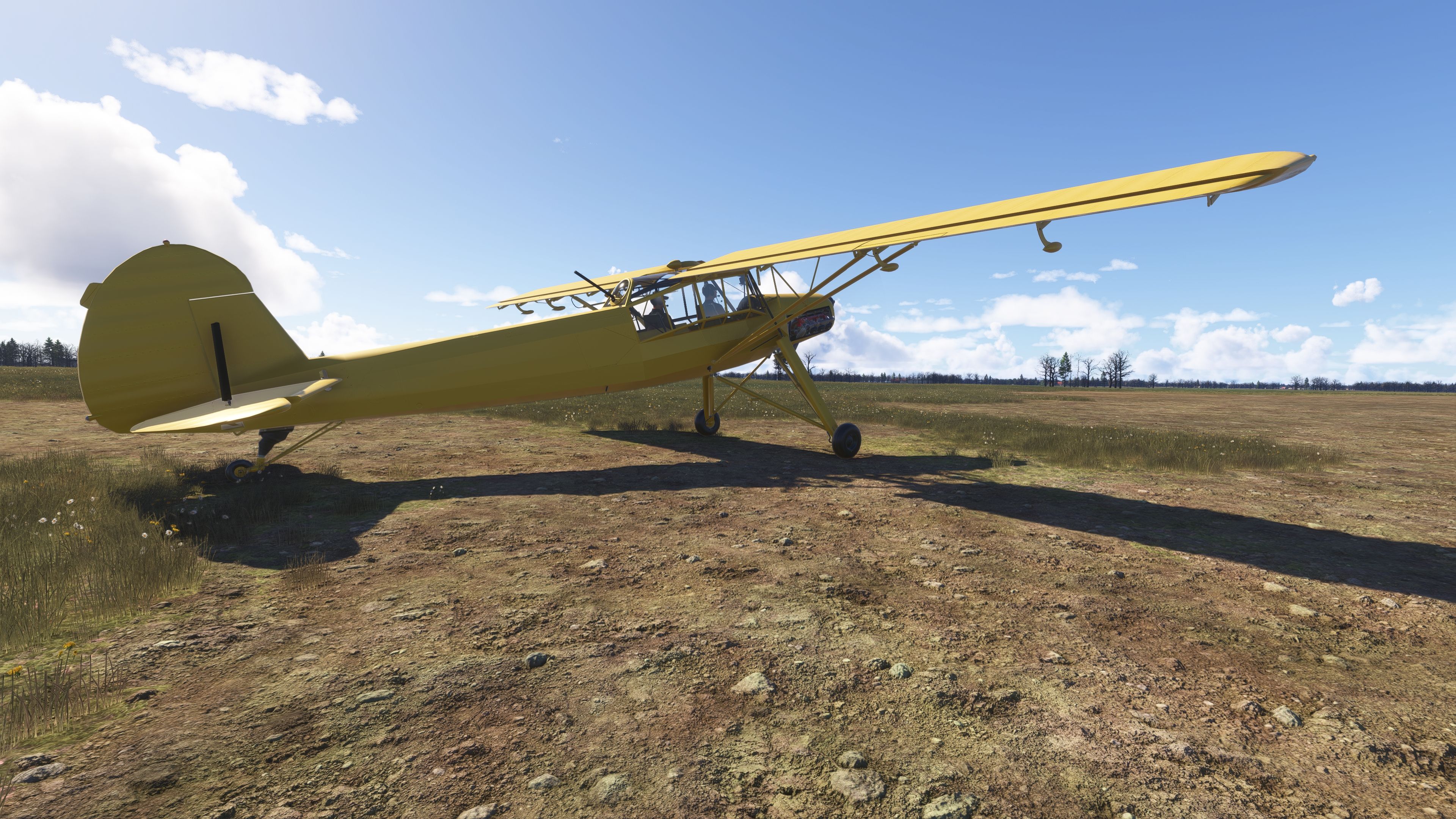

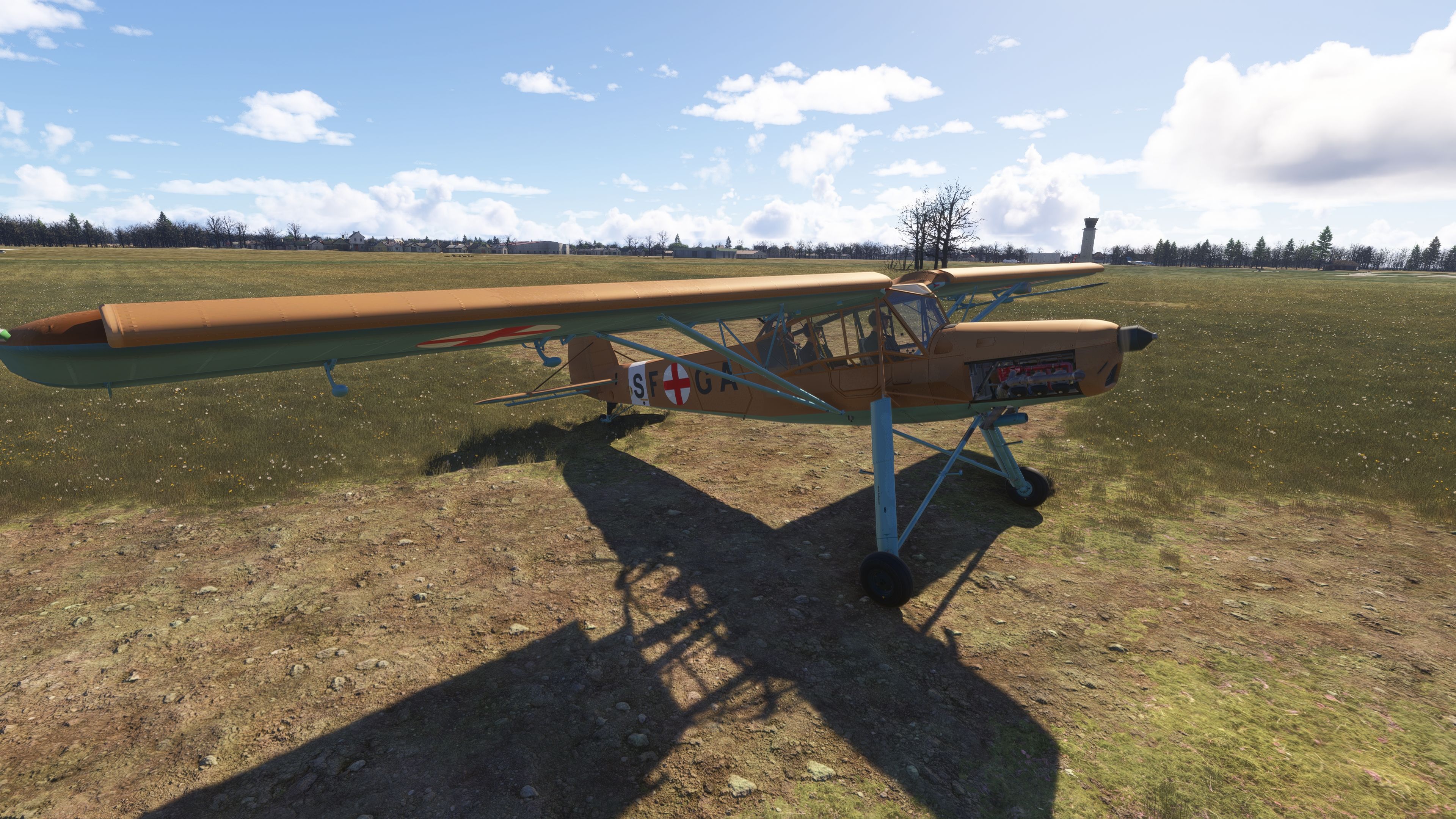
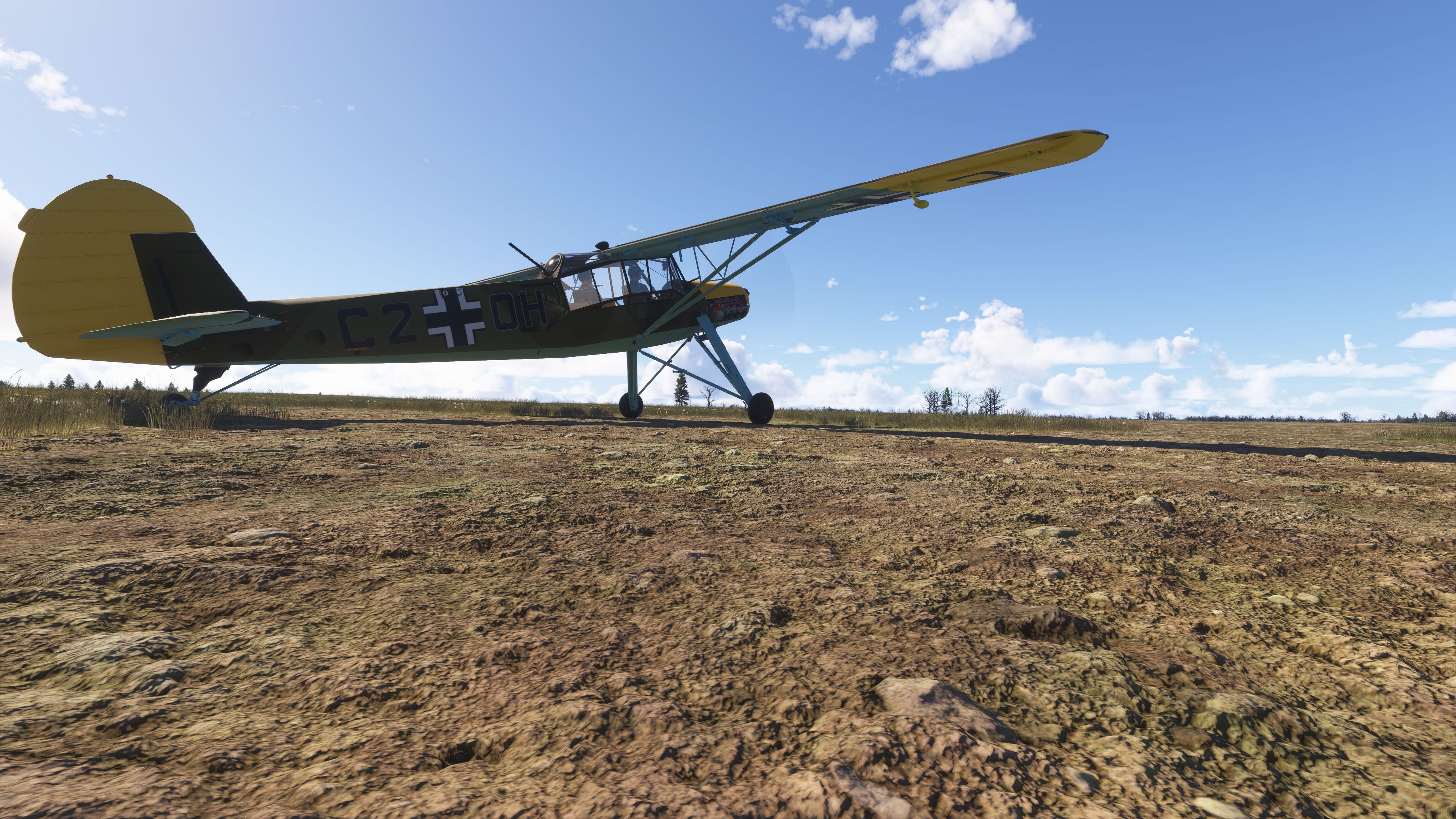
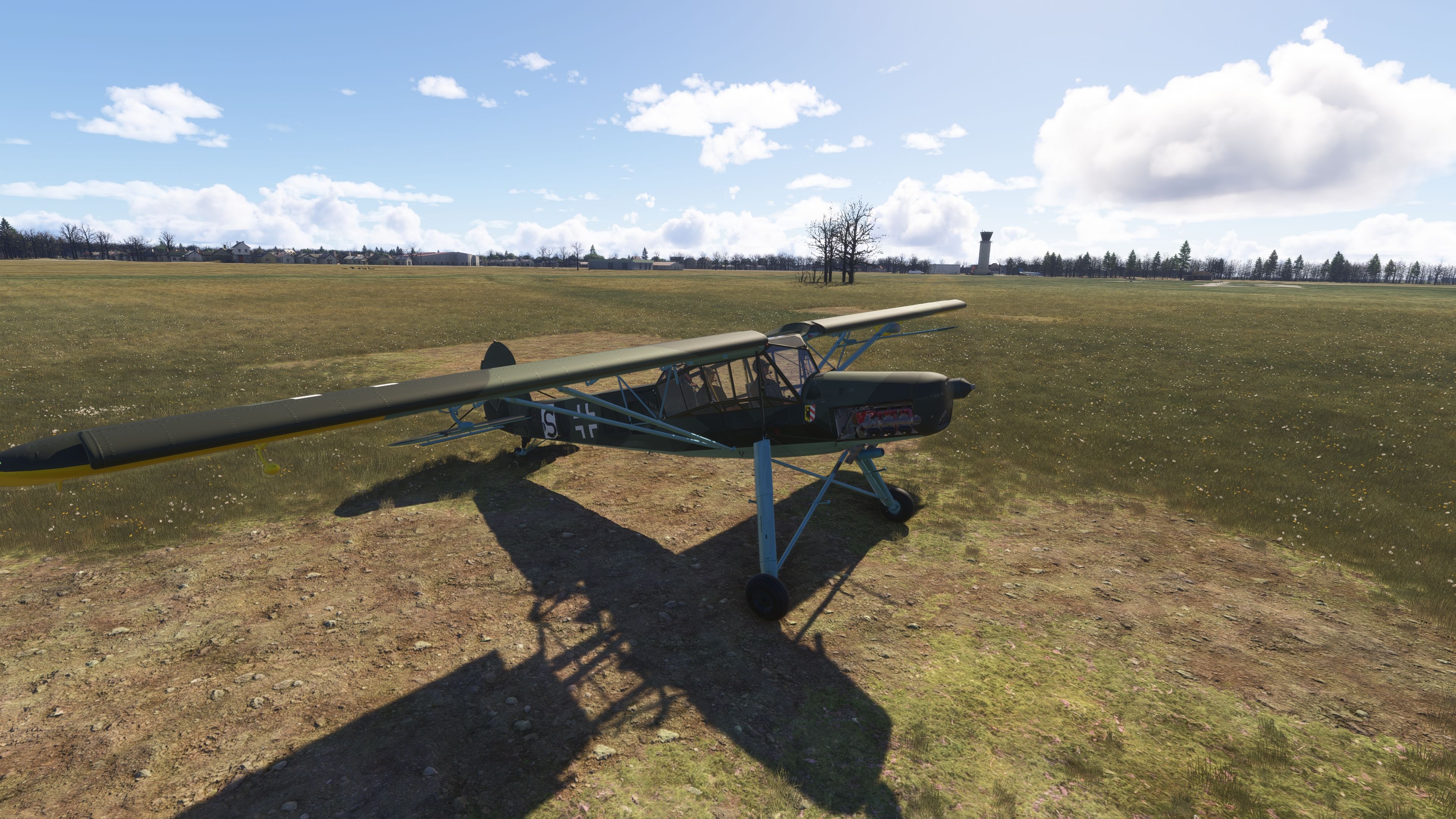
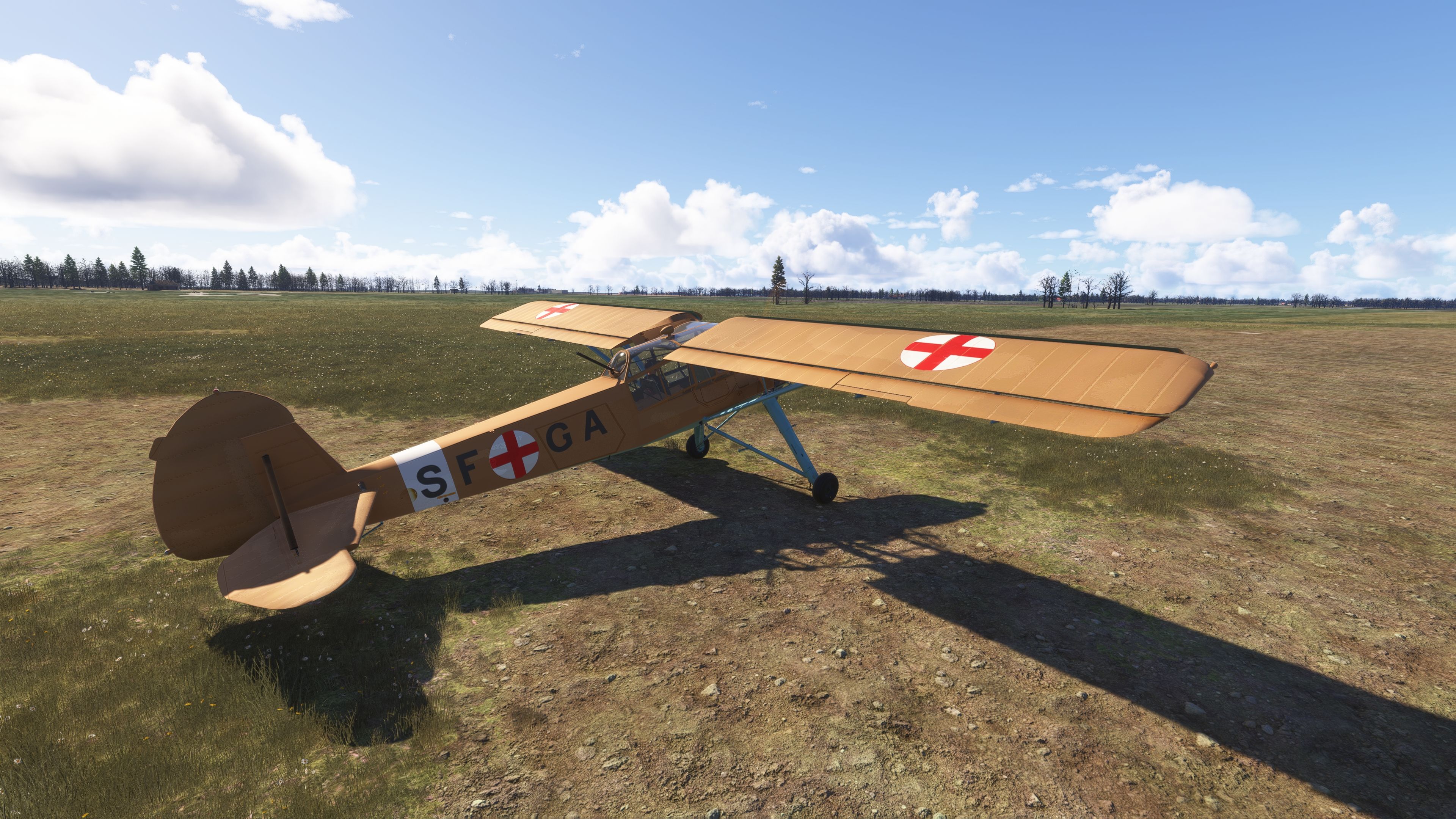
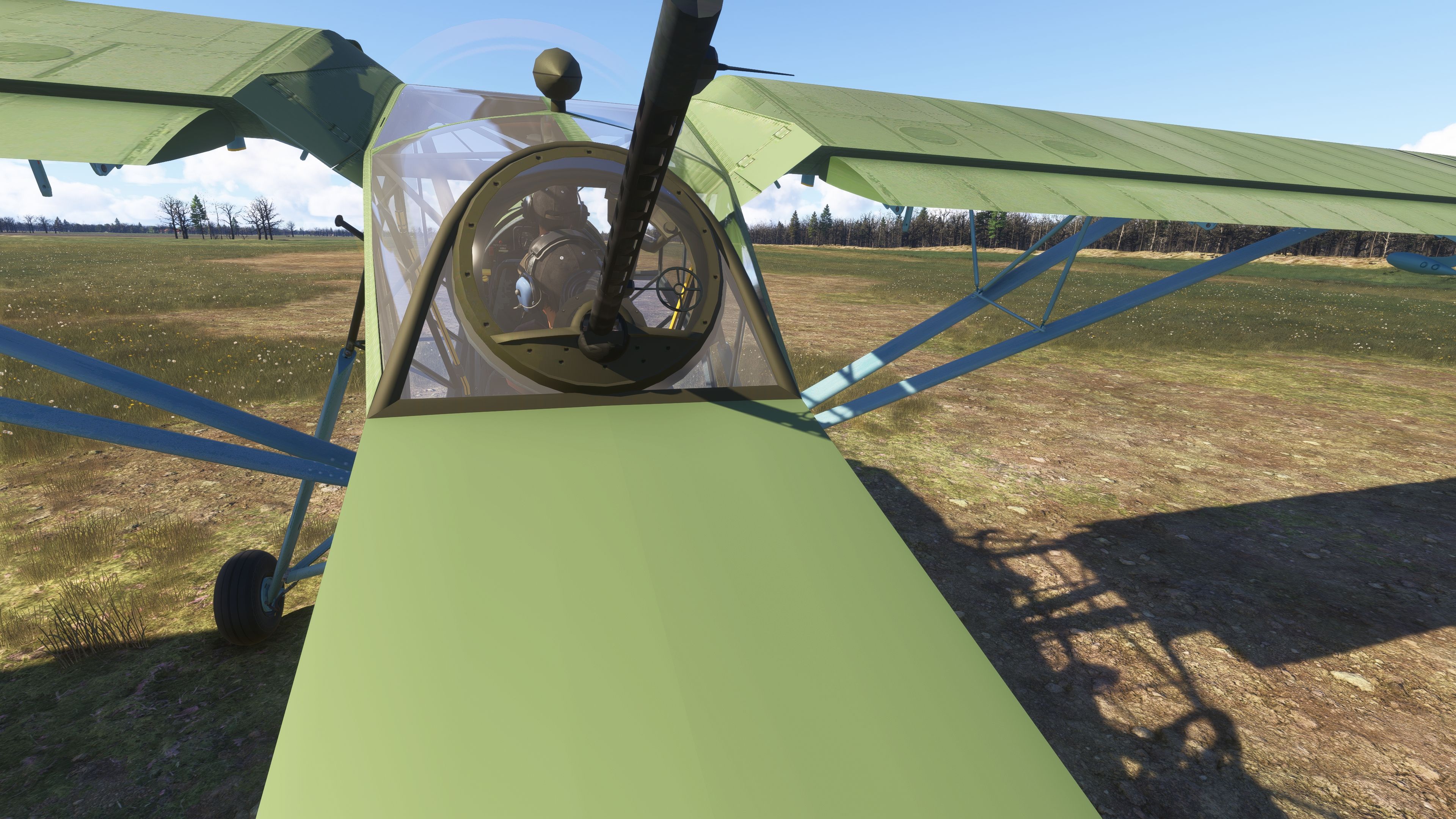
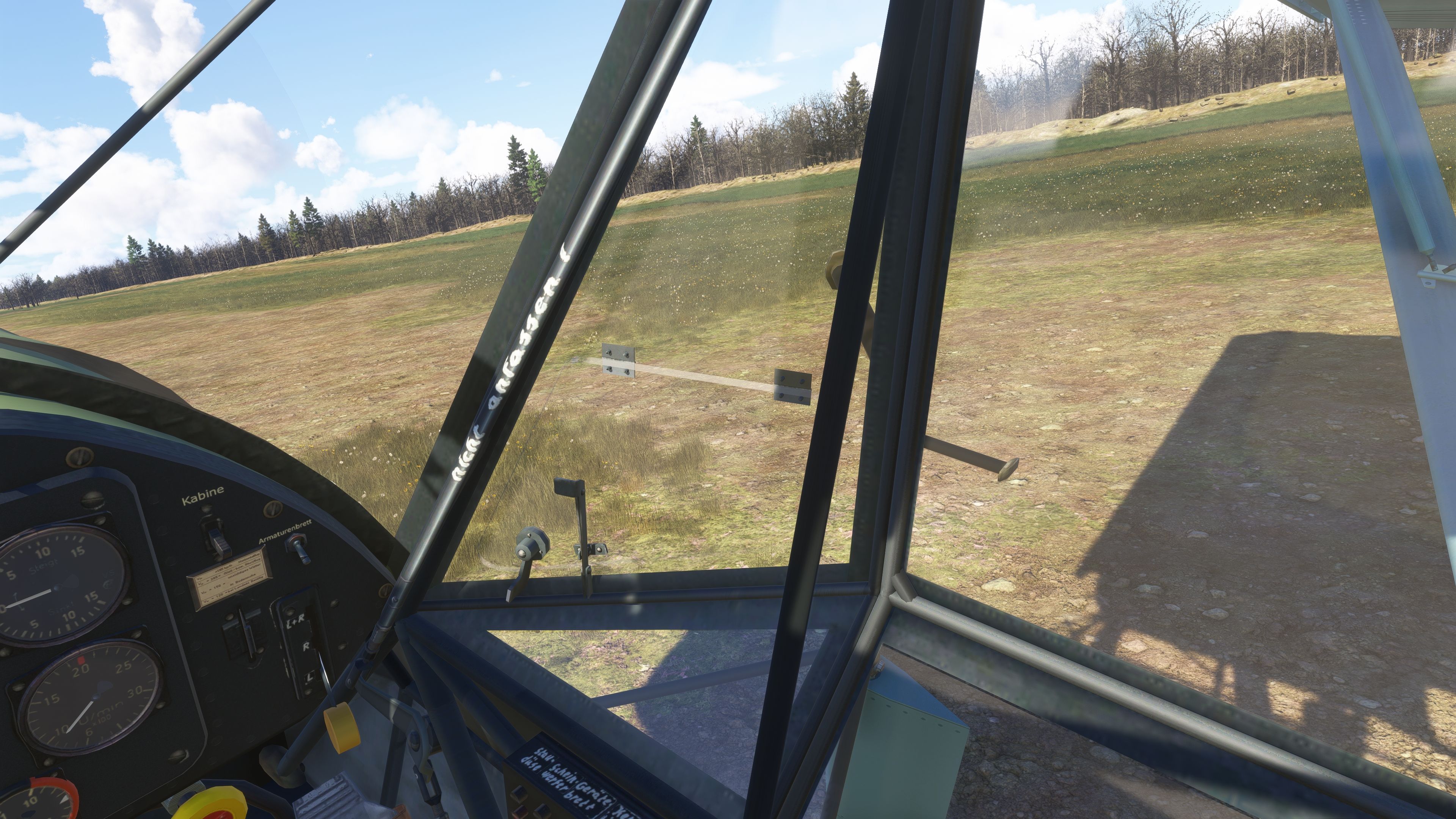
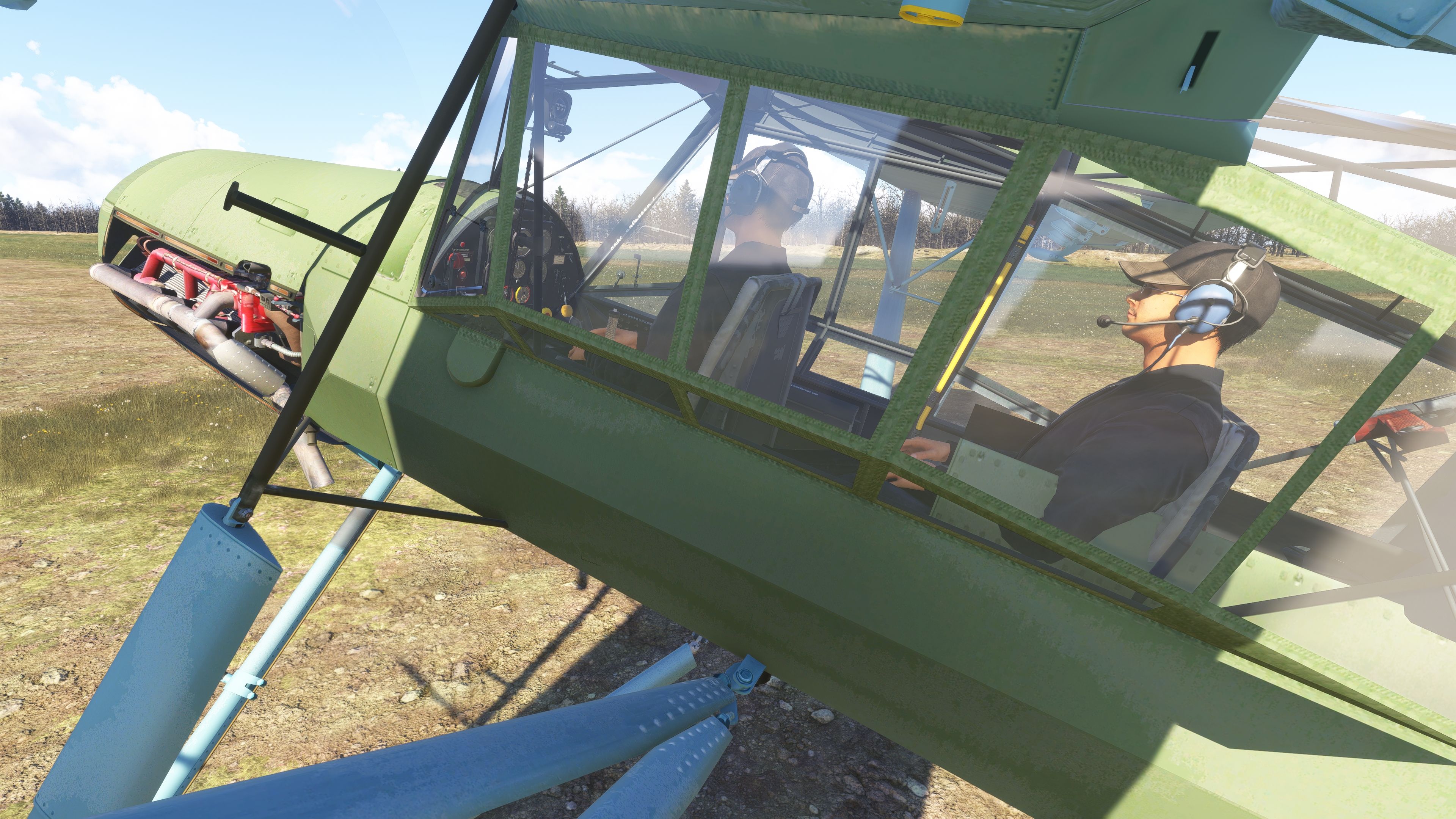
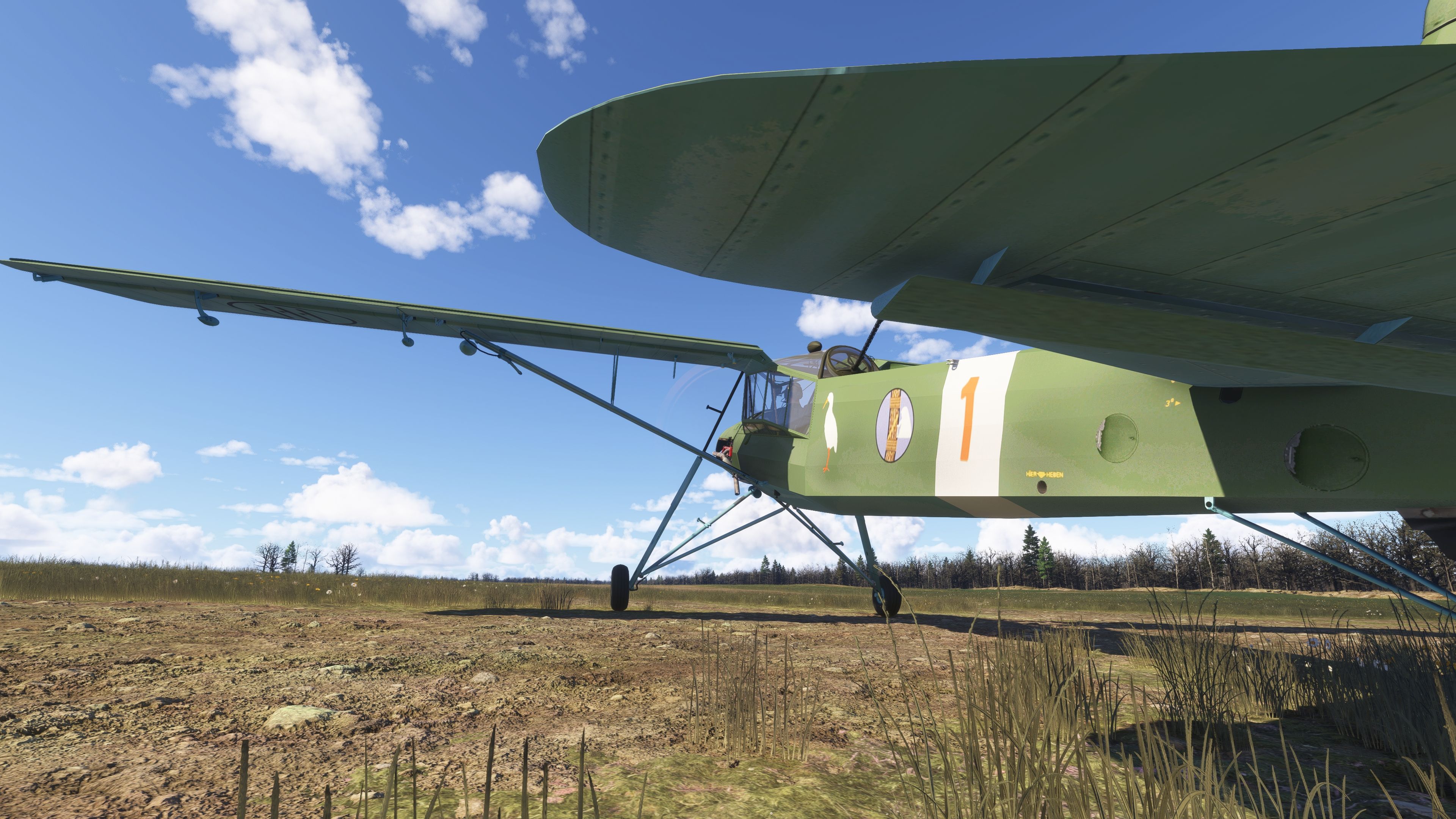
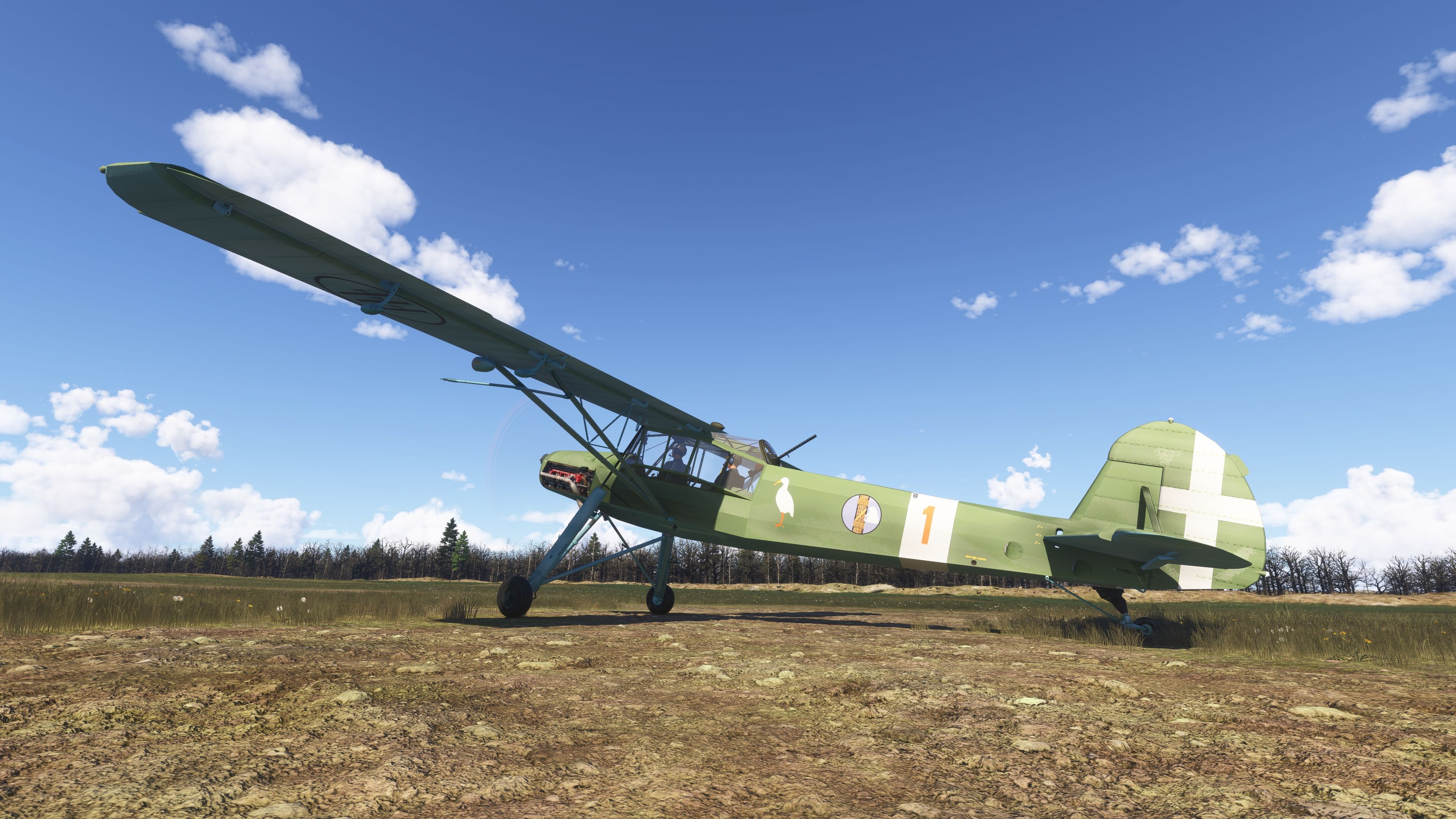
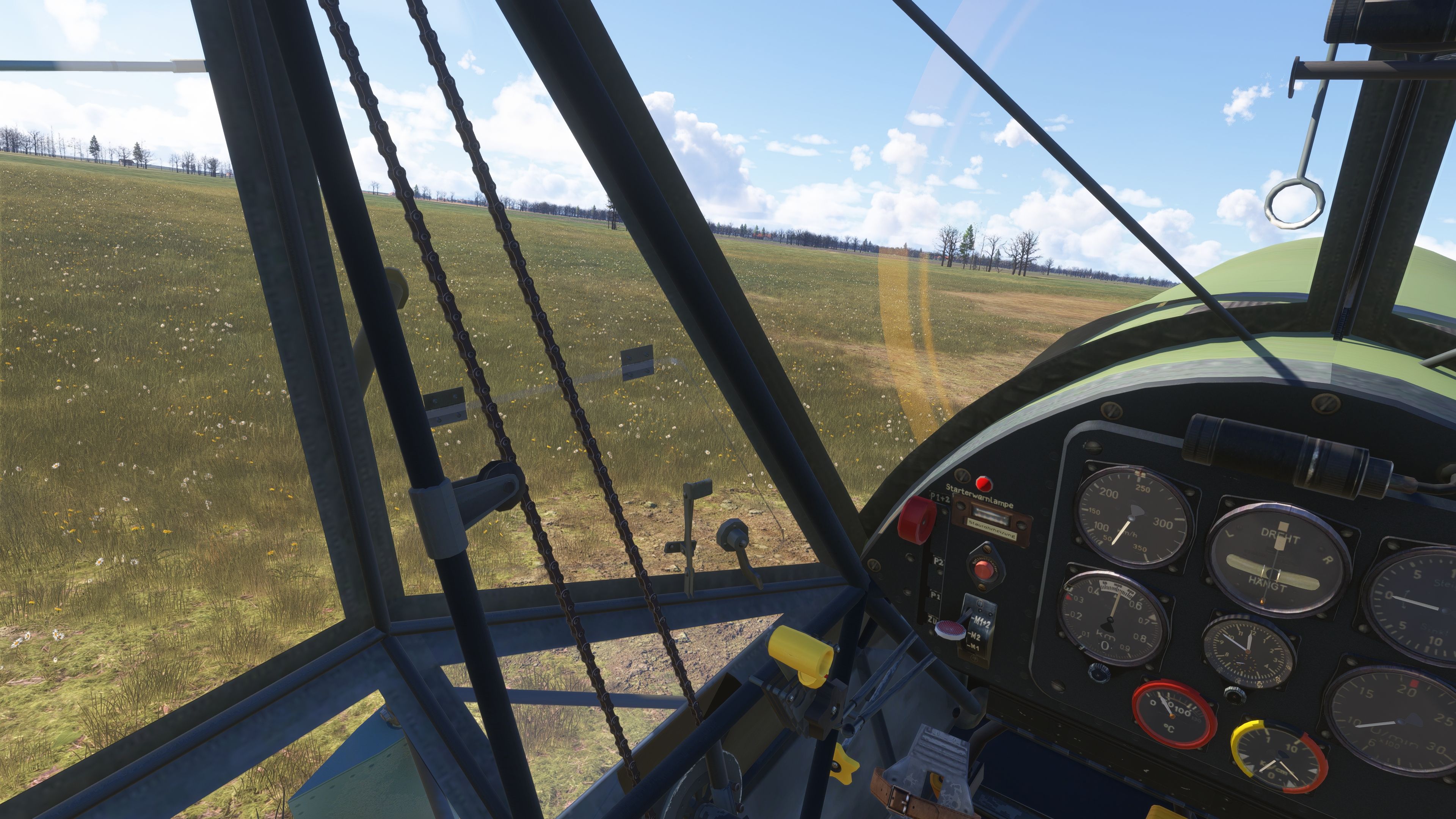
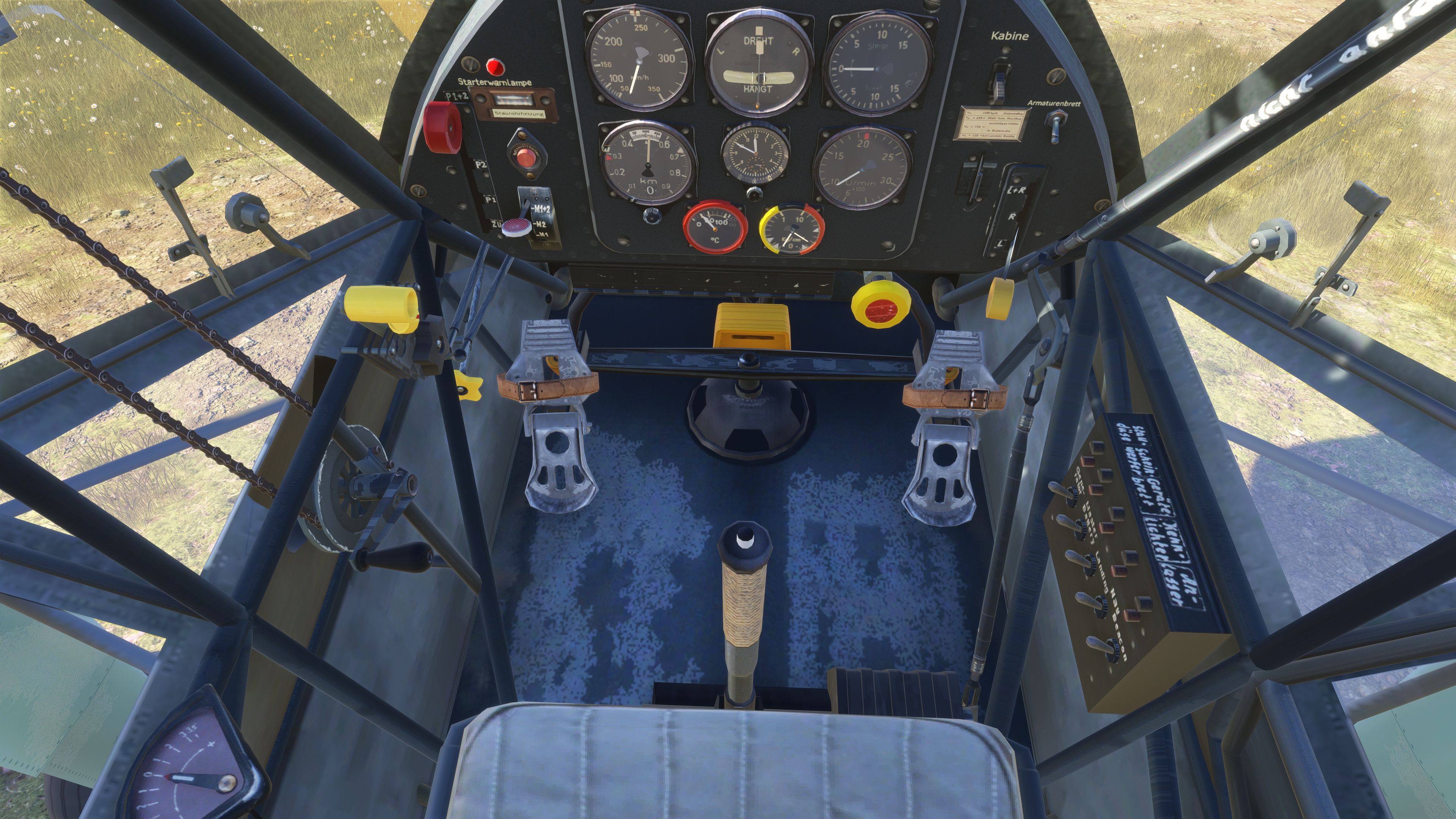
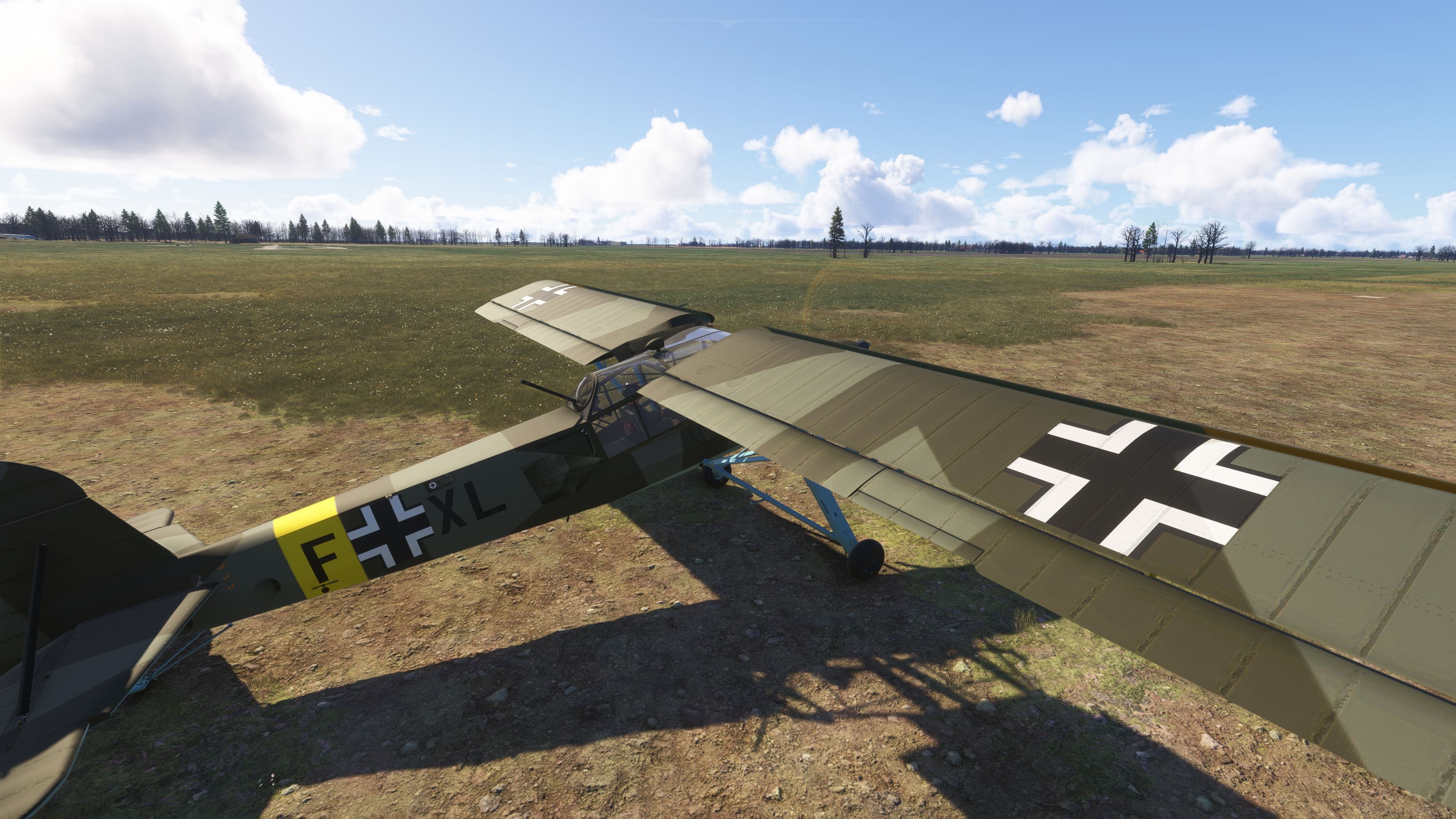
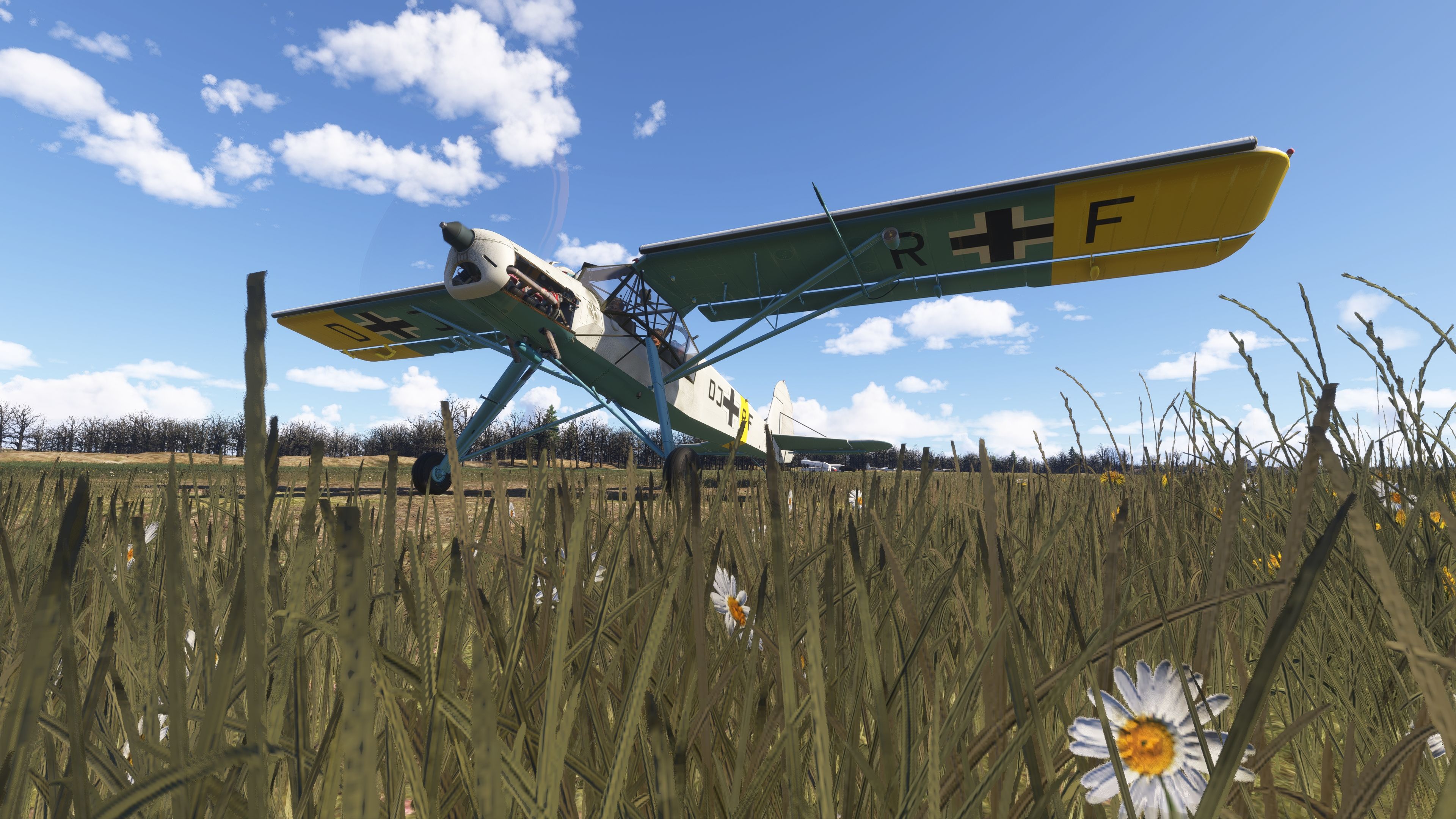
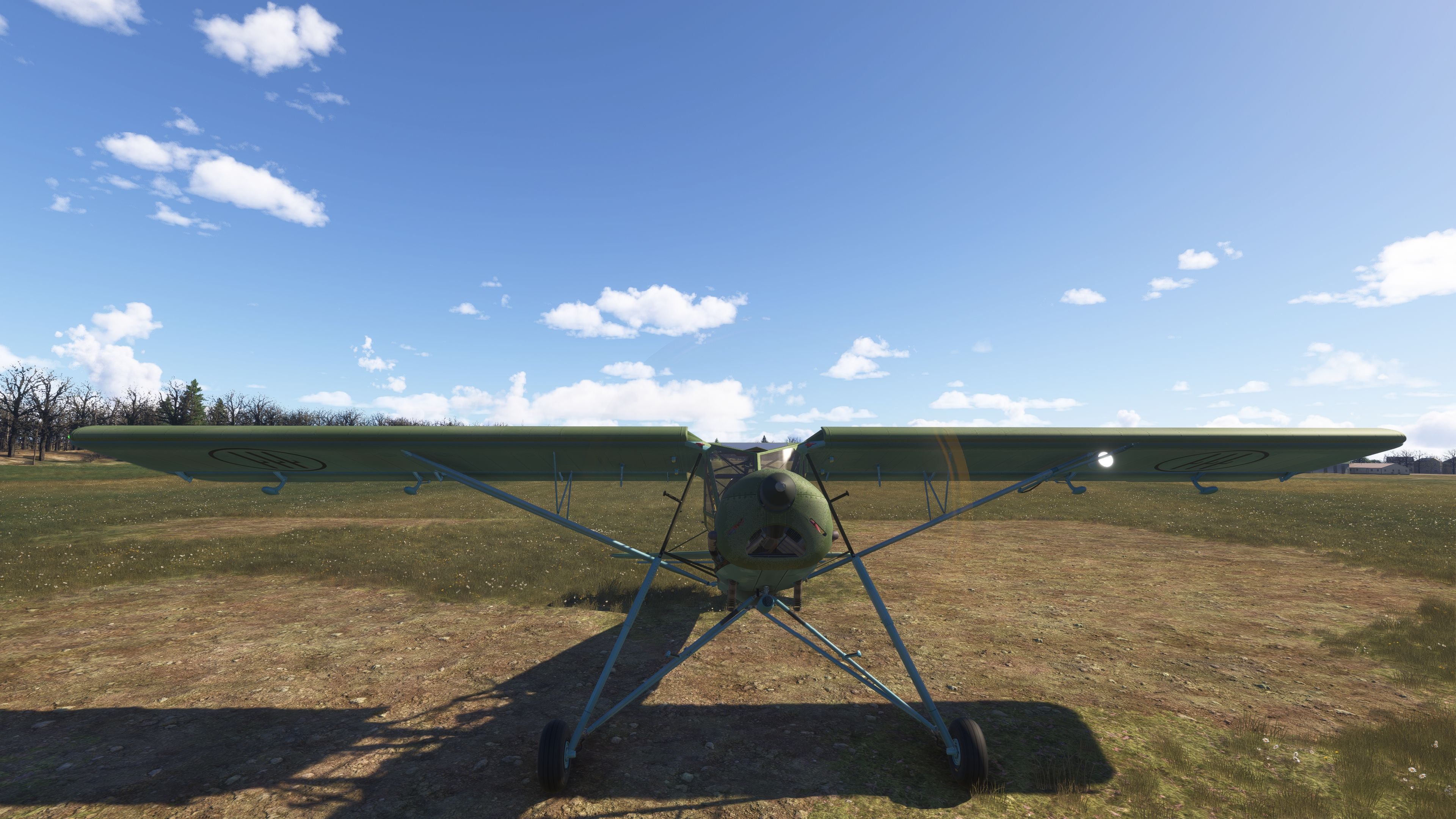
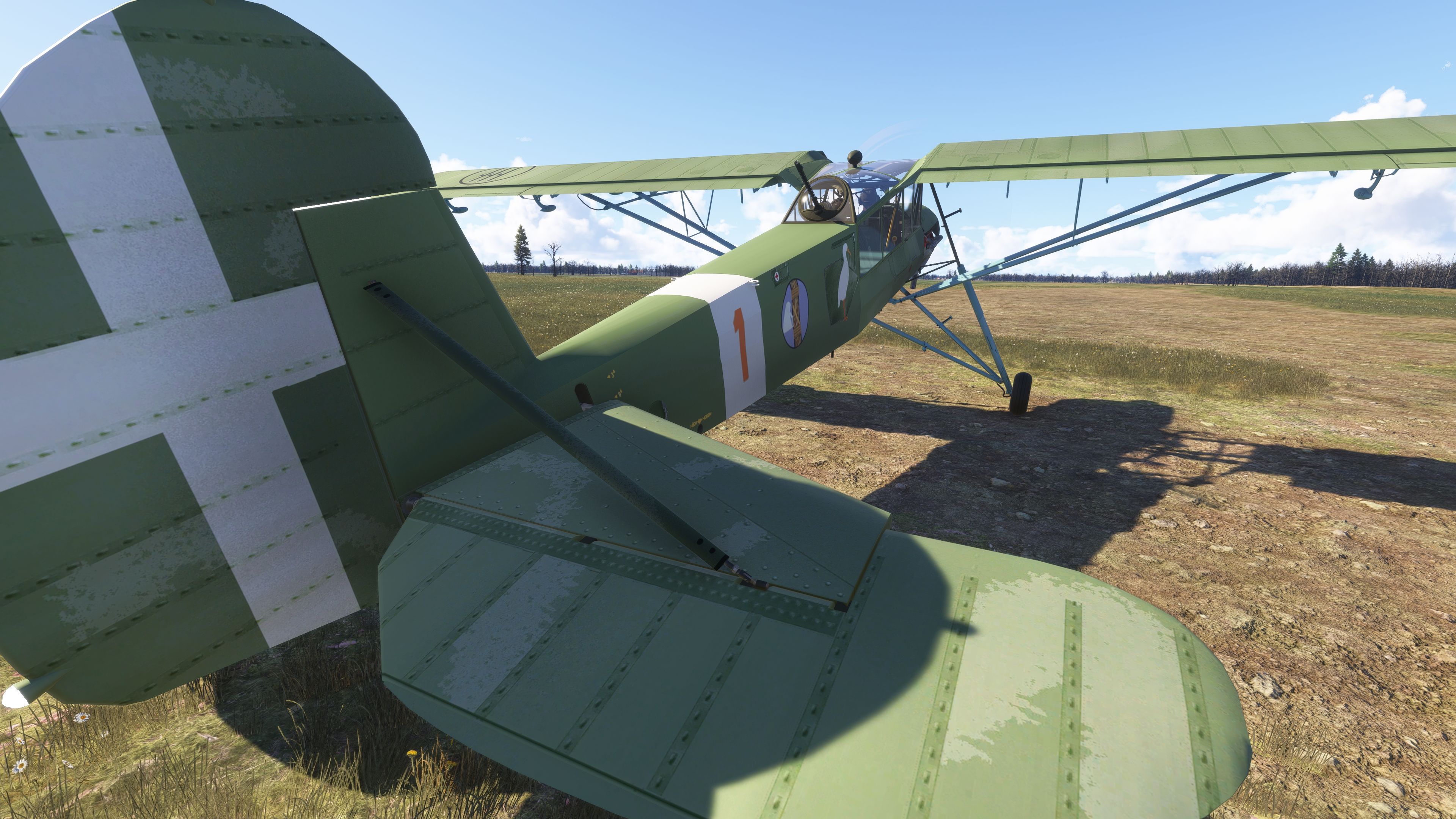
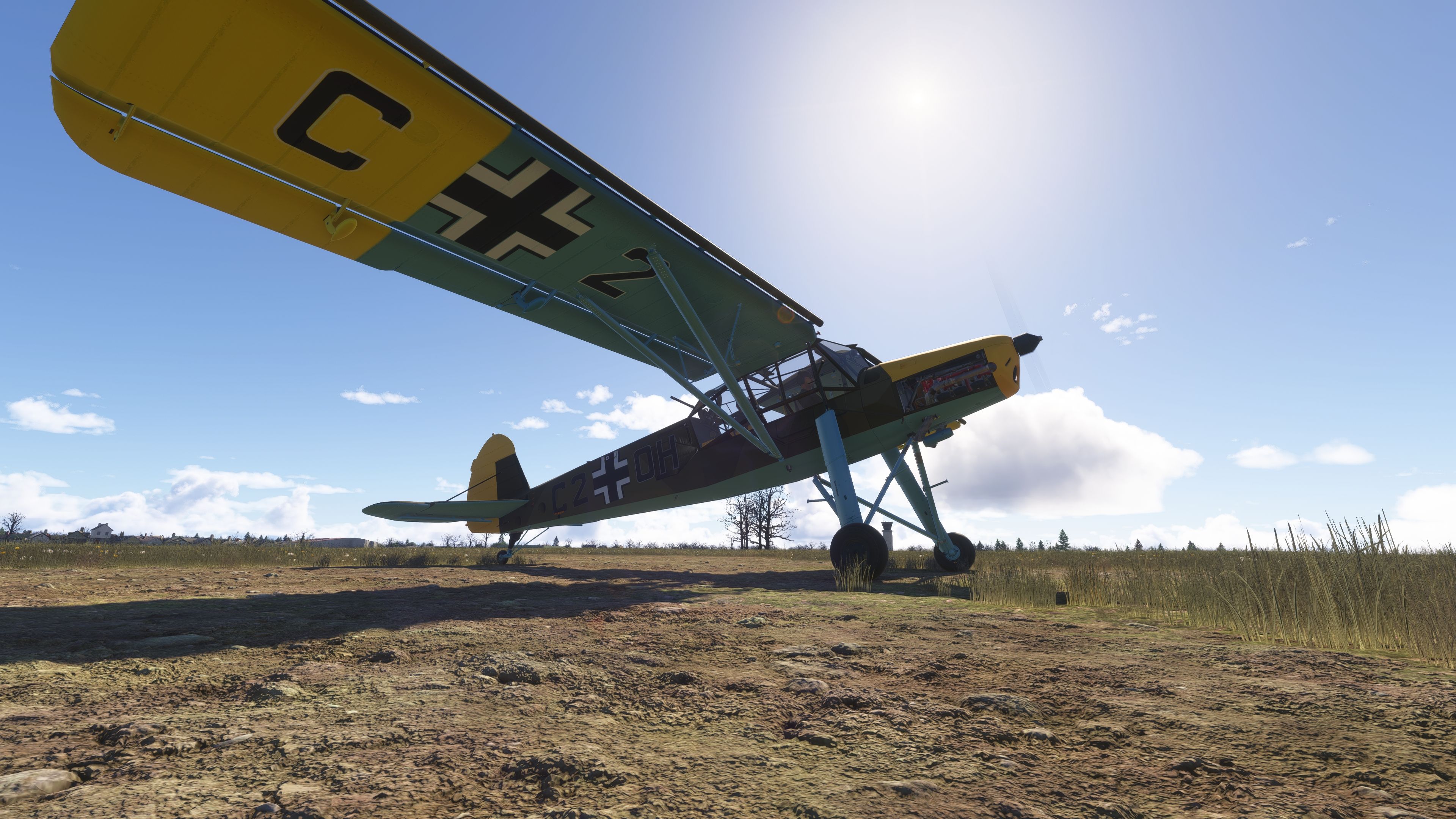
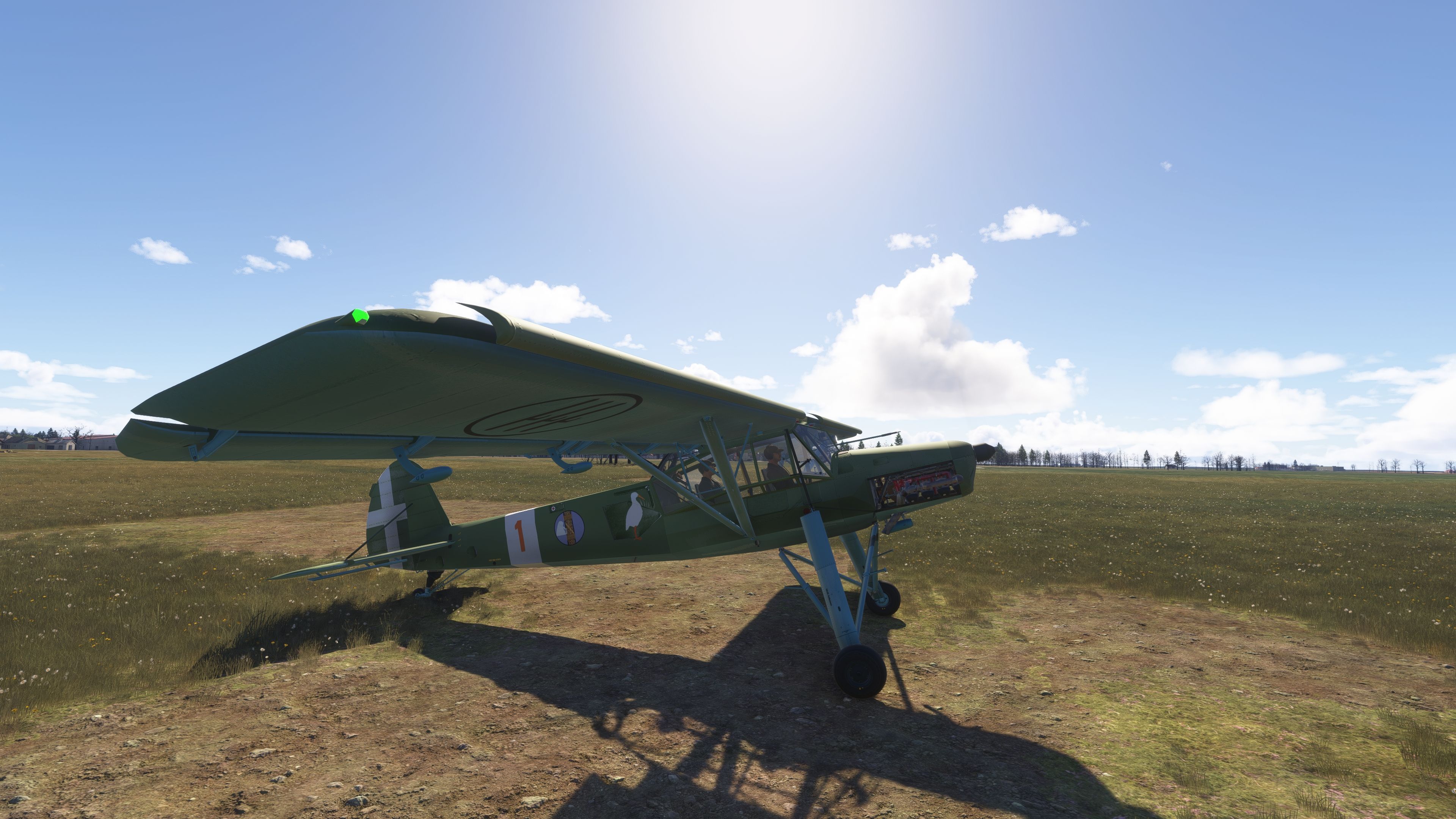
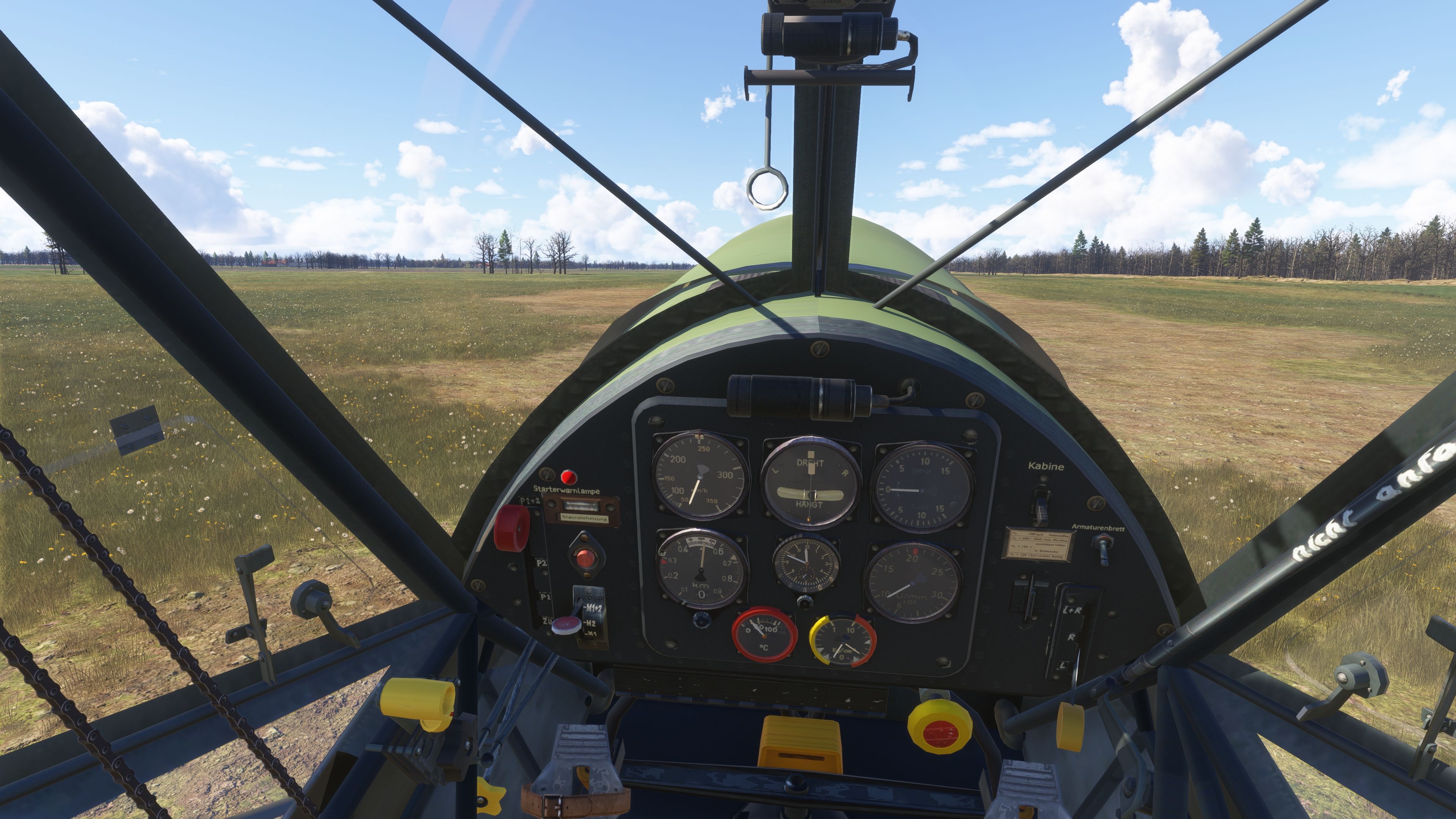
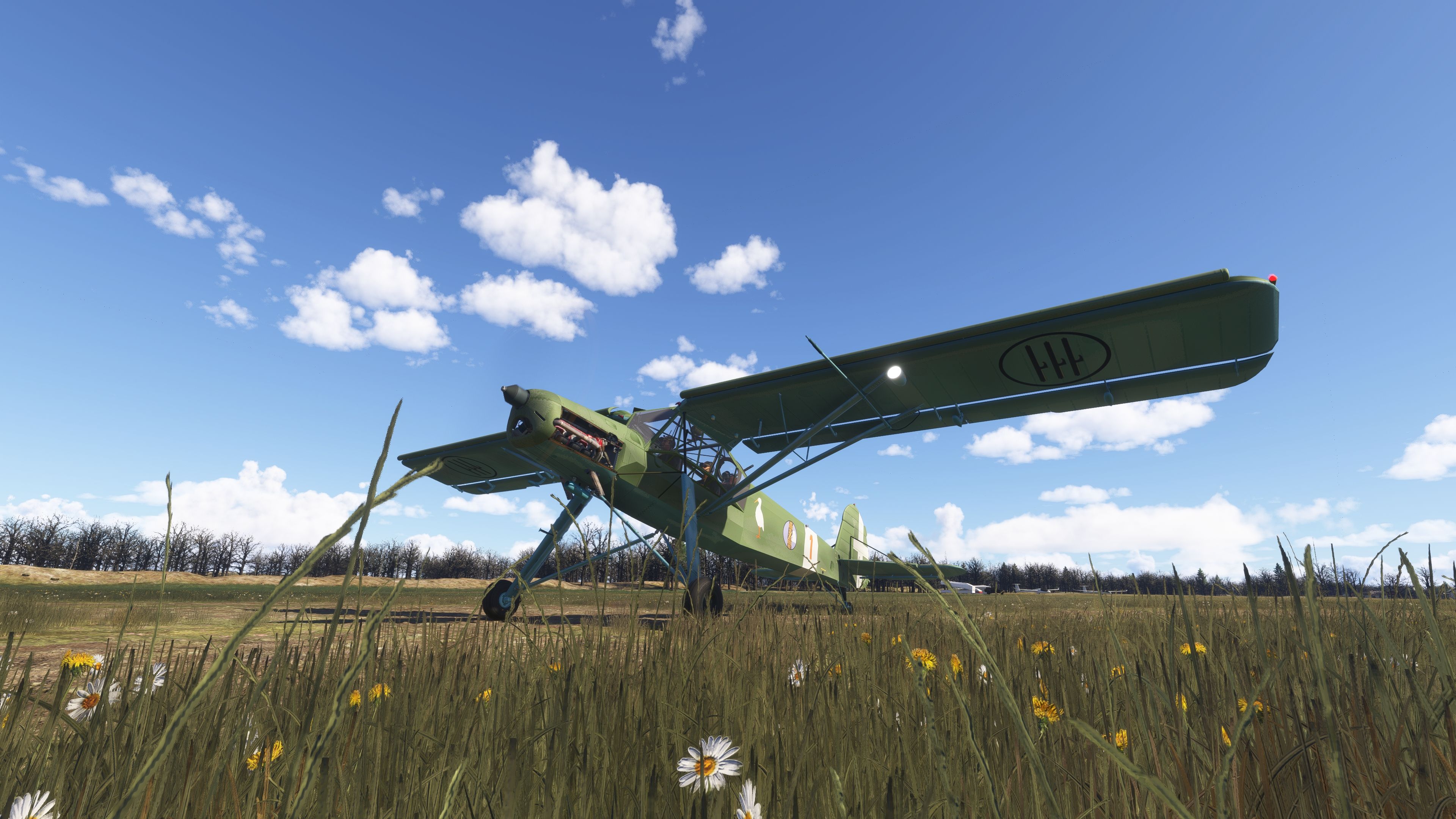
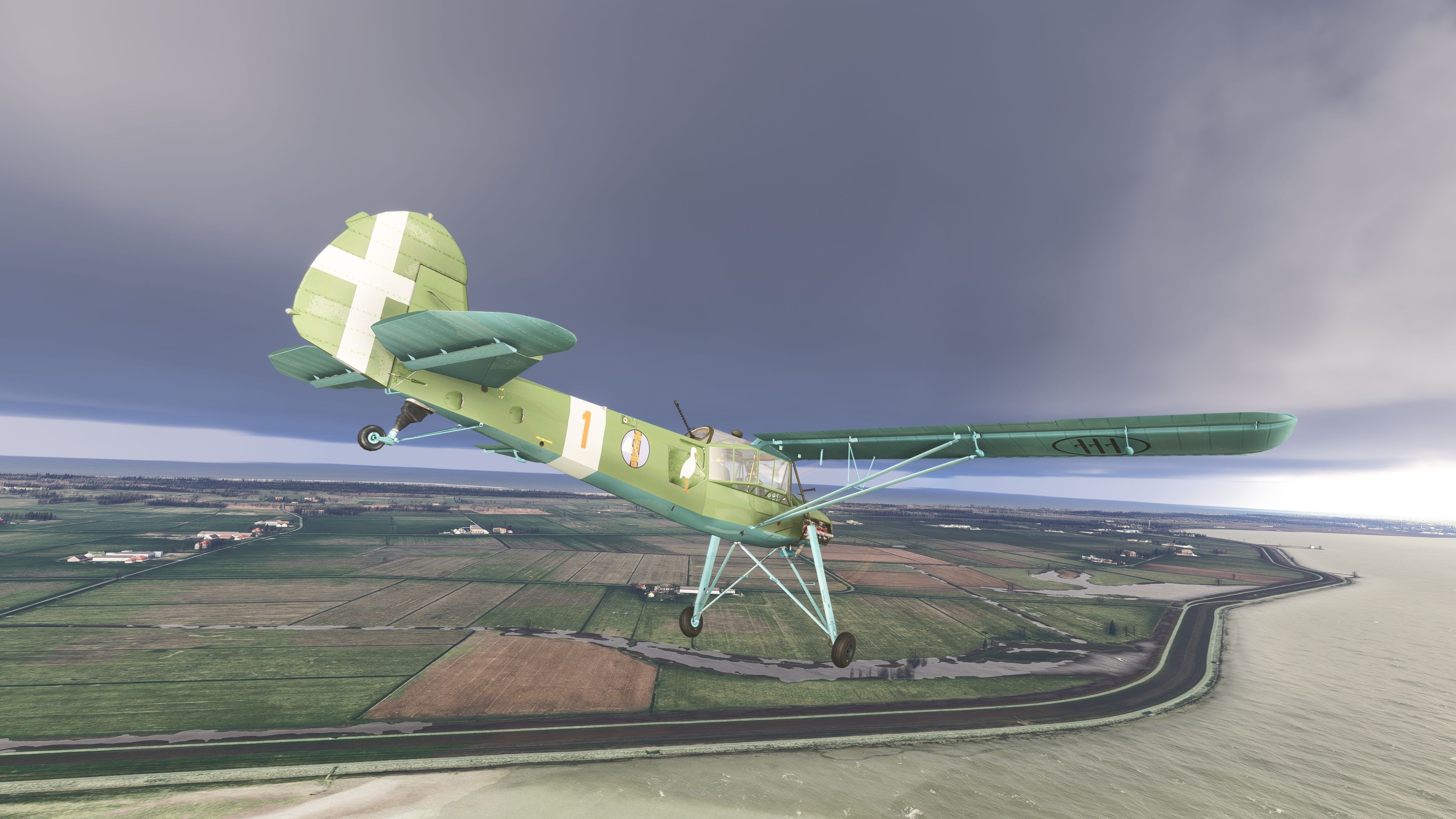
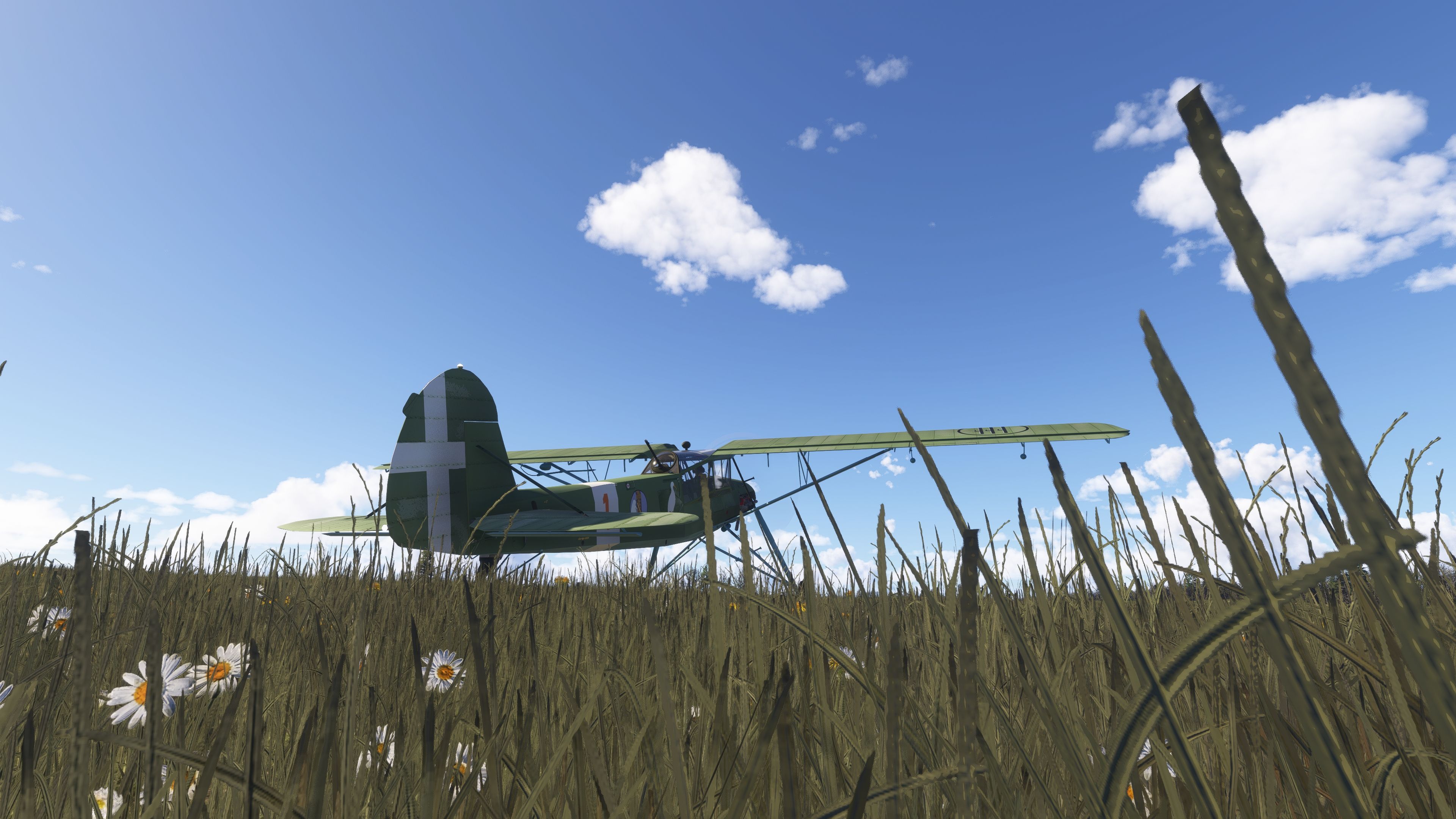
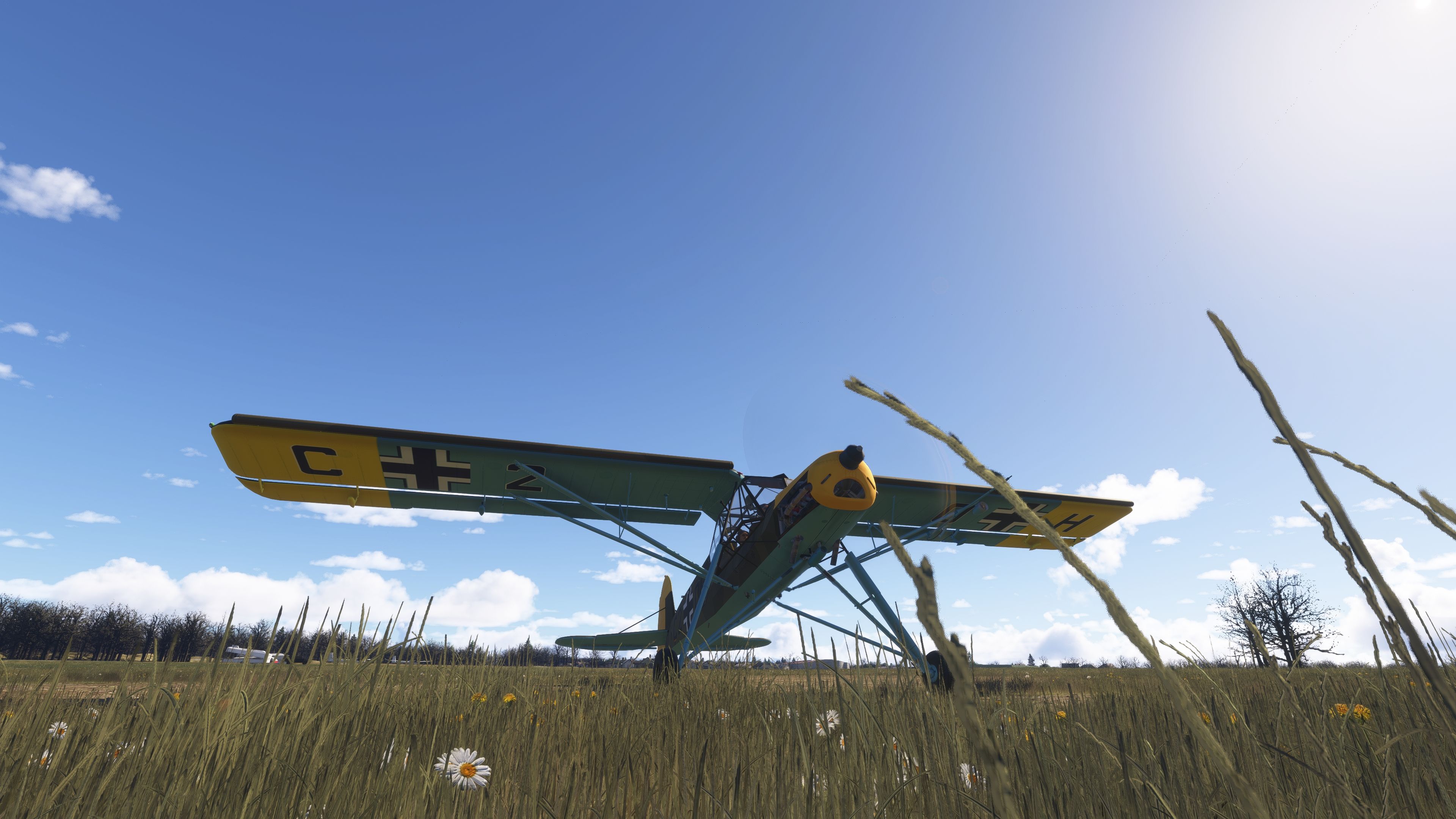
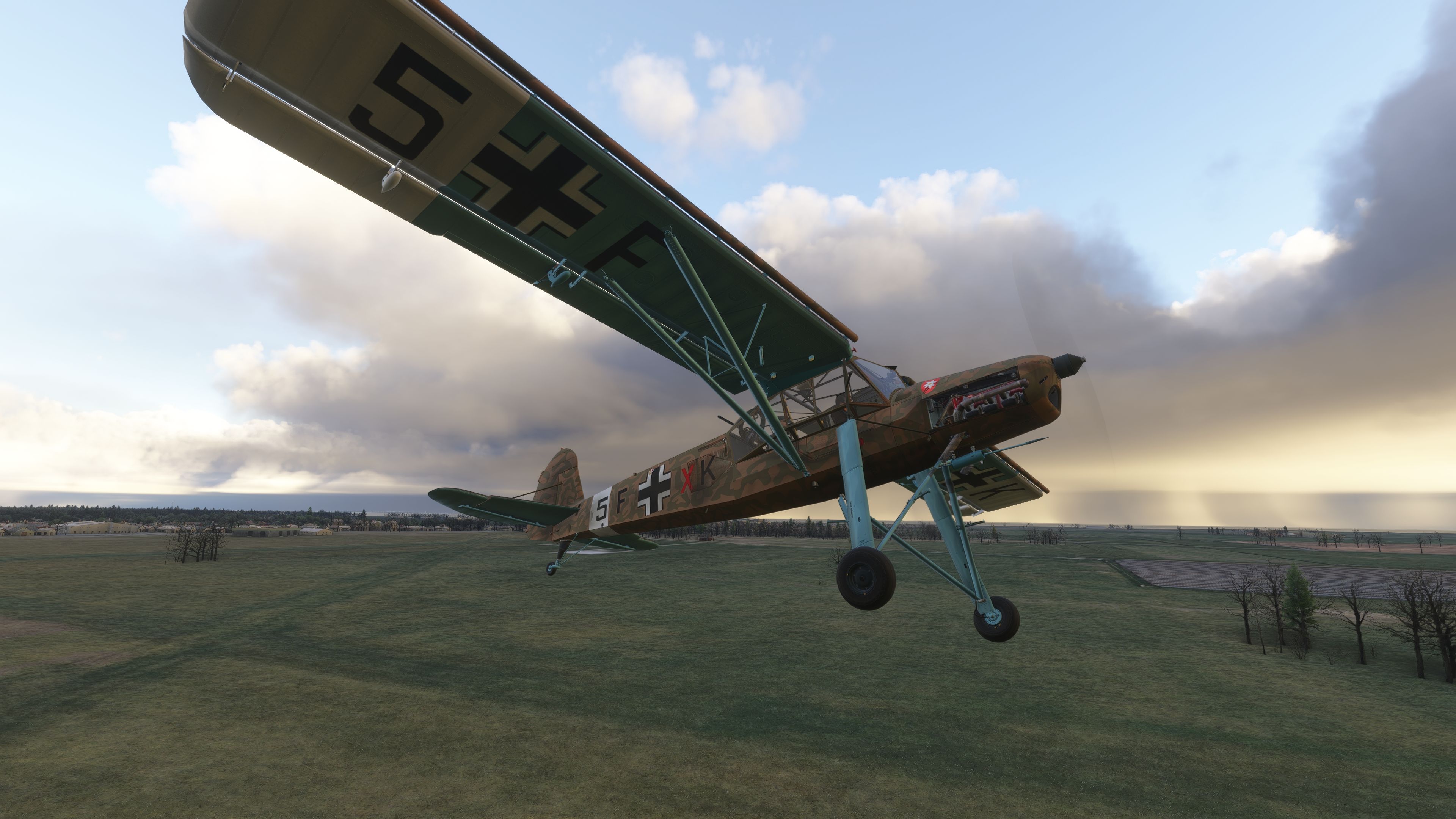
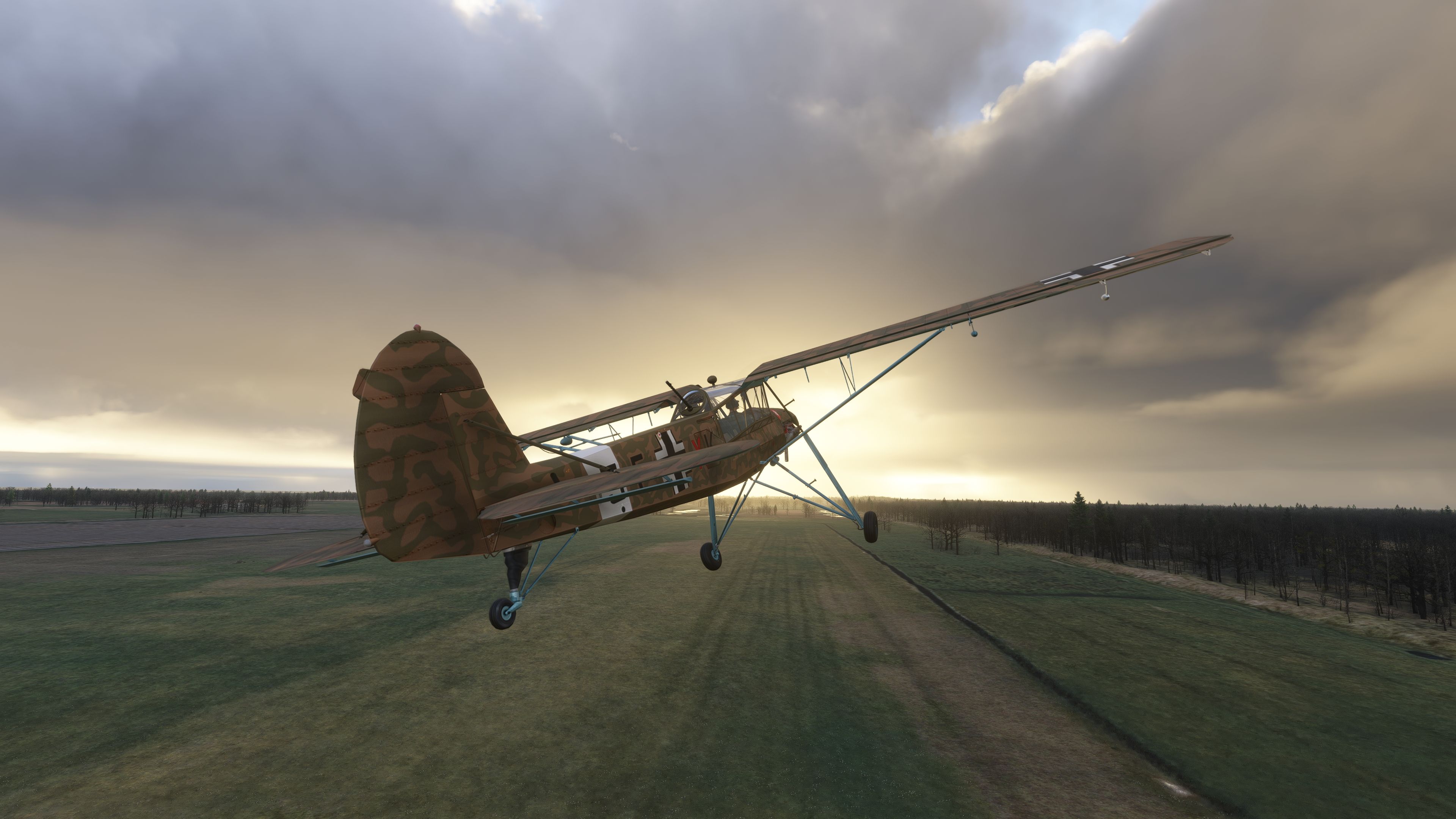
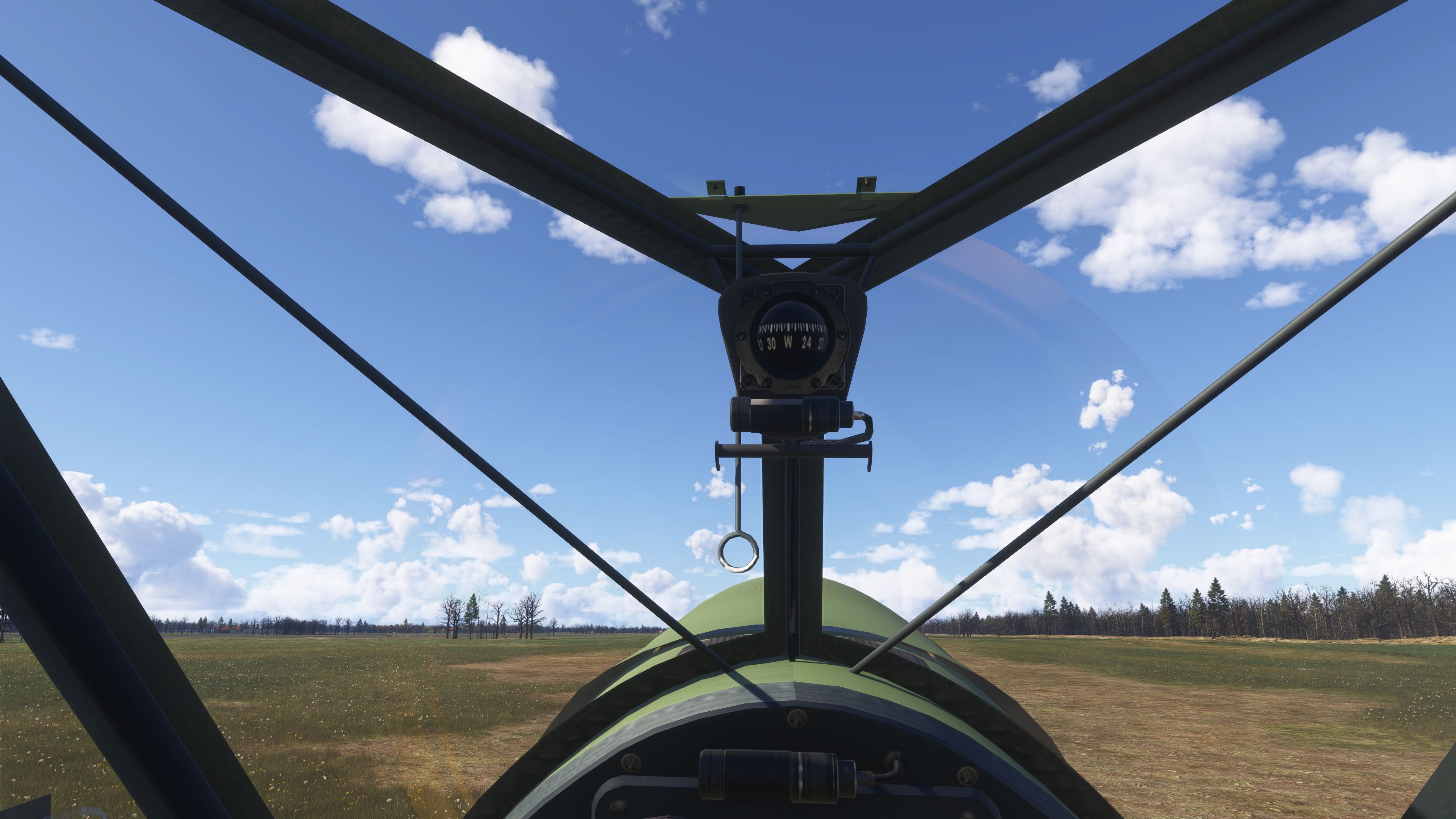
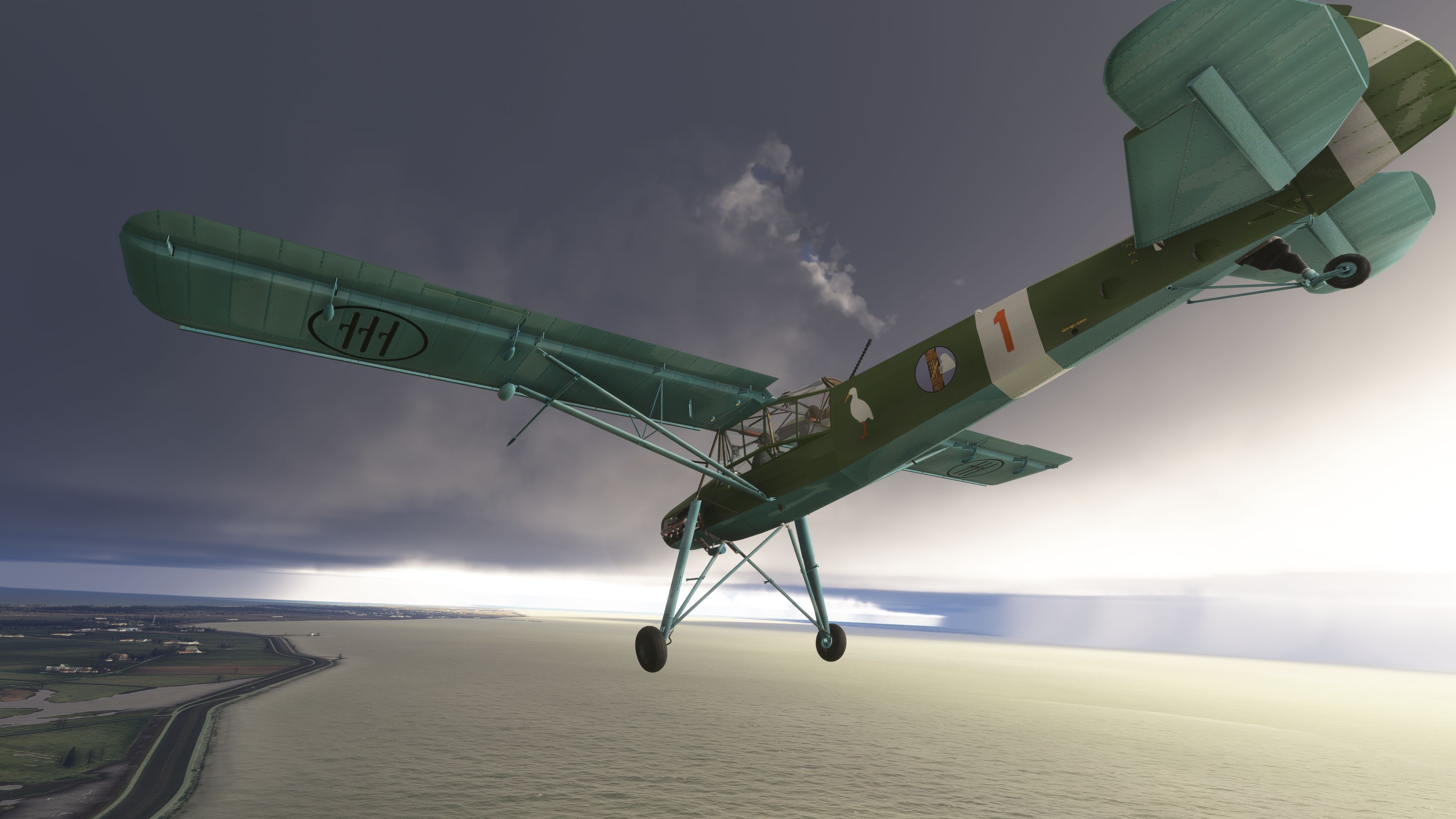
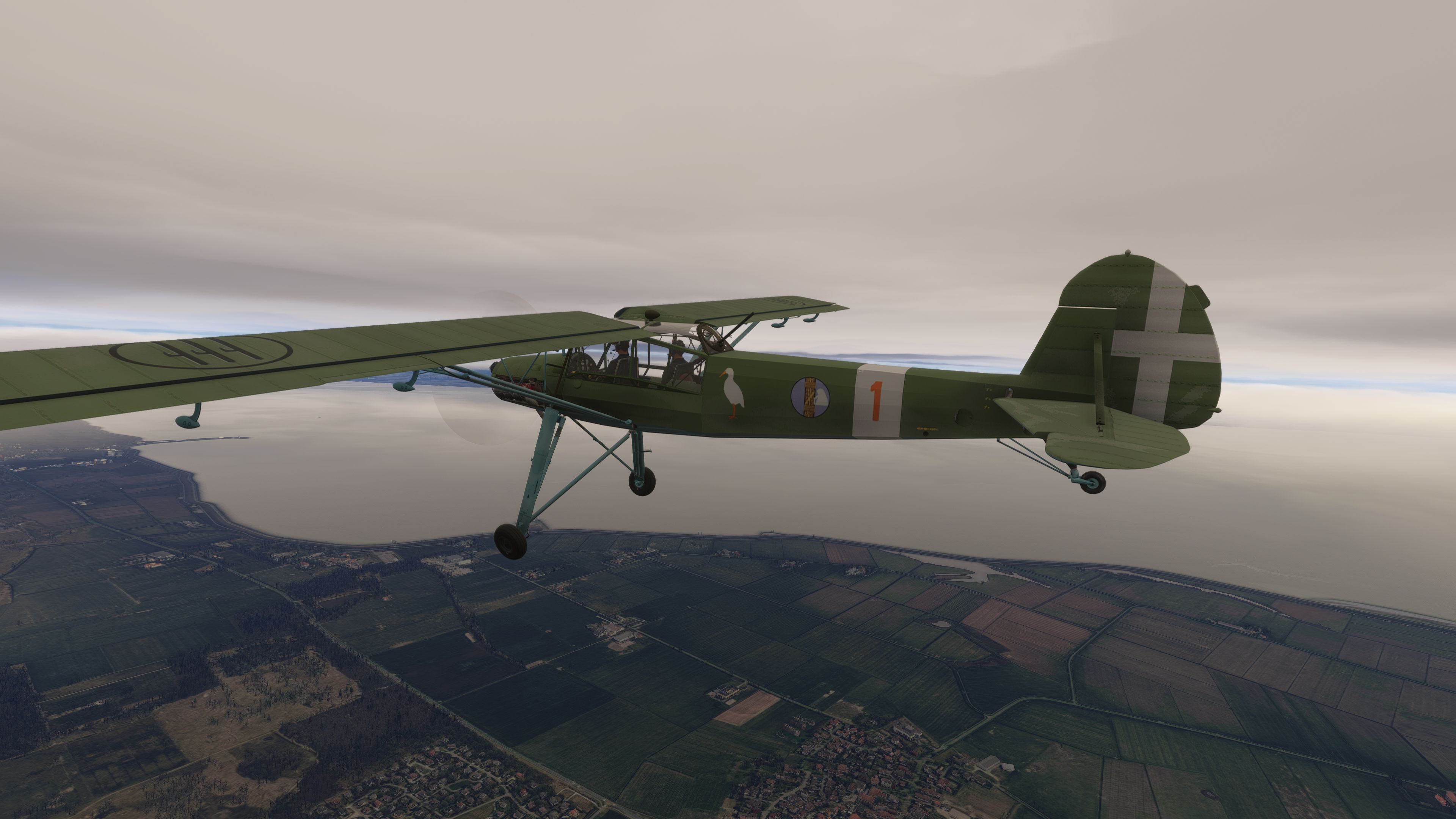
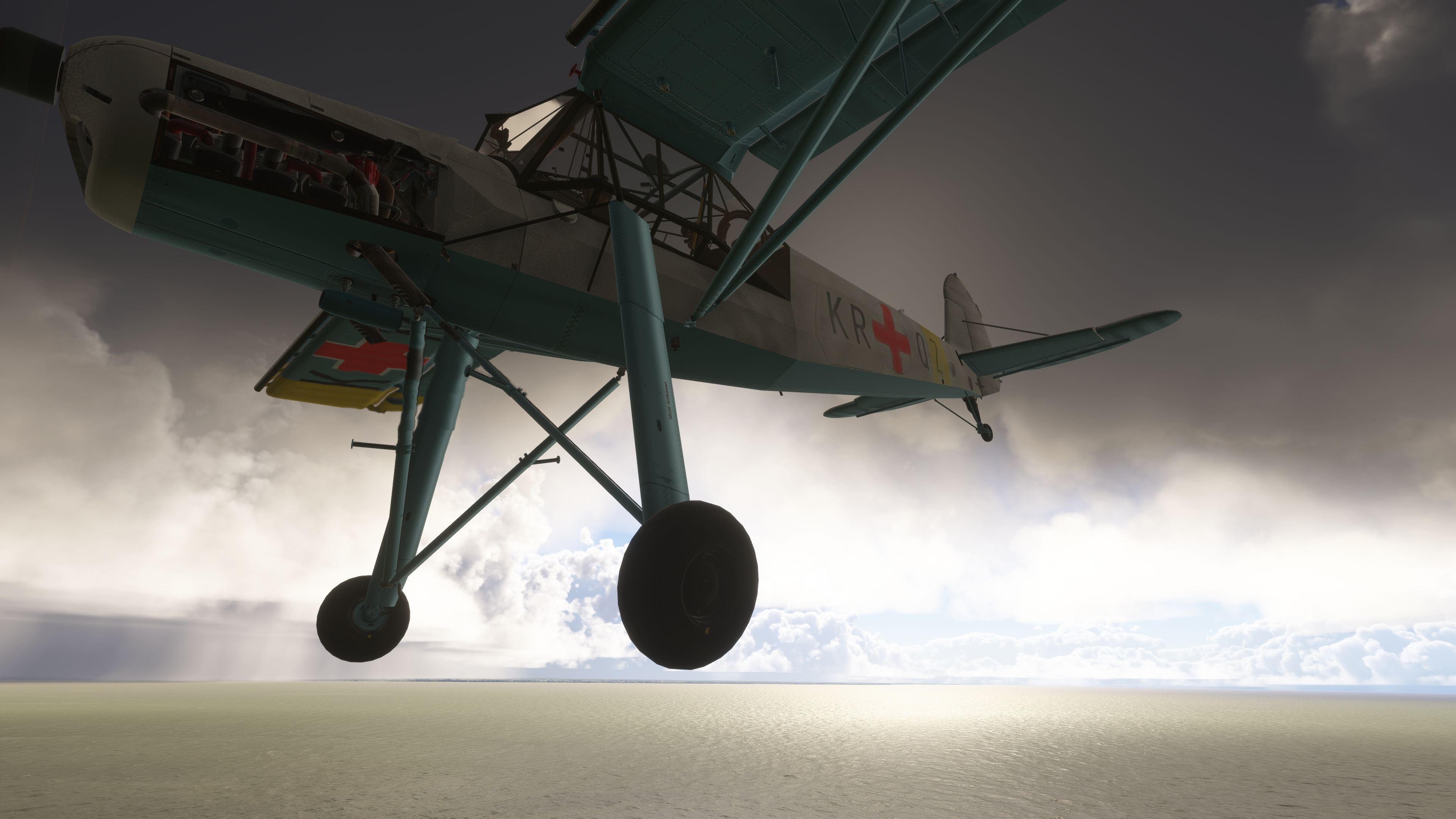
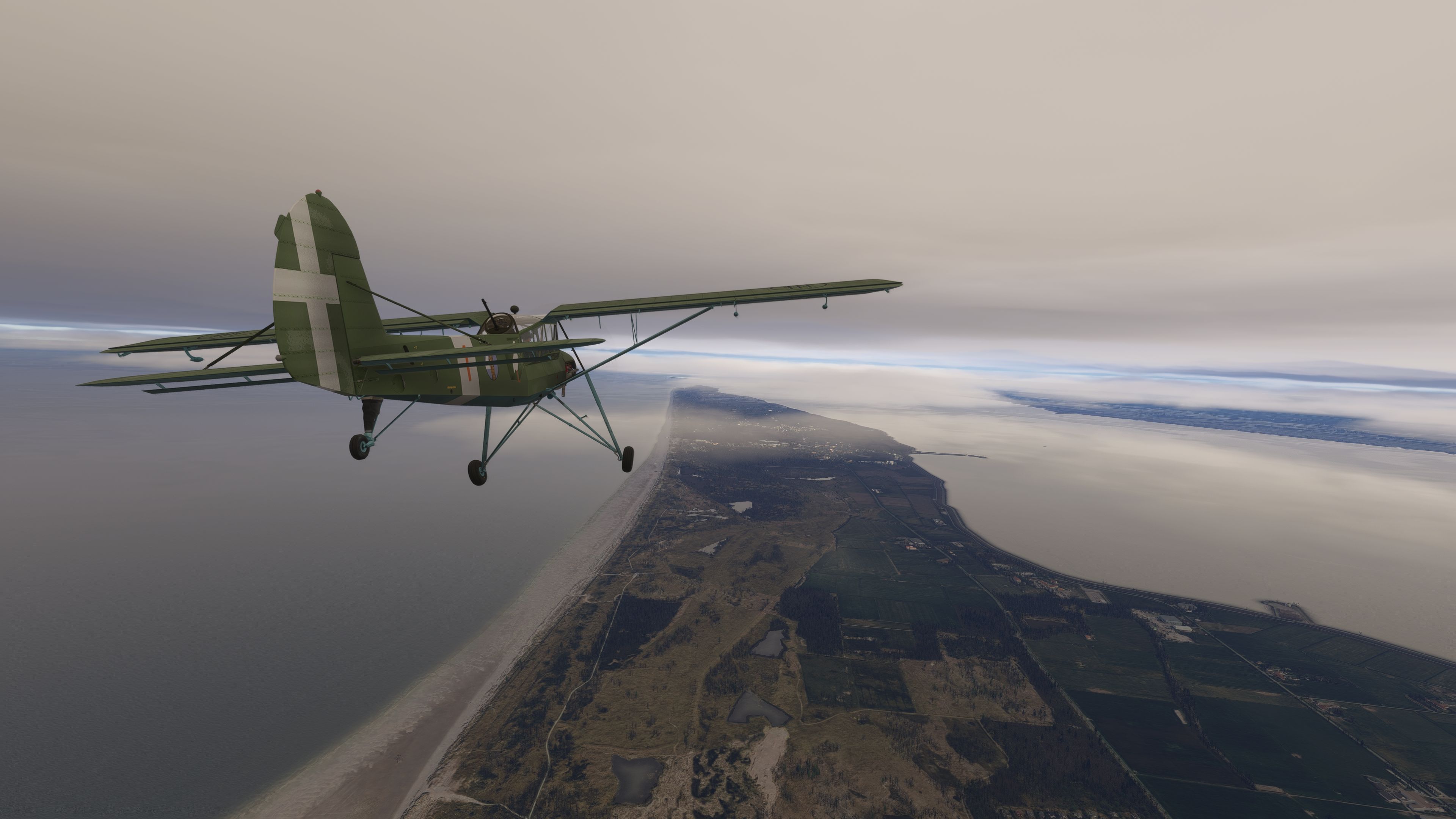
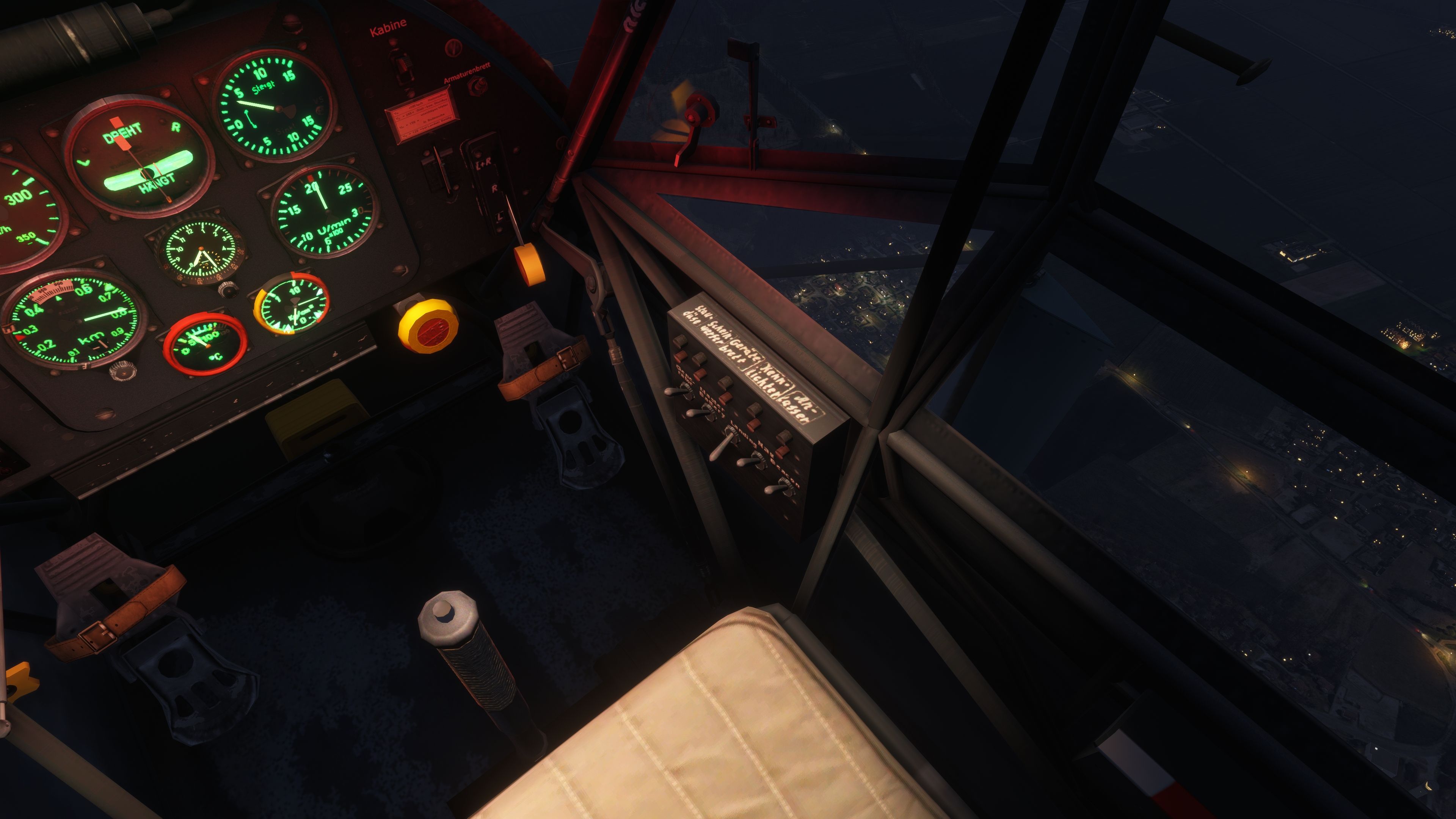
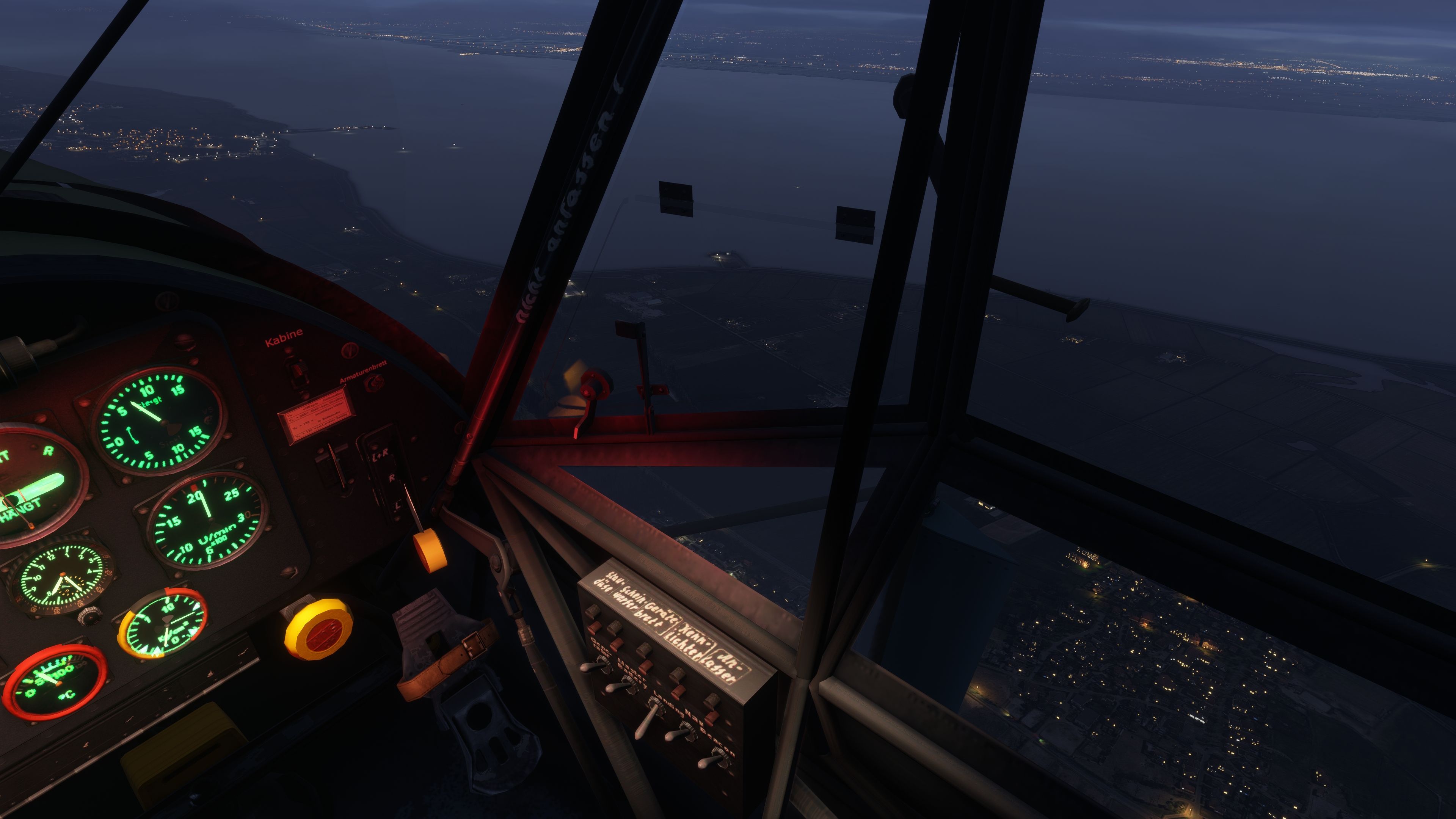
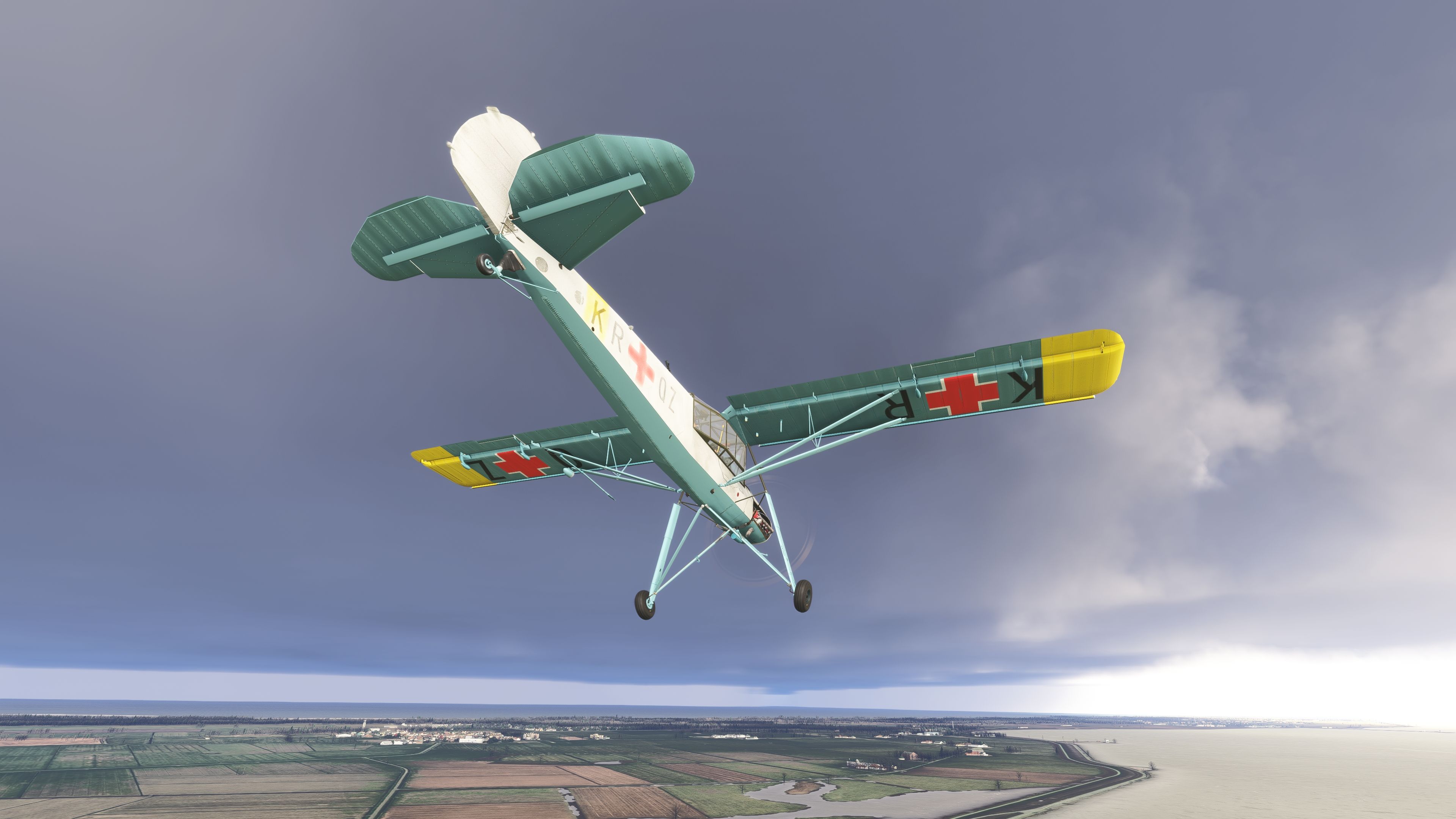
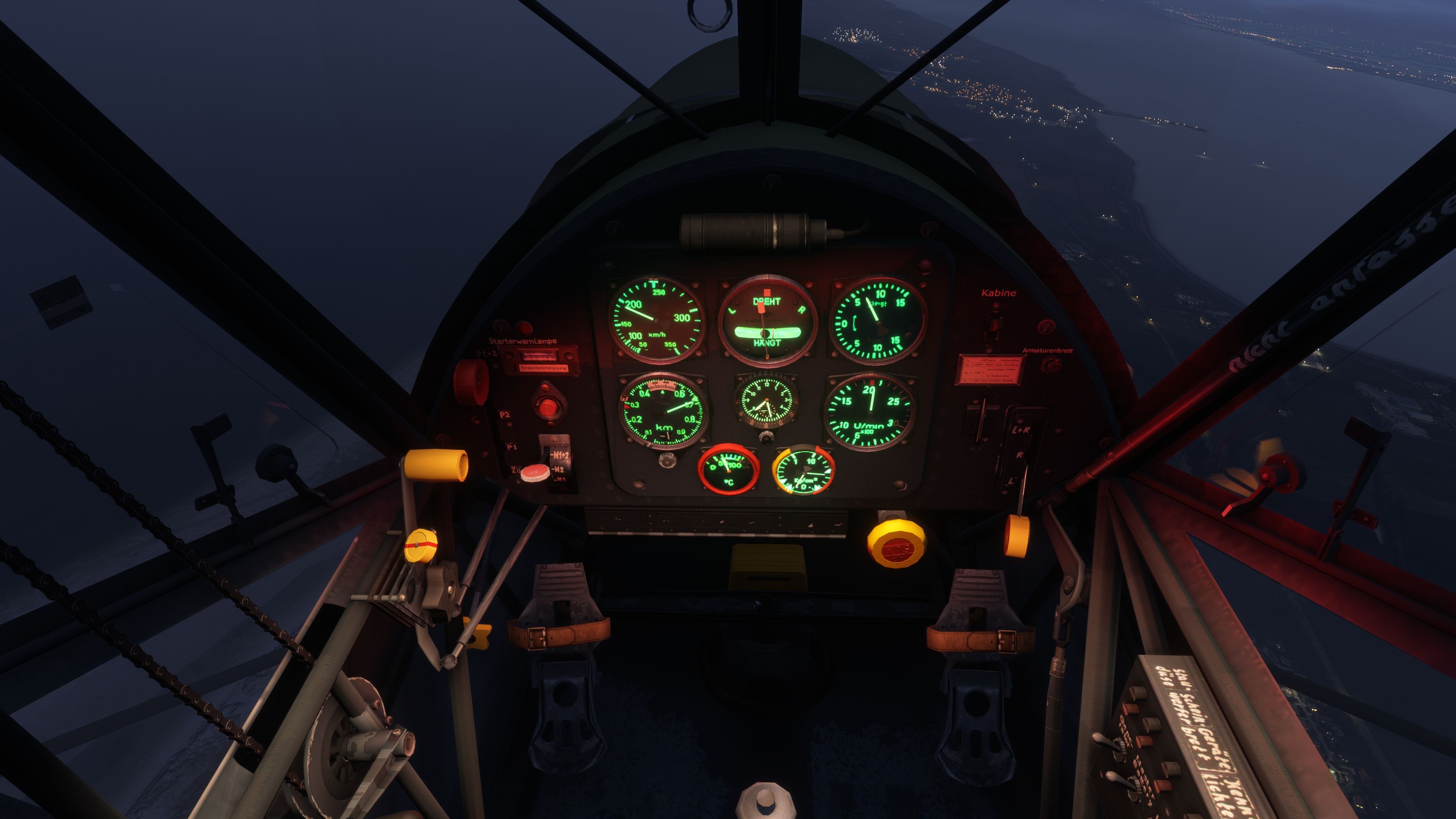
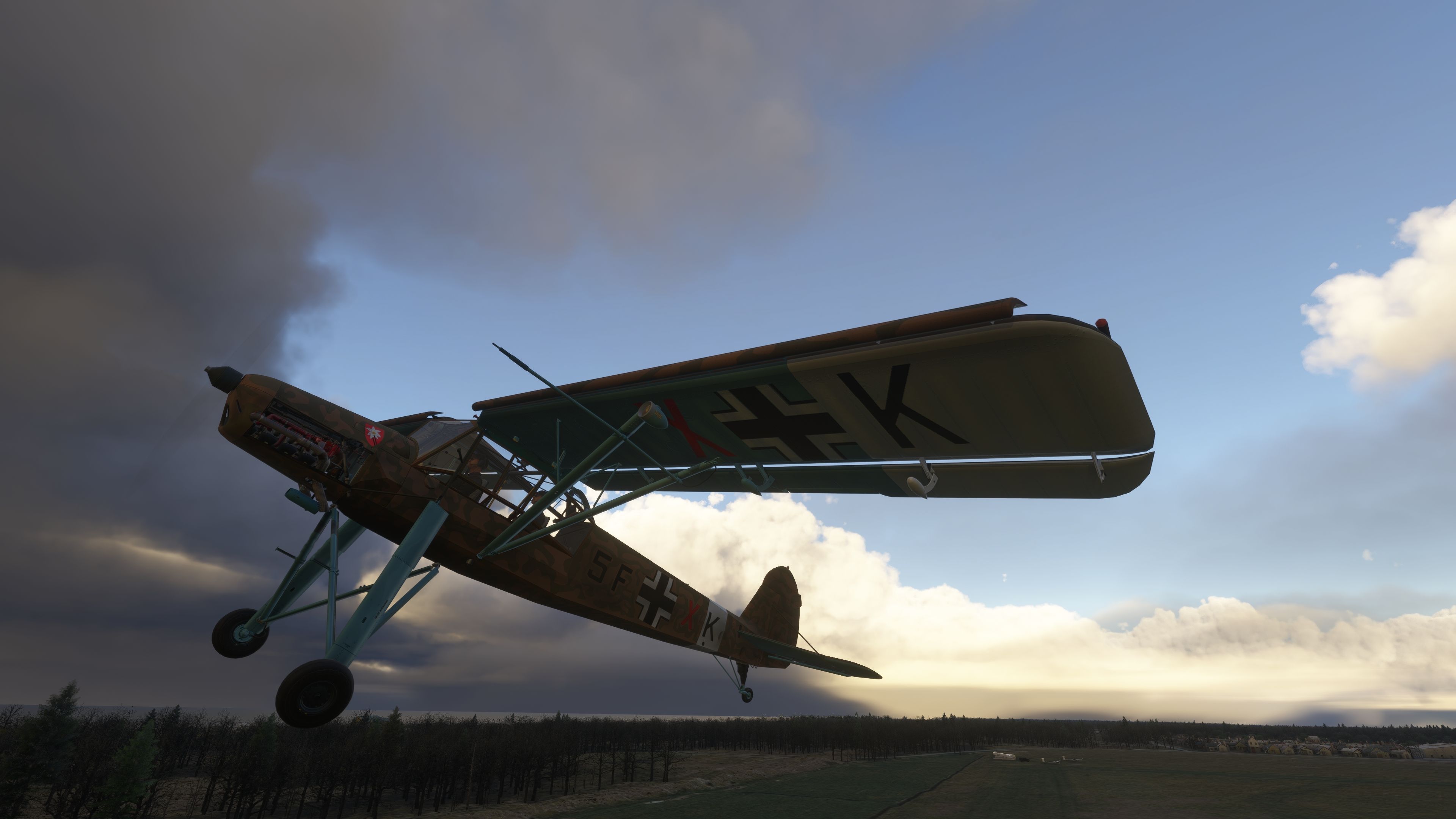
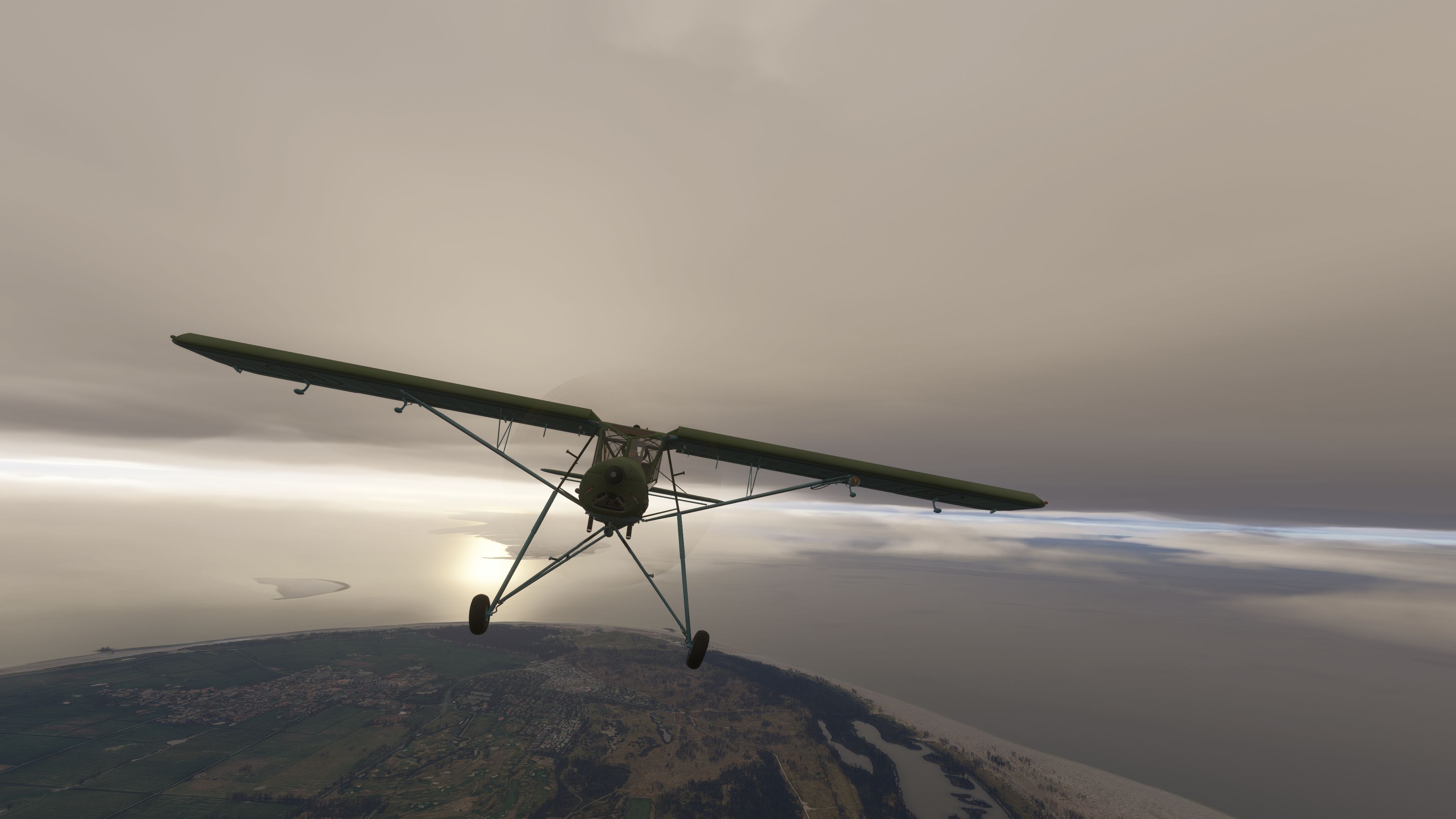
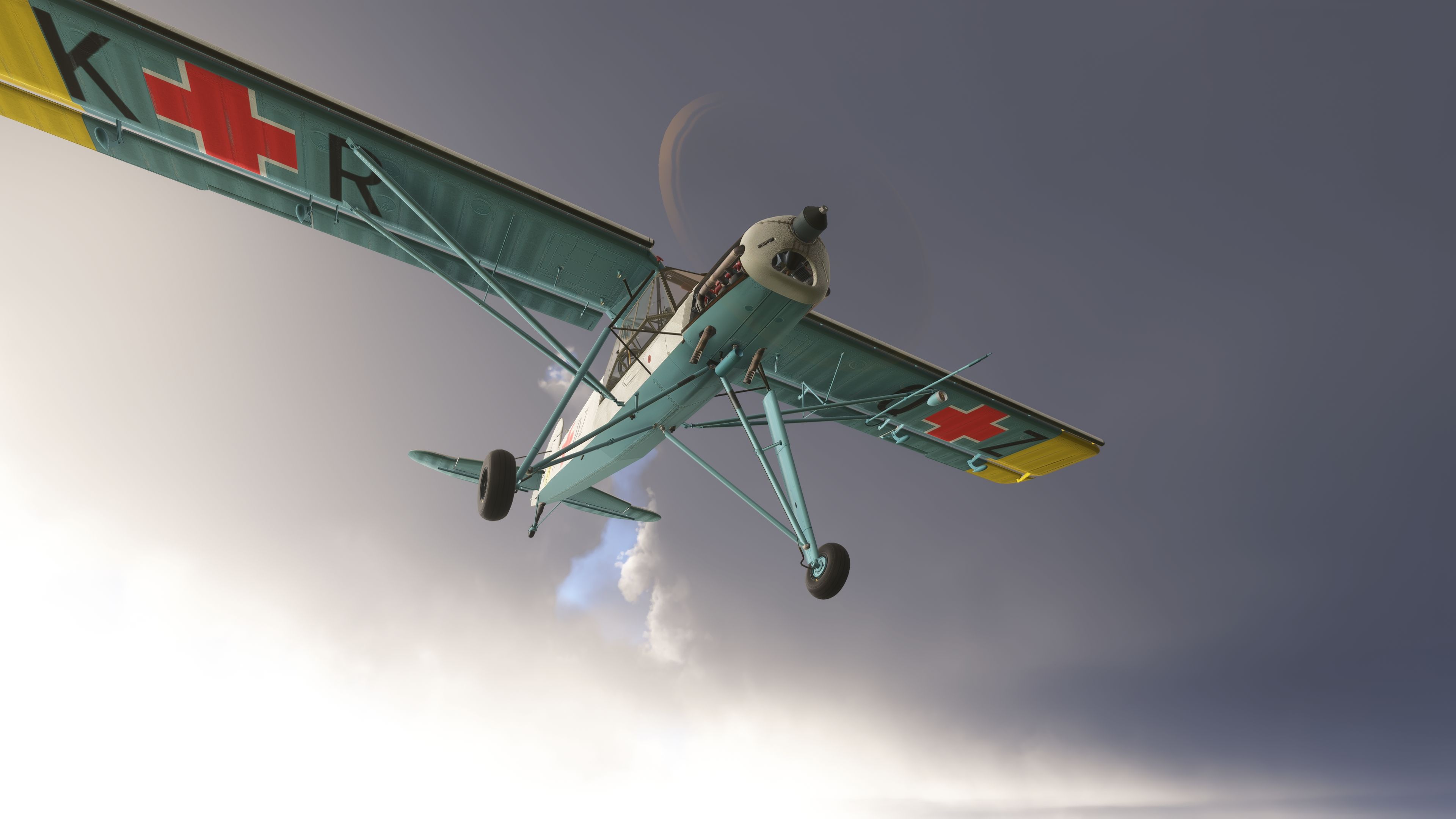
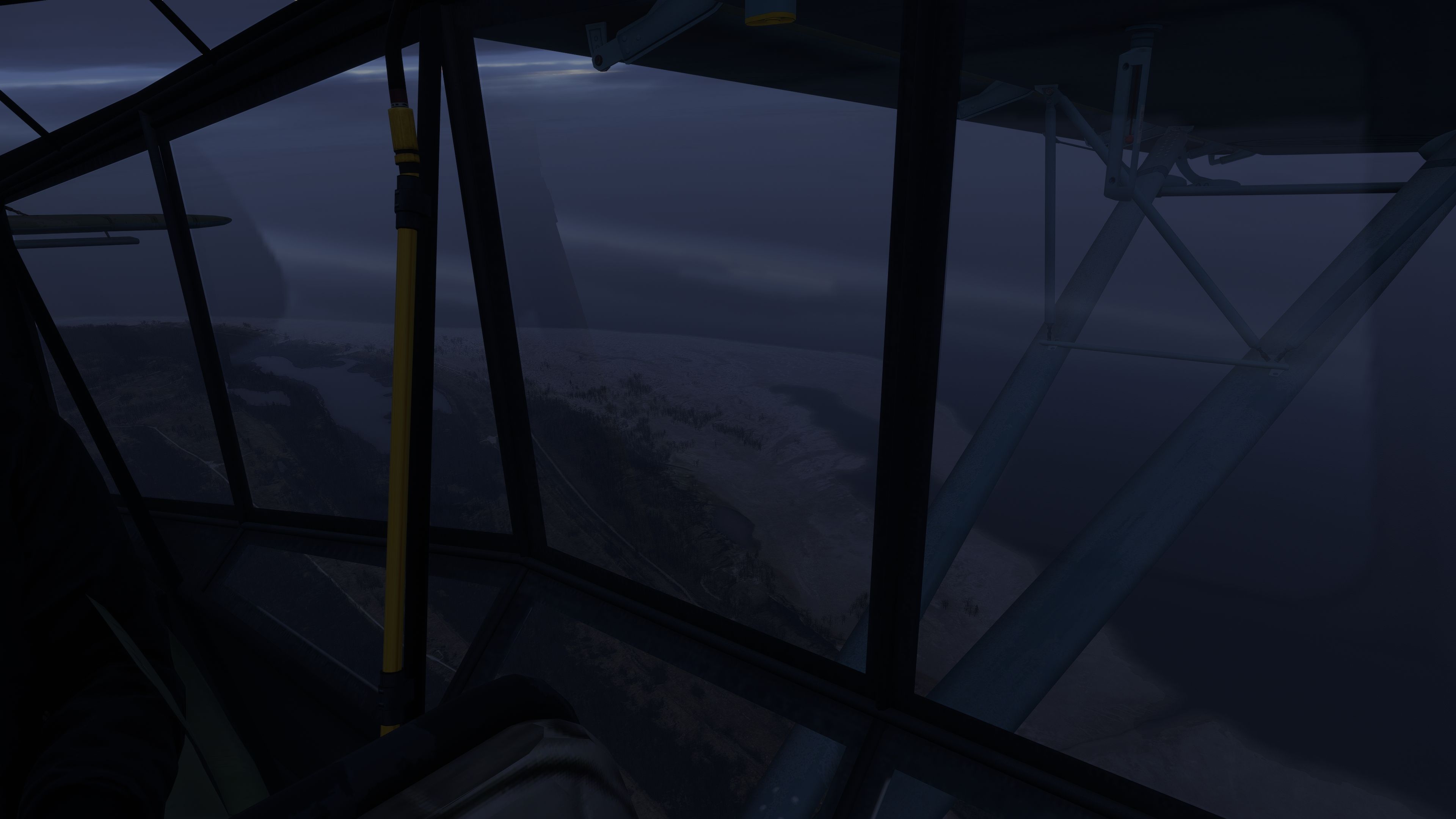
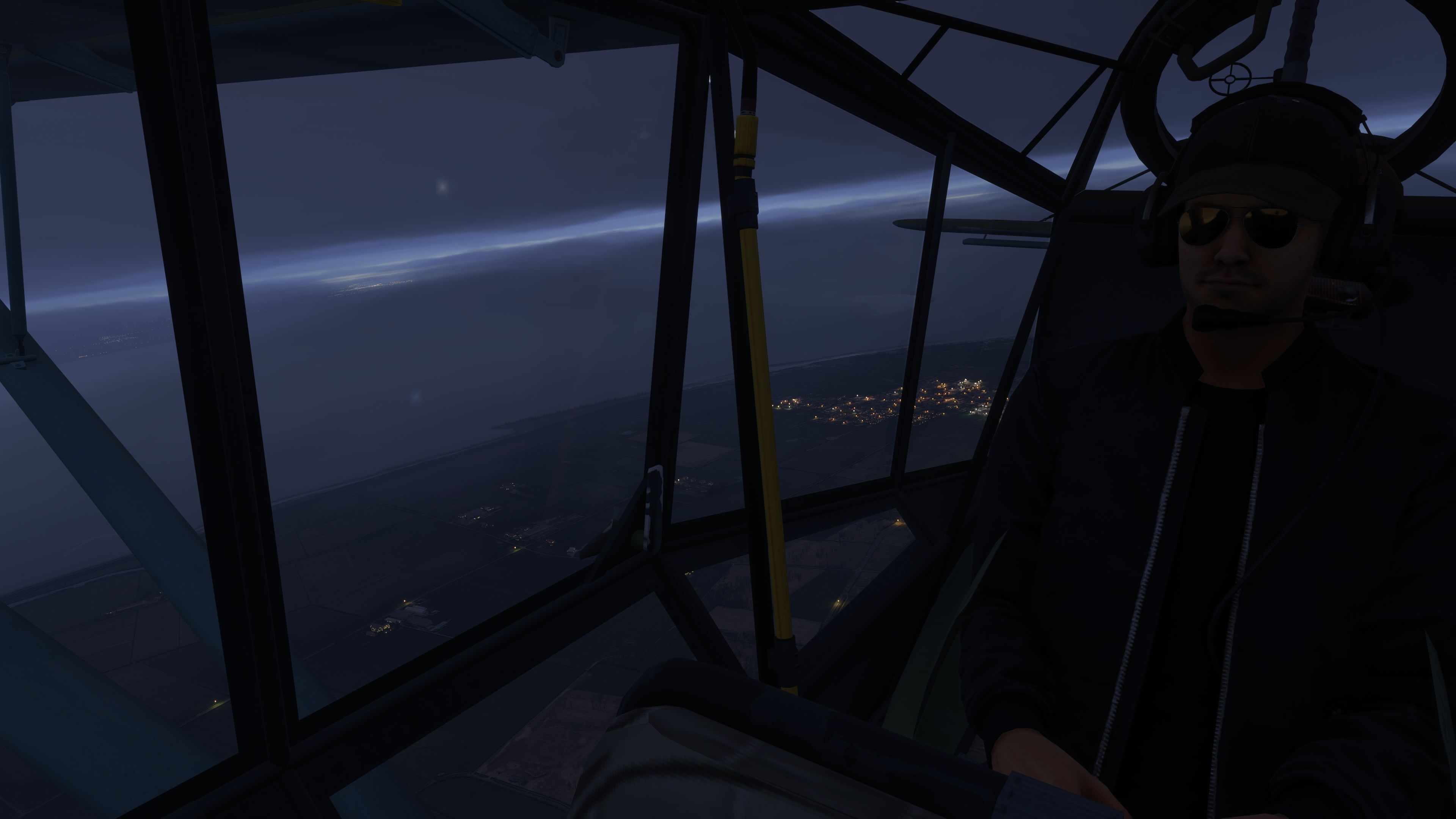
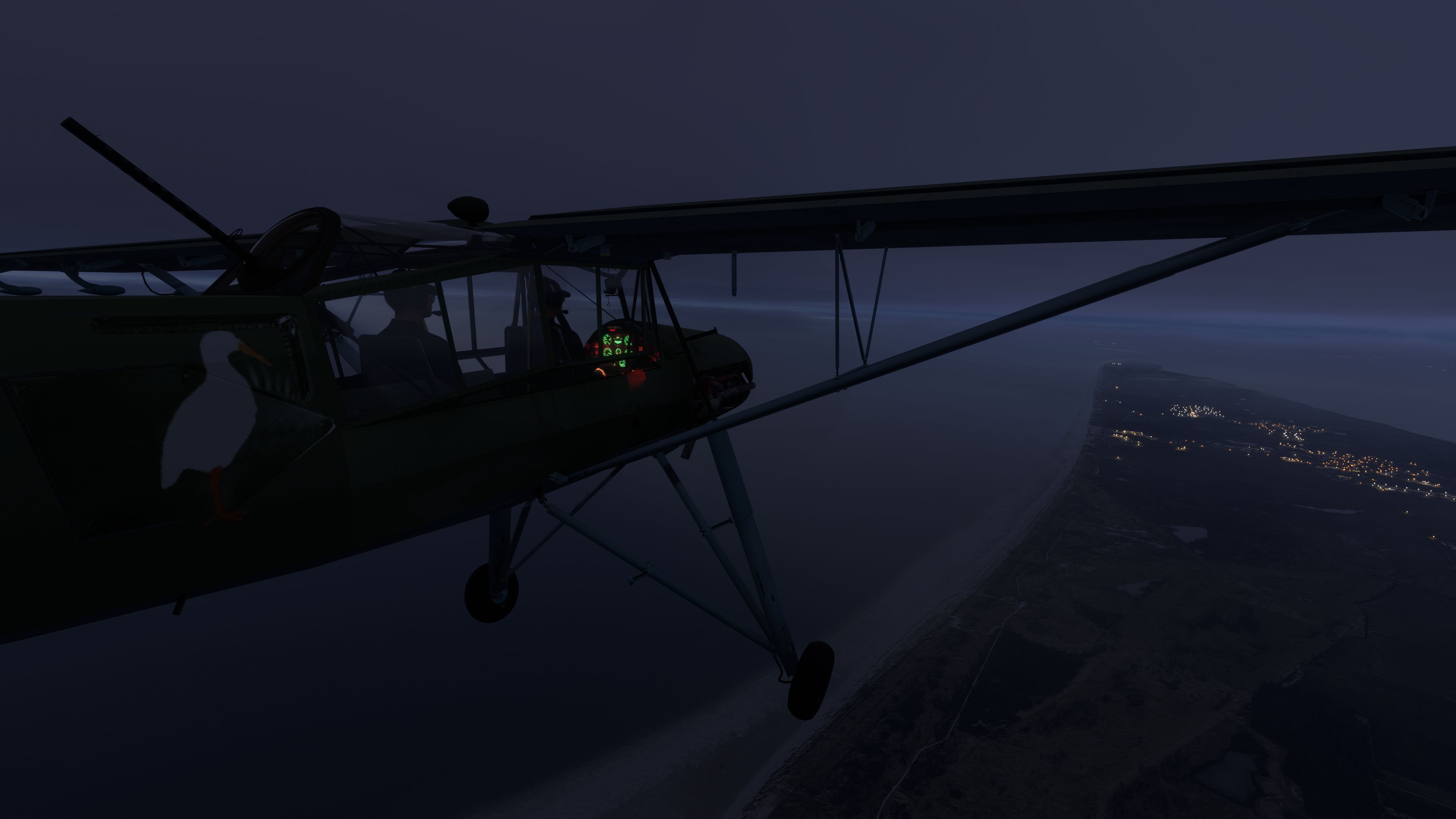
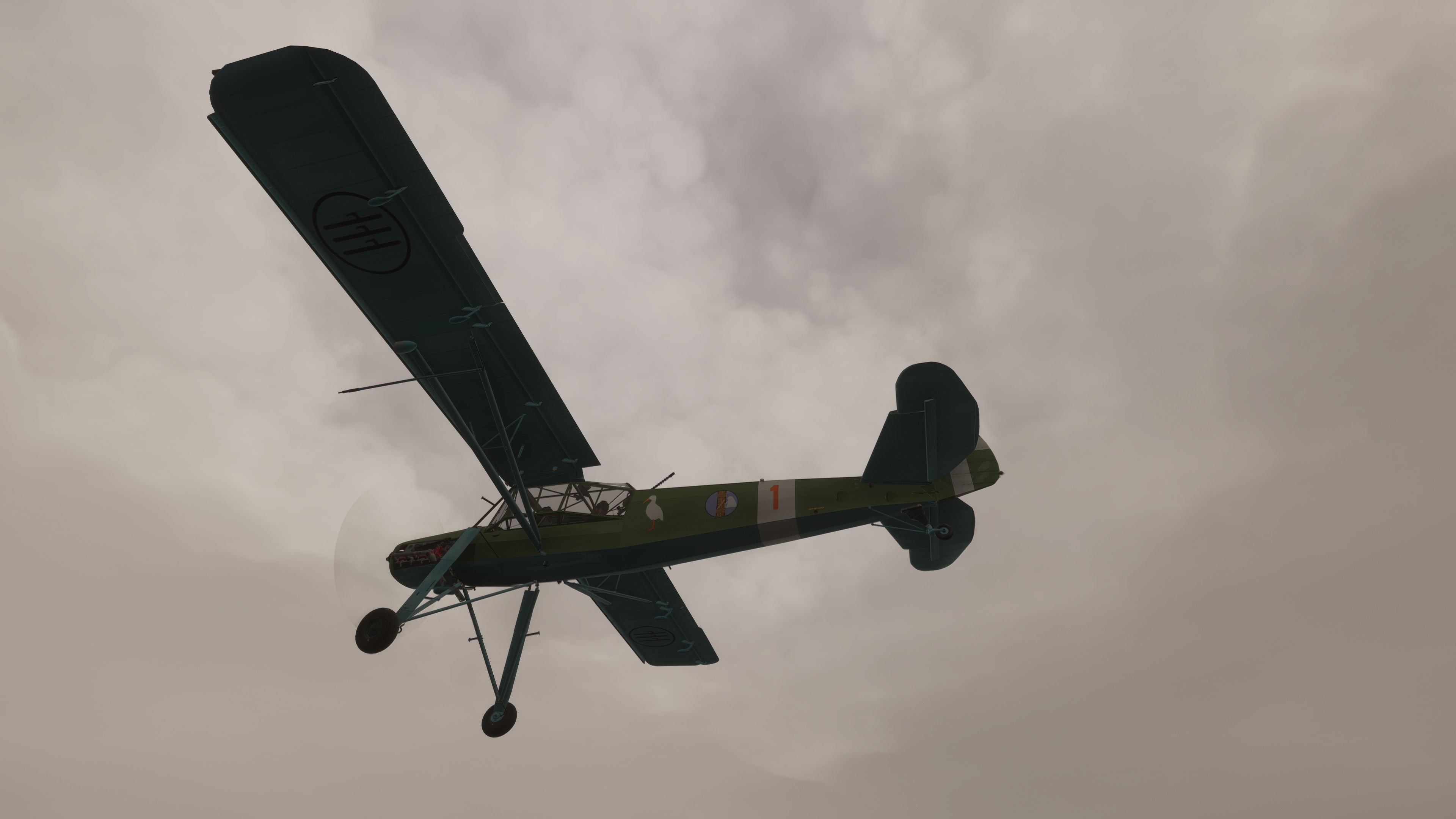

This free add-on seamlessly brings the WWII-era Fieseler Fi 156 Storch into Microsoft Flight Simulator 2020 and 2024, capturing its distinctive short takeoff and landing prowess with surprising accuracy. In my decades of PC flight simulation, I’ve rarely seen a mod replicate slow-flight handling this well—everything from its elevated landing gear to the Argus As 10 engine performance reflects the legendary ability of the Storch to operate from the shortest and most rugged airstrips.
Built on a collaborative framework, this package features carefully refined aerodynamics, realistic panel lighting, VR enhancements, and even an optional machine gun toggle for historical immersion. My tests confirm that its stall characteristics, STOL behavior, and numerous cockpit animations remain faithful to the real aircraft, showcasing excellent handling across a broad range of conditions. Though certain MSFS 2024-specific elements will mature further, the current release offers a thoroughly engaging experience for warbird enthusiasts and bush flyers seeking an iconic aviation piece.
This fully realized Fieseler Fi 156 Storch package brings an authentic WWII-era short takeoff and landing aircraft into modern iterations of Microsoft Flight Simulator. Developed by flyndive and originally built upon the generous groundwork laid by FSAddon, it offers precise modeling of the Fi 156’s unique geometry, slow-flight handling, and remarkable STOL characteristics. This freeware release is available for both MSFS 2020 and 2024. While certain 2024 features remain in development, users can still enjoy the majority of its core enhancements today.
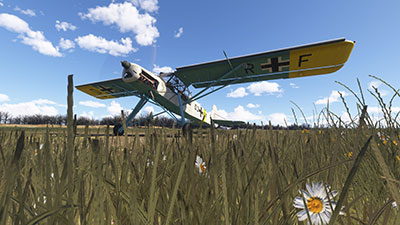 The Fieseler Fi 156 first rose to prominence as a German reconnaissance platform in WWII, prized for its ability to operate from tiny fields. It achieved this agility through an advanced airframe design that employed high-mounted wings, prominent slats on the leading edge, and oversized trailing-edge flaps. One Argus As 10 inverted piston engine powered this agile machine, generating enough thrust to sustain near-hover flight in energetic headwinds. Its unique undercarriage, with tall landing legs and pronounced oleo damping, allowed stable landings even on uneven, unprepared terrain.
A light defensive gun (MG 15) was historically fitted but is non-functional in this recreation. Nevertheless, the cockpit includes a switch to toggle its visibility.
This release is a comprehensive adaptation of the original FSAddon model, updated extensively for MSFS 2020 and MSFS 2024. Multiple flight characteristics leverage the contemporary aerodynamics engine in Microsoft Flight Simulator, although complexities inherent to detailed CFD systems may introduce slight discrepancies compared to the aircraft’s real-world behavior. The essential charm of its STOL performance, however, remains faithfully captured.
This project draws on earlier work by Rara-Avis-Sims and Stef T-Bird, who performed the initial Microsoft Flight Simulator X conversion. Refinements to the flight and fuel systems were guided by The Flying Freja, and further improvements were shaped by feedback from RogueTurtleDepot, PapaMeesh, Crispalmer, Clockstopper, and Annov. Each contributor helped shape this current rendition to function seamlessly within modern simulators.
All required files for a stand-alone experience are enclosed. Liveries from the older “FSX Conversion | FSAddon’s Fieseler Storch Fi-156” package require adjustments to function properly in this newer iteration.
This aircraft is offered exclusively as freeware. It may be modified for personal use, but any redistribution—modified or otherwise—requires explicit authorization. Under no circumstance may it be used for commercial gain. The entire collaboration is credited to flyndive and the original developers, including FSAddon, Rara-Avis-Sims, and Stef T-Bird, with programming refinements and testing by The Flying Freja, RogueTurtleDepot, PapaMeesh, Crispalmer, Clockstopper, and Annov.
Created by flyndive and officially cleared for publication on Fly Away Simulation. Enjoy exploring the graceful handling and rugged adaptability of this storied liaison aircraft within your preferred Microsoft Flight Simulator environment.
Free for all simmers · 572.79 MB · Scanned clean Oct 2026
Download speed: Free tier is capped at 2 Mbps (this file takes approximately 40 mins at the cap). PRO members download at full line speed.
%LOCALAPPDATA%\Packages\Microsoft.FlightSimulator_8wekyb3d8bbwe\LocalCache\Packages\Community\. Steam version: %APPDATA%\Microsoft Flight Simulator\Packages\Community\. Tip: enable Developer Mode in MSFS to see your exact Community folder path.readme.txt or README file. It tells you exactly where files go, what dependencies are needed, and any quirks specific to this add-on.Only PRO members can place votes.
More MSFS add-ons hand-picked based on this download.
MSFS Vintage & Historic
A complete rendition of the iconic German WW1 fighter aircraft - the Fokker D…
 MSFS Vintage & Historic
A somewhat complete (minus a new VC) Lockheed Harpoon PV-2 for Microsoft Flig…
 MSFS Vintage & Historic
The MSFS North American B-25 Mitchell mod is a remarkable addition to the Mic…
 MSFS Vintage & Historic
A fantastic recreation of the iconic and historic Sikorsky S-16 (RBVZ S-XVI) …
 MSFS Vintage & Historic
The Messerschmitt Me 262 A-1a Schwalbe, a pivotal aircraft in aviation histor…
 MSFS Vintage & Historic
The Hawker Hurricane MK I mod for Microsoft Flight Simulator (MSFS) 2020 rele…
 MSFS Vintage & Historic
MSFS enthusiasts, get ready to elevate your flight experience with the meticu…
 MSFS Vintage & Historic
The Junkers Ju 87 "Stuka", a formidable dive bomber of its era, now takes to …
Read what other simmers think, or add your own.

Great mod, just downloaded it today. I have one problem.
The cowl panels are missing when I load it into MSFS 2024. I see the remove/replace box when I hover my mouse over it, but none of the mouse buttons work.
What am I doing wrong?

This add-on is really fantastic.
Very pleasant to drive, with impressive attention to detail, response and engine sound.
A masterpiece. Thanks for sharing it with all the lovers of good simulator
Simply AMAZING!