








 MSFS Vintage & Historic
Fokker Dr.I Triplane
A complete rendition of the iconic German WW1 fighter aircraft - the Fokker D…
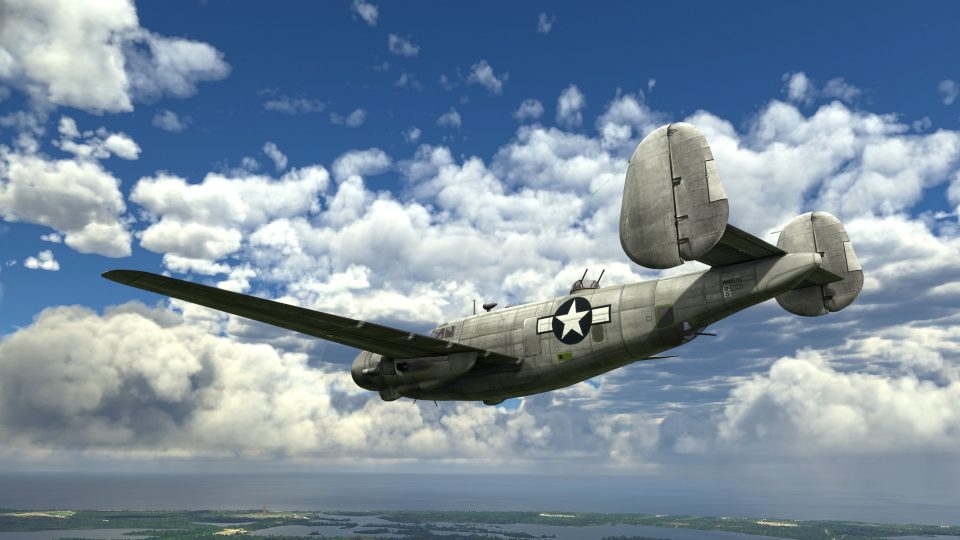
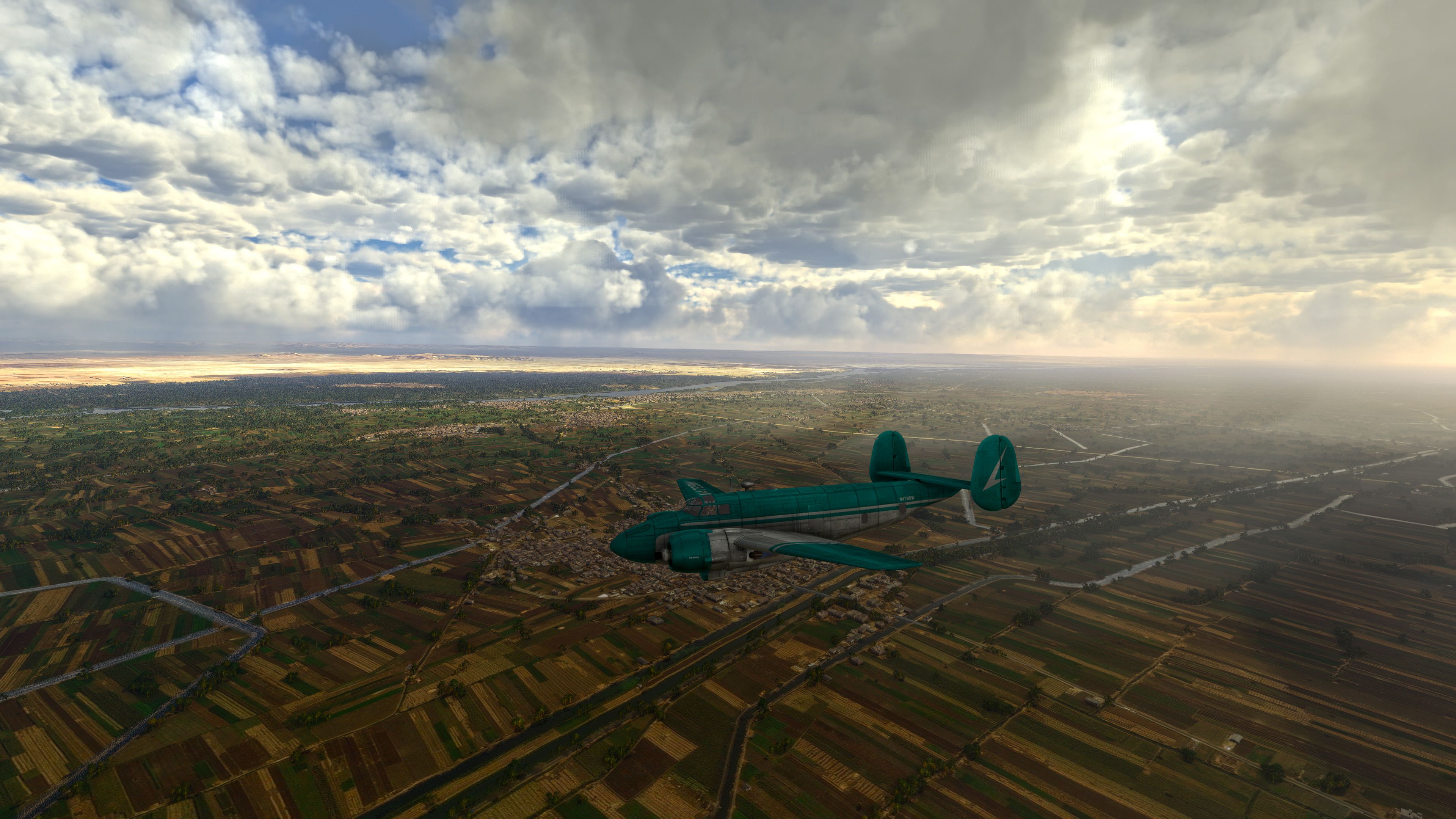
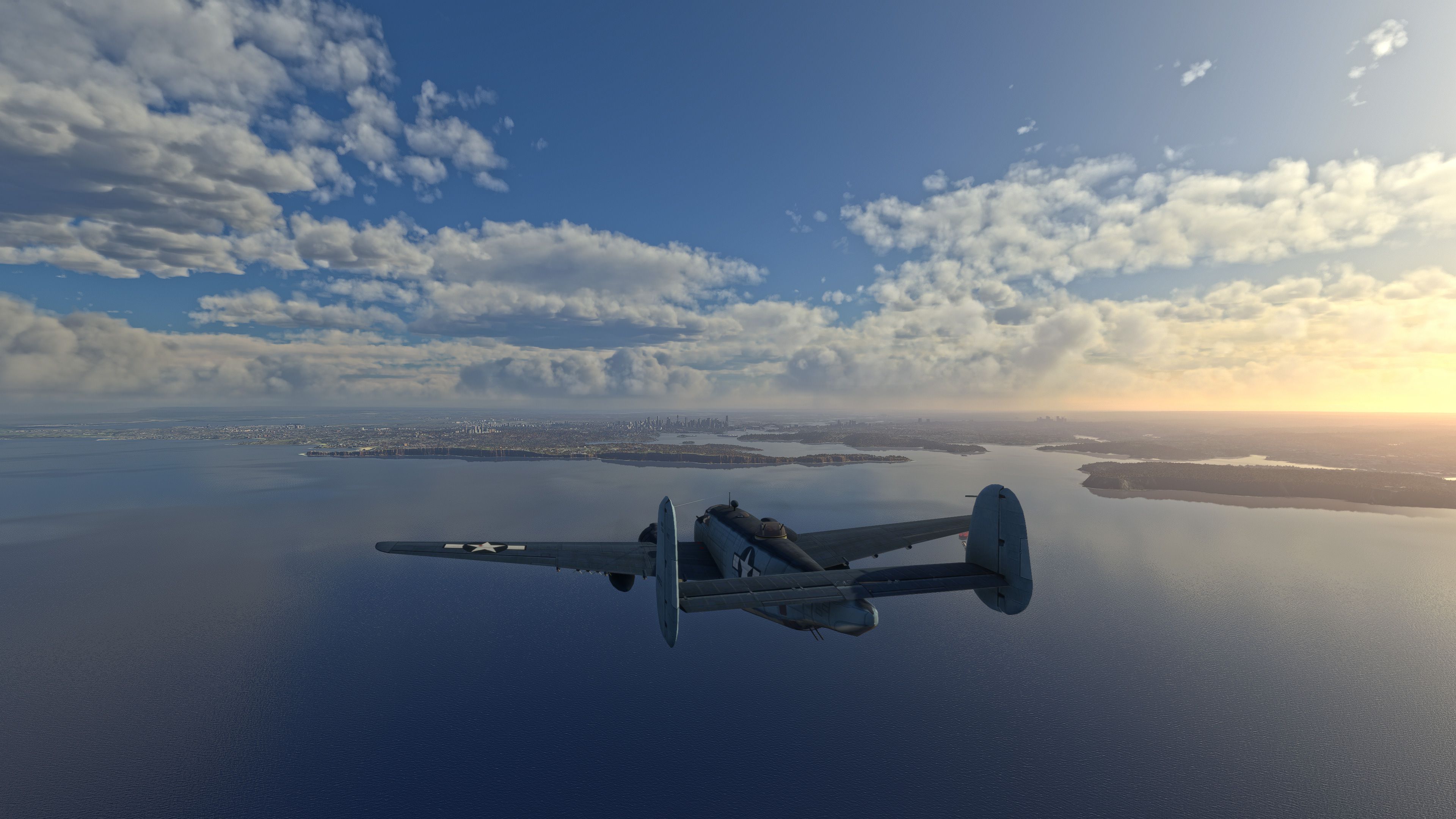
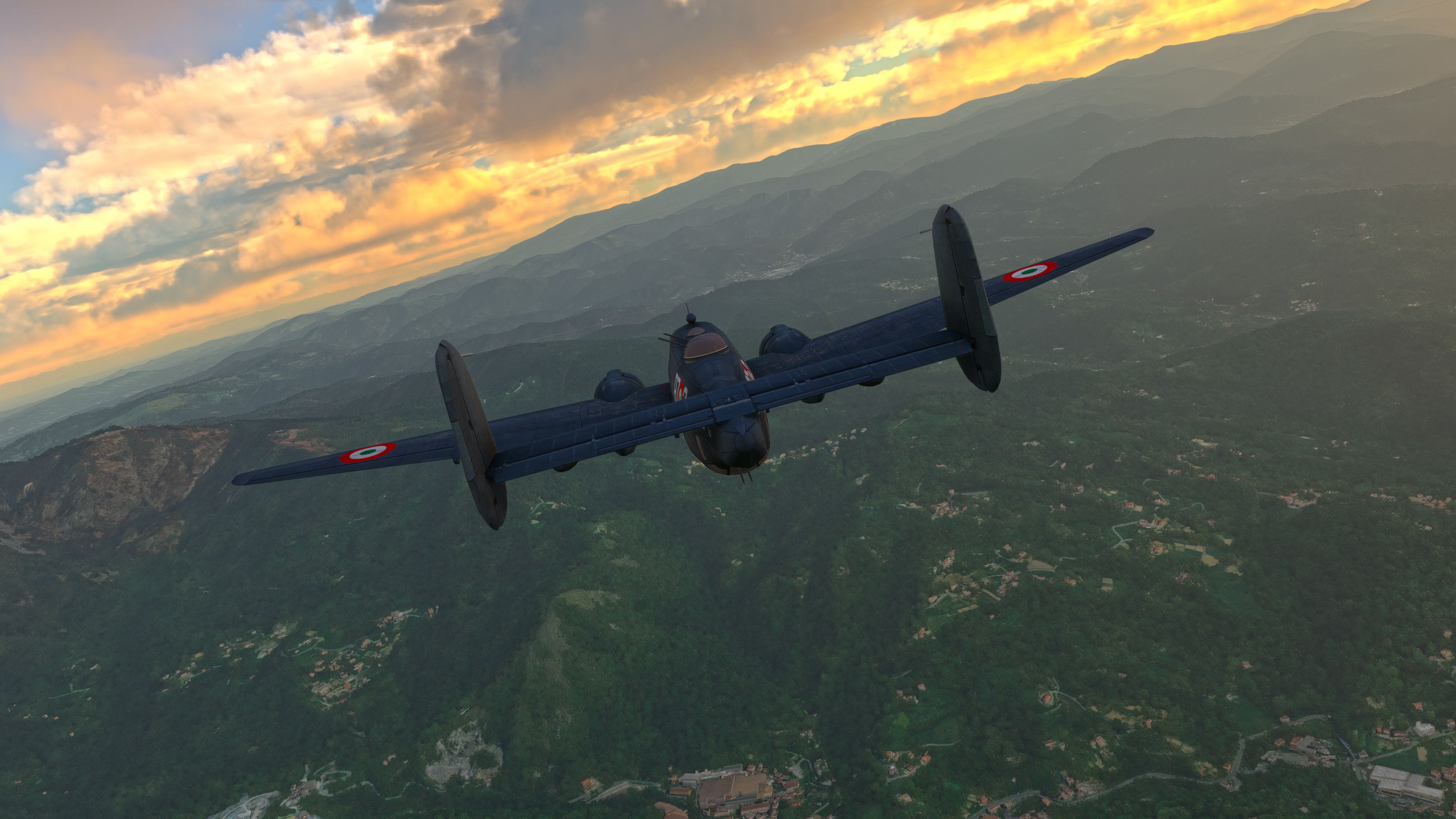
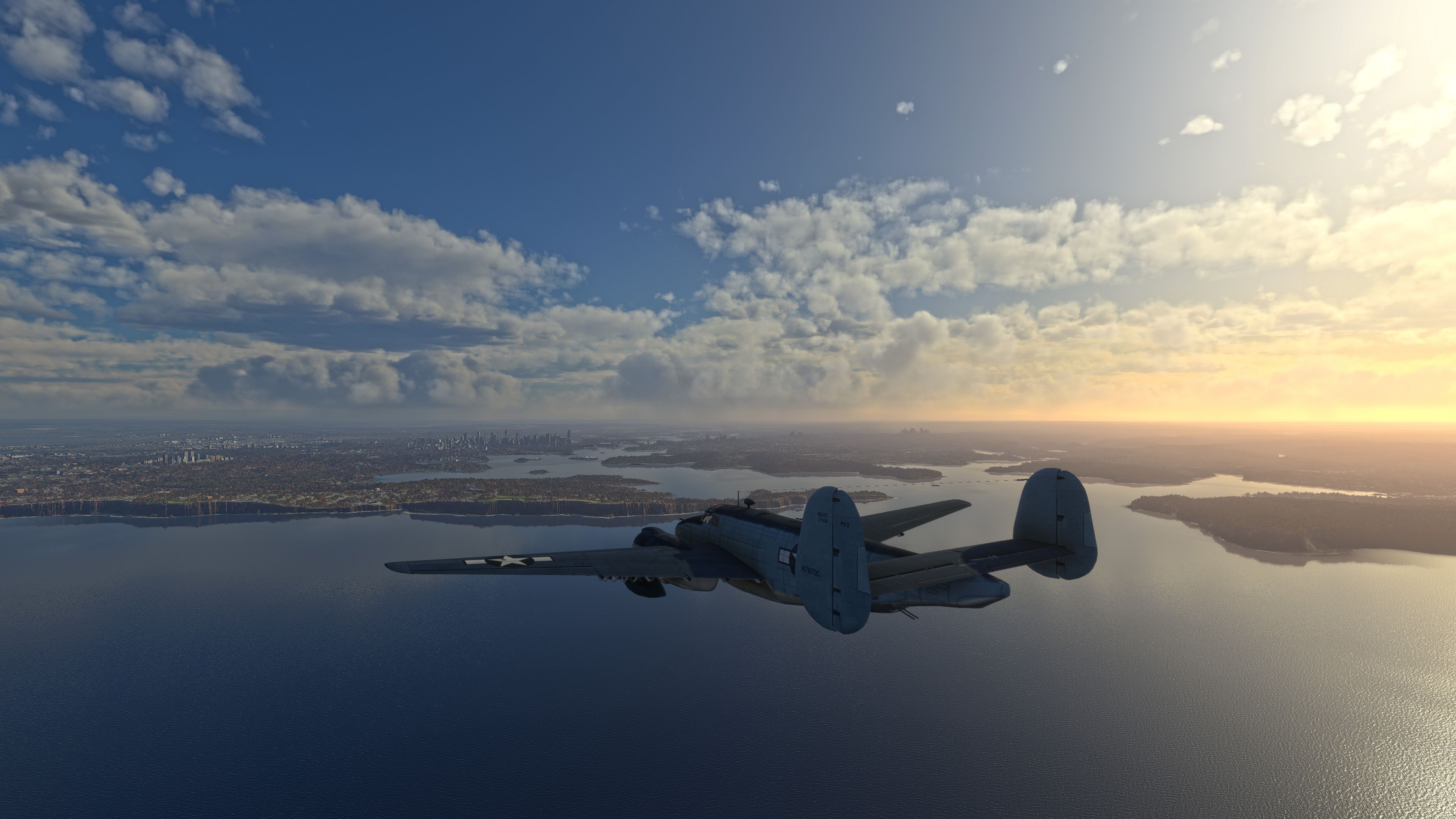
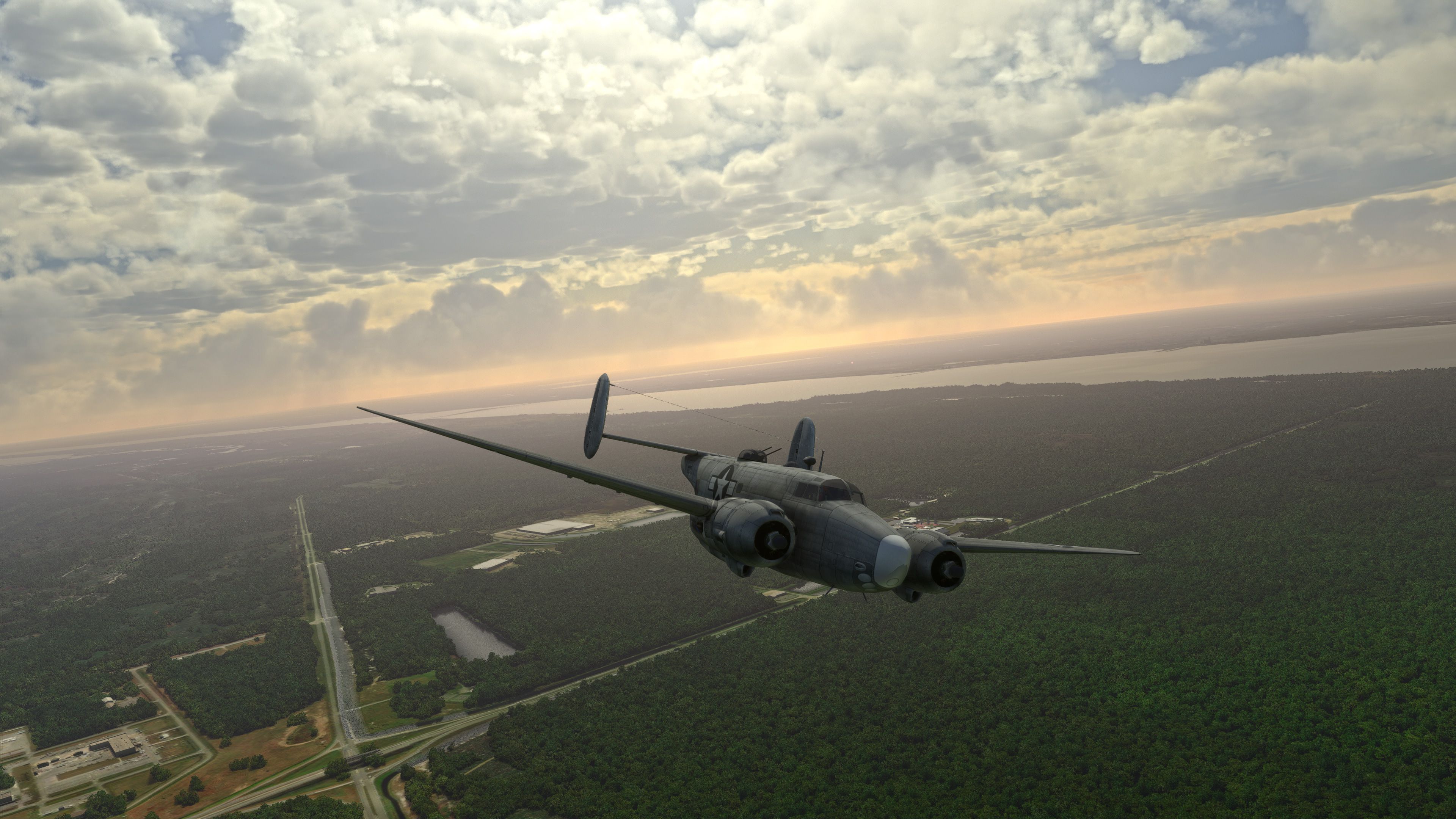
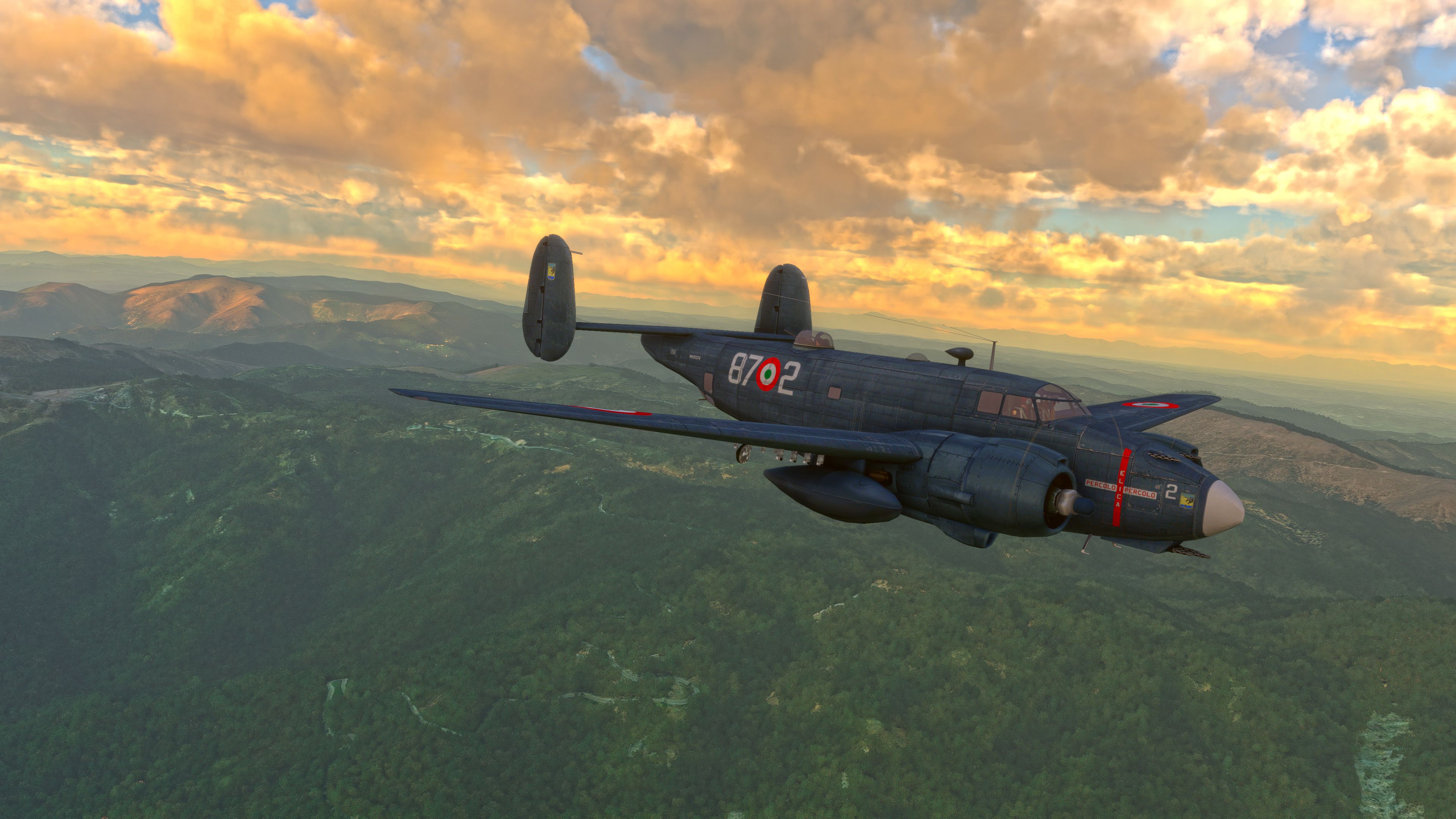
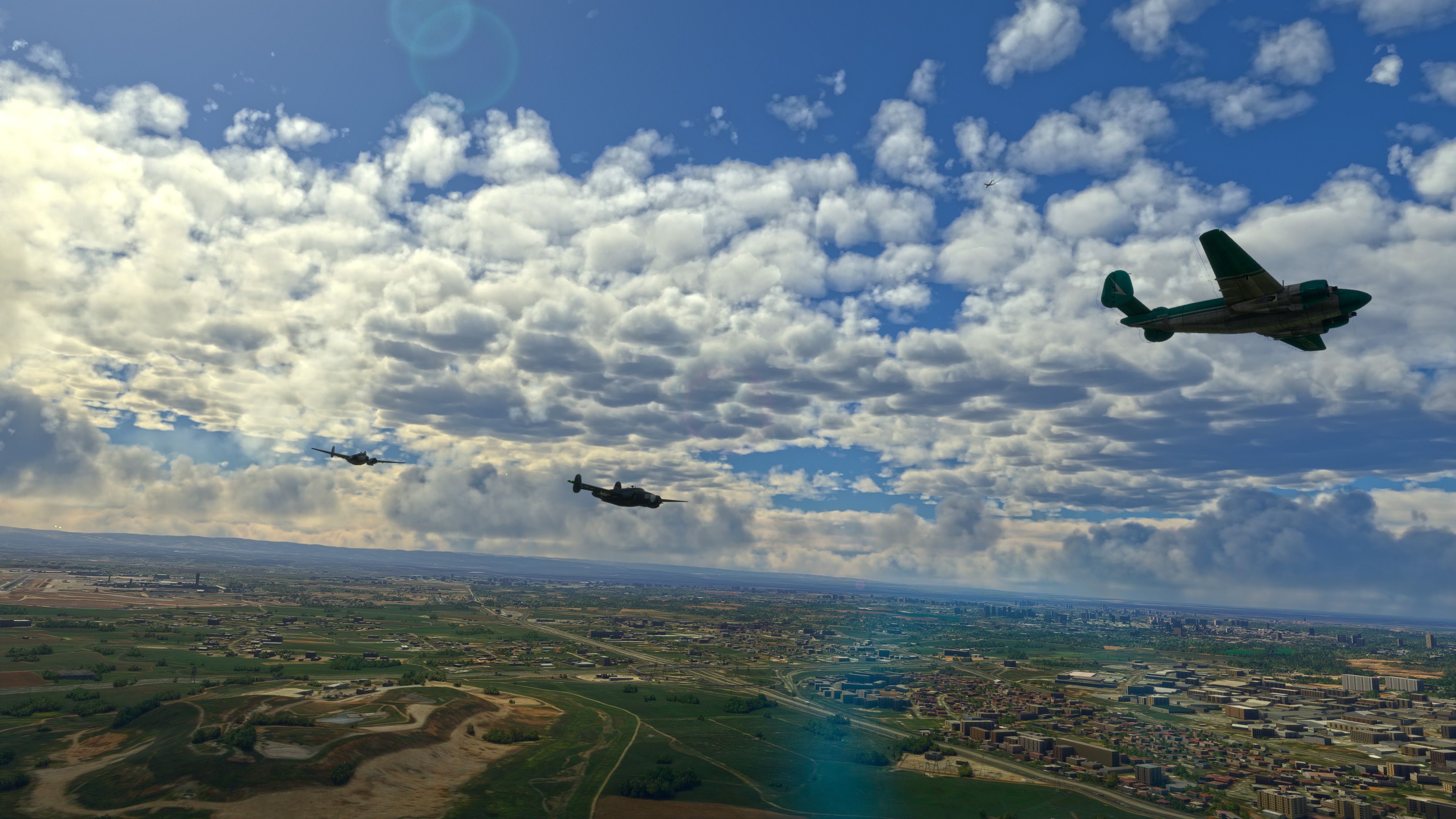
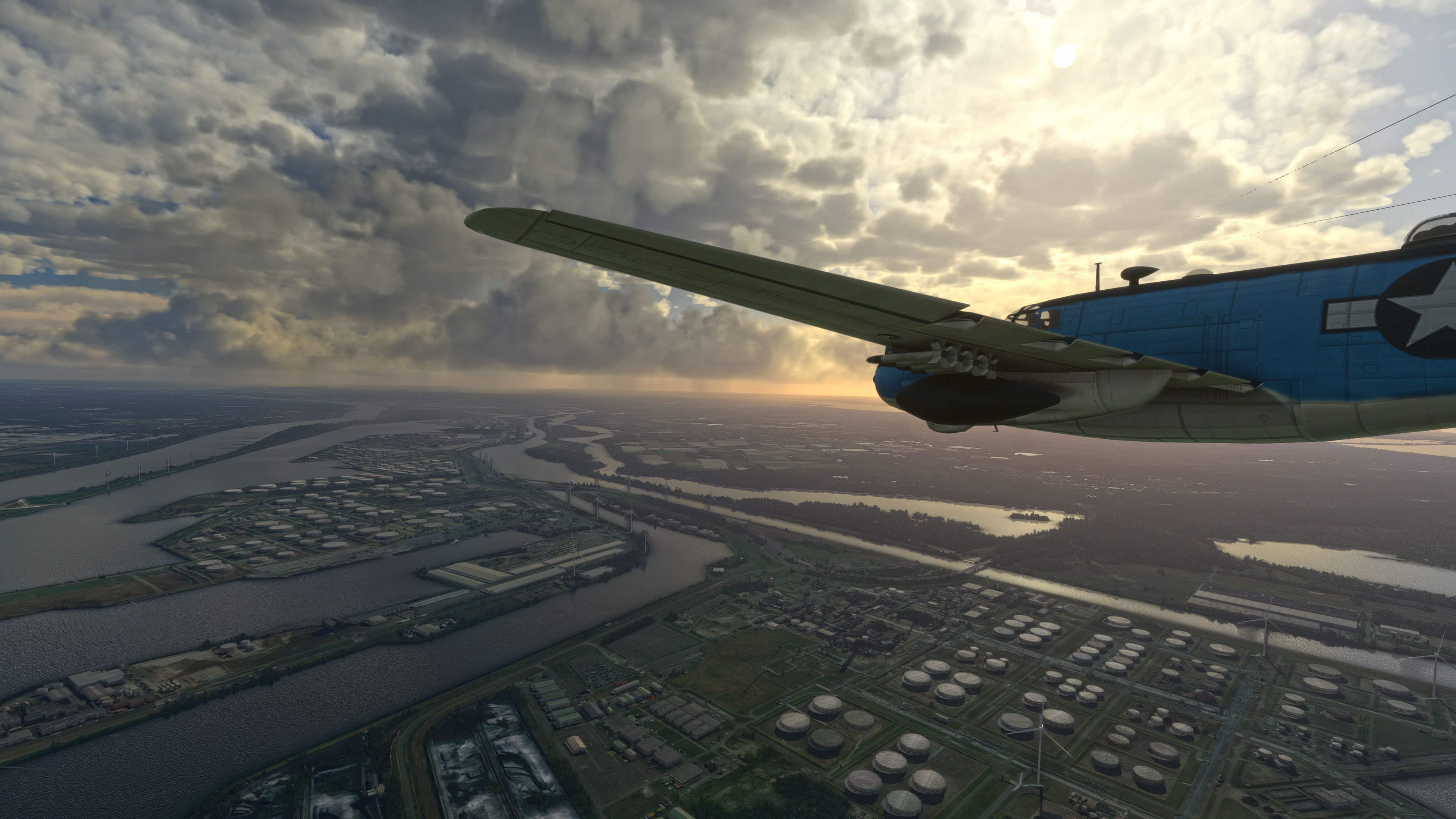
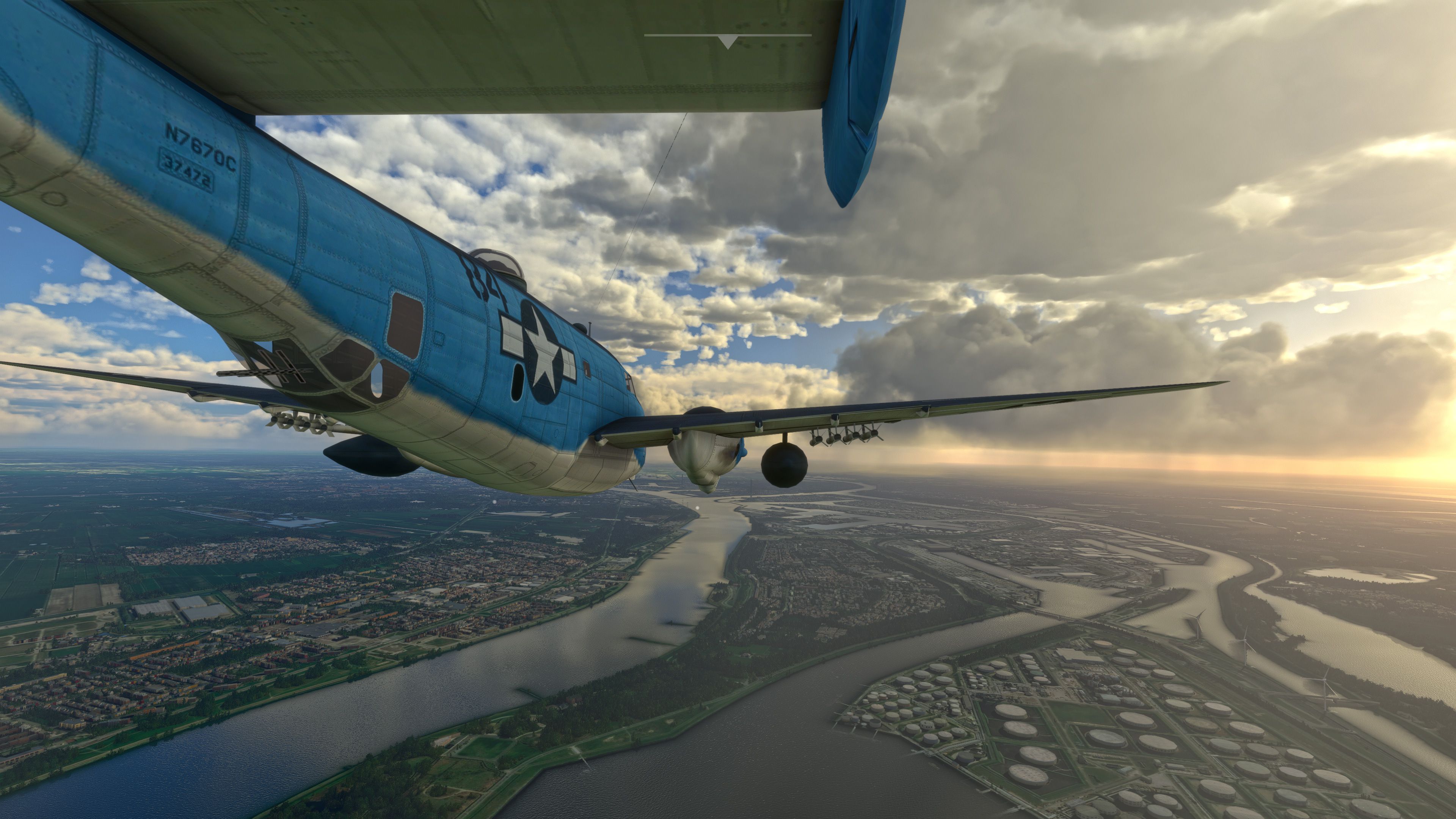
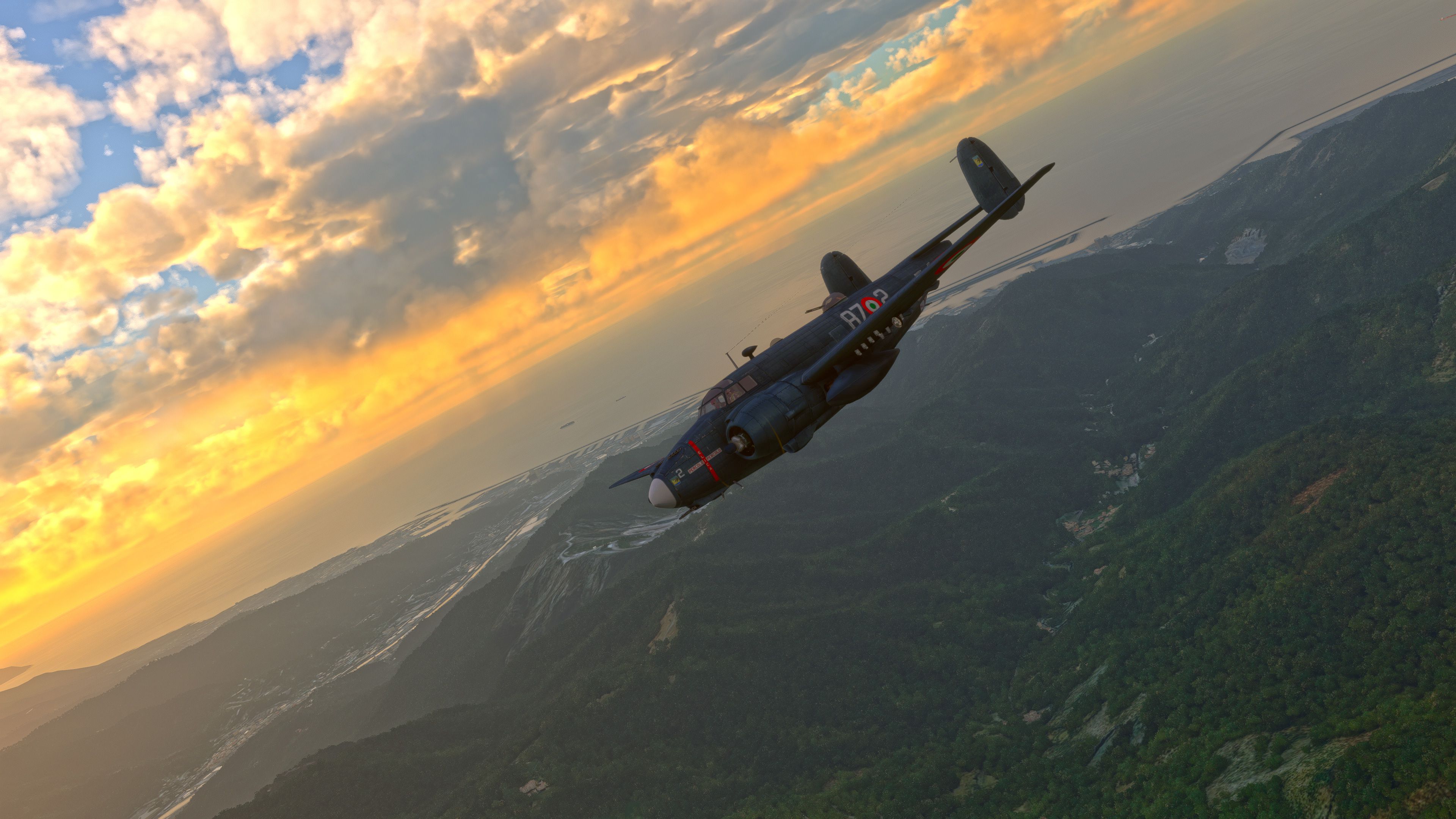
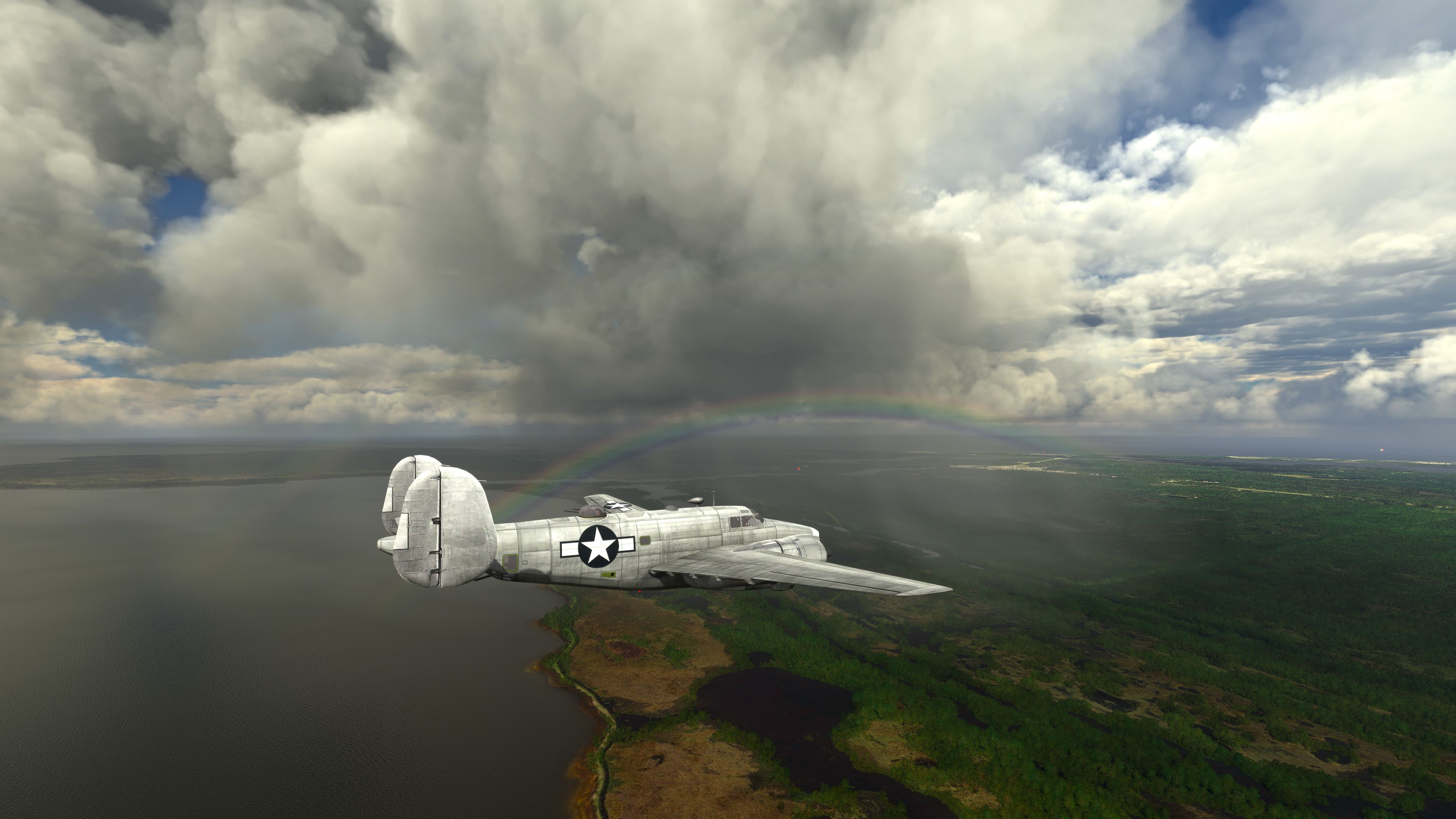
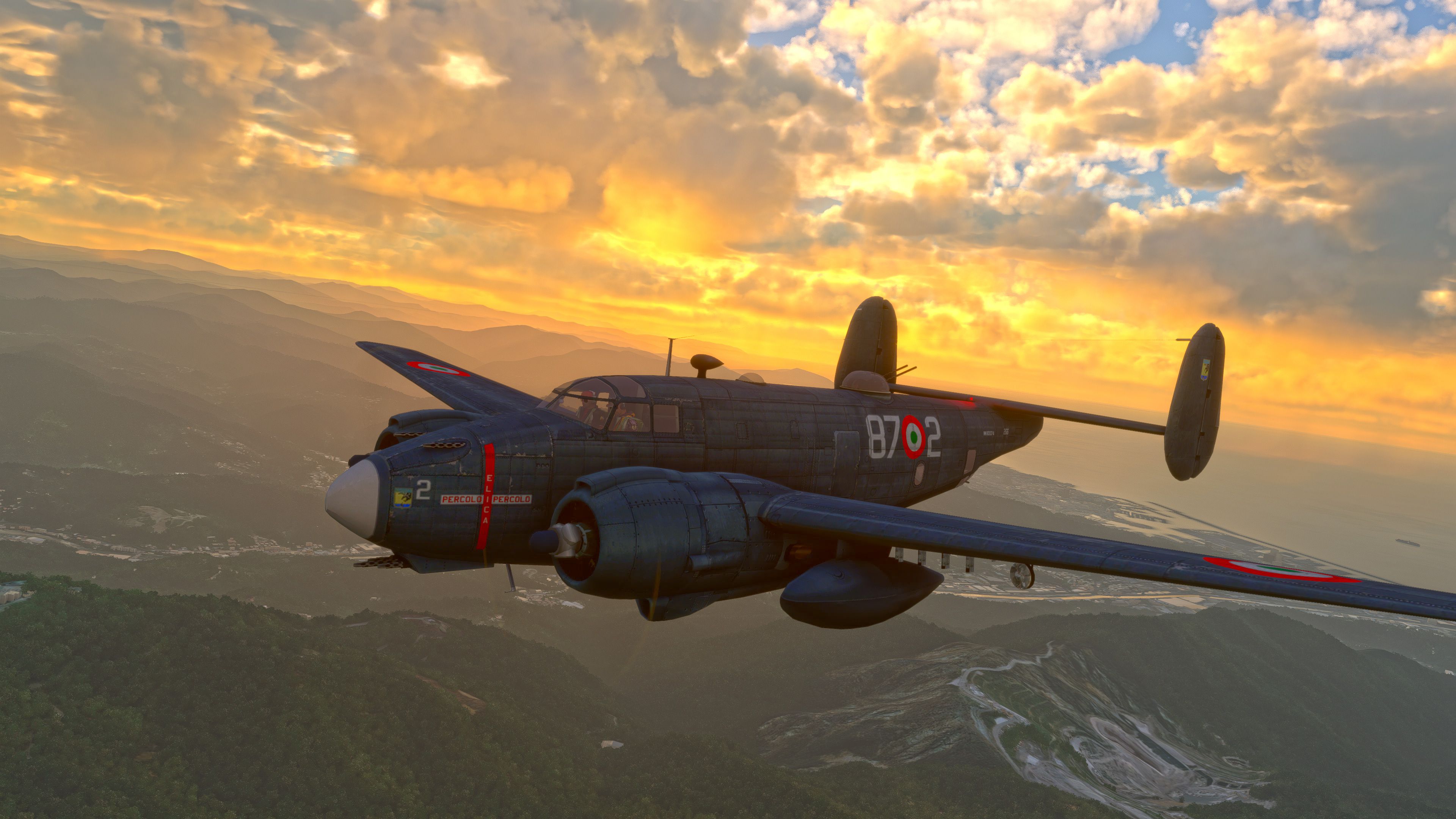
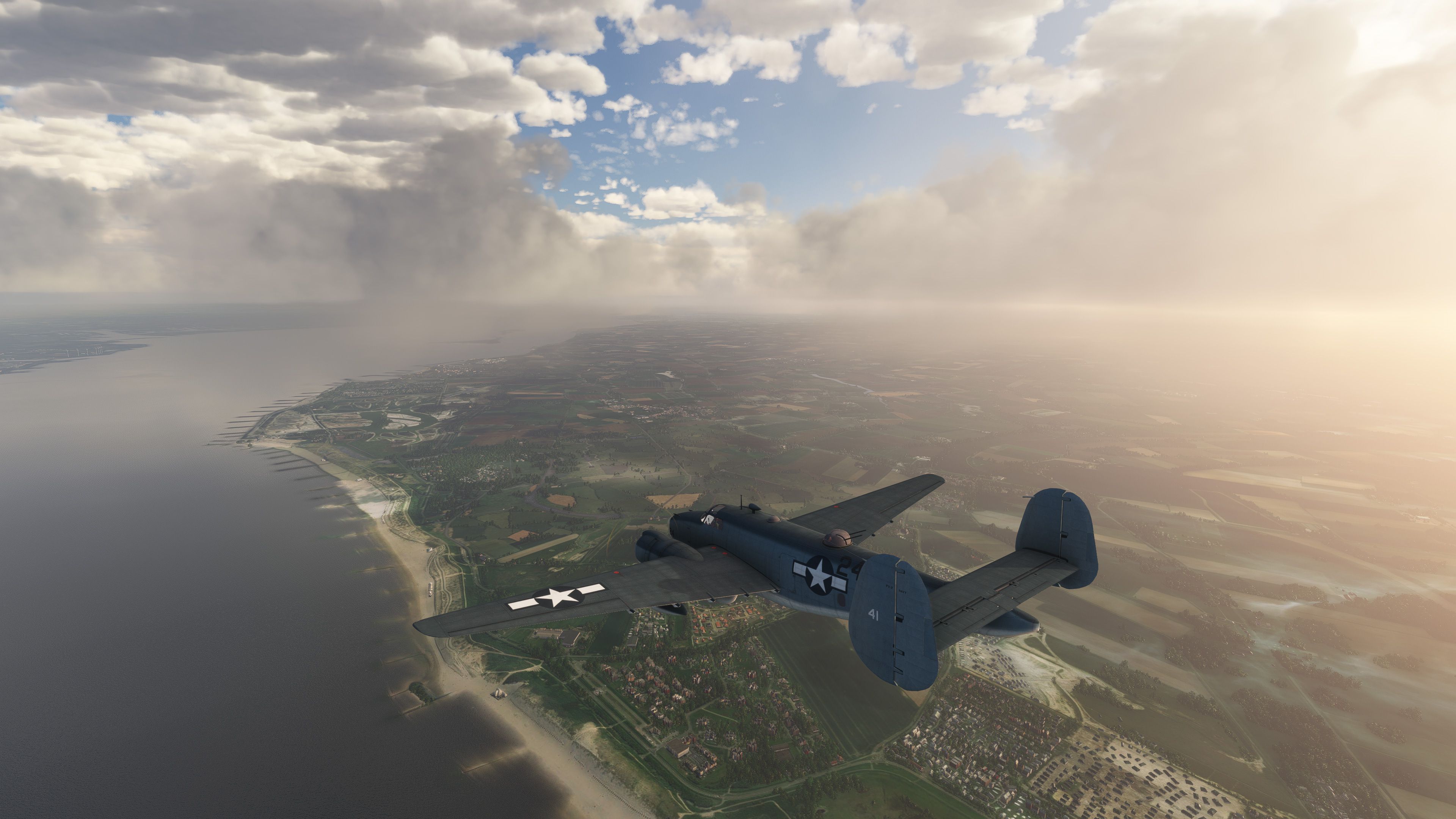
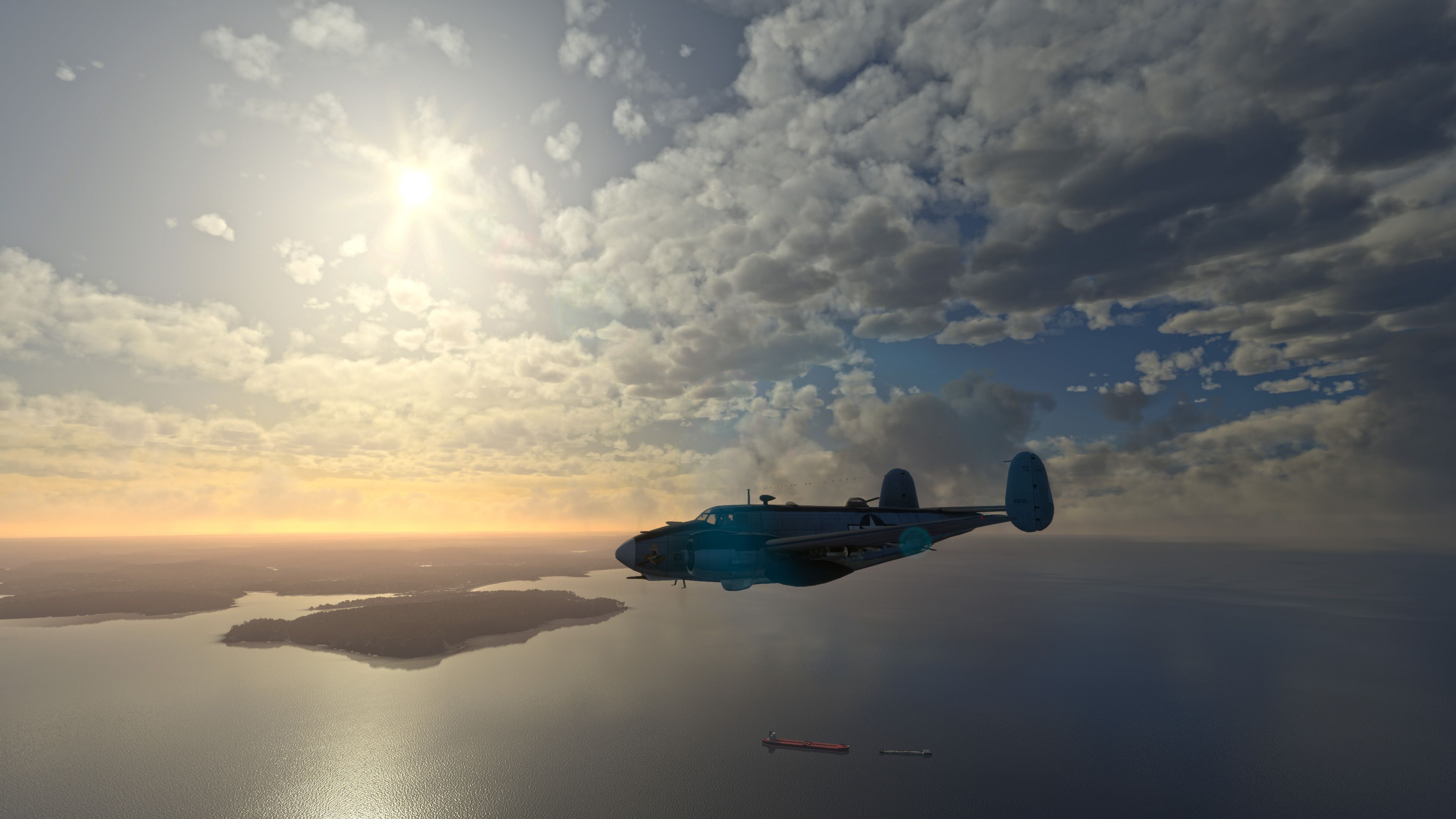
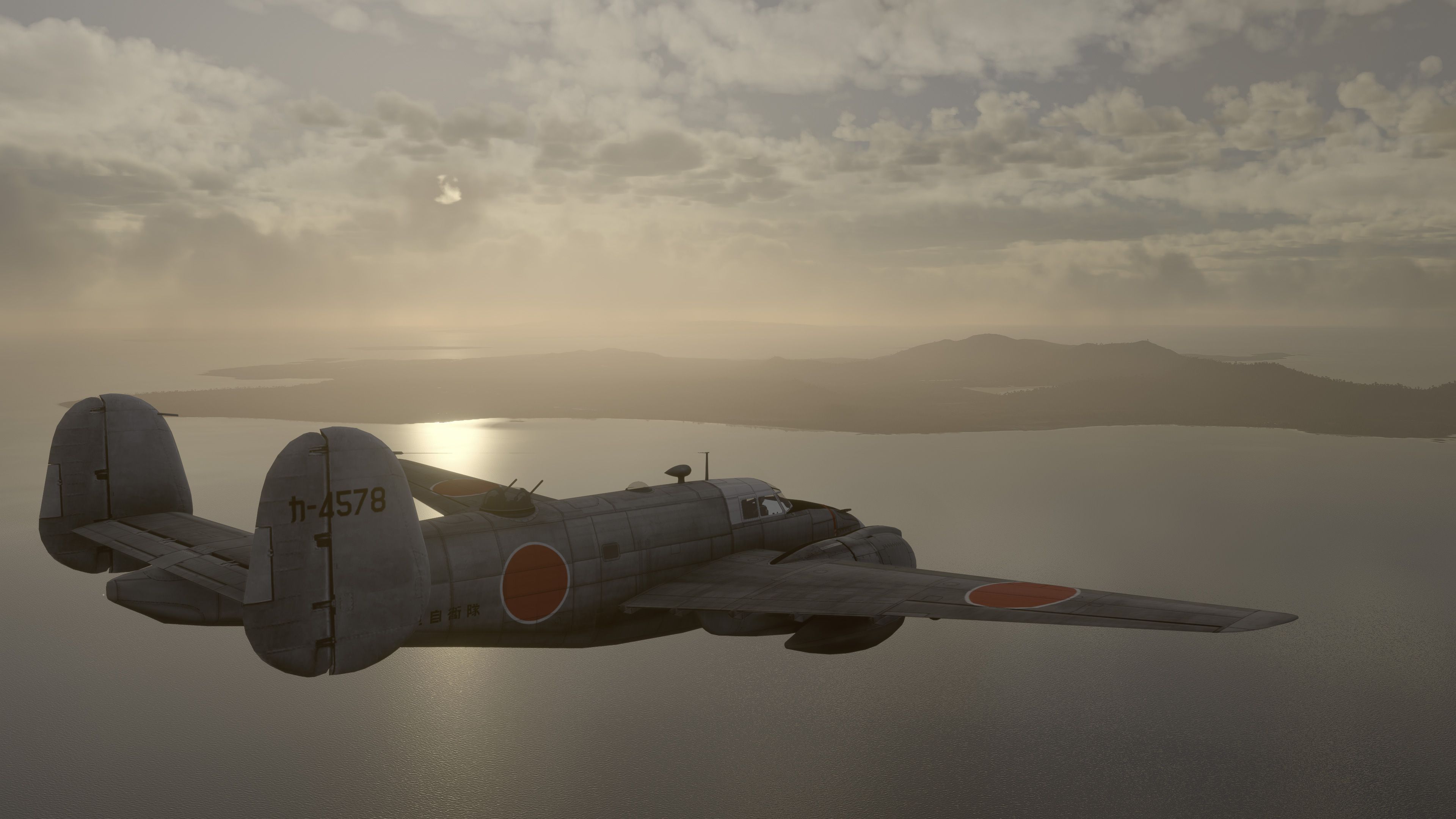
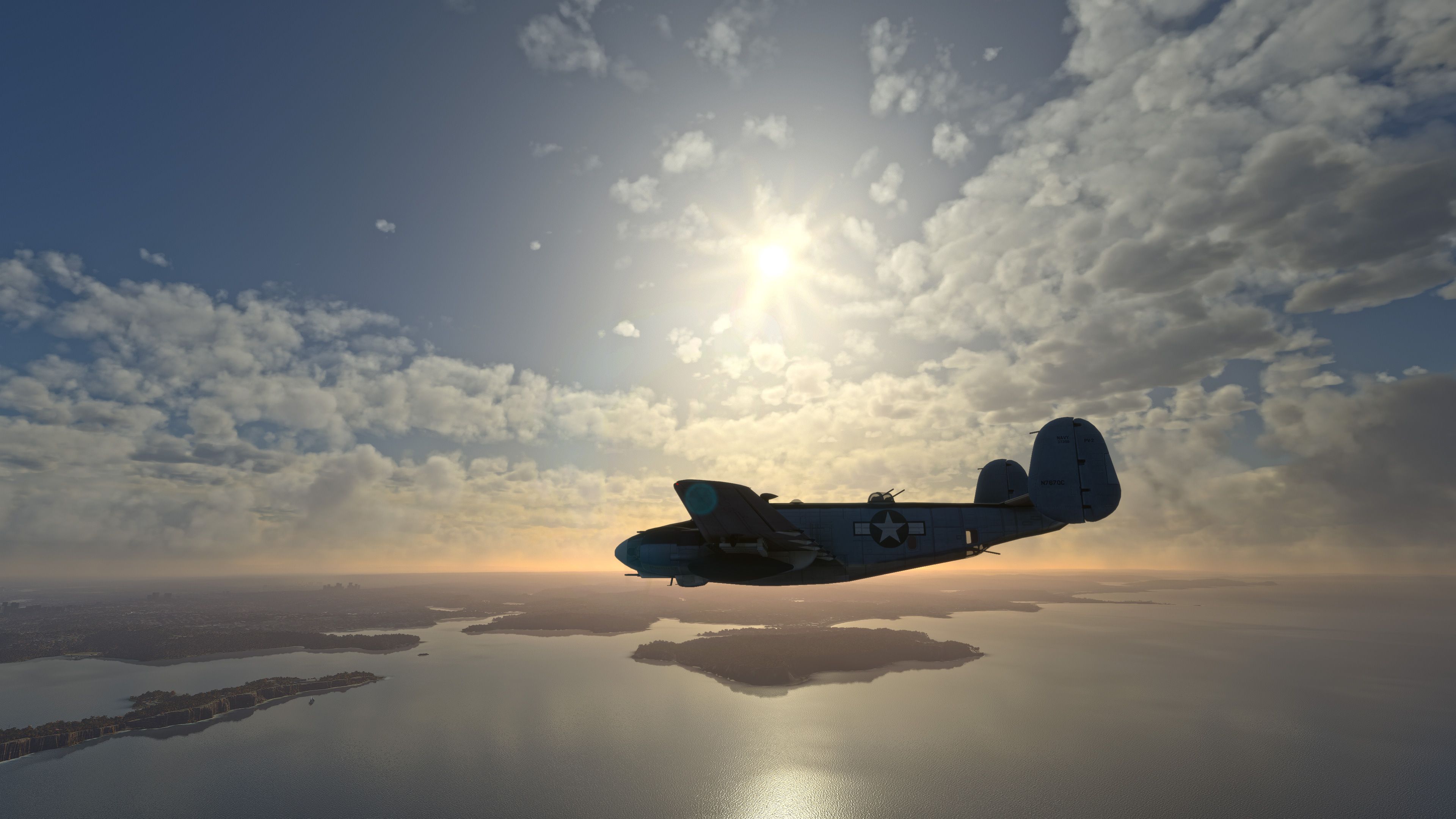
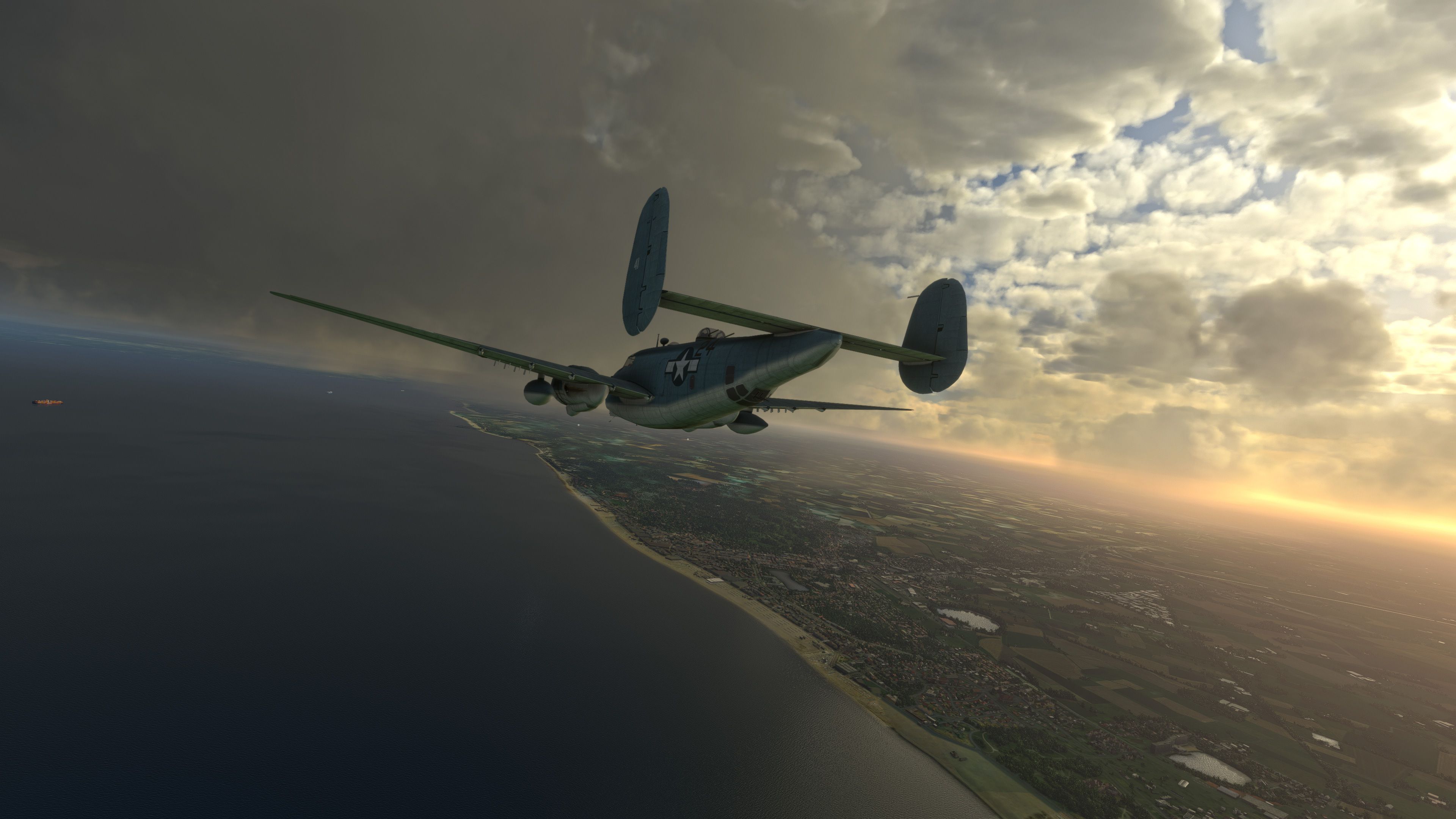
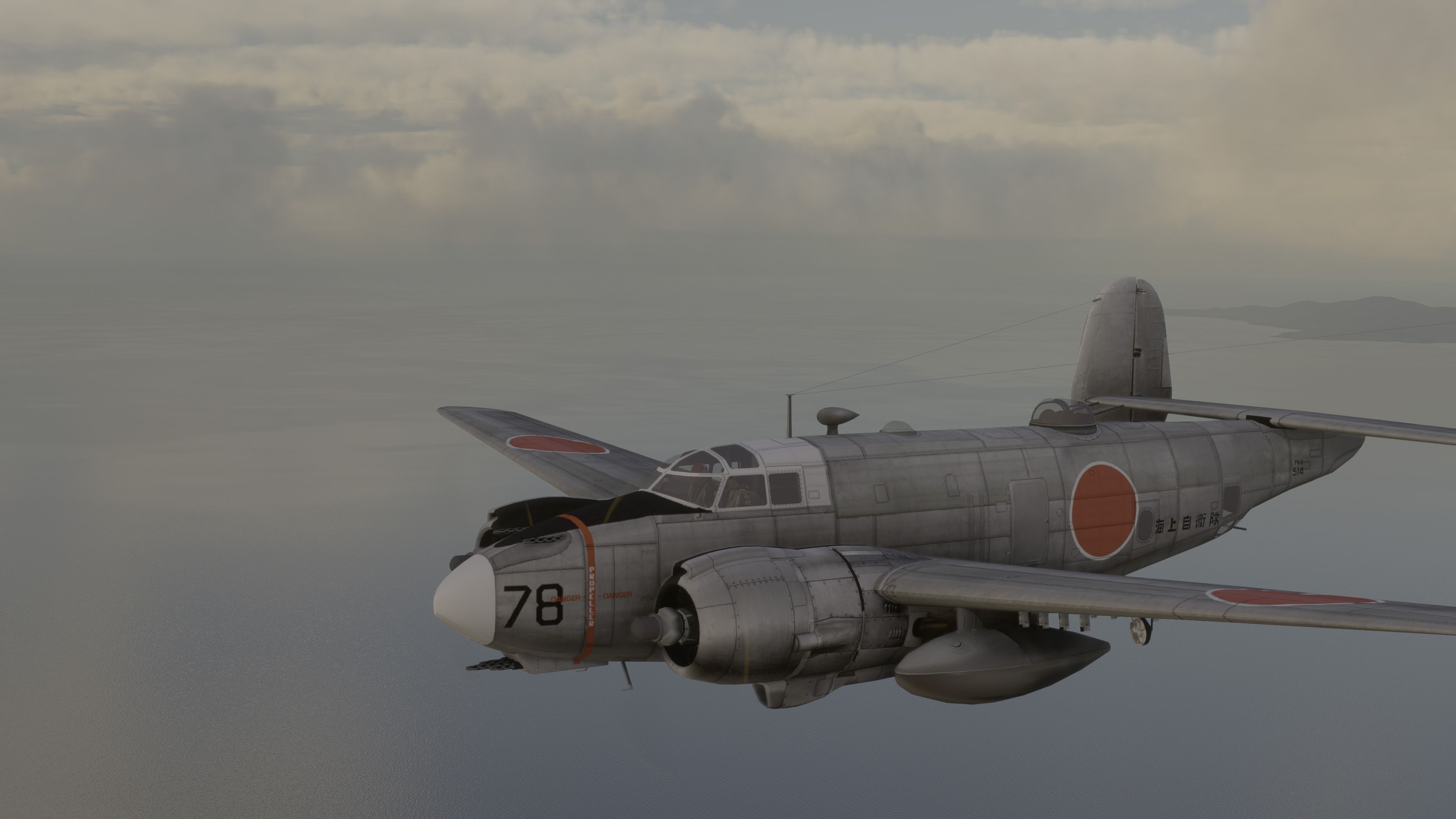
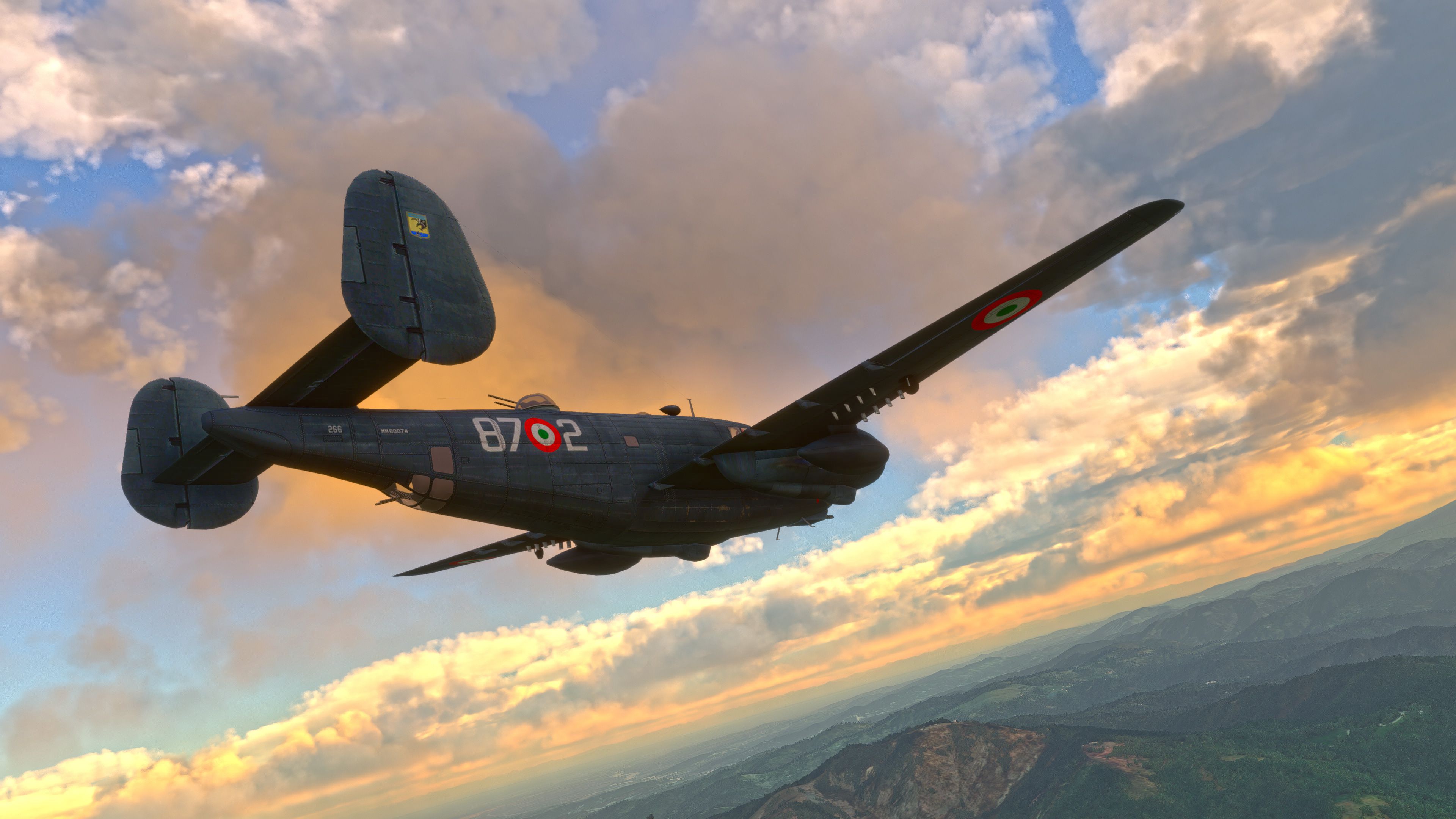
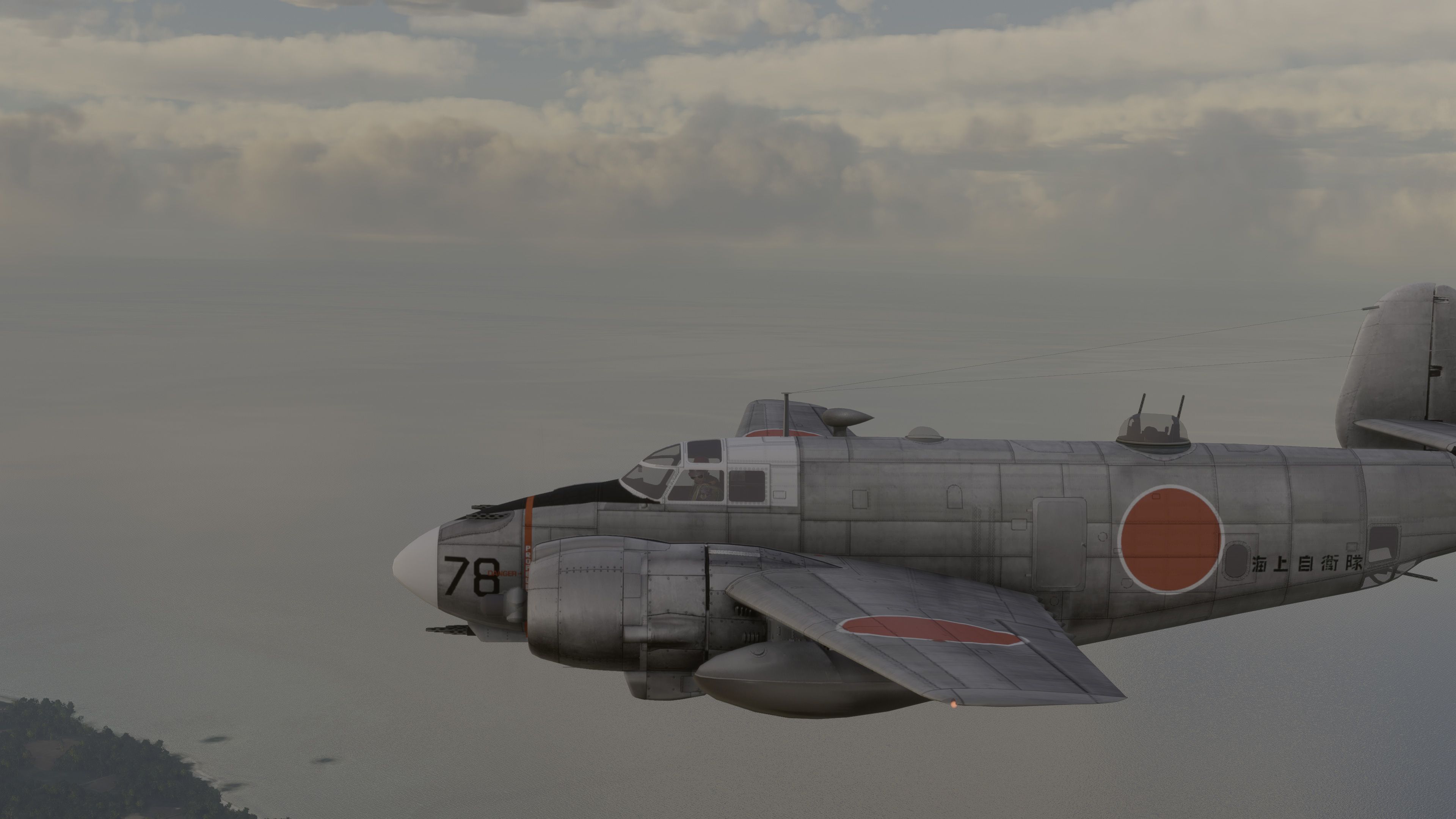
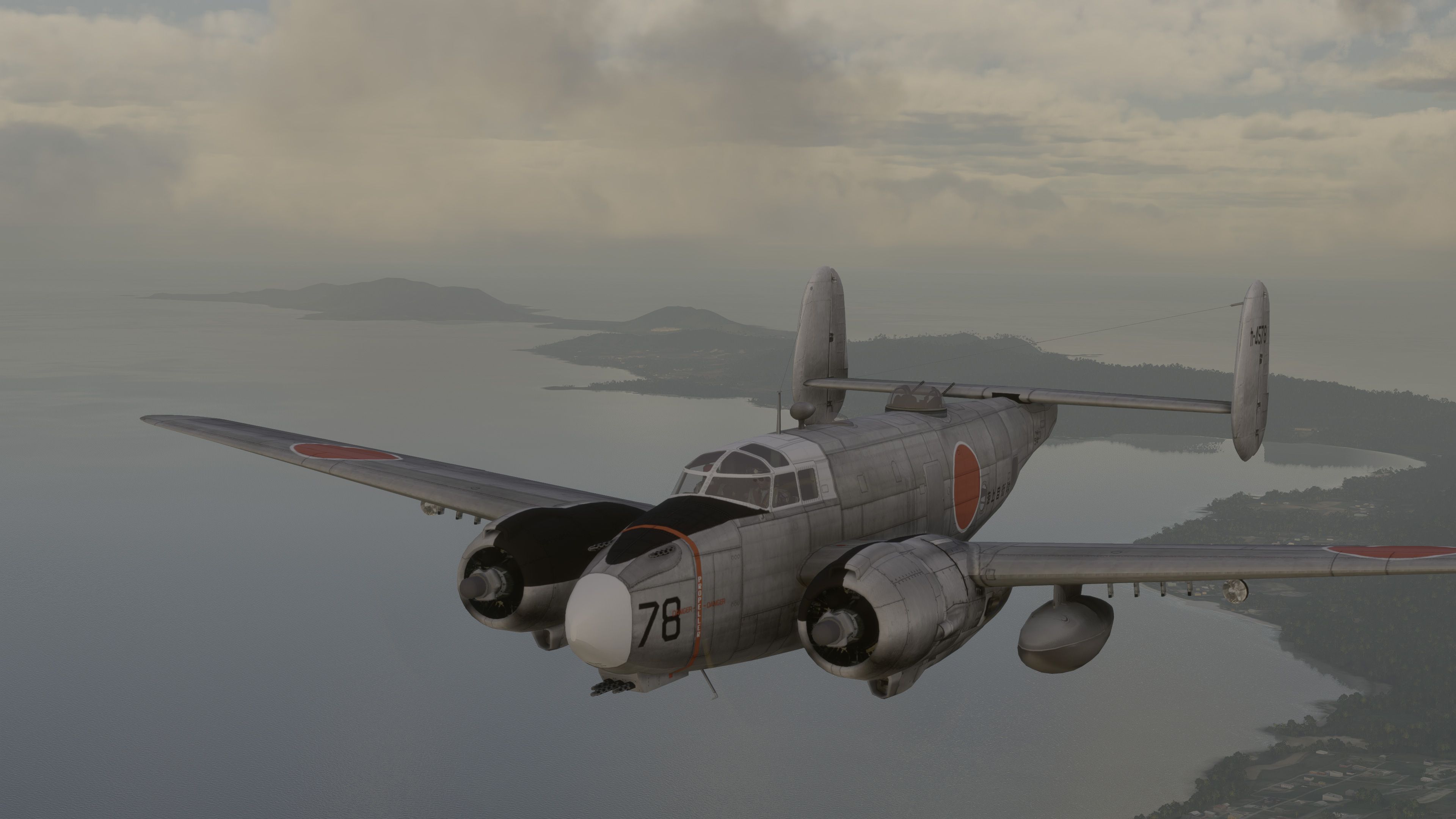
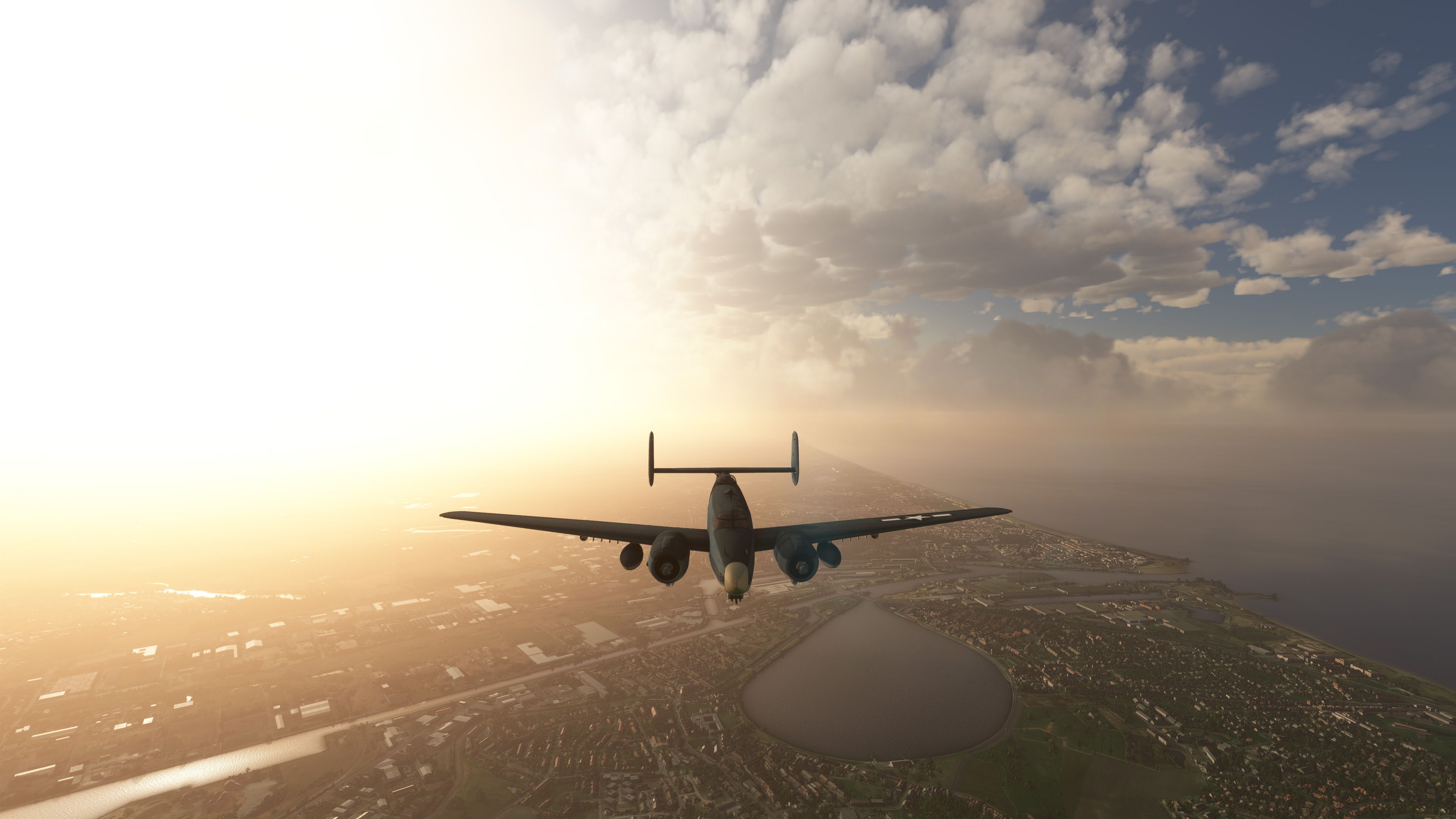
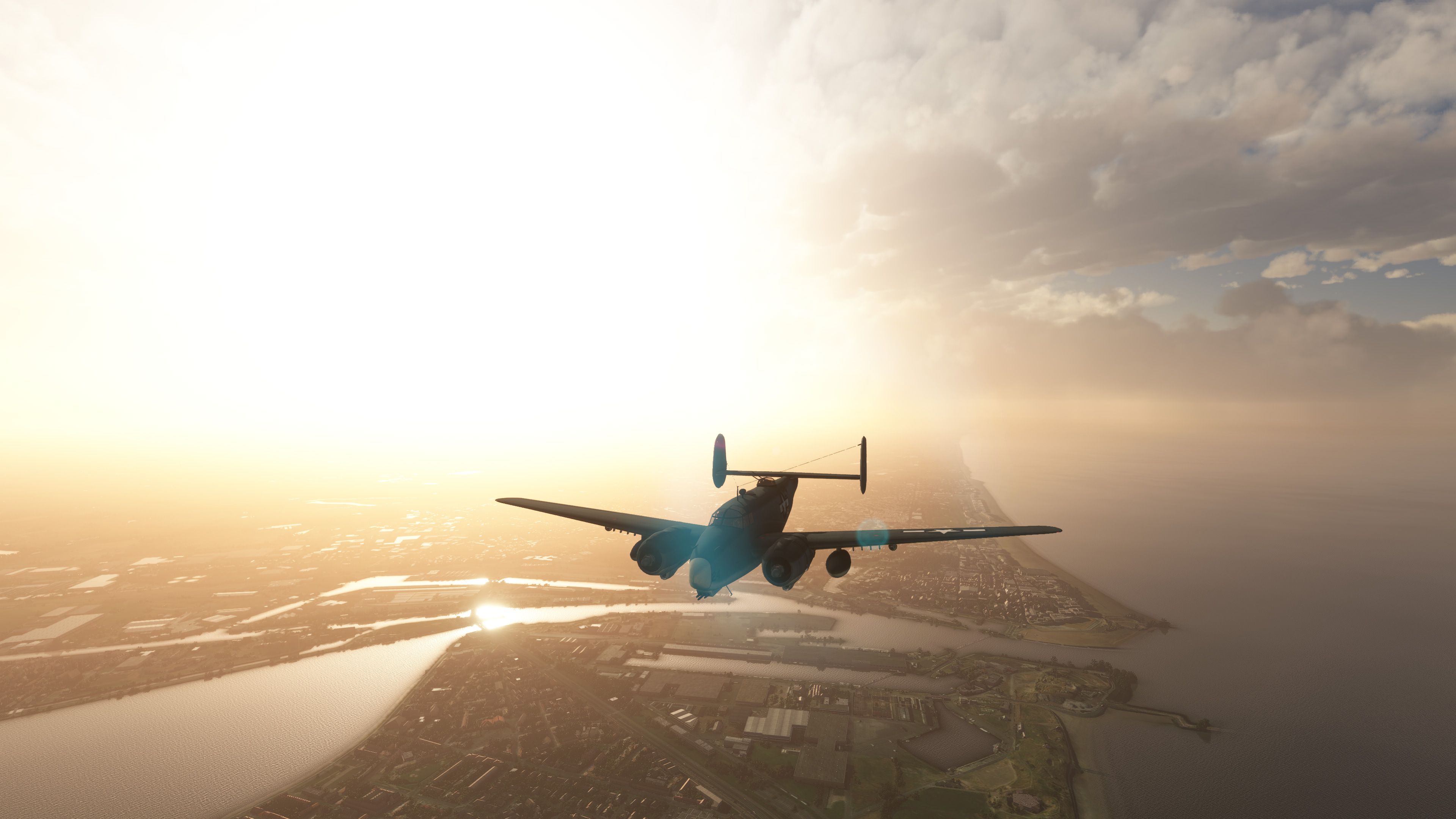
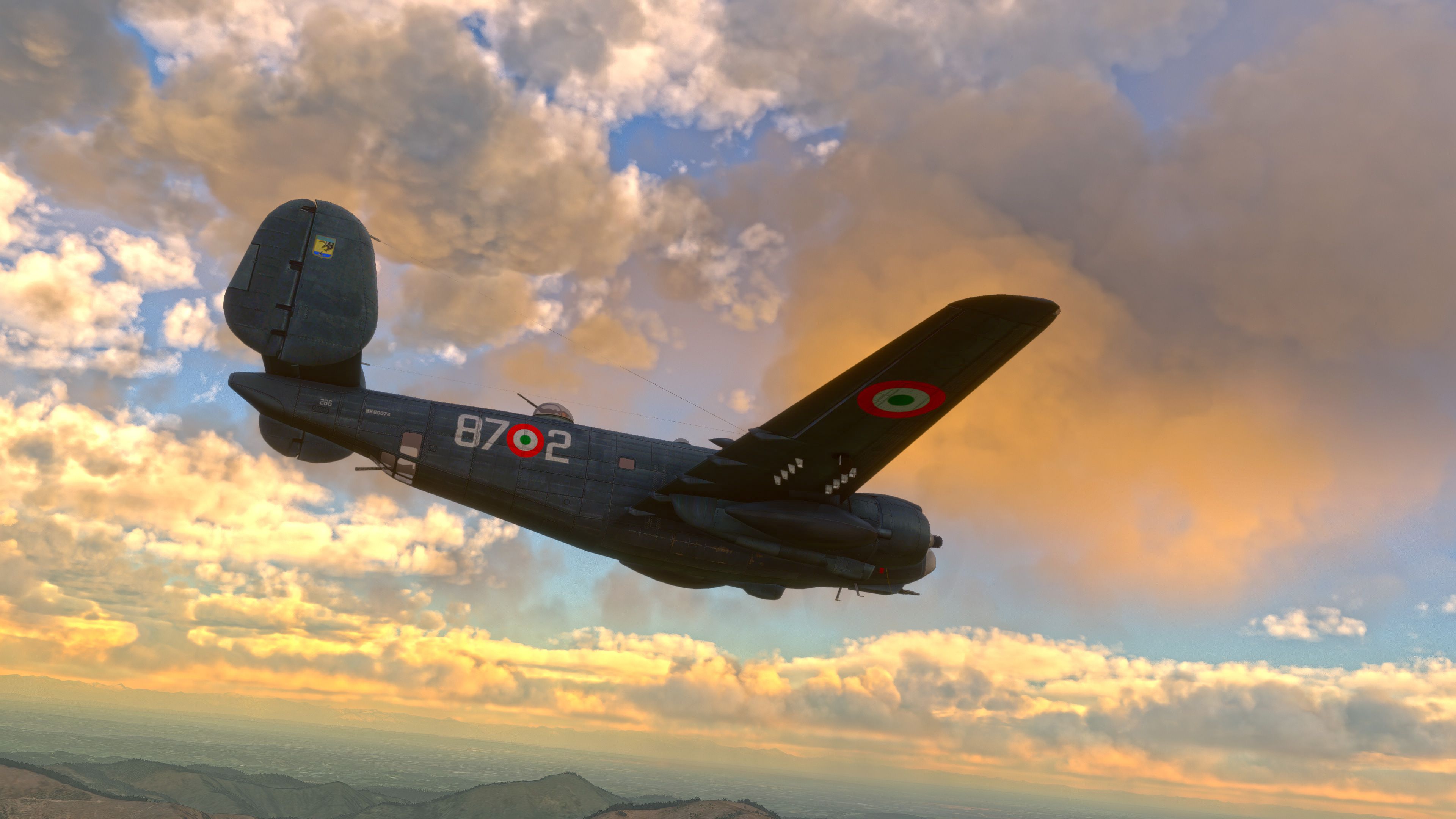
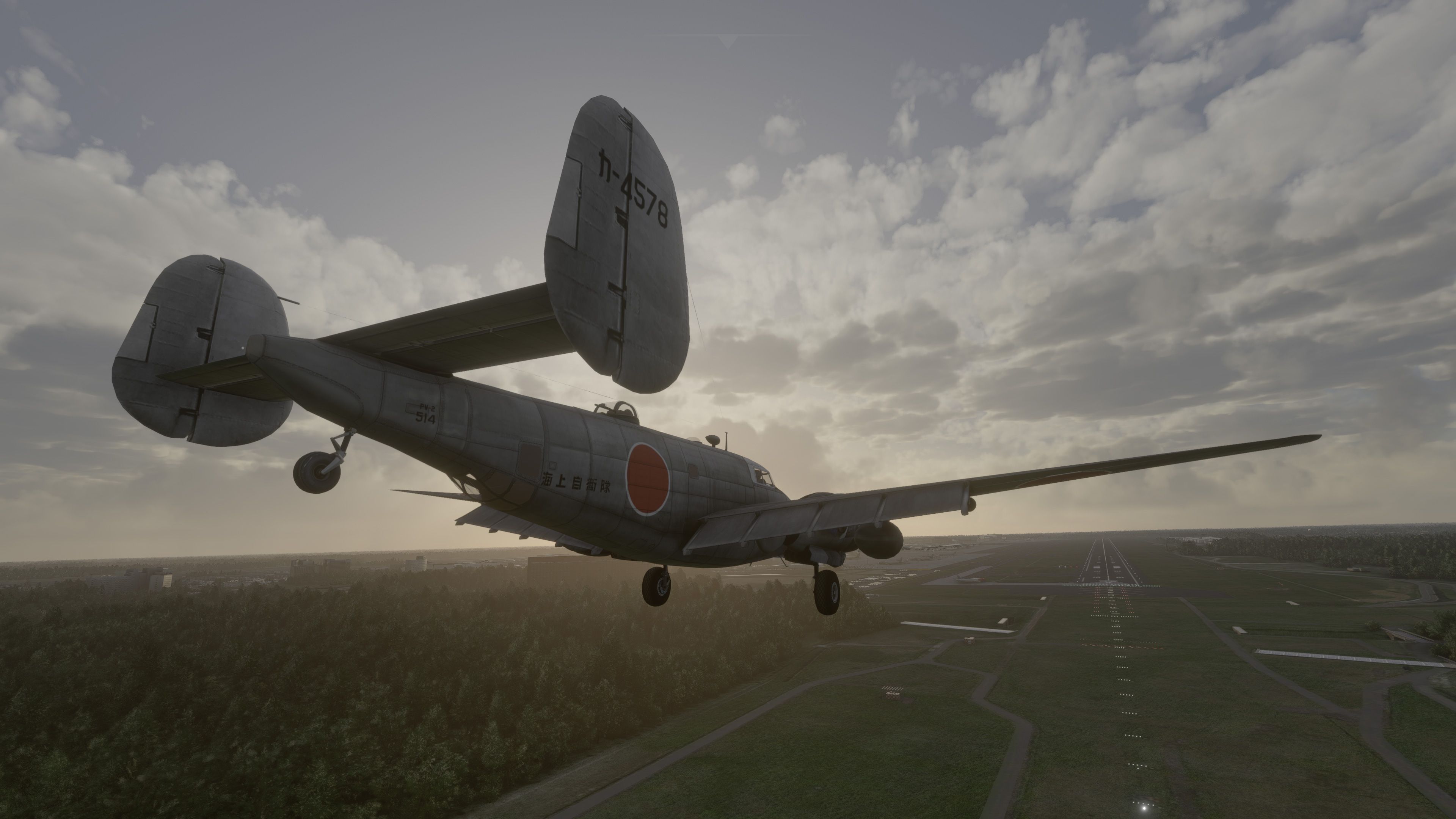
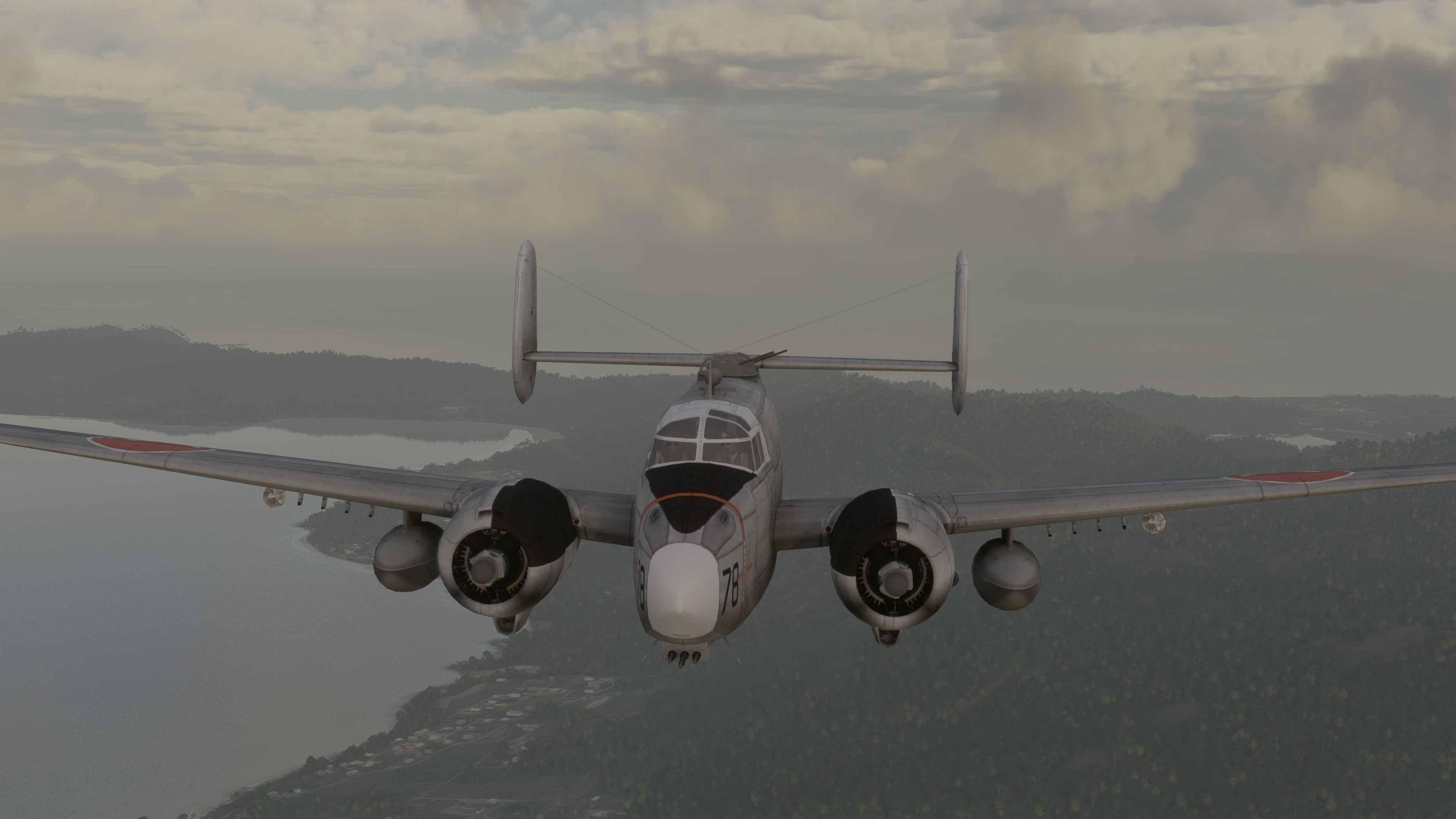
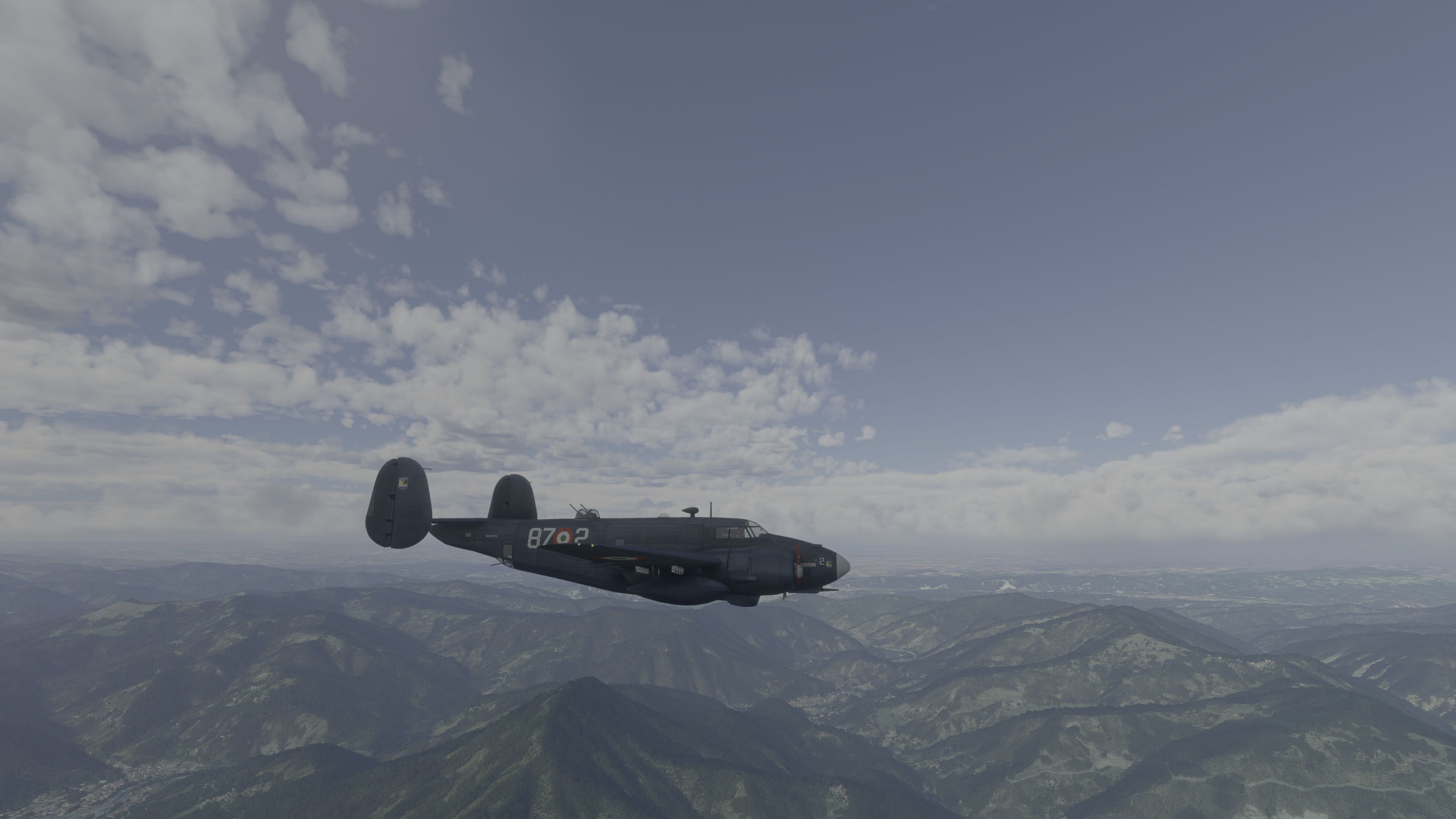
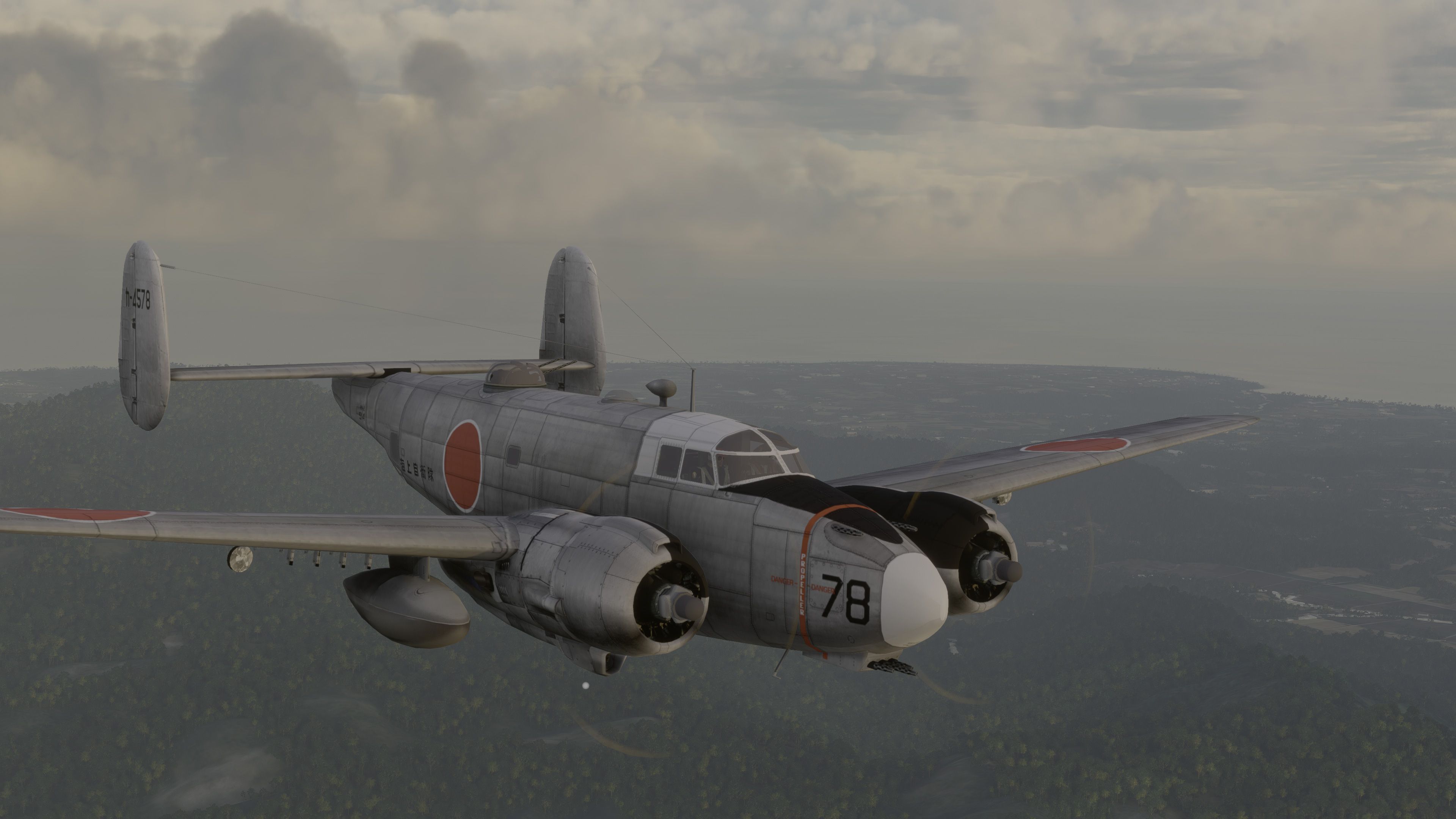
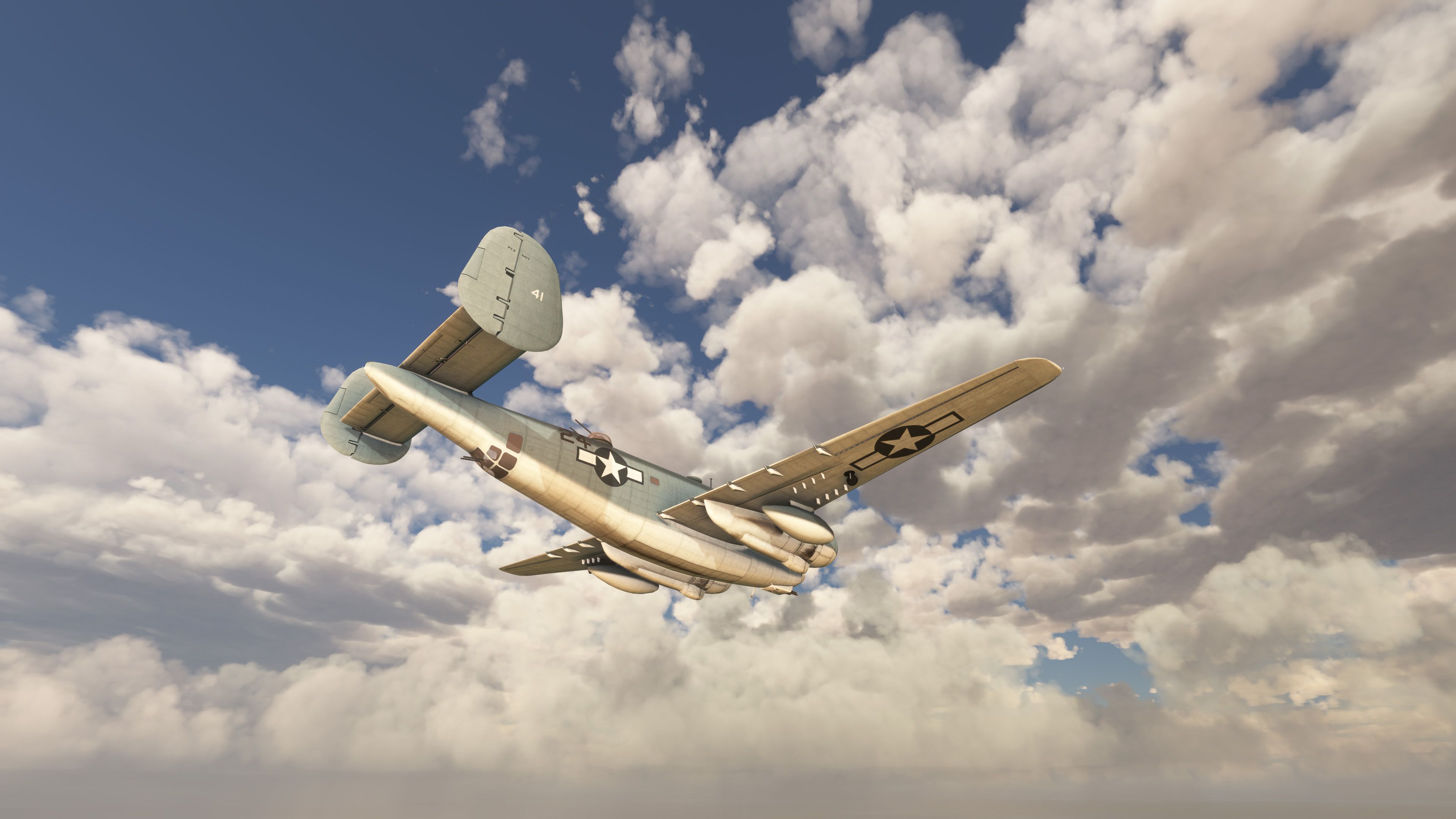
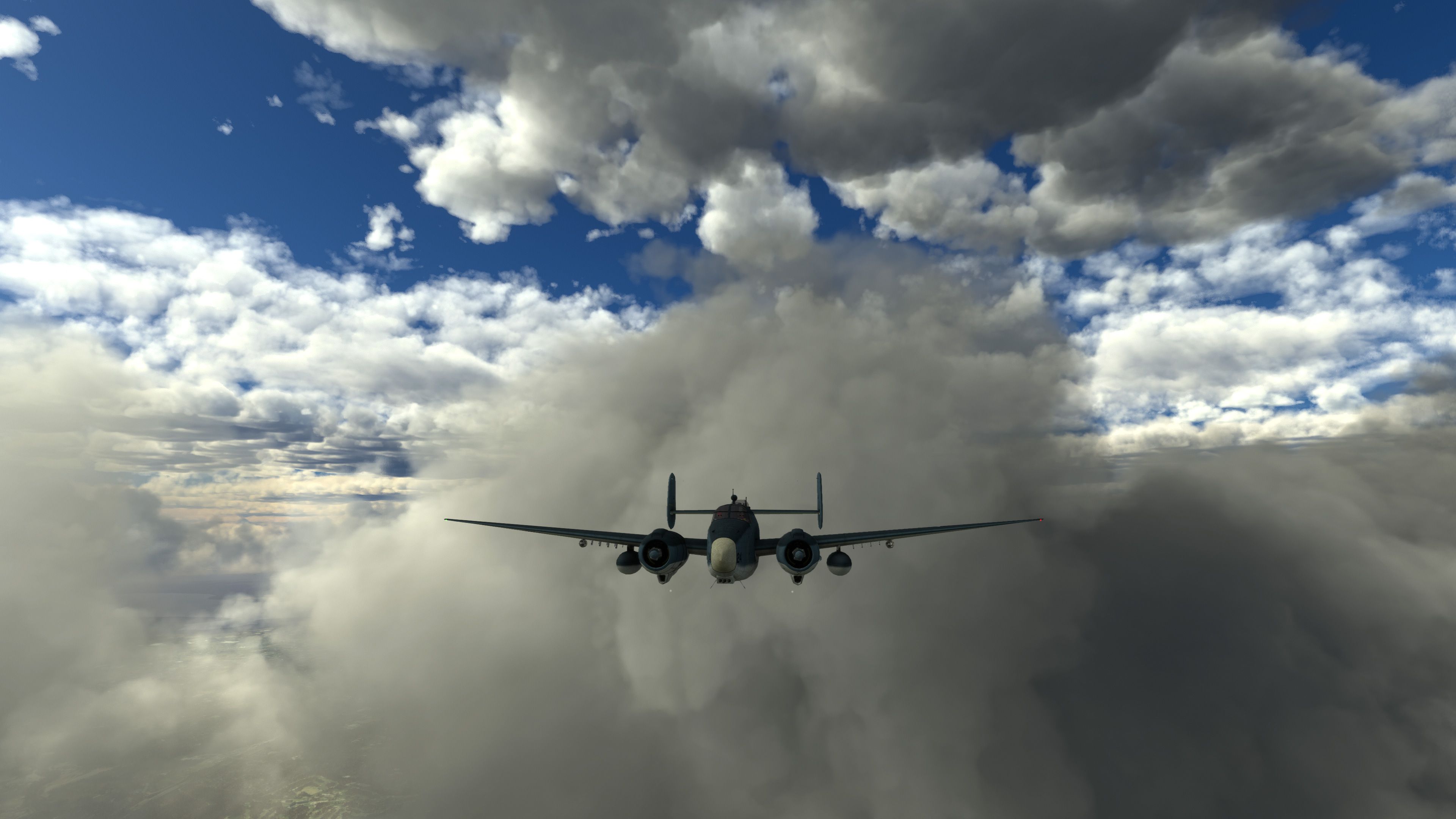
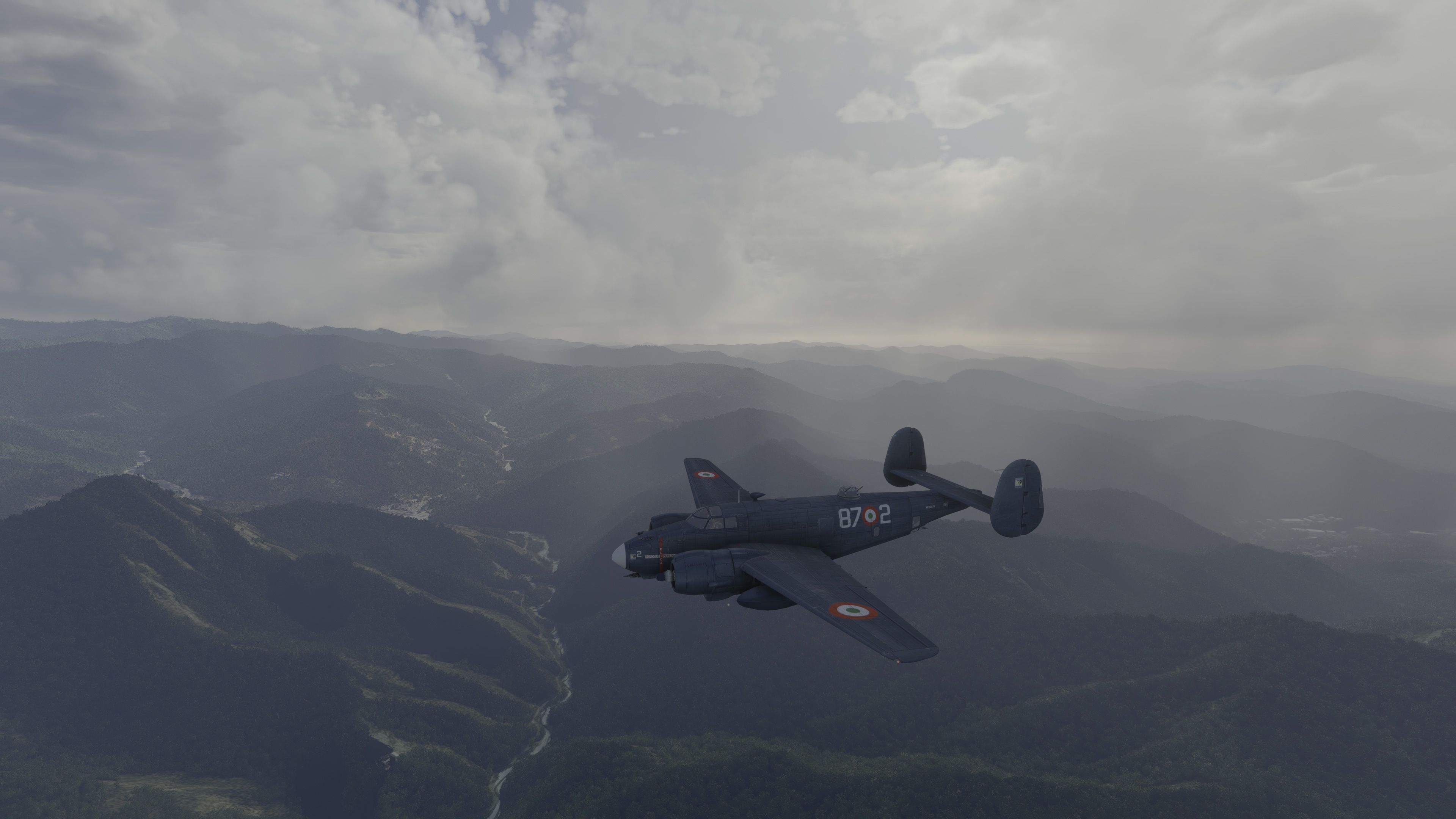
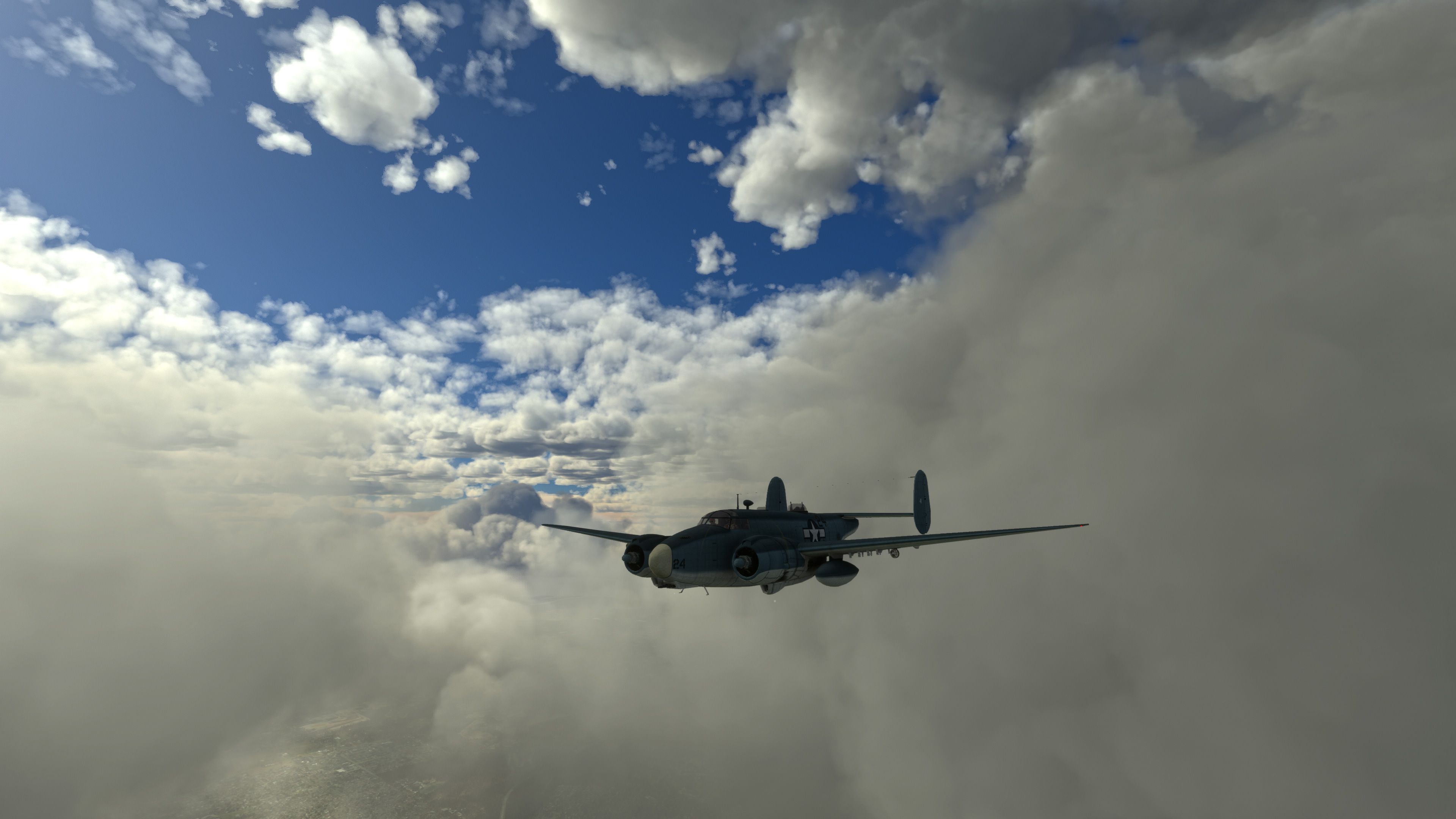
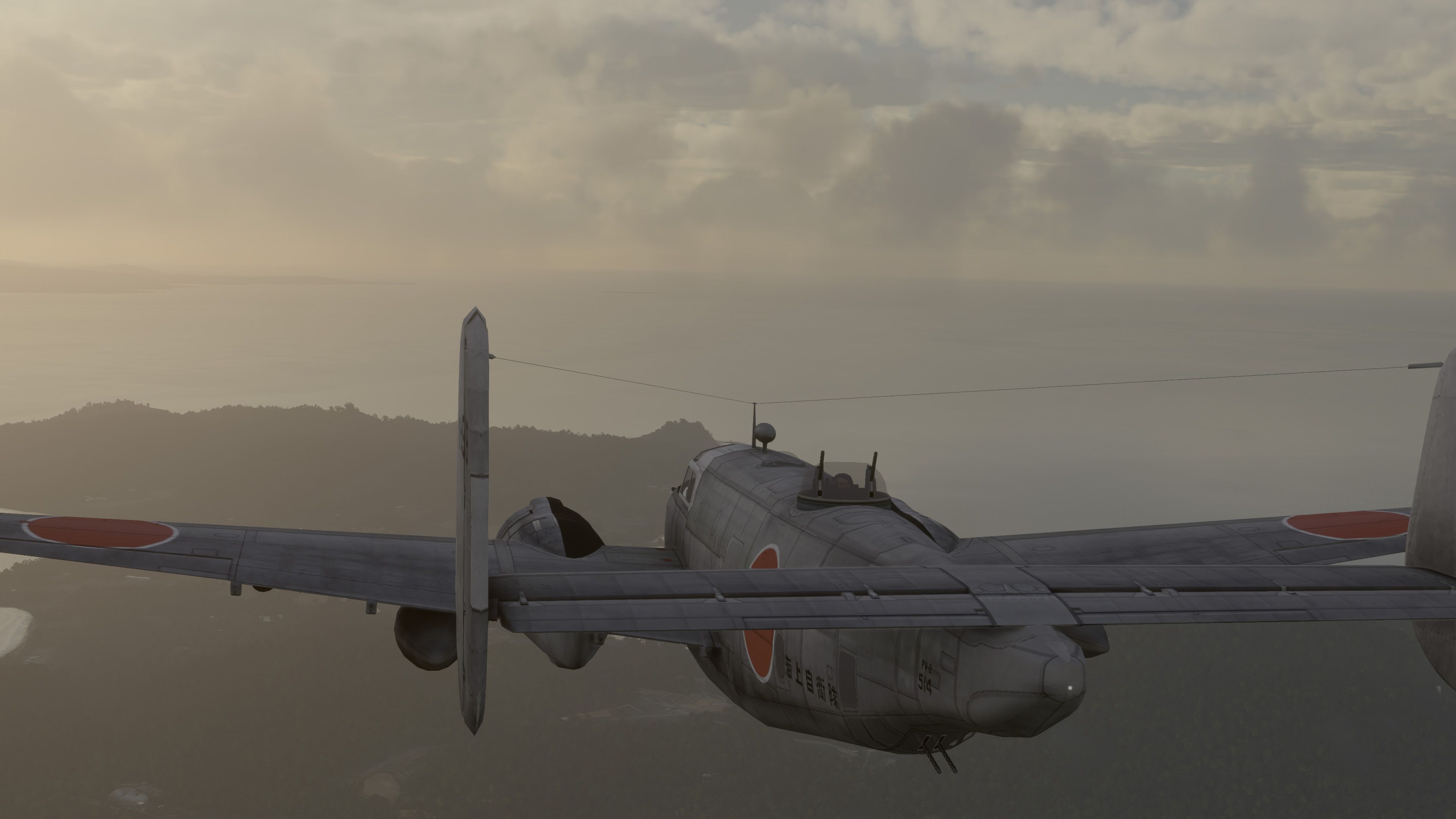
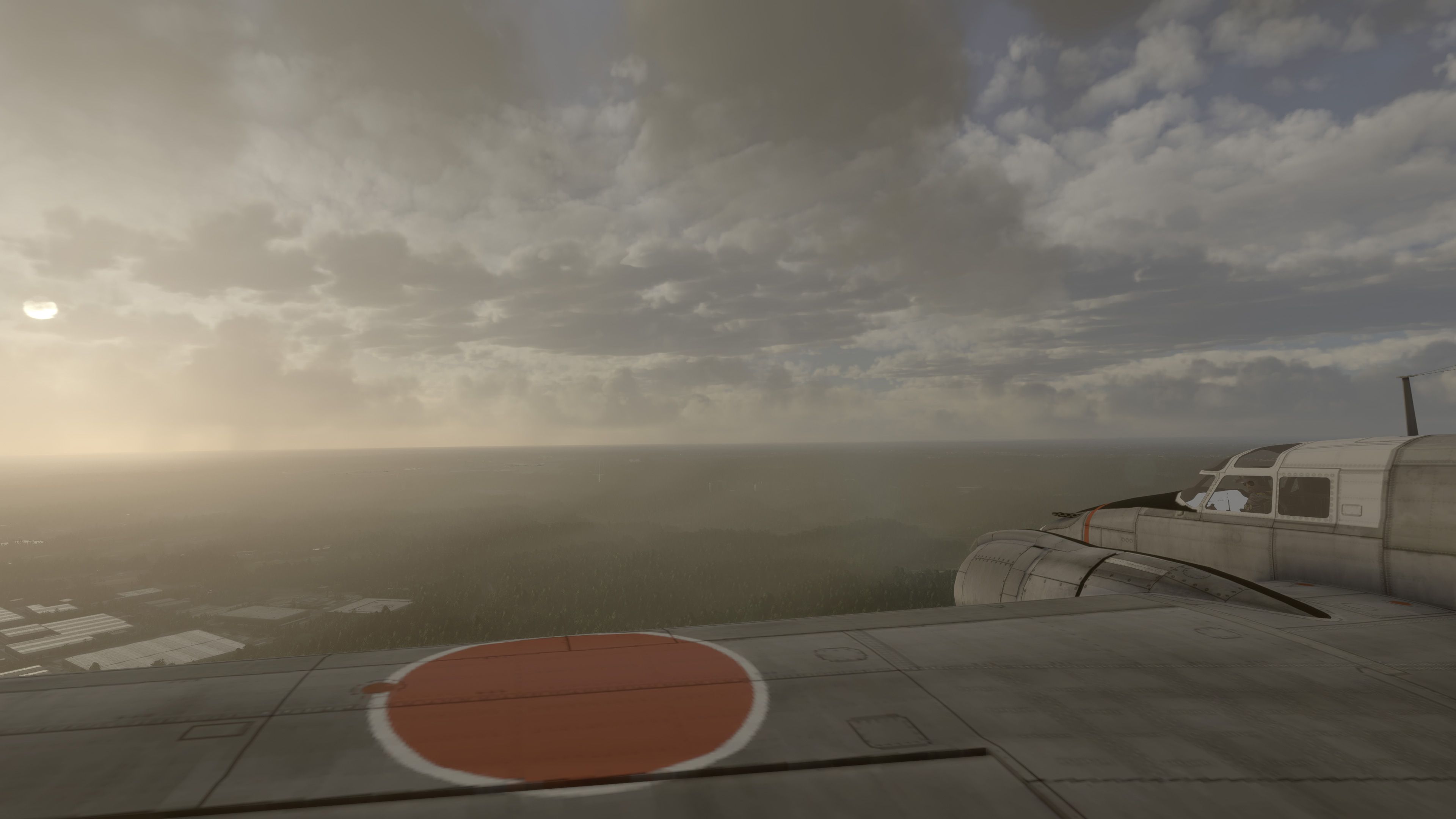
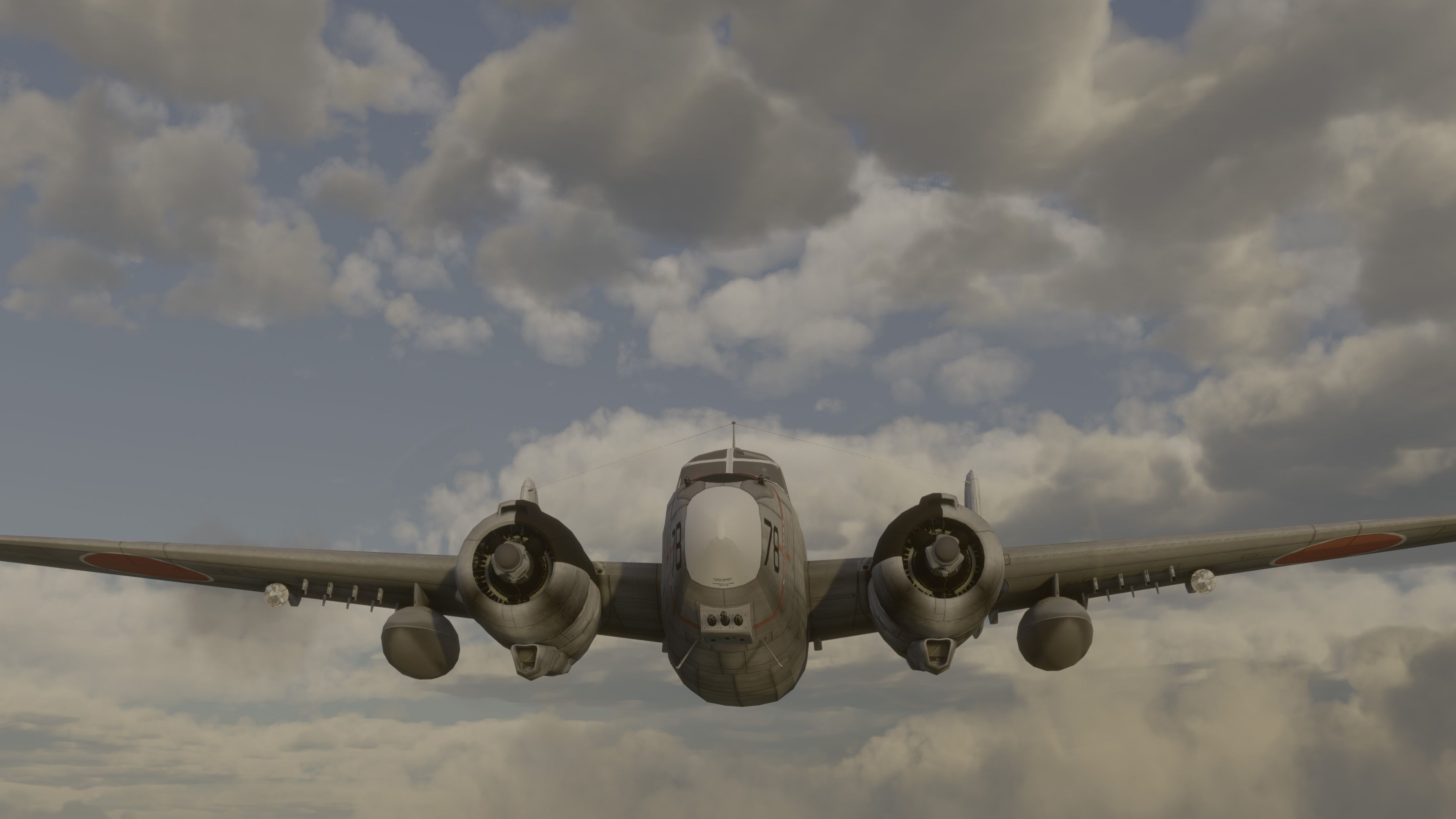
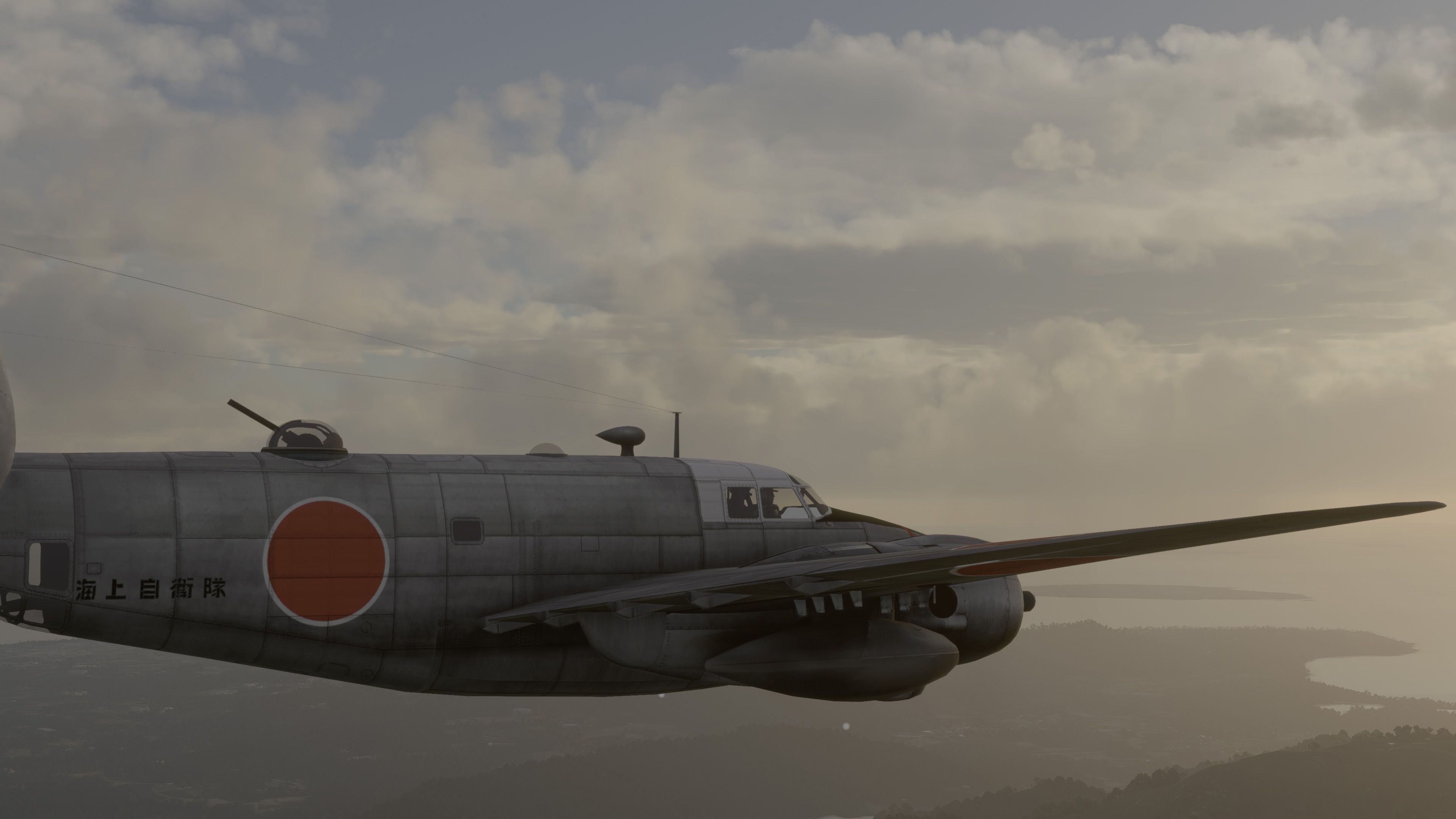
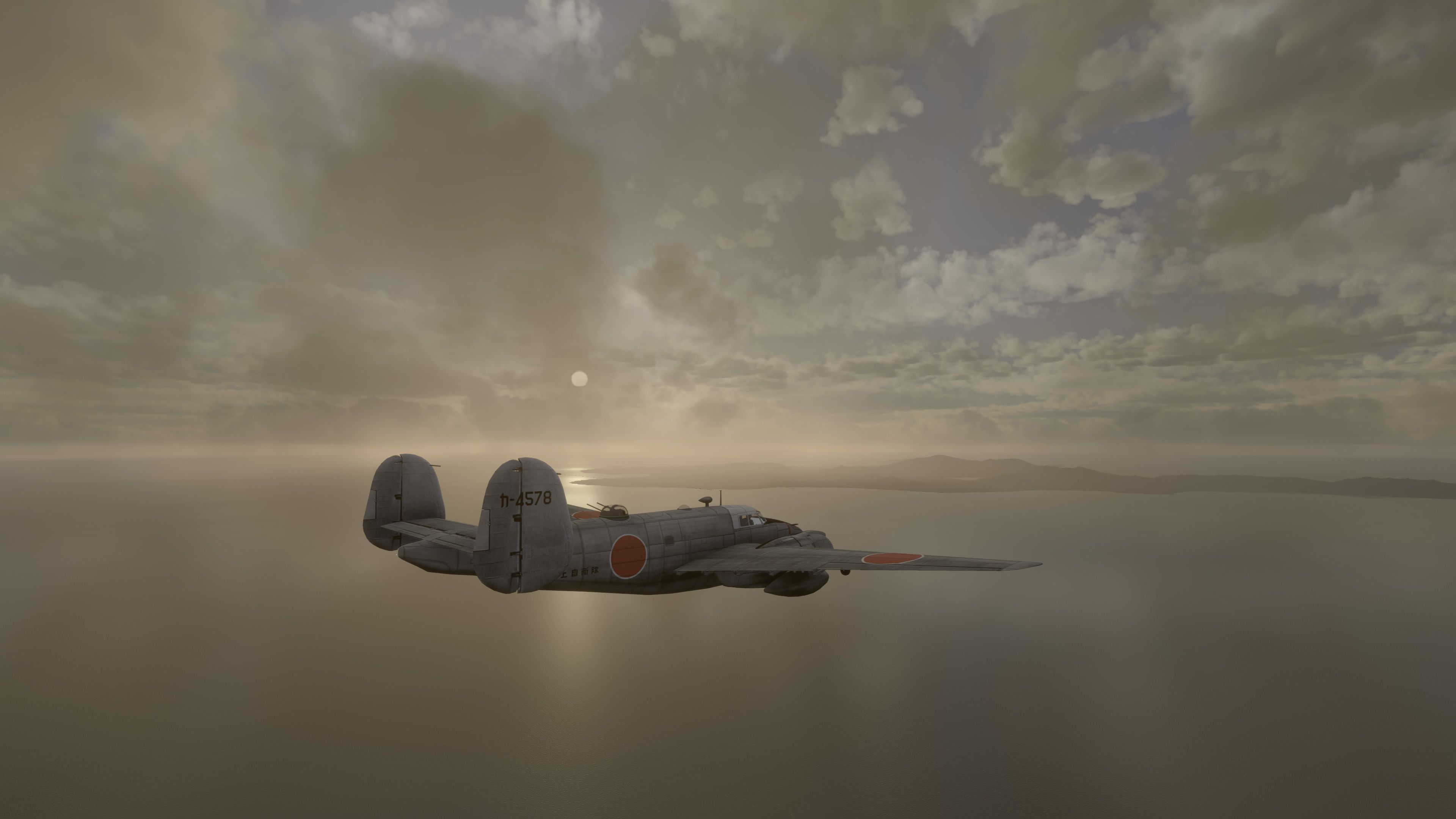
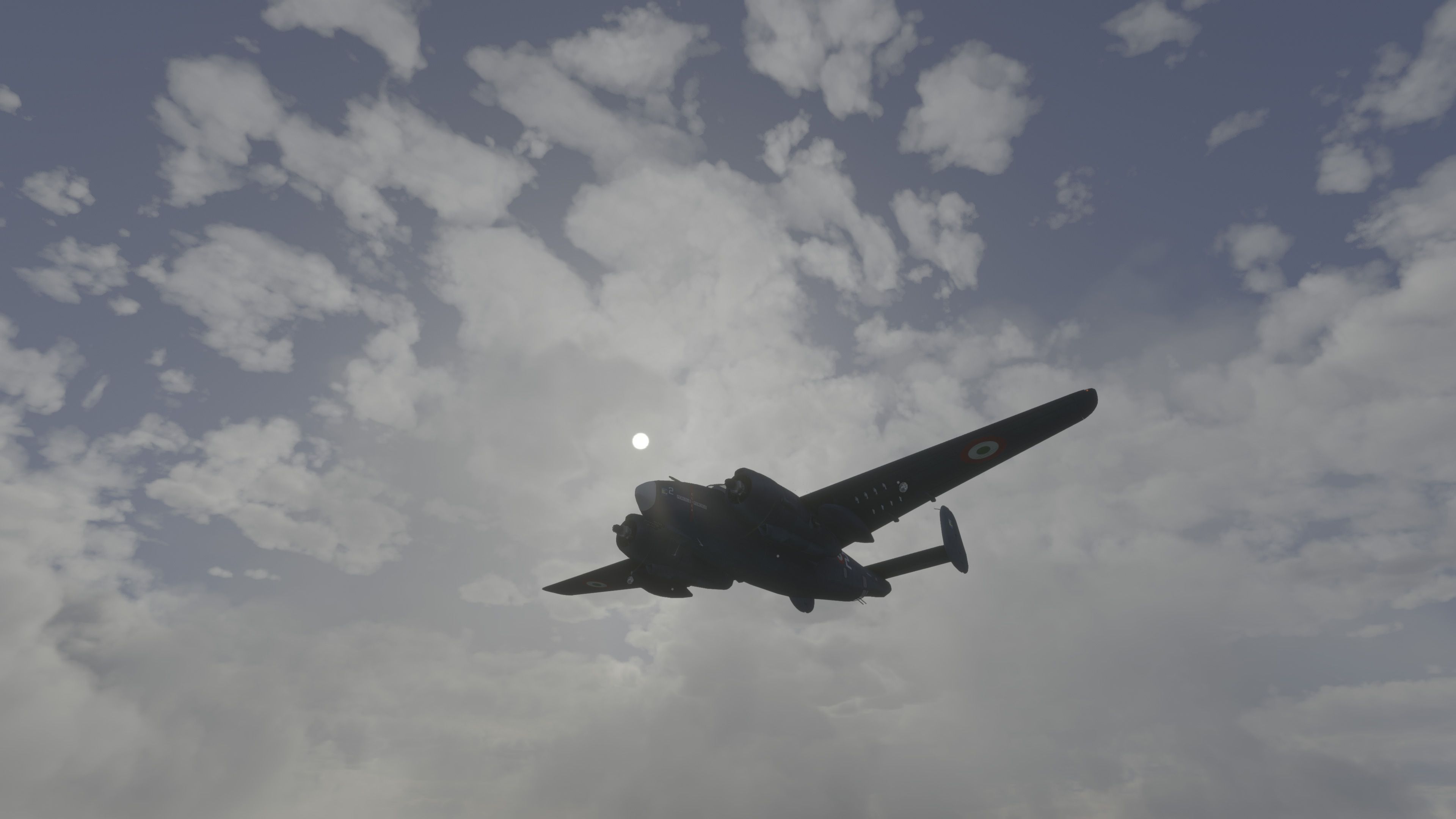
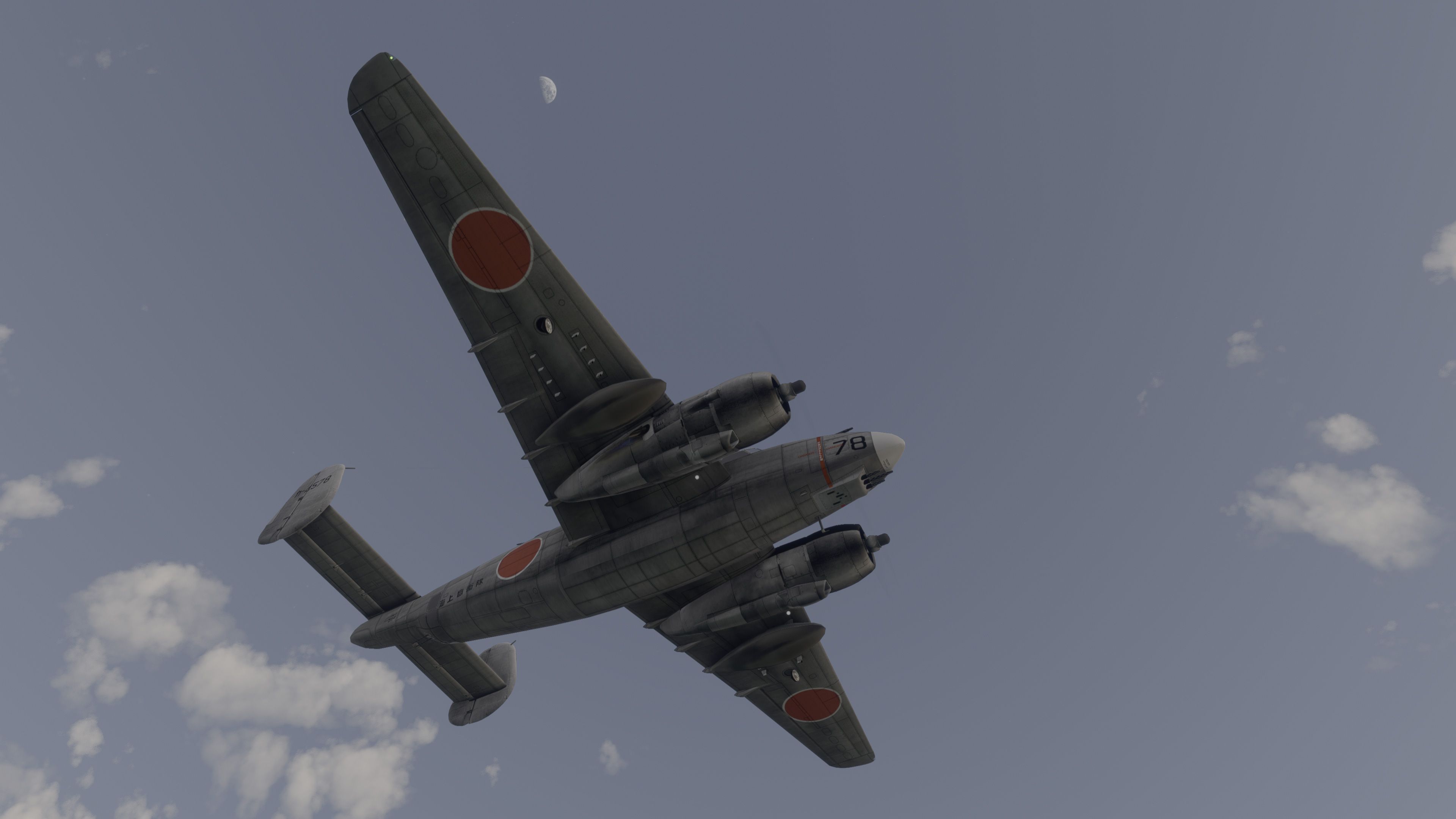
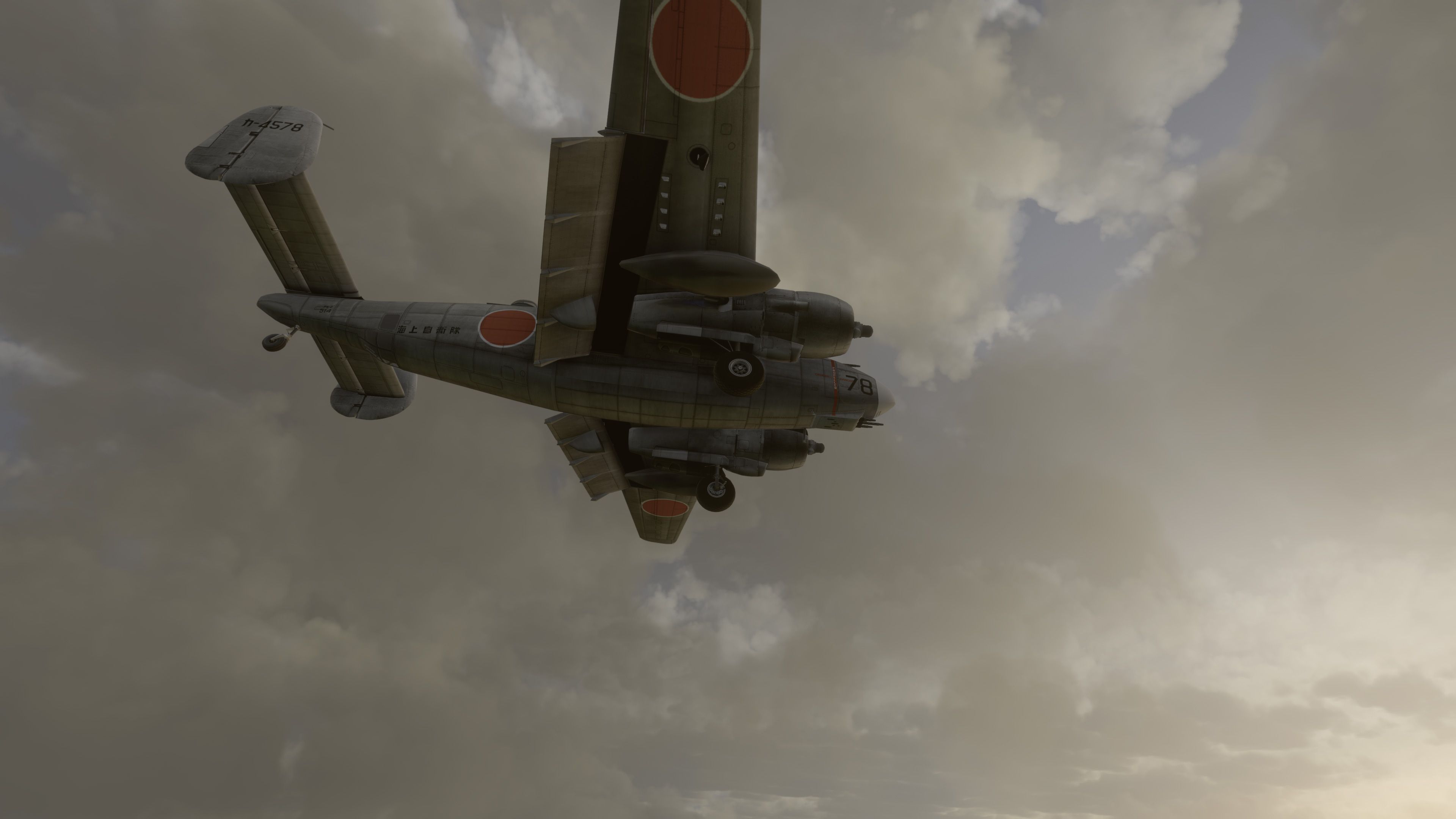
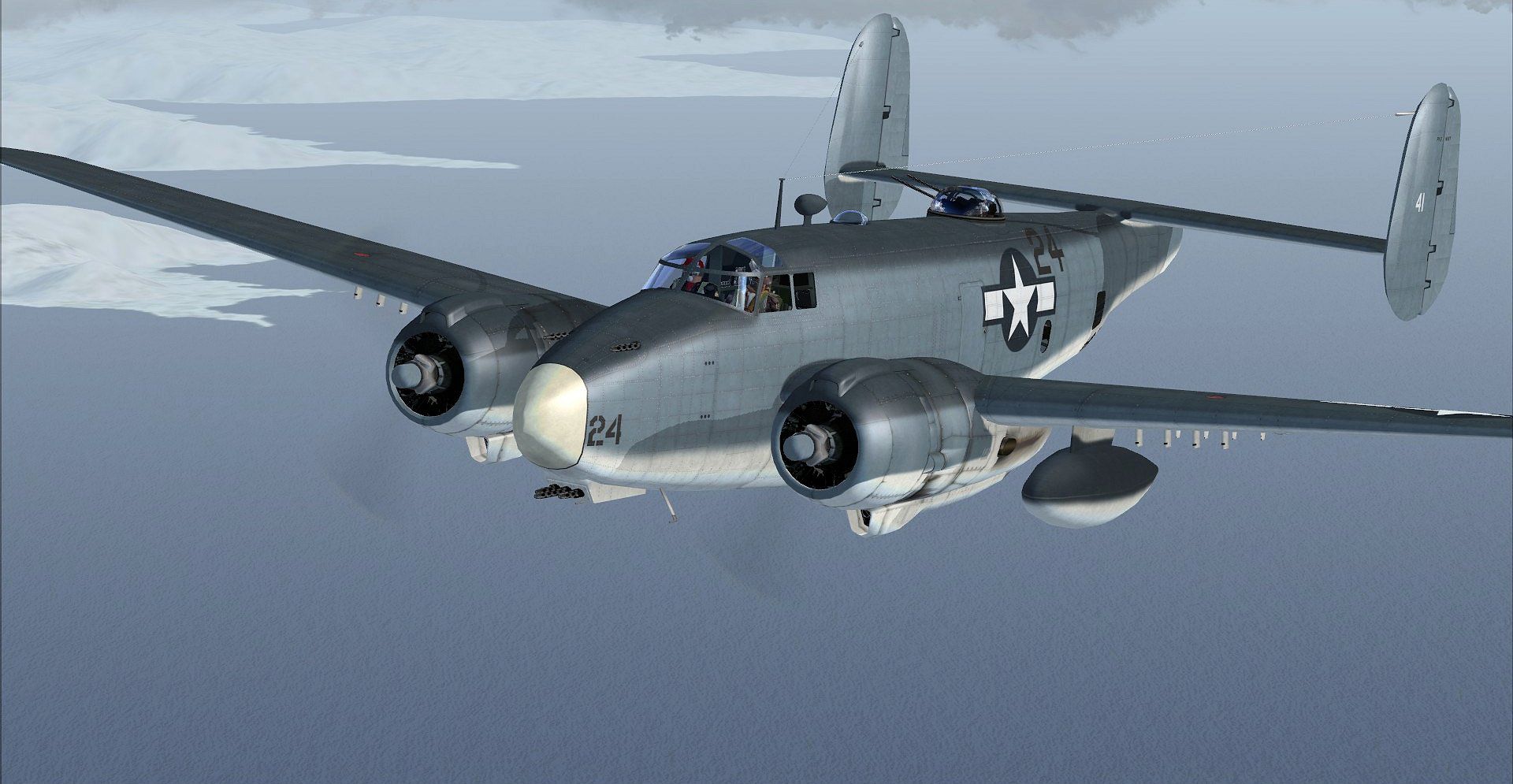
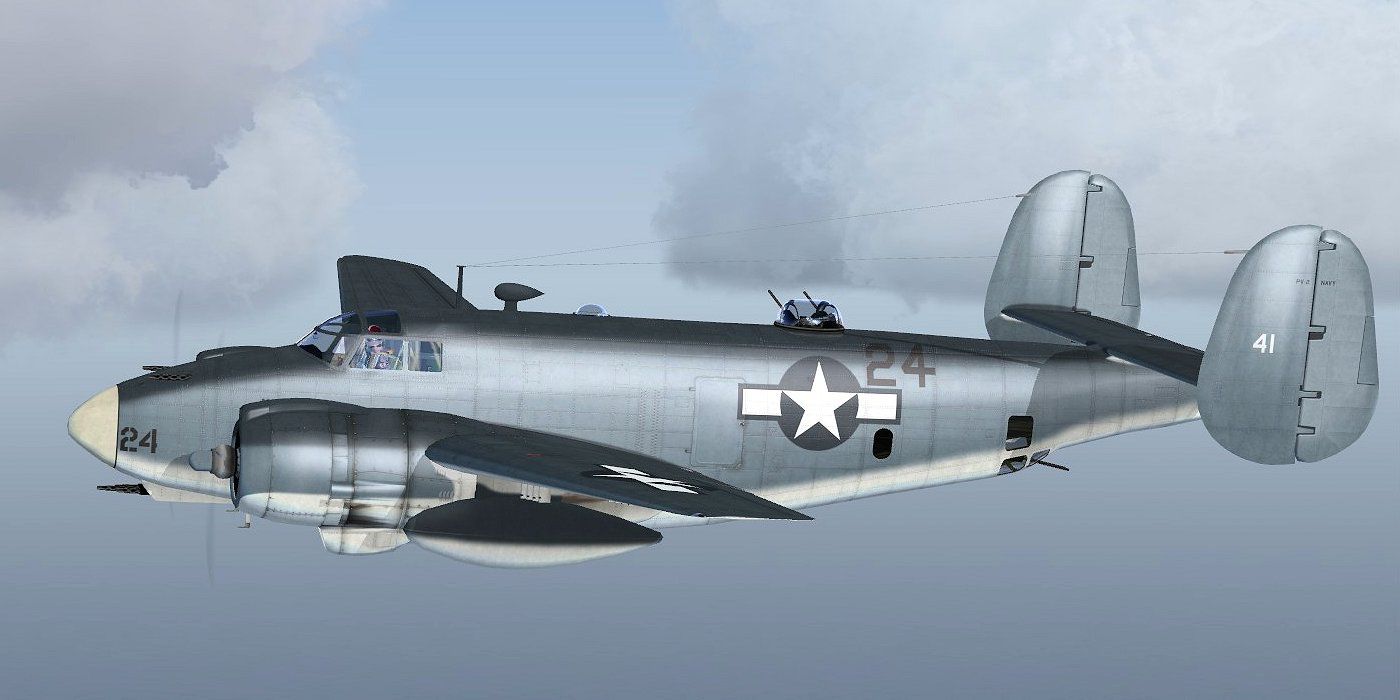
Lockheed PV-2 Harpoon brings a detailed vintage patrol bomber to Microsoft Flight Simulator with eight real-world variants, eleven military repaints plus three civilian schemes, and smooth pilot and turret animations. A native King Air virtual cockpit stands in for the interior while core controls and the flight model remain fully functional for authentic, enjoyable flying.
 Rate
Rate

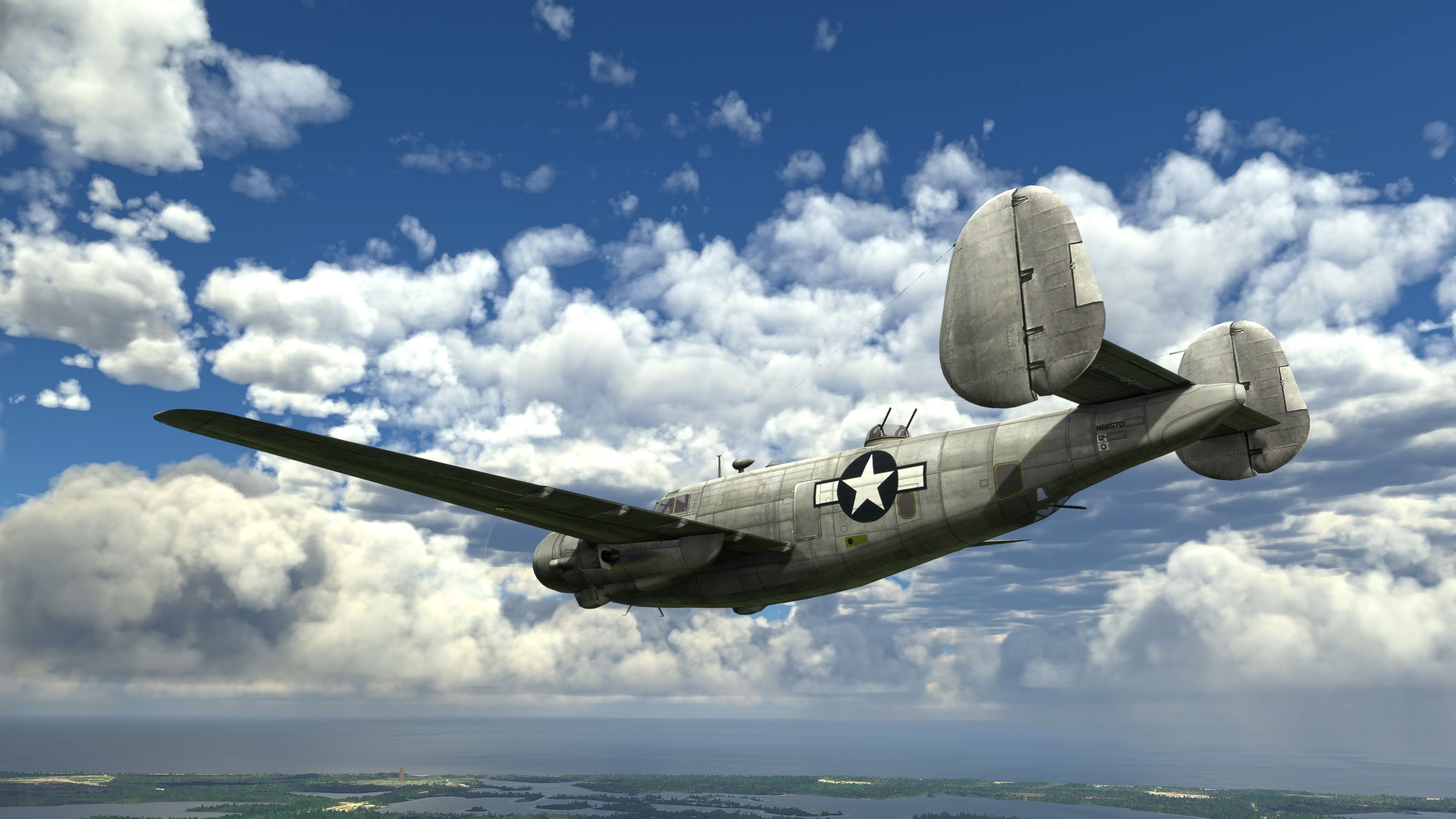
This carefully ported Lockheed Harpoon PV-2 brings a rare WWII-era warbird into Microsoft Flight Simulator with surprising authenticity. Eight detailed variants are included, each with unique historical repaints and three civilian liveries that showcase the aircraft’s multi-role heritage. Even though it uses the King Air’s virtual cockpit for now, the custom exterior modeling and refined animations—like the turret and pilot movements—capture the spirit of this vintage platform.
From my hands-on experience, the mod provides stable flight dynamics, delivering both a sense of weight and agility that reflect the aircraft’s real-world performance. Despite being a port-over, the developer fine-tuned systems to ensure smooth compatibility with modern flight sim standards, and the end result is a thoroughly enjoyable, historically significant addition. If you’re looking to expand your hangar with a fun-to-fly, well-crafted classic, this Harpoon PV-2 mod is a strong contender.
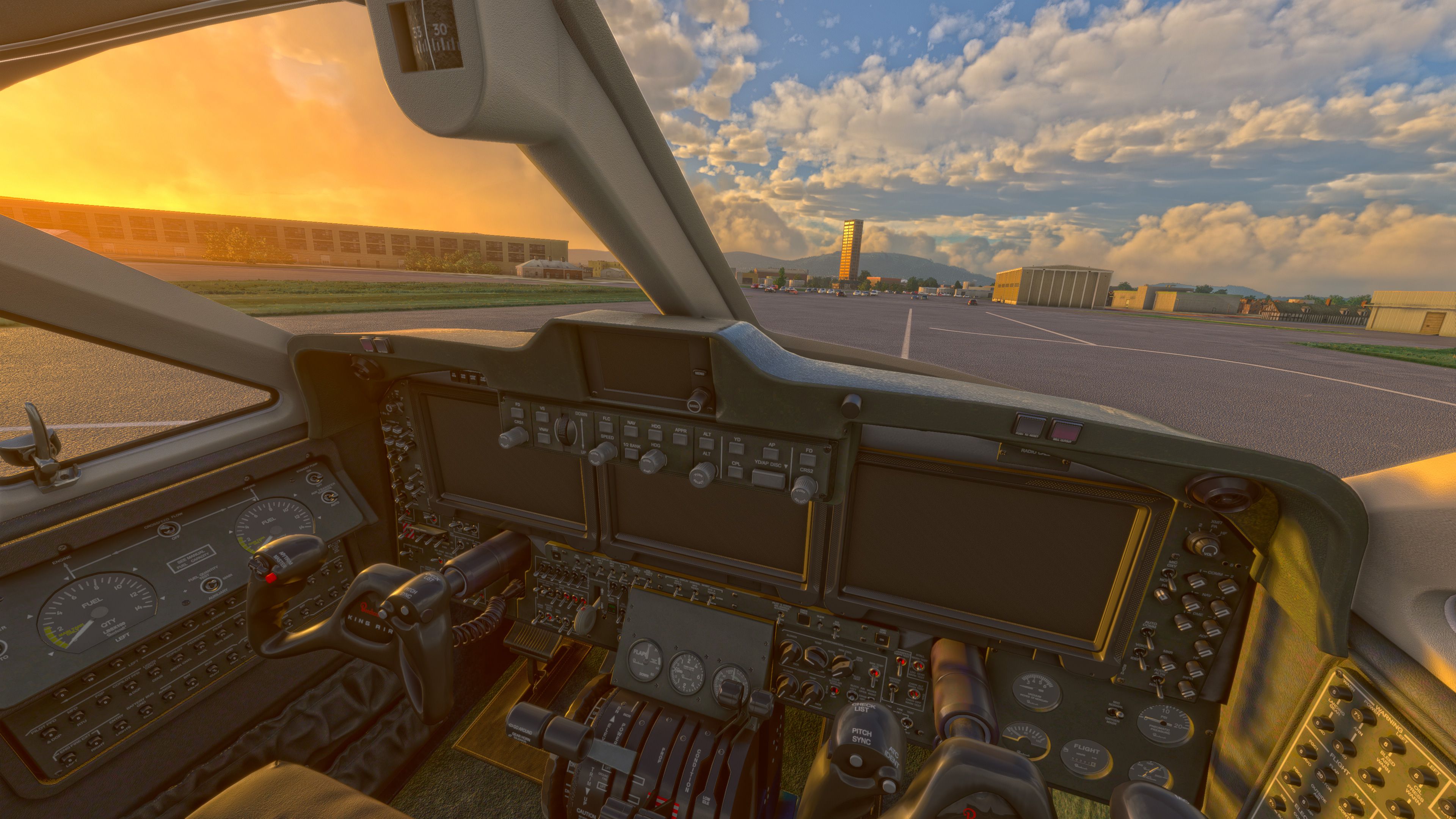
A somewhat complete (minus a new VC) Lockheed Harpoon PV-2 for Microsoft Flight Simulator based on a port-over from an FSX model. Most features work however the VC (virtual cockpit) is using the King Air as it's the closest MSFS native cockpit to the real-world aircraft.
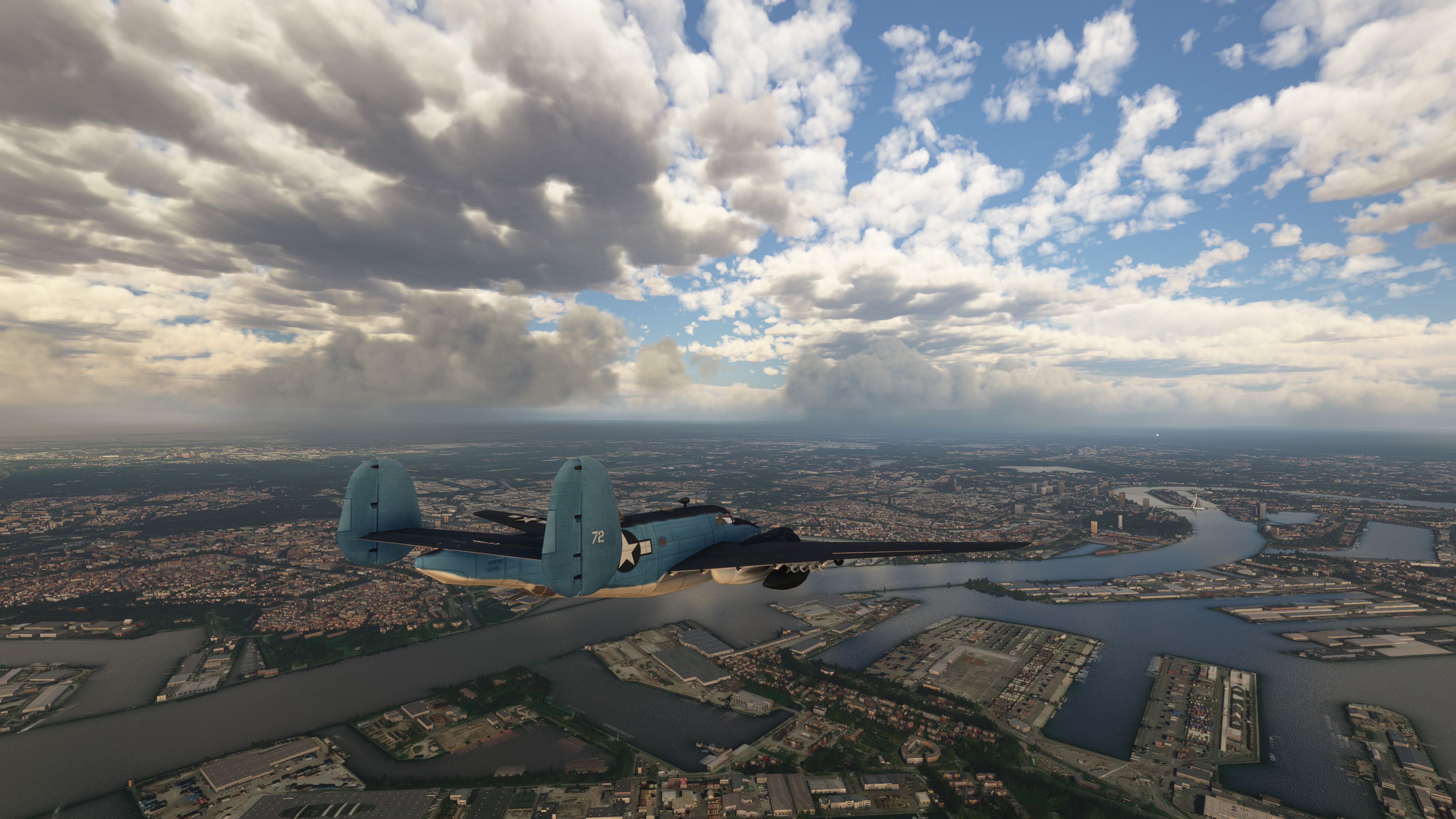
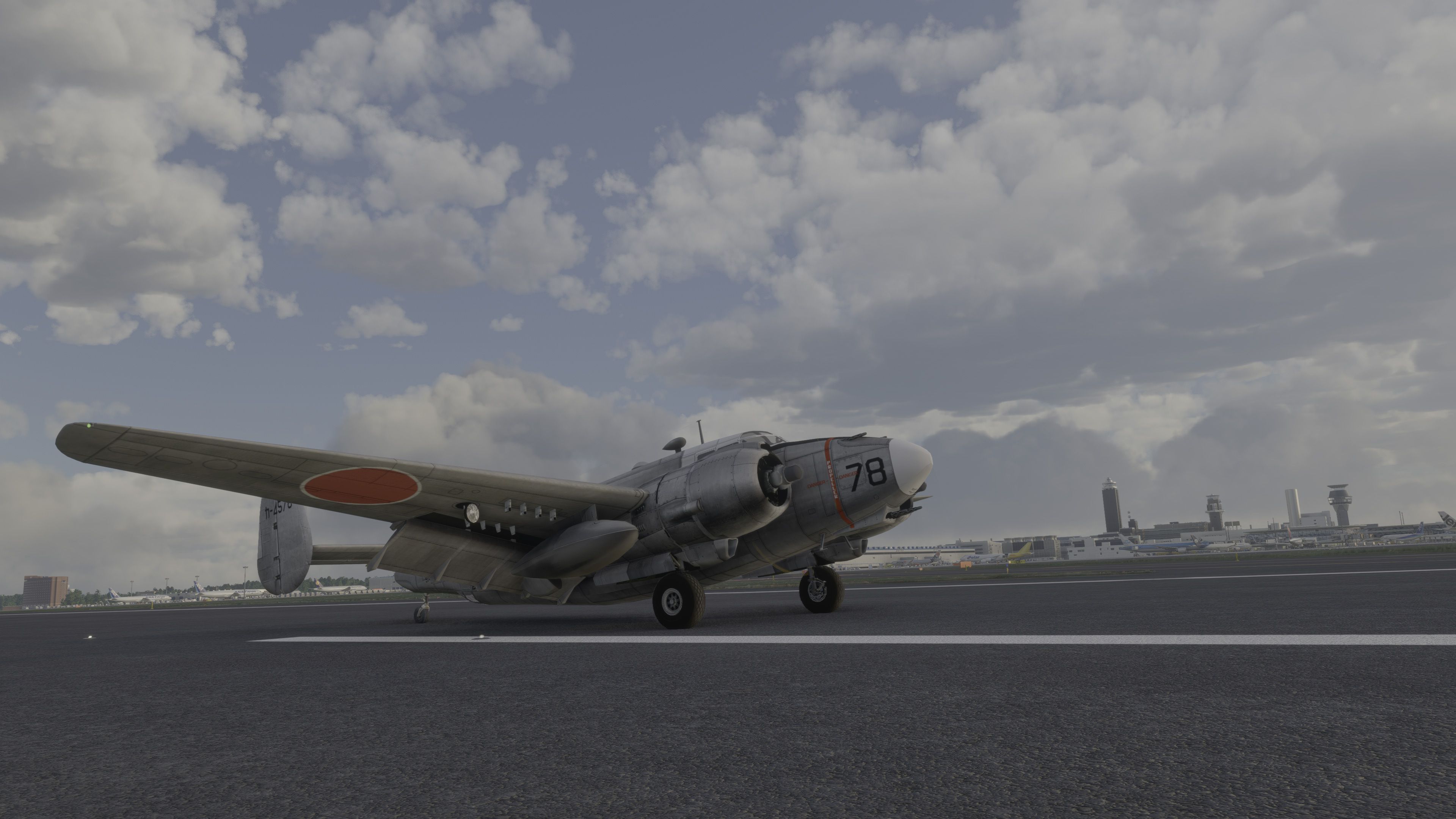
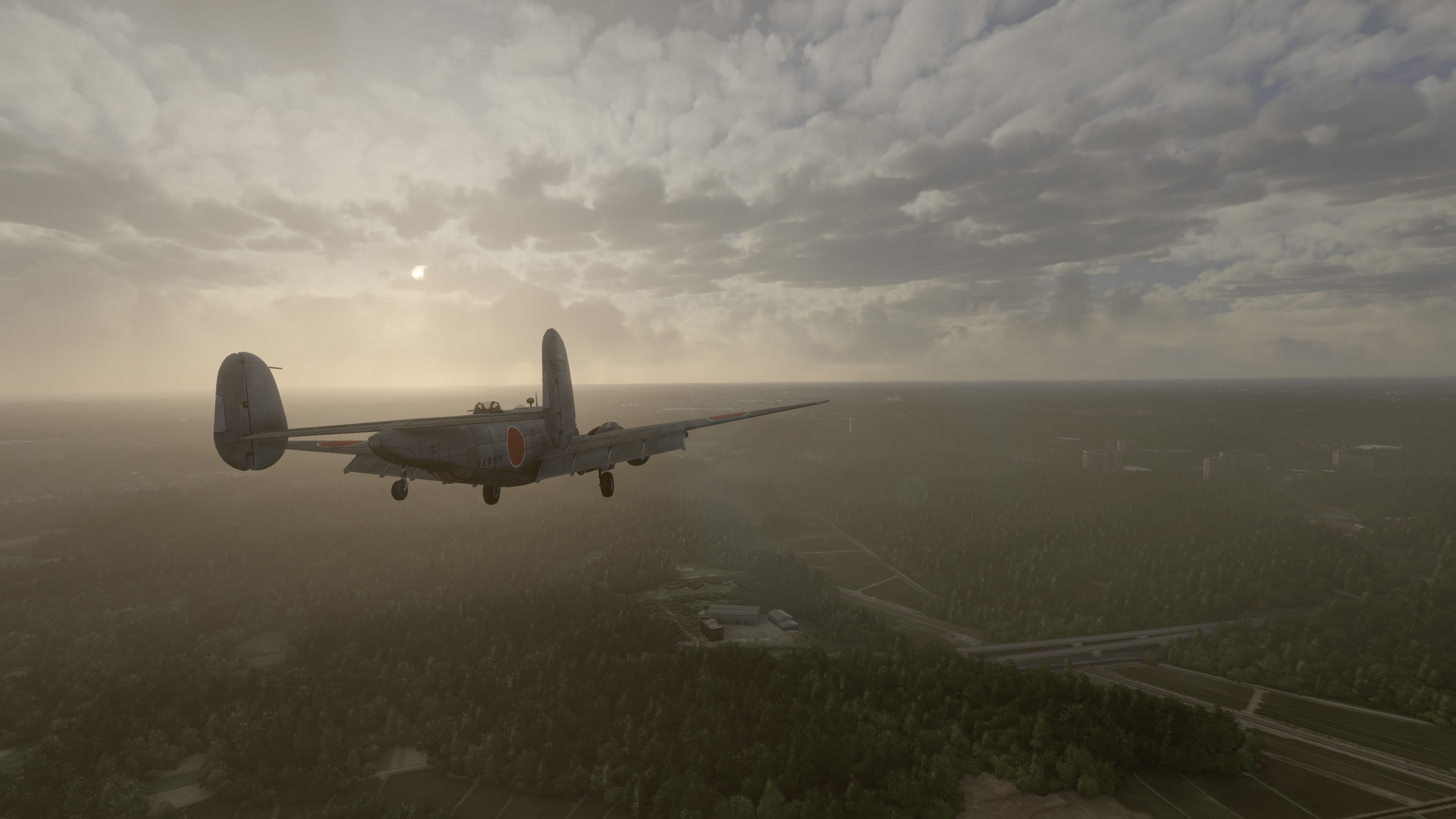
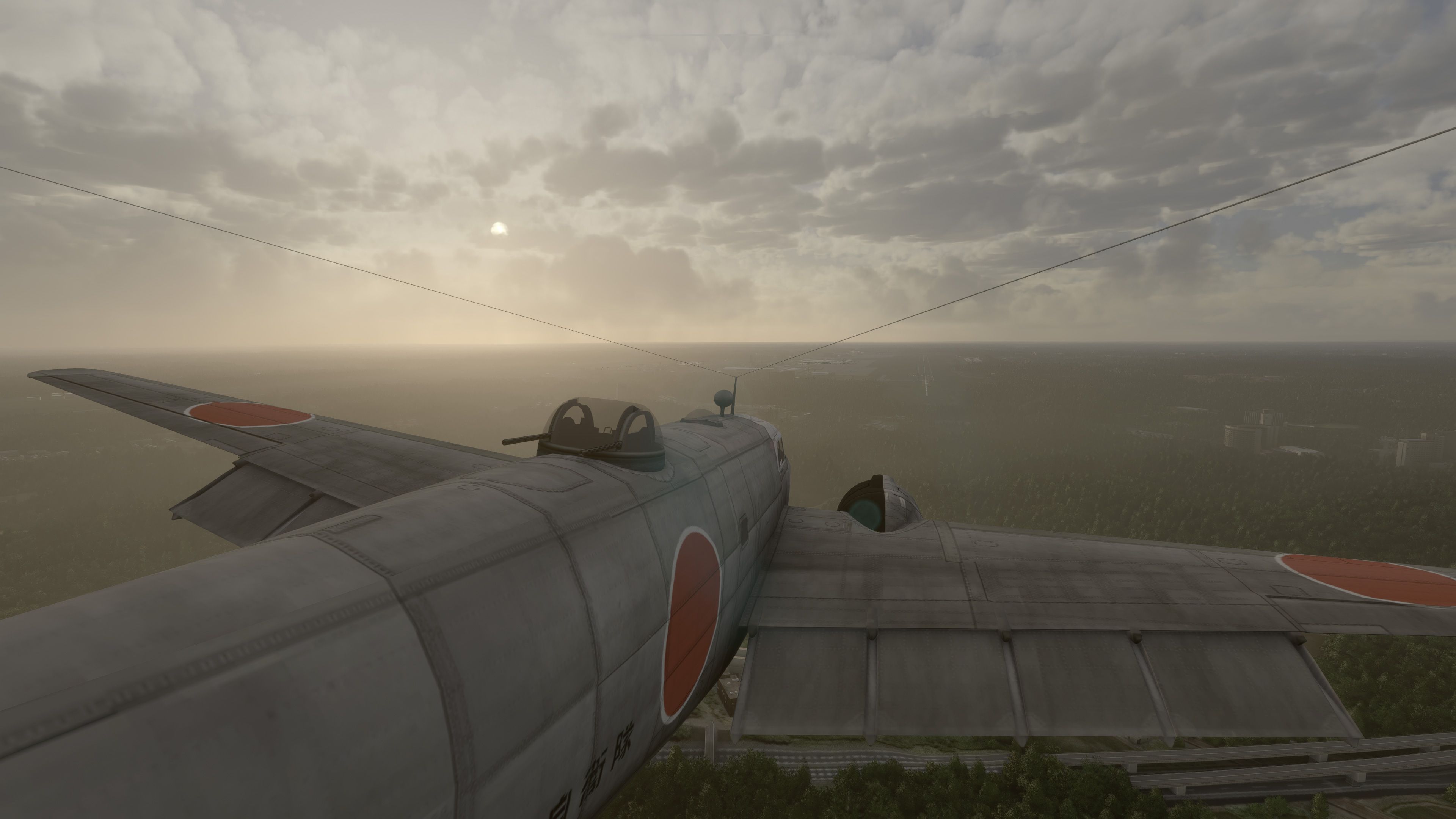
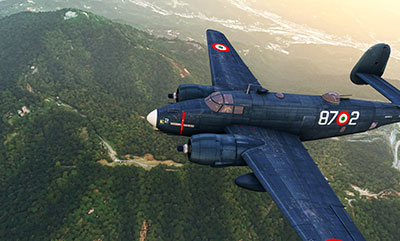 ?The pack features a stunning model of the Lockheed Harpoon PV-2 and includes eight different models based on real-world operations. For those eight models, eleven repaints/liveries are included which are mainly based on US Army and Air Force paints used in the real world. Also included are three civilian paint schemes which you can choose from. The developer has stated that there is an excellent repaint included of the aircraft in Japanese Marines livery.
While still a port-over, this model has had some finishing touches, love, and tweaks specifically for Microsoft Flight Simulator to ensure its compatibility and functionality within the new sim. The developer has spent a great deal of time perfecting things in order to make it appear (and fly) as it should.
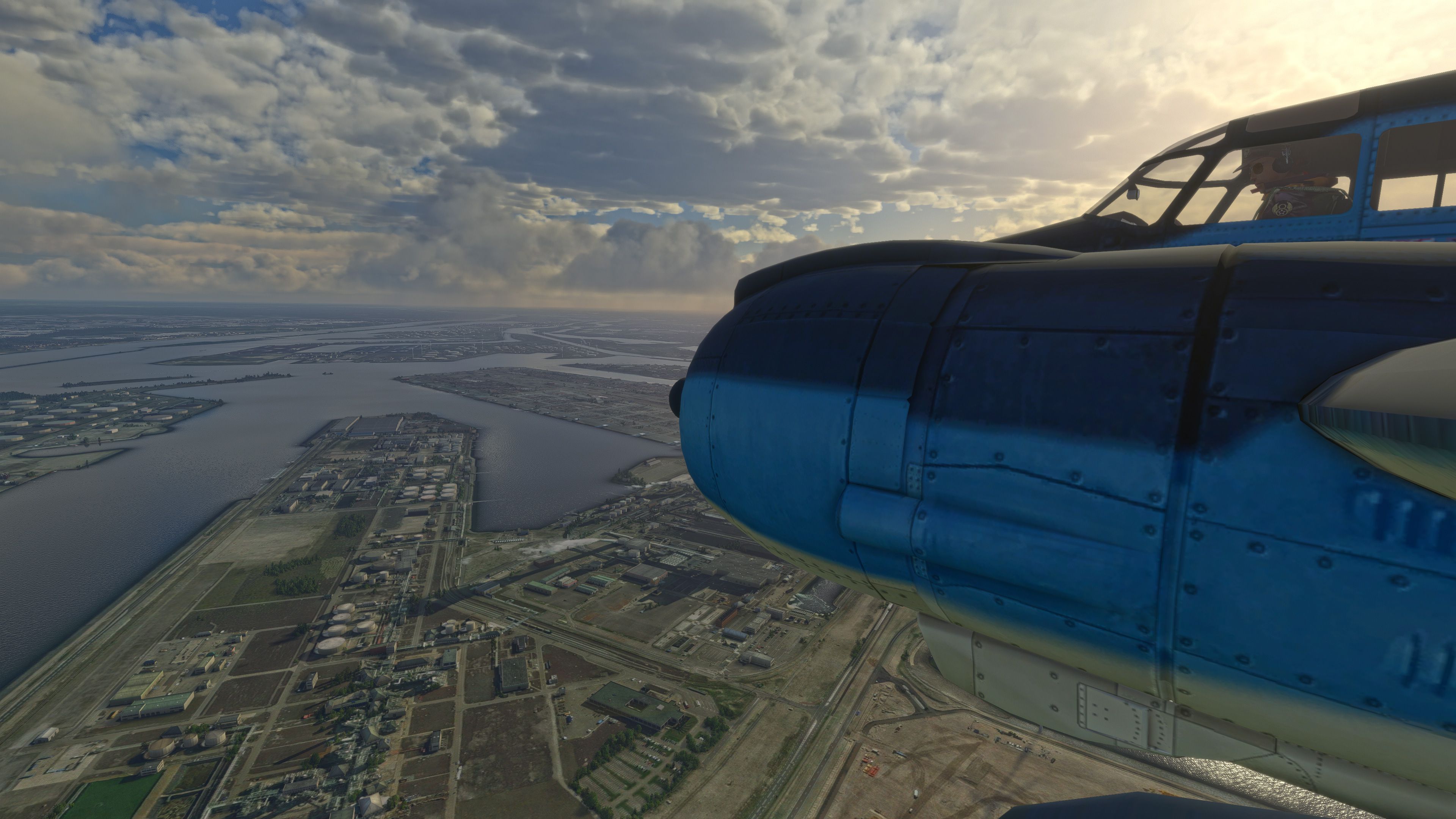
The developer states that the pilot and turret animations are nice to view and emphasizes that in their description of this add-on. The aircraft can only be started cold from the runway and no manual starting is available.
Because the King Air VC (virtual cockpit) is used - trim, throttle, flaps are adjustable and pitch too - all fully working in the MSFS flight model.
The developer states,
She flies really well, and will guarantee hours of fun flying. Enjoy!
The conversion to MSFS format was made possible simply due to the efforts, models, animations, and original repaints made in the original FSX version.
The original FSX model was created by Milton Shupe and team: Tom Falley, Scott Thomas, Ken Mitchell, Racheal Whiteford, Stuart Cox, Andre Reimers, Mark Rogers , excellent sound by Nigel Richards, and pilot figures by Jan Visser.
Installation
Developer
This port-over was developed by albie and permission has been granted for listing on Fly Away Simulation.
Currently, the developer does not publish a public donation page however if that changes, we will list it here.
Free for all simmers · 583.94 MB · Scanned clean Oct 2026
Download speed: Free tier is capped at 2 Mbps (this file takes approximately 41 mins at the cap). PRO members download at full line speed.
%LOCALAPPDATA%\Packages\Microsoft.FlightSimulator_8wekyb3d8bbwe\LocalCache\Packages\Community\. Steam version: %APPDATA%\Microsoft Flight Simulator\Packages\Community\. Tip: enable Developer Mode in MSFS to see your exact Community folder path.readme.txt or README file. It tells you exactly where files go, what dependencies are needed, and any quirks specific to this add-on.Only PRO members can place votes.
More MSFS add-ons hand-picked based on this download.
MSFS Vintage & Historic
A complete rendition of the iconic German WW1 fighter aircraft - the Fokker D…
 MSFS Vintage & Historic
The MSFS North American B-25 Mitchell mod is a remarkable addition to the Mic…
 MSFS Vintage & Historic
A fantastic recreation of the iconic and historic Sikorsky S-16 (RBVZ S-XVI) …
 MSFS Vintage & Historic
The Messerschmitt Me 262 A-1a Schwalbe, a pivotal aircraft in aviation histor…
 MSFS Vintage & Historic
The Hawker Hurricane MK I mod for Microsoft Flight Simulator (MSFS) 2020 rele…
 MSFS Vintage & Historic
MSFS enthusiasts, get ready to elevate your flight experience with the meticu…
 MSFS Vintage & Historic
The Junkers Ju 87 "Stuka", a formidable dive bomber of its era, now takes to …
 MSFS Vintage & Historic
Embark on a journey through aviation history with the Douglas TBD Devastator,…
Read what other simmers think, or add your own.

Beautiful aircraft; the cockpit feels too modern for a vintage airplane to me.
Are the engines startable only using the automatic procedure? I tried everything—maybe I missed something.
Having the same aircraft with period instruments—maybe with an autopilot (AP) and a GPS—would be nice. Many buttons are inoperative, and a small manual would help.
It is still a nice piece of work.