



MSFS RAF Mildenhall (EGUN)
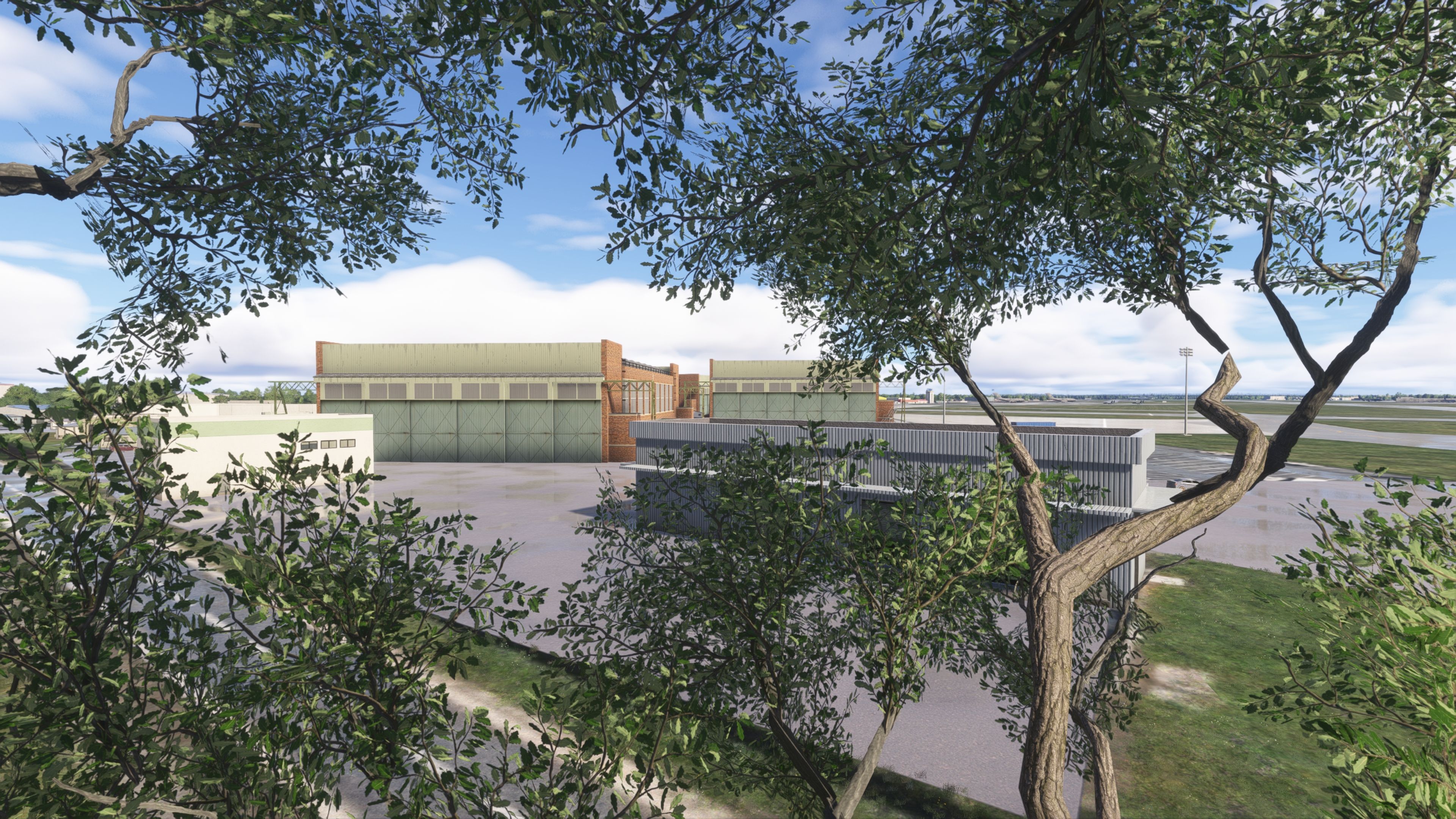
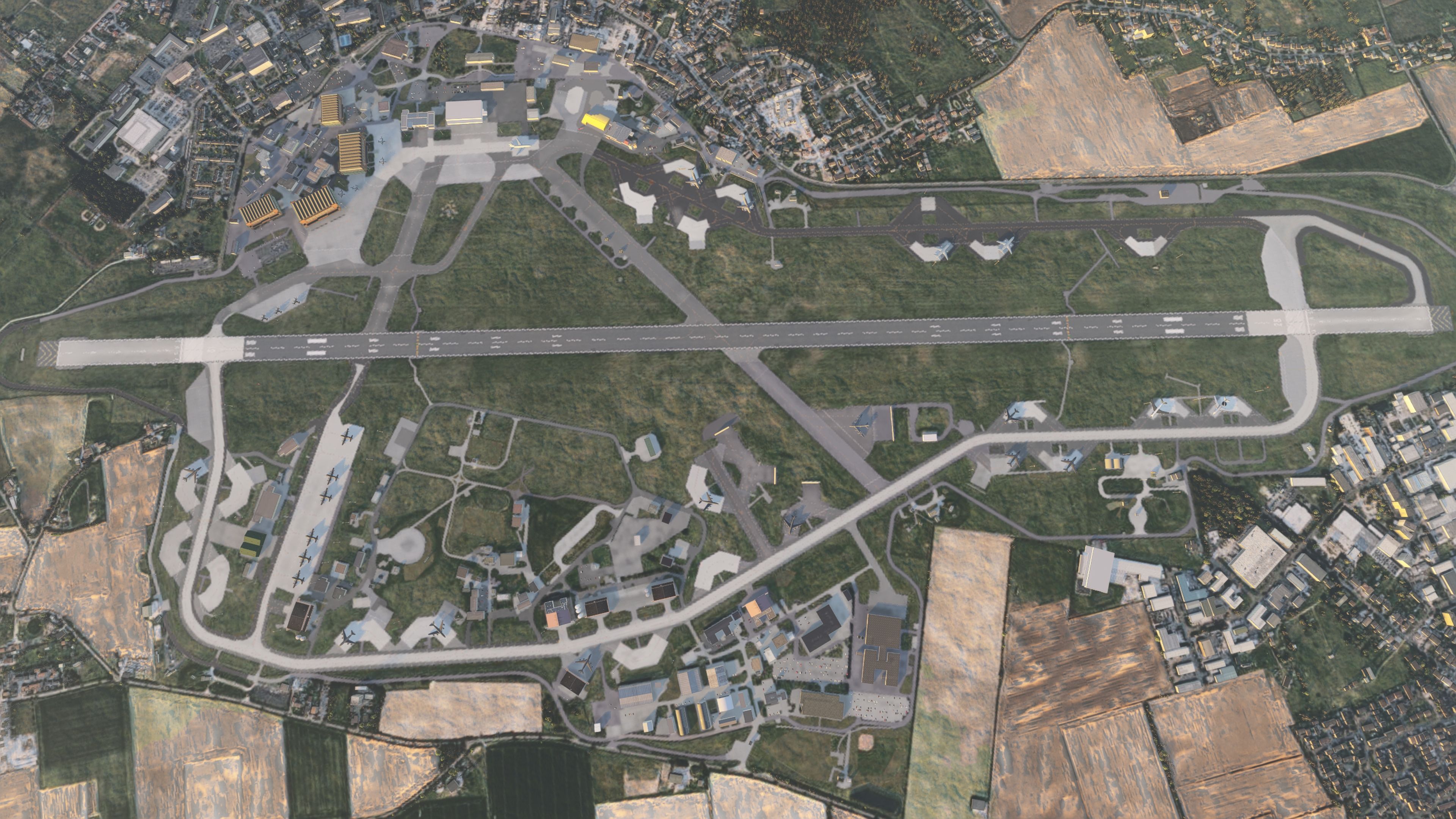
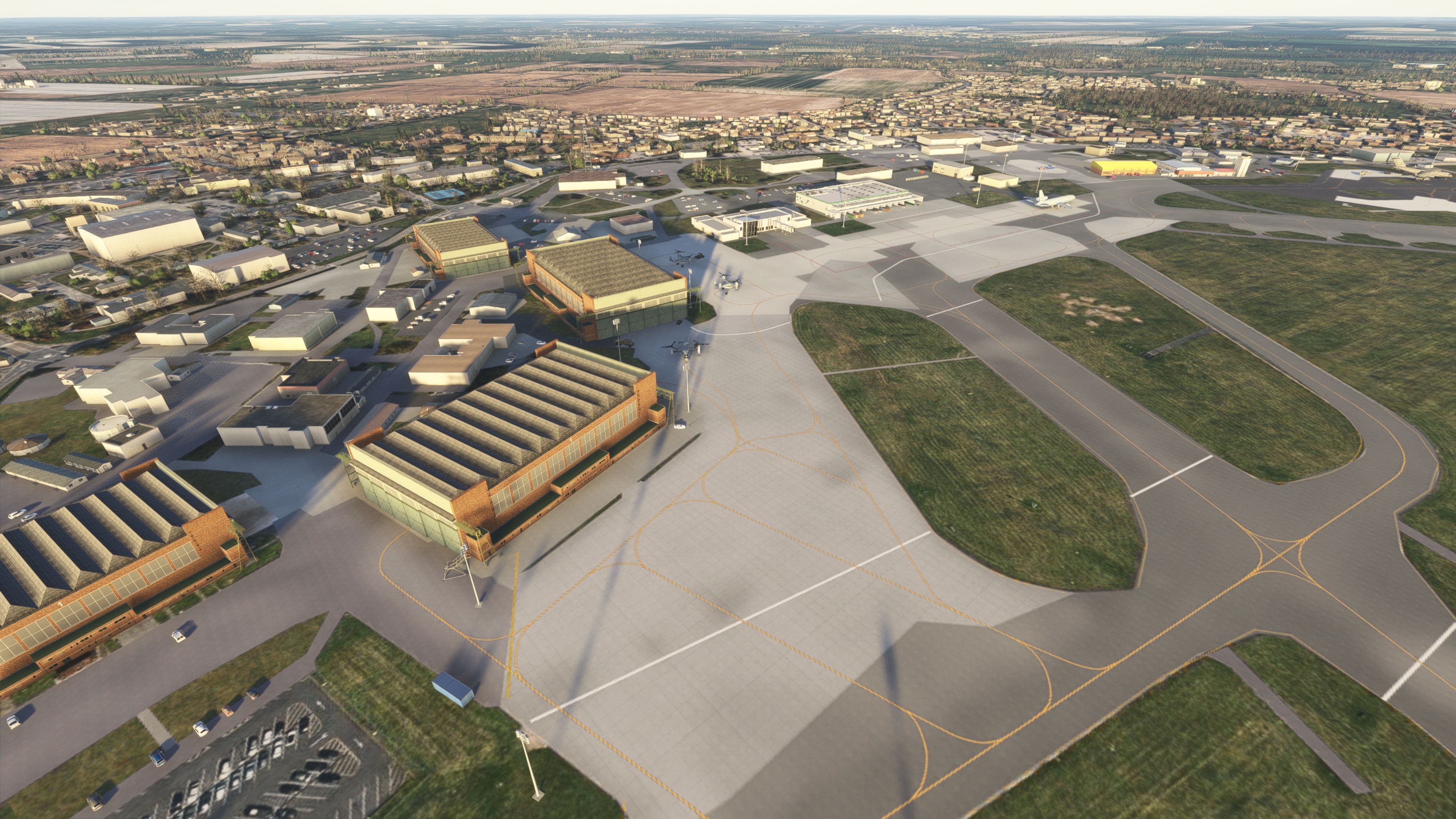
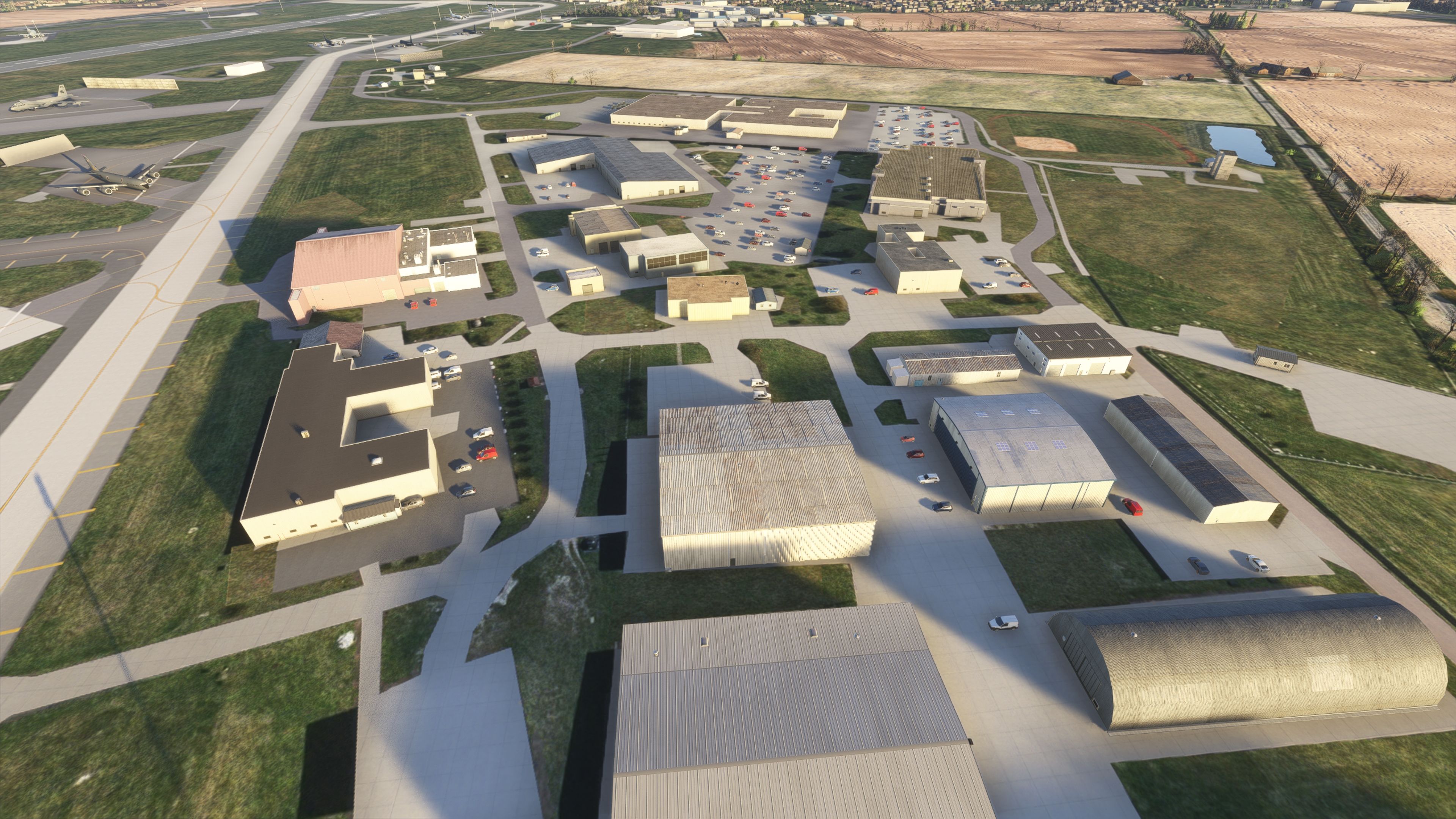
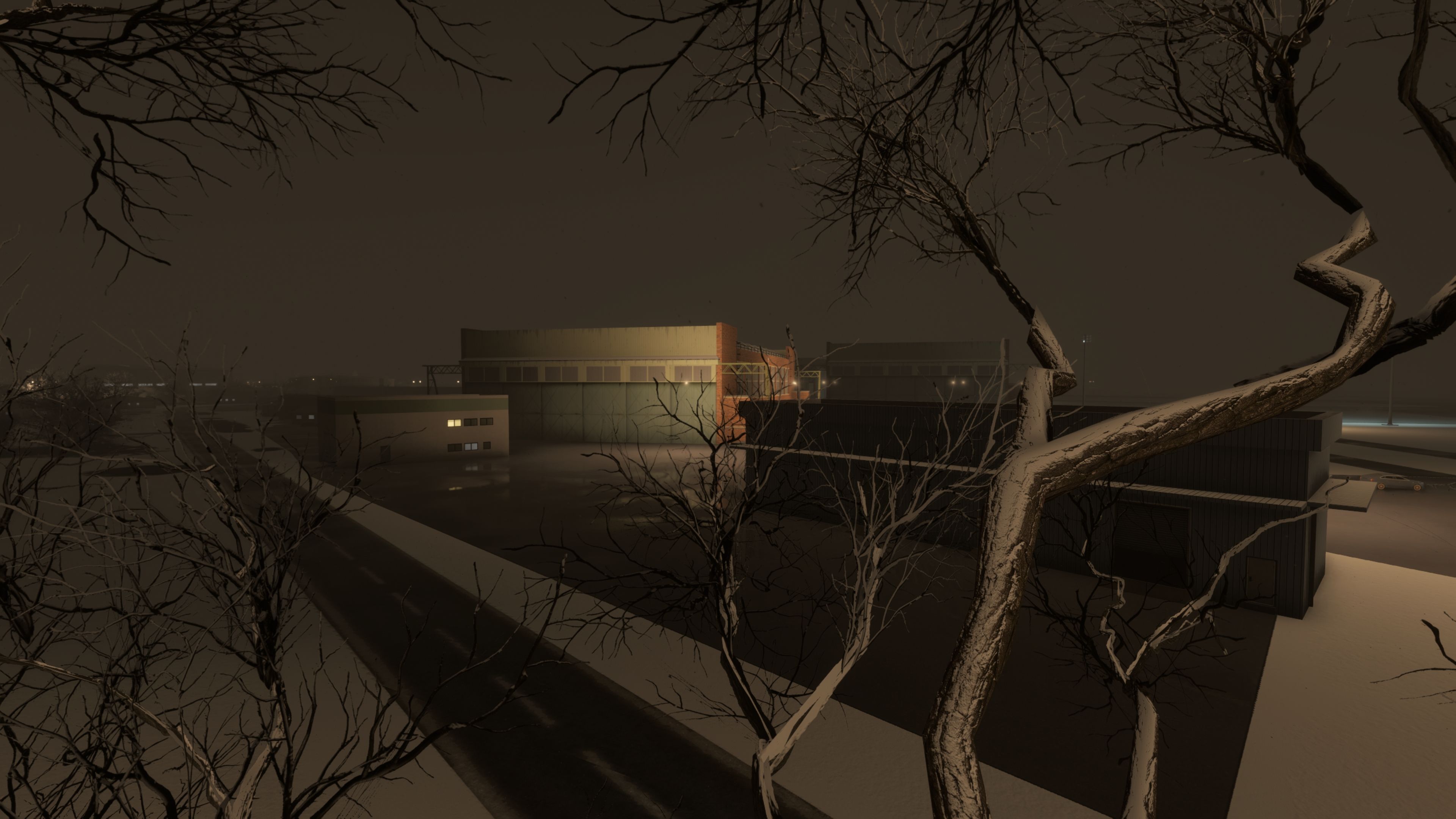
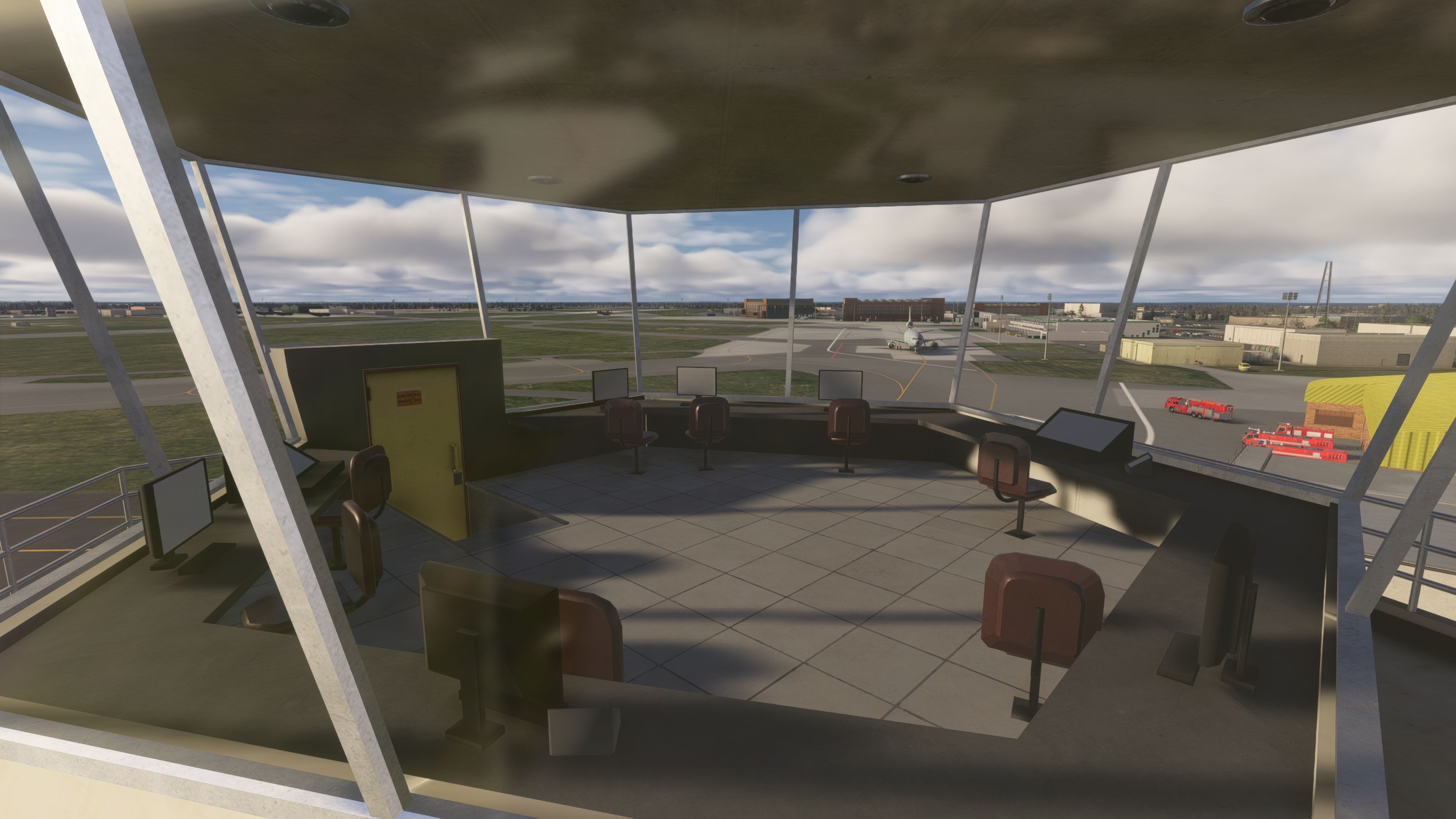
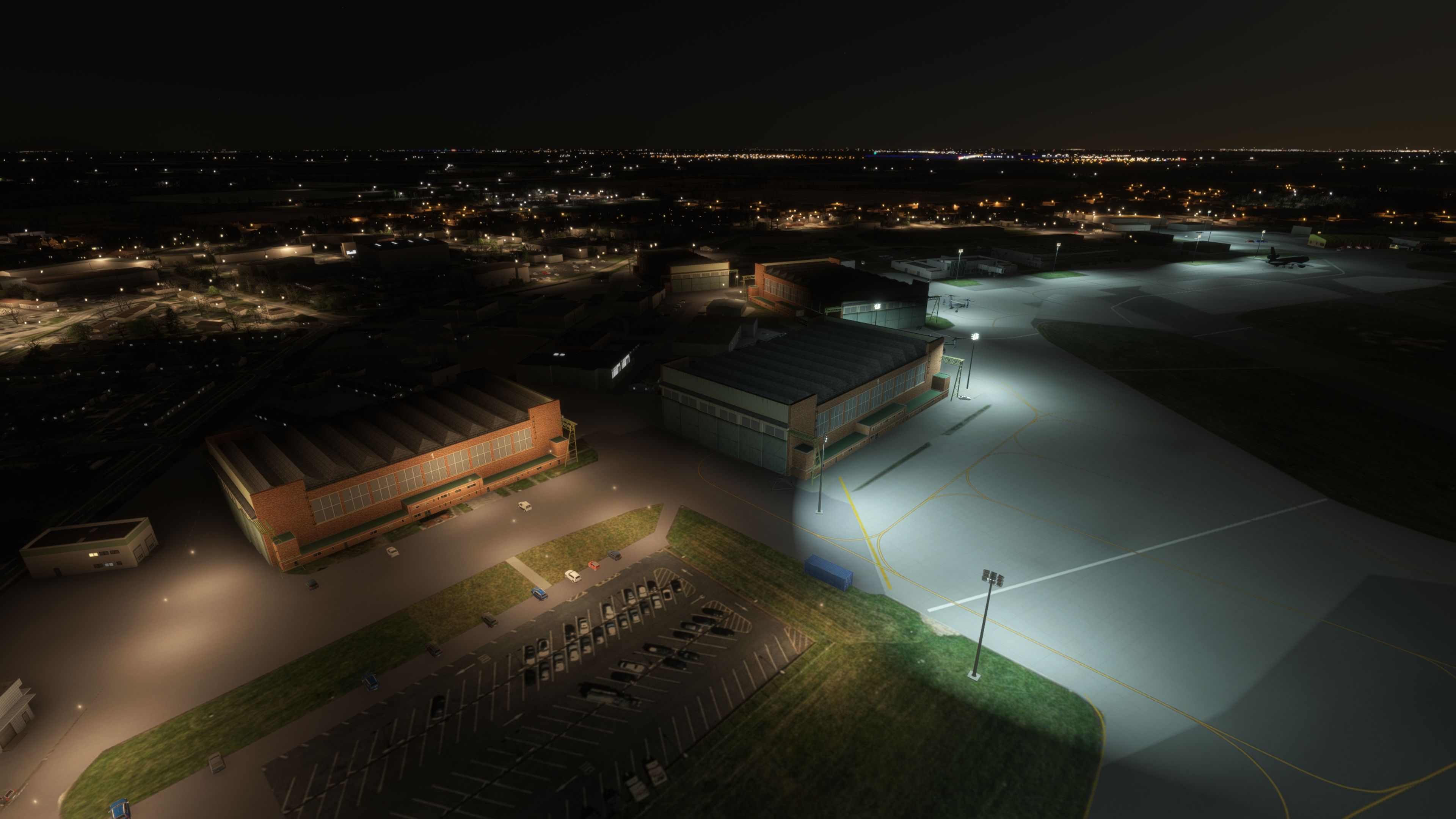
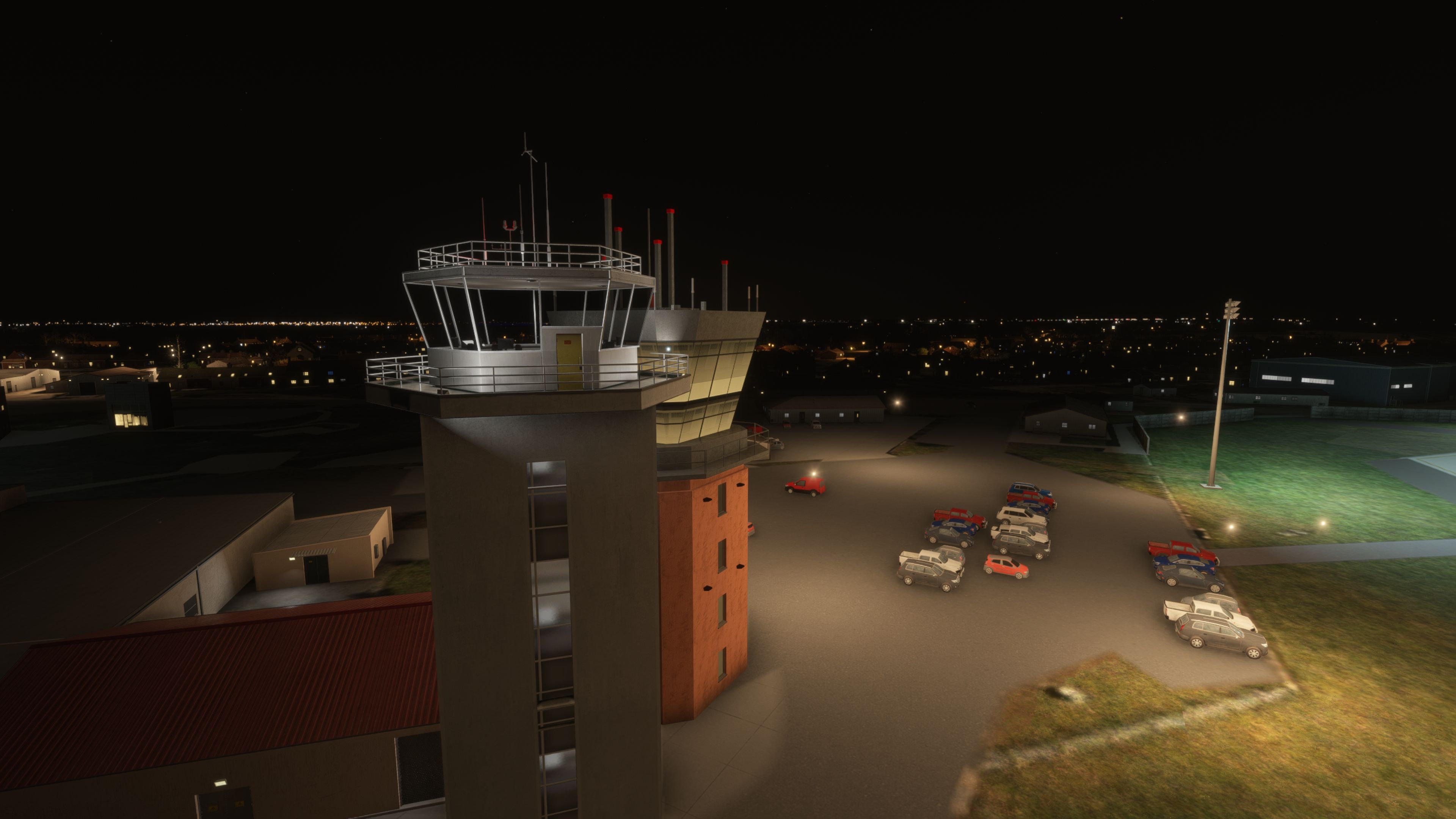
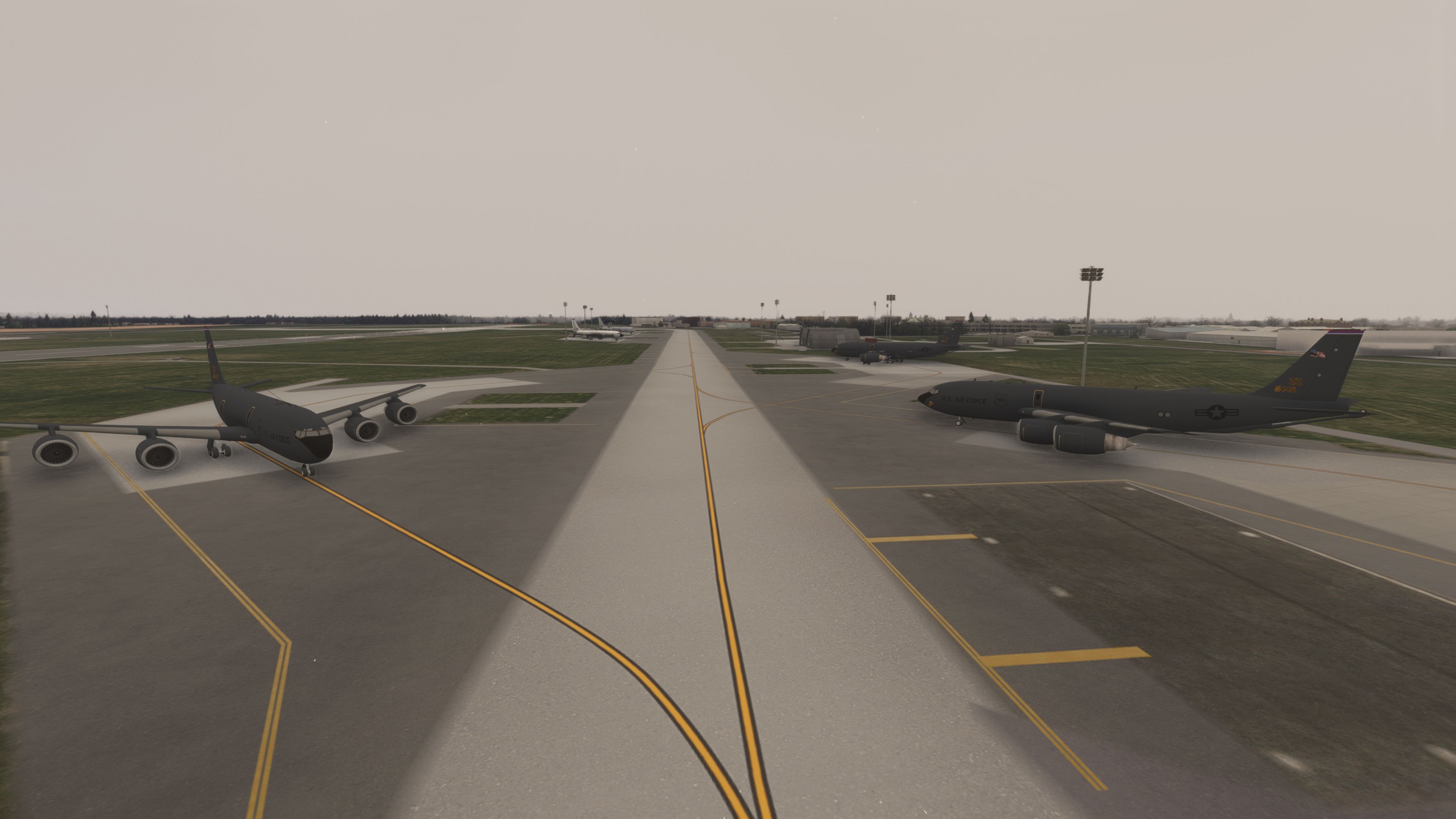
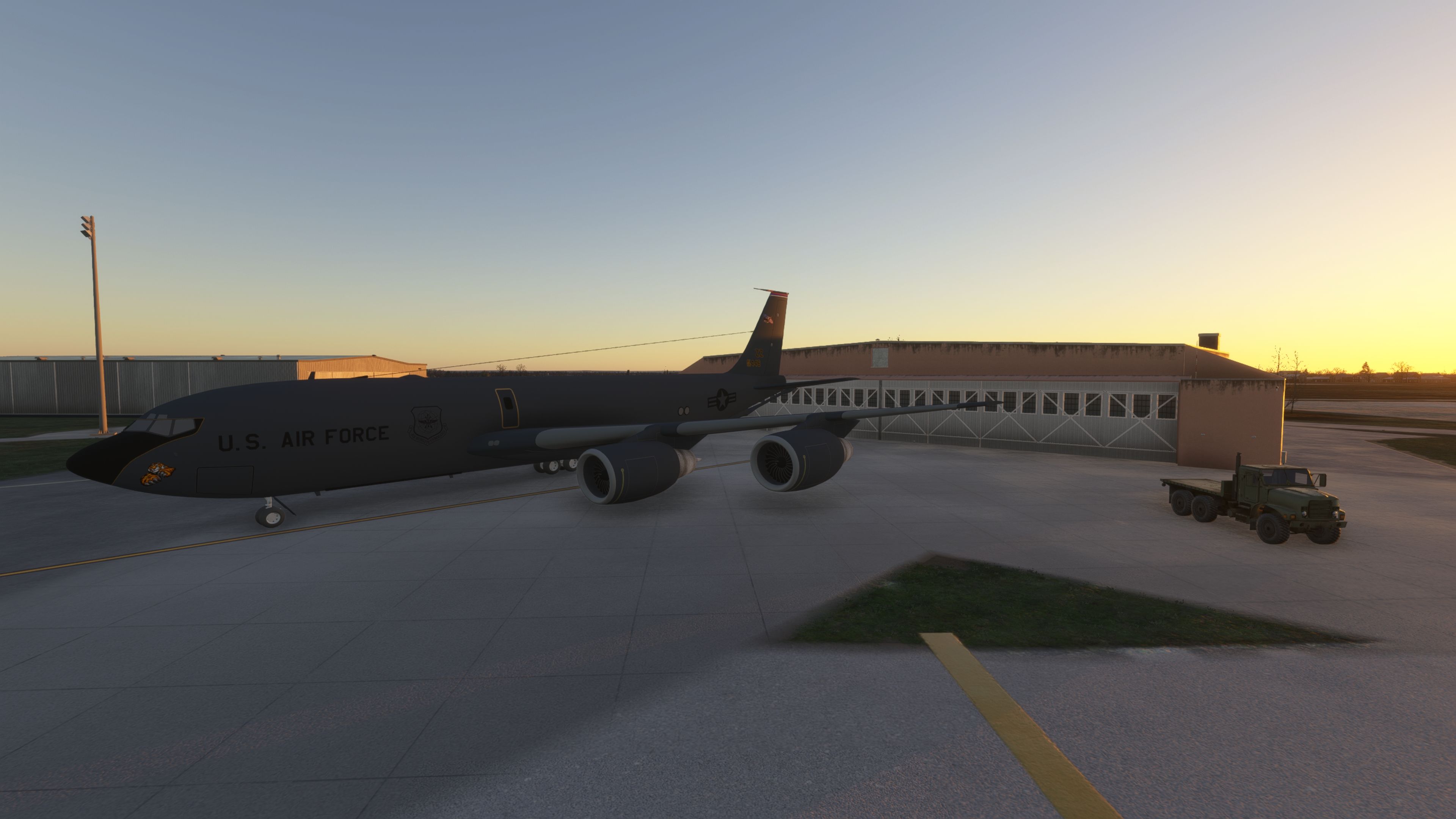
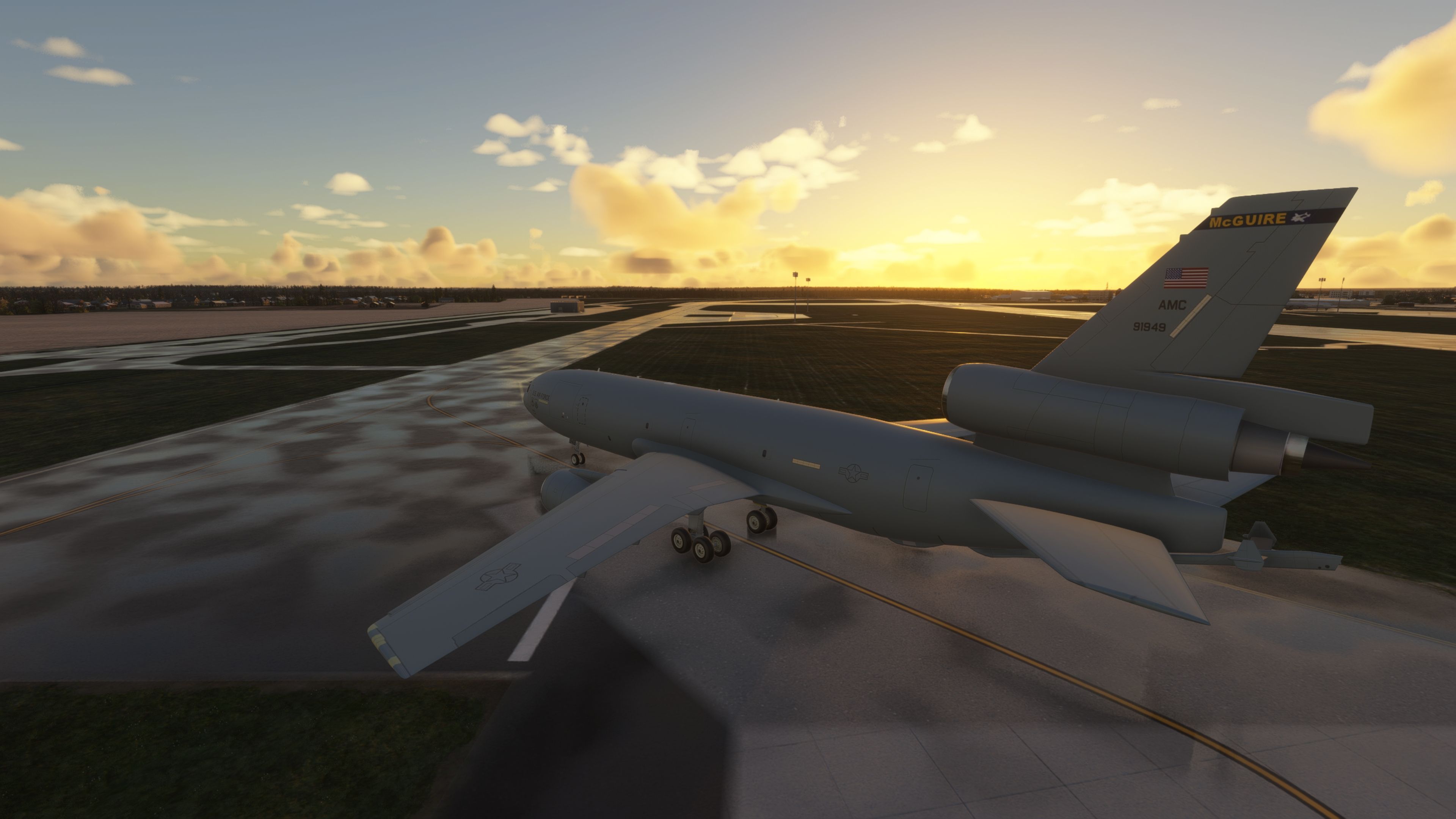
RAF Mildenhall (EGUN) receives a freeware scenery refresh for Microsoft Flight Simulator that sharpens the Suffolk base’s heavy-military atmosphere with a revised runway, PAPI and lighting updates, improved start positions, and cleaner infield sightlines. Reworked hangars, expanded cargo parking, SR-71 shelters, optional static tankers and V-22s, plus sim-update object fixes keep operations convincing.
 United Kingdom
 - File: egun-mildenhall-msfs.zip
- Size:338.9 MB
- Scan:
Clean (7d)

- Access:Freeware
- Content:Everyone

 Description
 Comments
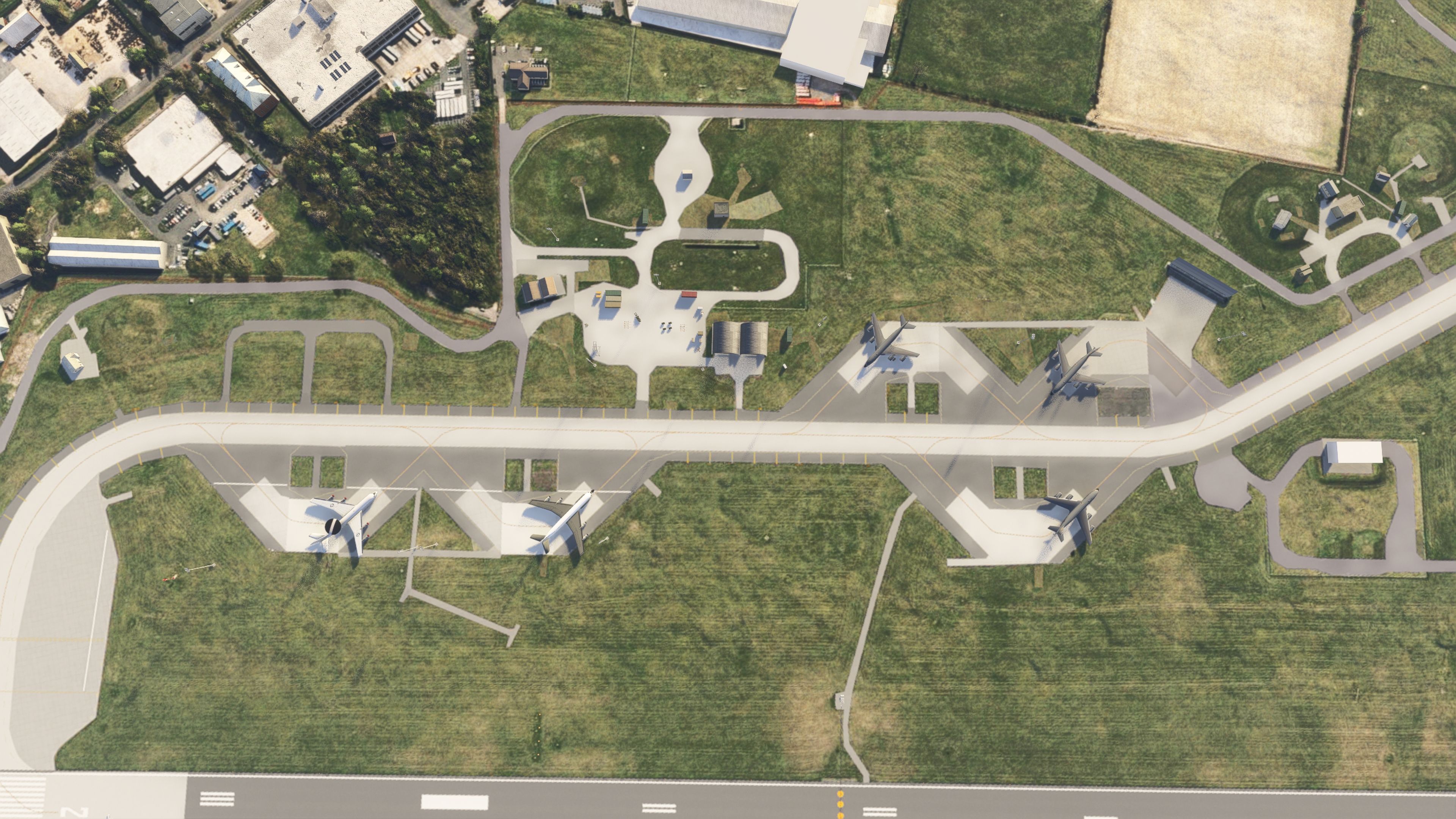
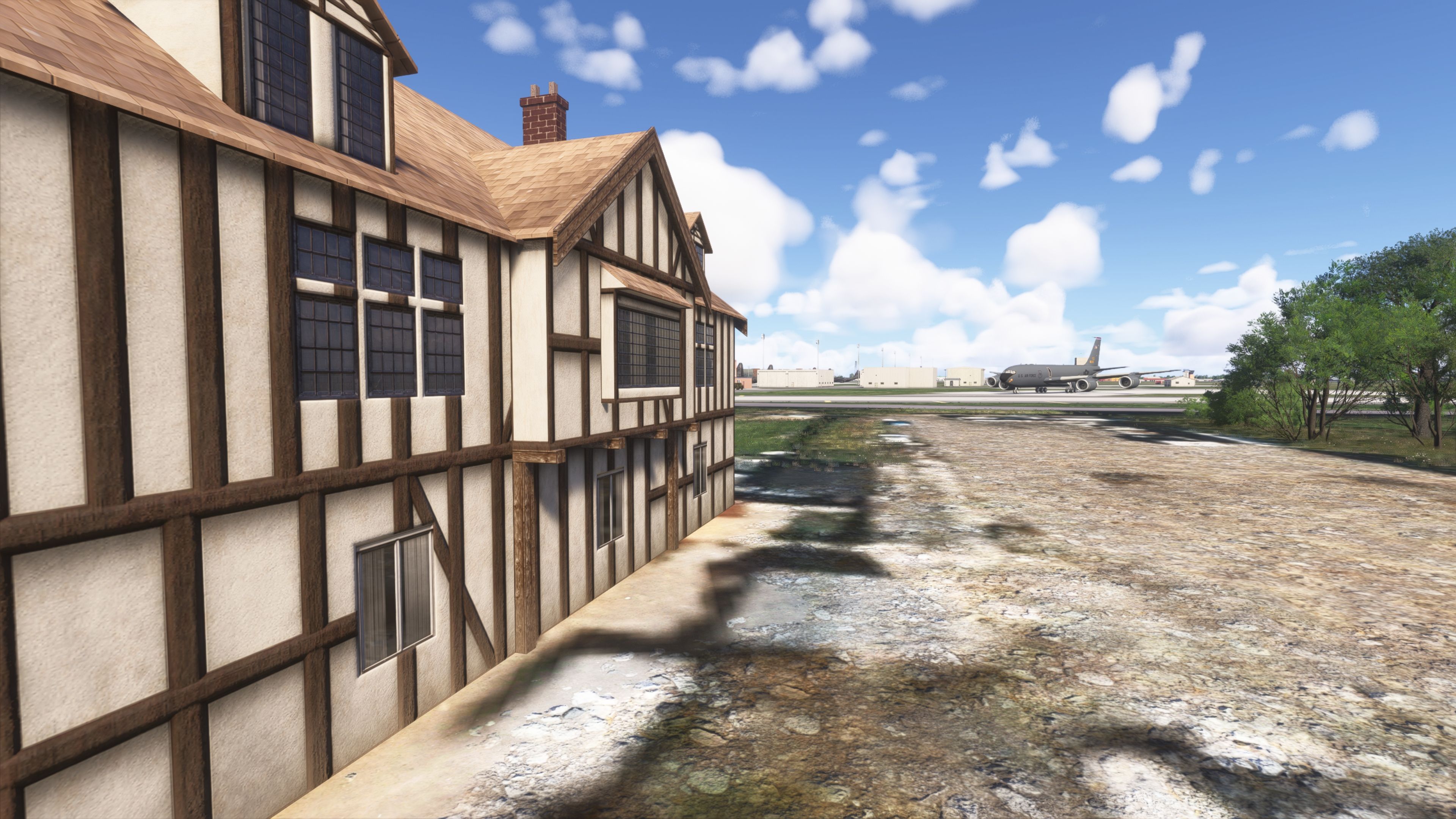
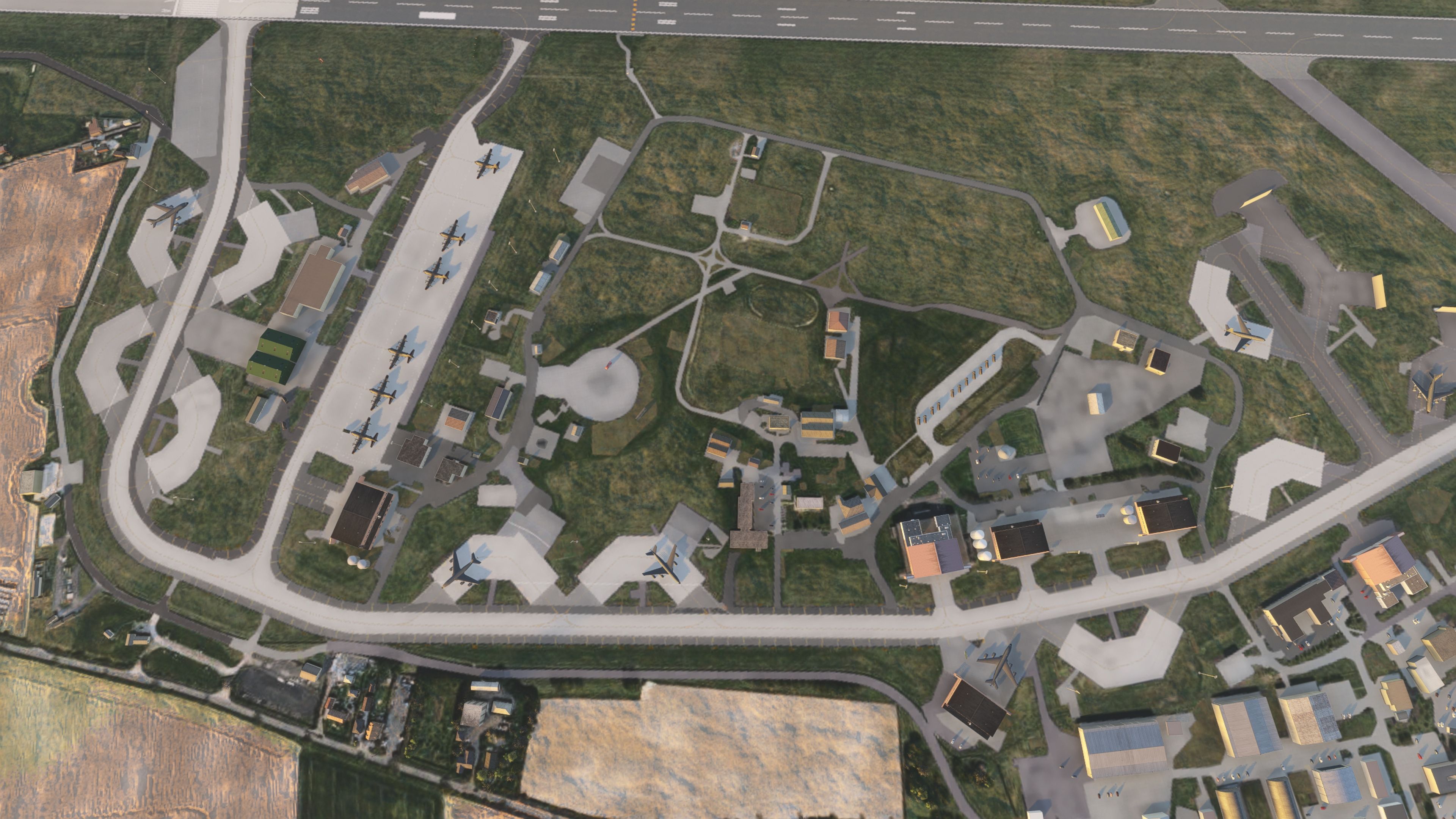
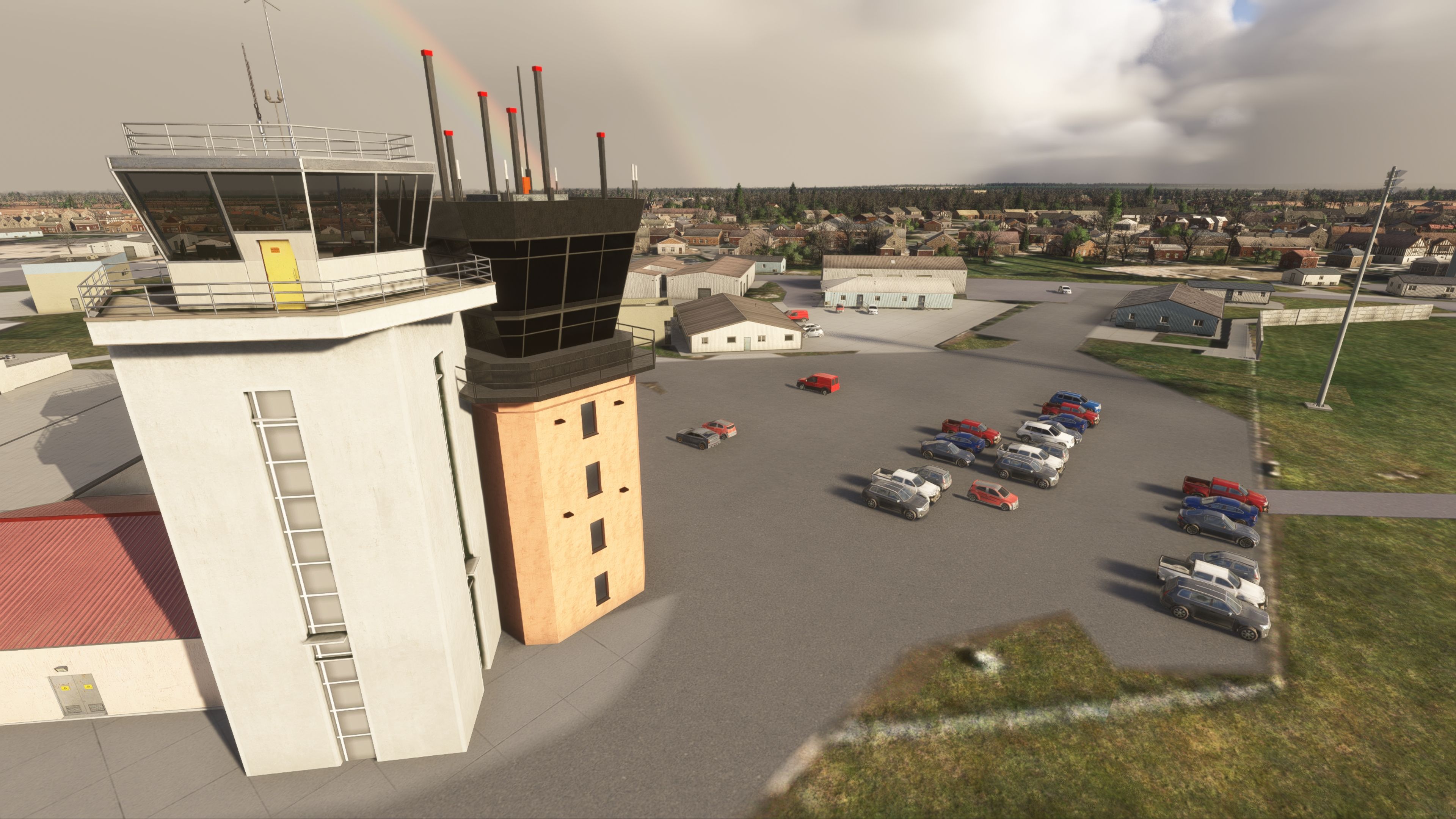
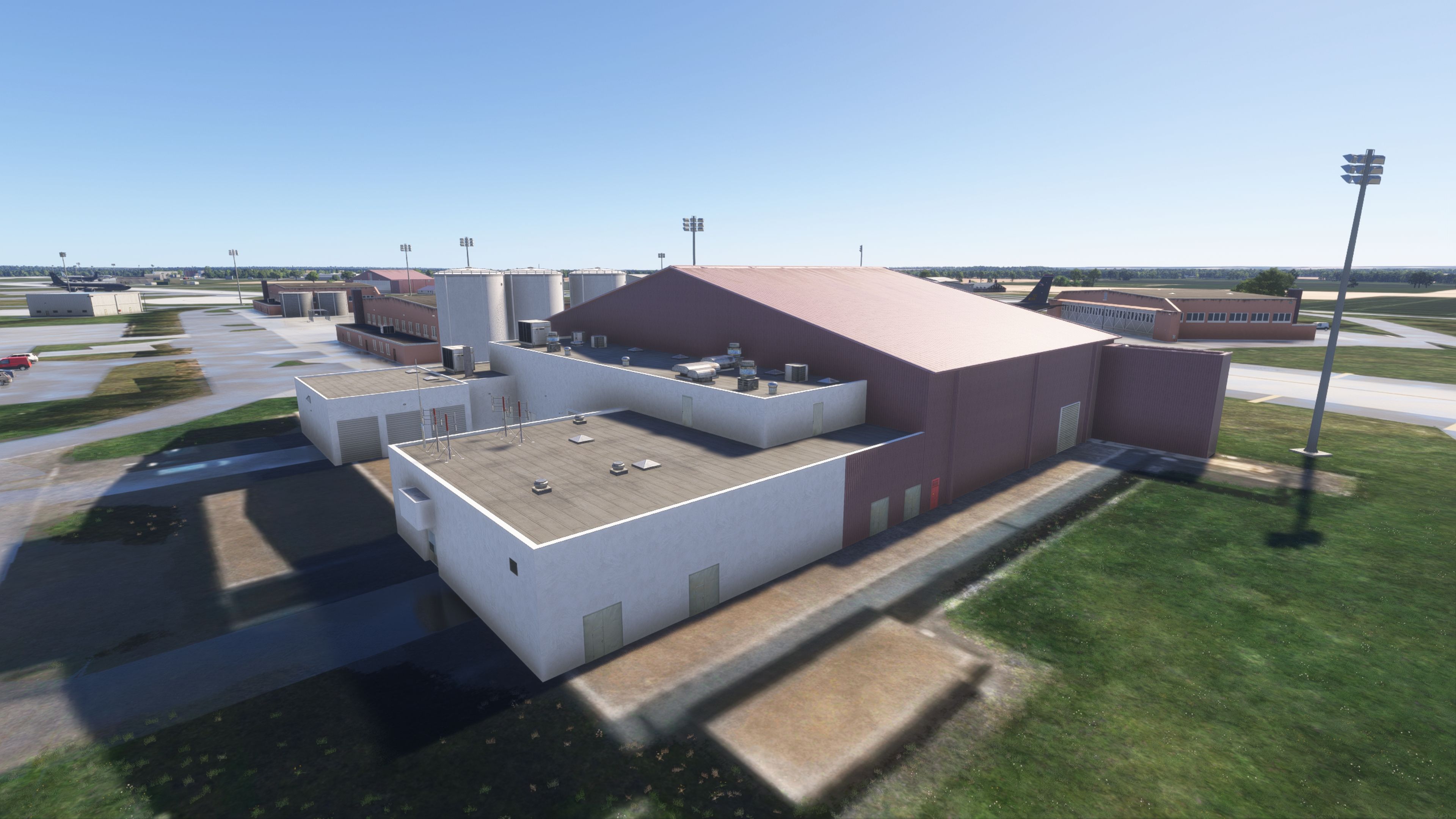
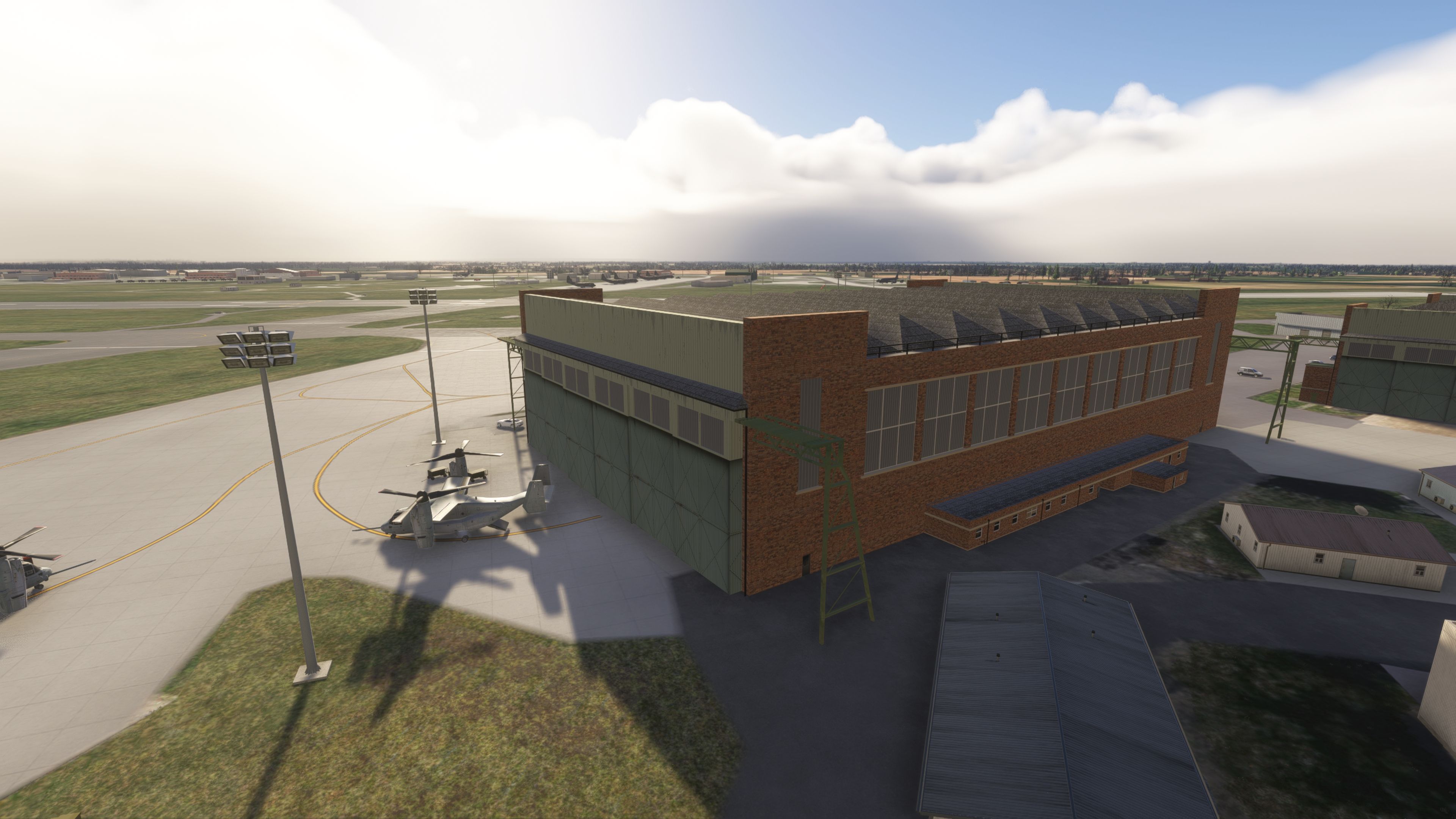
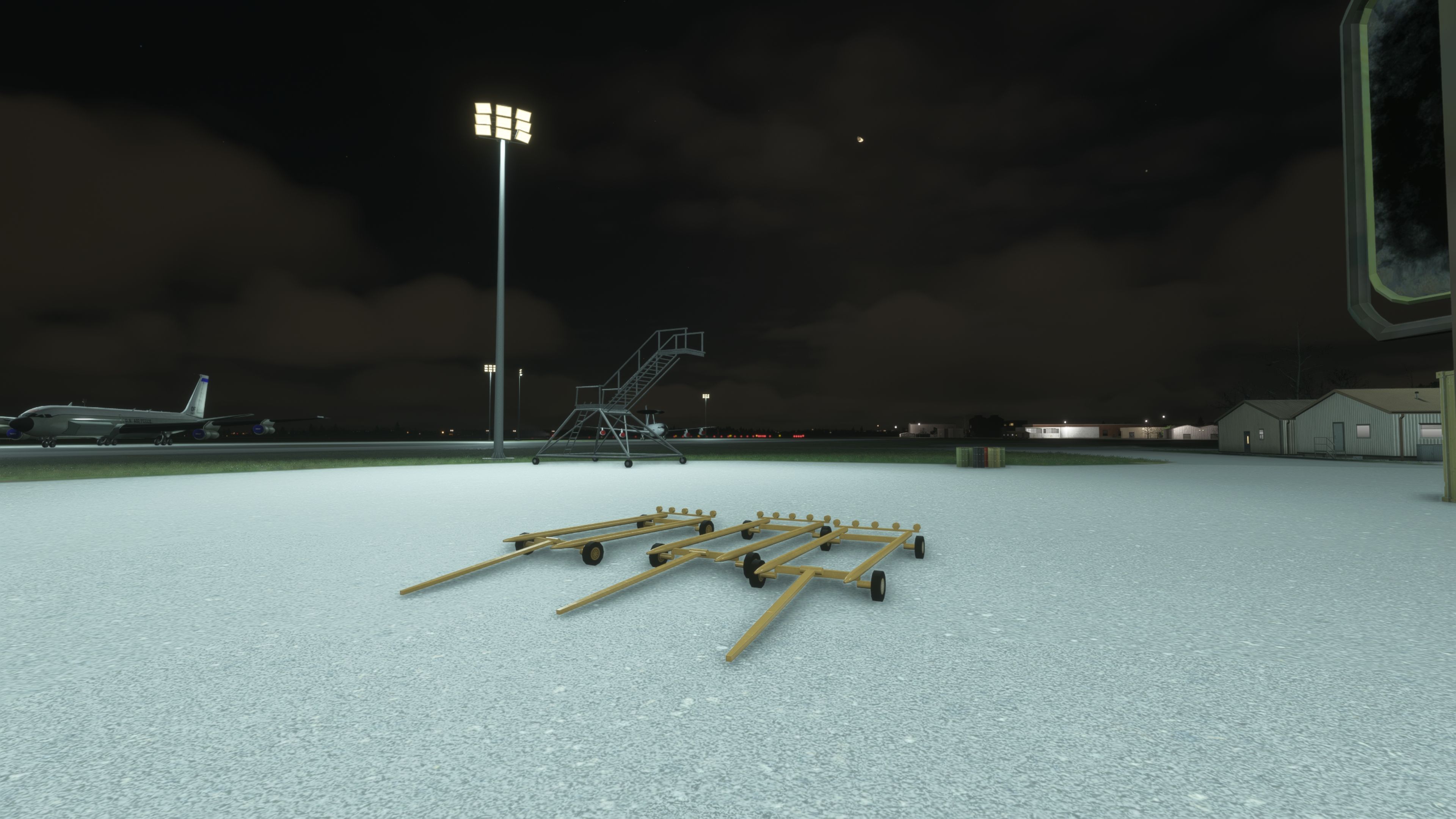
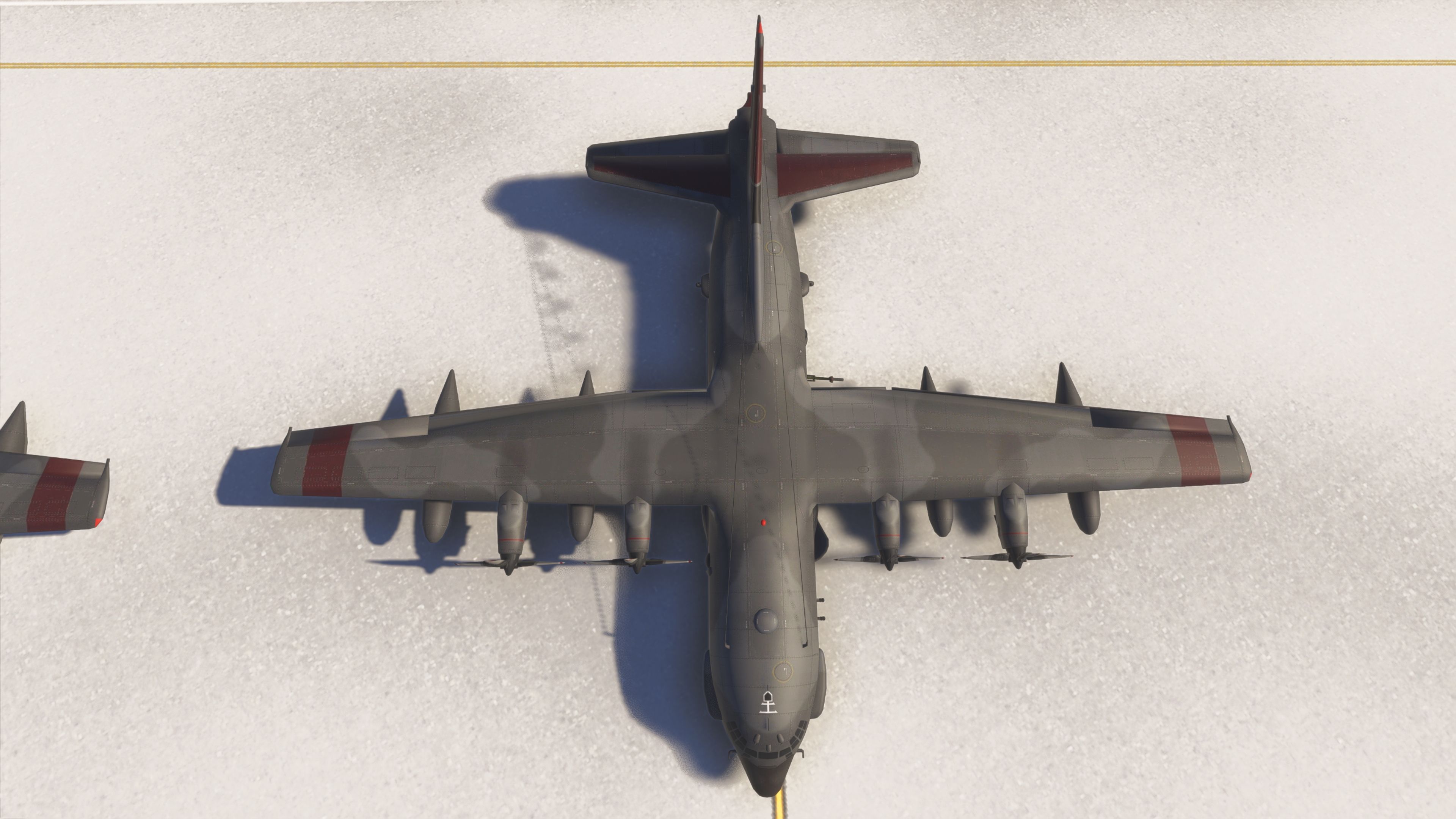
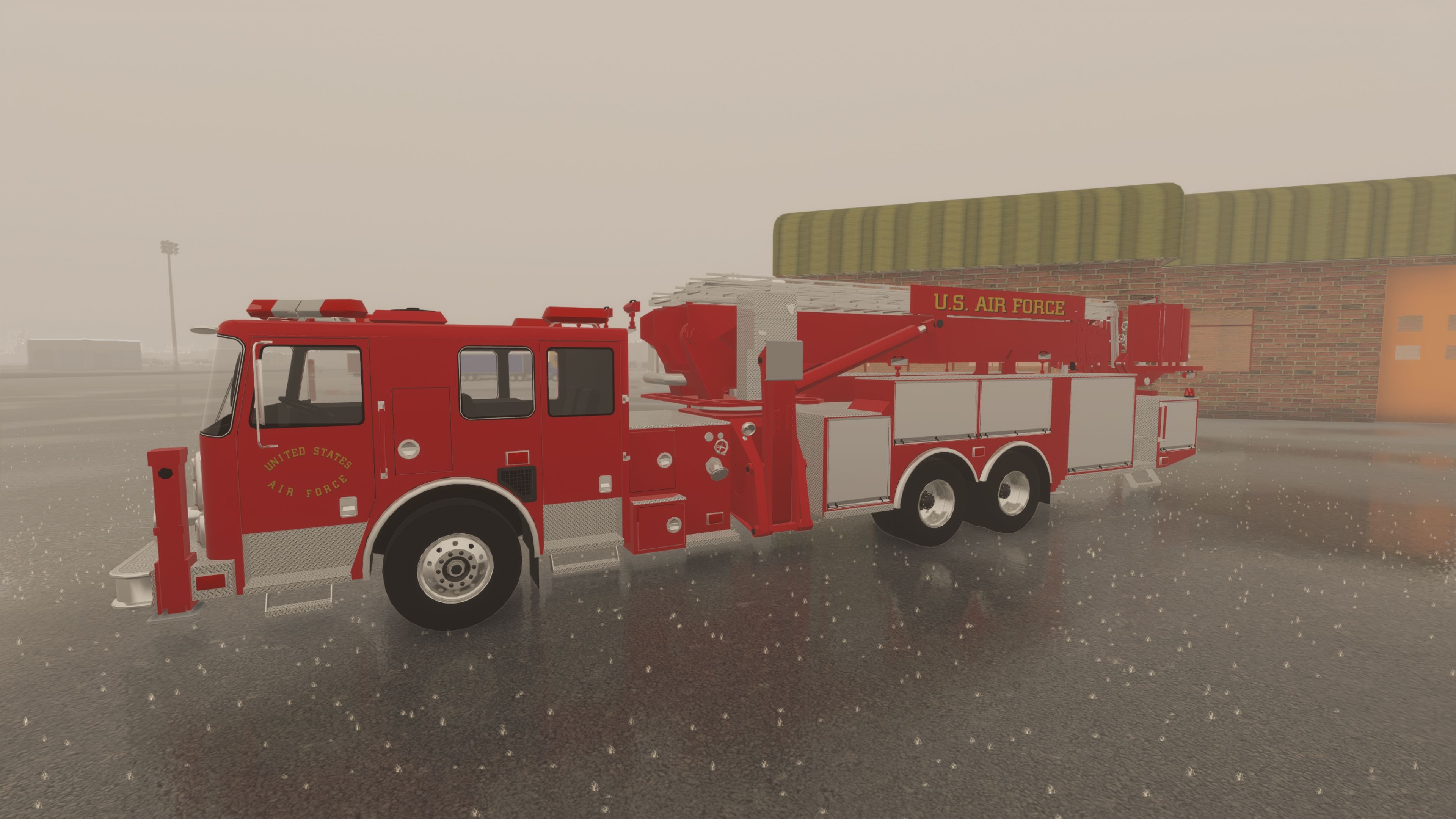
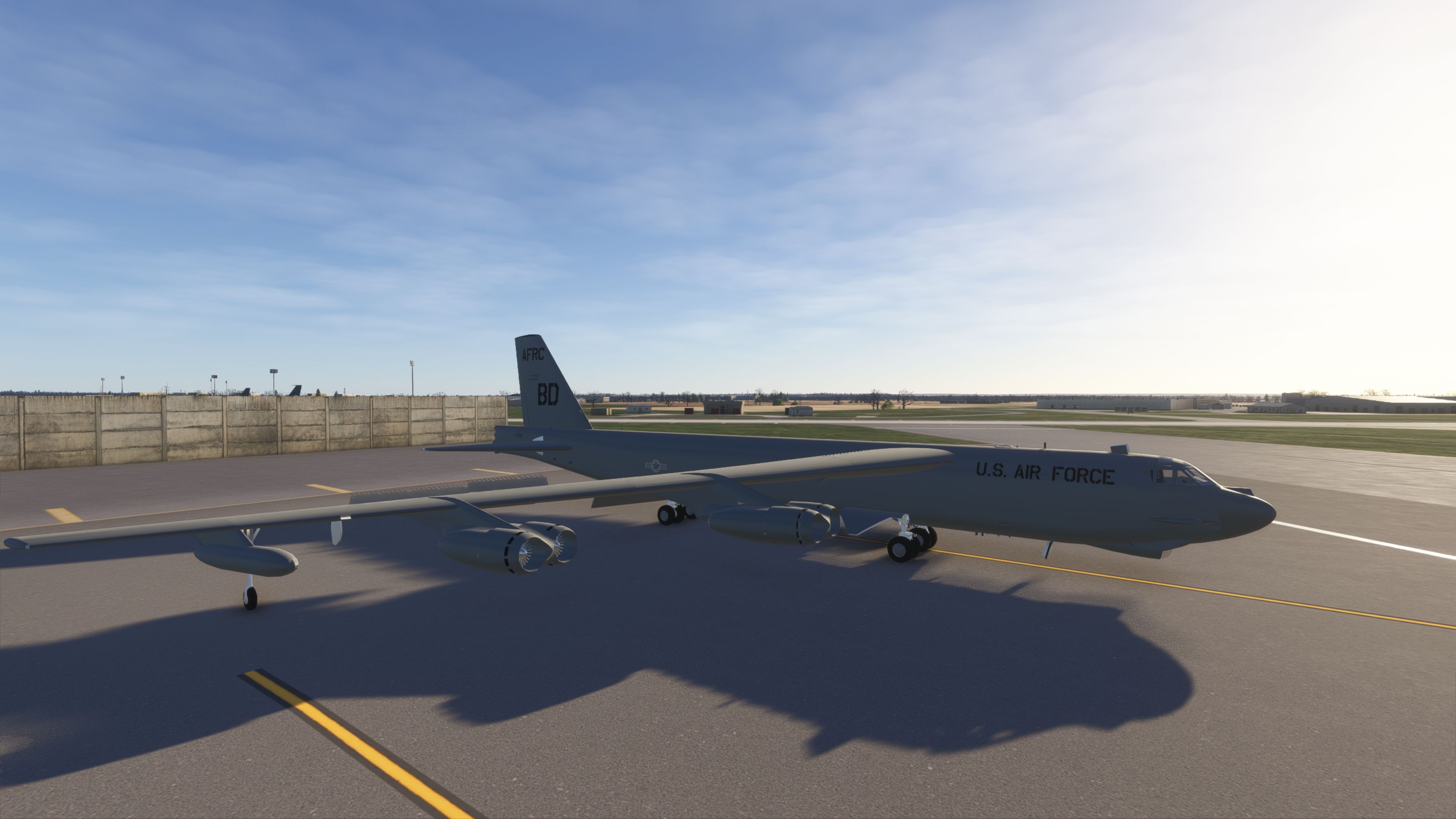
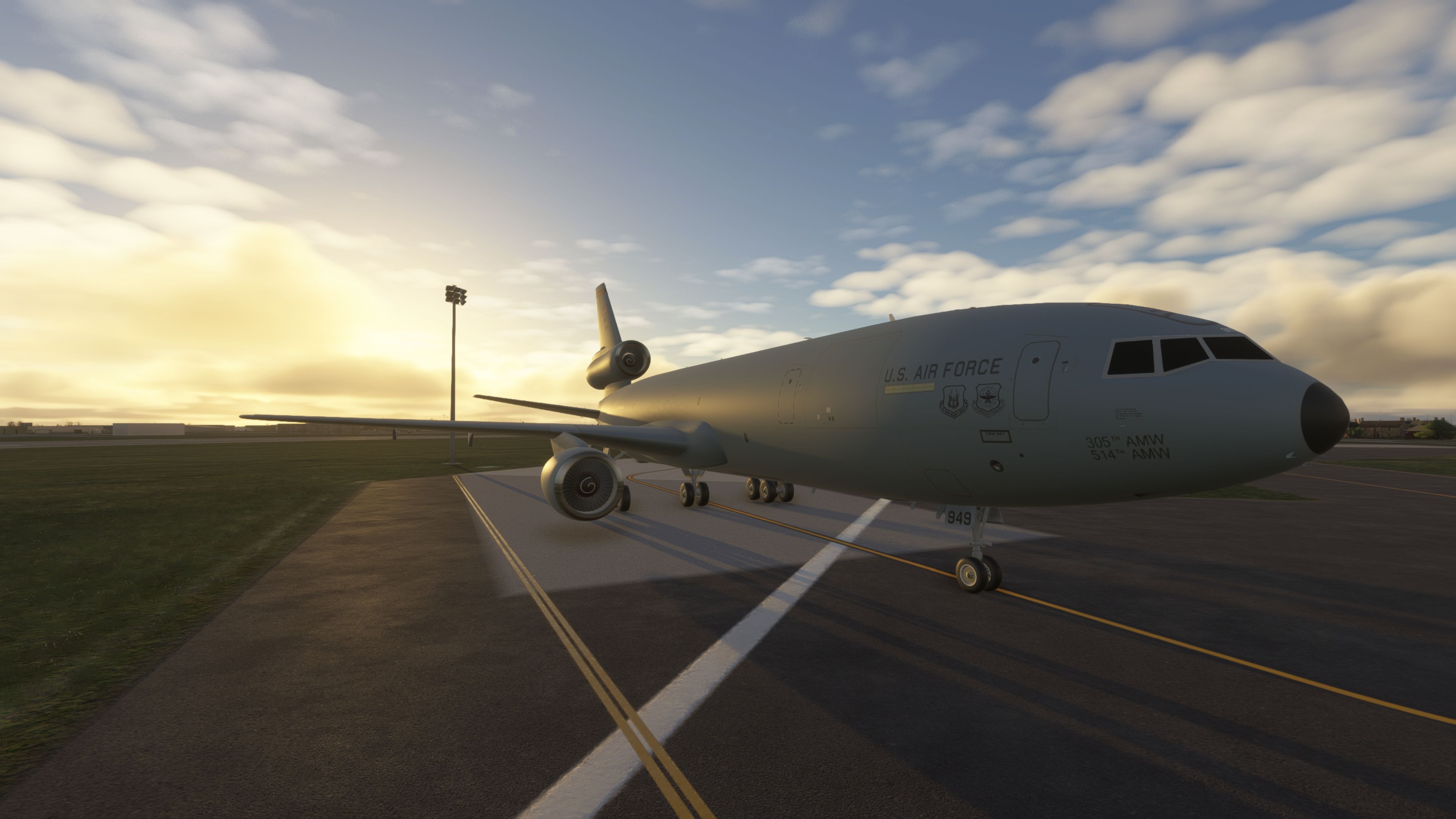
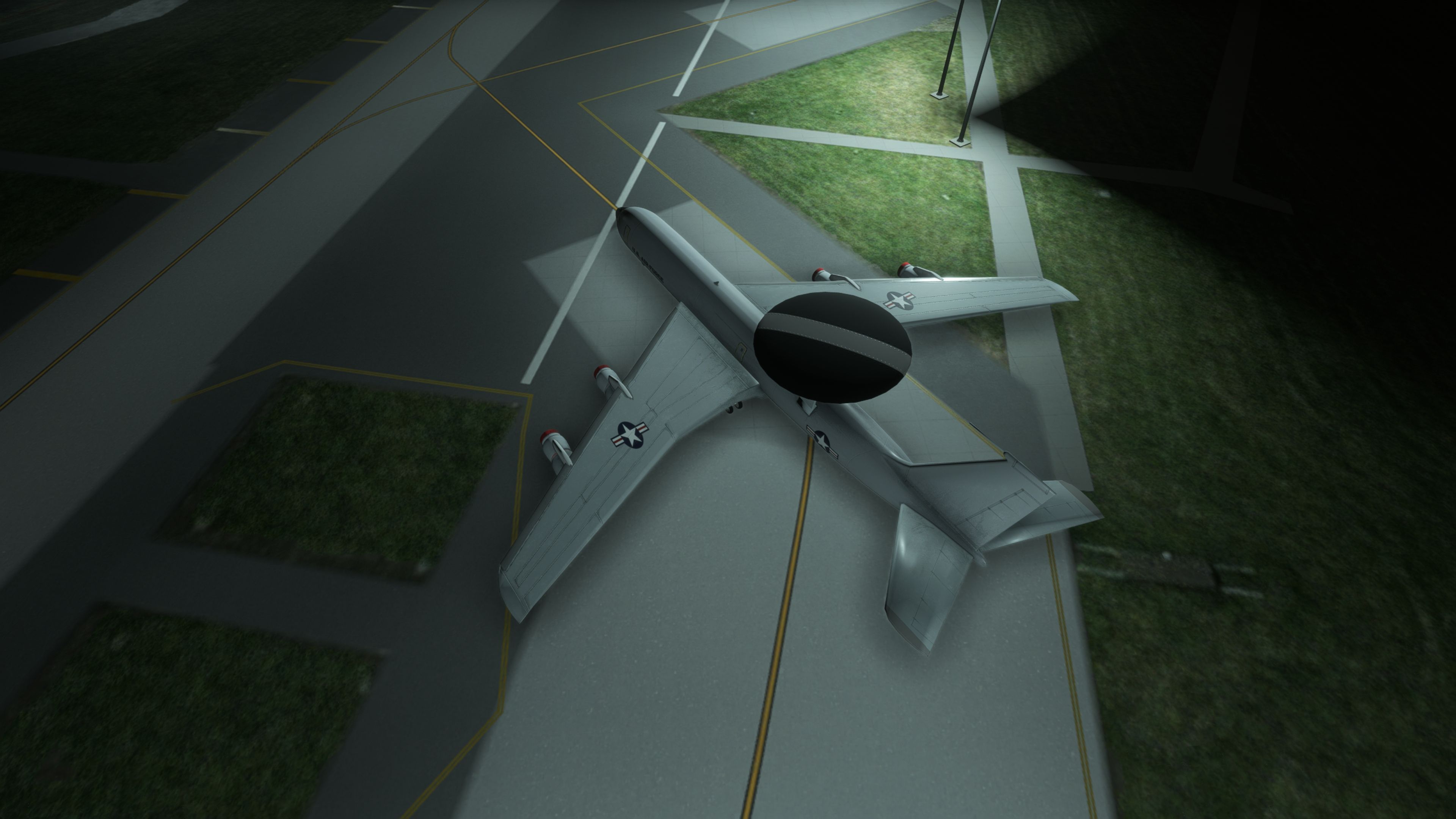
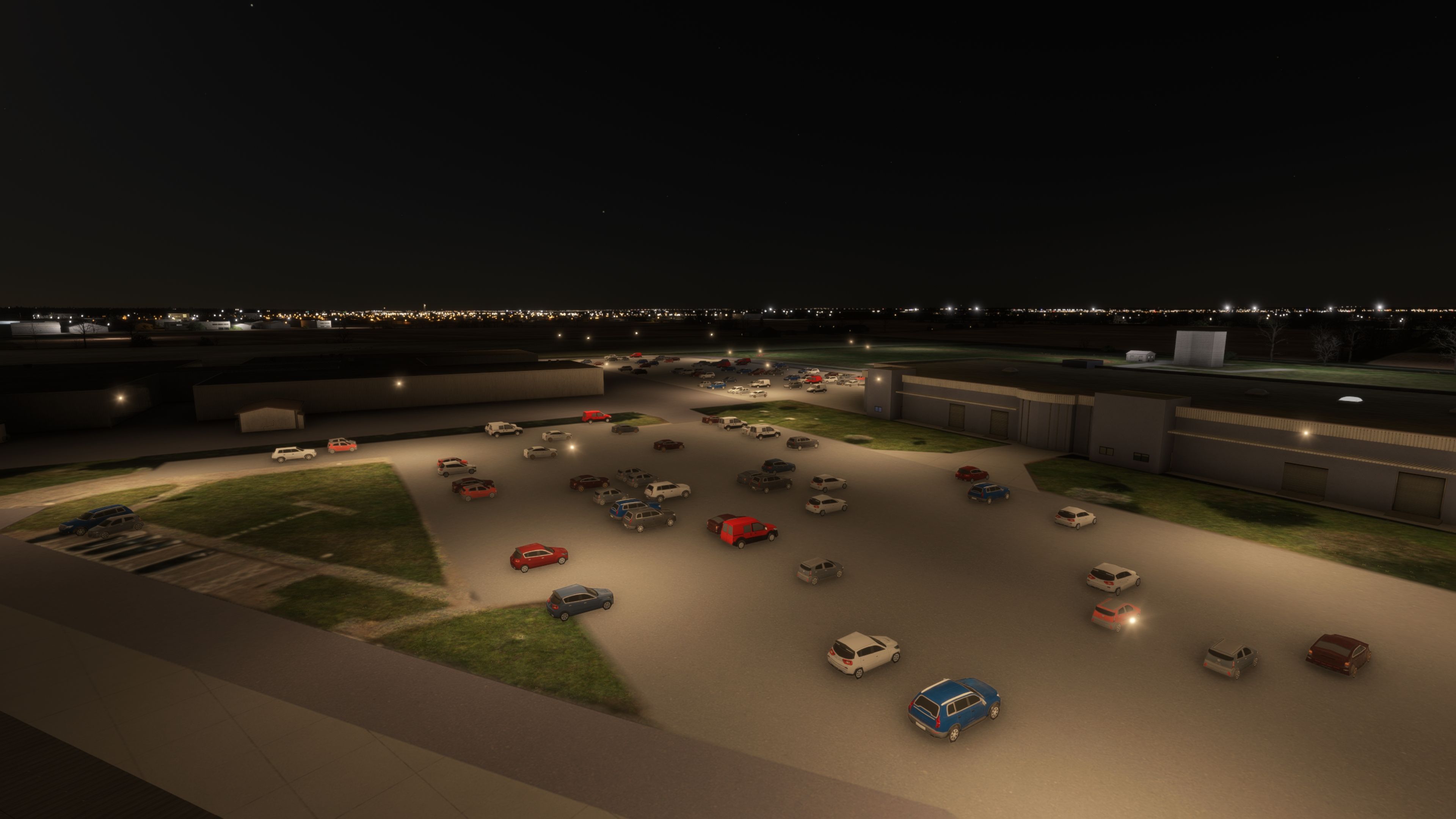
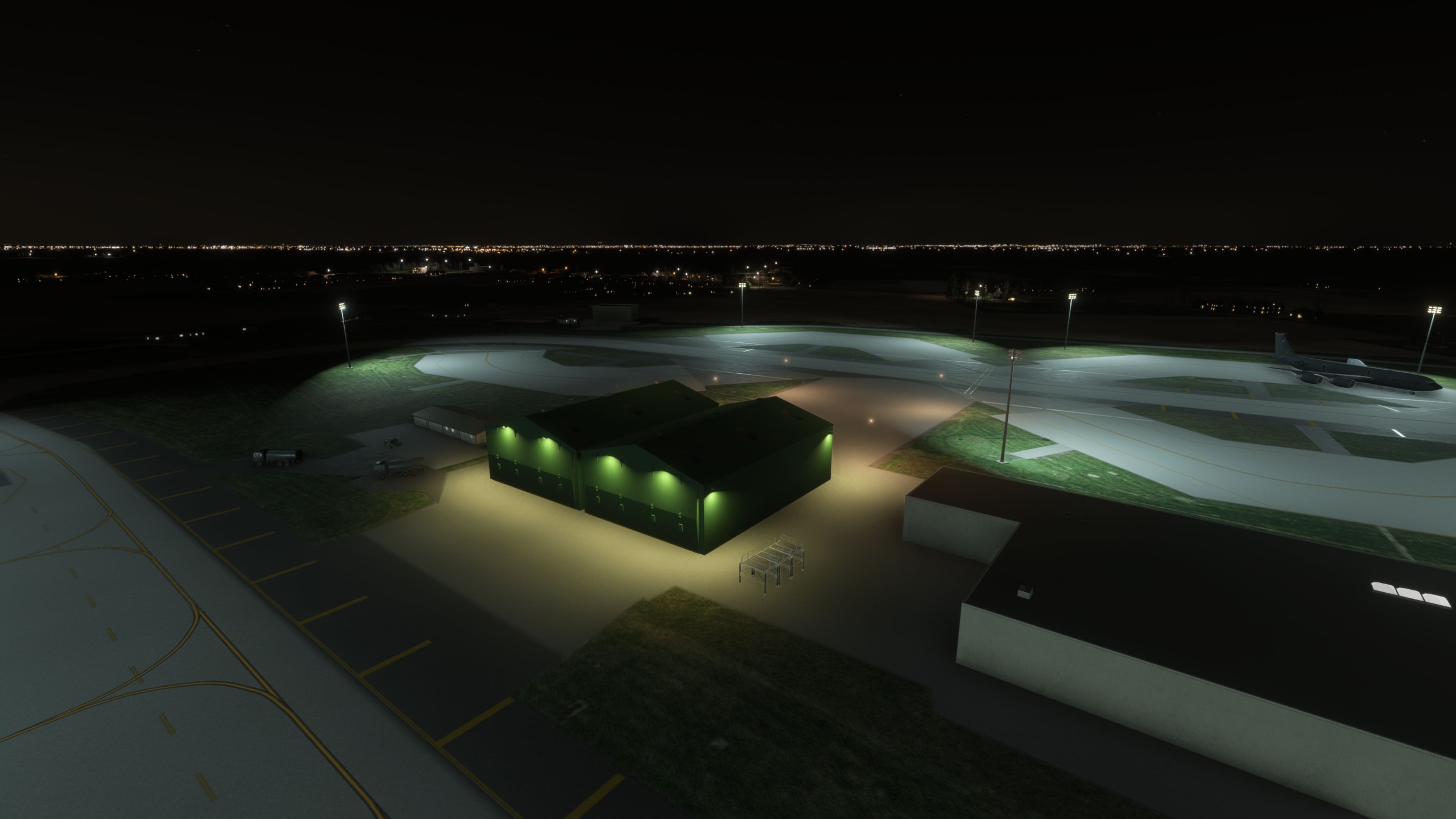
 Created as a freeware, in-progress scenery refresh for Microsoft Flight Simulator, this RAF Mildenhall (EGUN) package focuses on bringing the ramp and airfield layout closer to the character of the real Suffolk base—well known in the sim world for heavy, widebody military traffic and frequent tanker movements. The developer has already reworked key areas of the station with replacement hangars, expanded cargo parking, and optional static aircraft, and they’ve flagged further updates still to come.
Airfield work that changes the feel on final
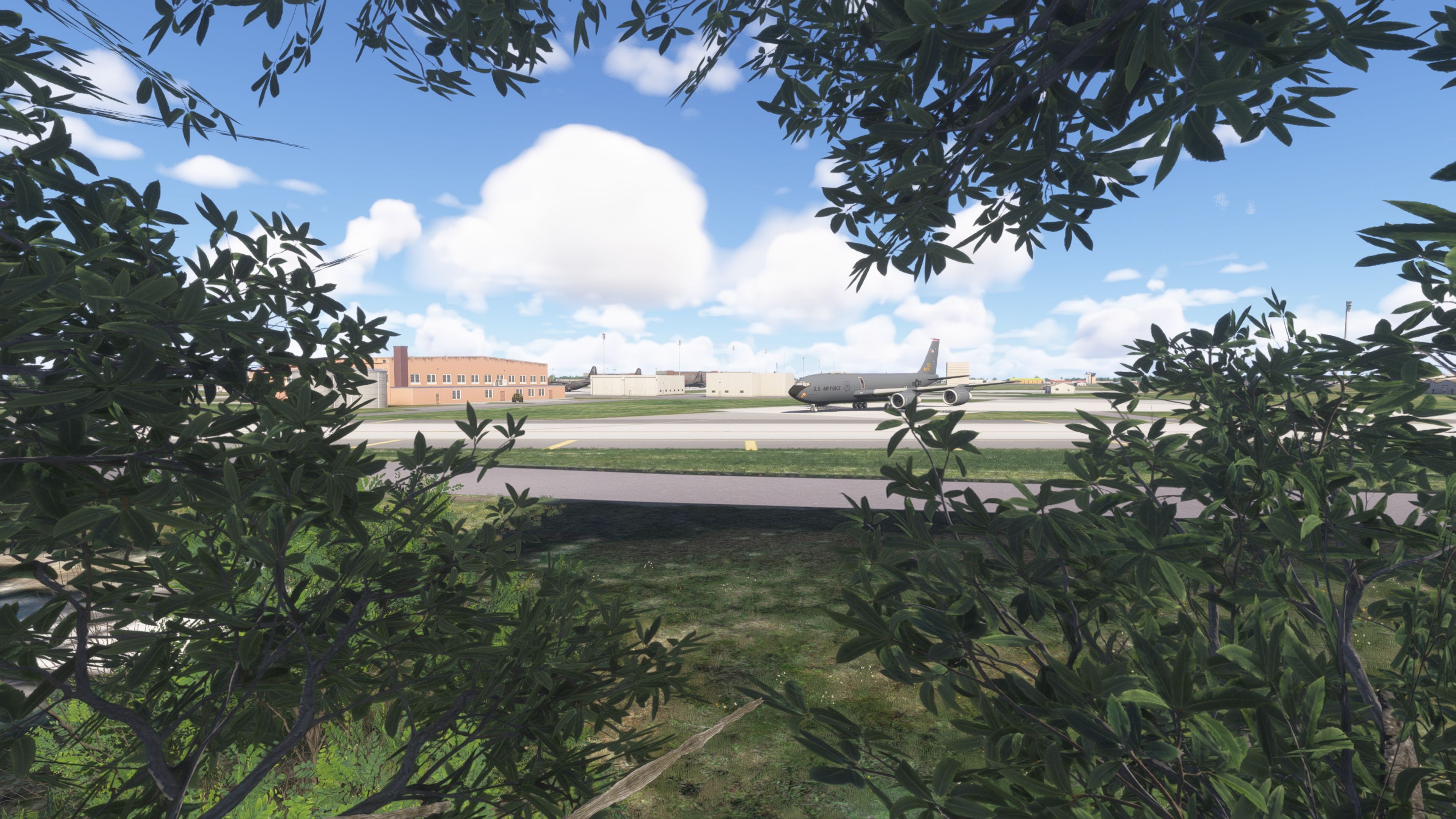
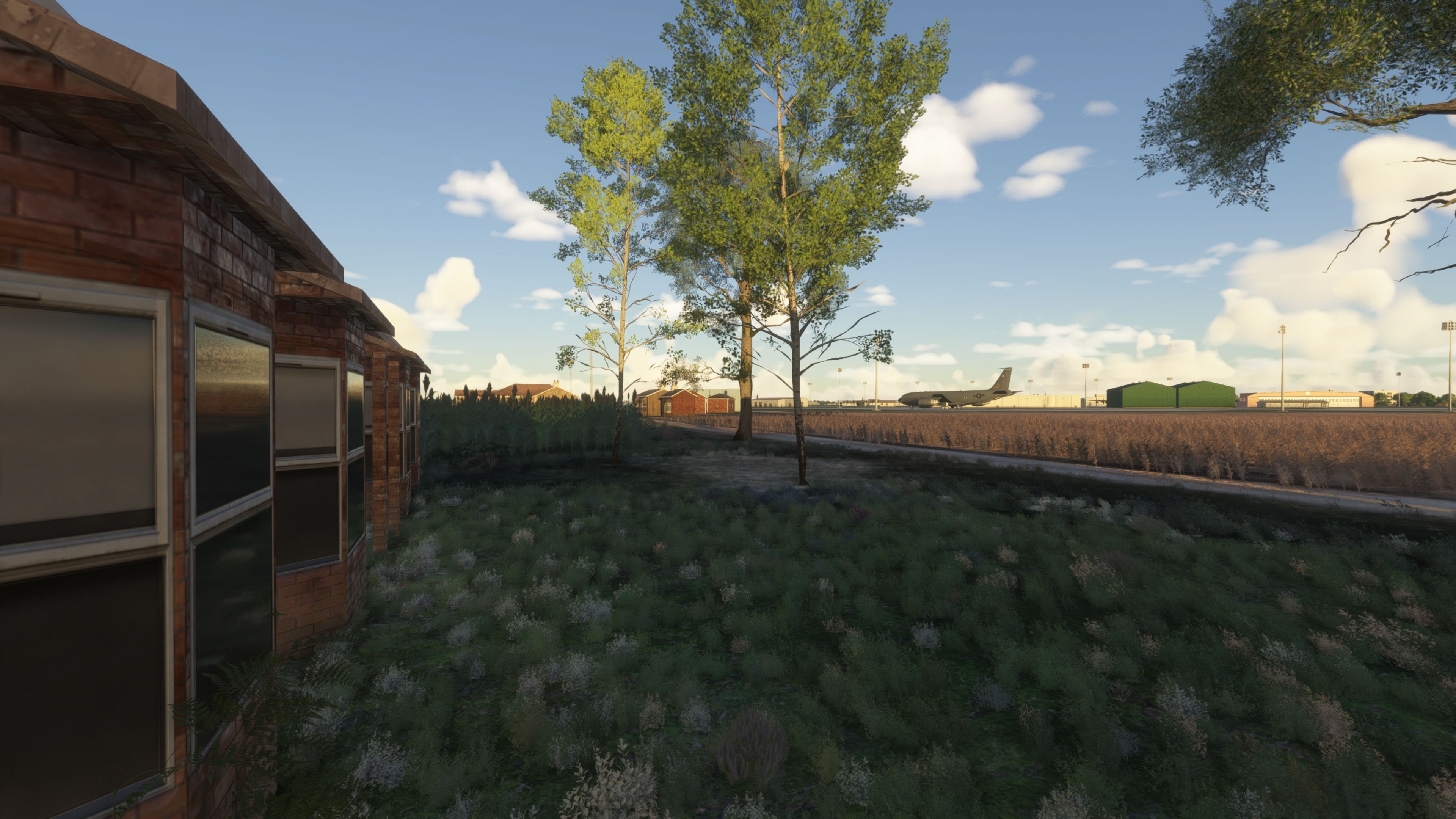
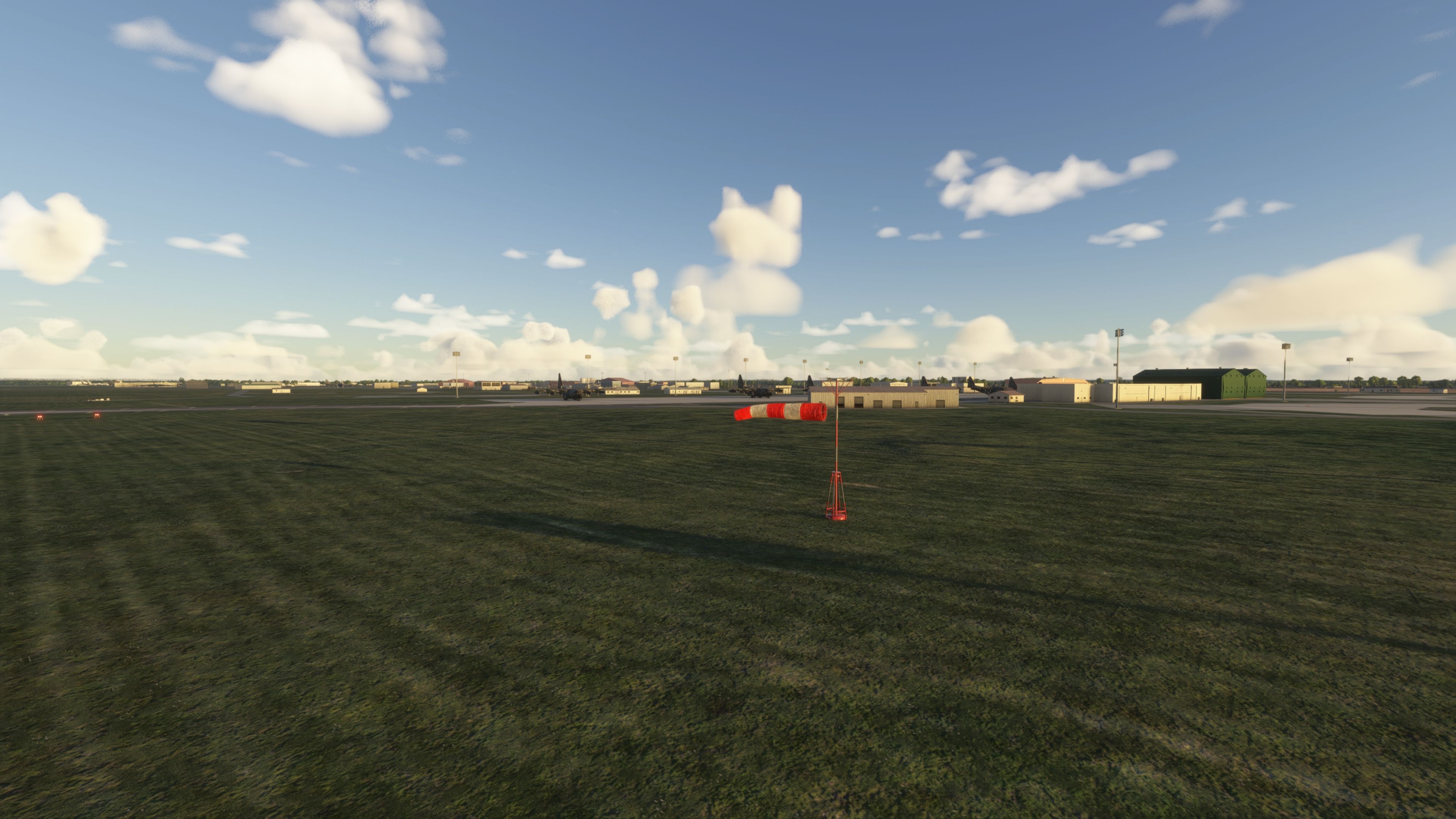
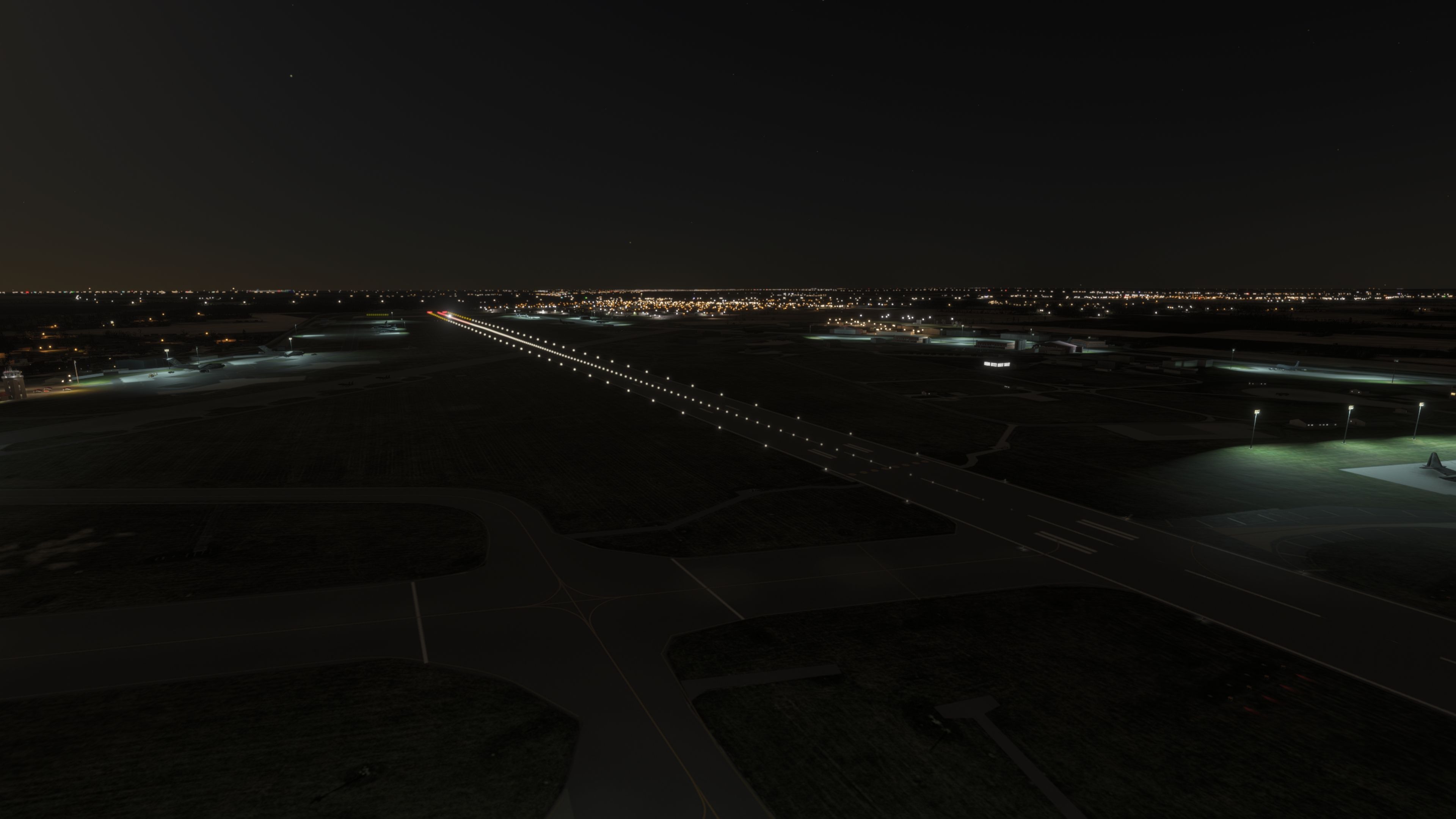
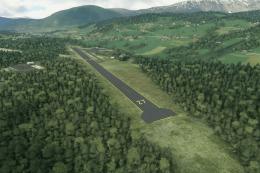
The latest revisions push EGUN beyond a simple object-swap. A new runway has been added and paired with PAPI lights (Precision Approach Path Indicator—four-light visual glideslope guidance), while the runway lighting and start positions have also been updated. In addition, the infield has been cleaned up with trees removed where they shouldn’t be, improving sightlines and reducing the “clutter” that can distract during taxi and rollout.
Apron and hangar-side upgrades
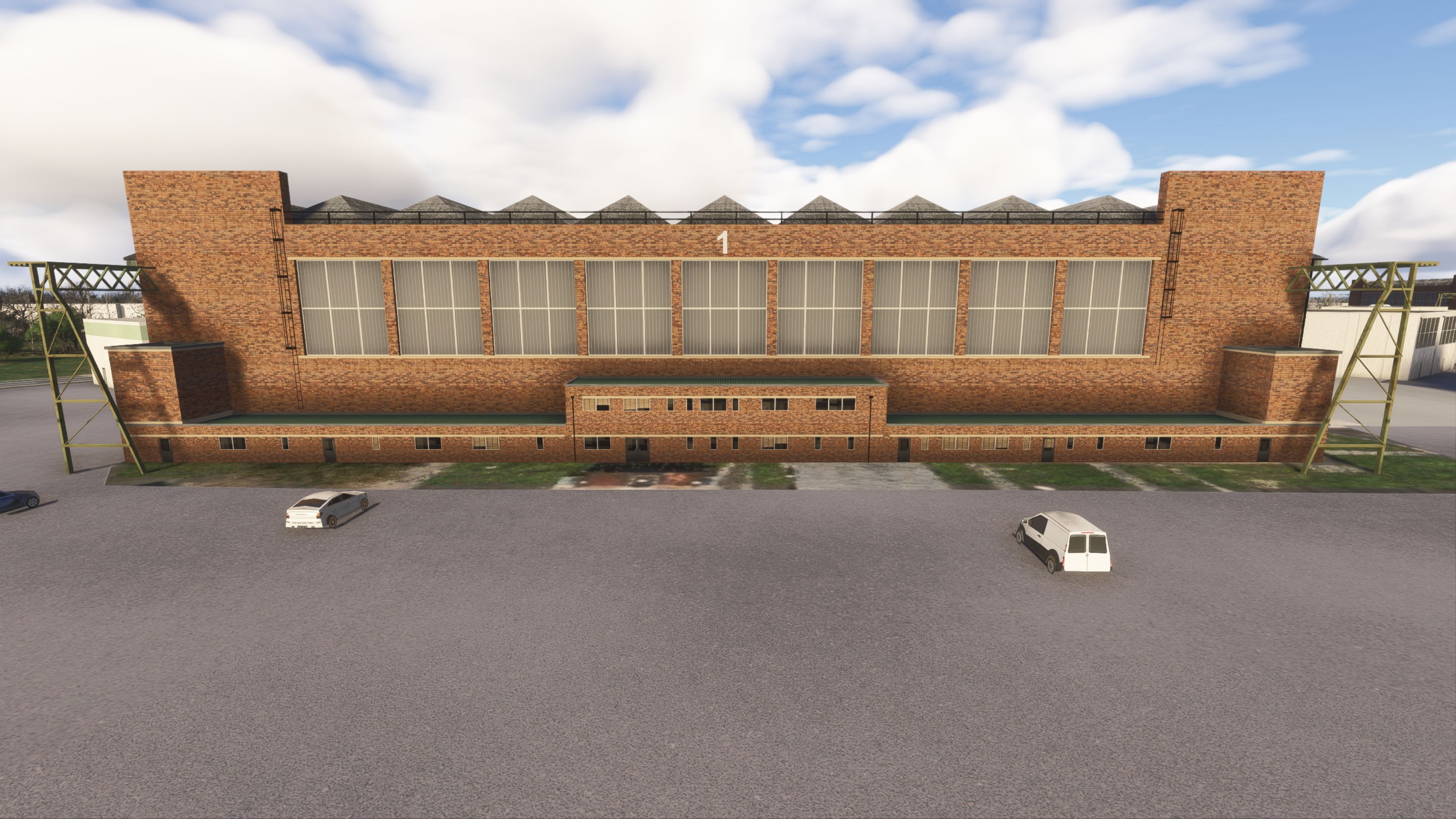
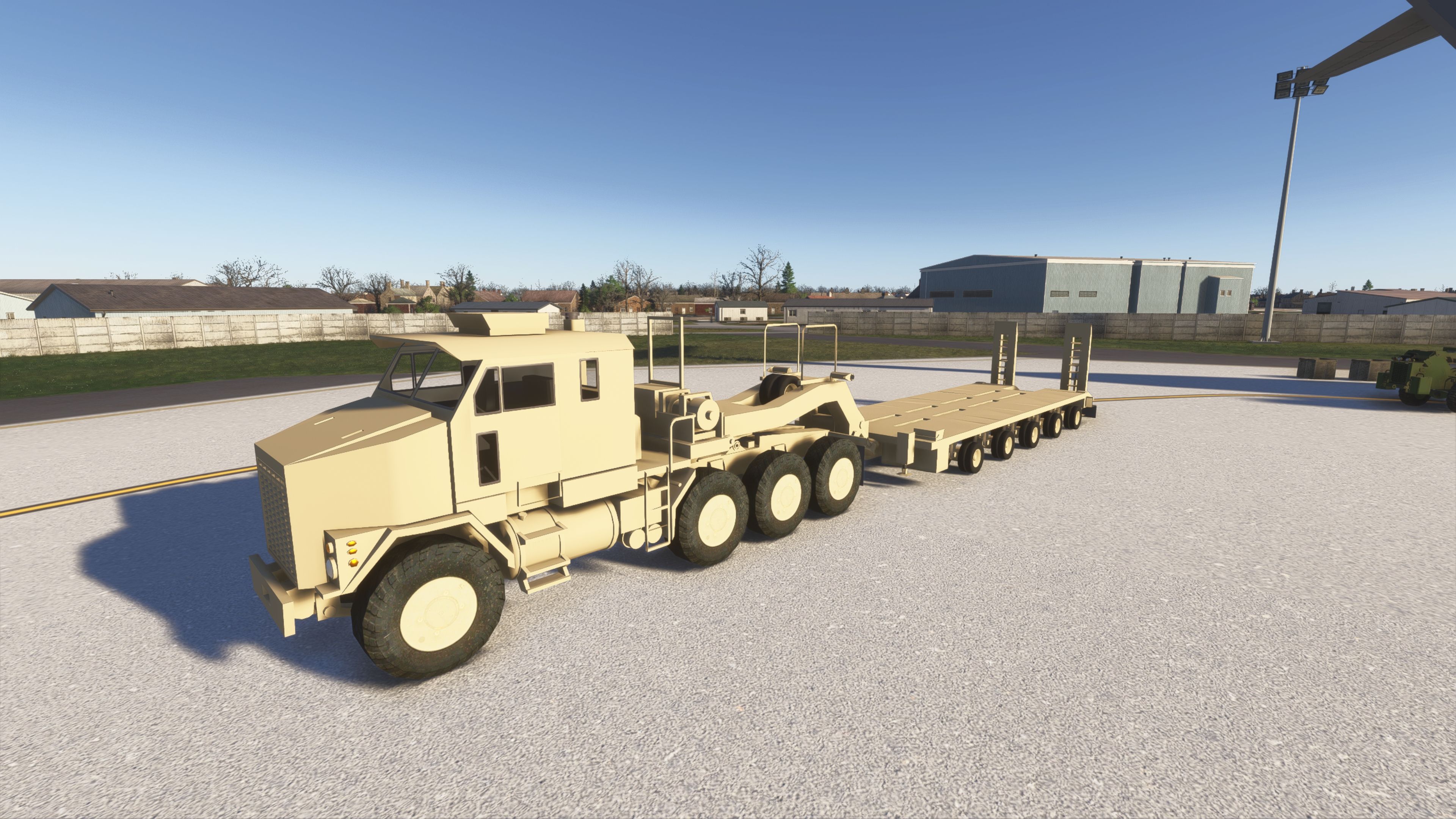
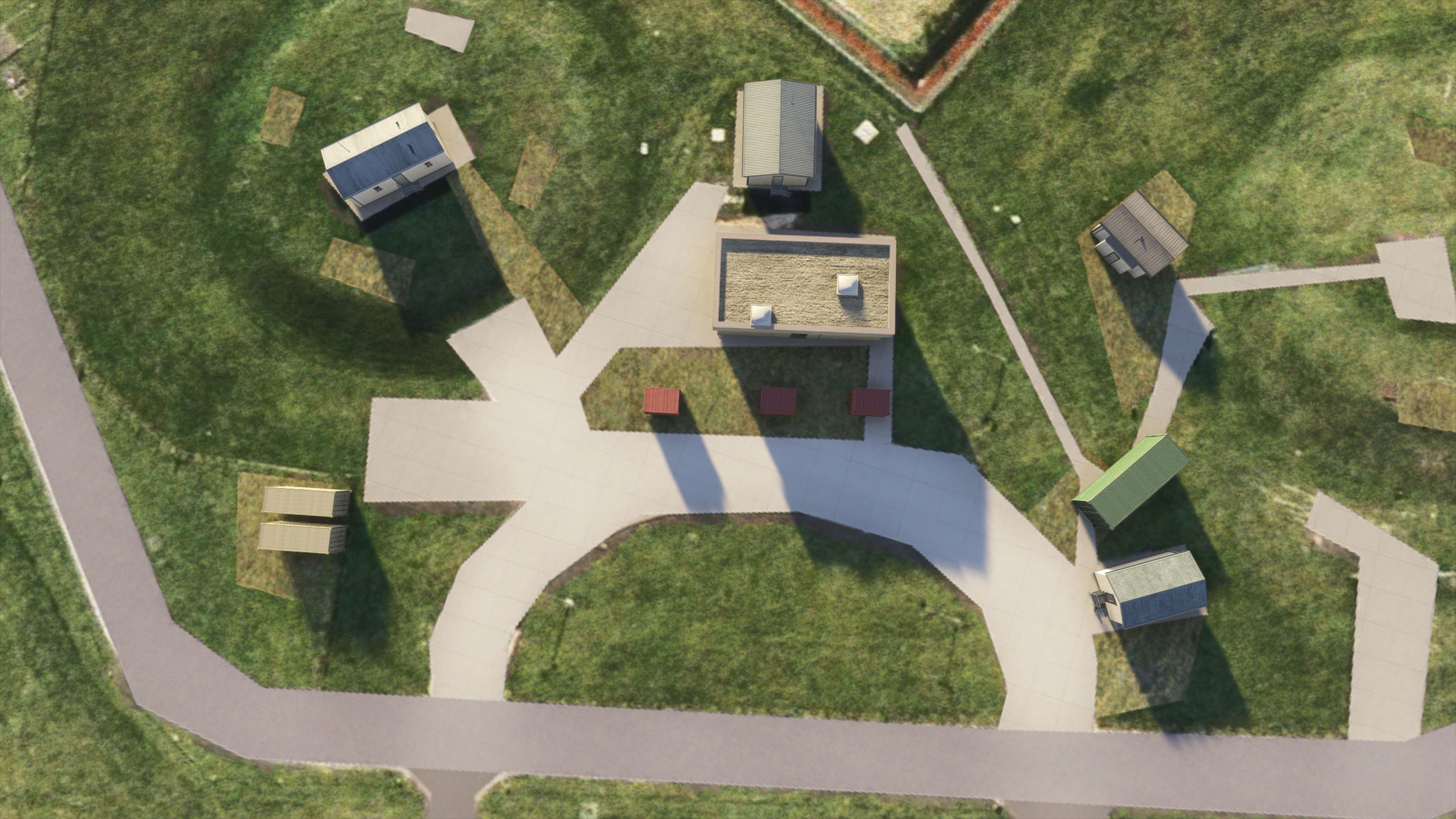
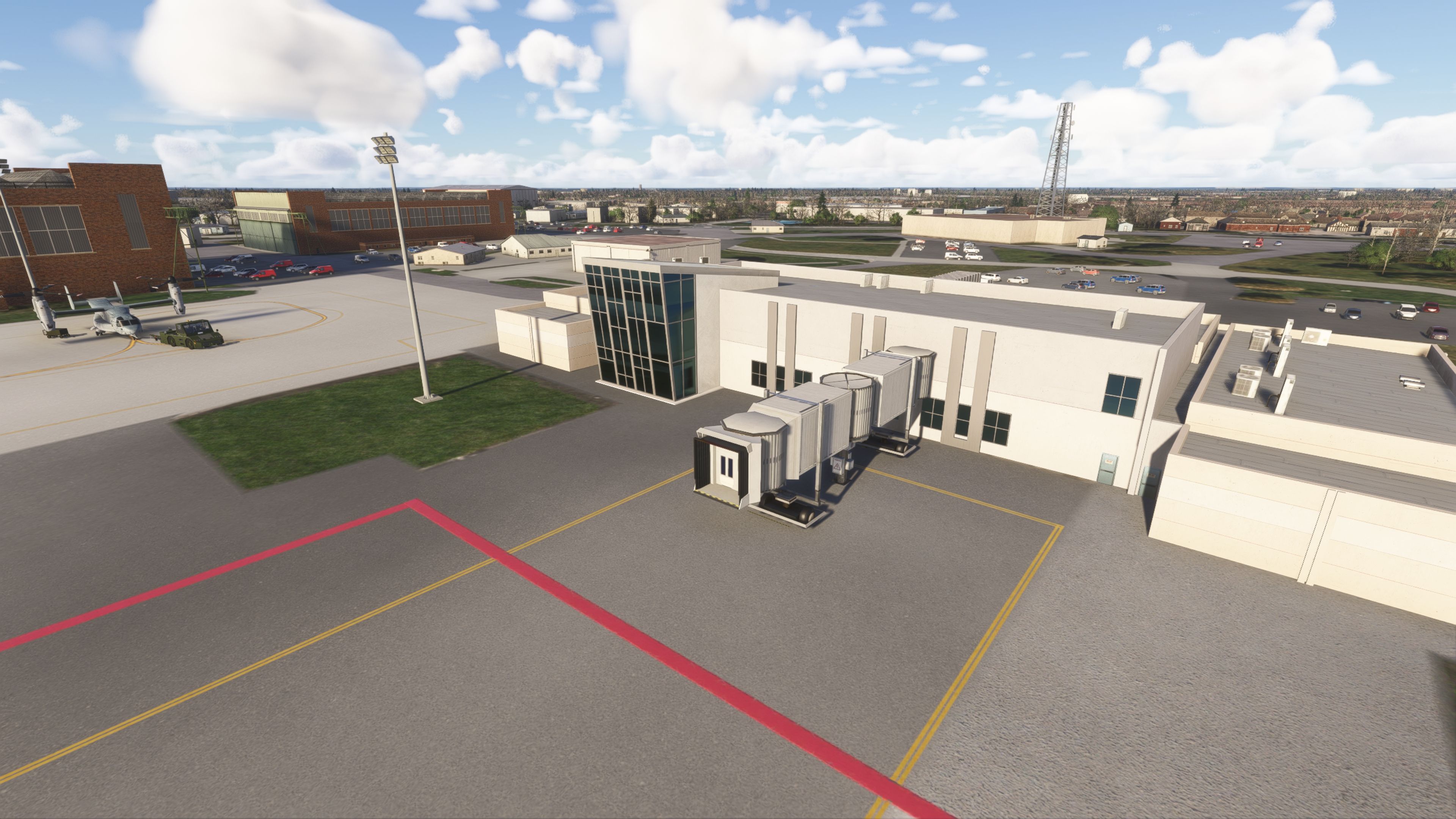
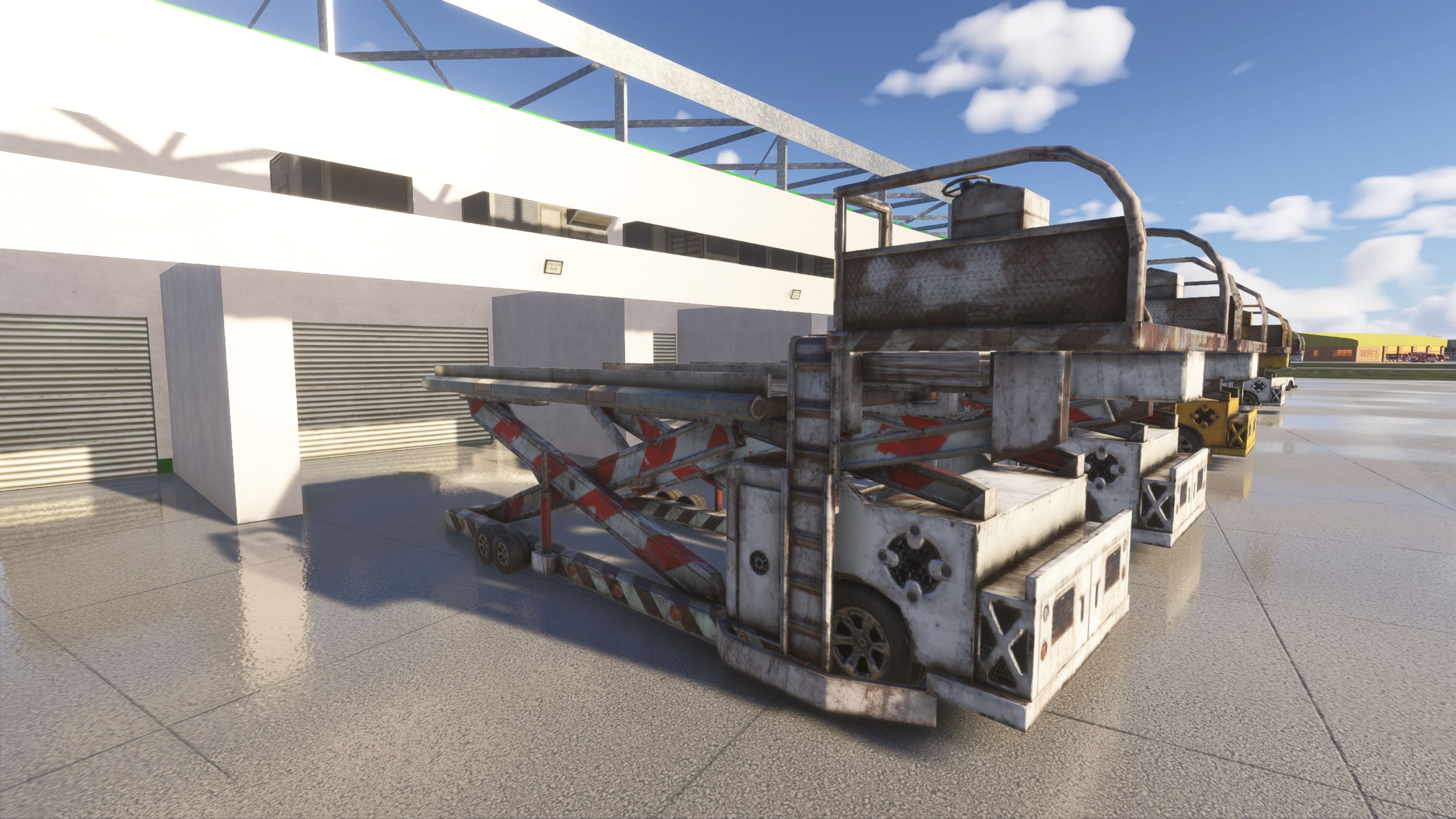
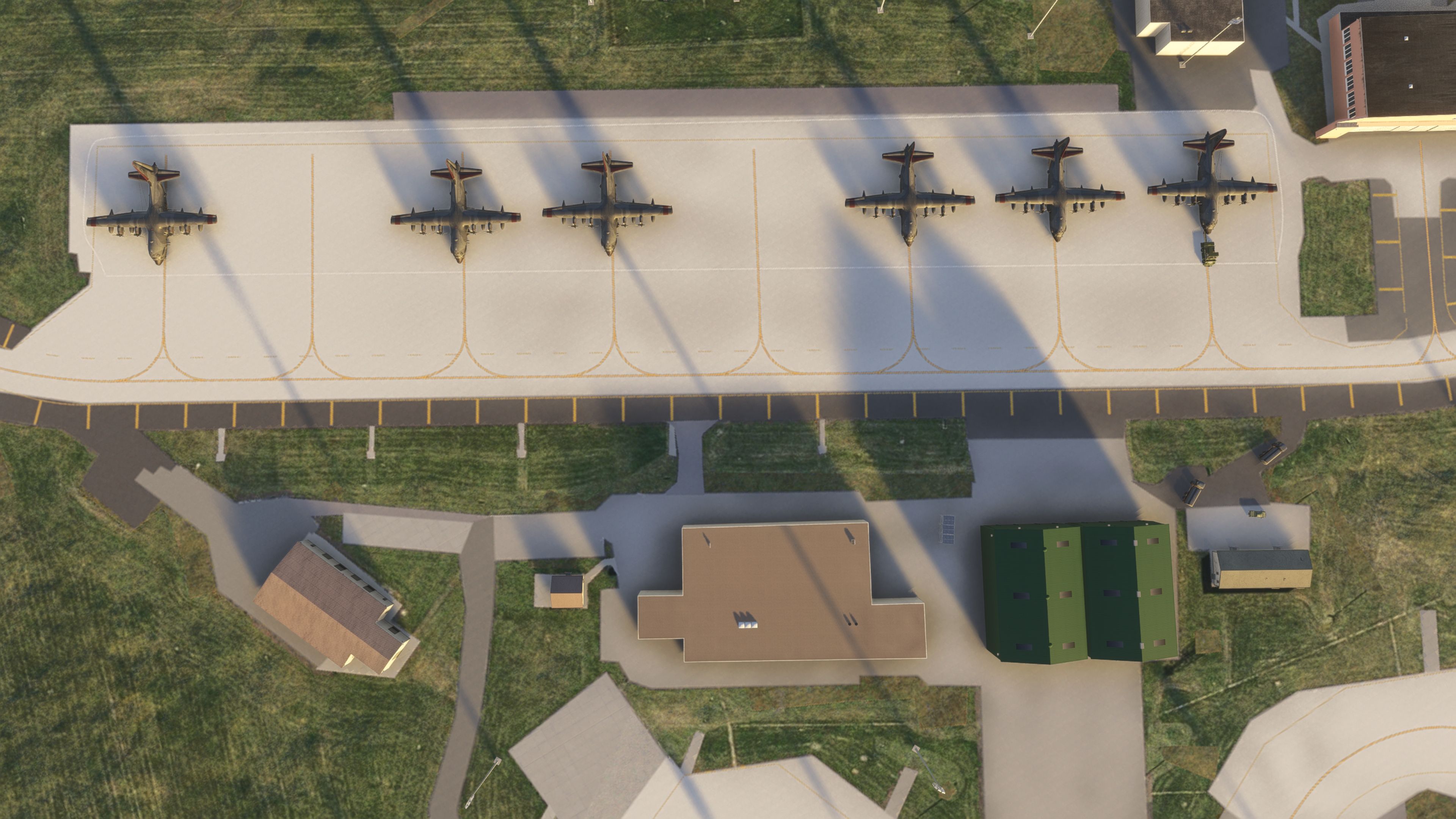
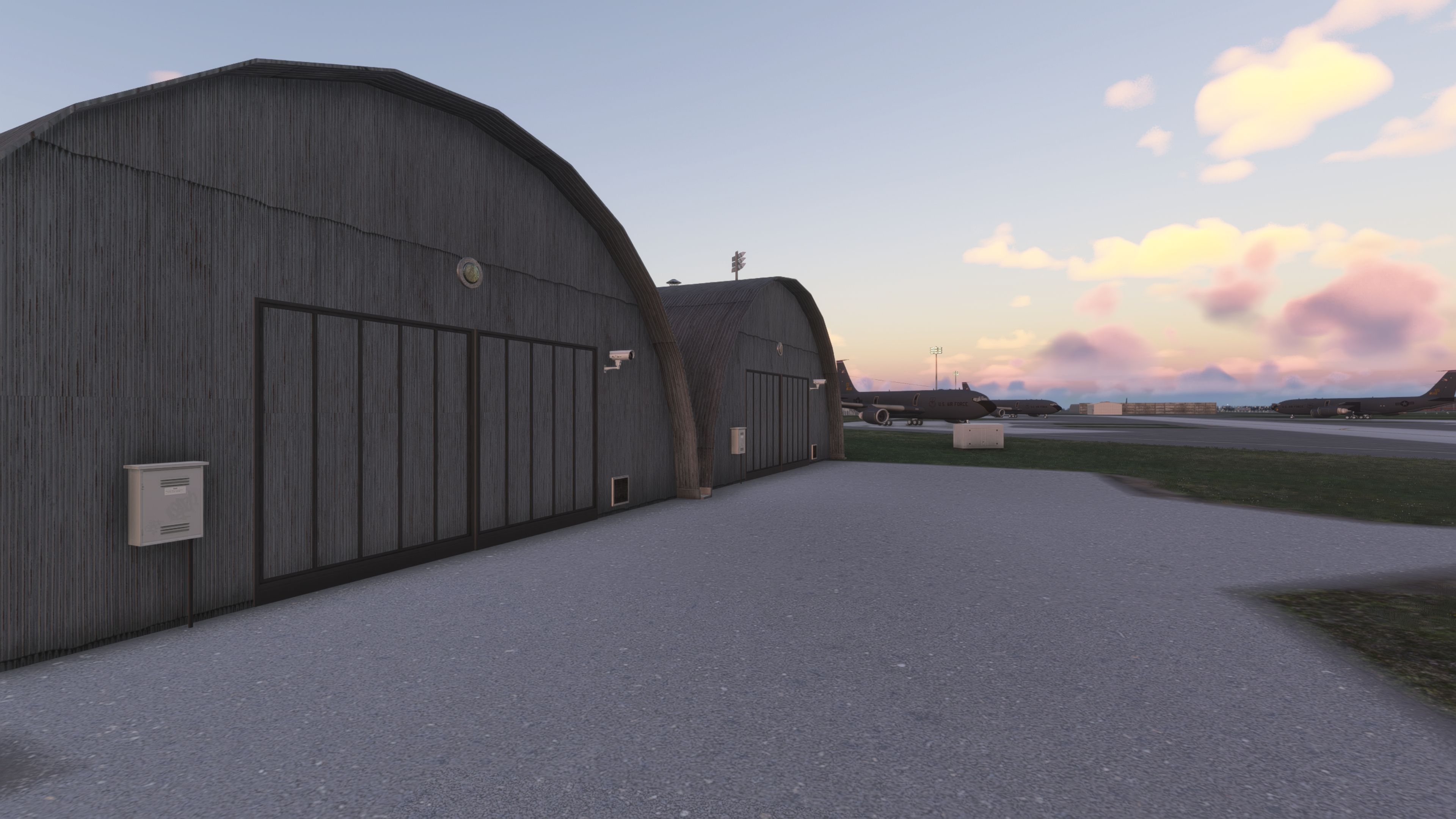
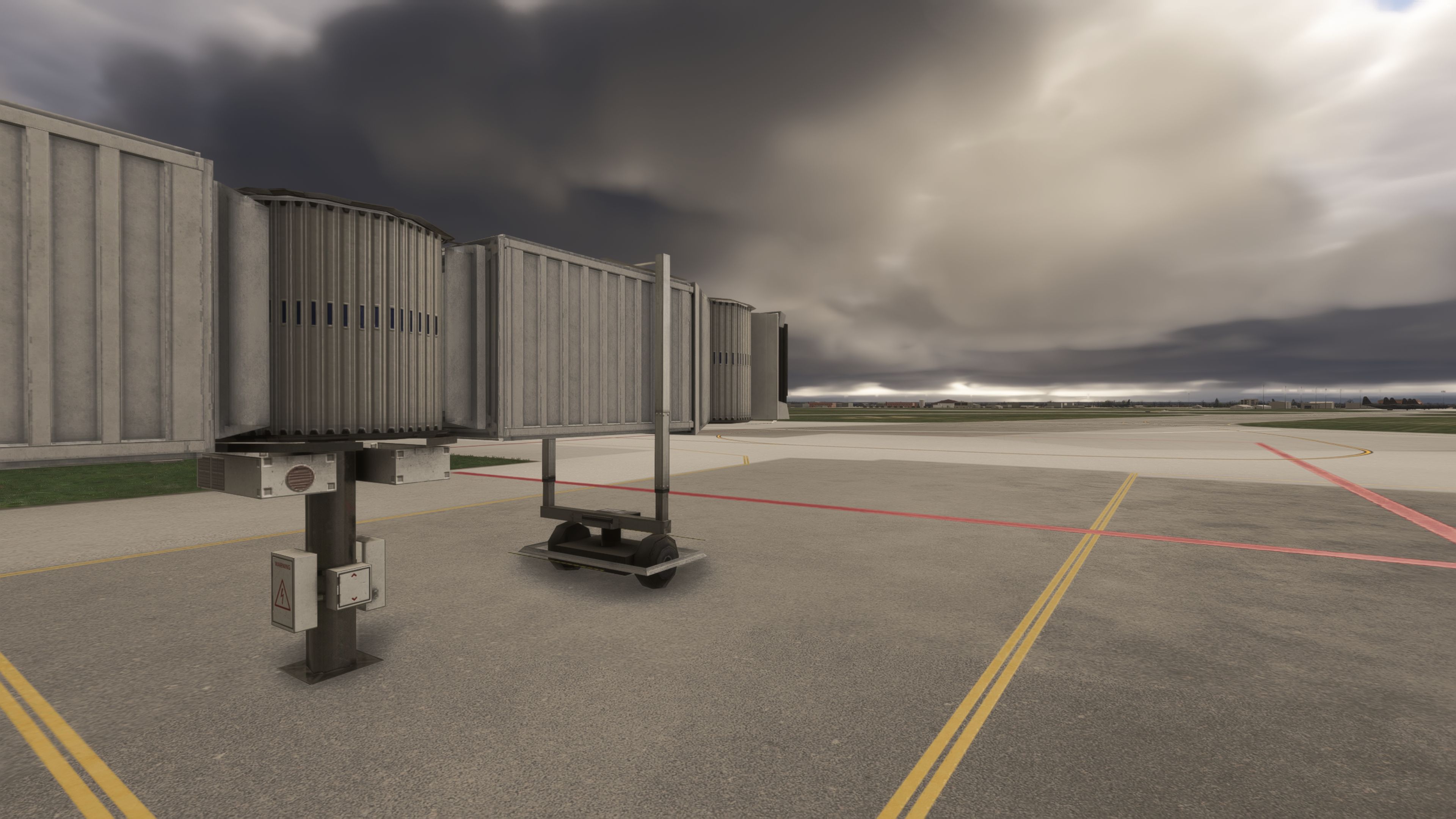
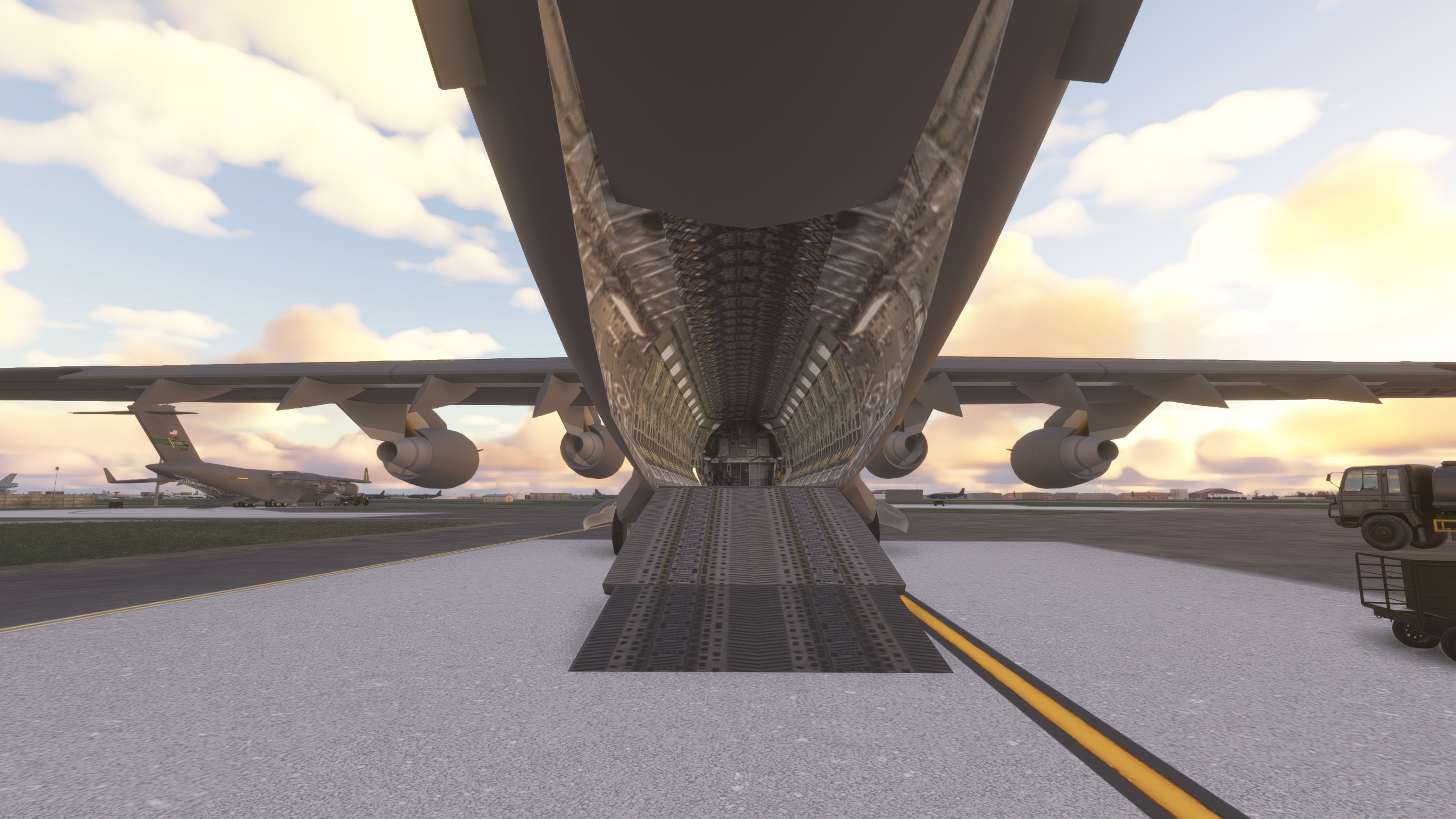
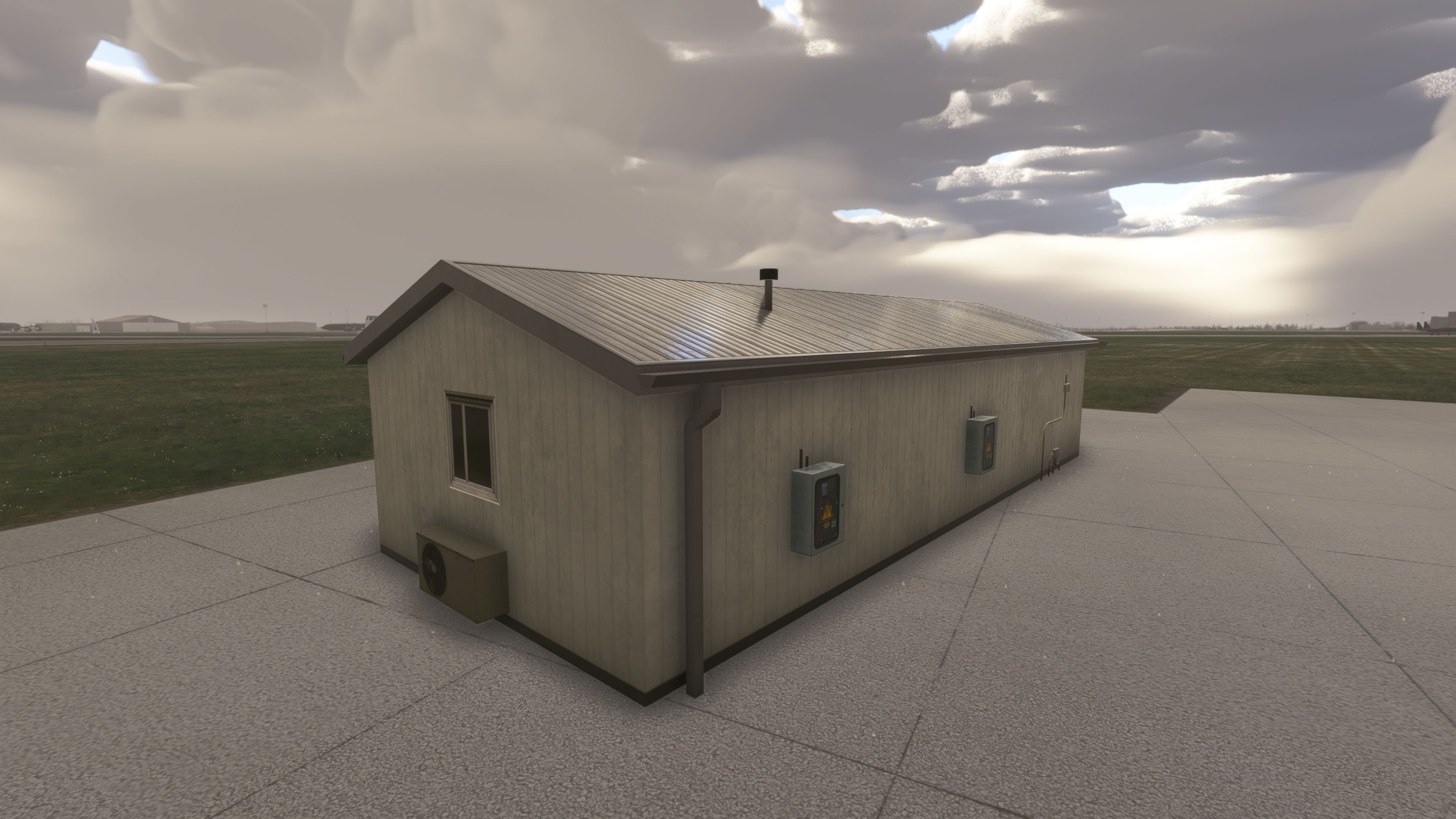
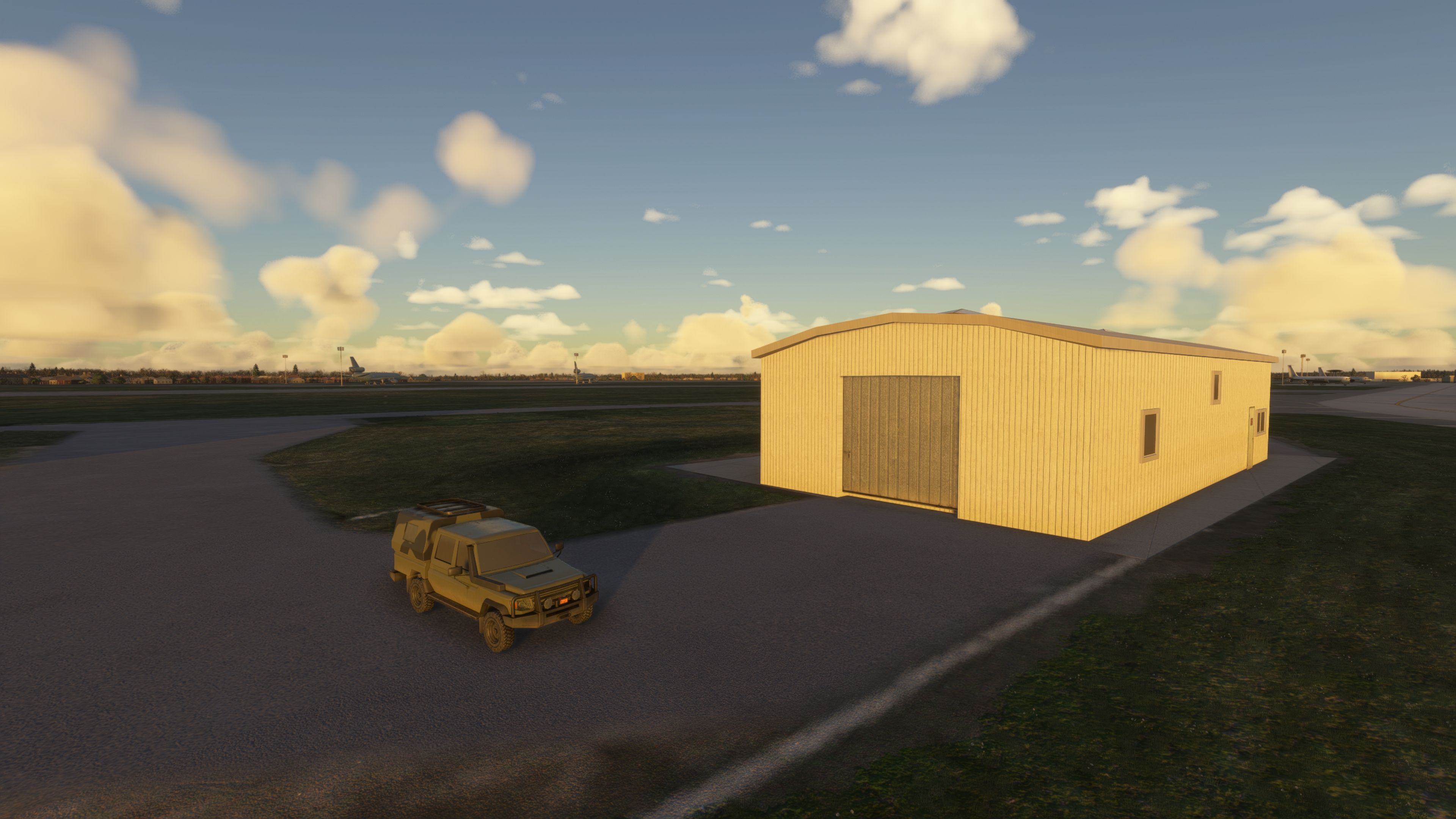
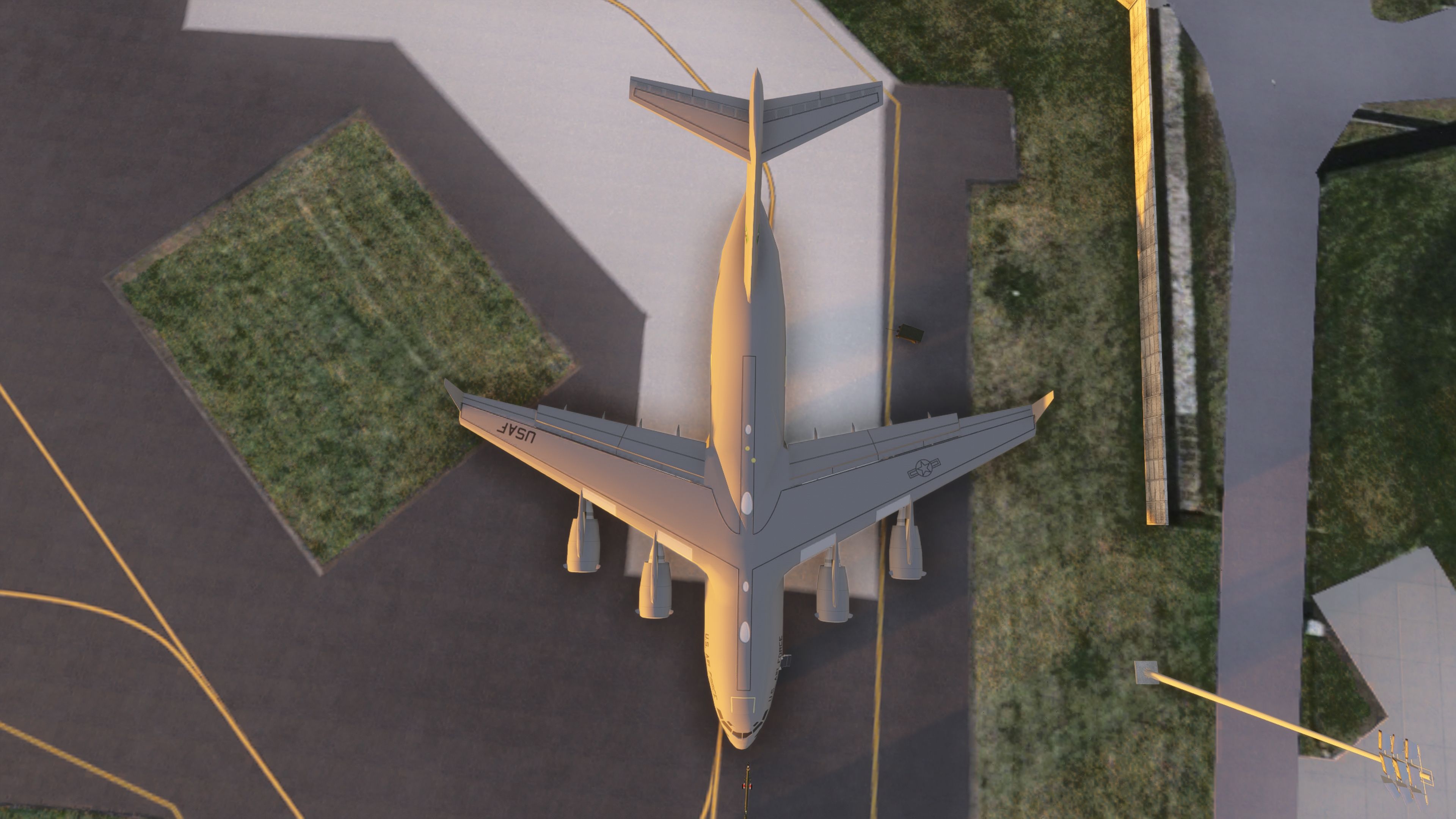
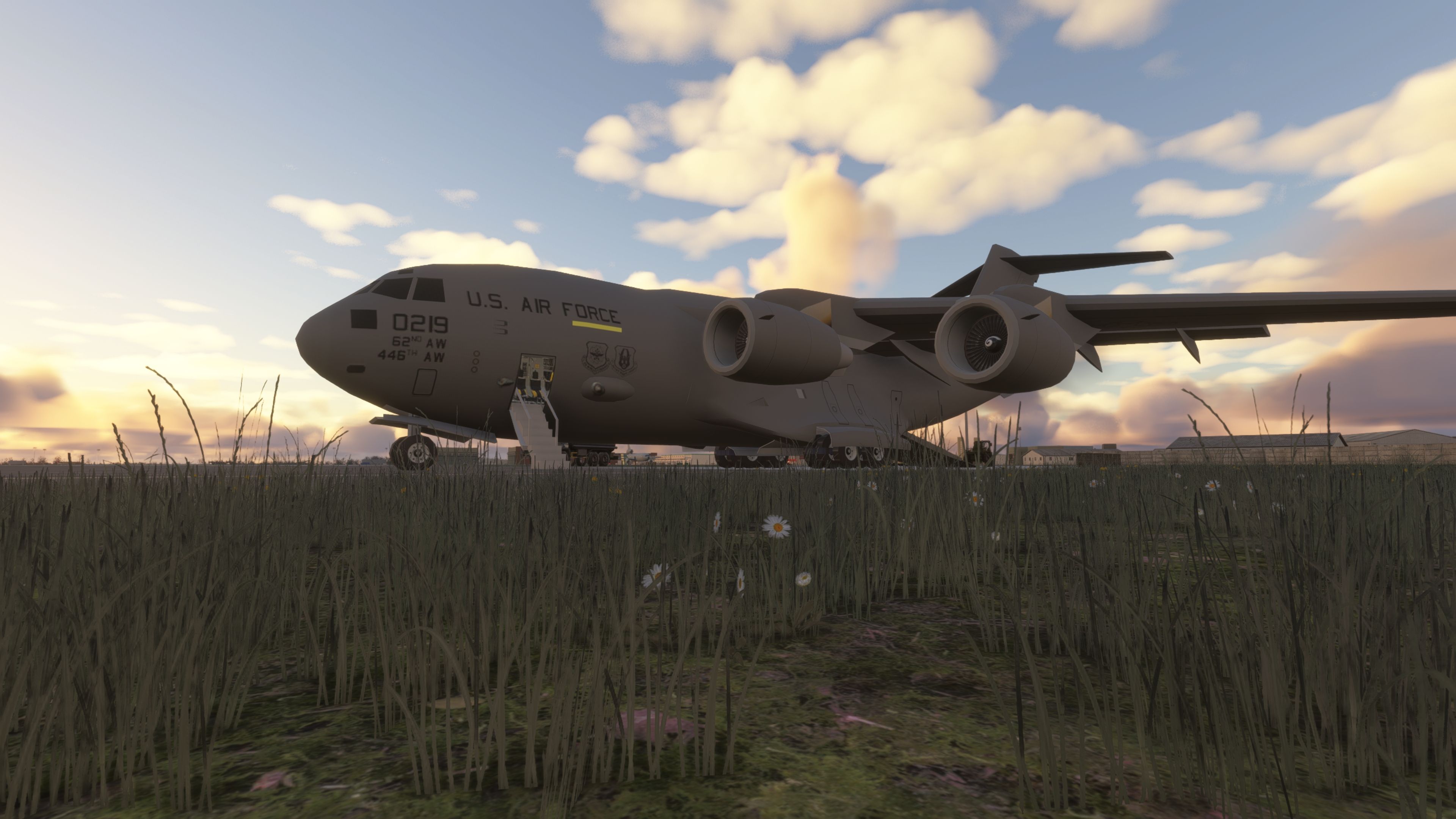
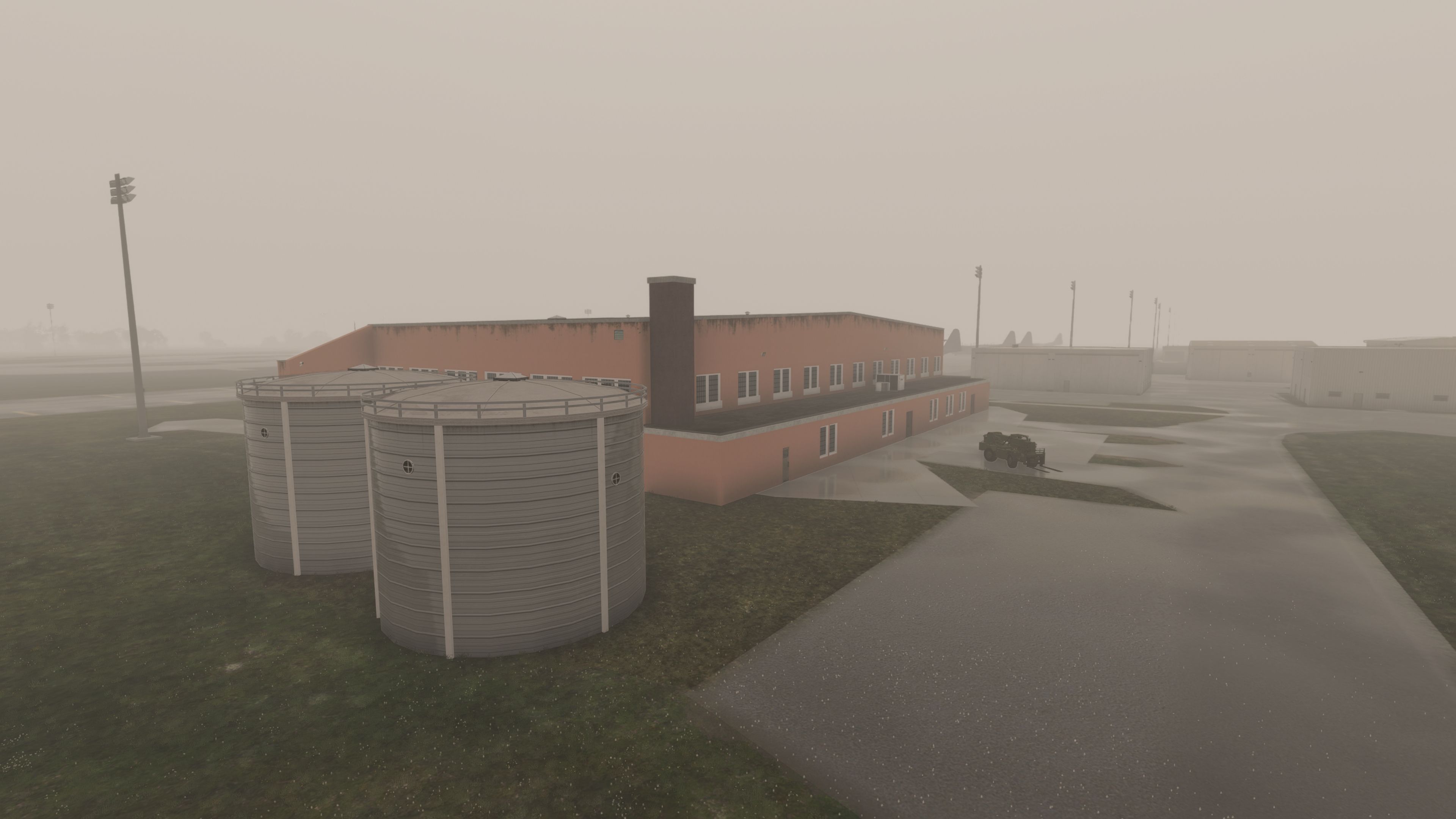
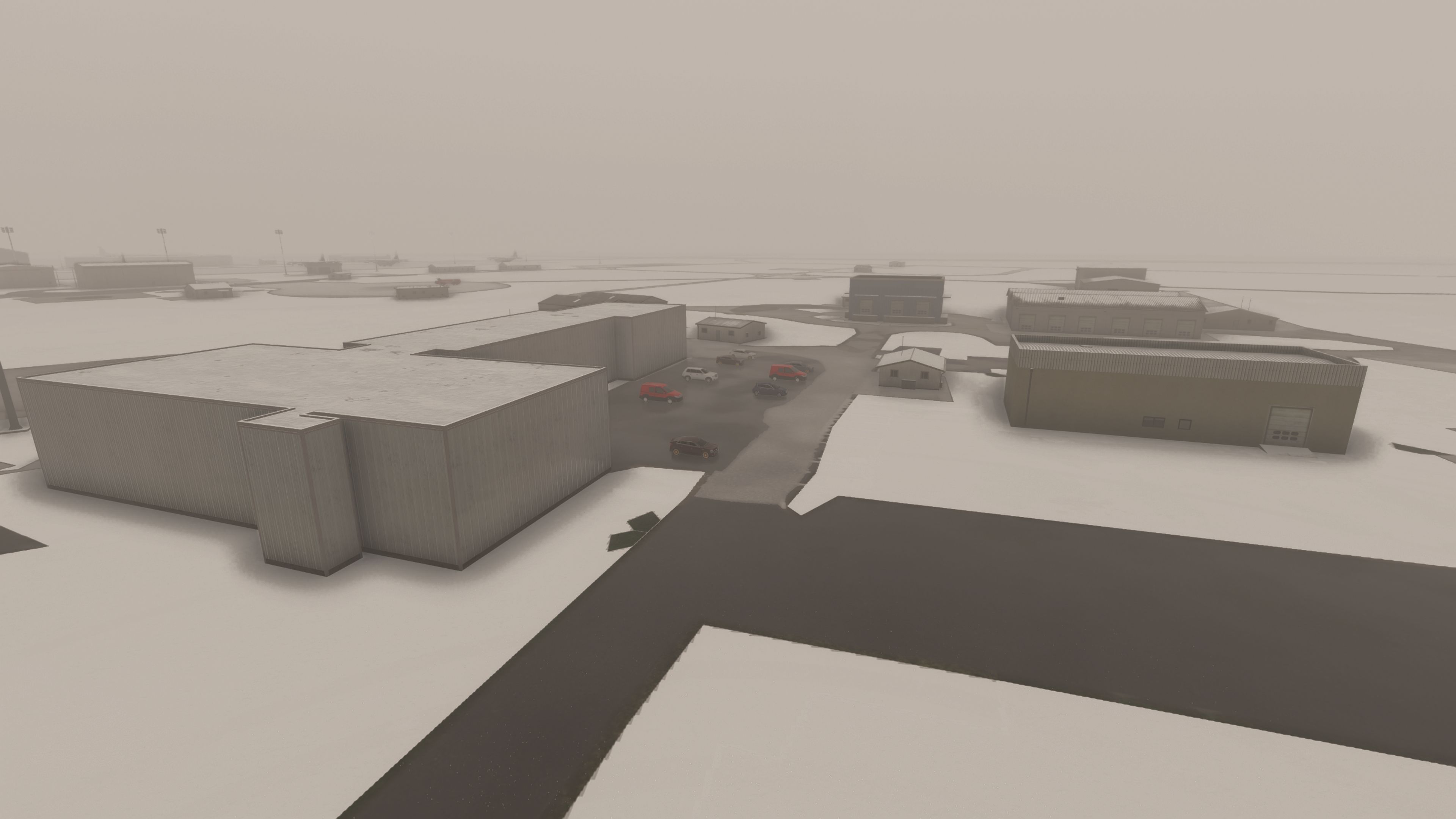
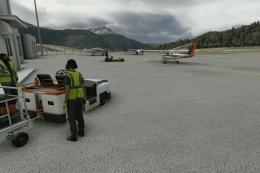
A good chunk of the work targets the operational side of the base. The author has replaced numerous hangars and added Mildenhall cargo parking, which helps when you’re setting up heavier ops or simply want more believable stand allocation for transports and support aircraft.
Added structures and specialist shelters
- New C-Type hangar included from Vortex_SD.
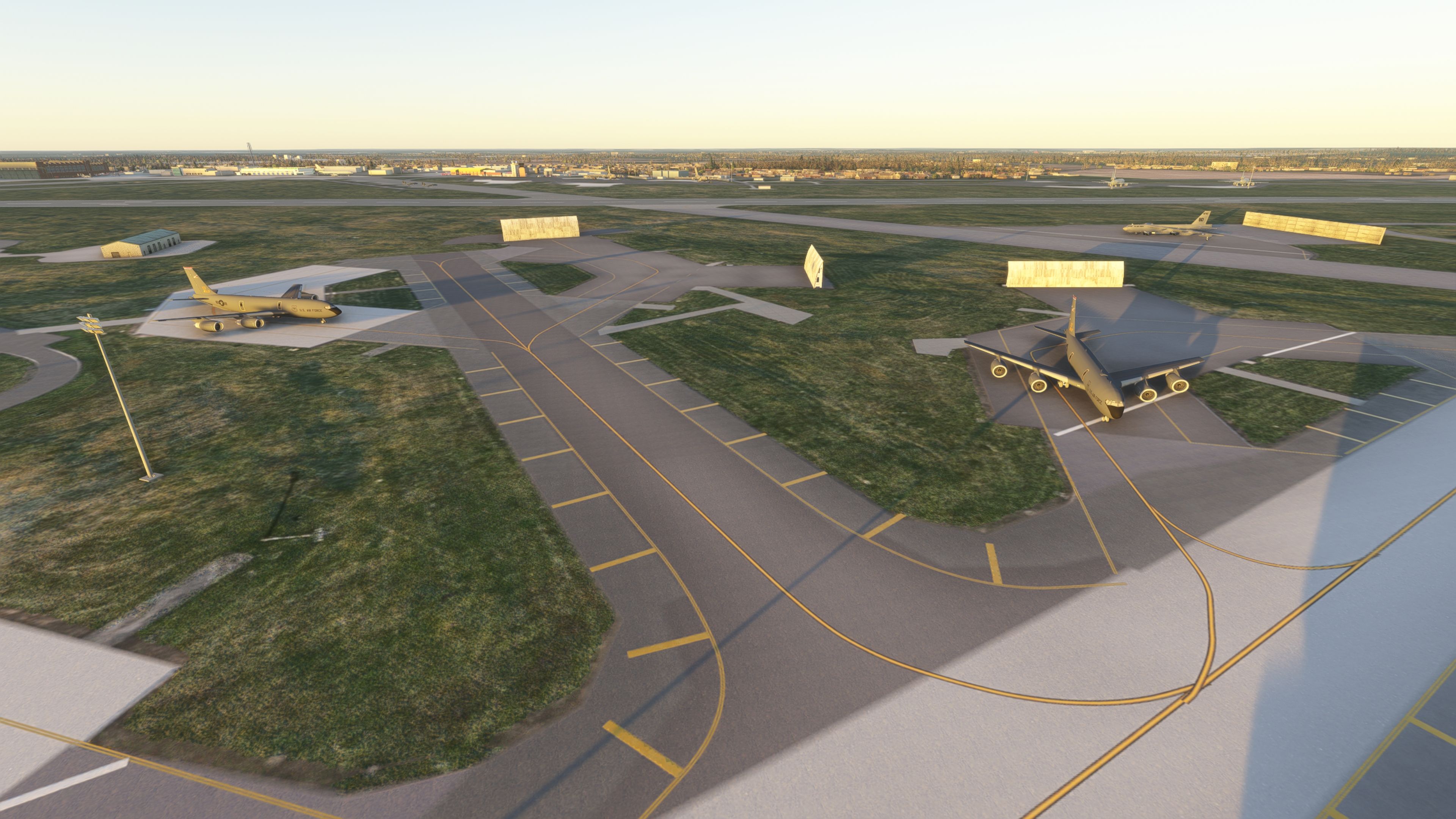
- SR-71 hangar added, along with two parking spots.
- Open SR-71 hangars introduced, including a parking spot inside the shelter.
Static traffic options (install one)
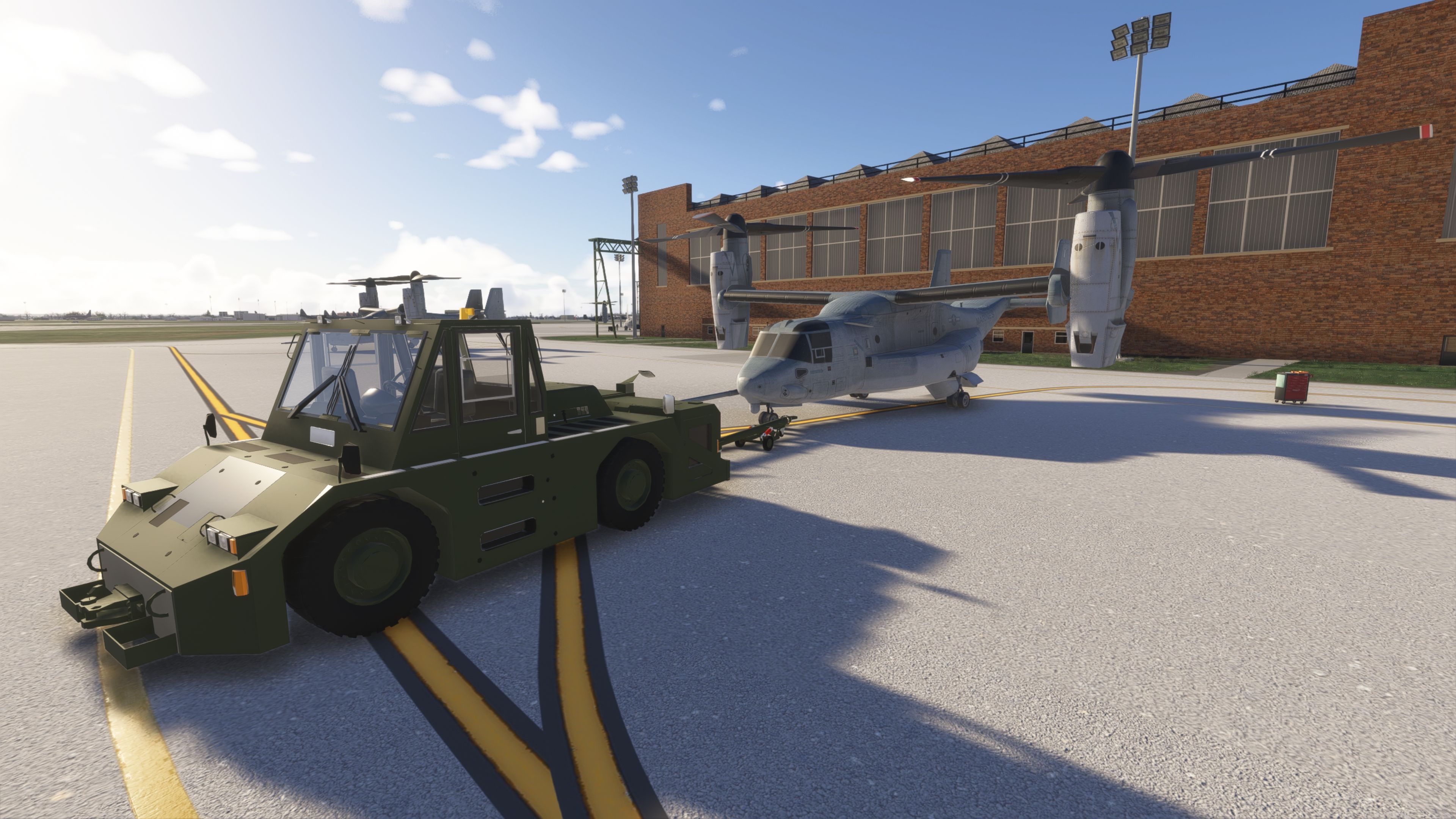
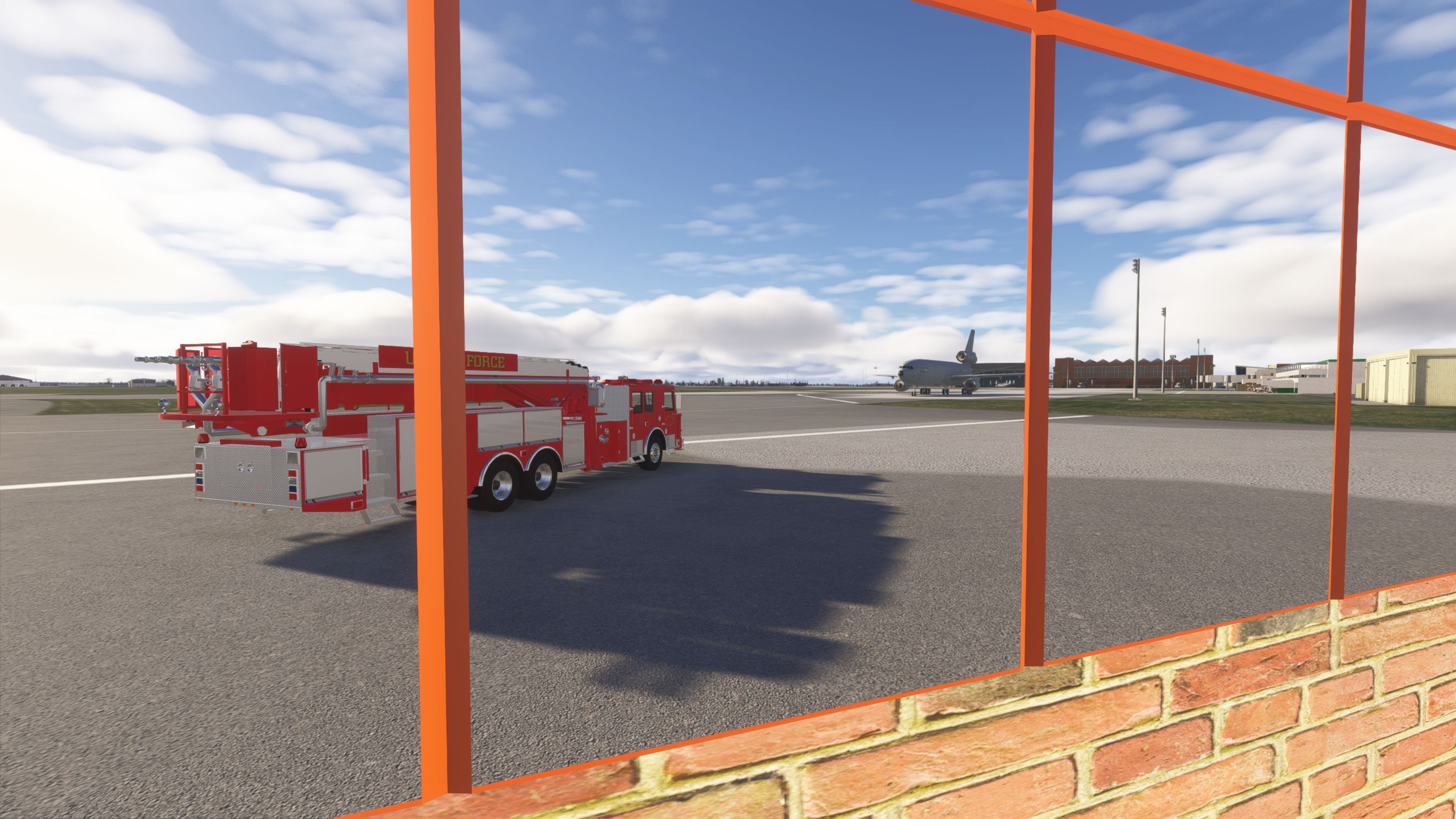
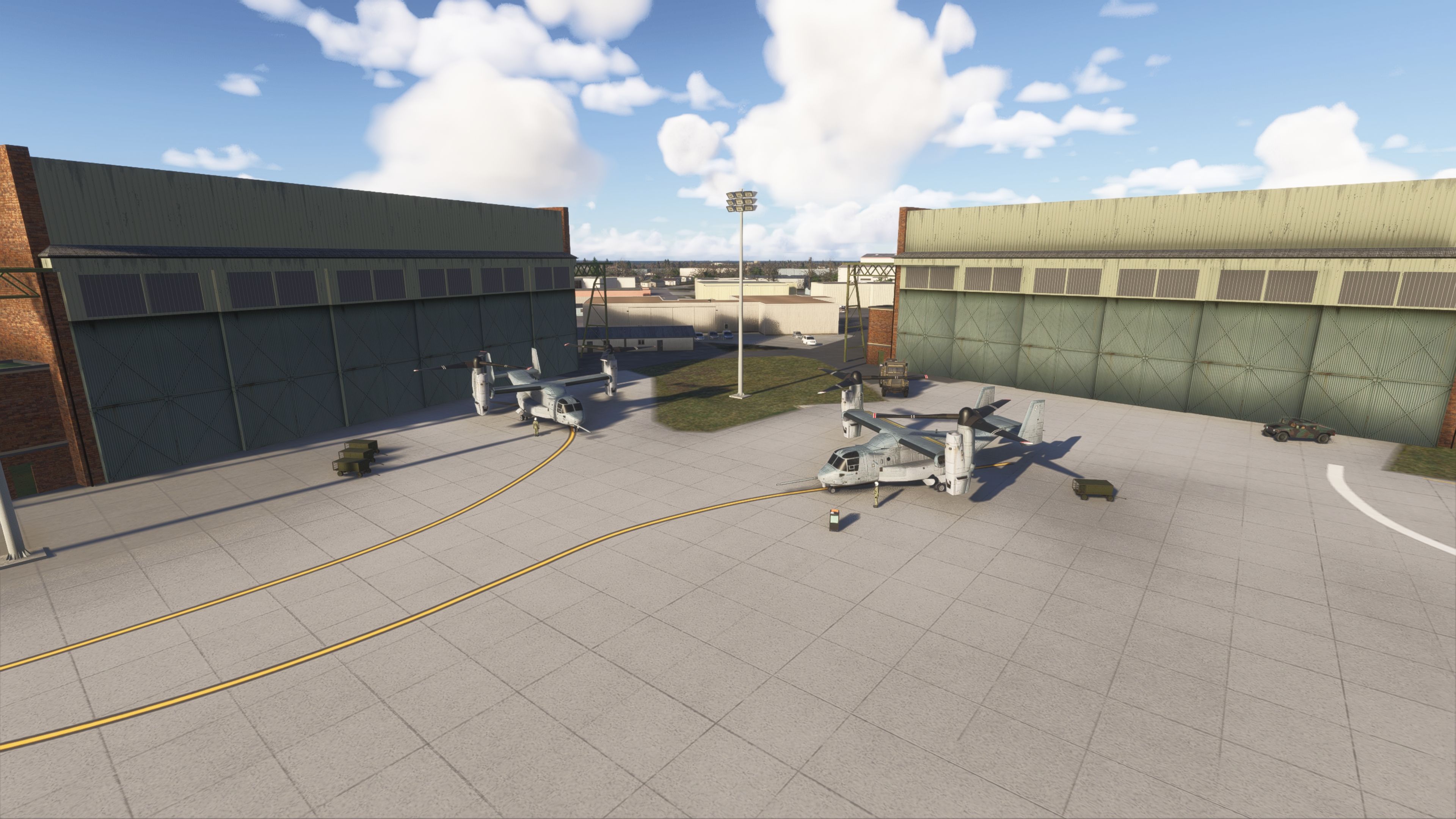
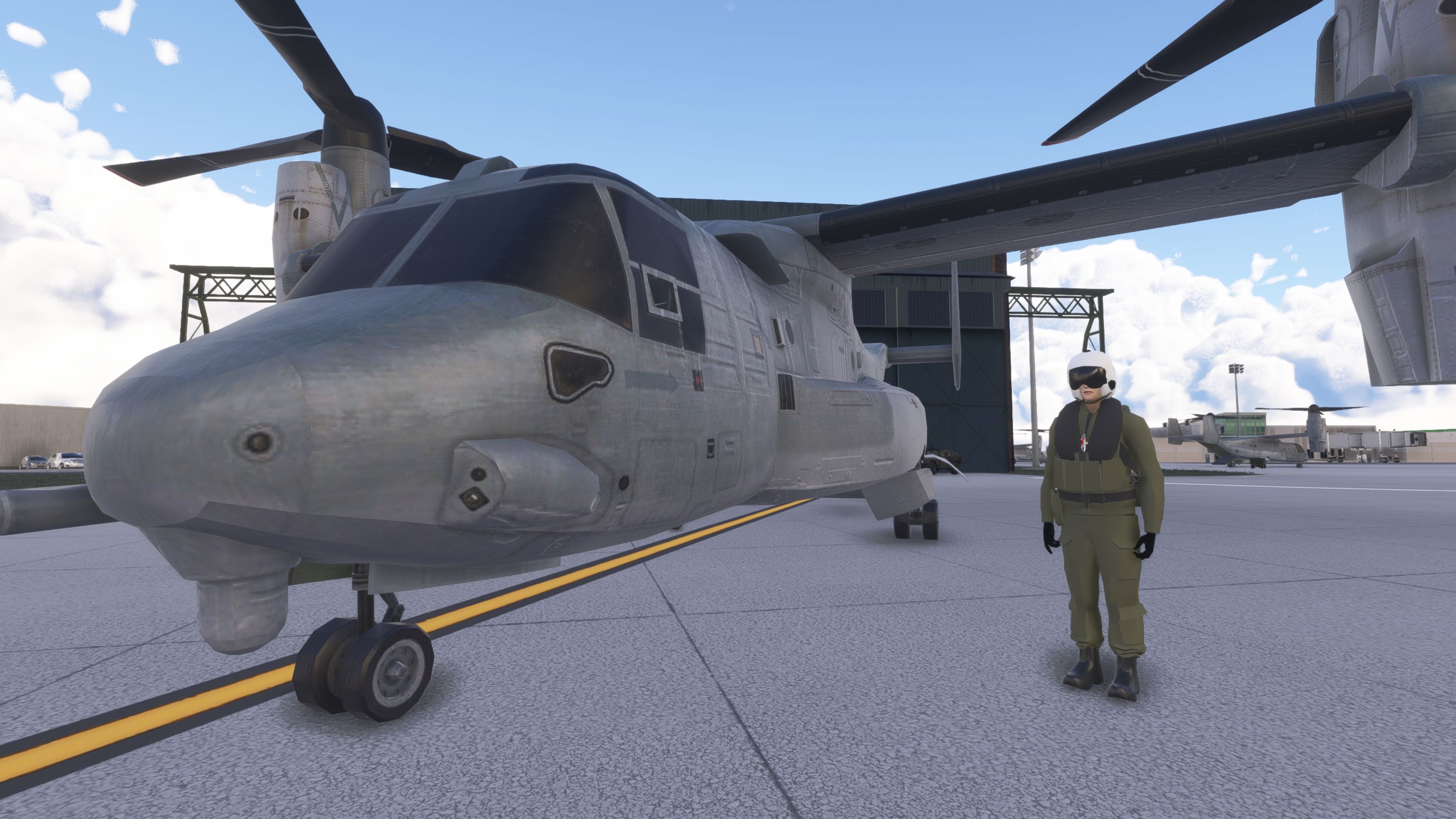
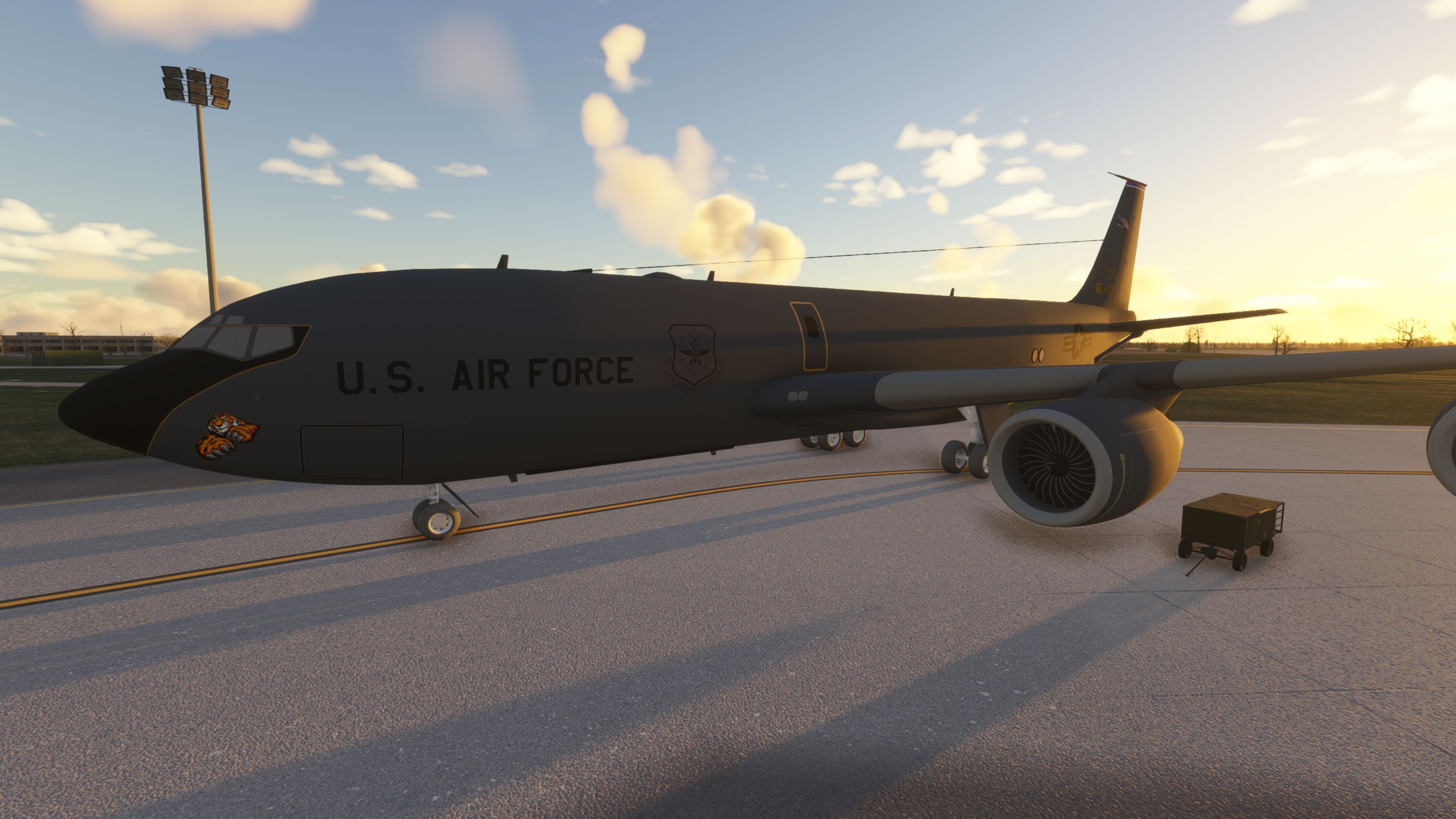
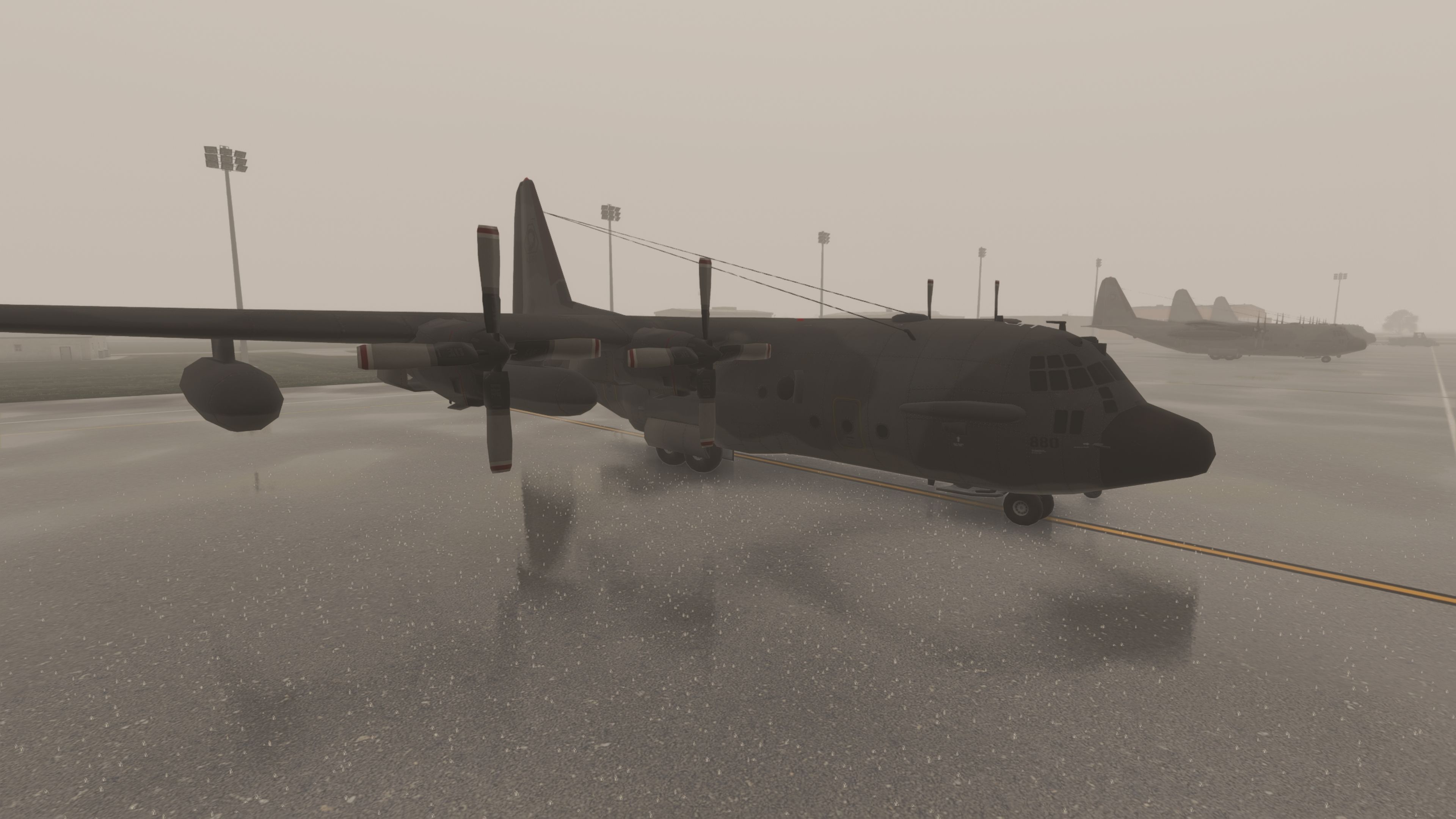
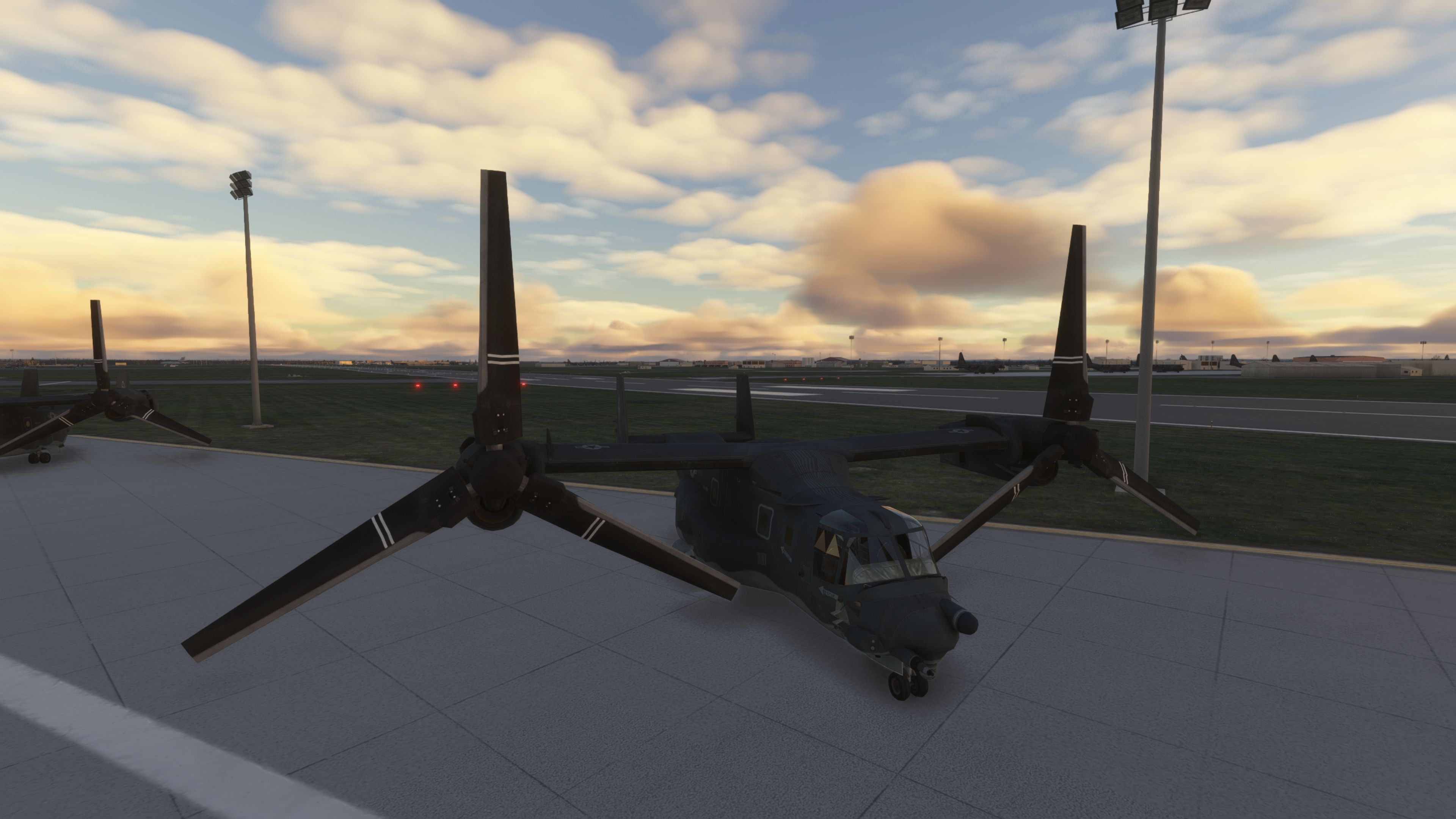
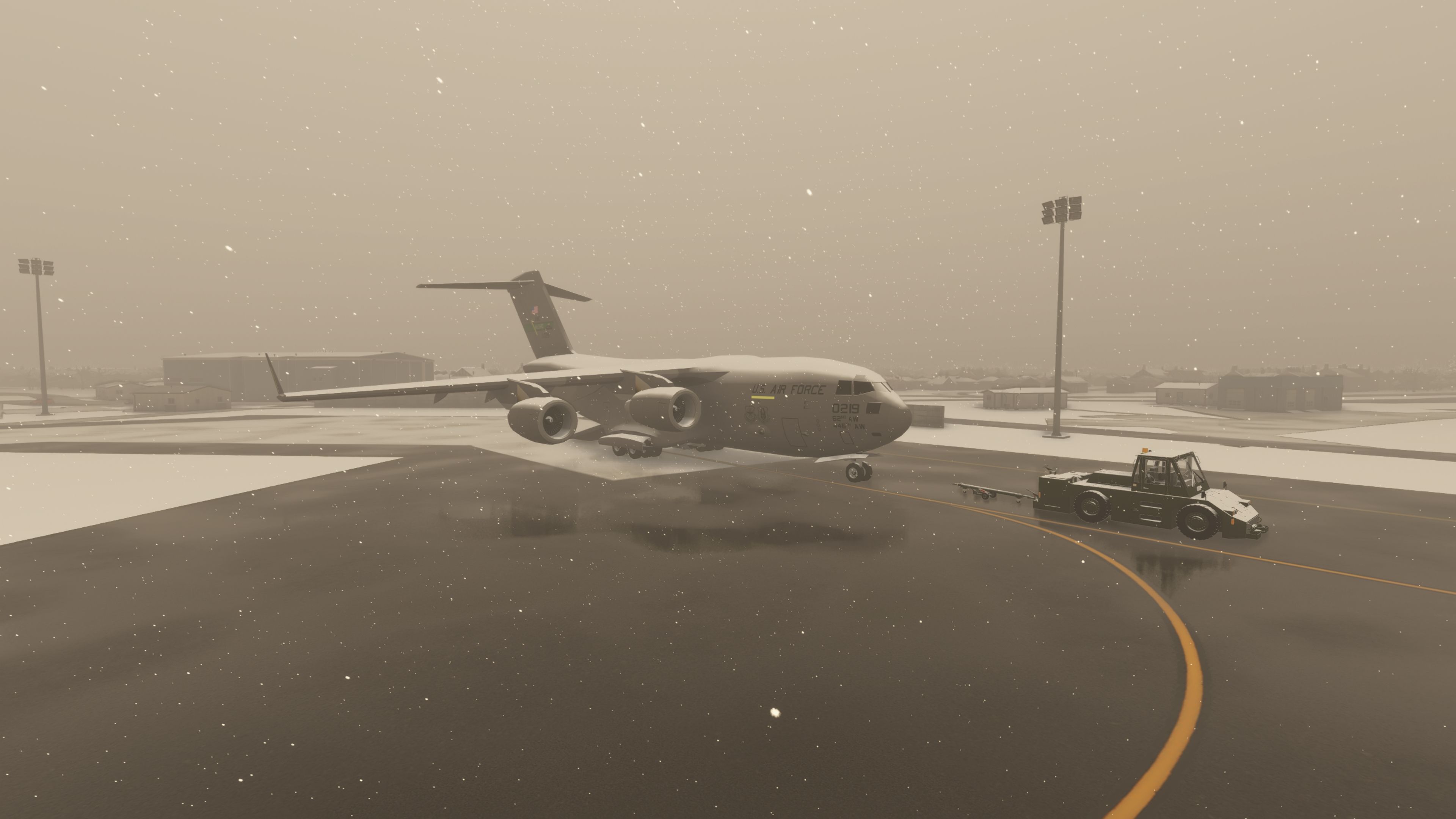
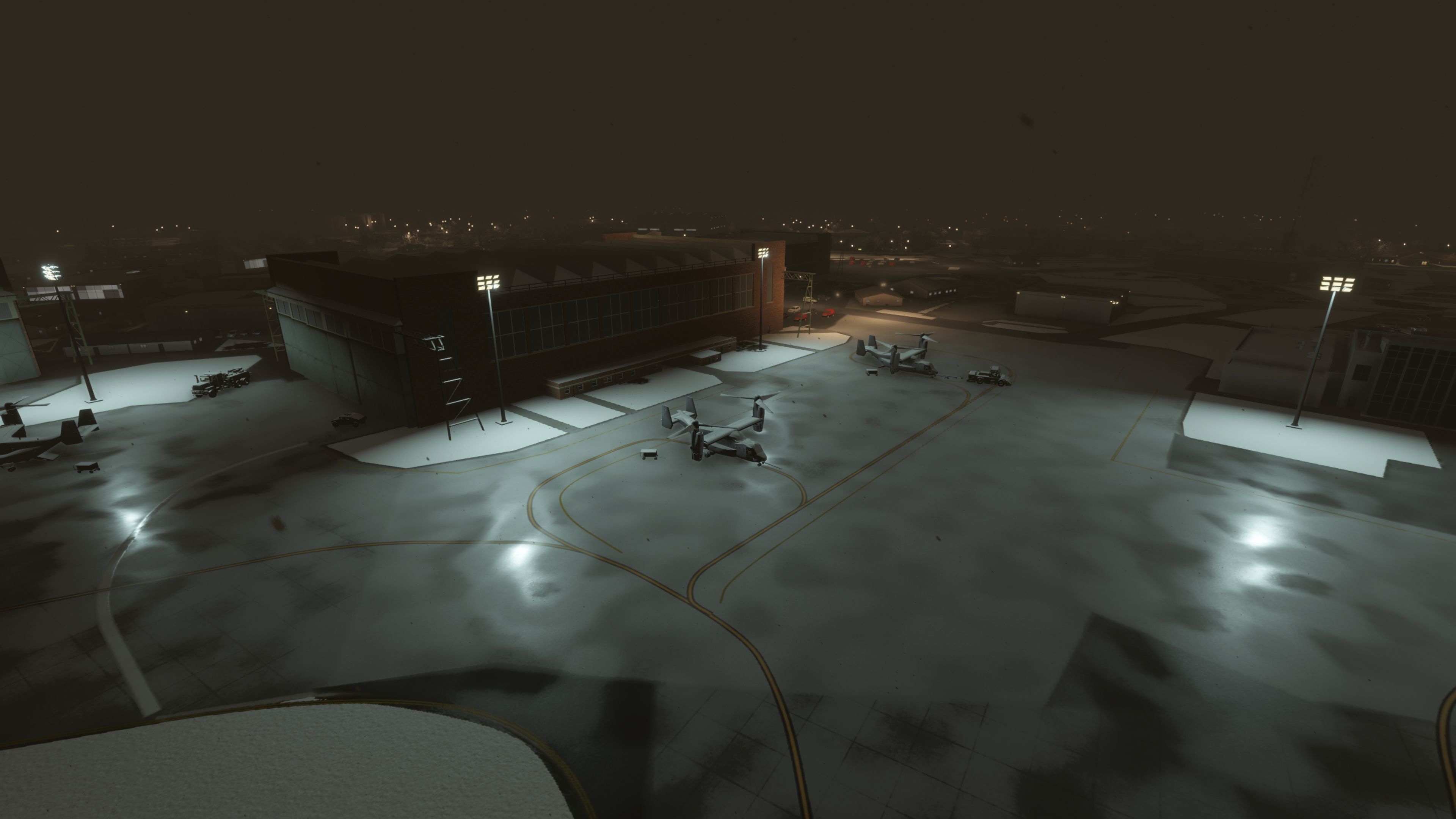
To suit different performance budgets and preferences, the developer includes two variants. One build places static KC-10, KC-135, and V-22 aircraft around the field for extra atmosphere; the other version ships without the current statics, following a community request. As noted by the author, you should install only one of these versions at a time.
Compatibility notes tied to simulator updates
The package has been updated to remove buildings added by a simulator update, which helps avoid doubled objects and odd overlaps—an important detail at EGUN where default scenery changes can quickly break the footprint of custom military infrastructure.
Ongoing development
The developer also mentions an added SR-71 model, with textures to be updated later once hangar height is confirmed. Further refinements are planned, so expect the EGUN layout and asset set to continue evolving.
Images & Screenshots

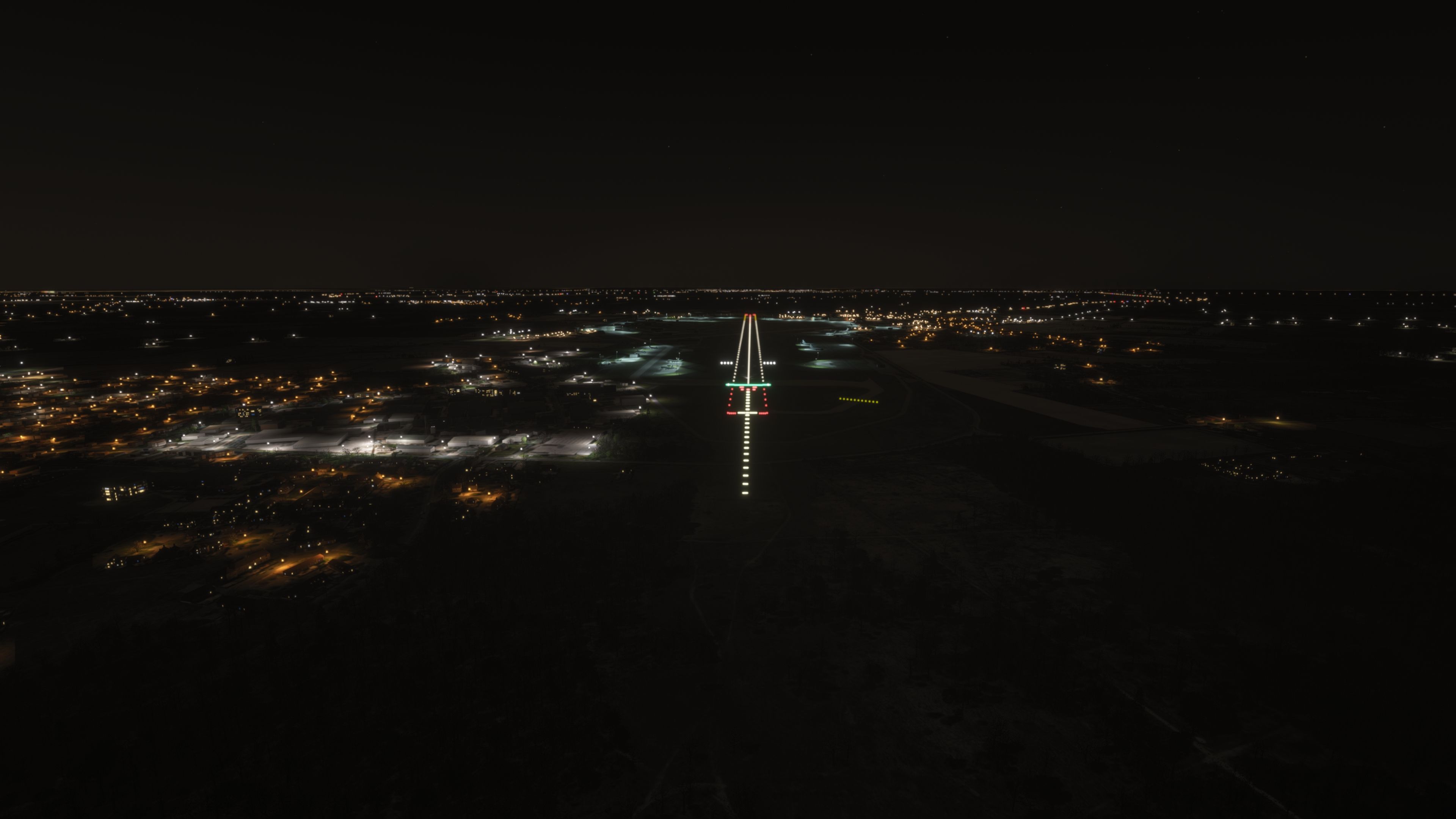
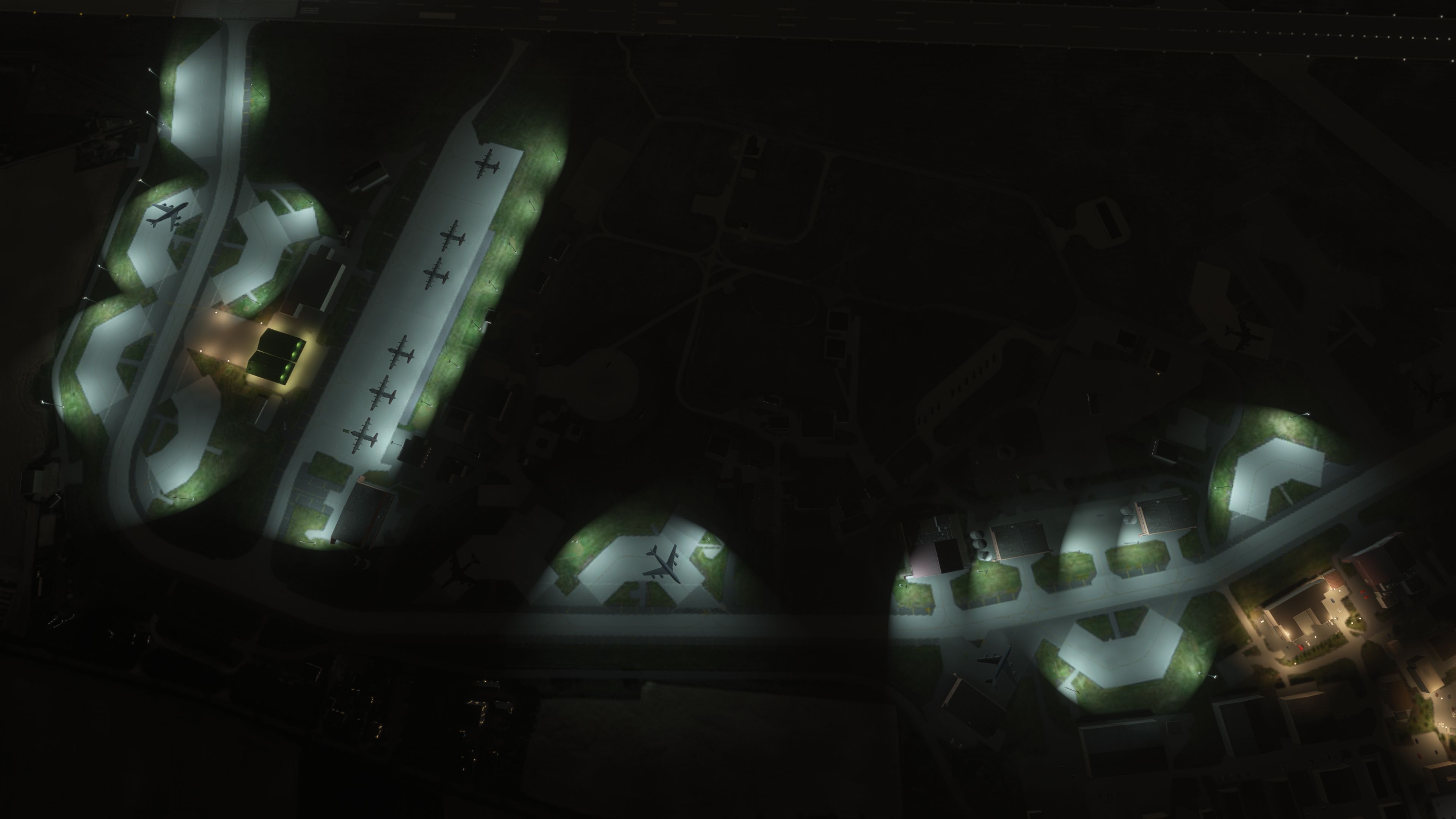
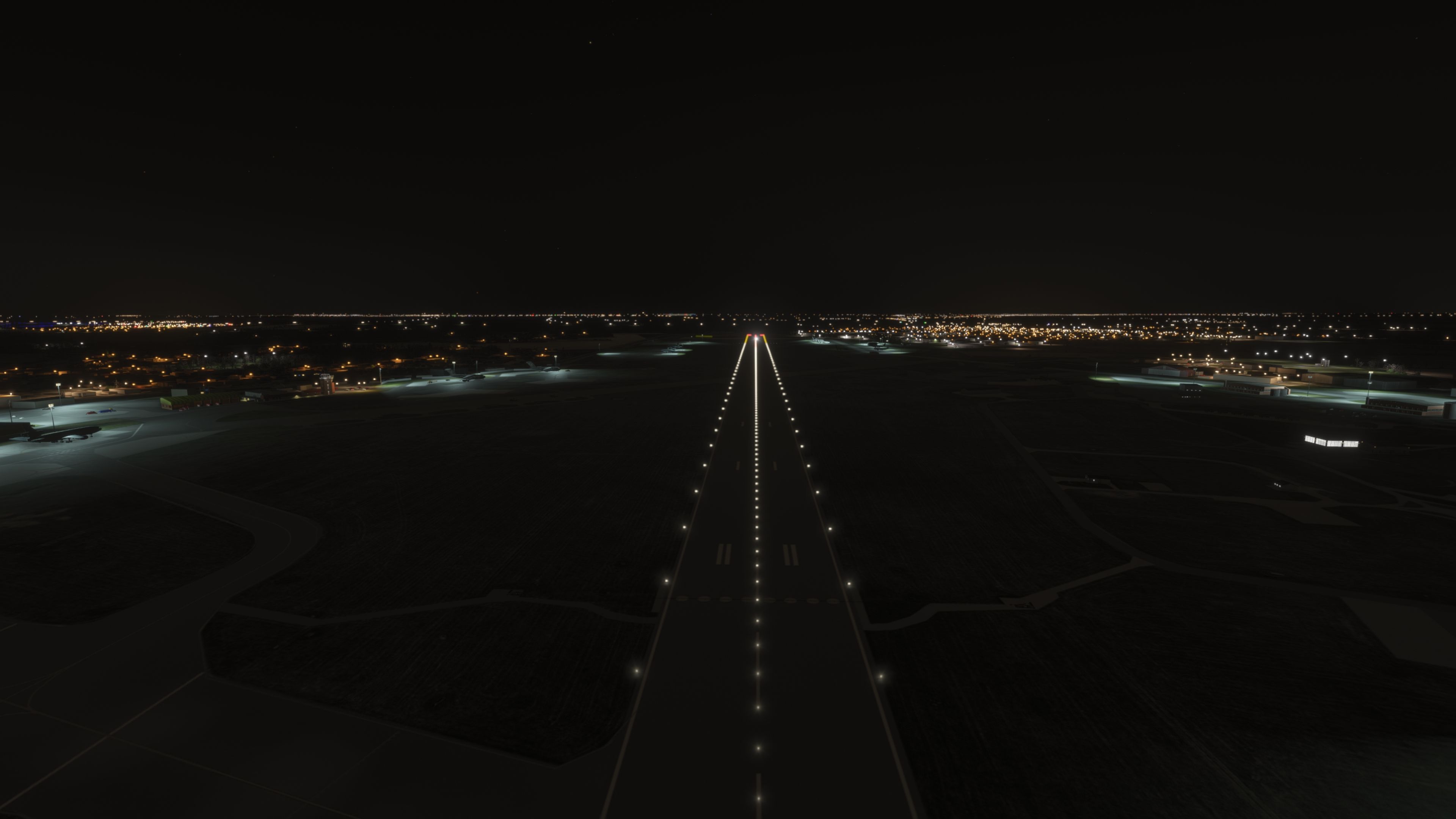

Finding the Scenery
- MSFS Format:
-
52.36100000,0.48600000
You can copy and paste these coordinates into Microsoft Flight Simulator's search bar when starting a flight or the Developer Mode "Teleport" window to navigate directly to the center of this scenery area, airport, or landmark after you have installed this addon. - Decimal Degrees (DD):
-
Latitude: 52.361000°
Longitude: 0.486000° - Degrees, Minutes, Seconds (DMS):
-
Latitude: 52° 21' 39.600" N
Longitude: 0° 29' 09.600" E
Map Location

Installation Instructions
Most of the freeware add-on aircraft and scenery packages in our file library come with easy installation instructions which you can read above in the file description. For further installation help, please see our Flight School for our full range of tutorials or view the README file contained within the download. If in doubt, you may also ask a question or view existing answers in our dedicated Q&A forum.







0 comments
Leave a Response