

 FSX Military Aircraft
German Air Force TF-104 28+28
This repaint offers a historically inspired German Air Force trainer scheme f…
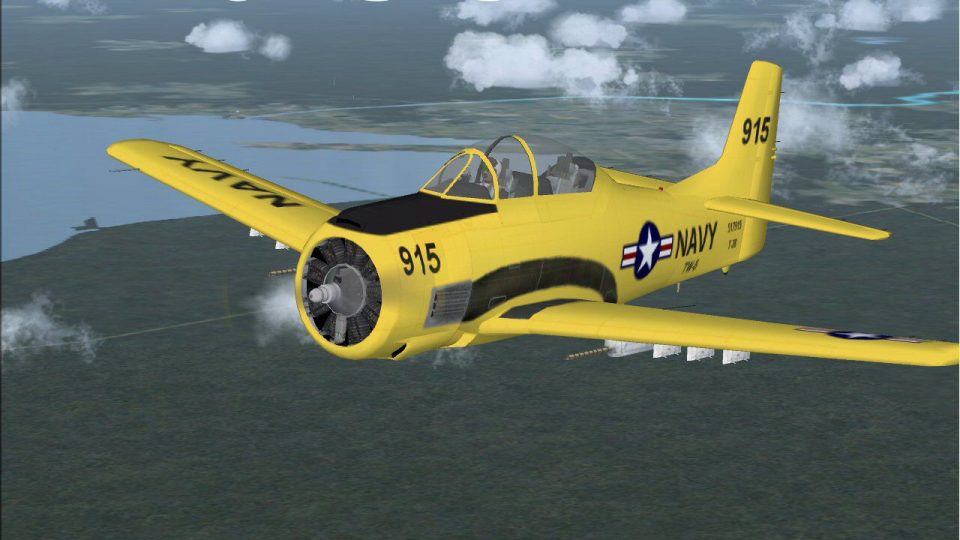
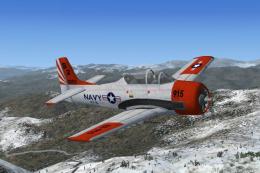
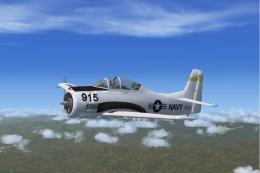
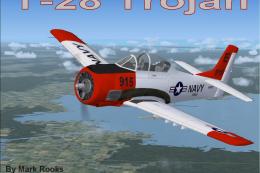
US Navy T-28 Trojan in high-visibility Navy Yellow brings a classic military trainer to life with refined textures, crisp exterior markings, and a richly detailed radial-engine airframe. Built for Microsoft Flight Simulator X, it includes both 2D and 3D panels with working instruments, plus historical context that adds authentic period flavor.
 Rate
Rate
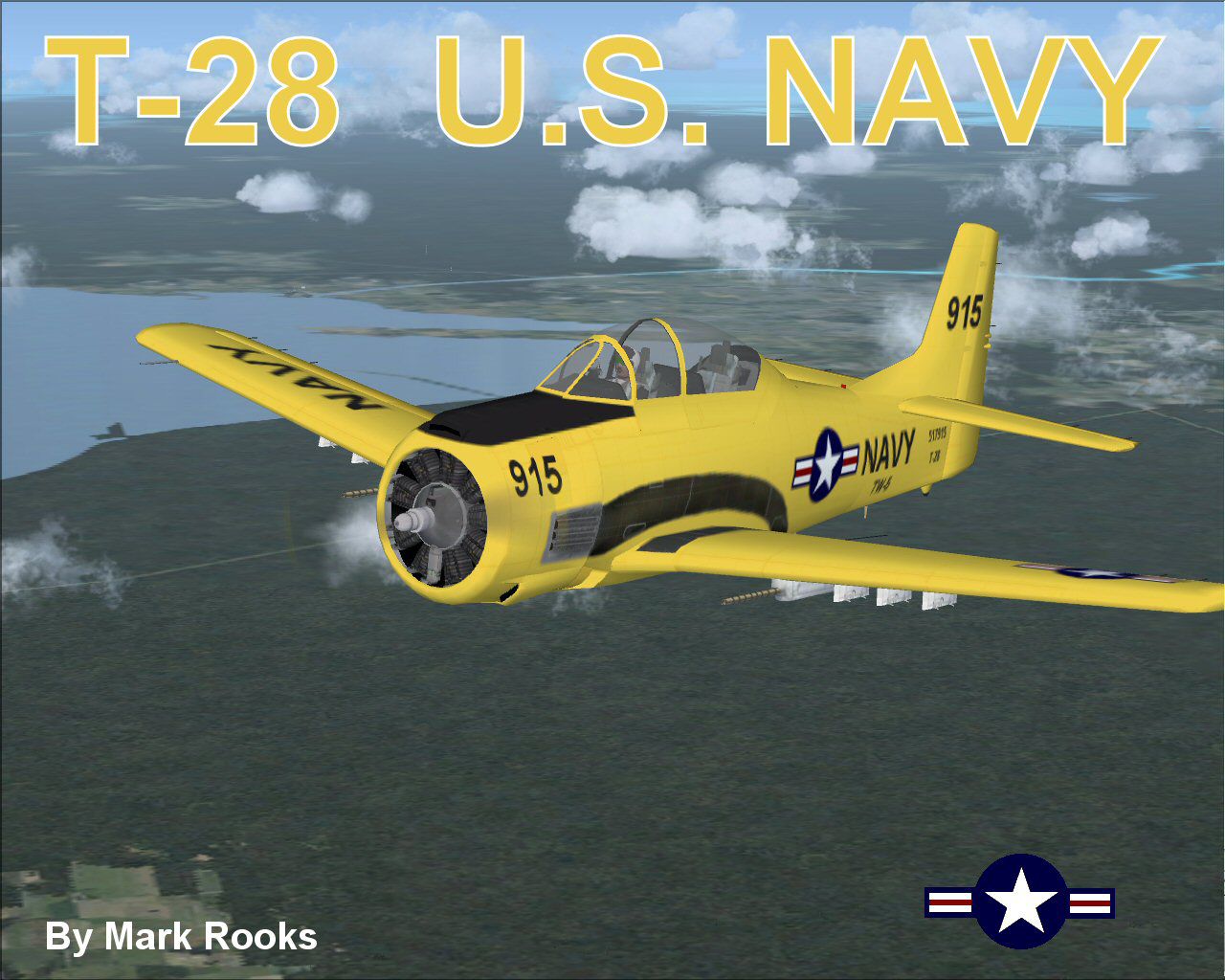
Experience a vivid portrayal of the historic T-28 Trojan in a high-visibility yellow paint scheme originally adopted by the United States Navy. This freely available add-on, shaped by the creative efforts of Tim Conrad and later refined by Mark Rooks of RDG Aircraft, brings an iconic military trainer to Microsoft Flight Simulator X. Sim pilots who value both authenticity and nostalgic appeal will appreciate the included visual upgrades, complete cockpit arrays, and meticulously detailed exterior surfaces.
The single-engine T-28 Trojan emerged between 1950 and 1953. Built primarily as a foundational trainer for both the Navy and the Air Force, it introduced new aviators to moderate-performance flight before they transitioned to more advanced platforms. Many T-28A variants, powered by an 800 hp Wright R-1300 engine paired with a two-blade constant-speed propeller, provided stable handling and effective acceleration—attributes particularly useful for student pilots perfecting their flight techniques.
This updated T-28 Trojan model, adapted from Tim Conrad’s original FS9 release, seamlessly integrates with Microsoft Flight Simulator X. Mark Rooks of RDG Aircraft applied comprehensive texture improvements, with the Navy-yellow finish capturing the eyes of those who enjoy period-correct liveries. Every rivet and marking stands out, reflecting an accurate recreation of the real aircraft used in naval training programs.
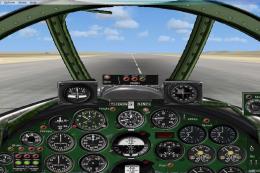
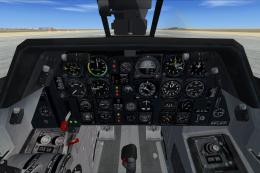
In-cockpit immersion has been upgraded through the inclusion of both 2D and 3D panel configurations. These panels feature operational gauges, essential flight instruments, and cockpit details that replicate the real T-28 environment. The external model echoing the high-visibility livery, combined with photo-based references, brings an extra layer of fidelity to the viewing experience.
This release comes with a curated collection of background information on the T-28 Trojan’s historical deployment and legacy. Enthusiasts can explore photographic records spotlighting various training units and color schemes adopted throughout its operational timeline. These supplemental materials provide helpful context, allowing sim pilots to appreciate the Trojan’s significance well beyond simply piloting it in the simulator.
Free for all simmers · 27.74 MB · Scanned clean Oct 2026
Download speed: Free tier is capped at 0.5 Mbps (this file takes approximately 8 mins at the cap). PRO members download at full line speed.
SimObjects\Airplanes\, Addon Scenery\, Effects\, or Gauges\.readme.txt or README file. It tells you exactly where files go, what dependencies are needed, and any quirks specific to this add-on.The archive t28fsxy.zip has 9 files and directories contained within it.
This list displays the first 500 files in the package. If the package has more, you will need to download it to view them.
| Filename/Directory | File Date | File Size |
|---|---|---|
| gauges.zip | 12.17.06 | 711.29 kB |
| Original panel.zip | 06.01.09 | 6.69 MB |
| Read Me First.txt | 06.07.09 | 2.88 kB |
| Reg. Text.txt | 06.07.09 | 498 B |
| Screen T28 Navy.jpg | 06.07.09 | 191.56 kB |
| T-28 Navy Yellow.zip | 06.07.09 | 12.49 MB |
| T-28 Picture and History.zip | 06.07.09 | 7.68 MB |
| flyawaysimulation.txt | 10.29.13 | 959 B |
| Go to Fly Away Simulation.url | 01.22.16 | 52 B |
Only PRO members can place votes.
More FSX & P3D add-ons hand-picked based on this download.
FSX Military Aircraft
This repaint offers a historically inspired German Air Force trainer scheme f…
 FSX Military Aircraft
This is Tim Conrad's T28 Trojan modified for FSX. The T-28 was the primary tr…
 FSX Military Aircraft
US Navy North American Aviation T-28 Trojan. This is Tim Conrad's FS2004 T28 …
 FSX Military Aircraft
This is Tim Conrad's T28 Trojan modified for FSX. The T-28 was the primary tr…
 FSX Military Aircraft
Expand your Microsoft Flight Simulator X library with this highly detailed re…
 FSX Military Aircraft
This comprehensive freeware package presents an adaptation of Tim Conrad’s or…
 FSX Military Aircraft
The Ralf Kreibichs FS2004 Ilyushin IL-28 Beagle updated by reworking the pane…
 FSX Military Aircraft
The package features two different models and textures by Mark Rooks of RDG w…
Read what other simmers think, or add your own.

This aircraft sounds as good as it looks. It has the three bladed prop of the R-1820 cyclone, and sounds as good as the real thing. However during operation you see a two bladed prop of the original R-1300 cyclone, and if that's all I could find wrong, I can most certainley live with it. I have a very good sound system on my PC including a nice woofer, and believe, me, I can sit there just listening to it sometimes. A really good sim, don't pass it up. I am not an expert PC operator, and had no trouble downloading this A/C.