

 FSX Military Aircraft
US Navy North American Aviation T-28 Trojan
US Navy North American Aviation T-28 Trojan. This is Tim Conrad's FS2004 T28 …
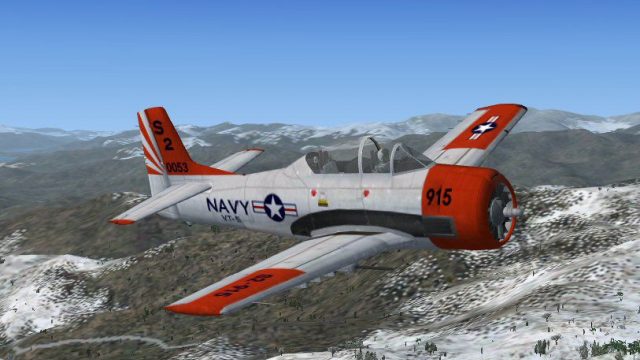
United States Navy VT-5 livery brings Tim Conrad’s North American T-28 Trojan trainer to life in FSX, powered by an 800 hp Wright R-1300 and constant-speed propeller. Updated flight dynamics, a modern virtual cockpit using default gauges, 2D and 3D panels, VT-5 textures, and exhaust flame effects round out a package that also includes photos and aircraft history.
 Rate
Rate
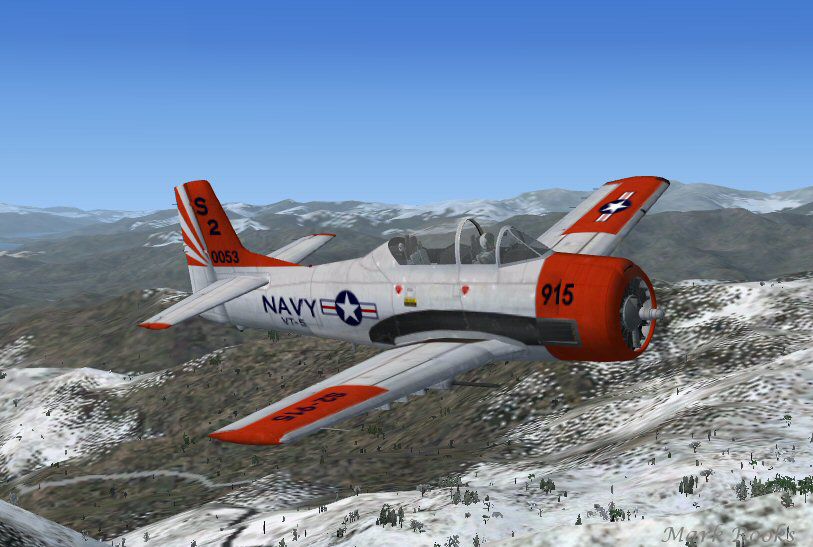
This is Tim Conrad's T28 Trojan modified for FSX. The T-28 was the primary trainer for many Air Force and Navy pilots. This model is painted in United States Navy VT-5 colors. The T-28 was powered by an 800 hp Wright R-1300 with a two blade constant speed propeller. New flight dynamics, a new modern VC cockpit using default gauges and VT-5 textures with exhaust flames effect, complete instructions for use on your own project by Mark Rooks of RDG Aircraft. Aircraft has a 2D and 3D panel. Includes pictures and history of the T-28 Trojan.
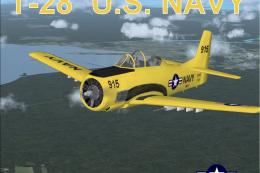
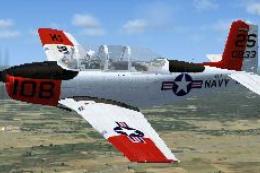
Screenshot of US Navy North American Aviation T-28 VT-5 in flight.
Installation:
Free for all simmers · 23.46 MB · Scanned clean Oct 2026
Download speed: Free tier is capped at 0.5 Mbps (this file takes approximately 7 mins at the cap). PRO members download at full line speed.
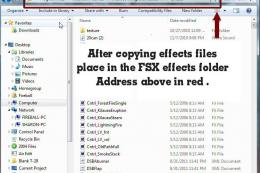
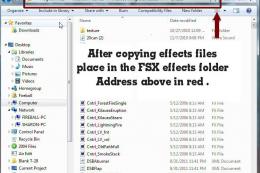
SimObjects\Airplanes\, Addon Scenery\, Effects\, or Gauges\.readme.txt or README file. It tells you exactly where files go, what dependencies are needed, and any quirks specific to this add-on.The archive vt-5-0915.zip has 9 files and directories contained within it.
This list displays the first 500 files in the package. If the package has more, you will need to download it to view them.
| Filename/Directory | File Date | File Size |
|---|---|---|
| Gauges.zip | 01.12.15 | 3.08 MB |
| New single point Exhaust Flame.zip | 01.12.15 | 104.58 kB |
| Pictures and History.zip | 01.12.15 | 4.40 MB |
| Read Me First.txt | 01.12.15 | 3.24 kB |
| Reg. Text.txt | 01.12.15 | 544 B |
| Screen T-28.jpg | 01.12.15 | 90.48 kB |
| T28 Trojan U.S. NAVY.zip | 01.12.15 | 15.79 MB |
| flyawaysimulation.txt | 10.29.13 | 959 B |
| Go to Fly Away Simulation.url | 01.22.16 | 52 B |
Only PRO members can place votes.
More FSX & P3D add-ons hand-picked based on this download.
FSX Military Aircraft
US Navy North American Aviation T-28 Trojan. This is Tim Conrad's FS2004 T28 …
 FSX Military Aircraft
This is Tim Conrad's T28 Trojan modified for FSX. The T-28 was the primary tr…
 FSX Military Aircraft
This is Tim Conrad's T-28 Trojan modified For FSX. This is the AT28 version, …
 FSX Military Aircraft
Experience a vivid portrayal of the historic T-28 Trojan in a high-visibility…
 FSX Military Aircraft
Textures for Dino Cattaneo's Boeing/BAe T-45C Goshawk v2.10 (T45CV210.ZIP). R…
 FSX Military Aircraft
This freeware high-fidelity texture set brings a US Navy Beechcraft T-34B Men…
 FSX Military Aircraft
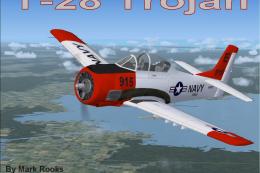
This comprehensive freeware package presents an adaptation of Tim Conrad’s or…
 FSX Military Aircraft
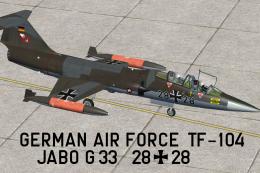
This repaint offers a historically inspired German Air Force trainer scheme f…
Read what other simmers think, or add your own.

A great aircraft. I can`t get the exhaust flames to work. Can someone please help? Regards, Glenn.