

 FSX Civil Aircraft
SAS Boeing 737-883 LN-RRL
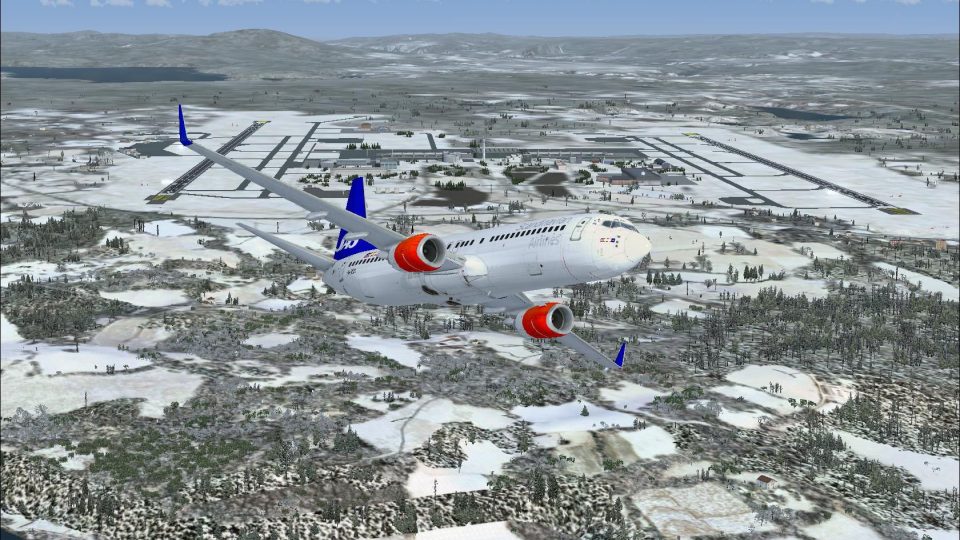
SAS Boeing 737-883 (WL) in Star Alliance livery, registration LN-RRL. Texture…
SAS Boeing 737-883 “Freja Viking” livery brings LN-RRH to life with accurate Scandinavian Airlines markings and clean detailing tailored for the default 737-800. Designed for Microsoft Flight Simulator X, it refreshes the exterior with realistic colors and registration-specific identifiers, and requires the stock Boeing 737-800 model.
 Rate
Rate
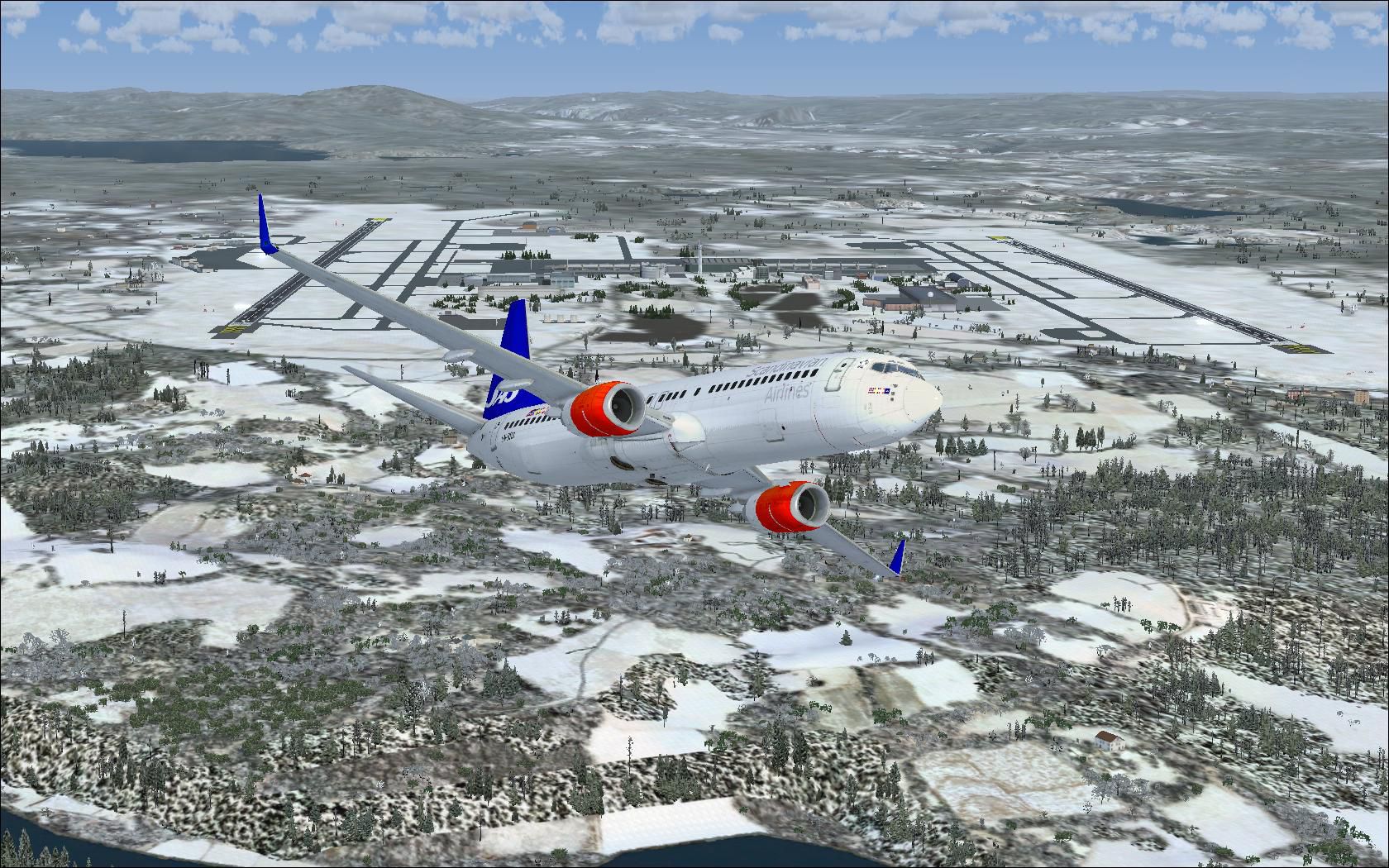
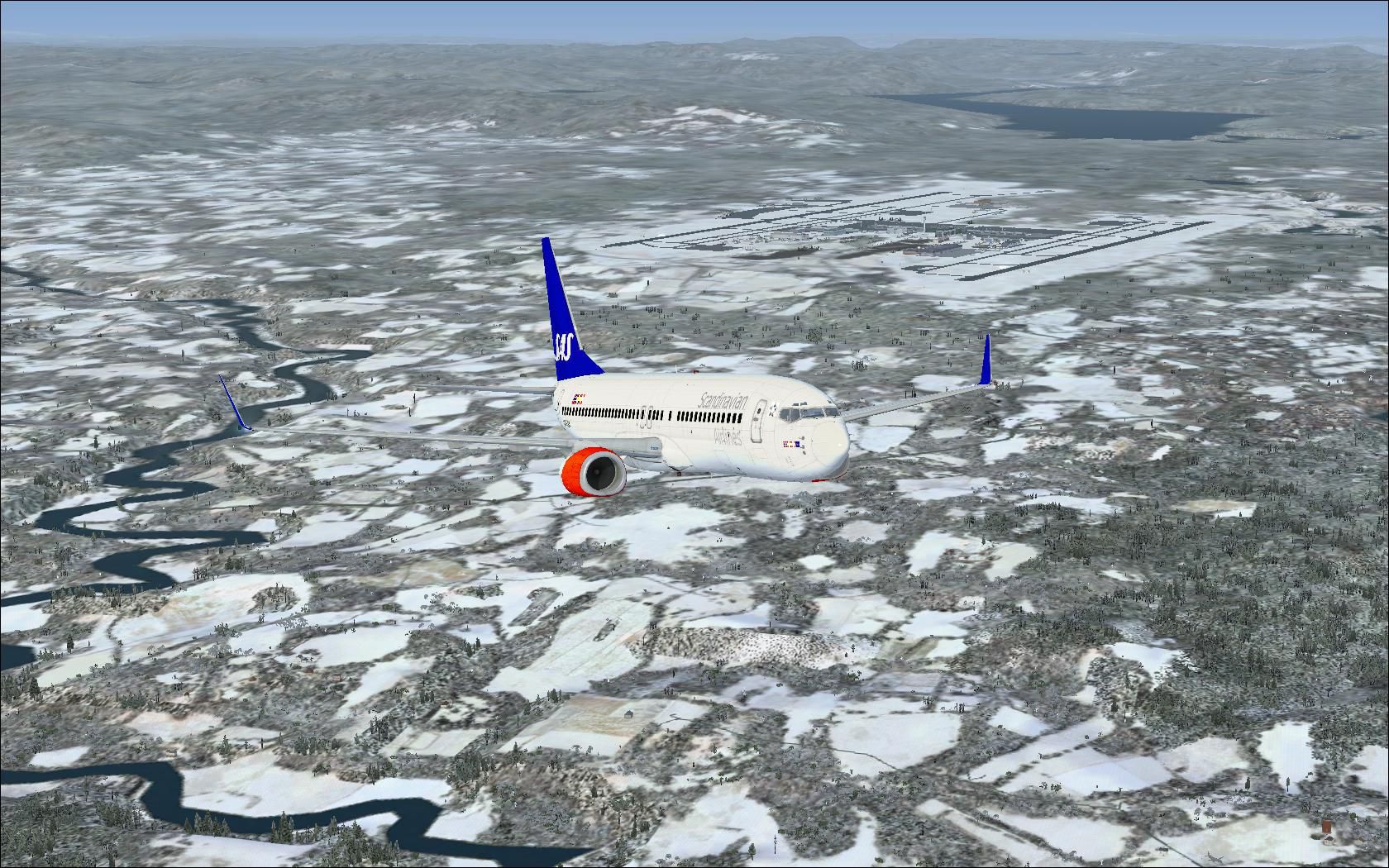
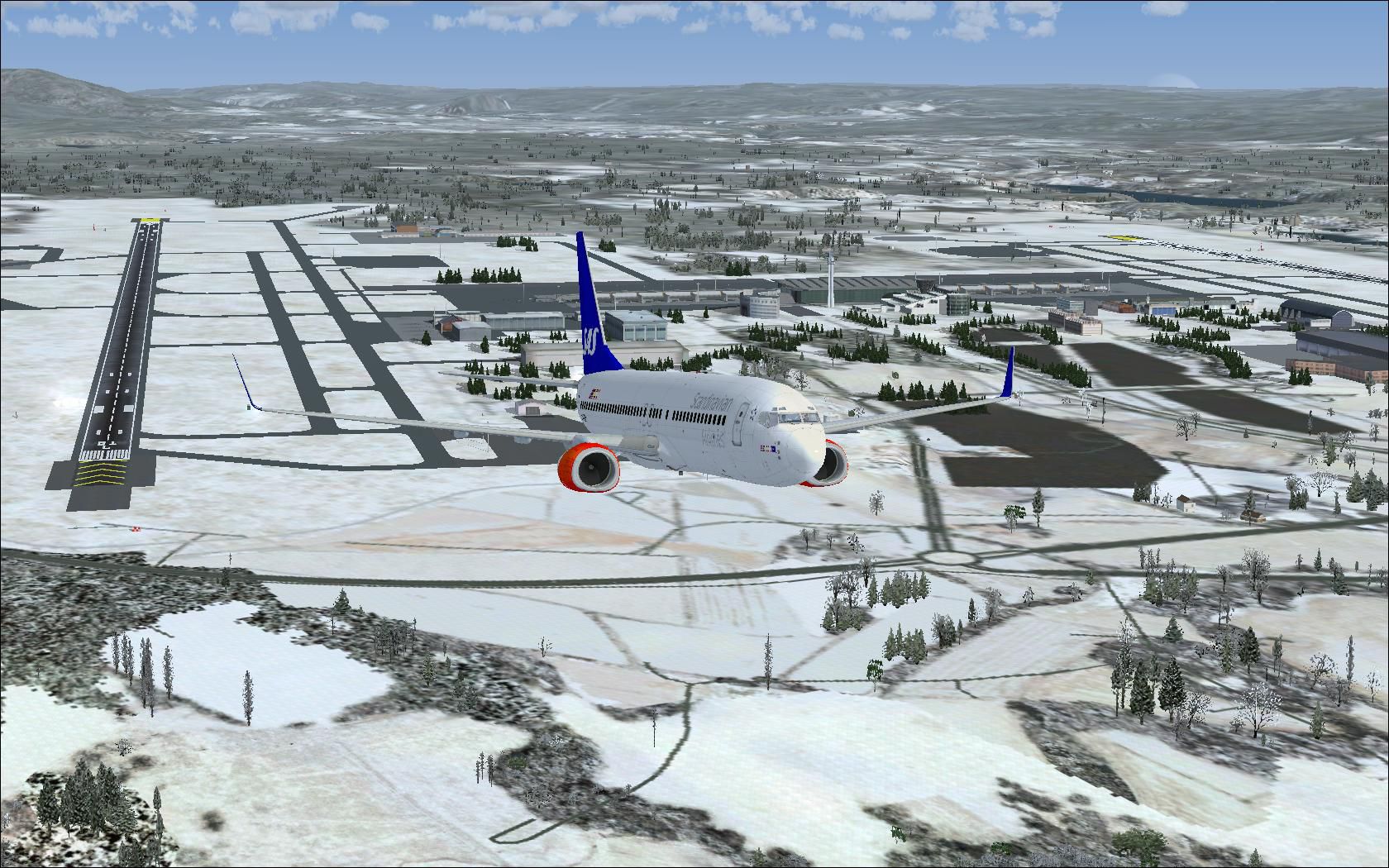
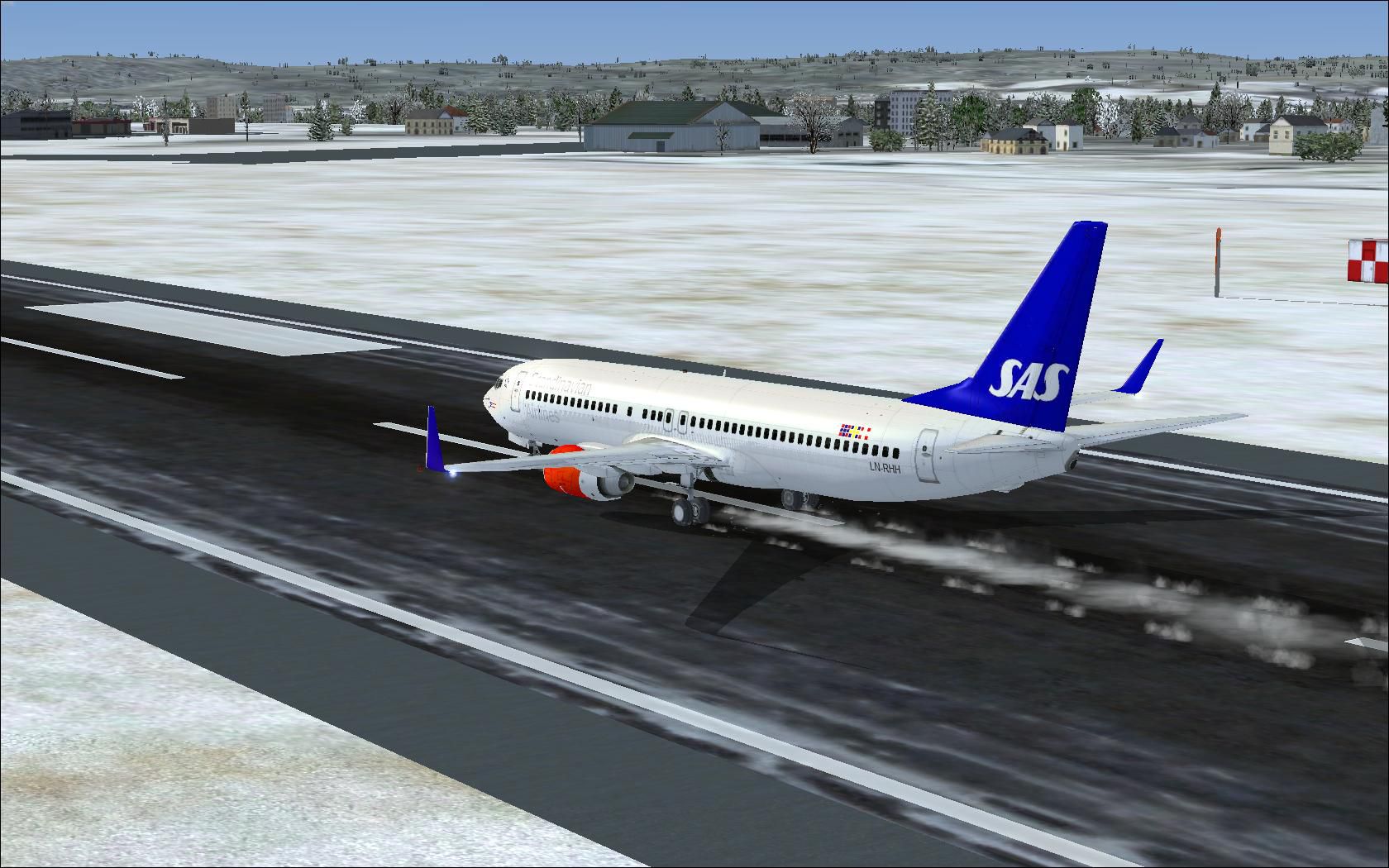
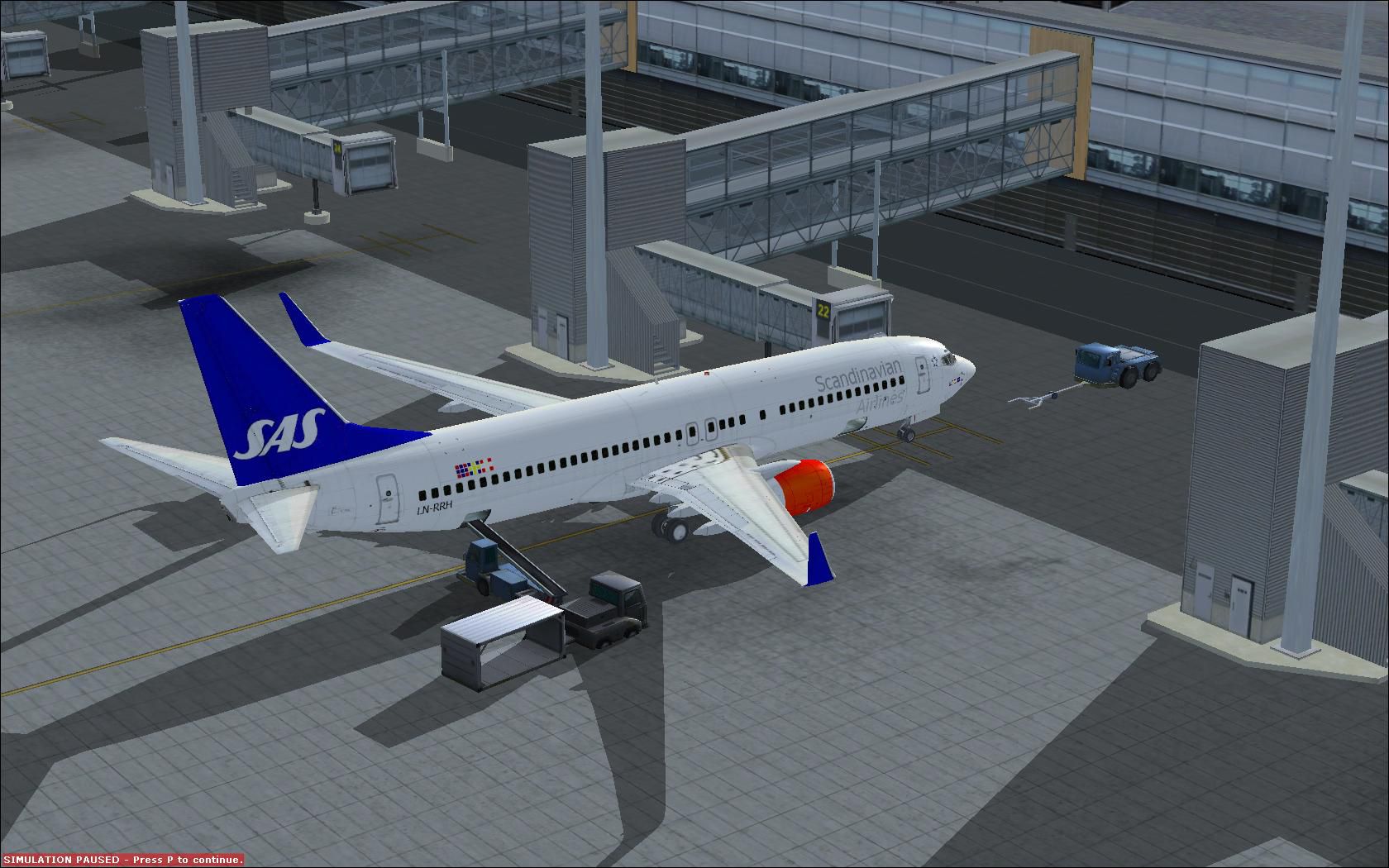
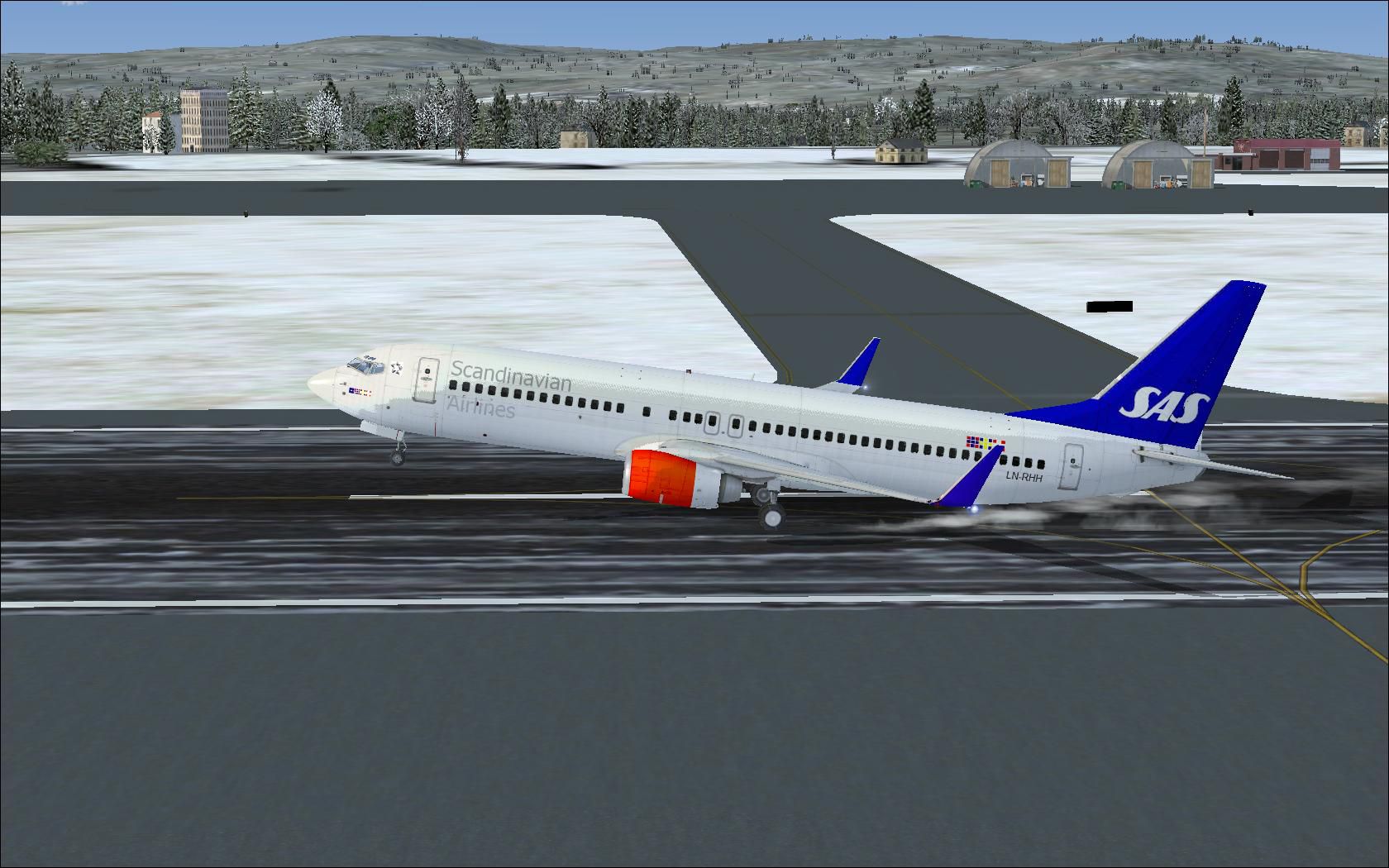
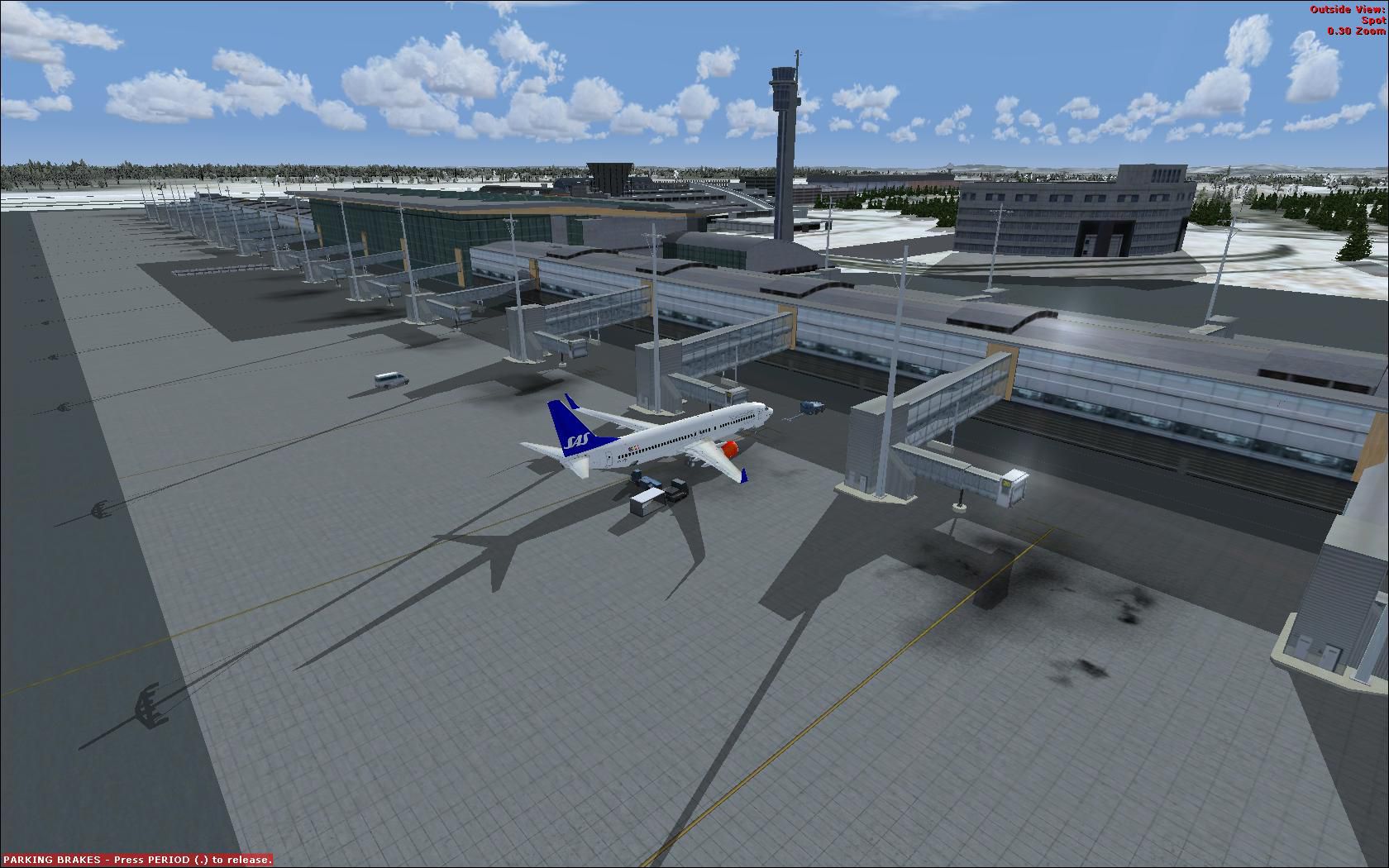
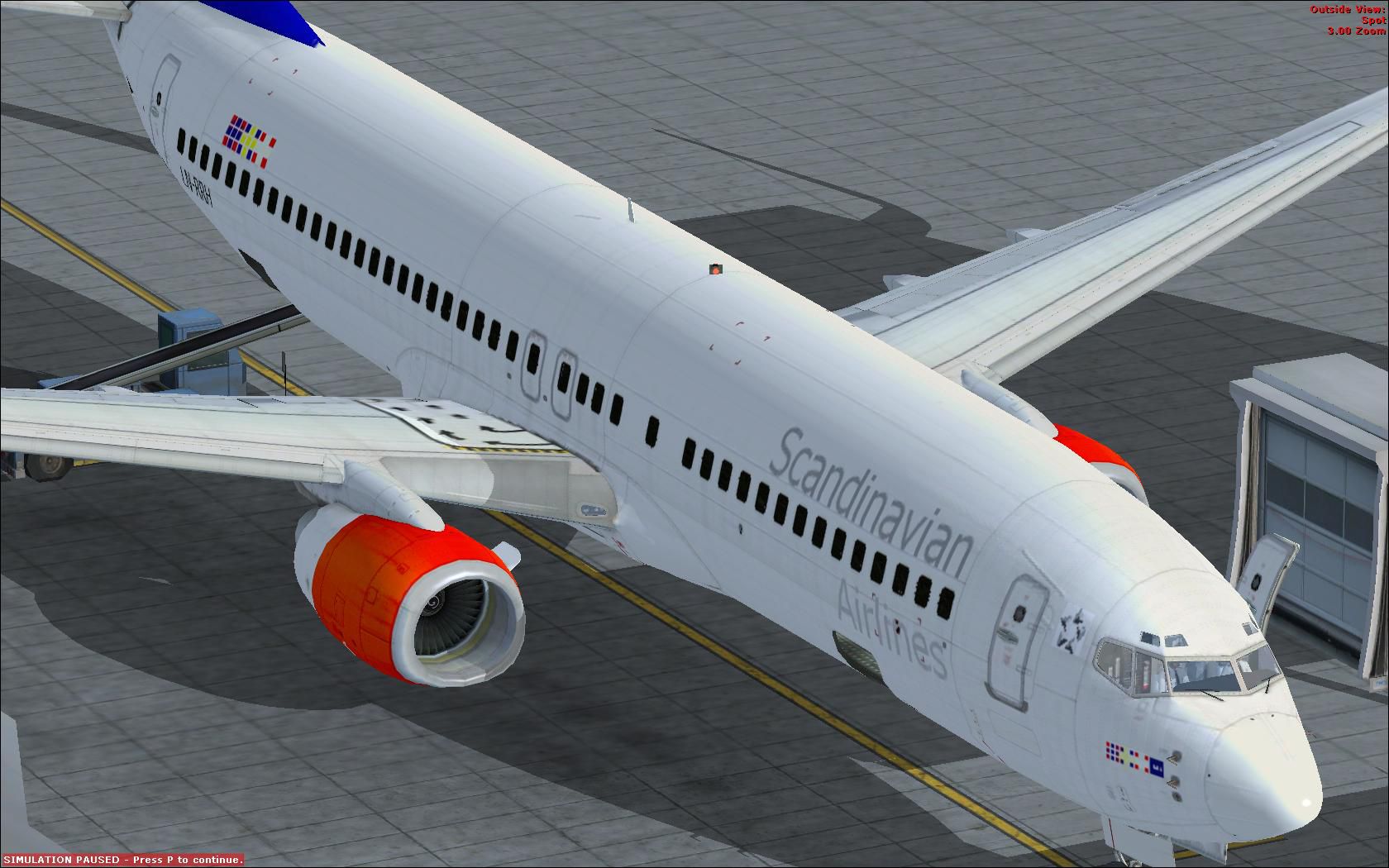
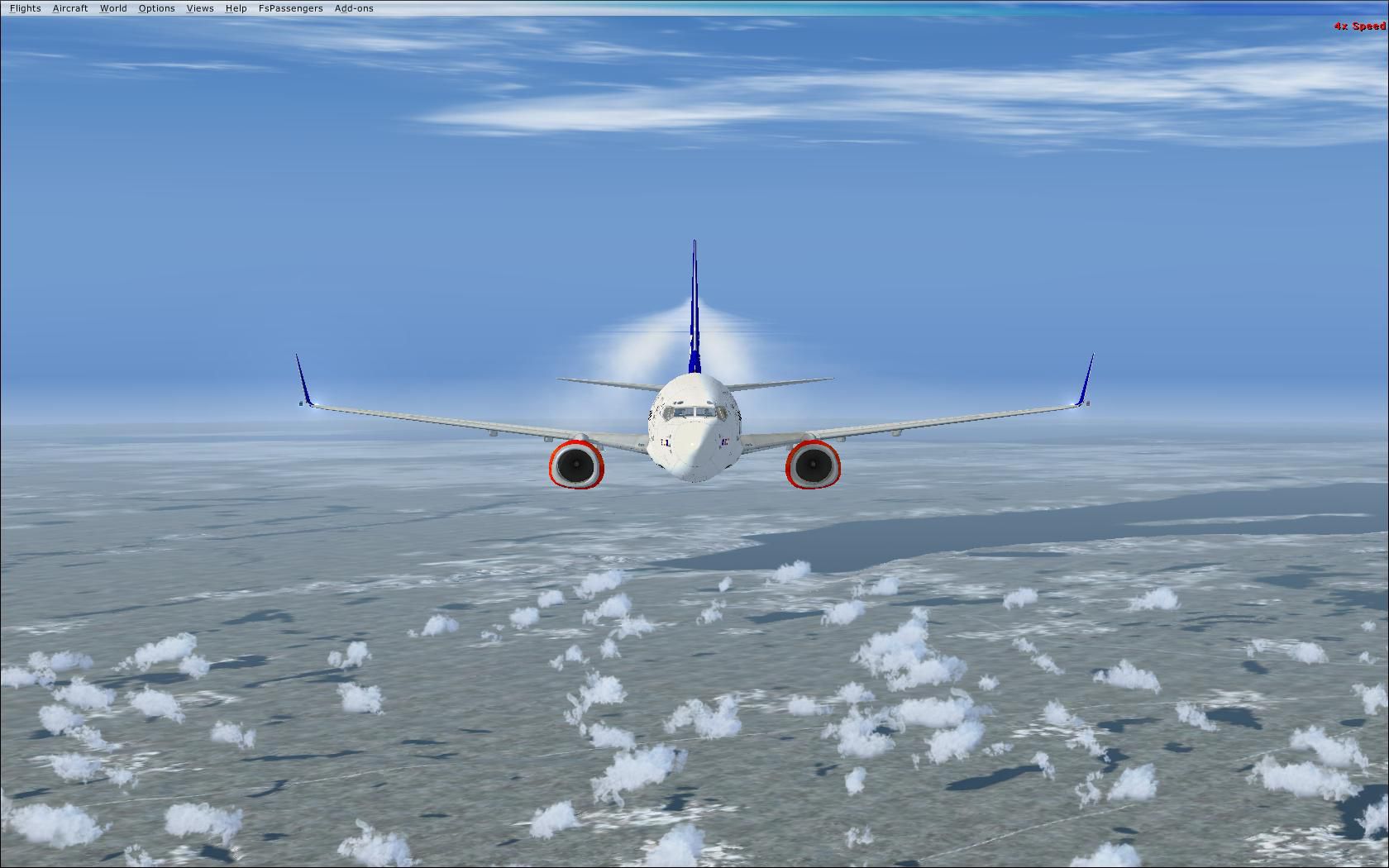

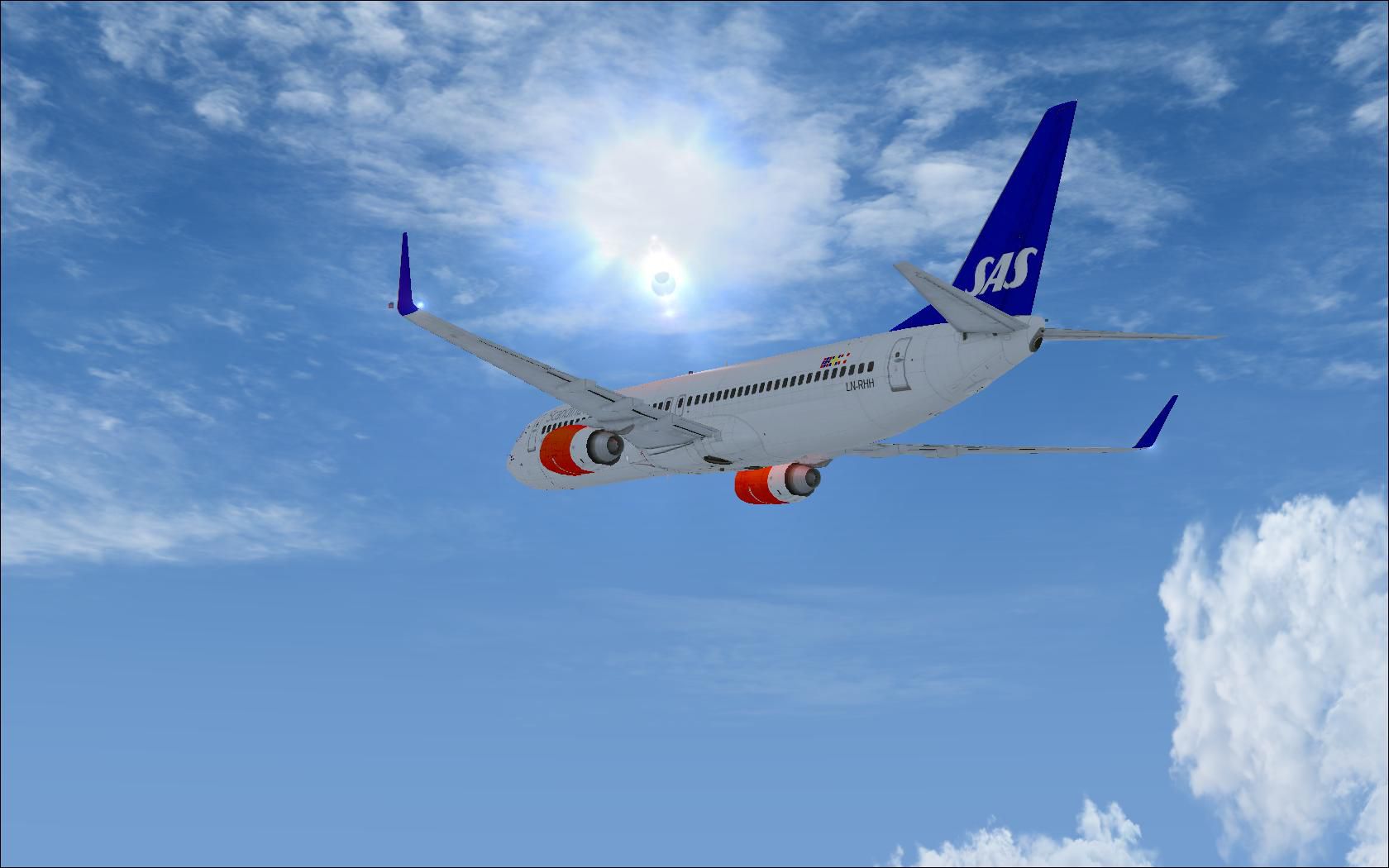
SAS Boeing 737-883 (WL) "Freja Viking". This is SAS's B737-883, registration LN-RRH. Textures only for the default B737-800. It's almost alike the real plane, only the text on the engine and on the winglets could not be copied since it would mirror itself on the counterpart. By Marius Stian Grovdal.
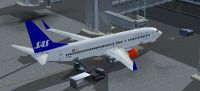
SAS Boeing 737-883.
Made by Marius S. Grøvdal.
Install FSX
Open Aircraft.cfg in b737_800
Have fun!
-----------------------------------------------------------------------------------------------------
[fltsim.xx] INSTEAD OF XX, SET NUMBER AFTER THE LAST ONE OVER. (ex. last one is 5 then xx should be 6.)

title=Boeing 737-800 SAS

sim=Boeing737-800

model=

panel=

sound=

texture=sas

kb_checklists=Boeing737-800_check

kb_reference=Boeing737-800_ref

atc_id=LN-RRH

atc_airline=Scandinavian

atc_flight_number=

ui_manufacturer="Boeing"

ui_type="737-800"

ui_variation="SAS LN-RRH"

ui_typerole="Commercial Airliner"

ui_createdby="Microsoft Corporation"

description="Freja Viking, LN-RRH SAS Boeing 737-883(WL) - cn 34546 / In 2898. Find out more about this aircraft at http://www.planespotters.net/Production_List/Boeing/737/34546,LN-RRH-SAS.php"
------------------------------------------------------------------------------------------------------
Extra information:
Note that Scandinavian text on engine is not there. Cant be painted on the default since it will be mirrored on the opposite engine.
Also faced the same problem with SAS logo on winglets so they werent added. Exept of that it should be alike.
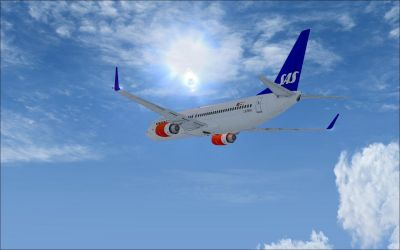
SAS Boeing 737-883 in flight.
Free for all simmers · 10.77 MB · Scanned clean Sep 2026
Download speed: Free tier is capped at 0.5 Mbps (this file takes approximately 3 mins at the cap). PRO members download at full line speed.
texture.{airline}) inside FSX\SimObjects\Airplanes\{base-aircraft}\.aircraft.cfg in Notepad. Add a new [fltsim.X] section per the readme.readme.txt or README file. It tells you exactly where files go, what dependencies are needed, and any quirks specific to this add-on.The archive ln-rrk.zip has 39 files and directories contained within it.
This list displays the first 500 files in the package. If the package has more, you will need to download it to view them.
| Filename/Directory | File Date | File Size |
|---|---|---|
| LN-RRH | 02.25.10 | 0 B |
| Install FSX.txt | 02.25.10 | 1.27 kB |
| preview 1.jpg | 02.25.10 | 219.99 kB |
| preview 10.jpg | 02.25.10 | 159.68 kB |
| preview 2.jpg | 02.25.10 | 211.98 kB |
| preview 3.jpg | 02.25.10 | 196.17 kB |
| preview 4.jpg | 02.25.10 | 232.51 kB |
| preview 5.jpg | 02.25.10 | 212.39 kB |
| preview 6.jpg | 02.25.10 | 336.51 kB |
| preview 7.jpg | 02.25.10 | 404.38 kB |
| preview 8.jpg | 02.25.10 | 368.31 kB |
| preview 9.jpg | 02.25.10 | 106.63 kB |
| Texture.sas | 02.25.10 | 0 B |
| 737_Refection.dds | 09.04.06 | 170.79 kB |
| B737_800_1_C.dds | 09.04.06 | 682.79 kB |
| b737_800_1_LM.dds | 09.04.06 | 170.79 kB |
| B737_800_1_night_C.dds | 09.04.06 | 682.79 kB |
| b737_800_1_T.dds | 02.25.10 | 512.12 kB |
| b737_800_1_T_Bump.dds | 09.04.06 | 1.00 MB |
| b737_800_1_T_Specular.dds | 09.04.06 | 1.33 MB |
| B737_800_2_C.dds | 09.04.06 | 682.79 kB |
| B737_800_2_night_C.dds | 09.04.06 | 682.79 kB |
| b737_800_2_T.dds | 09.04.06 | 1.33 MB |
| b737_800_2_T_Bump.dds | 09.04.06 | 1.00 MB |
| b737_800_2_T_Specular.dds | 09.04.06 | 1.33 MB |
| B737_800_3_C.dds | 09.04.06 | 682.79 kB |
| B737_800_3_night_C.dds | 09.04.06 | 682.79 kB |
| B737_800_4_C.dds | 09.04.06 | 682.79 kB |
| B737_800_4_night_C.dds | 09.04.06 | 682.79 kB |
| B737_800_5_C.dds | 09.04.06 | 170.79 kB |
| B737_800_5_night_C.dds | 09.04.06 | 170.79 kB |
| B737_800_C.bmp | 05.12.06 | 682.74 kB |
| B737_800_Interior.dds | 09.04.06 | 170.79 kB |
| Fresnel_Ramp.dds | 09.04.06 | 640 B |
| Pilots_737.dds | 09.04.06 | 42.79 kB |
| texture.cfg | 08.14.06 | 137 B |
| thumbnail.jpg | 02.25.10 | 108.85 kB |
| flyawaysimulation.txt | 10.29.13 | 959 B |
| Go to Fly Away Simulation.url | 01.22.16 | 52 B |
Only PRO members can place votes.
More FSX & P3D add-ons hand-picked based on this download.
FSX Civil Aircraft
SAS Boeing 737-883 (WL) in Star Alliance livery, registration LN-RRL. Texture…
 FSX Civil Aircraft
SAS Boeing 737-800. A repaint of the default B737-800 in Scandinavian Airline…
 FSX Civil Aircraft
Complete package for FSX only of the Project Open Sky B737-600 model in SAS S…
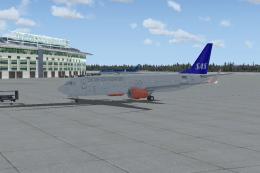 FSX Civil Aircraft
Used the default Boeing 737. Jakob "Sealpower" Sällström.
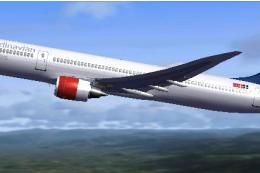 FSX Civil Aircraft
SAS Boeing 787-800. Textures only for Abacus' Fly The Dreamliner add-on. By M…
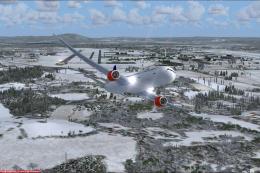 FSX Civil Aircraft
SAS Boeing 787-800, v2.0. Textures only for Abacus' Fly The Dreamliner add-on…
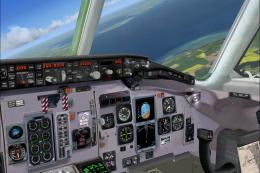 FSX Civil Aircraft
FSX SAS McDonnell Douglas MD-81 package v1. A McDonnell Douglas MD-81 updated…
 FSX Civil Aircraft
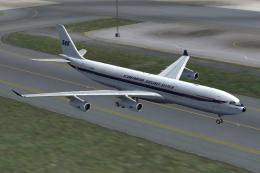
SAS Airbus A330 And A340 Package. This package contains four different liveri…
Read what other simmers think, or add your own.
