

 FSX Civil Aircraft
Air Canada Boeing 787-10 V4
This updated package provides a complete freeware rendition of the Air Canada…
Air Canada’s Boeing 787-8 arrives with a finely shaped external model, updated textures, and smooth animations that bring ramp operations to life. In FSX, Animated Ground Servicing adds interactive passenger and cargo doors plus service vehicles, paired with improved ground handling and a modern virtual cockpit feel for believable long-haul flying.
 Rate
Rate
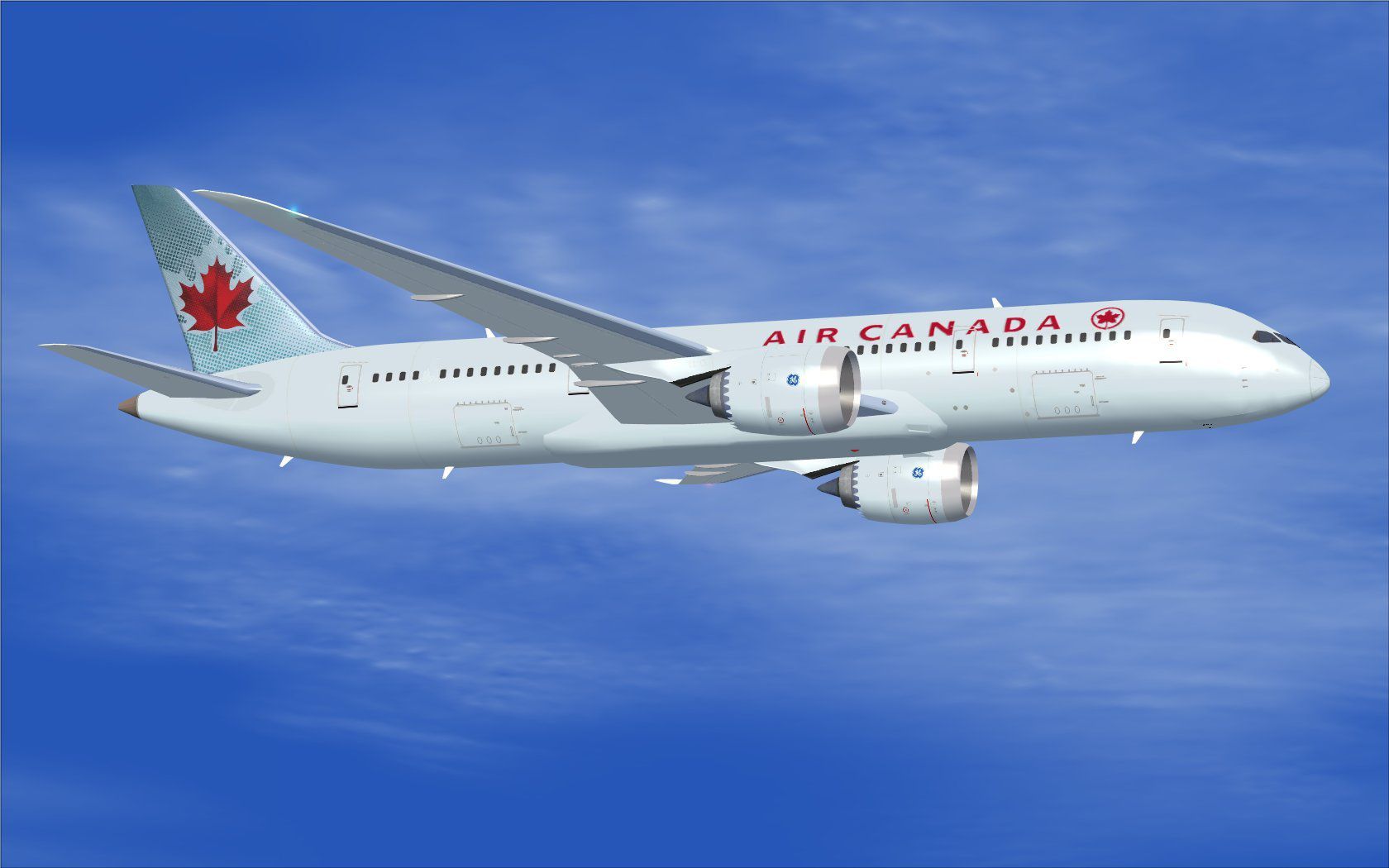
This updated release brings a highly detailed Boeing 787-8 in Air Canada’s livery, complete with enhanced animations and improved ground handling support. Developed by CamSim, with aircraft design and artwork by Camil Valiquette, this package provides a full freeware experience designed exclusively for FSX.
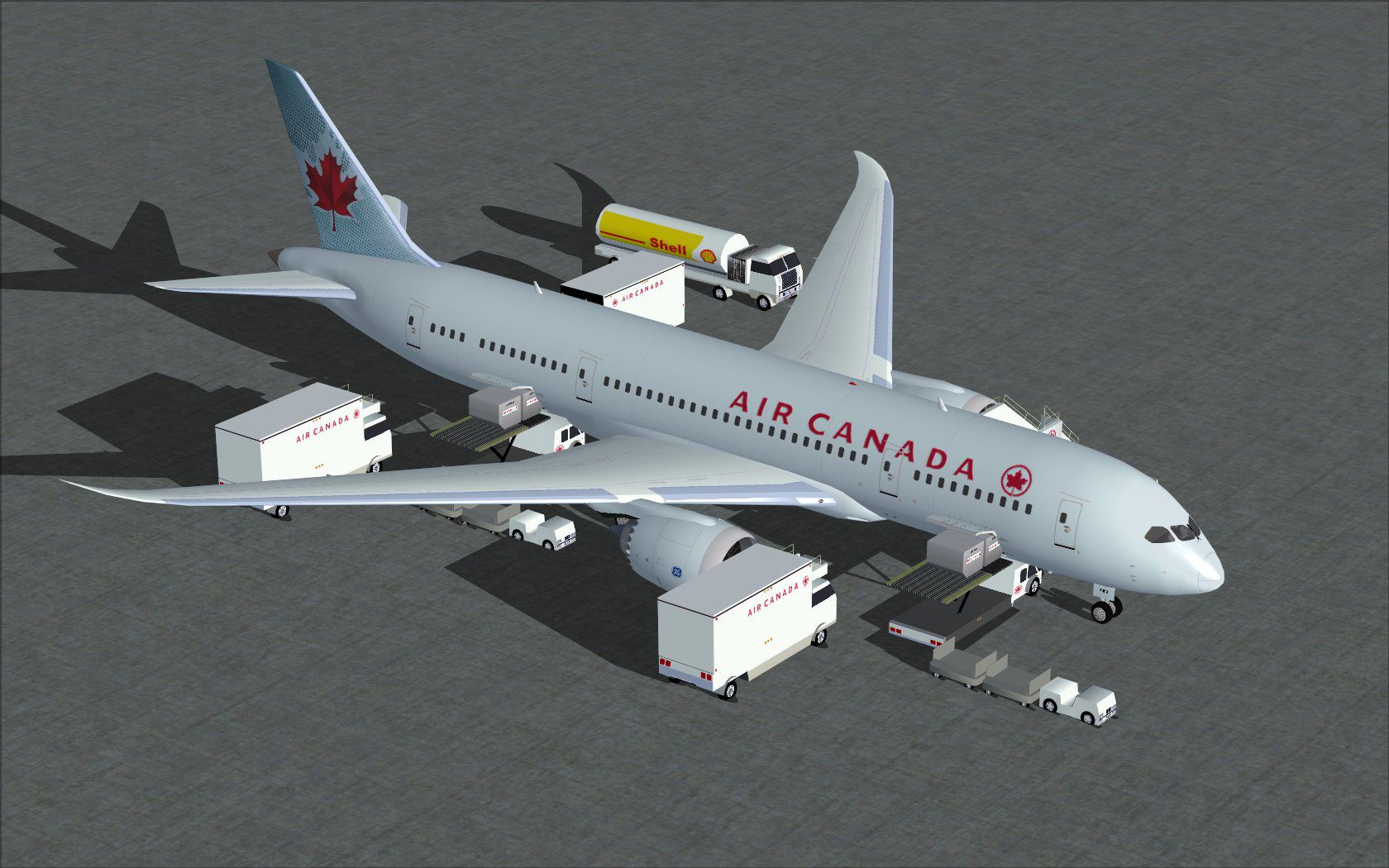
Experience the streamlined fuselage of the Boeing 787-8, rendered with precision to capture its advanced aerodynamic profile. Air Canada’s distinctive liveries are reproduced to showcase the airline’s visual identity. This version integrates new Animated Ground Servicing (AGS), enabling interactive elements like movable doors, cargo loading, and ground service vehicles. These features introduce immersive operations that simulate real-world processes while on the tarmac.
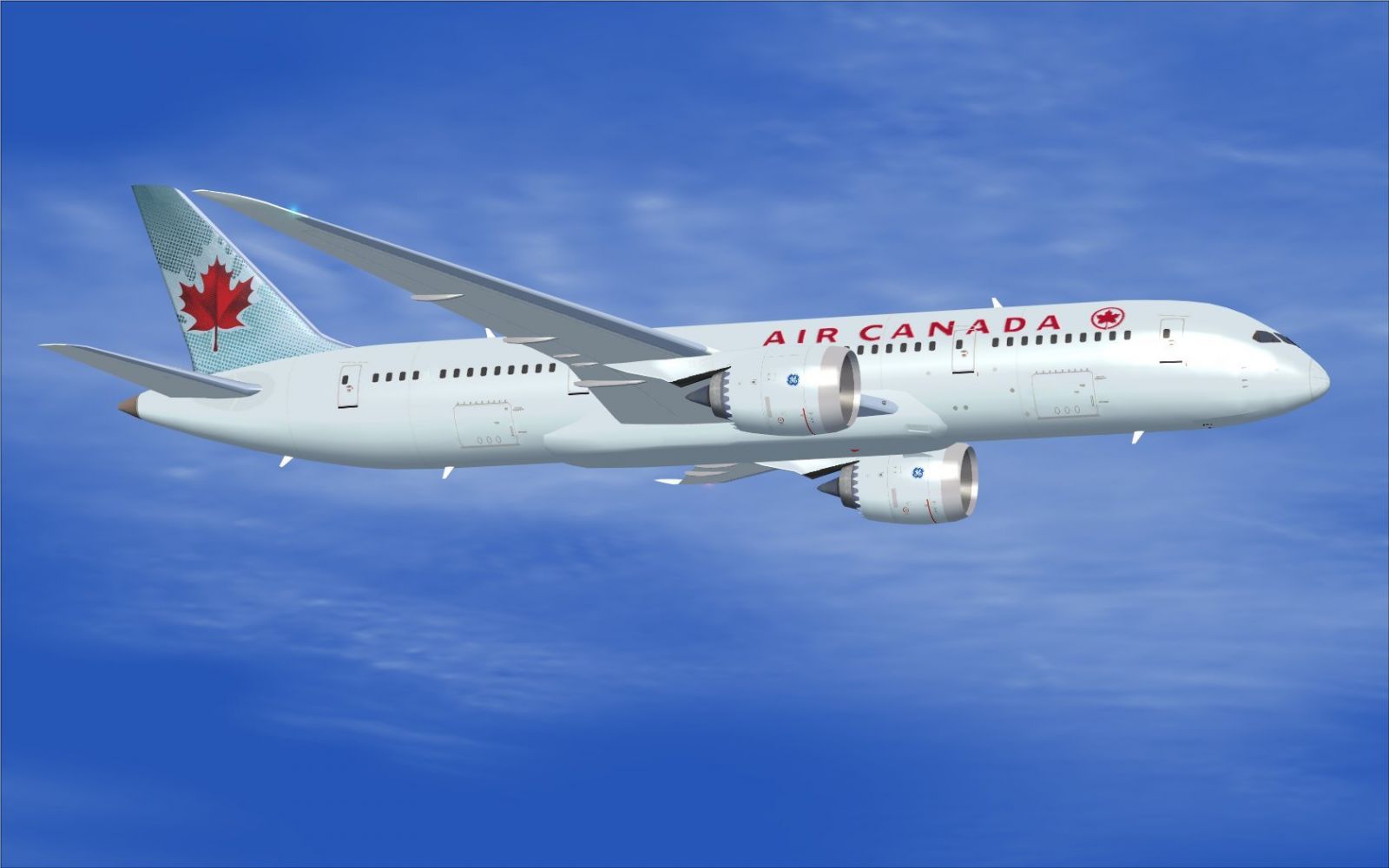
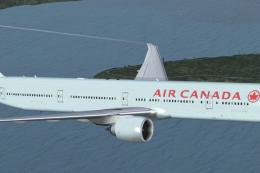
Air Canada Boeing 787-8 during flight.
CamSim Aviation Simulation / Aircraft Design and Repaints by Camil Valiquette
The Boeing 787-8 itself is recognized for its composite structures, efficient engines, and extended range capabilities. In FSX, these design elements translate into stable handling and a modern cockpit environment.
Note: Users who already run another AGS-equipped plane from CamSim may skip step two.
Accessing the animated mechanisms is straightforward, but custom control assignments are required for full functionality:
In FSX, bind Wing fold/unfold to Shift + C and Tail hook up/down to Shift + D. This setup ensures the key commands align with the model’s custom animations.
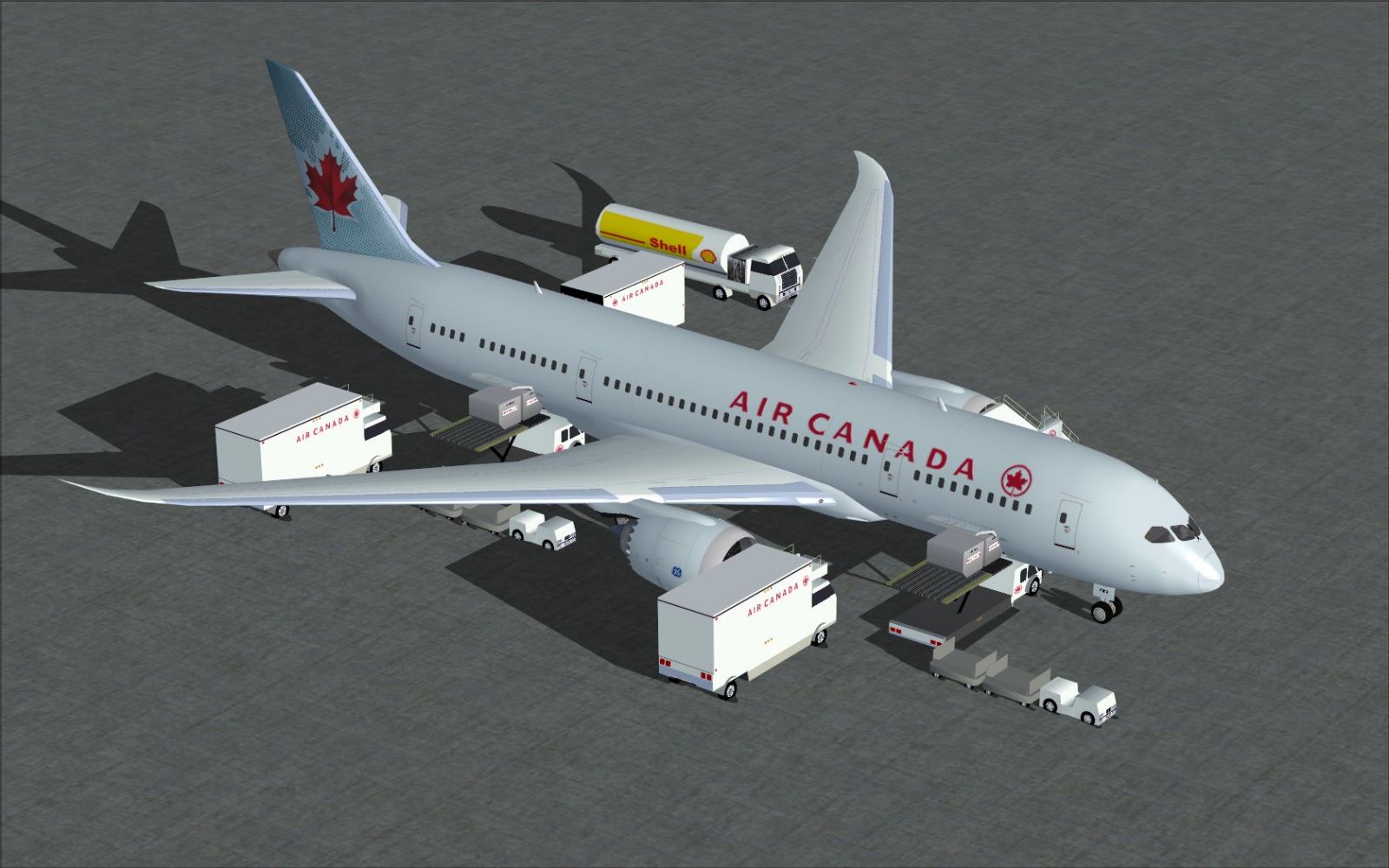
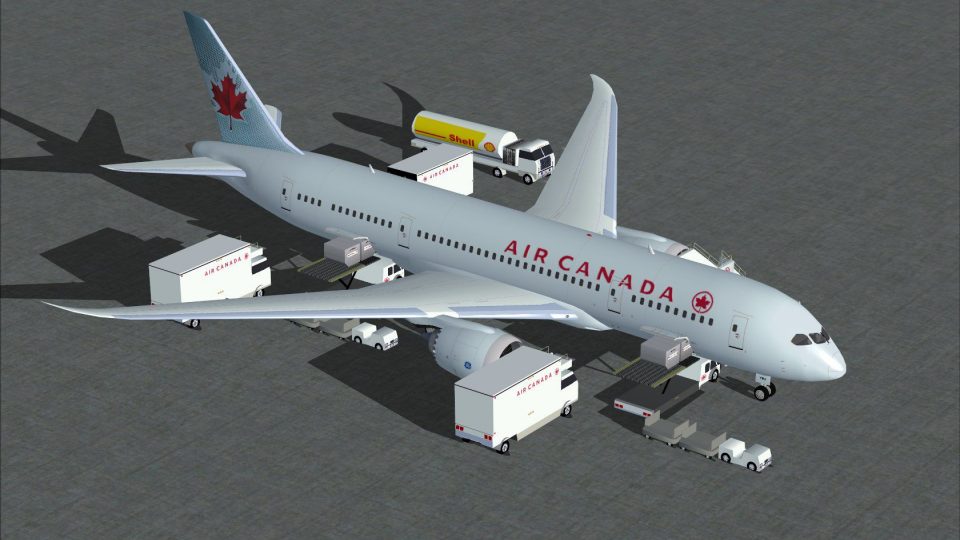
Air Canada Boeing 787-8 on the ramp.
This freeware add-on is fully self-contained and does not require additional payware resources to operate. The package aims to provide a faithful representation of the 787-8’s external appearance with a Canadian carrier’s distinctive markings. Both the model and textures remain licensed under the freeware terms set by CamSim.
Created by: CamSim and Camil Valiquette
Free for all simmers · 2.43 MB · Scanned clean Oct 2026
Download speed: Free tier is capped at 0.5 Mbps. PRO members download at full line speed.
This add-on may require the following files to function properly. If this is a repaint, the dependency below is likely the base aircraft package.
FSX\SimObjects\Airplanes\. The folder must contain an aircraft.cfg file. Effects go into FSX\Effects\; gauges go into FSX\Gauges\.readme.txt or README file. It tells you exactly where files go, what dependencies are needed, and any quirks specific to this add-on.The archive 788v2ac0.zip has 31 files and directories contained within it.
This list displays the first 500 files in the package. If the package has more, you will need to download it to view them.
| Filename/Directory | File Date | File Size |
|---|---|---|
| CamSim Boeing 787-8 V2 Air Canada | 02.23.10 | 0 B |
| 787-8.air | 02.22.06 | 12.76 kB |
| 788v2ac ags.jpg | 02.23.10 | 231.06 kB |
| 788v2ac_.jpg | 02.23.10 | 103.92 kB |
| aircraft.cfg | 02.23.10 | 15.43 kB |
| Effects.zip | 03.25.06 | 1.80 kB |
| file_id.diz | 02.23.10 | 190 B |
| model.787-8 ags | 02.23.10 | 0 B |
| 787-8 ags.mdl | 12.21.09 | 2.67 MB |
| Model.cfg | 03.16.06 | 28 B |
| Panel | 02.23.10 | 0 B |
| panel.cfg | 05.27.09 | 33 B |
| Read Me_FSX.txt | 02.23.10 | 2.45 kB |
| sound | 02.23.10 | 0 B |
| Sound.cfg | 05.27.09 | 30 B |
| texture.ac | 02.23.10 | 0 B |
| 787eng_t.bmp | 02.23.10 | 1.00 MB |
| 787ext_L.bmp | 02.23.10 | 4.00 MB |
| 787ext_t.bmp | 02.23.10 | 1.00 MB |
| 787int_L.bmp | 02.23.10 | 4.00 MB |
| 787int_t.bmp | 02.23.10 | 1.00 MB |
| 787tail_t.bmp | 03.23.06 | 1.00 MB |
| 788fuse_t.bmp | 02.23.10 | 1.00 MB |
| 789wings_t.bmp | 11.24.09 | 1.00 MB |
| gris_t.bmp | 12.09.09 | 16.07 kB |
| pilot1.bmp | 09.10.09 | 257.05 kB |
| pilot1_l.bmp | 12.06.06 | 1.00 MB |
| thumbnail.jpg | 02.23.10 | 5.81 kB |
| w_t.bmp | 12.06.08 | 16.07 kB |
| flyawaysimulation.txt | 10.29.13 | 959 B |
| Go to Fly Away Simulation.url | 01.22.16 | 52 B |
Only PRO members can place votes.
More FSX & P3D add-ons hand-picked based on this download.
FSX Civil Aircraft
This updated package provides a complete freeware rendition of the Air Canada…
 FSX Civil Aircraft
This freeware aircraft add-on offers a retro-inspired Trans Canada Air Lines …
 FSX Civil Aircraft
This repaint for the AI Boeing 787-8 enriches your virtual skies with Air Can…
 FSX Civil Aircraft
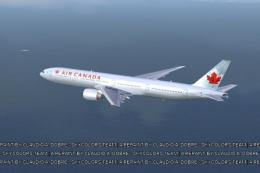
FSX Air Canada Boeing 777-300ER GE, registration C-FIUL. A photoreal repaint …
 FSX Civil Aircraft
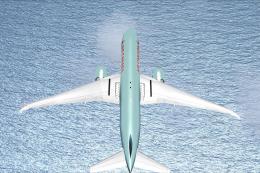
Air Canada Boeing 777-200LR. Model by Project Open Sky. Repaint by Yosuke. Ai…
 FSX Civil Aircraft
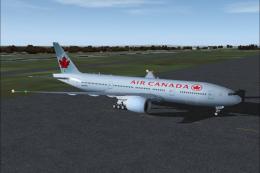
This comprehensive package blends Air Canada Boeing 777-200LR liveries with t…
 FSX Civil Aircraft
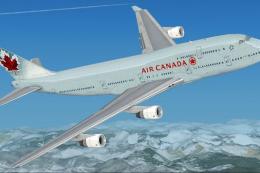
FSX Air Canada Boeing 747-400 (new livery). Textures only for the default B74…
 FSX Civil Aircraft
This freeware release brings a detailed Air Canada Boeing 777-300ER rendition…
Read what other simmers think, or add your own.
